AWS Simple Icons v2.1
Usage Guidelines
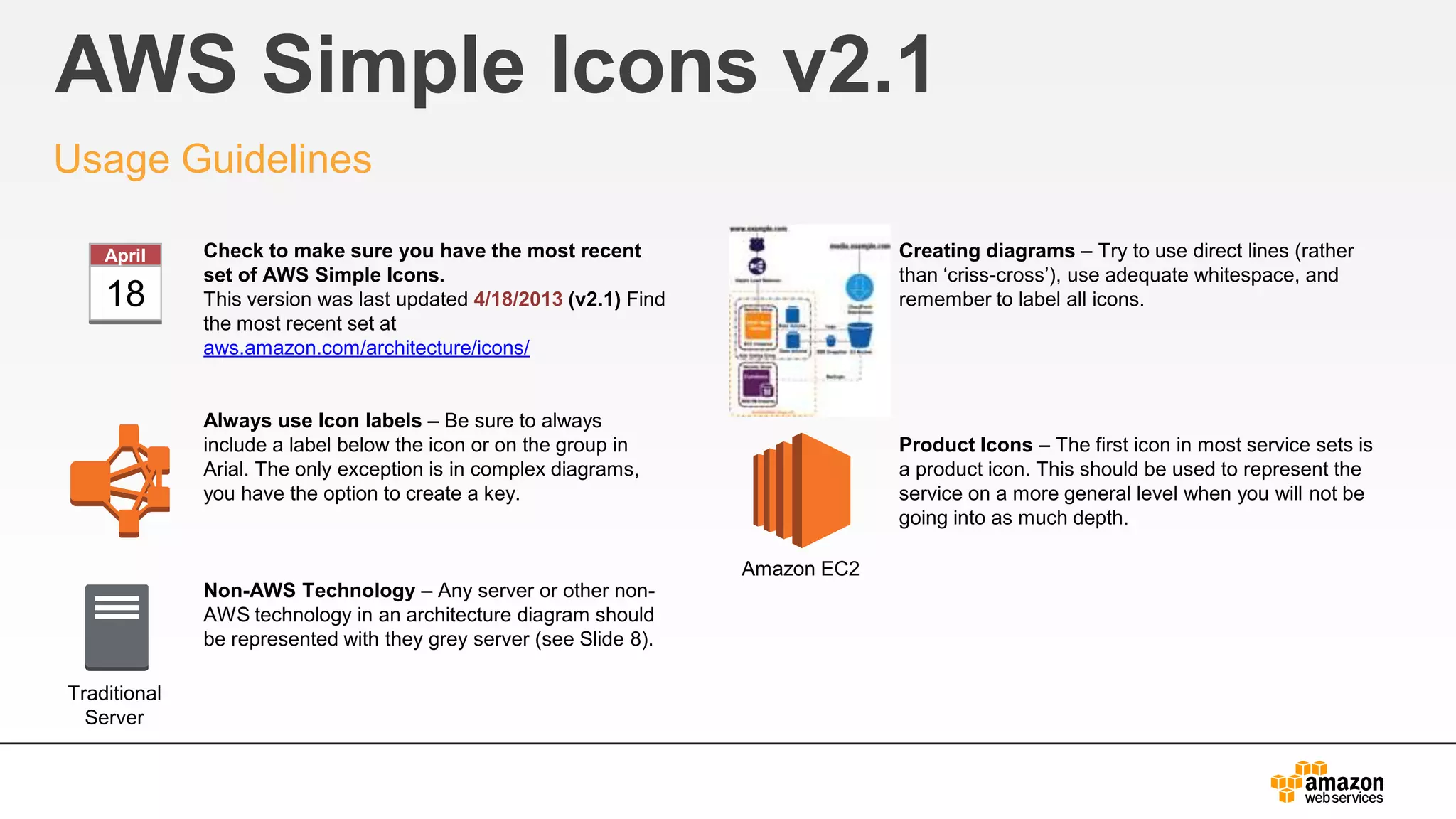
Check to make sure you have the most recent
set of AWS Simple Icons.
This version was last updated 4/18/2013 (v2.1) Find
the most recent set at
aws.amazon.com/architecture/icons/
Always use Icon labels – Be sure to always
include a label below the icon or on the group in
Arial. The only exception is in complex diagrams,
you have the option to create a key.
Non-AWS Technology – Any server or other non-
AWS technology in an architecture diagram should
be represented with they grey server (see Slide 8).
Creating diagrams – Try to use direct lines (rather
than ‘criss-cross’), use adequate whitespace, and
remember to label all icons.
Product Icons – The first icon in most service sets is
a product icon. This should be used to represent the
service on a more general level when you will not be
going into as much depth.
Traditional
Server
Amazon EC2
18
April
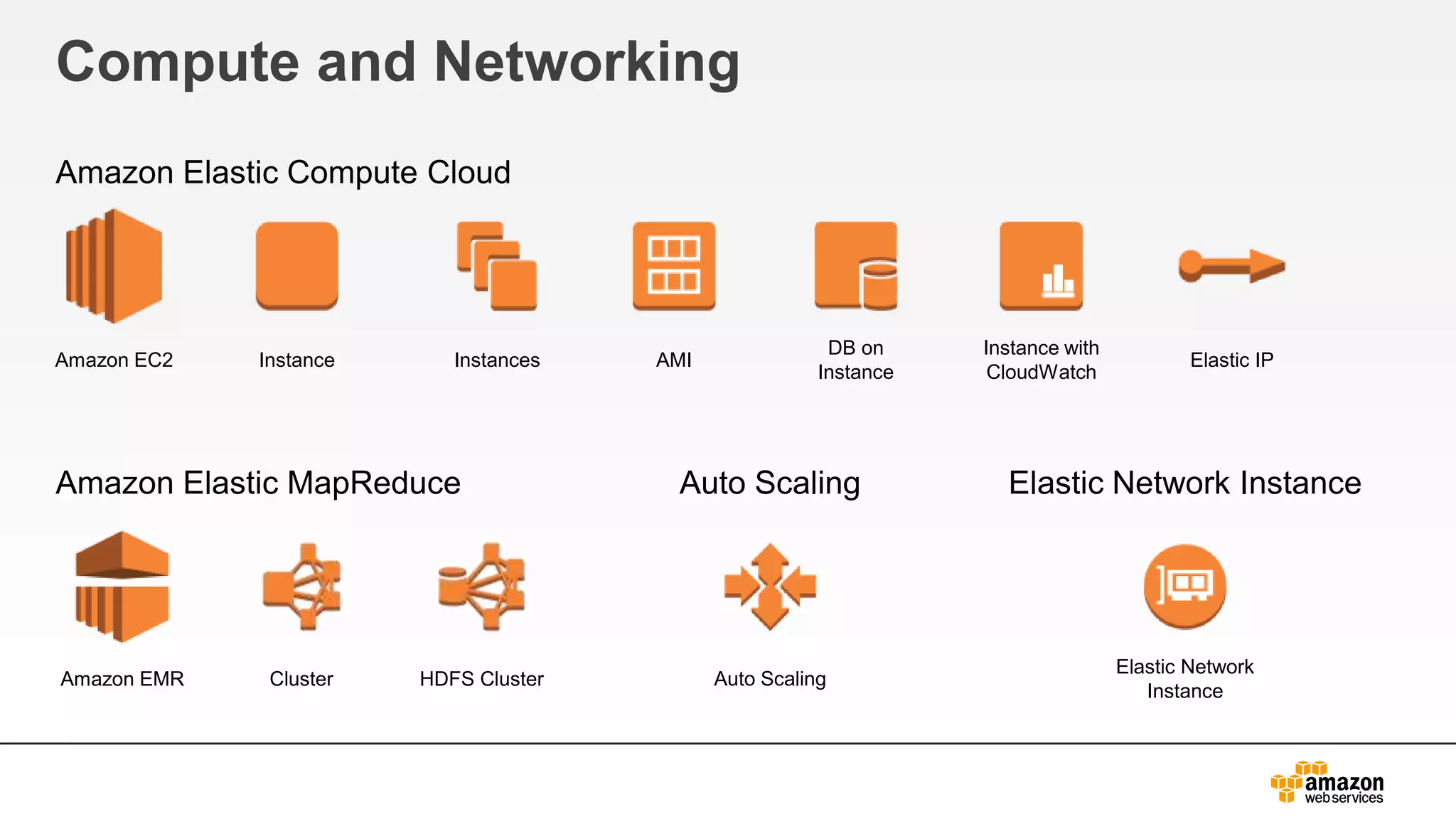
Compute and Networking
Amazon Elastic Compute Cloud
Amazon Elastic MapReduce Auto Scaling Elastic Network Instance
Amazon EC2 Instance Instances AMI
DB on
Instance
Instance with
CloudWatch
Elastic IP
Amazon EMR Cluster HDFS Cluster Auto Scaling
Elastic Network
Instance
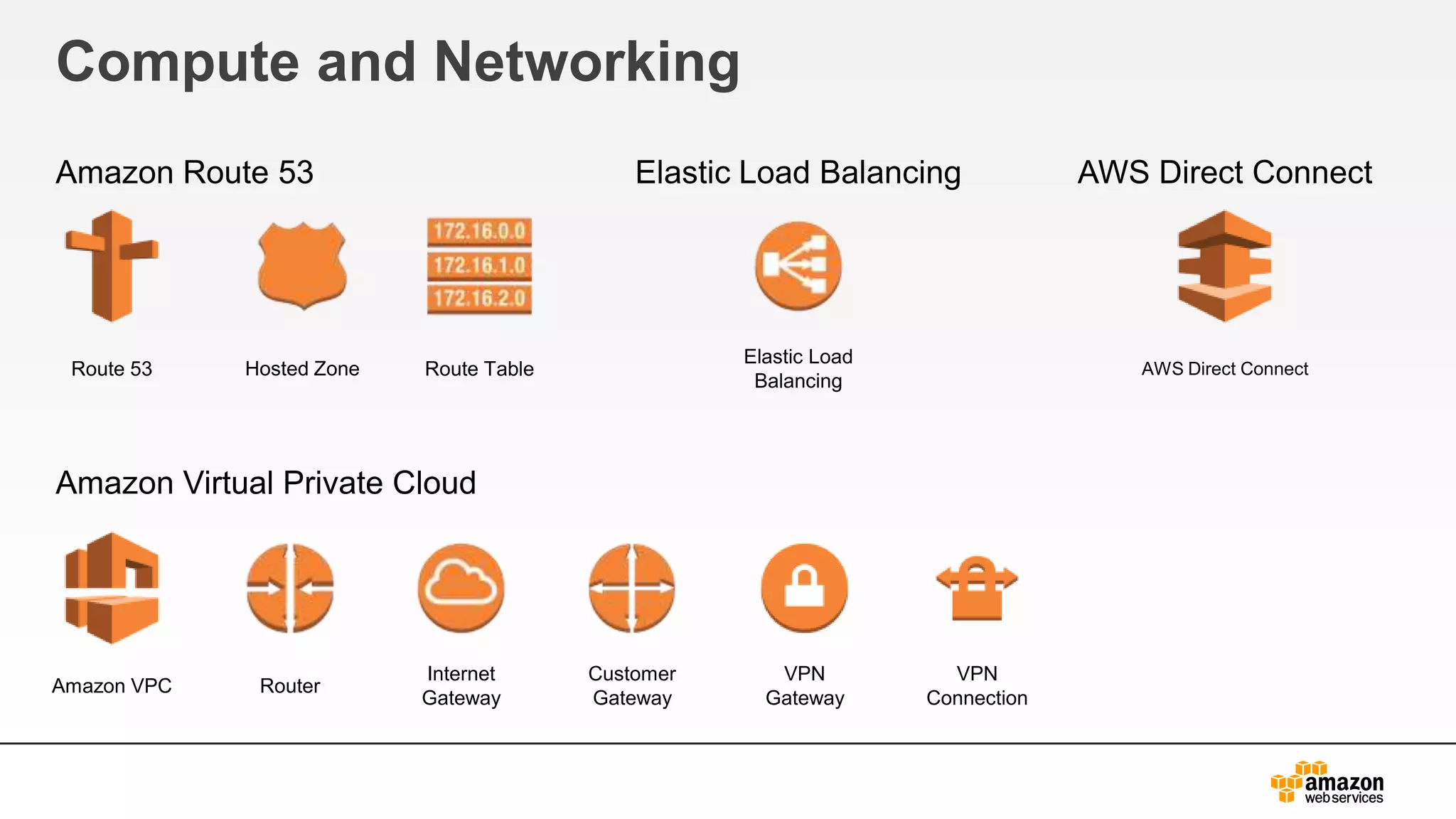
Compute and Networking
Amazon Route 53 Elastic Load Balancing AWS Direct Connect
Amazon Virtual Private Cloud
Route 53 Hosted Zone Route Table
Elastic Load
Balancing
AWS Direct Connect
Amazon VPC Router
Internet
Gateway
Customer
Gateway
VPN
Gateway
VPN
Connection
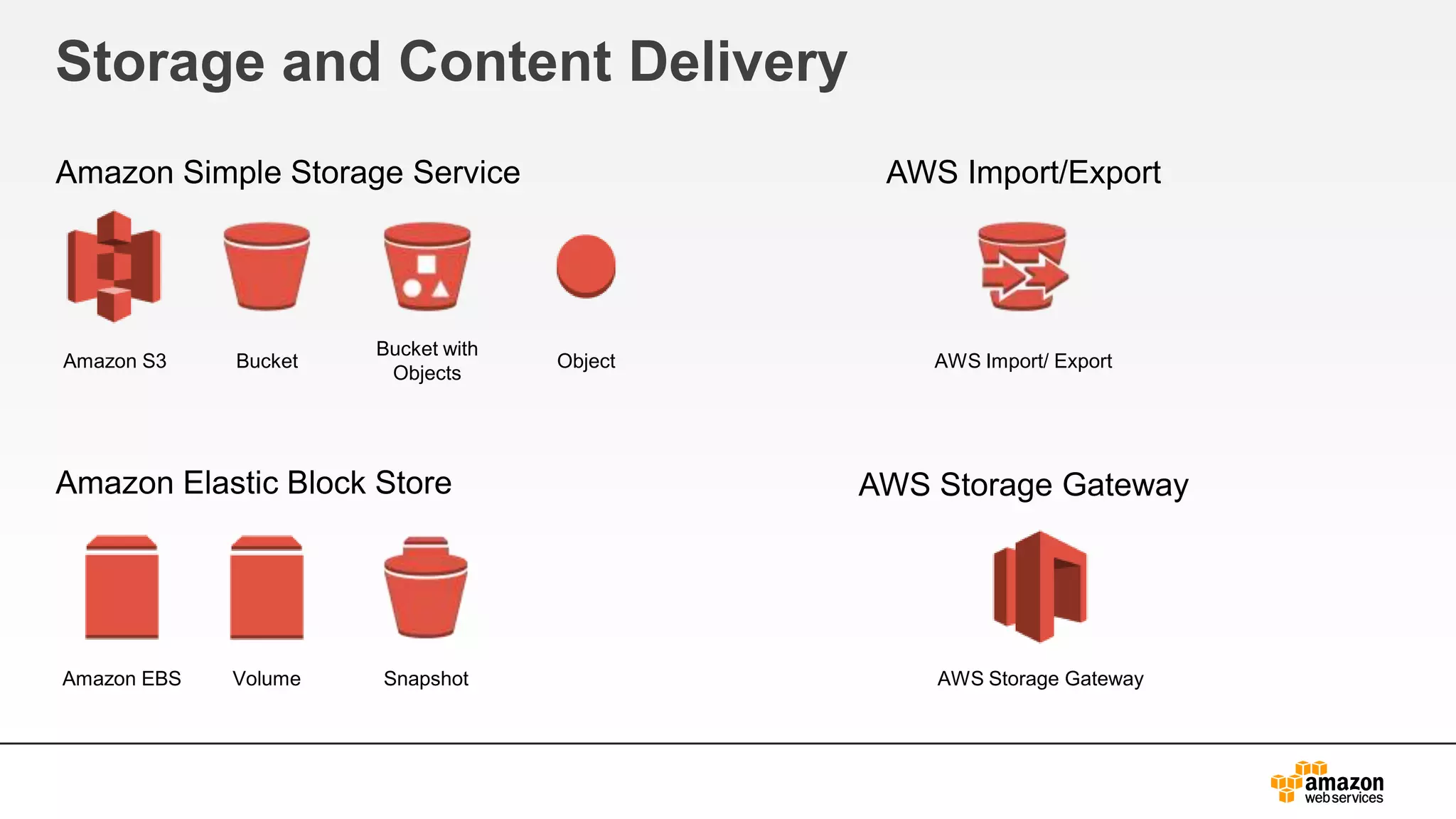
Storage and Content Delivery
Amazon Simple Storage Service
Amazon Elastic Block Store
AWS Import/Export
AWS Storage Gateway
Amazon S3 Bucket
Bucket with
Objects
Object AWS Import/ Export
AWS Storage GatewayVolume SnapshotAmazon EBS
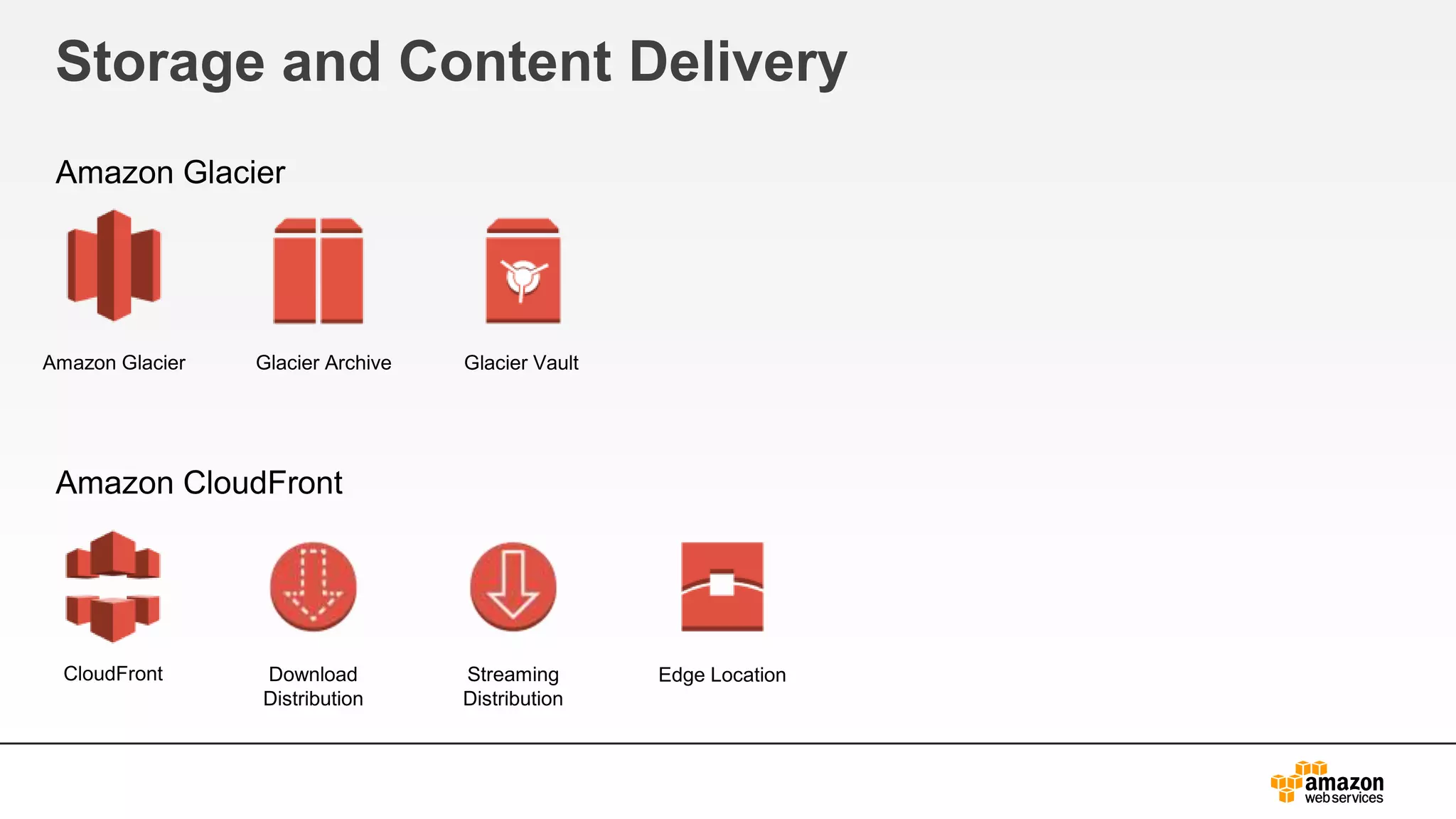
Storage and Content Delivery
Amazon Glacier
Amazon CloudFront
Amazon Glacier Glacier Archive Glacier Vault
CloudFront Download
Distribution
Edge LocationStreaming
Distribution
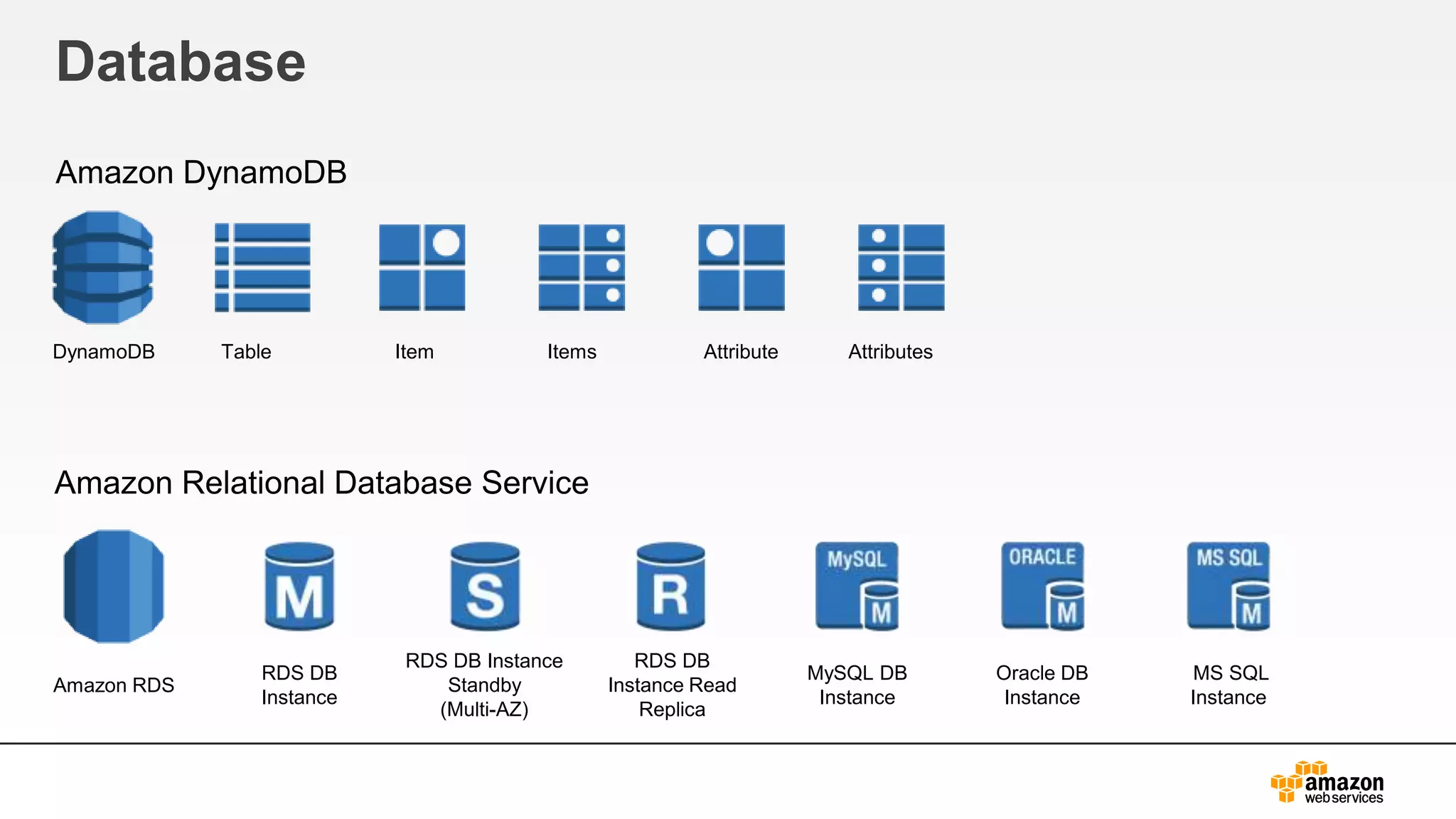
Database
Amazon DynamoDB
Amazon Relational Database Service
TableDynamoDB Item Items Attribute Attributes
Amazon RDS
RDS DB
Instance
RDS DB Instance
Standby
(Multi-AZ)
RDS DB
Instance Read
Replica
MySQL DB
Instance
Oracle DB
Instance
MS SQL
Instance
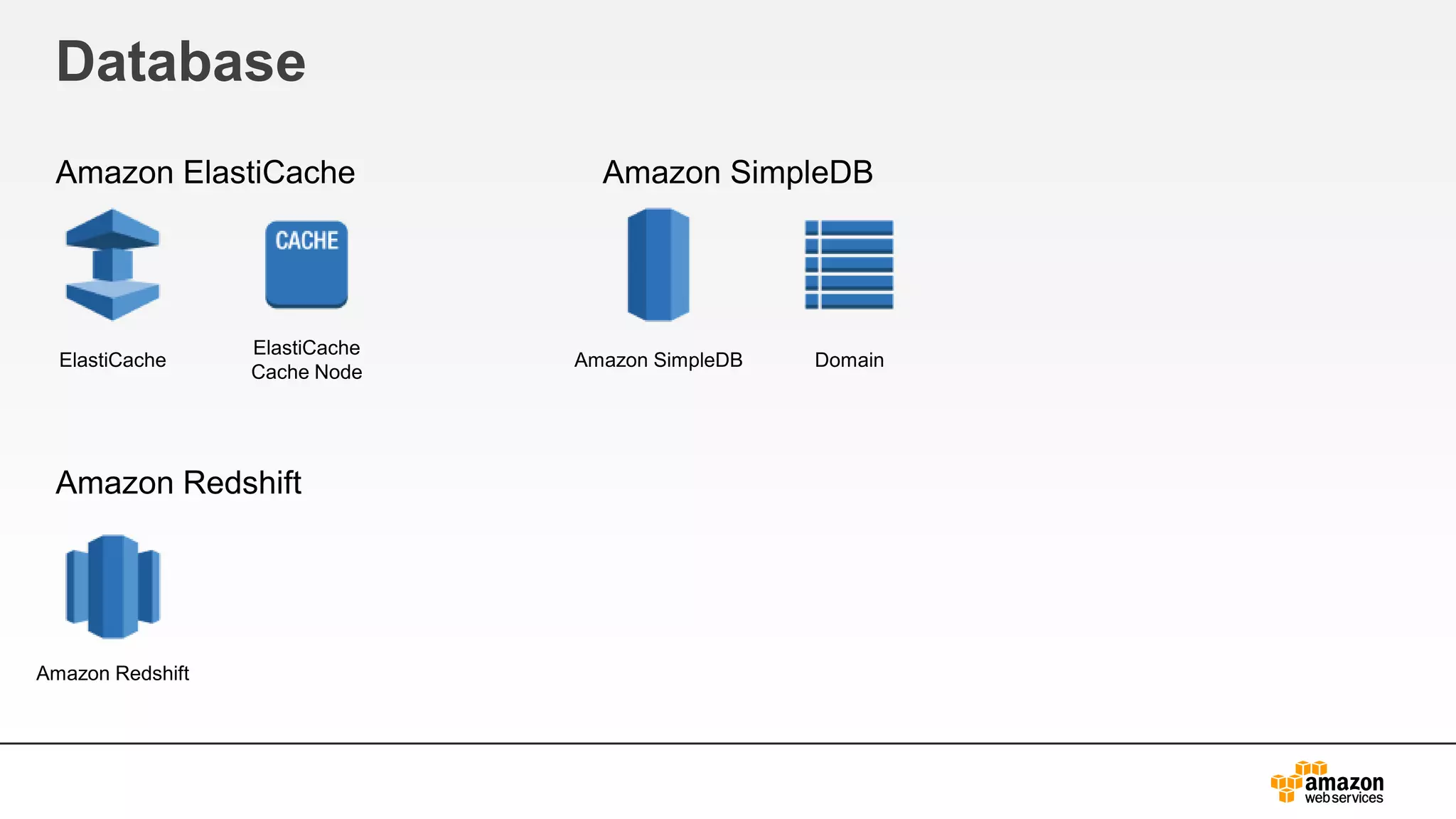
Database
Amazon ElastiCache
Amazon Redshift
Amazon SimpleDB
ElastiCache
ElastiCache
Cache Node
DomainAmazon SimpleDB
Amazon Redshift
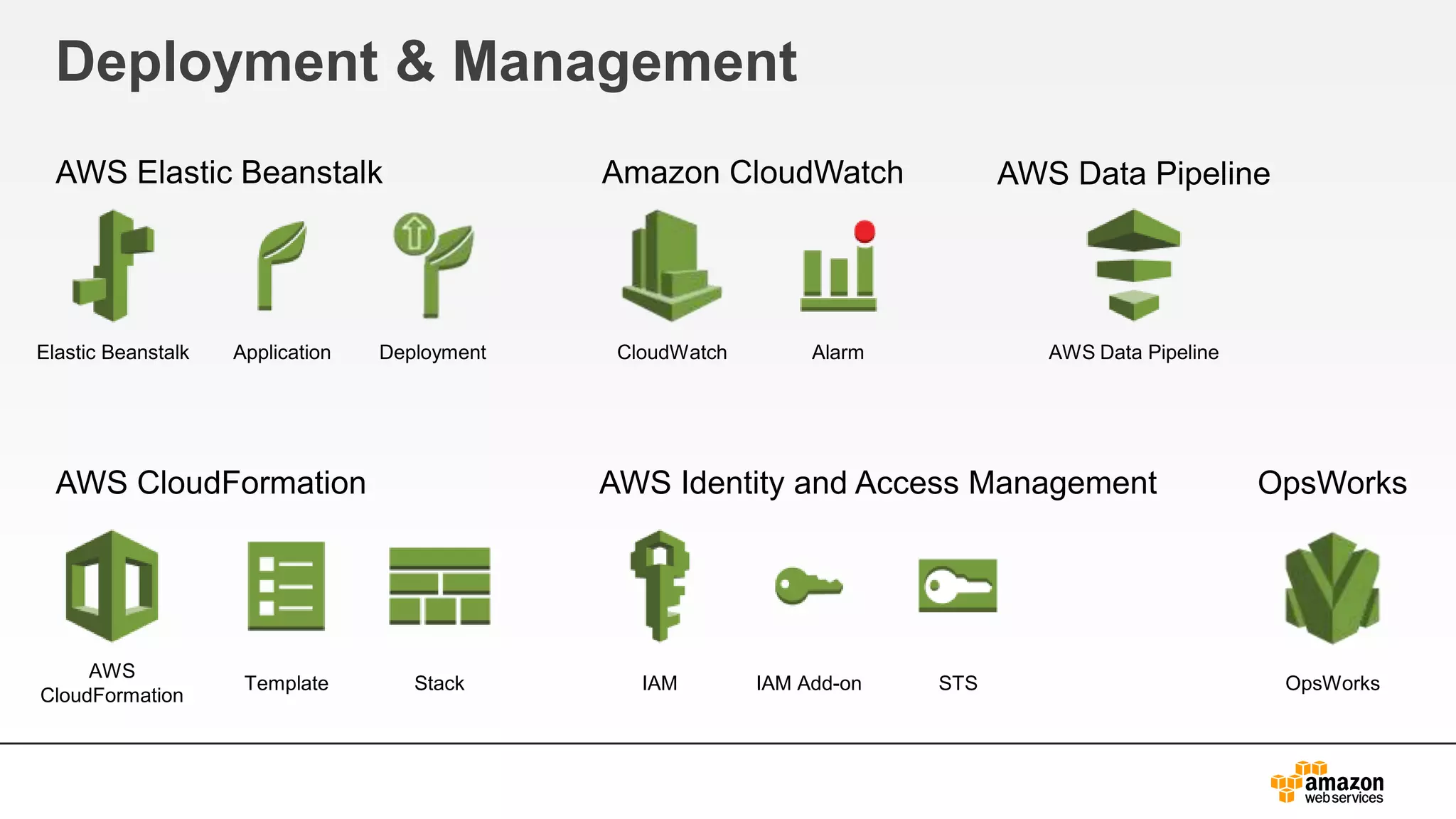
Deployment & Management
AWS Elastic Beanstalk
AWS CloudFormation
Amazon CloudWatch
AWS Identity and Access Management
Elastic Beanstalk Application Deployment
IAM IAM Add-on STS
AWS
CloudFormation
Template Stack
CloudWatch Alarm
AWS Data Pipeline
OpsWorks
OpsWorks
AWS Data Pipeline
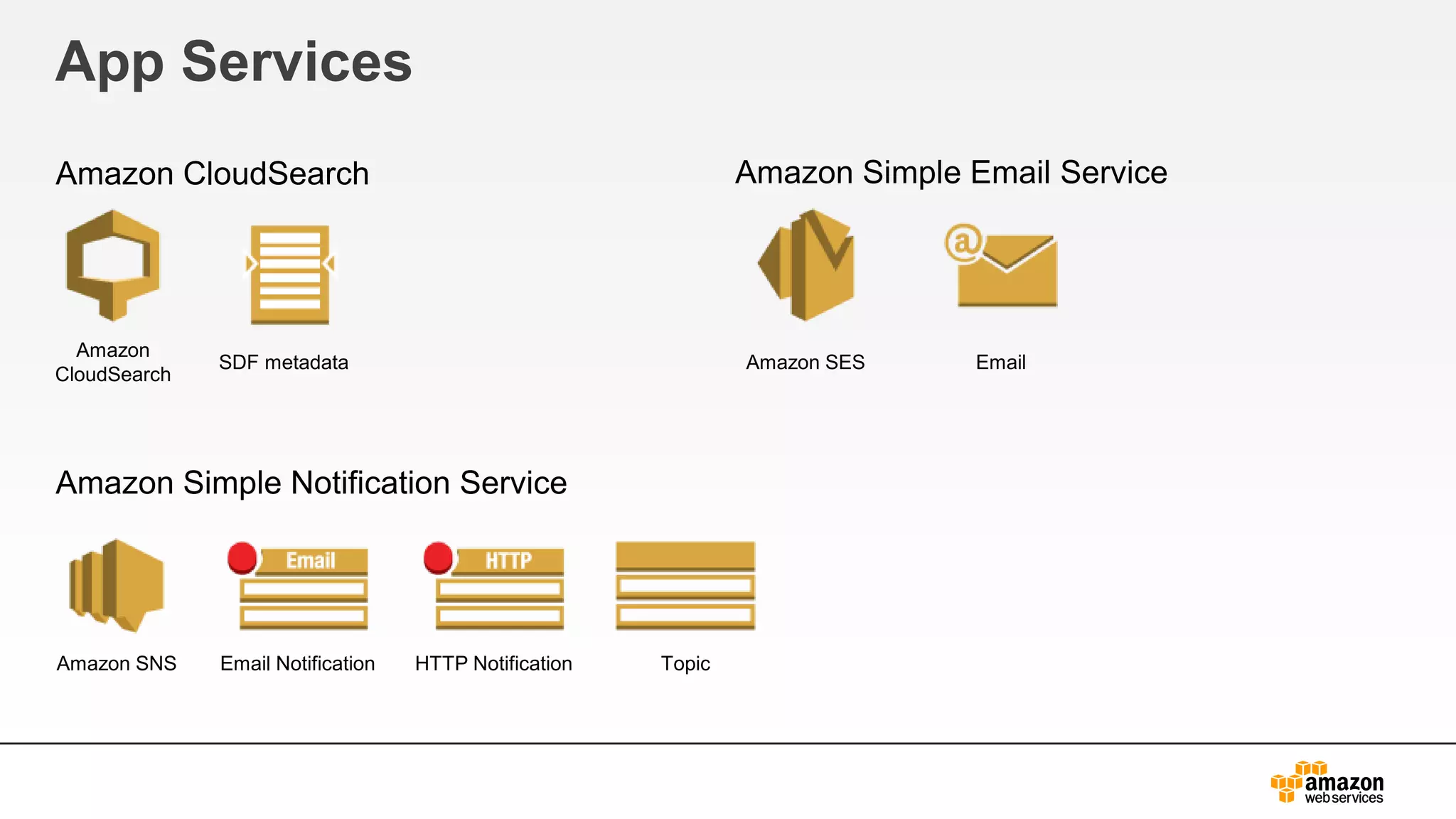
App Services
Amazon CloudSearch
Amazon Simple Notification Service
Amazon Simple Email Service
Amazon SES Email
Amazon SNS Email Notification HTTP Notification Topic
Amazon
CloudSearch
SDF metadata
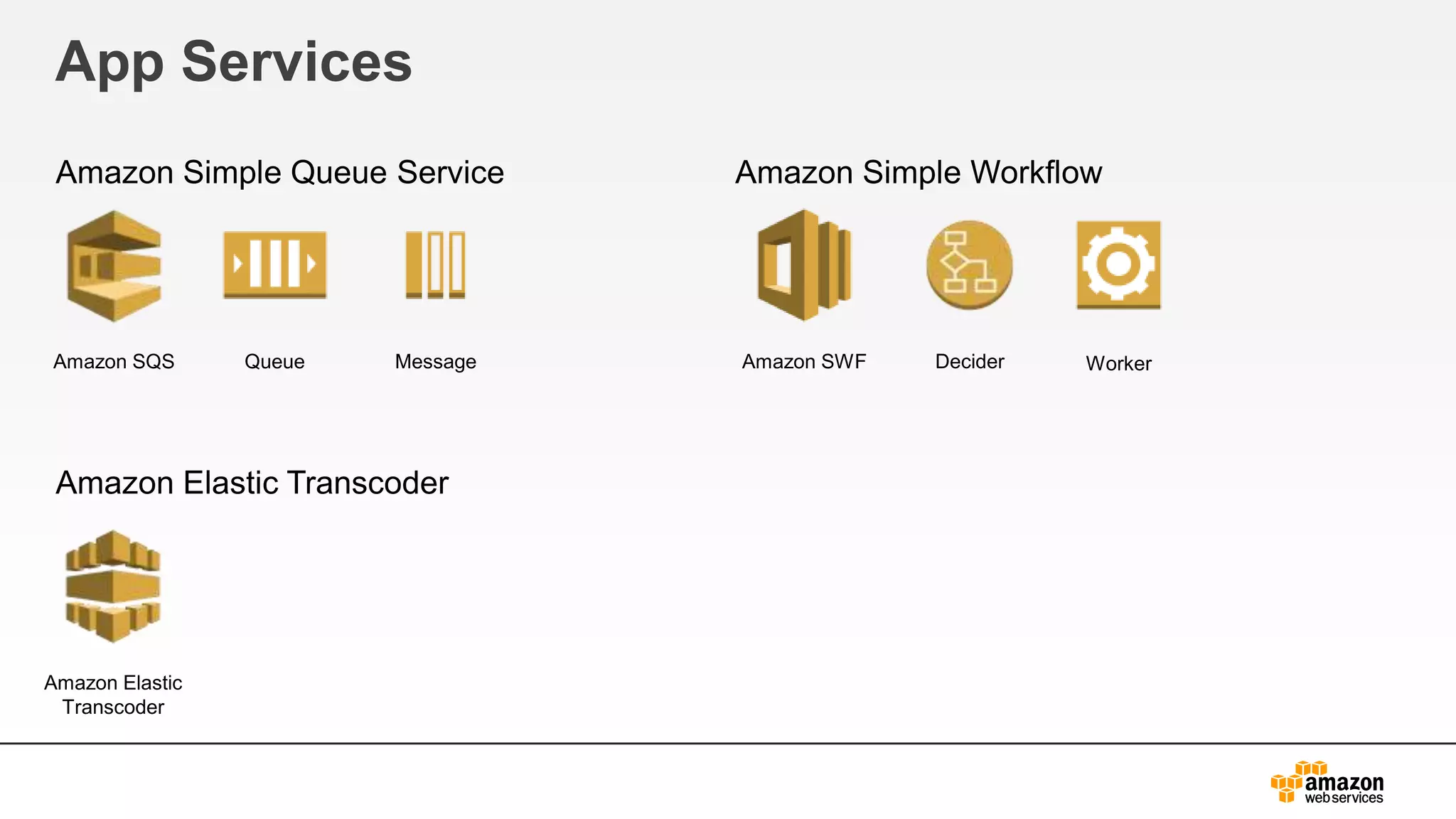
App Services
Amazon Simple Queue Service
Amazon Elastic Transcoder
Amazon Simple Workflow
Amazon SQS Queue Message Amazon SWF Decider Worker
Amazon Elastic
Transcoder
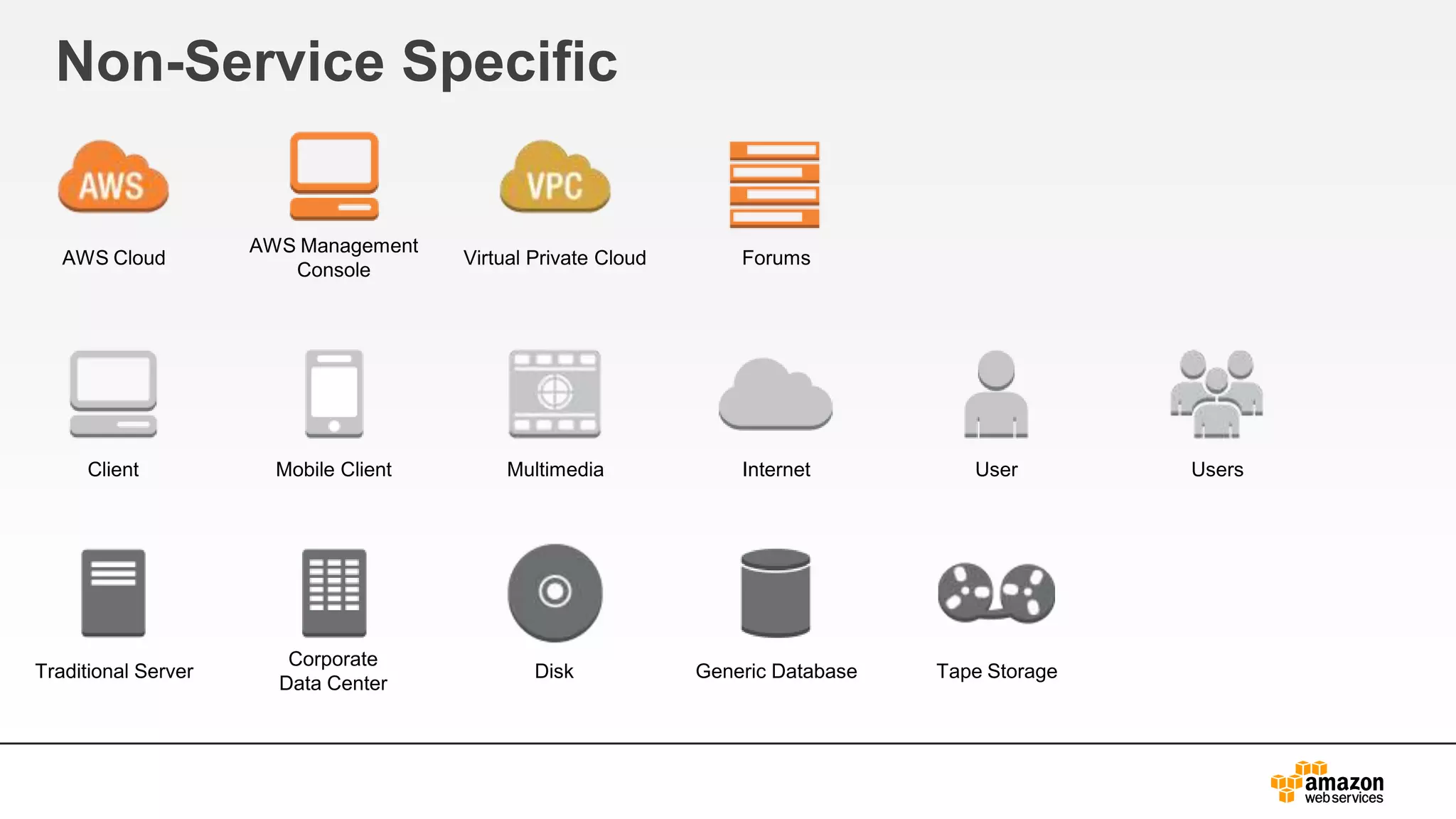
Non-Service Specific
User UsersInternetClient Mobile Client Multimedia
Corporate
Data Center
Traditional Server Disk Generic Database Tape Storage
AWS Cloud
AWS Management
Console
Virtual Private Cloud Forums
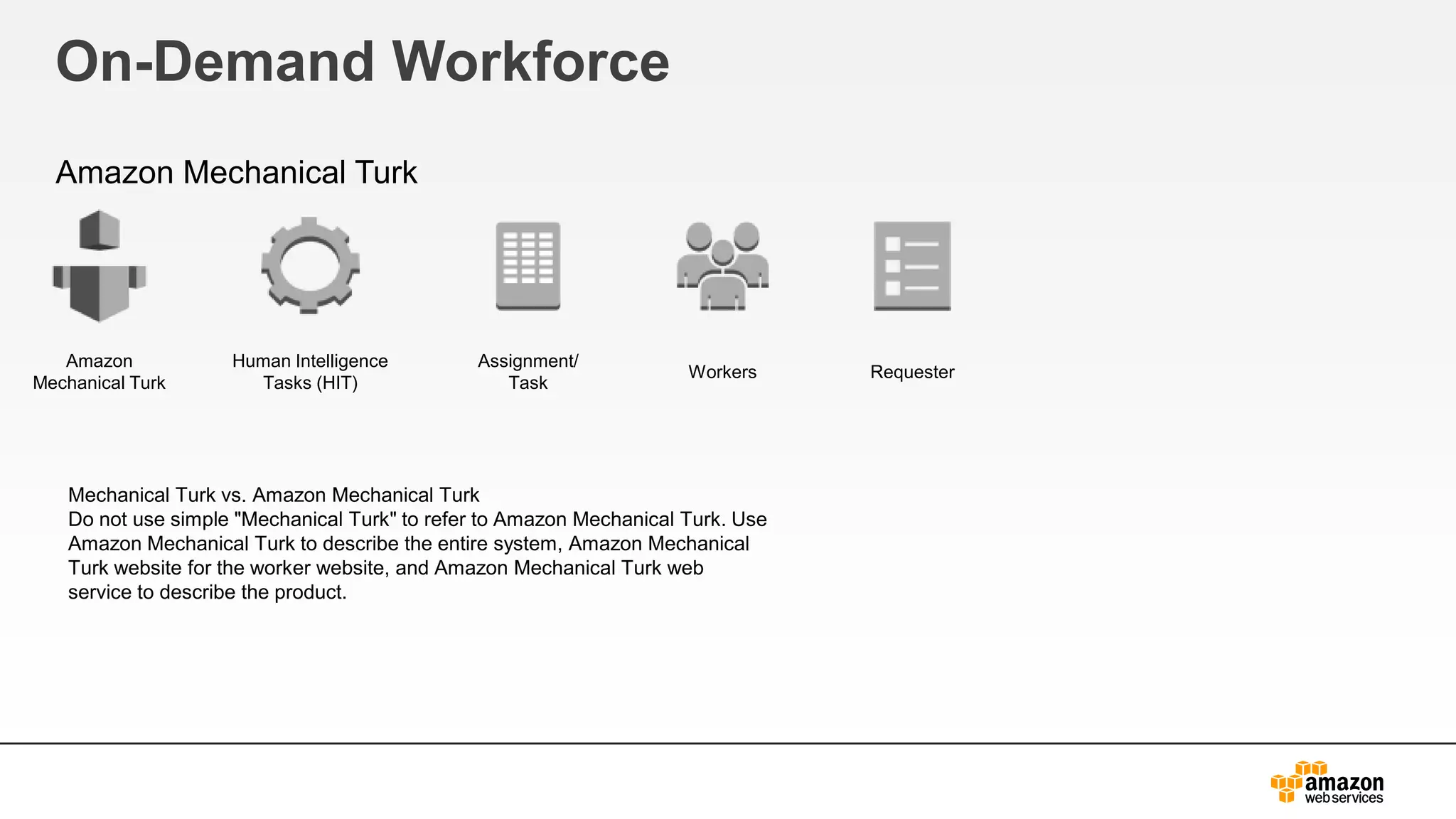
On-Demand Workforce
Amazon Mechanical Turk
Human Intelligence
Tasks (HIT)
Assignment/
Task
RequesterWorkers
Amazon
Mechanical Turk
Mechanical Turk vs. Amazon Mechanical Turk
Do not use simple "Mechanical Turk" to refer to Amazon Mechanical Turk. Use
Amazon Mechanical Turk to describe the entire system, Amazon Mechanical
Turk website for the worker website, and Amazon Mechanical Turk web
service to describe the product.
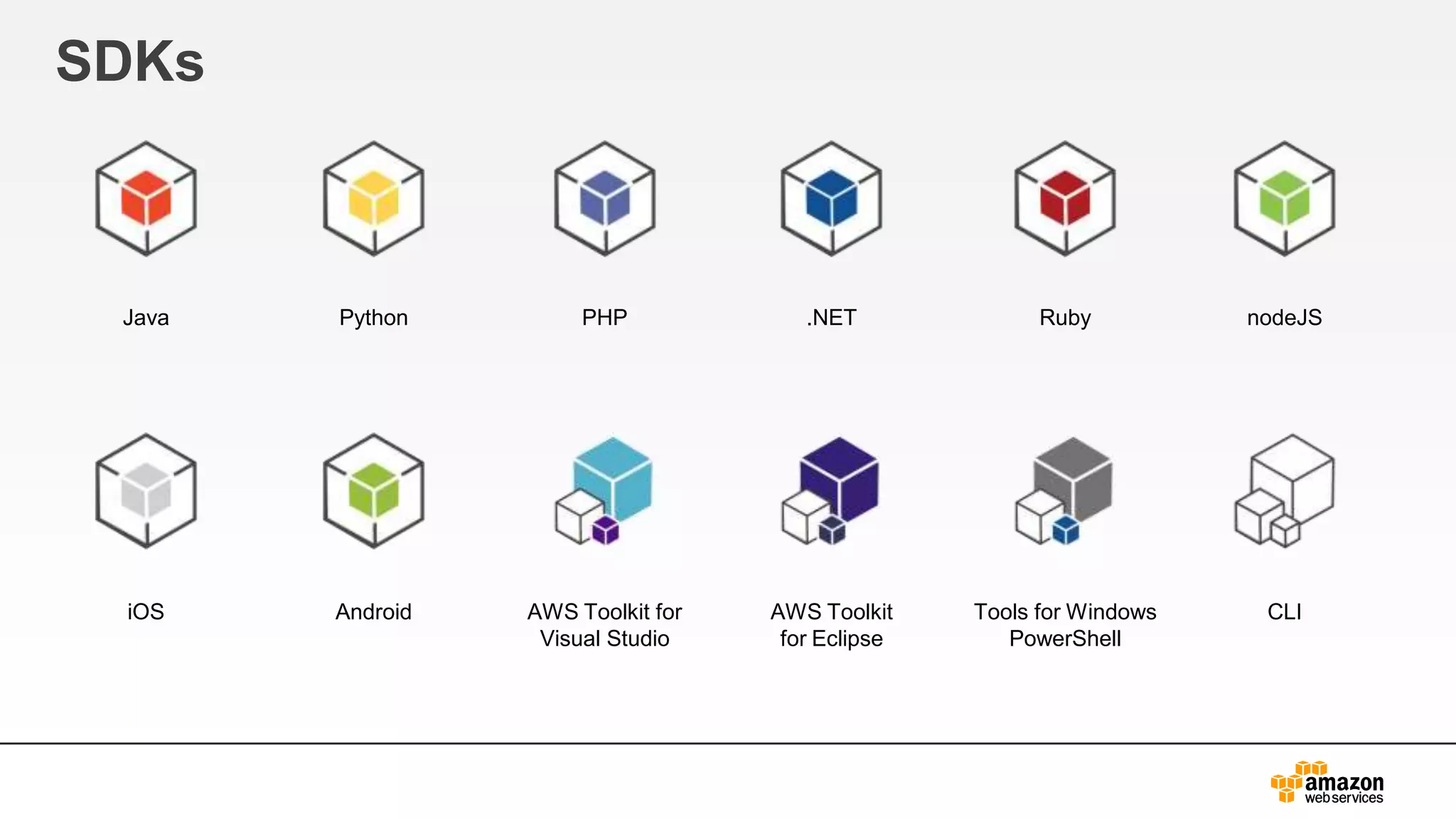
SDKs
Java Python PHP .NET Ruby nodeJS
iOS Android AWS Toolkit for
Visual Studio
AWS Toolkit
for Eclipse
Tools for Windows
PowerShell
CLI
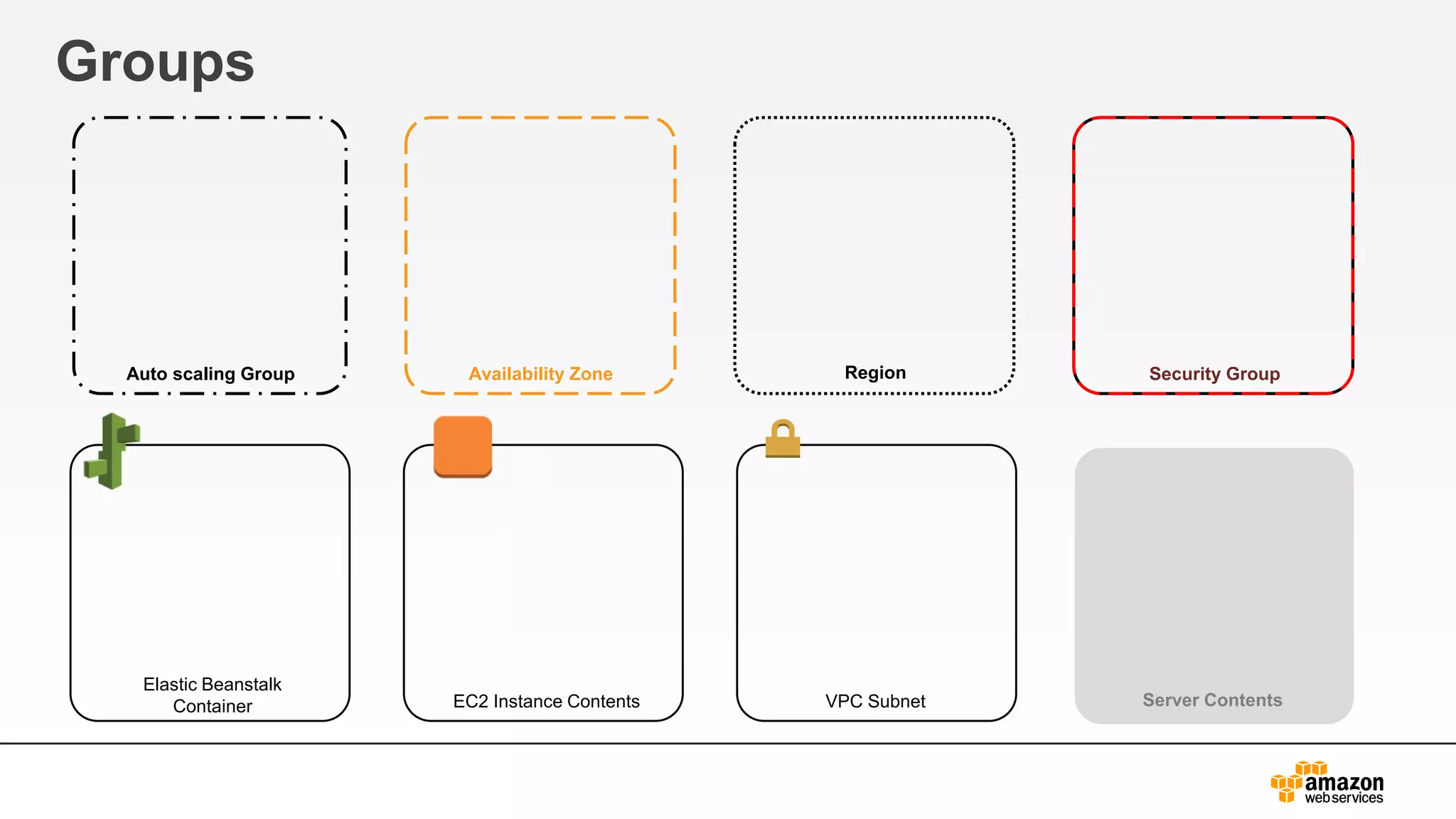
Groups
Auto scaling Group Availability Zone Region Security Group
Elastic Beanstalk
Container EC2 Instance Contents VPC Subnet Server Contents
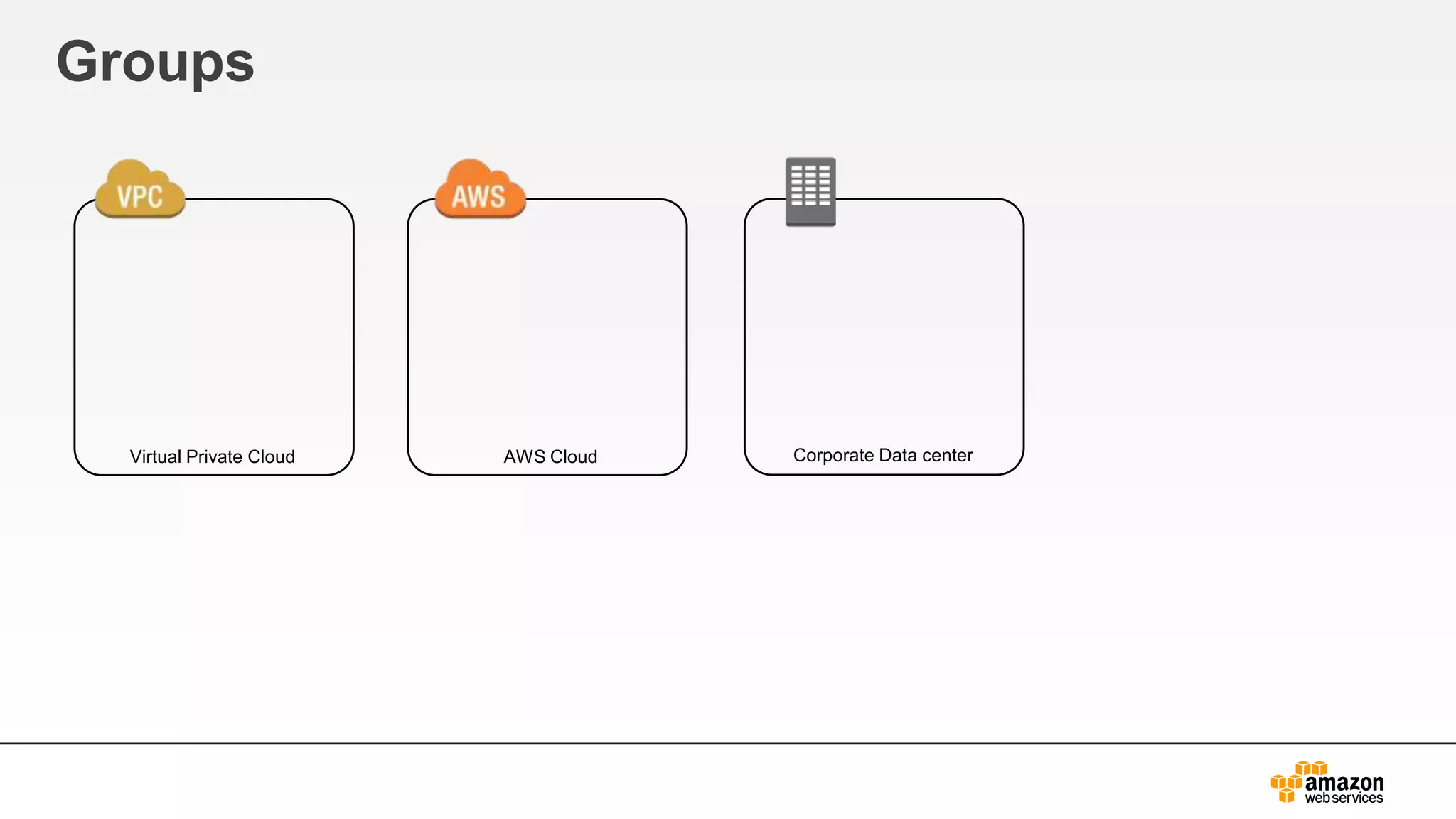
Groups
Virtual Private Cloud AWS Cloud Corporate Data center
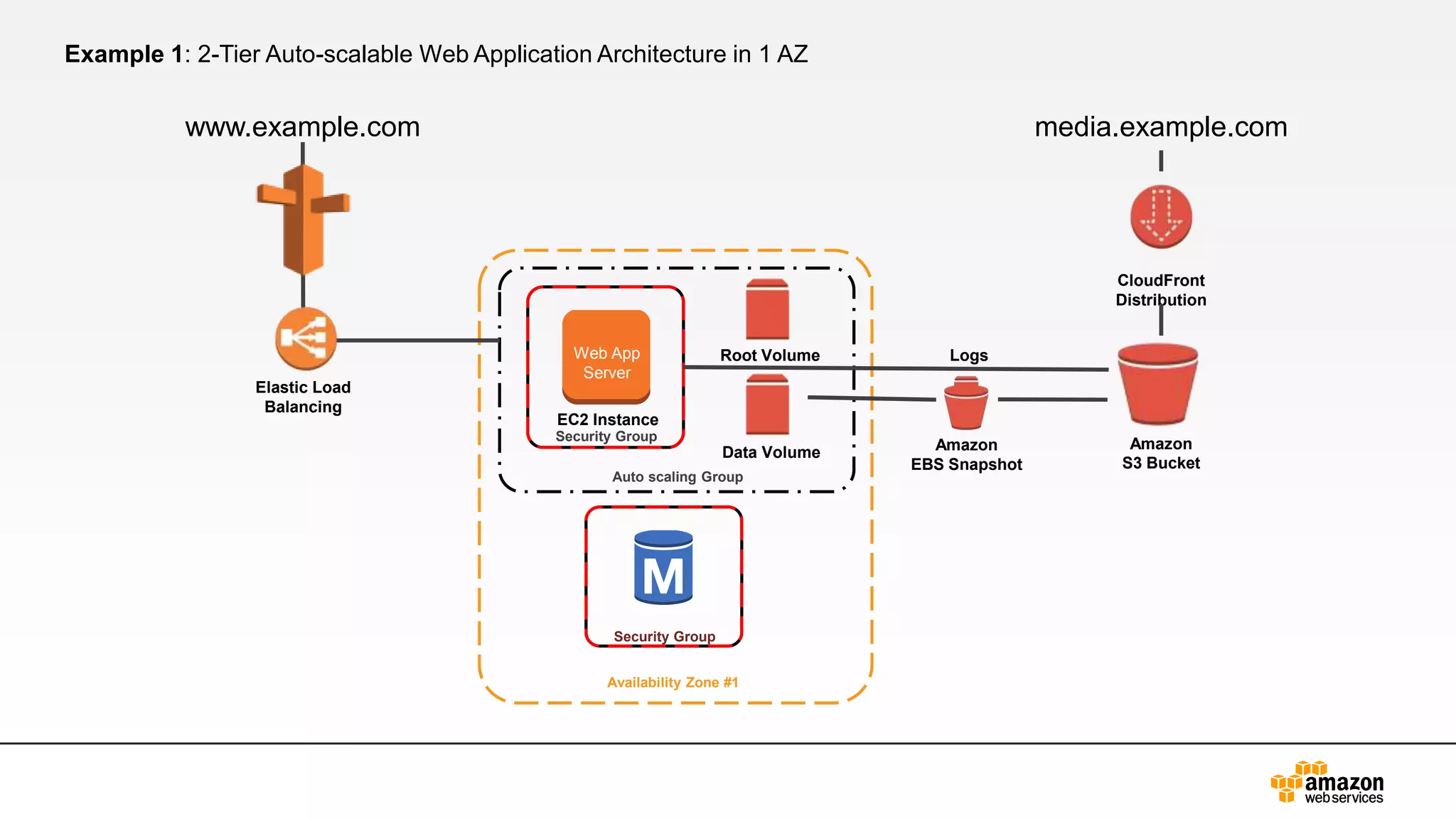
Example 1: 2-Tier Auto-scalable Web Application Architecture in 1 AZ
Auto scaling Group
Availability Zone #1
www.example.com
Security Group
Security Group
Root Volume
Data Volume
media.example.com
Elastic Load
Balancing
Amazon
S3 Bucket
Logs
Amazon
EBS Snapshot
CloudFront
Distribution
EC2 Instance
Web App
Server

Aws simple icons_ppt

  • 1.
    AWS Simple Iconsv2.1 Usage Guidelines Check to make sure you have the most recent set of AWS Simple Icons. This version was last updated 4/18/2013 (v2.1) Find the most recent set at aws.amazon.com/architecture/icons/ Always use Icon labels – Be sure to always include a label below the icon or on the group in Arial. The only exception is in complex diagrams, you have the option to create a key. Non-AWS Technology – Any server or other non- AWS technology in an architecture diagram should be represented with they grey server (see Slide 8). Creating diagrams – Try to use direct lines (rather than ‘criss-cross’), use adequate whitespace, and remember to label all icons. Product Icons – The first icon in most service sets is a product icon. This should be used to represent the service on a more general level when you will not be going into as much depth. Traditional Server Amazon EC2 18 April
  • 2.
    Compute and Networking AmazonElastic Compute Cloud Amazon Elastic MapReduce Auto Scaling Elastic Network Instance Amazon EC2 Instance Instances AMI DB on Instance Instance with CloudWatch Elastic IP Amazon EMR Cluster HDFS Cluster Auto Scaling Elastic Network Instance
  • 3.
    Compute and Networking AmazonRoute 53 Elastic Load Balancing AWS Direct Connect Amazon Virtual Private Cloud Route 53 Hosted Zone Route Table Elastic Load Balancing AWS Direct Connect Amazon VPC Router Internet Gateway Customer Gateway VPN Gateway VPN Connection
  • 4.
    Storage and ContentDelivery Amazon Simple Storage Service Amazon Elastic Block Store AWS Import/Export AWS Storage Gateway Amazon S3 Bucket Bucket with Objects Object AWS Import/ Export AWS Storage GatewayVolume SnapshotAmazon EBS
  • 5.
    Storage and ContentDelivery Amazon Glacier Amazon CloudFront Amazon Glacier Glacier Archive Glacier Vault CloudFront Download Distribution Edge LocationStreaming Distribution
  • 6.
    Database Amazon DynamoDB Amazon RelationalDatabase Service TableDynamoDB Item Items Attribute Attributes Amazon RDS RDS DB Instance RDS DB Instance Standby (Multi-AZ) RDS DB Instance Read Replica MySQL DB Instance Oracle DB Instance MS SQL Instance
  • 7.
    Database Amazon ElastiCache Amazon Redshift AmazonSimpleDB ElastiCache ElastiCache Cache Node DomainAmazon SimpleDB Amazon Redshift
  • 8.
    Deployment & Management AWSElastic Beanstalk AWS CloudFormation Amazon CloudWatch AWS Identity and Access Management Elastic Beanstalk Application Deployment IAM IAM Add-on STS AWS CloudFormation Template Stack CloudWatch Alarm AWS Data Pipeline OpsWorks OpsWorks AWS Data Pipeline
  • 9.
    App Services Amazon CloudSearch AmazonSimple Notification Service Amazon Simple Email Service Amazon SES Email Amazon SNS Email Notification HTTP Notification Topic Amazon CloudSearch SDF metadata
  • 10.
    App Services Amazon SimpleQueue Service Amazon Elastic Transcoder Amazon Simple Workflow Amazon SQS Queue Message Amazon SWF Decider Worker Amazon Elastic Transcoder
  • 11.
    Non-Service Specific User UsersInternetClientMobile Client Multimedia Corporate Data Center Traditional Server Disk Generic Database Tape Storage AWS Cloud AWS Management Console Virtual Private Cloud Forums
  • 12.
    On-Demand Workforce Amazon MechanicalTurk Human Intelligence Tasks (HIT) Assignment/ Task RequesterWorkers Amazon Mechanical Turk Mechanical Turk vs. Amazon Mechanical Turk Do not use simple "Mechanical Turk" to refer to Amazon Mechanical Turk. Use Amazon Mechanical Turk to describe the entire system, Amazon Mechanical Turk website for the worker website, and Amazon Mechanical Turk web service to describe the product.
  • 13.
    SDKs Java Python PHP.NET Ruby nodeJS iOS Android AWS Toolkit for Visual Studio AWS Toolkit for Eclipse Tools for Windows PowerShell CLI
  • 14.
    Groups Auto scaling GroupAvailability Zone Region Security Group Elastic Beanstalk Container EC2 Instance Contents VPC Subnet Server Contents
  • 15.
    Groups Virtual Private CloudAWS Cloud Corporate Data center
  • 16.
    Example 1: 2-TierAuto-scalable Web Application Architecture in 1 AZ Auto scaling Group Availability Zone #1 www.example.com Security Group Security Group Root Volume Data Volume media.example.com Elastic Load Balancing Amazon S3 Bucket Logs Amazon EBS Snapshot CloudFront Distribution EC2 Instance Web App Server