Amazon Web Services Training Syllabus
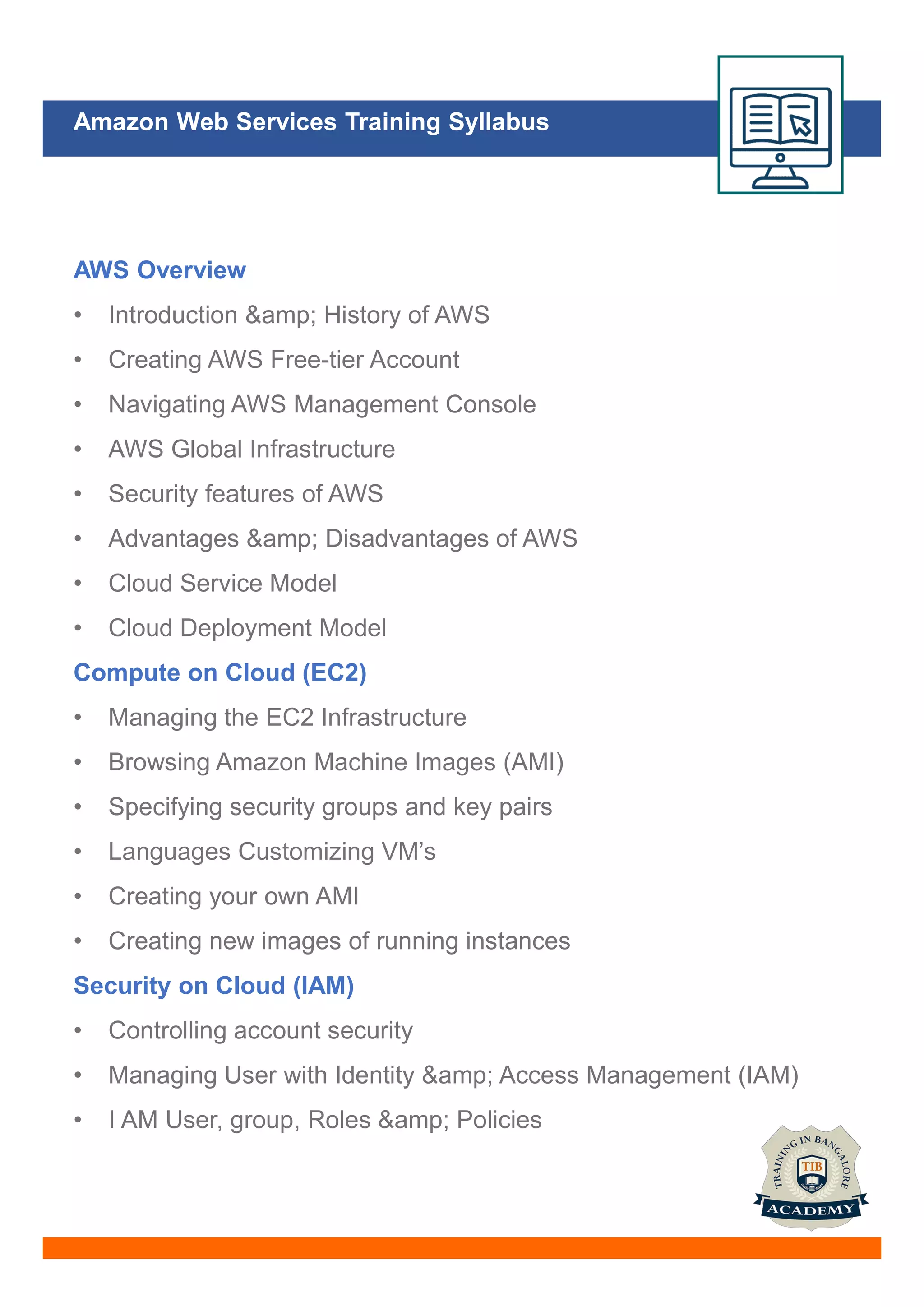
AWS Overview
• Introduction & History of AWS
• Creating AWS Free-tier Account
• Navigating AWS Management Console
• AWS Global Infrastructure
• Security features of AWS
• Advantages & Disadvantages of AWS
• Cloud Service Model
• Cloud Deployment Model
Compute on Cloud (EC2)
• Managing the EC2 Infrastructure
• Browsing Amazon Machine Images (AMI)
• Specifying security groups and key pairs
• Languages Customizing VM’s
• Creating your own AMI
• Creating new images of running instances
Security on Cloud (IAM)
• Controlling account security
• Managing User with Identity & Access Management (IAM)
• I AM User, group, Roles & Policies
Amazon Web Services Training Syllabus
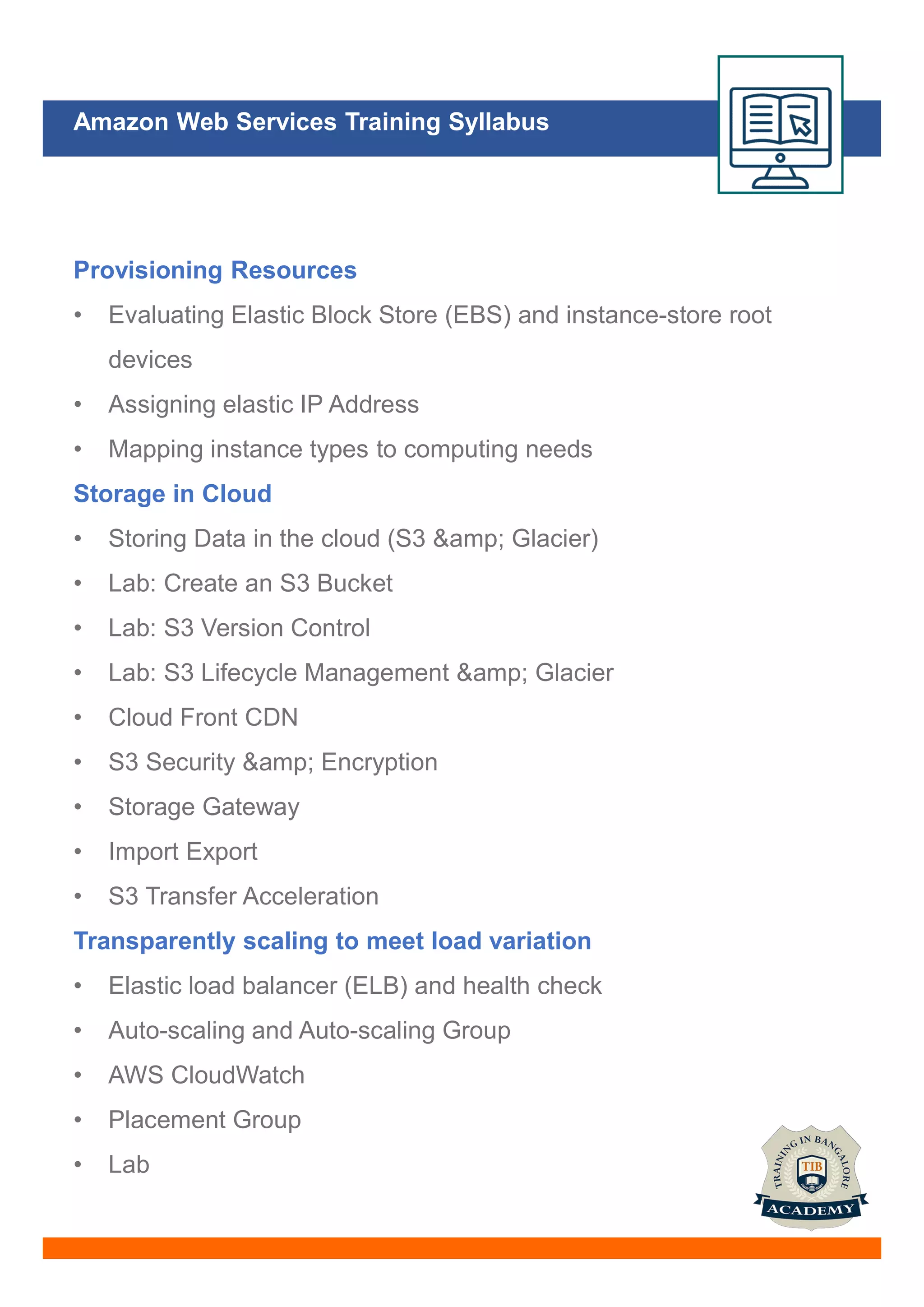
Provisioning Resources
• Evaluating Elastic Block Store (EBS) and instance-store root
devices
• Assigning elastic IP Address
• Mapping instance types to computing needs
Storage in Cloud
• Storing Data in the cloud (S3 & Glacier)
• Lab: Create an S3 Bucket
• Lab: S3 Version Control
• Lab: S3 Lifecycle Management & Glacier
• Cloud Front CDN
• S3 Security & Encryption
• Storage Gateway
• Import Export
• S3 Transfer Acceleration
Transparently scaling to meet load variation
• Elastic load balancer (ELB) and health check
• Auto-scaling and Auto-scaling Group
• AWS CloudWatch
• Placement Group
• Lab
Amazon Web Services Training Syllabus
Provisioning Resources
• Evaluating Elastic Block Store (EBS) and instance-store root
devices
• Assigning elastic IP Address
• Mapping instance types to computing needs
Storage in Cloud
• Storing Data in the cloud (S3 & Glacier)
• Lab: Create an S3 Bucket
• Lab: S3 Version Control
• Lab: S3 Lifecycle Management & Glacier
• Cloud Front CDN
• S3 Security & Encryption
• Storage Gateway
• Import Export
• S3 Transfer Acceleration
Transparently scaling to meet load variation
• Elastic load balancer (ELB) and health check
• Auto-scaling and Auto-scaling Group
• AWS CloudWatch
• Placement Group
• Lab
Amazon Web Services Training Syllabus
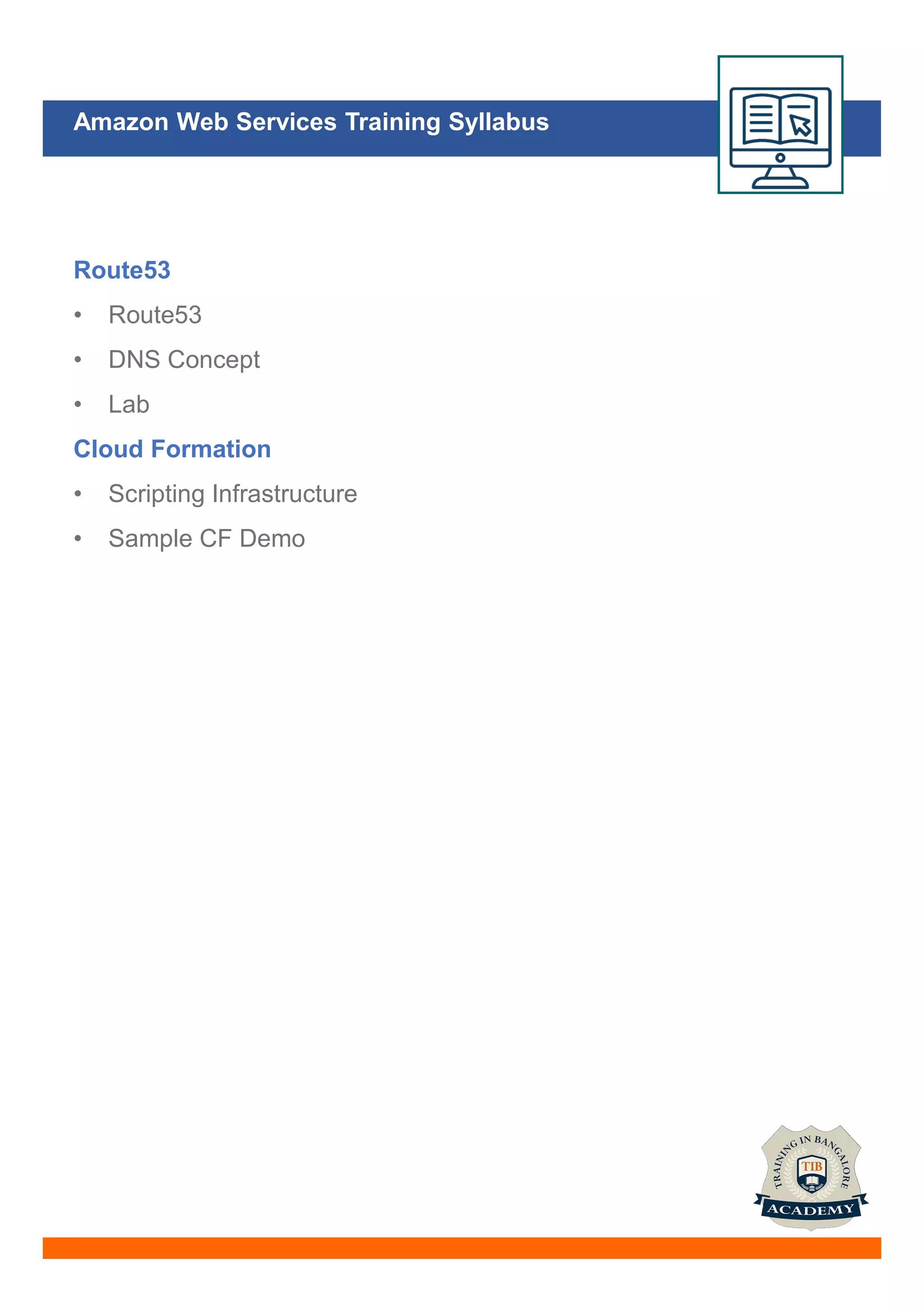
Route53
• Route53
• DNS Concept
• Lab
Cloud Formation
• Scripting Infrastructure
• Sample CF Demo
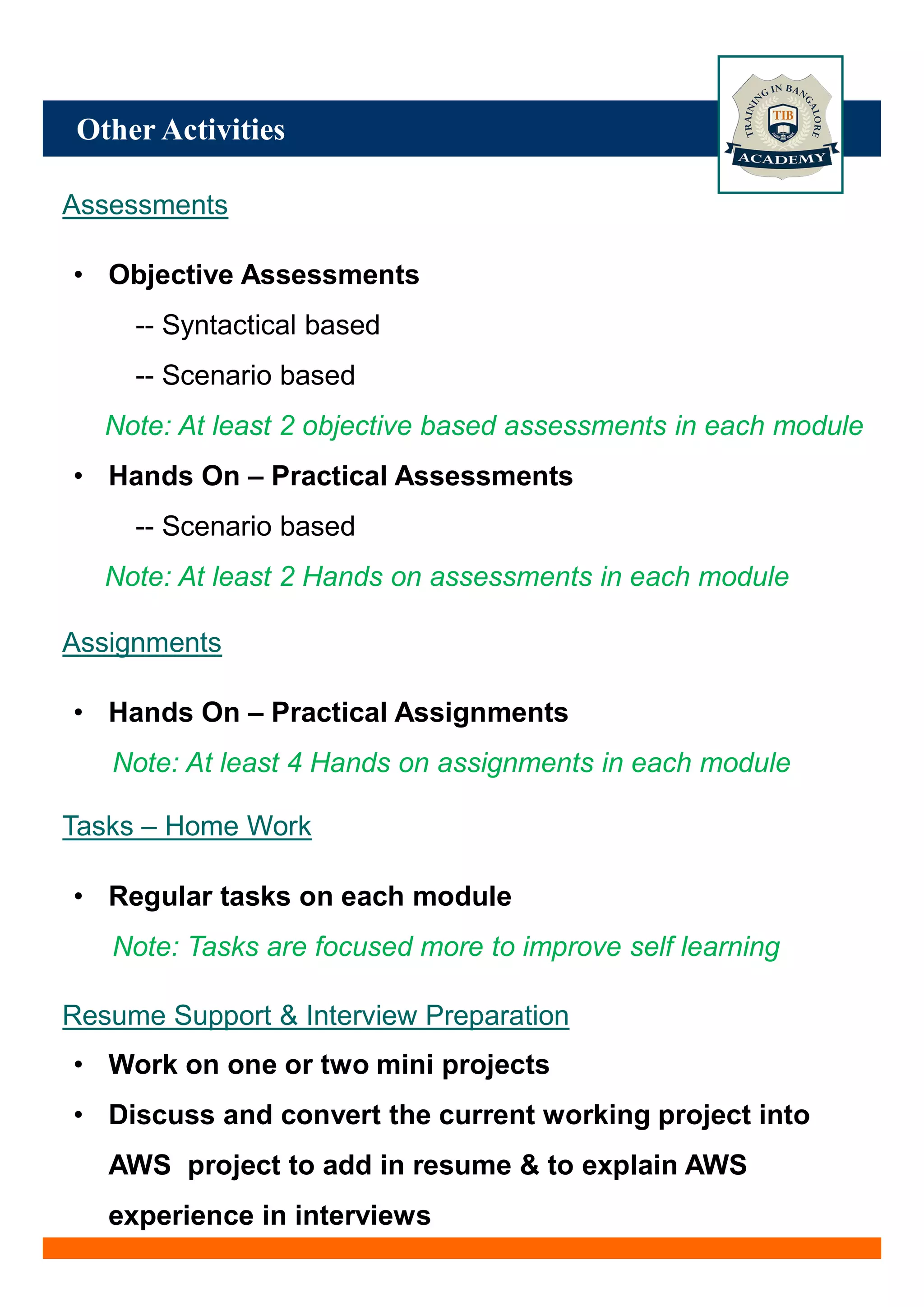
Other Activities
Assessments
• Objective Assessments
-- Syntactical based
-- Scenario based
Note: At least 2 objective based assessments in each module
• Hands On – Practical Assessments
-- Scenario based
Note: At least 2 Hands on assessments in each module
Assignments
• Hands On – Practical Assignments
Note: At least 4 Hands on assignments in each module
Tasks – Home Work
• Regular tasks on each module
Note: Tasks are focused more to improve self learning
Resume Support & Interview Preparation
• Work on one or two mini projects
• Discuss and convert the current working project into
AWS project to add in resume & to explain AWS
experience in interviews

AWS Training Institute in Bangalore | Best AWS Course In Bangalore

  • 2.
    Amazon Web ServicesTraining Syllabus AWS Overview • Introduction & History of AWS • Creating AWS Free-tier Account • Navigating AWS Management Console • AWS Global Infrastructure • Security features of AWS • Advantages & Disadvantages of AWS • Cloud Service Model • Cloud Deployment Model Compute on Cloud (EC2) • Managing the EC2 Infrastructure • Browsing Amazon Machine Images (AMI) • Specifying security groups and key pairs • Languages Customizing VM’s • Creating your own AMI • Creating new images of running instances Security on Cloud (IAM) • Controlling account security • Managing User with Identity & Access Management (IAM) • I AM User, group, Roles & Policies
  • 3.
    Amazon Web ServicesTraining Syllabus Provisioning Resources • Evaluating Elastic Block Store (EBS) and instance-store root devices • Assigning elastic IP Address • Mapping instance types to computing needs Storage in Cloud • Storing Data in the cloud (S3 & Glacier) • Lab: Create an S3 Bucket • Lab: S3 Version Control • Lab: S3 Lifecycle Management & Glacier • Cloud Front CDN • S3 Security & Encryption • Storage Gateway • Import Export • S3 Transfer Acceleration Transparently scaling to meet load variation • Elastic load balancer (ELB) and health check • Auto-scaling and Auto-scaling Group • AWS CloudWatch • Placement Group • Lab
  • 4.
    Amazon Web ServicesTraining Syllabus Provisioning Resources • Evaluating Elastic Block Store (EBS) and instance-store root devices • Assigning elastic IP Address • Mapping instance types to computing needs Storage in Cloud • Storing Data in the cloud (S3 & Glacier) • Lab: Create an S3 Bucket • Lab: S3 Version Control • Lab: S3 Lifecycle Management & Glacier • Cloud Front CDN • S3 Security & Encryption • Storage Gateway • Import Export • S3 Transfer Acceleration Transparently scaling to meet load variation • Elastic load balancer (ELB) and health check • Auto-scaling and Auto-scaling Group • AWS CloudWatch • Placement Group • Lab
  • 5.
    Amazon Web ServicesTraining Syllabus Route53 • Route53 • DNS Concept • Lab Cloud Formation • Scripting Infrastructure • Sample CF Demo
  • 6.
    Other Activities Assessments • ObjectiveAssessments -- Syntactical based -- Scenario based Note: At least 2 objective based assessments in each module • Hands On – Practical Assessments -- Scenario based Note: At least 2 Hands on assessments in each module Assignments • Hands On – Practical Assignments Note: At least 4 Hands on assignments in each module Tasks – Home Work • Regular tasks on each module Note: Tasks are focused more to improve self learning Resume Support & Interview Preparation • Work on one or two mini projects • Discuss and convert the current working project into AWS project to add in resume & to explain AWS experience in interviews