Authentication and usability
mark.williams@ja.net
UK federation manager
19/03/2014
Mobile resource problems:
Mobile resource problems
»About Jisc
»The situation
»Work done already
»The problems
»Sector requirements
»Solutions
2
About Jisc
»Covers UK HE, Research (and FE, equiv of community
college)
»National broadband network for education (Janet, UK equiv
of Internet 2)
»UK access management federation (equiv is InCommon)
»Jisc Collections - Central licensing
»R&D in library and IT
3
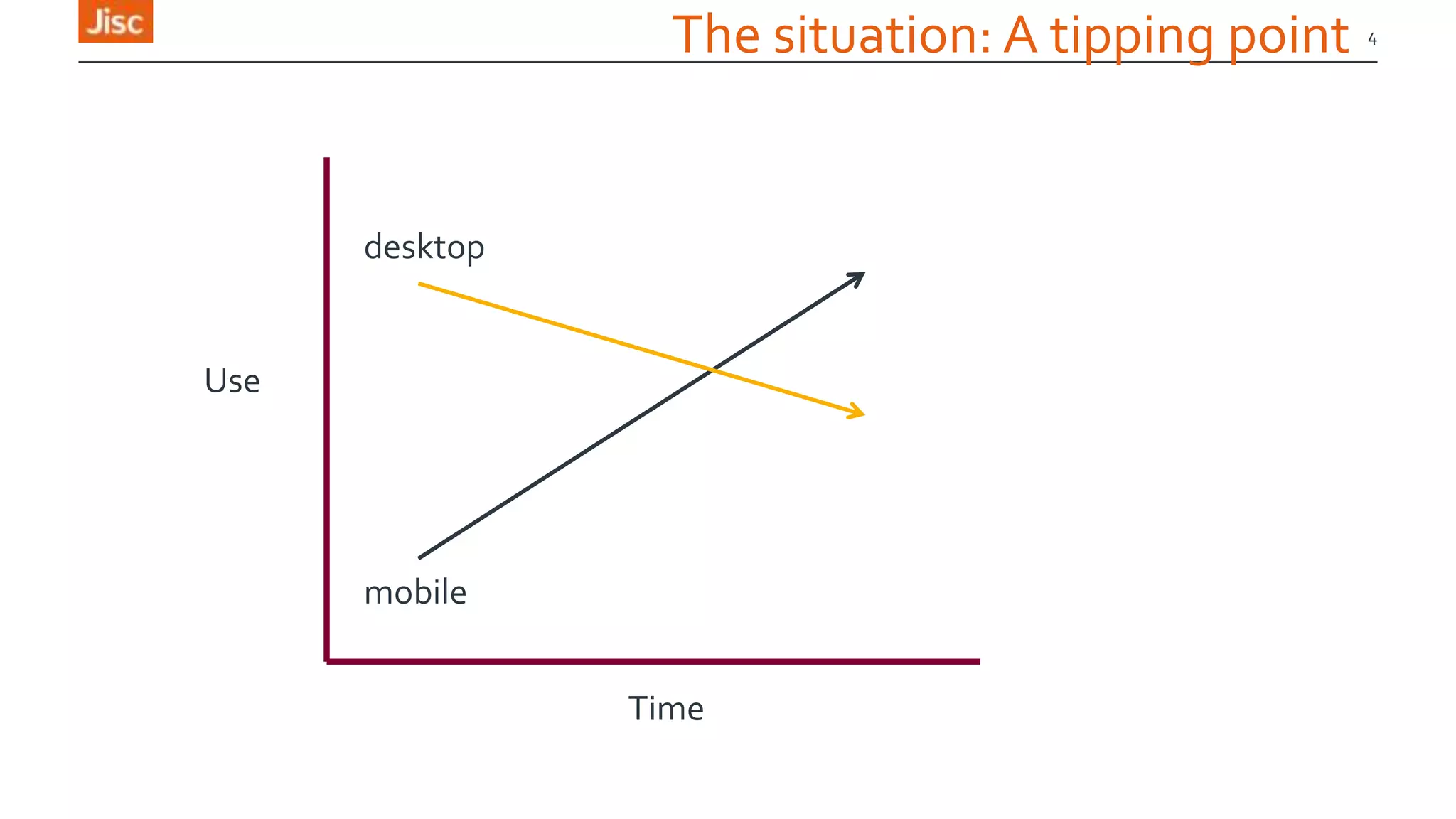
4
Time
Use
mobile
desktop
The situation: A tipping point
Links
» Jo Alcock, (Jisc M-library community support project), Evidence Base,
BirminghamCity University., j.o.alcock@bcu.ac.uk , @joeyanne
» Claire Koch, University of Surrey, c.koch@surrey.ac.uk, @claire_joanne
» Claire Gravely, University of Surrey, c.graverly@surrey.ac.uk ,
@library_claire
» Keren Mills, (MACON: Mobilising Academic Content Online), OU, @mirya
» Ben Showers, Jisc, b.showers@jisc.ac.uk, @benshowers
» MarkWilliams, Janet, mark.williams@ja.net
5
Contributors
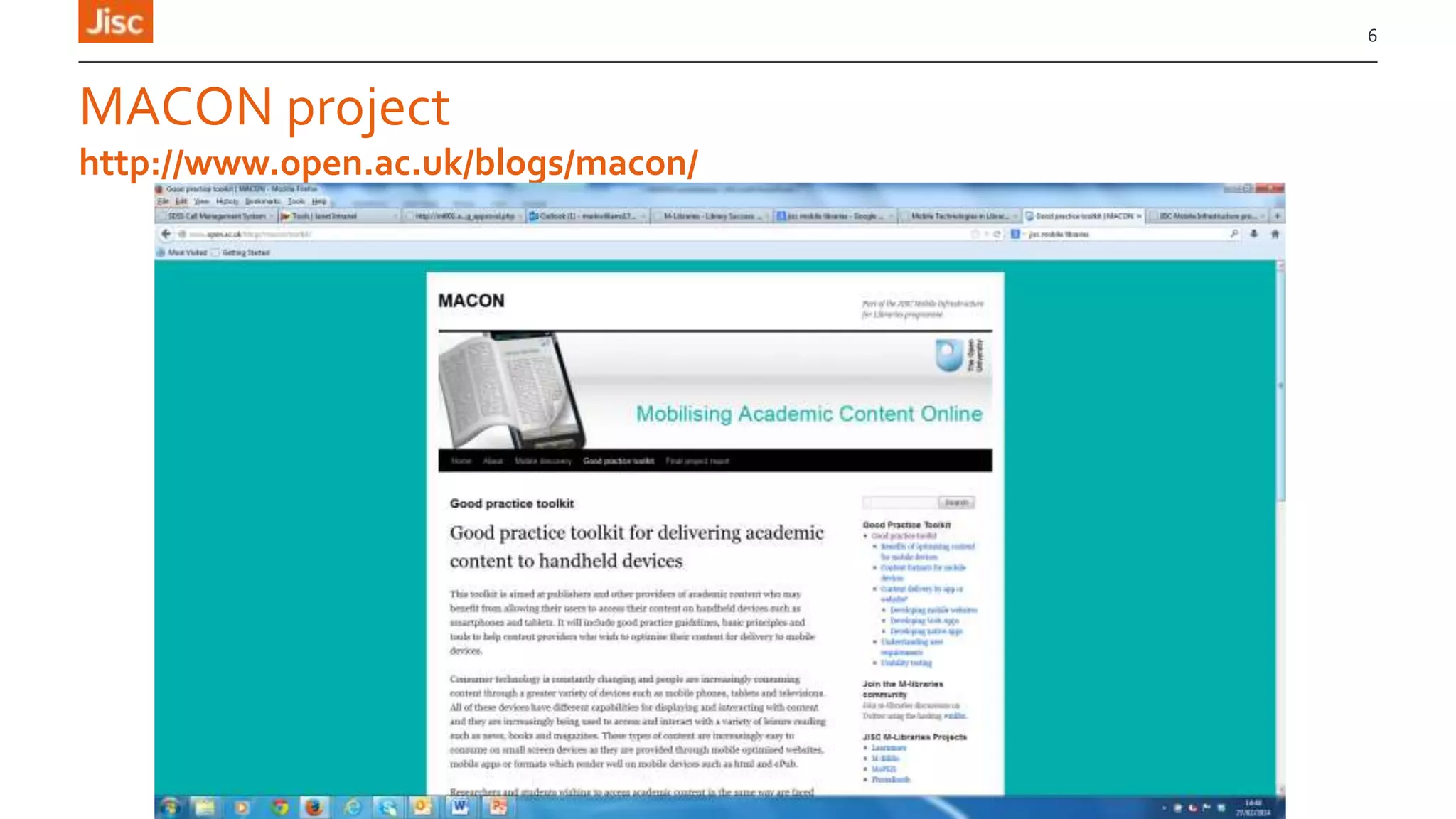
MACON project
6
http://www.open.ac.uk/blogs/macon/
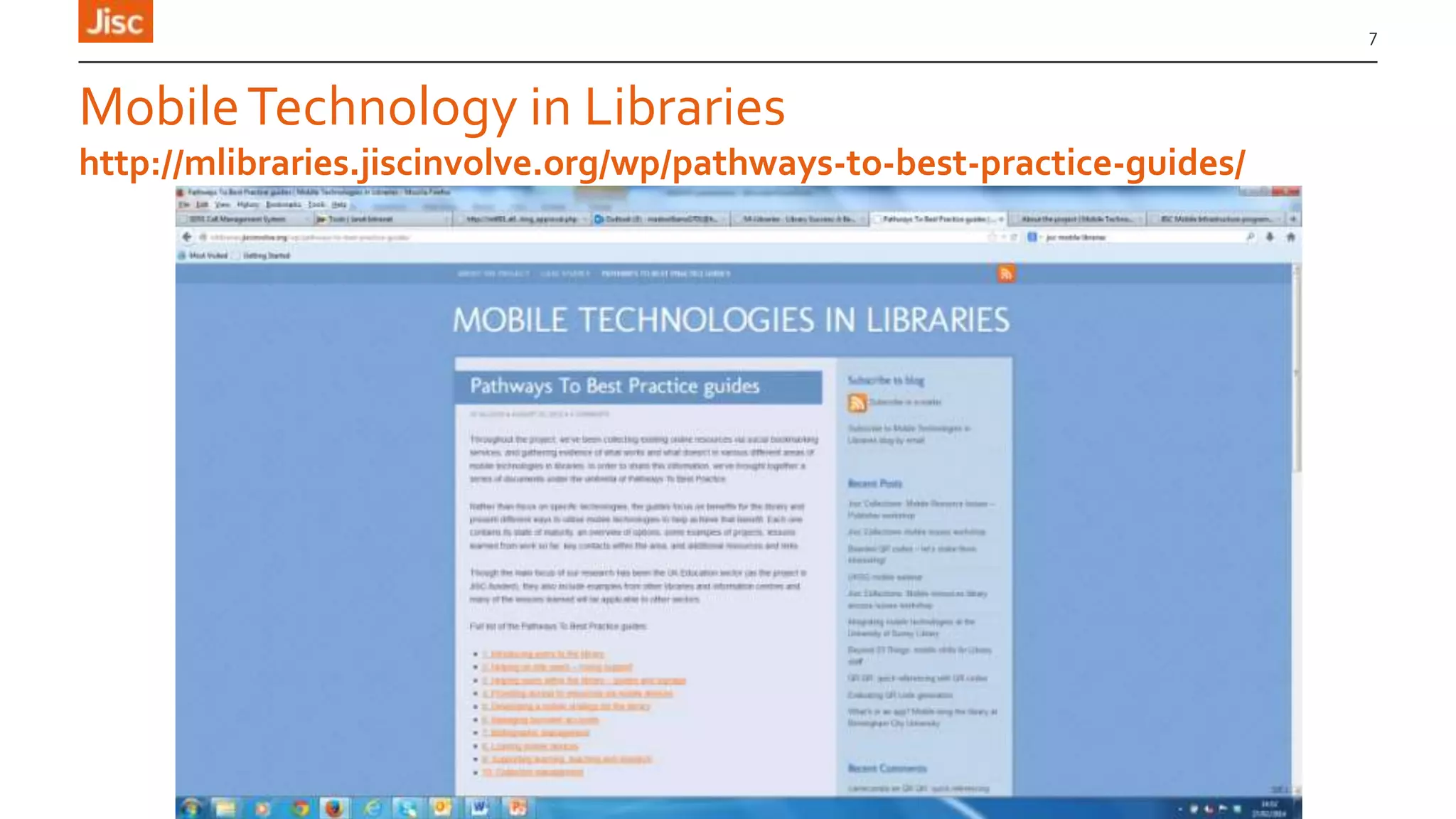
MobileTechnology in Libraries
7
http://mlibraries.jiscinvolve.org/wp/pathways-to-best-practice-guides/
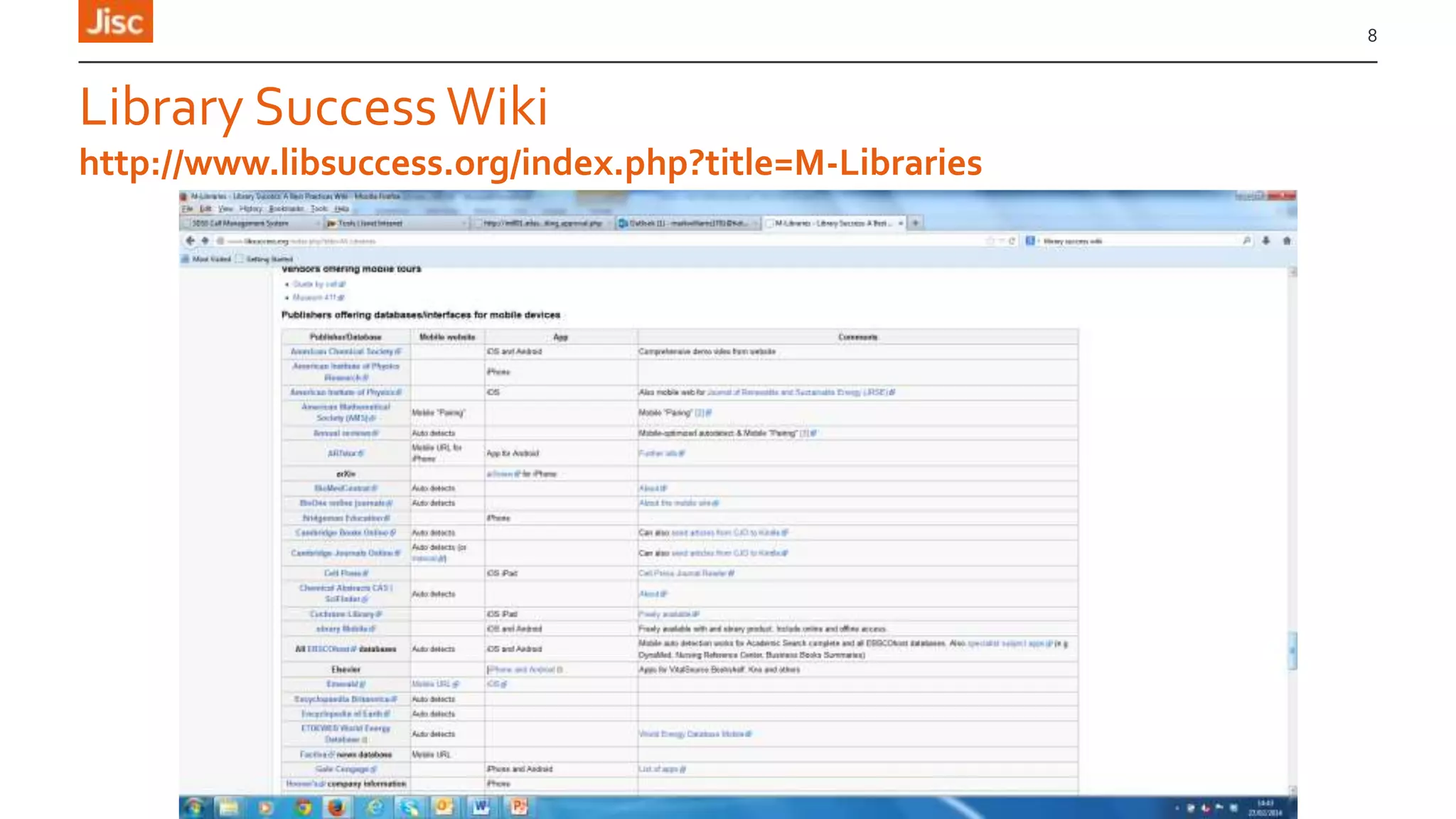
Library Success Wiki
8
http://www.libsuccess.org/index.php?title=M-Libraries
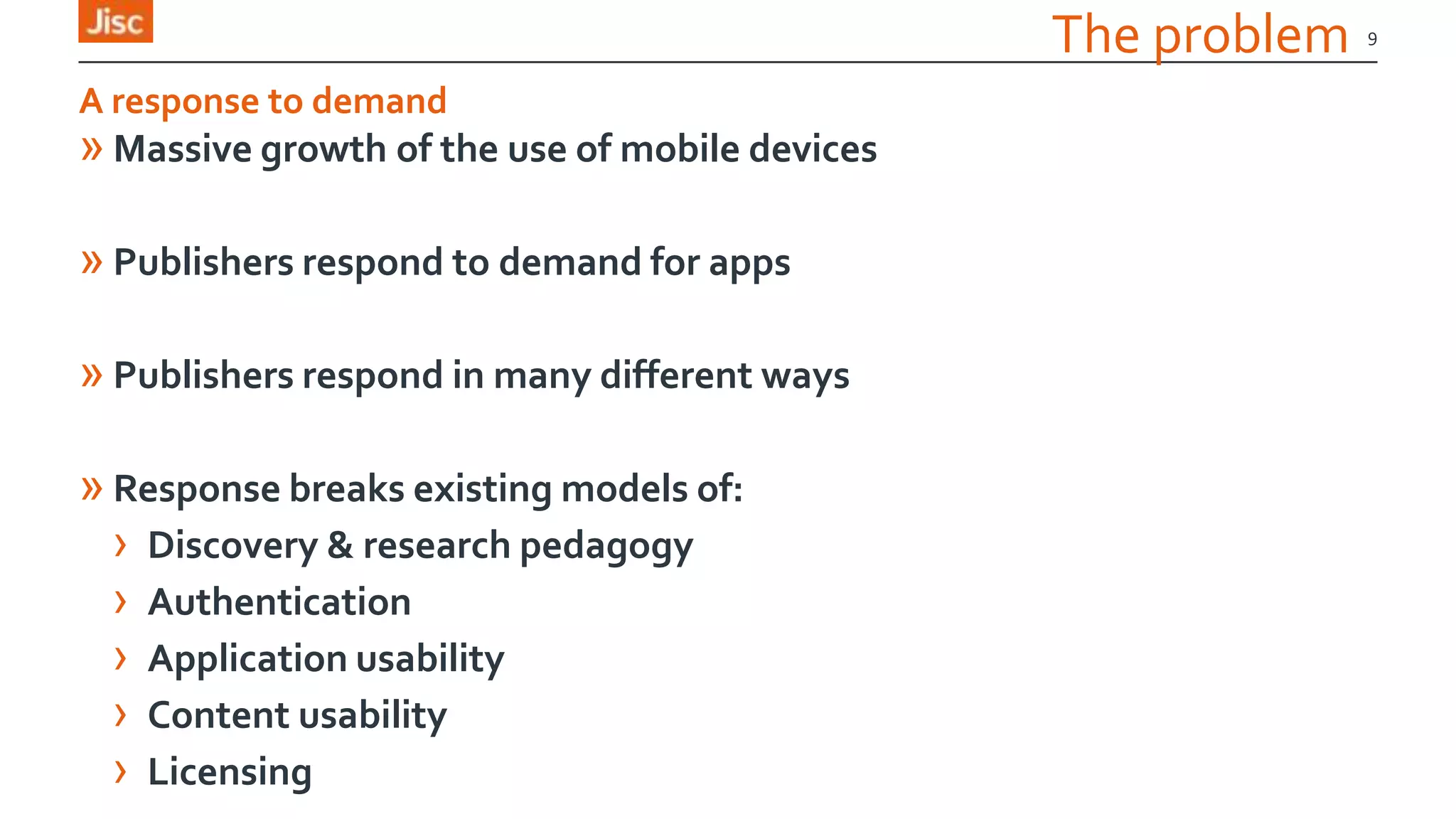
The problem
» Massive growth of the use of mobile devices
» Publishers respond to demand for apps
» Publishers respond in many different ways
» Response breaks existing models of:
› Discovery & research pedagogy
› Authentication
› Application usability
› Content usability
› Licensing
9
A response to demand
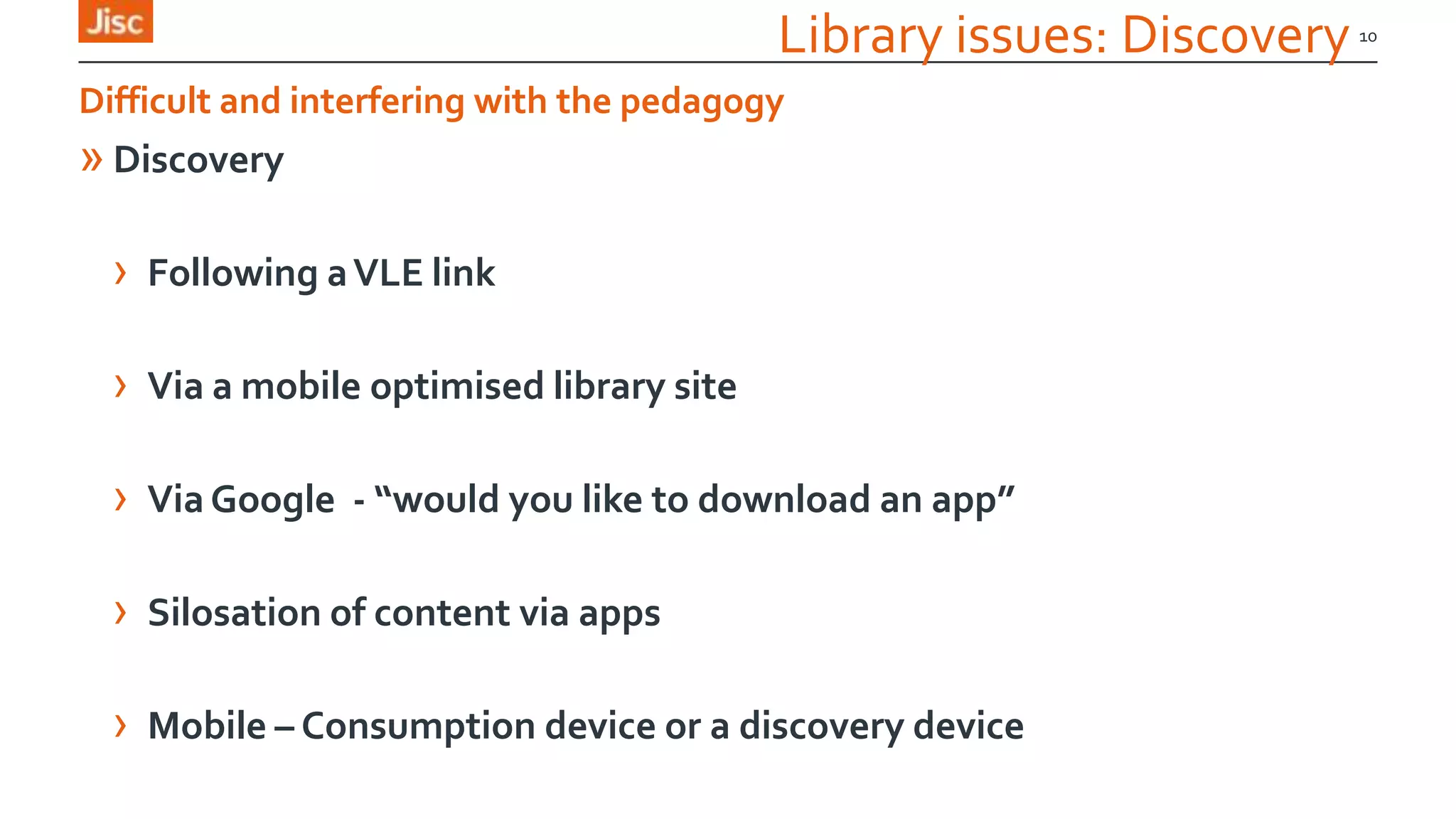
Library issues: Discovery
» Discovery
› Following aVLE link
› Via a mobile optimised library site
› ViaGoogle - “would you like to download an app”
› Silosation of content via apps
› Mobile – Consumption device or a discovery device
10
Difficult and interfering with the pedagogy
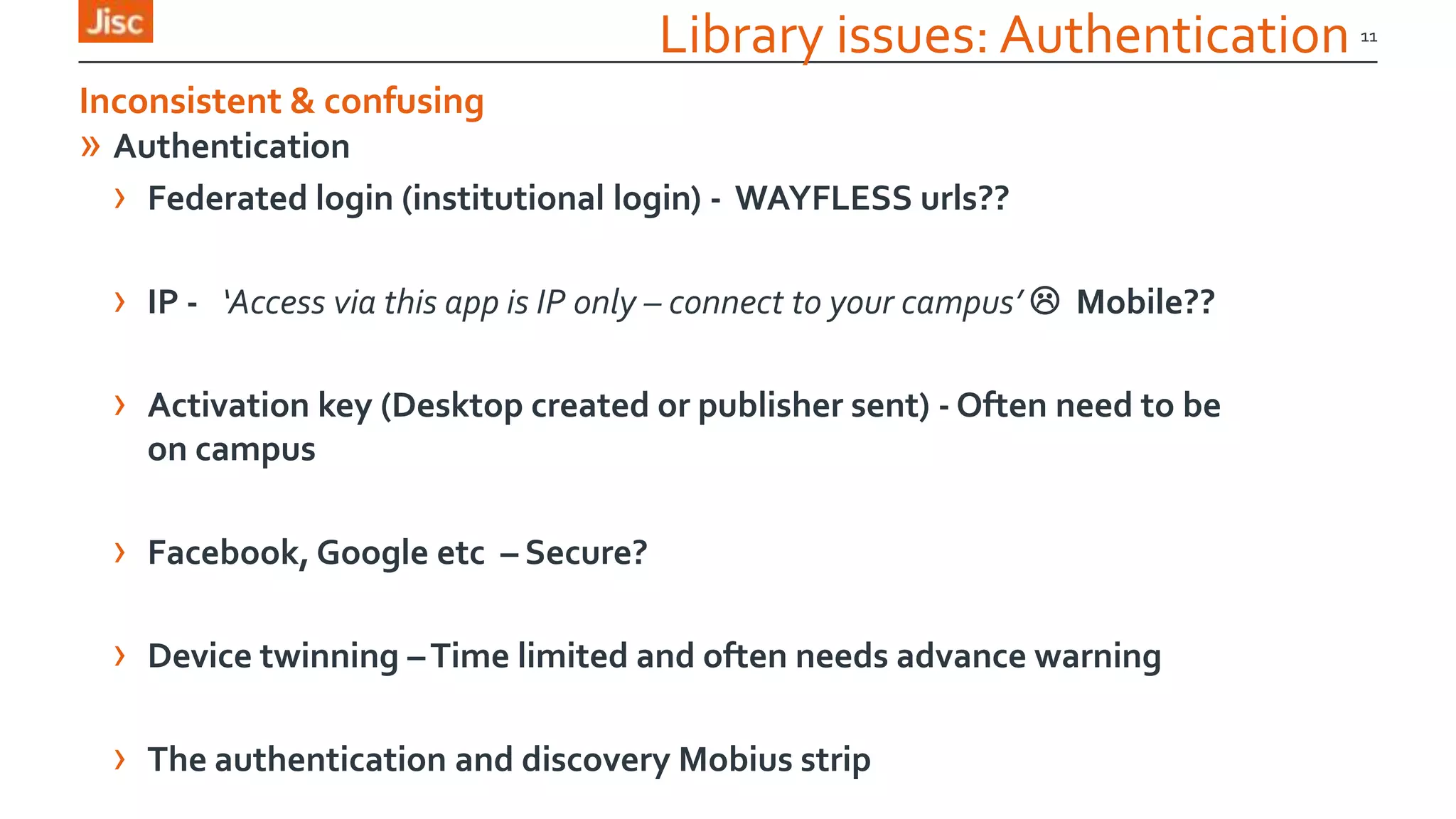
Library issues: Authentication
» Authentication
› Federated login (institutional login) - WAYFLESS urls??
› IP - ‘Access via this app is IP only – connect to your campus’  Mobile??
› Activation key (Desktop created or publisher sent) - Often need to be
on campus
› Facebook, Google etc – Secure?
› Device twinning –Time limited and often needs advance warning
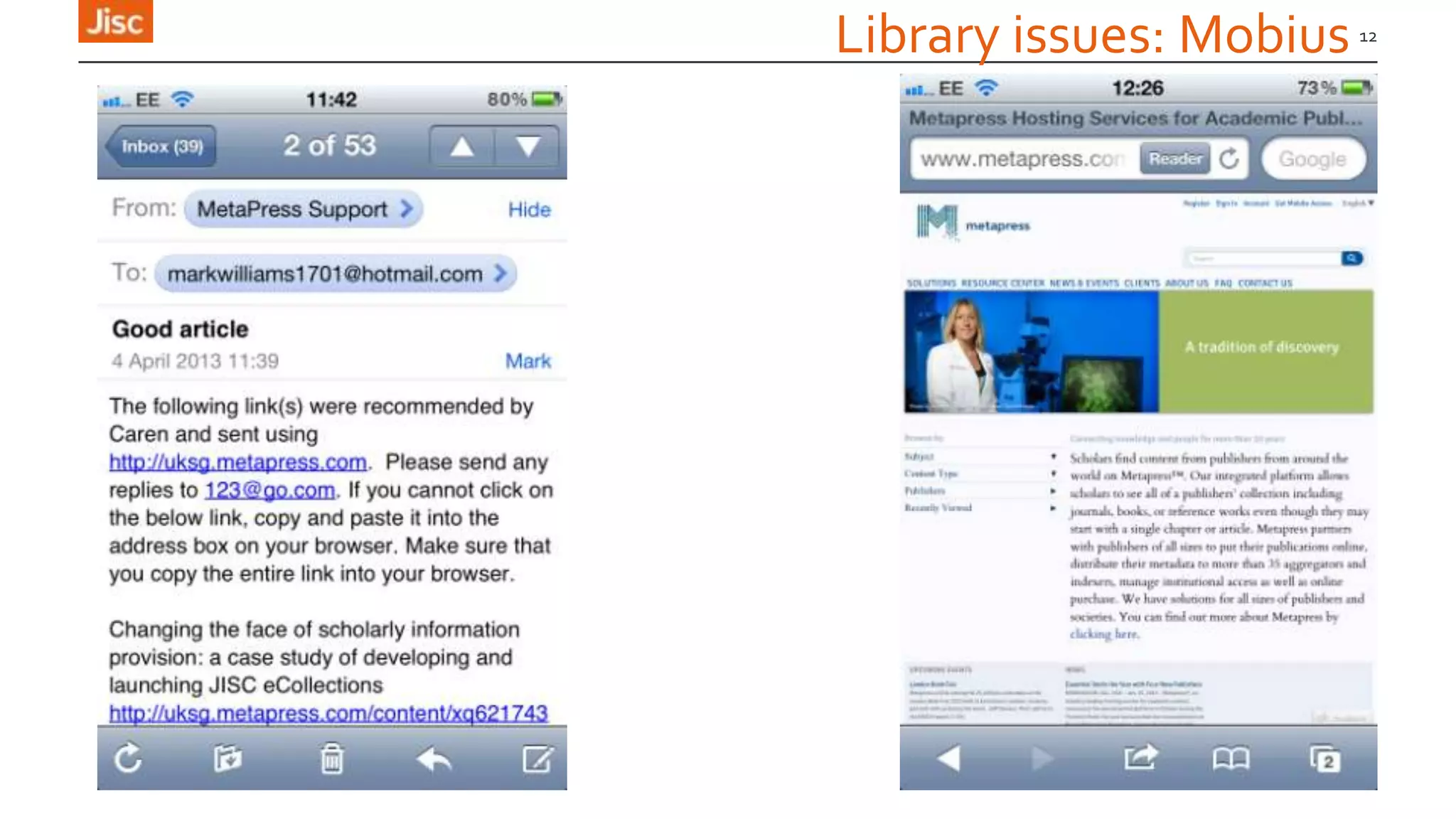
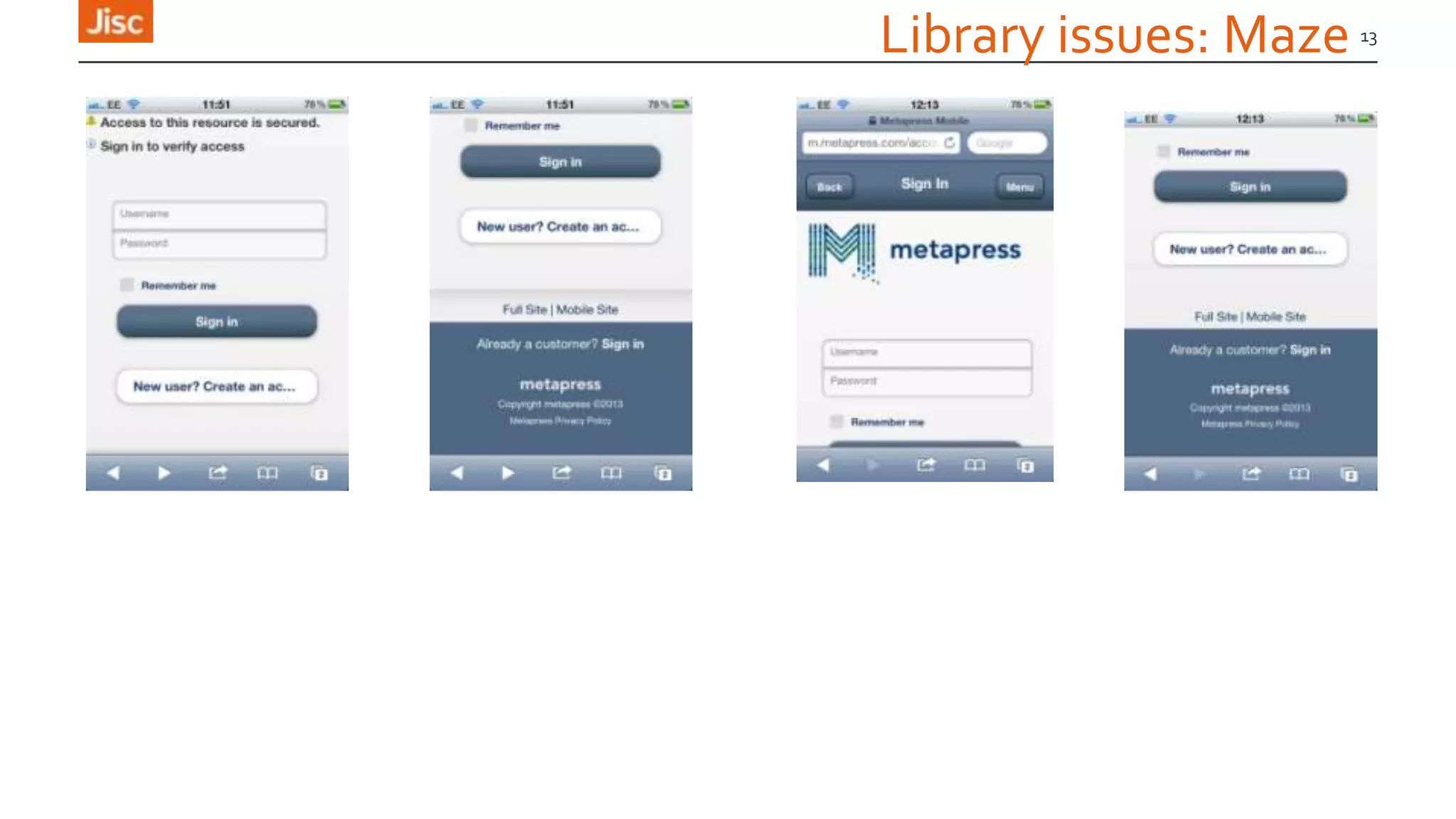
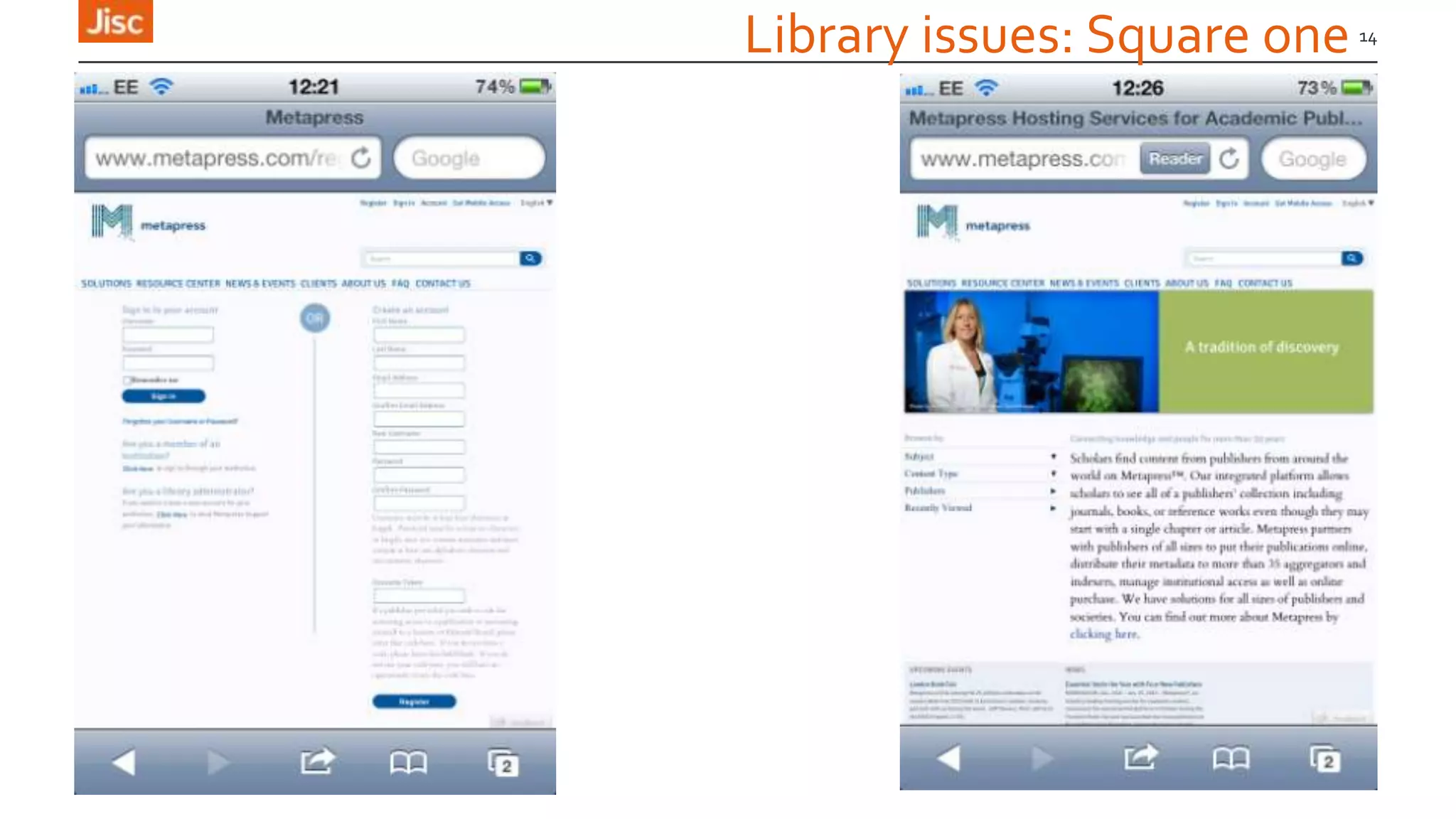
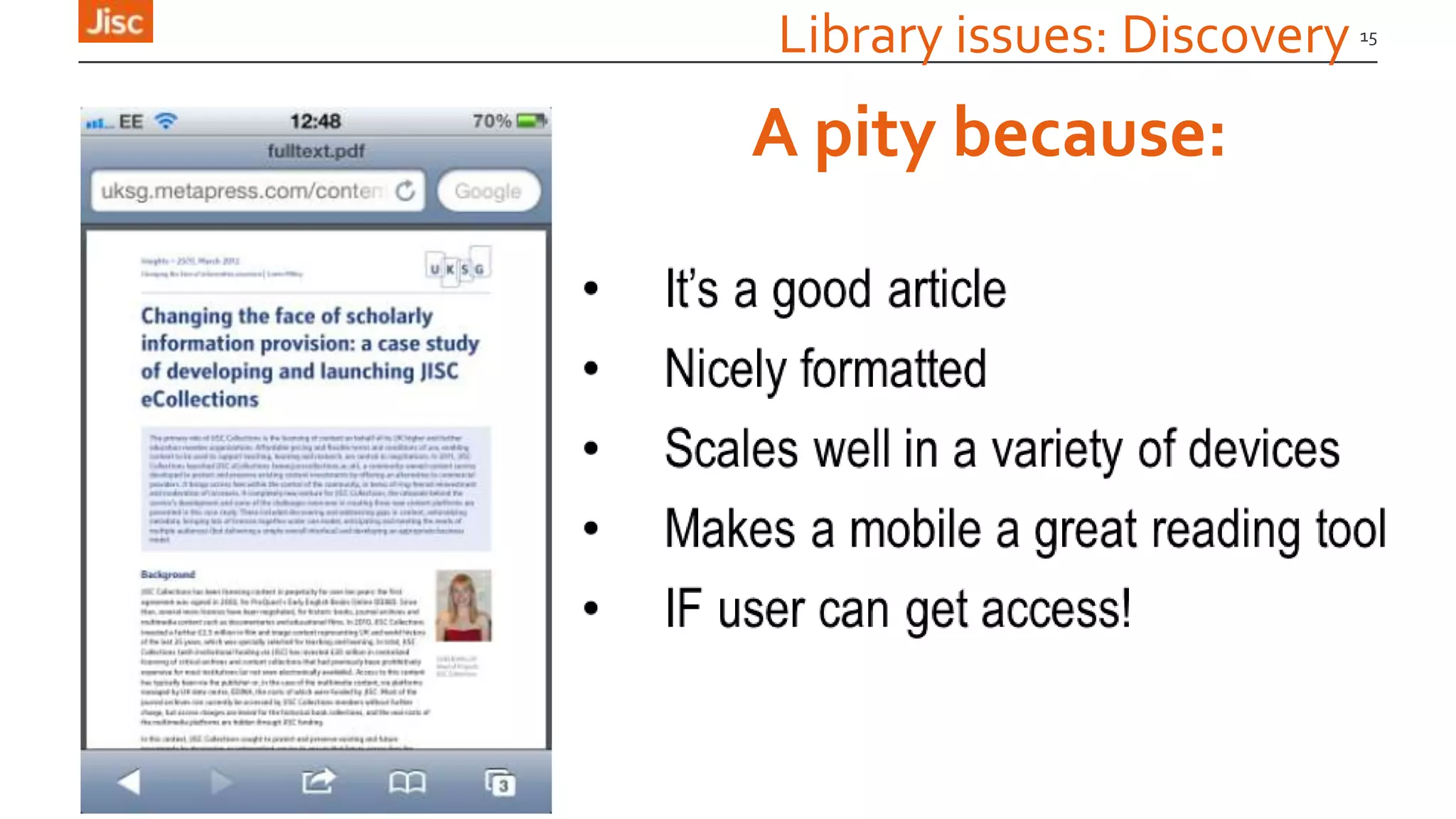
› The authentication and discovery Mobius strip
11
Inconsistent & confusing
Library issues: Mobius 12
Library issues: Maze 13
Library issues: Square one 14
Library issues: Discovery 15
A pity because:
Library issues: Discovery & authentication
» JISC UBIRD study
» Users often don’t move onto an alternative authorative resource
16
Results of failure in the ”Discovery to download” phase
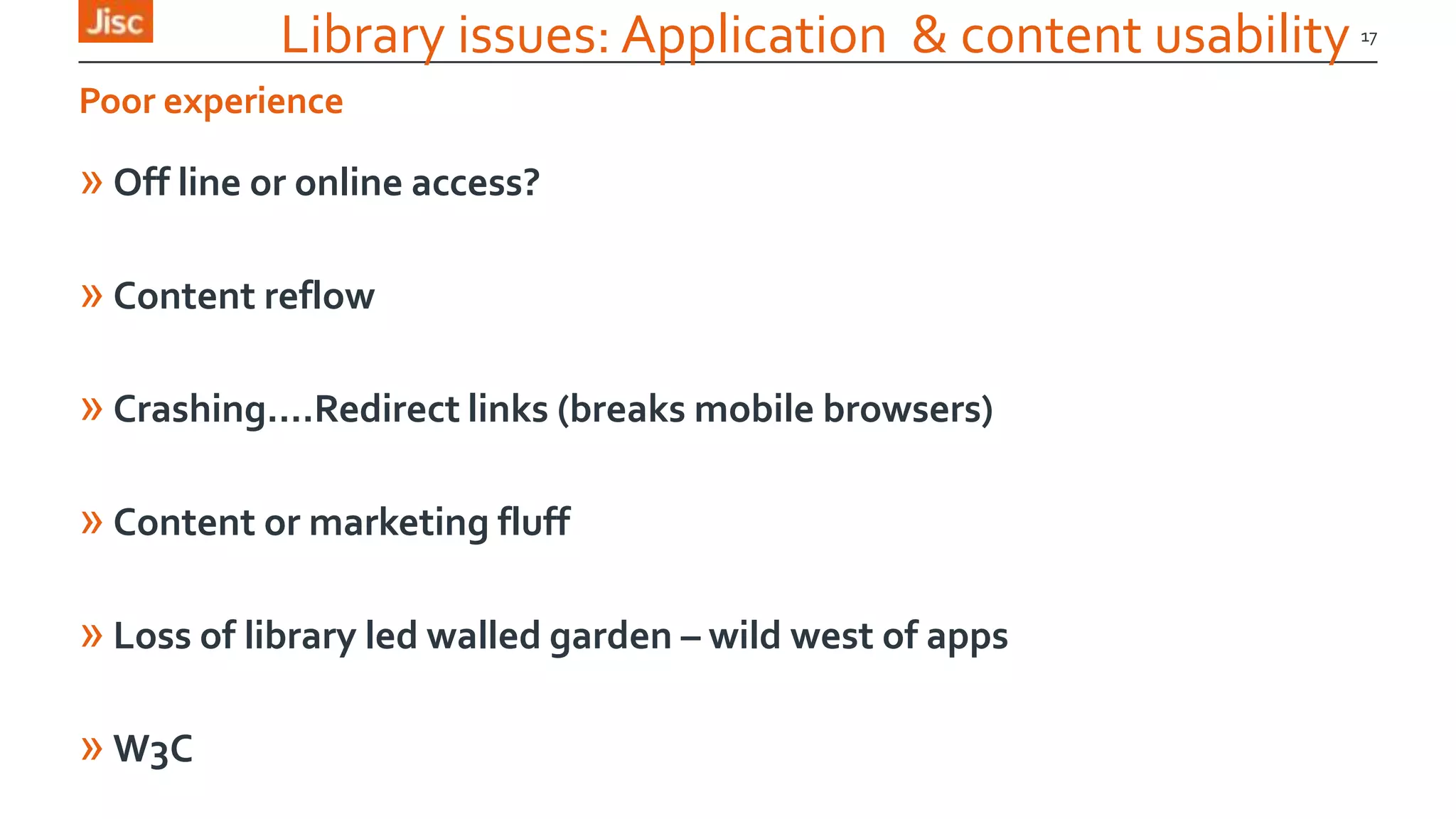
Library issues: Application & content usability
» Off line or online access?
» Content reflow
» Crashing….Redirect links (breaks mobile browsers)
» Content or marketing fluff
» Loss of library led walled garden – wild west of apps
» W3C
17
Poor experience
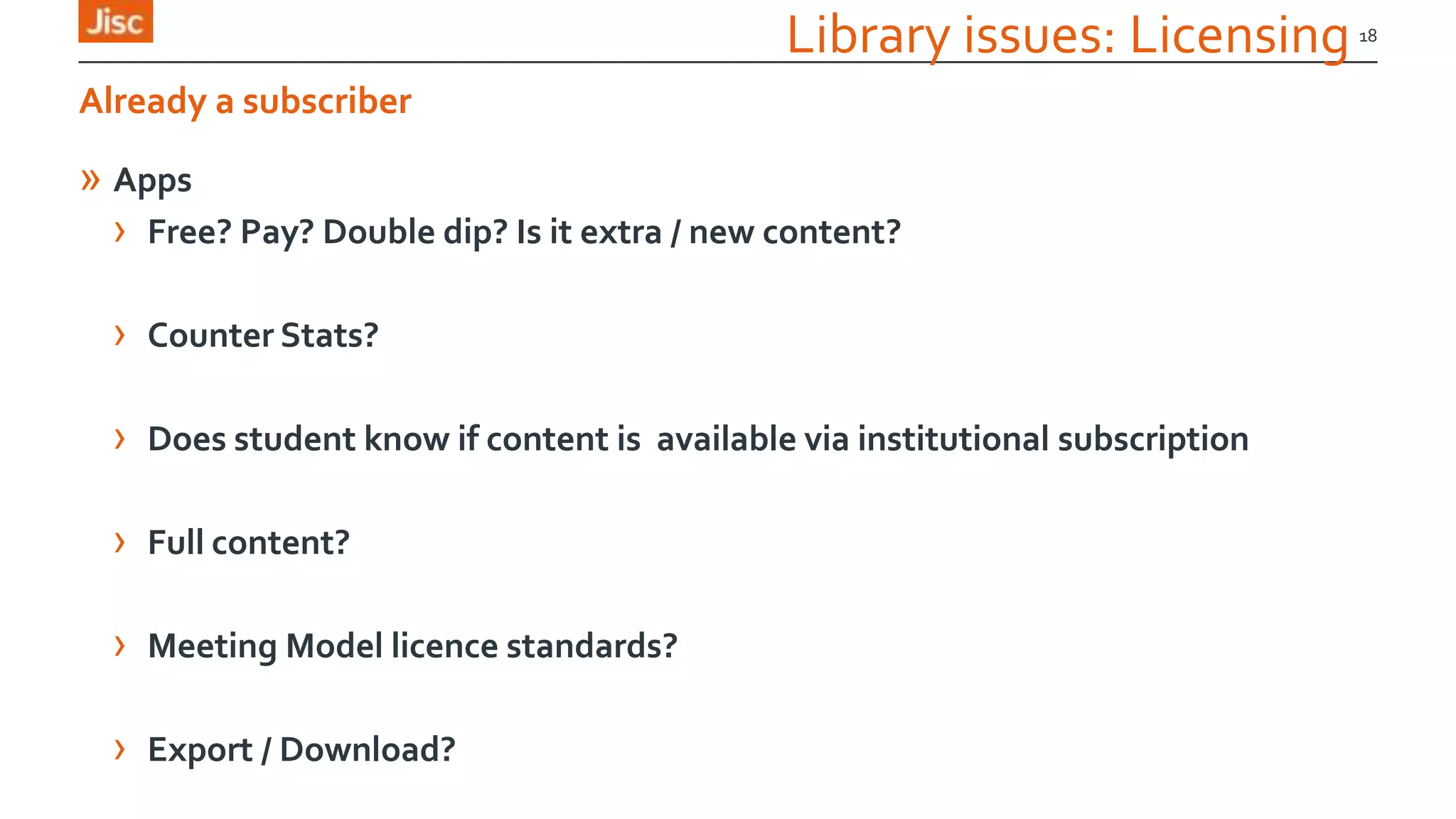
Library issues: Licensing
» Apps
› Free? Pay? Double dip? Is it extra / new content?
› Counter Stats?
› Does student know if content is available via institutional subscription
› Full content?
› Meeting Model licence standards?
› Export / Download?
18
Already a subscriber
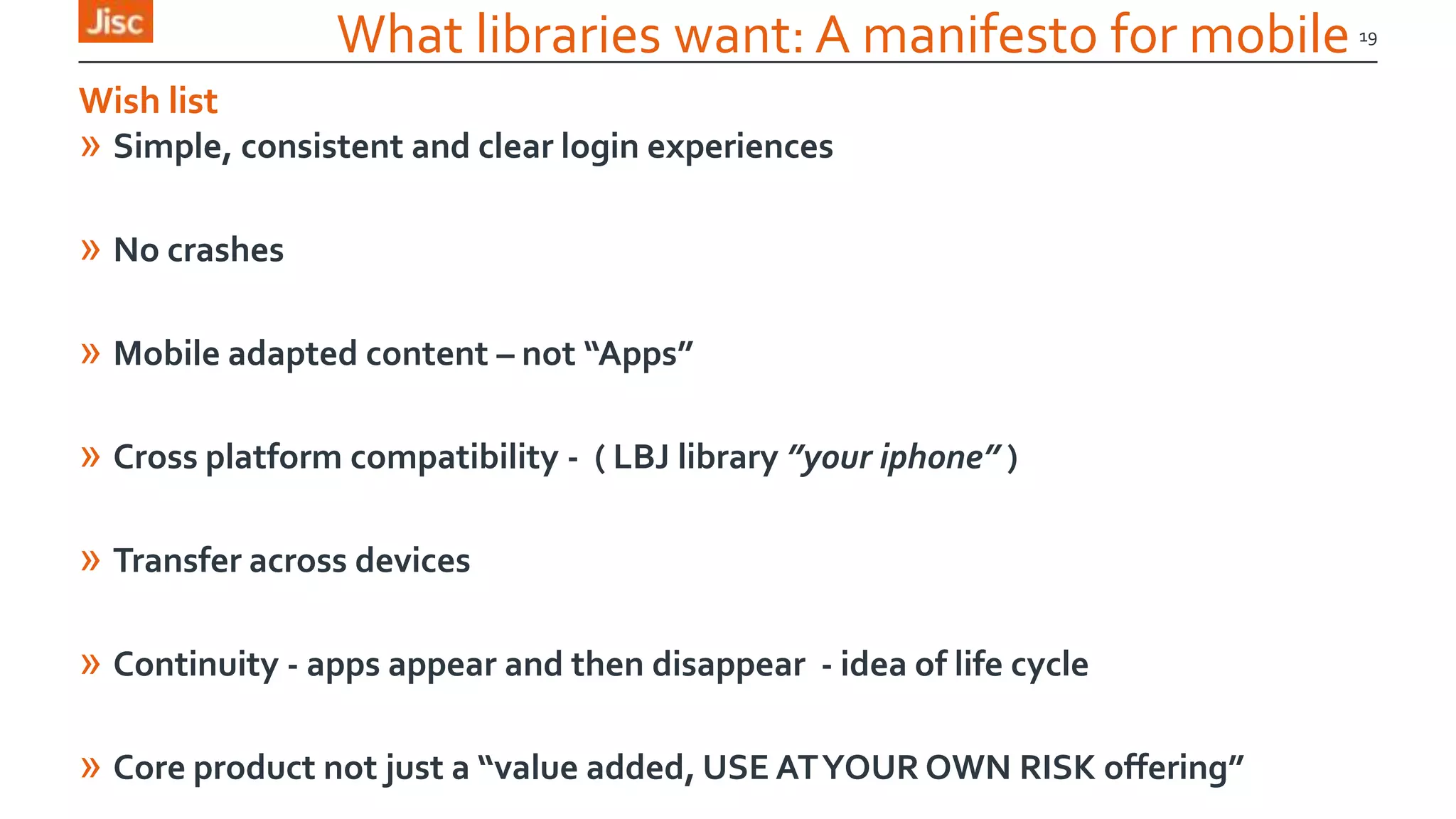
What libraries want: A manifesto for mobile
» Simple, consistent and clear login experiences
» No crashes
» Mobile adapted content – not “Apps”
» Cross platform compatibility - ( LBJ library ”your iphone” )
» Transfer across devices
» Continuity - apps appear and then disappear - idea of life cycle
» Core product not just a “value added, USE ATYOUR OWN RISK offering”
19
Wish list
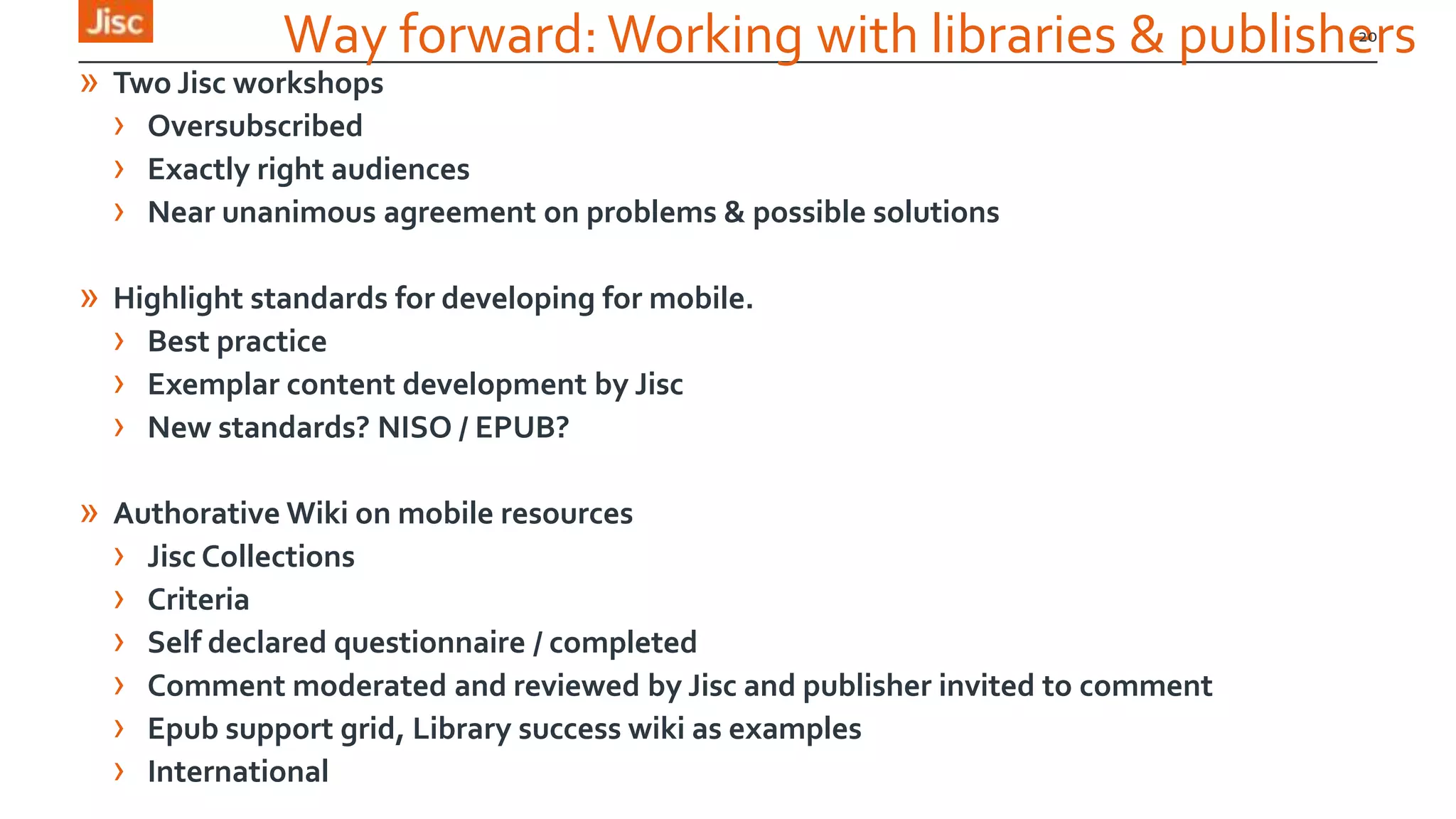
Way forward:Working with libraries & publishers
» Two Jisc workshops
› Oversubscribed
› Exactly right audiences
› Near unanimous agreement on problems & possible solutions
» Highlight standards for developing for mobile.
› Best practice
› Exemplar content development by Jisc
› New standards? NISO / EPUB?
» Authorative Wiki on mobile resources
› Jisc Collections
› Criteria
› Self declared questionnaire / completed
› Comment moderated and reviewed by Jisc and publisher invited to comment
› Epub support grid, Library success wiki as examples
› International
20
21
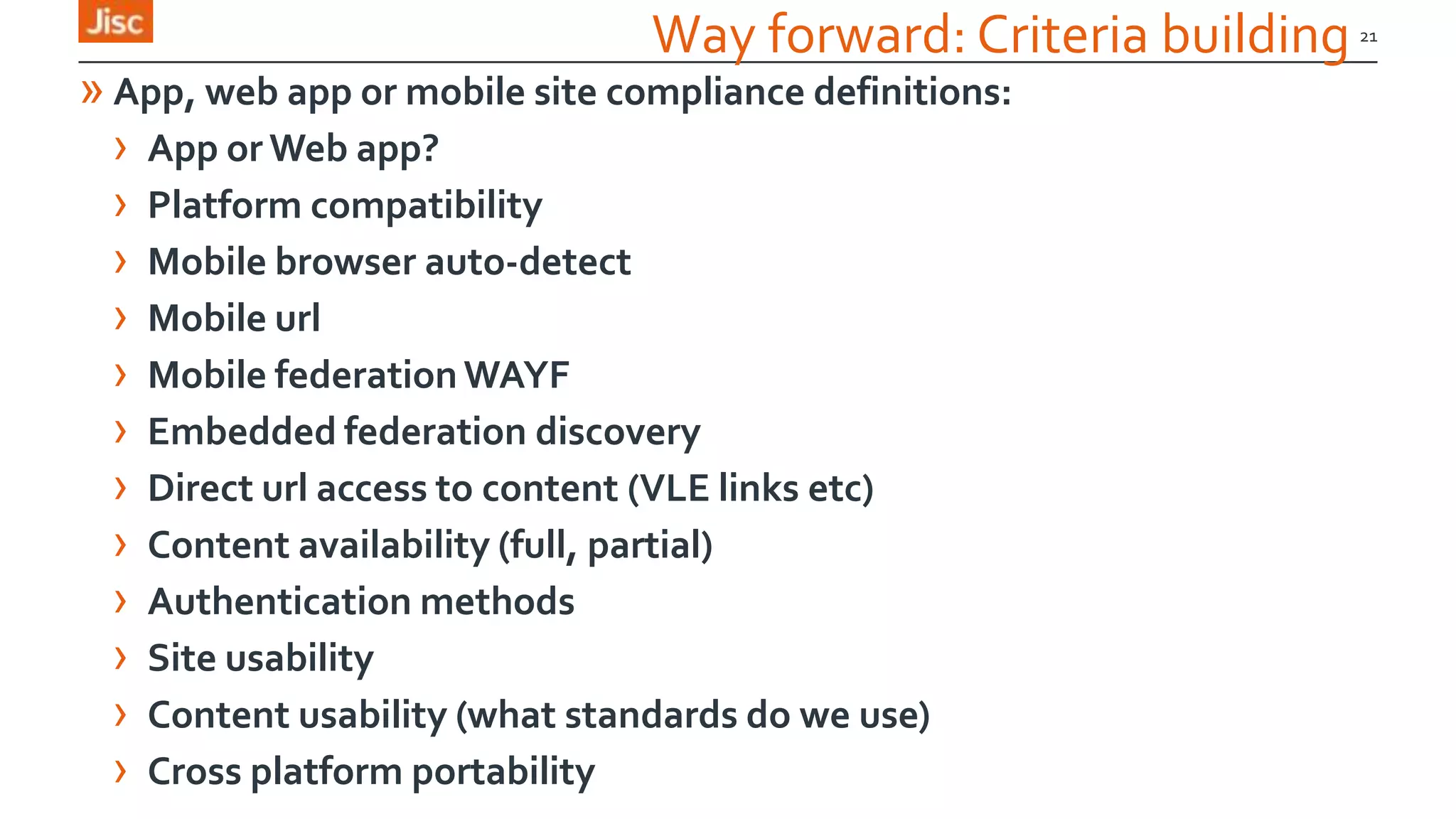
Way forward: Criteria building
» App, web app or mobile site compliance definitions:
› App or Web app?
› Platform compatibility
› Mobile browser auto-detect
› Mobile url
› Mobile federation WAYF
› Embedded federation discovery
› Direct url access to content (VLE links etc)
› Content availability (full, partial)
› Authentication methods
› Site usability
› Content usability (what standards do we use)
› Cross platform portability
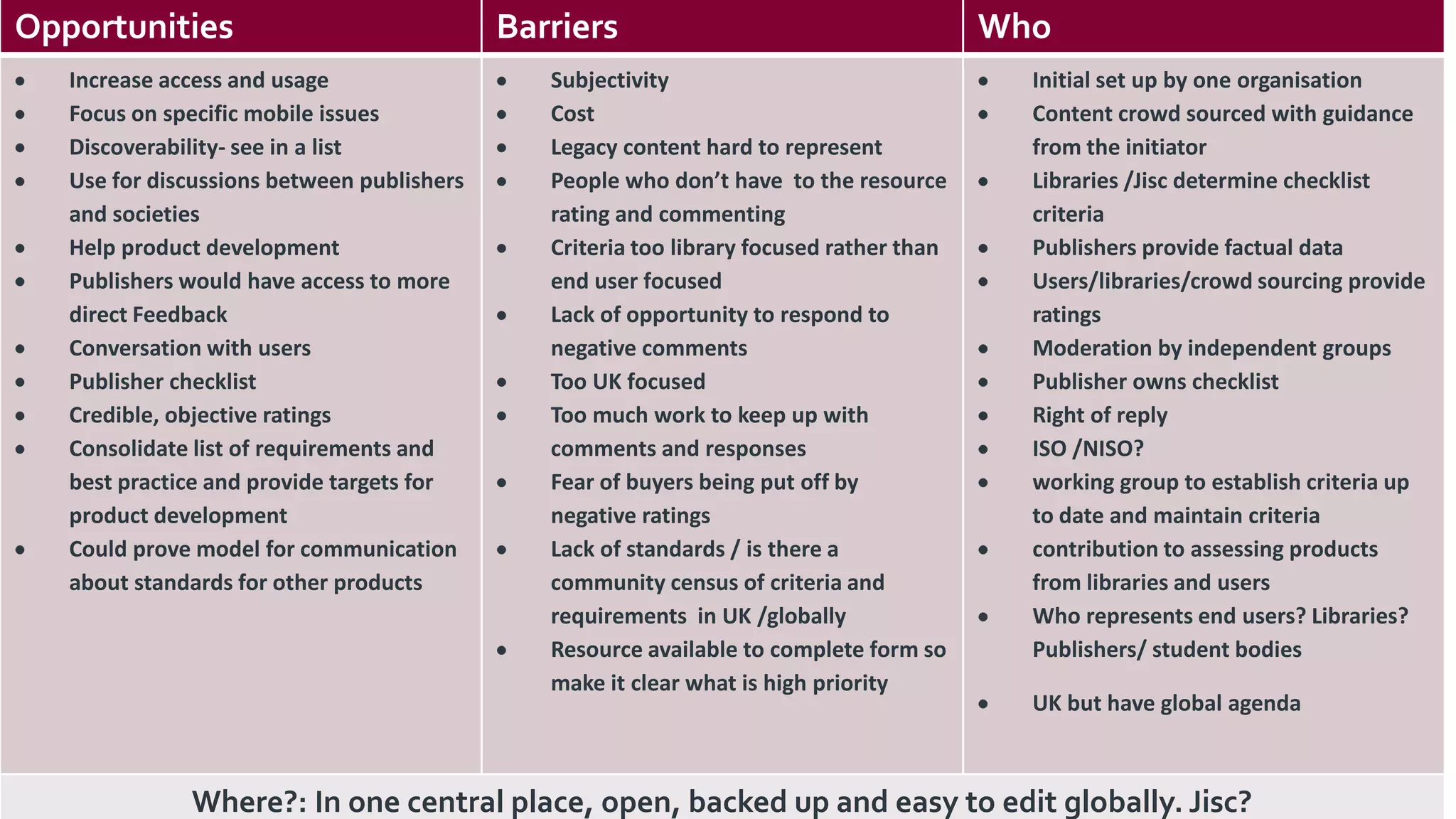
22Opportunities Barriers Who
Increase access and usage
Focus on specific mobile issues
Discoverability- see in a list
Use for discussions between publishers
and societies
Help product development
Publishers would have access to more
direct Feedback
Conversation with users
Publisher checklist
Credible, objective ratings
Consolidate list of requirements and
best practice and provide targets for
product development
Could prove model for communication
about standards for other products
Subjectivity
Cost
Legacy content hard to represent
People who don’t have to the resource
rating and commenting
Criteria too library focused rather than
end user focused
Lack of opportunity to respond to
negative comments
Too UK focused
Too much work to keep up with
comments and responses
Fear of buyers being put off by
negative ratings
Lack of standards / is there a
community census of criteria and
requirements in UK /globally
Resource available to complete form so
make it clear what is high priority
Initial set up by one organisation
Content crowd sourced with guidance
from the initiator
Libraries /Jisc determine checklist
criteria
Publishers provide factual data
Users/libraries/crowd sourcing provide
ratings
Moderation by independent groups
Publisher owns checklist
Right of reply
ISO /NISO?
working group to establish criteria up
to date and maintain criteria
contribution to assessing products
from libraries and users
Who represents end users? Libraries?
Publishers/ student bodies
UK but have global agenda
Where?: In one central place, open, backed up and easy to edit globally. Jisc?
23
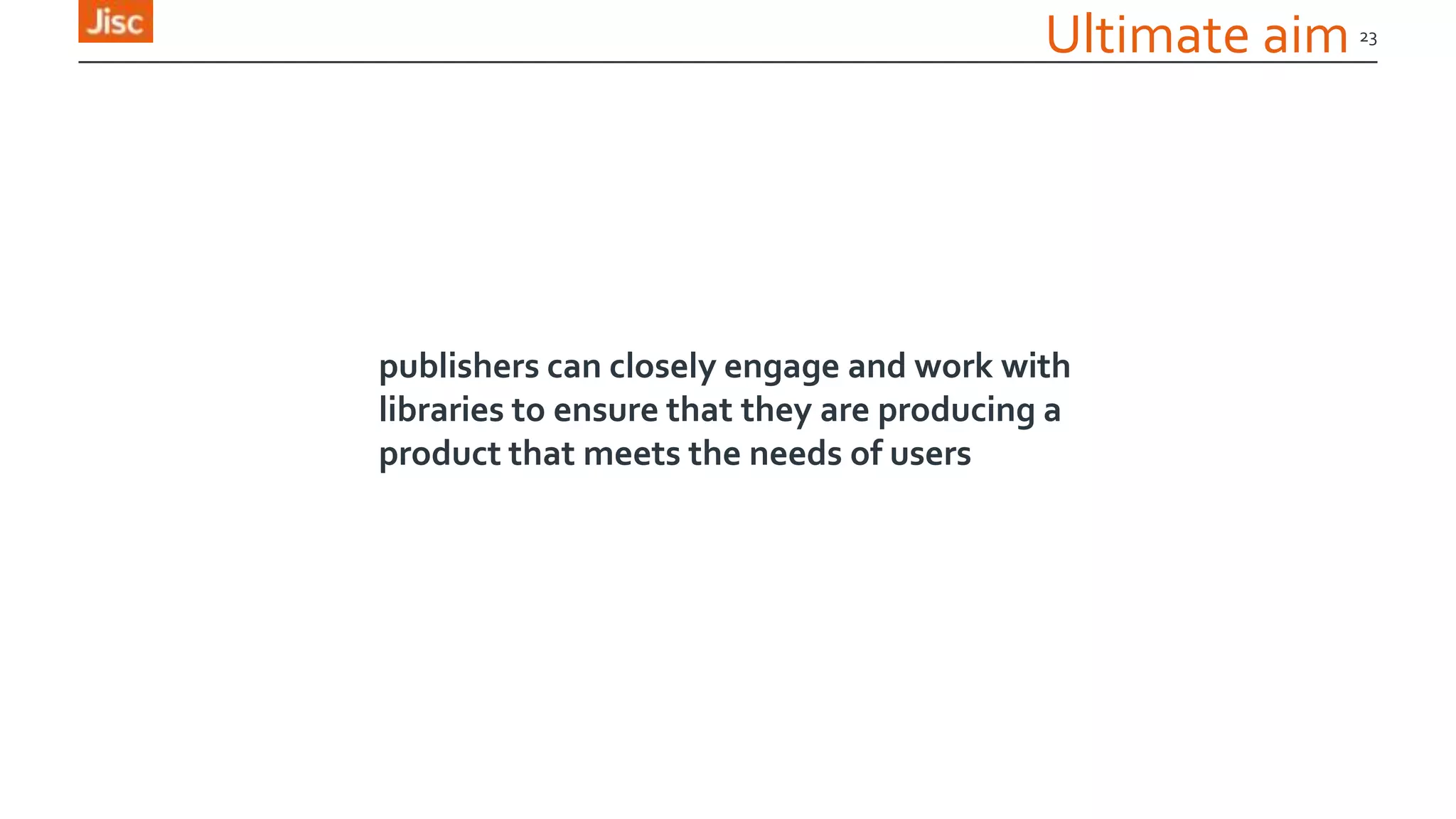
Ultimate aim
publishers can closely engage and work with
libraries to ensure that they are producing a
product that meets the needs of users
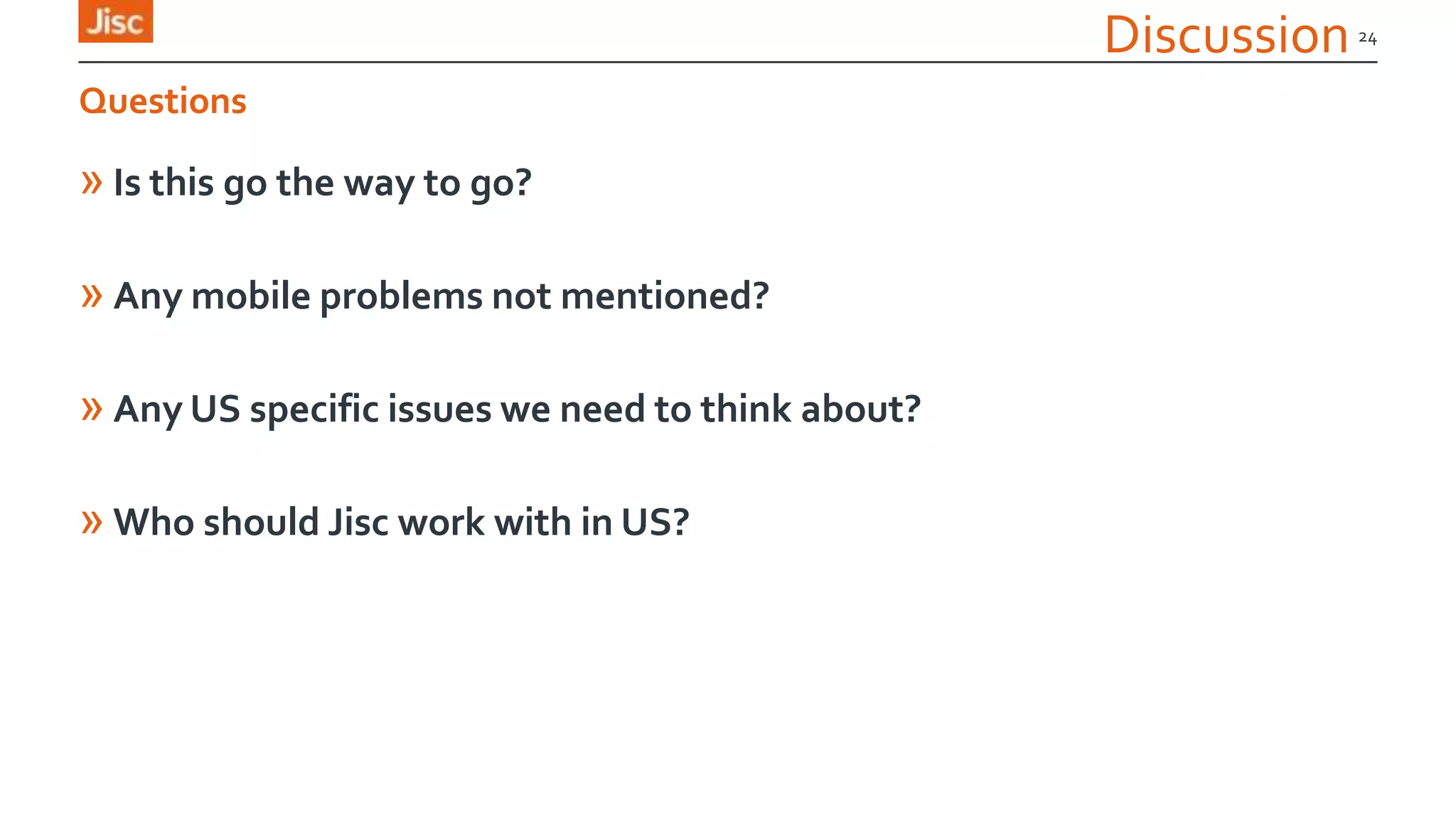
Discussion
» Is this go the way to go?
» Any mobile problems not mentioned?
» Any US specific issues we need to think about?
» Who should Jisc work with in US?
24
Questions

Mobile resource problems: Authentication and usability

  • 1.
    Authentication and usability mark.williams@ja.net UKfederation manager 19/03/2014 Mobile resource problems:
  • 2.
    Mobile resource problems »AboutJisc »The situation »Work done already »The problems »Sector requirements »Solutions 2
  • 3.
    About Jisc »Covers UKHE, Research (and FE, equiv of community college) »National broadband network for education (Janet, UK equiv of Internet 2) »UK access management federation (equiv is InCommon) »Jisc Collections - Central licensing »R&D in library and IT 3
  • 4.
  • 5.
    Links » Jo Alcock,(Jisc M-library community support project), Evidence Base, BirminghamCity University., j.o.alcock@bcu.ac.uk , @joeyanne » Claire Koch, University of Surrey, c.koch@surrey.ac.uk, @claire_joanne » Claire Gravely, University of Surrey, c.graverly@surrey.ac.uk , @library_claire » Keren Mills, (MACON: Mobilising Academic Content Online), OU, @mirya » Ben Showers, Jisc, b.showers@jisc.ac.uk, @benshowers » MarkWilliams, Janet, mark.williams@ja.net 5 Contributors
  • 6.
  • 7.
  • 8.
  • 9.
    The problem » Massivegrowth of the use of mobile devices » Publishers respond to demand for apps » Publishers respond in many different ways » Response breaks existing models of: › Discovery & research pedagogy › Authentication › Application usability › Content usability › Licensing 9 A response to demand
  • 10.
    Library issues: Discovery »Discovery › Following aVLE link › Via a mobile optimised library site › ViaGoogle - “would you like to download an app” › Silosation of content via apps › Mobile – Consumption device or a discovery device 10 Difficult and interfering with the pedagogy
  • 11.
    Library issues: Authentication »Authentication › Federated login (institutional login) - WAYFLESS urls?? › IP - ‘Access via this app is IP only – connect to your campus’  Mobile?? › Activation key (Desktop created or publisher sent) - Often need to be on campus › Facebook, Google etc – Secure? › Device twinning –Time limited and often needs advance warning › The authentication and discovery Mobius strip 11 Inconsistent & confusing
  • 12.
  • 13.
  • 14.
  • 15.
    Library issues: Discovery15 A pity because:
  • 16.
    Library issues: Discovery& authentication » JISC UBIRD study » Users often don’t move onto an alternative authorative resource 16 Results of failure in the ”Discovery to download” phase
  • 17.
    Library issues: Application& content usability » Off line or online access? » Content reflow » Crashing….Redirect links (breaks mobile browsers) » Content or marketing fluff » Loss of library led walled garden – wild west of apps » W3C 17 Poor experience
  • 18.
    Library issues: Licensing »Apps › Free? Pay? Double dip? Is it extra / new content? › Counter Stats? › Does student know if content is available via institutional subscription › Full content? › Meeting Model licence standards? › Export / Download? 18 Already a subscriber
  • 19.
    What libraries want:A manifesto for mobile » Simple, consistent and clear login experiences » No crashes » Mobile adapted content – not “Apps” » Cross platform compatibility - ( LBJ library ”your iphone” ) » Transfer across devices » Continuity - apps appear and then disappear - idea of life cycle » Core product not just a “value added, USE ATYOUR OWN RISK offering” 19 Wish list
  • 20.
    Way forward:Working withlibraries & publishers » Two Jisc workshops › Oversubscribed › Exactly right audiences › Near unanimous agreement on problems & possible solutions » Highlight standards for developing for mobile. › Best practice › Exemplar content development by Jisc › New standards? NISO / EPUB? » Authorative Wiki on mobile resources › Jisc Collections › Criteria › Self declared questionnaire / completed › Comment moderated and reviewed by Jisc and publisher invited to comment › Epub support grid, Library success wiki as examples › International 20
  • 21.
    21 Way forward: Criteriabuilding » App, web app or mobile site compliance definitions: › App or Web app? › Platform compatibility › Mobile browser auto-detect › Mobile url › Mobile federation WAYF › Embedded federation discovery › Direct url access to content (VLE links etc) › Content availability (full, partial) › Authentication methods › Site usability › Content usability (what standards do we use) › Cross platform portability
  • 22.
    22Opportunities Barriers Who Increaseaccess and usage Focus on specific mobile issues Discoverability- see in a list Use for discussions between publishers and societies Help product development Publishers would have access to more direct Feedback Conversation with users Publisher checklist Credible, objective ratings Consolidate list of requirements and best practice and provide targets for product development Could prove model for communication about standards for other products Subjectivity Cost Legacy content hard to represent People who don’t have to the resource rating and commenting Criteria too library focused rather than end user focused Lack of opportunity to respond to negative comments Too UK focused Too much work to keep up with comments and responses Fear of buyers being put off by negative ratings Lack of standards / is there a community census of criteria and requirements in UK /globally Resource available to complete form so make it clear what is high priority Initial set up by one organisation Content crowd sourced with guidance from the initiator Libraries /Jisc determine checklist criteria Publishers provide factual data Users/libraries/crowd sourcing provide ratings Moderation by independent groups Publisher owns checklist Right of reply ISO /NISO? working group to establish criteria up to date and maintain criteria contribution to assessing products from libraries and users Who represents end users? Libraries? Publishers/ student bodies UK but have global agenda Where?: In one central place, open, backed up and easy to edit globally. Jisc?
  • 23.
    23 Ultimate aim publishers canclosely engage and work with libraries to ensure that they are producing a product that meets the needs of users
  • 24.
    Discussion » Is thisgo the way to go? » Any mobile problems not mentioned? » Any US specific issues we need to think about? » Who should Jisc work with in US? 24 Questions

Editor's Notes

  • #2 Go to ‘View’ menu > ‘Header and Footer…’ to edit the footers on this slide (click ‘Apply’ to change only the currently selected slide, or ‘Apply to All’ to change the footers on all slides).To change the image on this slide:Click once on the image to select it, and then delete itDrag a replacement picture to the placeholder or click the icon in the centre of the placeholder to browse for & add another imageOnce you have added your replacement image, you may need to put it into the background so that it doesn’t cover other items on the slide. Do this by right-clicking on the new image and choosing ‘Arrange’ > ‘Send to Back’ from the contextual menu
  • #3 Go to ‘View’ menu > ‘Header and Footer…’ to edit the footers on this slide (click ‘Apply’ to change only the currently selected slide, or ‘Apply to All’ to change the footers on all slides).
  • #4 Go to ‘View’ menu > ‘Header and Footer…’ to edit the footers on this slide (click ‘Apply’ to change only the currently selected slide, or ‘Apply to All’ to change the footers on all slides).
  • #6 Go to ‘View’ menu > ‘Header and Footer…’ to edit the footers on this slide (click ‘Apply’ to change only the currently selected slide, or ‘Apply to All’ to change the footers on all slides).
  • #7 Go to ‘View’ menu > ‘Header and Footer…’ to edit the footers on this slide (click ‘Apply’ to change only the currently selected slide, or ‘Apply to All’ to change the footers on all slides).To change the image on this slide:Click once on the image to select it, and then delete itDrag a replacement picture to the placeholder or click the icon in the centre of the placeholder to browse for & add another imageOnce you have added your replacement image, you may need to put it into the background so that it doesn’t cover other items on the slide. Do this by right-clicking on the new image and choosing ‘Arrange’ > ‘Send to Back’ from the contextual menu
  • #8 Go to ‘View’ menu > ‘Header and Footer…’ to edit the footers on this slide (click ‘Apply’ to change only the currently selected slide, or ‘Apply to All’ to change the footers on all slides).To change the image on this slide:Click once on the image to select it, and then delete itDrag a replacement picture to the placeholder or click the icon in the centre of the placeholder to browse for & add another imageOnce you have added your replacement image, you may need to put it into the background so that it doesn’t cover other items on the slide. Do this by right-clicking on the new image and choosing ‘Arrange’ > ‘Send to Back’ from the contextual menu
  • #9 Go to ‘View’ menu > ‘Header and Footer…’ to edit the footers on this slide (click ‘Apply’ to change only the currently selected slide, or ‘Apply to All’ to change the footers on all slides).To change the image on this slide:Click once on the image to select it, and then delete itDrag a replacement picture to the placeholder or click the icon in the centre of the placeholder to browse for & add another imageOnce you have added your replacement image, you may need to put it into the background so that it doesn’t cover other items on the slide. Do this by right-clicking on the new image and choosing ‘Arrange’ > ‘Send to Back’ from the contextual menu
  • #10 Go to ‘View’ menu > ‘Header and Footer…’ to edit the footers on this slide (click ‘Apply’ to change only the currently selected slide, or ‘Apply to All’ to change the footers on all slides).
  • #11 Go to ‘View’ menu > ‘Header and Footer…’ to edit the footers on this slide (click ‘Apply’ to change only the currently selected slide, or ‘Apply to All’ to change the footers on all slides).
  • #12 Go to ‘View’ menu > ‘Header and Footer…’ to edit the footers on this slide (click ‘Apply’ to change only the currently selected slide, or ‘Apply to All’ to change the footers on all slides).
  • #13 Go to ‘View’ menu > ‘Header and Footer…’ to edit the footers on this slide (click ‘Apply’ to change only the currently selected slide, or ‘Apply to All’ to change the footers on all slides).
  • #14 Go to ‘View’ menu > ‘Header and Footer…’ to edit the footers on this slide (click ‘Apply’ to change only the currently selected slide, or ‘Apply to All’ to change the footers on all slides).
  • #15 Go to ‘View’ menu > ‘Header and Footer…’ to edit the footers on this slide (click ‘Apply’ to change only the currently selected slide, or ‘Apply to All’ to change the footers on all slides).
  • #16 Go to ‘View’ menu > ‘Header and Footer…’ to edit the footers on this slide (click ‘Apply’ to change only the currently selected slide, or ‘Apply to All’ to change the footers on all slides).
  • #17 Go to ‘View’ menu > ‘Header and Footer…’ to edit the footers on this slide (click ‘Apply’ to change only the currently selected slide, or ‘Apply to All’ to change the footers on all slides).
  • #18 Go to ‘View’ menu > ‘Header and Footer…’ to edit the footers on this slide (click ‘Apply’ to change only the currently selected slide, or ‘Apply to All’ to change the footers on all slides).
  • #19 Go to ‘View’ menu > ‘Header and Footer…’ to edit the footers on this slide (click ‘Apply’ to change only the currently selected slide, or ‘Apply to All’ to change the footers on all slides).
  • #20 Go to ‘View’ menu > ‘Header and Footer…’ to edit the footers on this slide (click ‘Apply’ to change only the currently selected slide, or ‘Apply to All’ to change the footers on all slides).
  • #21 Go to ‘View’ menu > ‘Header and Footer…’ to edit the footers on this slide (click ‘Apply’ to change only the currently selected slide, or ‘Apply to All’ to change the footers on all slides).
  • #23 Go to ‘View’ menu > ‘Header and Footer…’ to edit the footers on this slide (click ‘Apply’ to change only the currently selected slide, or ‘Apply to All’ to change the footers on all slides).To change the image on this slide:Click once on the image to select it, and then delete itDrag a replacement picture to the placeholder or click the icon in the centre of the placeholder to browse for & add another imageOnce you have added your replacement image, you may need to put it into the background so that it doesn’t cover other items on the slide. Do this by right-clicking on the new image and choosing ‘Arrange’ > ‘Send to Back’ from the contextual menu
  • #24 Go to ‘View’ menu > ‘Header and Footer…’ to edit the footers on this slide (click ‘Apply’ to change only the currently selected slide, or ‘Apply to All’ to change the footers on all slides).To change the image on this slide:Click once on the image to select it, and then delete itDrag a replacement picture to the placeholder or click the icon in the centre of the placeholder to browse for & add another imageOnce you have added your replacement image, you may need to put it into the background so that it doesn’t cover other items on the slide. Do this by right-clicking on the new image and choosing ‘Arrange’ > ‘Send to Back’ from the contextual menu
  • #25 Go to ‘View’ menu > ‘Header and Footer…’ to edit the footers on this slide (click ‘Apply’ to change only the currently selected slide, or ‘Apply to All’ to change the footers on all slides).