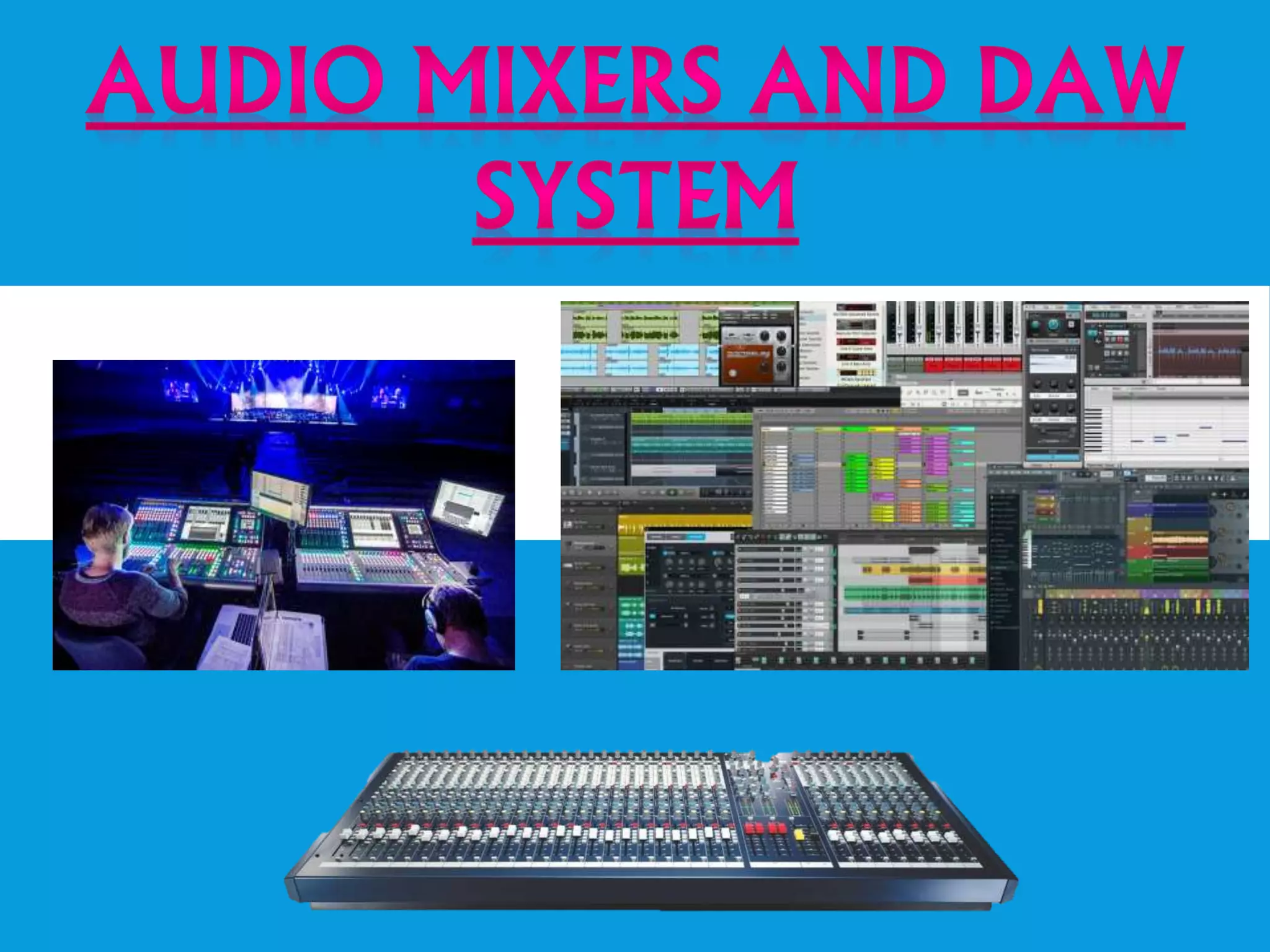
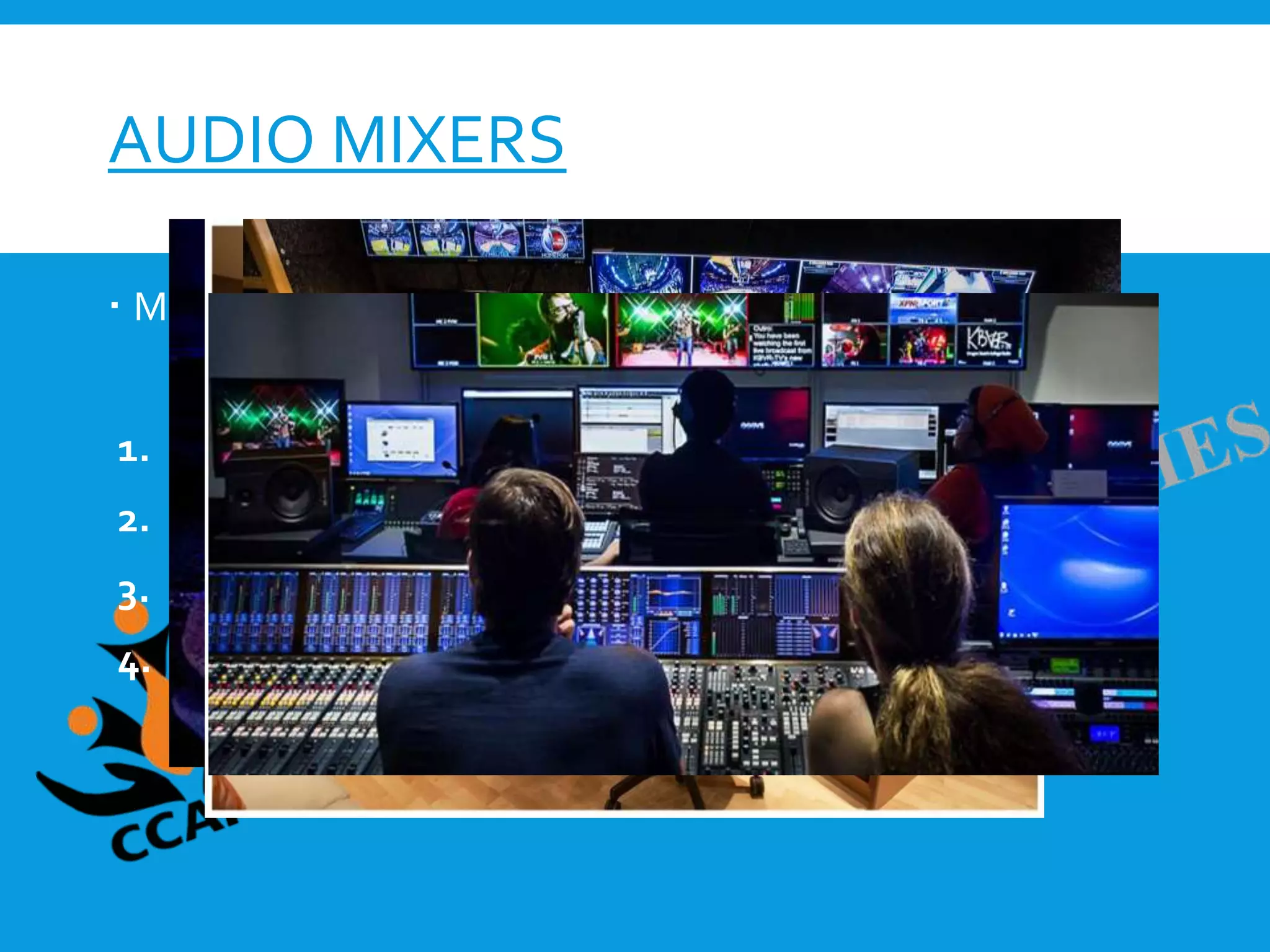
AUDIO MIXERS
 Mixers are primarily used in four types of environments:
1. live (at a concert)
2. in a recording studio
3. for broadcast audio
4. film/television
THERE ARETWO BUILDS OF MIXERS:
In-line
An in-line mixer means there are two paths per channel.
 Split monitor
A split monitor console has one path per channel. Each
channel can be used to either send or receive sound to or
from a DAW.
An audio mixer may also be referred to as a console , desk , or board. All three
of these terms are synonyms with “mixer.”
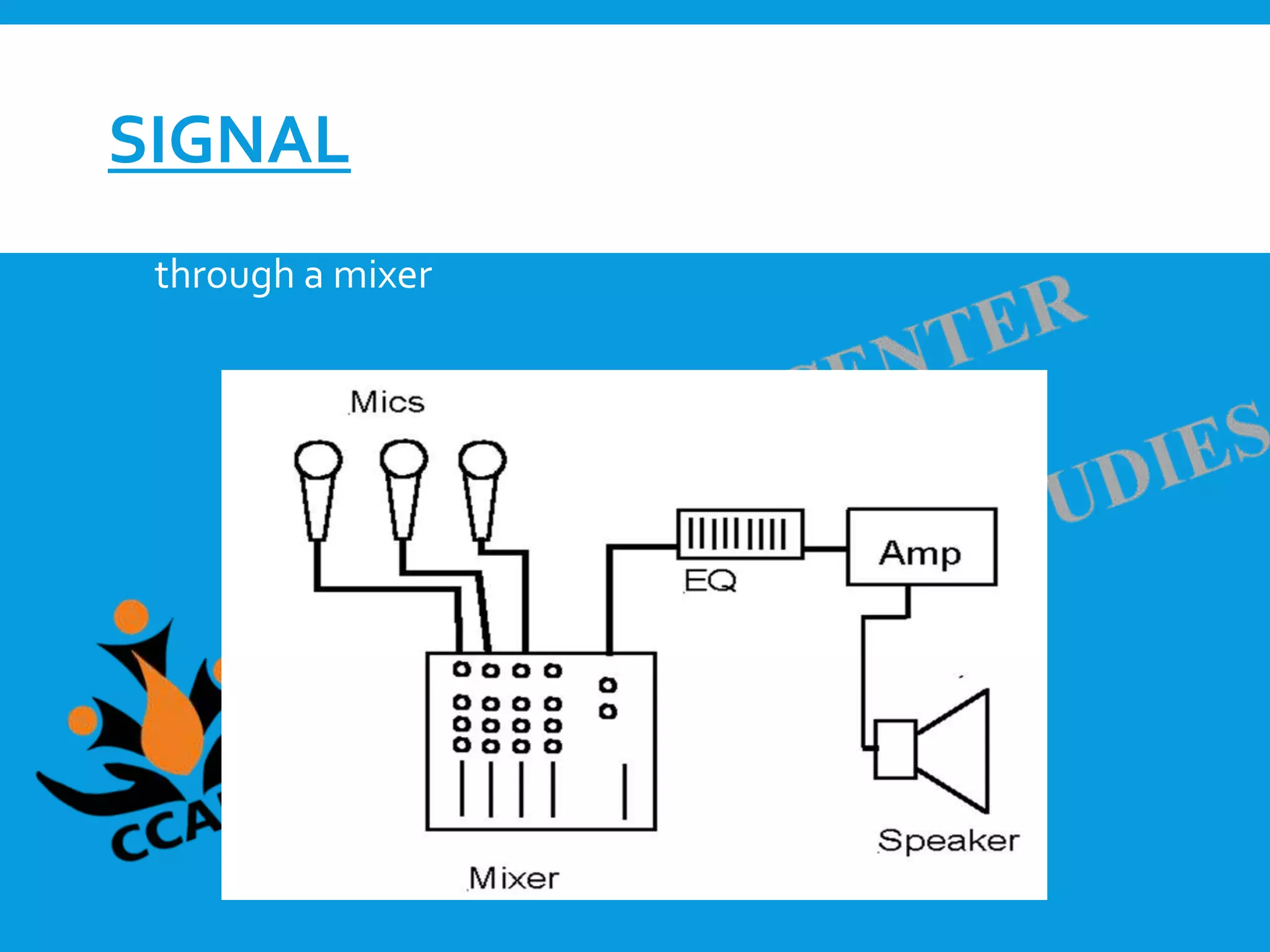
SIGNAL
 Signal is the generalized term for any audio passing
through a mixer
PARTS OF A CHANNEL
 Input Section
The input area of the channel strip may accept any or all of the
levels of signal.
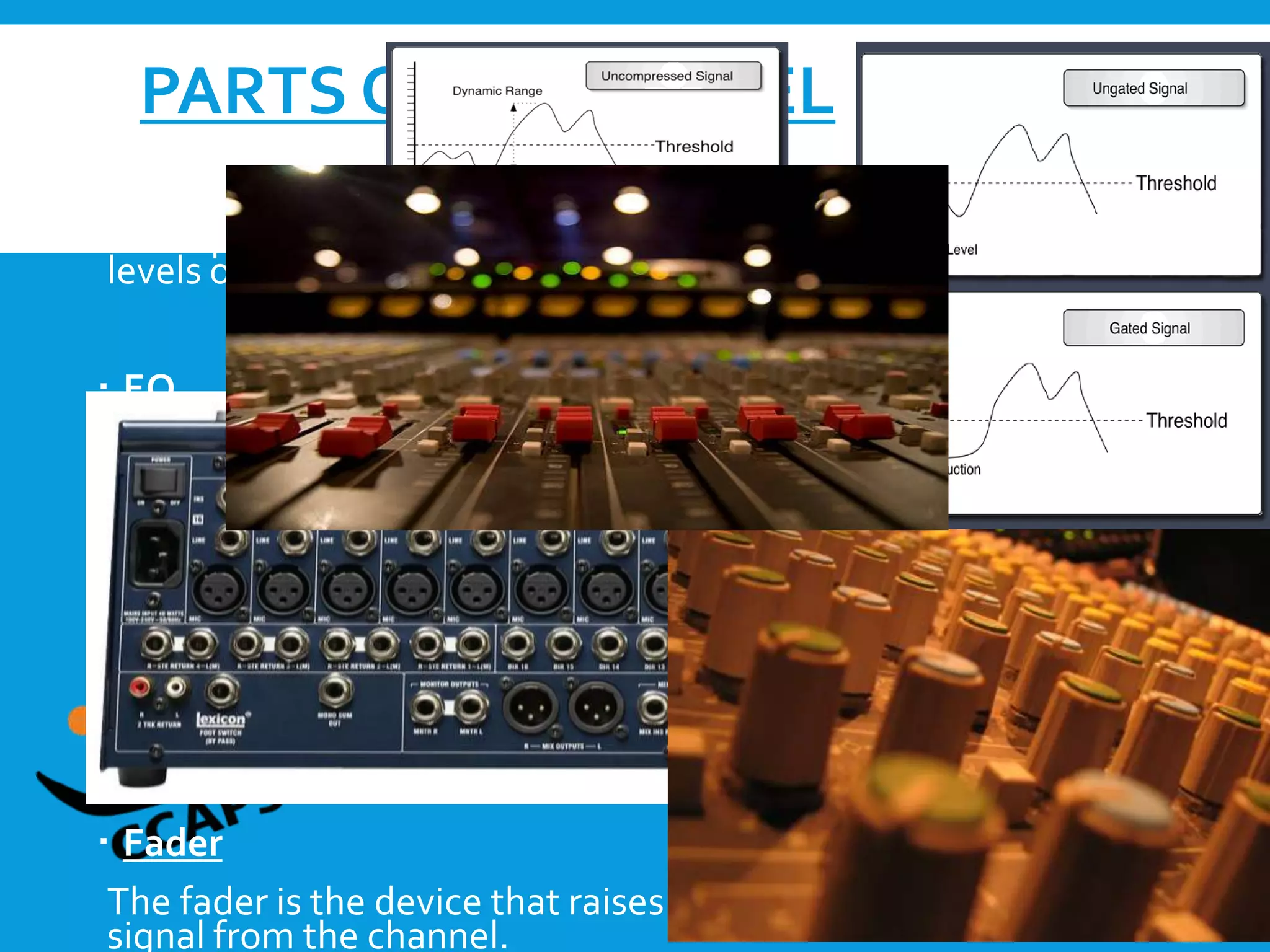
 EQ
The amount of flexibility and precision of frequencies can be
adjusted in the EQ.
 Dynamics
High-end mixers commonly have a “Dynamics” area, either on
each channel or in the master section. Common dynamic effects
included in this area are compressors and gates
 Fader
The fader is the device that raises or lowers the amount of audible
signal from the channel.
 Group Faders
Group faders on an audio mixer are used to control multiple
channel faders at once
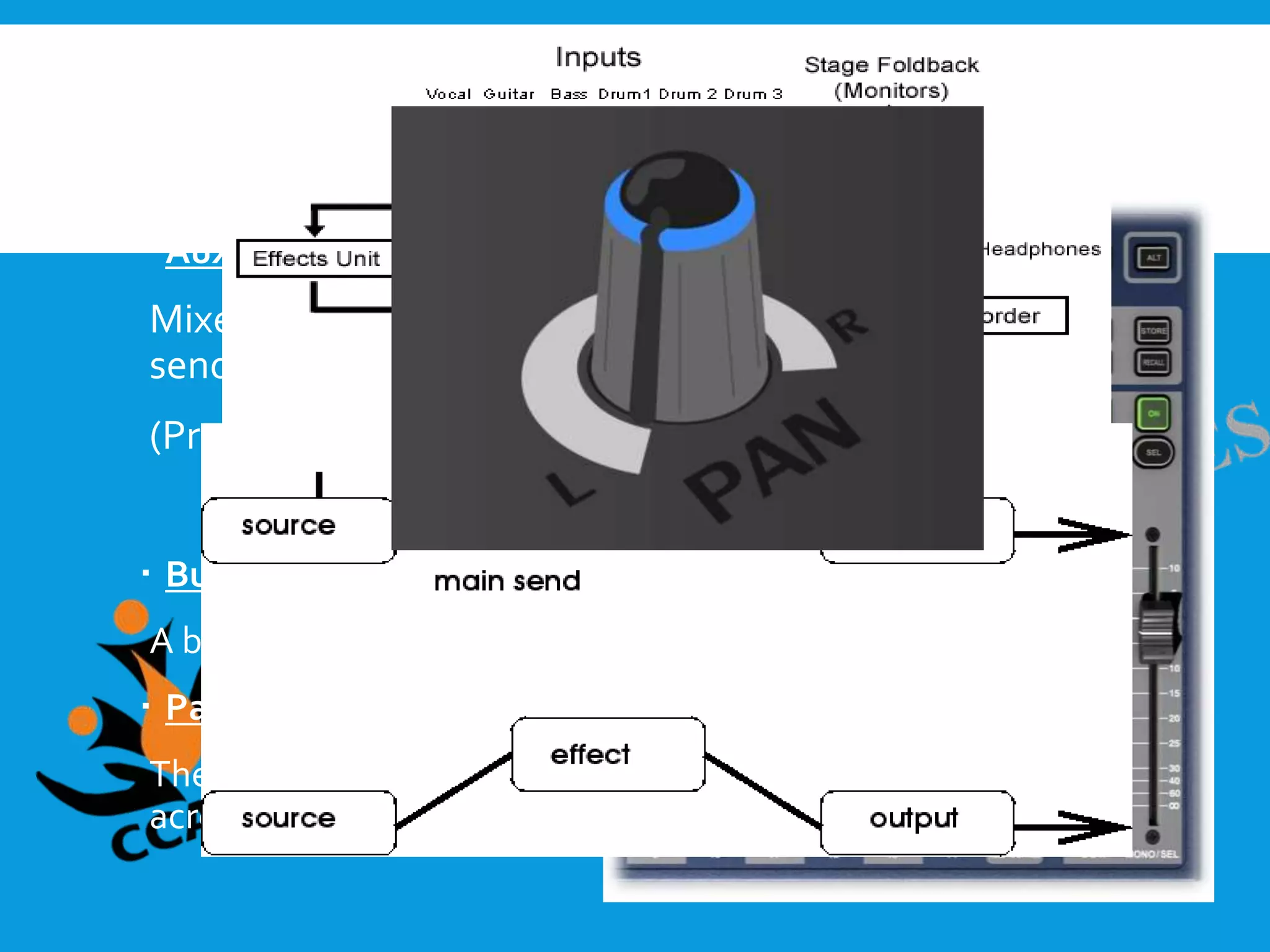
 Auxes
Mixers have a dedicated area for auxiliaries (auxes) used to
send a copy of the channel’s signal to another destination
(Pre fader & Post fader)
 Bus Assignment
A bus is no more than a path on which signal can travel
 Pan
The purpose of the pan, is to pan a channel’s signal left or right
across the stereo bus
 The Master Section
The master section provides areas for global adjustments to
the channels or modes of the console.
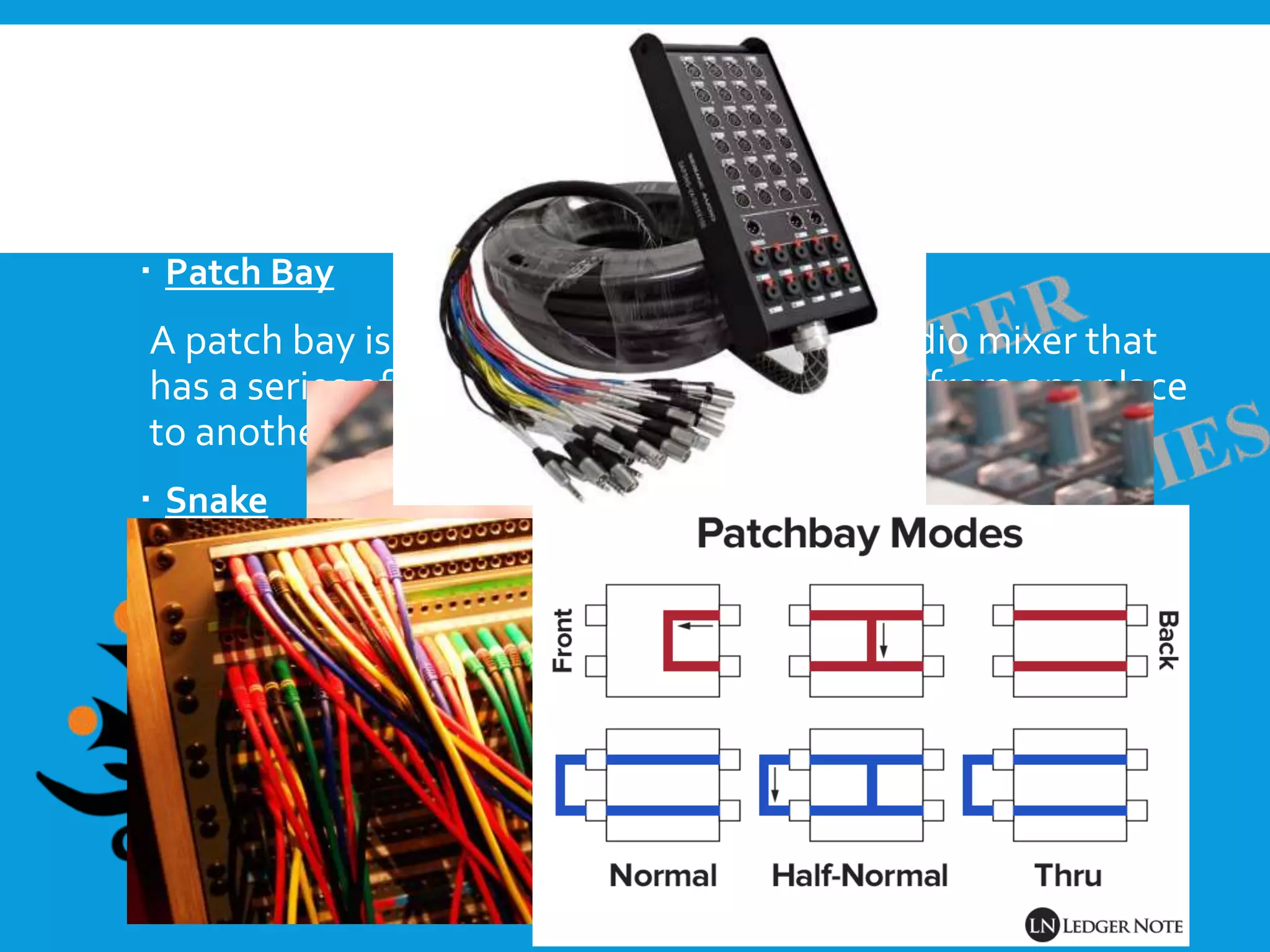
 Patch Bay
A patch bay is a device located next to an audio mixer that
has a series of jacks meant for moving signal from one place
to another on the console
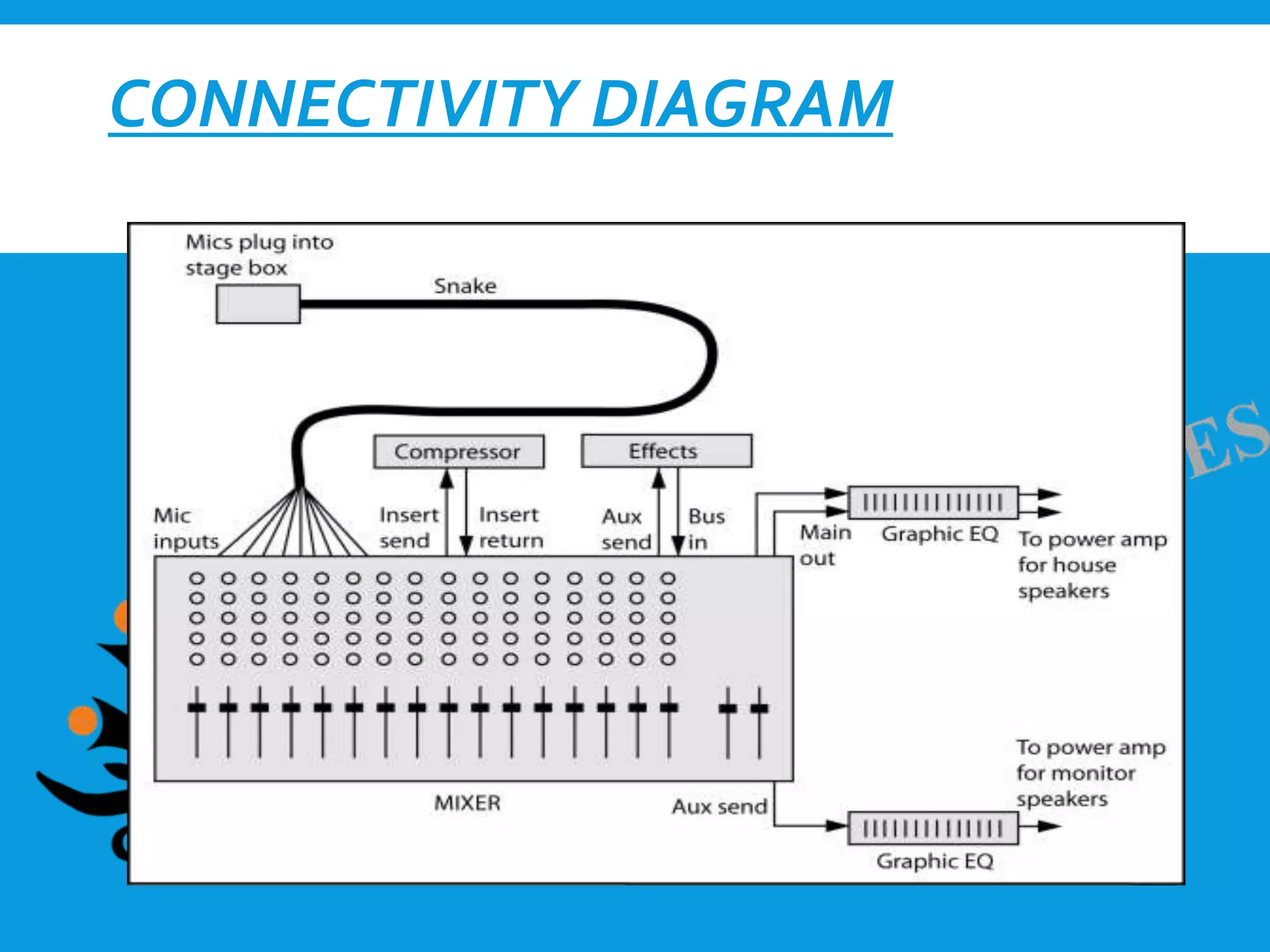
 Snake
Audio snakes are long cables that run from your stage to
your soundboard.
CONNECTIVITY DIAGRAM
FEATURES
 Phantom Power
A Phantom power button is present on each channel of
most every mixer.
 Polarity
A button on most mid-level and high-end mixers is a
polarity flip, commonly using the Ø symbol. Flipping the
polarity on a channel changes the phase relationship.
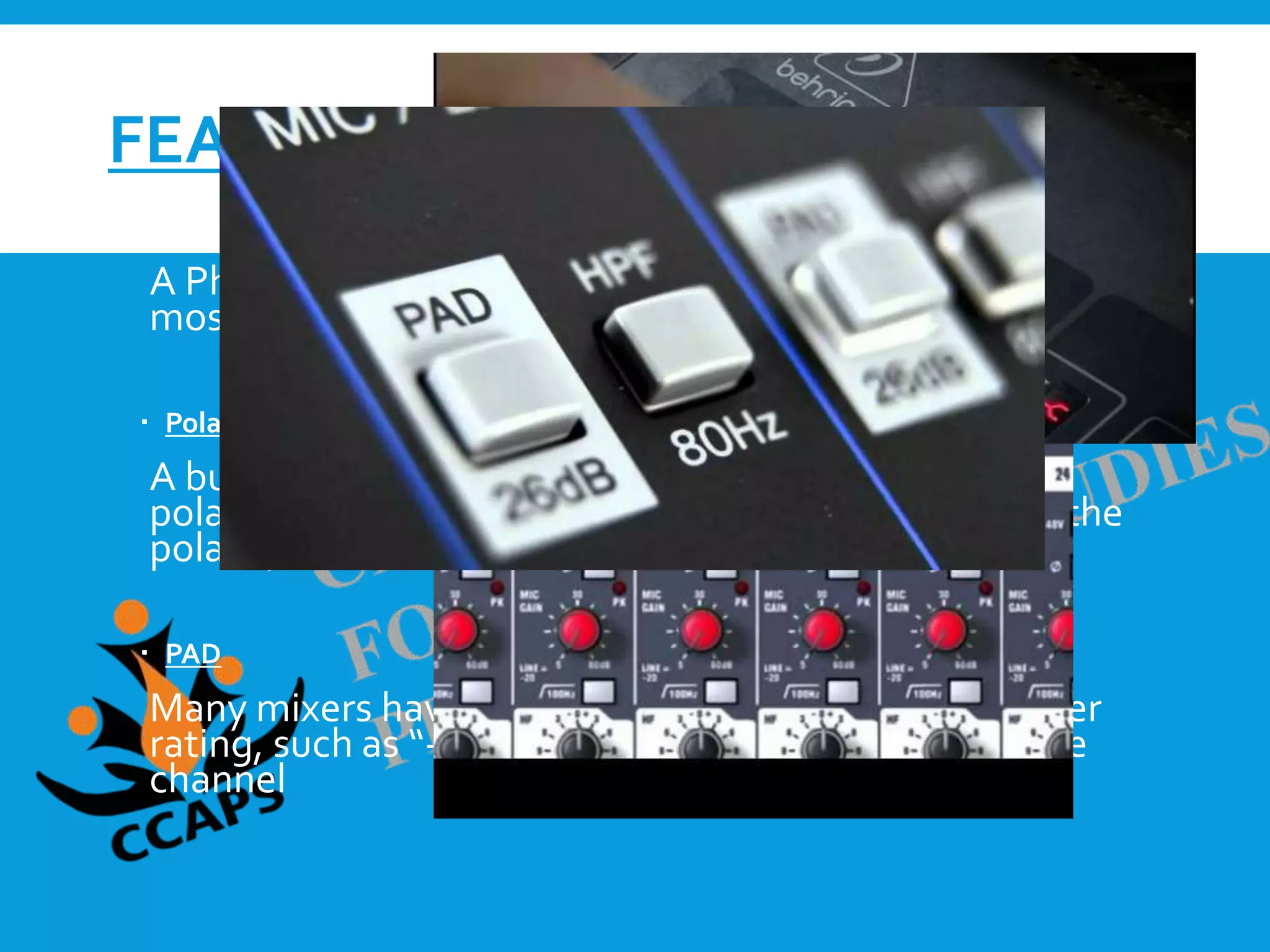
 PAD
Many mixers have a button labeled only with a number
rating, such as “-10” or “-10dB.”This is the PAD for the
channel
 Filter
High-pass filters are available as a button on the channels of
most mixers. Moderate and high-end consoles typically
have a numerical value next to the symbol.The numerical
value represents the frequency at which the filter begins.
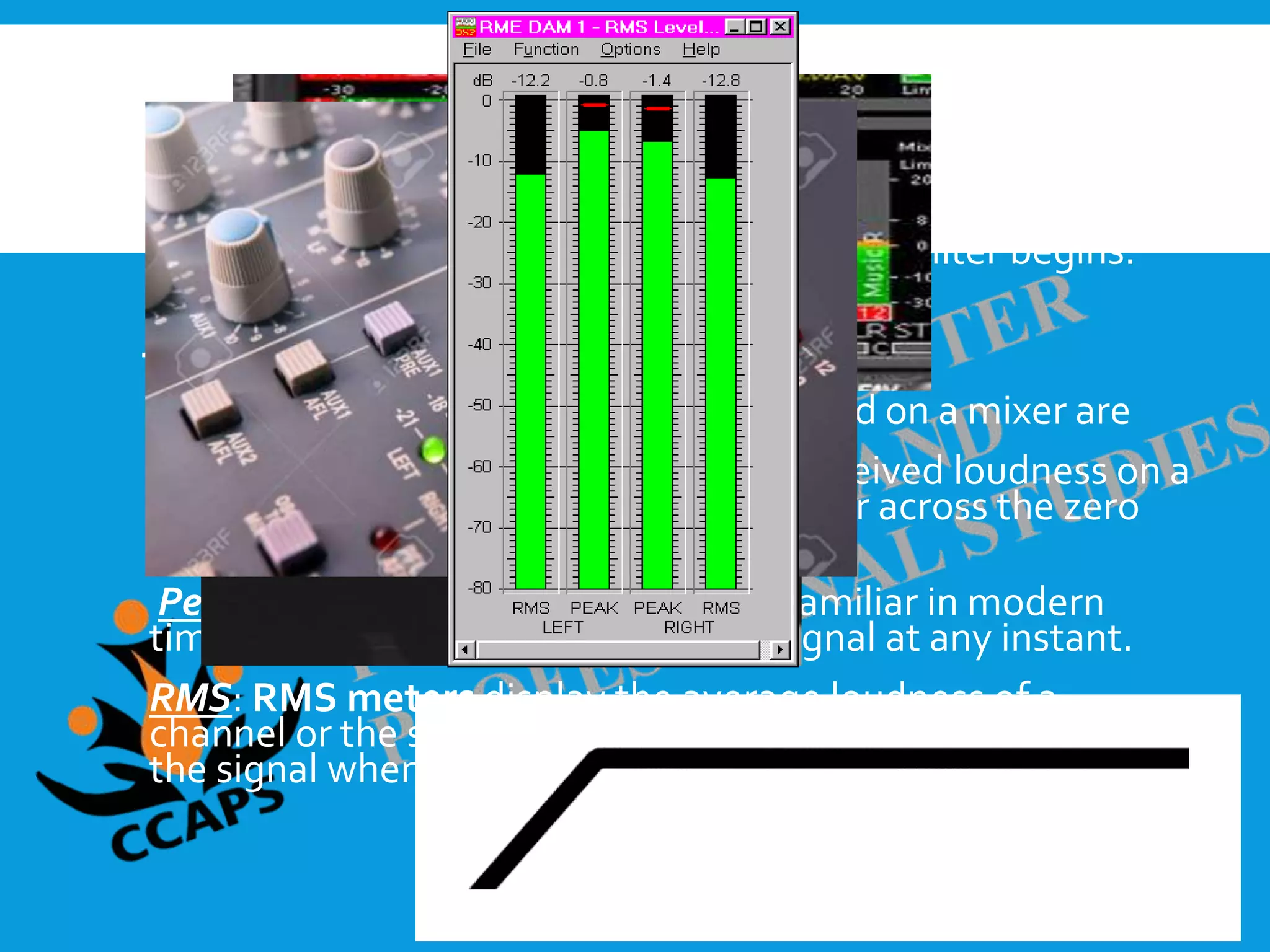
 Meters
Three common meters that may be found on a mixer are
VU : VU meters display the level of perceived loudness on a
channel or the stereo bus, with signals far across the zero
point likely to distort.
Peak: Peak meters, which are most familiar in modern
times, indicate the loudest part of a signal at any instant.
RMS: RMS meters display the average loudness of a
channel or the stereo bus, indicating the dynamic range of
the signal when compared to the zero point.
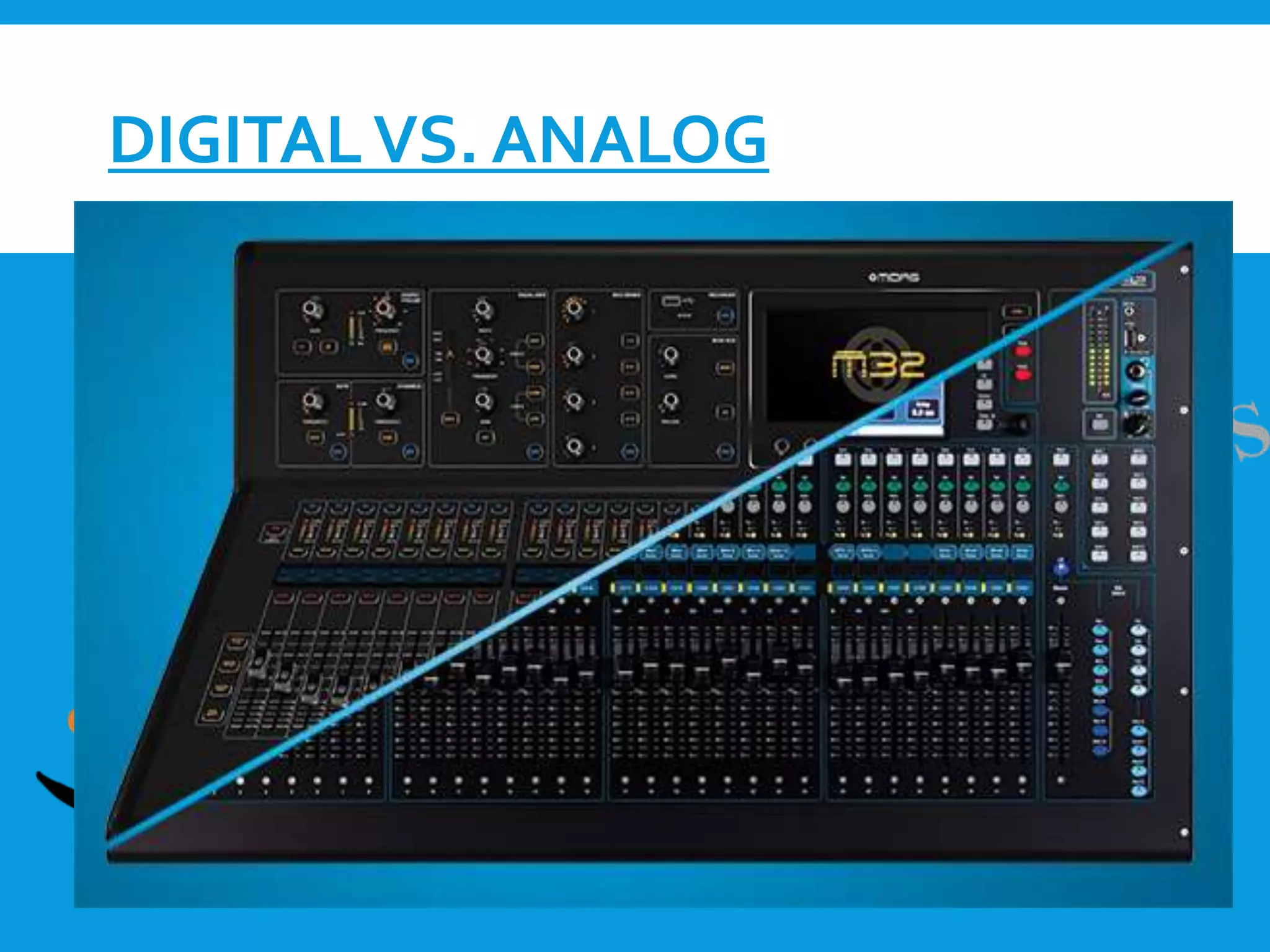
DIGITALVS. ANALOG
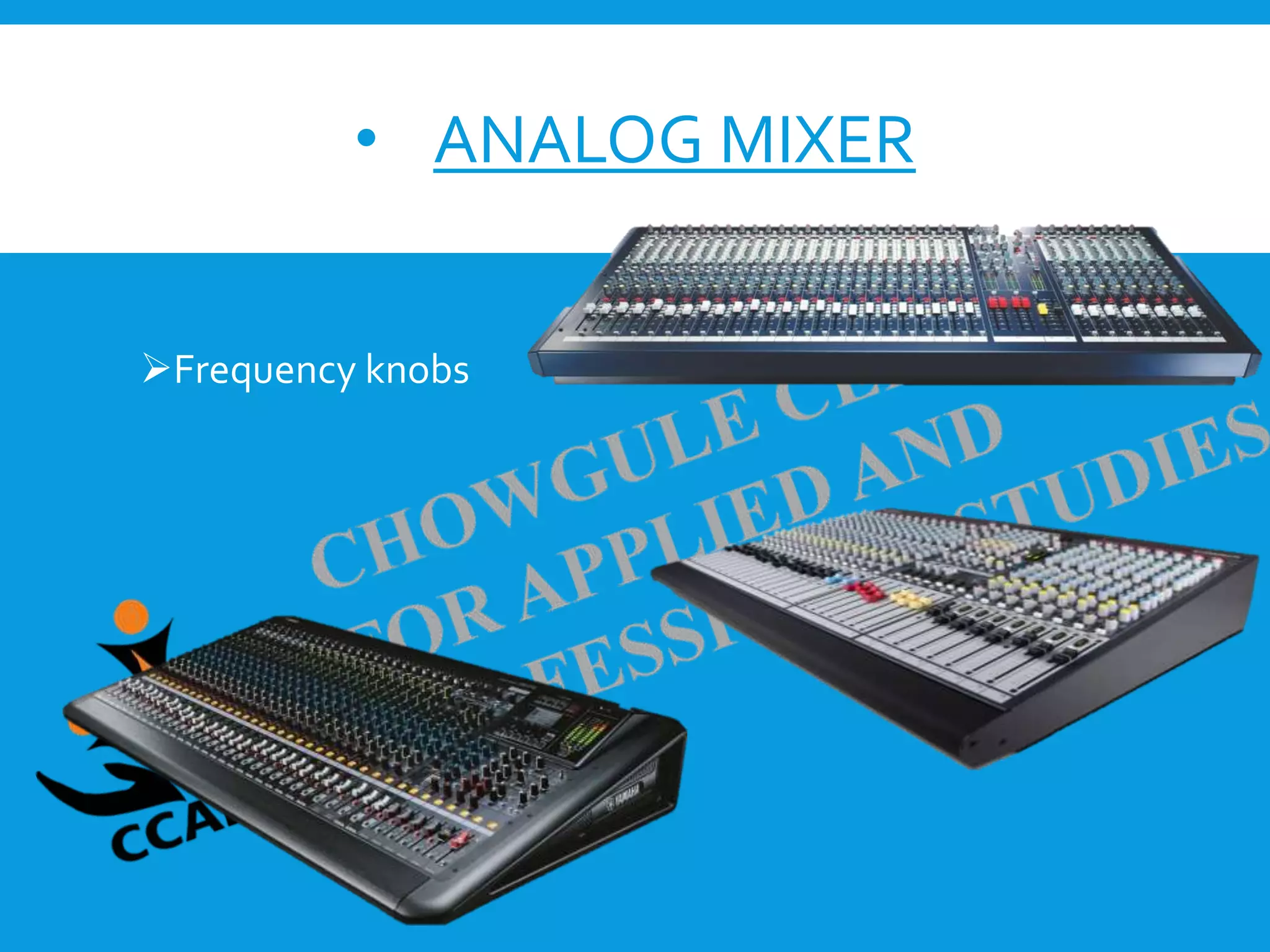
• ANALOG MIXER
Basic eq settings
Frequency knobs
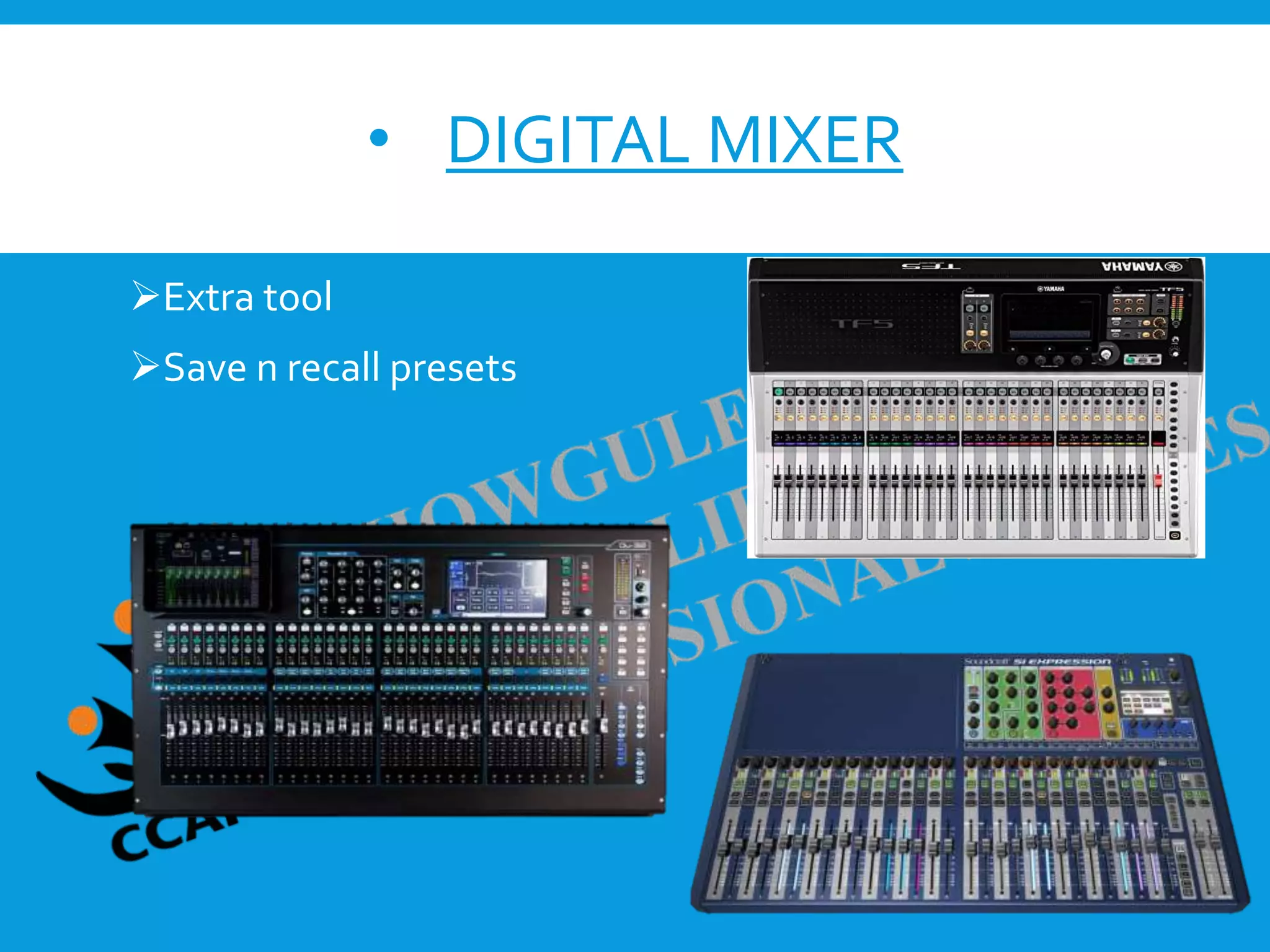
• DIGITAL MIXER
Fine tuning
Extra tool
Save n recall presets
DIGITAL AUDIO WORKSTATION
(DAW)
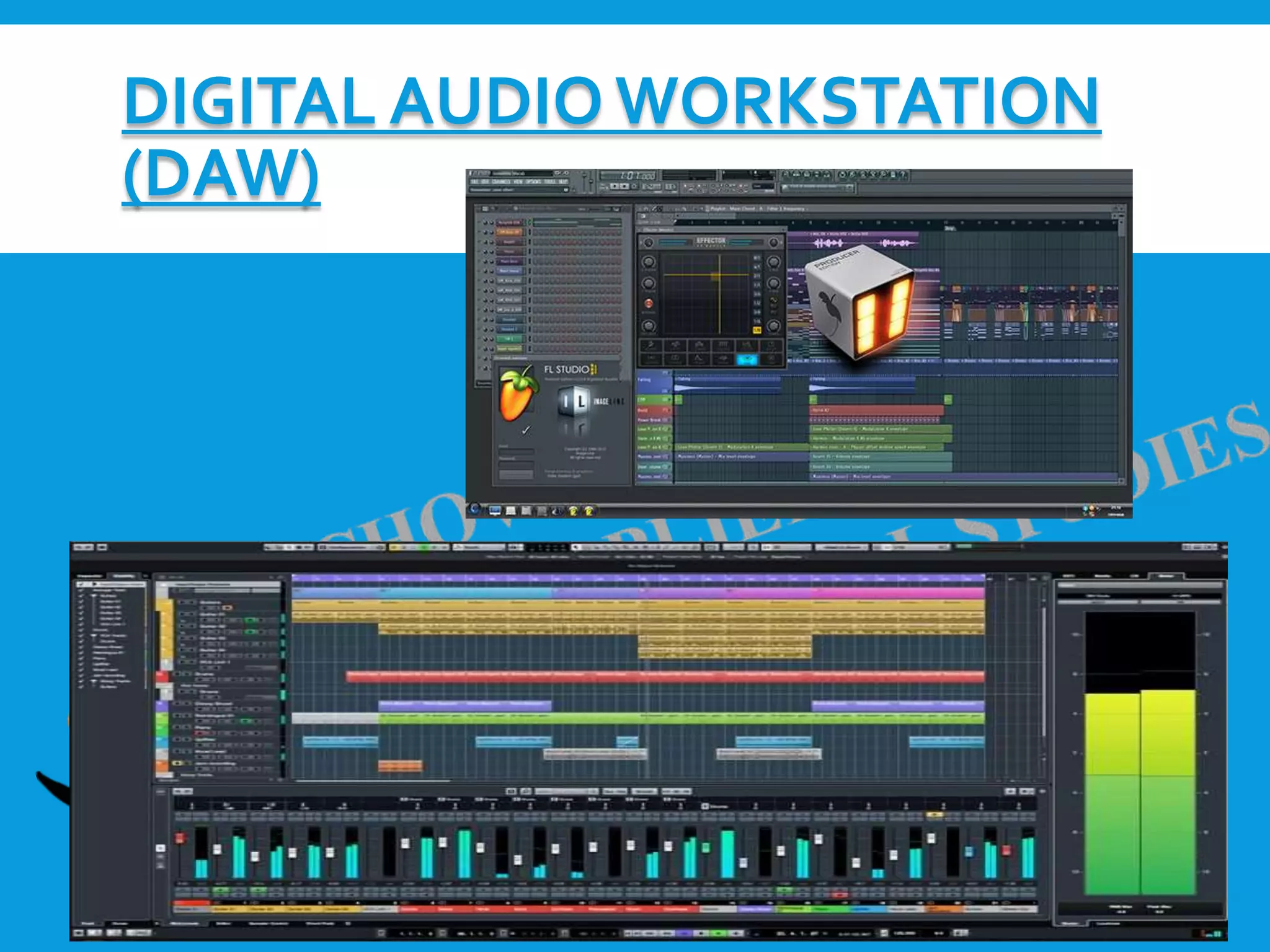
 A digital audio workstation (DAW) is an electronic device
or software application used to record, edit, and produce
sound files.
 In the music industry, DAWs are typically used to acquire
and save multiple tracks of audio recordings, and to mix,
equalize, and add audio effects.
 DAWs are also used in the production of radio, television,
film, podcasts, games, and anywhere complex
manipulation of audio signals is needed.
 DAWs generally support plugins, which are smaller pieces
of software with unique functionality, therefore expanding
the abilities of the DAW user
AUDIO PLUGINS
 Plugins are self-contained pieces of code that can be
“plugged in” to DAWs to enhance their functionality.
MUSICAL INSTRUMENT DIGITAL
INTERFACE (MIDI)
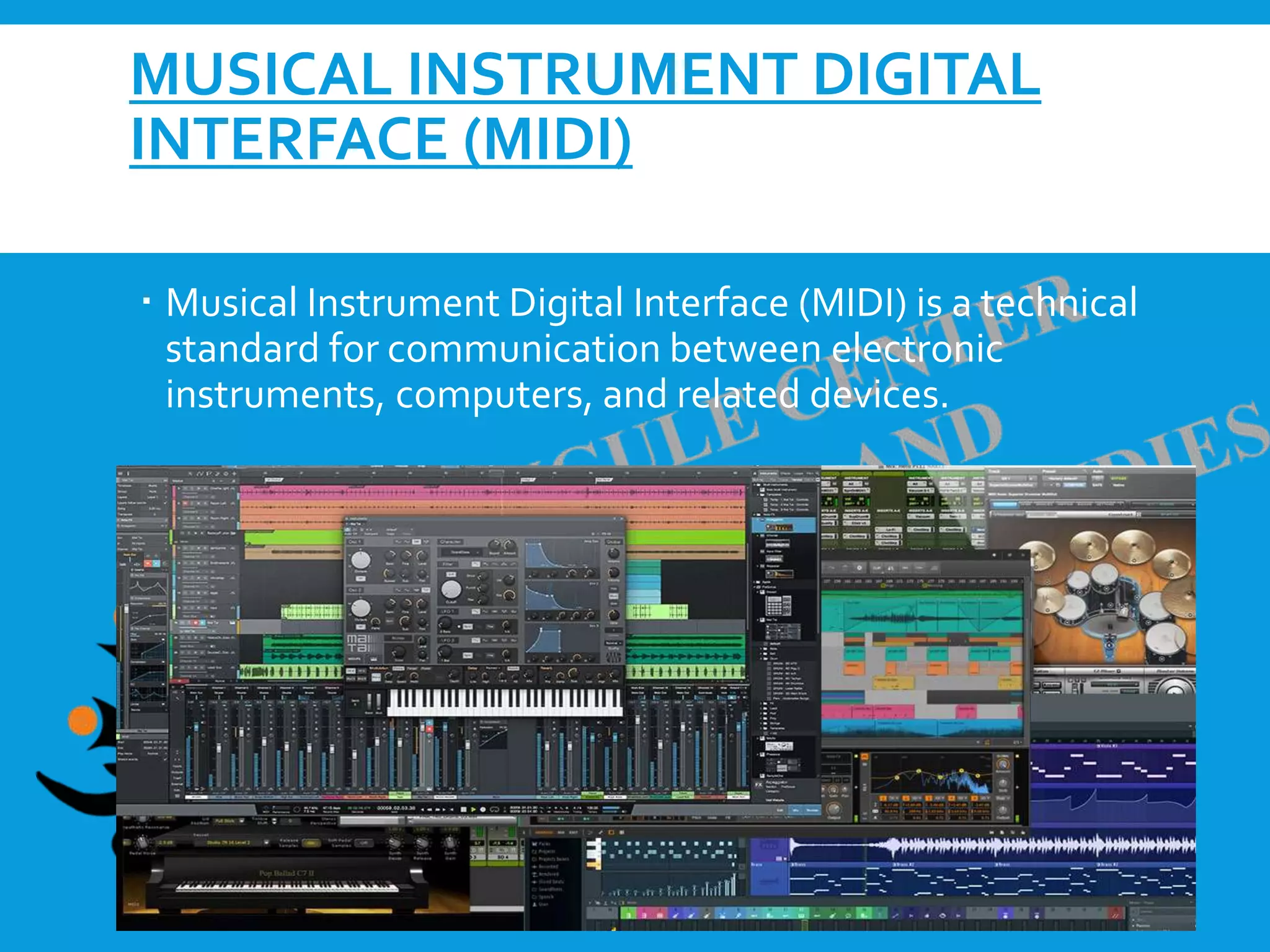
 Musical Instrument Digital Interface (MIDI) is a technical
standard for communication between electronic
instruments, computers, and related devices.
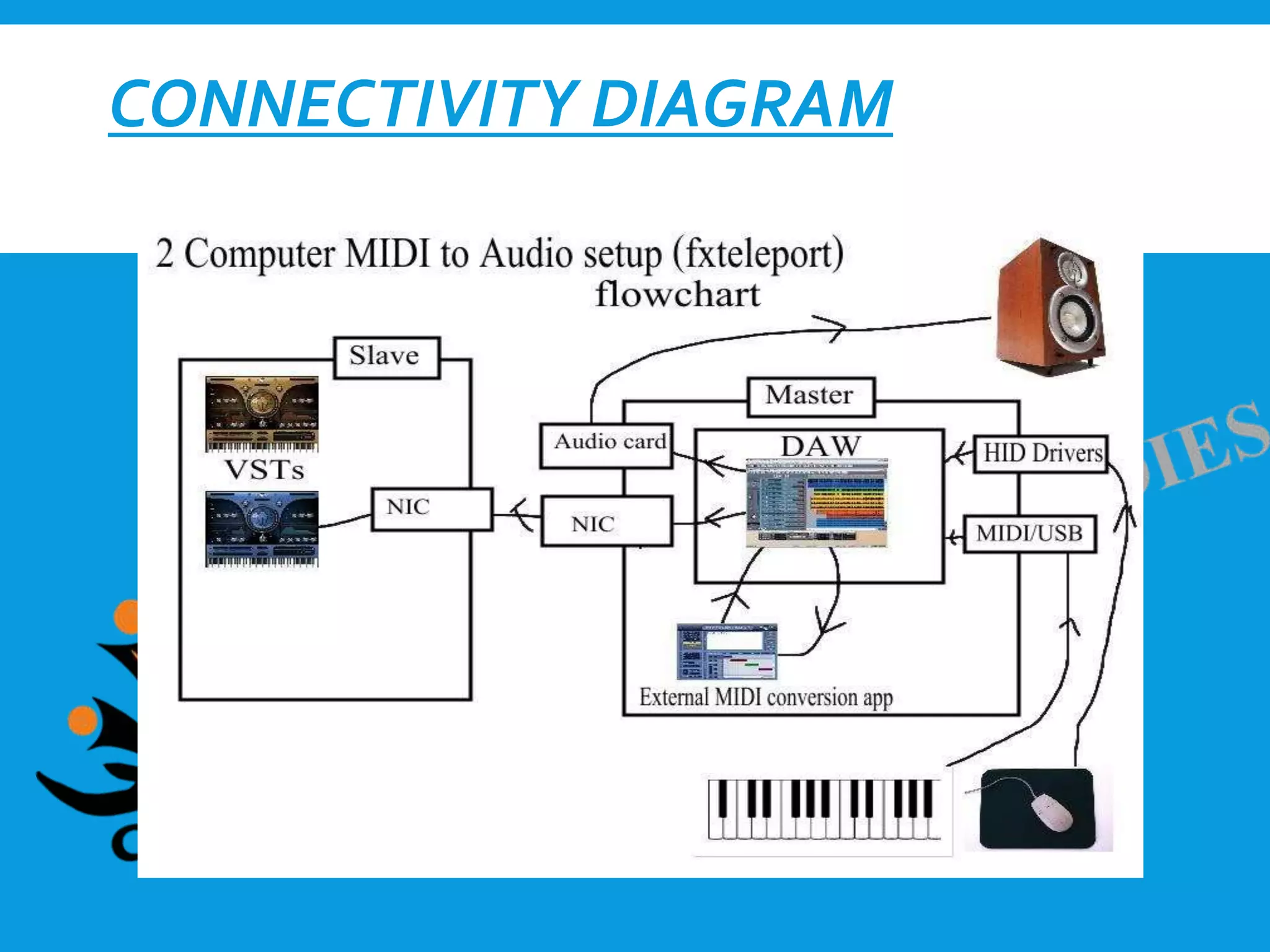
CONNECTIVITY DIAGRAM
Sound Engineering- Audio mixers and DAW system

Sound Engineering- Audio mixers and DAW system

  • 2.
    AUDIO MIXERS  Mixersare primarily used in four types of environments: 1. live (at a concert) 2. in a recording studio 3. for broadcast audio 4. film/television
  • 3.
    THERE ARETWO BUILDSOF MIXERS: In-line An in-line mixer means there are two paths per channel.  Split monitor A split monitor console has one path per channel. Each channel can be used to either send or receive sound to or from a DAW. An audio mixer may also be referred to as a console , desk , or board. All three of these terms are synonyms with “mixer.”
  • 4.
    SIGNAL  Signal isthe generalized term for any audio passing through a mixer
  • 5.
    PARTS OF ACHANNEL  Input Section The input area of the channel strip may accept any or all of the levels of signal.  EQ The amount of flexibility and precision of frequencies can be adjusted in the EQ.  Dynamics High-end mixers commonly have a “Dynamics” area, either on each channel or in the master section. Common dynamic effects included in this area are compressors and gates  Fader The fader is the device that raises or lowers the amount of audible signal from the channel.
  • 6.
     Group Faders Groupfaders on an audio mixer are used to control multiple channel faders at once  Auxes Mixers have a dedicated area for auxiliaries (auxes) used to send a copy of the channel’s signal to another destination (Pre fader & Post fader)  Bus Assignment A bus is no more than a path on which signal can travel  Pan The purpose of the pan, is to pan a channel’s signal left or right across the stereo bus
  • 7.
     The MasterSection The master section provides areas for global adjustments to the channels or modes of the console.  Patch Bay A patch bay is a device located next to an audio mixer that has a series of jacks meant for moving signal from one place to another on the console  Snake Audio snakes are long cables that run from your stage to your soundboard.
  • 8.
  • 9.
    FEATURES  Phantom Power APhantom power button is present on each channel of most every mixer.  Polarity A button on most mid-level and high-end mixers is a polarity flip, commonly using the Ø symbol. Flipping the polarity on a channel changes the phase relationship.  PAD Many mixers have a button labeled only with a number rating, such as “-10” or “-10dB.”This is the PAD for the channel
  • 10.
     Filter High-pass filtersare available as a button on the channels of most mixers. Moderate and high-end consoles typically have a numerical value next to the symbol.The numerical value represents the frequency at which the filter begins.  Meters Three common meters that may be found on a mixer are VU : VU meters display the level of perceived loudness on a channel or the stereo bus, with signals far across the zero point likely to distort. Peak: Peak meters, which are most familiar in modern times, indicate the loudest part of a signal at any instant. RMS: RMS meters display the average loudness of a channel or the stereo bus, indicating the dynamic range of the signal when compared to the zero point.
  • 11.
  • 12.
    • ANALOG MIXER Basiceq settings Frequency knobs
  • 13.
    • DIGITAL MIXER Finetuning Extra tool Save n recall presets
  • 14.
  • 15.
     A digitalaudio workstation (DAW) is an electronic device or software application used to record, edit, and produce sound files.  In the music industry, DAWs are typically used to acquire and save multiple tracks of audio recordings, and to mix, equalize, and add audio effects.  DAWs are also used in the production of radio, television, film, podcasts, games, and anywhere complex manipulation of audio signals is needed.  DAWs generally support plugins, which are smaller pieces of software with unique functionality, therefore expanding the abilities of the DAW user
  • 16.
    AUDIO PLUGINS  Pluginsare self-contained pieces of code that can be “plugged in” to DAWs to enhance their functionality.
  • 17.
    MUSICAL INSTRUMENT DIGITAL INTERFACE(MIDI)  Musical Instrument Digital Interface (MIDI) is a technical standard for communication between electronic instruments, computers, and related devices.
  • 18.