ASSEMBLING COMPUTER
HARDWARE: TYPES OF
COMPUTERS AND OPERATING
SYSTEMS
INTRODUCTION TO COMPUTER HARDWARE
●Understand the basics
of computer hardware
●Learn about different
types of computers
●Explore various
operating systems
TYPES OF COMPUTERS
●Desktop Computers
●Laptops
●Tablets
●Servers
DESKTOP COMPUTERS
●Typically used at a
fixed location
●Consists of a monitor,
CPU, keyboard, and
mouse
●Suitable for home and
office use
LAPTOPS
●Portable and compact
●Integrated screen,
keyboard, and
touchpad
●Ideal for mobile use
and travel
TABLETS
●Touchscreen interface
●Highly portable
●Often used for media
consumption and light
computing tasks
SERVERS
●Powerful computers
designed to manage
network resources
●Used in businesses and
data centers
●Can handle multiple tasks
and users simultaneously
KEY HARDWARE COMPONENTS
●Central Processing Unit
(CPU)
●Random Access
Memory (RAM)
●Storage (HDD/SSD)
●Motherboard
CENTRAL PROCESSING UNIT (CPU)
●The brain of the
computer
●Executes instructions
from software
●Determines the
computer's speed and
performance
RANDOM ACCESS MEMORY (RAM)
●Temporary storage for data and programs in
use
●Affects multitasking and system
responsiveness
●More RAM allows for better performance
STORAGE (HDD/SSD)
●Hard Disk Drive (HDD):
Traditional storage with
moving parts
●Solid State Drive (SSD): Faster,
more reliable storage with no
moving parts
●Stores operating systems,
applications, and files
MOTHERBOARD
●The main circuit board
of the computer
●Connects all hardware
components
●Houses the CPU, RAM,
and other essential
parts
INTRODUCTION TO OPERATING SYSTEMS
●Software that manages
computer hardware and
software resources
●Provides a user
interface
●Examples:Windows,
macOS, Linux
WINDOWS OPERATING SYSTEM
●Developed by Microsoft
●Widely used in
personal and business
environments
●Known for its user-
friendly interface
MACOS OPERATING SYSTEM
●Developed by Apple
●Exclusive to Mac
computers
●Known for its sleek
design and seamless
integration with other
Apple products
LINUX OPERATING SYSTEM
●Open-source and
free-to-use
●Highly customizable
●Popular among
developers and for
server use
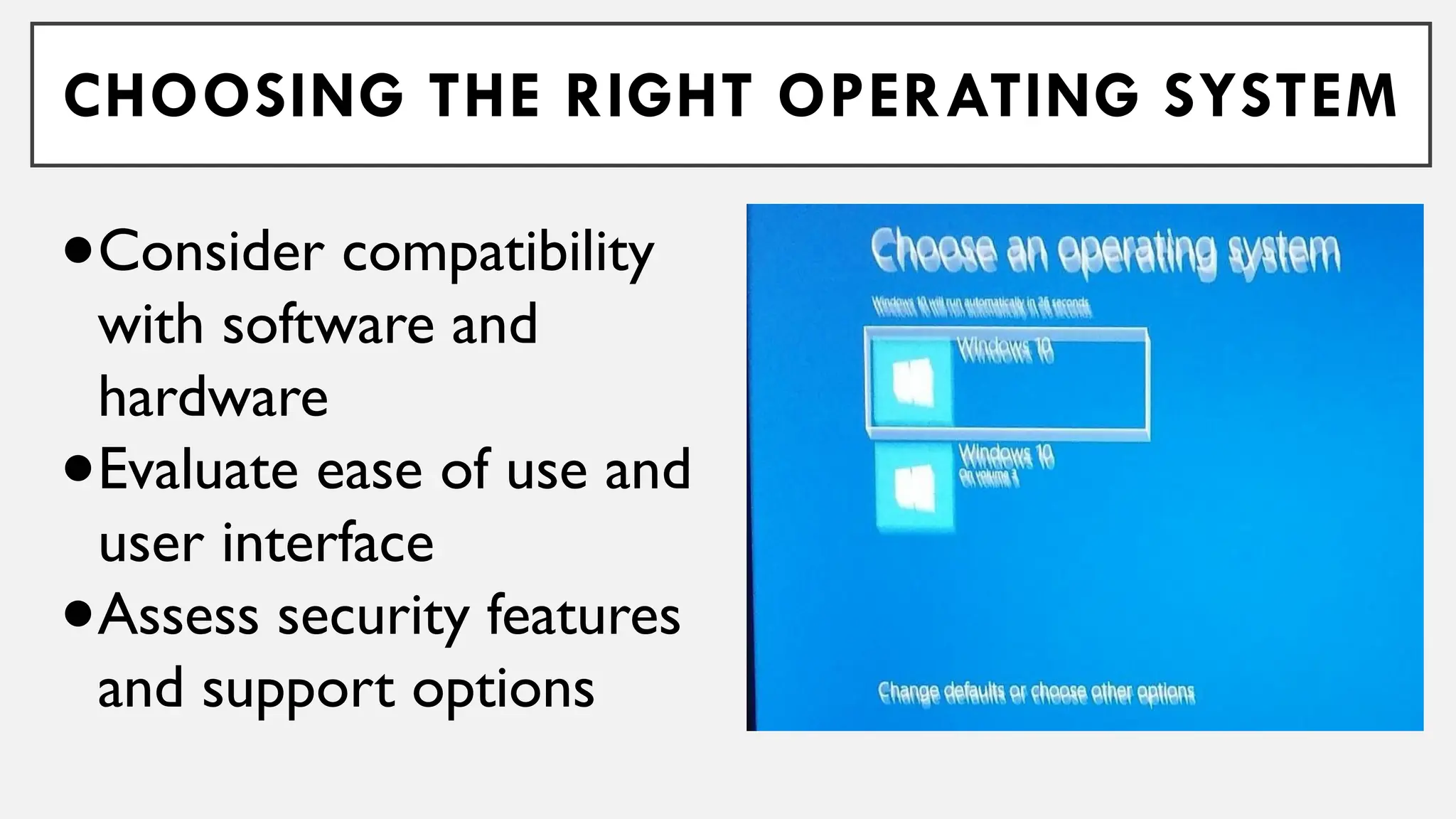
CHOOSING THE RIGHT OPERATING SYSTEM
●Consider compatibility
with software and
hardware
●Evaluate ease of use and
user interface
●Assess security features
and support options
ASSEMBLING A COMPUTER: STEP-BY-STEP
●Gather all necessary
components
●Install the CPU and RAM on
the motherboard
●Mount the motherboard in
the case
●Connect storage devices and
power supply
INSTALLING THE OPERATING SYSTEM
●Insert the installation media (USB/DVD)
●Boot the computer and follow on-screen
instructions
●Configure system settings and user accounts
Assembling Computer Hardware (10. GRADE 10 TLE

Assembling Computer Hardware (10. GRADE 10 TLE