Functions of anInformation
Processing System
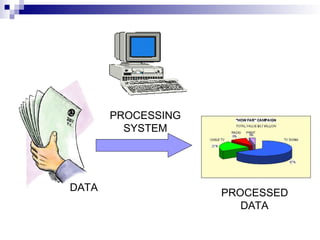
1. It accepts and gather data. (INPUT)
2. It processes data
3. It stores data and information. (STORE)
4. It presents processed data. (OUTPUT)
5.
Three Major Componentsof an
Information Processing System
HARDWARE is the tangible part of a
computer system.
SOFTWARE is the non-tangible part that
tells the computer how to do its job.
PEOPLEWARE refer to people who use
and operate the computer system, write
computer programs, and analyze and
design the information system.
6.
Reading Exercise
Findout from literature how data,
information and Knowledge are related.
Your findings are for discussion in the next
class.
7.
Computer
COMPUTER isan electronic machine that
follows a set of instructions in order that it
may be able to accept, gather data and
transform the data.
Since computers transform or manipulates
data, therefore, a computer is a very good
example of an information system
8.
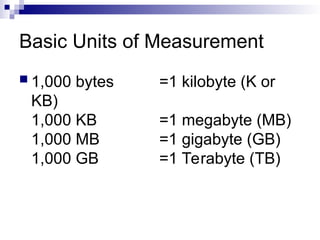
Basic Units ofMeasurement for
Computers
BIT is a unit of information equivalent to
the result of a choice between only 2
possible alternatives in the binary number
system. BIT is represented by 0 or 1
BYTE is a sequence of 8 bits (enough to
represent one character of alphanumeric
data) processed as a single unit for
information.
9.
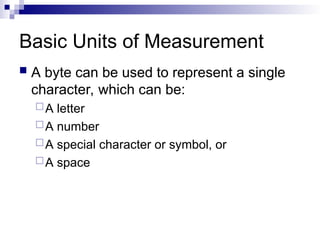
Basic Units ofMeasurement
A byte can be used to represent a single
character, which can be:
A letter
A number
A special character or symbol, or
A space
Types of aComputers
There are many types of computers
Categorization of computer is based on
different aspects.
In this course we will look at types of
computers based on the size aspect.
12.
Types of Computers
Supercomputers...are used to process very large amounts
of information including processing information to predict
hurricanes, satellite images and navigation, and process
military war scenarios.
Mainframes...are used by government and businesses to
process very large amounts of information.
Mini-Computers...are similar to mainframes...they are used
by business and government to process large amounts of
information.
Personal Computers (PC)…
13.
Types of Computers
Personal Computers (Continued)
Personal Computers...also known as
PC’s...are smaller and less powerful than
the others. They are used in homes,
schools, and small businesses.
14.
Types of Computers
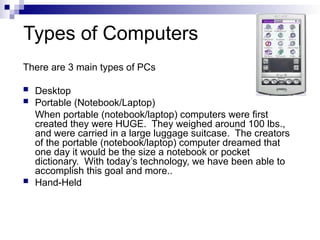
Thereare 3 main types of PCs
Desktop
Portable (Notebook/Laptop)
When portable (notebook/laptop) computers were first
created they were HUGE. They weighed around 100 lbs.,
and were carried in a large luggage suitcase. The creators
of the portable (notebook/laptop) computer dreamed that
one day it would be the size a notebook or pocket
dictionary. With today’s technology, we have been able to
accomplish this goal and more..
Hand-Held
15.
Parts of aComputer (PC)
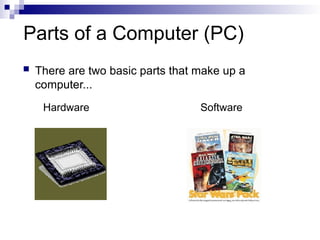
There are two basic parts that make up a
computer...
Hardware Software
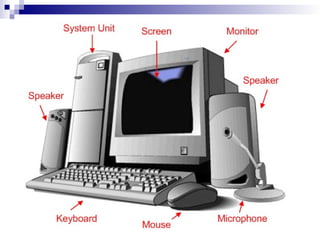
Basic hardware ofa PC system
Central Processing Unit (CPU)
Memory Unit
Input Devices
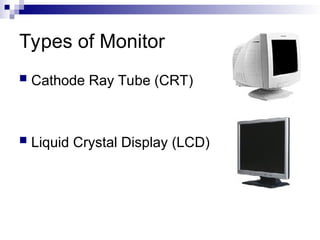
Output Devices
Secondary Storage Devices
19.
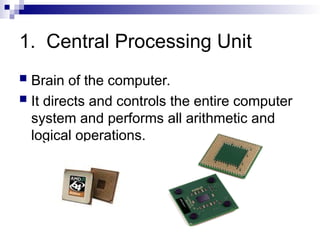
1. Central ProcessingUnit
Brain of the computer.
It directs and controls the entire computer
system and performs all arithmetic and
logical operations.
20.
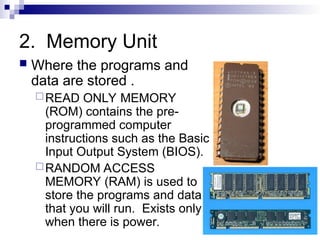
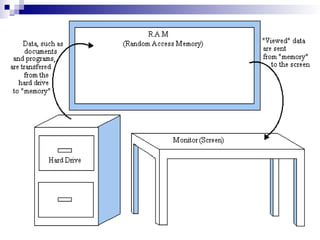
2. Memory Unit
Where the programs and
data are stored .
READ ONLY MEMORY
(ROM) contains the pre-
programmed computer
instructions such as the Basic
Input Output System (BIOS).
RANDOM ACCESS
MEMORY (RAM) is used to
store the programs and data
that you will run. Exists only
when there is power.
22.
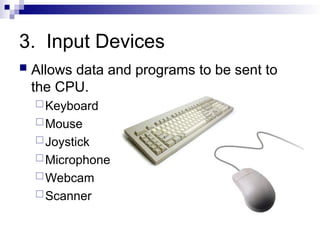
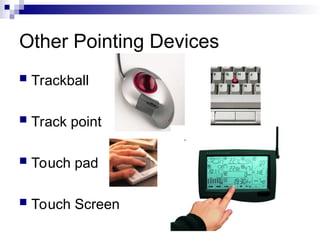
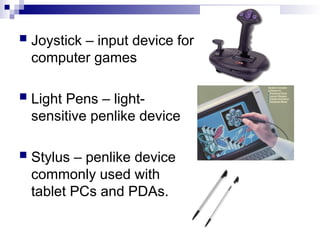
3. Input Devices
Allows data and programs to be sent to
the CPU.
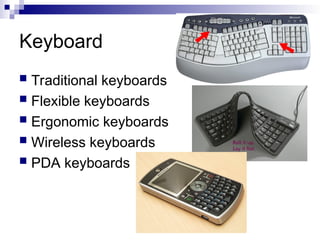
Keyboard
Mouse
Joystick
Microphone
Webcam
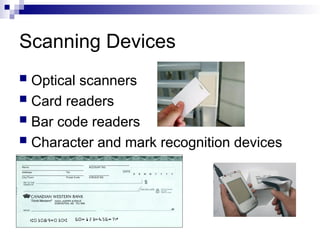
Scanner
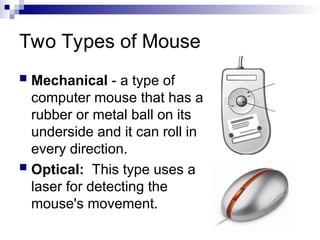
Two Types ofMouse
Mechanical - a type of
computer mouse that has a
rubber or metal ball on its
underside and it can roll in
every direction.
Optical: This type uses a
laser for detecting the
mouse's movement.
25.
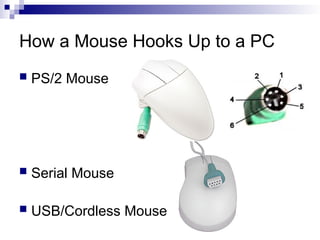
How a MouseHooks Up to a PC
PS/2 Mouse
Serial Mouse
USB/Cordless Mouse
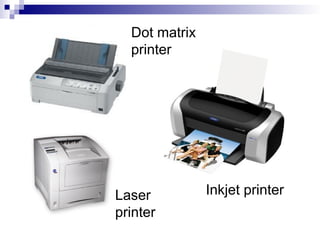
Printers
IMPACT PRINTERSuses pressure by
physically striking the paper. Ex. Daisy
wheel printers, line printers, dot matrix
printers & band printers.
NON-IMPACT PRINTER does not apply
pressure on the paper but instead
produces character by using lasers, ink
spray, photography or heat.
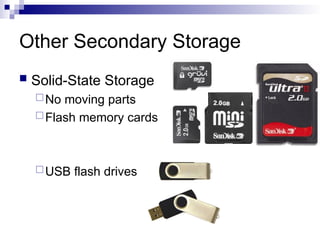
5. Secondary StorageDevices
Attached to the computer system to allow
you to store programs and data
permanently for the purpose of retrieving
them for future use.
Floppy disk, Hard disk, CD Rom
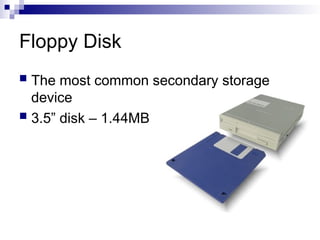
35.
Floppy Disk
Themost common secondary storage
device
3.5” disk – 1.44MB
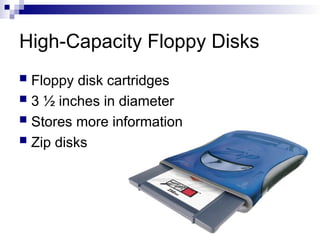
36.
High-Capacity Floppy Disks
Floppy disk cartridges
3 ½ inches in diameter
Stores more information
Zip disks
37.
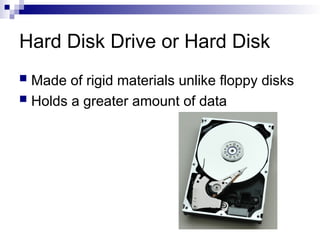
Hard Disk Driveor Hard Disk
Made of rigid materials unlike floppy disks
Holds a greater amount of data
38.
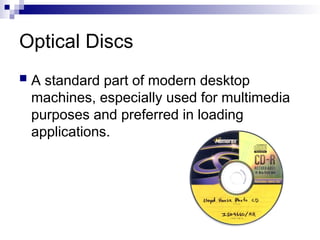
Optical Discs
Astandard part of modern desktop
machines, especially used for multimedia
purposes and preferred in loading
applications.
39.
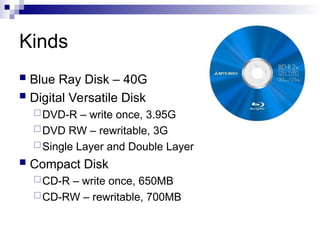
Kinds
Blue RayDisk – 40G
Digital Versatile Disk
DVD-R – write once, 3.95G
DVD RW – rewritable, 3G
Single Layer and Double Layer
Compact Disk
CD-R – write once, 650MB
CD-RW – rewritable, 700MB
Parts that BuildUp A System Unit
Casing or cover
Power Supply
Motherboard
Microprocessor
Memory
Video Card
Sound card
Floppy disk drive
Hard disk drive
CD-ROM drive
MODEM
43.
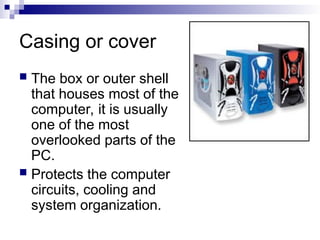
Casing or cover
The box or outer shell
that houses most of the
computer, it is usually
one of the most
overlooked parts of the
PC.
Protects the computer
circuits, cooling and
system organization.
44.
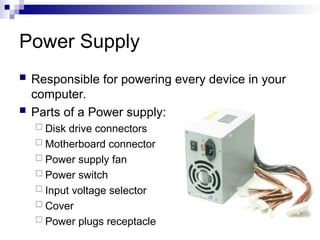
Power Supply
Responsiblefor powering every device in your
computer.
Parts of a Power supply:
Disk drive connectors
Motherboard connector
Power supply fan
Power switch
Input voltage selector
Cover
Power plugs receptacle
45.
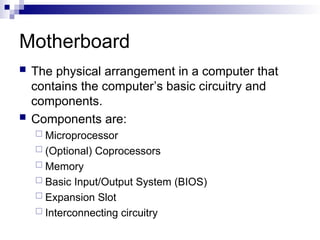
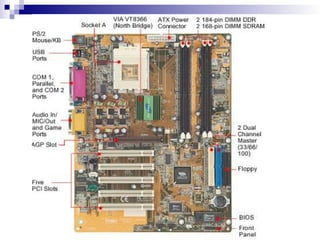
Motherboard
The physicalarrangement in a computer that
contains the computer’s basic circuitry and
components.
Components are:
Microprocessor
(Optional) Coprocessors
Memory
Basic Input/Output System (BIOS)
Expansion Slot
Interconnecting circuitry
Software
Instructions thattell the computer how to
process data into the form you want.
Software and programs are
interchangeable.
Two major types:
System and Applications
49.
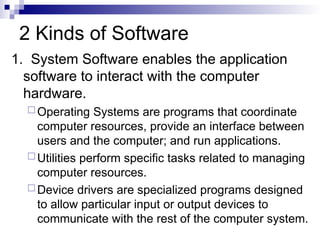
2 Kinds ofSoftware
1. System Software enables the application
software to interact with the computer
hardware.
Operating Systems are programs that coordinate
computer resources, provide an interface between
users and the computer; and run applications.
Utilities perform specific tasks related to managing
computer resources.
Device drivers are specialized programs designed
to allow particular input or output devices to
communicate with the rest of the computer system.
50.
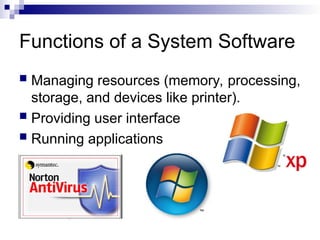
Functions of aSystem Software
Managing resources (memory, processing,
storage, and devices like printer).
Providing user interface
Running applications
51.
2 Kinds ofSoftware
2. Applications Software - provides the real
functionality of a computer. It help you
use your computer to do specific types of
work.
Basic Applications, widely used in all career
areas.
Specialized Applications, more
narrowly focused on specific
disciplines and occupations.
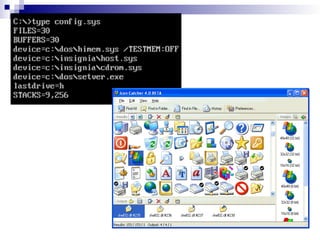
Disk Operating System
DOS was the first widely installed
operating system for personal computers.
Command-driven
54.
MS-DOS Commands
ACOMMAND is the name of a special
program that makes your computer carry
out a task.
55.
Graphical User Interface(GUI)
Thru GUI, users can interact directly with
the operating system.
Microsoft Windows
Icons, Menus, Dialog boxes
57.
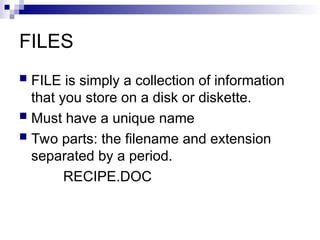
FILES
FILE issimply a collection of information
that you store on a disk or diskette.
Must have a unique name
Two parts: the filename and extension
separated by a period.
RECIPE.DOC
58.
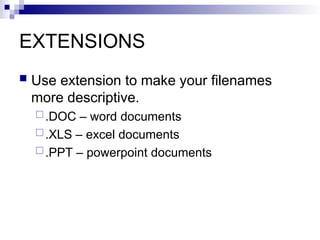
EXTENSIONS
Use extensionto make your filenames
more descriptive.
.DOC – word documents
.XLS – excel documents
.PPT – powerpoint documents
59.
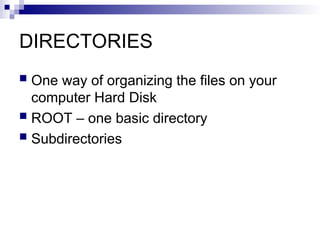
DIRECTORIES
One wayof organizing the files on your
computer Hard Disk
ROOT – one basic directory
Subdirectories
![Lecture_1_-_Computer_Basics[1]. Computer engineering skills](https://image.slidesharecdn.com/lecture1-computerbasics1-250602073309-35fbba6b/85/Lecture_1_-_Computer_Basics-1-Computer-engineering-skills-60-320.jpg)


![Lecture_1_-_Computer_Basics[1]. Skills in computer programming](https://cdn.slidesharecdn.com/ss_thumbnails/lecture1-computerbasics1-250602073114-bb8c81e7-thumbnail.jpg?width=640&height=640&fit=bounds)
![Lecture_2_-_Looking_Inside_the_CPU[1].ppt](https://cdn.slidesharecdn.com/ss_thumbnails/lecture2-lookinginsidethecpu1-250528091117-adfe95d0-thumbnail.jpg?width=640&height=640&fit=bounds)


![Lecture_3_-_Numbering_Systems in computer sciences1].ppt](https://cdn.slidesharecdn.com/ss_thumbnails/lecture3-numberingsystems1-250528091044-f3a9f681-thumbnail.jpg?width=640&height=640&fit=bounds)


