 2016, Marcus Biel, http://www.marcus-biel.com/
Marcus Biel, Software Craftsman
http://www.marcus-biel.com
 2016, Marcus Biel, http://www.marcus-biel.com/
Collection Interface Hierarchy<<interface>>
Collection
<<interface>>
Set
<<interface>>
List
<<interface>>
Queue
HashSet
<<interface>>
SortedSet
<<interface>>
NavigableSet
TreeSet
ArrayList LinkedList PriorityQueue
LinkedHashSet implements
extends
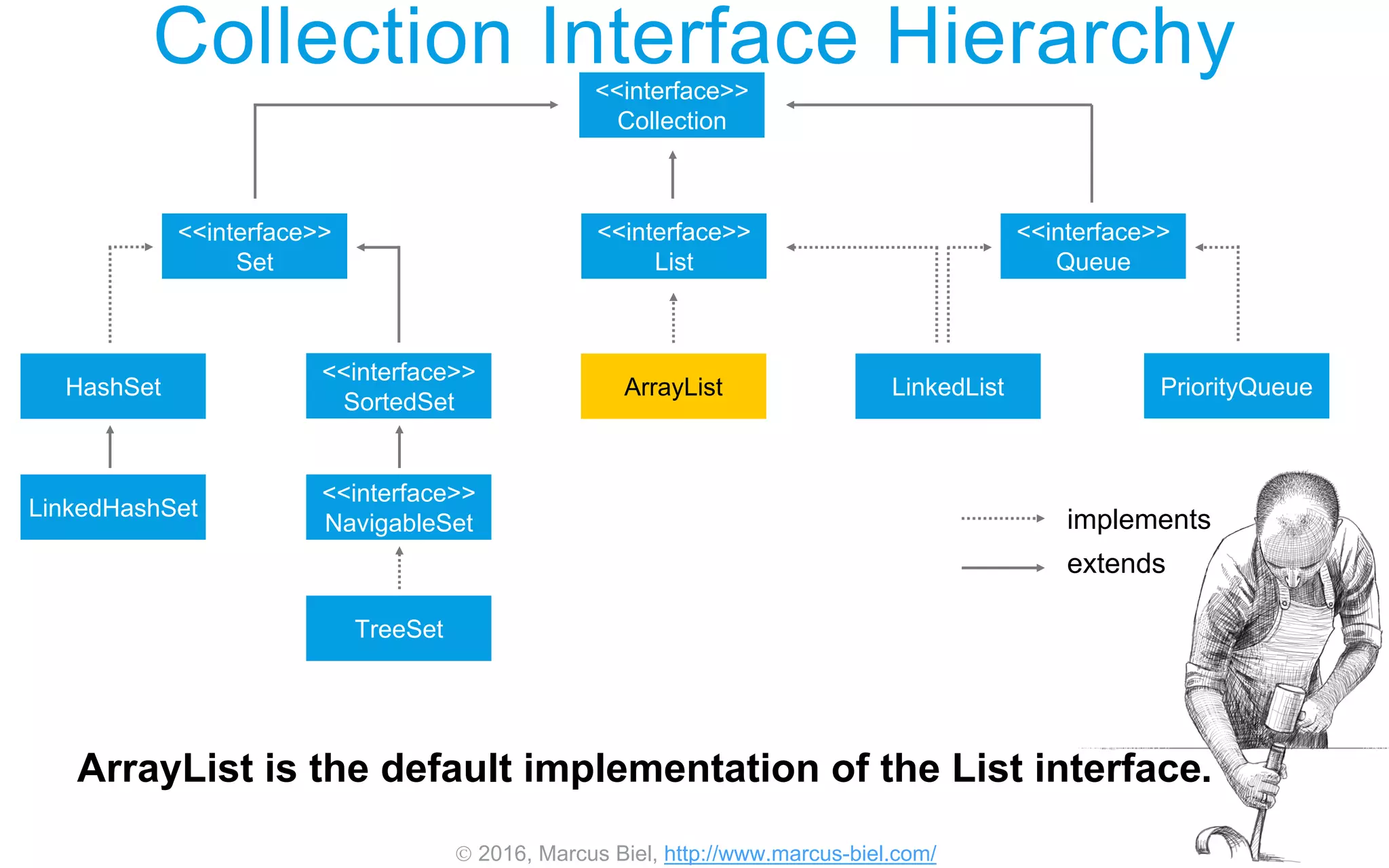
ArrayList is the default implementation of the List interface.
 2016, Marcus Biel, http://www.marcus-biel.com/
Collection Interface Hierarchy<<interface>>
Collection
<<interface>>
Set
<<interface>>
List
<<interface>>
Queue
HashSet
<<interface>>
SortedSet
<<interface>>
NavigableSet
TreeSet
ArrayList LinkedList PriorityQueue
LinkedHashSet implements
extends
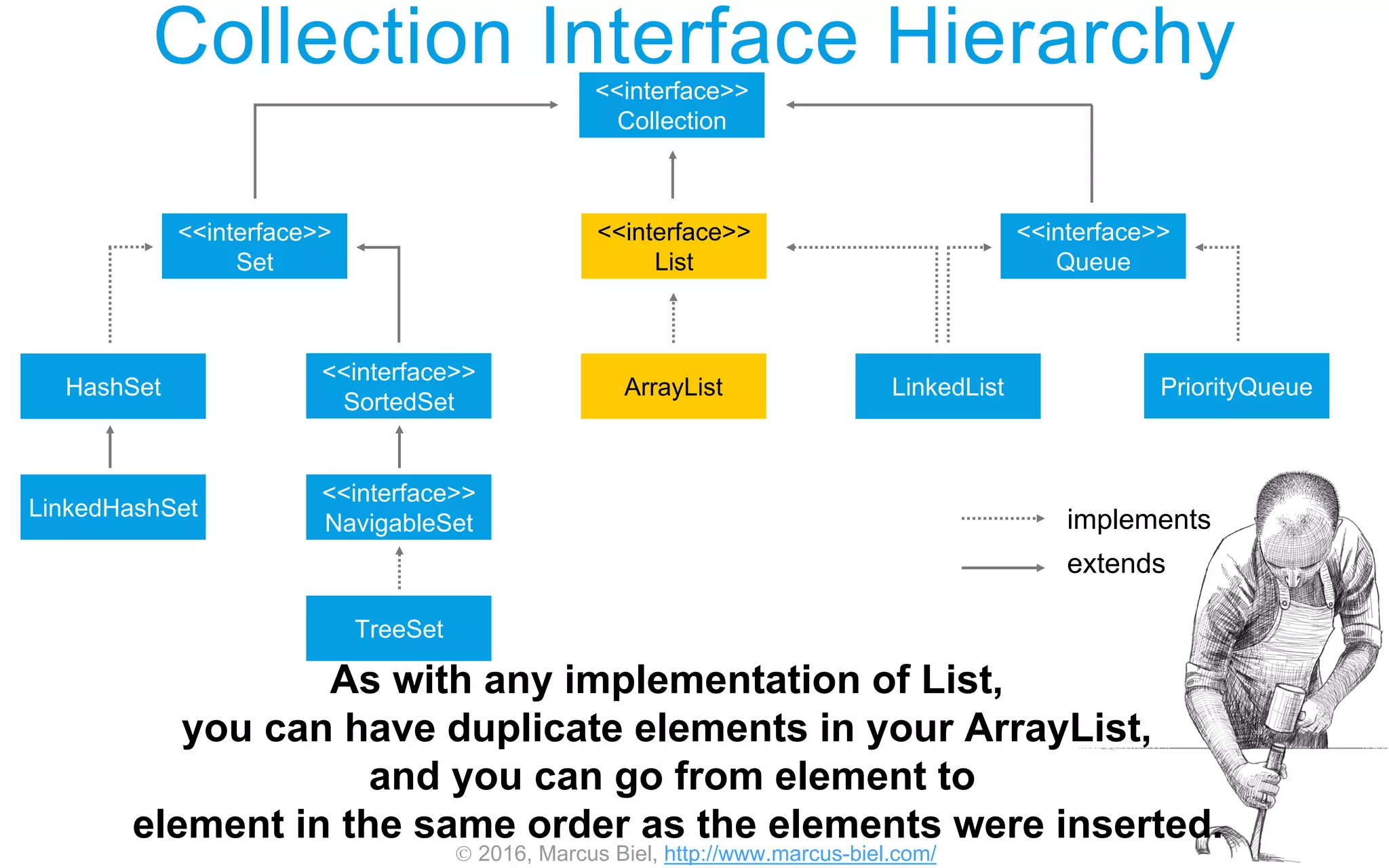
As with any implementation of List,
you can have duplicate elements in your ArrayList,
and you can go from element to
element in the same order as the elements were inserted.
 2016, Marcus Biel, http://www.marcus-biel.com/
Collection Interface Hierarchy<<interface>>
Collection
<<interface>>
Set
<<interface>>
List
<<interface>>
Queue
HashSet
<<interface>>
SortedSet
<<interface>>
NavigableSet
TreeSet
ArrayList LinkedList PriorityQueue
LinkedHashSet implements
extends
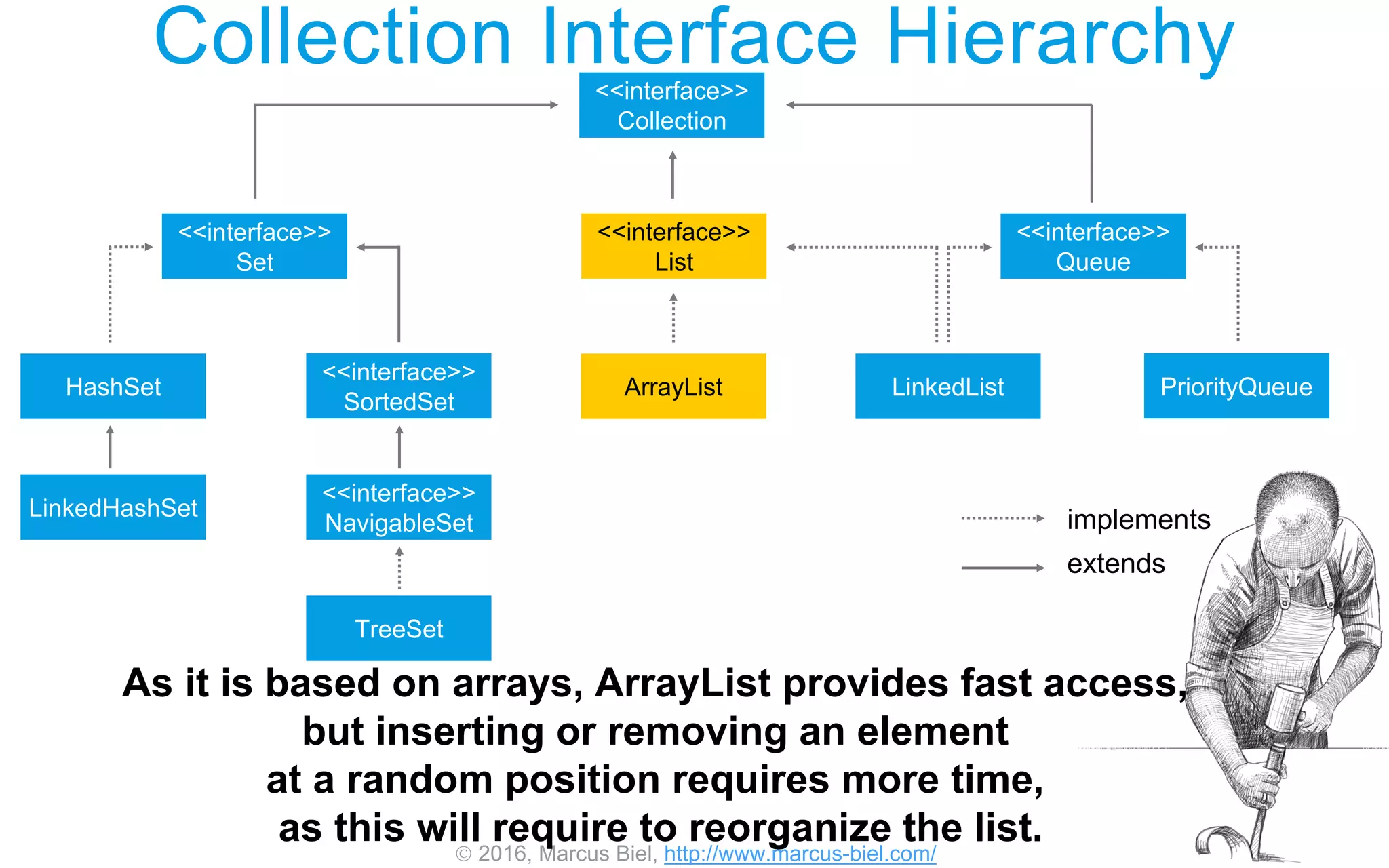
As it is based on arrays, ArrayList provides fast access,
but inserting or removing an element
at a random position requires more time,
as this will require to reorganize the list.
 2016, Marcus Biel, http://www.marcus-biel.com/
Collection Interface Hierarchy<<interface>>
Collection
<<interface>>
Set
<<interface>>
List
<<interface>>
Queue
HashSet
<<interface>>
SortedSet
<<interface>>
NavigableSet
TreeSet
ArrayList LinkedList PriorityQueue
LinkedHashSet implements
extends
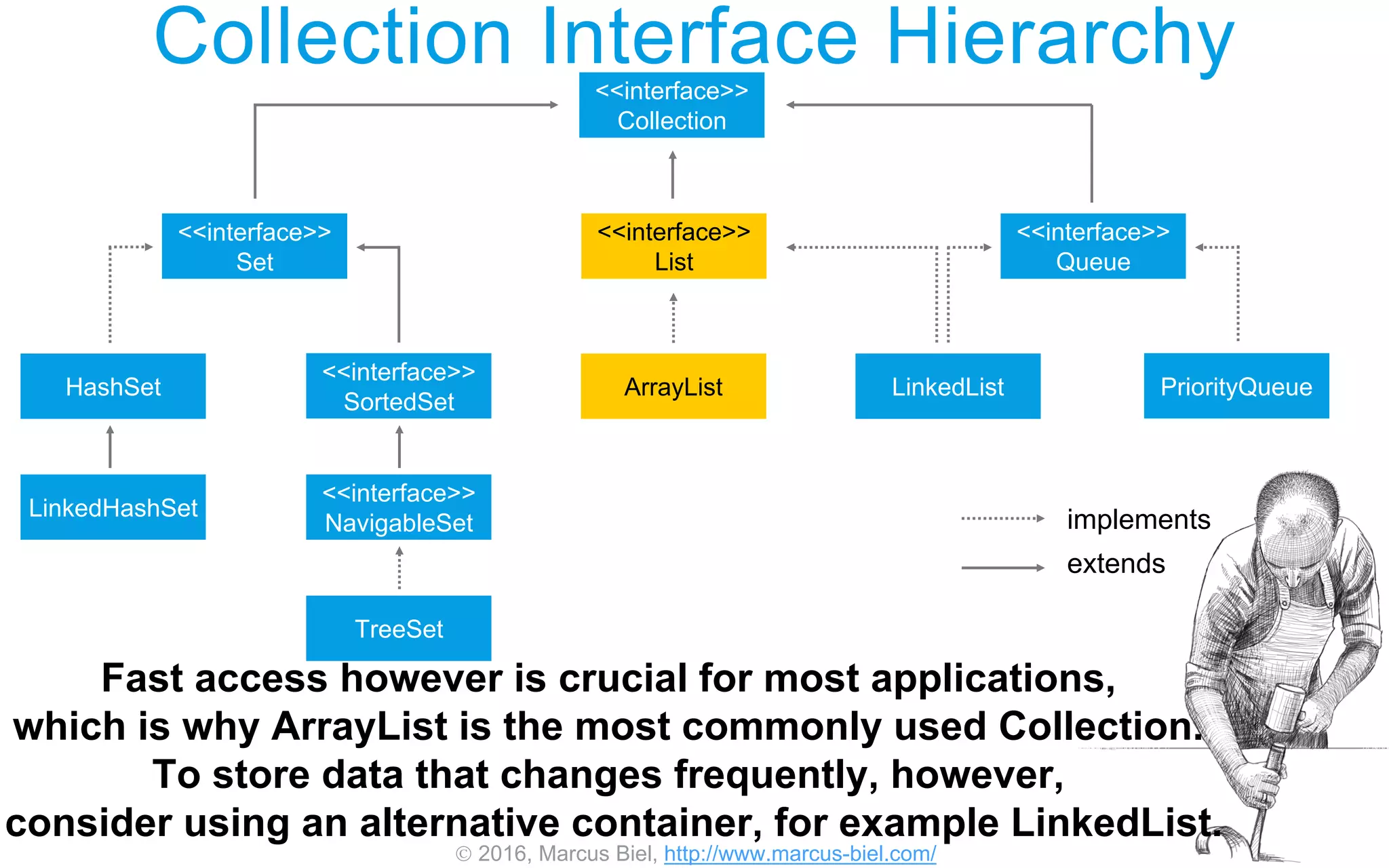
Fast access however is crucial for most applications,
which is why ArrayList is the most commonly used Collection.
To store data that changes frequently, however,
consider using an alternative container, for example LinkedList.
 2016, Marcus Biel, http://www.marcus-biel.com/
Size
Capacity
Terminology
Before continuing,
let me introduce you to two different terms which are important
to understand in context with ArrayList: Size and capacity.
 2016, Marcus Biel, http://www.marcus-biel.com/
Size
Capacity
Terminology
Size is the number of elements the ArrayList currently holds.
For every element you add to the list, the size will grow by one.
 2016, Marcus Biel, http://www.marcus-biel.com/
Size
Capacity
Terminology
Capacity however is the number of elements
the currently underlying Array can hold.
 2016, Marcus Biel, http://www.marcus-biel.com/
Terminology
Size
Capacity
The capacity of the ArrayList grows in intervals.
The ArrayList starts with an initial capacity.
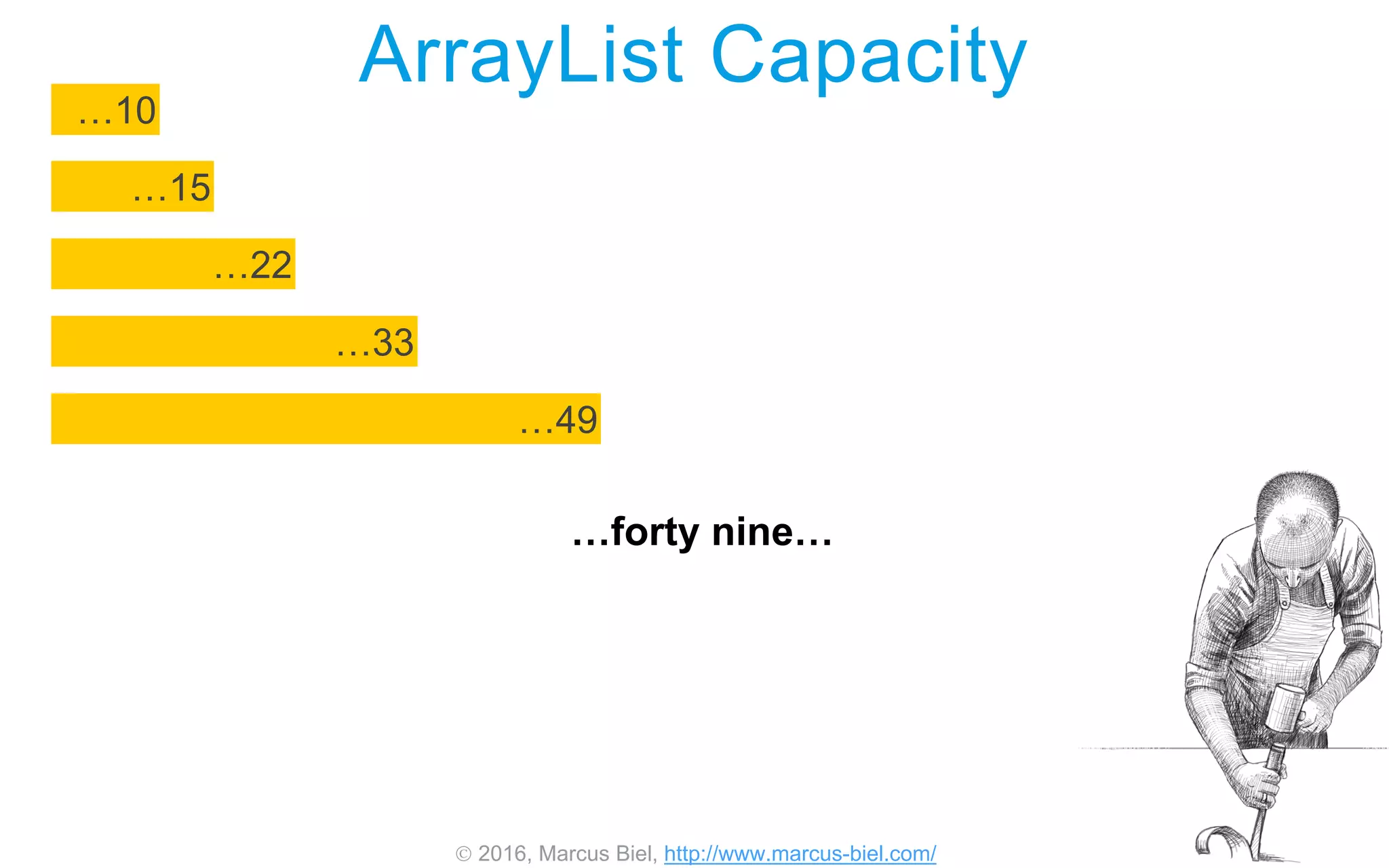
Every time you exceed the capacity of the Array,
the ArrayList copies the data over to a new Array that is
about fifty percent larger than the previous one.
 2016, Marcus Biel, http://www.marcus-biel.com/
ArrayList Capacity
…10
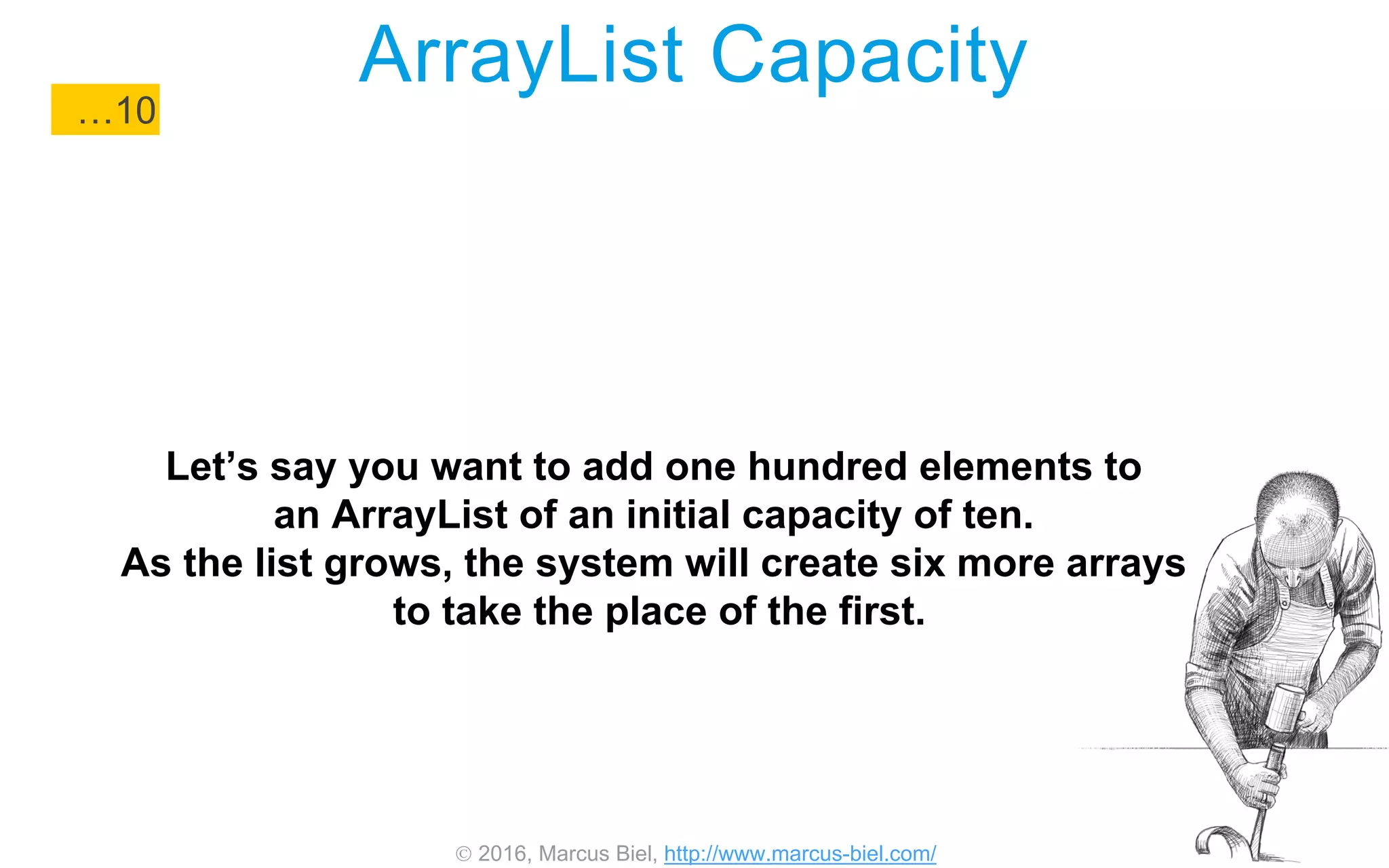
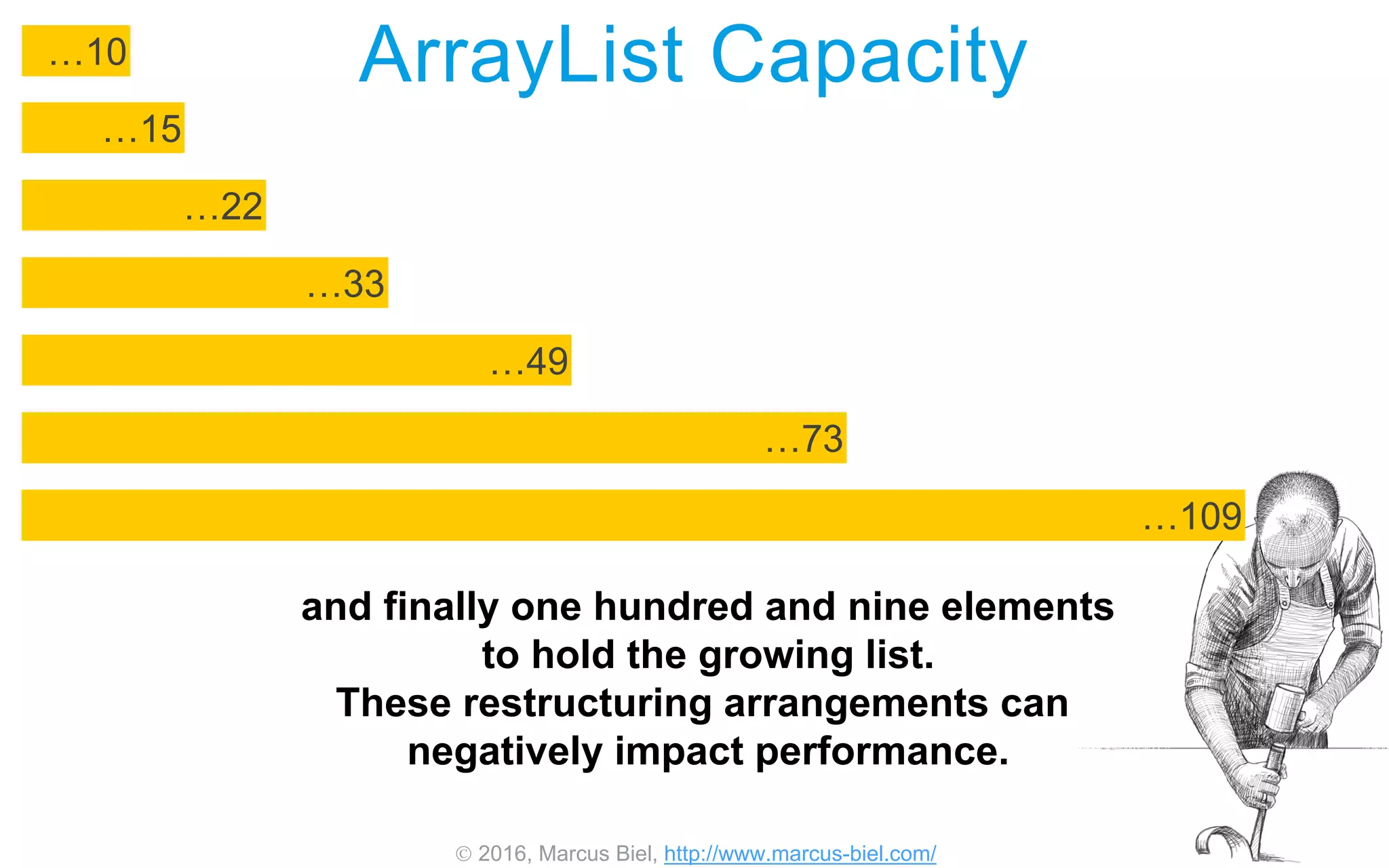
Let’s say you want to add one hundred elements to
an ArrayList of an initial capacity of ten.
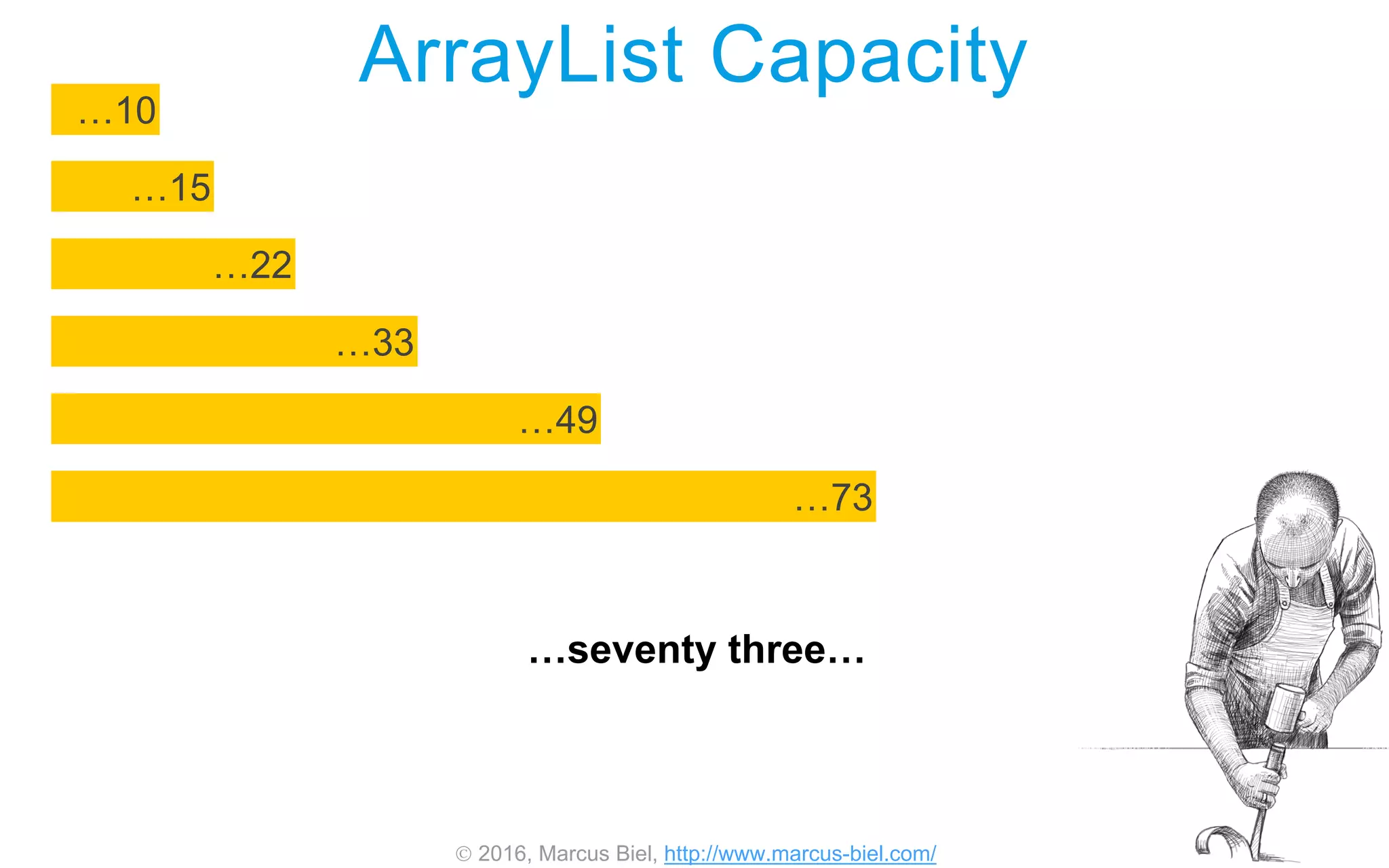
As the list grows, the system will create six more arrays
to take the place of the first.
 2016, Marcus Biel, http://www.marcus-biel.com/
ArrayList Capacity
…15
…10
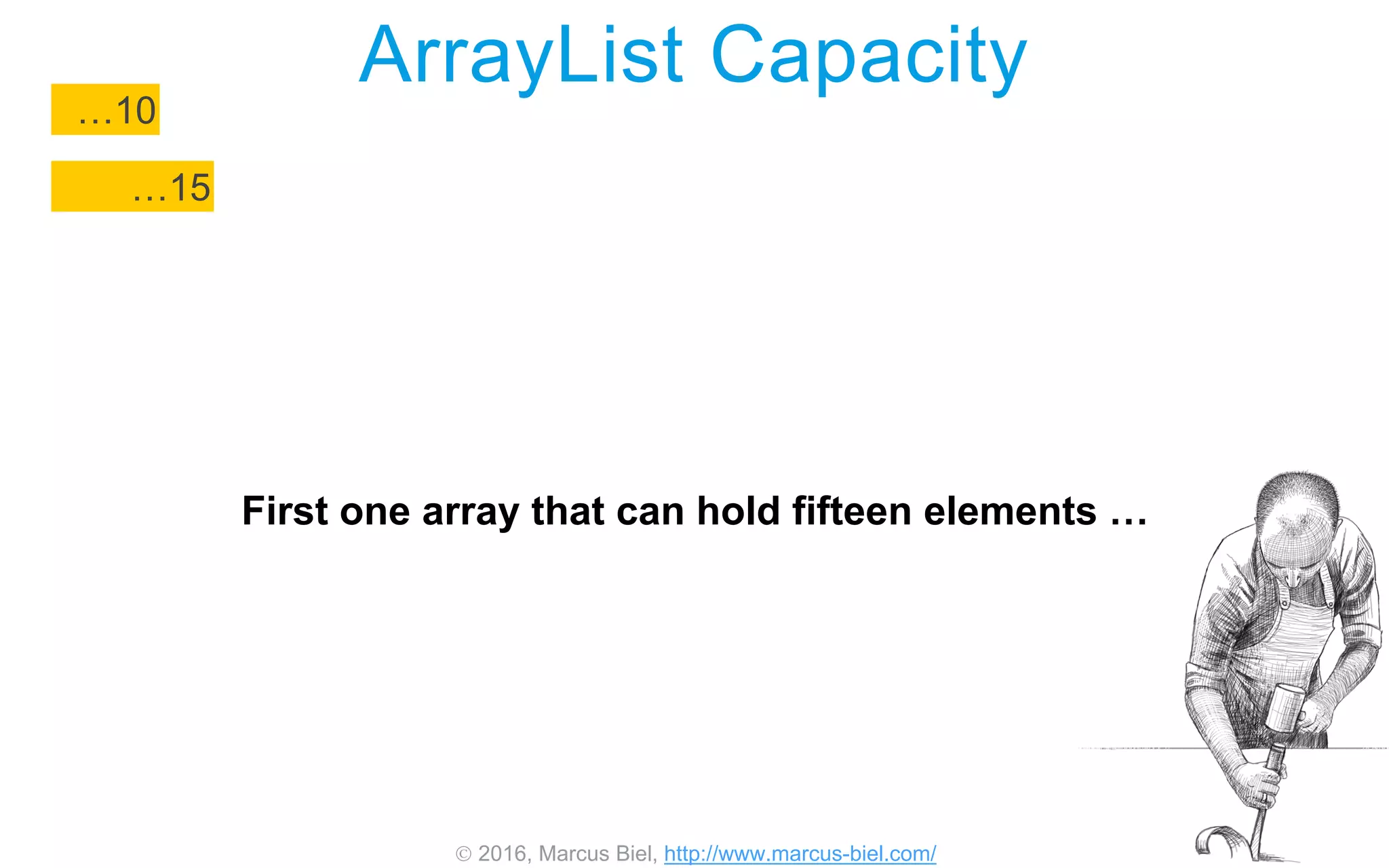
First one array that can hold fifteen elements …
 2016, Marcus Biel, http://www.marcus-biel.com/
ArrayList Capacity
…22
…15
…10
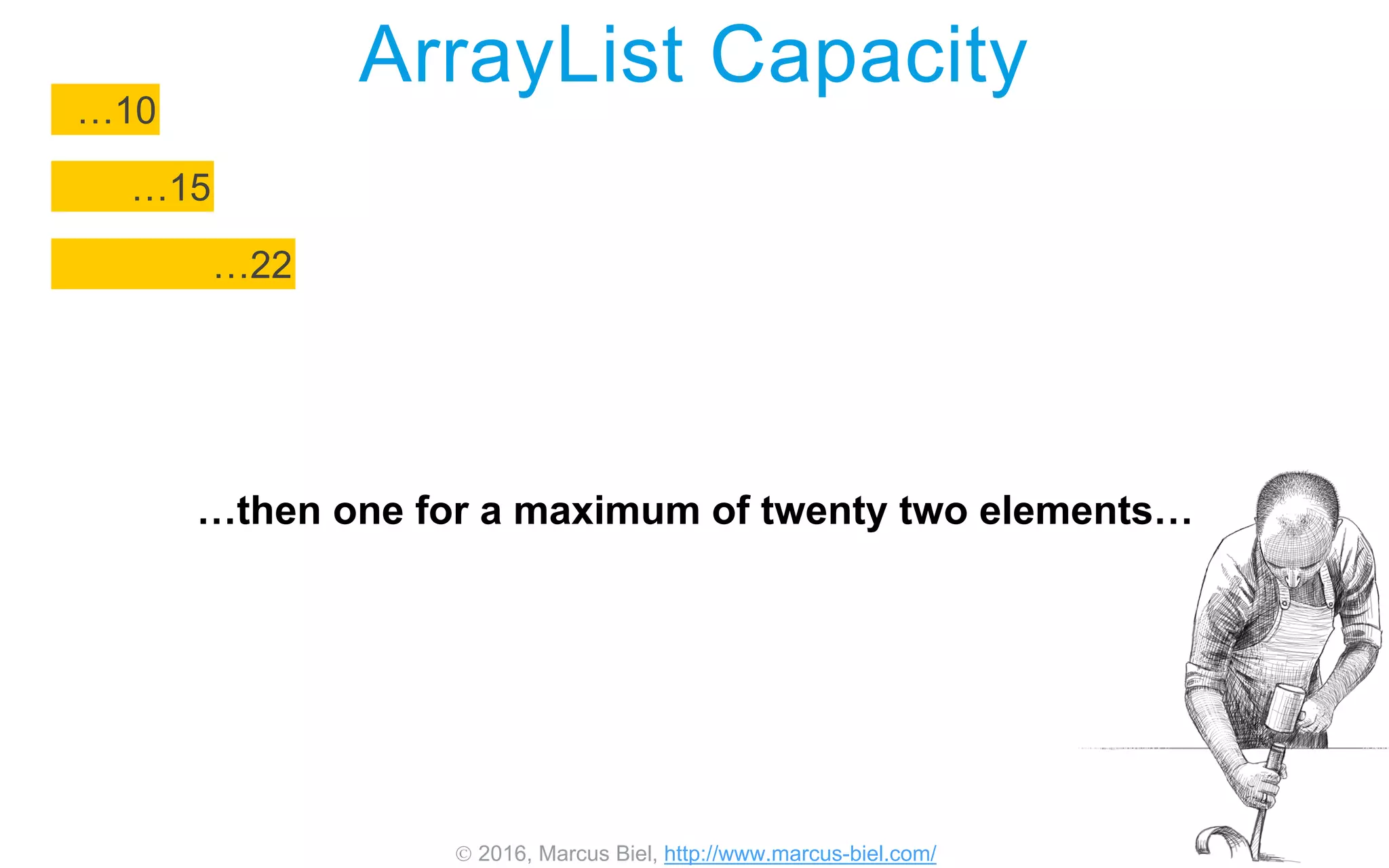
…then one for a maximum of twenty two elements…
 2016, Marcus Biel, http://www.marcus-biel.com/
ArrayList Capacity
…22
…15
…10
…33
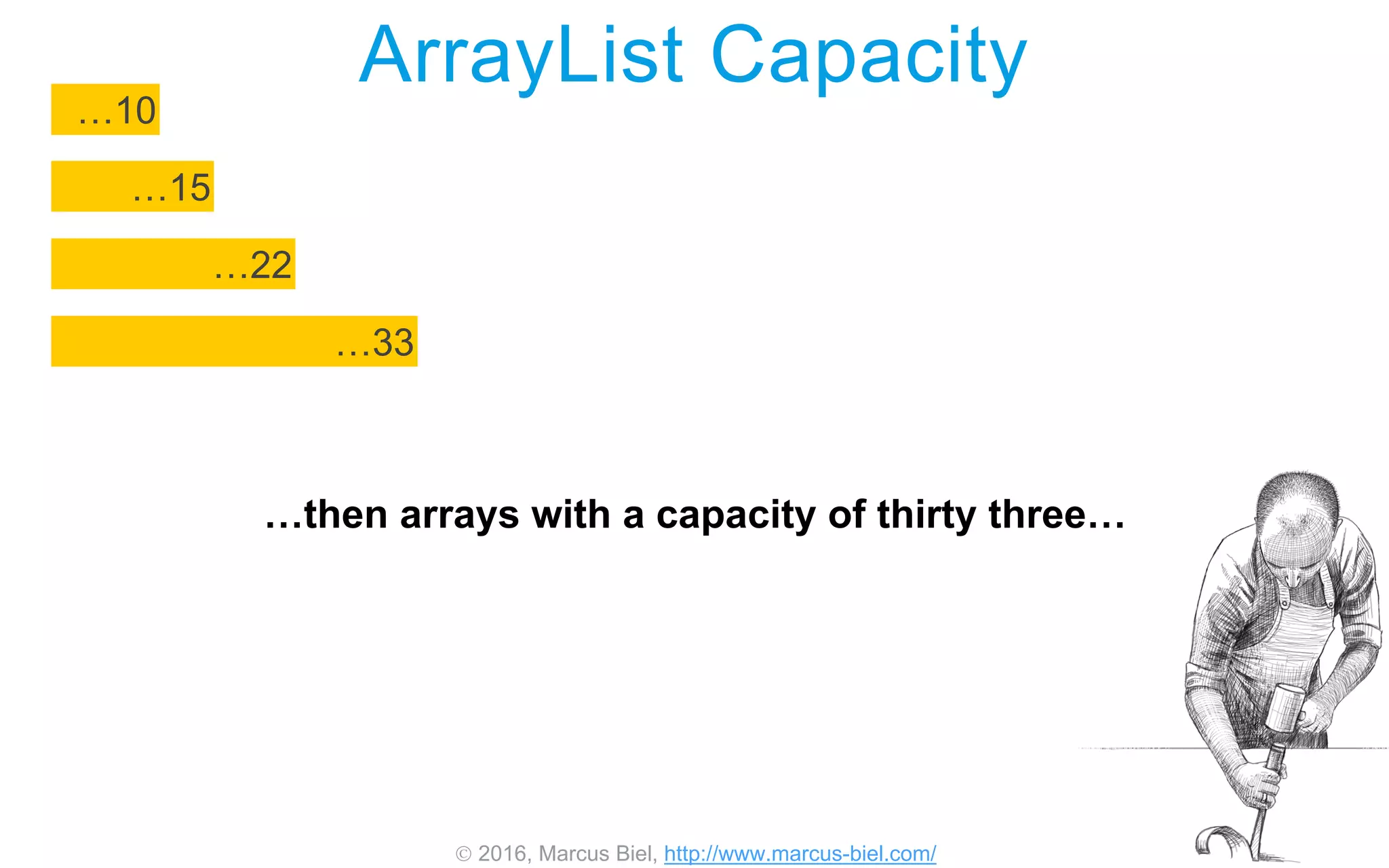
…then arrays with a capacity of thirty three…
 2016, Marcus Biel, http://www.marcus-biel.com/
ArrayList Capacity
…49
…22
…15
…10
…33
…forty nine…
 2016, Marcus Biel, http://www.marcus-biel.com/
ArrayList Capacity
…73
…49
…22
…15
…10
…33
…seventy three…
 2016, Marcus Biel, http://www.marcus-biel.com/
ArrayList Capacity
…109
…73
…49
…22
…15
…10
…33
and finally one hundred and nine elements
to hold the growing list.
These restructuring arrangements can
negatively impact performance.
 2016, Marcus Biel, http://www.marcus-biel.com/
ArrayList Capacity
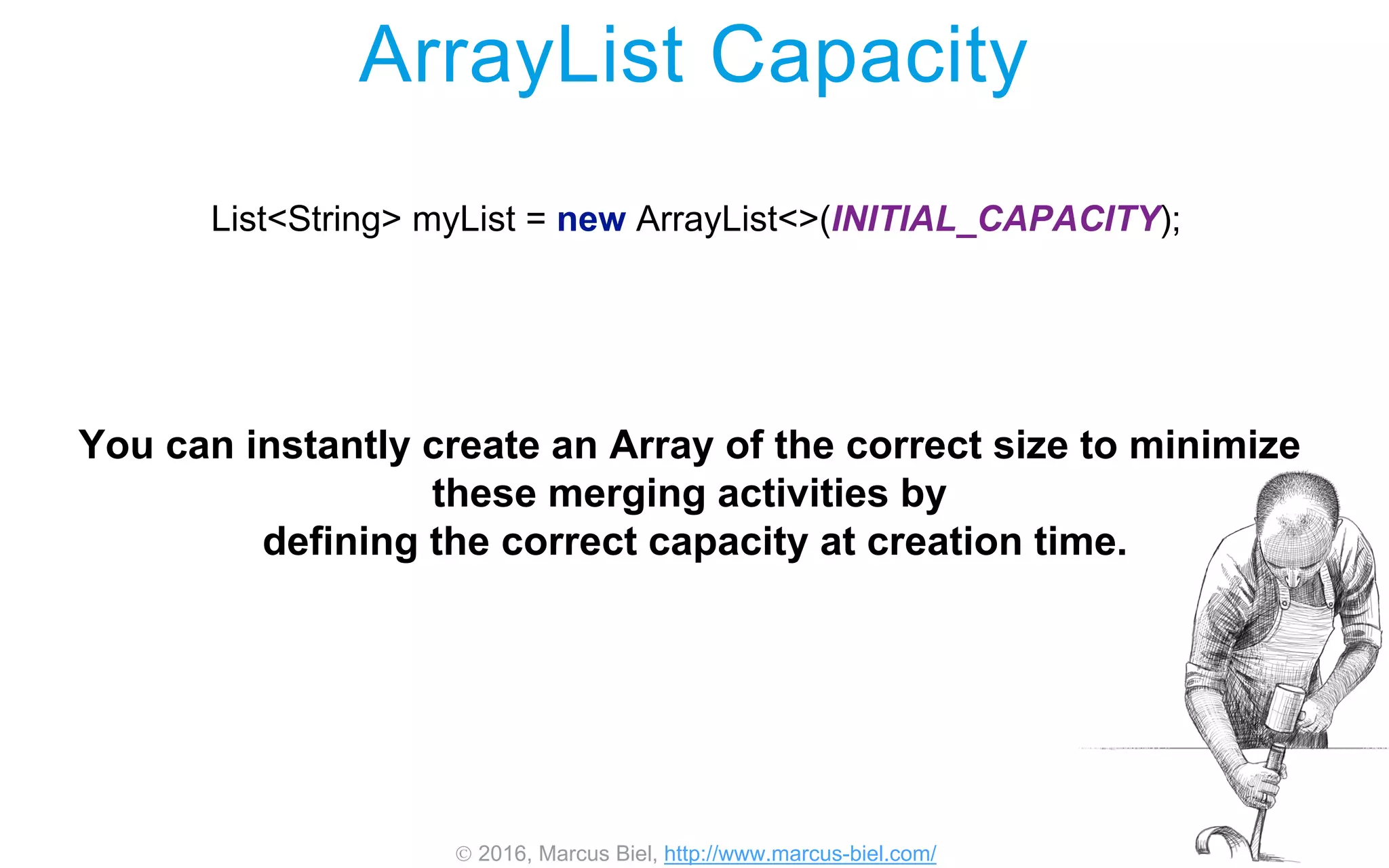
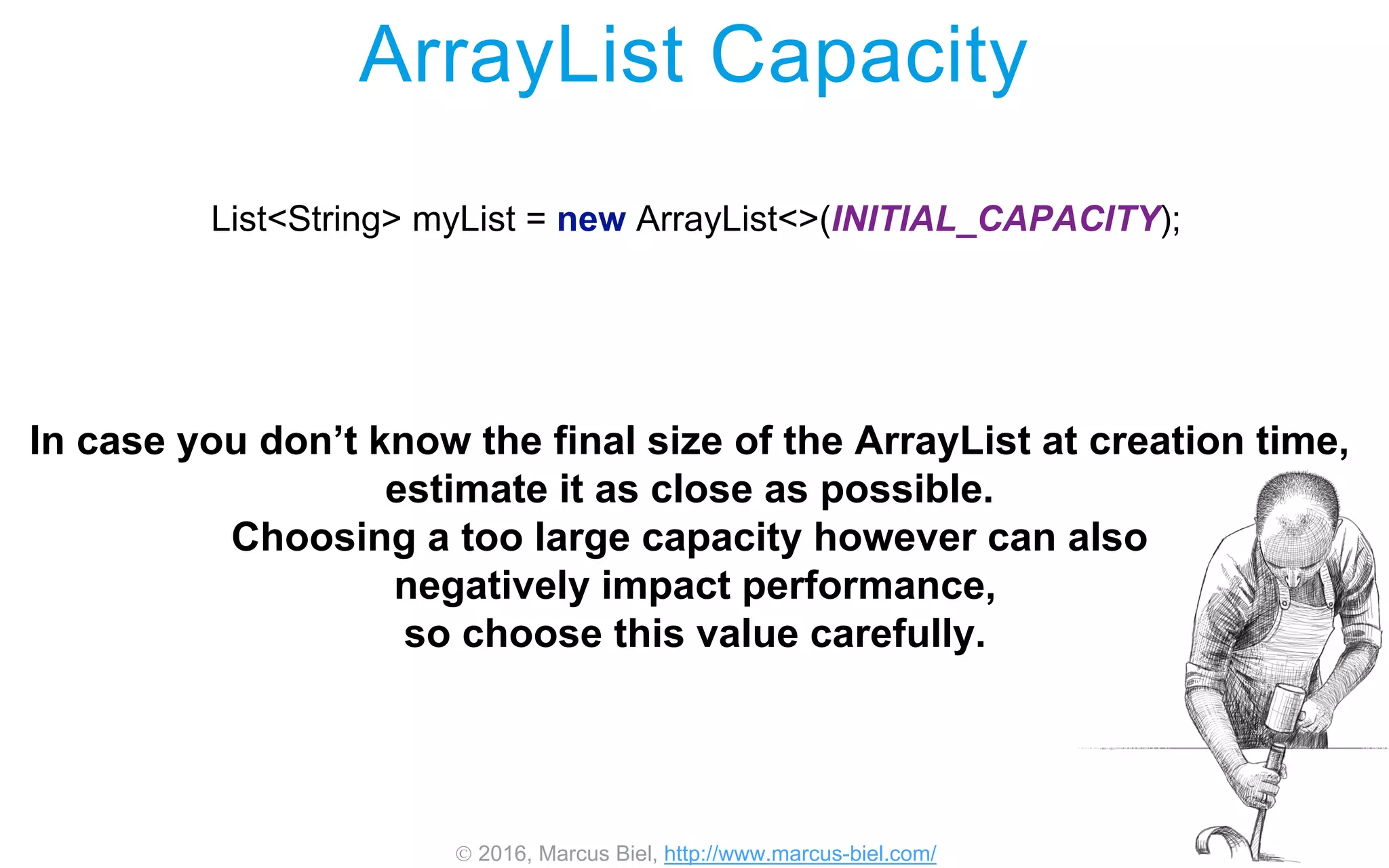
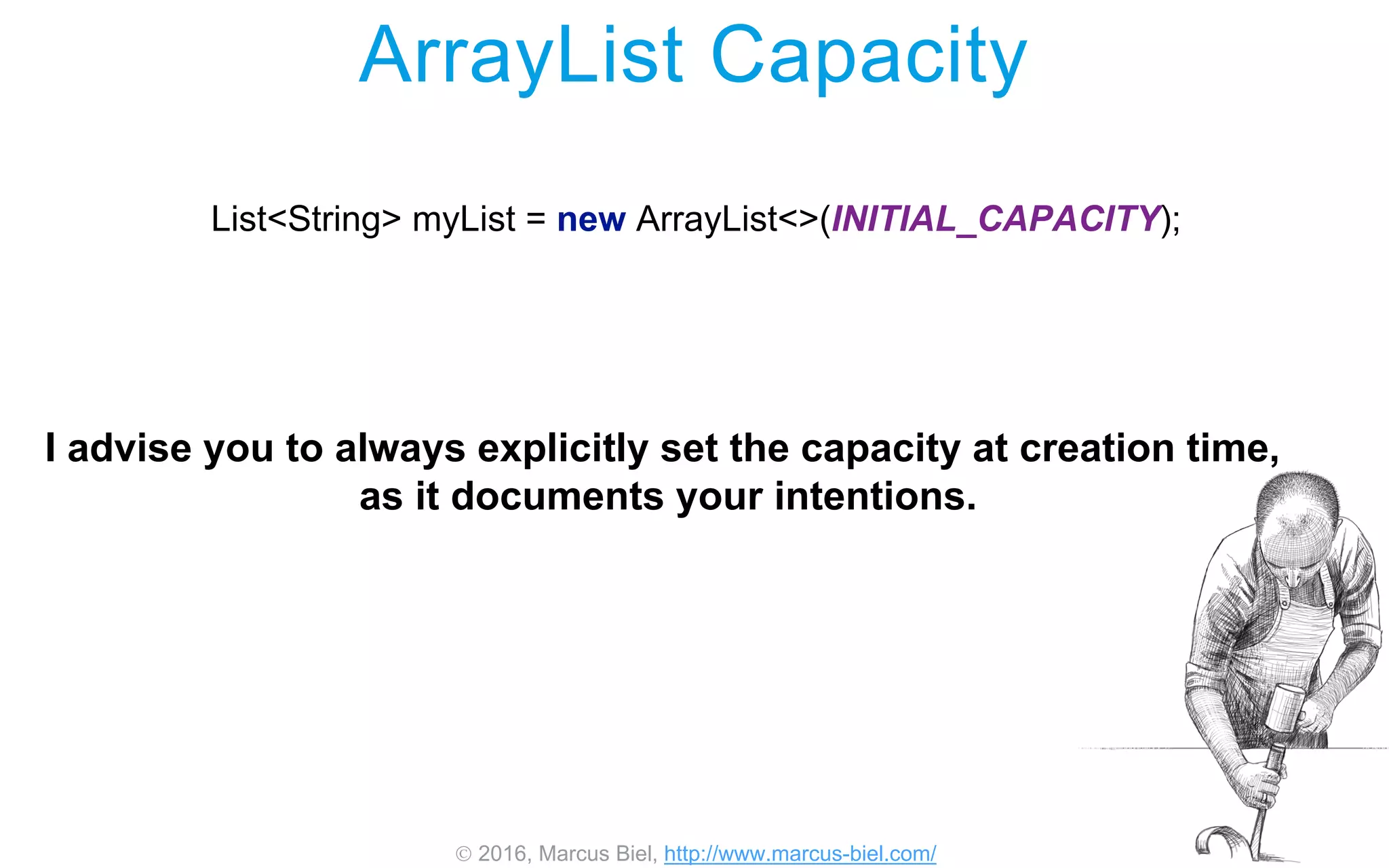
List<String> myList = new ArrayList<>(INITIAL_CAPACITY);
You can instantly create an Array of the correct size to minimize
these merging activities by
defining the correct capacity at creation time.
 2016, Marcus Biel, http://www.marcus-biel.com/
ArrayList Capacity
List<String> myList = new ArrayList<>(INITIAL_CAPACITY);
In case you don’t know the final size of the ArrayList at creation time,
estimate it as close as possible.
Choosing a too large capacity however can also
negatively impact performance,
so choose this value carefully.
 2016, Marcus Biel, http://www.marcus-biel.com/
ArrayList Capacity
List<String> myList = new ArrayList<>(INITIAL_CAPACITY);
I advise you to always explicitly set the capacity at creation time,
as it documents your intentions.
 2016, Marcus Biel, http://www.marcus-biel.com/
ArrayList Capacity
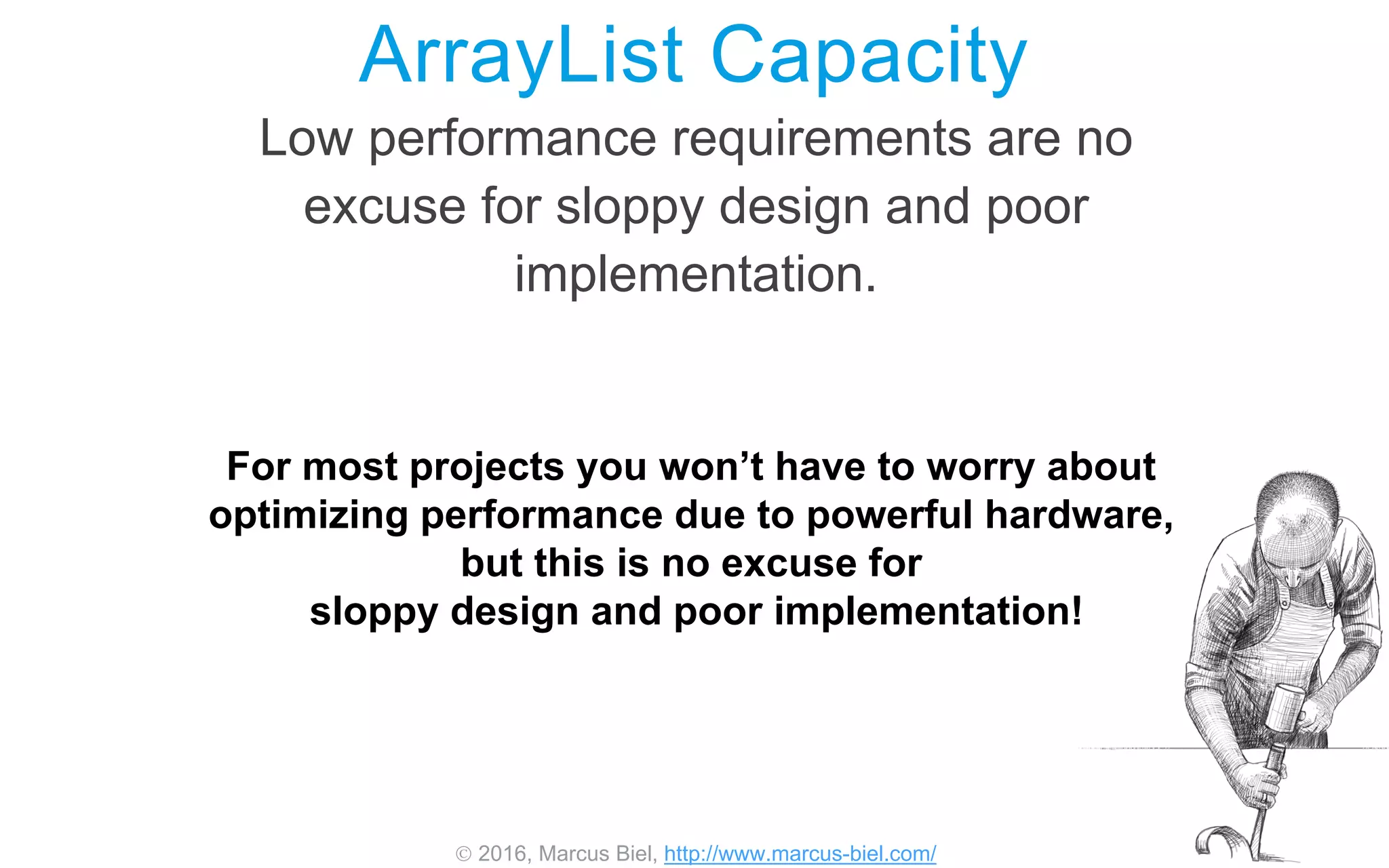
Low performance requirements are no
excuse for sloppy design and poor
implementation.
For most projects you won’t have to worry about
optimizing performance due to powerful hardware,
but this is no excuse for
sloppy design and poor implementation!
 2016, Marcus Biel, http://www.marcus-biel.com/
ArrayListpackage java.util;
public class ArrayList<E> {
private static final int DEFAULT_CAPACITY = 10;
private Object[] elementData;
private int size;
public E get(int index) {…}
public boolean add(E e) {…}
public E remove(int index) {…}
[…]
}
Here you can see a simplified extract of the class ArrayList.
Keep in mind the real class looks a bit more complicated.
This is just meant to give you a more concrete idea
of what the class ArrayList looks like.
 2016, Marcus Biel, http://www.marcus-biel.com/
ArrayListpackage java.util;
public class ArrayList<E> {
private static final int DEFAULT_CAPACITY = 10;
private Object[] elementData;
private int size;
public E get(int index) {…}
public boolean add(E e) {…}
public E remove(int index) {…}
[…]
}
As you can see,
ArrayList is just a class anyone could have written,
given enough time and knowledge.
There is no black magic.
You can find the actual source code online.
 2016, Marcus Biel, http://www.marcus-biel.com/
ArrayListpackage java.util;
public class ArrayList<E> {
private static final int DEFAULT_CAPACITY = 10;
private Object[] elementData;
private int size;
public E get(int index) {…}
public boolean add(E e) {…}
public E remove(int index) {…}
[…]
}
However, don’t rely too much on internals
that you spot in the source code,
as they may change any time,
if they are not defined in the Java language specification.
 2016, Marcus Biel, http://www.marcus-biel.com/
private static final int DEFAULT_CAPACITY = 10;
private Object[] elementData;
private int size;
public E remove(int index) {…}
public boolean add(E e) {…}
public E get(int index) {…}
package java.util;
public class ArrayList<E> {
[…]
}
ArrayList
default capacity is the initial size of the array,
when you don’t specify it as I recommended before.
 2016, Marcus Biel, http://www.marcus-biel.com/
private Object[] elementData;
private int size;
public E remove(int index) {…}
private static final int DEFAULT_CAPACITY = 10;
public boolean add(E e) {…}
public E get(int index) {…}
package java.util;
public class ArrayList<E> {
[…]
}
ArrayList
“elementData”
is the Array used to store the elements of the ArrayList.
 2016, Marcus Biel, http://www.marcus-biel.com/
private Object[] elementData;
private int size;
public E remove(int index) {…}
private static final int DEFAULT_CAPACITY = 10;
public boolean add(E e) {…}
public E get(int index) {…}
package java.util;
public class ArrayList<E> {
[…]
}
ArrayList
int size
is the number of elements the ArrayList currently holds.
 2016, Marcus Biel, http://www.marcus-biel.com/
private Object[] elementData;
private int size;
public E remove(int index) {…}
private static final int DEFAULT_CAPACITY = 10;
public boolean add(E e) {…}
public E get(int index) {…}
package java.util;
public class ArrayList<E> {
[…]
}
ArrayList
…get…
 2016, Marcus Biel, http://www.marcus-biel.com/
public boolean add(E e) {…}
private Object[] elementData;
private int size;
public E remove(int index) {…}
private static final int DEFAULT_CAPACITY = 10;
public E get(int index) {…}
package java.util;
public class ArrayList<E> {
[…]
}
ArrayList
…add..
 2016, Marcus Biel, http://www.marcus-biel.com/
private Object[] elementData;
private int size;
public E remove(int index) {…}
private static final int DEFAULT_CAPACITY = 10;
public boolean add(E e) {…}
public E get(int index) {…}
package java.util;
public class ArrayList<E> {
[…]
}
ArrayList
… and remove
are some of the many functions ArrayList provides.
We will look at those methods now.
 2016, Marcus Biel, http://www.marcus-biel.com/
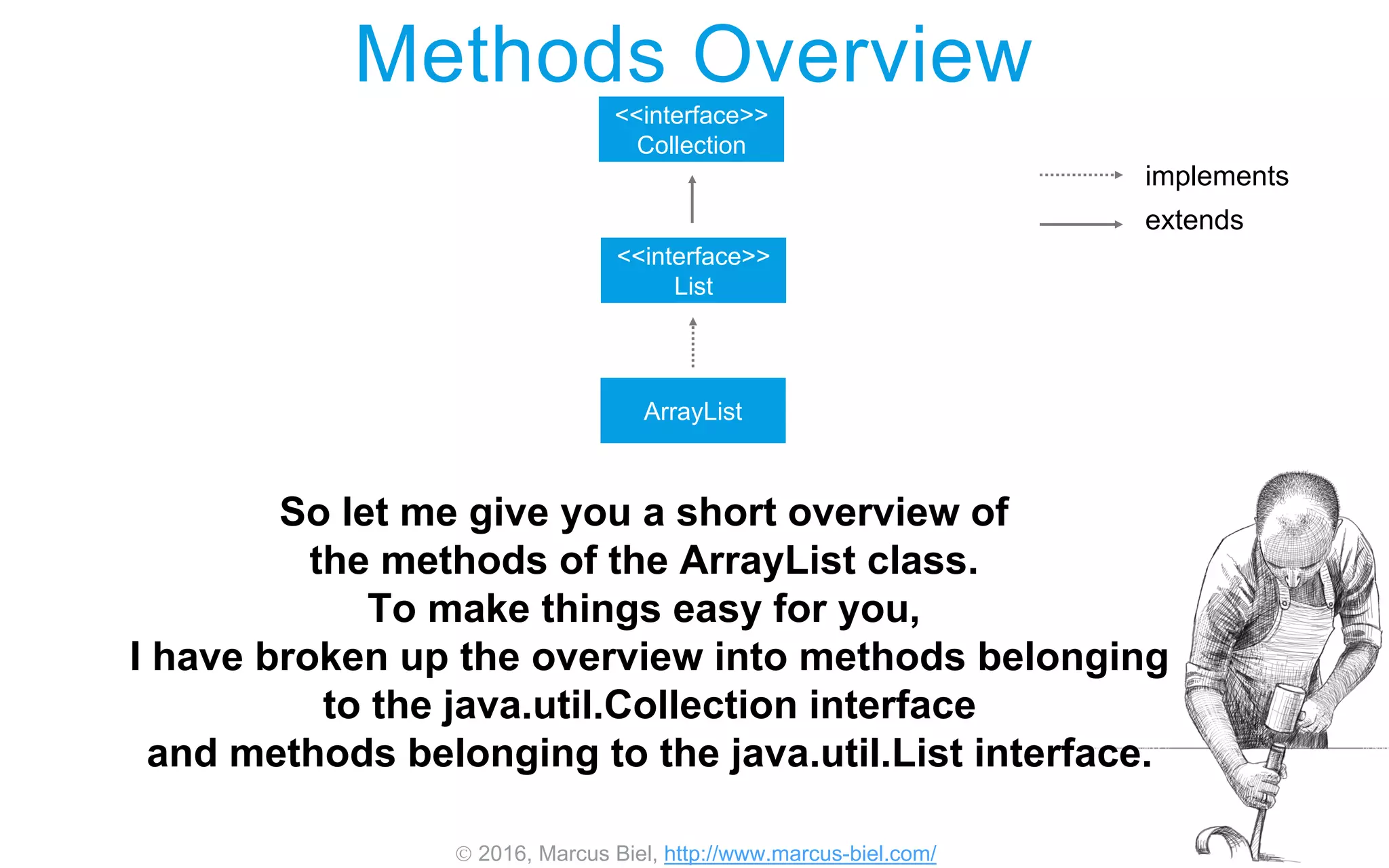
Methods Overview
<<interface>>
Collection
<<interface>>
List
ArrayList
implements
extends
So let me give you a short overview of
the methods of the ArrayList class.
To make things easy for you,
I have broken up the overview into methods belonging
to the java.util.Collection interface
and methods belonging to the java.util.List interface.
 2016, Marcus Biel, http://www.marcus-biel.com/
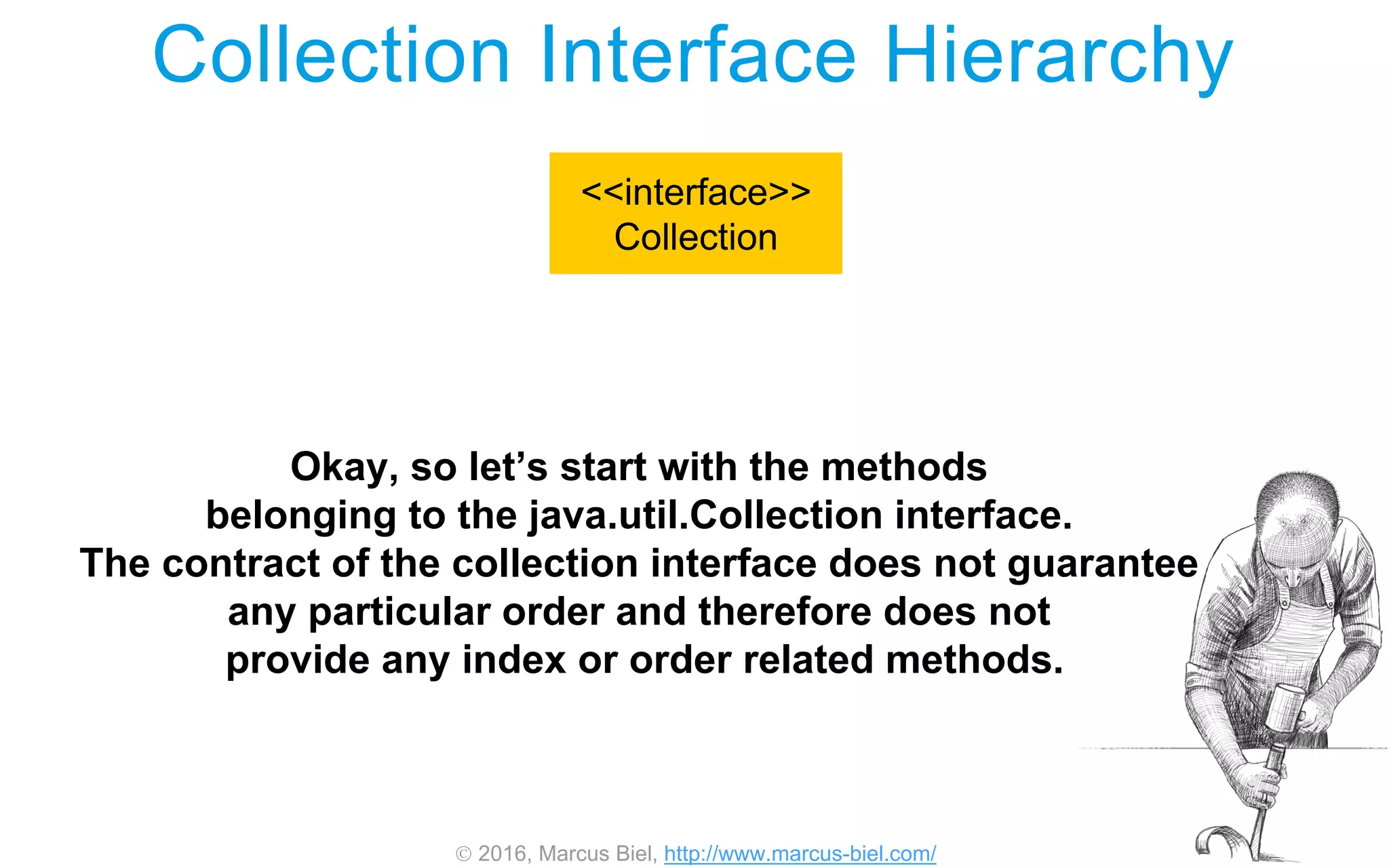
Collection Interface Hierarchy
<<interface>>
Collection
Okay, so let’s start with the methods
belonging to the java.util.Collection interface.
The contract of the collection interface does not guarantee
any particular order and therefore does not
provide any index or order related methods.
 2016, Marcus Biel, http://www.marcus-biel.com/
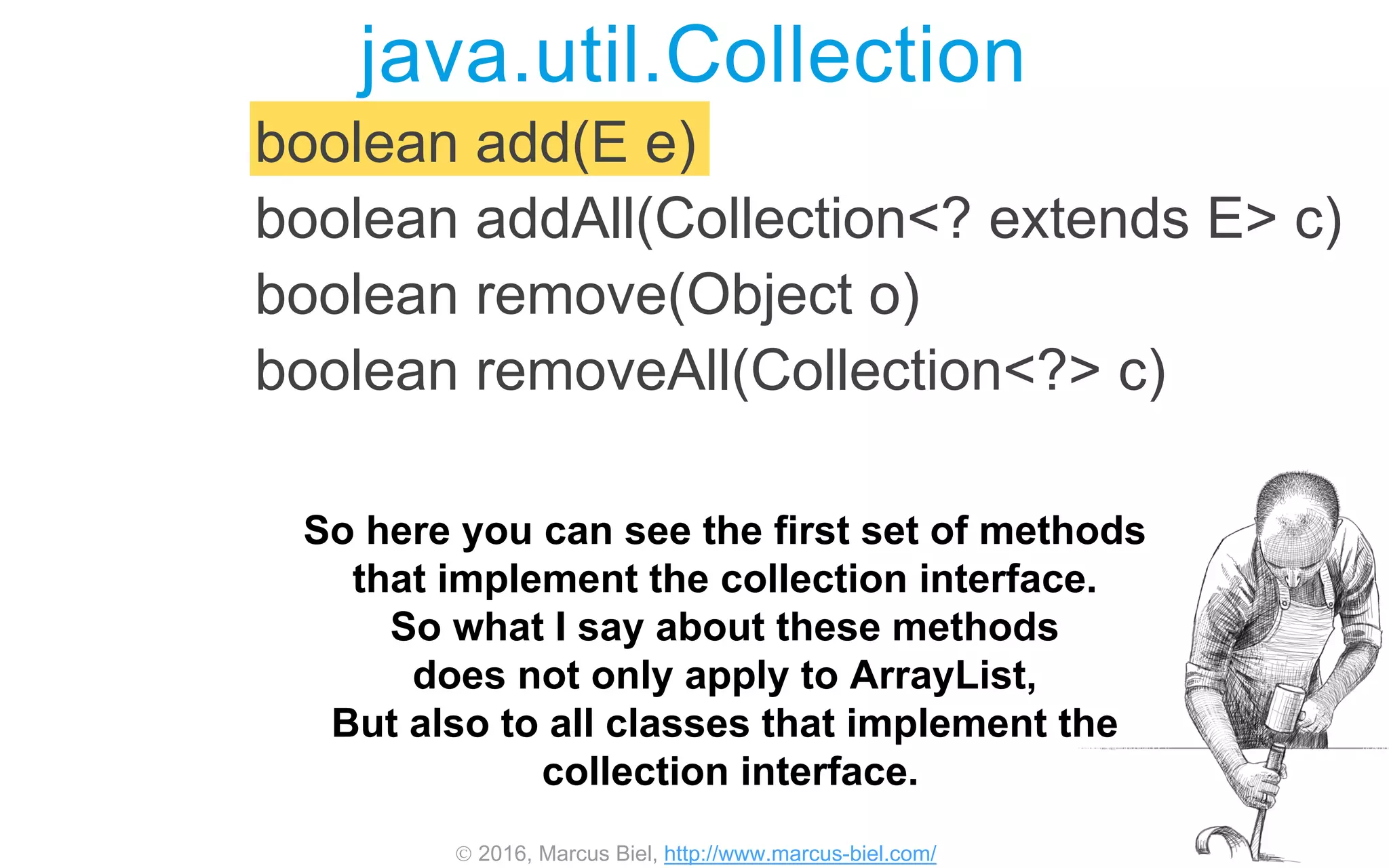
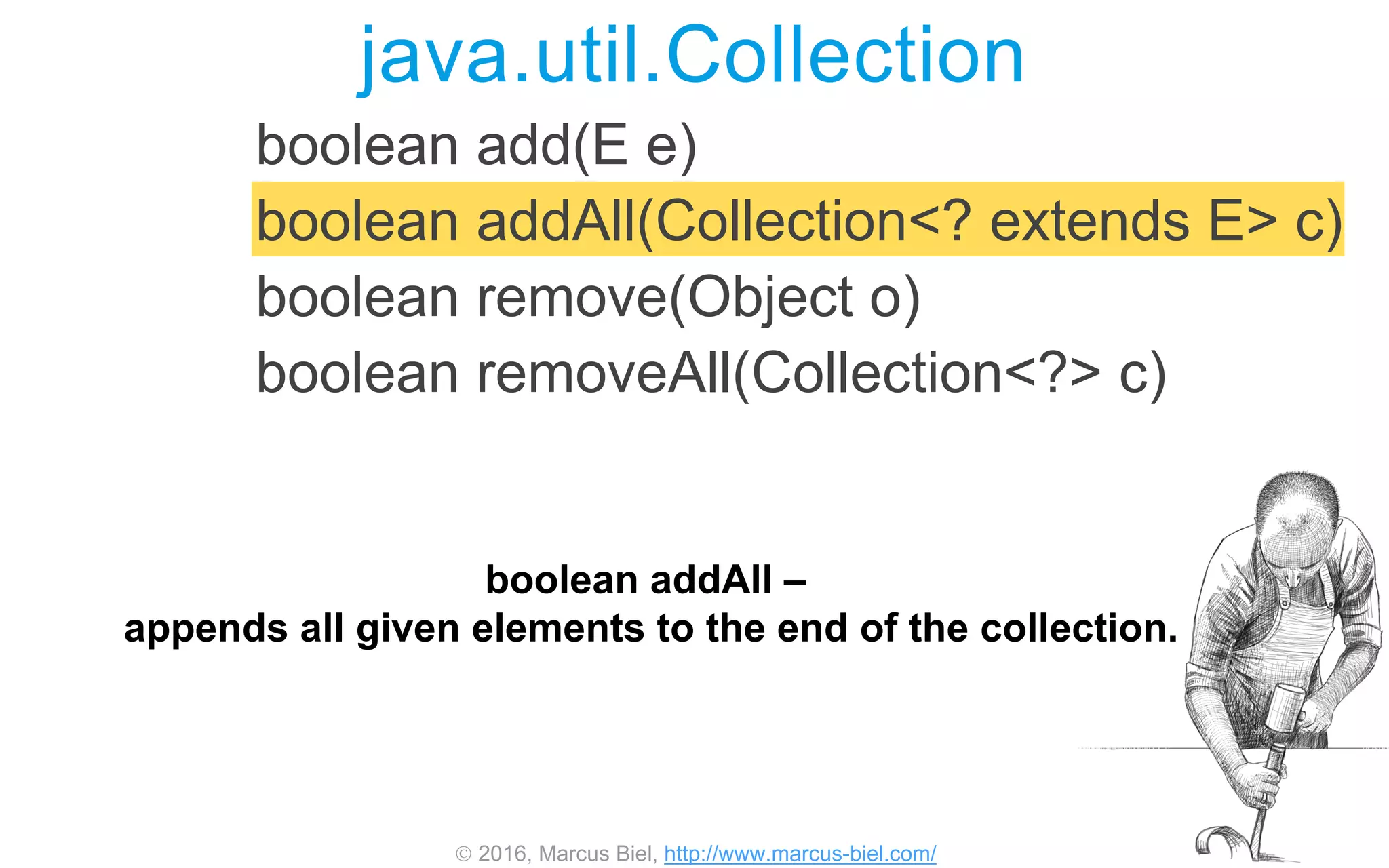
boolean add(E e)
boolean addAll(Collection<? extends E> c)
boolean remove(Object o)
boolean removeAll(Collection<?> c)
java.util.Collection
So here you can see the first set of methods
that implement the collection interface.
So what I say about these methods
does not only apply to ArrayList,
But also to all classes that implement the
collection interface.
 2016, Marcus Biel, http://www.marcus-biel.com/
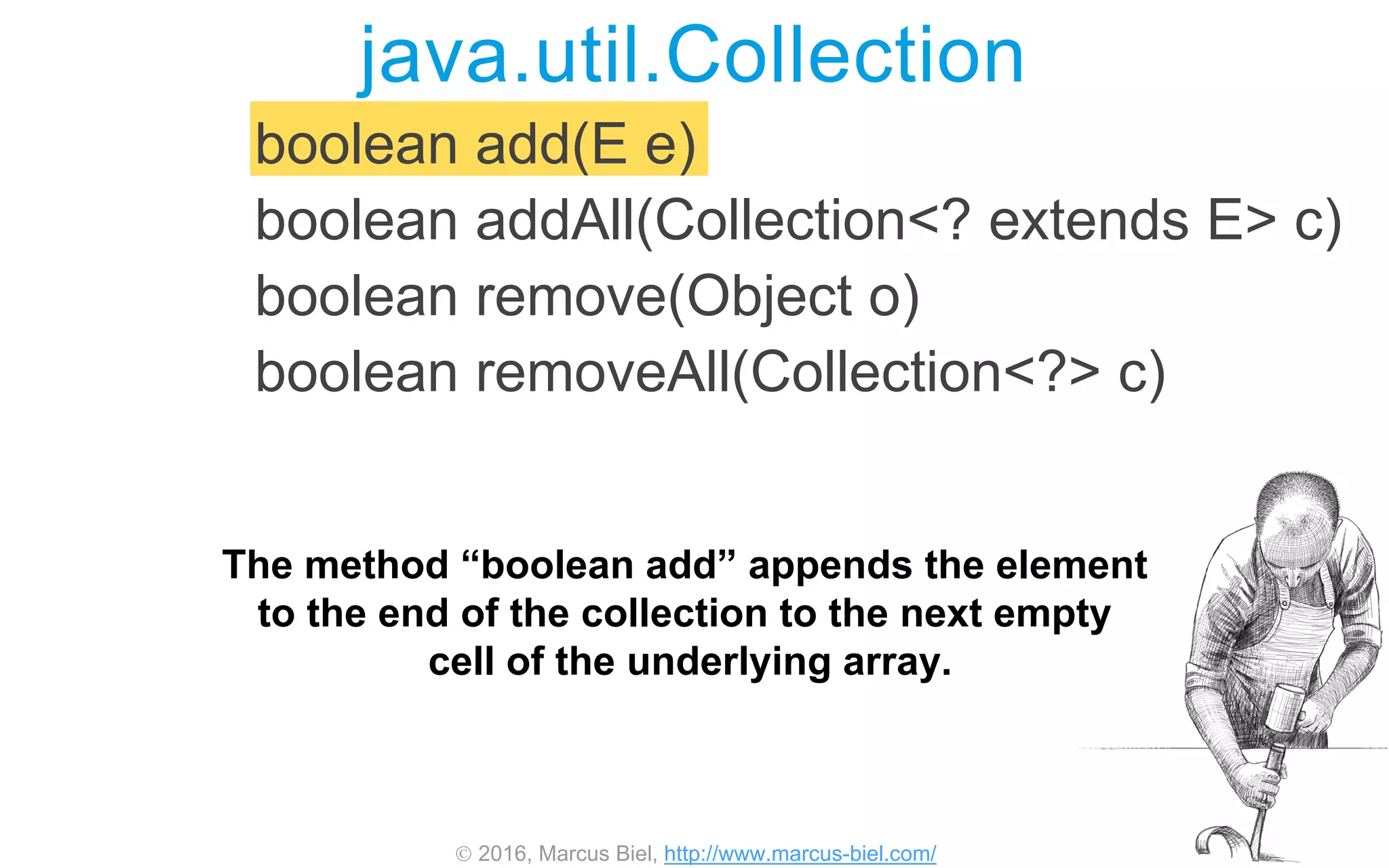
boolean add(E e)
boolean addAll(Collection<? extends E> c)
boolean remove(Object o)
boolean removeAll(Collection<?> c)
java.util.Collection
The method “boolean add” appends the element
to the end of the collection to the next empty
cell of the underlying array.
 2016, Marcus Biel, http://www.marcus-biel.com/
boolean add(E e)
boolean addAll(Collection<? extends E> c)
boolean remove(Object o)
boolean removeAll(Collection<?> c)
java.util.Collection
boolean addAll –
appends all given elements to the end of the collection.
 2016, Marcus Biel, http://www.marcus-biel.com/
boolean add(E e)
boolean addAll(Collection<? extends E> c)
boolean remove(Object o)
boolean removeAll(Collection<?> c)
java.util.Collection
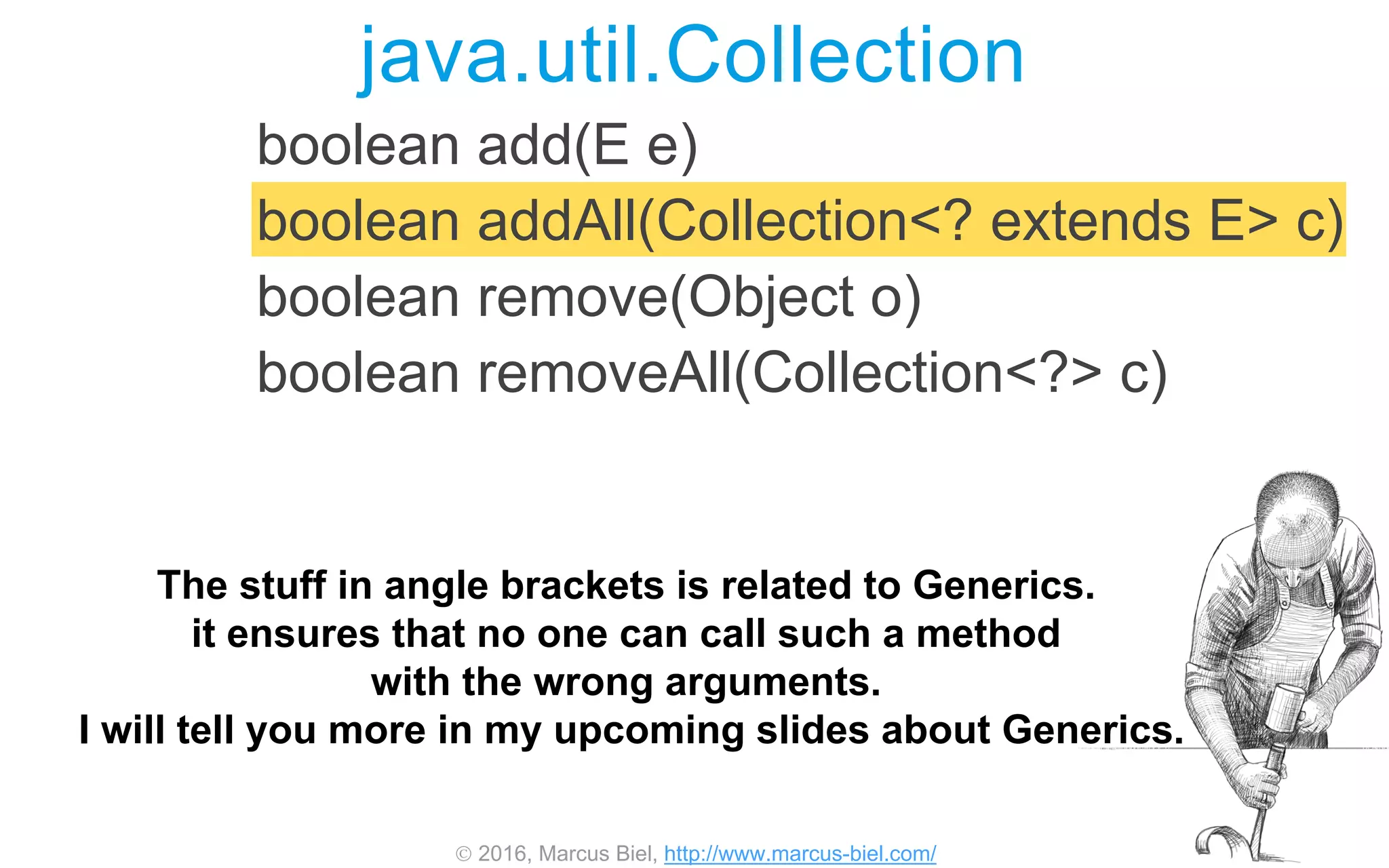
The stuff in angle brackets is related to Generics.
it ensures that no one can call such a method
with the wrong arguments.
I will tell you more in my upcoming slides about Generics.
 2016, Marcus Biel, http://www.marcus-biel.com/
boolean add(E e)
boolean addAll(Collection<? extends E> c)
boolean remove(Object o)
boolean removeAll(Collection<?> c)
java.util.Collection
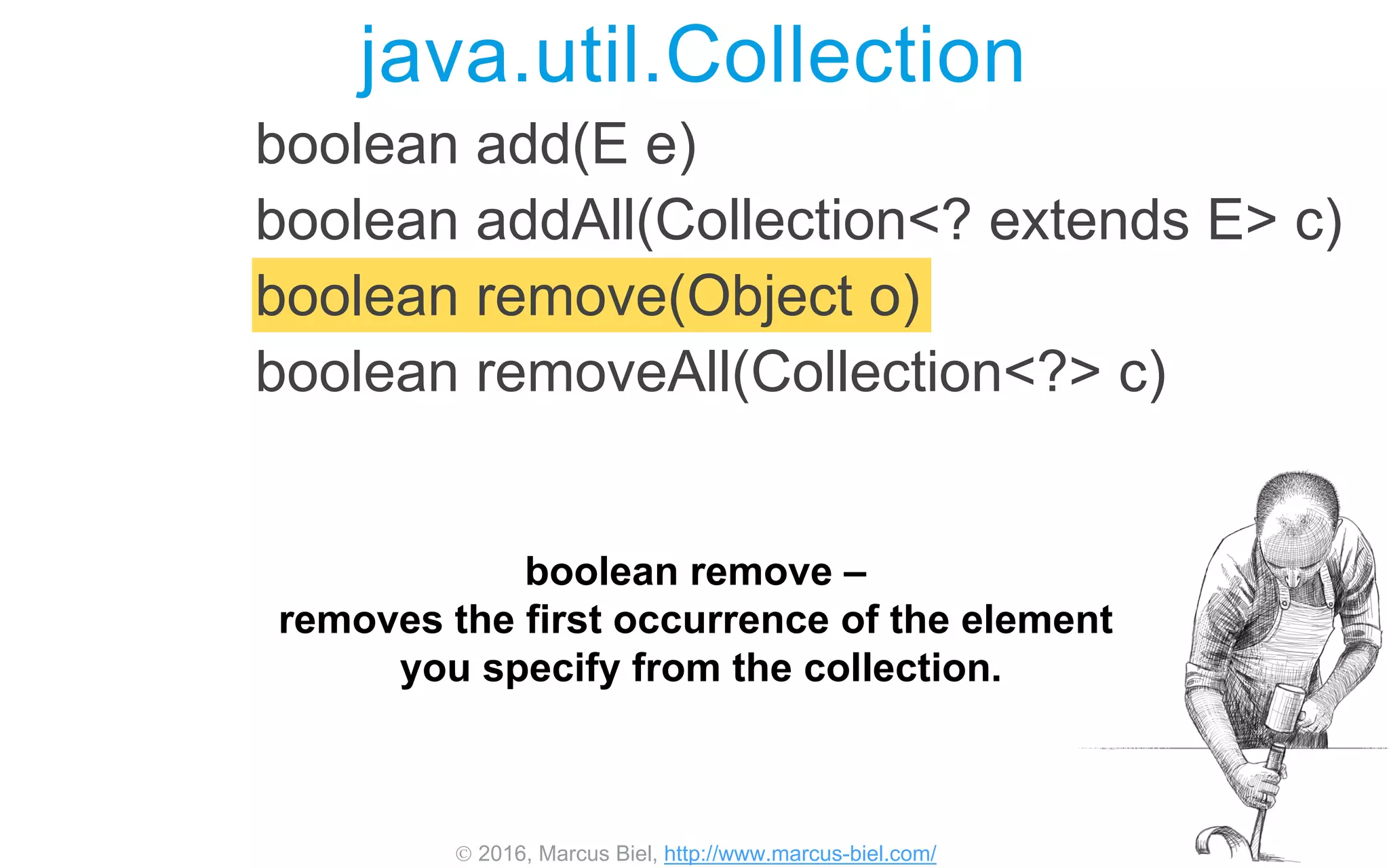
boolean remove –
removes the first occurrence of the element
you specify from the collection.
 2016, Marcus Biel, http://www.marcus-biel.com/
java.util.Collection
boolean add(E e)
boolean addAll(Collection<? extends E> c)
boolean remove(Object o)
boolean removeAll(Collection<?> c)
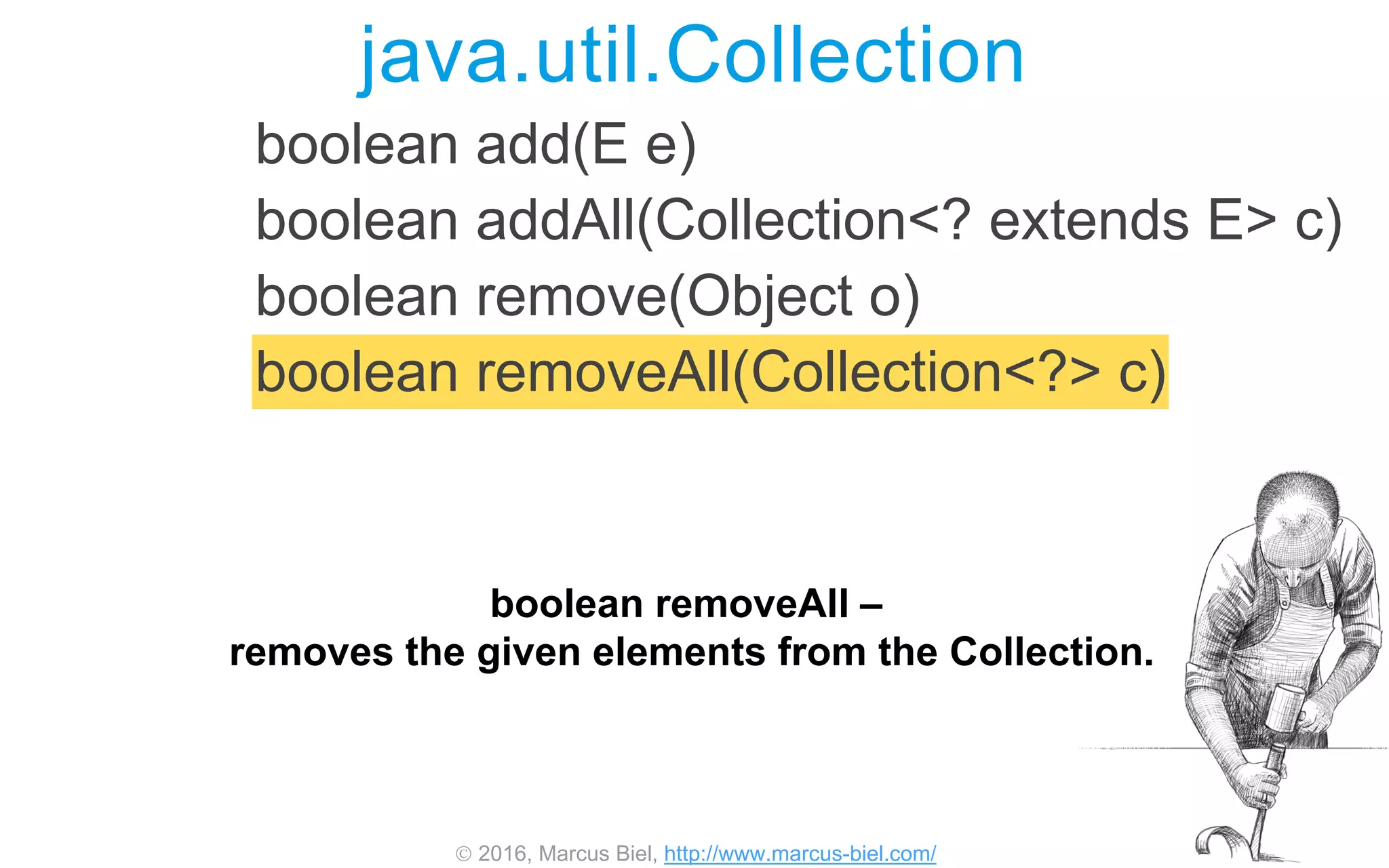
boolean removeAll –
removes the given elements from the Collection.
 2016, Marcus Biel, http://www.marcus-biel.com/
Iterator<E> iterator()
int size()
boolean
contains(Object o)
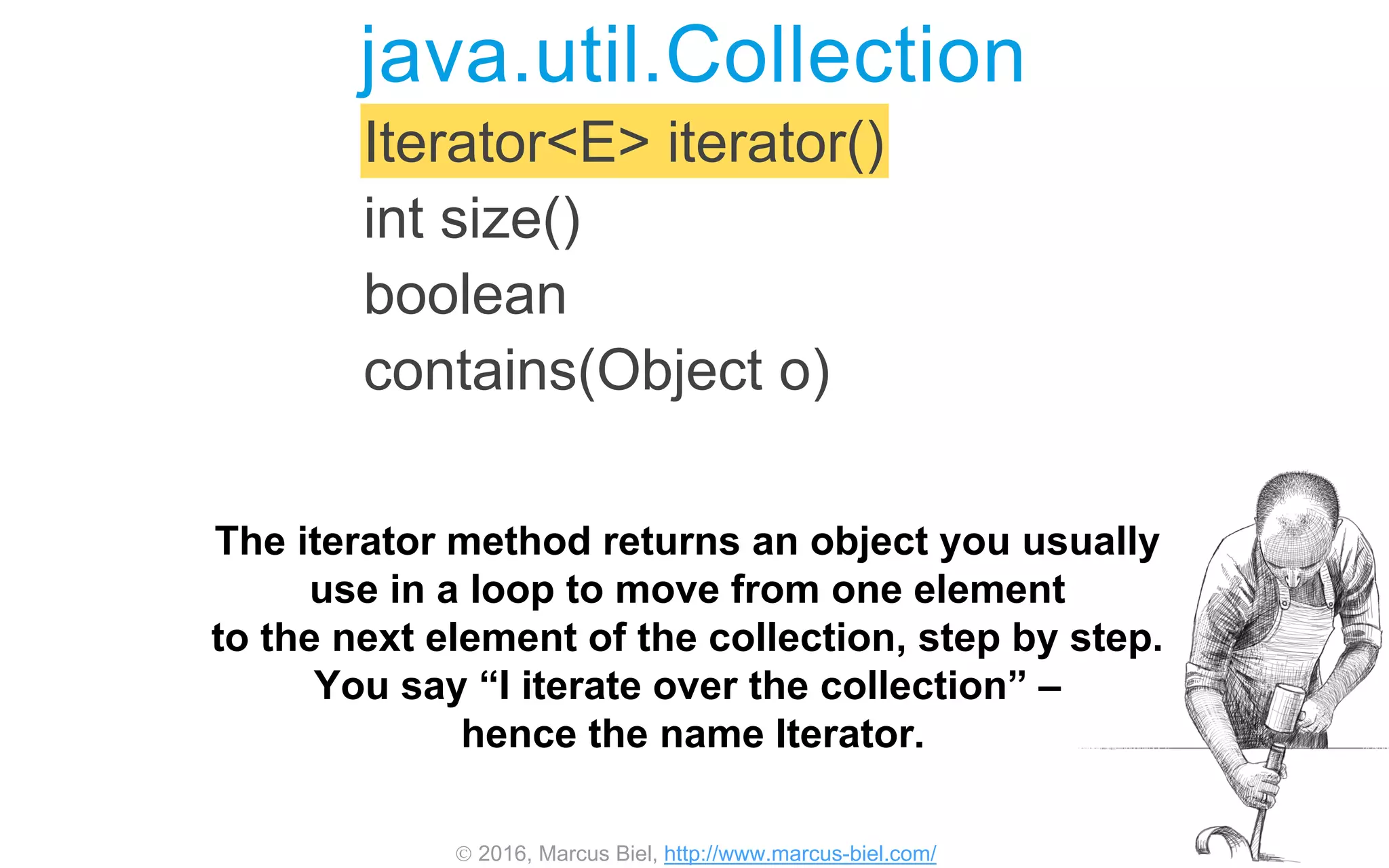
java.util.Collection
The iterator method returns an object you usually
use in a loop to move from one element
to the next element of the collection, step by step.
You say “I iterate over the collection” –
hence the name Iterator.
 2016, Marcus Biel, http://www.marcus-biel.com/
java.util.Collection
Iterator<E> iterator()
int size()
boolean
contains(Object o)
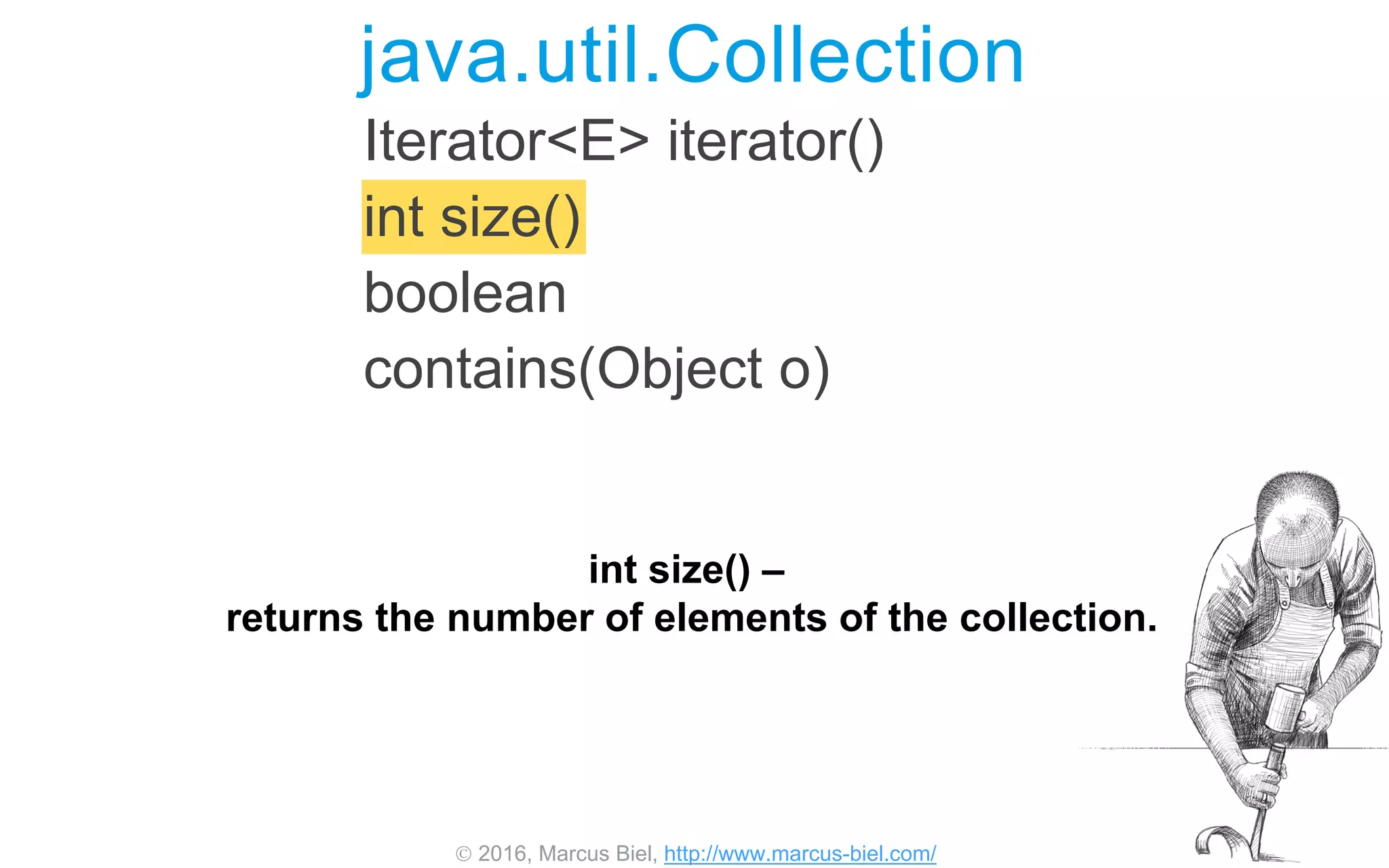
int size() –
returns the number of elements of the collection.
 2016, Marcus Biel, http://www.marcus-biel.com/
Iterator<E> iterator()
int size()
boolean contains(Object o)
java.util.Collection
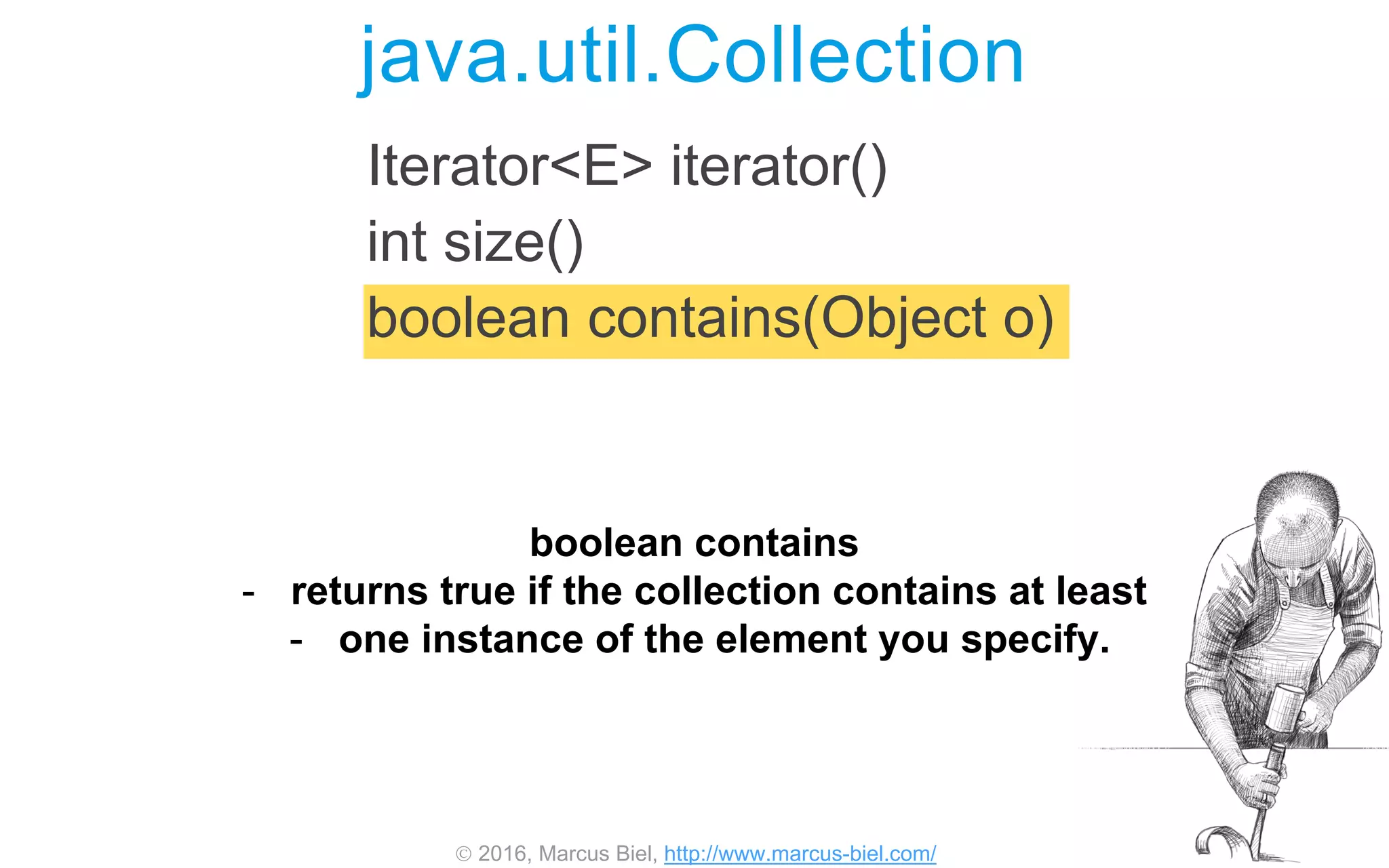
boolean contains
- returns true if the collection contains at least
- one instance of the element you specify.
 2016, Marcus Biel, http://www.marcus-biel.com/
void clear()
boolean isEmpty()
<T> T[] toArray(T[] a)
java.util.Collection
void clear() - removes all elements from the collection.
 2016, Marcus Biel, http://www.marcus-biel.com/
void clear()
boolean isEmpty()
<T> T[] toArray(T[] a)
java.util.Collection
boolean isEmpty() –
This returns true if the collection contains no elements.
 2016, Marcus Biel, http://www.marcus-biel.com/
void clear()
boolean isEmpty()
<T> T[] toArray(T[] a)
java.util.Collection
and toArray –
returns an array containing
all of the elements of the collection.
 2016, Marcus Biel, http://www.marcus-biel.com/
Collection Interface Hierarchy
<<interface>>
List
ArrayList
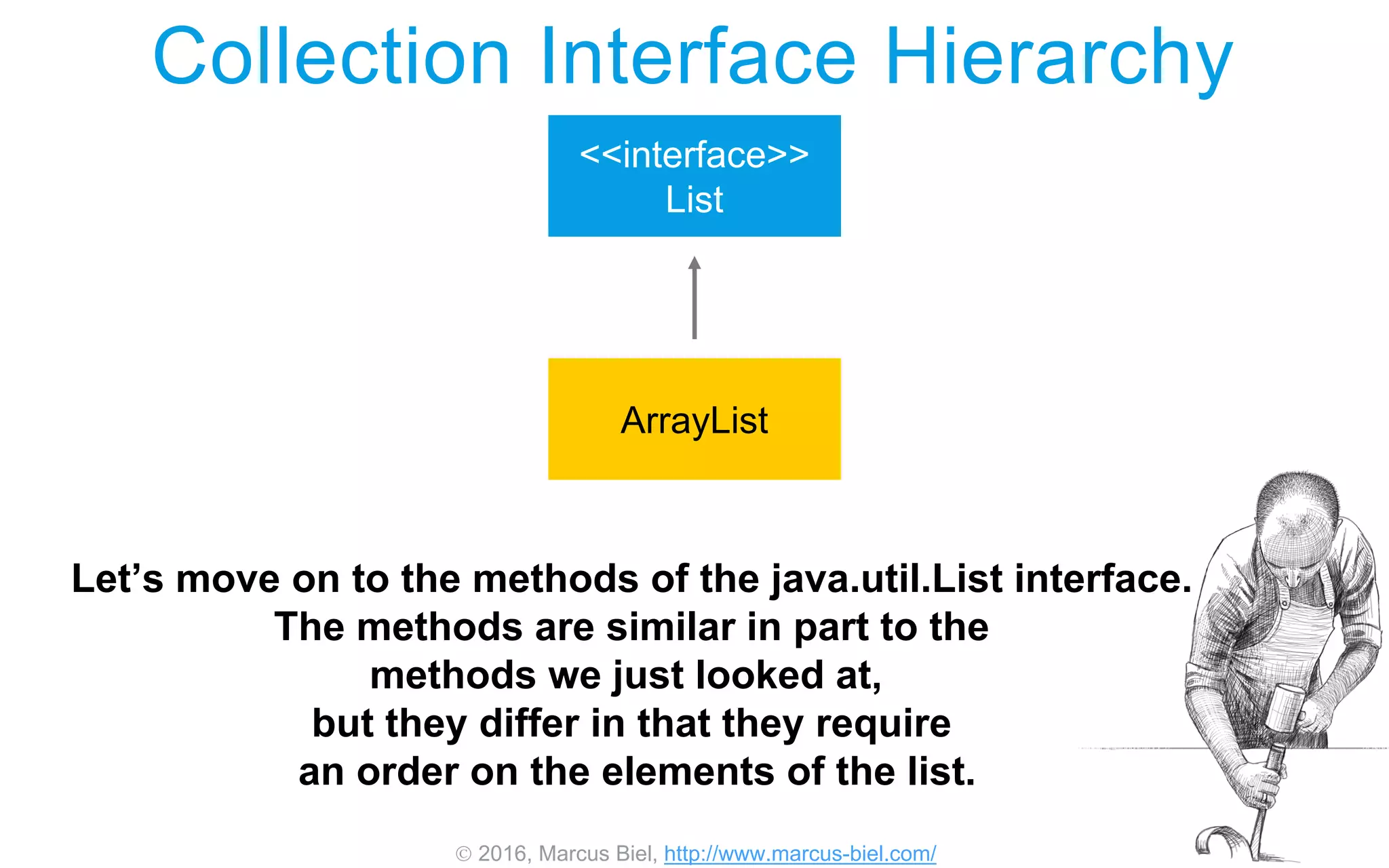
Let’s move on to the methods of the java.util.List interface.
The methods are similar in part to the
methods we just looked at,
but they differ in that they require
an order on the elements of the list.
 2016, Marcus Biel, http://www.marcus-biel.com/
java.util.List
boolean add(int index, E element)
E remove(int index)
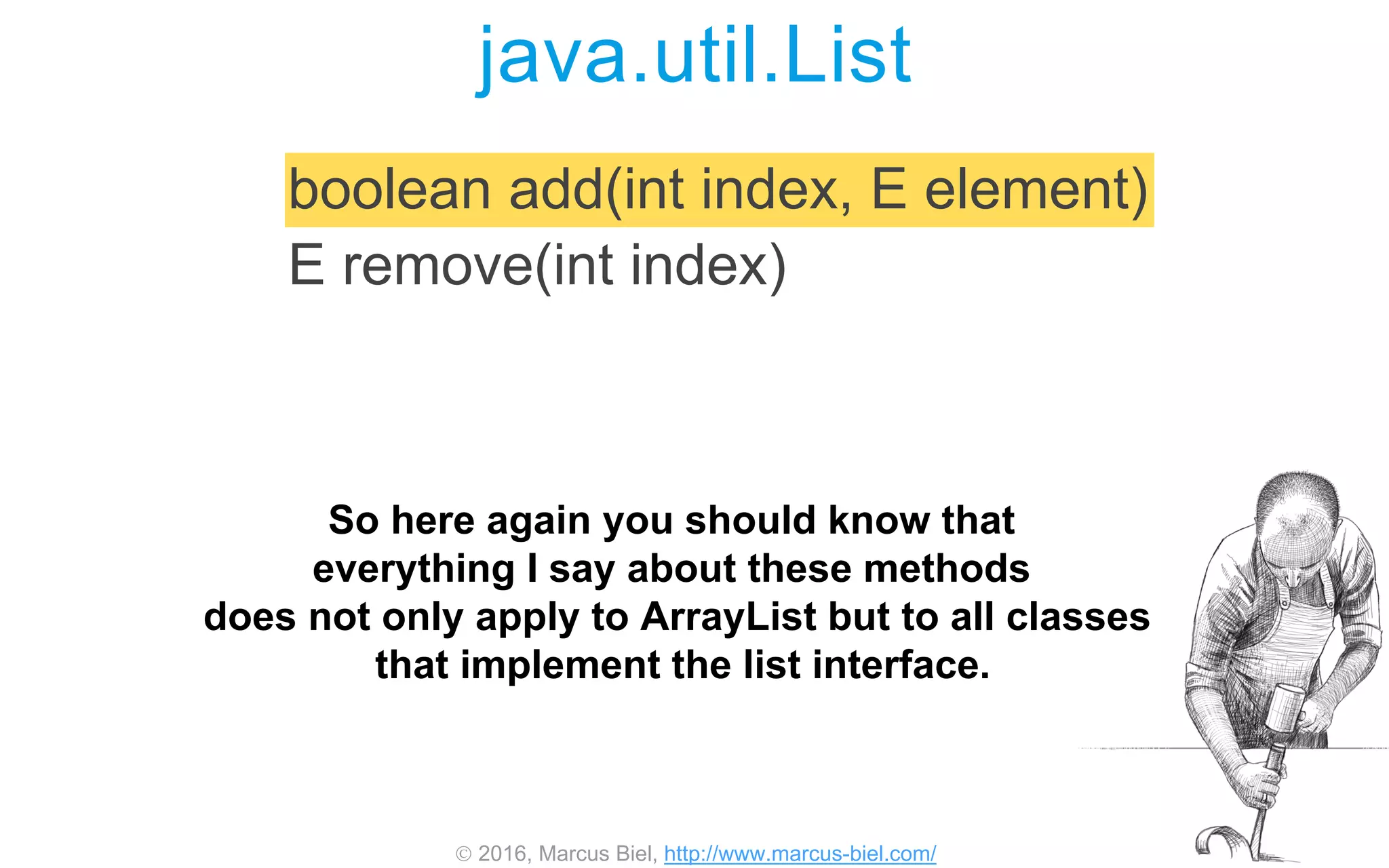
So here again you should know that
everything I say about these methods
does not only apply to ArrayList but to all classes
that implement the list interface.
 2016, Marcus Biel, http://www.marcus-biel.com/
java.util.List
boolean add(int index, E element)
E remove(int index)
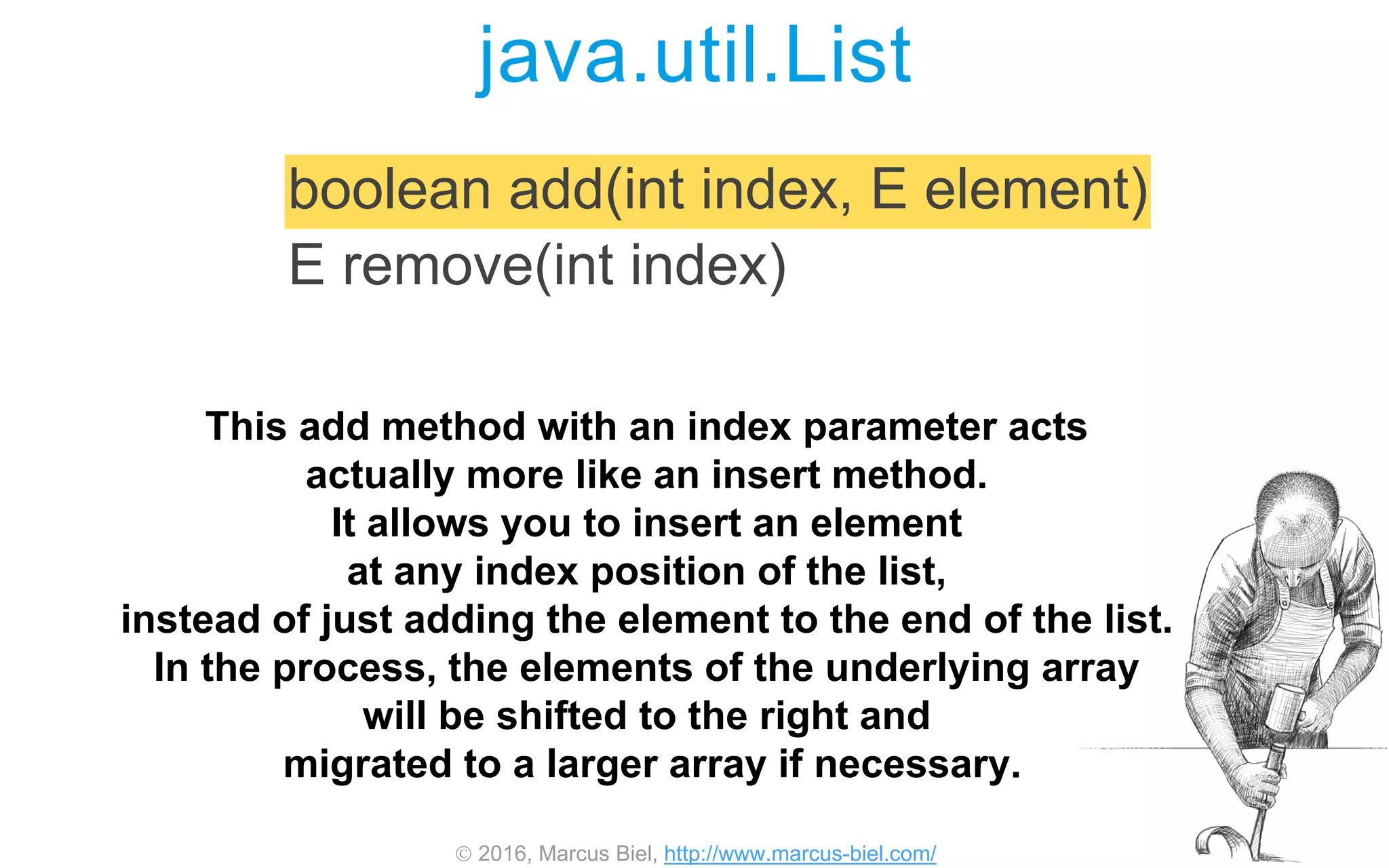
This add method with an index parameter acts
actually more like an insert method.
It allows you to insert an element
at any index position of the list,
instead of just adding the element to the end of the list.
In the process, the elements of the underlying array
will be shifted to the right and
migrated to a larger array if necessary.
 2016, Marcus Biel, http://www.marcus-biel.com/
java.util.List
boolean add(int index, E element)
E remove(int index)
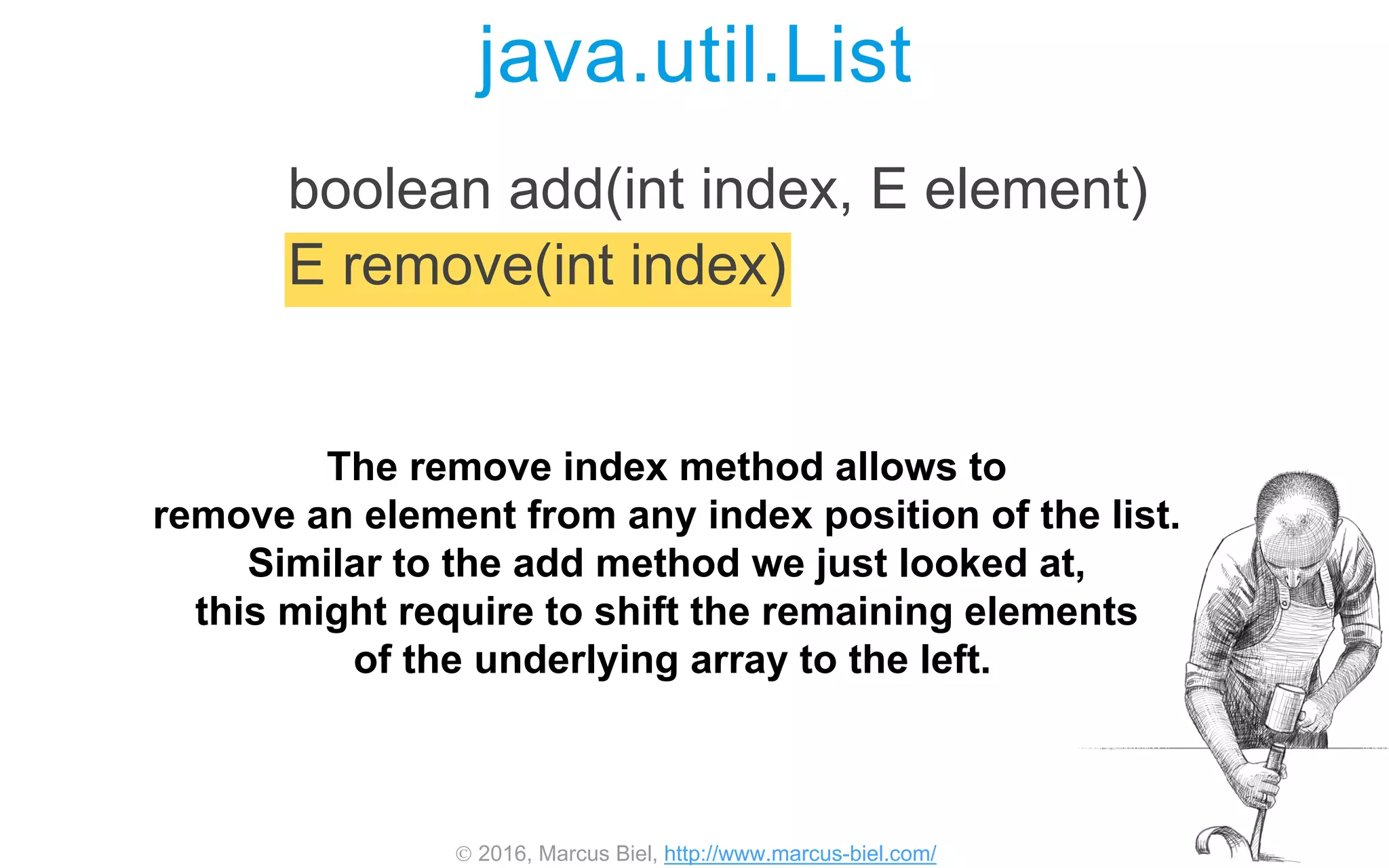
The remove index method allows to
remove an element from any index position of the list.
Similar to the add method we just looked at,
this might require to shift the remaining elements
of the underlying array to the left.
 2016, Marcus Biel, http://www.marcus-biel.com/
E get(int index)
int indexOf(Object o)
int lastIndexOf(Object o)
java.util.List
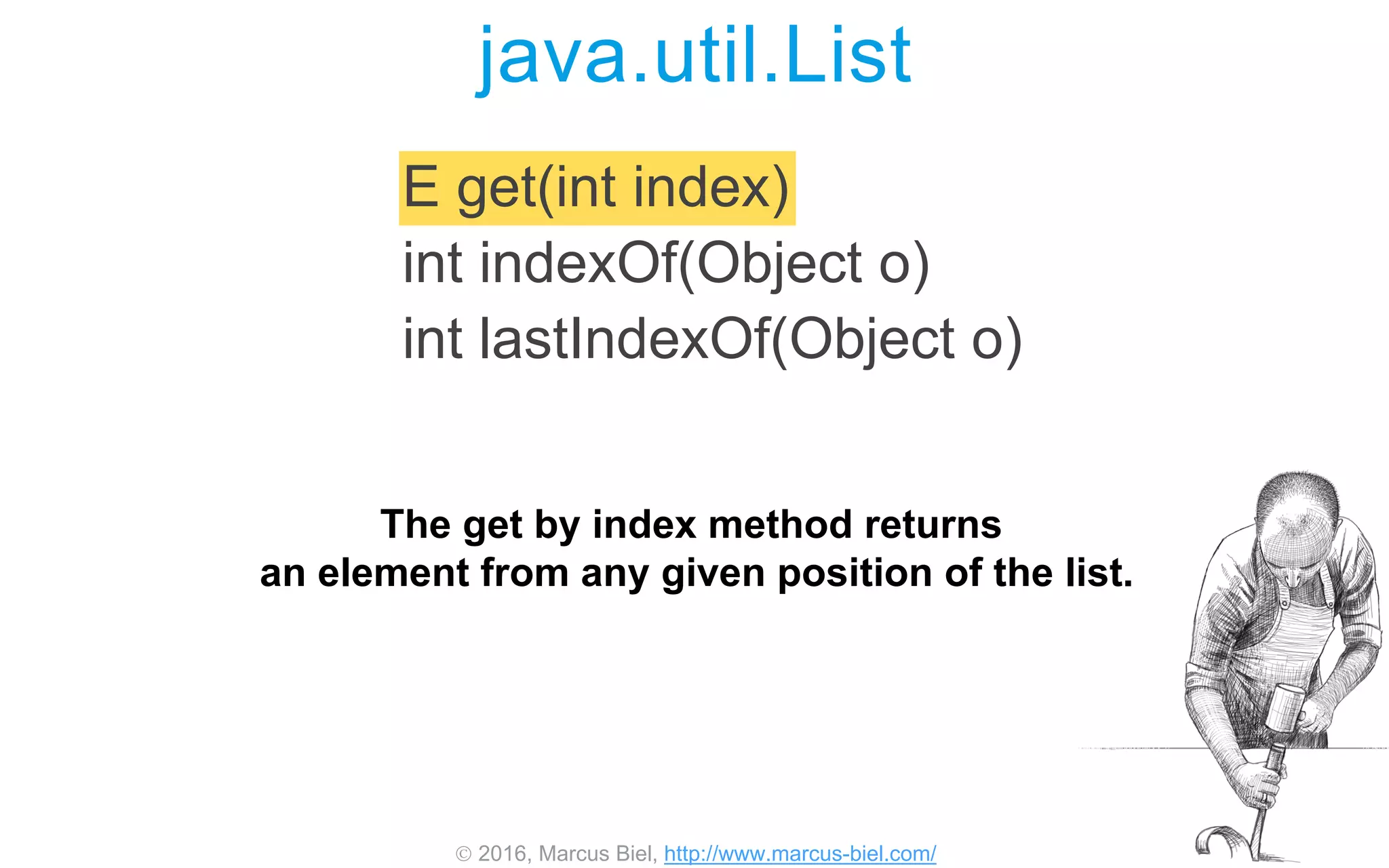
The get by index method returns
an element from any given position of the list.
 2016, Marcus Biel, http://www.marcus-biel.com/
java.util.List
E get(int index)
int indexOf(Object o)
int lastIndexOf(Object o)
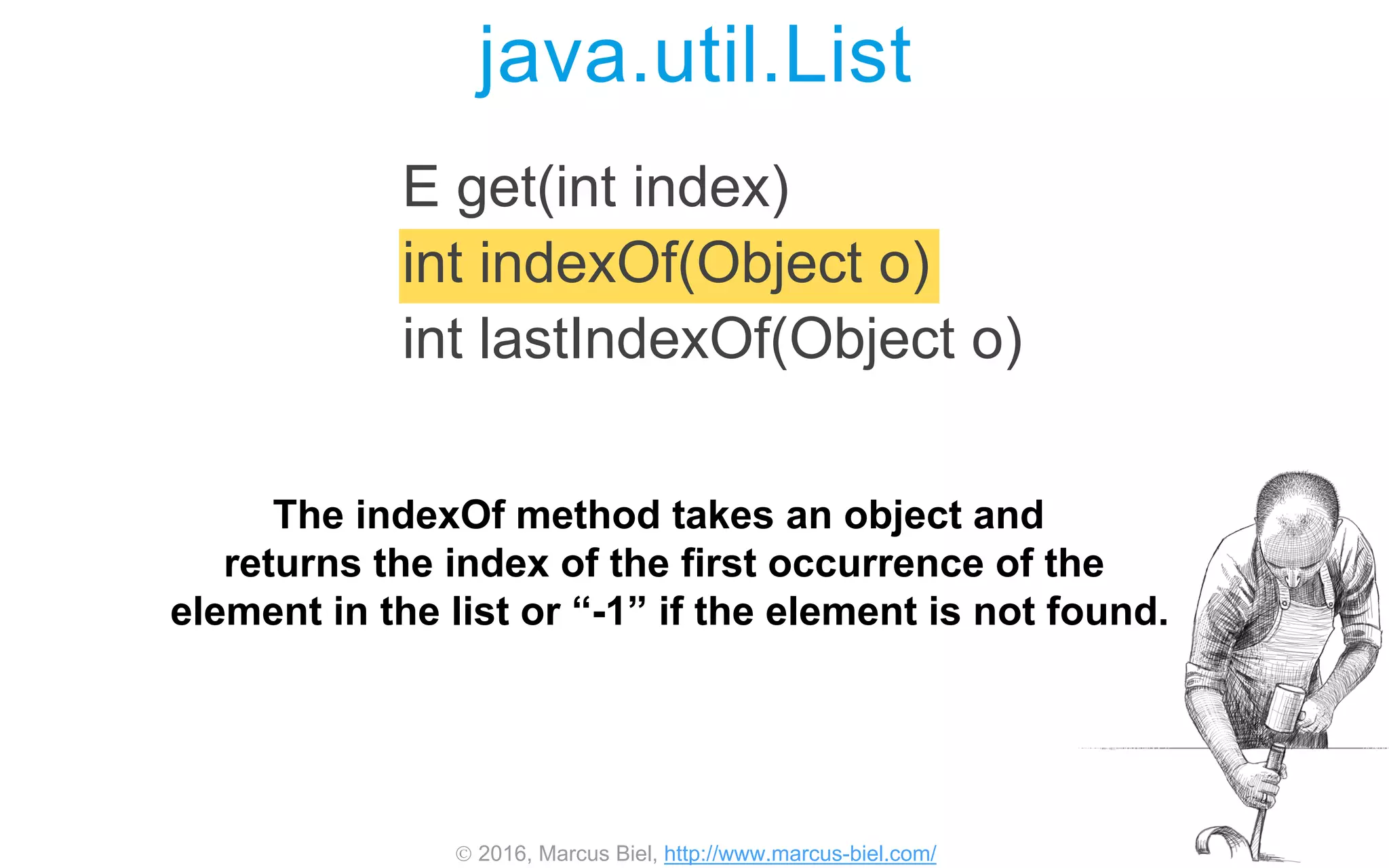
The indexOf method takes an object and
returns the index of the first occurrence of the
element in the list or “-1” if the element is not found.
 2016, Marcus Biel, http://www.marcus-biel.com/
java.util.List
E get(int index)
int indexOf(Object o)
int lastIndexOf(Object o)
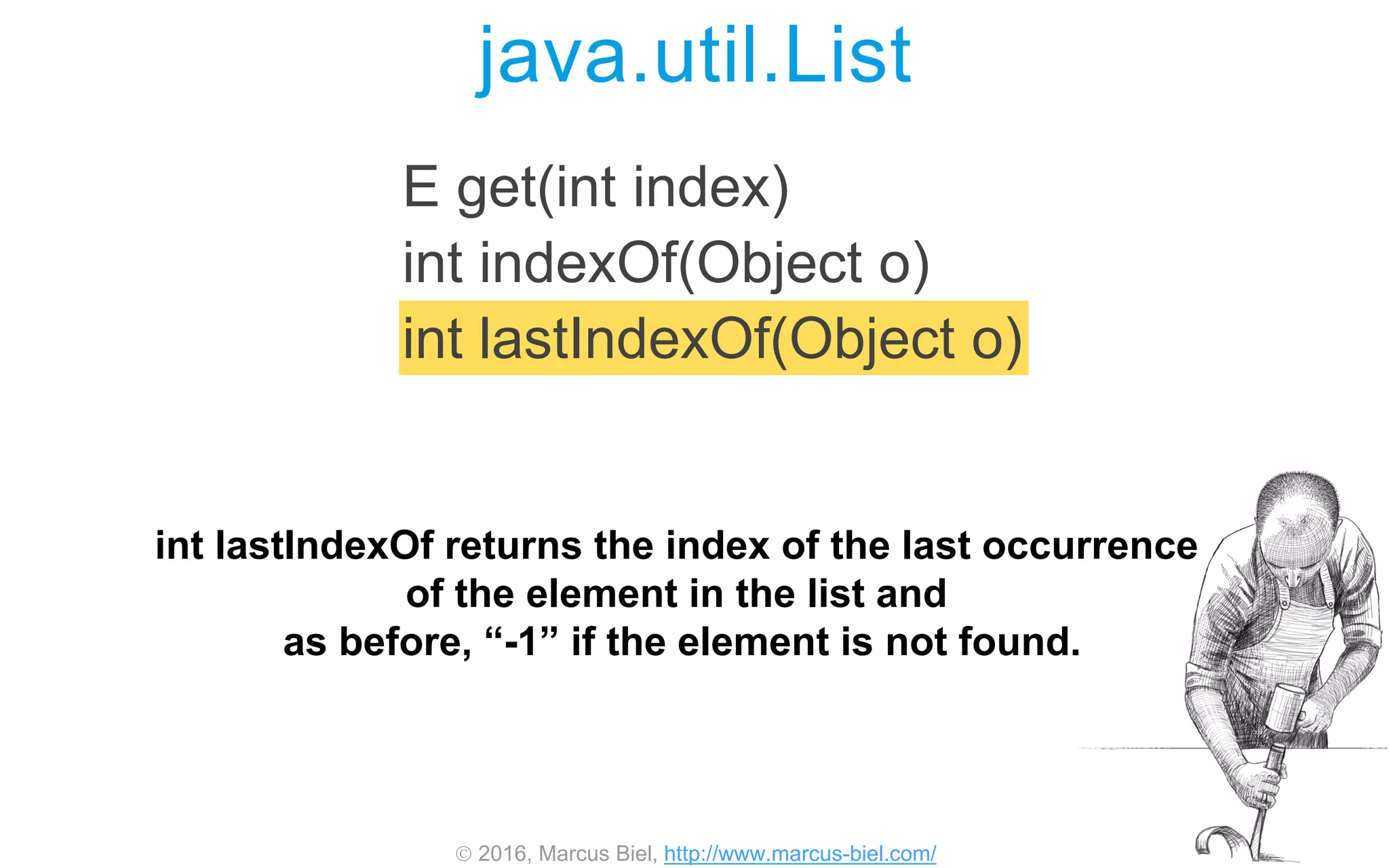
int lastIndexOf returns the index of the last occurrence
of the element in the list and
as before, “-1” if the element is not found.
 2016, Marcus Biel, http://www.marcus-biel.com/
java.util.List
List<E> subList(int fromIndex, int toIndex)
void sort(Comparator<? super E> c)
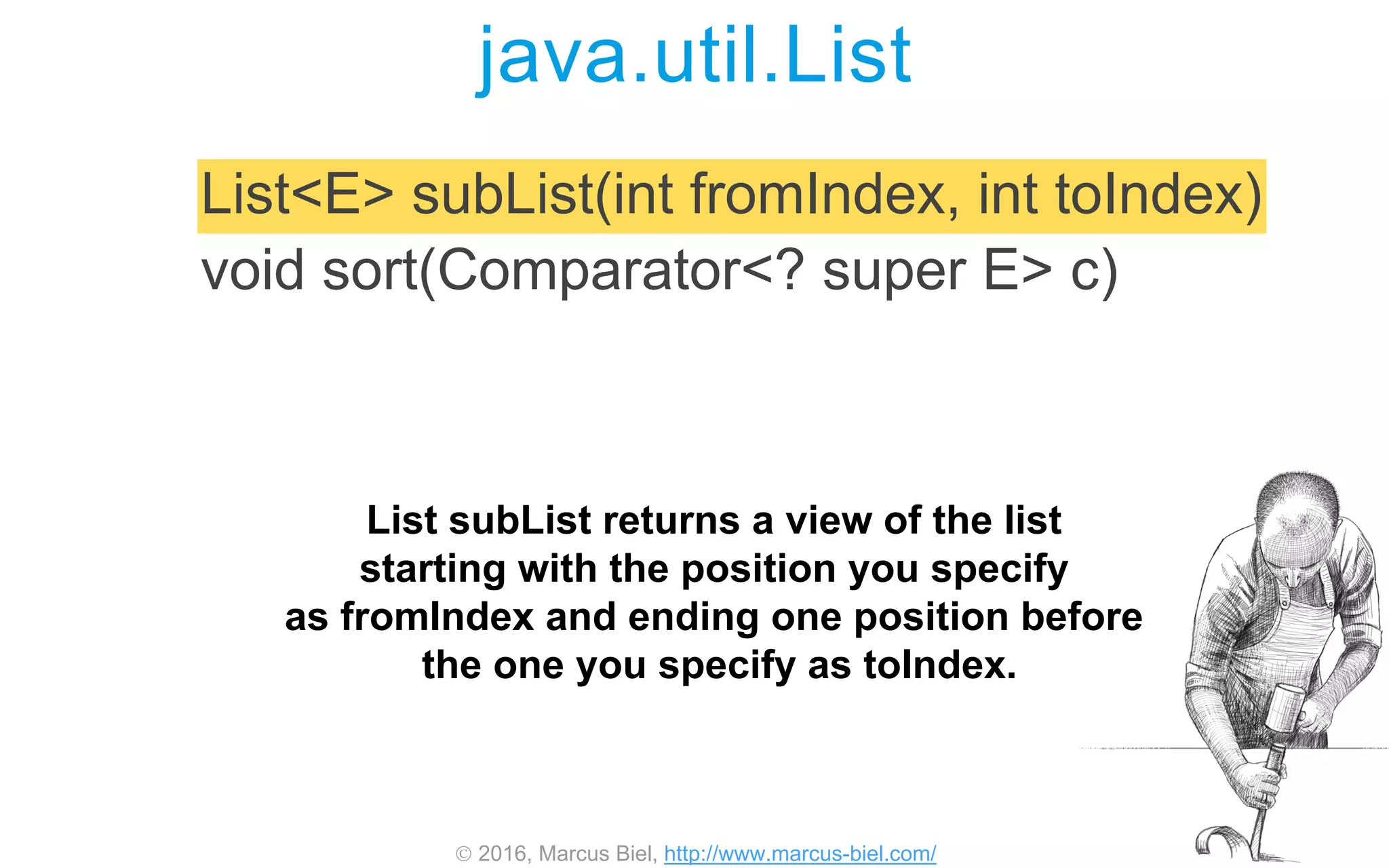
List subList returns a view of the list
starting with the position you specify
as fromIndex and ending one position before
the one you specify as toIndex.
 2016, Marcus Biel, http://www.marcus-biel.com/
java.util.List
List<E> subList(int fromIndex, int toIndex)
void sort(Comparator<? super E> c)
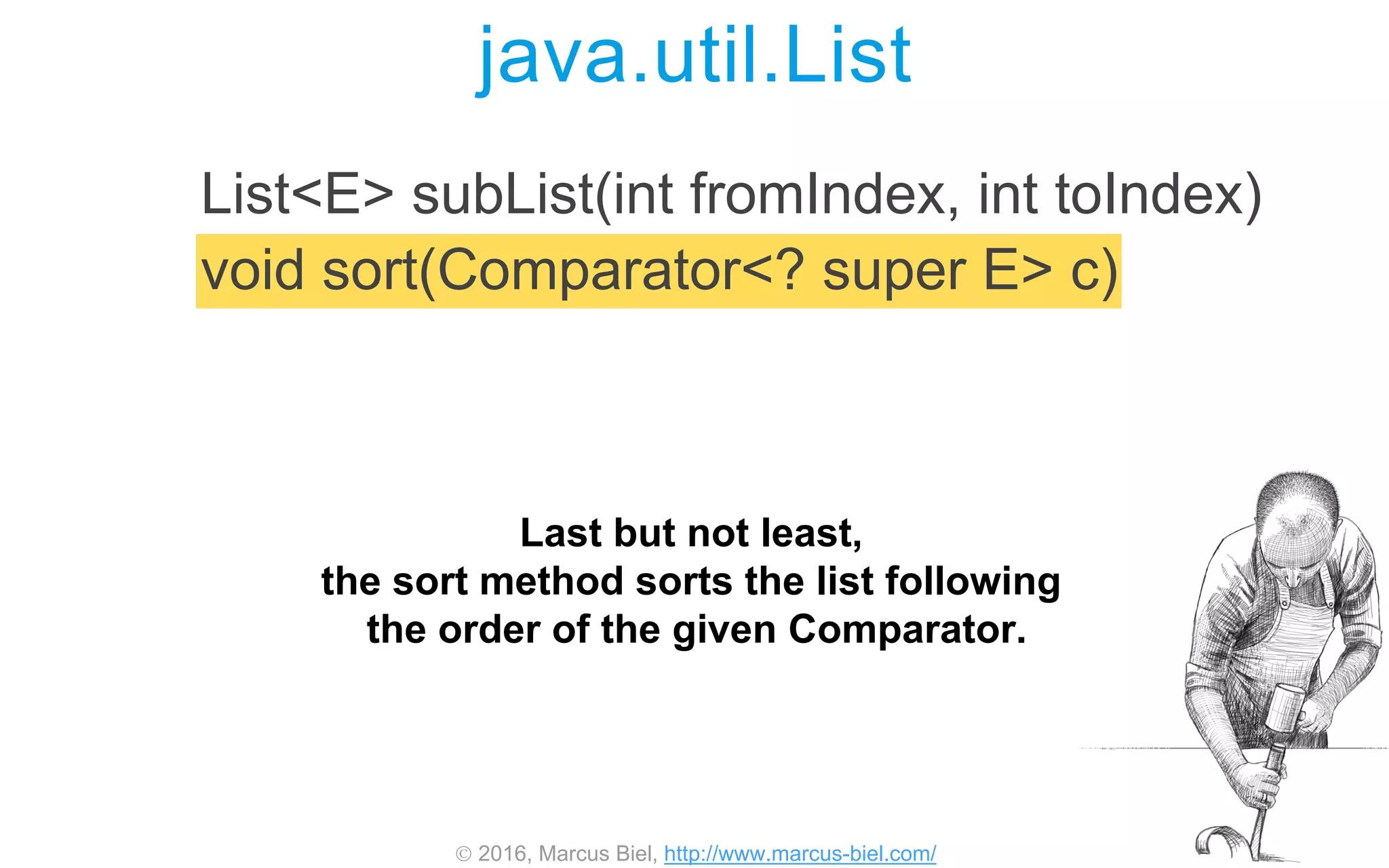
Last but not least,
the sort method sorts the list following
the order of the given Comparator.
 2016, Marcus Biel, http://www.marcus-biel.com/
Copyright © 2016
Marcus Biel
All rights reserved

Java ArrayList Video Tutorial

  • 1.
     2016, MarcusBiel, http://www.marcus-biel.com/ Marcus Biel, Software Craftsman http://www.marcus-biel.com
  • 2.
     2016, MarcusBiel, http://www.marcus-biel.com/ Collection Interface Hierarchy<<interface>> Collection <<interface>> Set <<interface>> List <<interface>> Queue HashSet <<interface>> SortedSet <<interface>> NavigableSet TreeSet ArrayList LinkedList PriorityQueue LinkedHashSet implements extends ArrayList is the default implementation of the List interface.
  • 3.
     2016, MarcusBiel, http://www.marcus-biel.com/ Collection Interface Hierarchy<<interface>> Collection <<interface>> Set <<interface>> List <<interface>> Queue HashSet <<interface>> SortedSet <<interface>> NavigableSet TreeSet ArrayList LinkedList PriorityQueue LinkedHashSet implements extends As with any implementation of List, you can have duplicate elements in your ArrayList, and you can go from element to element in the same order as the elements were inserted.
  • 4.
     2016, MarcusBiel, http://www.marcus-biel.com/ Collection Interface Hierarchy<<interface>> Collection <<interface>> Set <<interface>> List <<interface>> Queue HashSet <<interface>> SortedSet <<interface>> NavigableSet TreeSet ArrayList LinkedList PriorityQueue LinkedHashSet implements extends As it is based on arrays, ArrayList provides fast access, but inserting or removing an element at a random position requires more time, as this will require to reorganize the list.
  • 5.
     2016, MarcusBiel, http://www.marcus-biel.com/ Collection Interface Hierarchy<<interface>> Collection <<interface>> Set <<interface>> List <<interface>> Queue HashSet <<interface>> SortedSet <<interface>> NavigableSet TreeSet ArrayList LinkedList PriorityQueue LinkedHashSet implements extends Fast access however is crucial for most applications, which is why ArrayList is the most commonly used Collection. To store data that changes frequently, however, consider using an alternative container, for example LinkedList.
  • 6.
     2016, MarcusBiel, http://www.marcus-biel.com/ Size Capacity Terminology Before continuing, let me introduce you to two different terms which are important to understand in context with ArrayList: Size and capacity.
  • 7.
     2016, MarcusBiel, http://www.marcus-biel.com/ Size Capacity Terminology Size is the number of elements the ArrayList currently holds. For every element you add to the list, the size will grow by one.
  • 8.
     2016, MarcusBiel, http://www.marcus-biel.com/ Size Capacity Terminology Capacity however is the number of elements the currently underlying Array can hold.
  • 9.
     2016, MarcusBiel, http://www.marcus-biel.com/ Terminology Size Capacity The capacity of the ArrayList grows in intervals. The ArrayList starts with an initial capacity. Every time you exceed the capacity of the Array, the ArrayList copies the data over to a new Array that is about fifty percent larger than the previous one.
  • 10.
     2016, MarcusBiel, http://www.marcus-biel.com/ ArrayList Capacity …10 Let’s say you want to add one hundred elements to an ArrayList of an initial capacity of ten. As the list grows, the system will create six more arrays to take the place of the first.
  • 11.
     2016, MarcusBiel, http://www.marcus-biel.com/ ArrayList Capacity …15 …10 First one array that can hold fifteen elements …
  • 12.
     2016, MarcusBiel, http://www.marcus-biel.com/ ArrayList Capacity …22 …15 …10 …then one for a maximum of twenty two elements…
  • 13.
     2016, MarcusBiel, http://www.marcus-biel.com/ ArrayList Capacity …22 …15 …10 …33 …then arrays with a capacity of thirty three…
  • 14.
     2016, MarcusBiel, http://www.marcus-biel.com/ ArrayList Capacity …49 …22 …15 …10 …33 …forty nine…
  • 15.
     2016, MarcusBiel, http://www.marcus-biel.com/ ArrayList Capacity …73 …49 …22 …15 …10 …33 …seventy three…
  • 16.
     2016, MarcusBiel, http://www.marcus-biel.com/ ArrayList Capacity …109 …73 …49 …22 …15 …10 …33 and finally one hundred and nine elements to hold the growing list. These restructuring arrangements can negatively impact performance.
  • 17.
     2016, MarcusBiel, http://www.marcus-biel.com/ ArrayList Capacity List<String> myList = new ArrayList<>(INITIAL_CAPACITY); You can instantly create an Array of the correct size to minimize these merging activities by defining the correct capacity at creation time.
  • 18.
     2016, MarcusBiel, http://www.marcus-biel.com/ ArrayList Capacity List<String> myList = new ArrayList<>(INITIAL_CAPACITY); In case you don’t know the final size of the ArrayList at creation time, estimate it as close as possible. Choosing a too large capacity however can also negatively impact performance, so choose this value carefully.
  • 19.
     2016, MarcusBiel, http://www.marcus-biel.com/ ArrayList Capacity List<String> myList = new ArrayList<>(INITIAL_CAPACITY); I advise you to always explicitly set the capacity at creation time, as it documents your intentions.
  • 20.
     2016, MarcusBiel, http://www.marcus-biel.com/ ArrayList Capacity Low performance requirements are no excuse for sloppy design and poor implementation. For most projects you won’t have to worry about optimizing performance due to powerful hardware, but this is no excuse for sloppy design and poor implementation!
  • 21.
     2016, MarcusBiel, http://www.marcus-biel.com/ ArrayListpackage java.util; public class ArrayList<E> { private static final int DEFAULT_CAPACITY = 10; private Object[] elementData; private int size; public E get(int index) {…} public boolean add(E e) {…} public E remove(int index) {…} […] } Here you can see a simplified extract of the class ArrayList. Keep in mind the real class looks a bit more complicated. This is just meant to give you a more concrete idea of what the class ArrayList looks like.
  • 22.
     2016, MarcusBiel, http://www.marcus-biel.com/ ArrayListpackage java.util; public class ArrayList<E> { private static final int DEFAULT_CAPACITY = 10; private Object[] elementData; private int size; public E get(int index) {…} public boolean add(E e) {…} public E remove(int index) {…} […] } As you can see, ArrayList is just a class anyone could have written, given enough time and knowledge. There is no black magic. You can find the actual source code online.
  • 23.
     2016, MarcusBiel, http://www.marcus-biel.com/ ArrayListpackage java.util; public class ArrayList<E> { private static final int DEFAULT_CAPACITY = 10; private Object[] elementData; private int size; public E get(int index) {…} public boolean add(E e) {…} public E remove(int index) {…} […] } However, don’t rely too much on internals that you spot in the source code, as they may change any time, if they are not defined in the Java language specification.
  • 24.
     2016, MarcusBiel, http://www.marcus-biel.com/ private static final int DEFAULT_CAPACITY = 10; private Object[] elementData; private int size; public E remove(int index) {…} public boolean add(E e) {…} public E get(int index) {…} package java.util; public class ArrayList<E> { […] } ArrayList default capacity is the initial size of the array, when you don’t specify it as I recommended before.
  • 25.
     2016, MarcusBiel, http://www.marcus-biel.com/ private Object[] elementData; private int size; public E remove(int index) {…} private static final int DEFAULT_CAPACITY = 10; public boolean add(E e) {…} public E get(int index) {…} package java.util; public class ArrayList<E> { […] } ArrayList “elementData” is the Array used to store the elements of the ArrayList.
  • 26.
     2016, MarcusBiel, http://www.marcus-biel.com/ private Object[] elementData; private int size; public E remove(int index) {…} private static final int DEFAULT_CAPACITY = 10; public boolean add(E e) {…} public E get(int index) {…} package java.util; public class ArrayList<E> { […] } ArrayList int size is the number of elements the ArrayList currently holds.
  • 27.
     2016, MarcusBiel, http://www.marcus-biel.com/ private Object[] elementData; private int size; public E remove(int index) {…} private static final int DEFAULT_CAPACITY = 10; public boolean add(E e) {…} public E get(int index) {…} package java.util; public class ArrayList<E> { […] } ArrayList …get…
  • 28.
     2016, MarcusBiel, http://www.marcus-biel.com/ public boolean add(E e) {…} private Object[] elementData; private int size; public E remove(int index) {…} private static final int DEFAULT_CAPACITY = 10; public E get(int index) {…} package java.util; public class ArrayList<E> { […] } ArrayList …add..
  • 29.
     2016, MarcusBiel, http://www.marcus-biel.com/ private Object[] elementData; private int size; public E remove(int index) {…} private static final int DEFAULT_CAPACITY = 10; public boolean add(E e) {…} public E get(int index) {…} package java.util; public class ArrayList<E> { […] } ArrayList … and remove are some of the many functions ArrayList provides. We will look at those methods now.
  • 30.
     2016, MarcusBiel, http://www.marcus-biel.com/ Methods Overview <<interface>> Collection <<interface>> List ArrayList implements extends So let me give you a short overview of the methods of the ArrayList class. To make things easy for you, I have broken up the overview into methods belonging to the java.util.Collection interface and methods belonging to the java.util.List interface.
  • 31.
     2016, MarcusBiel, http://www.marcus-biel.com/ Collection Interface Hierarchy <<interface>> Collection Okay, so let’s start with the methods belonging to the java.util.Collection interface. The contract of the collection interface does not guarantee any particular order and therefore does not provide any index or order related methods.
  • 32.
     2016, MarcusBiel, http://www.marcus-biel.com/ boolean add(E e) boolean addAll(Collection<? extends E> c) boolean remove(Object o) boolean removeAll(Collection<?> c) java.util.Collection So here you can see the first set of methods that implement the collection interface. So what I say about these methods does not only apply to ArrayList, But also to all classes that implement the collection interface.
  • 33.
     2016, MarcusBiel, http://www.marcus-biel.com/ boolean add(E e) boolean addAll(Collection<? extends E> c) boolean remove(Object o) boolean removeAll(Collection<?> c) java.util.Collection The method “boolean add” appends the element to the end of the collection to the next empty cell of the underlying array.
  • 34.
     2016, MarcusBiel, http://www.marcus-biel.com/ boolean add(E e) boolean addAll(Collection<? extends E> c) boolean remove(Object o) boolean removeAll(Collection<?> c) java.util.Collection boolean addAll – appends all given elements to the end of the collection.
  • 35.
     2016, MarcusBiel, http://www.marcus-biel.com/ boolean add(E e) boolean addAll(Collection<? extends E> c) boolean remove(Object o) boolean removeAll(Collection<?> c) java.util.Collection The stuff in angle brackets is related to Generics. it ensures that no one can call such a method with the wrong arguments. I will tell you more in my upcoming slides about Generics.
  • 36.
     2016, MarcusBiel, http://www.marcus-biel.com/ boolean add(E e) boolean addAll(Collection<? extends E> c) boolean remove(Object o) boolean removeAll(Collection<?> c) java.util.Collection boolean remove – removes the first occurrence of the element you specify from the collection.
  • 37.
     2016, MarcusBiel, http://www.marcus-biel.com/ java.util.Collection boolean add(E e) boolean addAll(Collection<? extends E> c) boolean remove(Object o) boolean removeAll(Collection<?> c) boolean removeAll – removes the given elements from the Collection.
  • 38.
     2016, MarcusBiel, http://www.marcus-biel.com/ Iterator<E> iterator() int size() boolean contains(Object o) java.util.Collection The iterator method returns an object you usually use in a loop to move from one element to the next element of the collection, step by step. You say “I iterate over the collection” – hence the name Iterator.
  • 39.
     2016, MarcusBiel, http://www.marcus-biel.com/ java.util.Collection Iterator<E> iterator() int size() boolean contains(Object o) int size() – returns the number of elements of the collection.
  • 40.
     2016, MarcusBiel, http://www.marcus-biel.com/ Iterator<E> iterator() int size() boolean contains(Object o) java.util.Collection boolean contains - returns true if the collection contains at least - one instance of the element you specify.
  • 41.
     2016, MarcusBiel, http://www.marcus-biel.com/ void clear() boolean isEmpty() <T> T[] toArray(T[] a) java.util.Collection void clear() - removes all elements from the collection.
  • 42.
     2016, MarcusBiel, http://www.marcus-biel.com/ void clear() boolean isEmpty() <T> T[] toArray(T[] a) java.util.Collection boolean isEmpty() – This returns true if the collection contains no elements.
  • 43.
     2016, MarcusBiel, http://www.marcus-biel.com/ void clear() boolean isEmpty() <T> T[] toArray(T[] a) java.util.Collection and toArray – returns an array containing all of the elements of the collection.
  • 44.
     2016, MarcusBiel, http://www.marcus-biel.com/ Collection Interface Hierarchy <<interface>> List ArrayList Let’s move on to the methods of the java.util.List interface. The methods are similar in part to the methods we just looked at, but they differ in that they require an order on the elements of the list.
  • 45.
     2016, MarcusBiel, http://www.marcus-biel.com/ java.util.List boolean add(int index, E element) E remove(int index) So here again you should know that everything I say about these methods does not only apply to ArrayList but to all classes that implement the list interface.
  • 46.
     2016, MarcusBiel, http://www.marcus-biel.com/ java.util.List boolean add(int index, E element) E remove(int index) This add method with an index parameter acts actually more like an insert method. It allows you to insert an element at any index position of the list, instead of just adding the element to the end of the list. In the process, the elements of the underlying array will be shifted to the right and migrated to a larger array if necessary.
  • 47.
     2016, MarcusBiel, http://www.marcus-biel.com/ java.util.List boolean add(int index, E element) E remove(int index) The remove index method allows to remove an element from any index position of the list. Similar to the add method we just looked at, this might require to shift the remaining elements of the underlying array to the left.
  • 48.
     2016, MarcusBiel, http://www.marcus-biel.com/ E get(int index) int indexOf(Object o) int lastIndexOf(Object o) java.util.List The get by index method returns an element from any given position of the list.
  • 49.
     2016, MarcusBiel, http://www.marcus-biel.com/ java.util.List E get(int index) int indexOf(Object o) int lastIndexOf(Object o) The indexOf method takes an object and returns the index of the first occurrence of the element in the list or “-1” if the element is not found.
  • 50.
     2016, MarcusBiel, http://www.marcus-biel.com/ java.util.List E get(int index) int indexOf(Object o) int lastIndexOf(Object o) int lastIndexOf returns the index of the last occurrence of the element in the list and as before, “-1” if the element is not found.
  • 51.
     2016, MarcusBiel, http://www.marcus-biel.com/ java.util.List List<E> subList(int fromIndex, int toIndex) void sort(Comparator<? super E> c) List subList returns a view of the list starting with the position you specify as fromIndex and ending one position before the one you specify as toIndex.
  • 52.
     2016, MarcusBiel, http://www.marcus-biel.com/ java.util.List List<E> subList(int fromIndex, int toIndex) void sort(Comparator<? super E> c) Last but not least, the sort method sorts the list following the order of the given Comparator.
  • 53.
     2016, MarcusBiel, http://www.marcus-biel.com/ Copyright © 2016 Marcus Biel All rights reserved

Editor's Notes

  • #2 http://www.marcus-biel.com/arraylist/
  • #3 ArrayList is the default implementation of the List interface.
  • #4 As with any implementation of List, you can have duplicate elements in your ArrayList, and you can go from element to element in the same order as the elements were inserted.
  • #5 As it is based on arrays, ArrayList provides fast access, but inserting or removing an element at a random position requires more time, as this will require to reorganize the list.
  • #6 Fast access however is crucial for most applications, which is why ArrayList is the most commonly used Collection. To store data that changes frequently, however, consider using an alternative container, for example LinkedList http://www.marcus-biel.com/linkedlist-vs-arraylist/
  • #7 Before continuing , let me introduce you to two different terms which are important to understand in context with ArrayList: Size and capacity.
  • #8 Size is the number of elements the ArrayList currently holds. For every element you add to the list, the size will grow by one.
  • #9 Capacity however is the number of elements the currently underlying Array can hold.
  • #10 The capacity of the ArrayList grows in intervals. The ArrayList starts with an initial capacity. Every time you exceed the capacity of the Array, the ArrayList copies the data over to a new Array that is about fifty percent larger than the previous one.
  • #11 Let’s say you want to add one hundred elements to an ArrayList of an initial capacity of ten. As the list grows, the system will create six more arrays to take the place of the first.
  • #12 First one array that can hold fifteen elements …
  • #13 …then one for a maximum of twenty two elements…
  • #14 …then arrays with a capacity of thirty three…
  • #15  …forty nine…
  • #16 …seventy three…
  • #17 and finally one hundred and nine elements to hold the growing list. These restructuring arrangements can negatively impact performance.
  • #18 You can instantly create an Array of the correct size to minimize these merging activities by defining the correct capacity at creation time.
  • #19 In case you don’t know the final size of the ArrayList at creation time, estimate it as close as possible. Choosing a too large capacity however can also negatively impact performance, so choose this value carefully.
  • #20 I advise you to always explicitly set the capacity at creation time, as it documents your intentions.
  • #21 For most projects you won’t have to worry about optimizing performance due to powerful hardware, but this is no excuse for sloppy design and poor implementation!
  • #22 Here you can see a simplified extract of the class ArrayList. Keep in mind the real class looks a bit more complicated. This is just meant to give you a more concrete idea of what the class ArrayList looks like.
  • #23 As you can see, ArrayList is just a class anyone could have written, given enough time and knowledge. There is no black magic. You can find the actual source code online.
  • #24 However, don’t rely too much on internals that you spot in the source code, as they may change any time, if they are not defined in the Java language specification.
  • #25 default capacity is the initial size of the array, when you don’t specify it as I recommended before.
  • #26 “elementData” is the Array used to store the elements of the ArrayList.
  • #27 int size is the number of elements the ArrayList currently holds.
  • #28 …get…
  • #29 …add..
  • #30 … and remove are some of the many functions ArrayList provides. We will look at those methods now.
  • #31 So let me give you a short overview of the methods of the ArrayList class. To make things easy for you, I have broken up the overview into methods belonging to the java.util.Collection interface and methods belonging to the java.util.List interface.
  • #32 Okay, so let’s start with the methods belonging to the java.util.Collection interface. The contract of the collection interface does not guarantee any particular order and therefore does not provide any index or order related methods.
  • #33 So here you can see the first set of methods that implement the collection interface. So what I say about these methods does not only apply to ArrayList, but also to all classes that implement the collection interface.
  • #34 The method “boolean add” appends the element to the end of the collection to the next empty cell of the underlying array.
  • #35 boolean addAll - appends all given elements to the end of the collection.
  • #36 The stuff in angle brackets is related to Generics. it ensures that no one can call such a method with the wrong arguments. I will tell you more in my upcoming slides about Generics.
  • #37 boolean remove - removes the first occurrence of the element you specify from the collection.
  • #38 boolean removeAll - removes the given elements from the Collection.
  • #39 The iterator method returns an object you usually use in a loop to move from one element to the next element of the collection, step by step. You say “I iterate over the collection” - hence the name Iterator.
  • #40 int size() - returns the number of elements of the collection.
  • #41 boolean contains - returns true if the collection contains at least one instance of the element you specify.
  • #42 void clear() - removes all elements from the collection.
  • #43 boolean isEmpty() - This returns true if the collection contains no elements.
  • #44 and toArray - returns an array containing all of the elements of the collection.
  • #45 Let’s move on to the methods of the java.util.List interface. The methods are similar in part to the methods we just looked at, but they differ in that they require an order on the elements of the list.
  • #46 So here again you should now that everything I say about these methods does not only apply to ArrayList but to all classes that implement the list interface.
  • #47 This add method with an index parameter acts actually more like an insert method. It allows you to insert an element at any index position of the list, instead of just adding the element to the end of the list. In the process, the elements of the underlying array will be shifted to the right and migrated to a larger array if necessary.
  • #48 The remove index method allows to remove an element from any index position of the list. Similar to the add method we just looked at, this might require to shift the remaining elements of the underlying array to the left.
  • #49 The get by index method returns an element from any given position of the list.
  • #50 The indexOf method takes an object and returns the index of the first occurrence of the element in the list or “-1” if the element is not found.
  • #51 int lastIndexOf returns the index of the last occurrence of the element in the list and as before, “-1” if the element is not found.
  • #52 List subList returns a view of the list starting with the position you specify as fromIndex and ending one position before the one you specify as toIndex.
  • #53 Last but not least, the sort method sorts the list following the order of the given Comparator.
  • #54 http://www.marcus-biel.com/arraylist/