The Mobile Web
Are Library Services Ready?
          Kevin Reiss
   Office of Library Services
  kevin.reiss@mail.cuny.edu
             10/5/09
LACUNY Emerging Technologies
      Committee Meeting
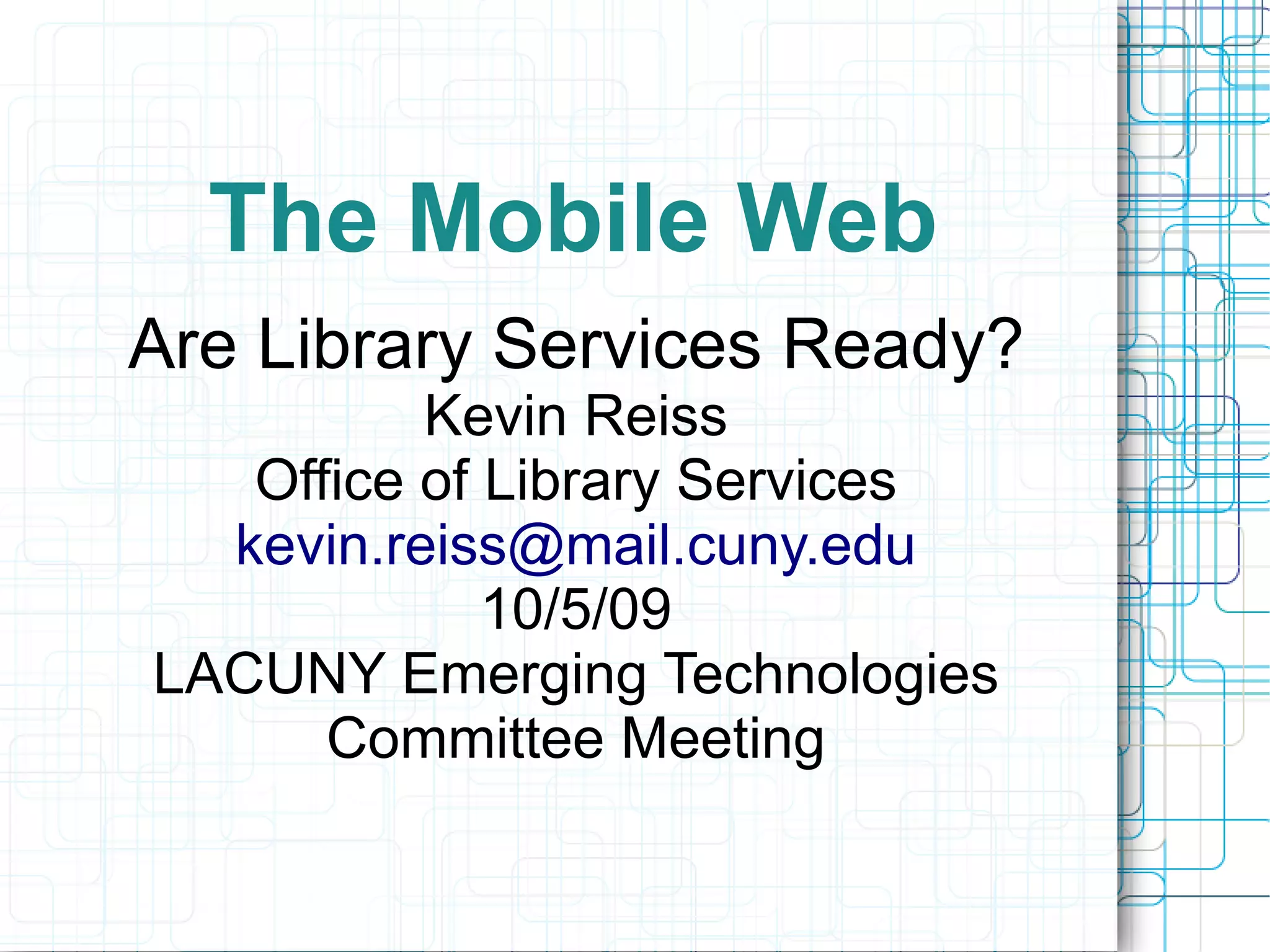
Is this the mobile web?
Outline
●   What is the mobile web?
       –   User trends
       –   Devices
●   How do our current services perform on
     it?
       –   Informal Evaluation
●   What are our options?
       –   Strategies for effective web design
       –   What we can do now
Mobile Web Use is
           Skyrocketing
●   Mobile devices are fast becoming the
     most common computing tools.
●   Pew surveys on Internet life say mobile
     computing will the dominant form of
     computing within 10 years.
●   “Cloud” services will become more
      important
●   Mobile Computing and Cloud Computing
     mean more 24/7 computing
●   Web design practices need to be
     reconsidered
Mobile Services and Younger
           Users
●   71 % of teenagers use a mobile device to
     access the web – Pew Survey on
     Internet Life
●   1700 text messages a month for
     teenagers in 2008 – Nielson Mobile
     Survey
●   Being networked during all waking hours
     seems to be where we are headed
SMS Text Messaging
●   Is this an important means of service or
      content delivery for libraries?
●   Certainly Important for Information
     Sharing
●   Some rudimentary support in today's
     library applications
●   Text message reference
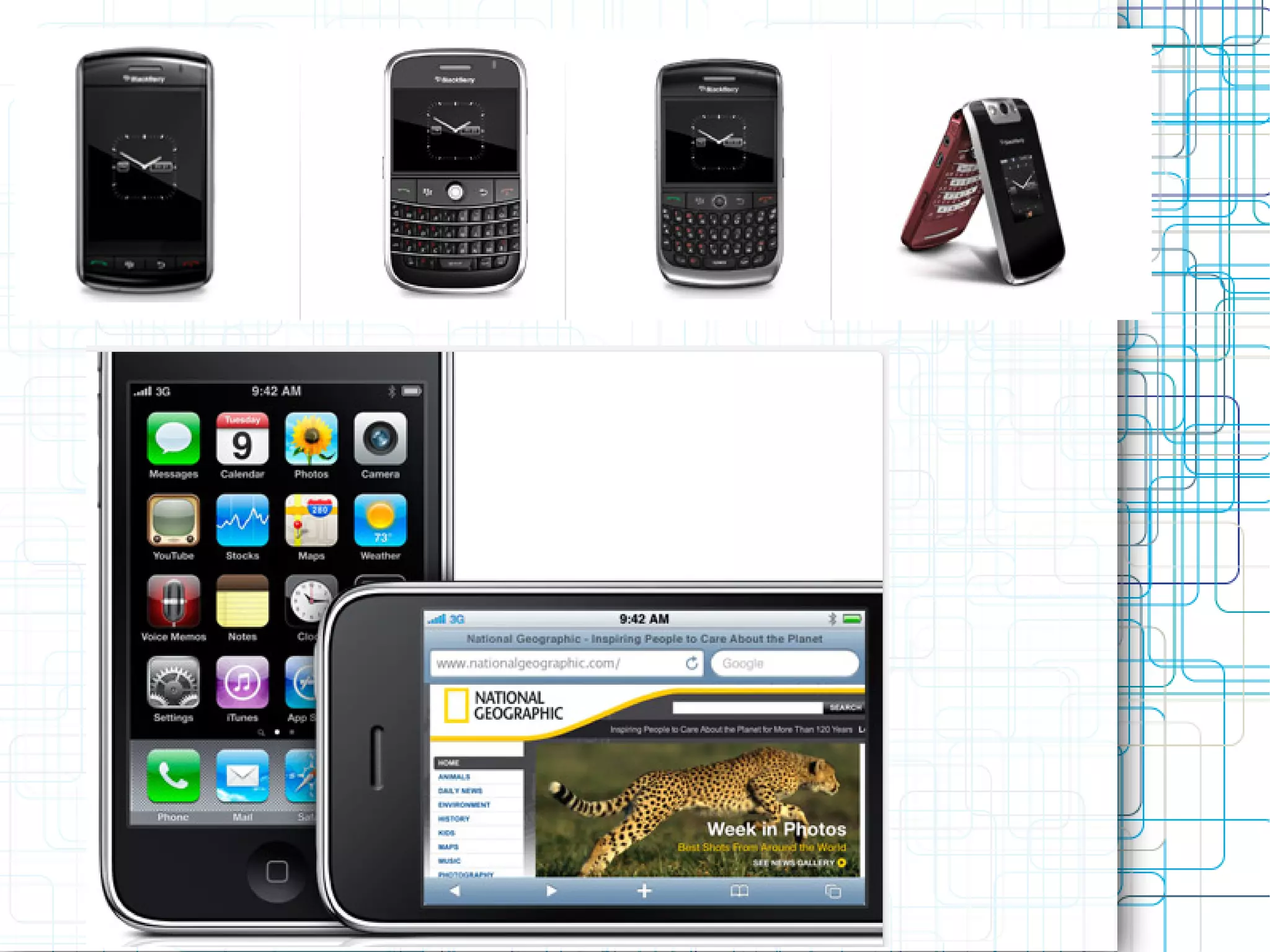
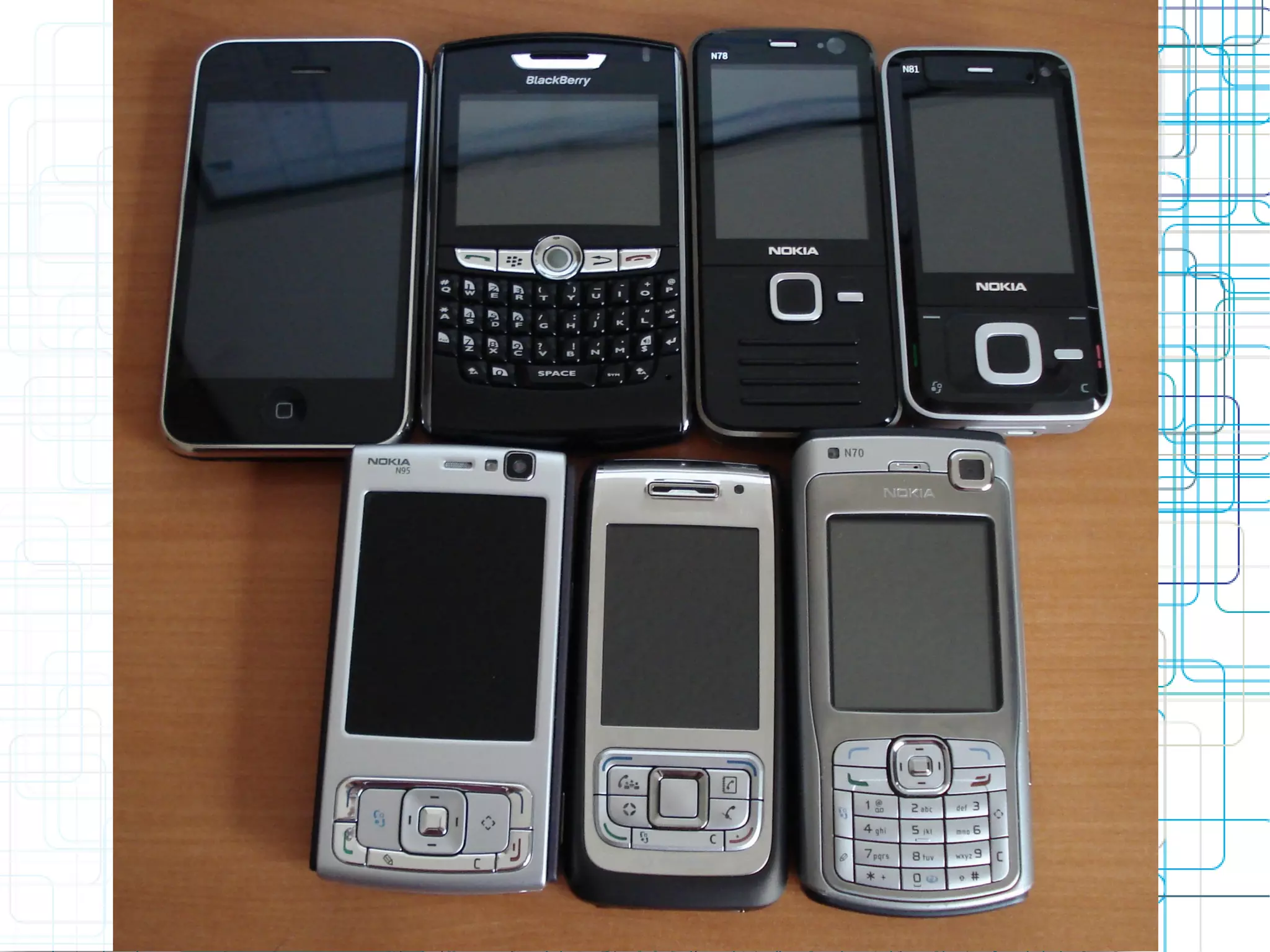
The Devices – by OS

●   Symbian (Nokia phones)
●   Blackberry
●   Iphone/IPod Touch (fastest growing
      group)
●   Windows Mobile Devices
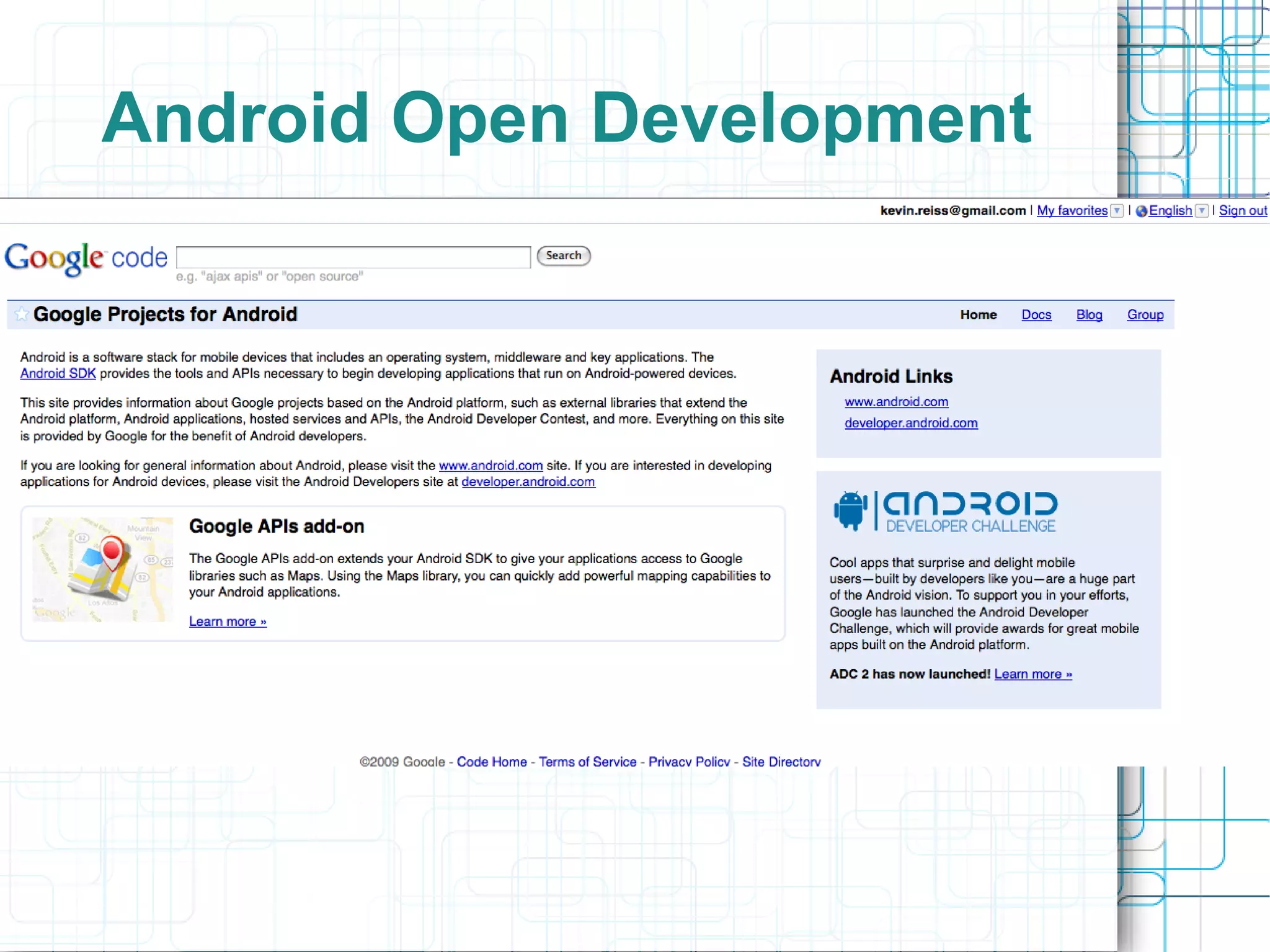
●   Android Devices
●   Palm
Mobile vs. Desktop
●   Current mobile use has been described
     as “snacking” in between time spent at
     a desktop or full-size laptop computer
●   This distinction is blurring
       –   Think netbooks – lightweight laptops
       –   Tablet PCs
●   Most immediately think smartphones
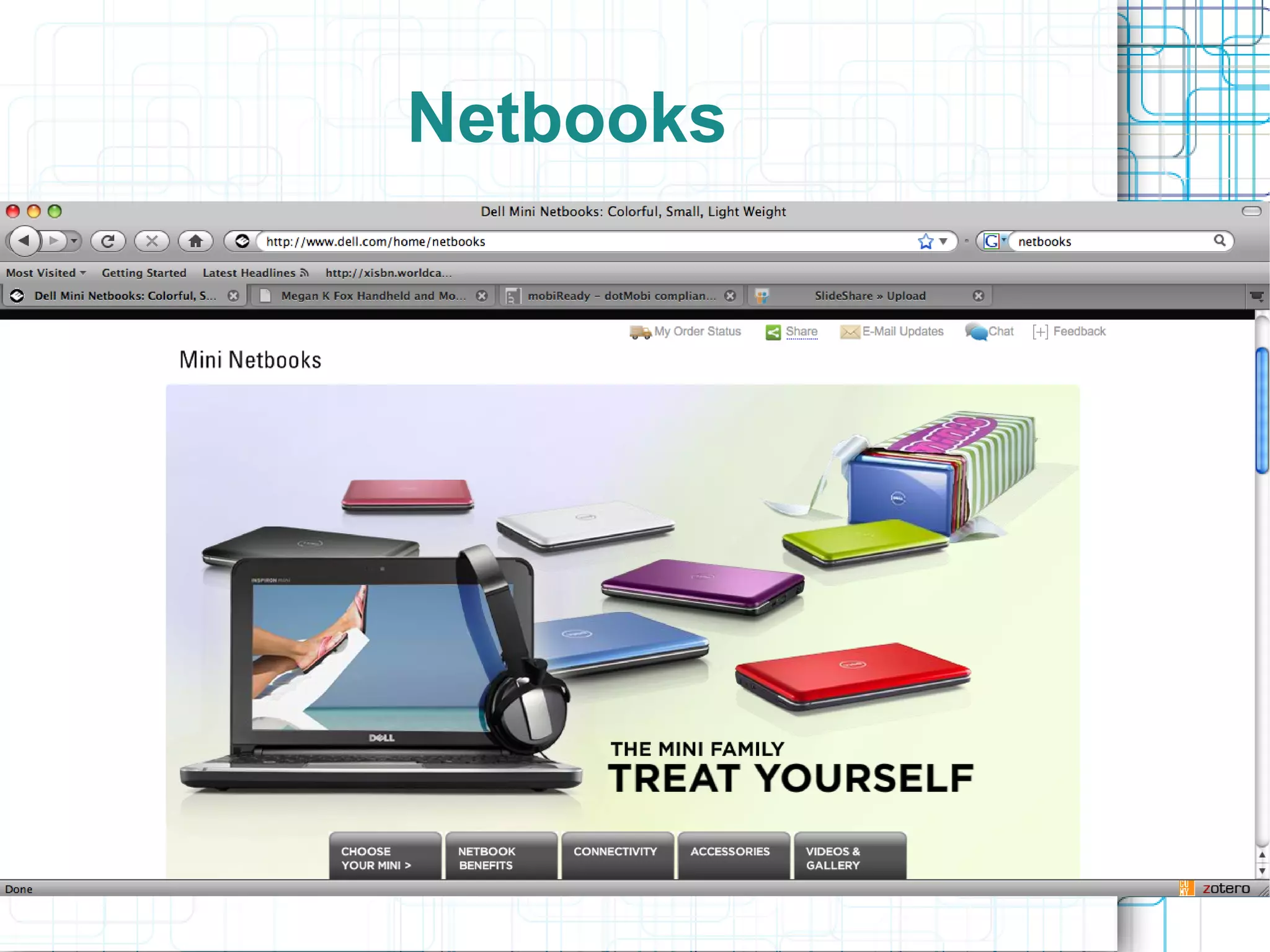
Netbooks
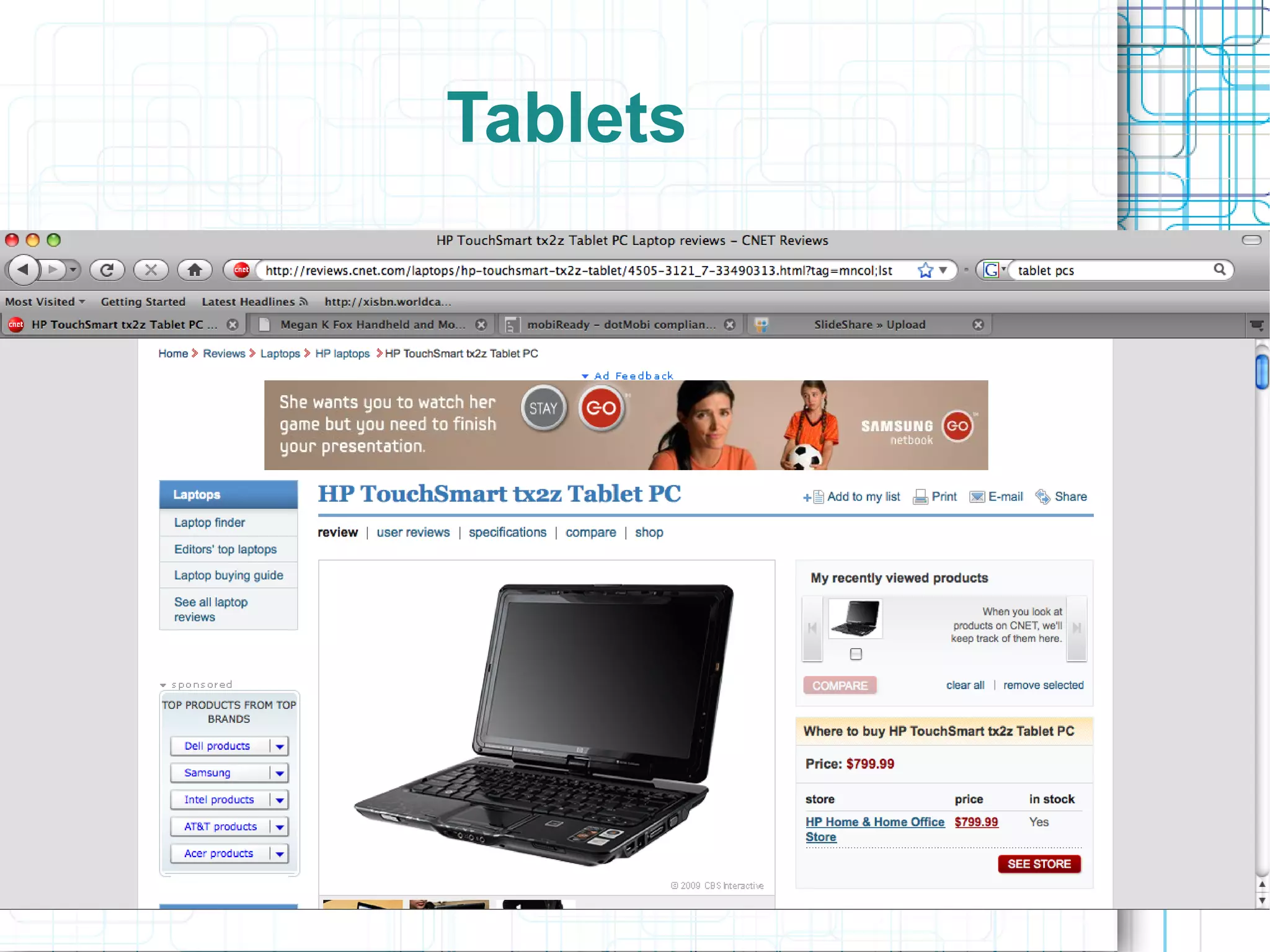
Tablets
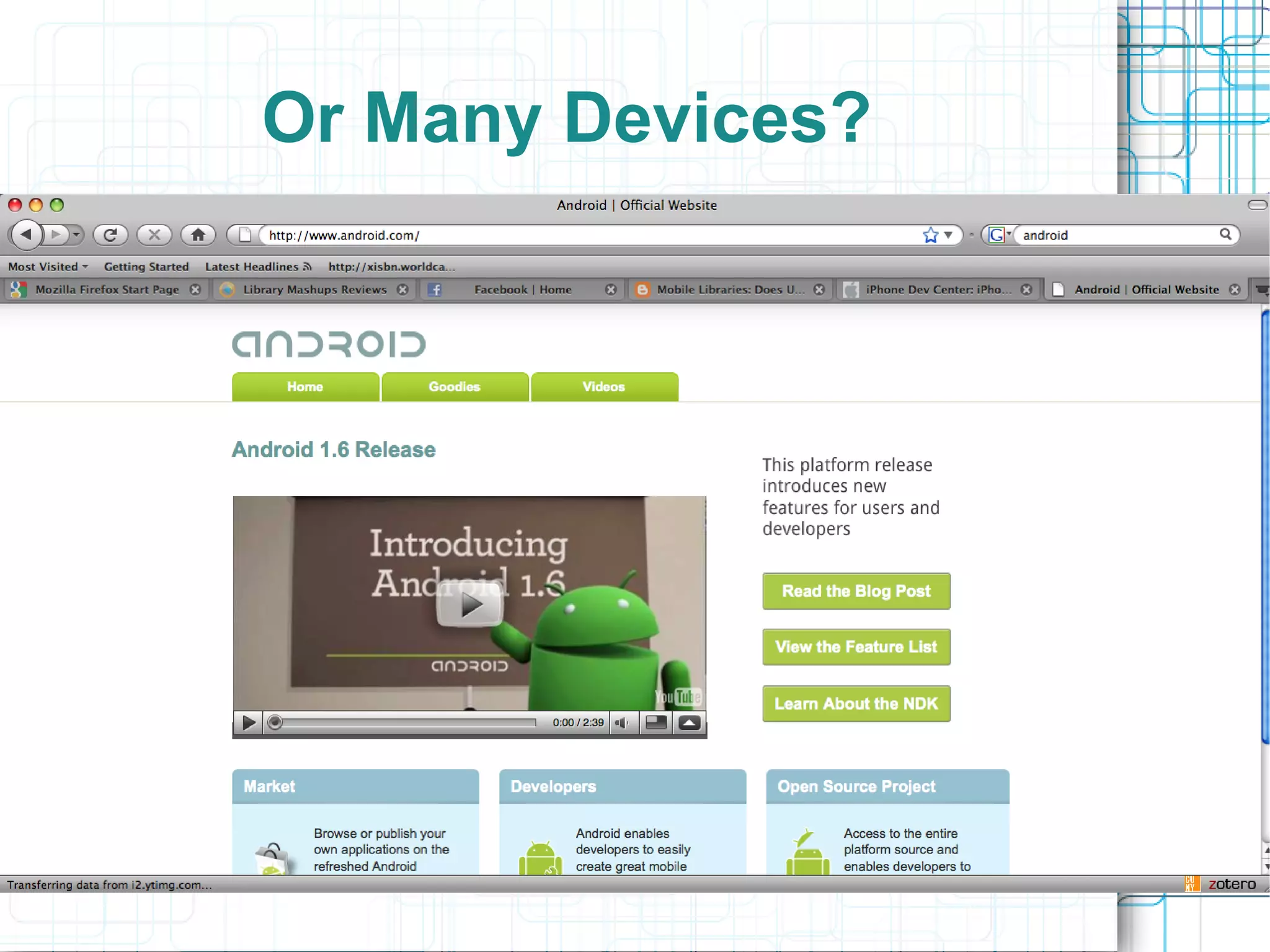
Or Many Devices?
Repeat of the Browser Wars?
●   Mobile devices are typically run using
     proprietary operating systems
●   Innovative Interfaces has a library
      application [Airpac] for the Iphone and
      Blackberry
       –   What about other devices?
●   Blackberry, Iphone Windows Mobile
●   Android
       –   Open Source
       –   Linux-based mobile Operated system
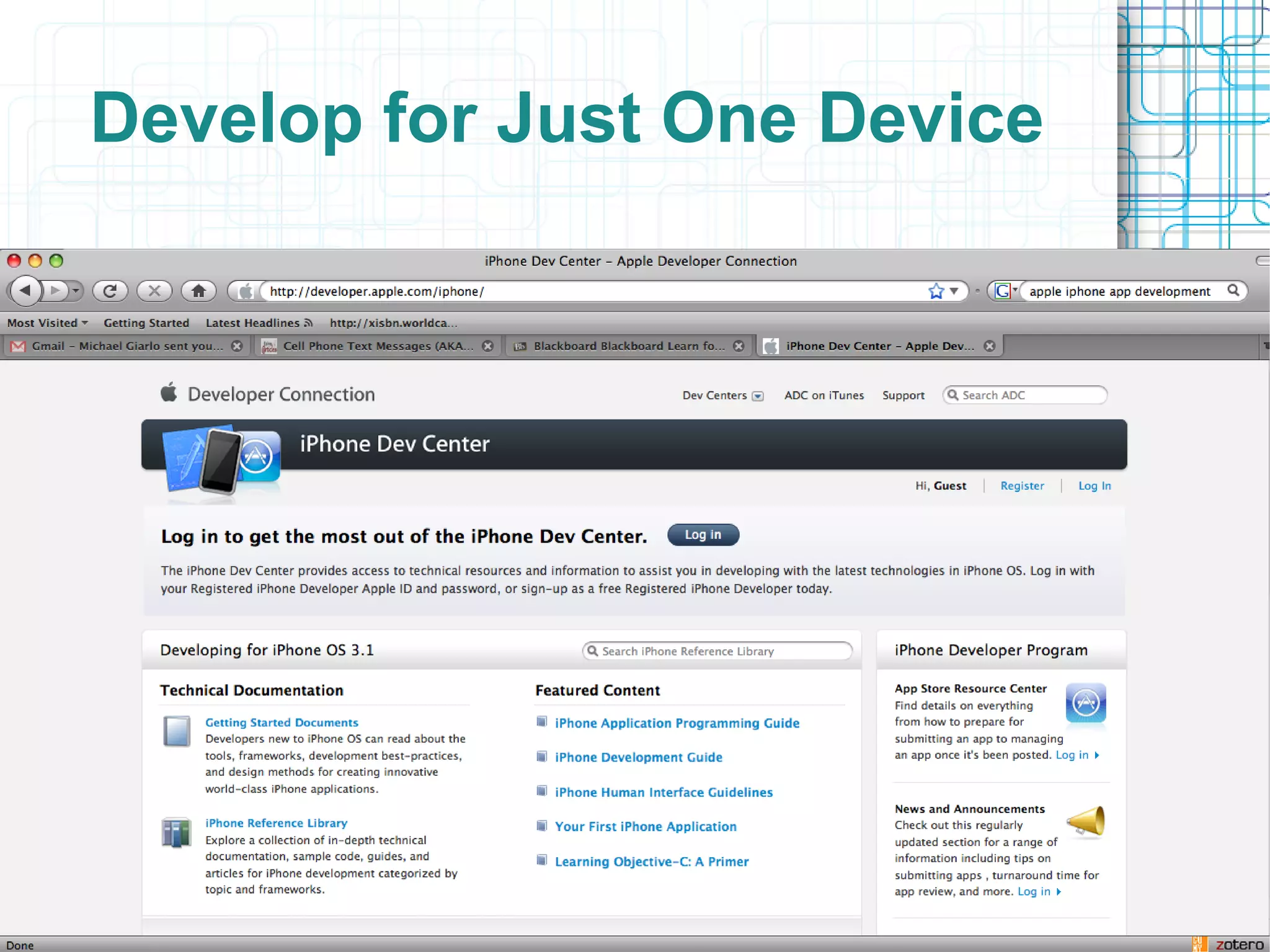
Develop for Just One Device
Android Open Development
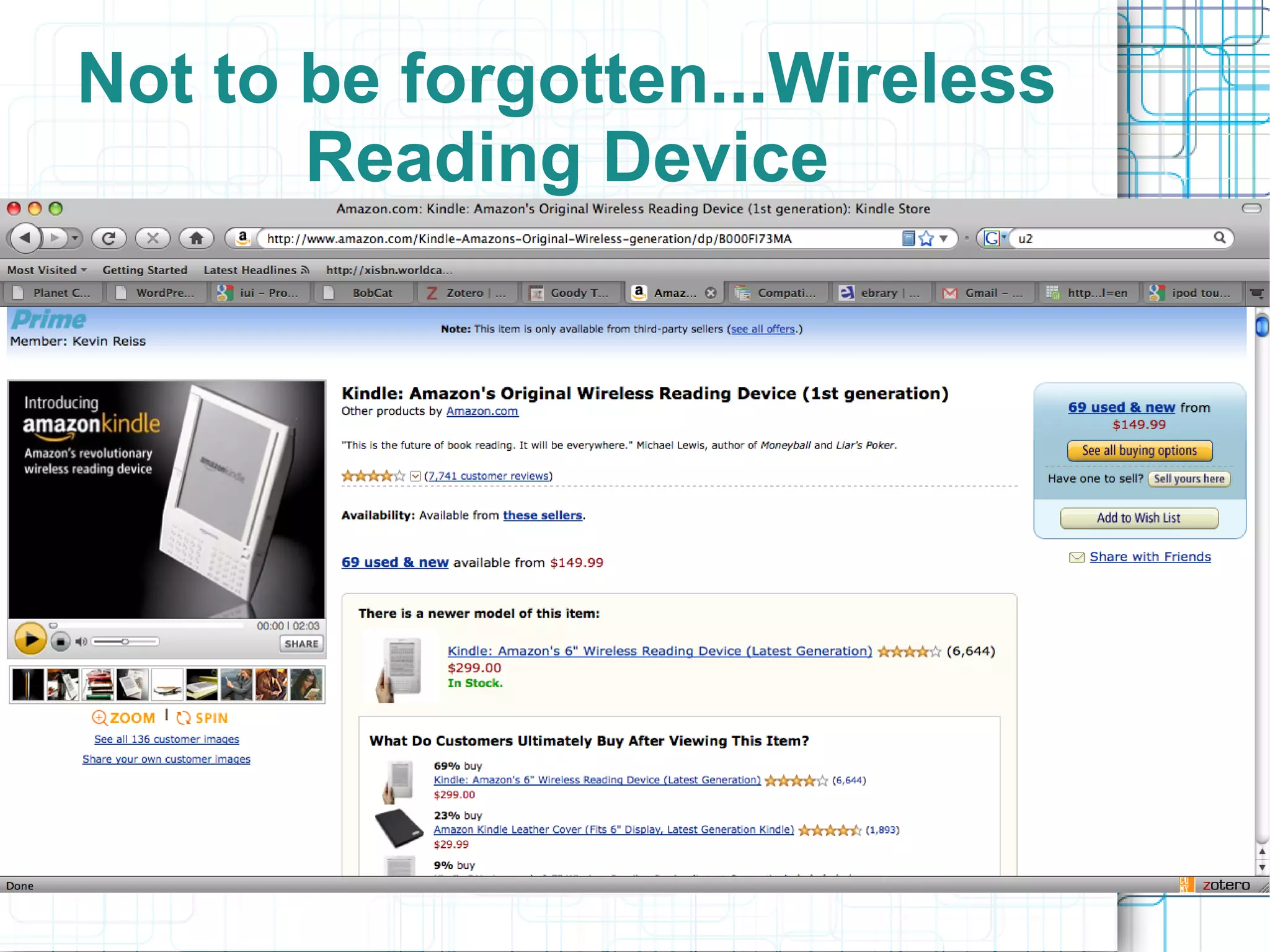
Not to be forgotten...Wireless
       Reading Device
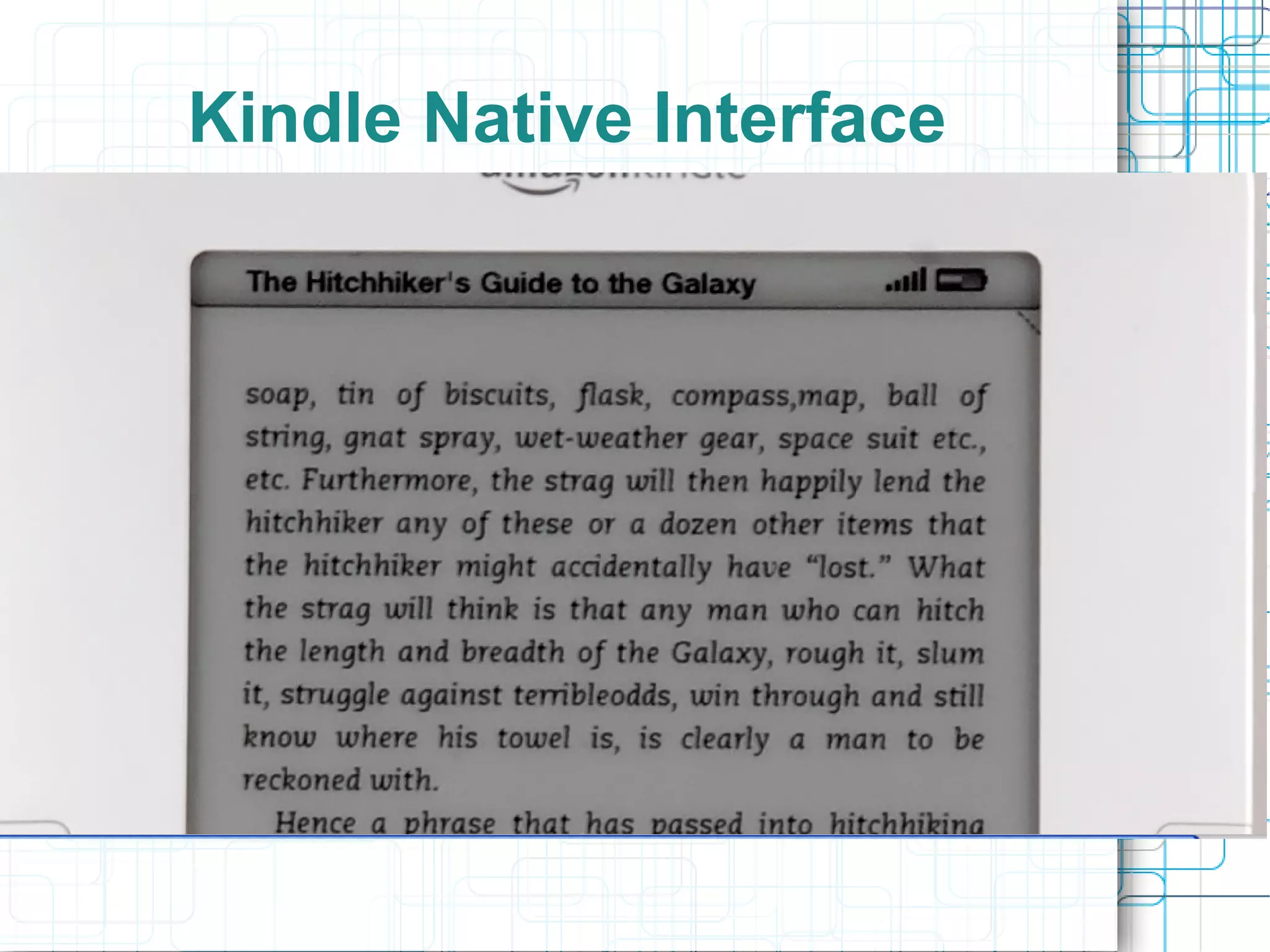
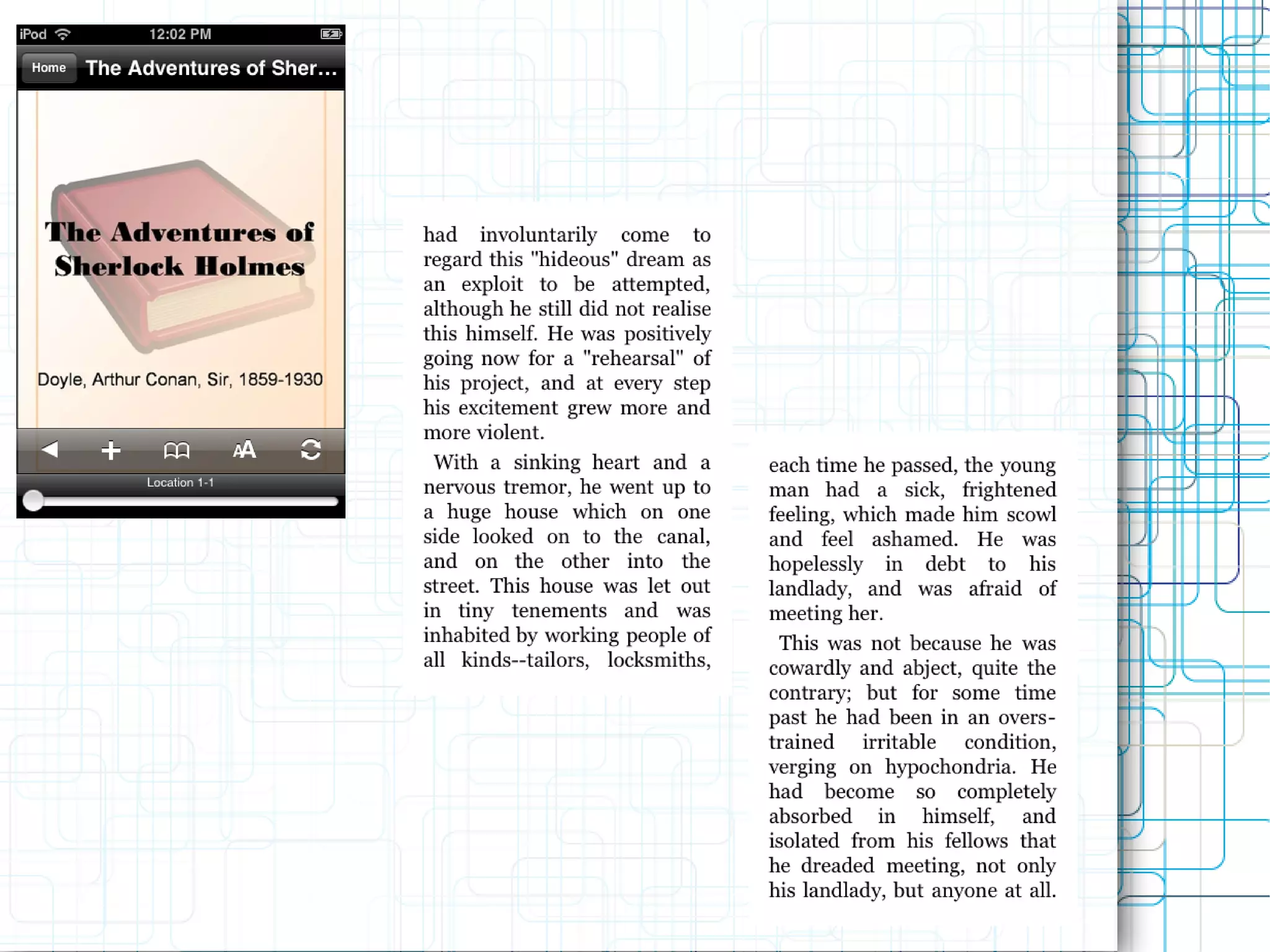
Kindle Native Interface
Kindle Format?
●   AZW – proprietary kindle reader format
●   Also support html, .mobi, .txt
●   PDF is not fully supported yet
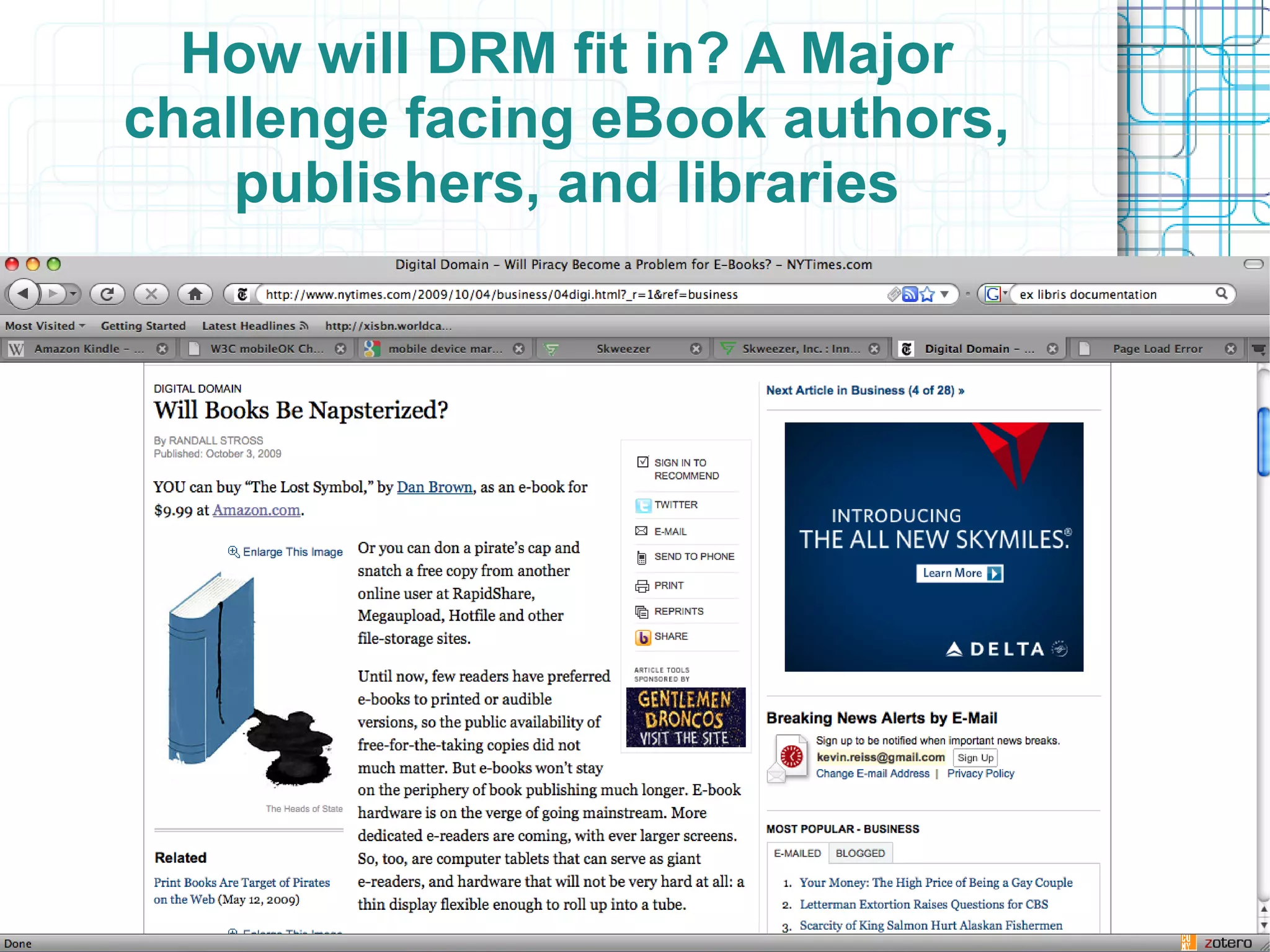
●   DRM is important in the mobile sphere
●   Ebooks are only approximately 3% of the
     book market but are gaining acceptance
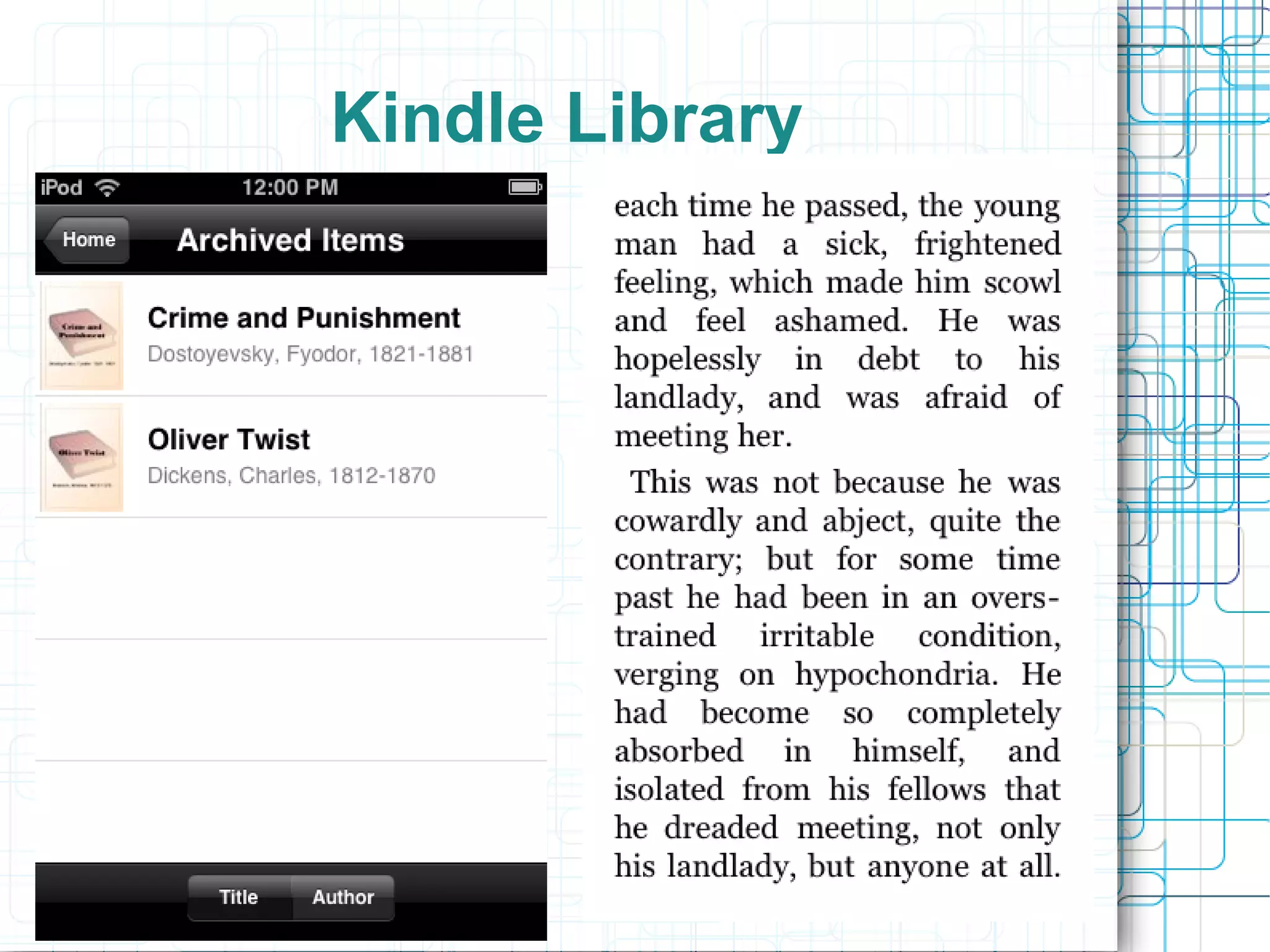
●   Compare the “book-like” experience of the
     kindle with the experience our current
     library “eBooks” offer the user
How will DRM fit in? A Major
challenge facing eBook authors,
    publishers, and libraries
Core Library Services on the
        Mobile Web
●   Search and Discovery
●   Content Delivery
       –   E-books
       –   Full-text content
       –   Citation Managers
●   Reference Services
●   Course Reserves / Course Management
     Support
●   General Information; hours, location, etc.
Search
●   Needs to get better and easier
       –   Voice search will be important
       –   Search by picture will too
●   Better results display is needed
●   Browsing Options need to be more readily
     available
●   Catalogs
       –   SMS
       –   Mobile Friendly Display
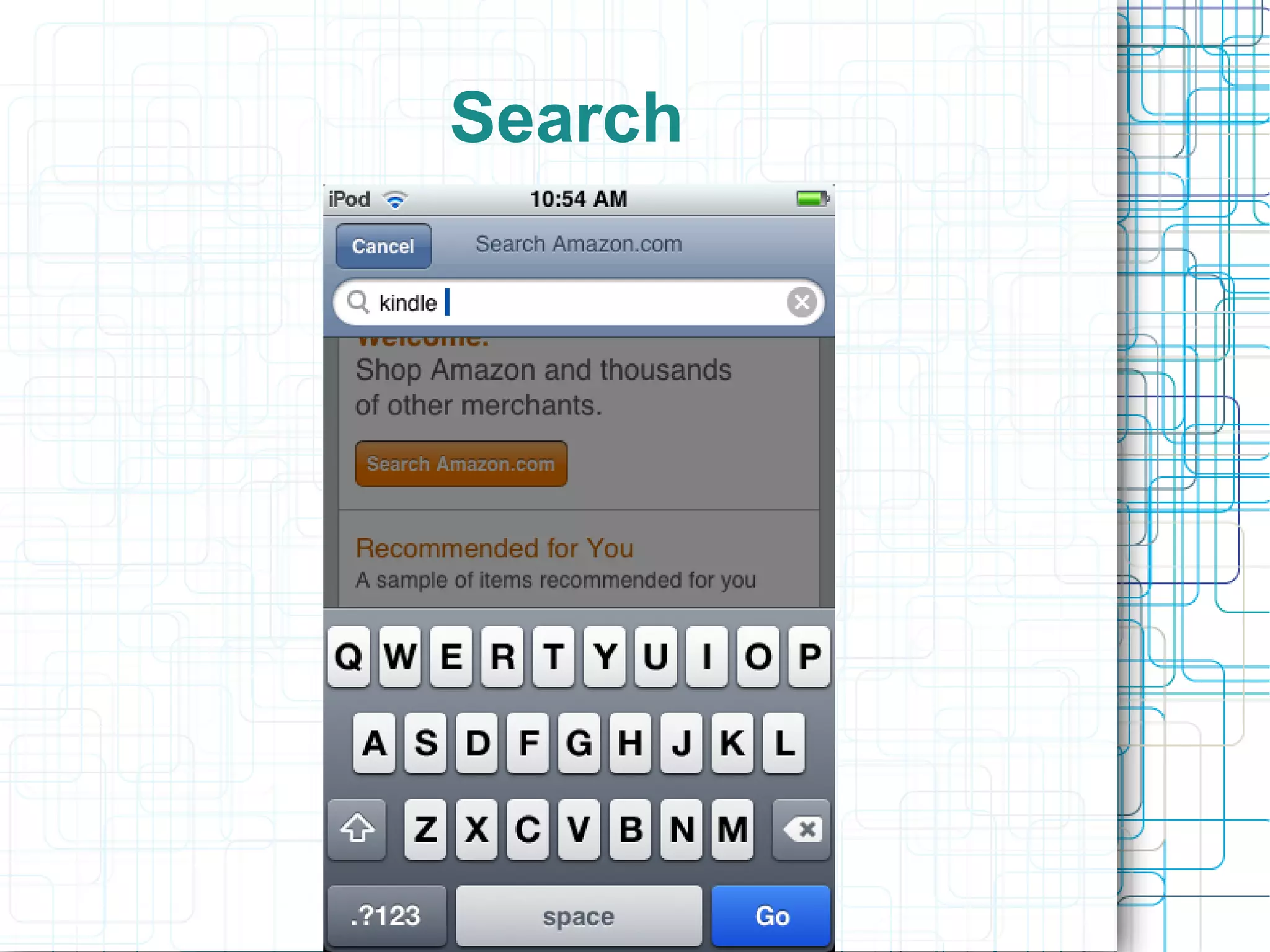
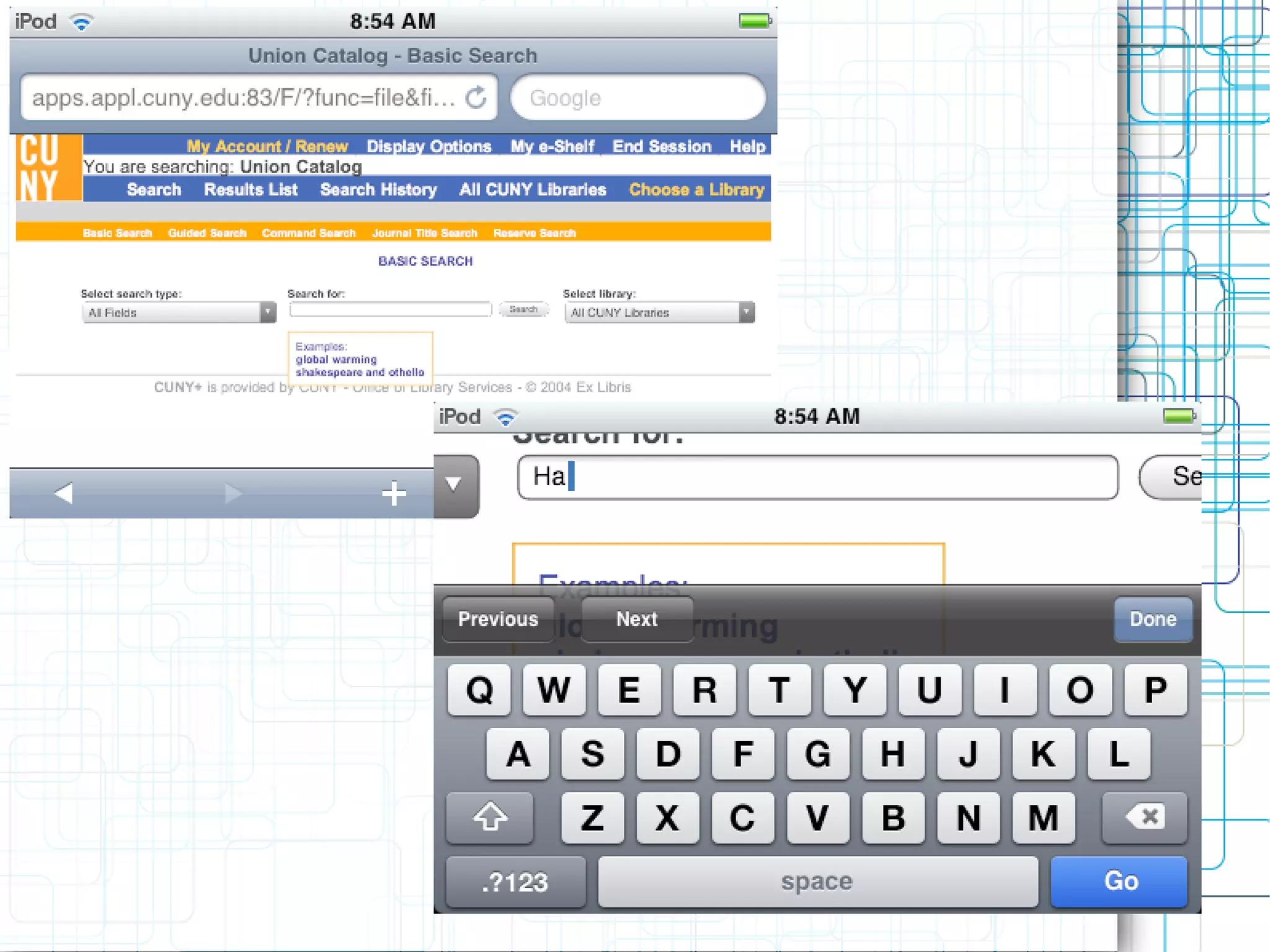
Search
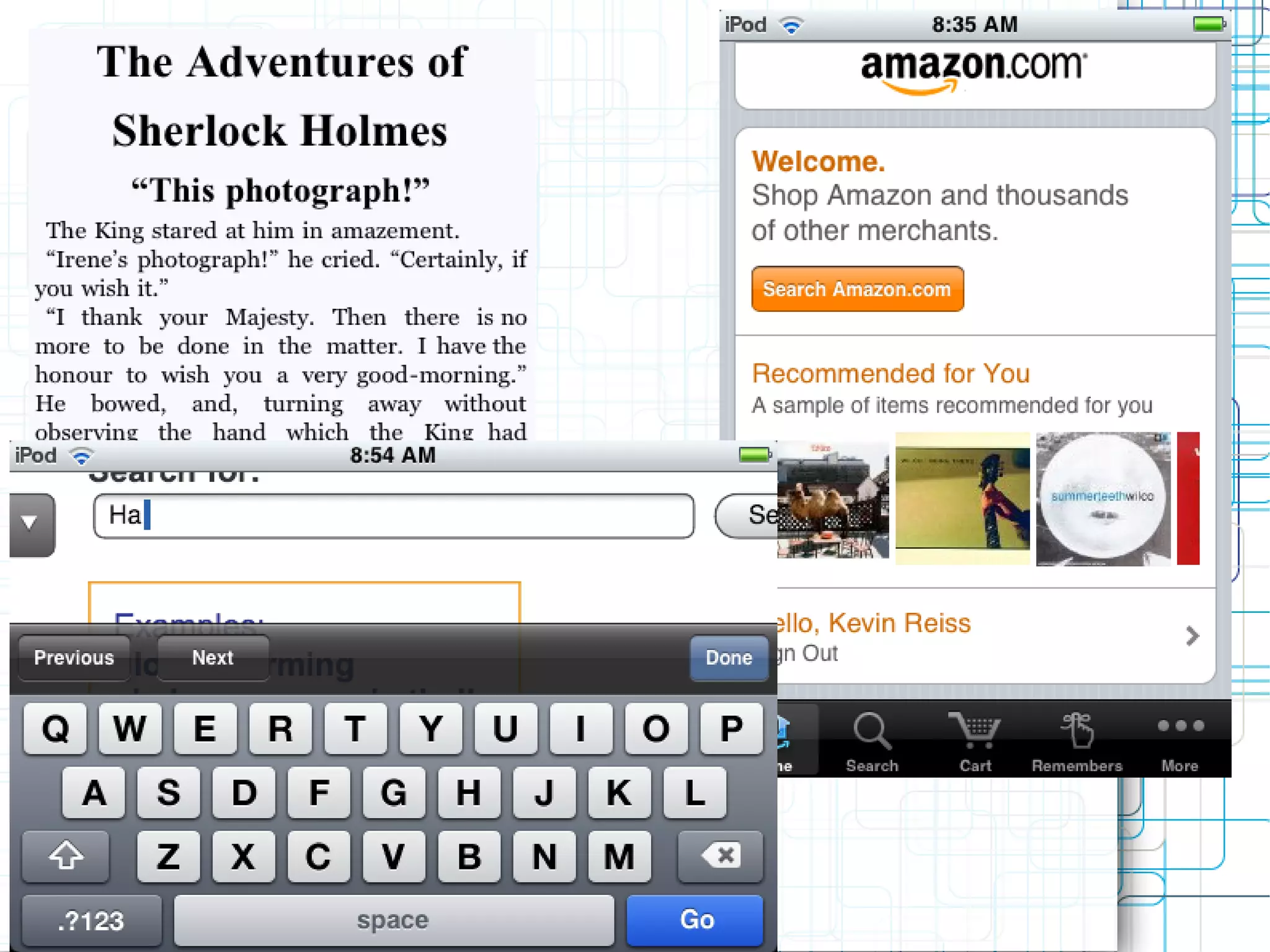
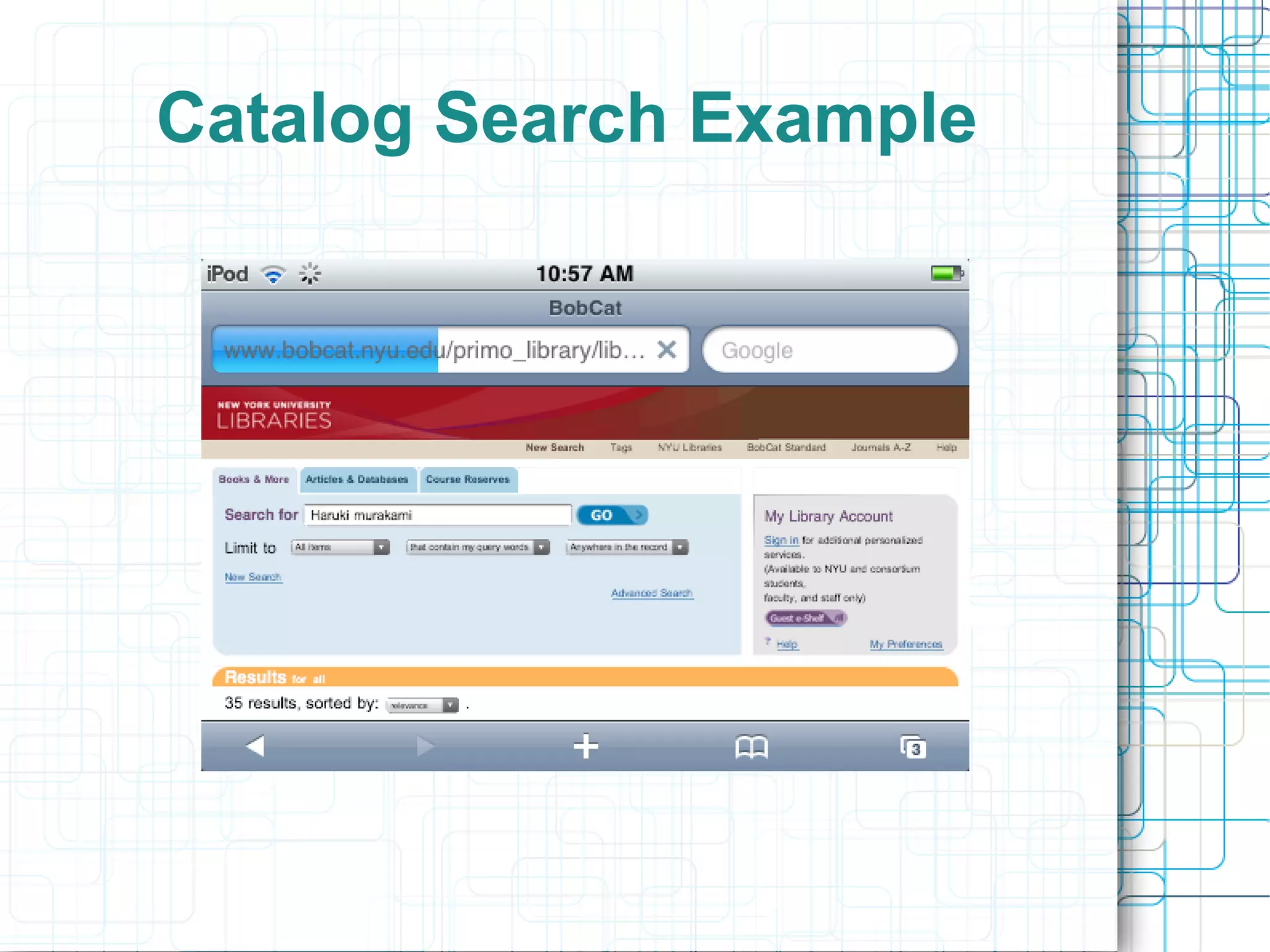
Catalog Search Example
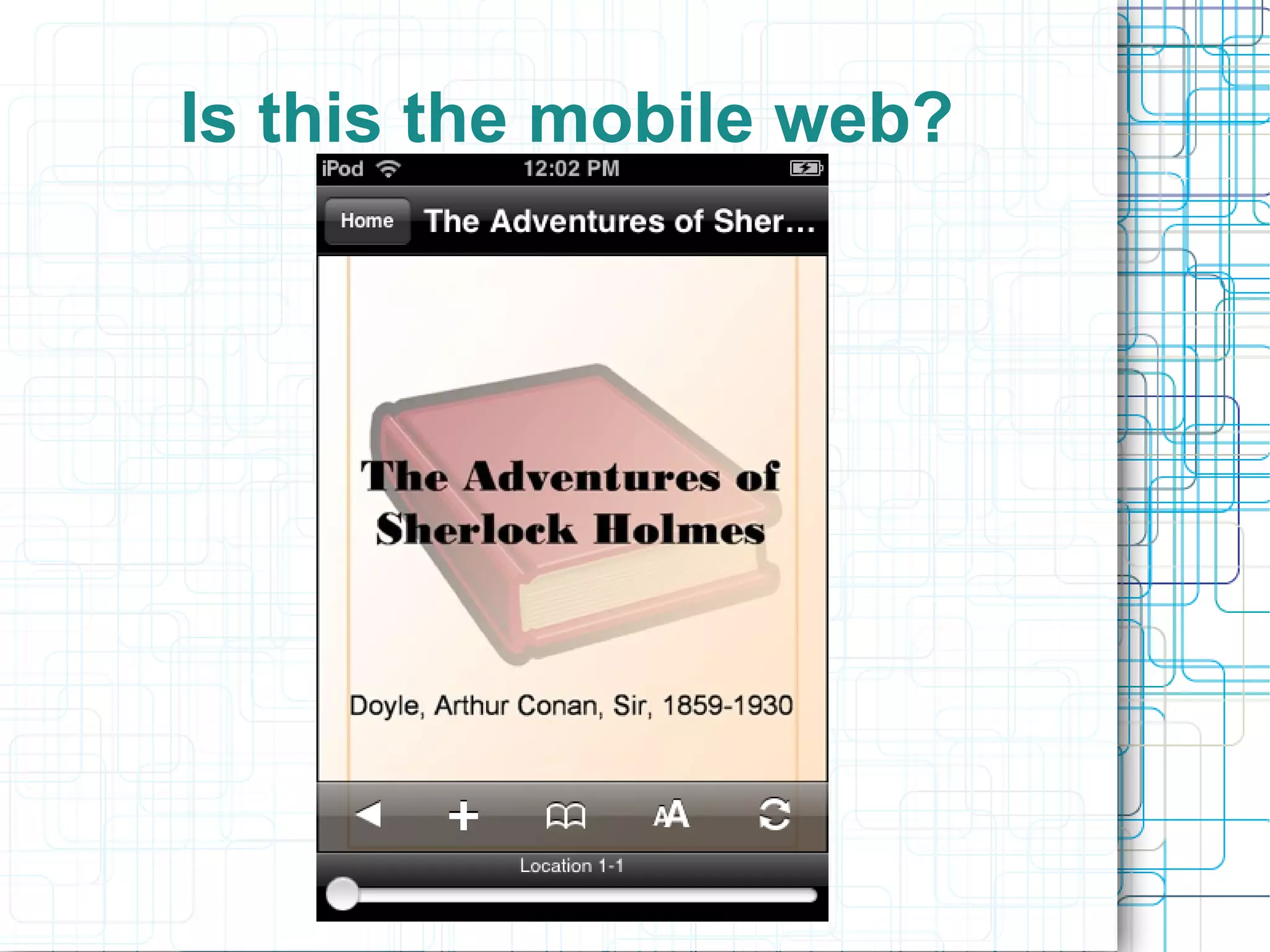
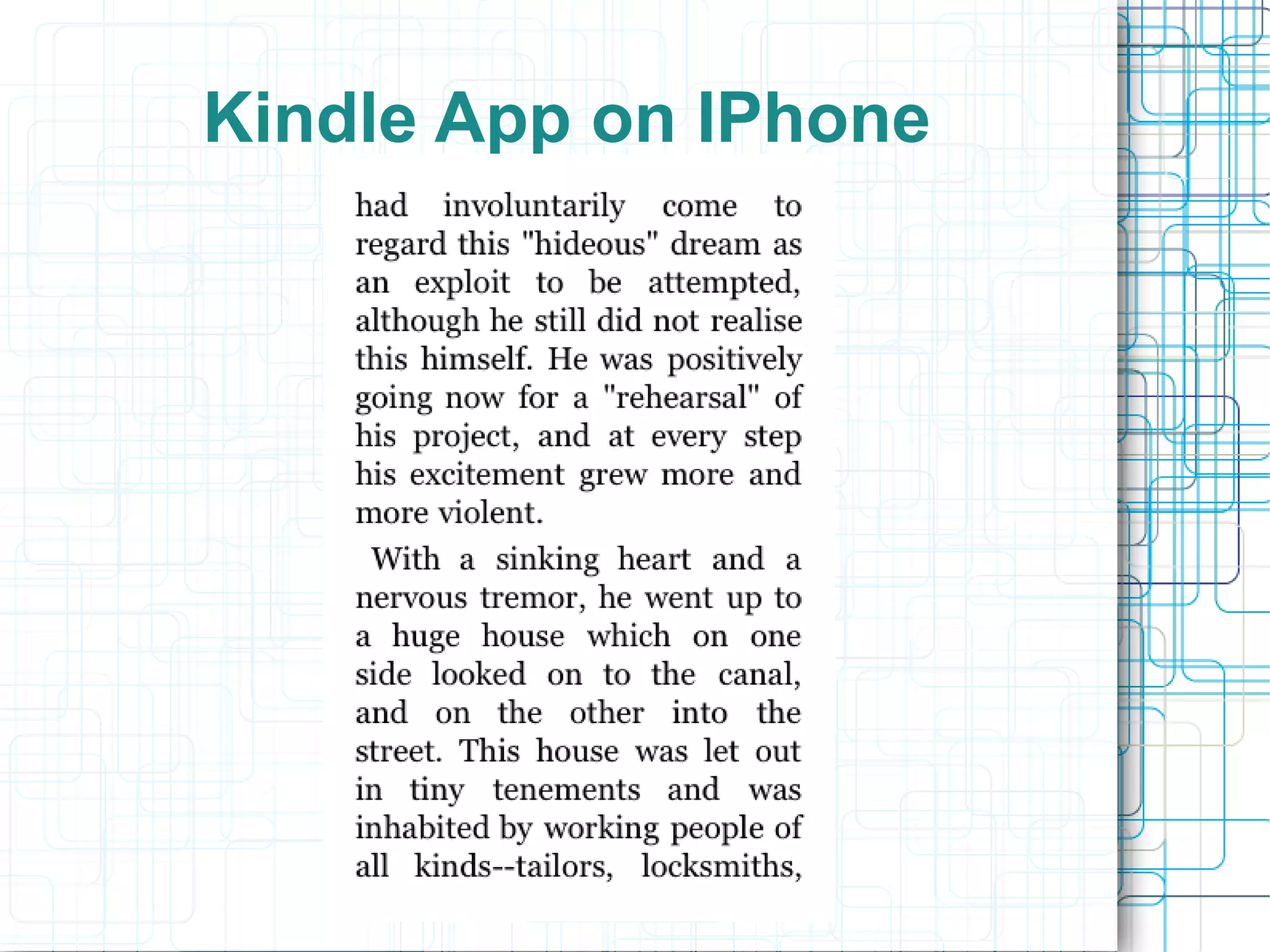
Kindle App on IPhone
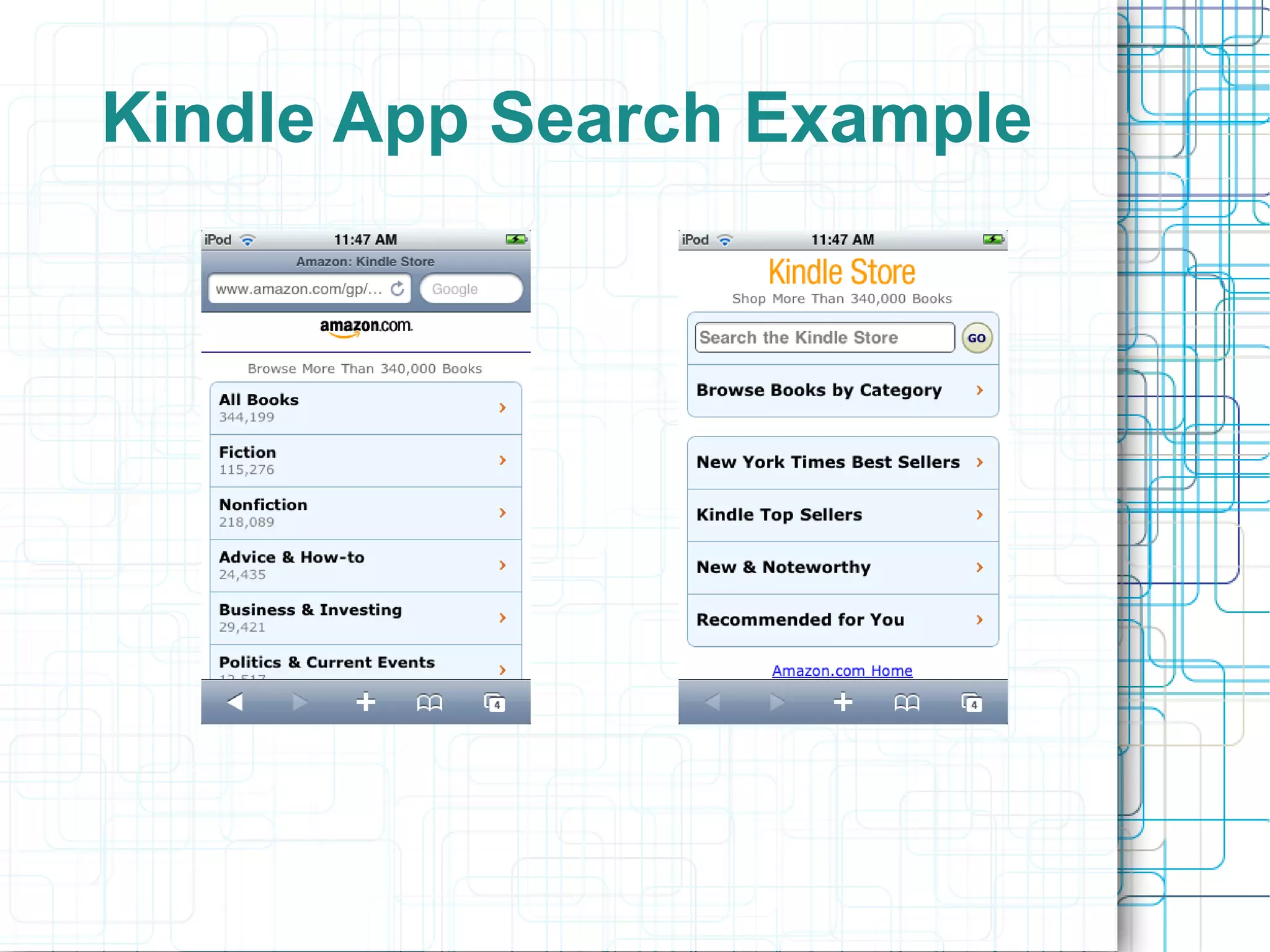
Kindle App Search Example
Content Delivery
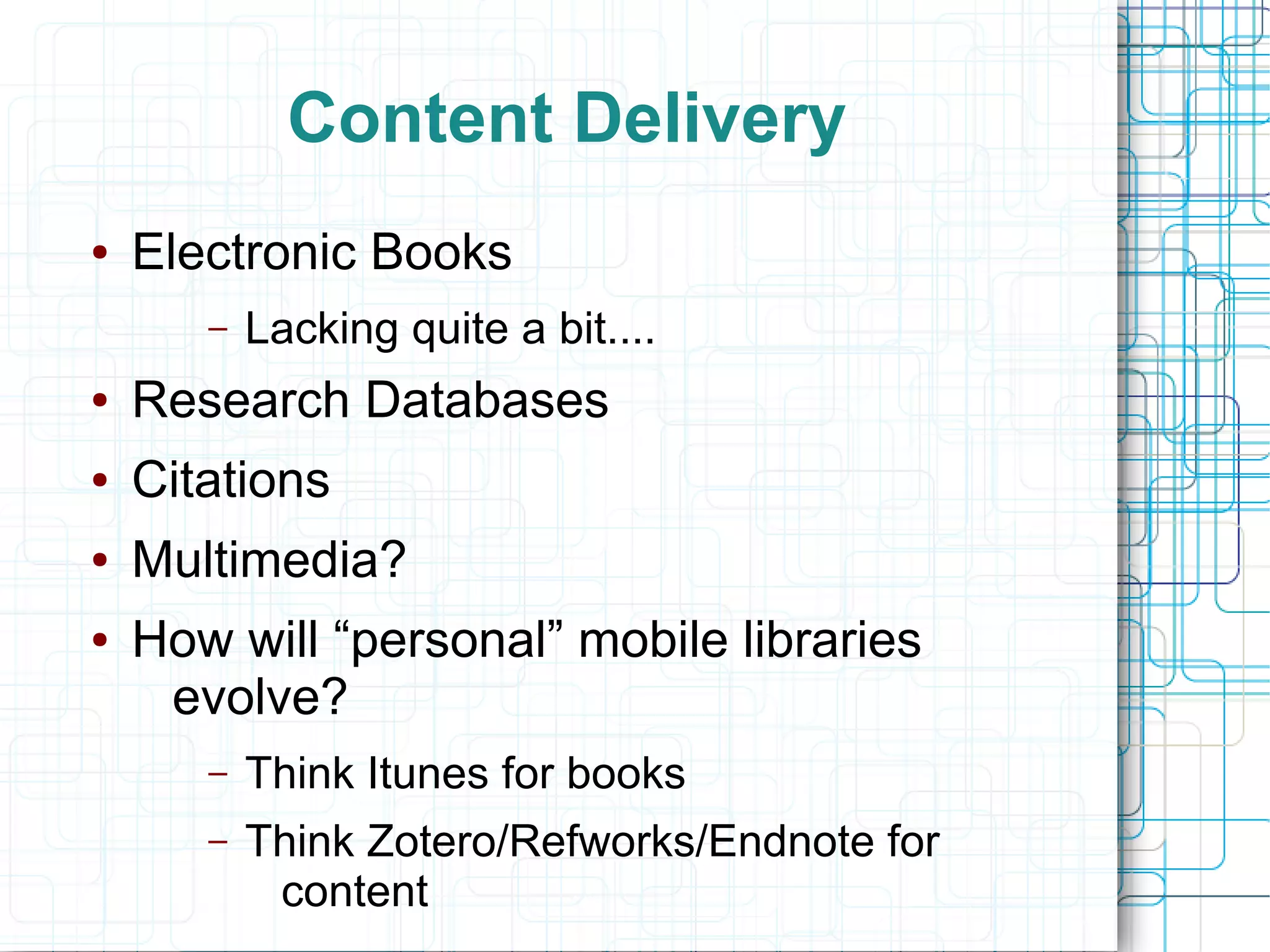
●   Electronic Books
       –   Lacking quite a bit....
●   Research Databases
●   Citations
●   Multimedia?
●   How will “personal” mobile libraries
     evolve?
       –   Think Itunes for books
       –   Think Zotero/Refworks/Endnote for
            content
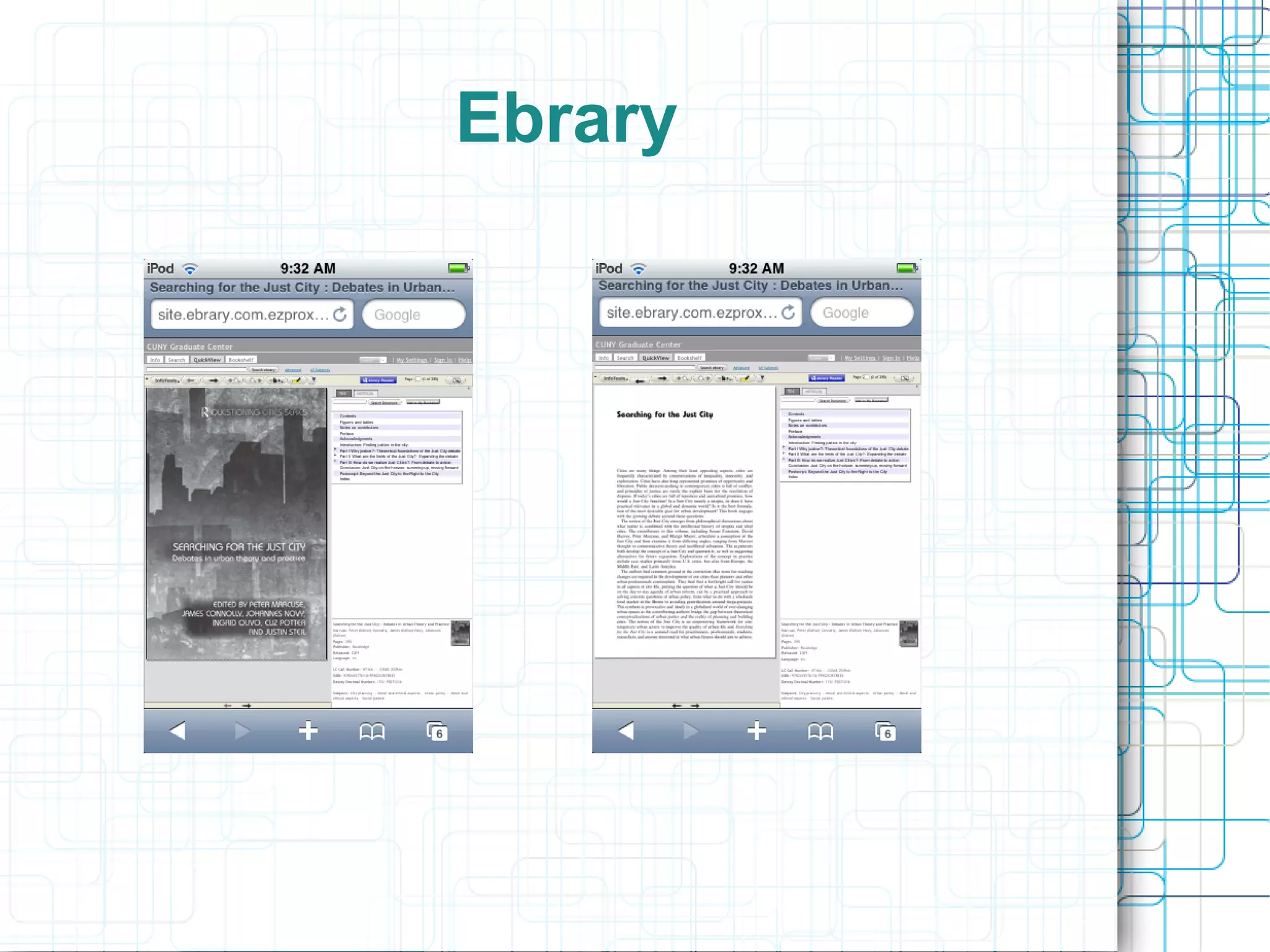
Ebrary
Kindle Library
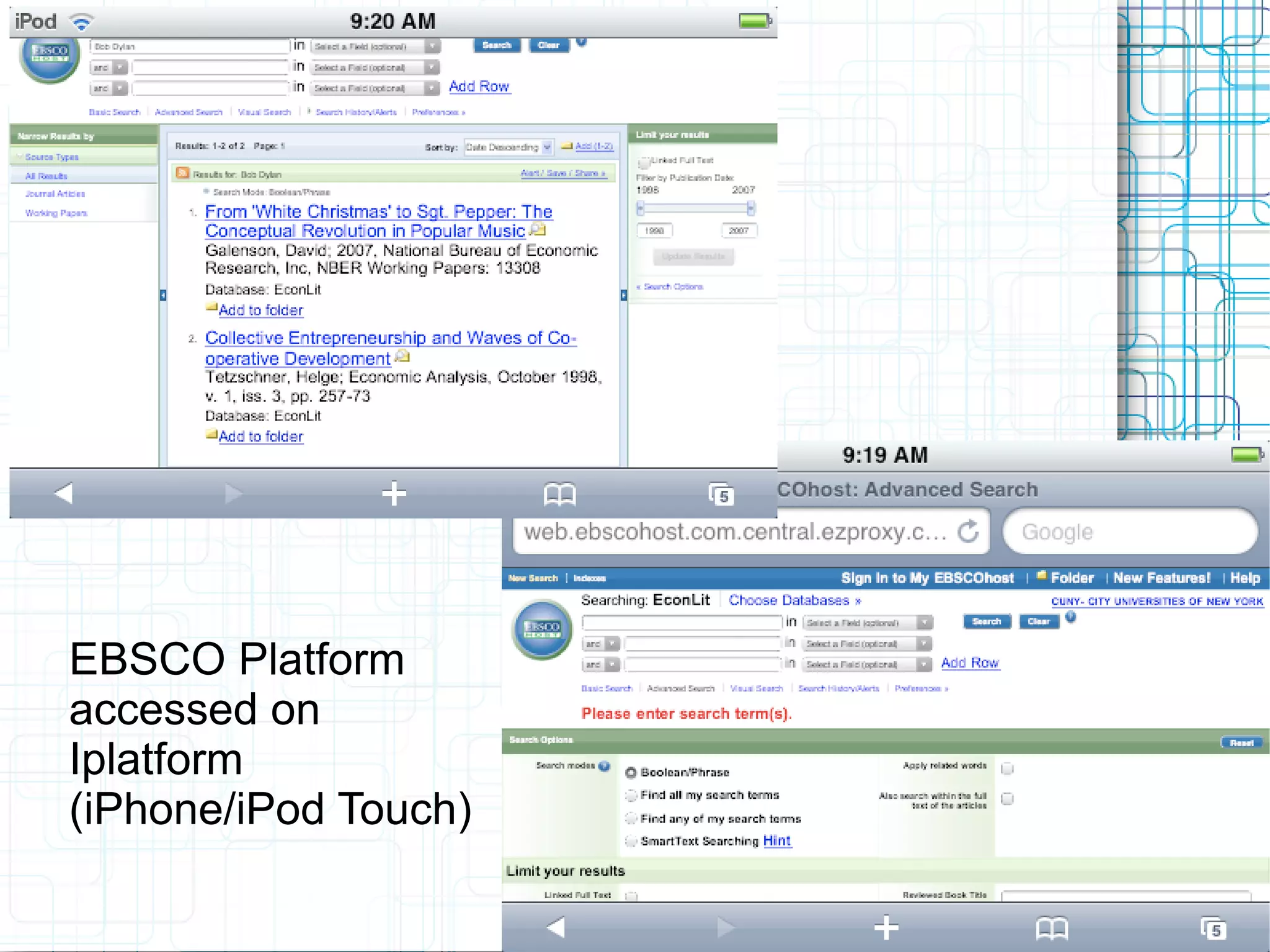
EBSCO Platform
accessed on
Iplatform
(iPhone/iPod Touch)
Reference Service
●   How will do our online reference services
     work with the mobile web?
●   CUNY is a member of the OCLC-based
     questionpoint service
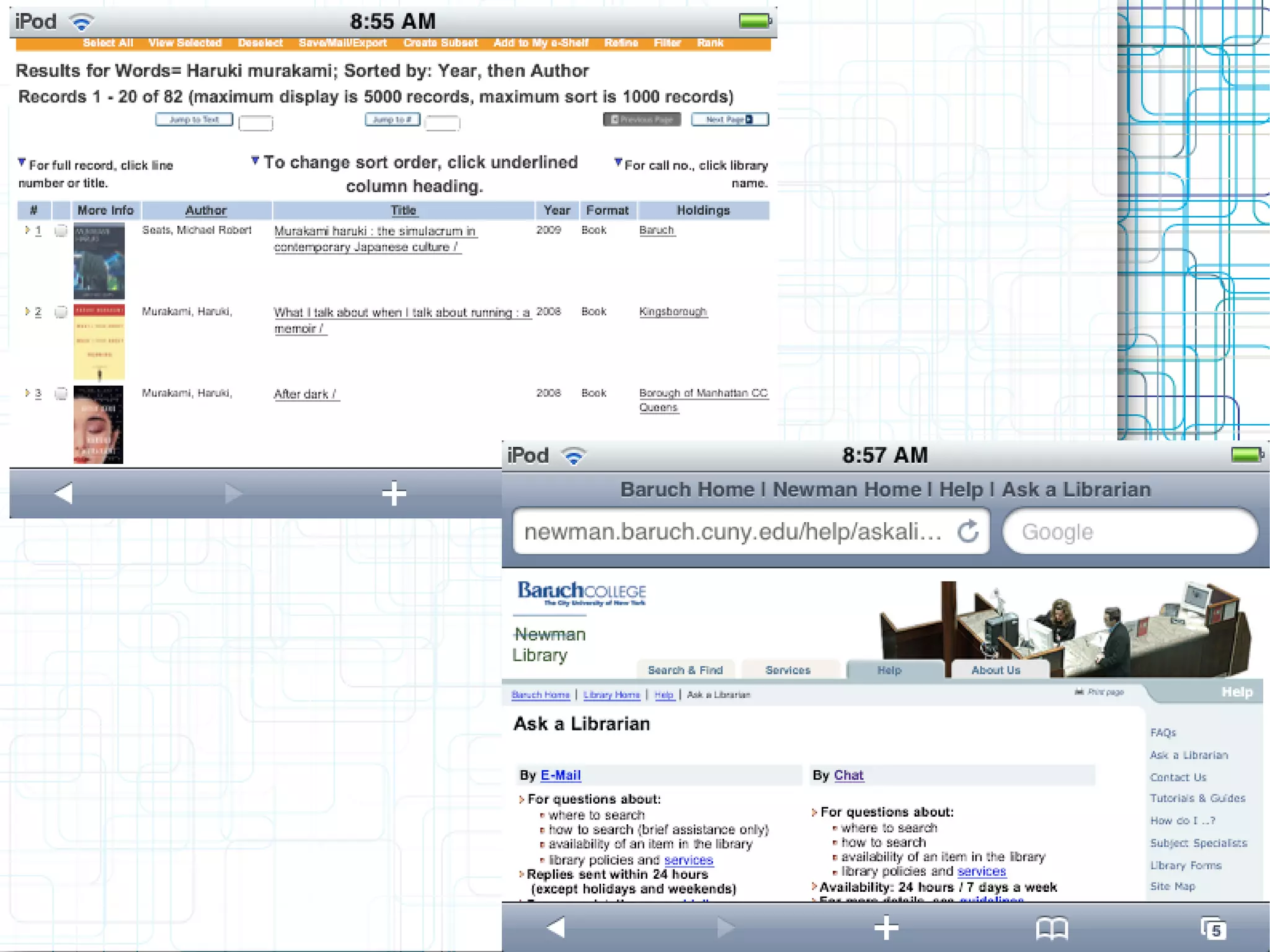
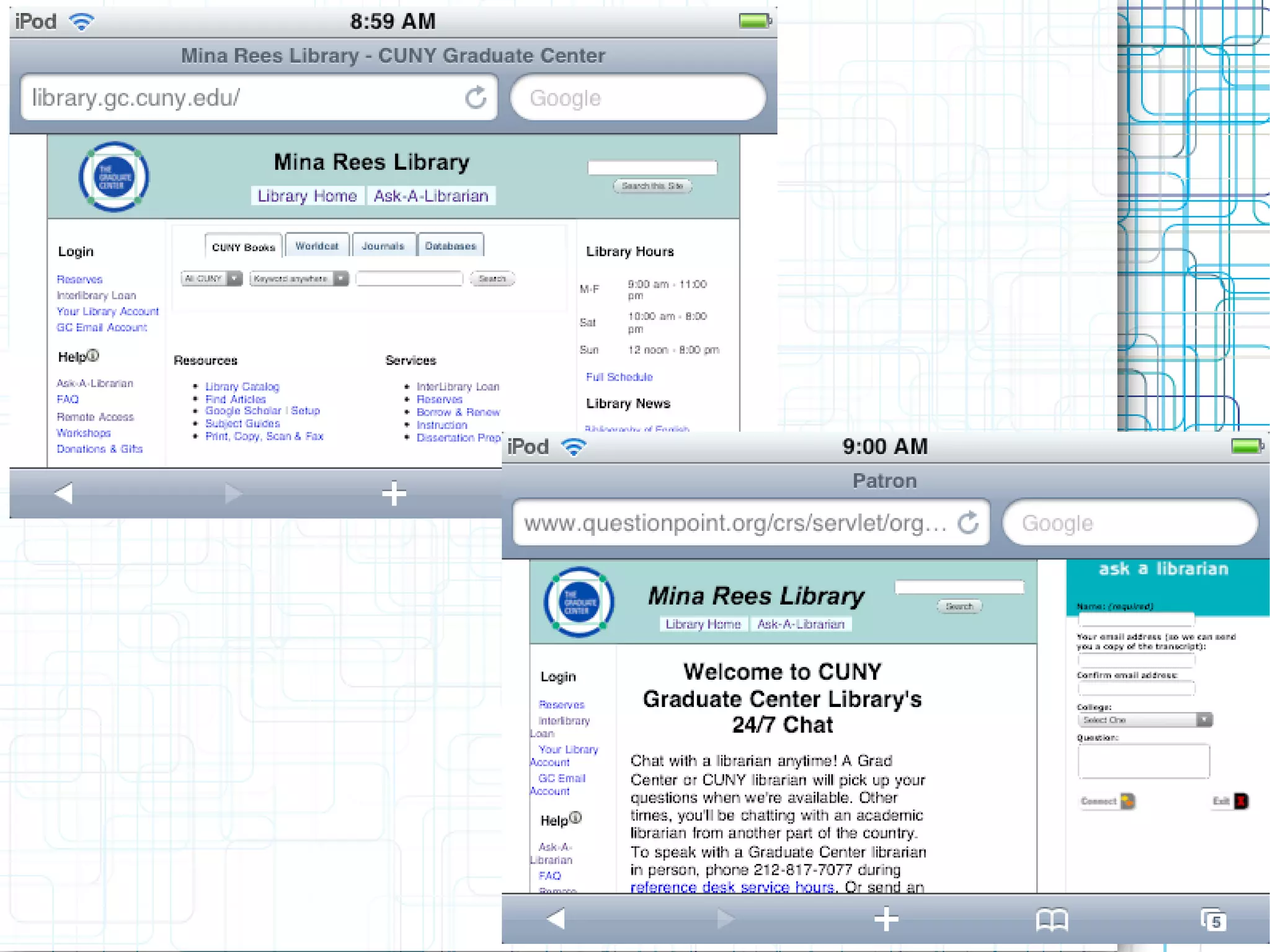
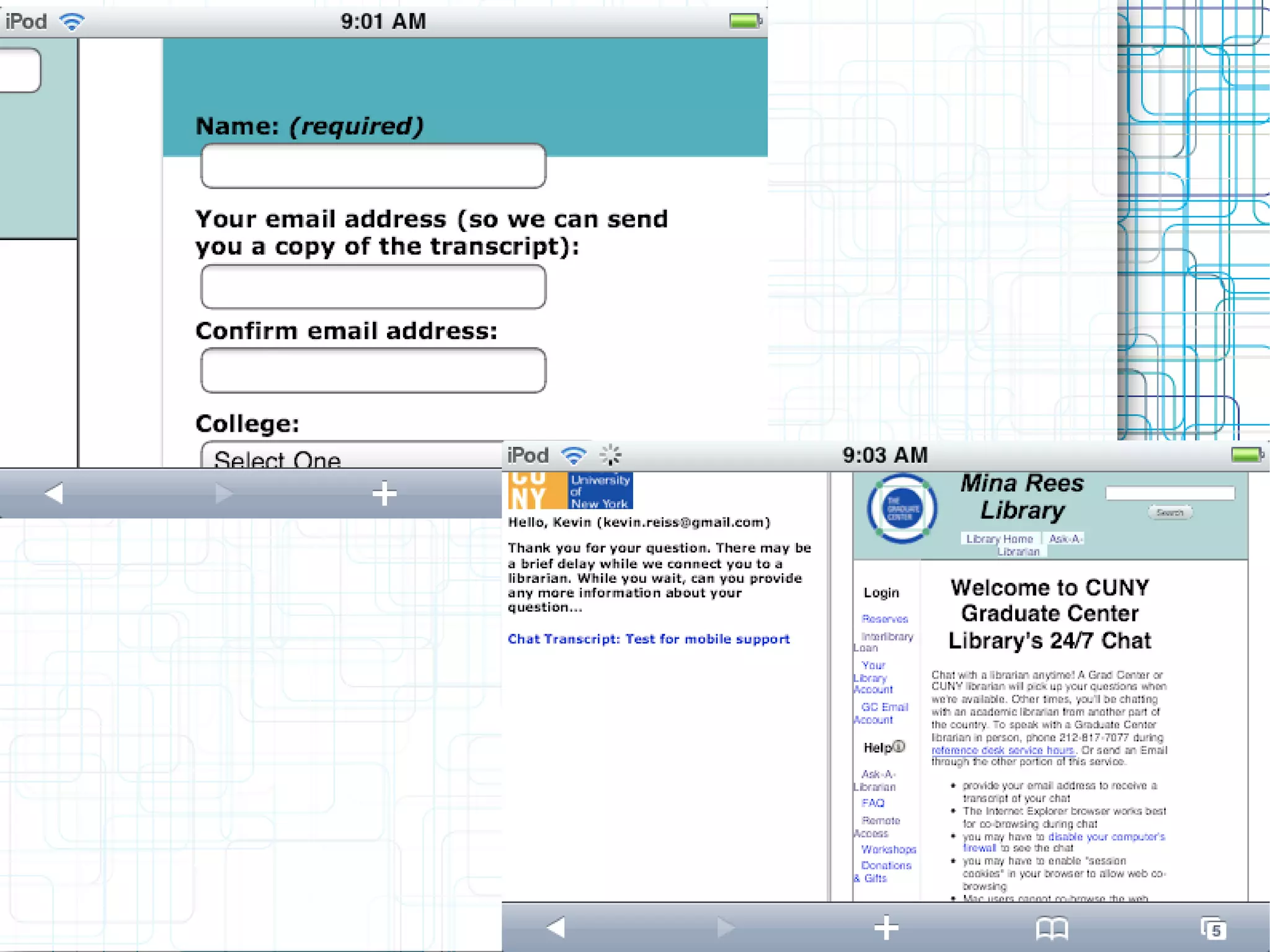
●   How did an attempted session turn out?
Reference
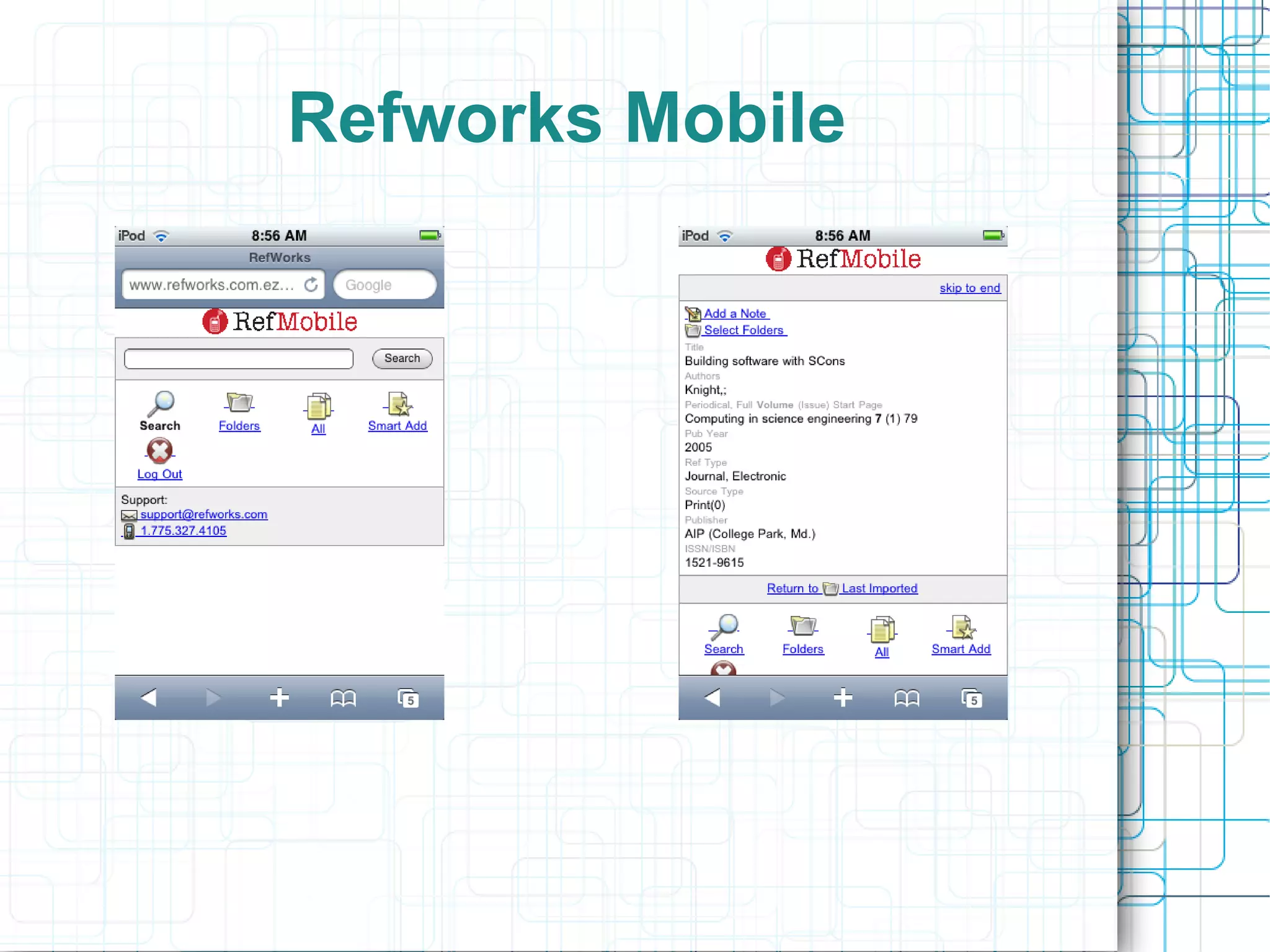
Refworks Mobile
Informal Service Evaluation
          Results
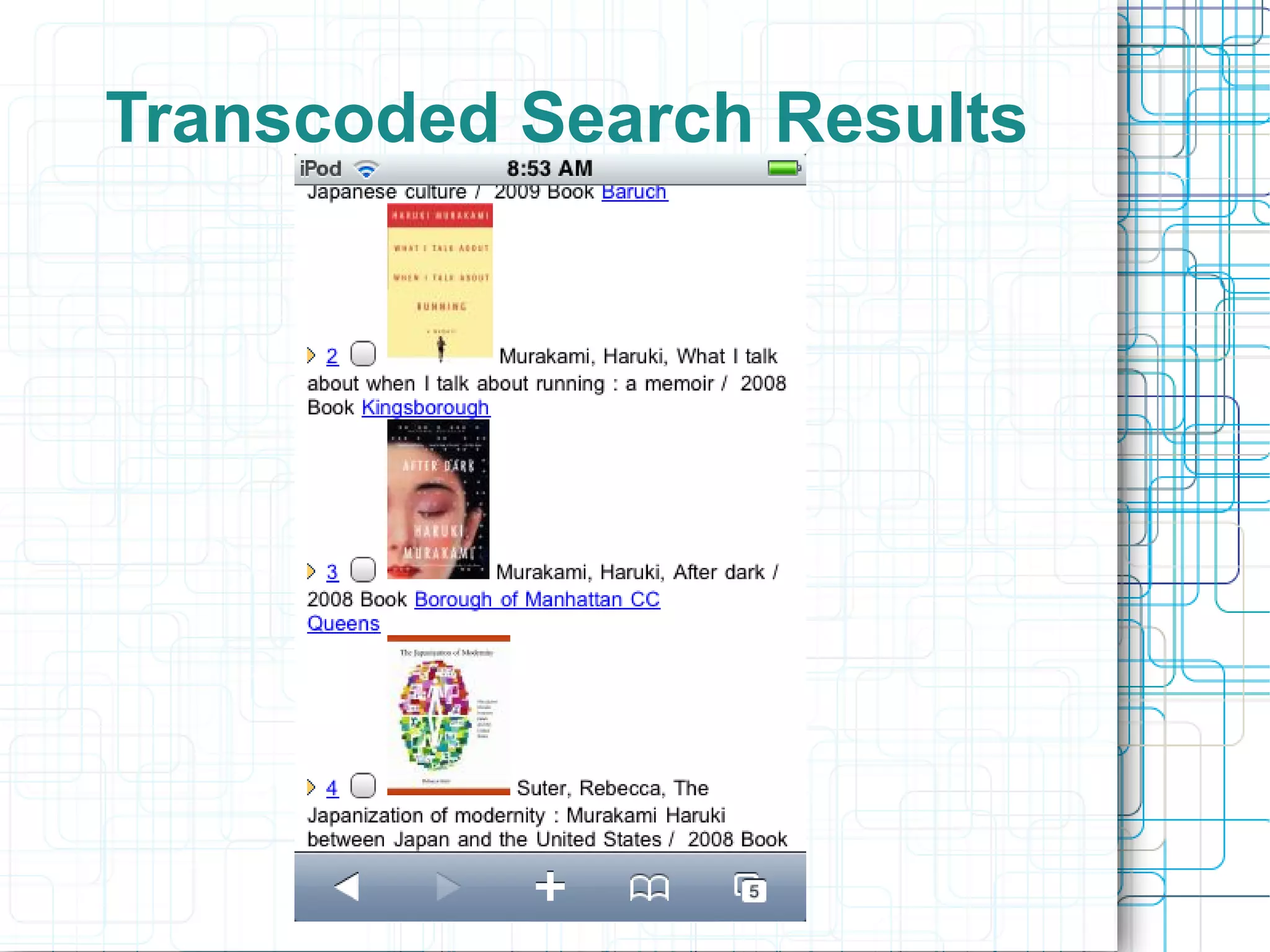
●   Searching catalog was very cumbersome
●   Questionpoint
       –   Couldn't successfully start a 24x7 Chat
●   Ebrary
       –   No mobile version available
       –   Content display not impressive
●   Refworks
       –   Mobile version available
●   EBSCO Databases
       –   No mobile version available
How do People Actually Use
    the Mobile Web?
●   Currently characterized as snacking
     between desktop visits
●   Time filler (the kindle on the train)
●   As lines between devices blur this will
     change
●   Mobile devices will in some cases
     become a user's primary interface to the
     Internet
Options for making web services
   work with the mobile web
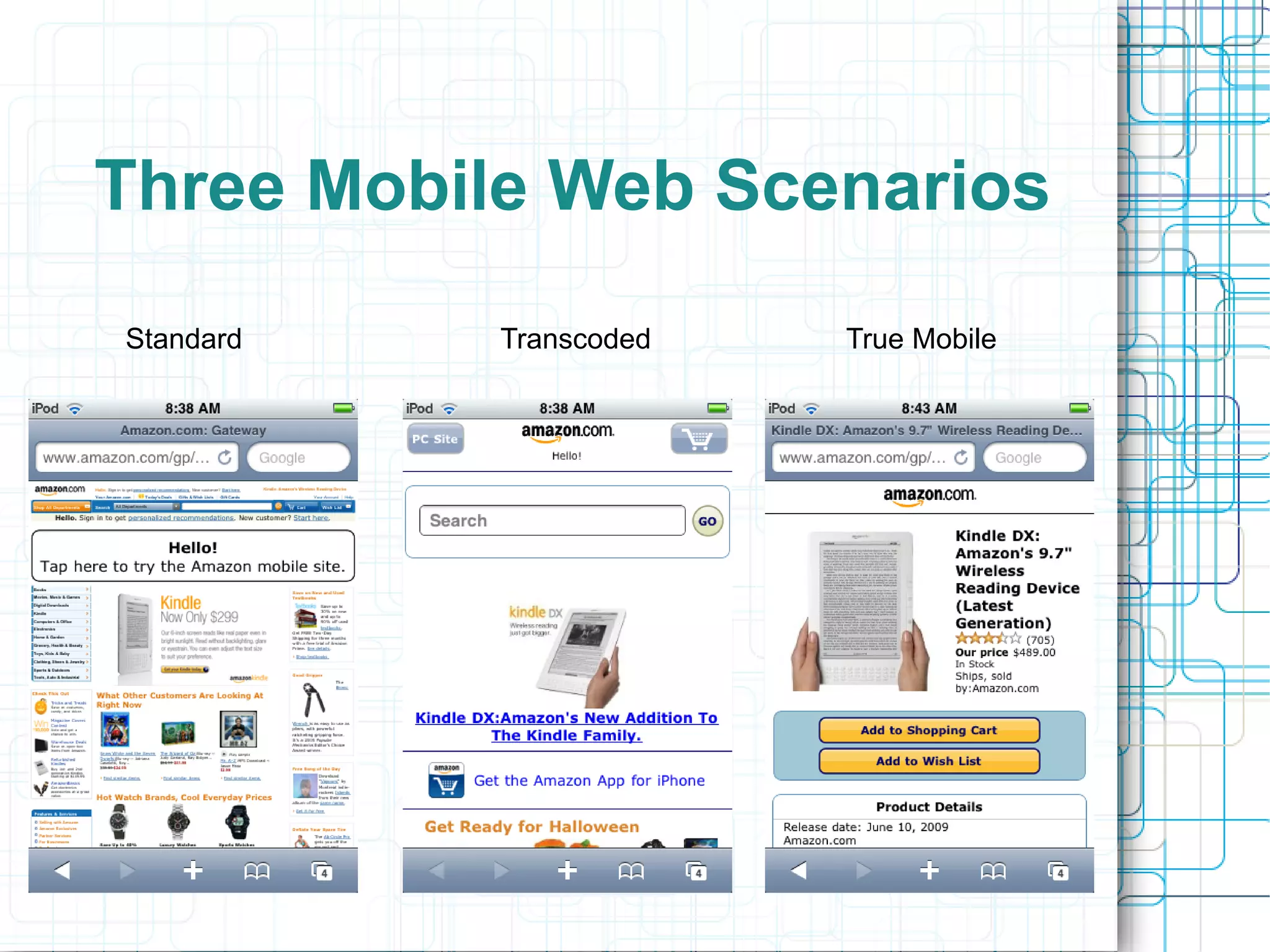
●   Three levels of compatibility with mobile
     devices courtesy of
     http://web.simmons.edu/~fox/pda/cil1_09_fox_mo
●   Standard; display the standard http
     website within the device
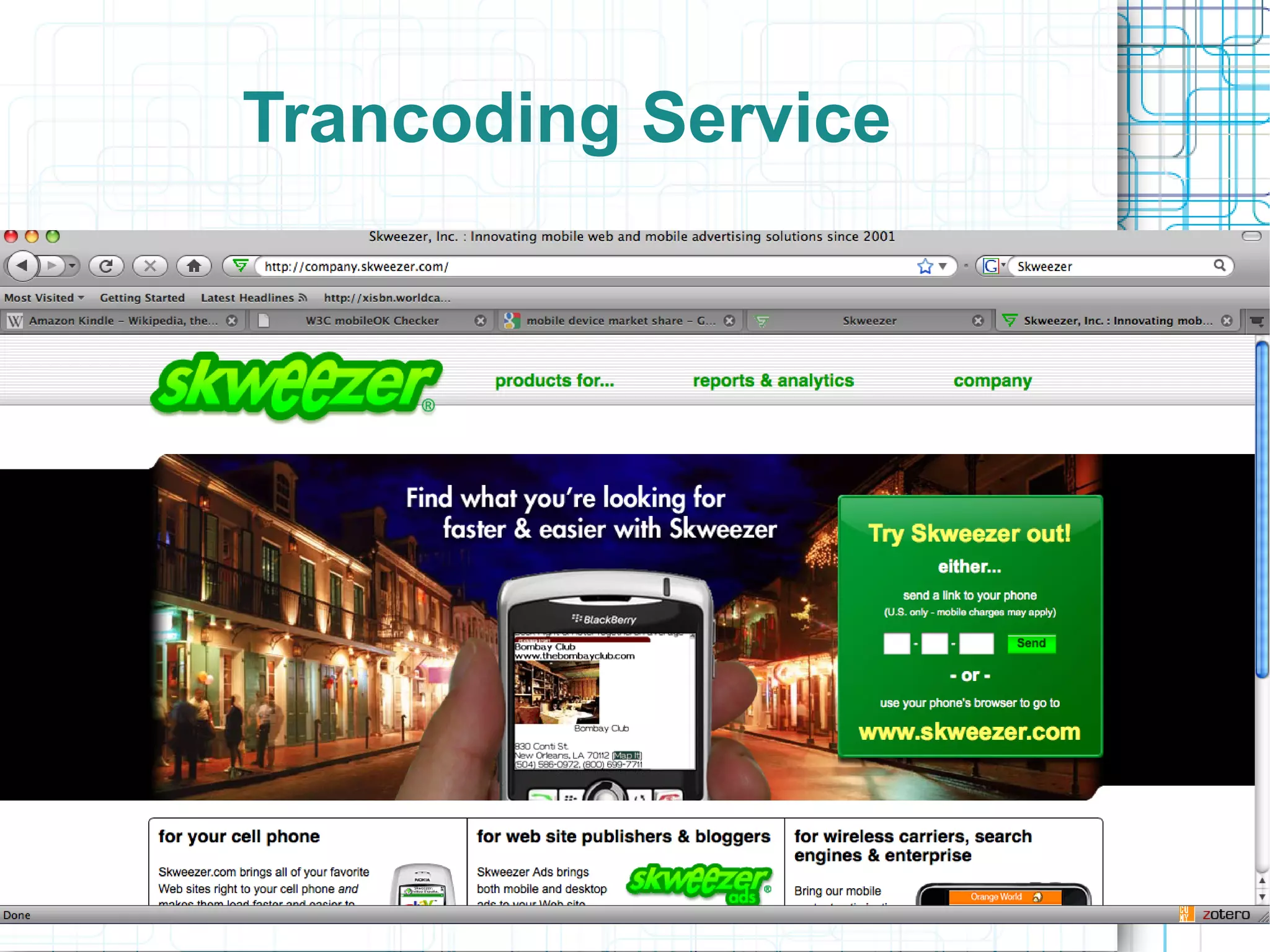
●   Transcoded; run your current site through
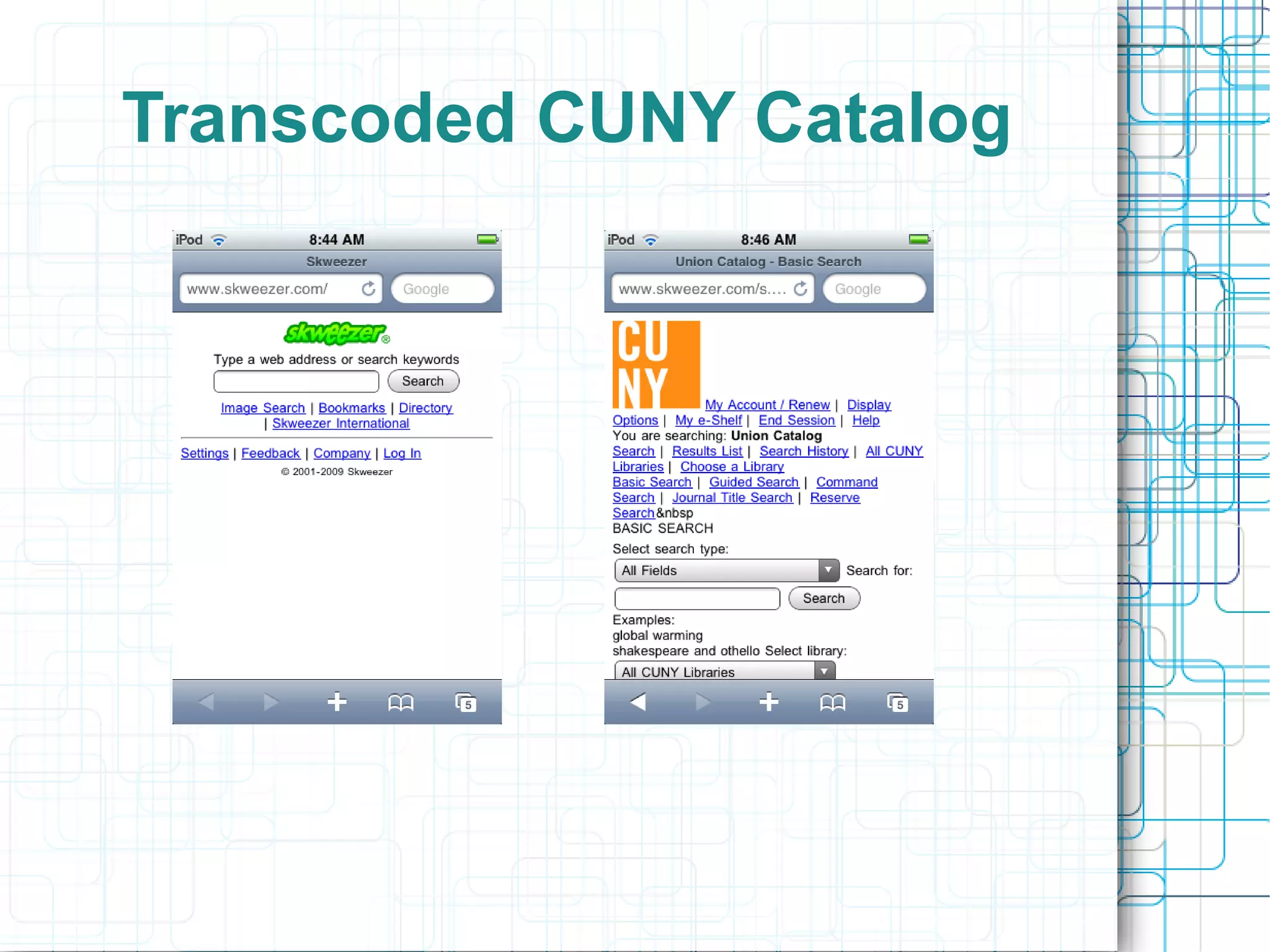
      an emulator
       –   – see skweezer.com for example
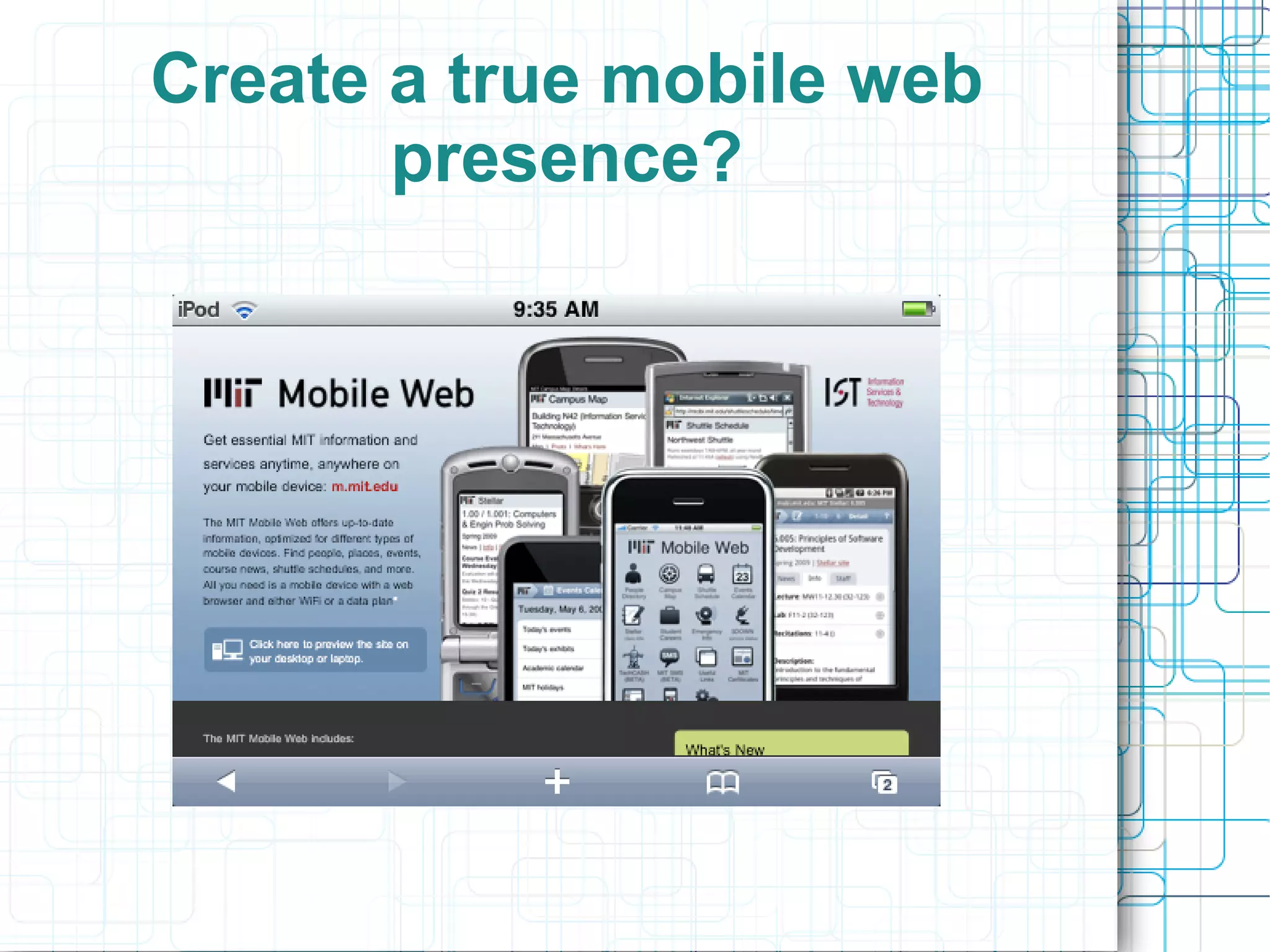
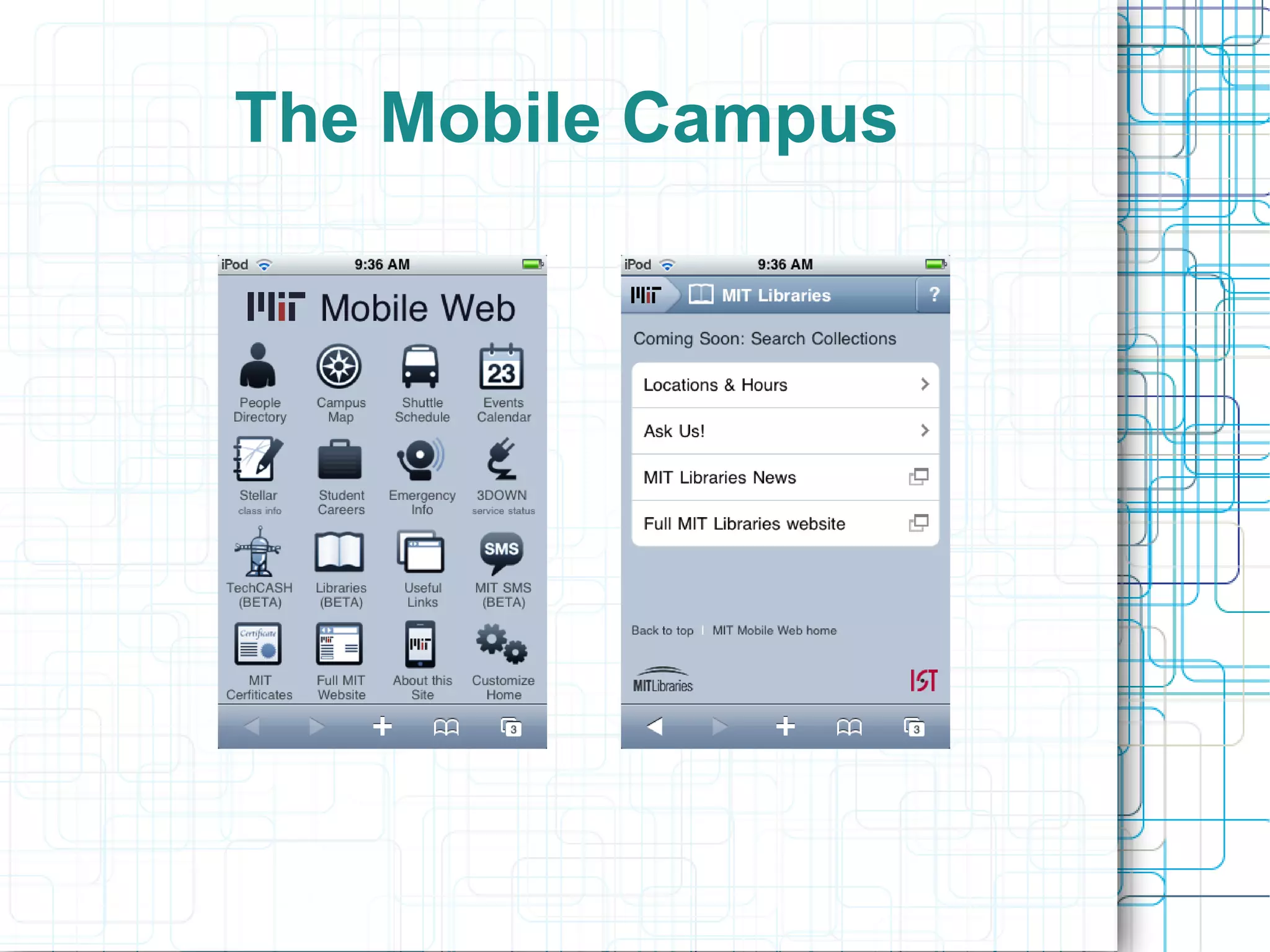
●   Create a true mobile website
       –   Number of encoding options exist for
            building a “native” mobile website
Three Mobile Web Scenarios
Standard   Transcoded   True Mobile
Trancoding Service
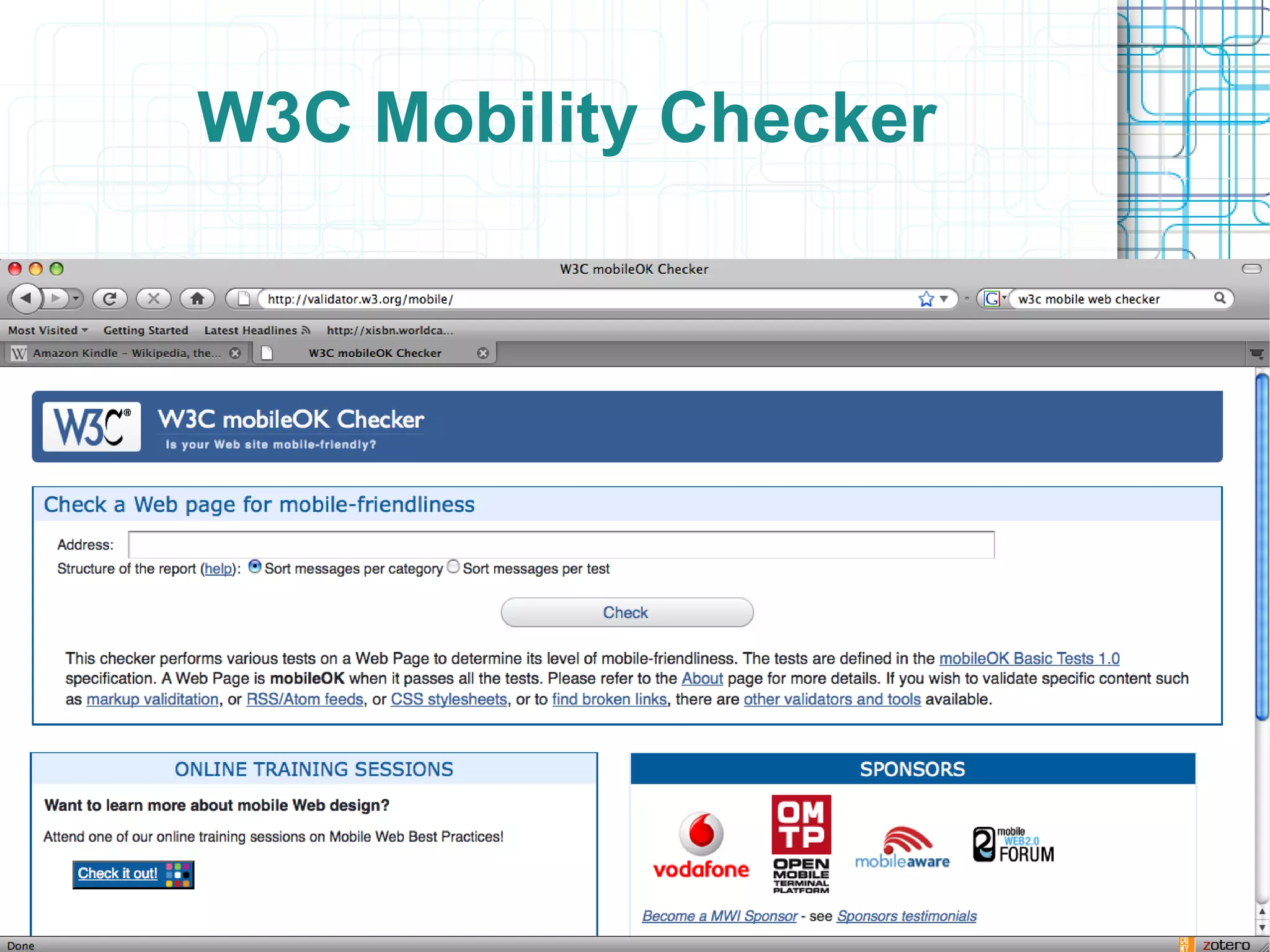
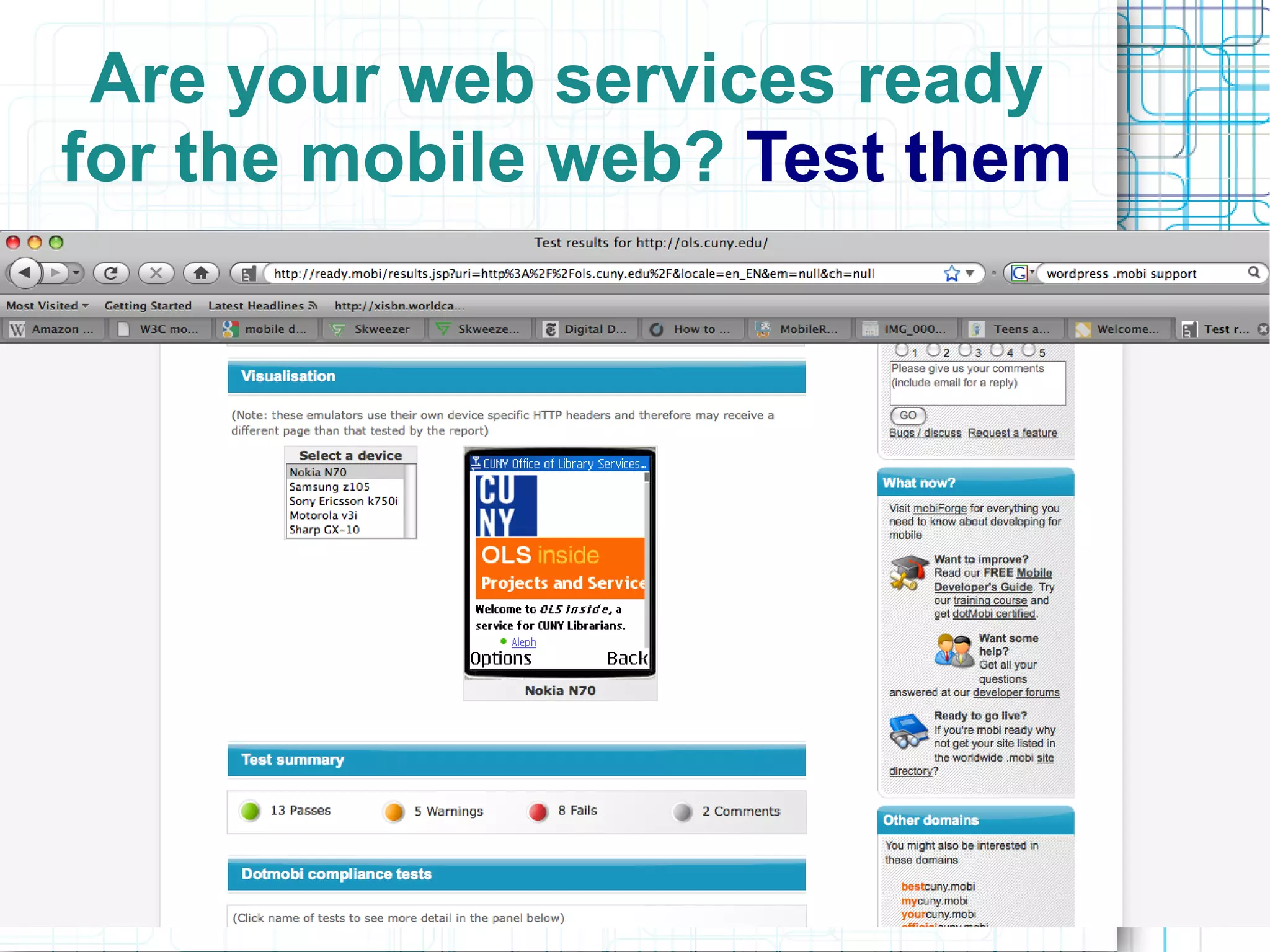
W3C Mobility Checker
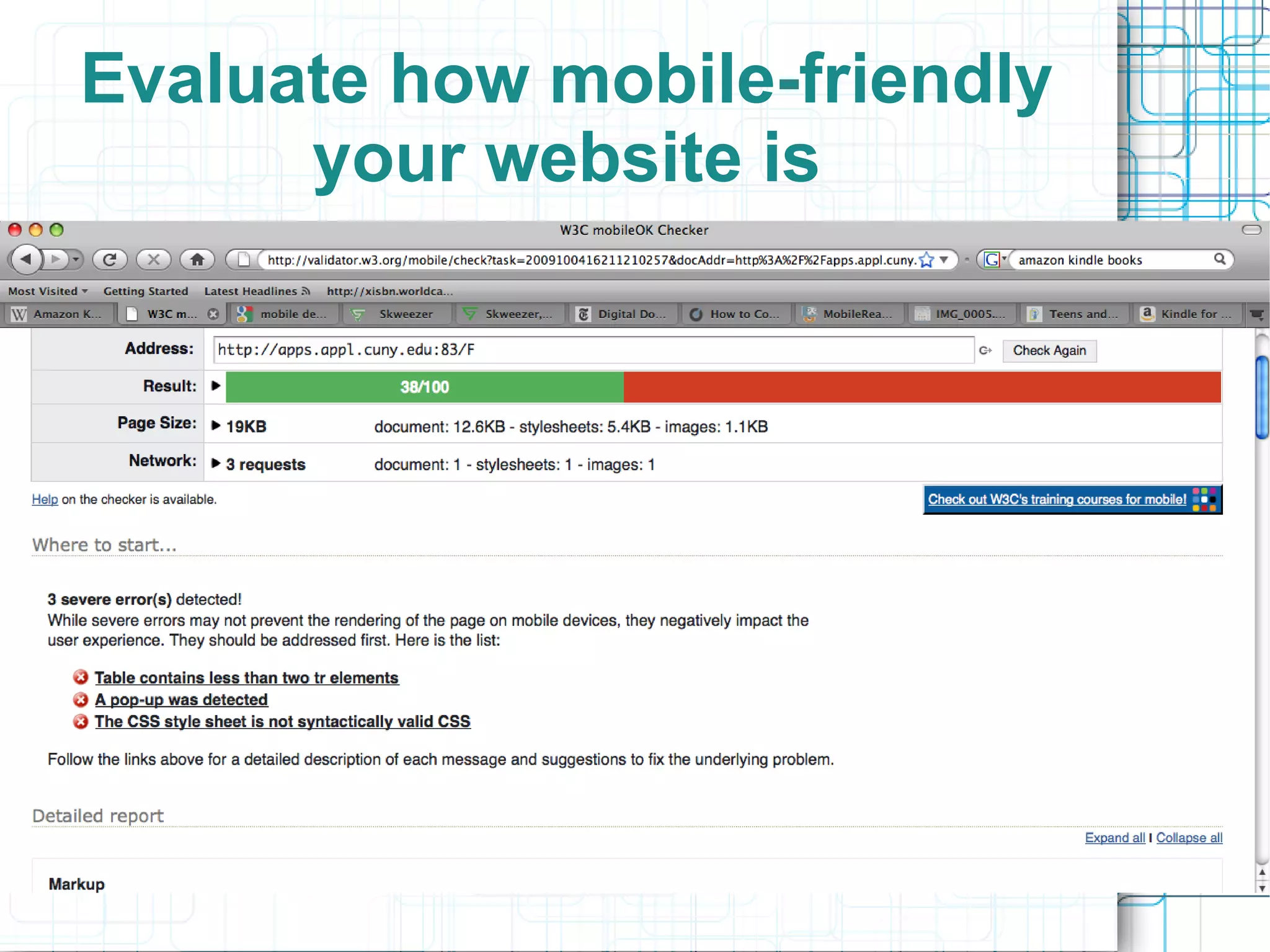
Evaluate how mobile-friendly
      your website is
Transcoded CUNY Catalog
Transcoded Search Results
Create a true mobile web
       presence?
The Mobile Campus
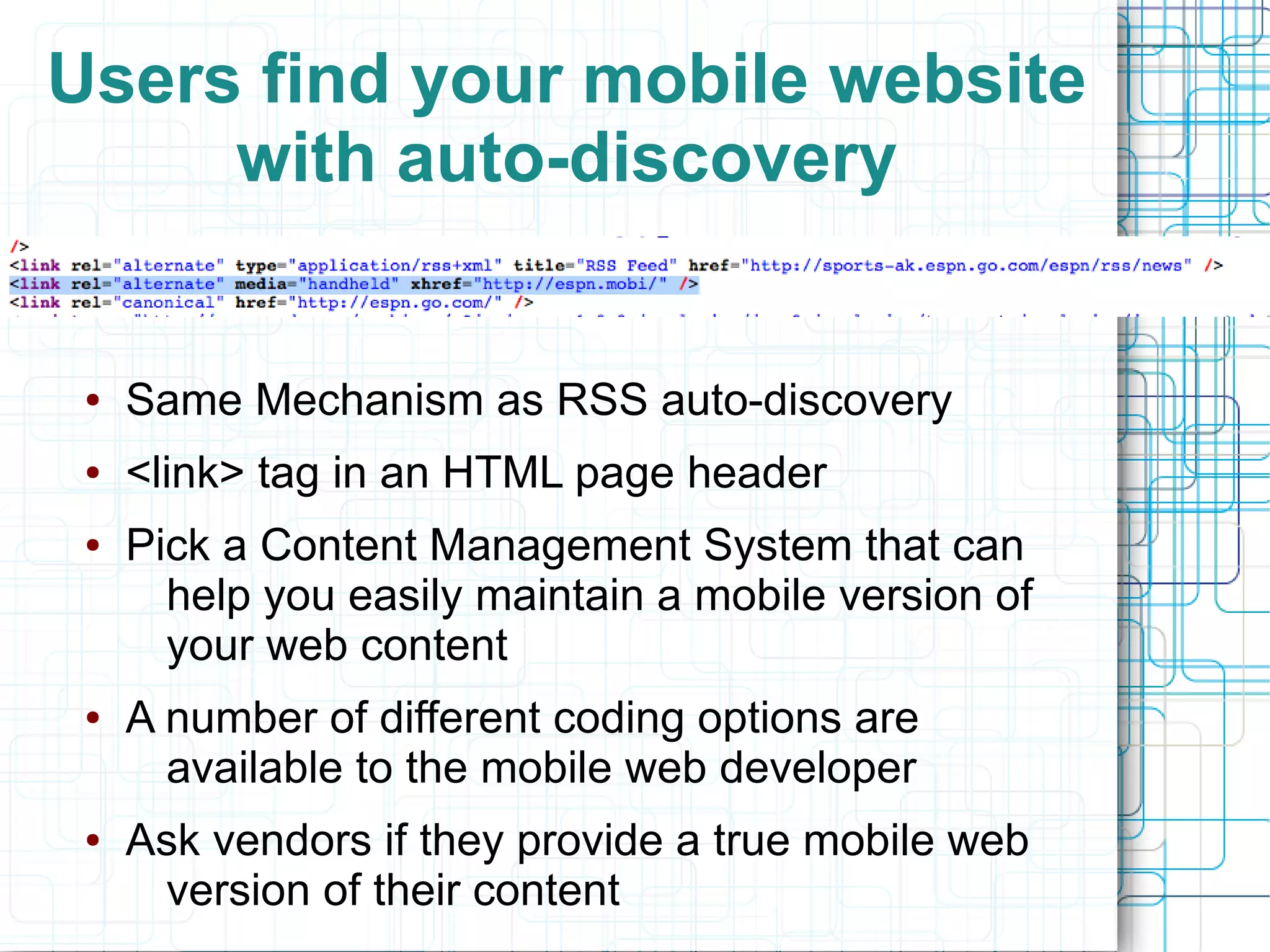
Users find your mobile website
     with auto-discovery


 ●   Same Mechanism as RSS auto-discovery
 ●   <link> tag in an HTML page header
 ●   Pick a Content Management System that can
       help you easily maintain a mobile version of
       your web content
 ●   A number of different coding options are
       available to the mobile web developer
 ●   Ask vendors if they provide a true mobile web
      version of their content
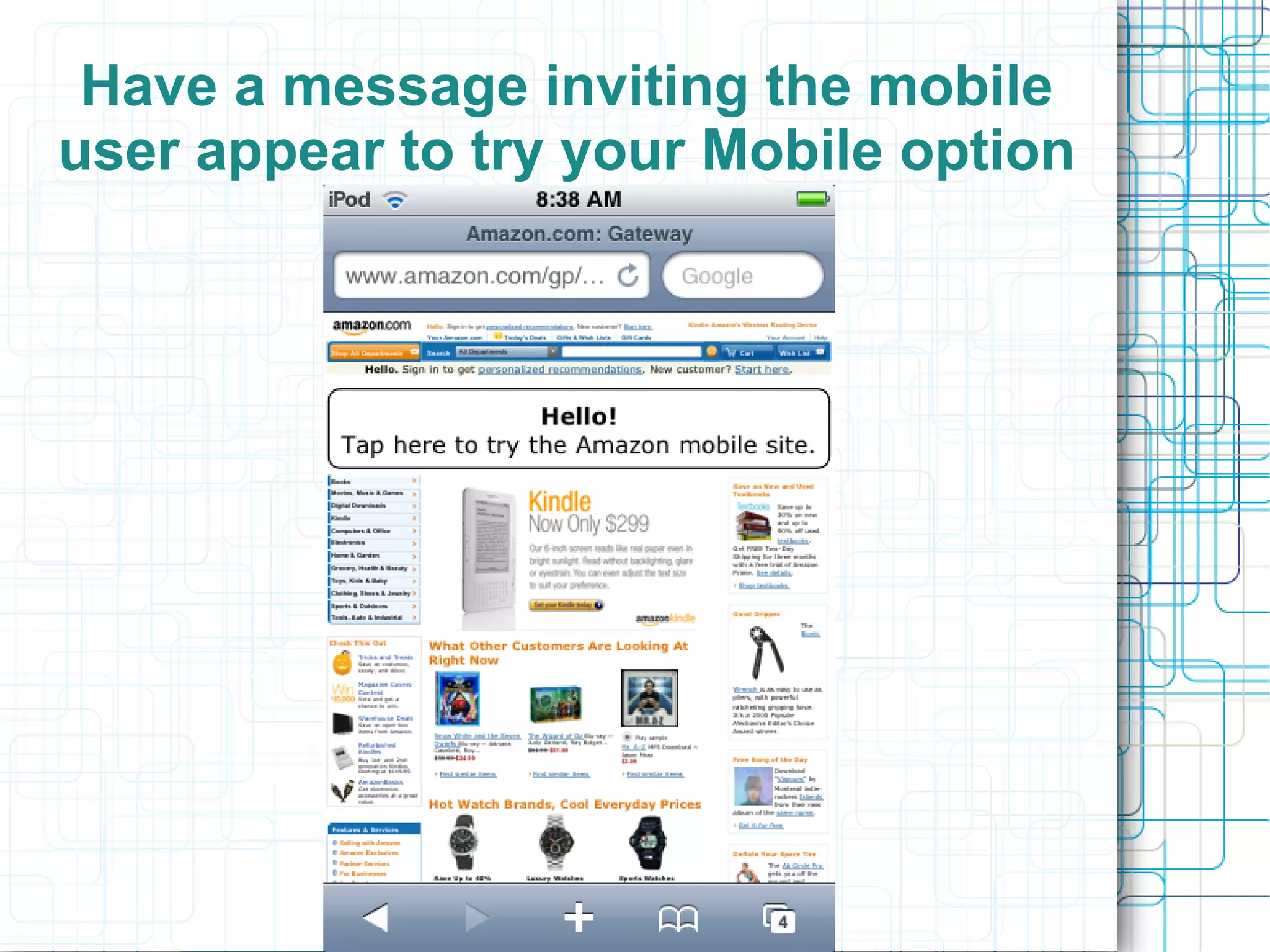
Have a message inviting the mobile
user appear to try your Mobile option
Apps vs. Mobile Websites
●   An app could be a killer application the
     way a browser toolbar could never be
●   We have LibX toolbars, should we have
     an “iLib” application?
       –   General purpose apps seem less useful
       –   Apps are generally focused around a
            single application or service
       –   Reference might a good “app” choice
●   Connect the user directly to the service
     they want
●   If you can get the user to install it
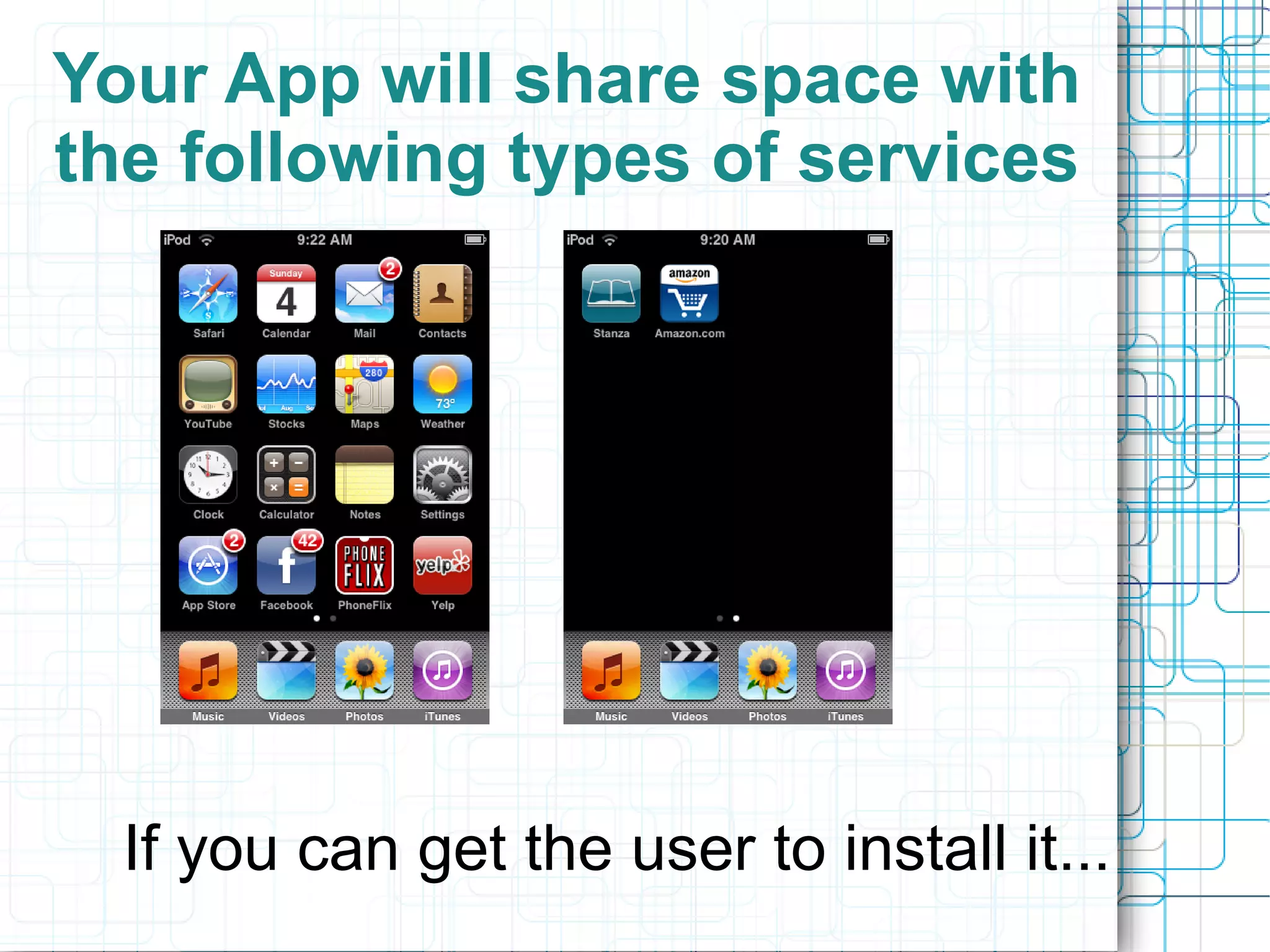
Your App will share space with
the following types of services


  If you can get the user to install it...
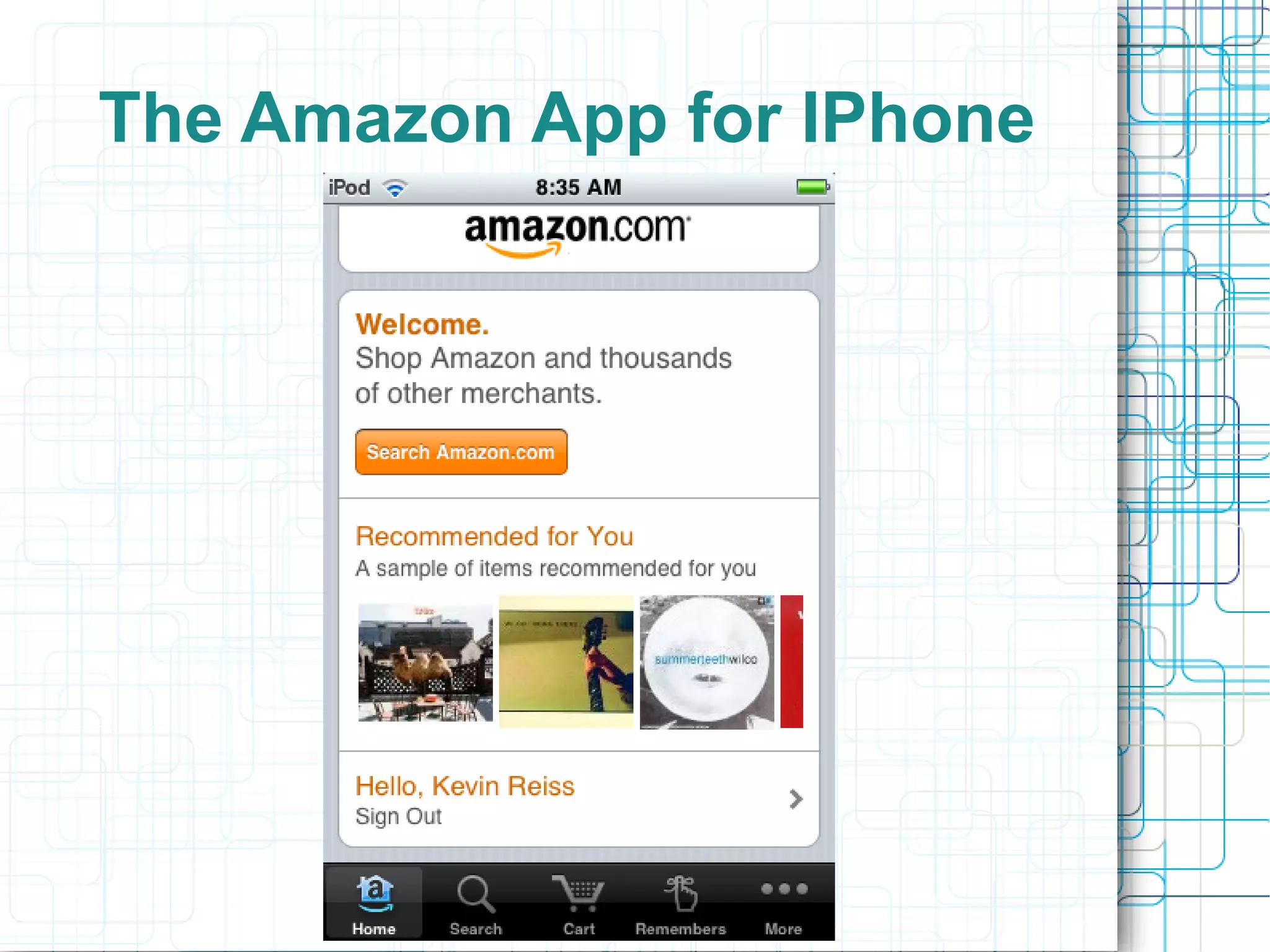
The Amazon App for IPhone
App Problems
●   Develop for only one platform
●   Develop for every platform
●   Getting users to install it may be a
     problem
●   Focus your app development around
     specific content or services
       –   Search
       –   Reference
       –   Courseware/Course Reservers
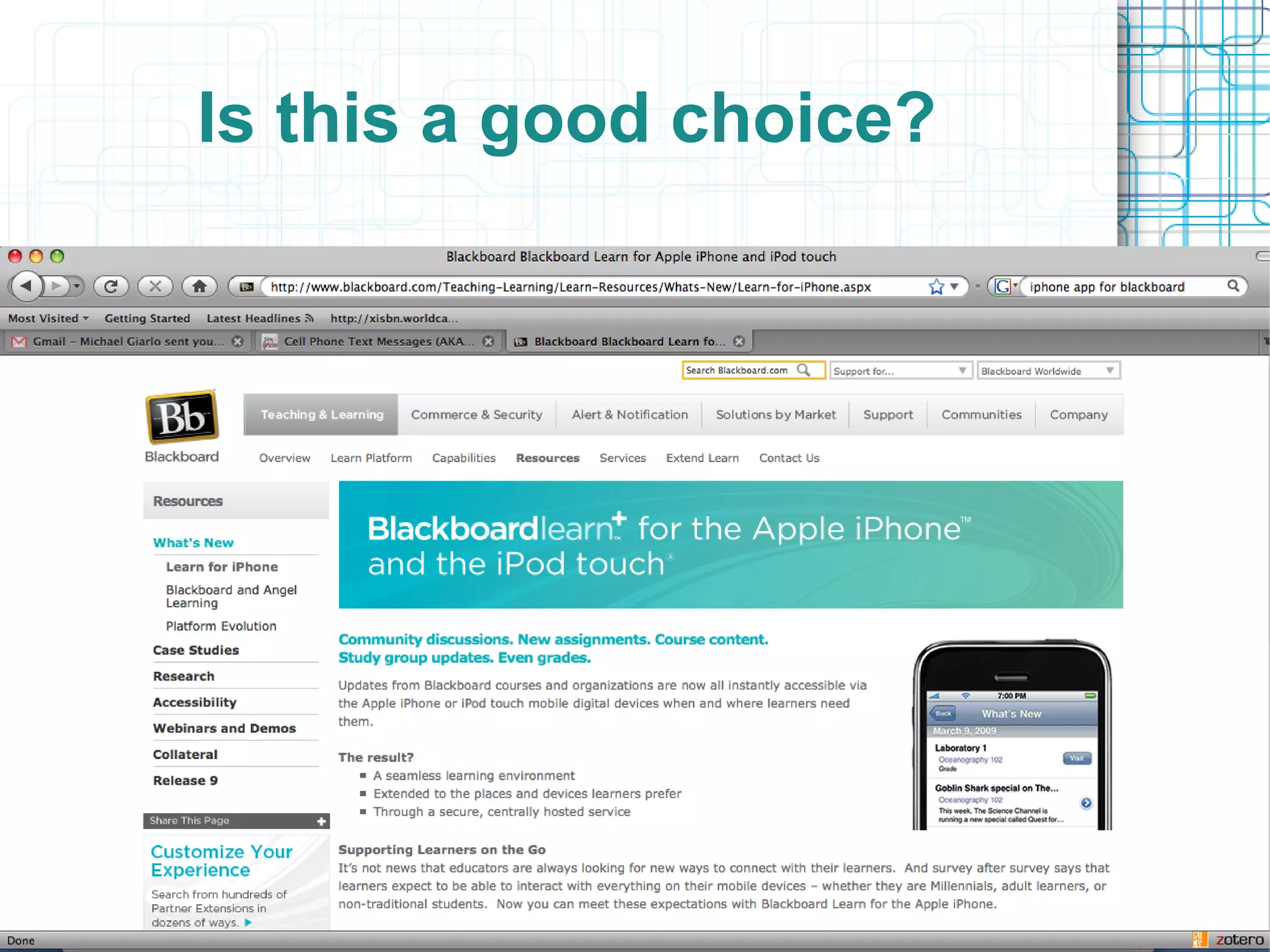
Is this a good choice?
How do you make your library
functional on the mobile web?
●   Consider developing a mobile version of
     your core web services if possible
●   Efficient search and effective content
     delivery will be key on the mobile web
     (look for support)
●   Provide SMS support within:
       –   Content discovery tools
       –   Reference services
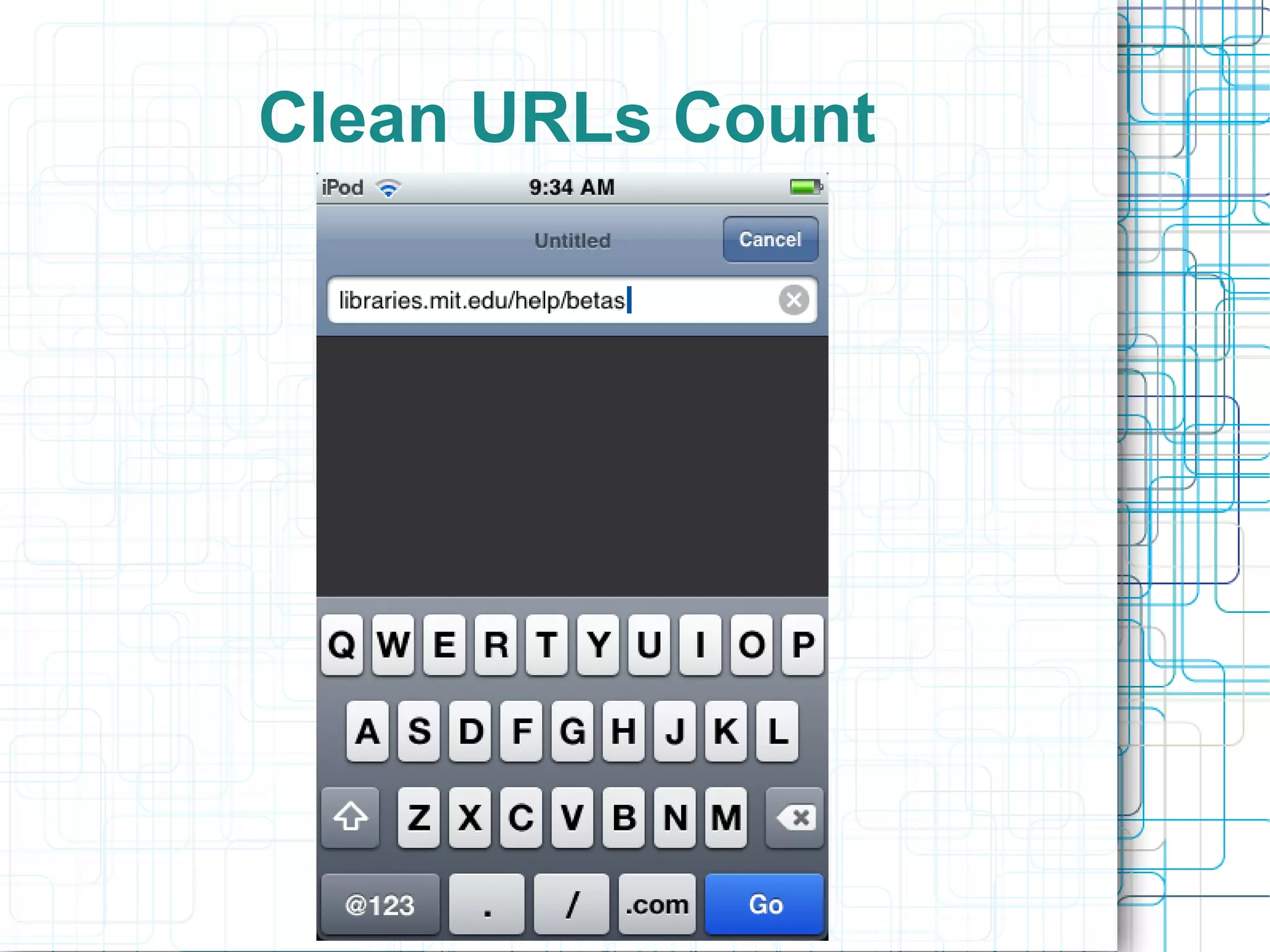
●   Clean URLs Count
Manage Your Web Content
            Wisely
●   Choose a modern web Content Management System
      (CMS) system if possible
●   You can afford to be nimble and make a good choice for
      web content management if this is a decision you can
      make within your library
        –   Wordpress/Drupal good options
●   A modern CMS will help you integrate your services into
      all aspects of today's web
●   Benefits:
        –   You won't have wait for someone to build SMS
              support into your tool
        –   Someone is likely to have already created the
             feature you want
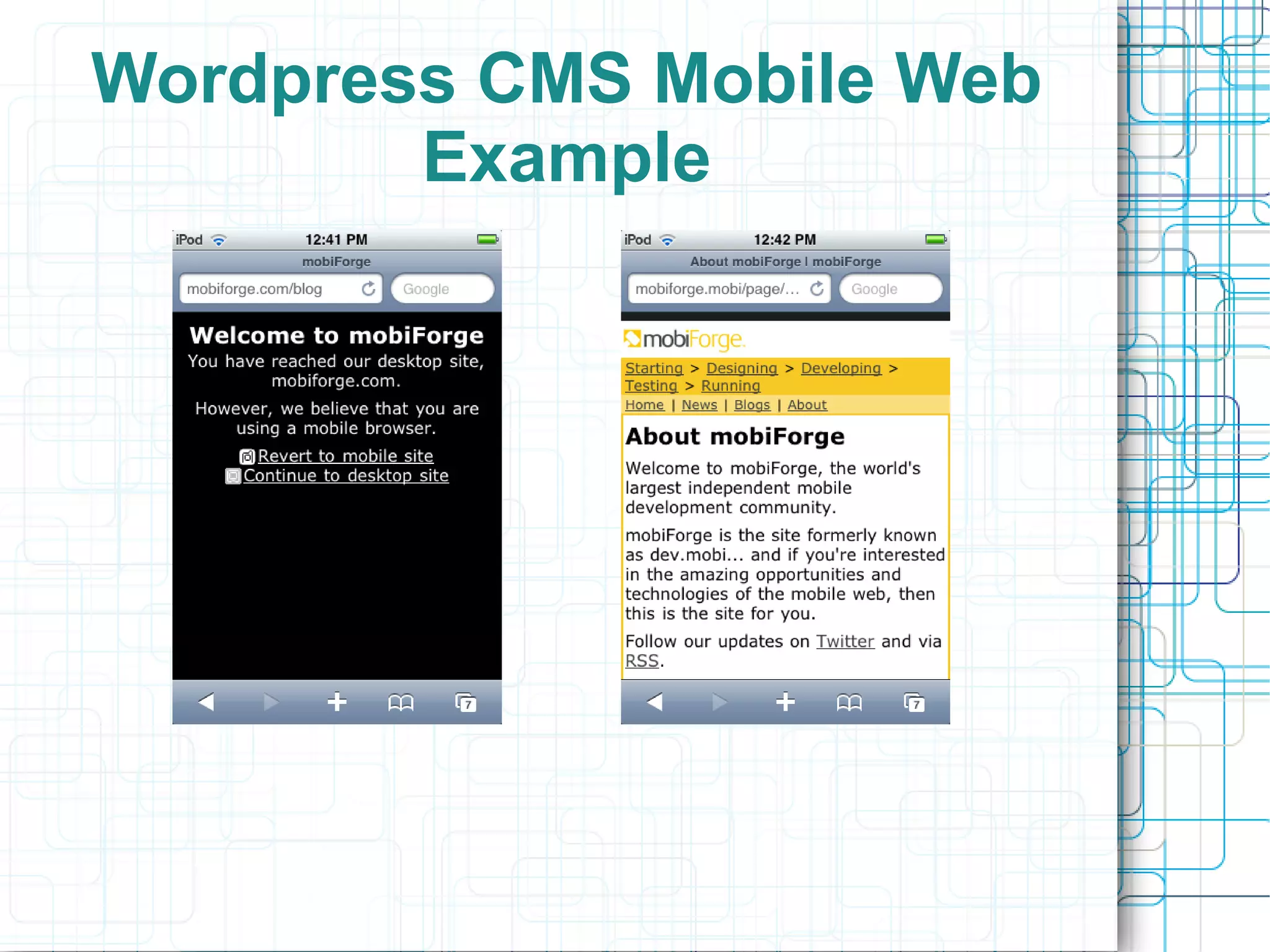
Wordpress CMS Mobile Web
        Example
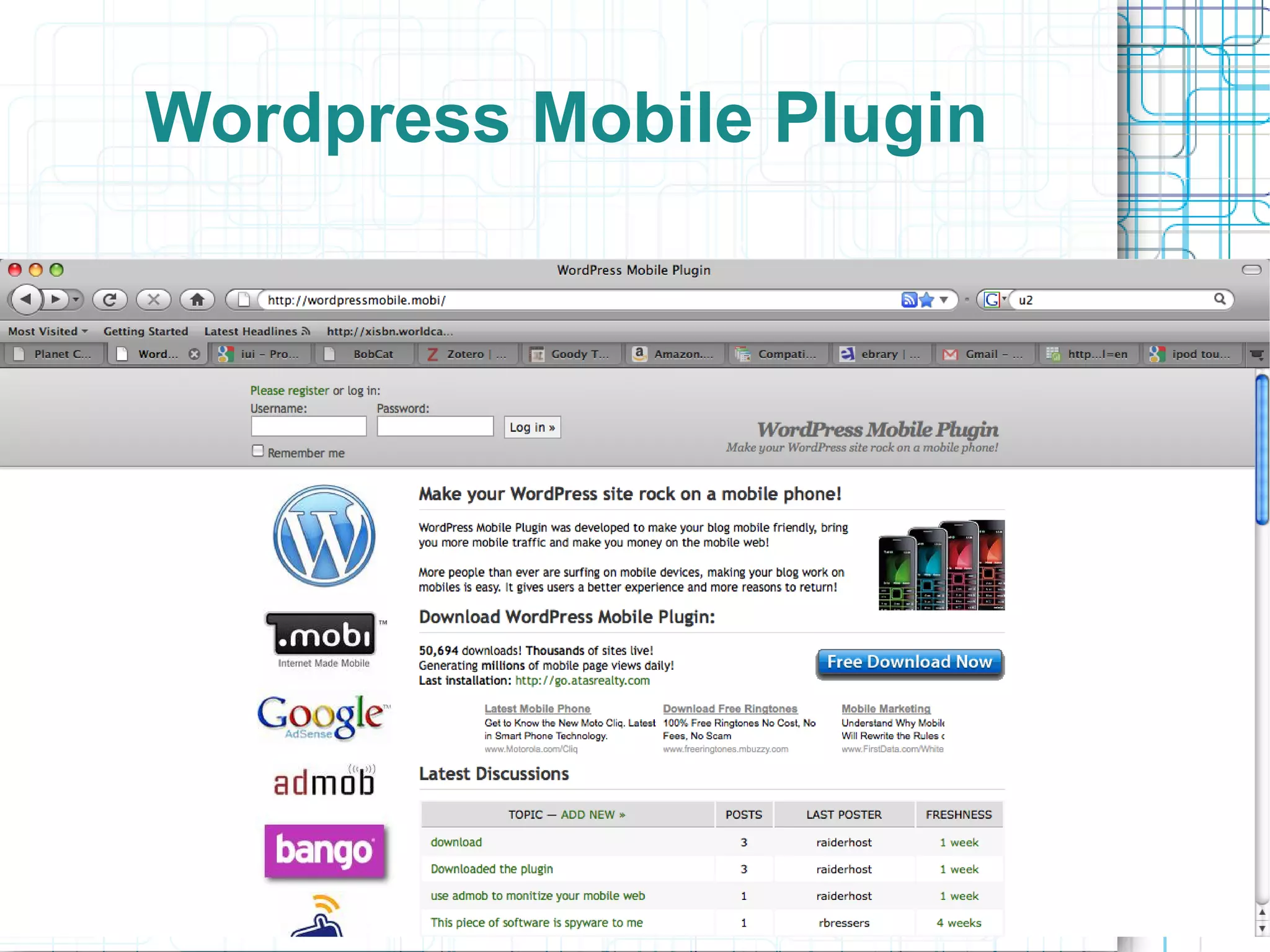
Wordpress Mobile Plugin
Utilize Best Practices in Web
    Content Management
●   Use XHTML Strict
●   Web-friendly Images
●   Accessibility Standards
●   Minimize tables
●   Don't use tables for page layout
●   Investigate requirements for wireless
      markup compatibility
       –   If you might the above five points you will
              be more than halfway there already
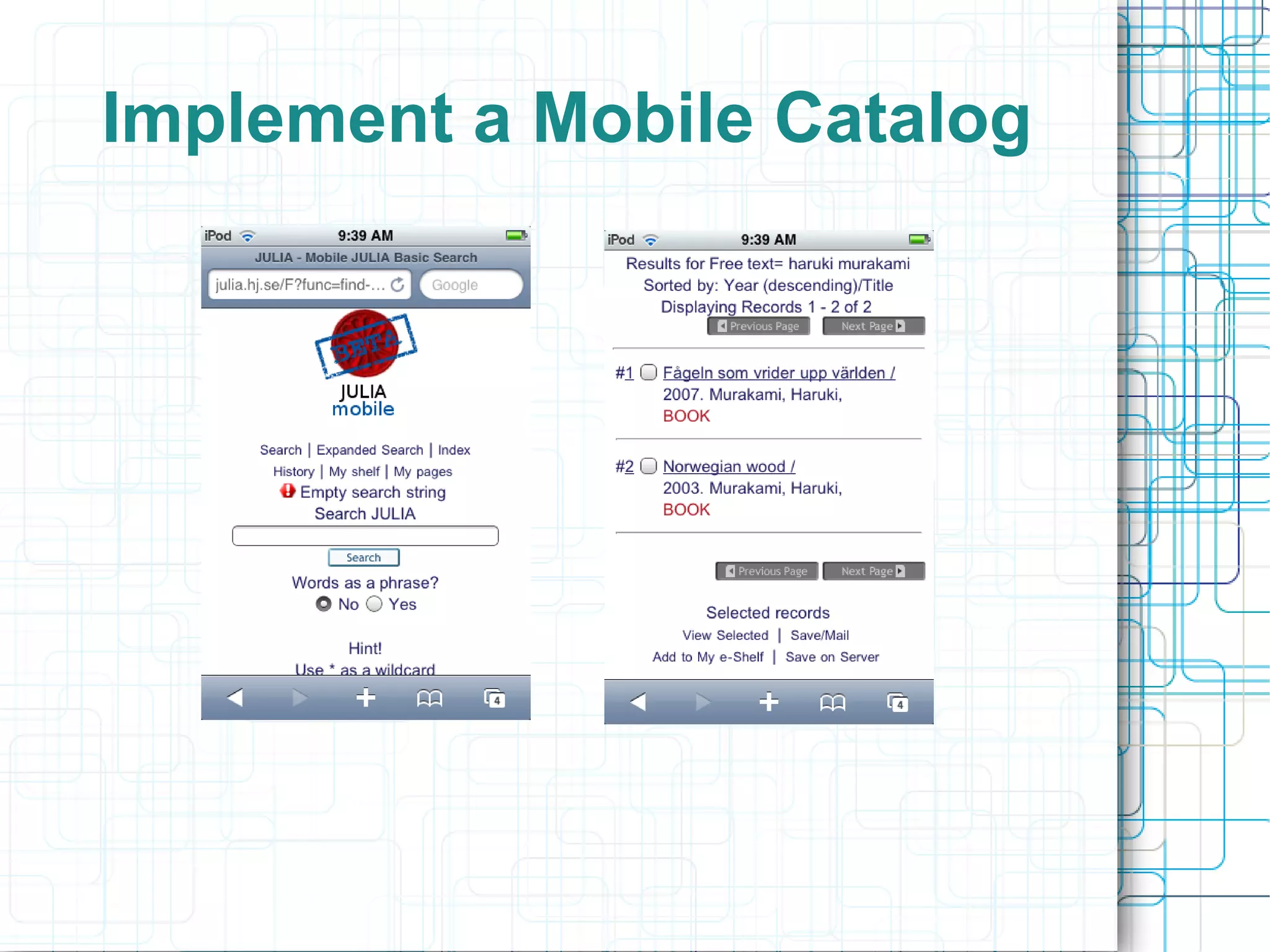
Implement a Mobile Catalog
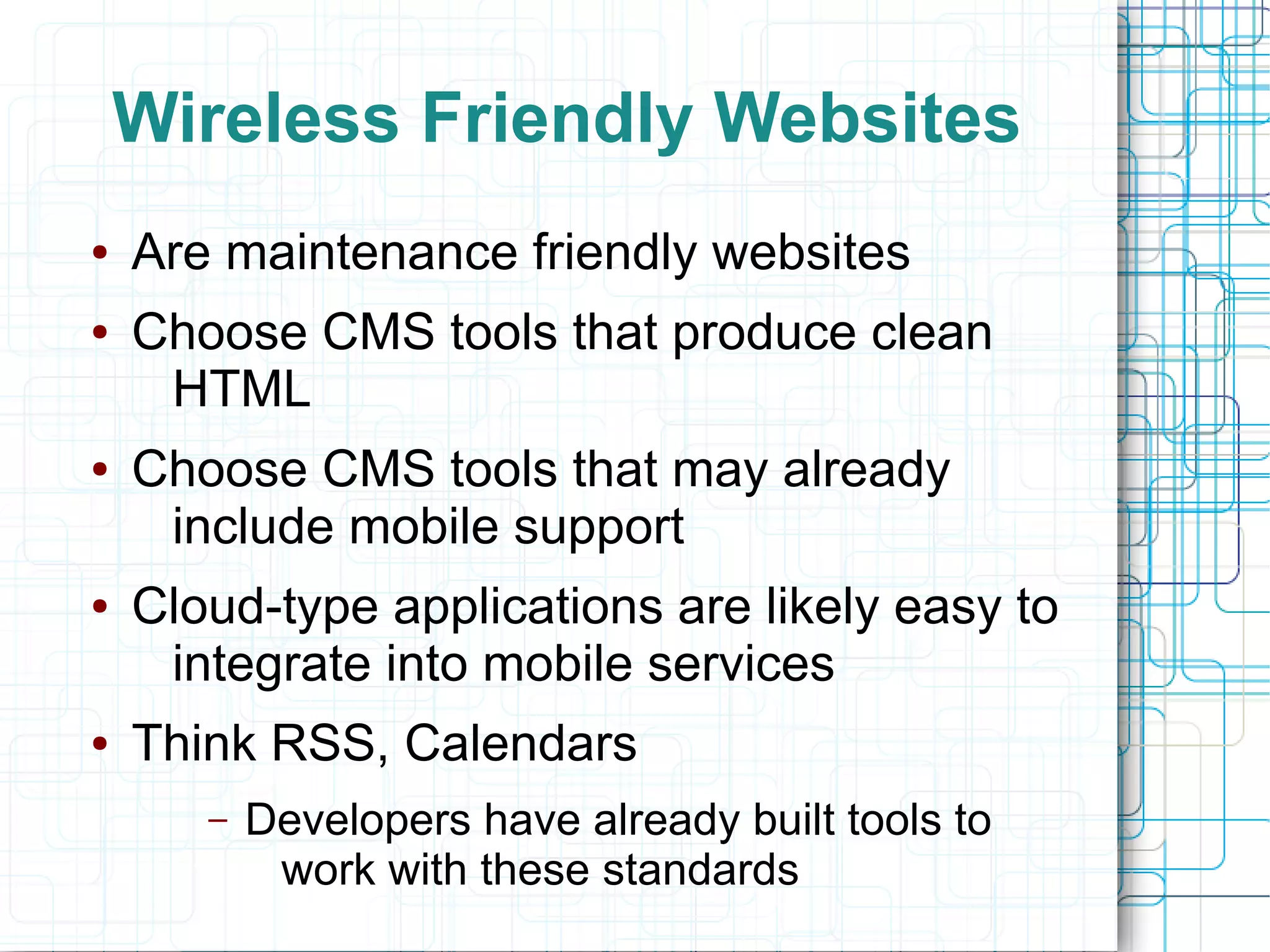
Wireless Friendly Websites
●   Are maintenance friendly websites
●   Choose CMS tools that produce clean
     HTML
●   Choose CMS tools that may already
     include mobile support
●   Cloud-type applications are likely easy to
     integrate into mobile services
●   Think RSS, Calendars
       –   Developers have already built tools to
            work with these standards
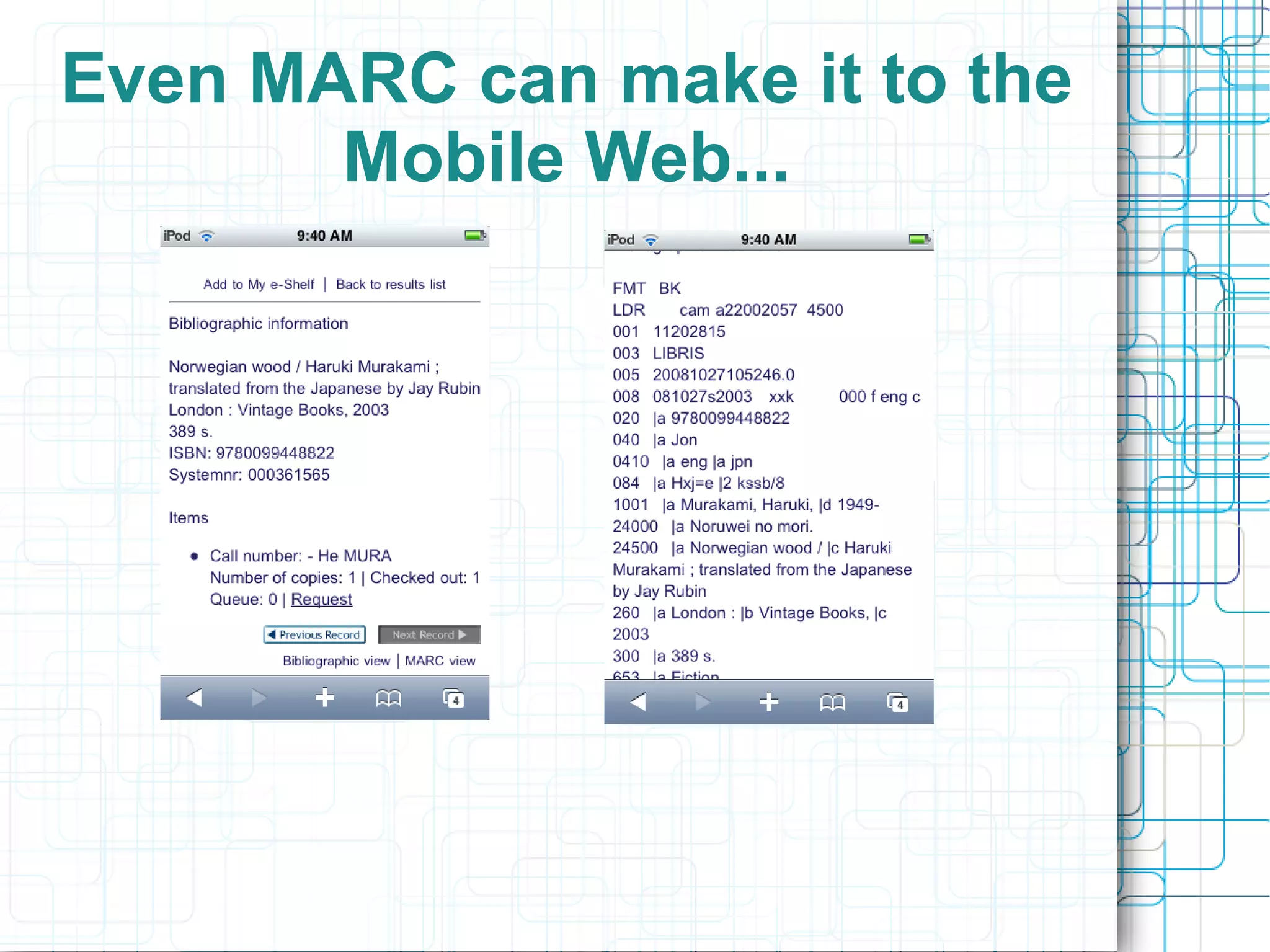
Even MARC can make it to the
       Mobile Web...
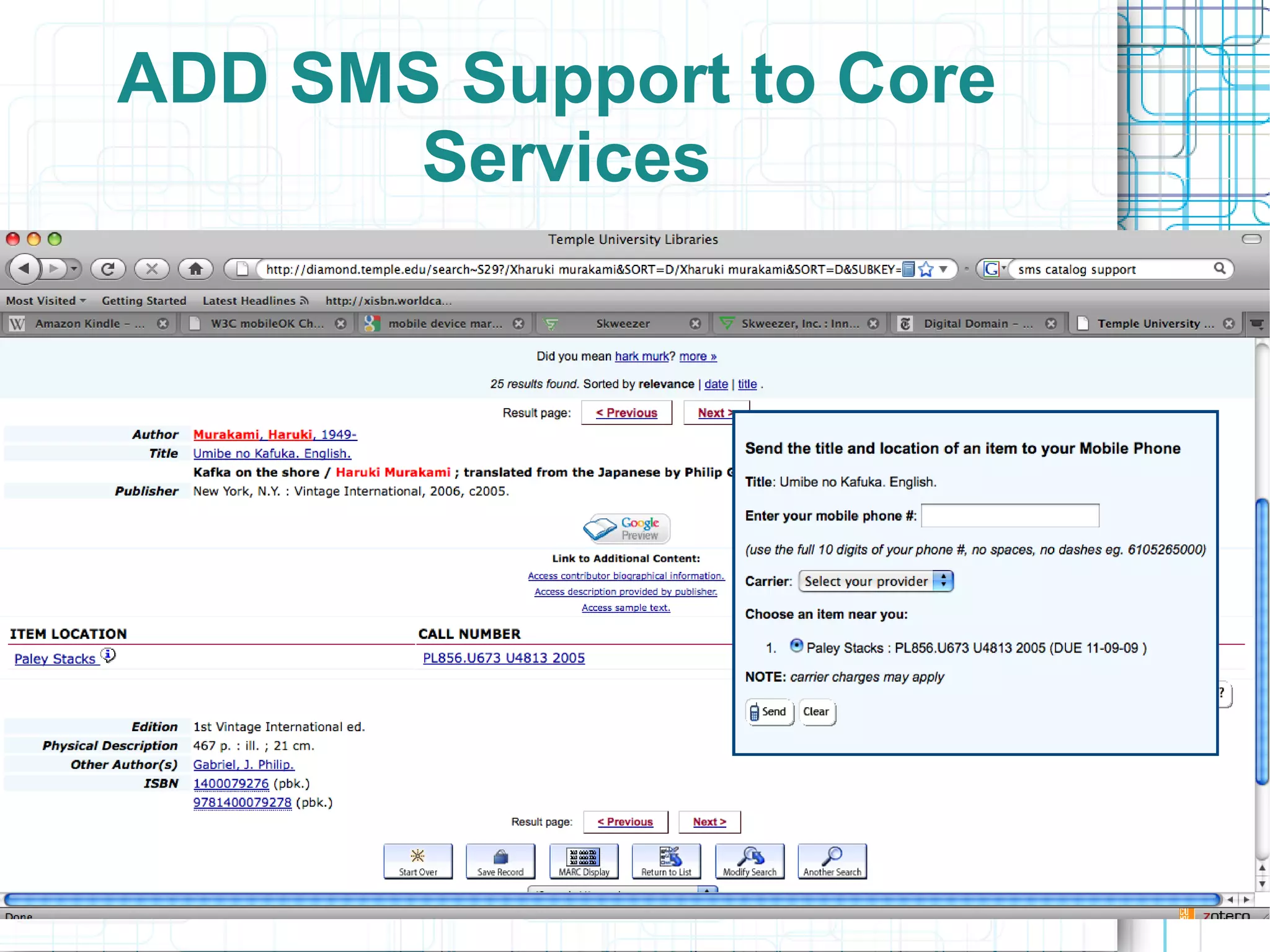
ADD SMS Support to Core
       Services
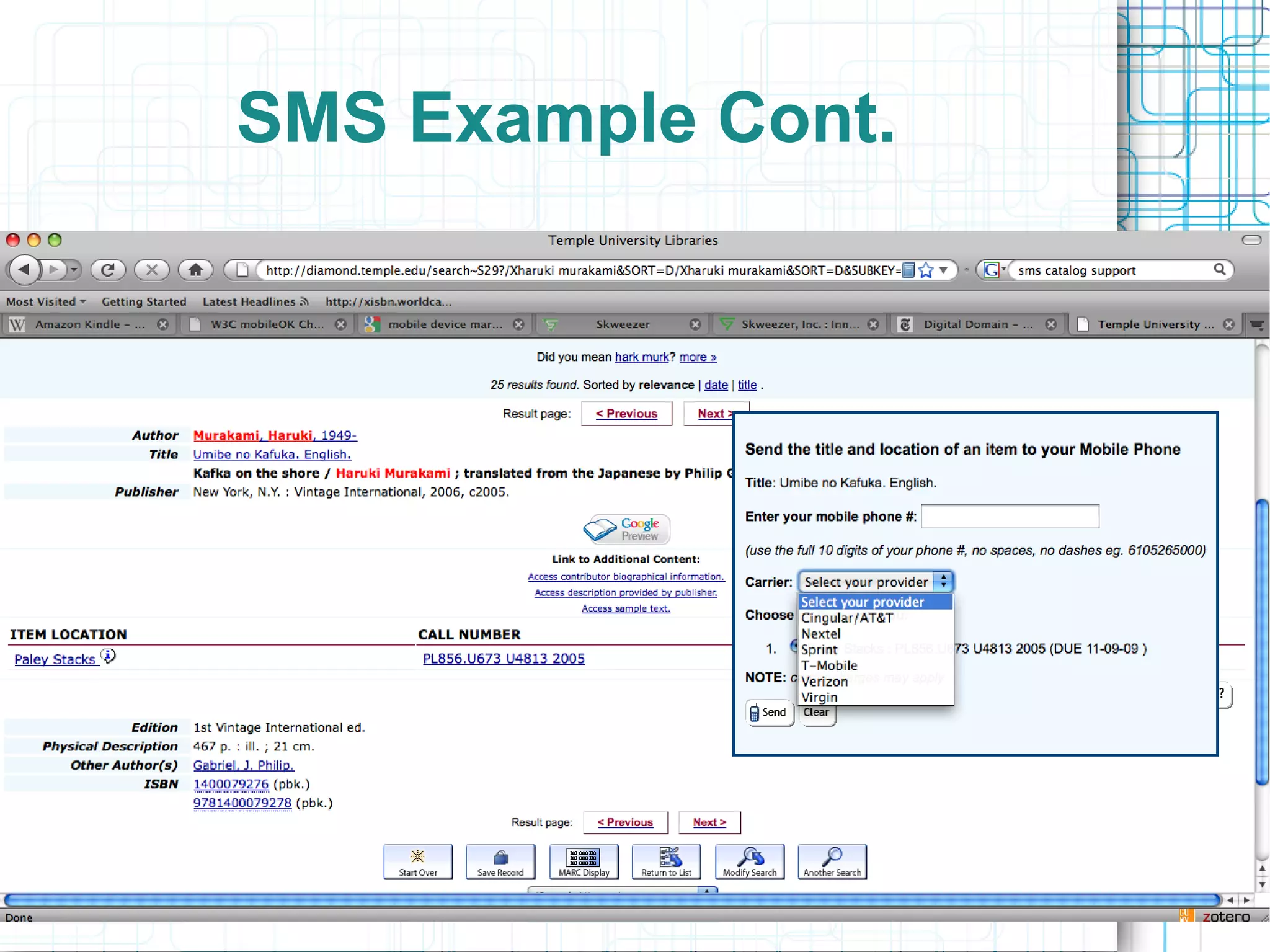
SMS Example Cont.
Clean URLs Count
Are your web services ready
for the mobile web? Test them
We Need to move towards an:
●   An infrastructure where our web services
     are easily adaptable to whatever
     devices users want to access them with
●   What we can do:
       –   Select local web content management
            platforms that help us do this
       –   Select content that is broadly compatible
            with the devices our students use
       –   Encourage vendors and content providers
            to include more mobile support in their
            services
For More
●   http://mobile-libraries.blogspot.com/
●   For a thorough overview of mobile issues
     from a library perspective see
       –   http://web.simmons.edu/~fox/
●   Try to use some library services on a
      mobile device you've got available
       –   It will be an eye-opener
●   Think about content delivery on the
     mobile web
       –   Learn about kindle and kindle compatible
            formats

Are Library Services Ready for the Mobile Web?

  • 1.
    The Mobile Web AreLibrary Services Ready? Kevin Reiss Office of Library Services kevin.reiss@mail.cuny.edu 10/5/09 LACUNY Emerging Technologies Committee Meeting
  • 2.
    Is this themobile web?
  • 5.
    Outline ● What is the mobile web? – User trends – Devices ● How do our current services perform on it? – Informal Evaluation ● What are our options? – Strategies for effective web design – What we can do now
  • 6.
    Mobile Web Useis Skyrocketing ● Mobile devices are fast becoming the most common computing tools. ● Pew surveys on Internet life say mobile computing will the dominant form of computing within 10 years. ● “Cloud” services will become more important ● Mobile Computing and Cloud Computing mean more 24/7 computing ● Web design practices need to be reconsidered
  • 7.
    Mobile Services andYounger Users ● 71 % of teenagers use a mobile device to access the web – Pew Survey on Internet Life ● 1700 text messages a month for teenagers in 2008 – Nielson Mobile Survey ● Being networked during all waking hours seems to be where we are headed
  • 8.
    SMS Text Messaging ● Is this an important means of service or content delivery for libraries? ● Certainly Important for Information Sharing ● Some rudimentary support in today's library applications ● Text message reference
  • 9.
    The Devices –by OS ● Symbian (Nokia phones) ● Blackberry ● Iphone/IPod Touch (fastest growing group) ● Windows Mobile Devices ● Android Devices ● Palm
  • 12.
    Mobile vs. Desktop ● Current mobile use has been described as “snacking” in between time spent at a desktop or full-size laptop computer ● This distinction is blurring – Think netbooks – lightweight laptops – Tablet PCs ● Most immediately think smartphones
  • 13.
  • 14.
  • 15.
  • 16.
    Repeat of theBrowser Wars? ● Mobile devices are typically run using proprietary operating systems ● Innovative Interfaces has a library application [Airpac] for the Iphone and Blackberry – What about other devices? ● Blackberry, Iphone Windows Mobile ● Android – Open Source – Linux-based mobile Operated system
  • 17.
    Develop for JustOne Device
  • 18.
  • 19.
    Not to beforgotten...Wireless Reading Device
  • 20.
  • 21.
    Kindle Format? ● AZW – proprietary kindle reader format ● Also support html, .mobi, .txt ● PDF is not fully supported yet ● DRM is important in the mobile sphere ● Ebooks are only approximately 3% of the book market but are gaining acceptance ● Compare the “book-like” experience of the kindle with the experience our current library “eBooks” offer the user
  • 22.
    How will DRMfit in? A Major challenge facing eBook authors, publishers, and libraries
  • 23.
    Core Library Serviceson the Mobile Web ● Search and Discovery ● Content Delivery – E-books – Full-text content – Citation Managers ● Reference Services ● Course Reserves / Course Management Support ● General Information; hours, location, etc.
  • 24.
    Search ● Needs to get better and easier – Voice search will be important – Search by picture will too ● Better results display is needed ● Browsing Options need to be more readily available ● Catalogs – SMS – Mobile Friendly Display
  • 25.
  • 26.
  • 28.
  • 29.
  • 30.
    Content Delivery ● Electronic Books – Lacking quite a bit.... ● Research Databases ● Citations ● Multimedia? ● How will “personal” mobile libraries evolve? – Think Itunes for books – Think Zotero/Refworks/Endnote for content
  • 31.
  • 32.
  • 34.
  • 35.
    Reference Service ● How will do our online reference services work with the mobile web? ● CUNY is a member of the OCLC-based questionpoint service ● How did an attempted session turn out?
  • 37.
  • 38.
  • 39.
    Informal Service Evaluation Results ● Searching catalog was very cumbersome ● Questionpoint – Couldn't successfully start a 24x7 Chat ● Ebrary – No mobile version available – Content display not impressive ● Refworks – Mobile version available ● EBSCO Databases – No mobile version available
  • 40.
    How do PeopleActually Use the Mobile Web? ● Currently characterized as snacking between desktop visits ● Time filler (the kindle on the train) ● As lines between devices blur this will change ● Mobile devices will in some cases become a user's primary interface to the Internet
  • 41.
    Options for makingweb services work with the mobile web ● Three levels of compatibility with mobile devices courtesy of http://web.simmons.edu/~fox/pda/cil1_09_fox_mo ● Standard; display the standard http website within the device ● Transcoded; run your current site through an emulator – – see skweezer.com for example ● Create a true mobile website – Number of encoding options exist for building a “native” mobile website
  • 42.
    Three Mobile WebScenarios Standard Transcoded True Mobile
  • 43.
  • 44.
  • 45.
  • 46.
  • 47.
  • 48.
    Create a truemobile web presence?
  • 49.
  • 50.
    Users find yourmobile website with auto-discovery ● Same Mechanism as RSS auto-discovery ● <link> tag in an HTML page header ● Pick a Content Management System that can help you easily maintain a mobile version of your web content ● A number of different coding options are available to the mobile web developer ● Ask vendors if they provide a true mobile web version of their content
  • 51.
    Have a messageinviting the mobile user appear to try your Mobile option
  • 52.
    Apps vs. MobileWebsites ● An app could be a killer application the way a browser toolbar could never be ● We have LibX toolbars, should we have an “iLib” application? – General purpose apps seem less useful – Apps are generally focused around a single application or service – Reference might a good “app” choice ● Connect the user directly to the service they want ● If you can get the user to install it
  • 53.
    Your App willshare space with the following types of services If you can get the user to install it...
  • 54.
    The Amazon Appfor IPhone
  • 55.
    App Problems ● Develop for only one platform ● Develop for every platform ● Getting users to install it may be a problem ● Focus your app development around specific content or services – Search – Reference – Courseware/Course Reservers
  • 56.
    Is this agood choice?
  • 57.
    How do youmake your library functional on the mobile web? ● Consider developing a mobile version of your core web services if possible ● Efficient search and effective content delivery will be key on the mobile web (look for support) ● Provide SMS support within: – Content discovery tools – Reference services ● Clean URLs Count
  • 58.
    Manage Your WebContent Wisely ● Choose a modern web Content Management System (CMS) system if possible ● You can afford to be nimble and make a good choice for web content management if this is a decision you can make within your library – Wordpress/Drupal good options ● A modern CMS will help you integrate your services into all aspects of today's web ● Benefits: – You won't have wait for someone to build SMS support into your tool – Someone is likely to have already created the feature you want
  • 59.
  • 60.
  • 61.
    Utilize Best Practicesin Web Content Management ● Use XHTML Strict ● Web-friendly Images ● Accessibility Standards ● Minimize tables ● Don't use tables for page layout ● Investigate requirements for wireless markup compatibility – If you might the above five points you will be more than halfway there already
  • 62.
  • 63.
    Wireless Friendly Websites ● Are maintenance friendly websites ● Choose CMS tools that produce clean HTML ● Choose CMS tools that may already include mobile support ● Cloud-type applications are likely easy to integrate into mobile services ● Think RSS, Calendars – Developers have already built tools to work with these standards
  • 64.
    Even MARC canmake it to the Mobile Web...
  • 65.
    ADD SMS Supportto Core Services
  • 66.
  • 67.
  • 68.
    Are your webservices ready for the mobile web? Test them
  • 69.
    We Need tomove towards an: ● An infrastructure where our web services are easily adaptable to whatever devices users want to access them with ● What we can do: – Select local web content management platforms that help us do this – Select content that is broadly compatible with the devices our students use – Encourage vendors and content providers to include more mobile support in their services
  • 70.
    For More ● http://mobile-libraries.blogspot.com/ ● For a thorough overview of mobile issues from a library perspective see – http://web.simmons.edu/~fox/ ● Try to use some library services on a mobile device you've got available – It will be an eye-opener ● Think about content delivery on the mobile web – Learn about kindle and kindle compatible formats