Download as PDF, PPTX
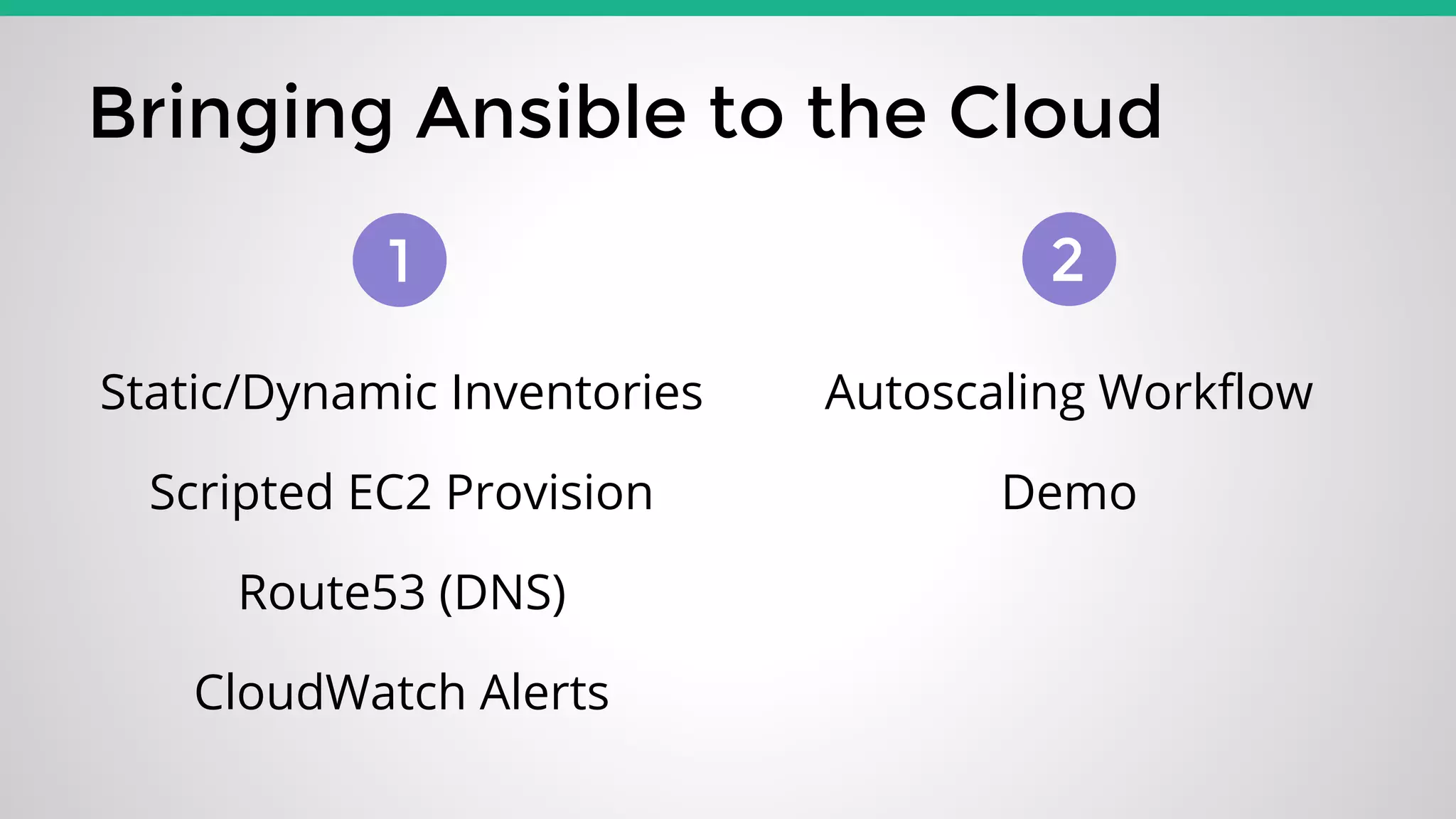


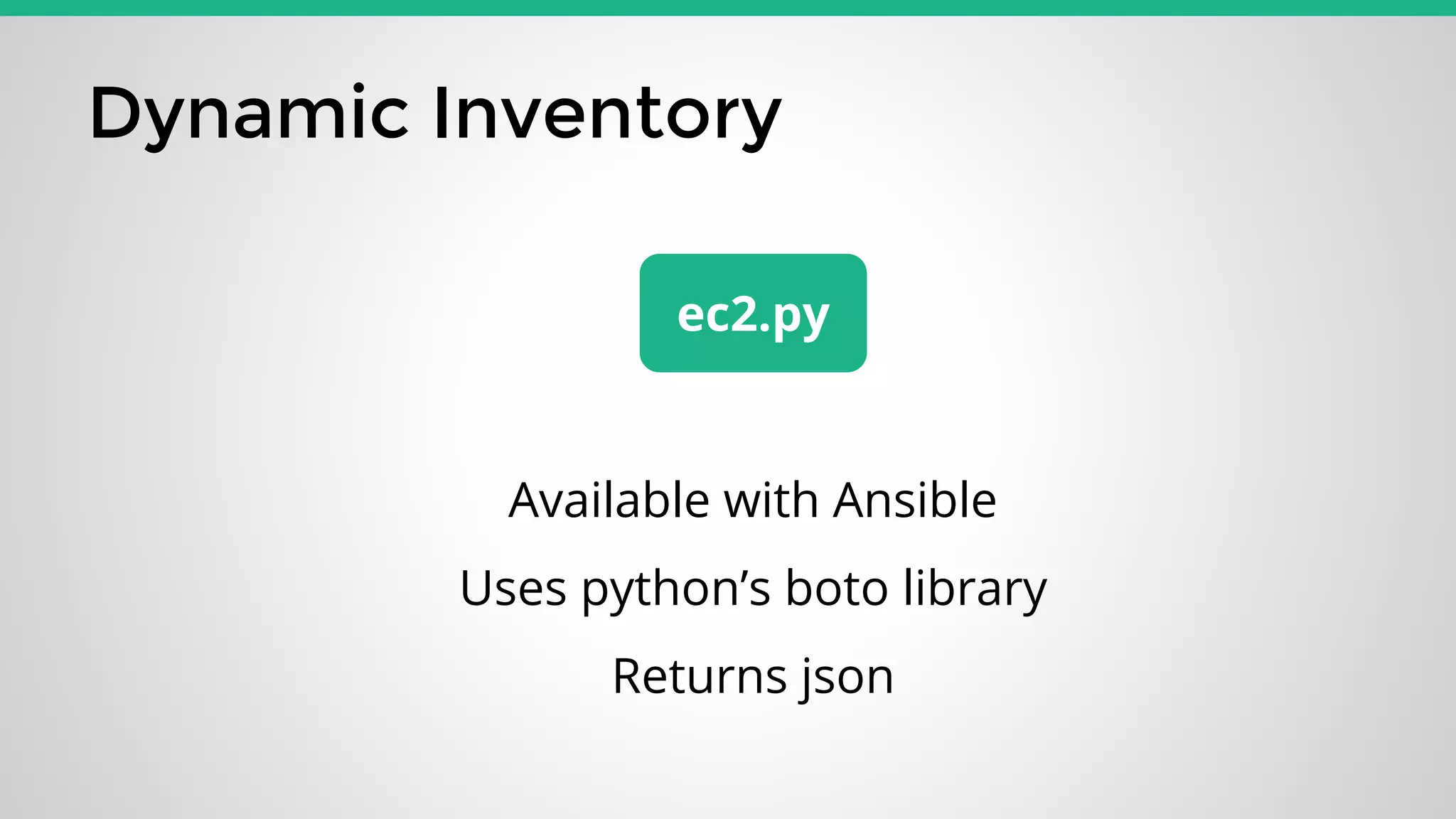
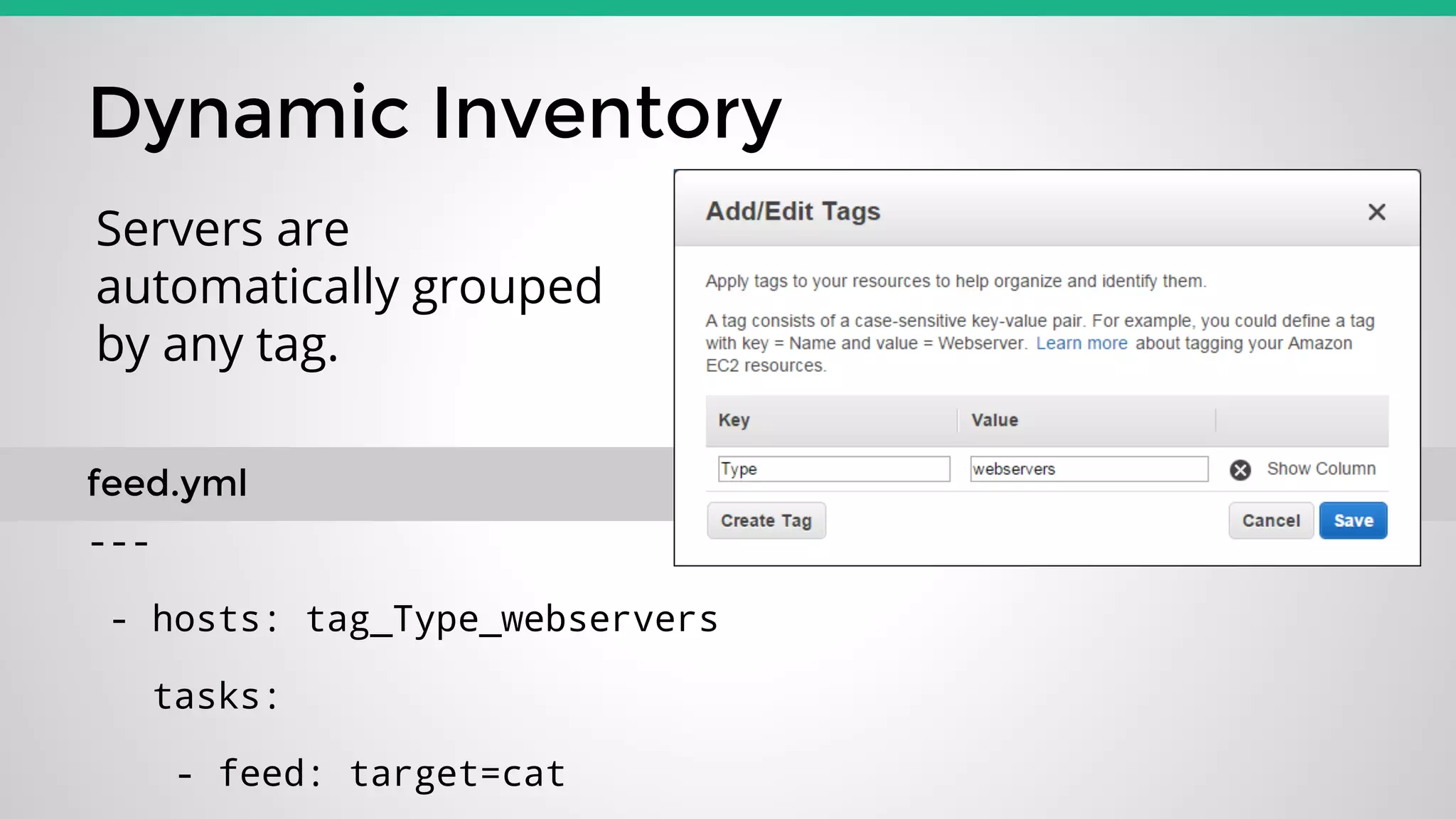
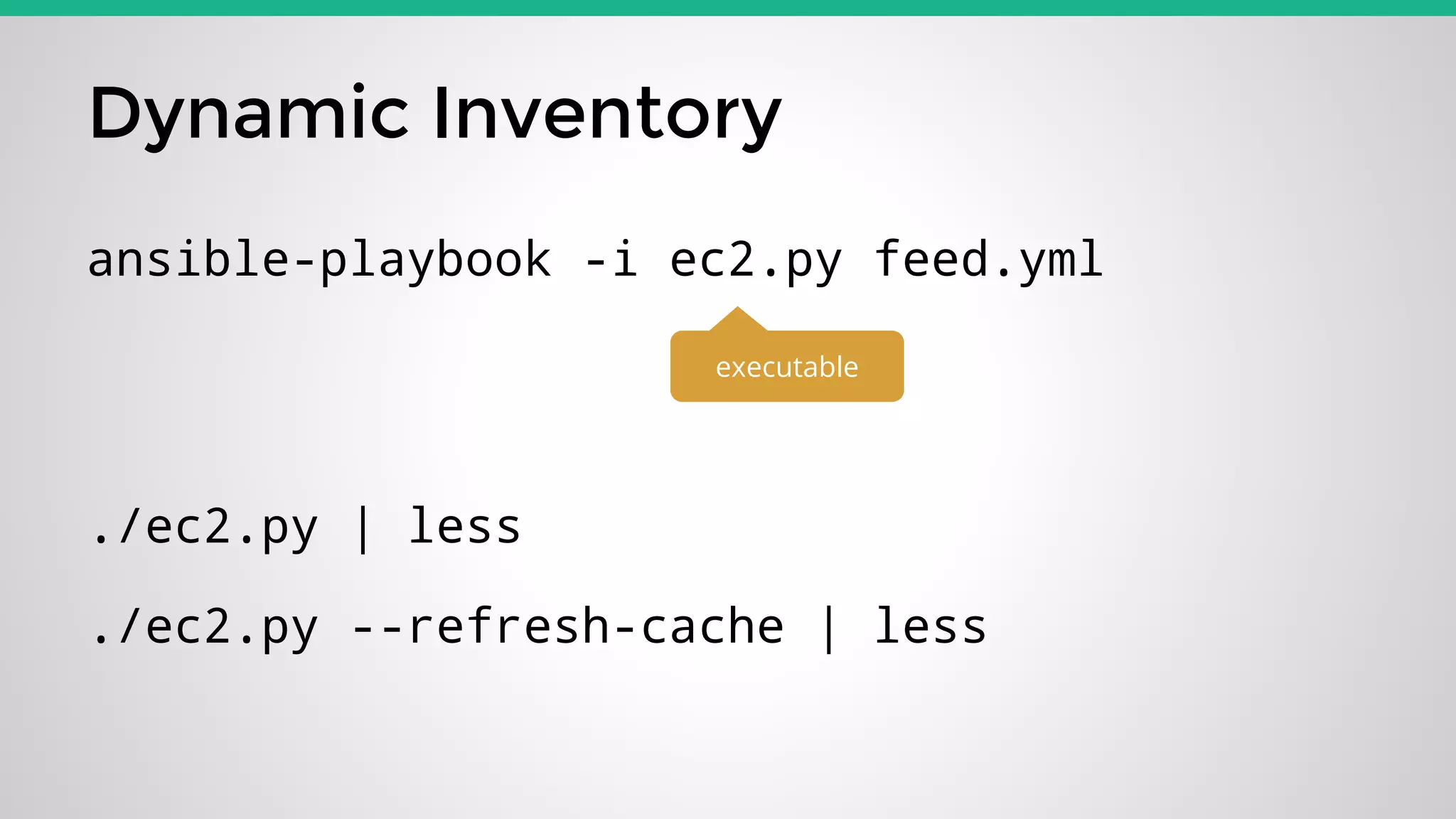
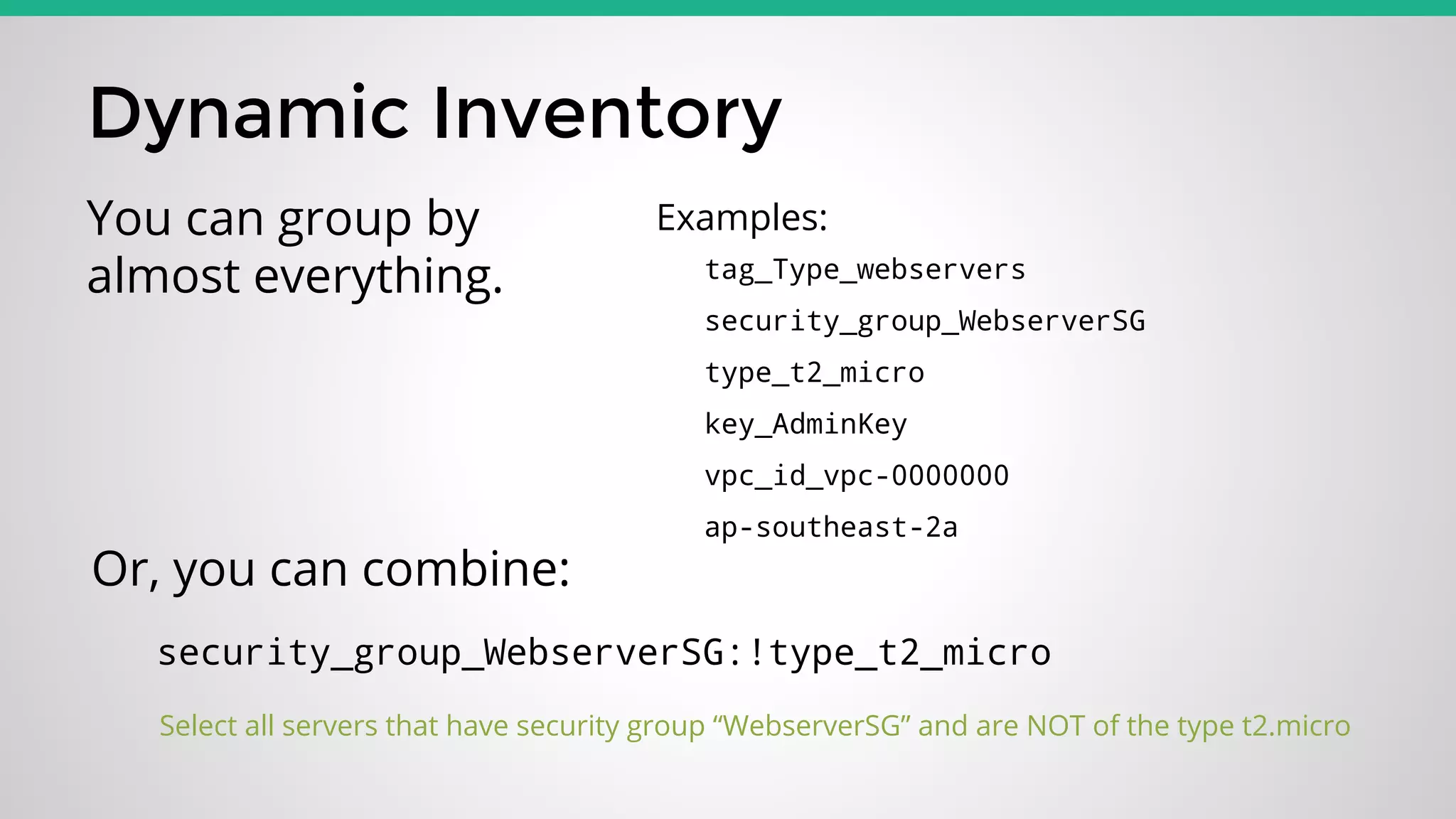
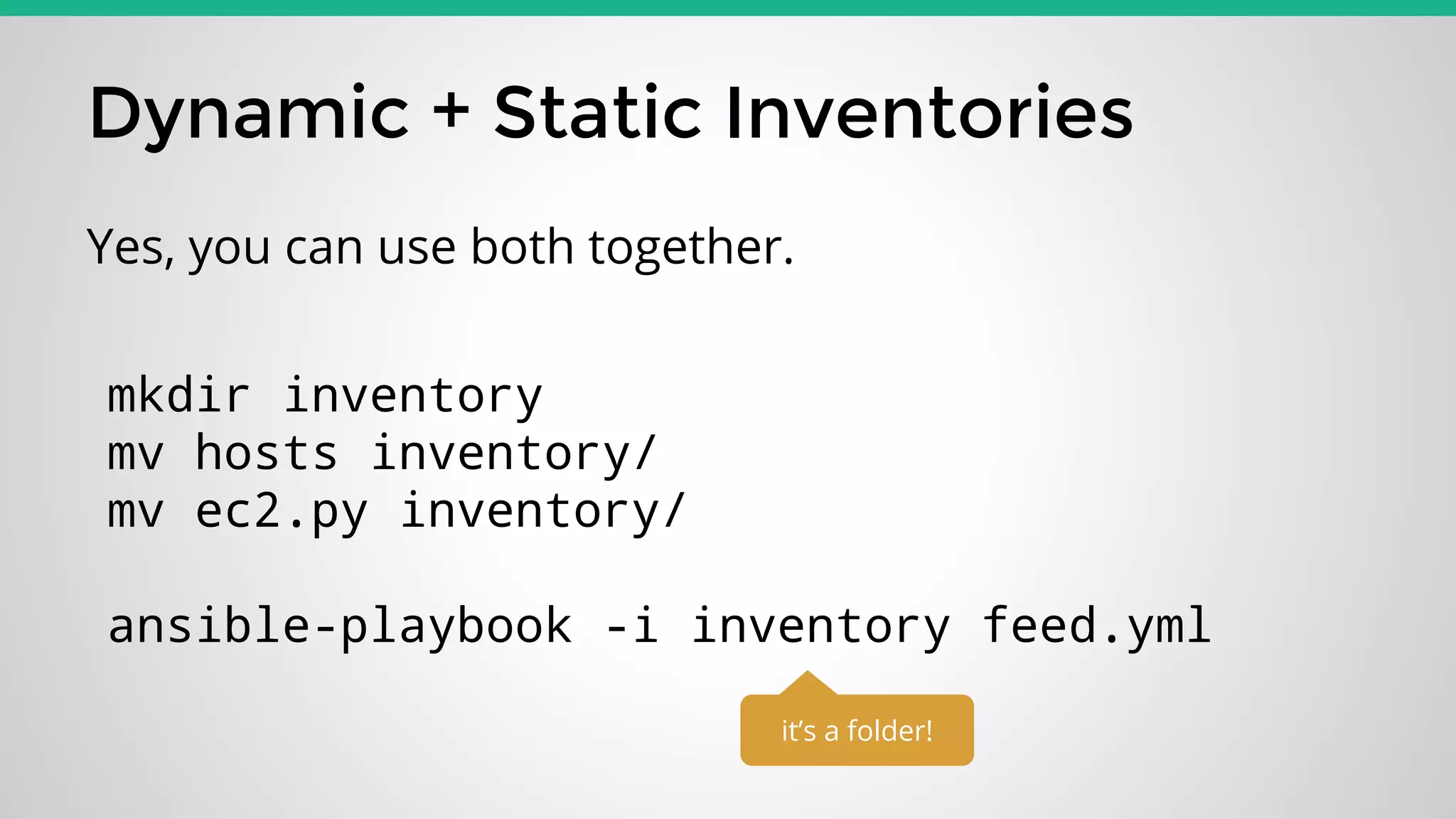
![Static Inventory
[webservers]
ws1.catcorp.com ansible_ssh_host=10.0.0.1
---
- hosts: webservers
tasks:
- feed: target=cat
feed.yml
hosts](https://image.slidesharecdn.com/ansiblewithaws-150212171925-conversion-gate02/75/Ansible-with-AWS-6-2048.jpg)



![Scripted EC2 Provisioning
- name: Provision EC2 Box
local_action:
module: ec2
key_name: "{{ ec2_keypair }}"
group_id: "{{ ec2_security_group }}"
instance_type: "{{ ec2_instance_type }}"
image: "{{ ec2_image }}"
vpc_subnet_id: "{{ ec2_subnet_ids|random }}"
region: "{{ ec2_region }}"
instance_tags: '{"Name":"{{ec2_tag_Name}}"}'
assign_public_ip: yes
wait: true
count: 1
volumes:
- device_name: /dev/sda1
device_type: gp2
volume_size: "{{ ec2_volume_size }}"
delete_on_termination: true
register: ec2
vars:
- ec2_keypair: "XX-KEYPAIR-NAME-XX"
- ec2_security_group: "sg-XXXXXXXX"
- ec2_instance_type: "t2.micro"
- ec2_image: "ami-1711732d"
- ec2_subnet_ids: [ 'subnet-XXXXXXXX', 'subnet-XXXXXXXX' ]
- ec2_region: "ap-southeast-2"
- ec2_tag_Name: "Webserver"
- ec2_volume_size: "8"
All code will be in my repository
Check URL at the end of talk](https://image.slidesharecdn.com/ansiblewithaws-150212171925-conversion-gate02/75/Ansible-with-AWS-15-2048.jpg)
![Monitoring
All code will be in my repository
Check URL at the end of talk
---
- hosts: type_t2_small:type_t2_medium
connection: local
gather_facts: false
user: root
tasks:
- name: Create Alarm
ec2_metric_alarm:
state: present
region: "{{ec2_region}}"
name: "{{ec2_tag_Name}} - CPU Credit LOW"
metric: "CPUCreditBalance"
namespace: "AWS/EC2"
statistic: Average
comparison: "<="
threshold: 100.0
period: 300
evaluation_periods: 2
description: "CPU credit dropped below 100"
dimensions: {'InstanceId':'{{ec2_id}}'}
alarm_actions: ["MYSNSACTION"]
insufficient_data_actions: ["MYSNSACTION"]
ok_actions: ["MYSNSACTION"]](https://image.slidesharecdn.com/ansiblewithaws-150212171925-conversion-gate02/75/Ansible-with-AWS-20-2048.jpg)

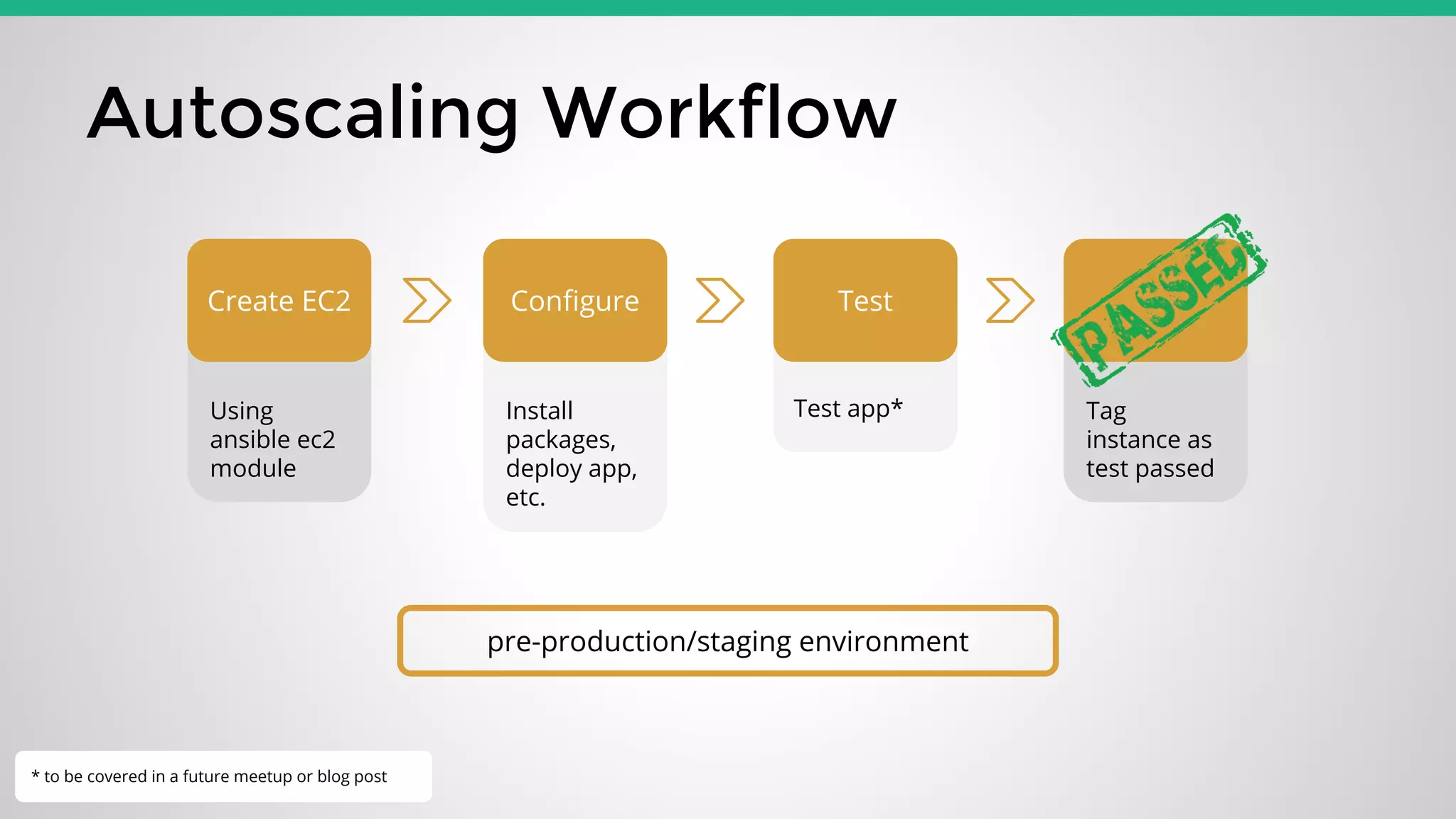
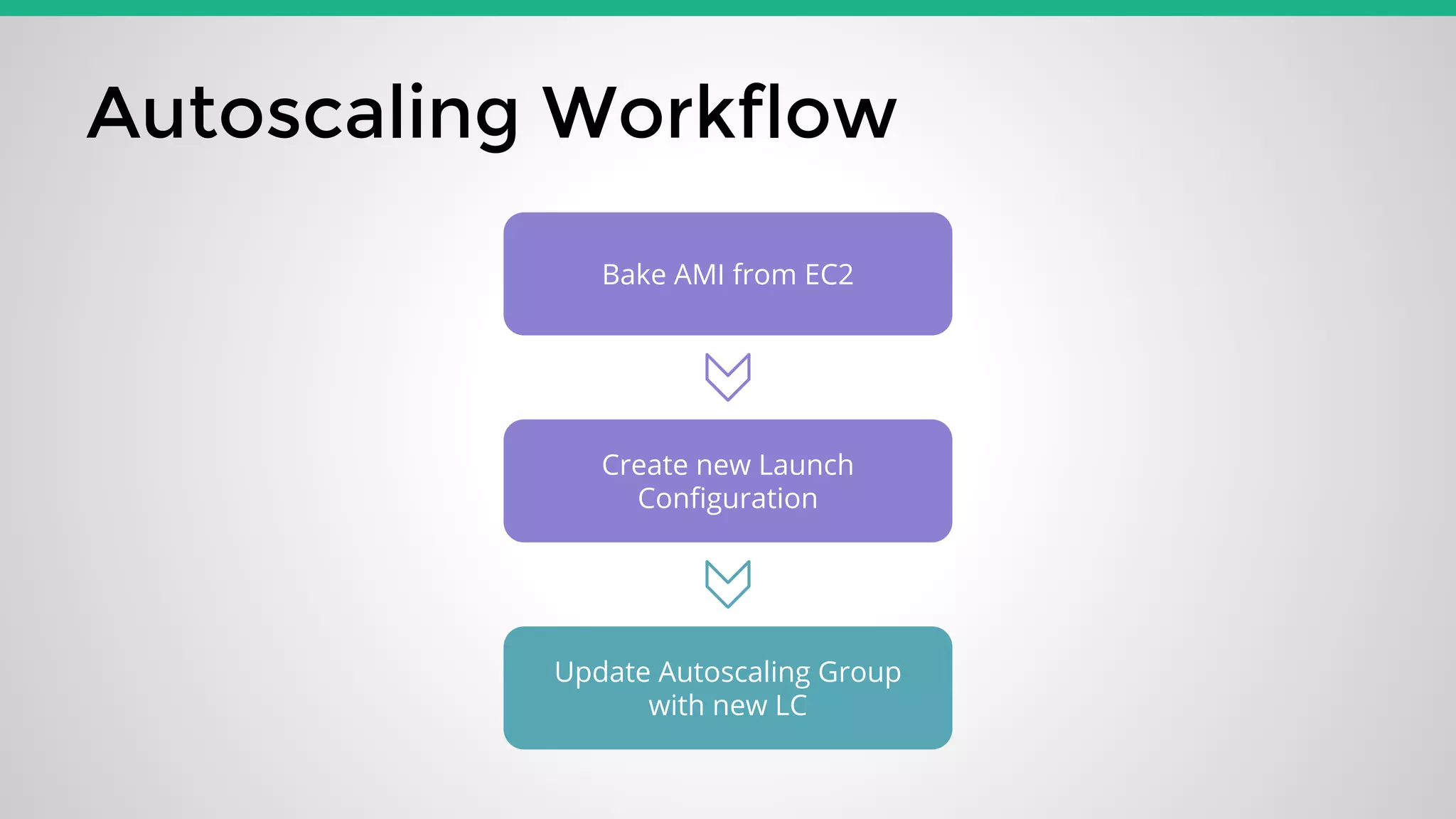

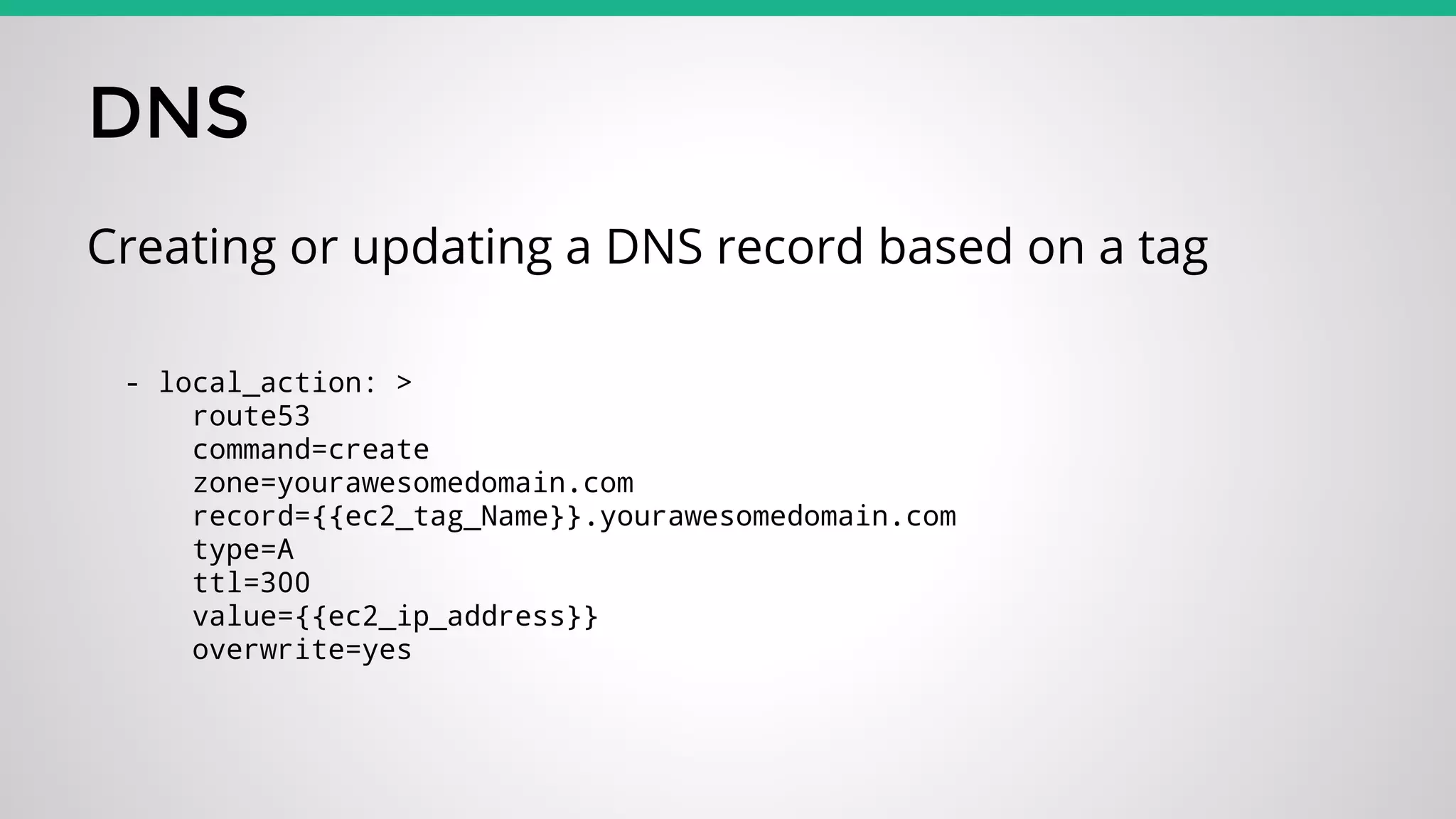
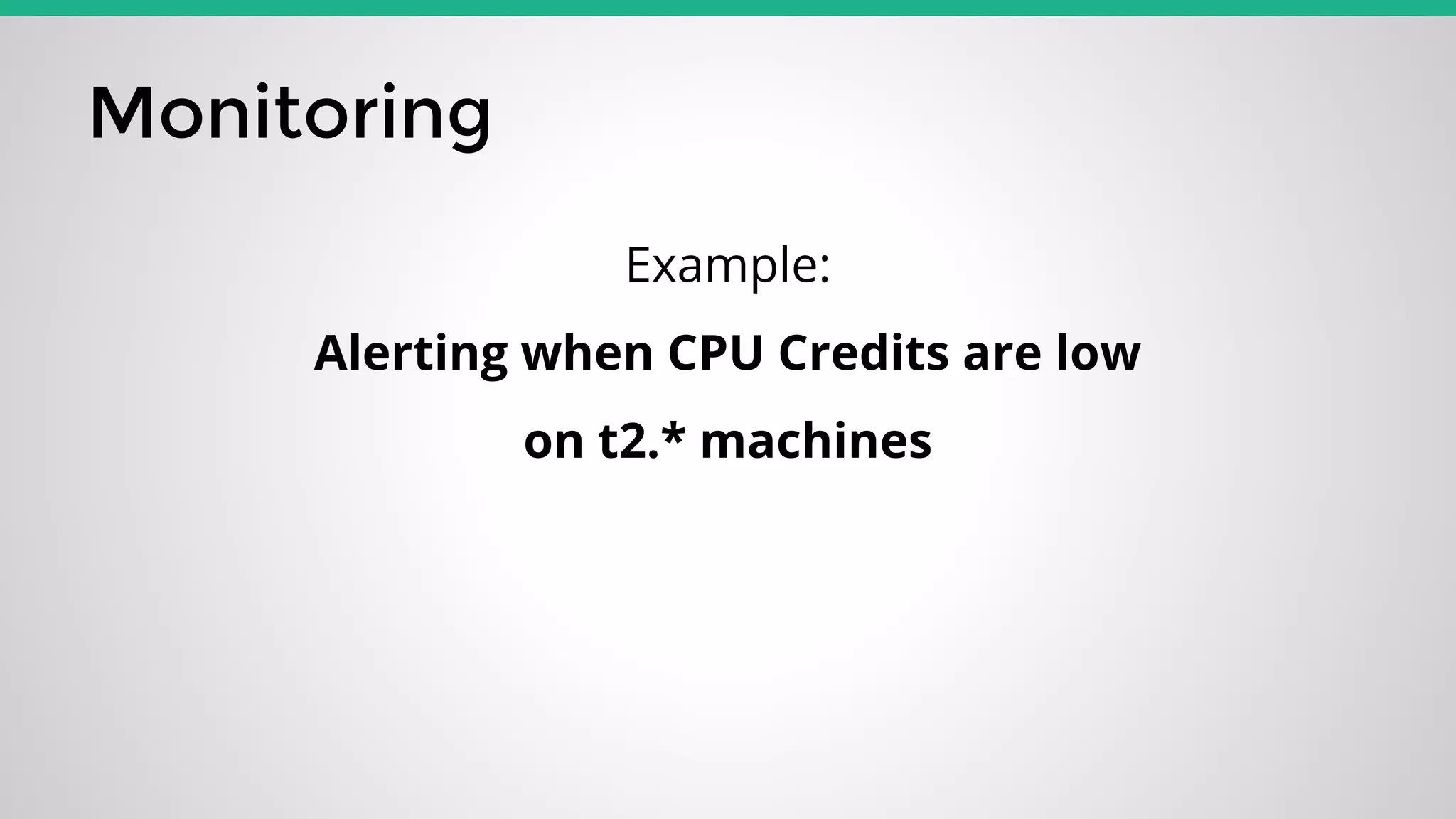
The document discusses the integration of Ansible with AWS for provisioning and managing EC2 instances, focusing on both static and dynamic inventories. It details the use of Ansible playbooks for automated EC2 provisioning, DNS management through Route53, and setting up monitoring and autoscaling workflows. Additionally, it covers example configurations and tasks for creating alerts based on instance metrics and emphasizes practical implementation through provided code examples.


![[OpenInfra Days Korea 2018] Day 2 - E5-1: "Invited Talk: Kubicorn - Building ...](https://cdn.slidesharecdn.com/ss_thumbnails/e60955buildingsimplekubernetes-180705043459-thumbnail.jpg?width=640&height=640&fit=bounds)


![[OpenInfra Days Korea 2018] Day 1 - T4-7: "Ceph 스토리지, PaaS로 서비스 운영하기"](https://cdn.slidesharecdn.com/ss_thumbnails/47openinfradaykorea2018hyun-ha-180705032301-thumbnail.jpg?width=640&height=640&fit=bounds)


![[B34] MySQL最新ロードマップ – MySQL 5.7とその先へ by Ryusuke Kajiyama](https://cdn.slidesharecdn.com/ss_thumbnails/b34mysql-140708215534-phpapp02-thumbnail.jpg?width=640&height=640&fit=bounds)


![[Games on AWS 2019] AWS 입문자를 위한 초단기 레벨업 트랙 | AWS 레벨업 하기! : 컨테이너 - 김세호 AWS 솔루션...](https://cdn.slidesharecdn.com/ss_thumbnails/gamesonawsawslevelup-container-191014060644-thumbnail.jpg?width=640&height=640&fit=bounds)


