Download as PDF, PPTX
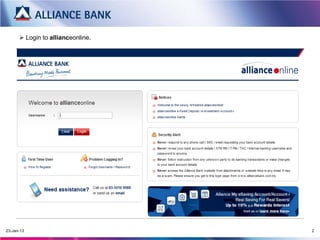
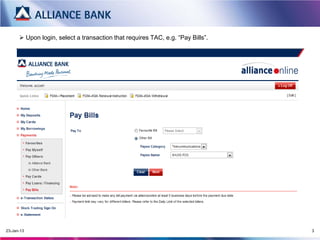
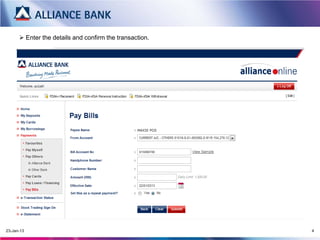
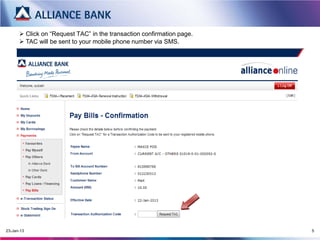
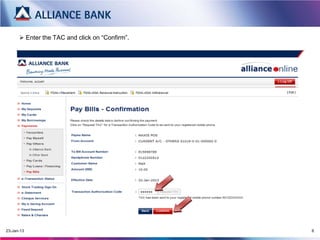
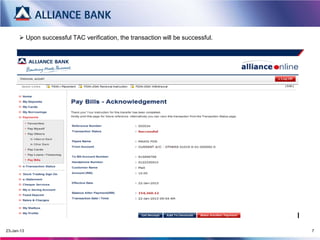

Log into your online banking account at www.allianceonline.com.my and select a transaction that requires a TAC, such as paying a bill. Enter the transaction details and request a TAC, which will be sent via SMS to your mobile phone. Enter the TAC you receive to confirm the transaction and complete the payment or other transaction requiring a TAC for verification.


