Welcome to One & All
Seminar on
AJAX
15BD1D1519 K. Gnaneshwar
About AJAX
AJAX short for Asynchronous JavaScript and XML .
 Ajax is a new way to use the existing standards in a better
way.
 It is a group of interrelated Web development techniques used
on the client-side to create asynchronous Web applications.
Ajax is a type of java script code that allows to update the users
page of users view without having to refresh the whole page.
With Ajax, web applications can send data to and retrieve from
a server asynchronously (in the background) without interfering
with the display and behavior of the existing page.
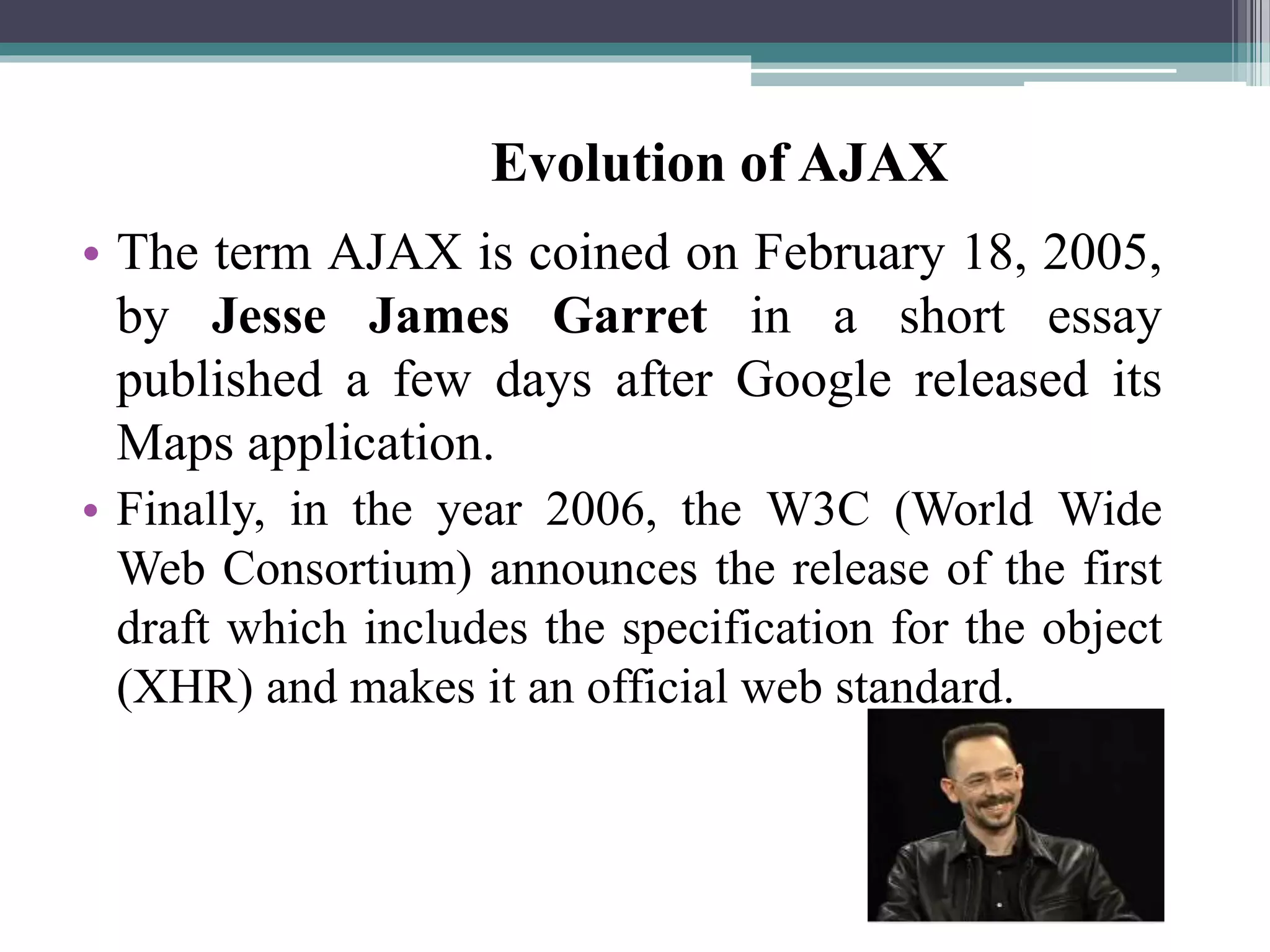
• The term AJAX is coined on February 18, 2005,
by Jesse James Garret in a short essay
published a few days after Google released its
Maps application.
• Finally, in the year 2006, the W3C (World Wide
Web Consortium) announces the release of the first
draft which includes the specification for the object
(XHR) and makes it an official web standard.
Evolution of AJAX
The Core Components
• HTML & CSS - for presenting.
• JavaScript - for local processing.
• Document Object Model (DOM) – to access data
inside the page or to access elements of an XML file
on the server.
• XMLHttpRequest object – to read/send data to the
server asynchronously.
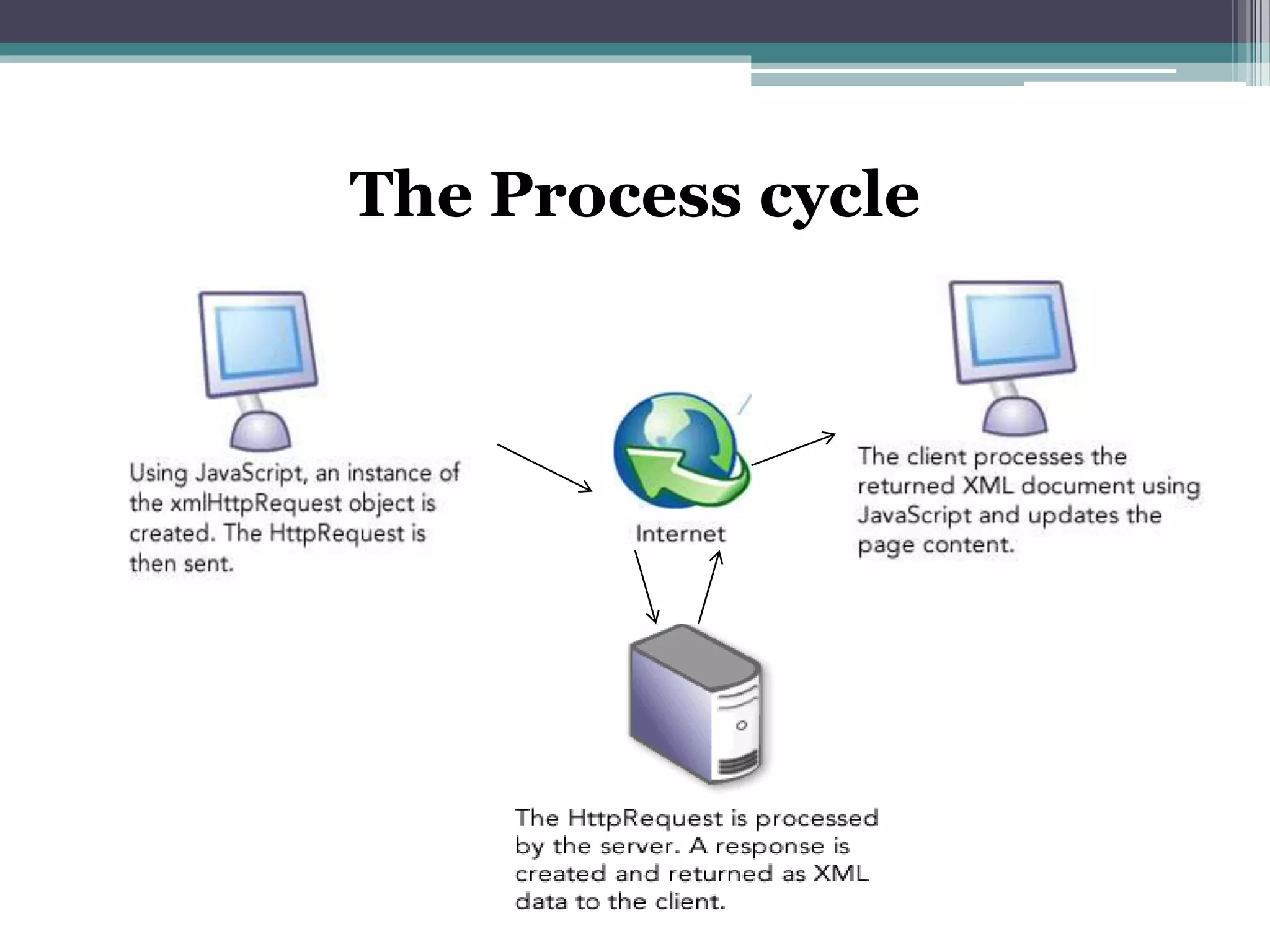
The Process cycle
Why Ajax is important ?
 AJAX enables a much better user experience for Web sites and
applications.
 These benefits have been shown to dramatically reduce software
maintenance costs and increase its reach.
 You can use AJAX to load specific portions of a page that need
to be changed.
 It further reduces network traffic.
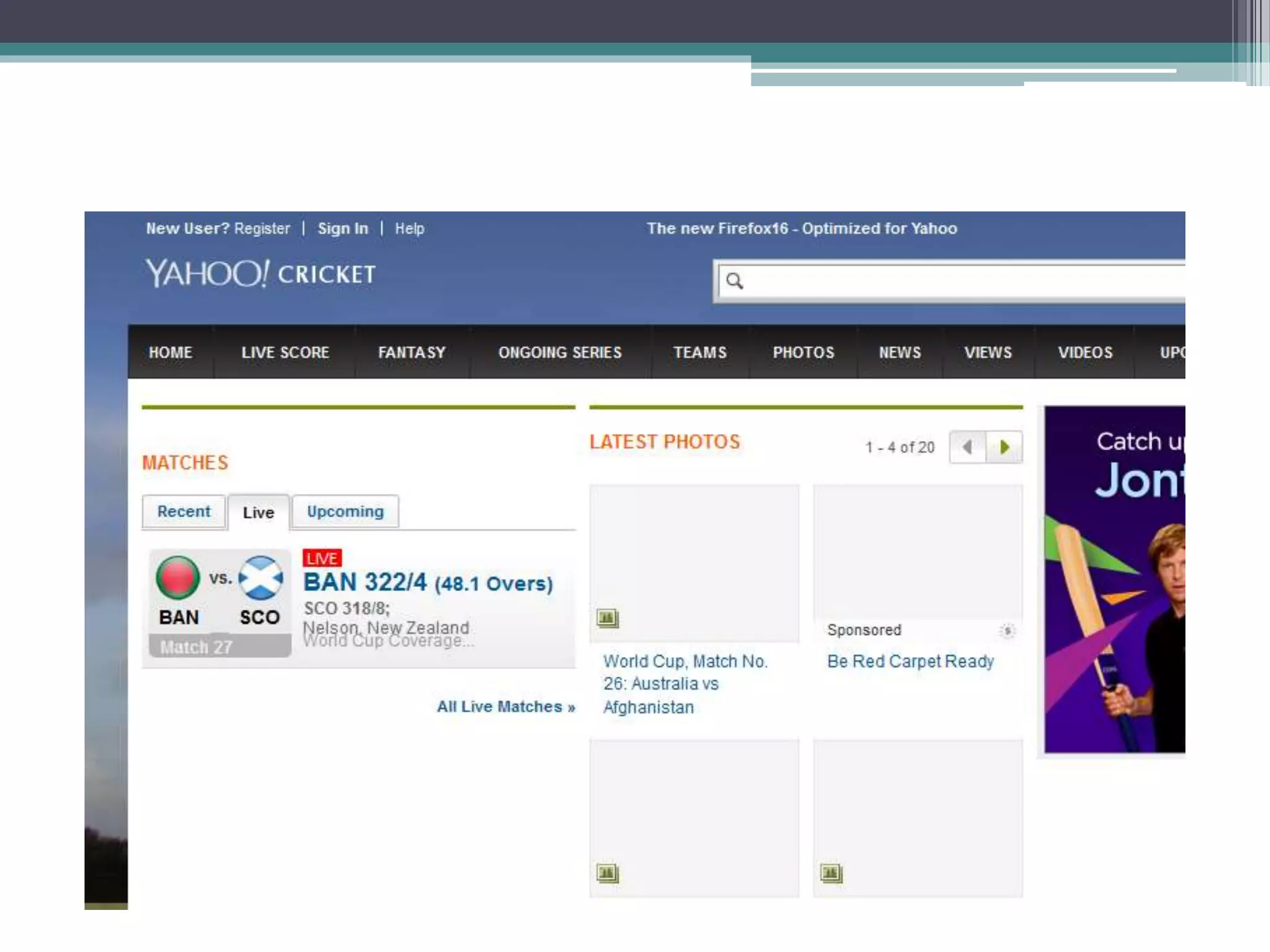
 Google Maps is one well-known application that uses Ajax. The
interface allows the user to change views and manipulate the
map in real time.
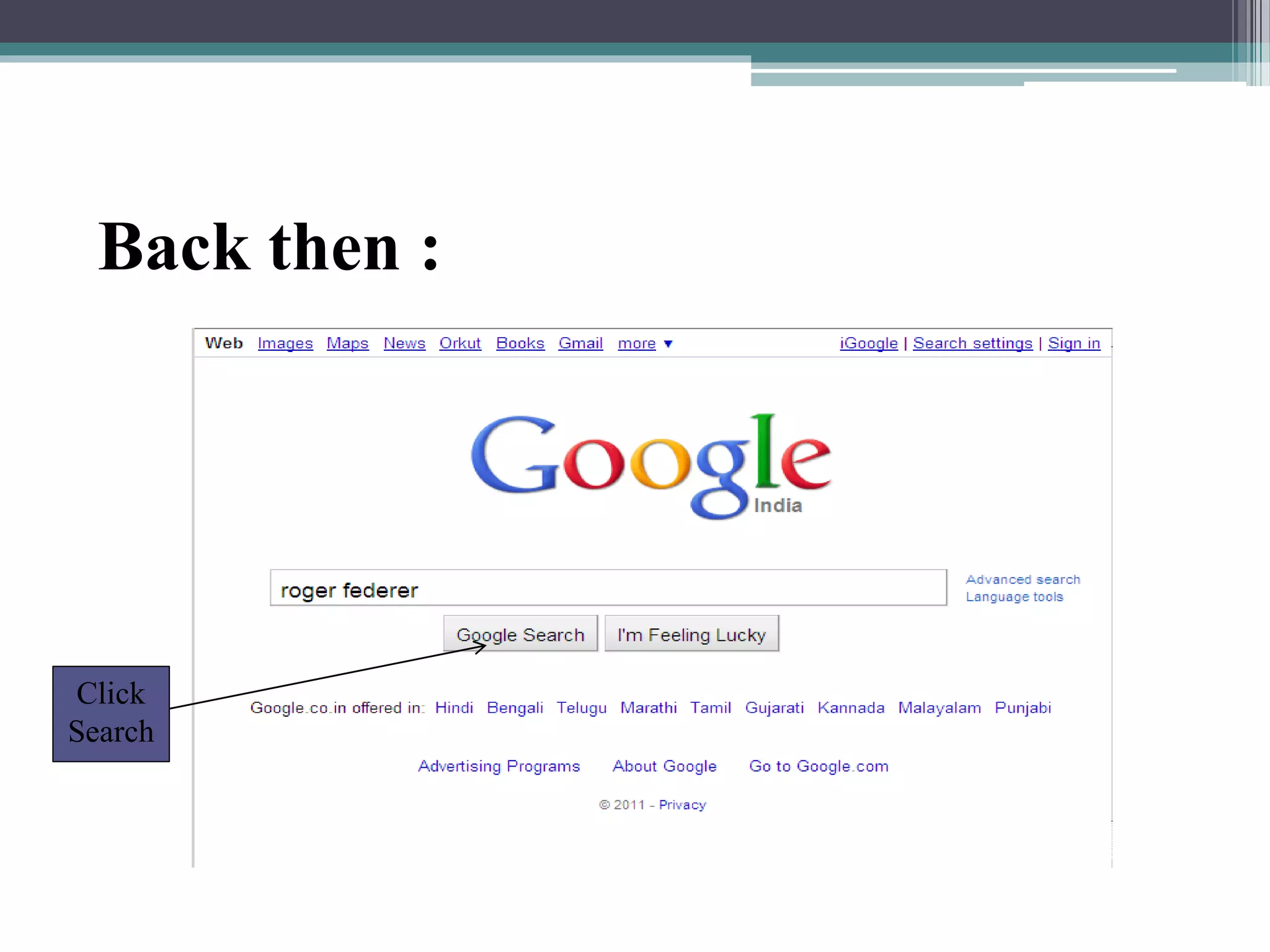
Back then :
Click
Search
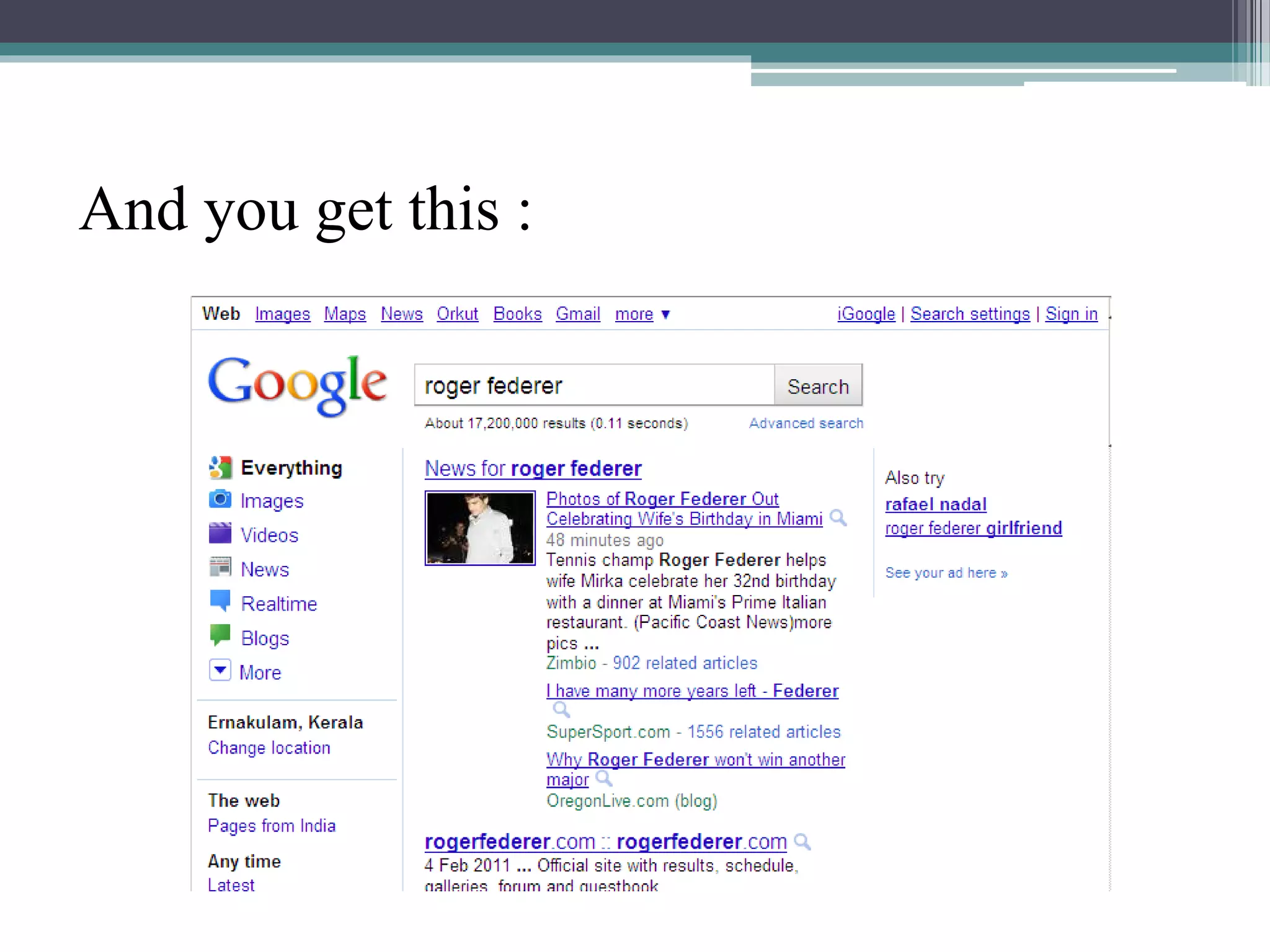
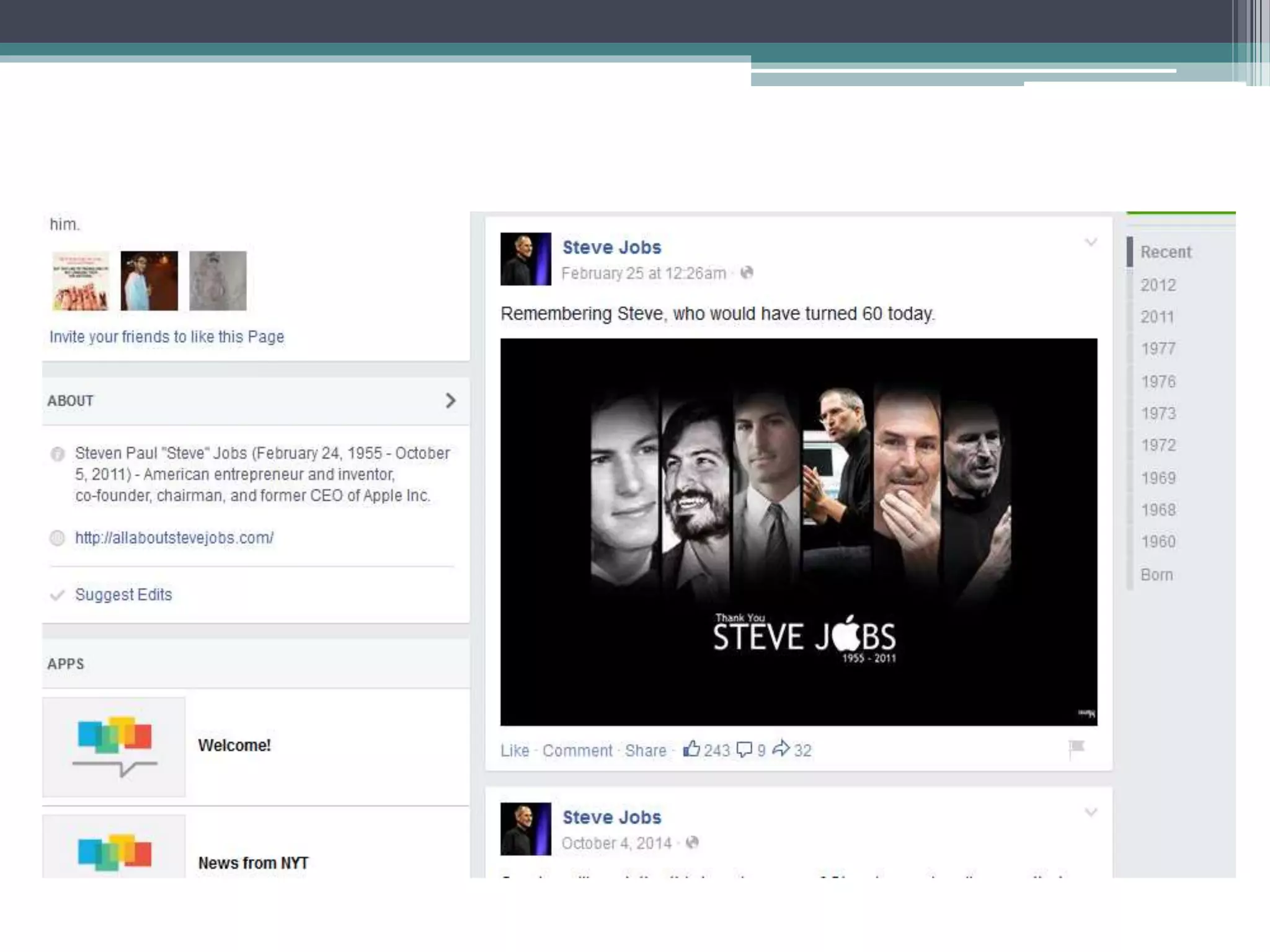
And you get this :
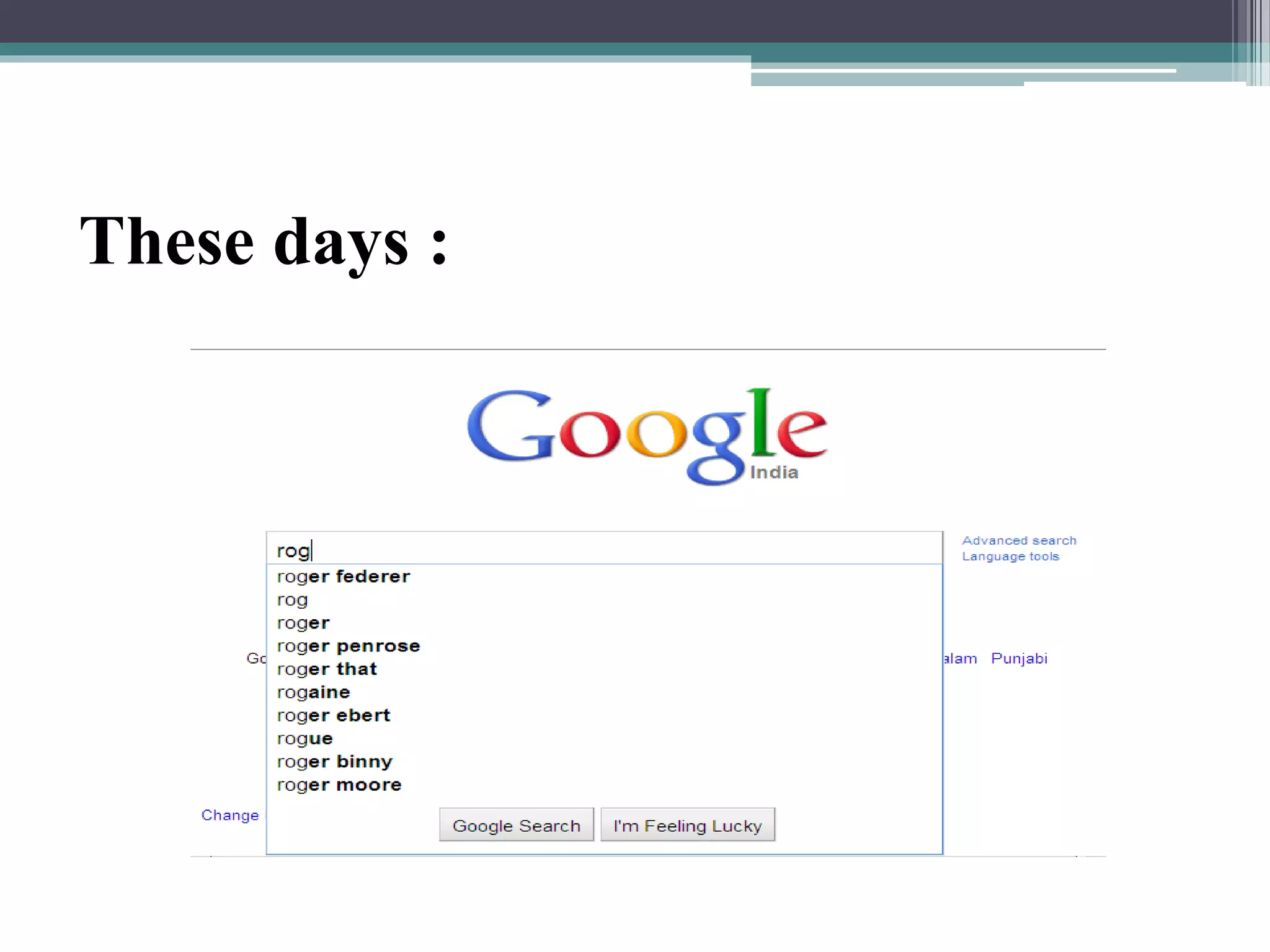
These days :
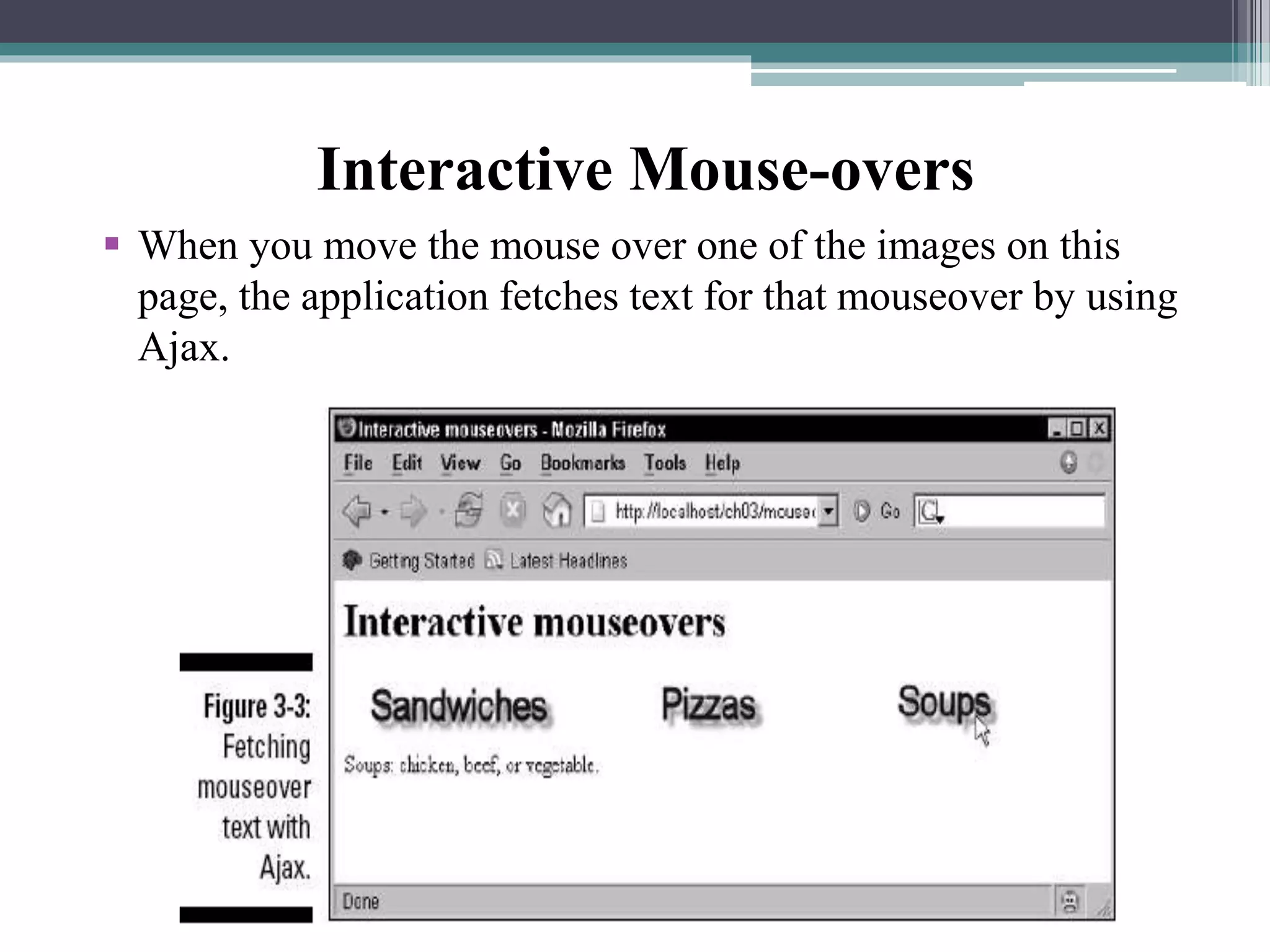
 When you move the mouse over one of the images on this
page, the application fetches text for that mouseover by using
Ajax.
Interactive Mouse-overs
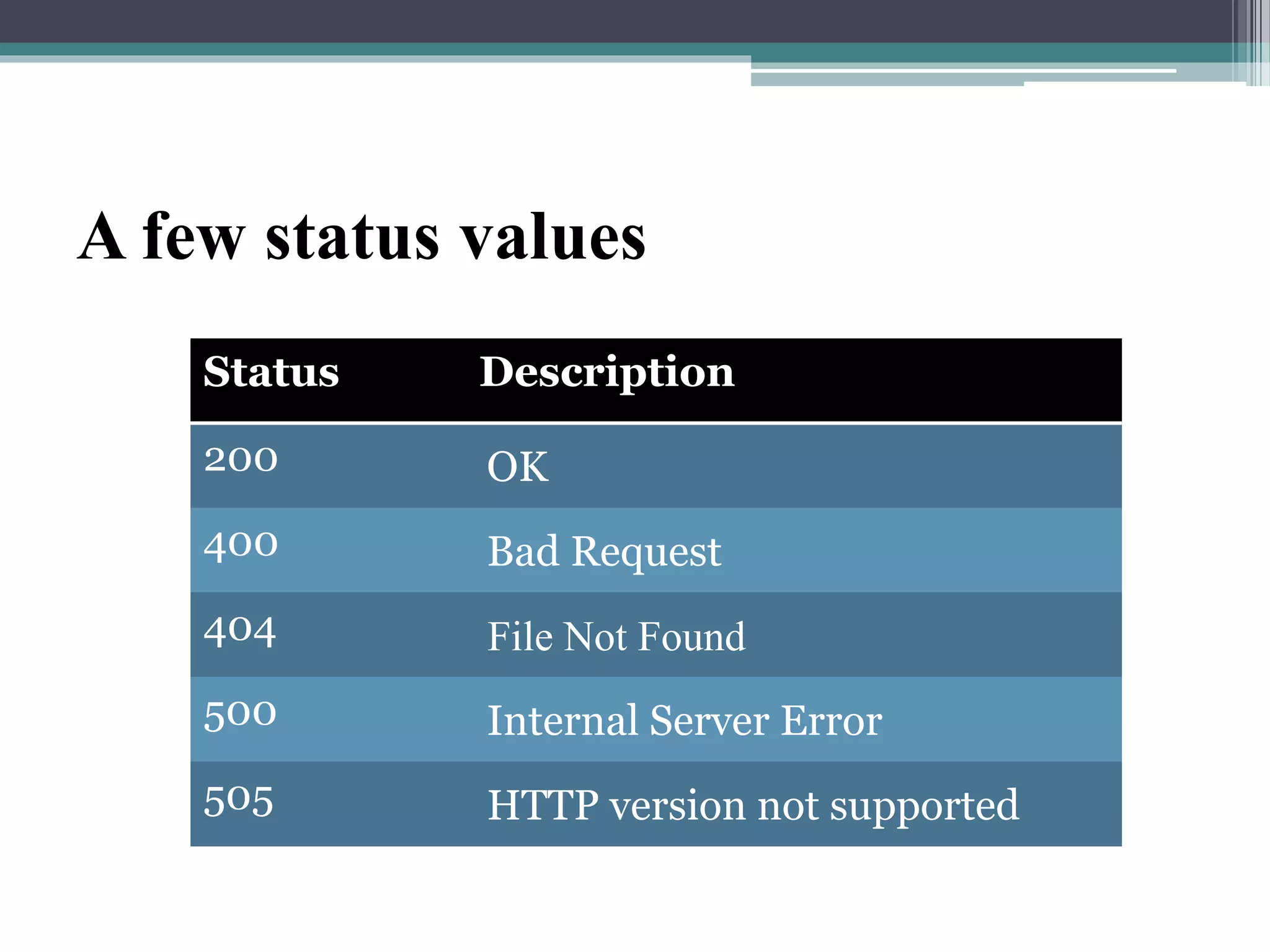
A few status values
Status Description
200 OK
400 Bad Request
404 File Not Found
500 Internal Server Error
505 HTTP version not supported
Benefits of using Ajax
• Helps to build fast, dynamic websites.
• Improves sharing of resources : it facilitates to use the
power of all the client computers rather than just a
unique server and network.
• Ajax allows to perform processing on client computer
(in JavaScript) with data taken from the server thereby
reducing server load by moving a part of server
functionality to client side.
• Ajax can selectively modify a part of a page displayed by
the browser, and update it without the need to reload
the whole document with all images, menus etc.
A Few Drawbacks
• If JavaScript is not activated, Ajax can't works. The user
must be asked to set JavaScript from within options of
the browser, with the "noscript" tag.
• Since data to display are loaded dynamically, they are
not part of the page, and the keywords inside are not
viewed by search engines.
• The asynchronous mode may change the page with
delays (when the processing on the server takes more
time), this may be disturbing.
• The back button may be deactivated.
Ajax ppt

Ajax ppt

  • 1.
    Welcome to One& All Seminar on AJAX 15BD1D1519 K. Gnaneshwar
  • 2.
    About AJAX AJAX shortfor Asynchronous JavaScript and XML .  Ajax is a new way to use the existing standards in a better way.  It is a group of interrelated Web development techniques used on the client-side to create asynchronous Web applications. Ajax is a type of java script code that allows to update the users page of users view without having to refresh the whole page. With Ajax, web applications can send data to and retrieve from a server asynchronously (in the background) without interfering with the display and behavior of the existing page.
  • 3.
    • The termAJAX is coined on February 18, 2005, by Jesse James Garret in a short essay published a few days after Google released its Maps application. • Finally, in the year 2006, the W3C (World Wide Web Consortium) announces the release of the first draft which includes the specification for the object (XHR) and makes it an official web standard. Evolution of AJAX
  • 4.
    The Core Components •HTML & CSS - for presenting. • JavaScript - for local processing. • Document Object Model (DOM) – to access data inside the page or to access elements of an XML file on the server. • XMLHttpRequest object – to read/send data to the server asynchronously.
  • 5.
  • 6.
    Why Ajax isimportant ?  AJAX enables a much better user experience for Web sites and applications.  These benefits have been shown to dramatically reduce software maintenance costs and increase its reach.  You can use AJAX to load specific portions of a page that need to be changed.  It further reduces network traffic.  Google Maps is one well-known application that uses Ajax. The interface allows the user to change views and manipulate the map in real time.
  • 7.
  • 8.
  • 9.
  • 12.
     When youmove the mouse over one of the images on this page, the application fetches text for that mouseover by using Ajax. Interactive Mouse-overs
  • 13.
    A few statusvalues Status Description 200 OK 400 Bad Request 404 File Not Found 500 Internal Server Error 505 HTTP version not supported
  • 14.
    Benefits of usingAjax • Helps to build fast, dynamic websites. • Improves sharing of resources : it facilitates to use the power of all the client computers rather than just a unique server and network. • Ajax allows to perform processing on client computer (in JavaScript) with data taken from the server thereby reducing server load by moving a part of server functionality to client side. • Ajax can selectively modify a part of a page displayed by the browser, and update it without the need to reload the whole document with all images, menus etc.
  • 15.
    A Few Drawbacks •If JavaScript is not activated, Ajax can't works. The user must be asked to set JavaScript from within options of the browser, with the "noscript" tag. • Since data to display are loaded dynamically, they are not part of the page, and the keywords inside are not viewed by search engines. • The asynchronous mode may change the page with delays (when the processing on the server takes more time), this may be disturbing. • The back button may be deactivated.