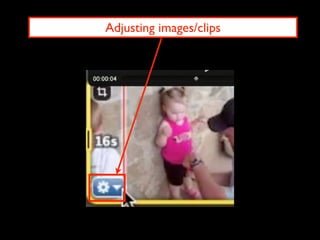
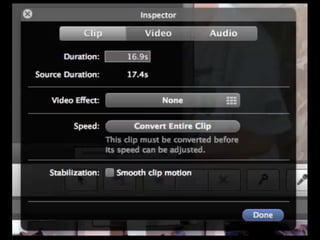
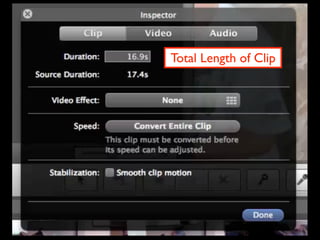
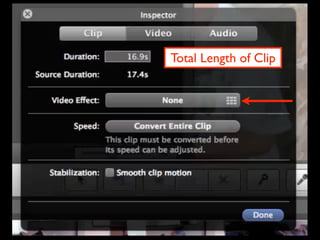
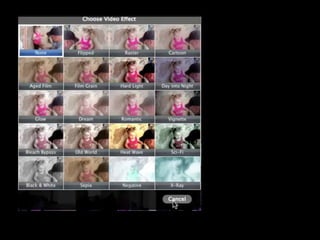
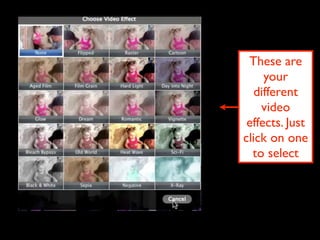
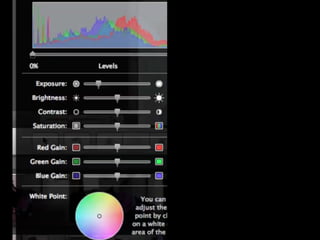
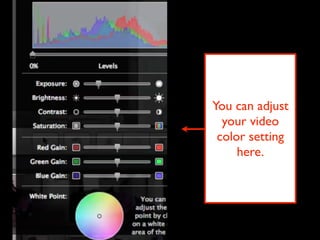
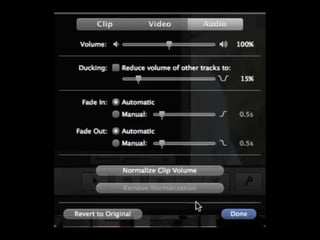
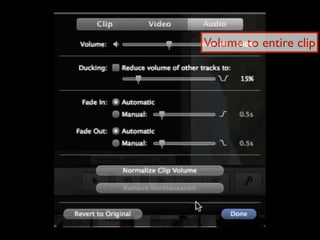
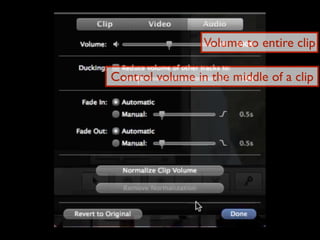
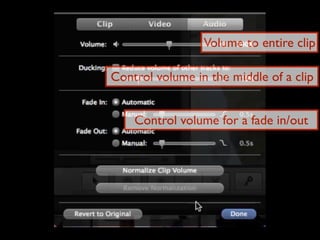
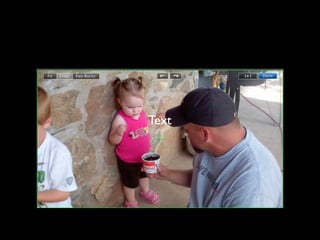
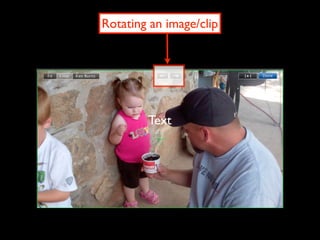
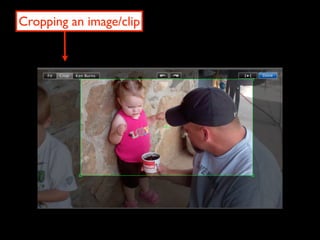
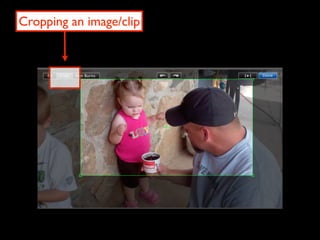
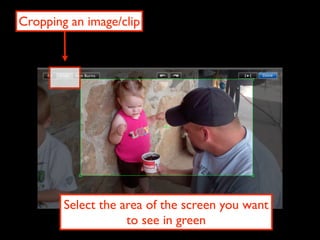
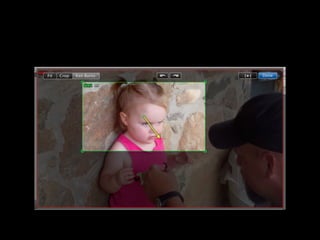
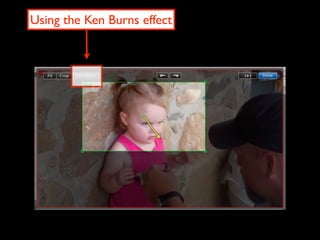
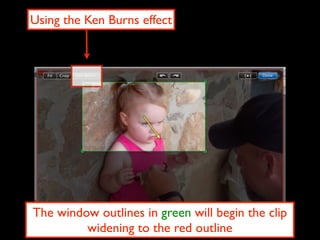
This document contains instructions for adjusting images and video clips in a video editing program. It includes options for changing color settings, volume control throughout and within clips, adding text, rotating and cropping clips, and using the Ken Burns effect to zoom and pan within a clip over time. The user can select different video effects and tools by clicking on options in the left column.