Download to read offline

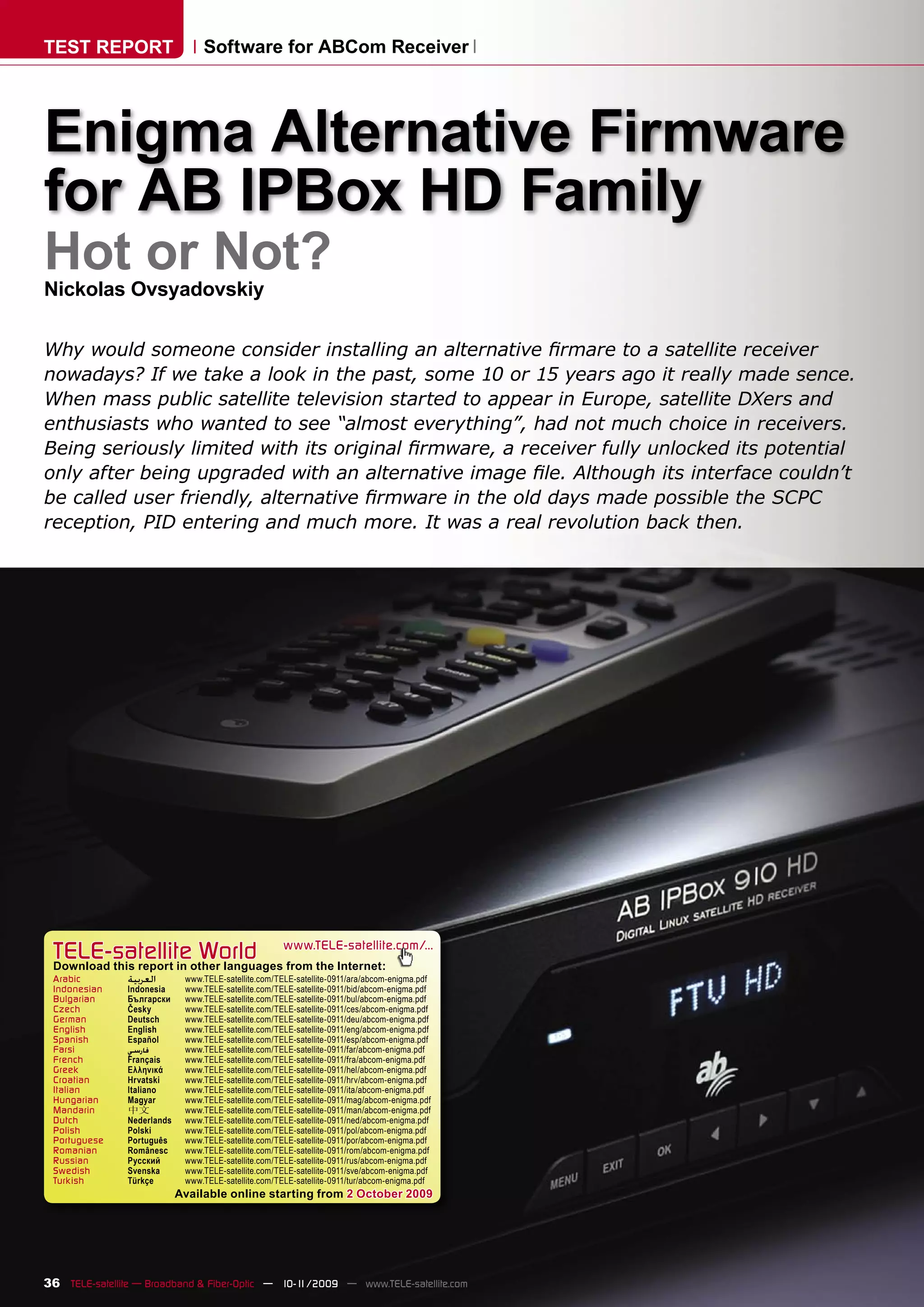
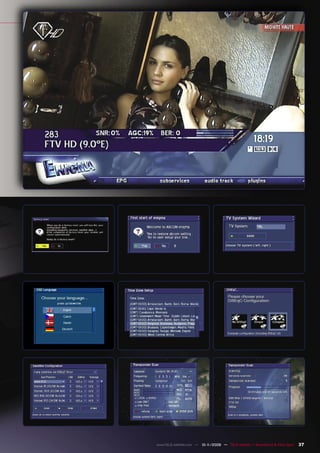
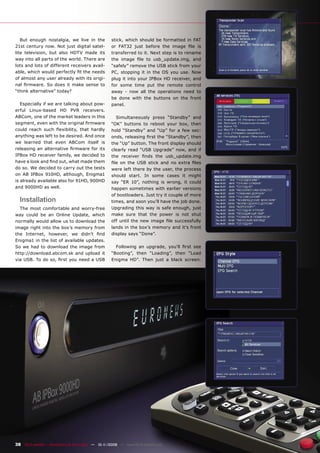
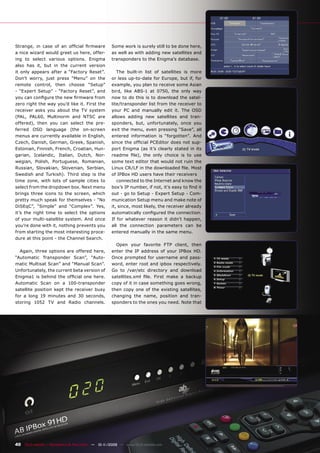
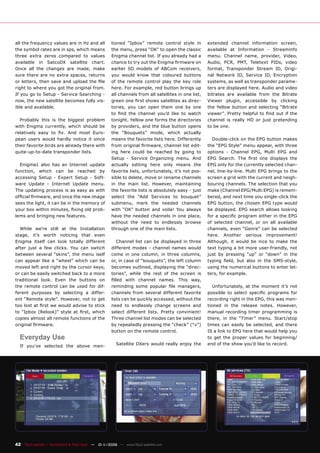
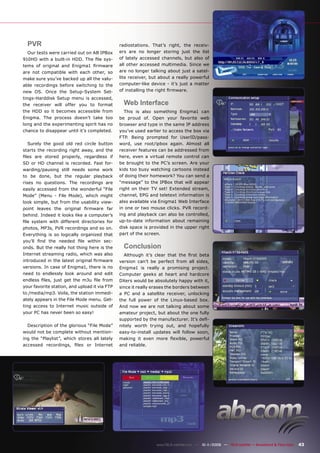

This document provides an overview and review of installing and using Enigma alternative firmware on AB IPBox HD satellite receivers. It discusses why alternative firmware was more useful in the past for advanced features and unlocked potential. Installing Enigma firmware requires downloading the image file and transferring it to the receiver via USB. Some additional configuration is required to set up channels and satellites not included by default. The review finds the automatic channel scanning to be slow and additional work still needed to fully support configuring and editing the satellite lineup.


