Downloaded 10 times


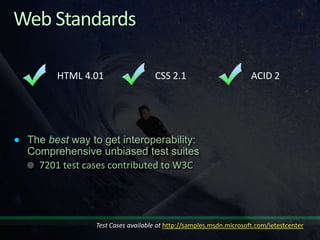
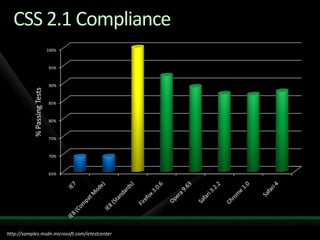

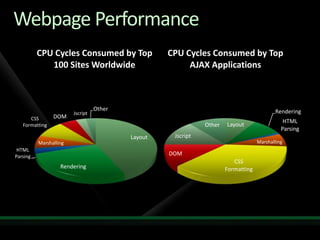
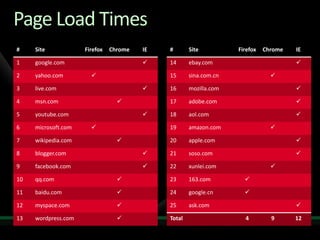
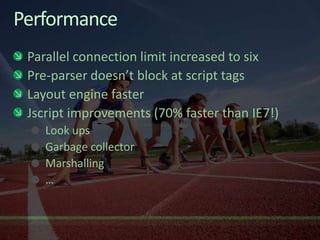
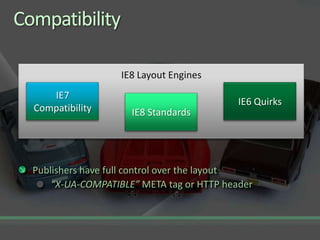

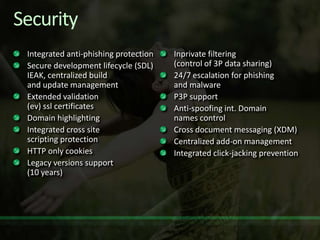

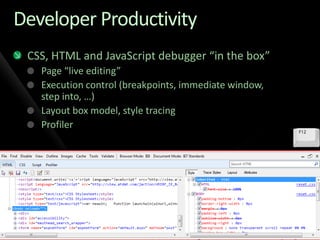



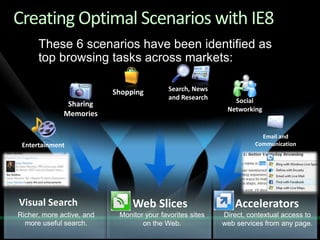
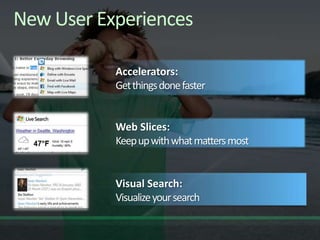

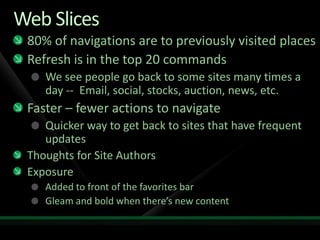

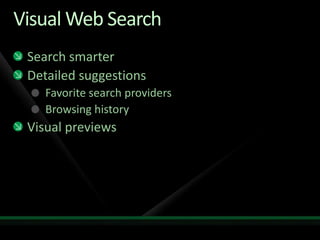

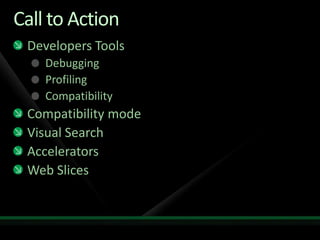


The document discusses improvements to Internet Explorer's standards compliance, performance, and security based on test results. It summarizes test results showing IE8's improved compliance with CSS 2.1 and performance on loading top websites compared to other browsers. The document also outlines new developer tools in IE8 for debugging, profiling and compatibility testing as well as new features for visual web search, accelerators, and web slices to enhance the user experience.


![There Are No “Buts” in Progressive Enhancement [Øredev 2015]](https://cdn.slidesharecdn.com/ss_thumbnails/therearenobutsinprogressiveenhancementredev-151106102141-lva1-app6892-thumbnail.jpg?width=640&height=640&fit=bounds)


