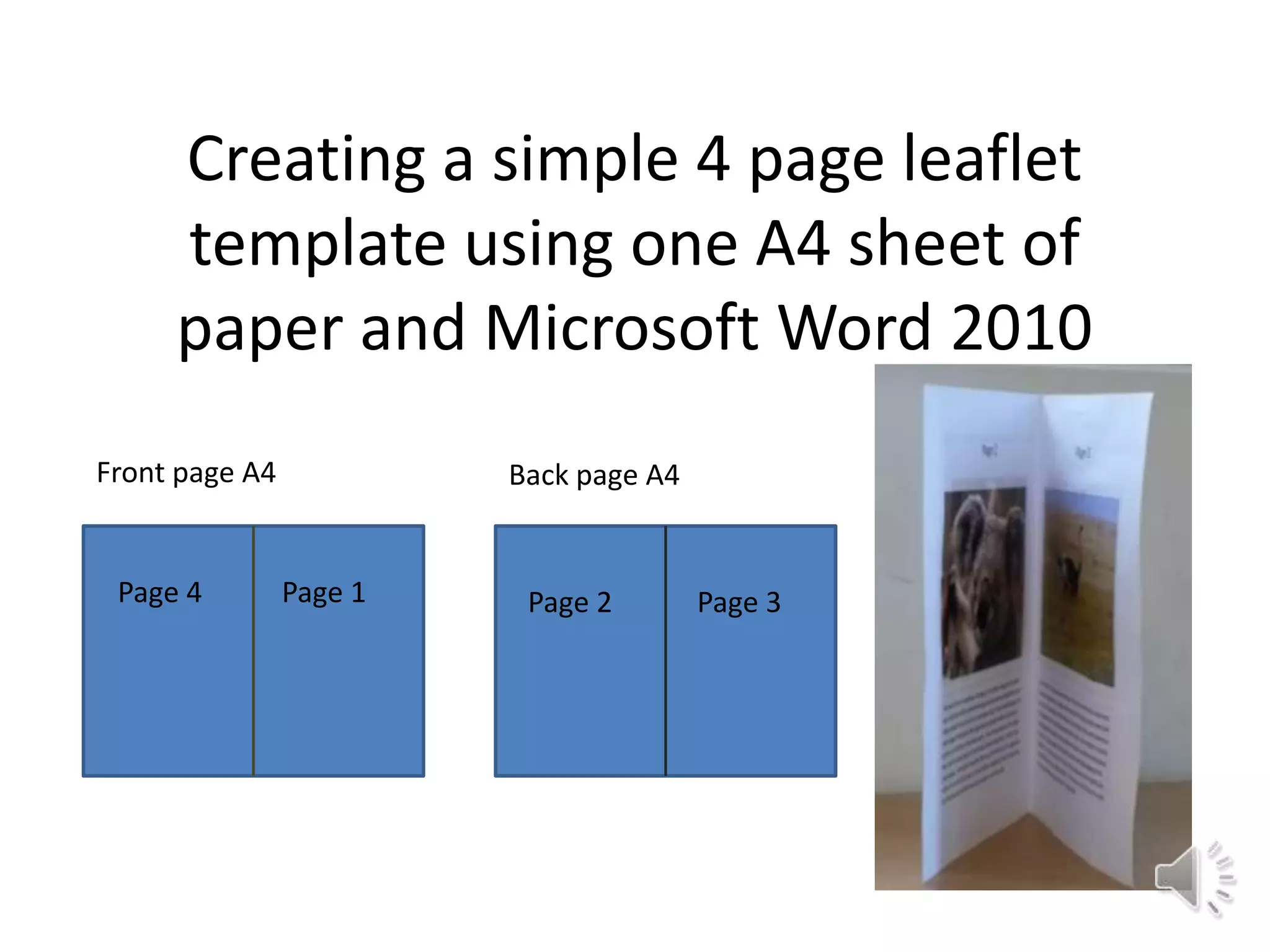
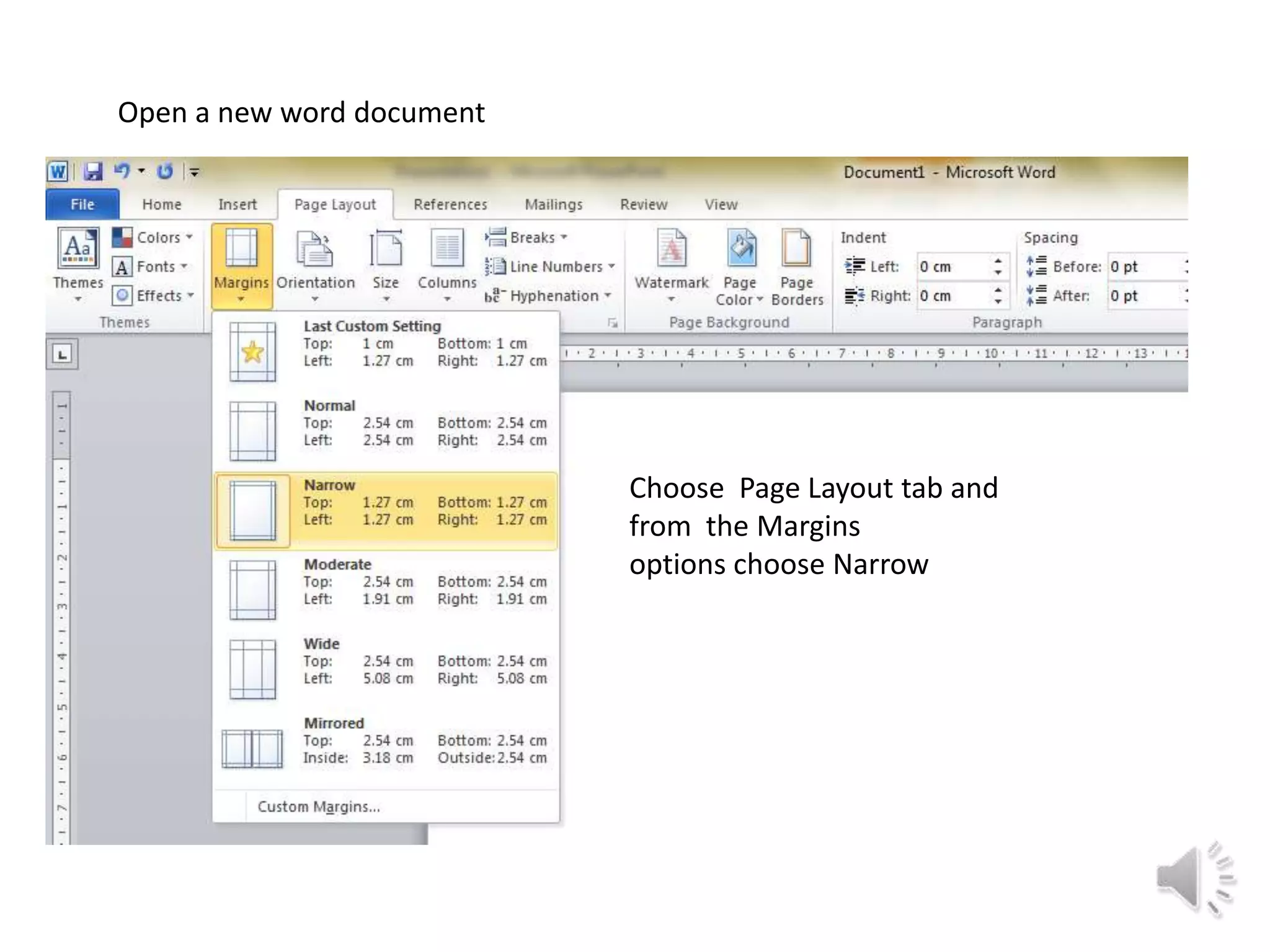
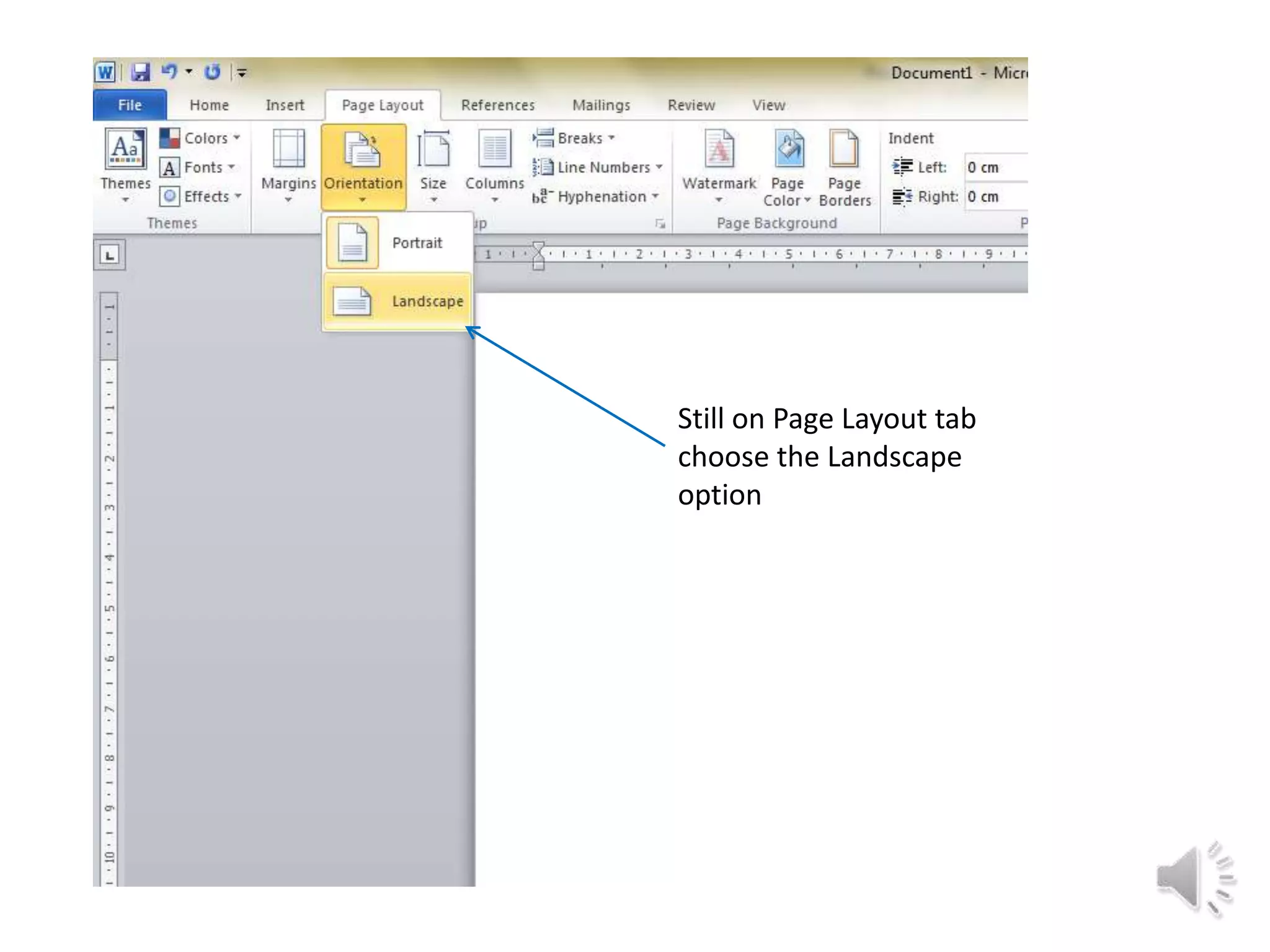
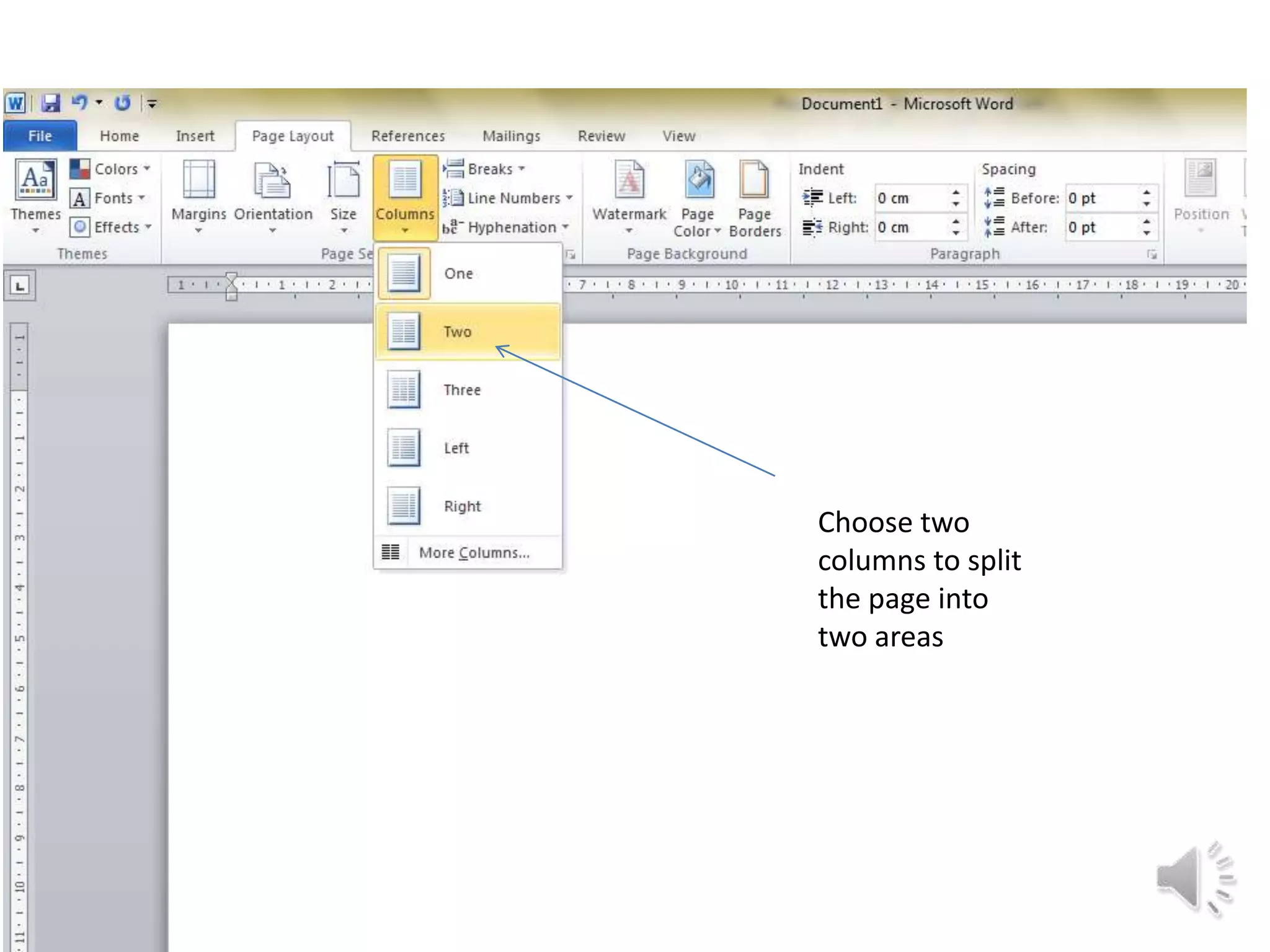
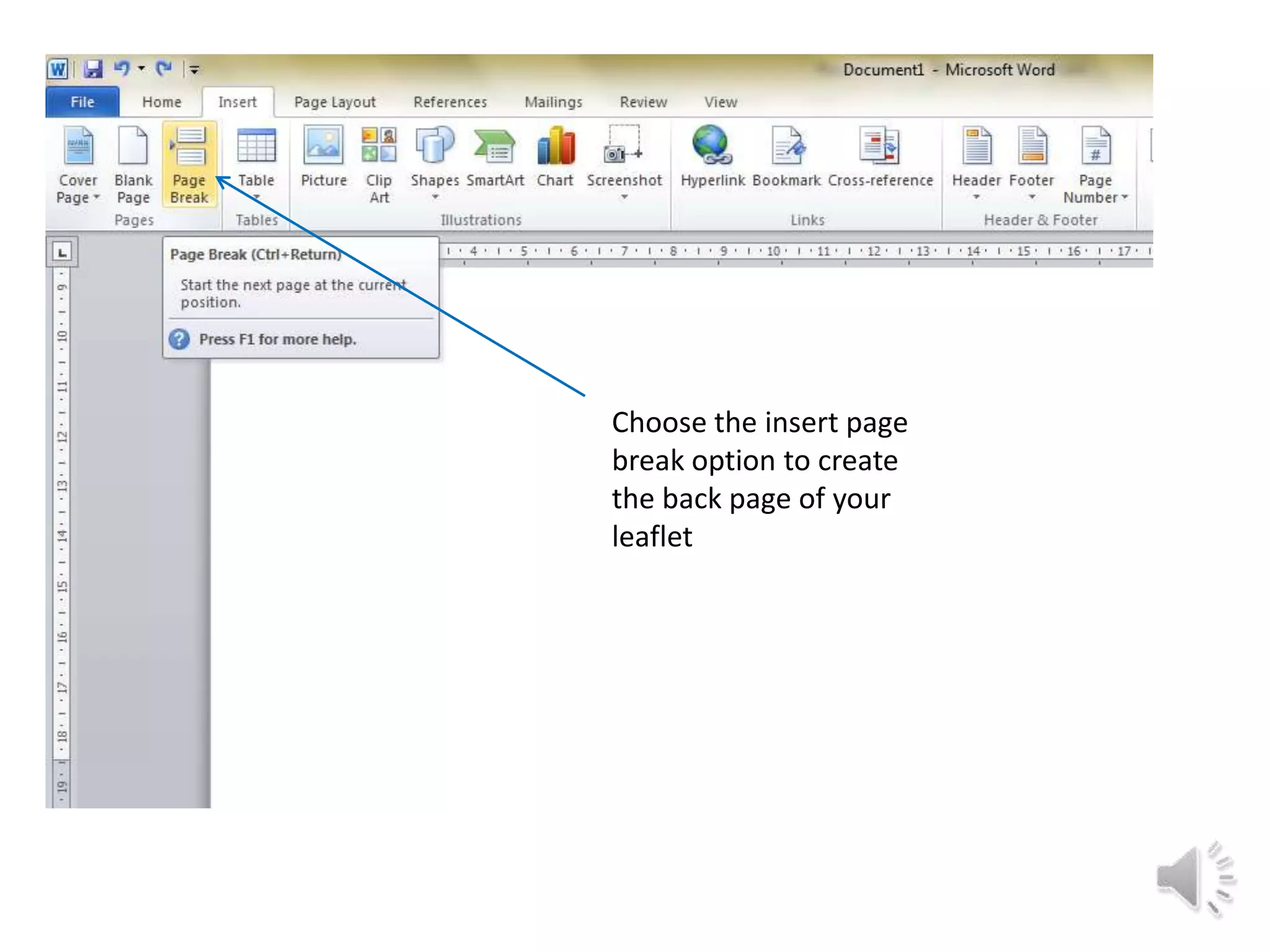
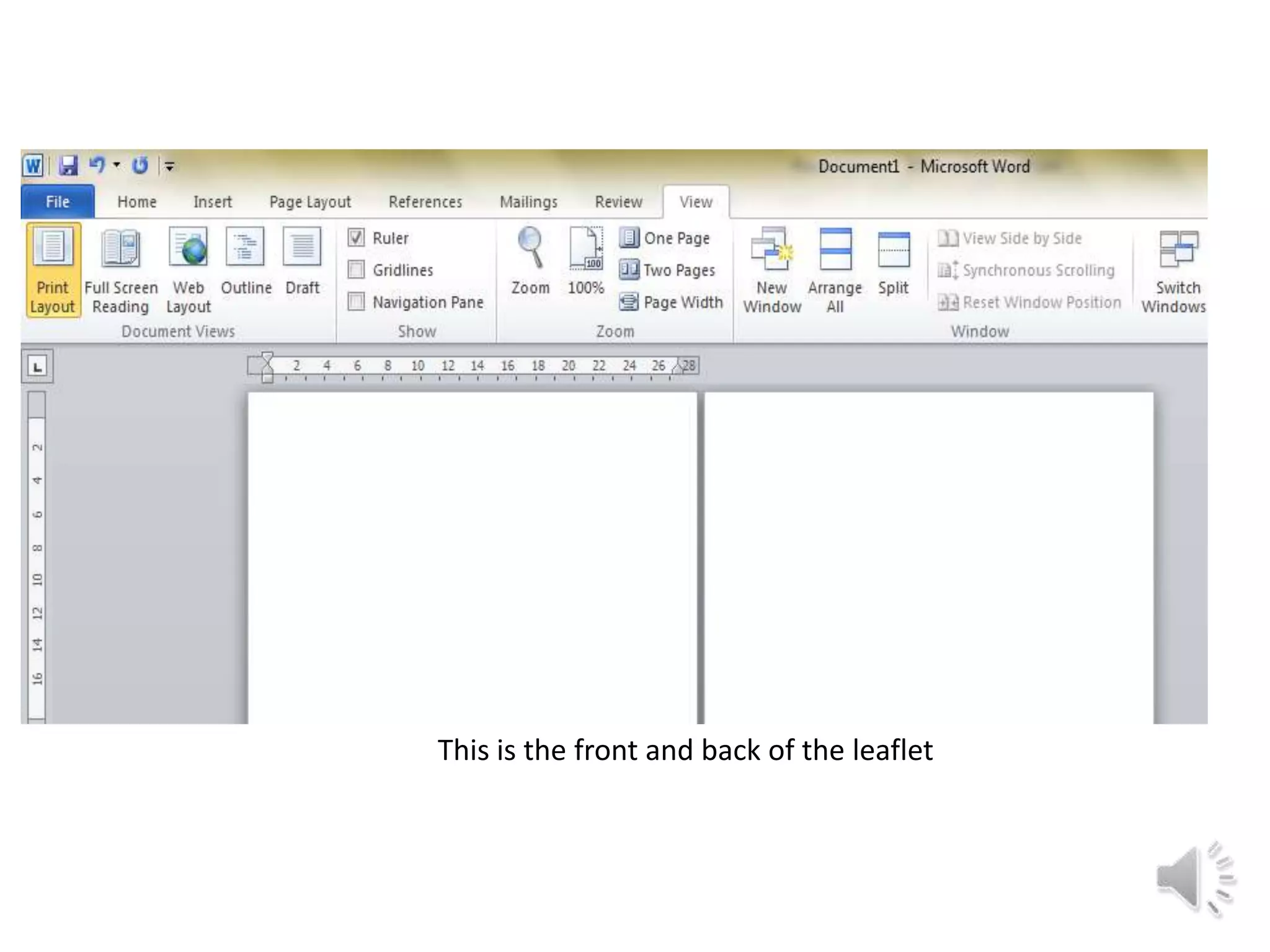
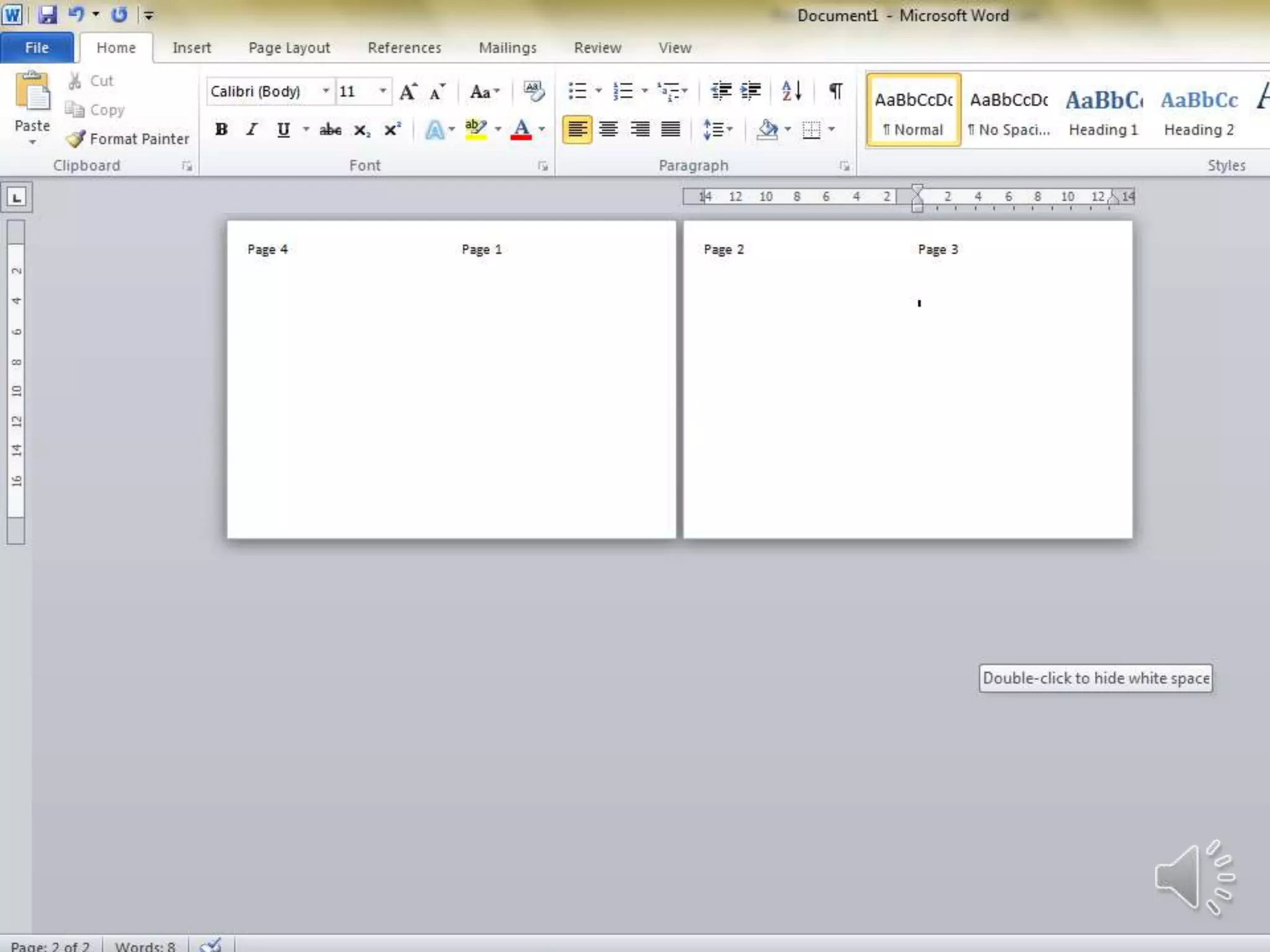
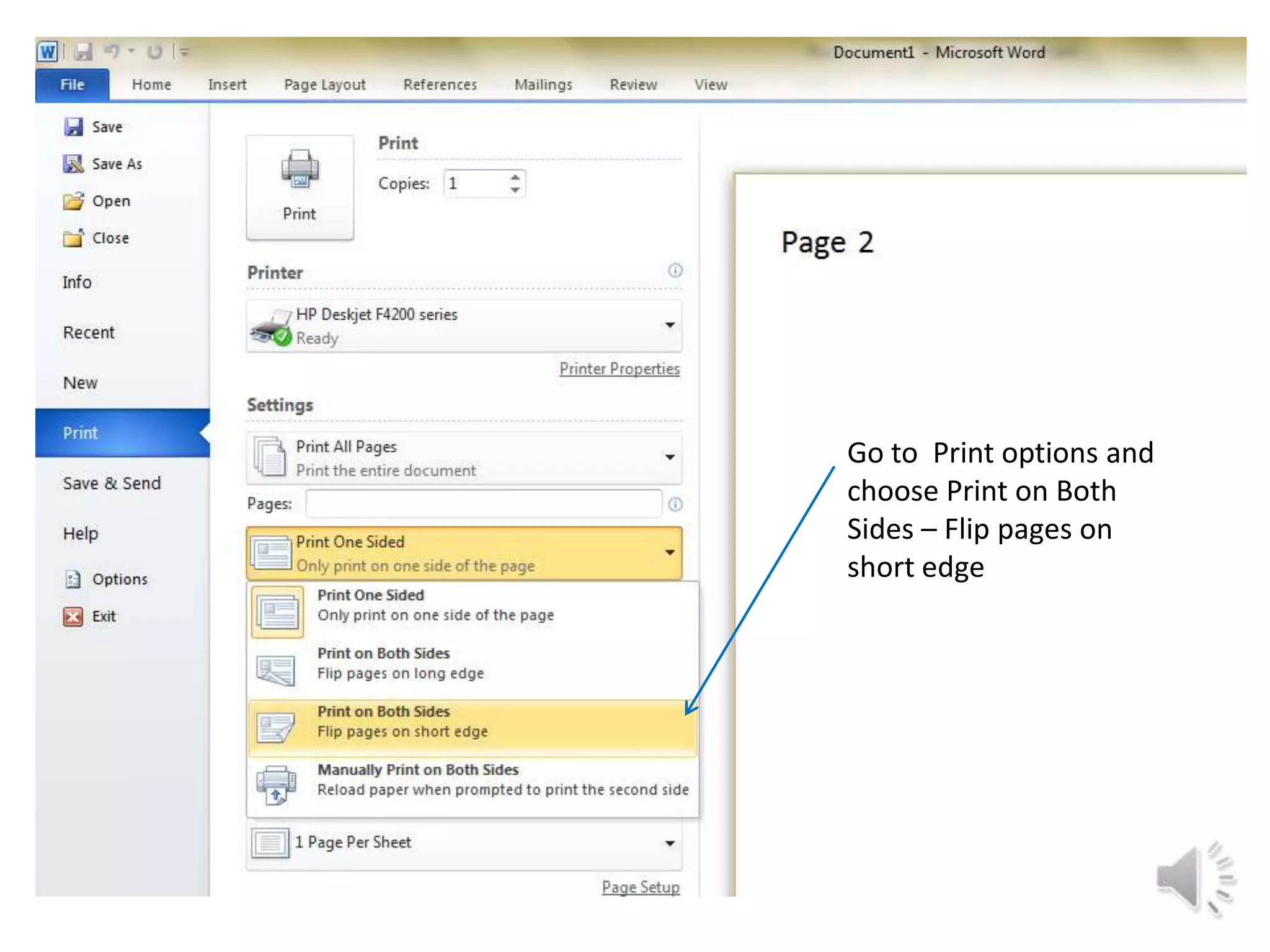
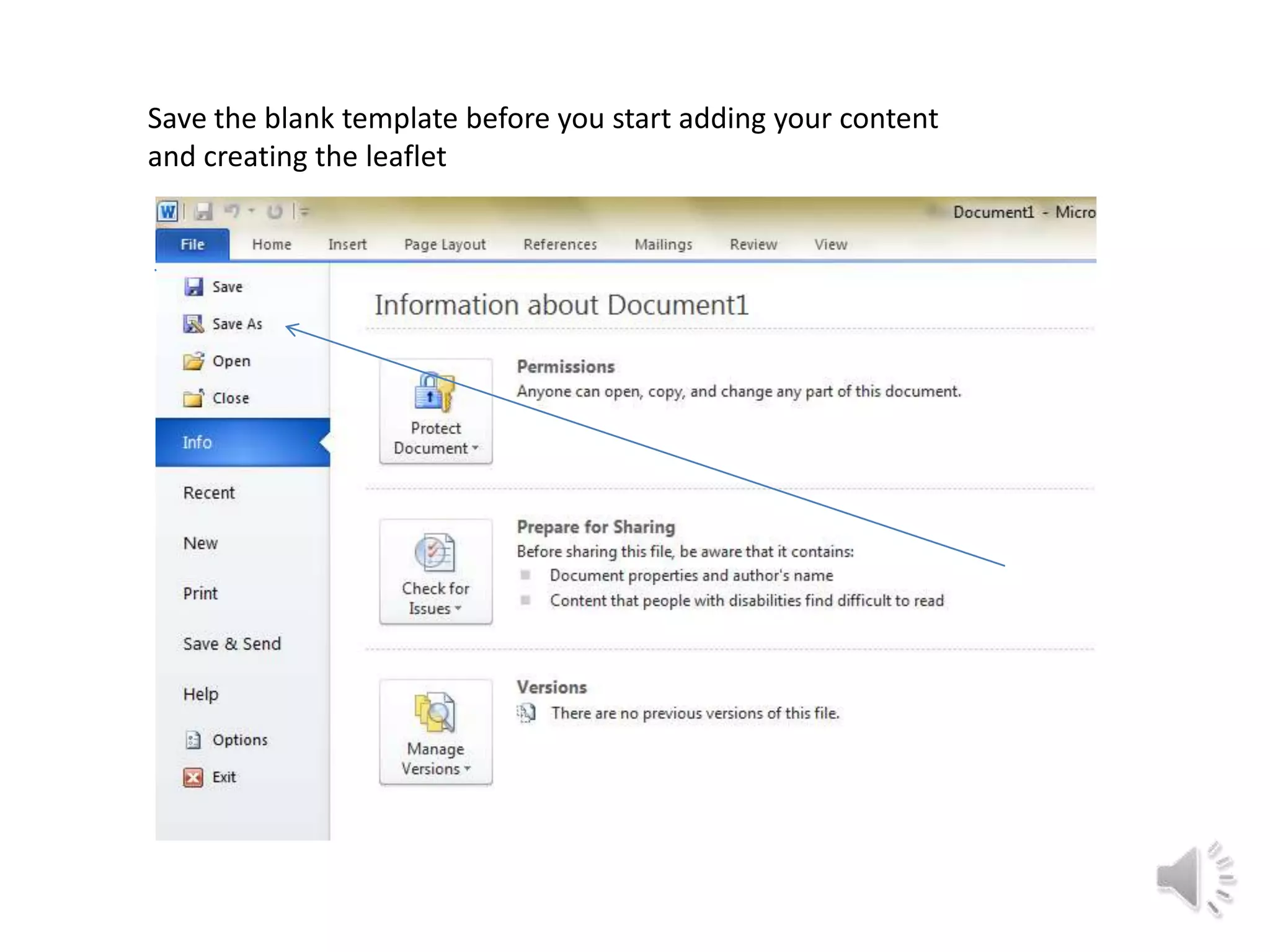
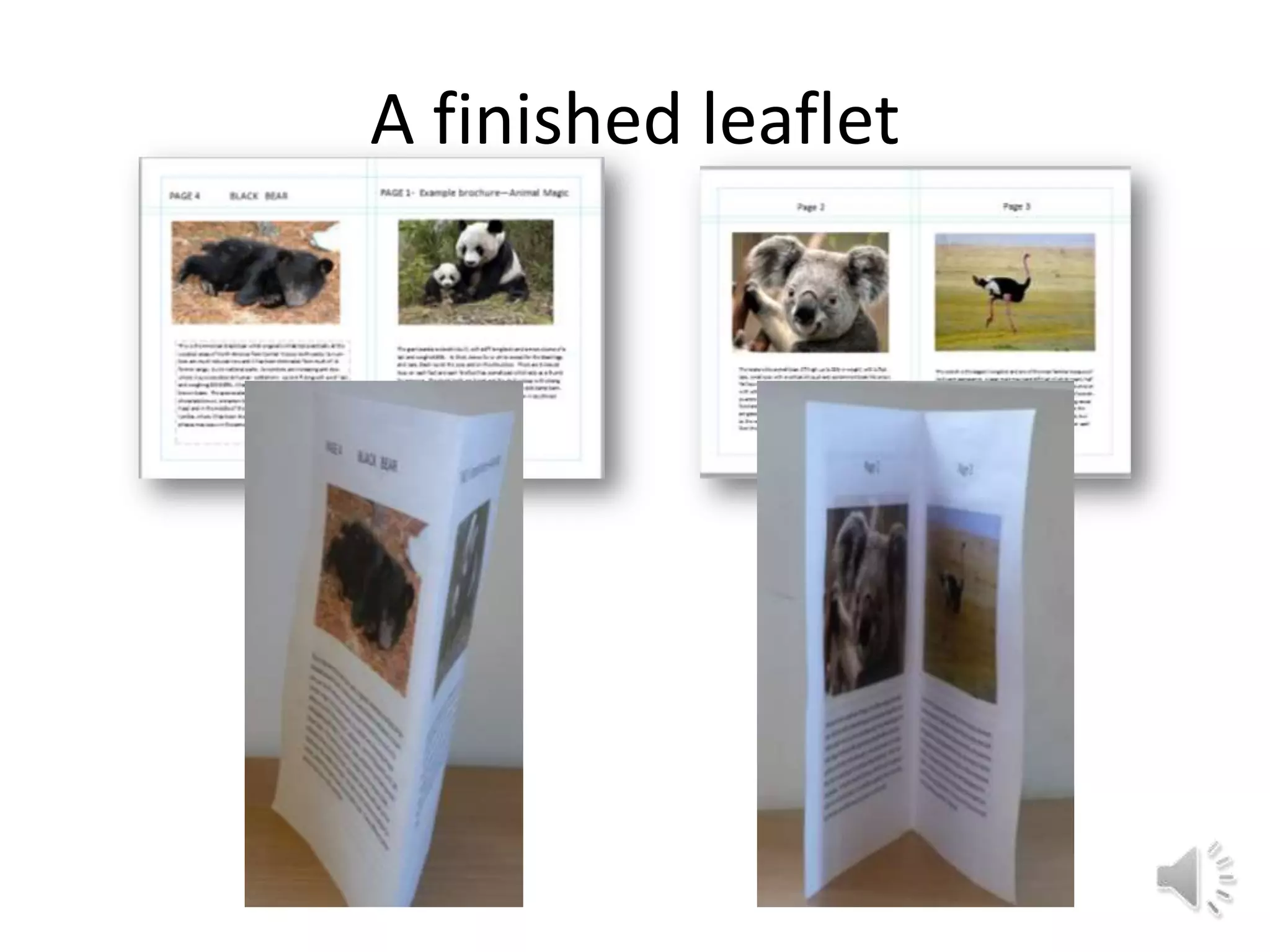
This document provides instructions for creating a simple 4-page leaflet template using a single A4 sheet of paper in Microsoft Word 2010. It describes how to set the page margins to narrow, orient the pages in landscape mode, add two columns, insert a page break to create the back page, and print double-sided by flipping on the short edge. The template can then be saved and used to add content to create the finished leaflet.