J2ME Mobile Application  1. Features List 2. Technology Details 3. Installation Procedures
HealthCare Application  HealthCare Application  Collection Information regarding the health and transmitting the information through SMS & / or Email. Conducting Health Survey .
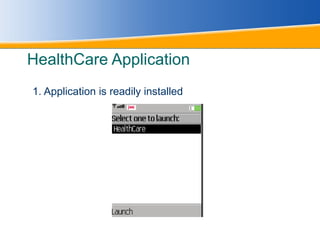
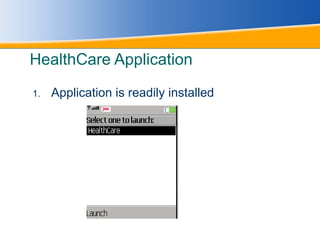
HealthCare Application 1. Application is readily installed
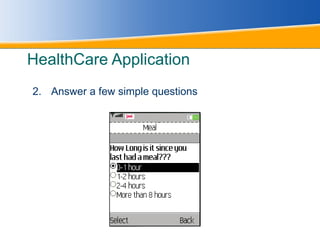
HealthCare Application 2. Answer a few simple questions
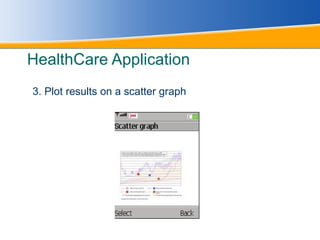
HealthCare Application 3. Plot results on a scatter graph
HealthCare Application Application is readily installed
SmartStart Application SmartStart Application  Composing and transmitting SMS. Playing Audio files in live stream ( Requires GPRS connection) Viewing Pictures Viewing video files in live stream ( Under Development)
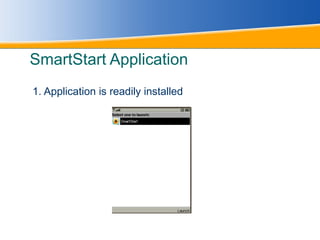
SmartStart Application 1. Application is readily installed
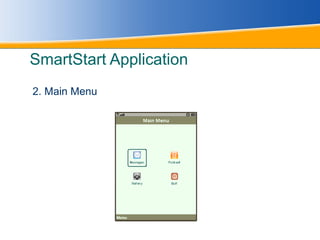
SmartStart Application 2. Main Menu
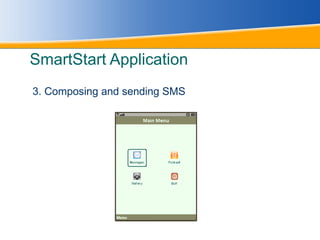
SmartStart Application 3. Composing and sending SMS
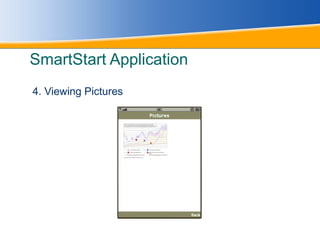
SmartStart Application 4. Viewing Pictures
Technology Details Programming   J2ME 1.4 Wireless Toolkit Sun Java (TM) Wireless Toolkit 2.5.2 for CLDC Rich UI J2ME Polish 2.0.2 Style Sheet Cascading Style Sheet
Installation Guide This Application is designed for mobile phones with  Profile: MIDP 2.0 Devices: CLDC 1.1 Copy the files with extension .jad and .jar to the mobile phone using data cable or transfer from PC using Bluetooth.
Installation Guide Install the application by opening the .jad or .jar file. After installation the application is ready to use. We can find it in the application menu or in general menu. Playing Audio or Video files using live stream requires GPRS of Wi-Fi Internet.
Installation Guide For sending Mail the SMTP has to be configured and proxy if any should be removes. Sending SMS may take charges depending on the service provider tariff. HealthCare Application is created without using J2ME Polish and the SmartStart is created using J2ME Polish (Rich UI).

J2 Me Mobile Application