9 EMAIL
SECURITY TIPS
Use a Strong and
Unique Password
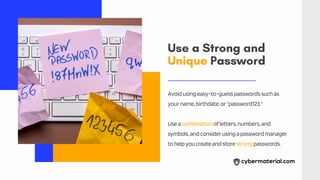
Avoidusingeasy-to-guesspasswordssuchas
yourname,birthdate,or"password123."
Useacombinationofletters,numbers,and
symbols,andconsiderusingapasswordmanager
tohelpyoucreateandstorestrongpasswords.
Enable Two-Factor
Authentication
Two-factorauthenticationaddsanextralayerof
securitytoyouremailaccountbyrequiringa
verificationcodeinadditiontoyourpassword.
Thiscanpreventunauthorizedaccessevenif
someonehasyourpassword.
Beware of Phishing Emails
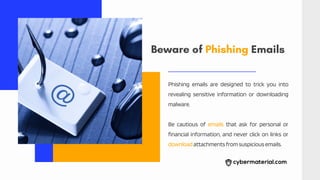
Phishing emails are designed to trick you into
revealing sensitive information or downloading
malware.
Be cautious of emails that ask for personal or
financial information, and never click on links or
downloadattachmentsfromsuspiciousemails.
Use
Encryption
When sending sensitive information via
email, use encryption to protect it from
unauthorizedaccess.
Many email providers offer encryption
options, or you can use third-party
encryptiontools.
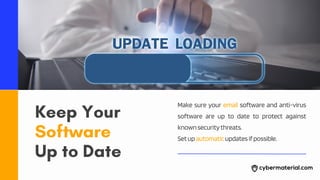
Keep Your
Software
Up to Date
Make sure your email software and anti-virus
software are up to date to protect against
knownsecuritythreats.
Setupautomaticupdatesifpossible.
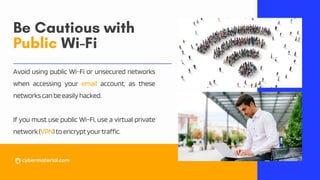
Be Cautious with
Public Wi-Fi
Avoid using public Wi-Fi or unsecured networks
when accessing your email account, as these
networkscanbeeasilyhacked.
If you must use public Wi-Fi, use a virtual private
network(VPN)toencryptyourtraffic.
Delete Unnecessary Emails
Regularlydeleteemailscontainingpersonalorsensitiveinformationthatyounolongerneed.
Thiscanhelppreventyourinformationfrombeingaccessedbyunauthorizedusers.
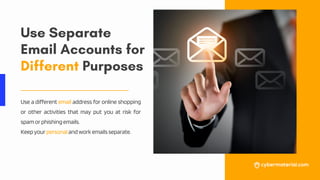
Use Separate
Email Accounts for
Different Purposes
Use a different email address for online shopping
or other activities that may put you at risk for
spamorphishingemails.
Keepyourpersonalandworkemailsseparate.
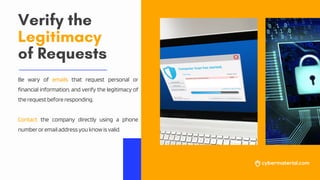
Verify the
Legitimacy
of Requests
Be wary of emails that request personal or
financial information, and verify the legitimacy of
therequestbeforeresponding.
Contact the company directly using a phone
numberoremailaddressyouknowisvalid.
For more, visit
@Cybermaterial @Cybermaterial_

9 Email Security Tips