StringString
By
Nilesh Dalvi
Lecturer, Patkar-Varde College.Lecturer, Patkar-Varde College.
http://www.slideshare.net/nileshdalvi01
Java and Data StructuresJava and Data Structures
Introduction
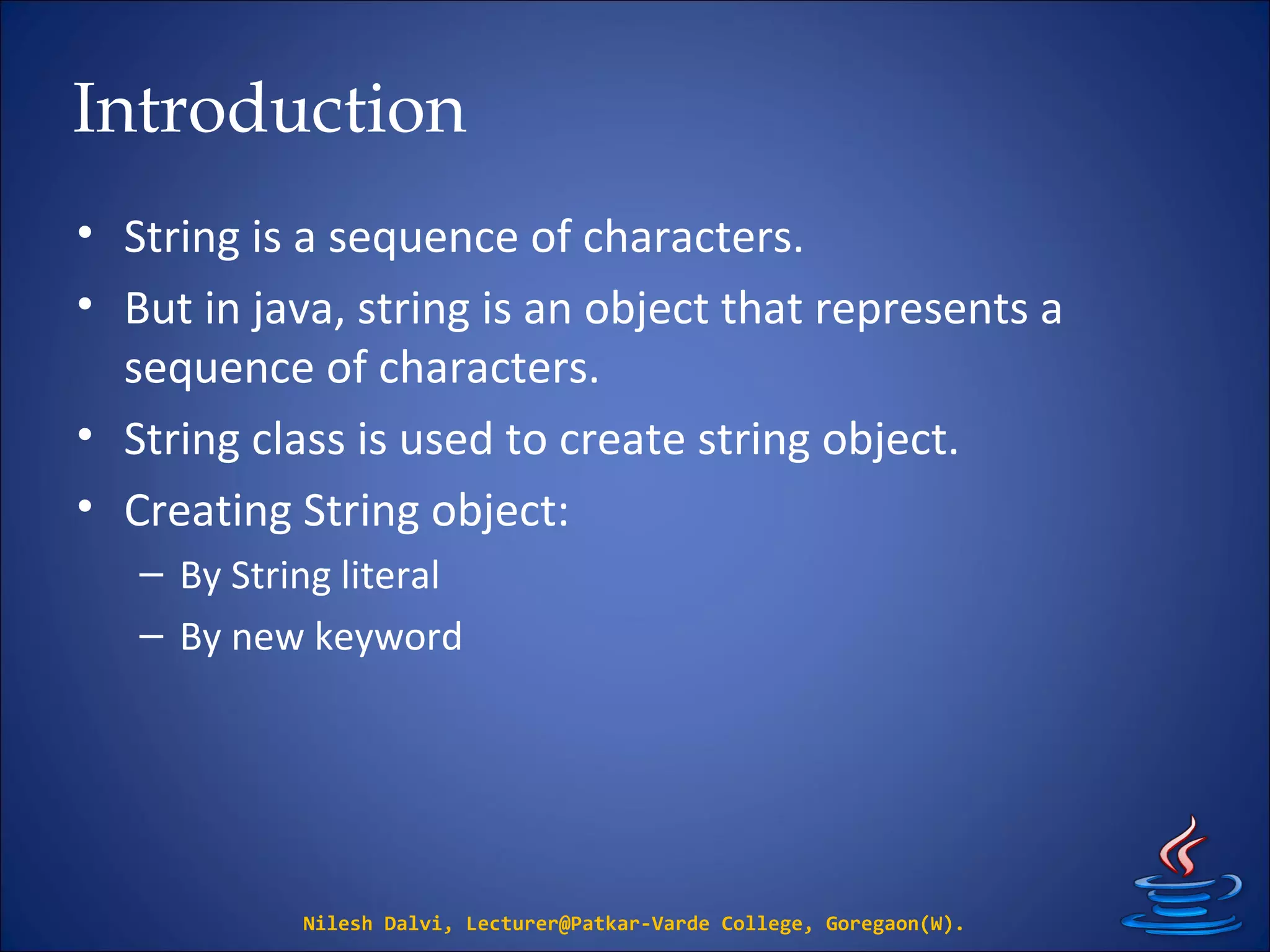
• String is a sequence of characters.
• But in java, string is an object that represents a
sequence of characters.
• String class is used to create string object.
• Creating String object:
– By String literal
– By new keyword
Nilesh Dalvi, Lecturer@Patkar-Varde College, Goregaon(W).
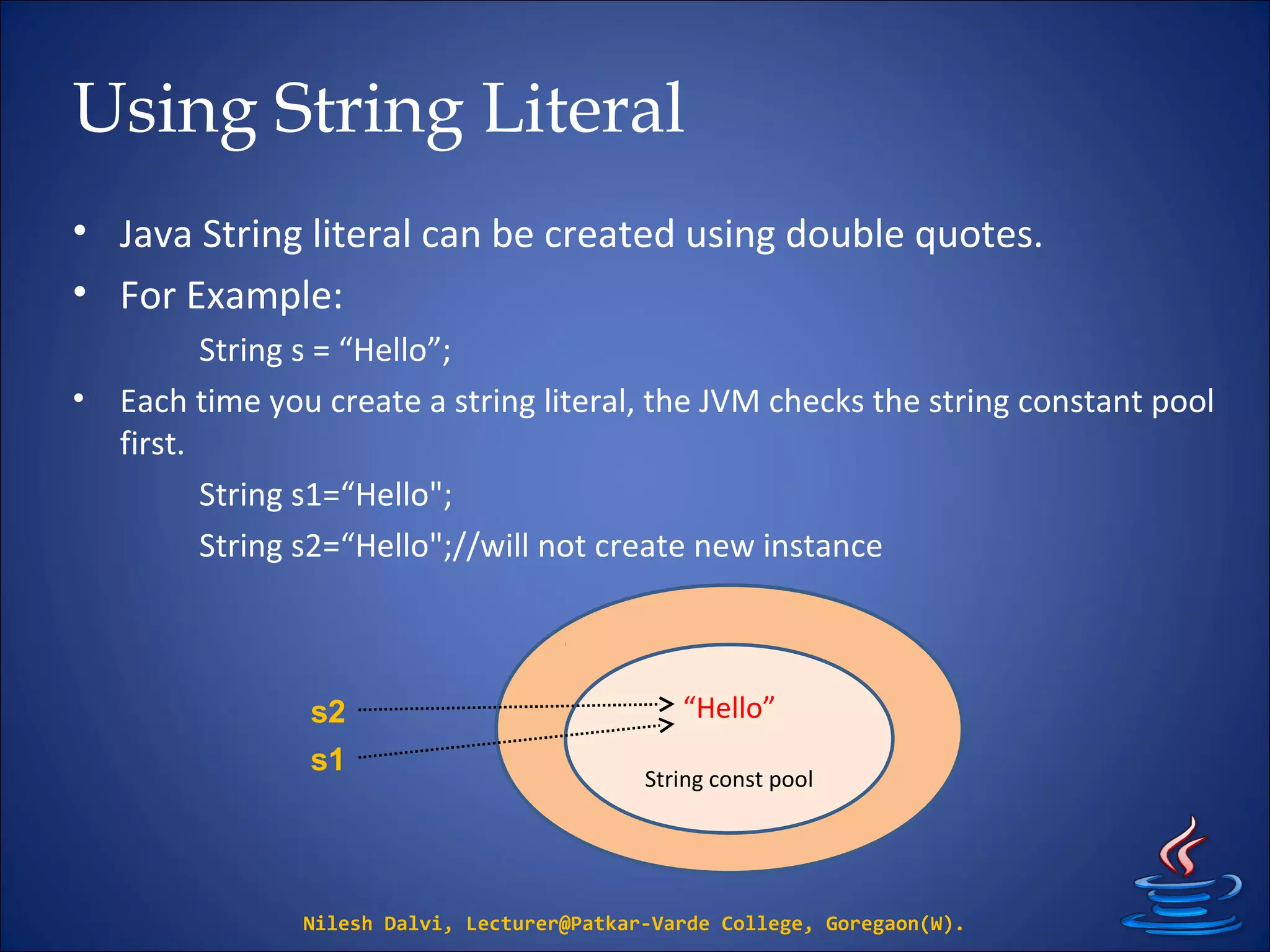
Using String Literal
• Java String literal can be created using double quotes.
• For Example:
String s = “Hello”;
• Each time you create a string literal, the JVM checks the string constant pool
first.
String s1=“Hello";
String s2=“Hello";//will not create new instance
Nilesh Dalvi, Lecturer@Patkar-Varde College, Goregaon(W).
“Hello”
String const pool
s2
s1
Using new keyword
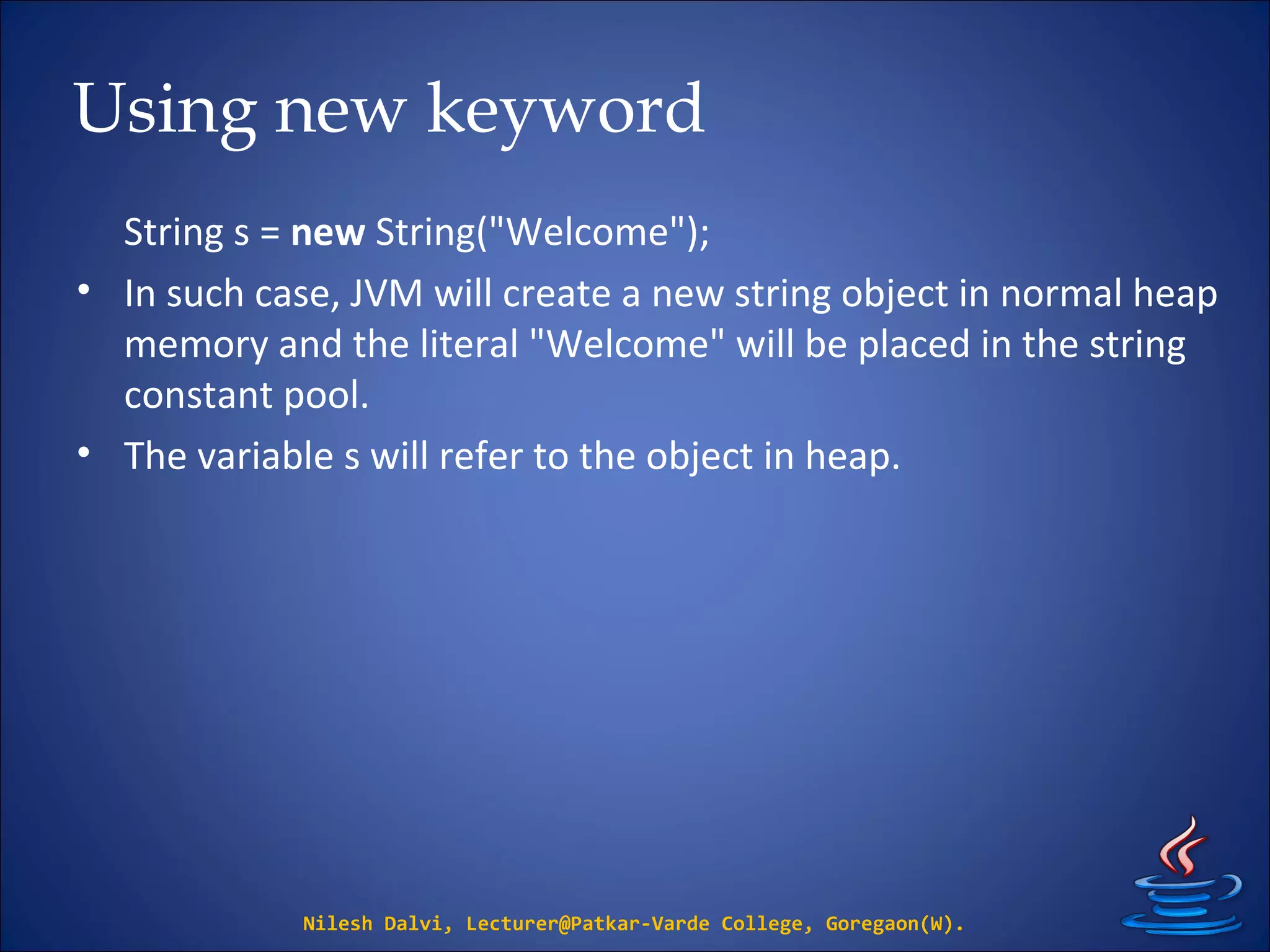
String s = new String("Welcome");
• In such case, JVM will create a new string object in normal heap
memory and the literal "Welcome" will be placed in the string
constant pool.
• The variable s will refer to the object in heap.
Nilesh Dalvi, Lecturer@Patkar-Varde College, Goregaon(W).
String methods
Nilesh Dalvi, Lecturer@Patkar-Varde College, Goregaon(W).
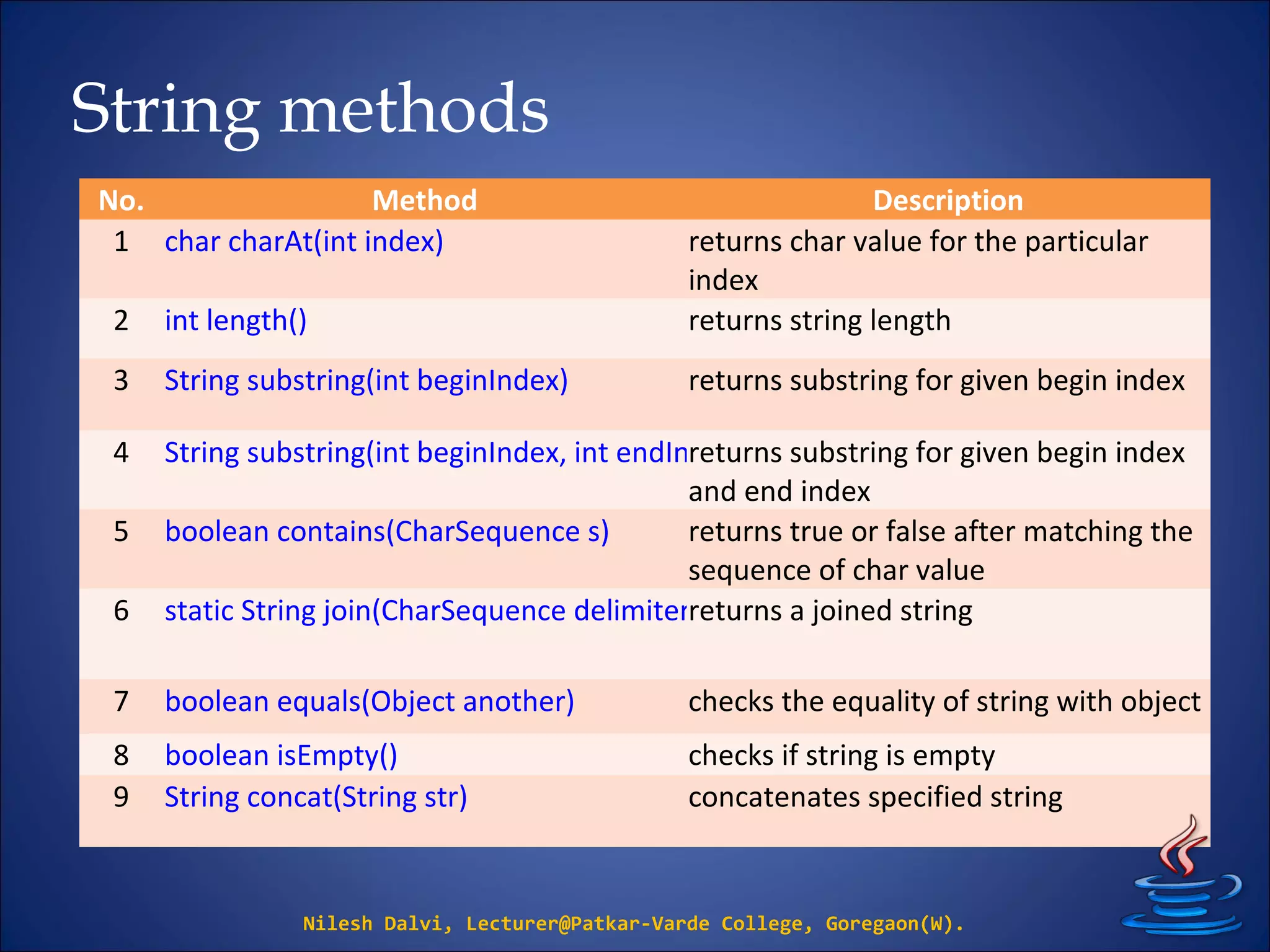
No. Method Description
1 char charAt(int index) returns char value for the particular
index
2 int length() returns string length
3 String substring(int beginIndex) returns substring for given begin index
4 String substring(int beginIndex, int endIndex)returns substring for given begin index
and end index
5 boolean contains(CharSequence s) returns true or false after matching the
sequence of char value
6 static String join(CharSequence delimiter, CharSequence... elements)returns a joined string
7 boolean equals(Object another) checks the equality of string with object
8 boolean isEmpty() checks if string is empty
9 String concat(String str) concatenates specified string
String methods
Nilesh Dalvi, Lecturer@Patkar-Varde College, Goregaon(W).
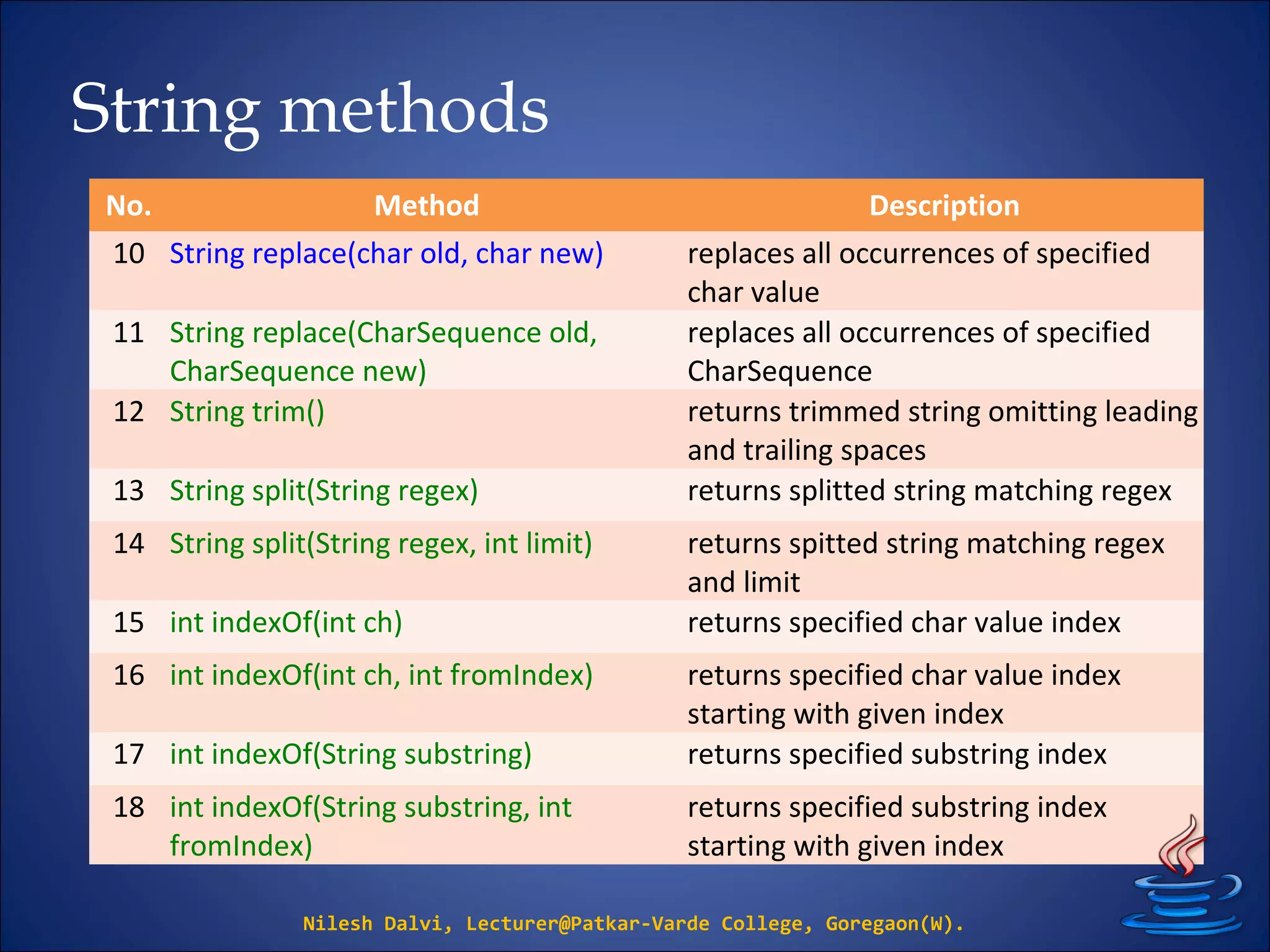
No. Method Description
10 String replace(char old, char new) replaces all occurrences of specified
char value
11 String replace(CharSequence old,
CharSequence new)
replaces all occurrences of specified
CharSequence
12 String trim() returns trimmed string omitting leading
and trailing spaces
13 String split(String regex) returns splitted string matching regex
14 String split(String regex, int limit) returns spitted string matching regex
and limit
15 int indexOf(int ch) returns specified char value index
16 int indexOf(int ch, int fromIndex) returns specified char value index
starting with given index
17 int indexOf(String substring) returns specified substring index
18 int indexOf(String substring, int
fromIndex)
returns specified substring index
starting with given index
Immutable String
• String objects are immutable.
• Immutable simply means unmodifiable or
unchangeable.
• Once string object is created its data or state can't be
changed but a new string object is created.
Nilesh Dalvi, Lecturer@Patkar-Varde College, Goregaon(W).
Immutable String
Nilesh Dalvi, Lecturer@Patkar-Varde College, Goregaon(W).
class ImmutableString
{
public static void main(String args[])
{
String s = “Patkar";
s.concat(" College”);
System.out.println(s);
}
}
“Patkar”
“Patkar College”
String const pool
s
Immutable String
But, if we explicitly assign it to the reference variable, it
will refer to “Patkar College" object
Nilesh Dalvi, Lecturer@Patkar-Varde College, Goregaon(W).
class ImmutableString
{
public static void main(String args[])
{
String s = “Patkar";
s = s.concat(" College”);
System.out.println(s);
}
}
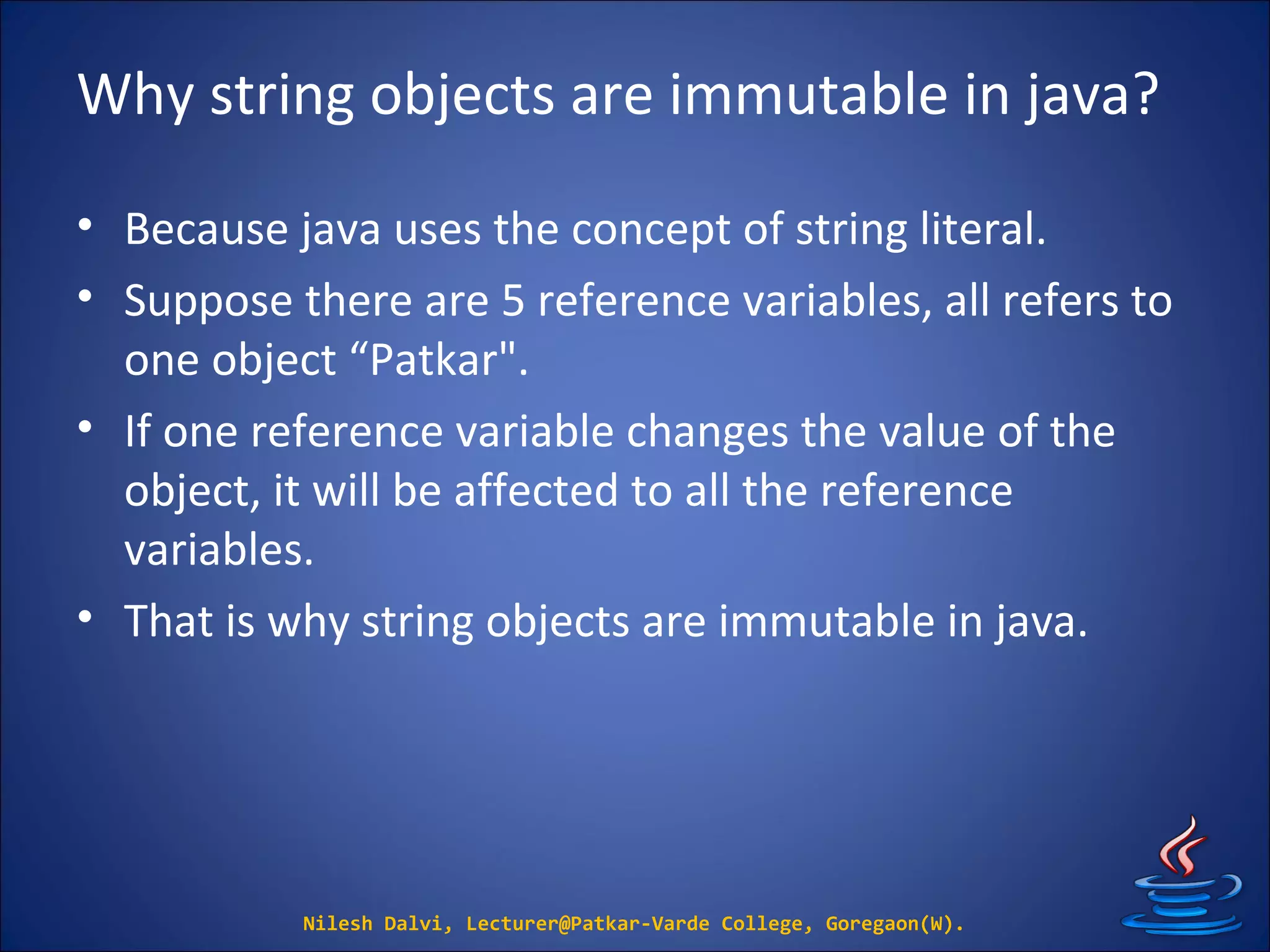
Why string objects are immutable in java?
• Because java uses the concept of string literal.
• Suppose there are 5 reference variables, all refers to
one object “Patkar".
• If one reference variable changes the value of the
object, it will be affected to all the reference
variables.
• That is why string objects are immutable in java.
Nilesh Dalvi, Lecturer@Patkar-Varde College, Goregaon(W).
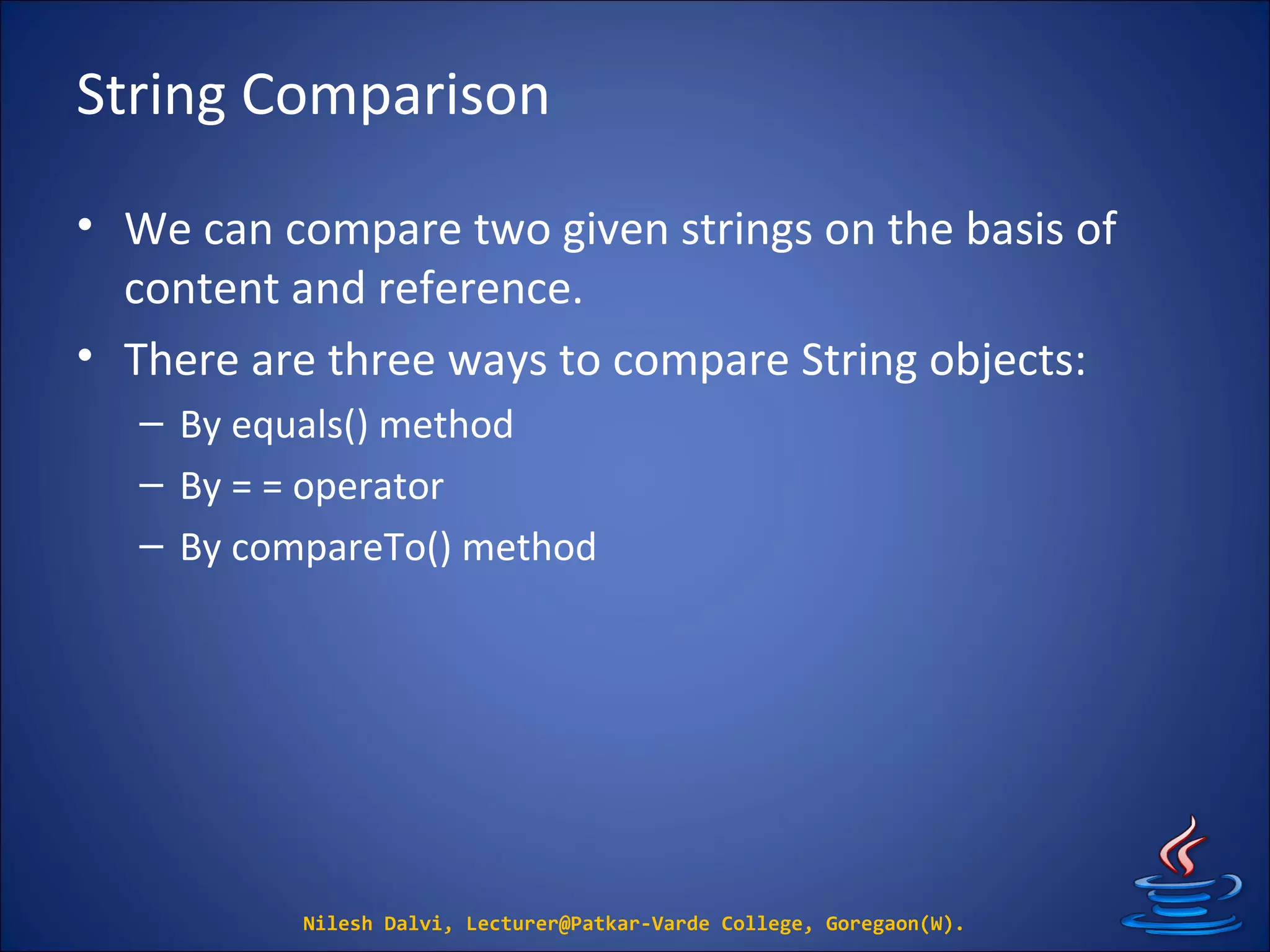
String Comparison
• We can compare two given strings on the basis of
content and reference.
• There are three ways to compare String objects:
– By equals() method
– By = = operator
– By compareTo() method
Nilesh Dalvi, Lecturer@Patkar-Varde College, Goregaon(W).
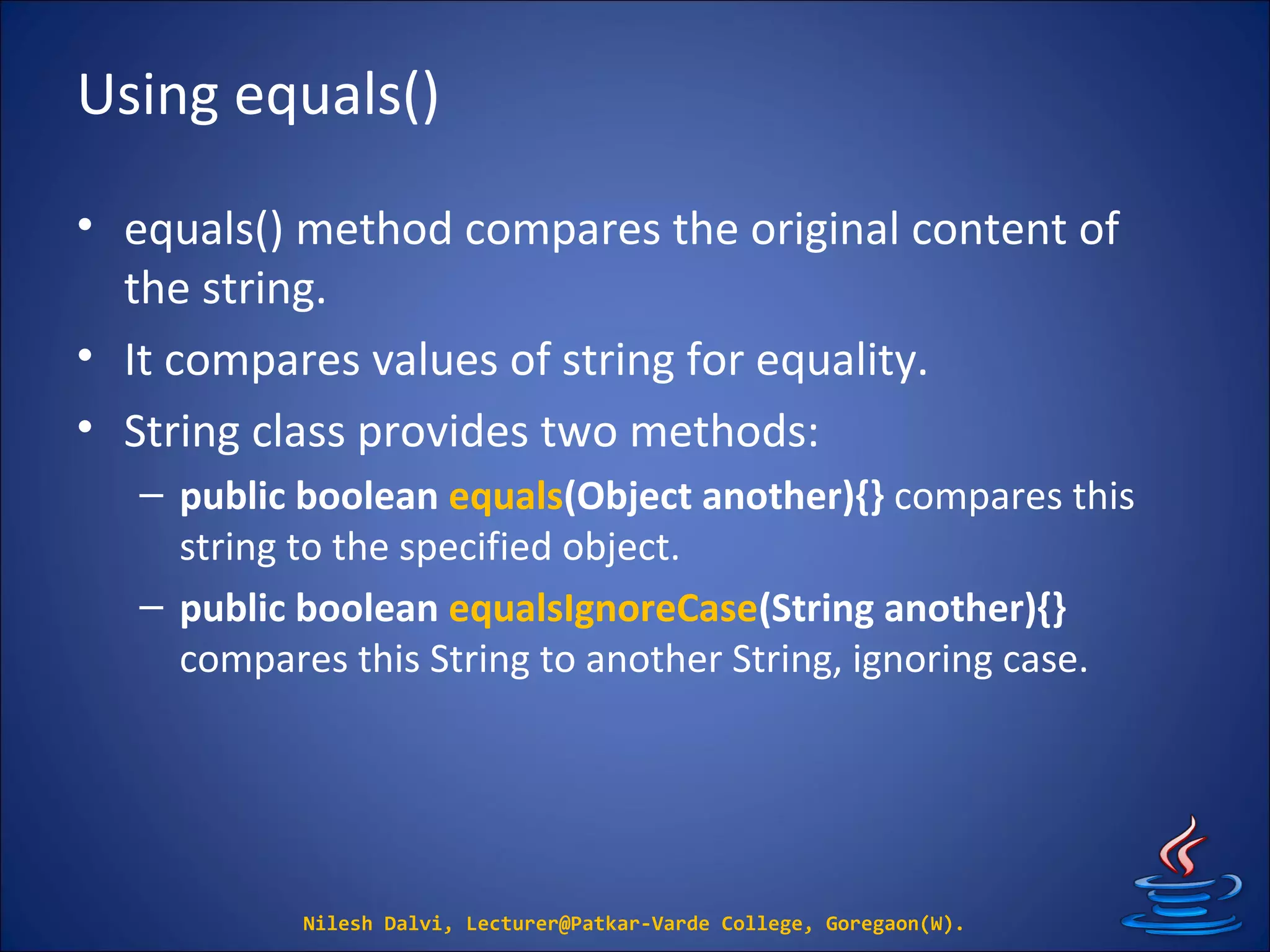
Using equals()
• equals() method compares the original content of
the string.
• It compares values of string for equality.
• String class provides two methods:
– public boolean equals(Object another){} compares this
string to the specified object.
– public boolean equalsIgnoreCase(String another){}
compares this String to another String, ignoring case.
Nilesh Dalvi, Lecturer@Patkar-Varde College, Goregaon(W).
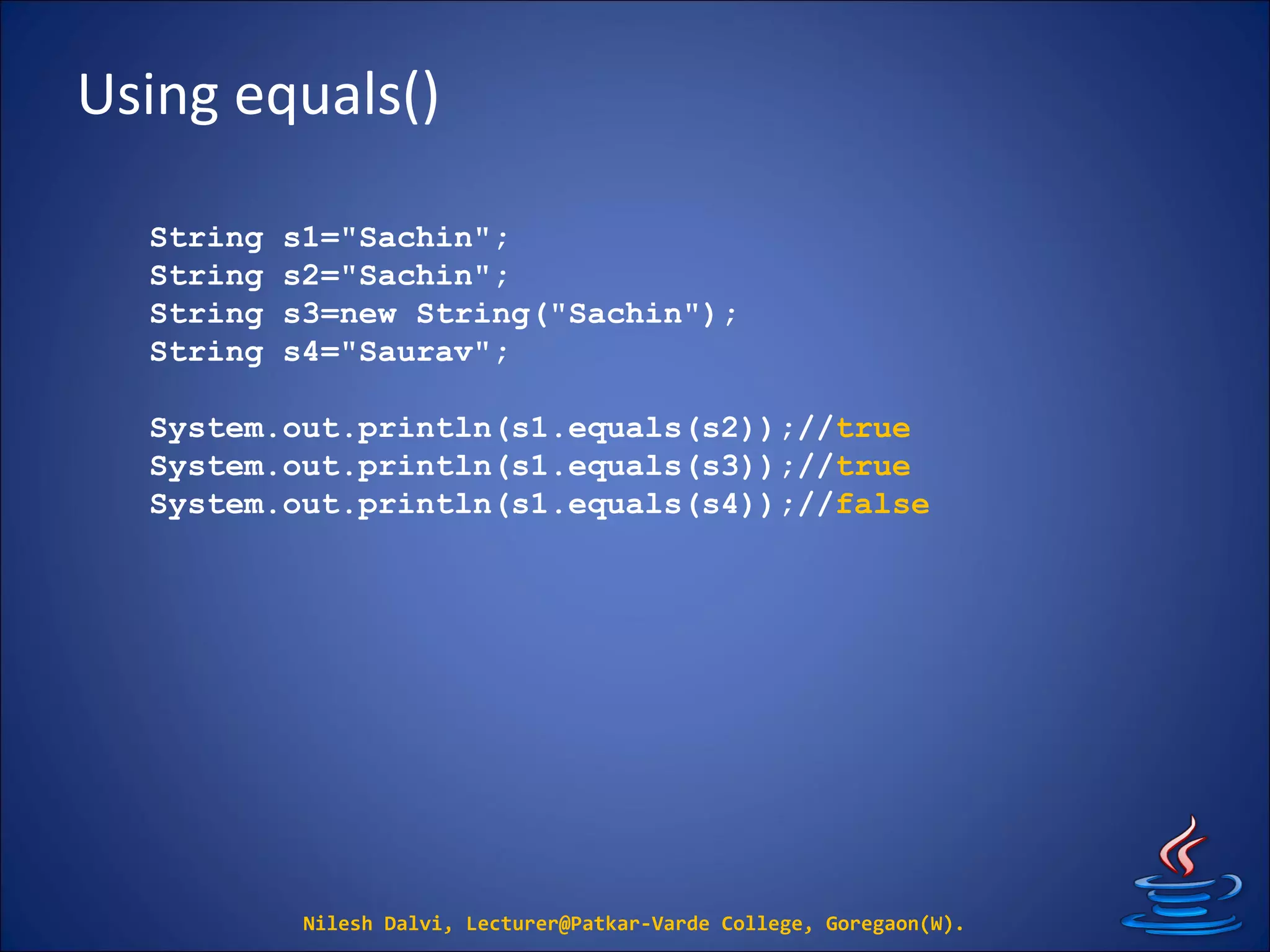
Using equals()
Nilesh Dalvi, Lecturer@Patkar-Varde College, Goregaon(W).
String s1="Sachin";
String s2="Sachin";
String s3=new String("Sachin");
String s4="Saurav";
System.out.println(s1.equals(s2));//true
System.out.println(s1.equals(s3));//true
System.out.println(s1.equals(s4));//false
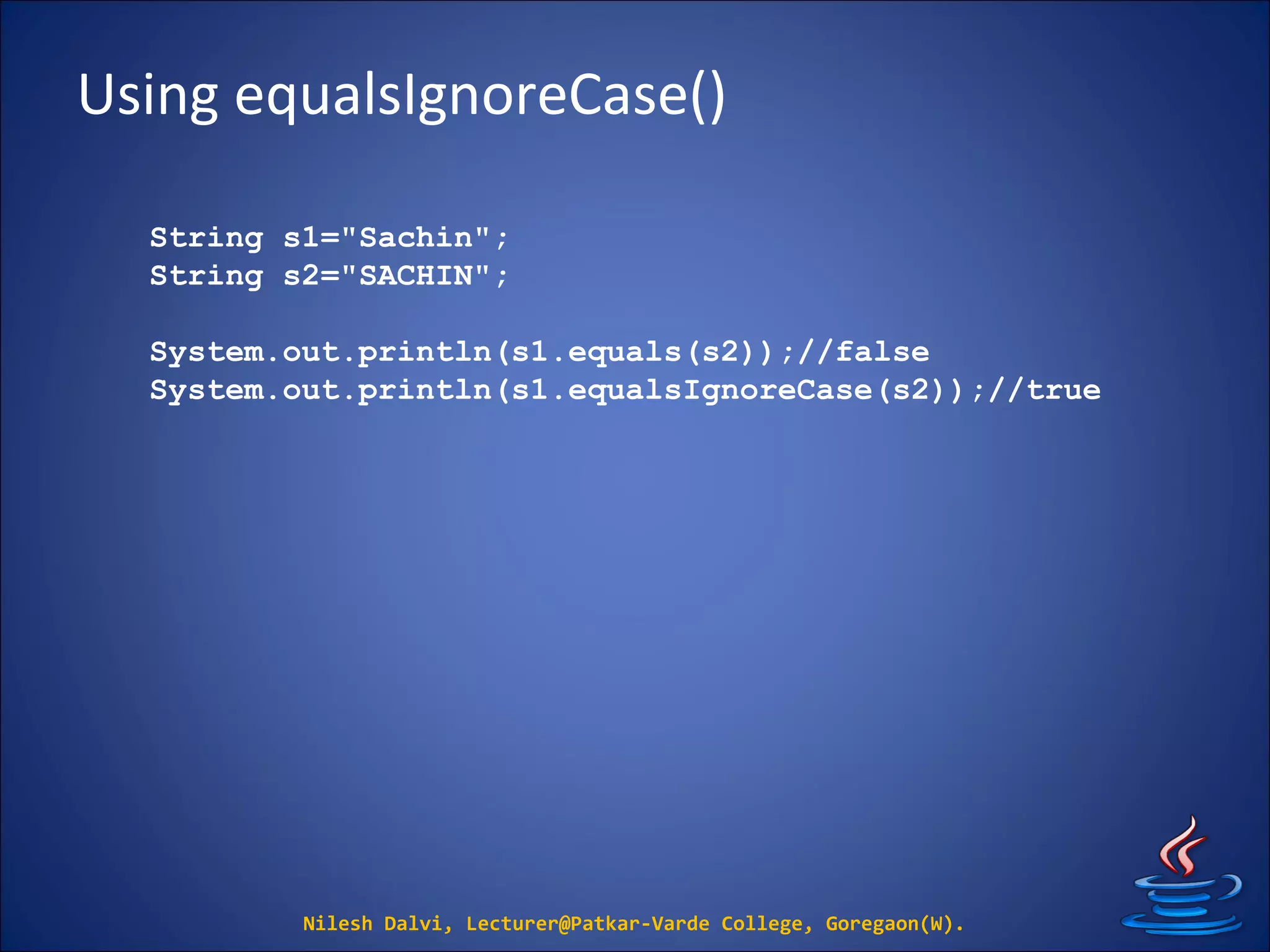
Using equalsIgnoreCase()
Nilesh Dalvi, Lecturer@Patkar-Varde College, Goregaon(W).
String s1="Sachin";
String s2="SACHIN";
System.out.println(s1.equals(s2));//false
System.out.println(s1.equalsIgnoreCase(s2));//true
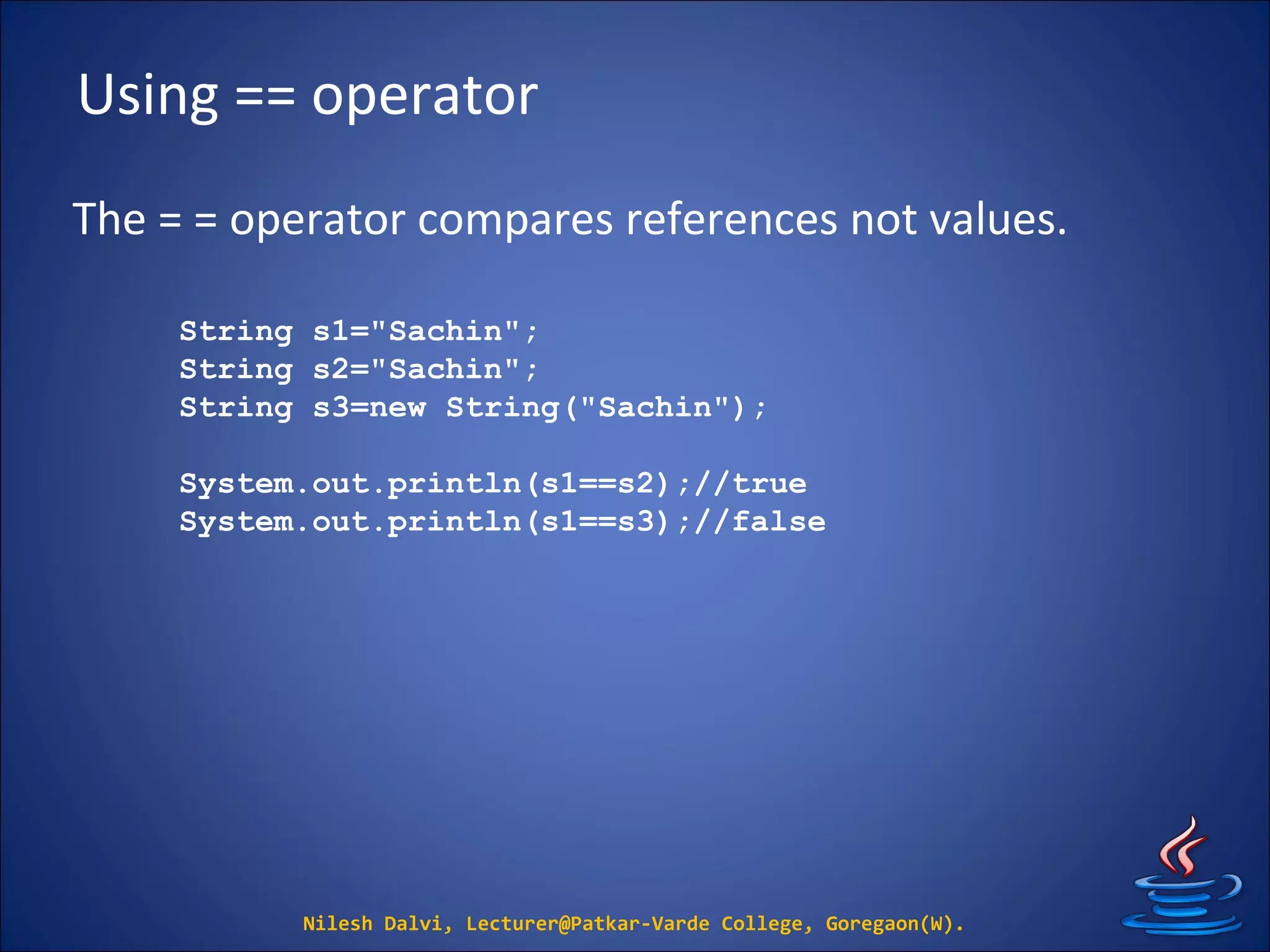
Using == operator
The = = operator compares references not values.
Nilesh Dalvi, Lecturer@Patkar-Varde College, Goregaon(W).
String s1="Sachin";
String s2="Sachin";
String s3=new String("Sachin");
System.out.println(s1==s2);//true
System.out.println(s1==s3);//false
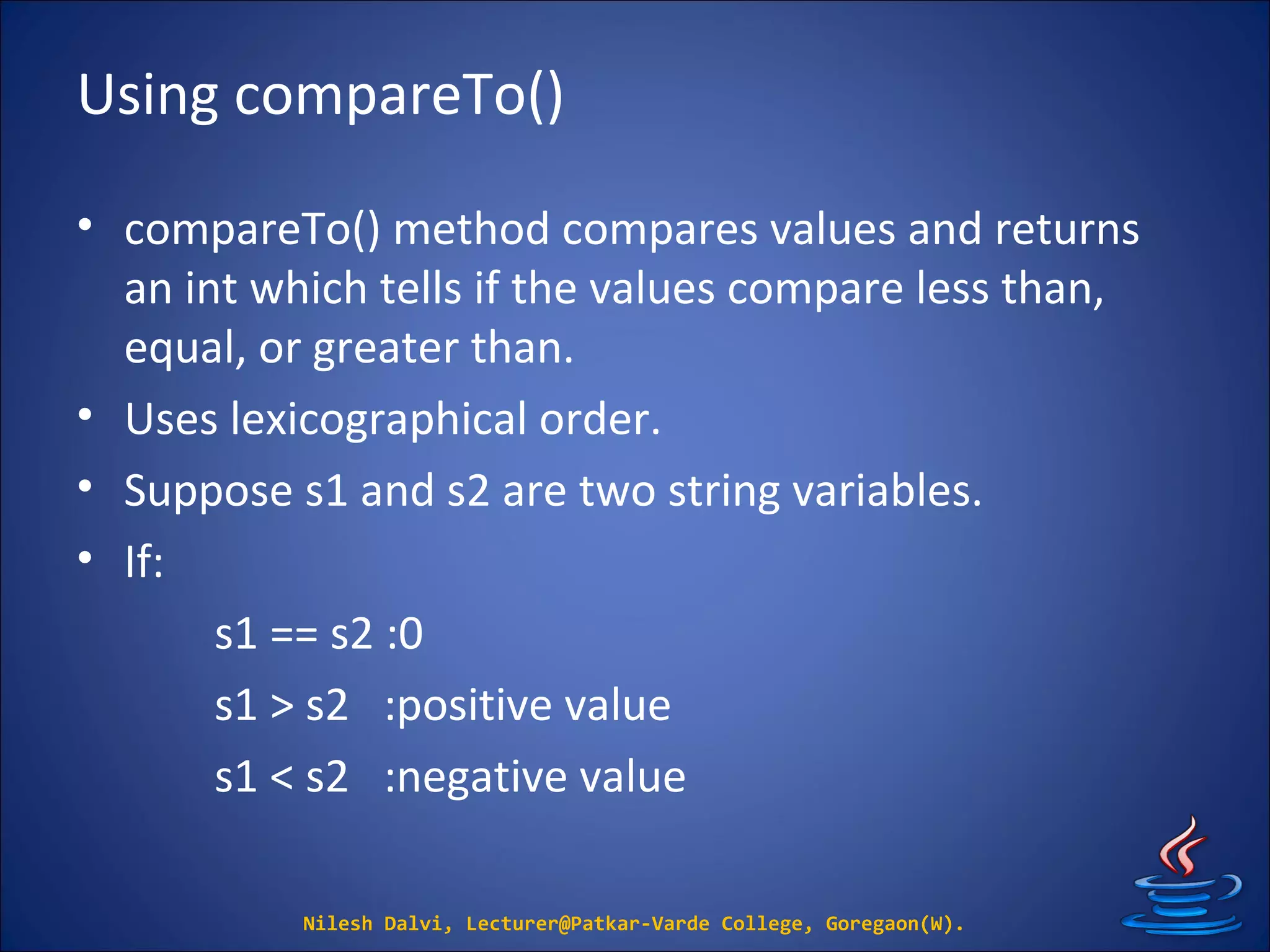
Using compareTo()
• compareTo() method compares values and returns
an int which tells if the values compare less than,
equal, or greater than.
• Uses lexicographical order.
• Suppose s1 and s2 are two string variables.
• If:
s1 == s2 :0
s1 > s2 :positive value
s1 < s2 :negative value
Nilesh Dalvi, Lecturer@Patkar-Varde College, Goregaon(W).
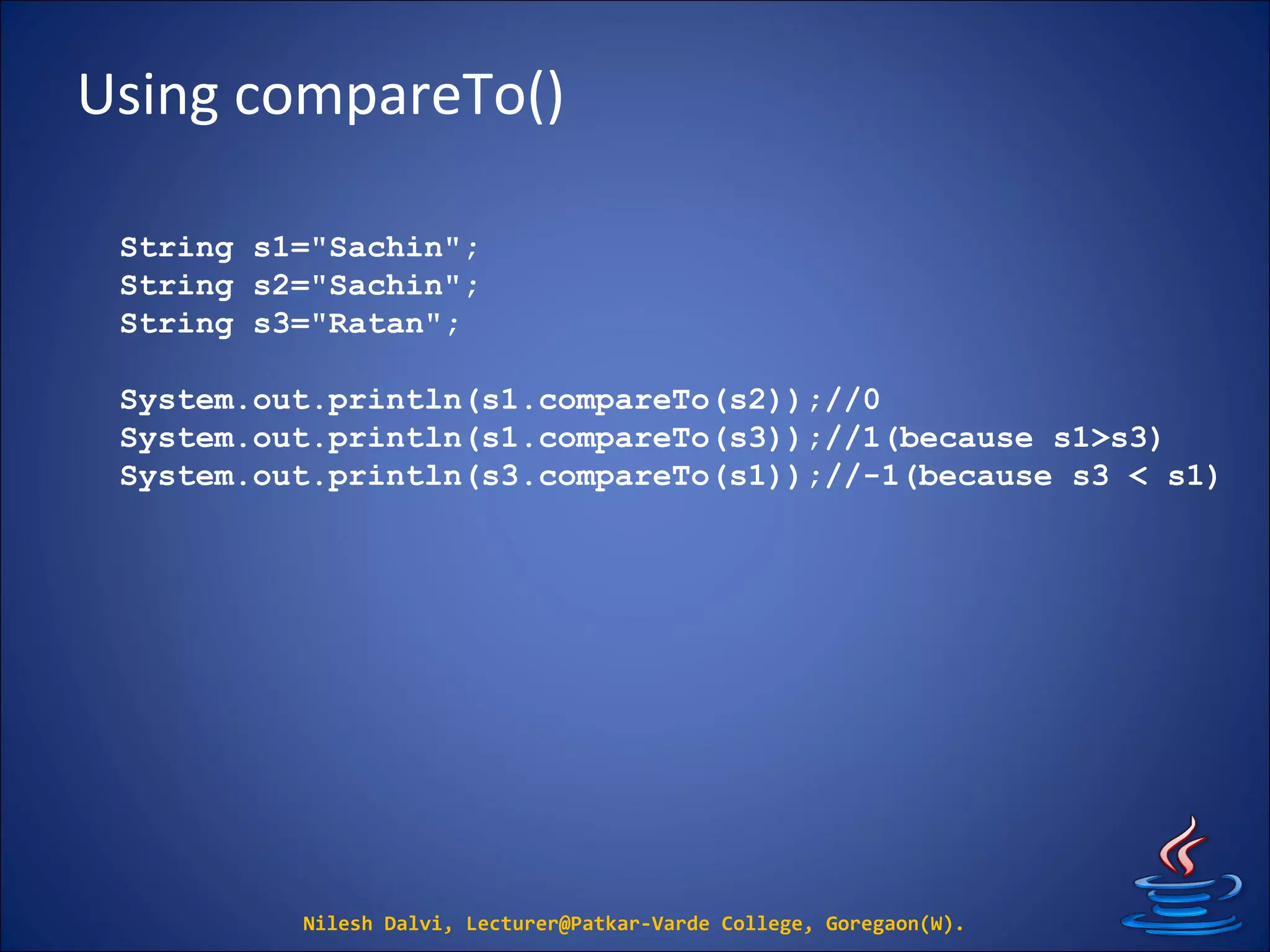
Using compareTo()
Nilesh Dalvi, Lecturer@Patkar-Varde College, Goregaon(W).
String s1="Sachin";
String s2="Sachin";
String s3="Ratan";
System.out.println(s1.compareTo(s2));//0
System.out.println(s1.compareTo(s3));//1(because s1>s3)
System.out.println(s3.compareTo(s1));//-1(because s3 < s1)
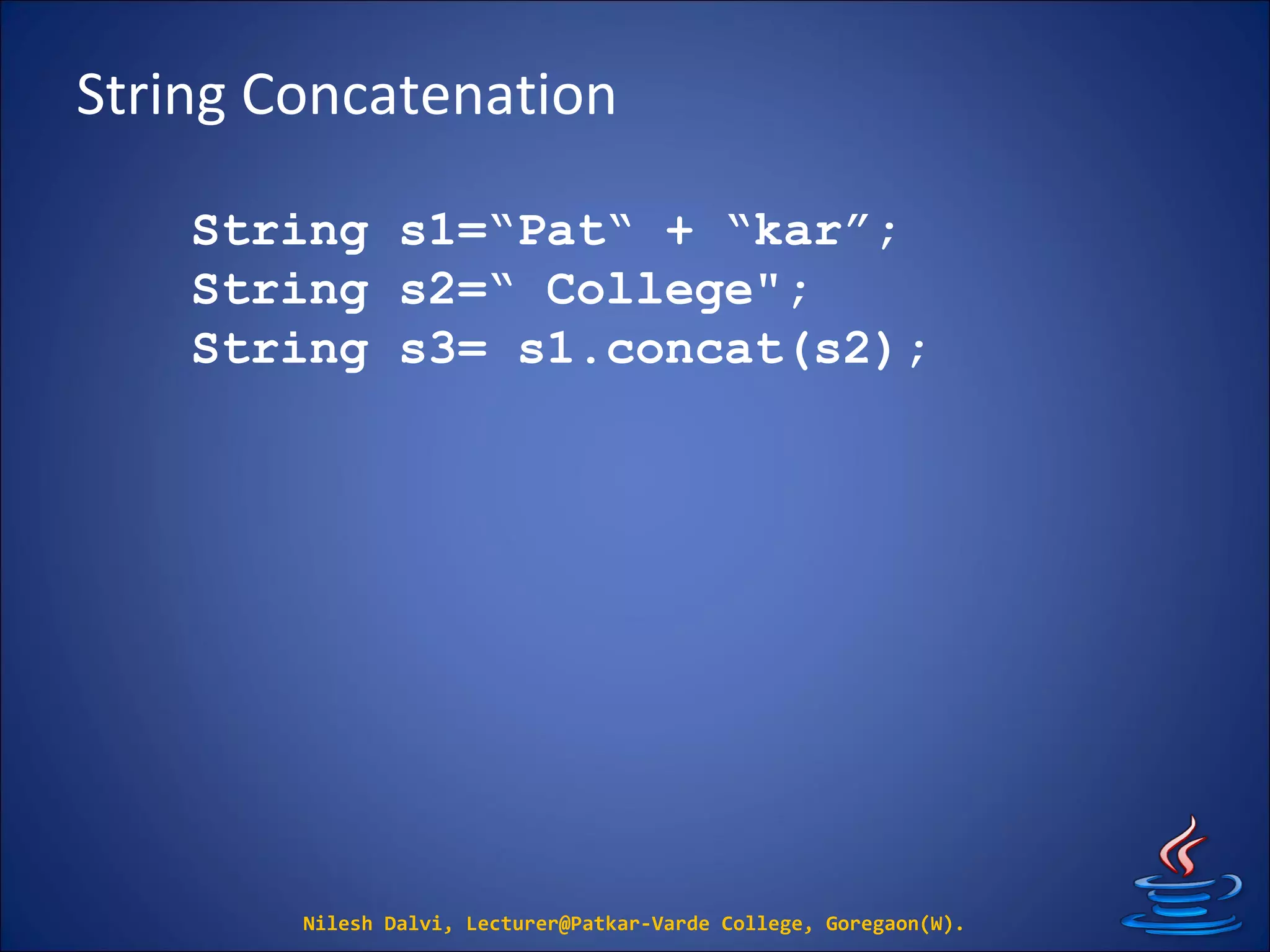
String Concatenation
Nilesh Dalvi, Lecturer@Patkar-Varde College, Goregaon(W).
String s1=“Pat“ + “kar”;
String s2=“ College";
String s3= s1.concat(s2);
String Spilt
Nilesh Dalvi, Lecturer@Patkar-Varde College, Goregaon(W).
String str = "abc:pqr:xyz:mno";
String[] splits = str.split(":");
System.out.println("splits.size: " +
splits.length);
for(String n: splits)
{
System.out.println(n);
}
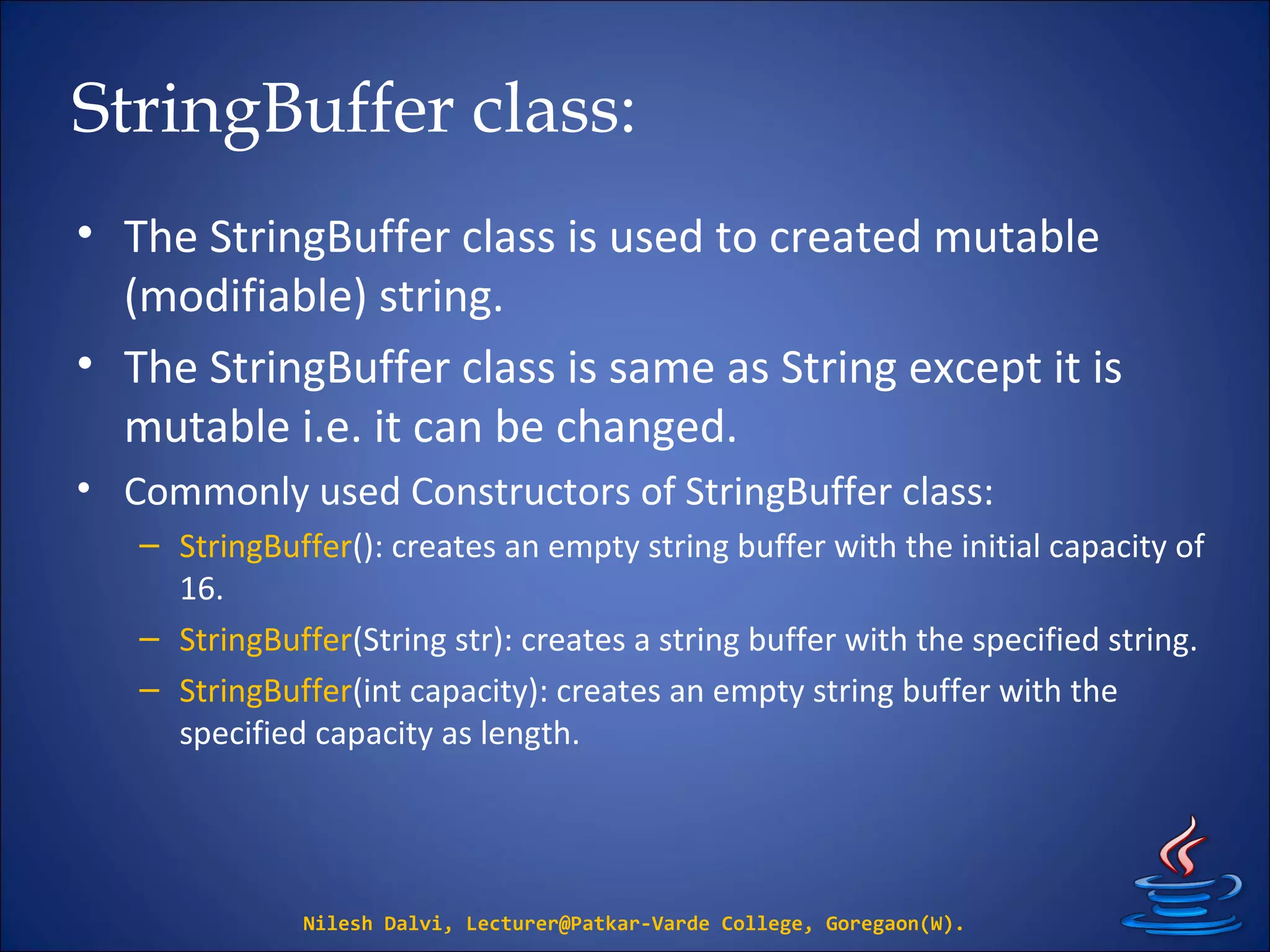
StringBuffer class:
• The StringBuffer class is used to created mutable
(modifiable) string.
• The StringBuffer class is same as String except it is
mutable i.e. it can be changed.
• Commonly used Constructors of StringBuffer class:
– StringBuffer(): creates an empty string buffer with the initial capacity of
16.
– StringBuffer(String str): creates a string buffer with the specified string.
– StringBuffer(int capacity): creates an empty string buffer with the
specified capacity as length.
Nilesh Dalvi, Lecturer@Patkar-Varde College, Goregaon(W).
StringBuffer class Methods:
• append(String s)
• insert(int offset, String s)
• replace(int startIndex, int endIndex, String str)
• delete(int startIndex, int endIndex)
• reverse()
• capacity()
• charAt(int index)
• length()
• substring(int beginIndex)
• substring(int beginIndex, int endIndex)
Nilesh Dalvi, Lecturer@Patkar-Varde College, Goregaon(W).
append()
Nilesh Dalvi, Lecturer@Patkar-Varde College, Goregaon(W).
class A
{
public static void main(String args[])
{
StringBuffer sb = new StringBuffer("Hello ");
sb.append("Java");//now original string is
changed
System.out.println(sb);//prints Hello Java
}
}
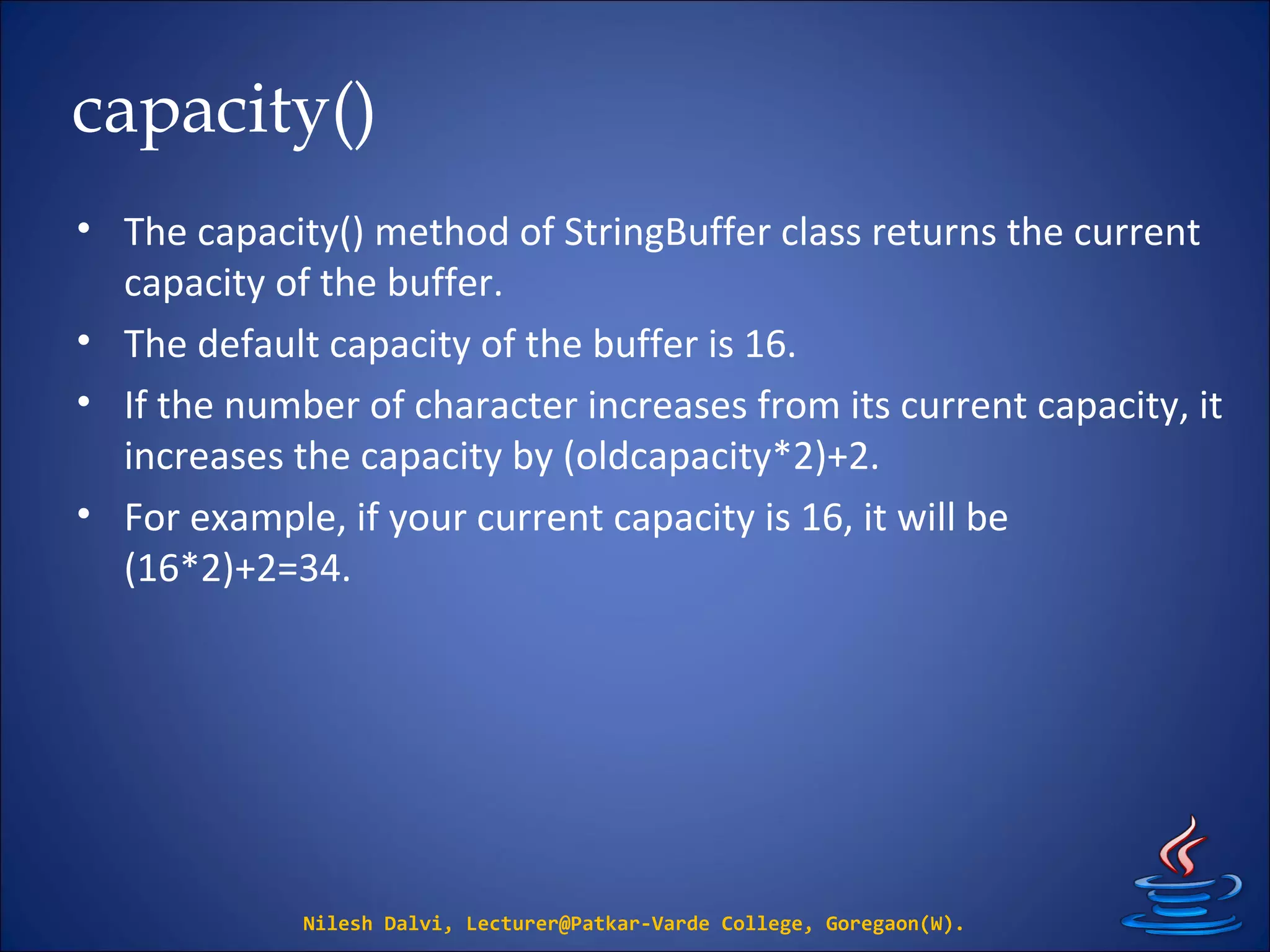
capacity()
• The capacity() method of StringBuffer class returns the current
capacity of the buffer.
• The default capacity of the buffer is 16.
• If the number of character increases from its current capacity, it
increases the capacity by (oldcapacity*2)+2.
• For example, if your current capacity is 16, it will be
(16*2)+2=34.
Nilesh Dalvi, Lecturer@Patkar-Varde College, Goregaon(W).
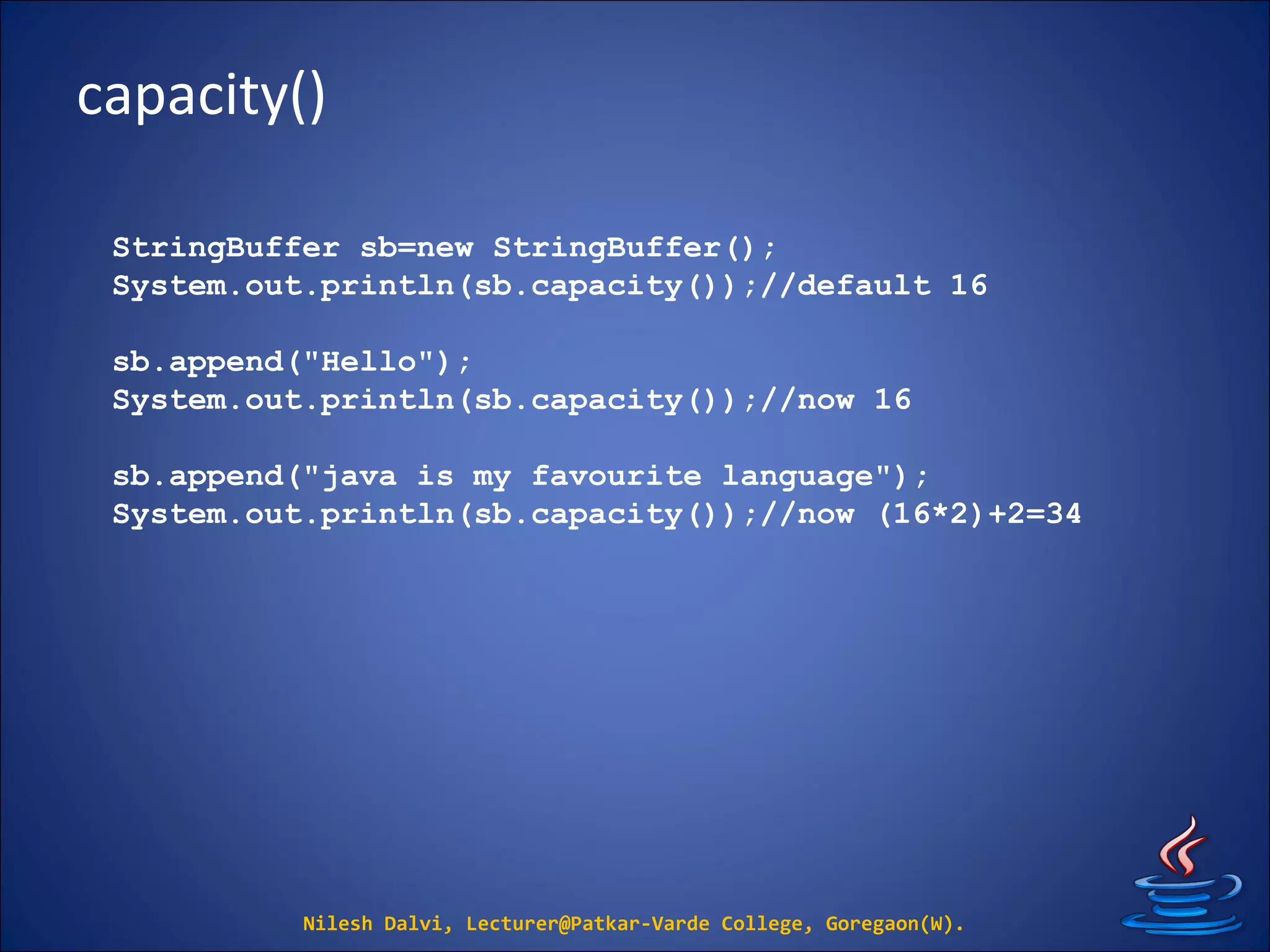
capacity()
Nilesh Dalvi, Lecturer@Patkar-Varde College, Goregaon(W).
StringBuffer sb=new StringBuffer();
System.out.println(sb.capacity());//default 16
sb.append("Hello");
System.out.println(sb.capacity());//now 16
sb.append("java is my favourite language");
System.out.println(sb.capacity());//now (16*2)+2=34
toString()
Nilesh Dalvi, Lecturer@Patkar-Varde College, Goregaon(W).
class Student
{
String name;
Student(String name)
{
this.name=name;
}
public String toString()//overriding toString() method
{
return name;
}
public static void main(String args[])
{
Student s1 = new Student("Ram");
System.out.println(s1);
//compiler writes here s1.toString()
}
}
StringTokenizer class:
• The java.util.StringTokenizer class allows you to break
a string into tokens.
• It is simple way to break string.
Nilesh Dalvi, Lecturer@Patkar-Varde College, Goregaon(W).
StringTokenizer class:
Nilesh Dalvi, Lecturer@Patkar-Varde College, Goregaon(W).
import java.util.StringTokenizer;
public class Simple
{
public static void main(String args[])
{
StringTokenizer st = new StringTokenizer
(“111 222 hhh lll"," ");
while (st.hasMoreTokens())
{
System.out.println(st.nextToken());
}
}
}
Q & A

8. String

  • 1.
    StringString By Nilesh Dalvi Lecturer, Patkar-VardeCollege.Lecturer, Patkar-Varde College. http://www.slideshare.net/nileshdalvi01 Java and Data StructuresJava and Data Structures
  • 2.
    Introduction • String isa sequence of characters. • But in java, string is an object that represents a sequence of characters. • String class is used to create string object. • Creating String object: – By String literal – By new keyword Nilesh Dalvi, Lecturer@Patkar-Varde College, Goregaon(W).
  • 3.
    Using String Literal •Java String literal can be created using double quotes. • For Example: String s = “Hello”; • Each time you create a string literal, the JVM checks the string constant pool first. String s1=“Hello"; String s2=“Hello";//will not create new instance Nilesh Dalvi, Lecturer@Patkar-Varde College, Goregaon(W). “Hello” String const pool s2 s1
  • 4.
    Using new keyword Strings = new String("Welcome"); • In such case, JVM will create a new string object in normal heap memory and the literal "Welcome" will be placed in the string constant pool. • The variable s will refer to the object in heap. Nilesh Dalvi, Lecturer@Patkar-Varde College, Goregaon(W).
  • 5.
    String methods Nilesh Dalvi,Lecturer@Patkar-Varde College, Goregaon(W). No. Method Description 1 char charAt(int index) returns char value for the particular index 2 int length() returns string length 3 String substring(int beginIndex) returns substring for given begin index 4 String substring(int beginIndex, int endIndex)returns substring for given begin index and end index 5 boolean contains(CharSequence s) returns true or false after matching the sequence of char value 6 static String join(CharSequence delimiter, CharSequence... elements)returns a joined string 7 boolean equals(Object another) checks the equality of string with object 8 boolean isEmpty() checks if string is empty 9 String concat(String str) concatenates specified string
  • 6.
    String methods Nilesh Dalvi,Lecturer@Patkar-Varde College, Goregaon(W). No. Method Description 10 String replace(char old, char new) replaces all occurrences of specified char value 11 String replace(CharSequence old, CharSequence new) replaces all occurrences of specified CharSequence 12 String trim() returns trimmed string omitting leading and trailing spaces 13 String split(String regex) returns splitted string matching regex 14 String split(String regex, int limit) returns spitted string matching regex and limit 15 int indexOf(int ch) returns specified char value index 16 int indexOf(int ch, int fromIndex) returns specified char value index starting with given index 17 int indexOf(String substring) returns specified substring index 18 int indexOf(String substring, int fromIndex) returns specified substring index starting with given index
  • 7.
    Immutable String • Stringobjects are immutable. • Immutable simply means unmodifiable or unchangeable. • Once string object is created its data or state can't be changed but a new string object is created. Nilesh Dalvi, Lecturer@Patkar-Varde College, Goregaon(W).
  • 8.
    Immutable String Nilesh Dalvi,Lecturer@Patkar-Varde College, Goregaon(W). class ImmutableString { public static void main(String args[]) { String s = “Patkar"; s.concat(" College”); System.out.println(s); } } “Patkar” “Patkar College” String const pool s
  • 9.
    Immutable String But, ifwe explicitly assign it to the reference variable, it will refer to “Patkar College" object Nilesh Dalvi, Lecturer@Patkar-Varde College, Goregaon(W). class ImmutableString { public static void main(String args[]) { String s = “Patkar"; s = s.concat(" College”); System.out.println(s); } }
  • 10.
    Why string objectsare immutable in java? • Because java uses the concept of string literal. • Suppose there are 5 reference variables, all refers to one object “Patkar". • If one reference variable changes the value of the object, it will be affected to all the reference variables. • That is why string objects are immutable in java. Nilesh Dalvi, Lecturer@Patkar-Varde College, Goregaon(W).
  • 11.
    String Comparison • Wecan compare two given strings on the basis of content and reference. • There are three ways to compare String objects: – By equals() method – By = = operator – By compareTo() method Nilesh Dalvi, Lecturer@Patkar-Varde College, Goregaon(W).
  • 12.
    Using equals() • equals()method compares the original content of the string. • It compares values of string for equality. • String class provides two methods: – public boolean equals(Object another){} compares this string to the specified object. – public boolean equalsIgnoreCase(String another){} compares this String to another String, ignoring case. Nilesh Dalvi, Lecturer@Patkar-Varde College, Goregaon(W).
  • 13.
    Using equals() Nilesh Dalvi,Lecturer@Patkar-Varde College, Goregaon(W). String s1="Sachin"; String s2="Sachin"; String s3=new String("Sachin"); String s4="Saurav"; System.out.println(s1.equals(s2));//true System.out.println(s1.equals(s3));//true System.out.println(s1.equals(s4));//false
  • 14.
    Using equalsIgnoreCase() Nilesh Dalvi,Lecturer@Patkar-Varde College, Goregaon(W). String s1="Sachin"; String s2="SACHIN"; System.out.println(s1.equals(s2));//false System.out.println(s1.equalsIgnoreCase(s2));//true
  • 15.
    Using == operator The= = operator compares references not values. Nilesh Dalvi, Lecturer@Patkar-Varde College, Goregaon(W). String s1="Sachin"; String s2="Sachin"; String s3=new String("Sachin"); System.out.println(s1==s2);//true System.out.println(s1==s3);//false
  • 16.
    Using compareTo() • compareTo()method compares values and returns an int which tells if the values compare less than, equal, or greater than. • Uses lexicographical order. • Suppose s1 and s2 are two string variables. • If: s1 == s2 :0 s1 > s2 :positive value s1 < s2 :negative value Nilesh Dalvi, Lecturer@Patkar-Varde College, Goregaon(W).
  • 17.
    Using compareTo() Nilesh Dalvi,Lecturer@Patkar-Varde College, Goregaon(W). String s1="Sachin"; String s2="Sachin"; String s3="Ratan"; System.out.println(s1.compareTo(s2));//0 System.out.println(s1.compareTo(s3));//1(because s1>s3) System.out.println(s3.compareTo(s1));//-1(because s3 < s1)
  • 18.
    String Concatenation Nilesh Dalvi,Lecturer@Patkar-Varde College, Goregaon(W). String s1=“Pat“ + “kar”; String s2=“ College"; String s3= s1.concat(s2);
  • 19.
    String Spilt Nilesh Dalvi,Lecturer@Patkar-Varde College, Goregaon(W). String str = "abc:pqr:xyz:mno"; String[] splits = str.split(":"); System.out.println("splits.size: " + splits.length); for(String n: splits) { System.out.println(n); }
  • 20.
    StringBuffer class: • TheStringBuffer class is used to created mutable (modifiable) string. • The StringBuffer class is same as String except it is mutable i.e. it can be changed. • Commonly used Constructors of StringBuffer class: – StringBuffer(): creates an empty string buffer with the initial capacity of 16. – StringBuffer(String str): creates a string buffer with the specified string. – StringBuffer(int capacity): creates an empty string buffer with the specified capacity as length. Nilesh Dalvi, Lecturer@Patkar-Varde College, Goregaon(W).
  • 21.
    StringBuffer class Methods: •append(String s) • insert(int offset, String s) • replace(int startIndex, int endIndex, String str) • delete(int startIndex, int endIndex) • reverse() • capacity() • charAt(int index) • length() • substring(int beginIndex) • substring(int beginIndex, int endIndex) Nilesh Dalvi, Lecturer@Patkar-Varde College, Goregaon(W).
  • 22.
    append() Nilesh Dalvi, Lecturer@Patkar-VardeCollege, Goregaon(W). class A { public static void main(String args[]) { StringBuffer sb = new StringBuffer("Hello "); sb.append("Java");//now original string is changed System.out.println(sb);//prints Hello Java } }
  • 23.
    capacity() • The capacity()method of StringBuffer class returns the current capacity of the buffer. • The default capacity of the buffer is 16. • If the number of character increases from its current capacity, it increases the capacity by (oldcapacity*2)+2. • For example, if your current capacity is 16, it will be (16*2)+2=34. Nilesh Dalvi, Lecturer@Patkar-Varde College, Goregaon(W).
  • 24.
    capacity() Nilesh Dalvi, Lecturer@Patkar-VardeCollege, Goregaon(W). StringBuffer sb=new StringBuffer(); System.out.println(sb.capacity());//default 16 sb.append("Hello"); System.out.println(sb.capacity());//now 16 sb.append("java is my favourite language"); System.out.println(sb.capacity());//now (16*2)+2=34
  • 25.
    toString() Nilesh Dalvi, Lecturer@Patkar-VardeCollege, Goregaon(W). class Student { String name; Student(String name) { this.name=name; } public String toString()//overriding toString() method { return name; } public static void main(String args[]) { Student s1 = new Student("Ram"); System.out.println(s1); //compiler writes here s1.toString() } }
  • 26.
    StringTokenizer class: • Thejava.util.StringTokenizer class allows you to break a string into tokens. • It is simple way to break string. Nilesh Dalvi, Lecturer@Patkar-Varde College, Goregaon(W).
  • 27.
    StringTokenizer class: Nilesh Dalvi,Lecturer@Patkar-Varde College, Goregaon(W). import java.util.StringTokenizer; public class Simple { public static void main(String args[]) { StringTokenizer st = new StringTokenizer (“111 222 hhh lll"," "); while (st.hasMoreTokens()) { System.out.println(st.nextToken()); } } }
  • 28.