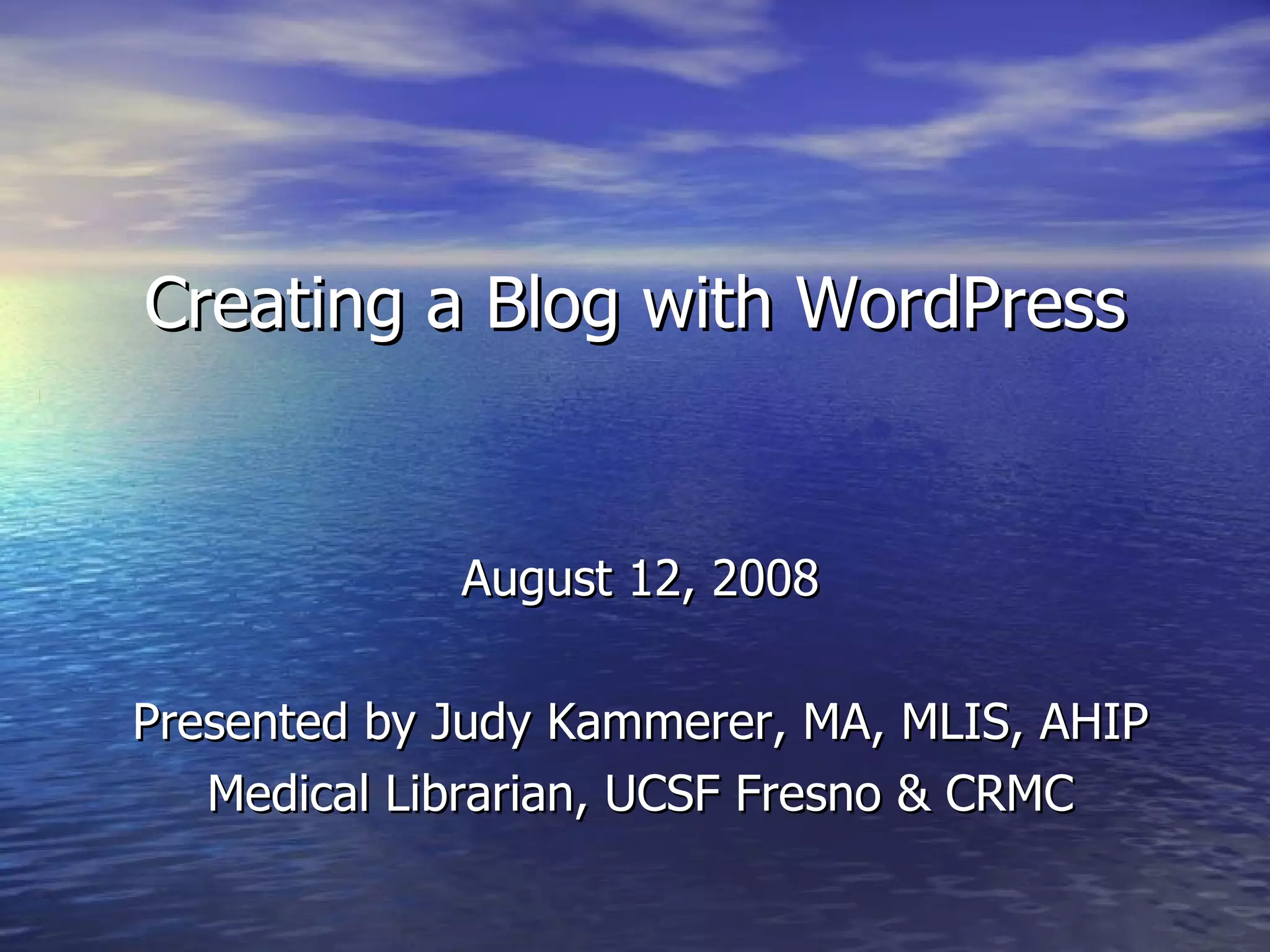
Creating a Blog with WordPress August 12, 2008 Presented by Judy Kammerer, MA, MLIS, AHIP Medical Librarian, UCSF Fresno & CRMC
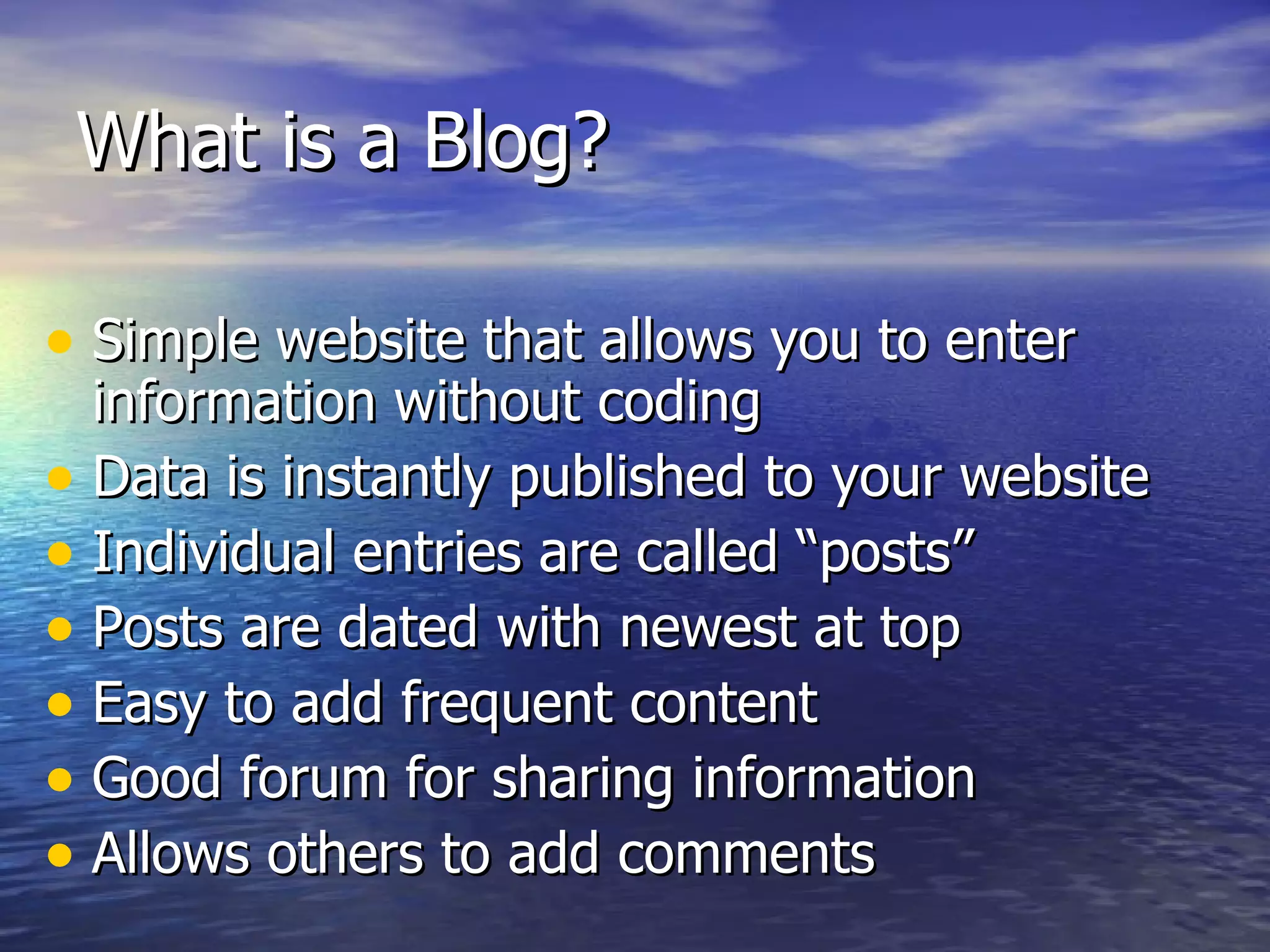
What is a Blog?  Simple website that allows you to enter information without coding Data is instantly published to your website Individual entries are called “posts” Posts are dated with newest at top Easy to add frequent content Good forum for sharing information Allows others to add comments
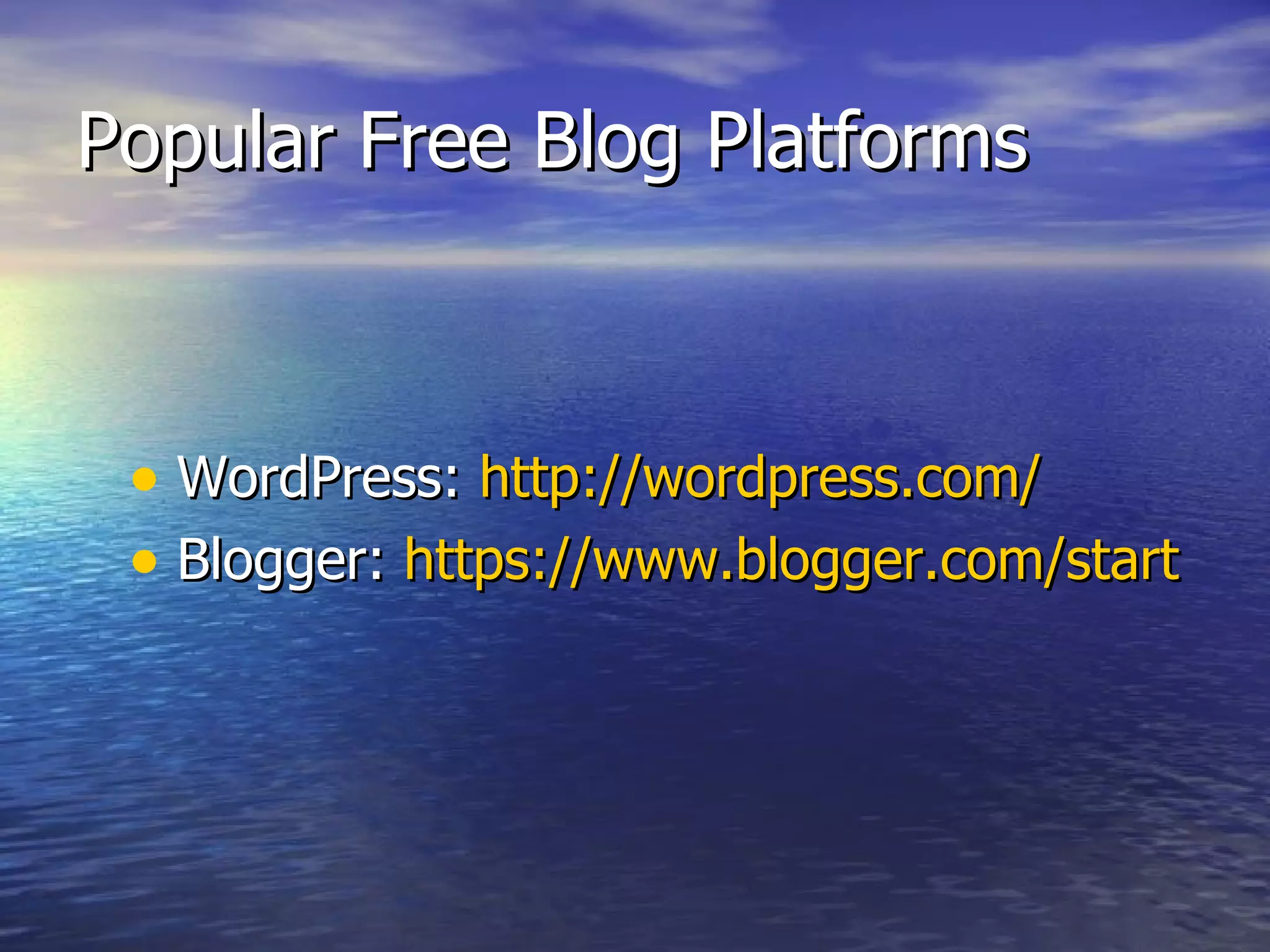
Popular Free Blog Platforms WordPress:  http://wordpress.com/   Blogger:  https://www.blogger.com/start
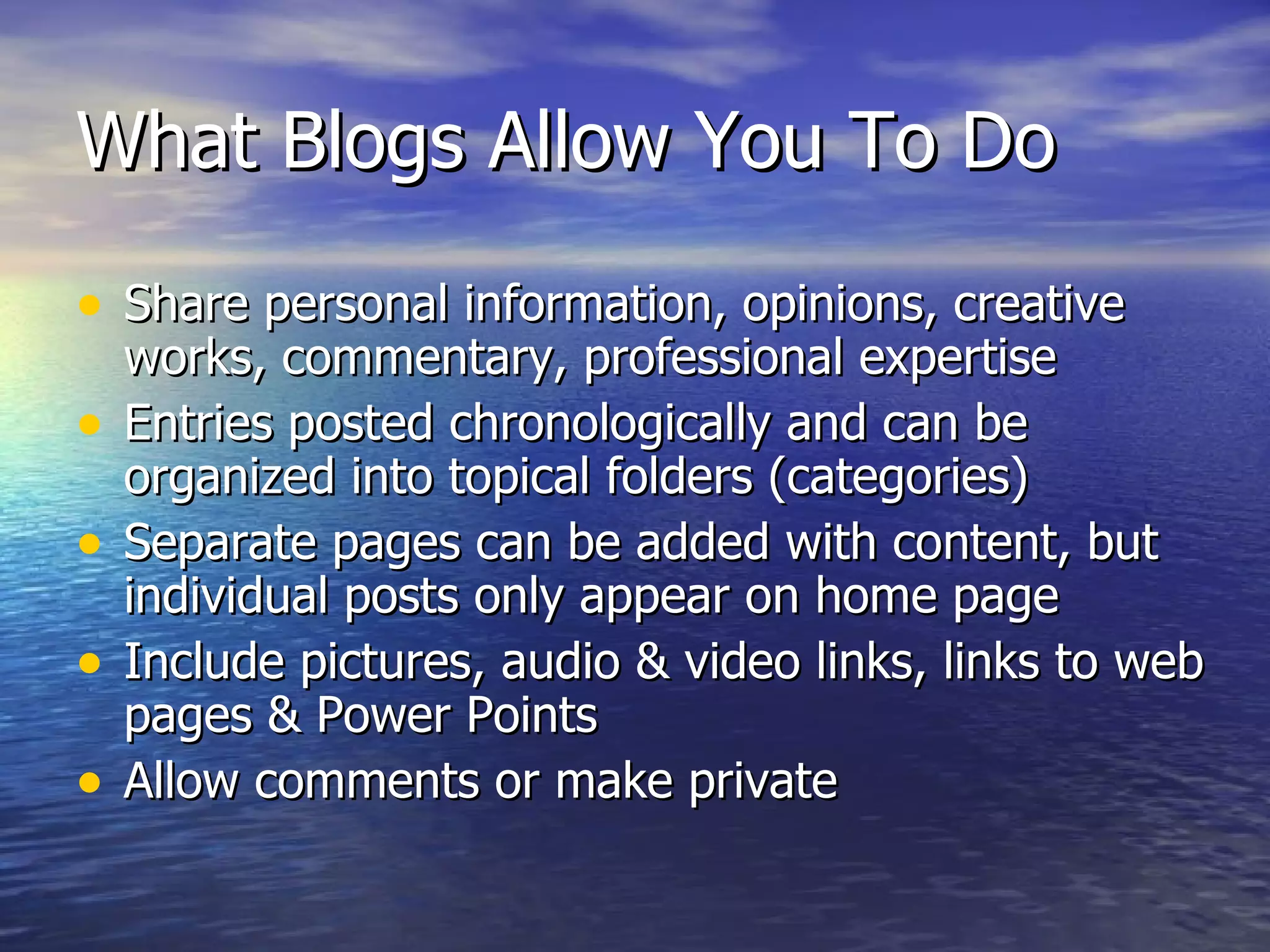
What Blogs Allow You To Do Share personal information, opinions, creative works, commentary, professional expertise Entries posted chronologically and can be organized into topical folders (categories) Separate pages can be added with content, but individual posts only appear on home page Include pictures, audio & video links, links to web pages & Power Points  Allow comments or make private
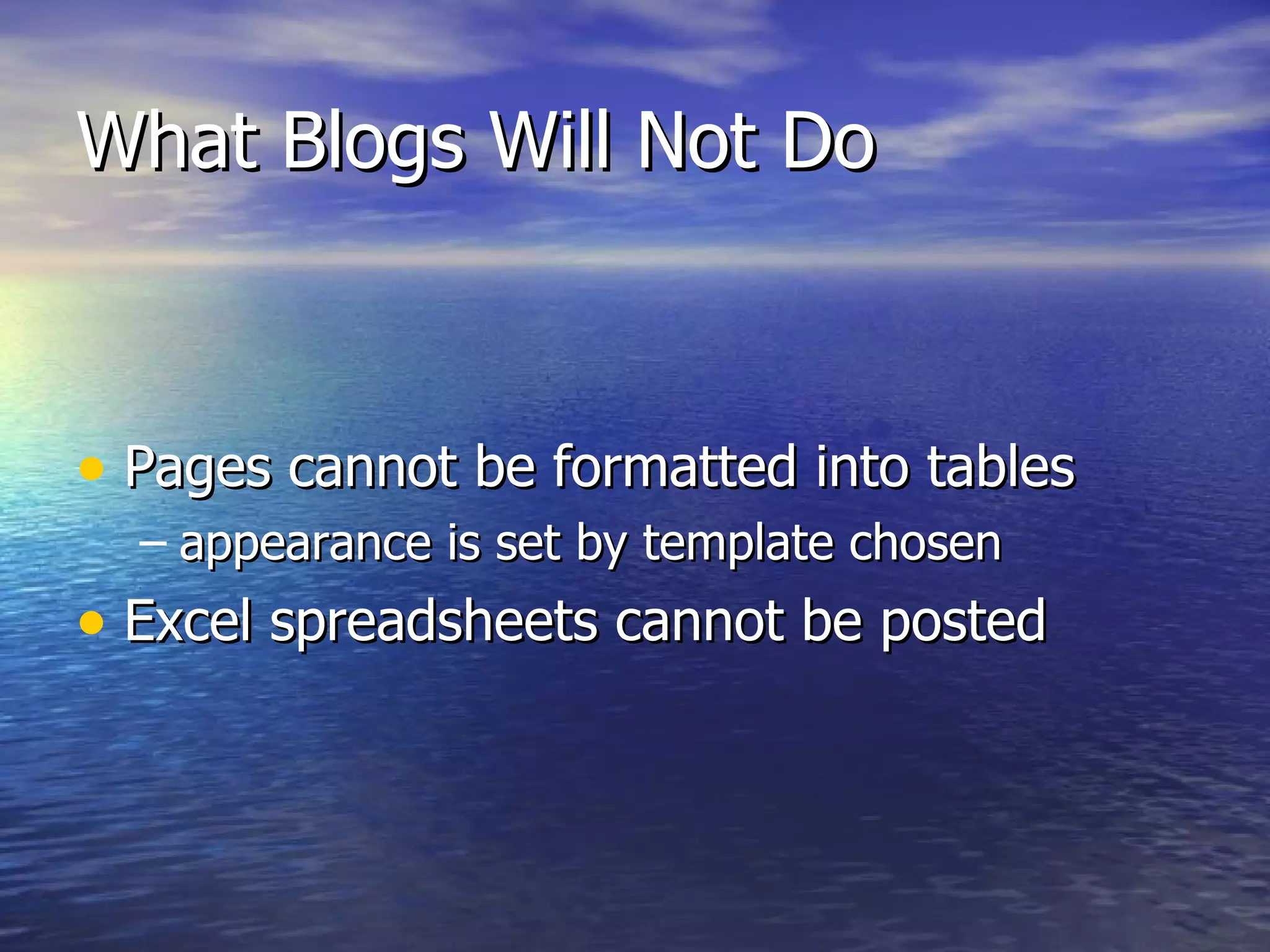
What Blogs Will Not Do Pages cannot be formatted into tables  appearance is set by template chosen Excel spreadsheets cannot be posted
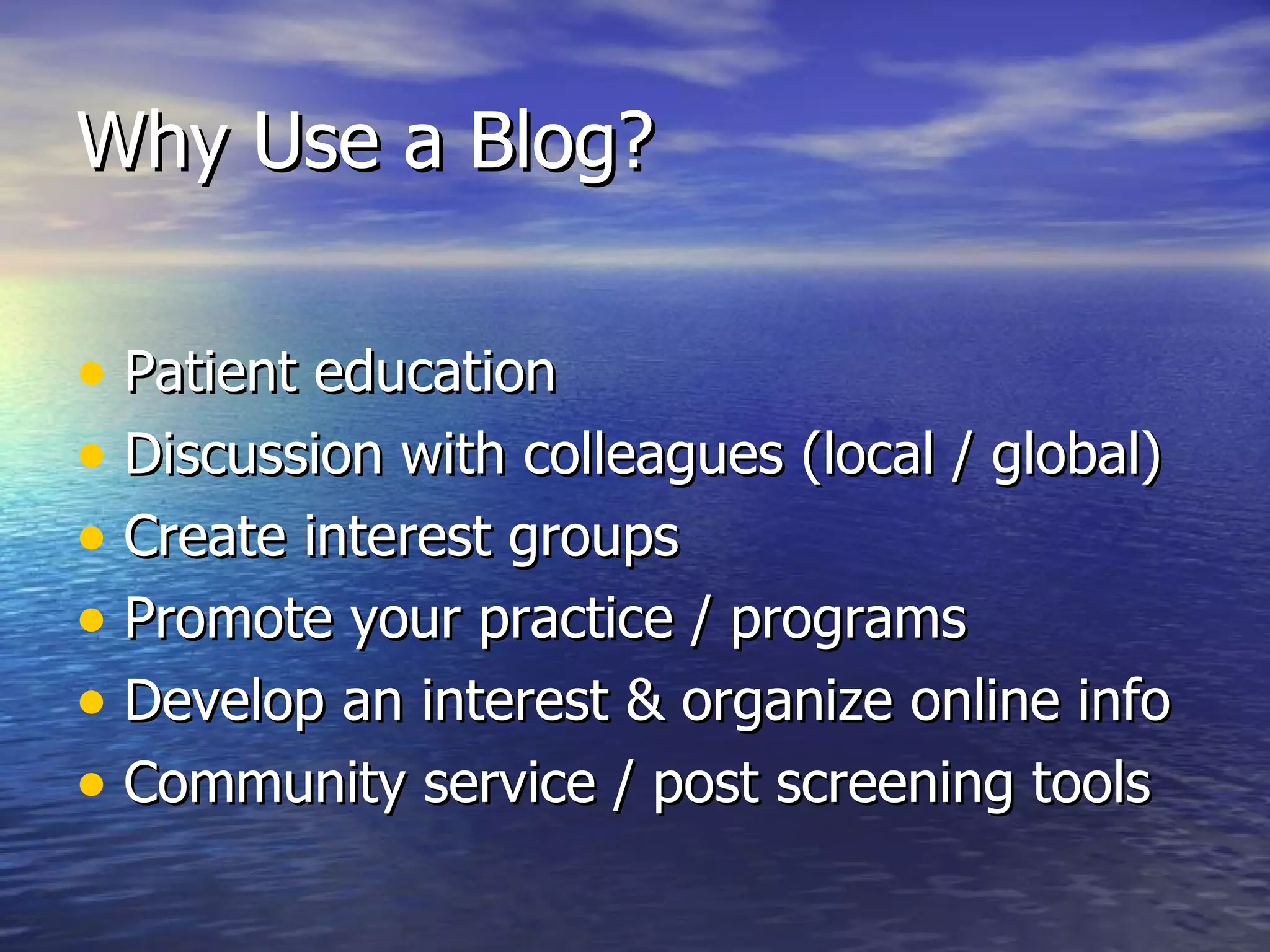
Why Use a Blog?  Patient education Discussion with colleagues (local / global) Create interest groups  Promote your practice / programs  Develop an interest & organize online info Community service / post screening tools
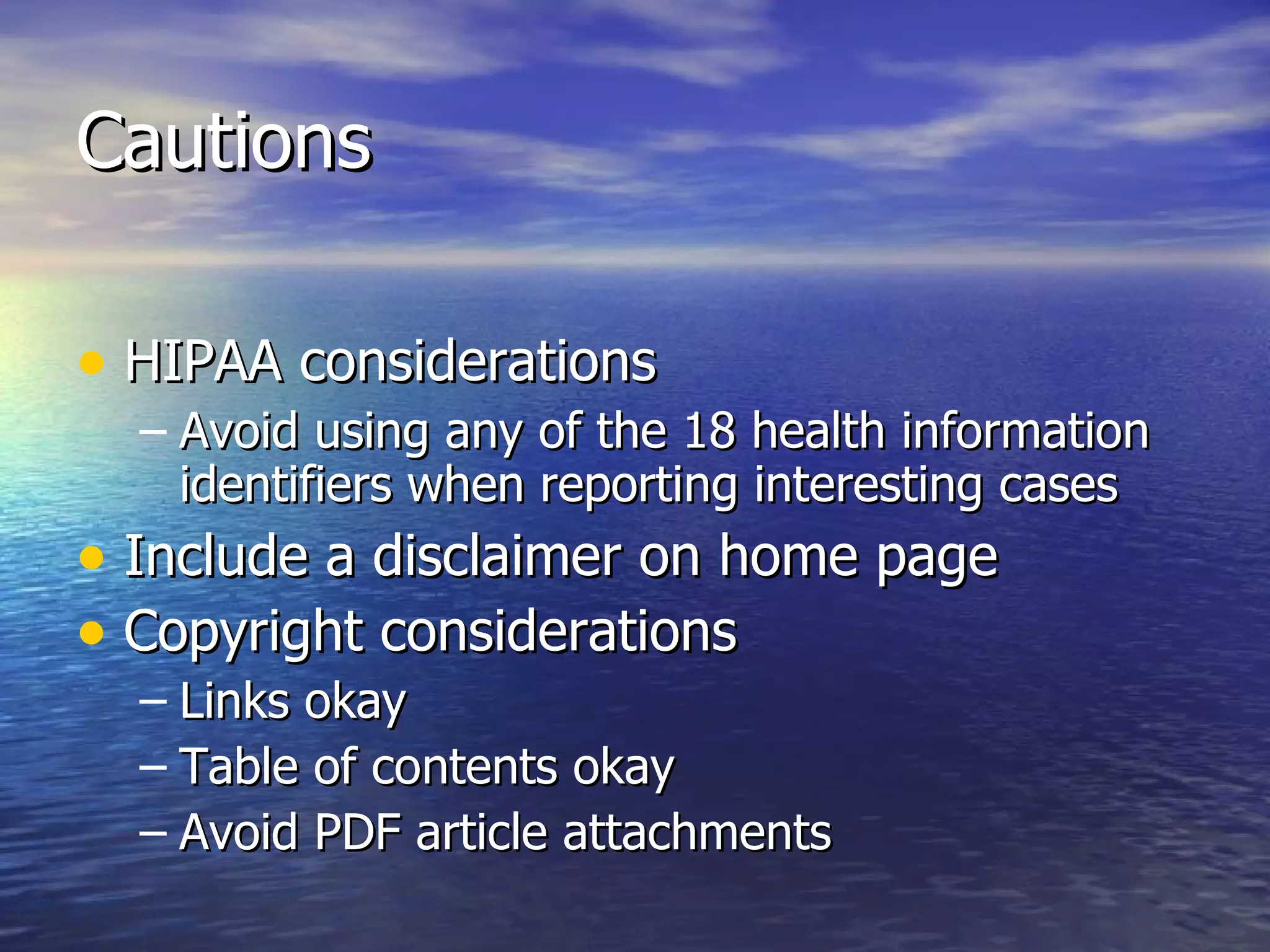
Cautions HIPAA considerations  Avoid using any of the 18 health information identifiers when reporting interesting cases Include a disclaimer on home page Copyright considerations  Links okay Table of contents okay Avoid PDF article attachments
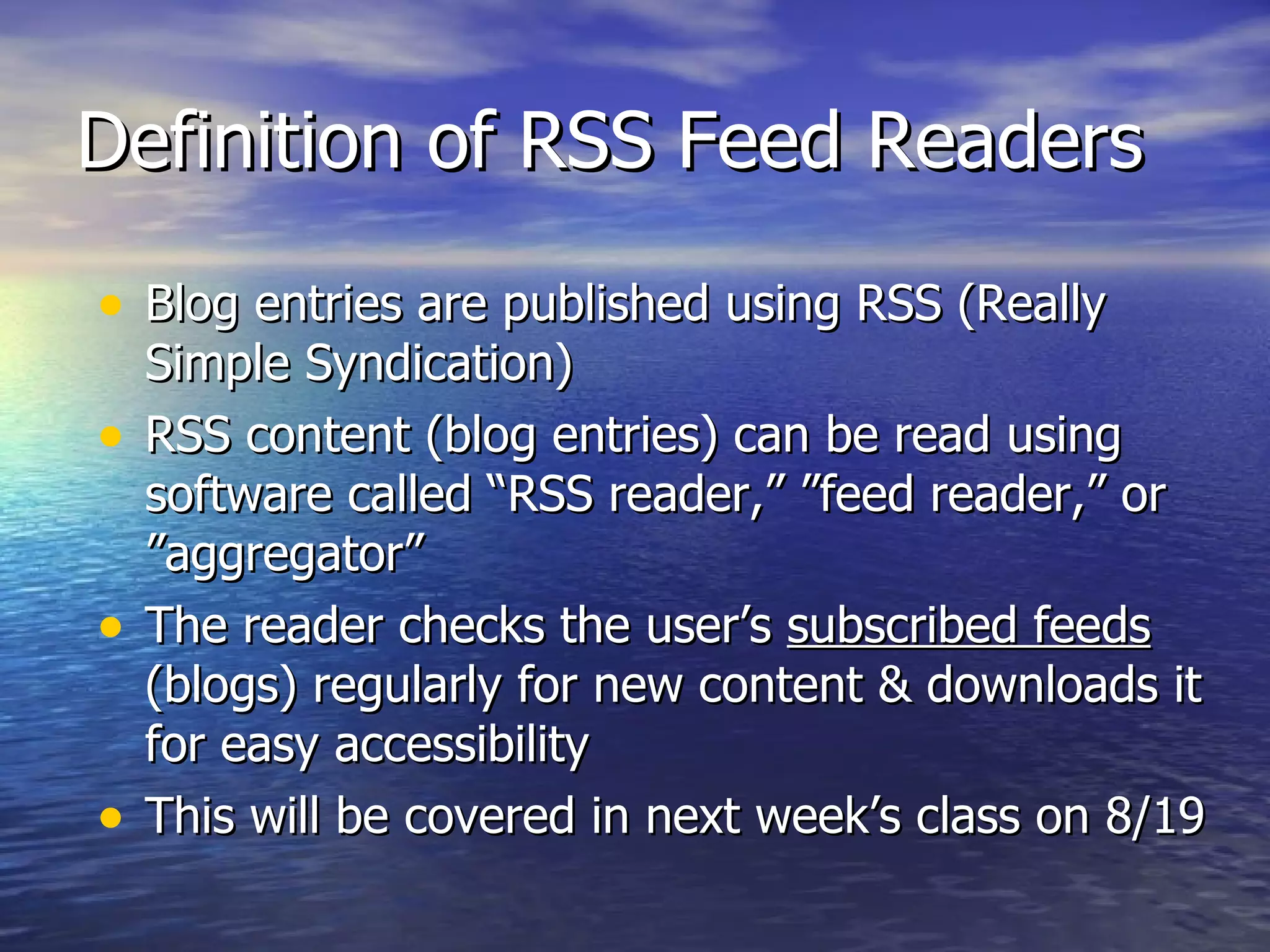
Definition of RSS Feed Readers Blog entries are published using RSS (Really Simple Syndication) RSS content (blog entries) can be read using software called “RSS reader,” ”feed reader,” or ”aggregator” The reader checks the user’s  subscribed feeds  (blogs) regularly for new content & downloads it for easy accessibility This will be covered in next week’s class on 8/19

8 12 08 Creating A Blog Power Point

  • 1.
    Creating a Blogwith WordPress August 12, 2008 Presented by Judy Kammerer, MA, MLIS, AHIP Medical Librarian, UCSF Fresno & CRMC
  • 2.
    What is aBlog? Simple website that allows you to enter information without coding Data is instantly published to your website Individual entries are called “posts” Posts are dated with newest at top Easy to add frequent content Good forum for sharing information Allows others to add comments
  • 3.
    Popular Free BlogPlatforms WordPress: http://wordpress.com/ Blogger: https://www.blogger.com/start
  • 4.
    What Blogs AllowYou To Do Share personal information, opinions, creative works, commentary, professional expertise Entries posted chronologically and can be organized into topical folders (categories) Separate pages can be added with content, but individual posts only appear on home page Include pictures, audio & video links, links to web pages & Power Points Allow comments or make private
  • 5.
    What Blogs WillNot Do Pages cannot be formatted into tables appearance is set by template chosen Excel spreadsheets cannot be posted
  • 6.
    Why Use aBlog? Patient education Discussion with colleagues (local / global) Create interest groups Promote your practice / programs Develop an interest & organize online info Community service / post screening tools
  • 7.
    Cautions HIPAA considerations Avoid using any of the 18 health information identifiers when reporting interesting cases Include a disclaimer on home page Copyright considerations Links okay Table of contents okay Avoid PDF article attachments
  • 8.
    Definition of RSSFeed Readers Blog entries are published using RSS (Really Simple Syndication) RSS content (blog entries) can be read using software called “RSS reader,” ”feed reader,” or ”aggregator” The reader checks the user’s subscribed feeds (blogs) regularly for new content & downloads it for easy accessibility This will be covered in next week’s class on 8/19