7 Steps to Building a SOC
with Limited Resources
Detect and Respond to Threats Fast
(Even if You Can’t Staff a 24x7 SOC)
The state of the understaffed SOC
Most organizations don’t have the resources to
staff a 24x7 security operations center (SOC).
The result?
• Events not monitored around the clock
• Major delays in detecting and responding
to incidents
• Inability to hunt for threats proactively
It’s a dangerous situation.
But there is a solution
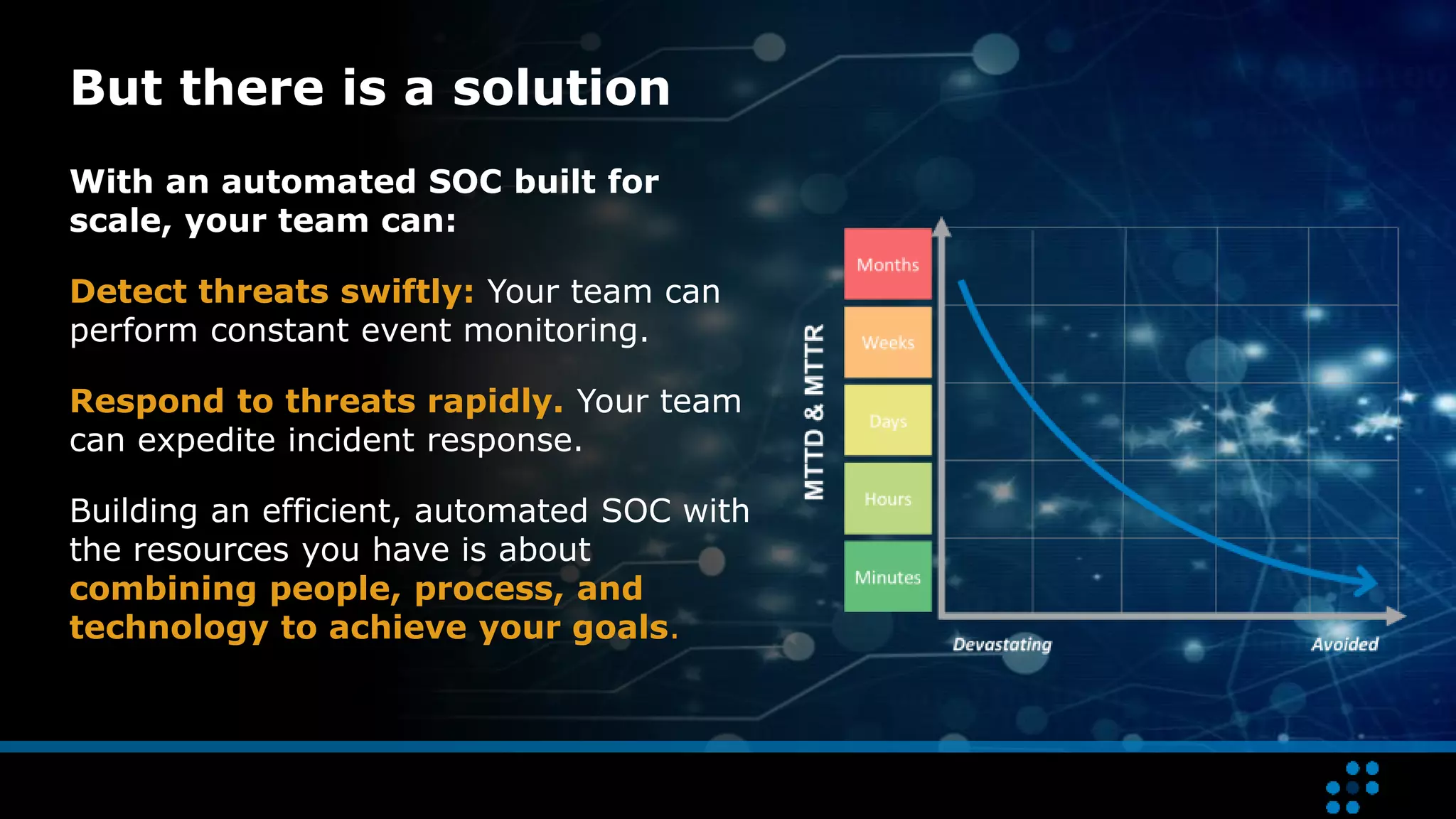
With an automated SOC built for
scale, your team can:
Detect threats swiftly: Your team can
perform constant event monitoring.
Respond to threats rapidly. Your team
can expedite incident response.
Building an efficient, automated SOC with
the resources you have is about
combining people, process, and
technology to achieve your goals.
Learn to build a SOC that efficiently leverages
Threat Lifecycle Management to rapidly detect
and respond to threats.
7 Steps to Building a SOC
with Limited Resources
Step
1
Develop your strategy
The key to developing your strategy is to
understand the current state of your organization.
 Assess your existing capabilities
 At first, limit your scope to core functions:
• Monitoring
• Detection
• Response
• Recovery
 Delay non-core functions until your core functions
are sufficiently mature
 Identify and define business objectives
Step
2
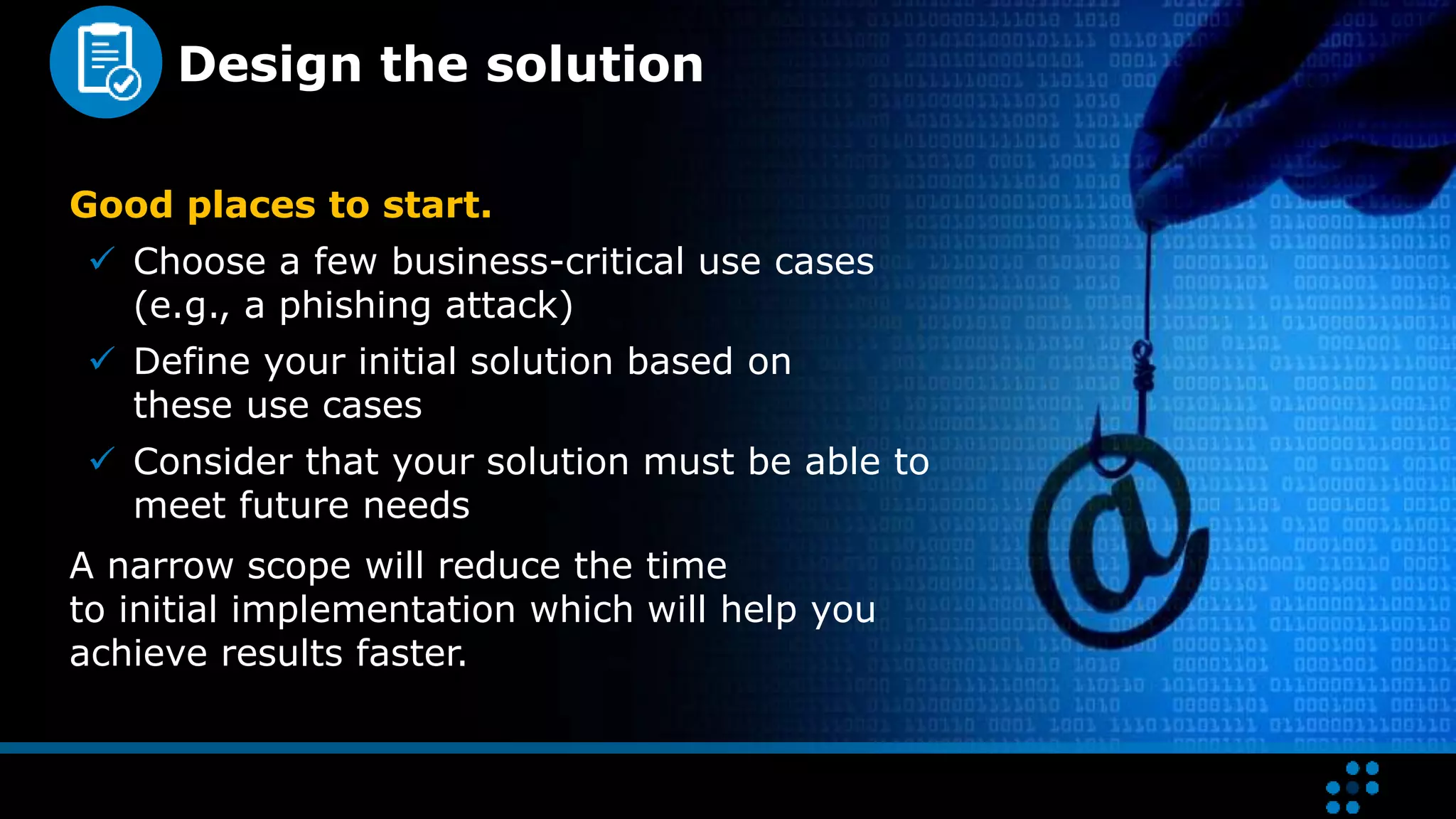
Design the solution
Good places to start.
 Choose a few business-critical use cases
(e.g., a phishing attack)
 Define your initial solution based on
these use cases
 Consider that your solution must be able to
meet future needs
A narrow scope will reduce the time
to initial implementation which will help you
achieve results faster.
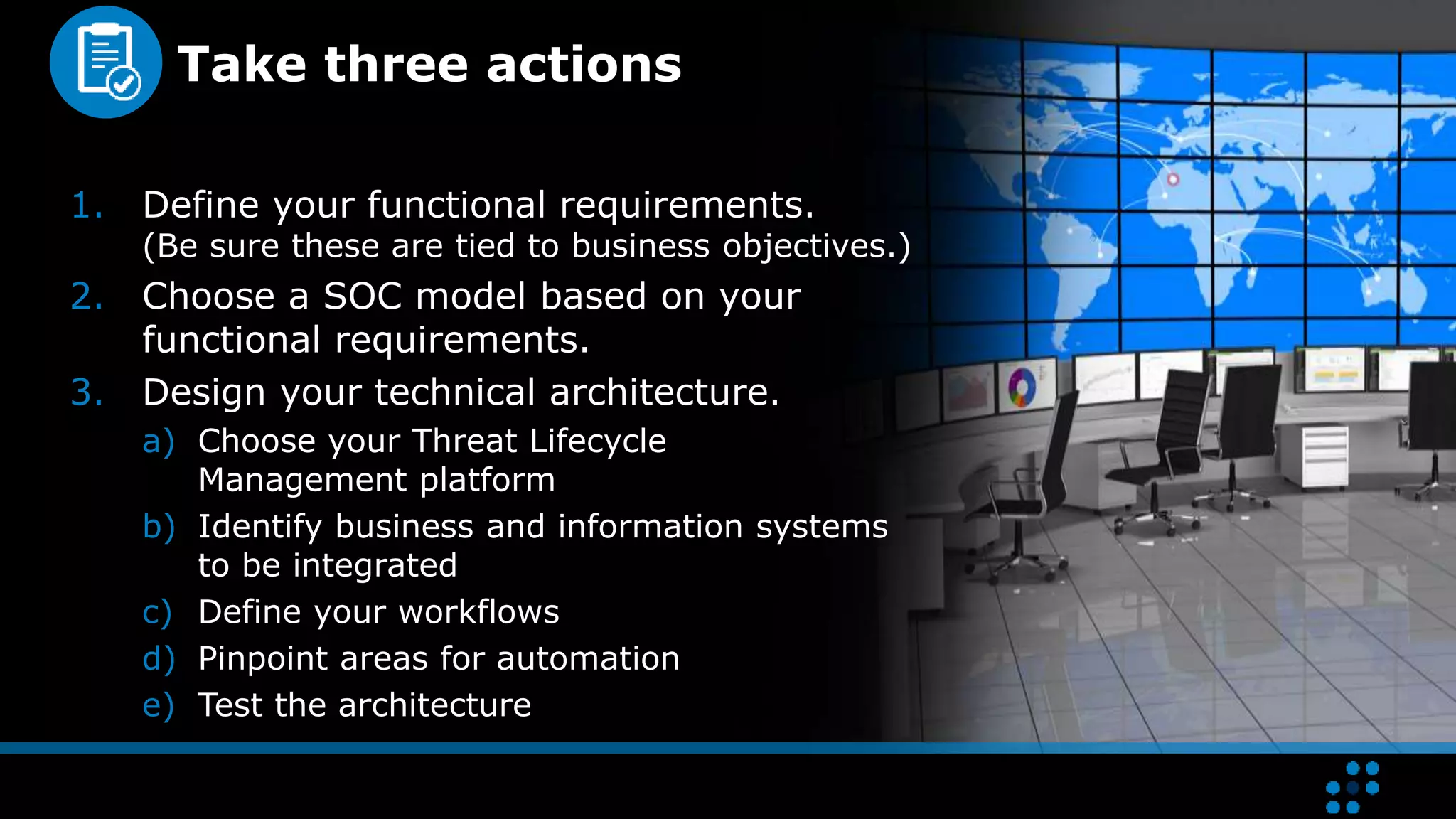
Take three actions
1. Define your functional requirements.
(Be sure these are tied to business objectives.)
2. Choose a SOC model based on your
functional requirements.
3. Design your technical architecture.
a) Choose your Threat Lifecycle
Management platform
b) Identify business and information systems
to be integrated
c) Define your workflows
d) Pinpoint areas for automation
e) Test the architecture
Step
3
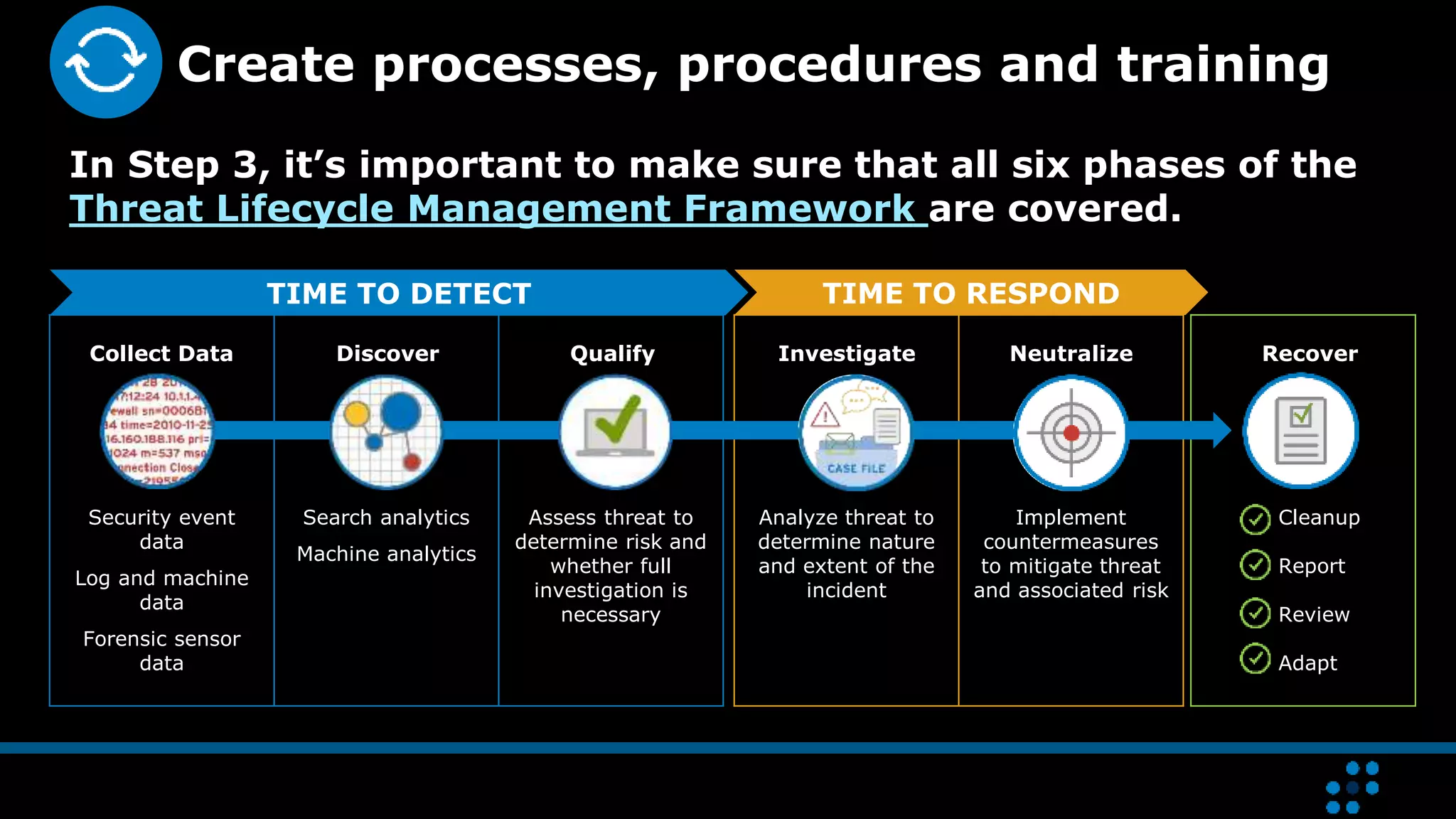
Cleanup
Report
Review
Adapt
Analyze threat to
determine nature
and extent of the
incident
Implement
countermeasures
to mitigate threat
and associated risk
Security event
data
Log and machine
data
Forensic sensor
data
Search analytics
Machine analytics
Assess threat to
determine risk and
whether full
investigation is
necessary
Create processes, procedures and training
In Step 3, it’s important to make sure that all six phases of the
Threat Lifecycle Management Framework are covered.
TIME TO DETECT TIME TO RESPOND
Collect Data InvestigateQualifyDiscover RecoverNeutralize
Step
4
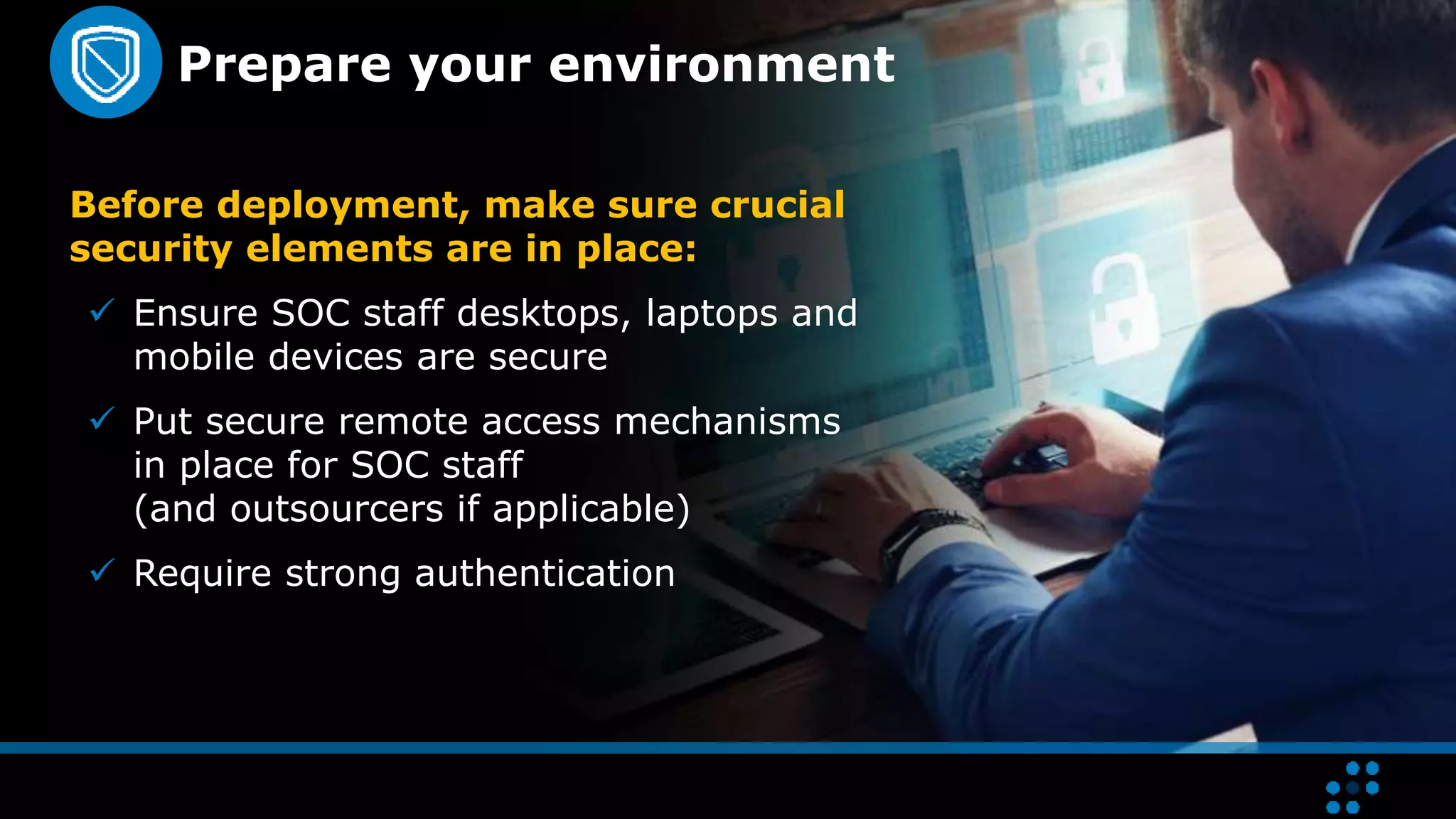
Prepare your environment
Before deployment, make sure crucial
security elements are in place:
 Ensure SOC staff desktops, laptops and
mobile devices are secure
 Put secure remote access mechanisms
in place for SOC staff
(and outsourcers if applicable)
 Require strong authentication
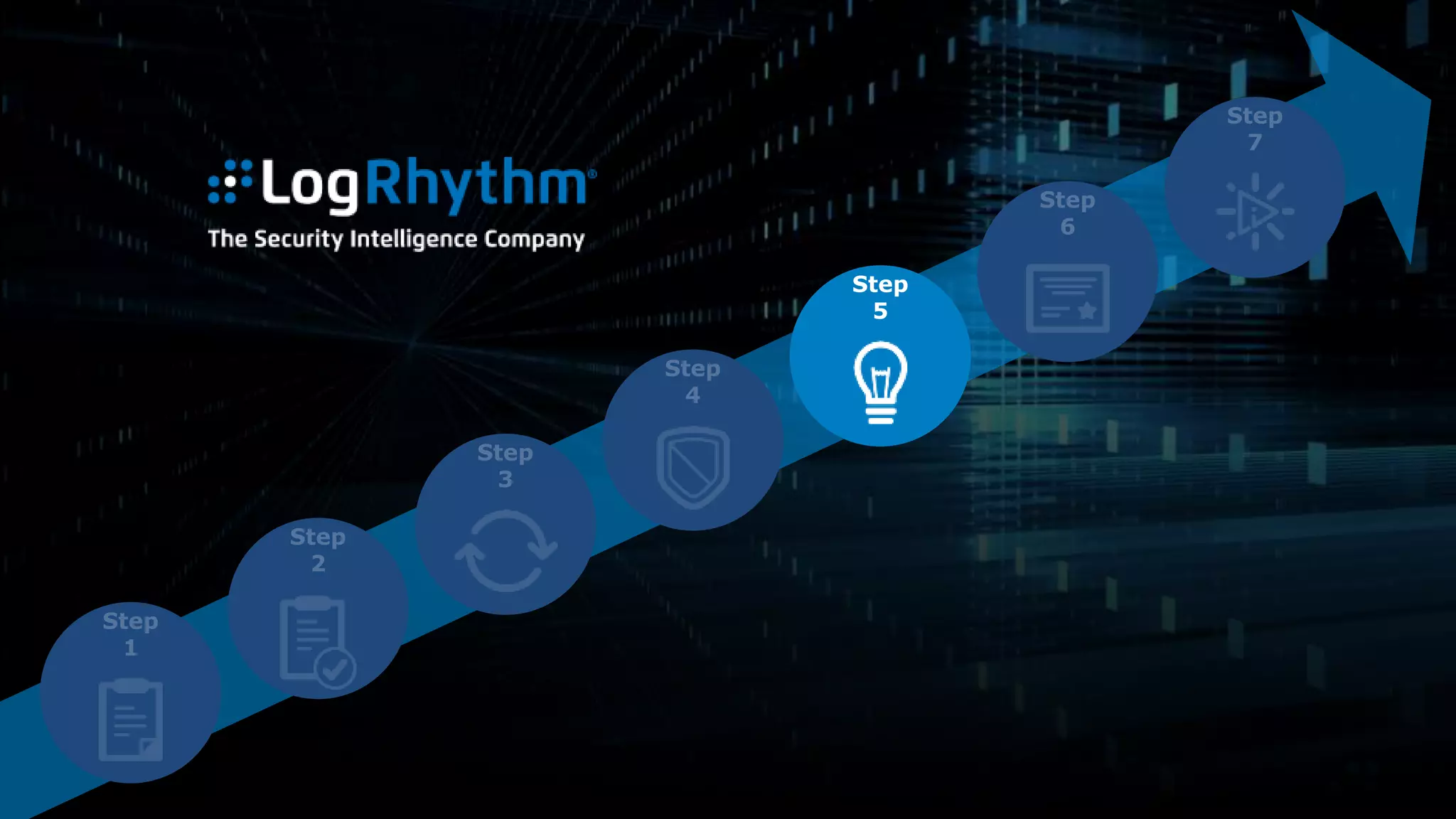
Step
5
Implement your solution
Take full advantage of your technology to
minimize the workload on your staff:
1. Bring up your log management infrastructure.
2. Onboard your minimum collection of critical
data sources.
3. Bring up your security analytics capabilities.
4. Onboard your security automation and
orchestration capabilities.
5. Begin deploying use cases to focus on end-to-end
threat detection and response realization.
Realize seamless interoperability
System interoperability is critical for your team
to collect data from sources and issue actions
and commands to apply context, contain, and
remediate in alignment with your workflows.
You should also incorporate threat intelligence
feeds and automated inputs to improve the
accuracy of your SOC’s detection.
Step
6
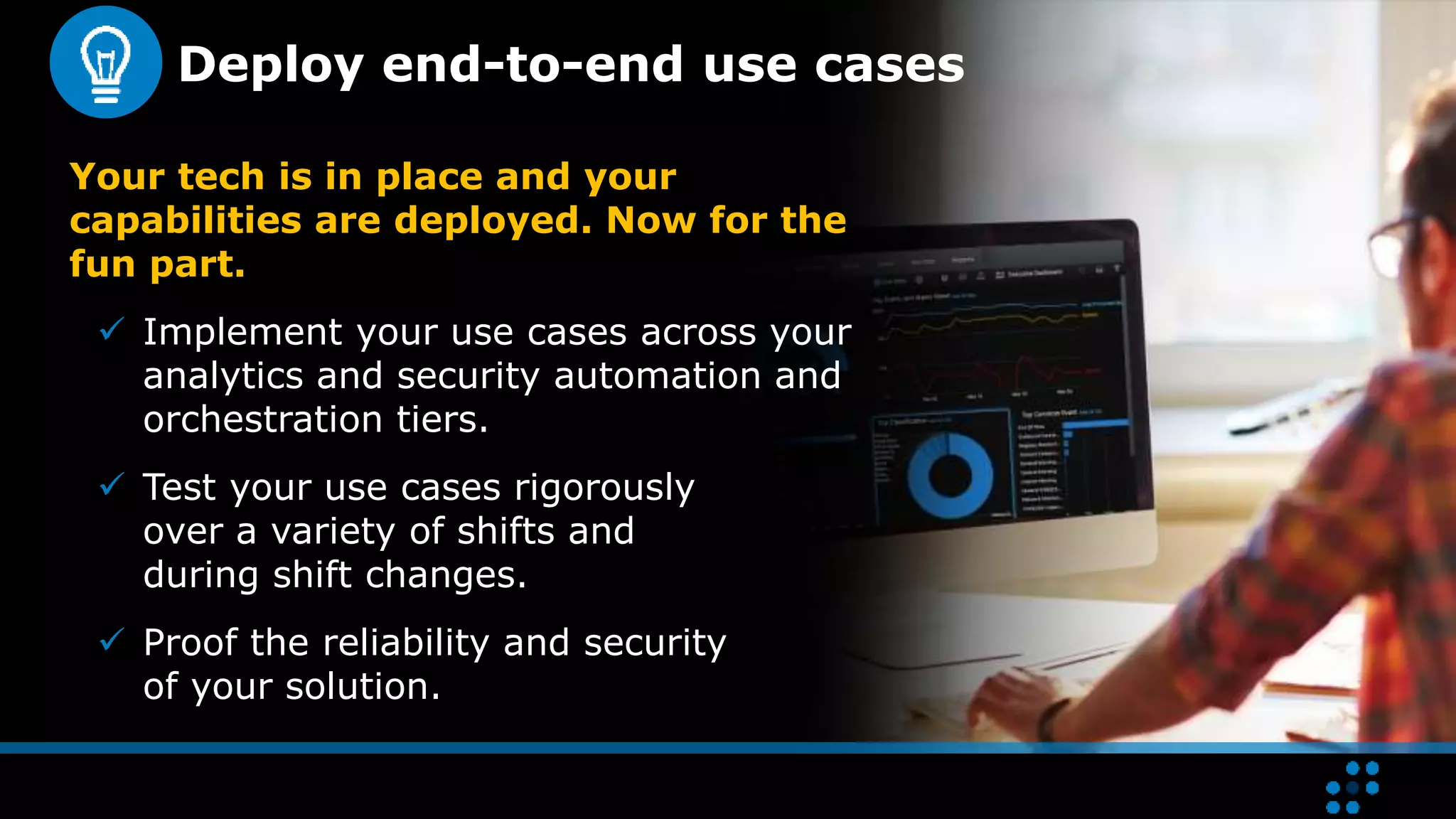
Deploy end-to-end use cases
Your tech is in place and your
capabilities are deployed. Now for the
fun part.
 Implement your use cases across your
analytics and security automation and
orchestration tiers.
 Test your use cases rigorously
over a variety of shifts and
during shift changes.
 Proof the reliability and security
of your solution.
Step
7
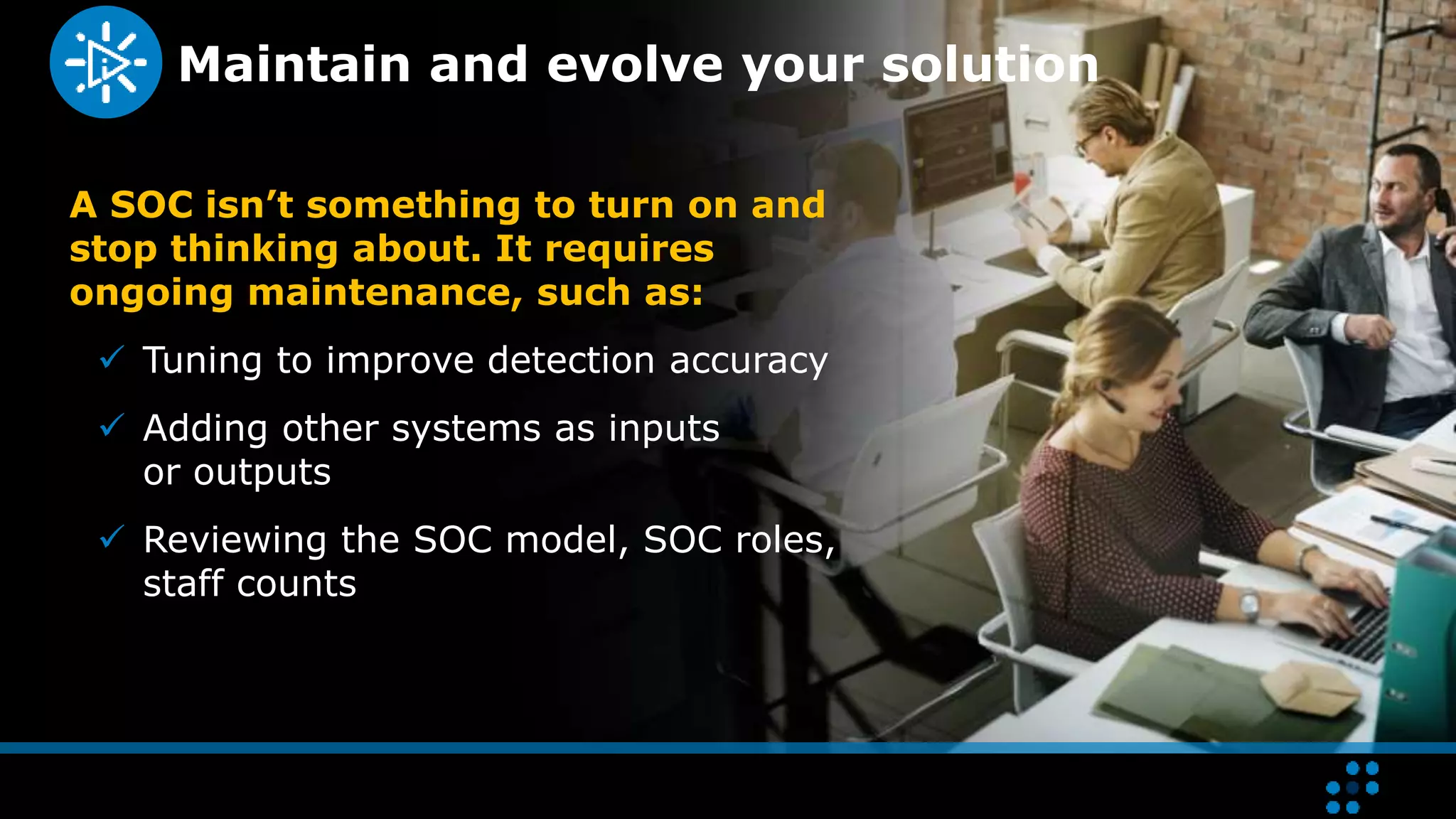
Maintain and evolve your solution
A SOC isn’t something to turn on and
stop thinking about. It requires
ongoing maintenance, such as:
 Tuning to improve detection accuracy
 Adding other systems as inputs
or outputs
 Reviewing the SOC model, SOC roles,
staff counts
7 steps to building an efficient
and effective SOC
If your organization cannot justify the
overwhelming expense of a 24x7 SOC,
there is a solution.
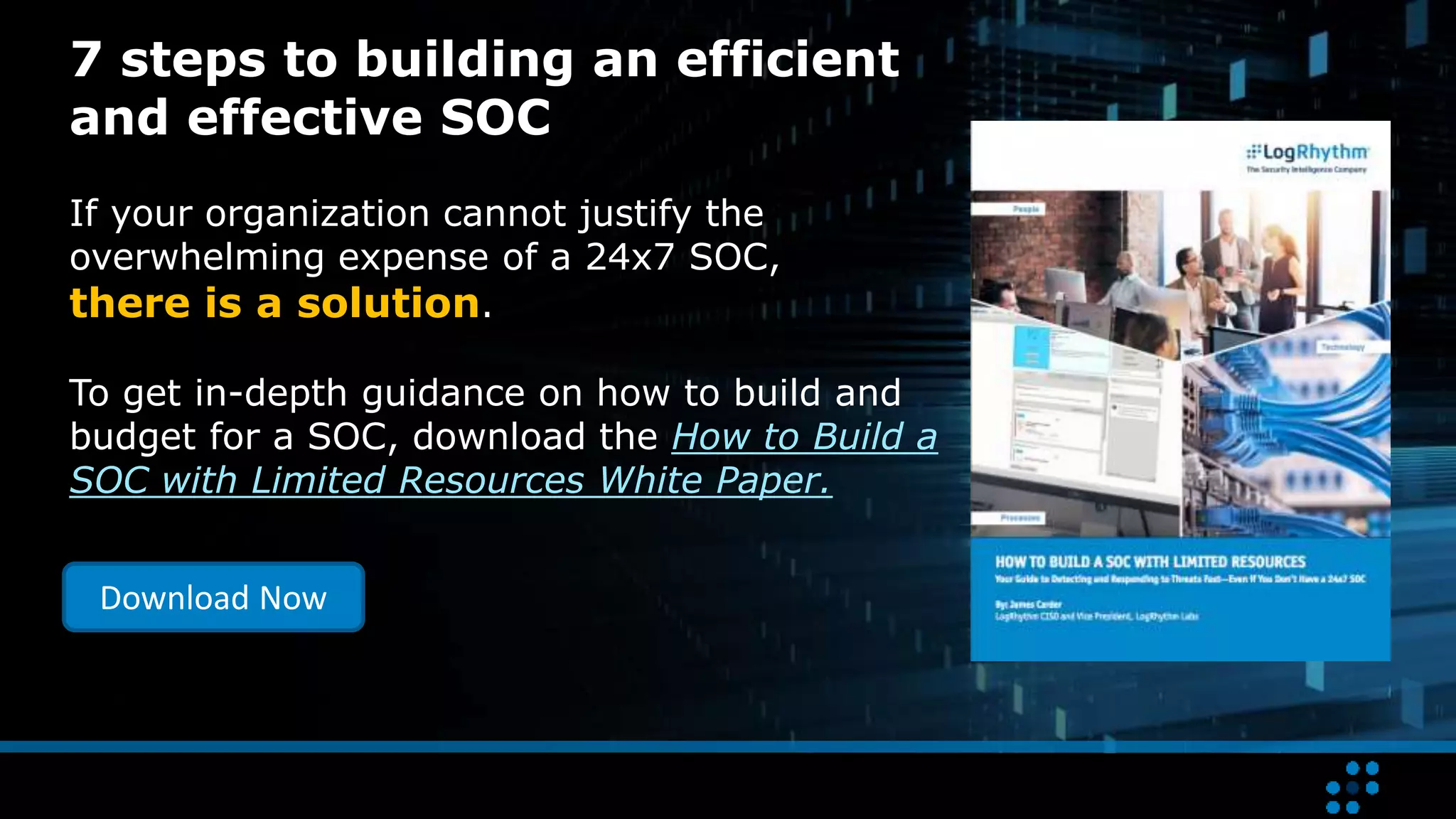
To get in-depth guidance on how to build and
budget for a SOC, download the How to Build a
SOC with Limited Resources White Paper.
Download Now

7 Steps to Build a SOC with Limited Resources

  • 1.
    7 Steps toBuilding a SOC with Limited Resources Detect and Respond to Threats Fast (Even if You Can’t Staff a 24x7 SOC)
  • 2.
    The state ofthe understaffed SOC Most organizations don’t have the resources to staff a 24x7 security operations center (SOC). The result? • Events not monitored around the clock • Major delays in detecting and responding to incidents • Inability to hunt for threats proactively It’s a dangerous situation.
  • 3.
    But there isa solution With an automated SOC built for scale, your team can: Detect threats swiftly: Your team can perform constant event monitoring. Respond to threats rapidly. Your team can expedite incident response. Building an efficient, automated SOC with the resources you have is about combining people, process, and technology to achieve your goals.
  • 4.
    Learn to builda SOC that efficiently leverages Threat Lifecycle Management to rapidly detect and respond to threats. 7 Steps to Building a SOC with Limited Resources
  • 5.
  • 6.
    Develop your strategy Thekey to developing your strategy is to understand the current state of your organization.  Assess your existing capabilities  At first, limit your scope to core functions: • Monitoring • Detection • Response • Recovery  Delay non-core functions until your core functions are sufficiently mature  Identify and define business objectives
  • 7.
  • 8.
    Design the solution Goodplaces to start.  Choose a few business-critical use cases (e.g., a phishing attack)  Define your initial solution based on these use cases  Consider that your solution must be able to meet future needs A narrow scope will reduce the time to initial implementation which will help you achieve results faster.
  • 9.
    Take three actions 1.Define your functional requirements. (Be sure these are tied to business objectives.) 2. Choose a SOC model based on your functional requirements. 3. Design your technical architecture. a) Choose your Threat Lifecycle Management platform b) Identify business and information systems to be integrated c) Define your workflows d) Pinpoint areas for automation e) Test the architecture
  • 10.
  • 11.
    Cleanup Report Review Adapt Analyze threat to determinenature and extent of the incident Implement countermeasures to mitigate threat and associated risk Security event data Log and machine data Forensic sensor data Search analytics Machine analytics Assess threat to determine risk and whether full investigation is necessary Create processes, procedures and training In Step 3, it’s important to make sure that all six phases of the Threat Lifecycle Management Framework are covered. TIME TO DETECT TIME TO RESPOND Collect Data InvestigateQualifyDiscover RecoverNeutralize
  • 12.
  • 13.
    Prepare your environment Beforedeployment, make sure crucial security elements are in place:  Ensure SOC staff desktops, laptops and mobile devices are secure  Put secure remote access mechanisms in place for SOC staff (and outsourcers if applicable)  Require strong authentication
  • 14.
  • 15.
    Implement your solution Takefull advantage of your technology to minimize the workload on your staff: 1. Bring up your log management infrastructure. 2. Onboard your minimum collection of critical data sources. 3. Bring up your security analytics capabilities. 4. Onboard your security automation and orchestration capabilities. 5. Begin deploying use cases to focus on end-to-end threat detection and response realization.
  • 16.
    Realize seamless interoperability Systeminteroperability is critical for your team to collect data from sources and issue actions and commands to apply context, contain, and remediate in alignment with your workflows. You should also incorporate threat intelligence feeds and automated inputs to improve the accuracy of your SOC’s detection.
  • 17.
  • 18.
    Deploy end-to-end usecases Your tech is in place and your capabilities are deployed. Now for the fun part.  Implement your use cases across your analytics and security automation and orchestration tiers.  Test your use cases rigorously over a variety of shifts and during shift changes.  Proof the reliability and security of your solution.
  • 19.
  • 20.
    Maintain and evolveyour solution A SOC isn’t something to turn on and stop thinking about. It requires ongoing maintenance, such as:  Tuning to improve detection accuracy  Adding other systems as inputs or outputs  Reviewing the SOC model, SOC roles, staff counts
  • 21.
    7 steps tobuilding an efficient and effective SOC If your organization cannot justify the overwhelming expense of a 24x7 SOC, there is a solution. To get in-depth guidance on how to build and budget for a SOC, download the How to Build a SOC with Limited Resources White Paper. Download Now