27th November 2021
Calicut MuleSoft Meetup Group
#6 Demystifying Custom Policies in Mule
Safe Harbour Statement
● Both the speaker and the host are organizing this meet-up in individual capacity only. We are
not representing our companies here.
● This presentation is strictly for learning purposes only. Organizer/Presenter do not hold any
responsibility that same solution will work for your business requirements.
● This presentation is not meant for any promotional activities.
2
Organizers
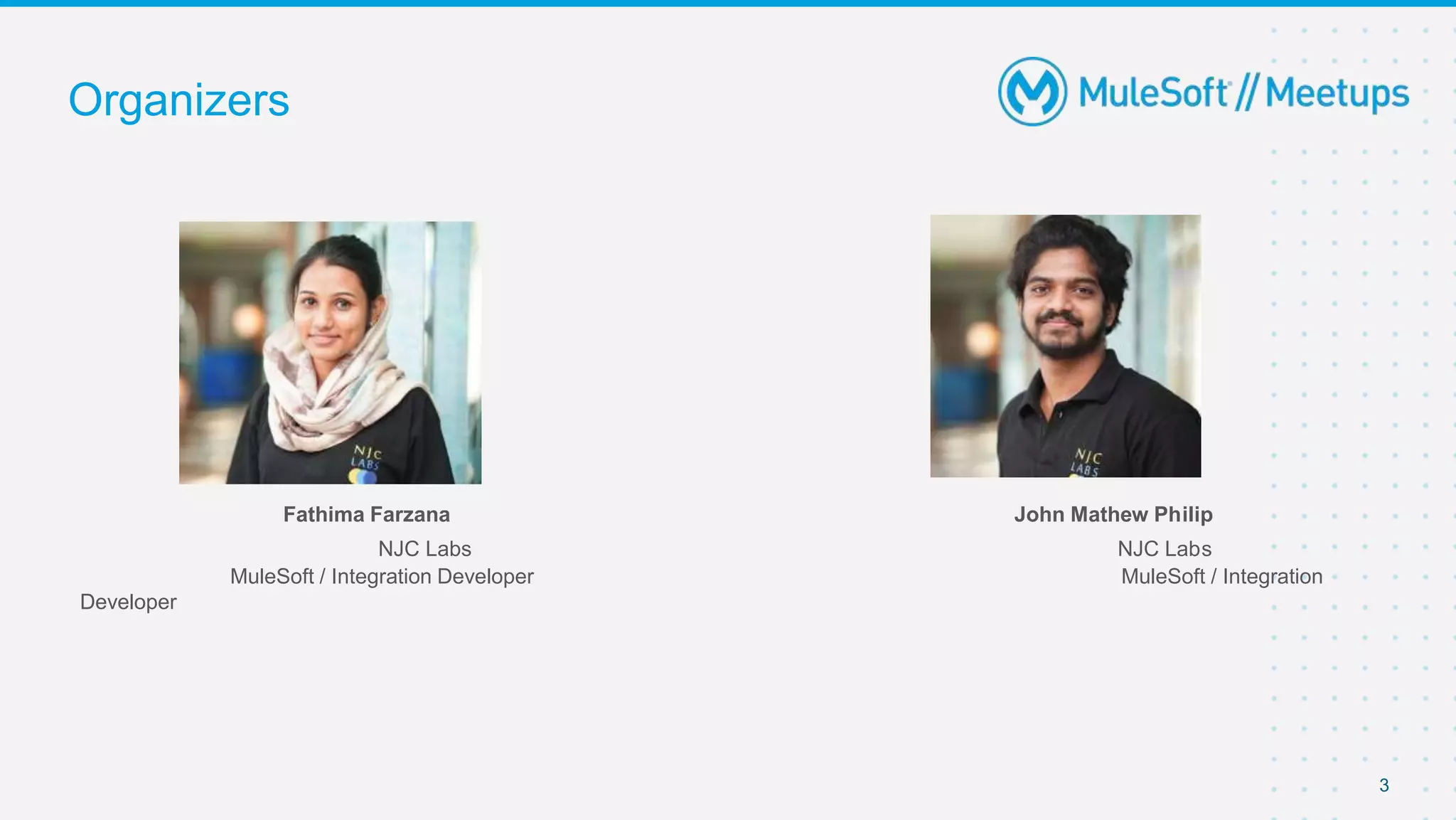
Fathima Farzana John Mathew Philip
NJC Labs NJC Labs
MuleSoft / Integration Developer MuleSoft / Integration
Developer
3
Agenda
● Introduction
● Feature Presentation - Custom Policies in Mule 4
● Demo
● Wrap-Up and Trivia Quiz
4
5
6
7
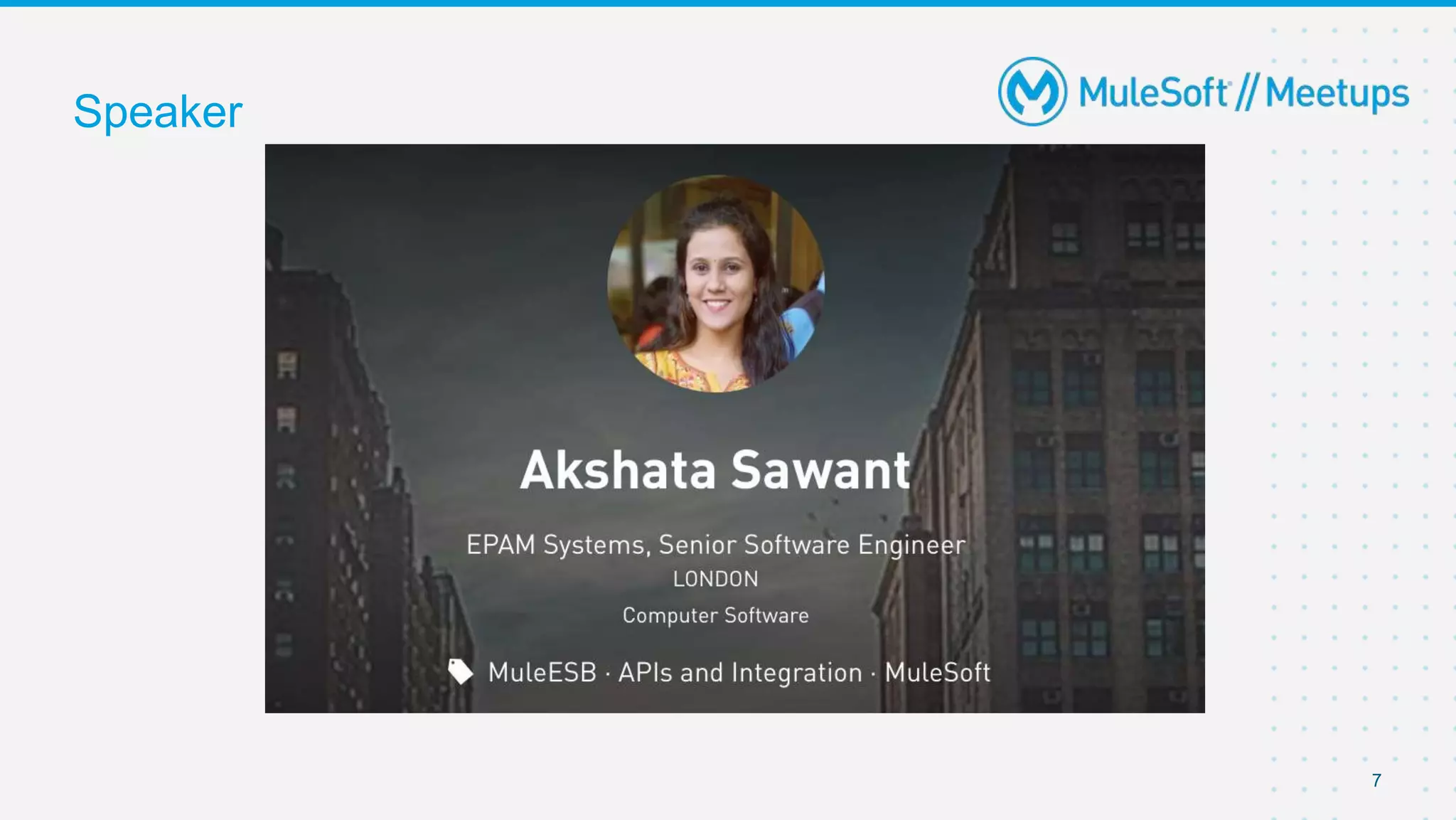
Speaker
Demystifying Custom Policies
9
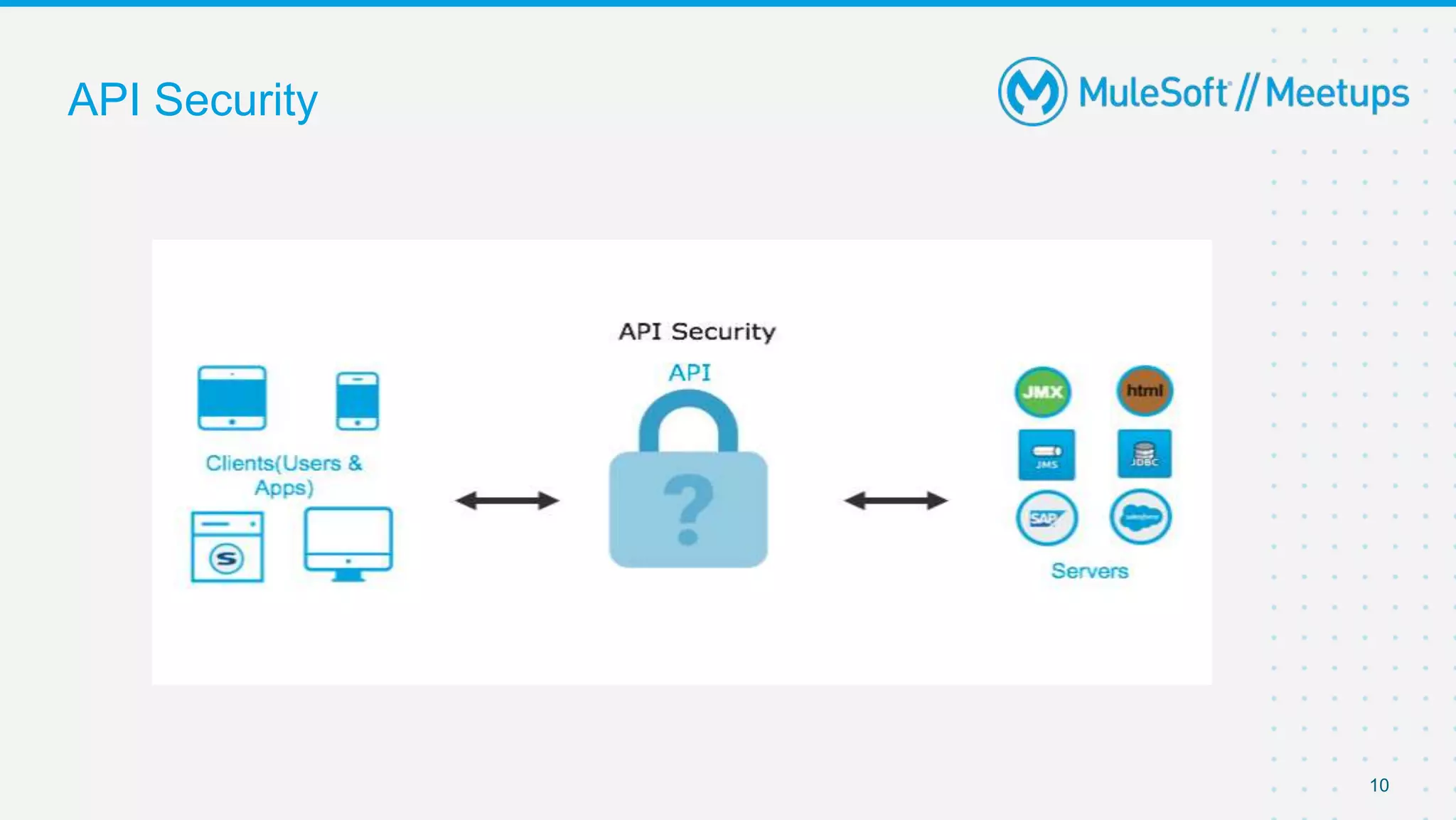
API Security
10
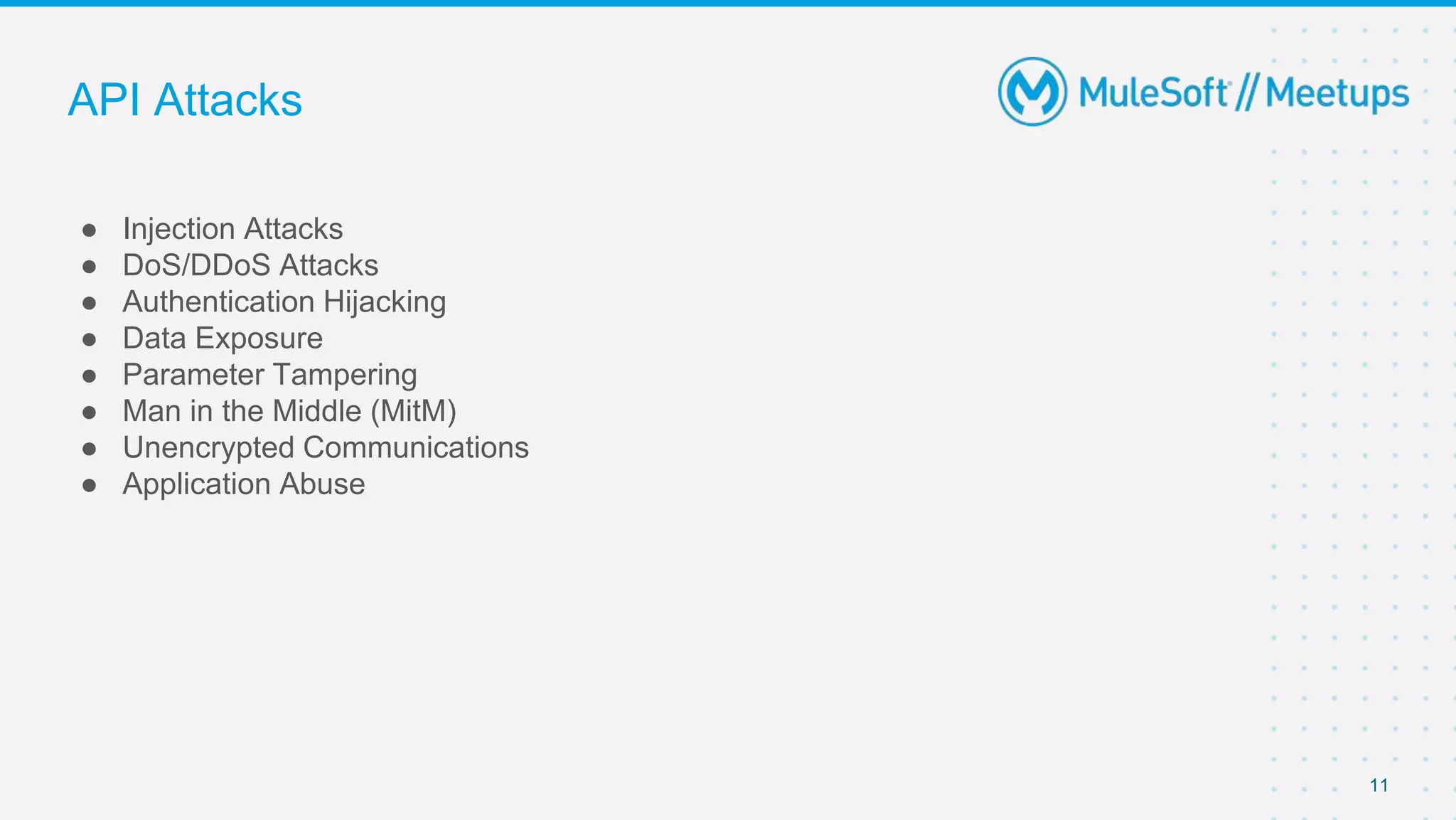
API Attacks
● Injection Attacks
● DoS/DDoS Attacks
● Authentication Hijacking
● Data Exposure
● Parameter Tampering
● Man in the Middle (MitM)
● Unencrypted Communications
● Application Abuse
11
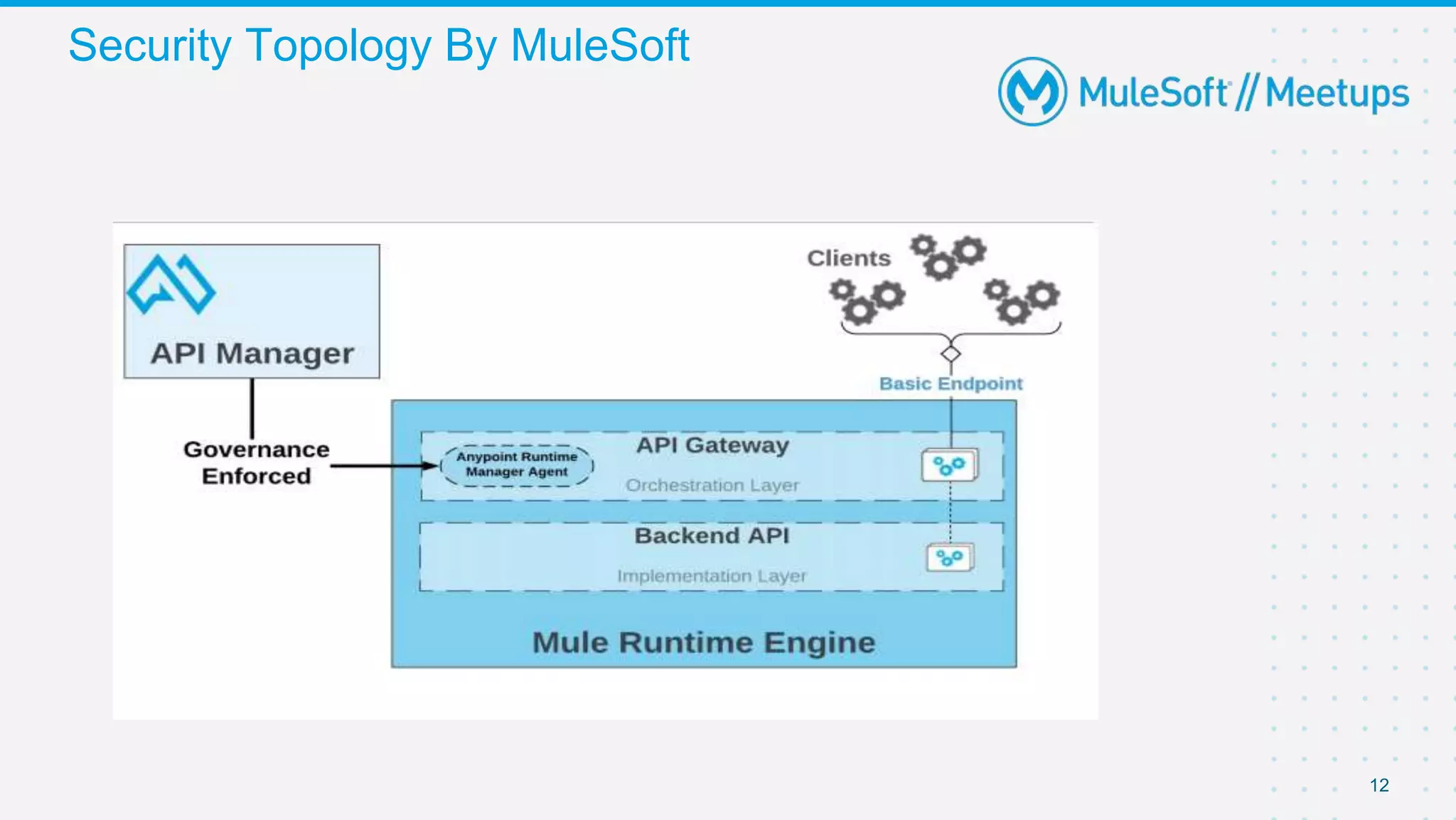
Security Topology By MuleSoft
12
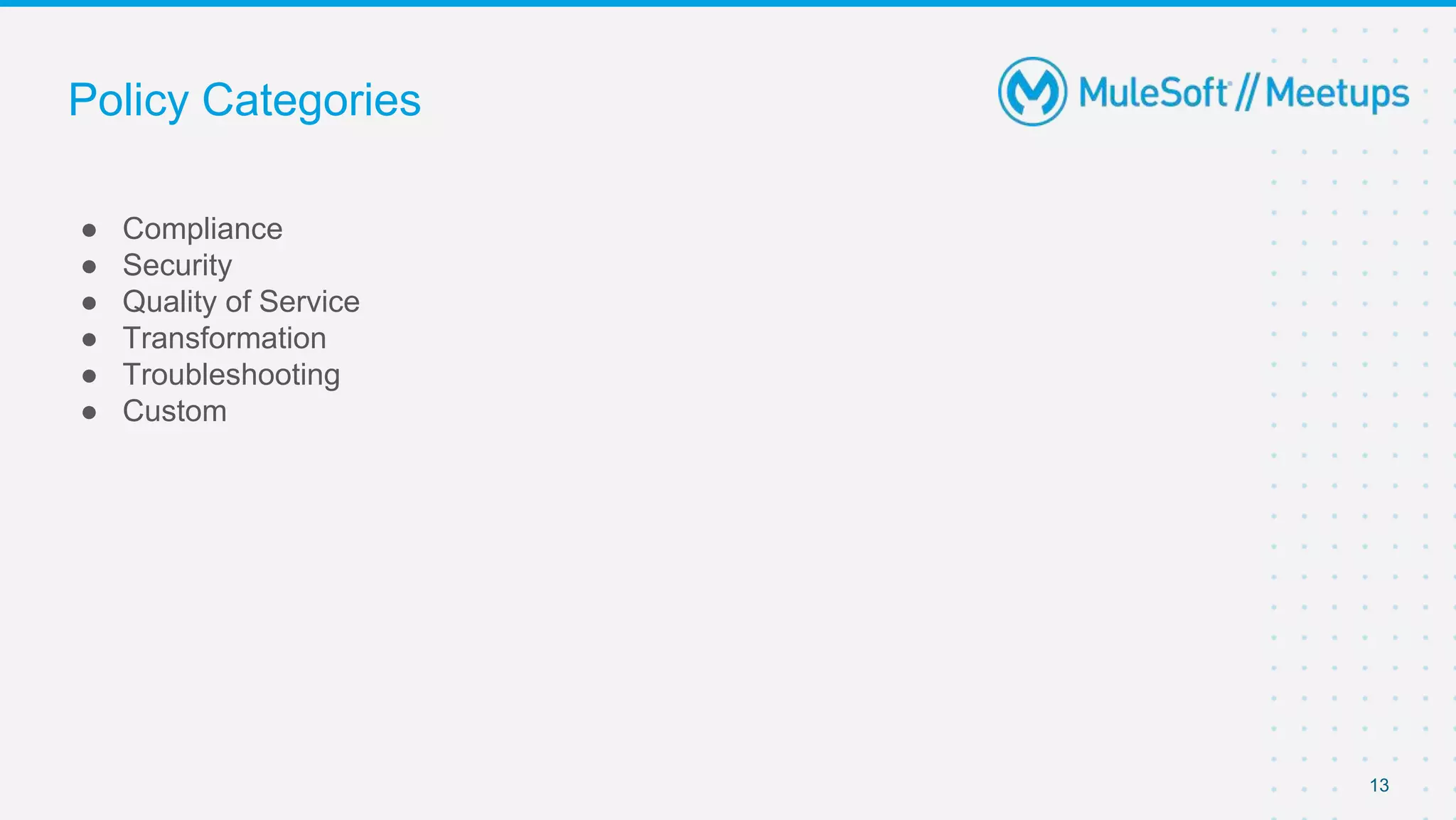
Policy Categories
● Compliance
● Security
● Quality of Service
● Transformation
● Troubleshooting
● Custom
13
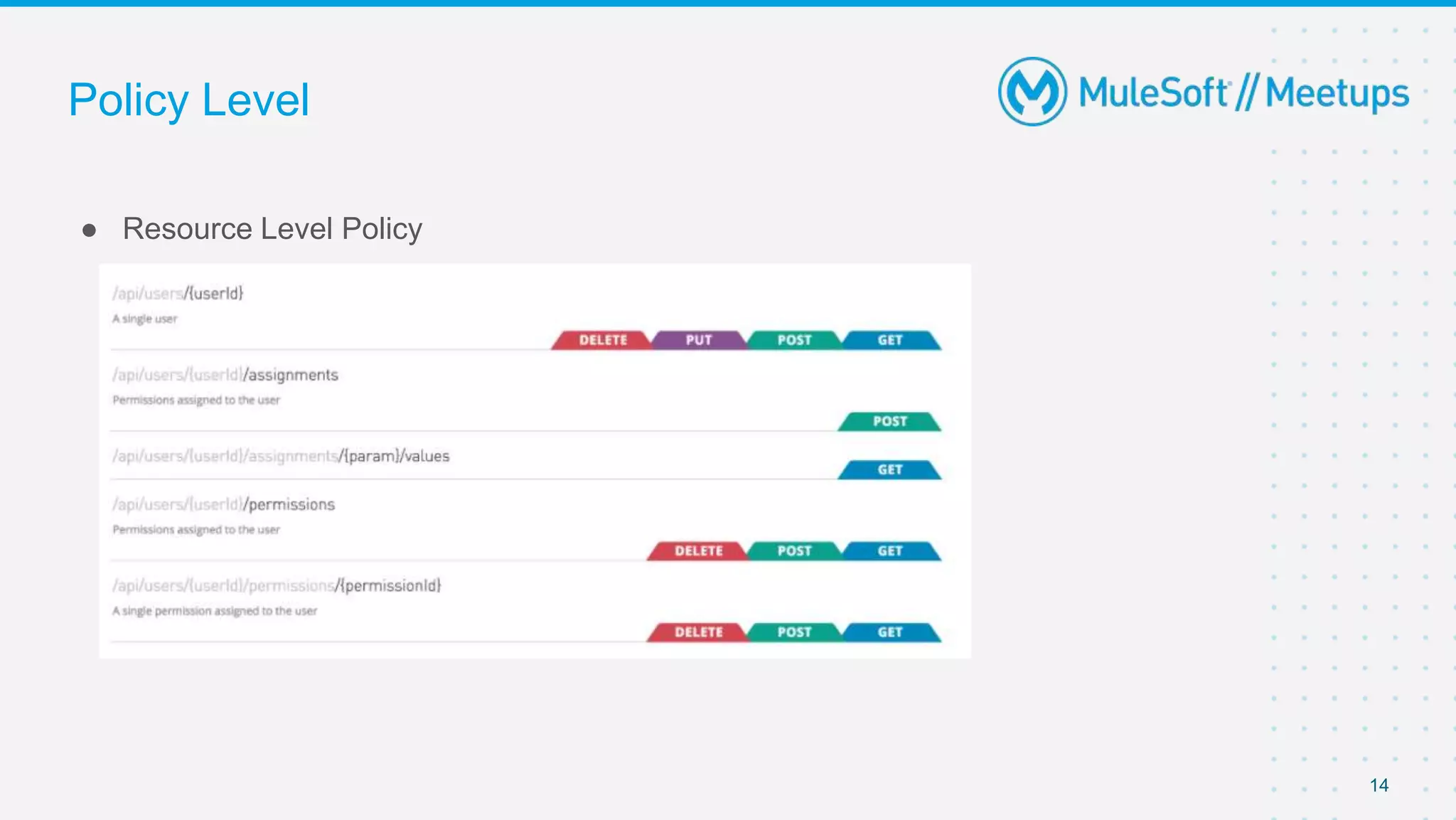
Policy Level
● Resource Level Policy
14
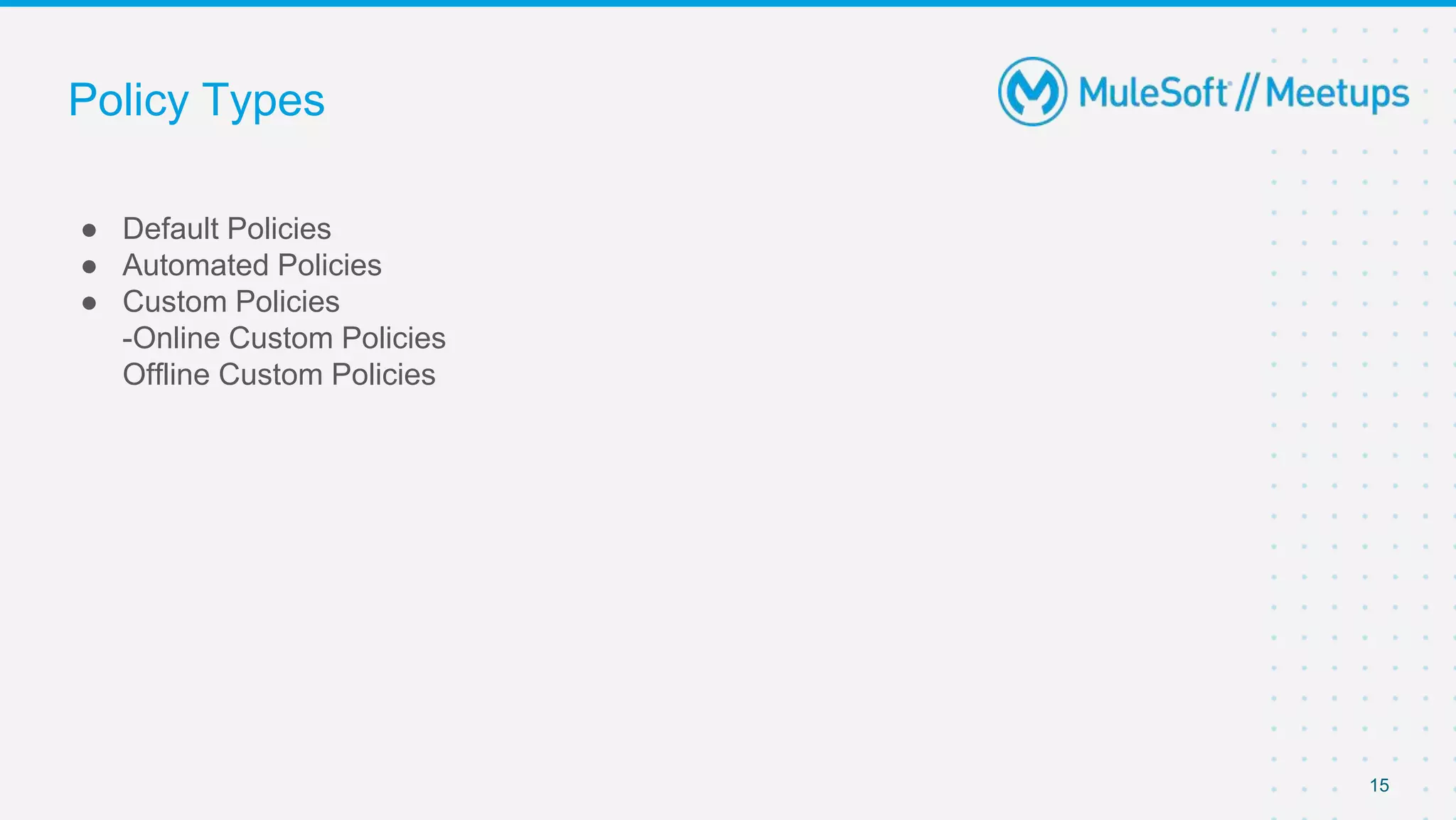
Policy Types
● Default Policies
● Automated Policies
● Custom Policies
-Online Custom Policies
Offline Custom Policies
15
16
17
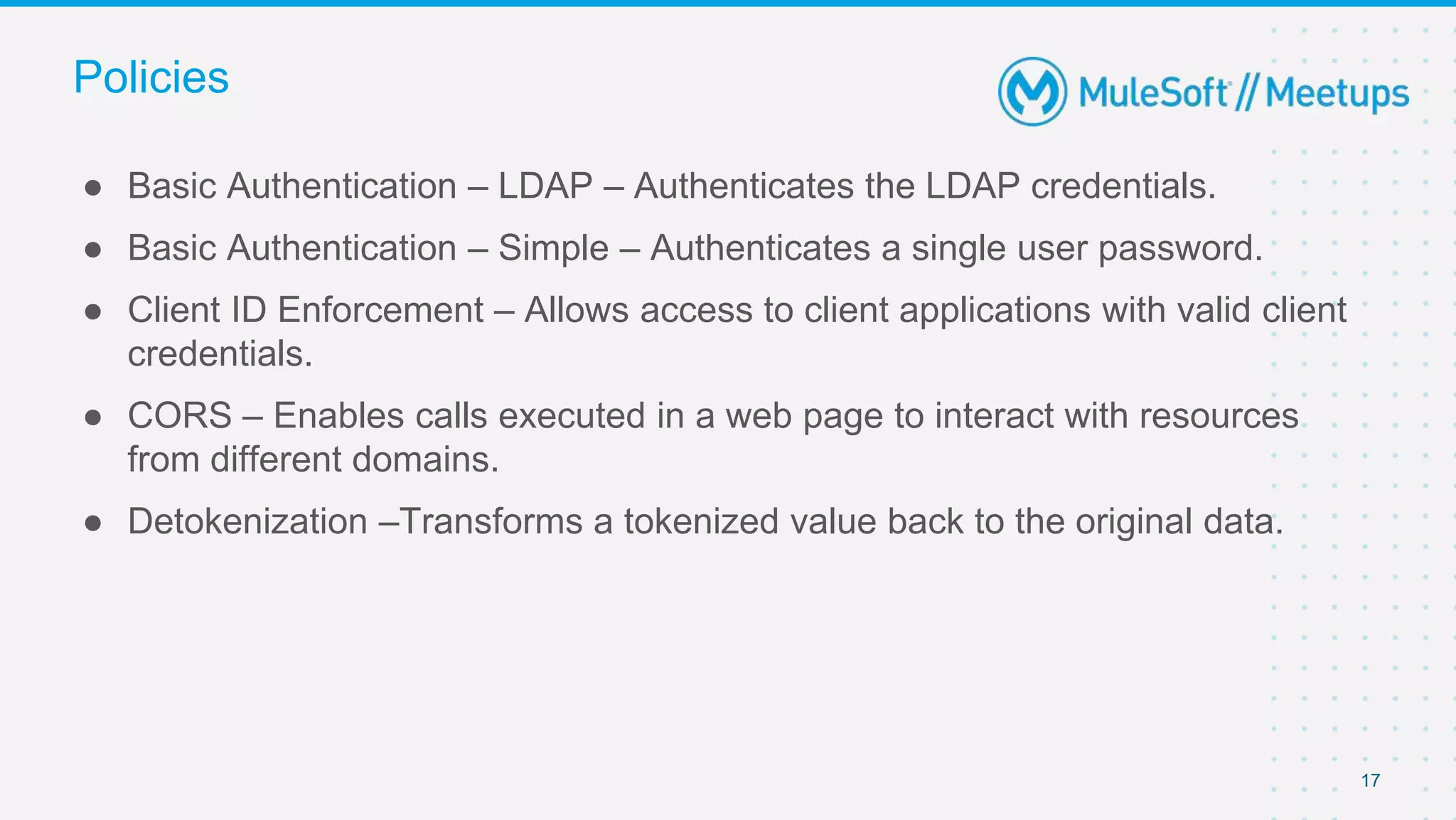
● Basic Authentication – LDAP – Authenticates the LDAP credentials.
● Basic Authentication – Simple – Authenticates a single user password.
● Client ID Enforcement – Allows access to client applications with valid client
credentials.
● CORS – Enables calls executed in a web page to interact with resources
from different domains.
● Detokenization –Transforms a tokenized value back to the original data.
Policies
18
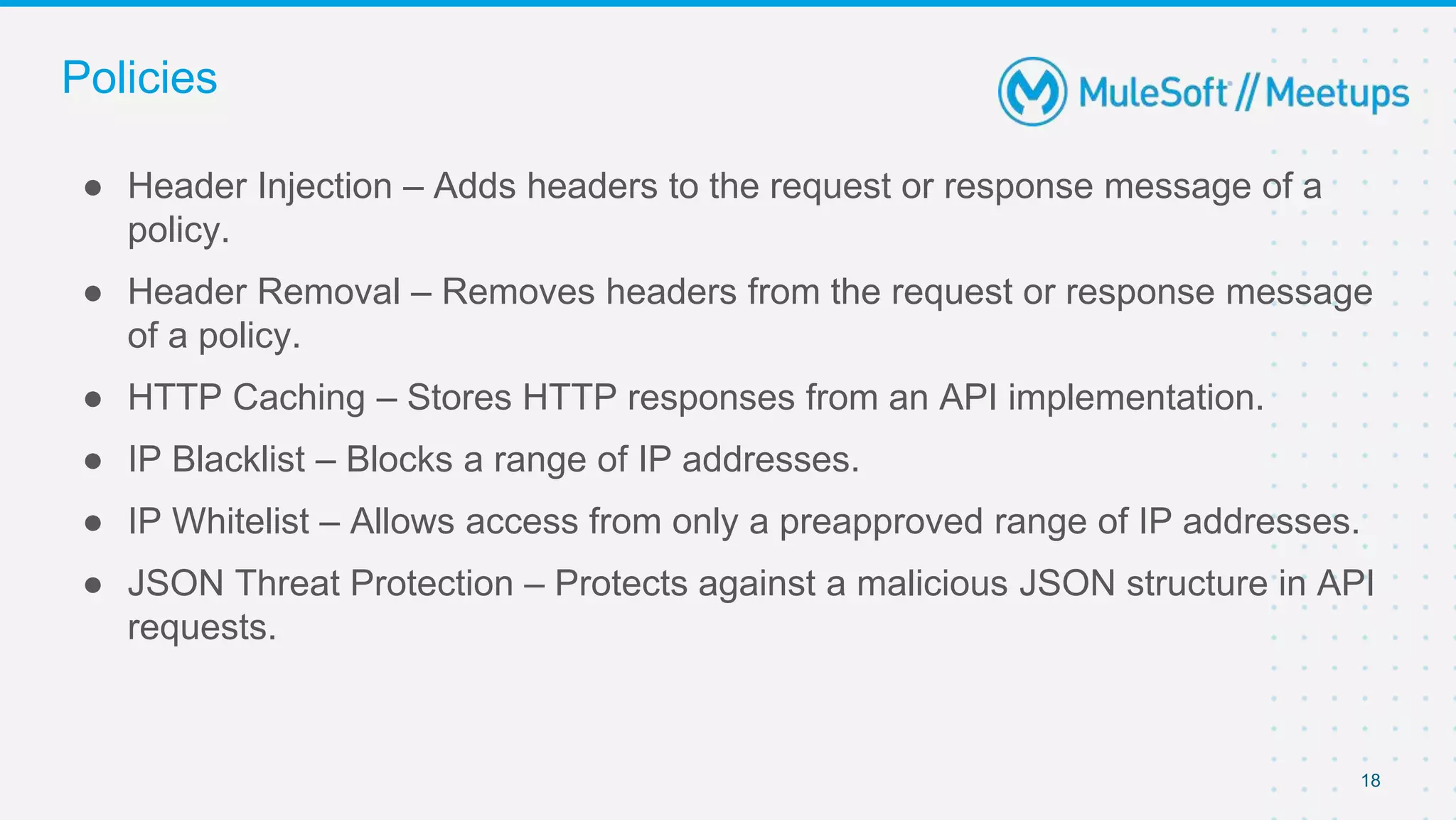
● Header Injection – Adds headers to the request or response message of a
policy.
● Header Removal – Removes headers from the request or response message
of a policy.
● HTTP Caching – Stores HTTP responses from an API implementation.
● IP Blacklist – Blocks a range of IP addresses.
● IP Whitelist – Allows access from only a preapproved range of IP addresses.
● JSON Threat Protection – Protects against a malicious JSON structure in API
requests.
Policies
19
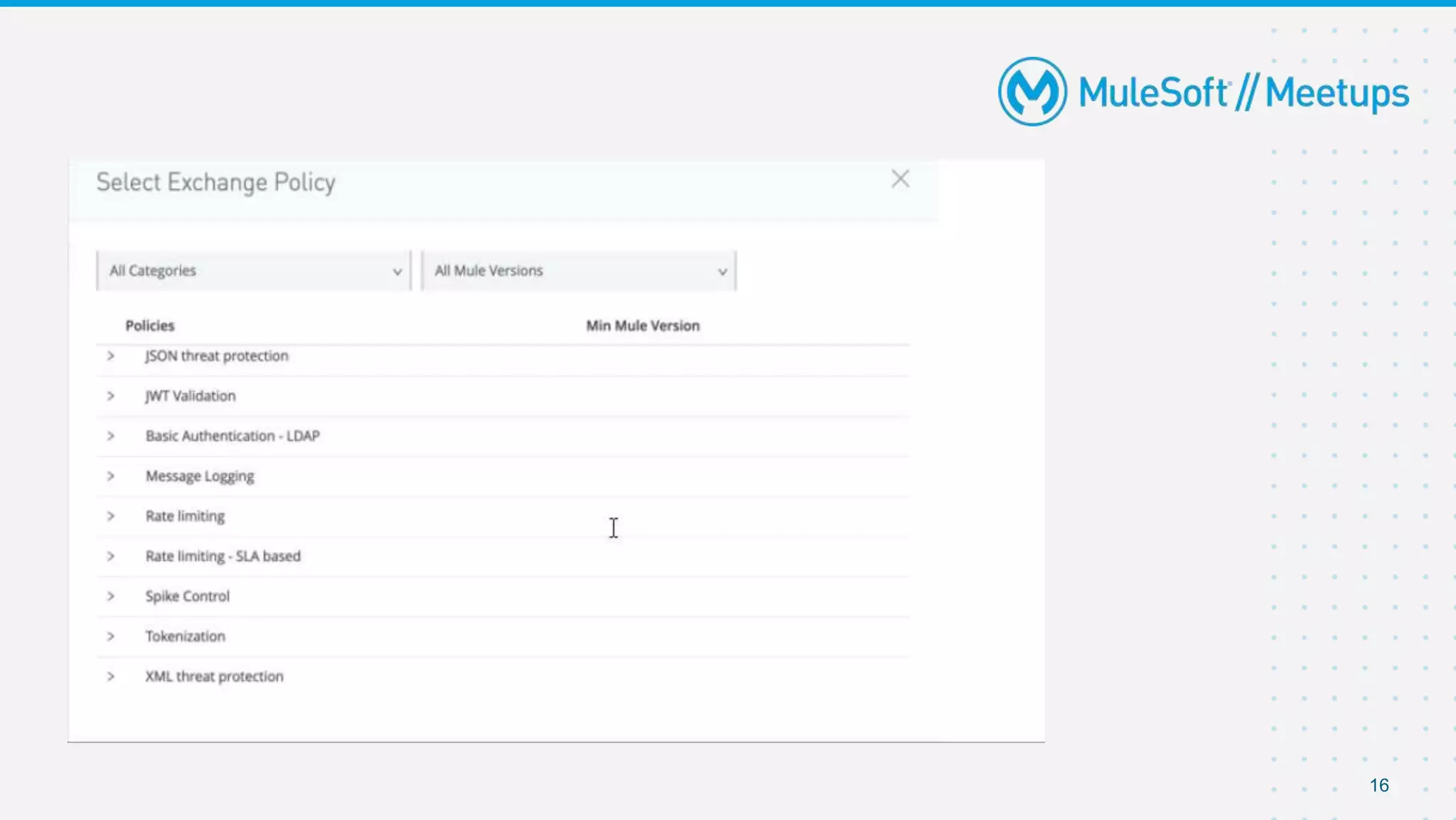
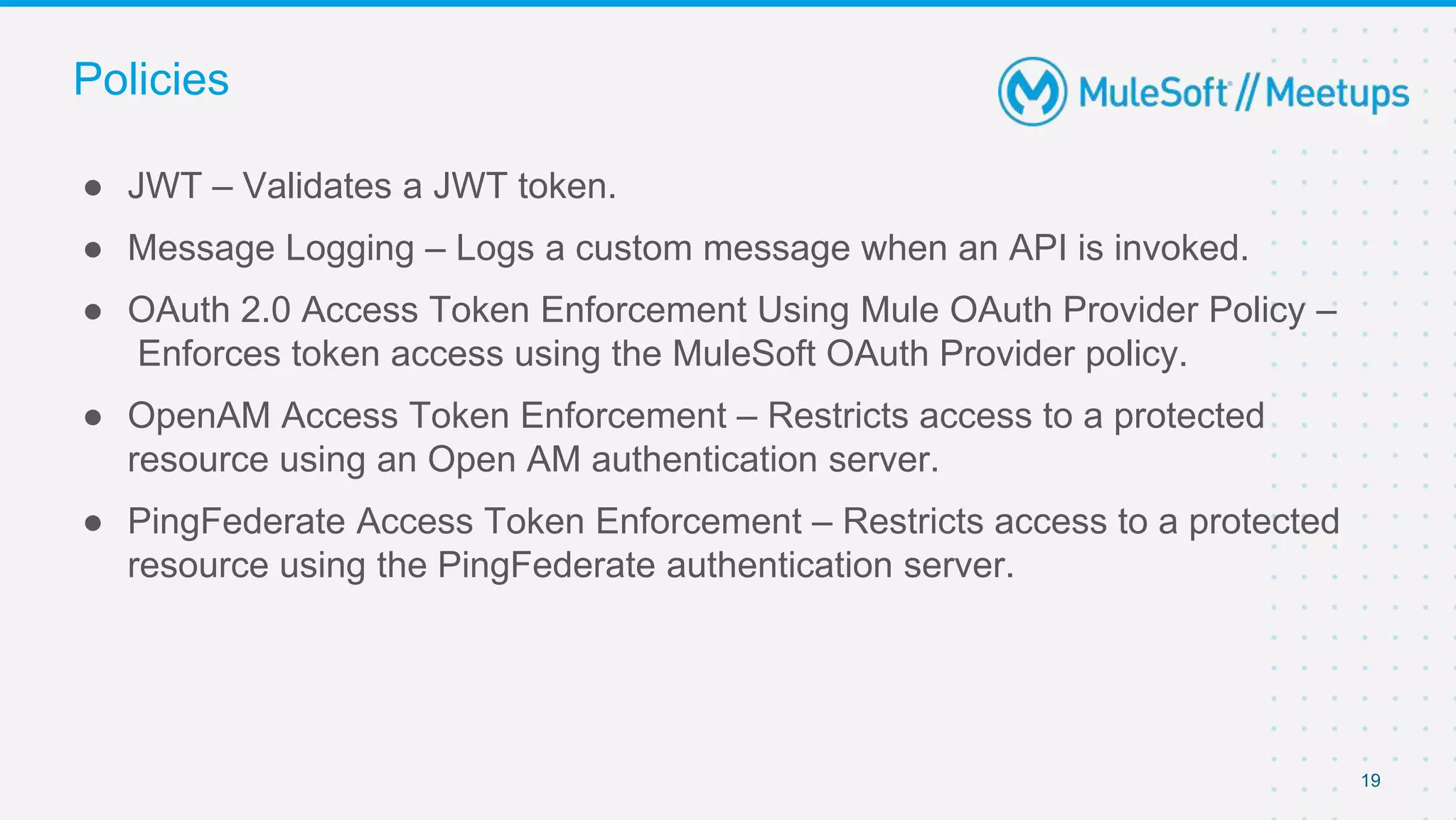
● JWT – Validates a JWT token.
● Message Logging – Logs a custom message when an API is invoked.
● OAuth 2.0 Access Token Enforcement Using Mule OAuth Provider Policy –
Enforces token access using the MuleSoft OAuth Provider policy.
● OpenAM Access Token Enforcement – Restricts access to a protected
resource using an Open AM authentication server.
● PingFederate Access Token Enforcement – Restricts access to a protected
resource using the PingFederate authentication server.
Policies
20
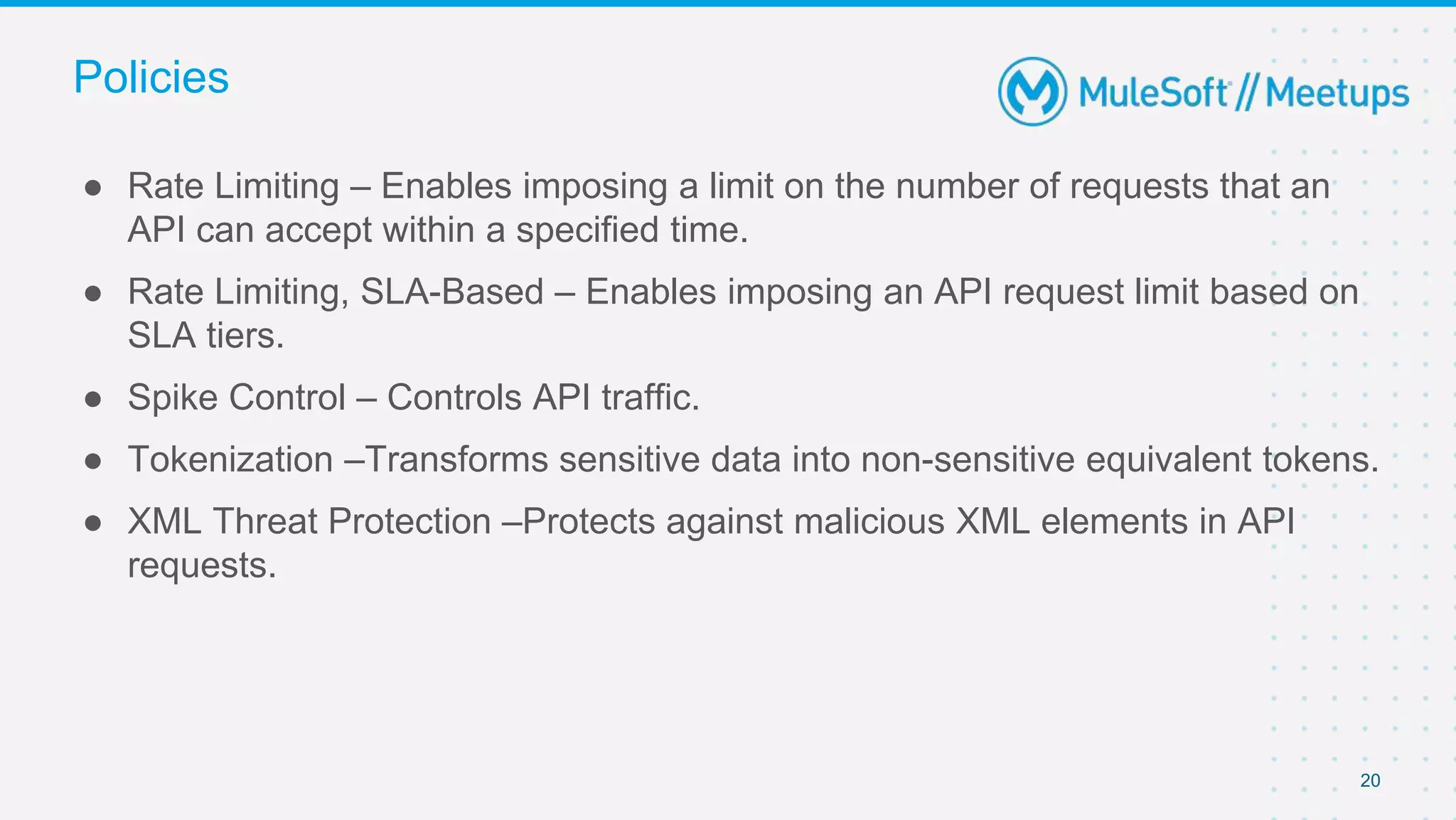
● Rate Limiting – Enables imposing a limit on the number of requests that an
API can accept within a specified time.
● Rate Limiting, SLA-Based – Enables imposing an API request limit based on
SLA tiers.
● Spike Control – Controls API traffic.
● Tokenization –Transforms sensitive data into non-sensitive equivalent tokens.
● XML Threat Protection –Protects against malicious XML elements in API
requests.
Policies
21
● What is a custom policy?
● When to use a custom policy?
Custom Policies
22
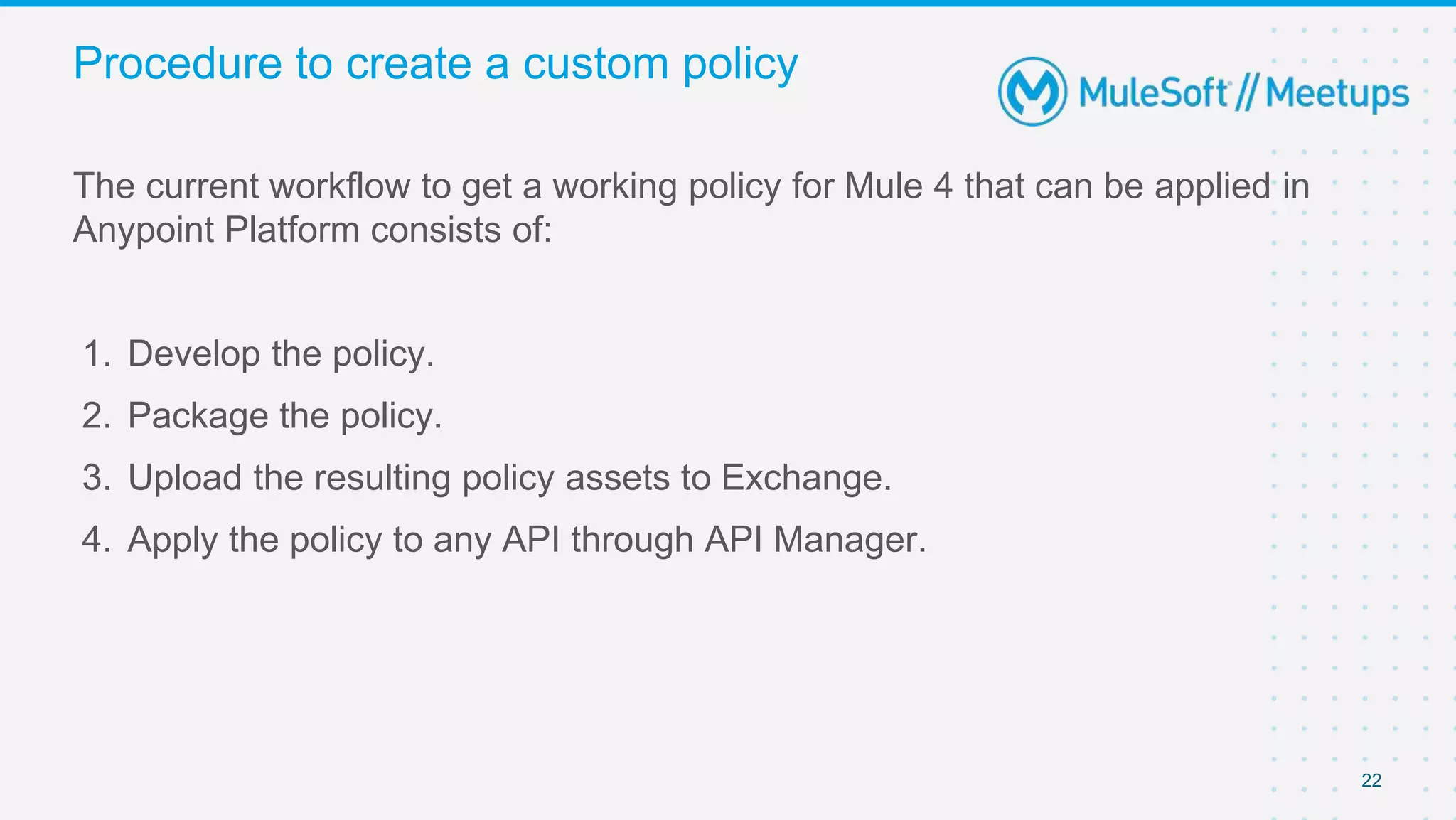
The current workflow to get a working policy for Mule 4 that can be applied in
Anypoint Platform consists of:
1. Develop the policy.
2. Package the policy.
3. Upload the resulting policy assets to Exchange.
4. Apply the policy to any API through API Manager.
Procedure to create a custom policy
23
In order to start building custom policy all you need is
● Anypoint Studio
● Anypoint Platform account
● Maven installed on your local machine
Prerequisite
24
1. Configure your settings.xml
2. Create Custom policy
3. Import into Anypoint Studio
4. Publish to Exchange
5. Apply the policy to your API
Steps involved
DEMO
26
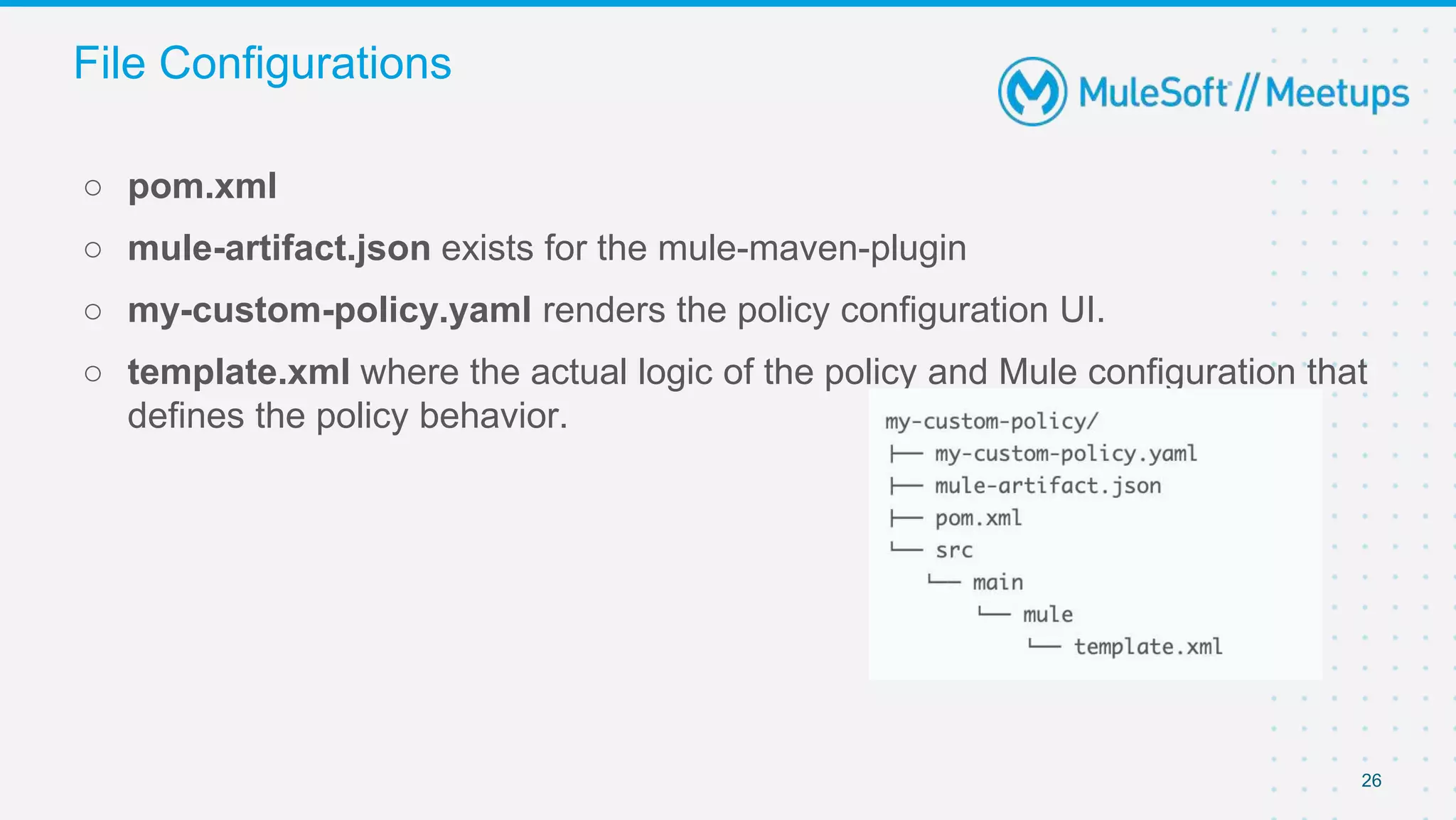
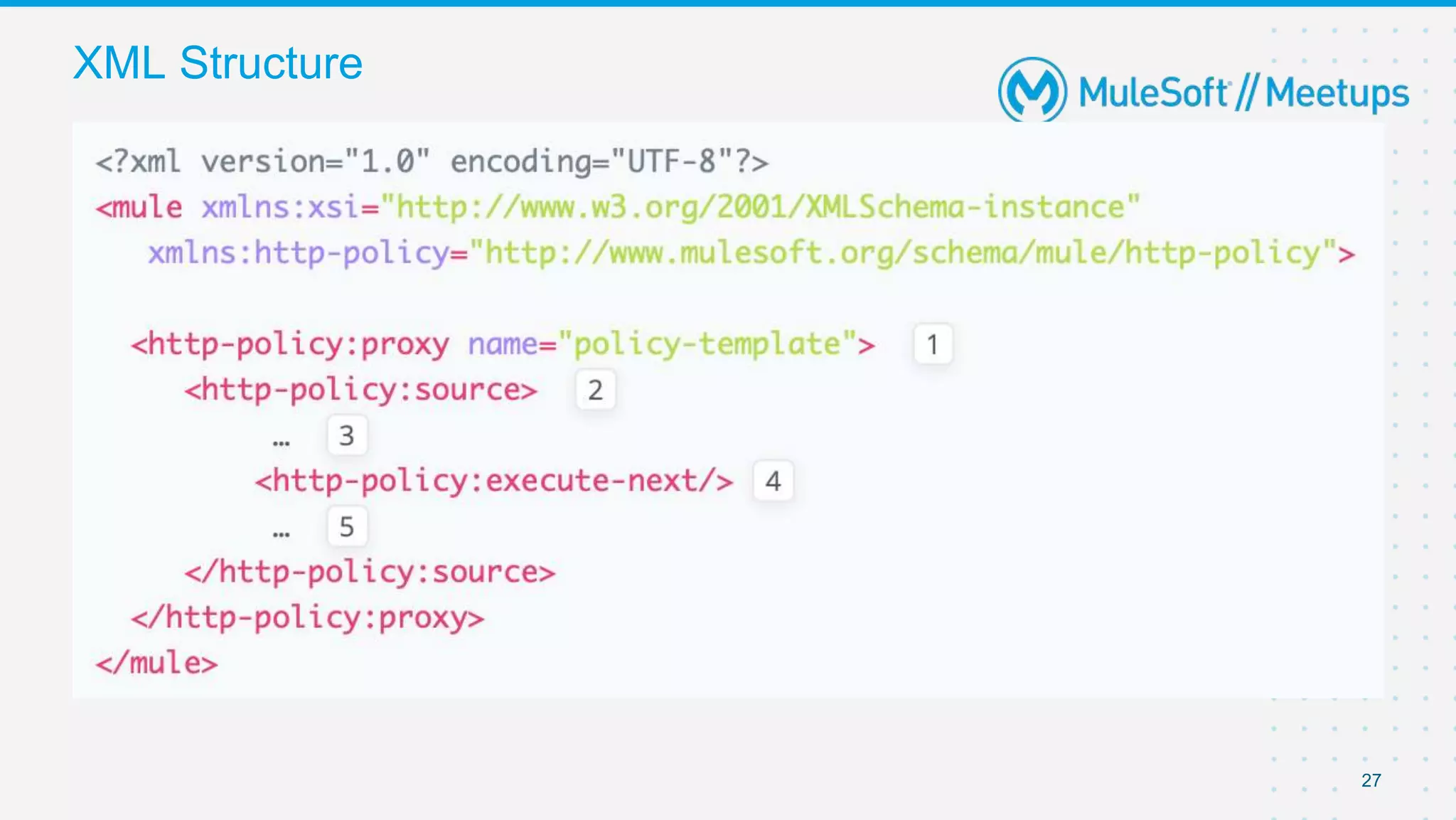
○ pom.xml
○ mule-artifact.json exists for the mule-maven-plugin
○ my-custom-policy.yaml renders the policy configuration UI.
○ template.xml where the actual logic of the policy and Mule configuration that
defines the policy behavior.
File Configurations
27
XML Structure
28
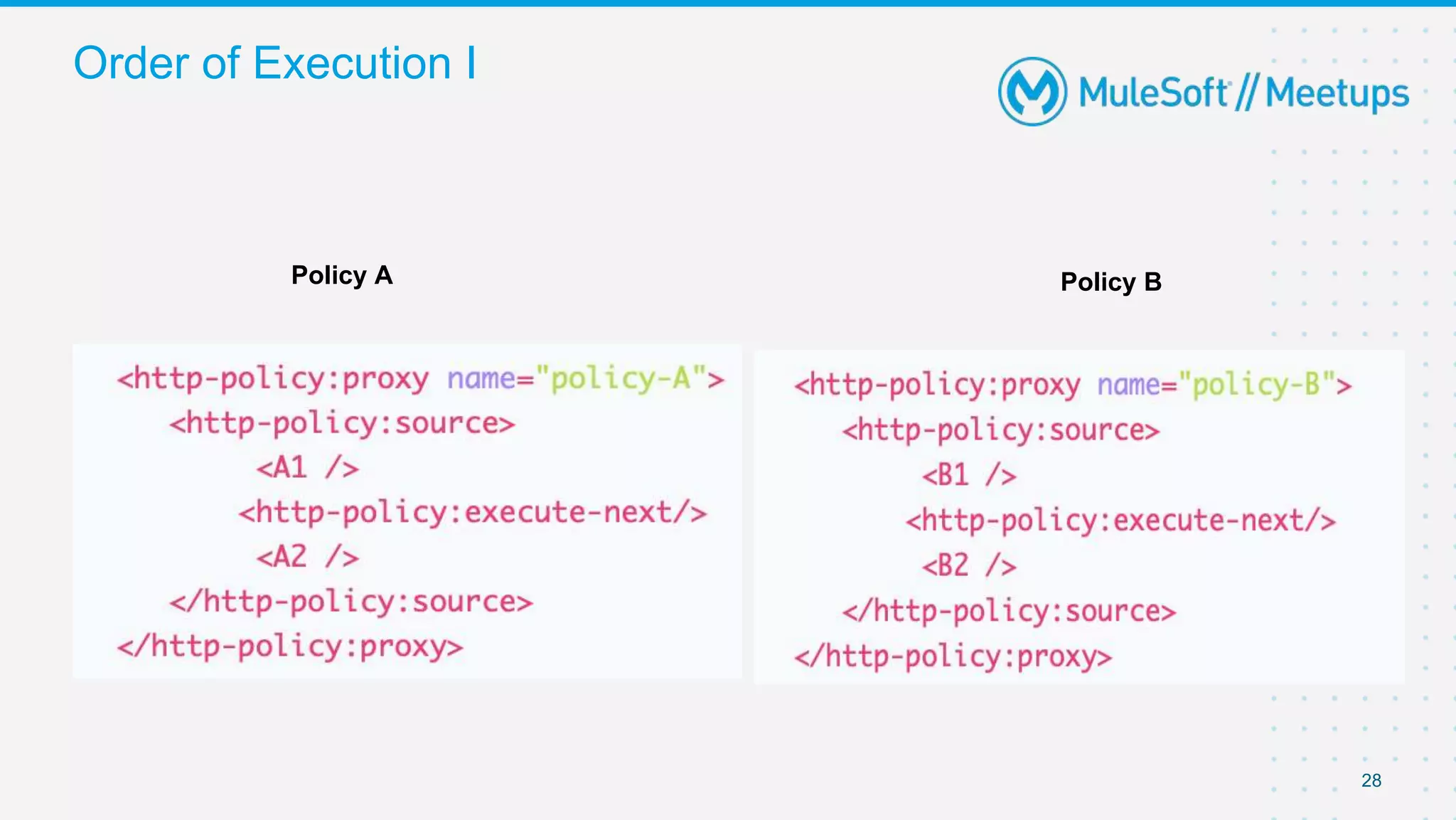
Order of Execution I
Policy A Policy B
29
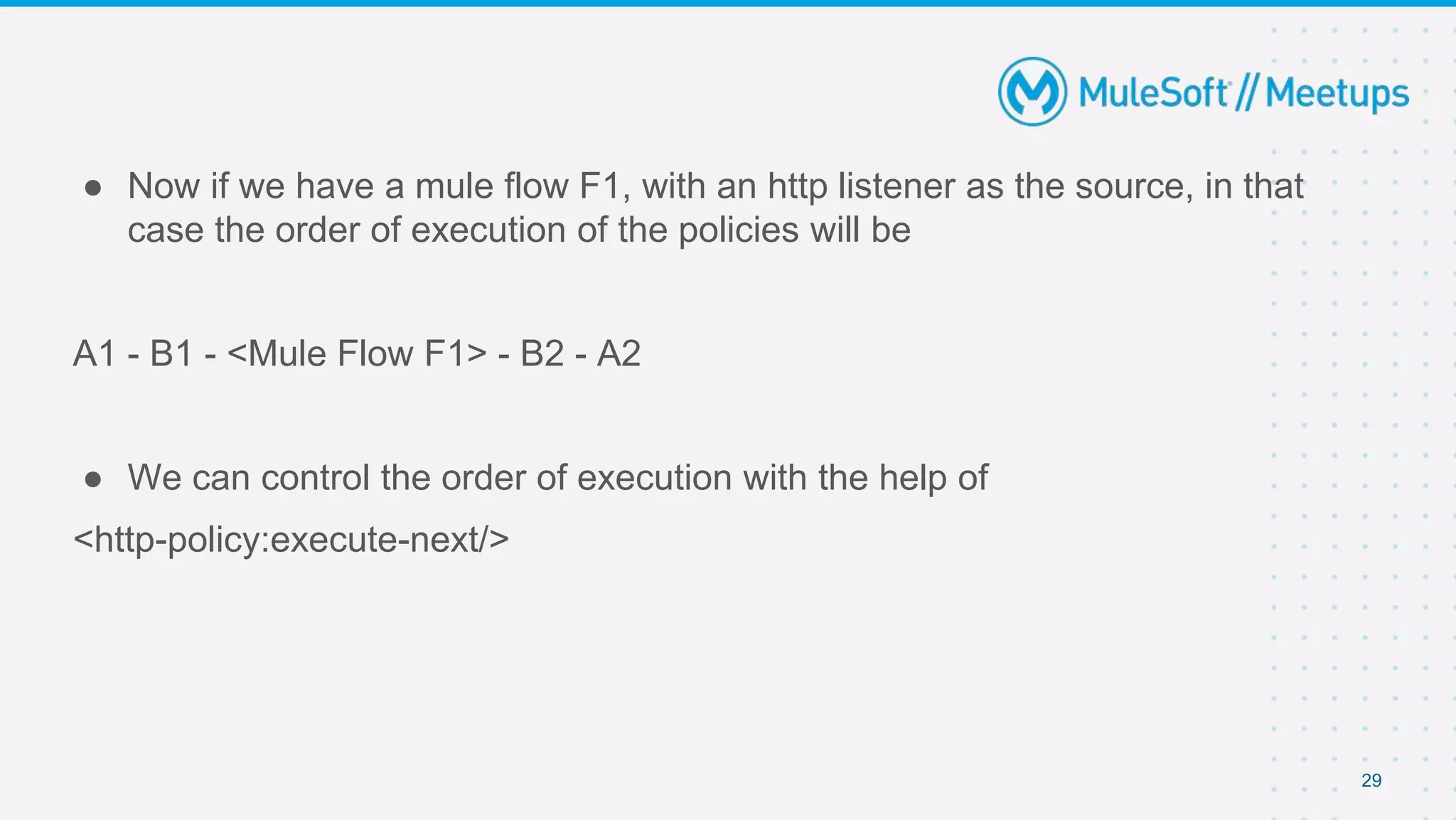
● Now if we have a mule flow F1, with an http listener as the source, in that
case the order of execution of the policies will be
A1 - B1 - <Mule Flow F1> - B2 - A2
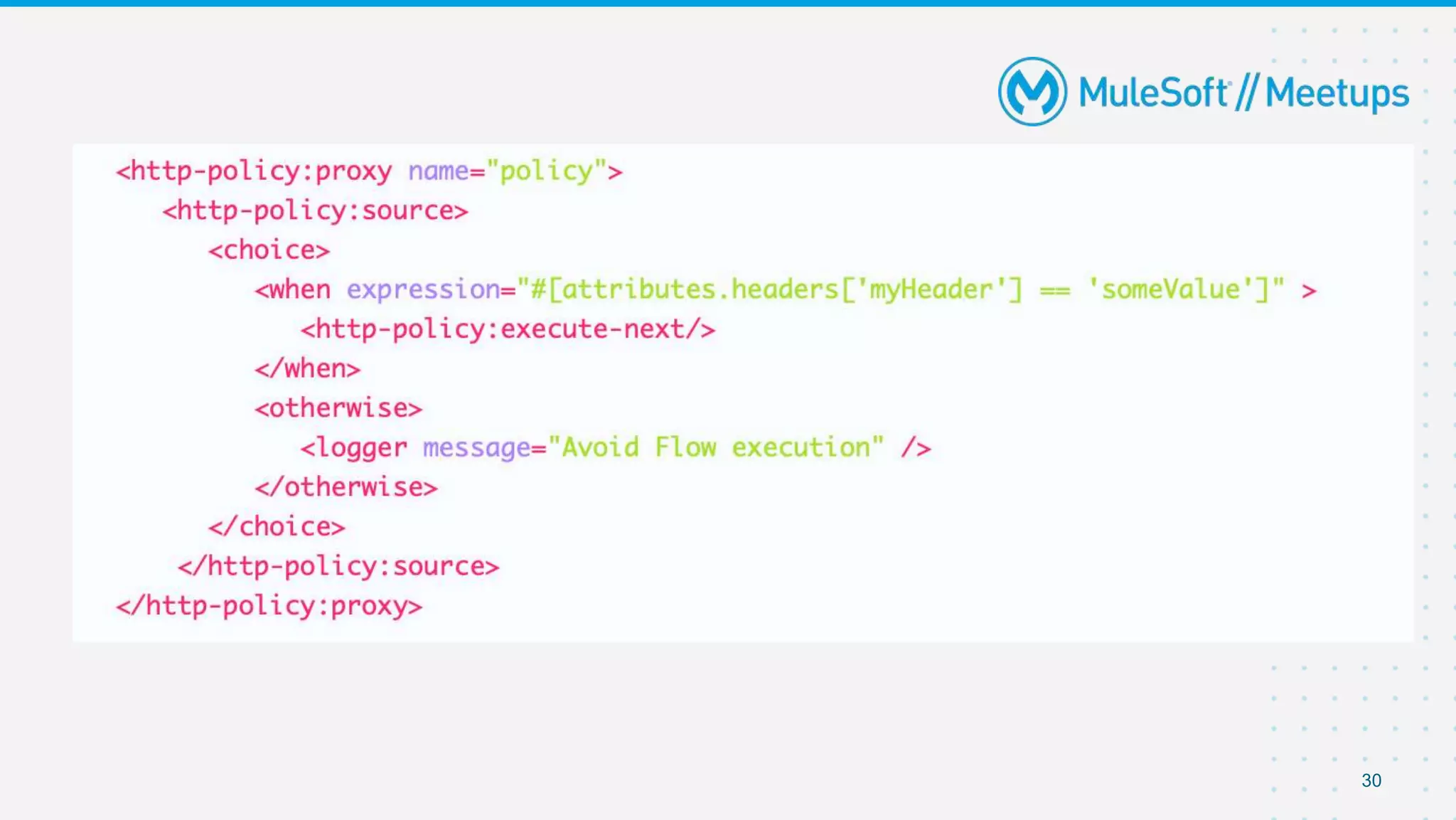
● We can control the order of execution with the help of
<http-policy:execute-next/>
30
31
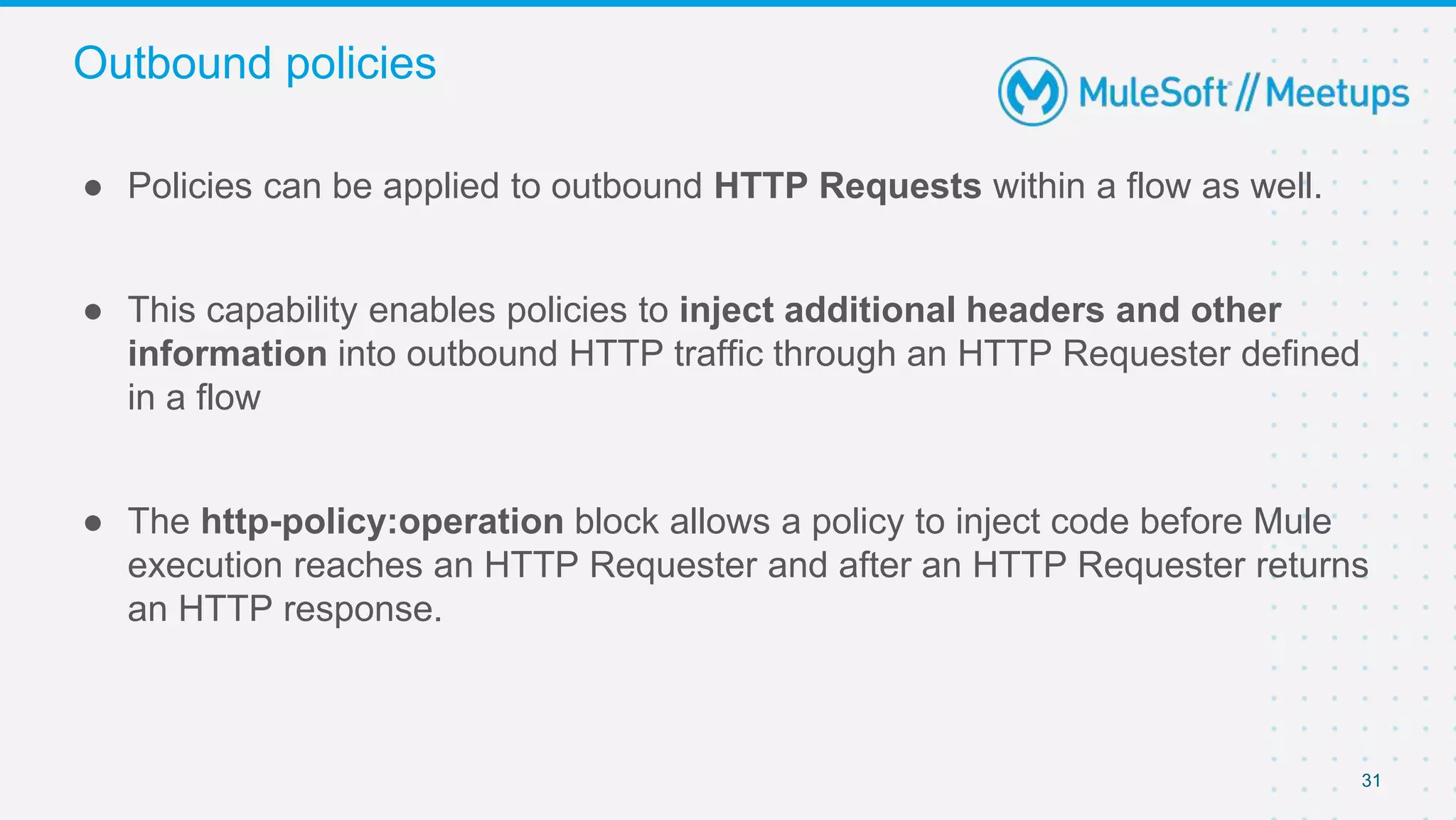
● Policies can be applied to outbound HTTP Requests within a flow as well.
● This capability enables policies to inject additional headers and other
information into outbound HTTP traffic through an HTTP Requester defined
in a flow
● The http-policy:operation block allows a policy to inject code before Mule
execution reaches an HTTP Requester and after an HTTP Requester returns
an HTTP response.
Outbound policies
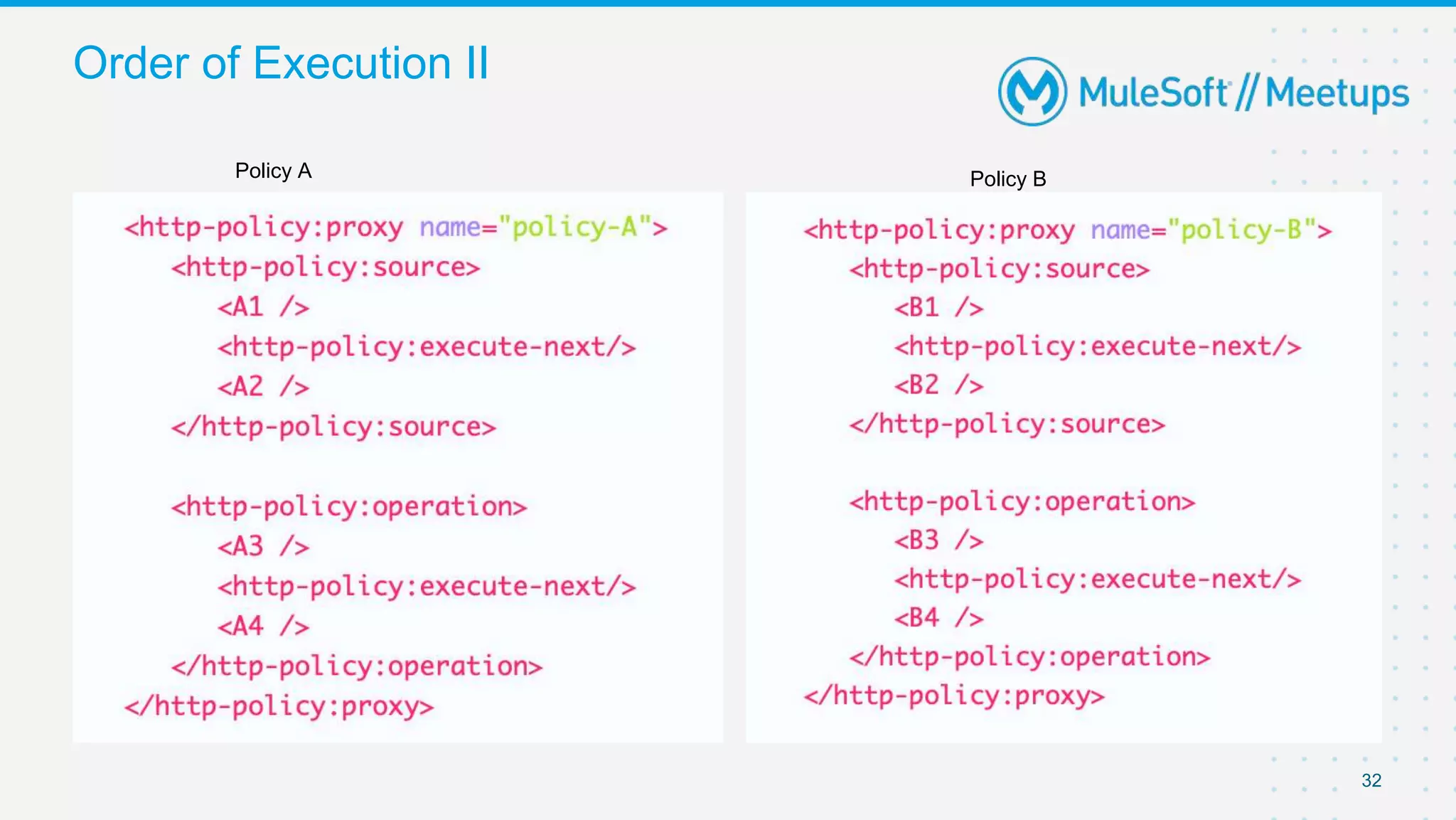
32
Order of Execution II
Policy A Policy B
33
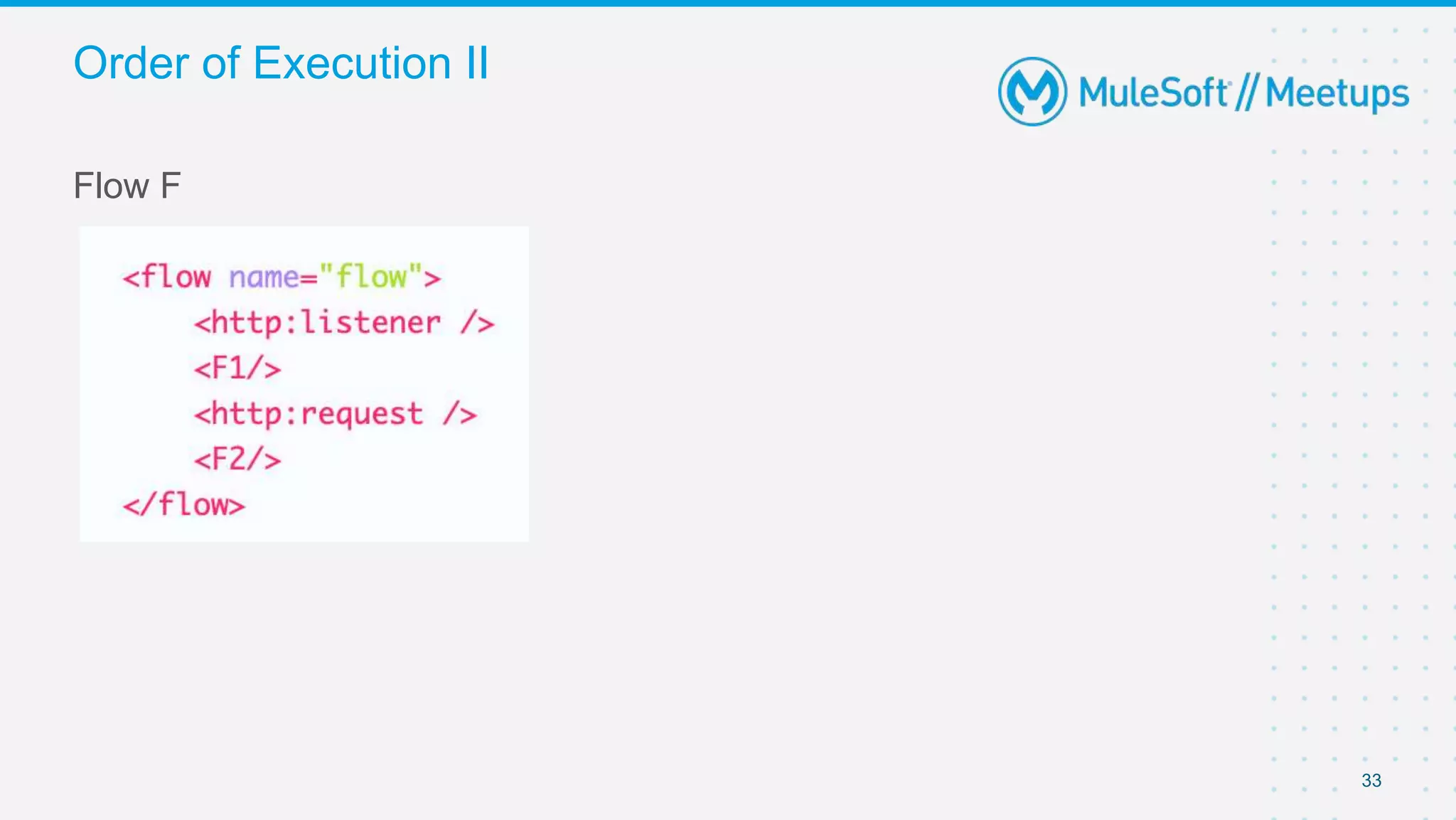
Flow F
Order of Execution II
34
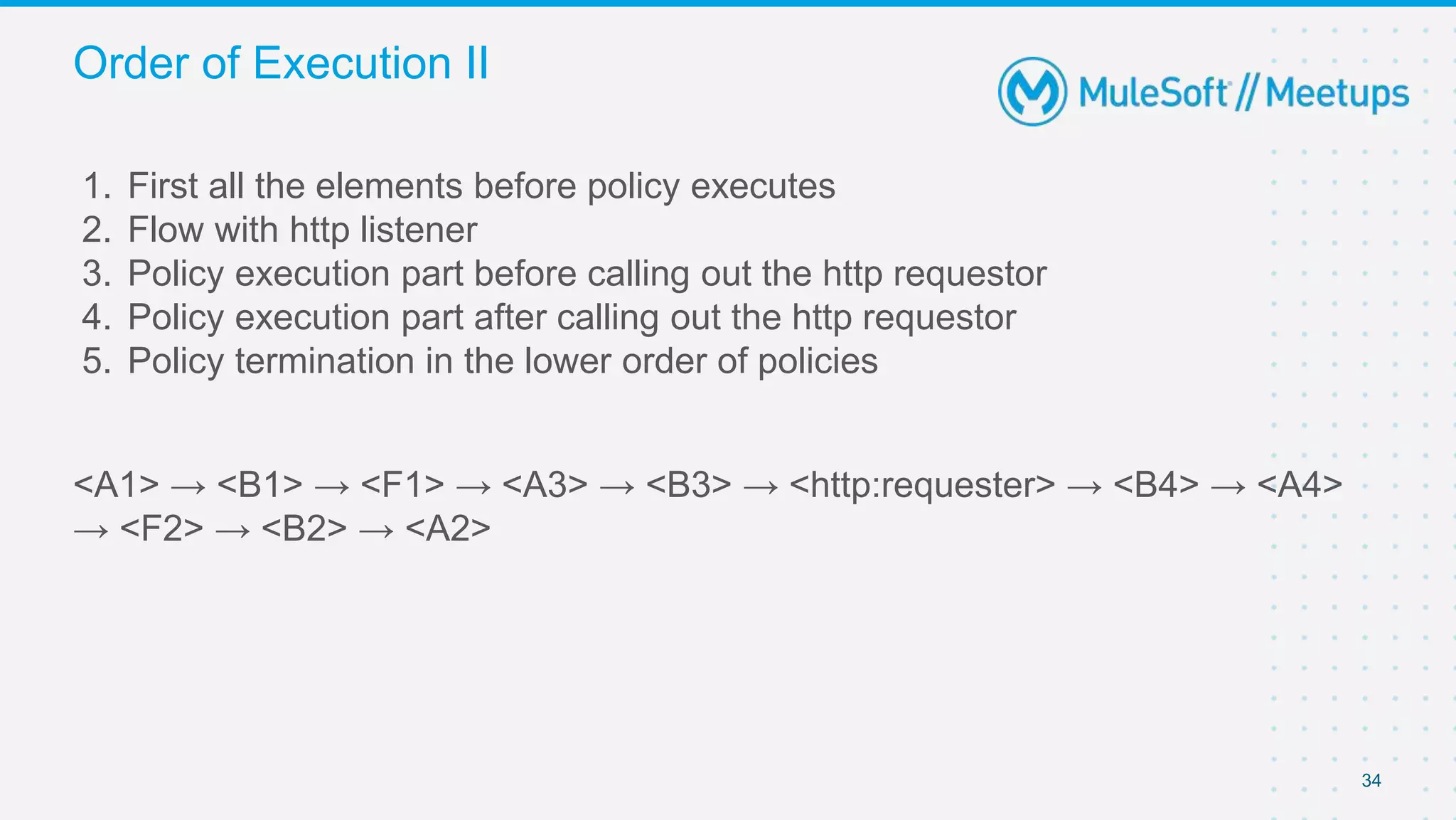
1. First all the elements before policy executes
2. Flow with http listener
3. Policy execution part before calling out the http requestor
4. Policy execution part after calling out the http requestor
5. Policy termination in the lower order of policies
<A1> → <B1> → <F1> → <A3> → <B3> → <http:requester> → <B4> → <A4>
→ <F2> → <B2> → <A2>
Order of Execution II
35
Mule 4 policies can handle errors thrown by
1. The policy
2. A flow within the Mule application
3. Other policies
Error Handling
36
In order to execute error-handling, we can use two elements -
● try
● error-handler elements.
Error Handling
37
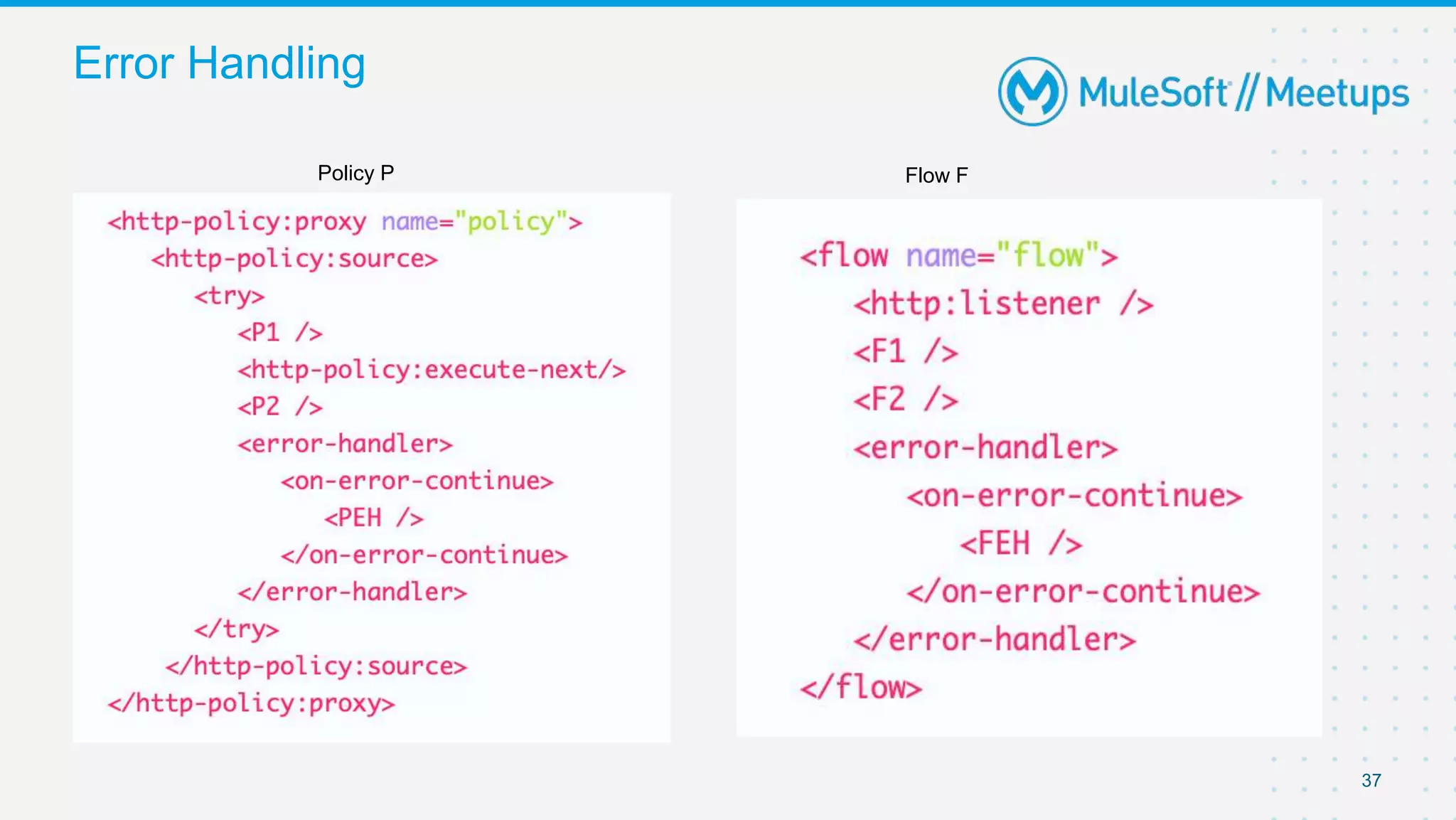
Error Handling
Policy P Flow F
38
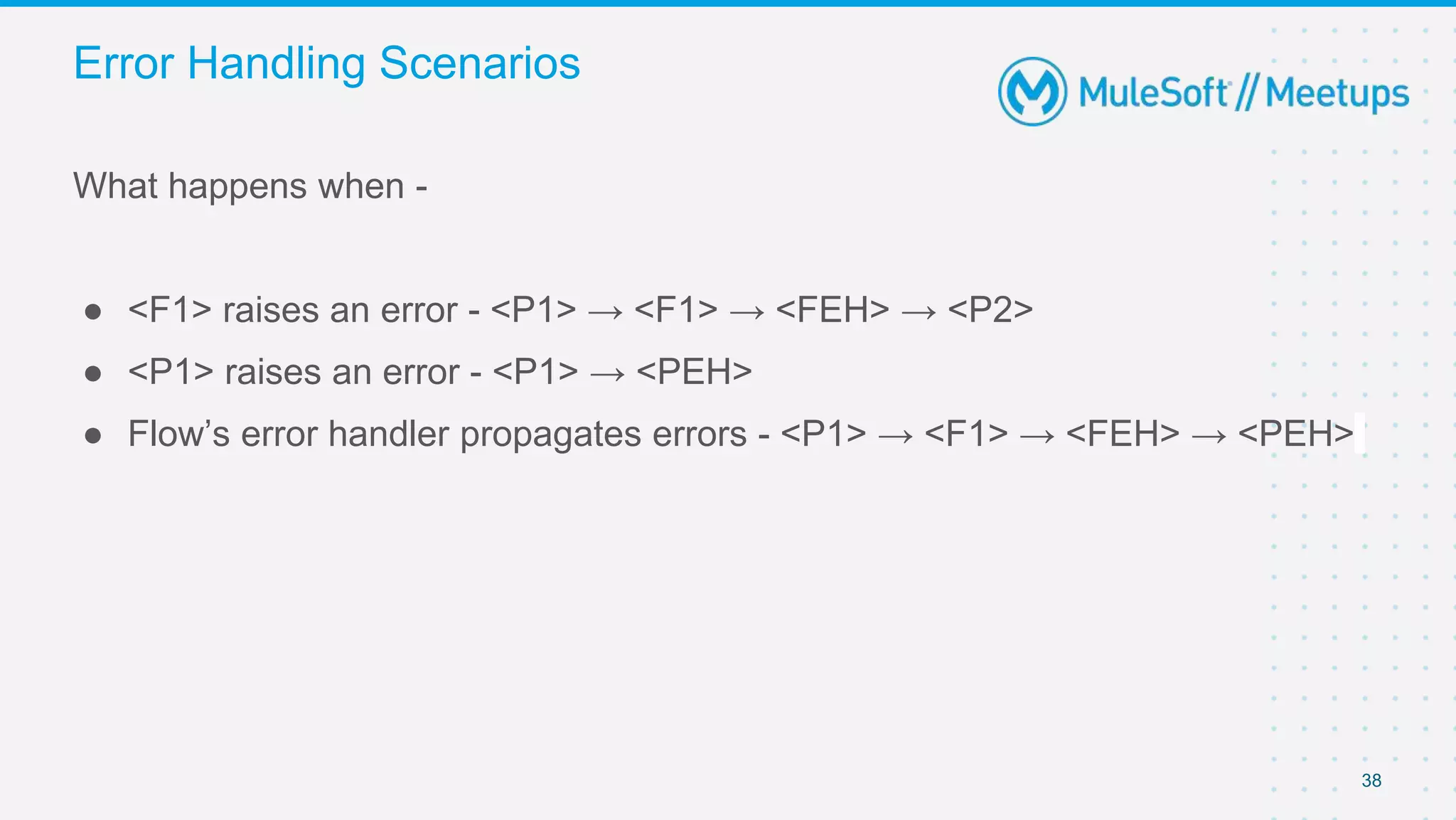
What happens when -
● <F1> raises an error - <P1> → <F1> → <FEH> → <P2>
● <P1> raises an error - <P1> → <PEH>
● Flow’s error handler propagates errors - <P1> → <F1> → <FEH> → <PEH>
Error Handling Scenarios
39
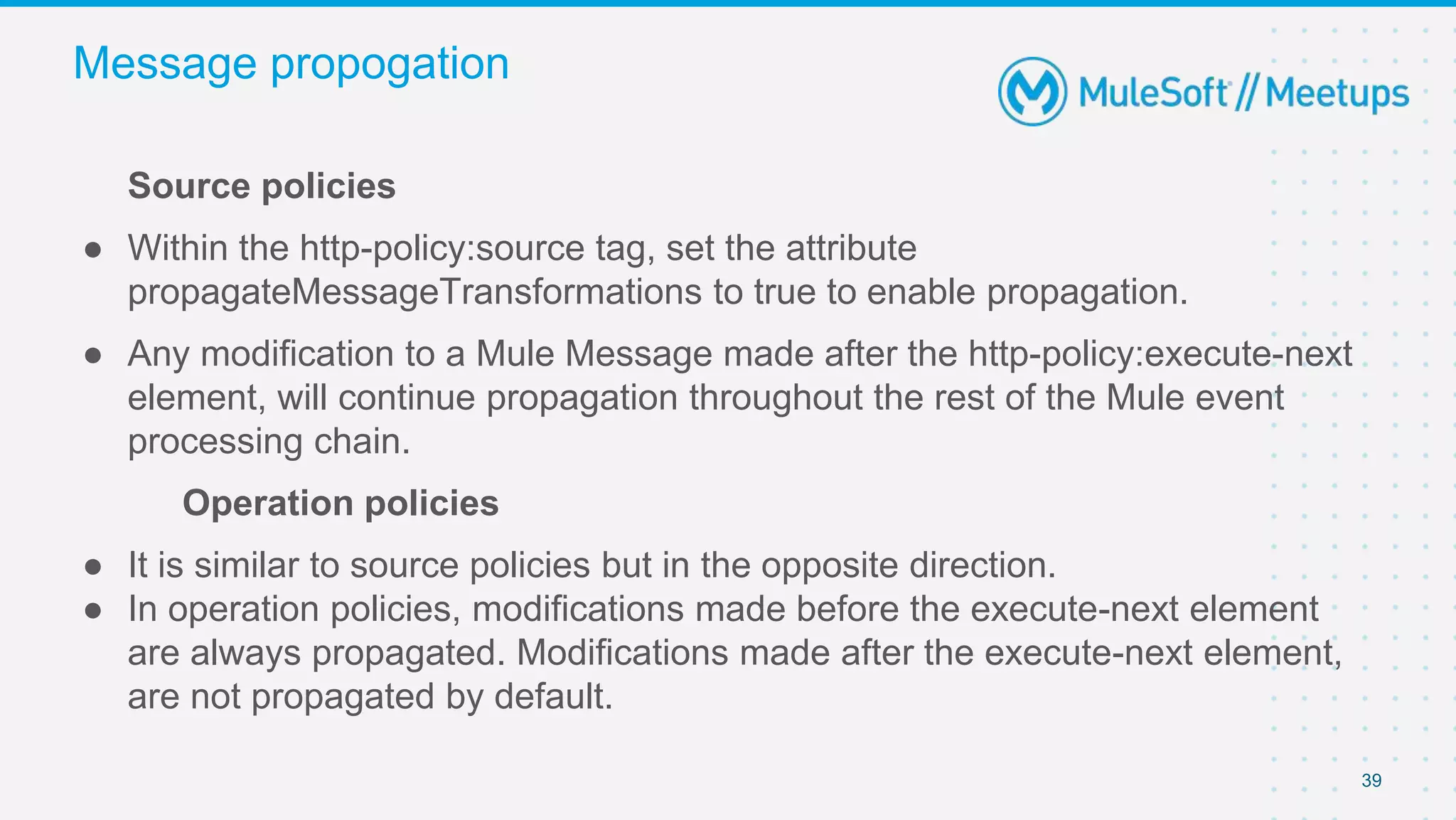
Source policies
● Within the http-policy:source tag, set the attribute
propagateMessageTransformations to true to enable propagation.
● Any modification to a Mule Message made after the http-policy:execute-next
element, will continue propagation throughout the rest of the Mule event
processing chain.
Operation policies
● It is similar to source policies but in the opposite direction.
● In operation policies, modifications made before the execute-next element
are always propagated. Modifications made after the execute-next element,
are not propagated by default.
Message propogation
40
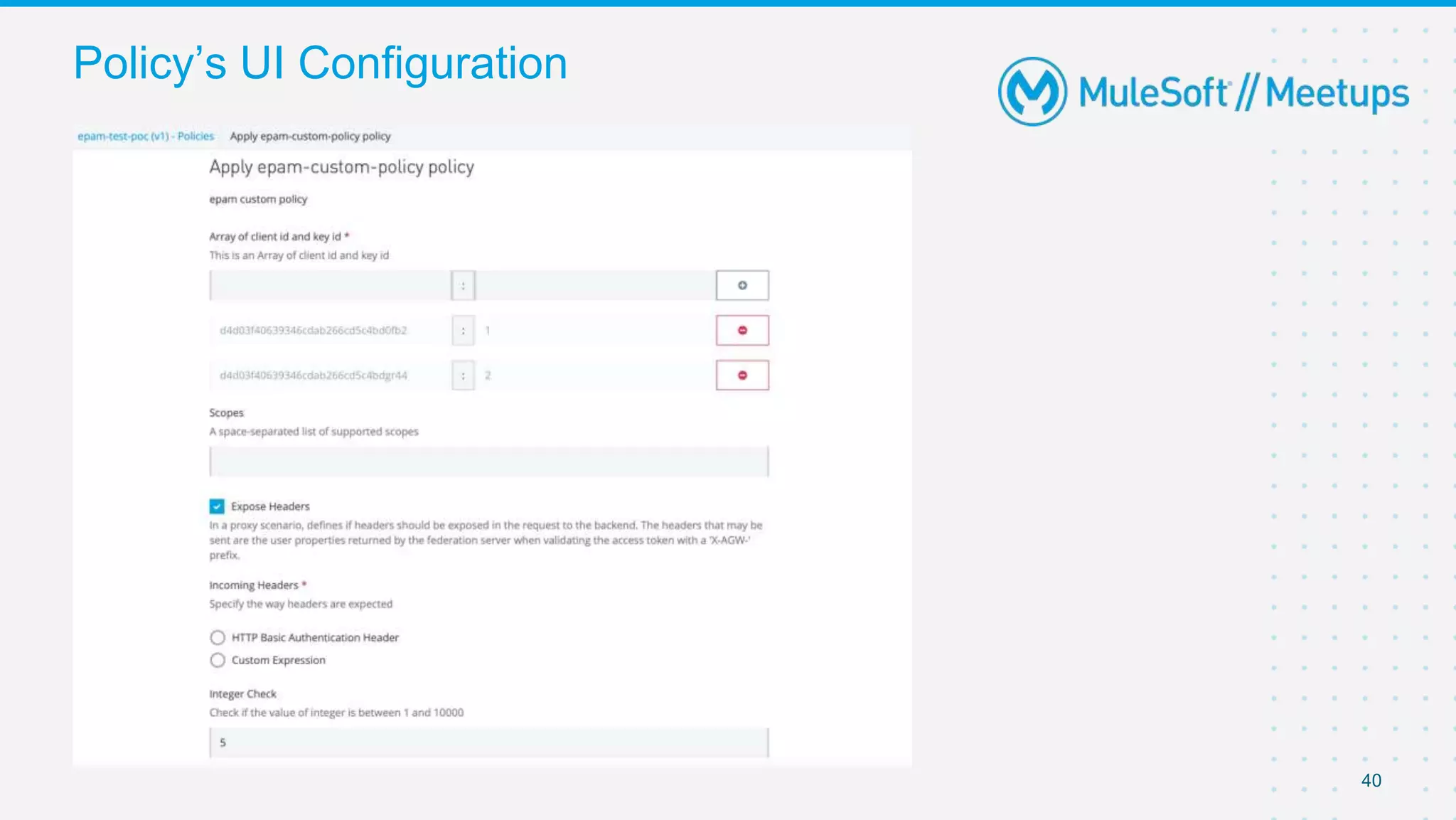
Policy’s UI Configuration
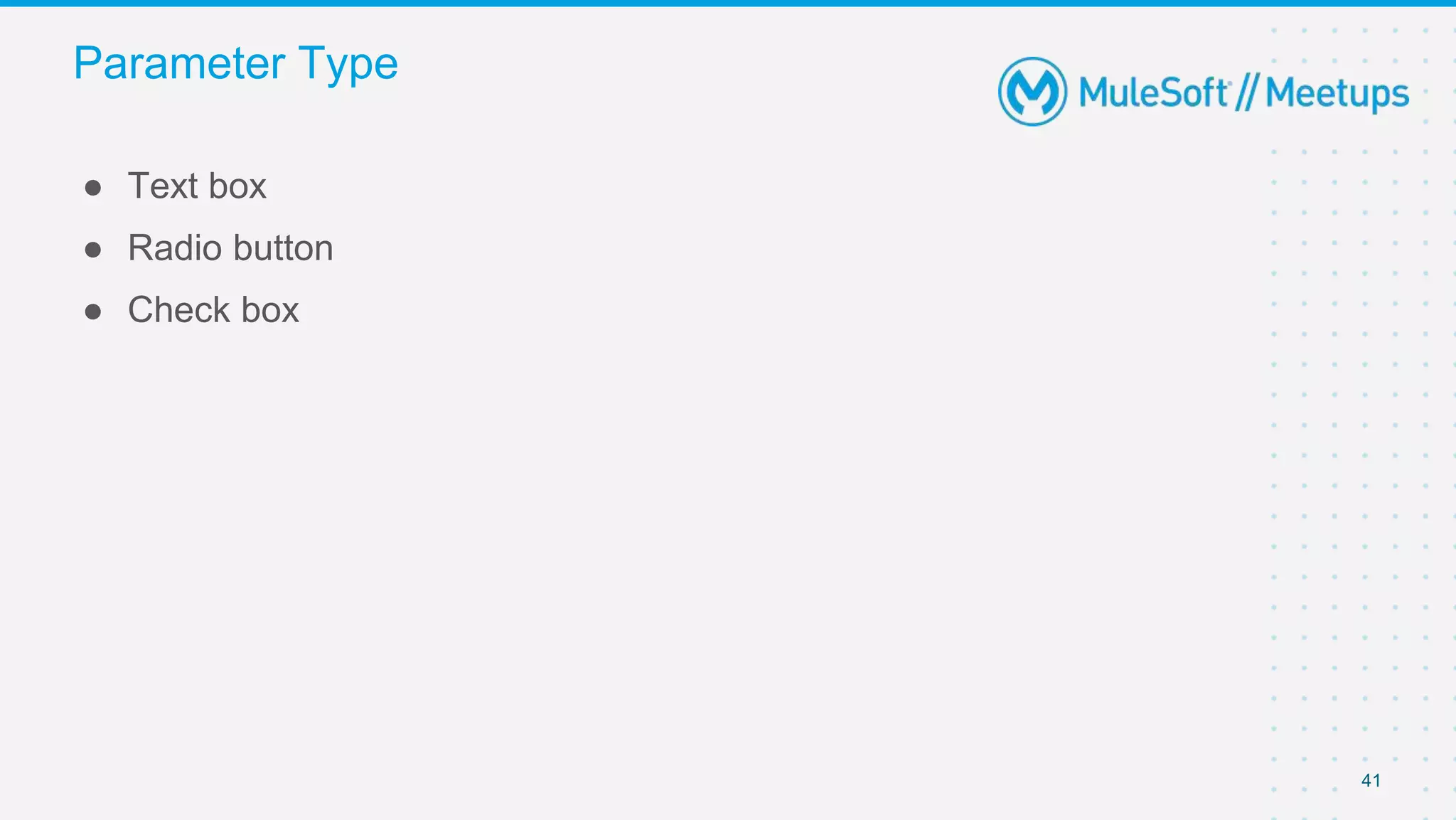
41
● Text box
● Radio button
● Check box
Parameter Type
42
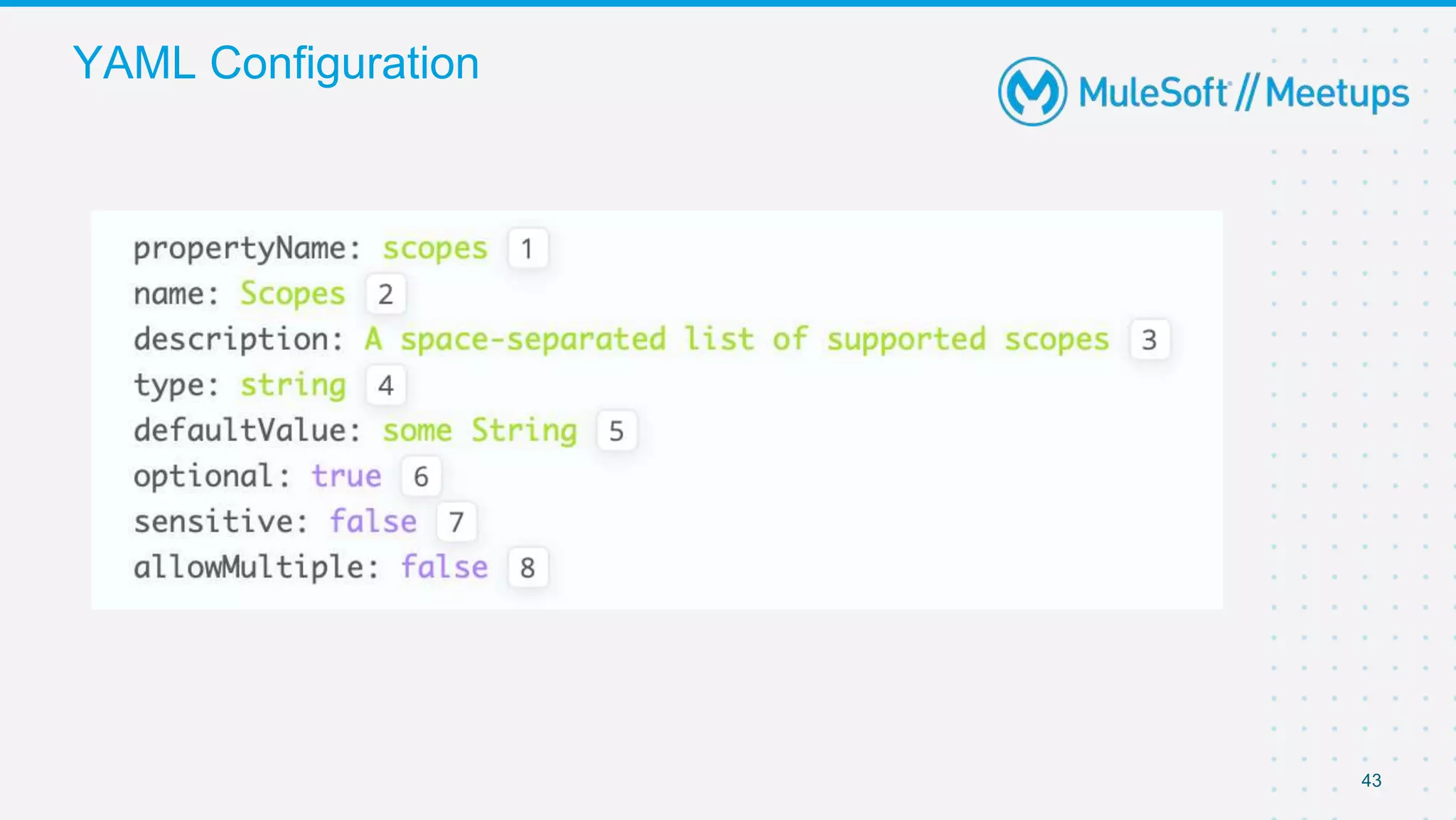
○ String: Any string expected.
○ Expression: A DataWeave expression starting with #[ and finished with ] is
expected.
○ Boolean: true or false.
○ Int: A number is expected. This type requires additional properties
○ Radio: One value of a group of options. This type requires additional
properties- minimum and maximum value
○ Keyvalues: Collection of Key-Value pairs.
Additional Configurations
43
YAML Configuration
44
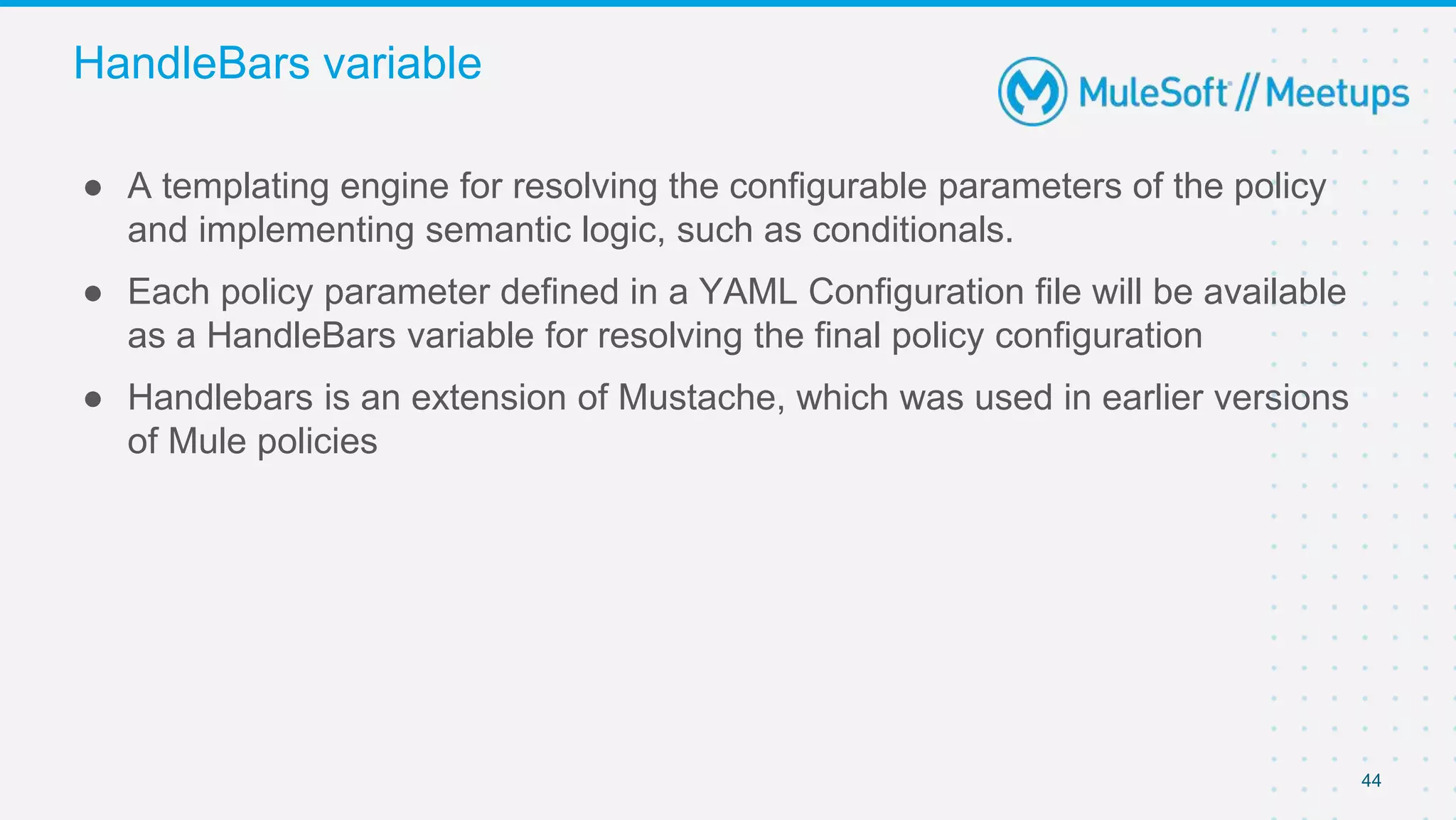
● A templating engine for resolving the configurable parameters of the policy
and implementing semantic logic, such as conditionals.
● Each policy parameter defined in a YAML Configuration file will be available
as a HandleBars variable for resolving the final policy configuration
● Handlebars is an extension of Mustache, which was used in earlier versions
of Mule policies
HandleBars variable
QnA
Thank you
Trivia Quiz
48
1. Which file is responsible for custom policy's configuration UI
a. pom.xml
b. mule artifact.json
c. custom-policy.yaml
d. template.xml
49
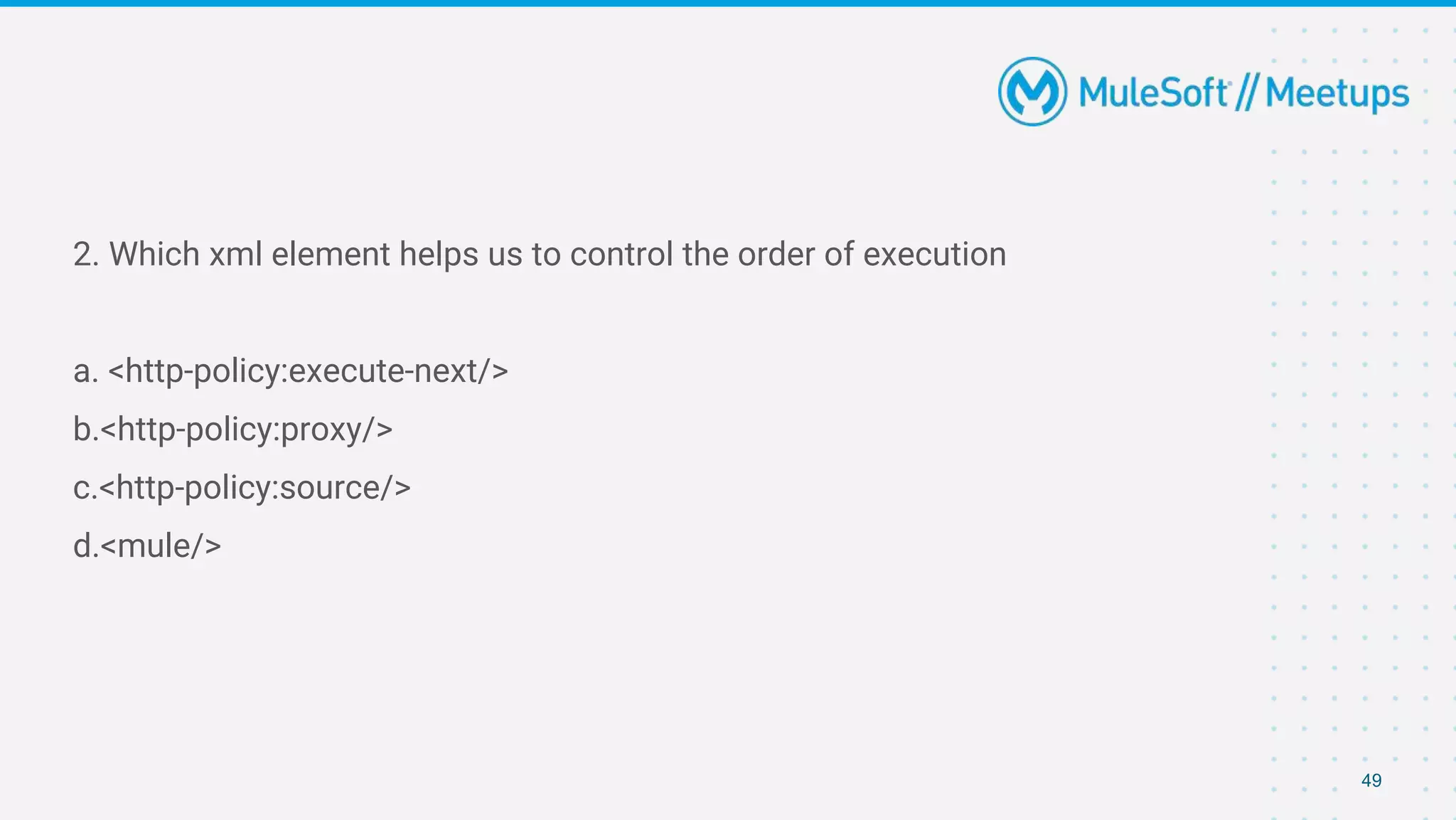
2. Which xml element helps us to control the order of execution
a. <http-policy:execute-next/>
b.<http-policy:proxy/>
c.<http-policy:source/>
d.<mule/>
50
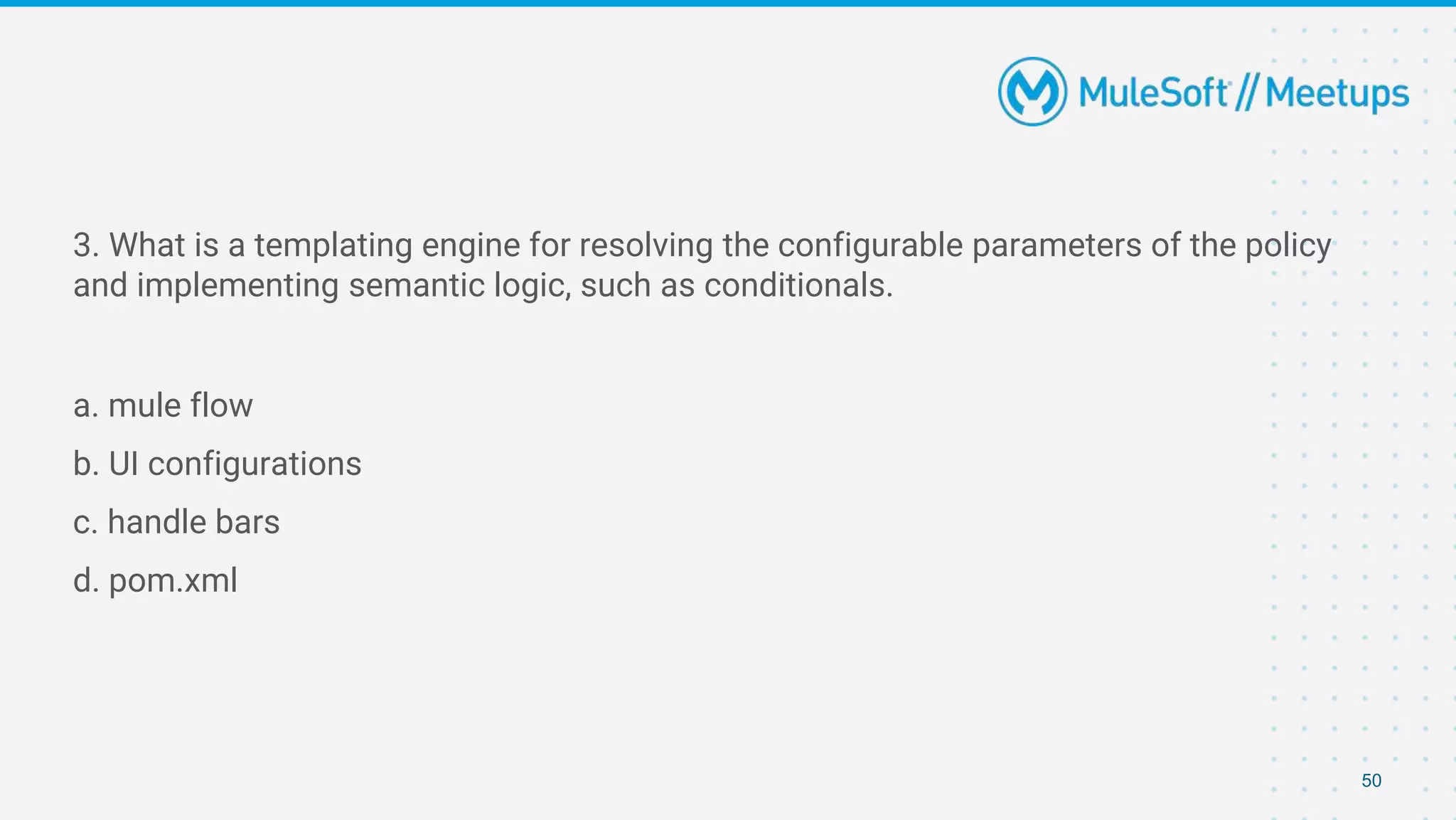
3. What is a templating engine for resolving the configurable parameters of the policy
and implementing semantic logic, such as conditionals.
a. mule flow
b. UI configurations
c. handle bars
d. pom.xml
51
● Share:
○ Tweet using the hashtag #MuleSoftMeetups and #CalicutMuleSoftMeetups
○ Invite your network to join: https://meetups.mulesoft.com/calicut/
● Feedback:
○ Fill out the survey feedback and suggest topics for upcoming events
○ Contact MuleSoft at meetups@mulesoft.com for ways to improve the program
What’s next?
Thank you

#6 Calicut MuleSoft Meetup : Demystyfying Custom Policies in Mule

  • 1.
    27th November 2021 CalicutMuleSoft Meetup Group #6 Demystifying Custom Policies in Mule
  • 2.
    Safe Harbour Statement ●Both the speaker and the host are organizing this meet-up in individual capacity only. We are not representing our companies here. ● This presentation is strictly for learning purposes only. Organizer/Presenter do not hold any responsibility that same solution will work for your business requirements. ● This presentation is not meant for any promotional activities. 2
  • 3.
    Organizers Fathima Farzana JohnMathew Philip NJC Labs NJC Labs MuleSoft / Integration Developer MuleSoft / Integration Developer 3
  • 4.
    Agenda ● Introduction ● FeaturePresentation - Custom Policies in Mule 4 ● Demo ● Wrap-Up and Trivia Quiz 4
  • 5.
  • 6.
  • 7.
  • 8.
  • 9.
  • 10.
  • 11.
    API Attacks ● InjectionAttacks ● DoS/DDoS Attacks ● Authentication Hijacking ● Data Exposure ● Parameter Tampering ● Man in the Middle (MitM) ● Unencrypted Communications ● Application Abuse 11
  • 12.
  • 13.
    Policy Categories ● Compliance ●Security ● Quality of Service ● Transformation ● Troubleshooting ● Custom 13
  • 14.
  • 15.
    Policy Types ● DefaultPolicies ● Automated Policies ● Custom Policies -Online Custom Policies Offline Custom Policies 15
  • 16.
  • 17.
    17 ● Basic Authentication– LDAP – Authenticates the LDAP credentials. ● Basic Authentication – Simple – Authenticates a single user password. ● Client ID Enforcement – Allows access to client applications with valid client credentials. ● CORS – Enables calls executed in a web page to interact with resources from different domains. ● Detokenization –Transforms a tokenized value back to the original data. Policies
  • 18.
    18 ● Header Injection– Adds headers to the request or response message of a policy. ● Header Removal – Removes headers from the request or response message of a policy. ● HTTP Caching – Stores HTTP responses from an API implementation. ● IP Blacklist – Blocks a range of IP addresses. ● IP Whitelist – Allows access from only a preapproved range of IP addresses. ● JSON Threat Protection – Protects against a malicious JSON structure in API requests. Policies
  • 19.
    19 ● JWT –Validates a JWT token. ● Message Logging – Logs a custom message when an API is invoked. ● OAuth 2.0 Access Token Enforcement Using Mule OAuth Provider Policy – Enforces token access using the MuleSoft OAuth Provider policy. ● OpenAM Access Token Enforcement – Restricts access to a protected resource using an Open AM authentication server. ● PingFederate Access Token Enforcement – Restricts access to a protected resource using the PingFederate authentication server. Policies
  • 20.
    20 ● Rate Limiting– Enables imposing a limit on the number of requests that an API can accept within a specified time. ● Rate Limiting, SLA-Based – Enables imposing an API request limit based on SLA tiers. ● Spike Control – Controls API traffic. ● Tokenization –Transforms sensitive data into non-sensitive equivalent tokens. ● XML Threat Protection –Protects against malicious XML elements in API requests. Policies
  • 21.
    21 ● What isa custom policy? ● When to use a custom policy? Custom Policies
  • 22.
    22 The current workflowto get a working policy for Mule 4 that can be applied in Anypoint Platform consists of: 1. Develop the policy. 2. Package the policy. 3. Upload the resulting policy assets to Exchange. 4. Apply the policy to any API through API Manager. Procedure to create a custom policy
  • 23.
    23 In order tostart building custom policy all you need is ● Anypoint Studio ● Anypoint Platform account ● Maven installed on your local machine Prerequisite
  • 24.
    24 1. Configure yoursettings.xml 2. Create Custom policy 3. Import into Anypoint Studio 4. Publish to Exchange 5. Apply the policy to your API Steps involved
  • 25.
  • 26.
    26 ○ pom.xml ○ mule-artifact.jsonexists for the mule-maven-plugin ○ my-custom-policy.yaml renders the policy configuration UI. ○ template.xml where the actual logic of the policy and Mule configuration that defines the policy behavior. File Configurations
  • 27.
  • 28.
    28 Order of ExecutionI Policy A Policy B
  • 29.
    29 ● Now ifwe have a mule flow F1, with an http listener as the source, in that case the order of execution of the policies will be A1 - B1 - <Mule Flow F1> - B2 - A2 ● We can control the order of execution with the help of <http-policy:execute-next/>
  • 30.
  • 31.
    31 ● Policies canbe applied to outbound HTTP Requests within a flow as well. ● This capability enables policies to inject additional headers and other information into outbound HTTP traffic through an HTTP Requester defined in a flow ● The http-policy:operation block allows a policy to inject code before Mule execution reaches an HTTP Requester and after an HTTP Requester returns an HTTP response. Outbound policies
  • 32.
    32 Order of ExecutionII Policy A Policy B
  • 33.
    33 Flow F Order ofExecution II
  • 34.
    34 1. First allthe elements before policy executes 2. Flow with http listener 3. Policy execution part before calling out the http requestor 4. Policy execution part after calling out the http requestor 5. Policy termination in the lower order of policies <A1> → <B1> → <F1> → <A3> → <B3> → <http:requester> → <B4> → <A4> → <F2> → <B2> → <A2> Order of Execution II
  • 35.
    35 Mule 4 policiescan handle errors thrown by 1. The policy 2. A flow within the Mule application 3. Other policies Error Handling
  • 36.
    36 In order toexecute error-handling, we can use two elements - ● try ● error-handler elements. Error Handling
  • 37.
  • 38.
    38 What happens when- ● <F1> raises an error - <P1> → <F1> → <FEH> → <P2> ● <P1> raises an error - <P1> → <PEH> ● Flow’s error handler propagates errors - <P1> → <F1> → <FEH> → <PEH> Error Handling Scenarios
  • 39.
    39 Source policies ● Withinthe http-policy:source tag, set the attribute propagateMessageTransformations to true to enable propagation. ● Any modification to a Mule Message made after the http-policy:execute-next element, will continue propagation throughout the rest of the Mule event processing chain. Operation policies ● It is similar to source policies but in the opposite direction. ● In operation policies, modifications made before the execute-next element are always propagated. Modifications made after the execute-next element, are not propagated by default. Message propogation
  • 40.
  • 41.
    41 ● Text box ●Radio button ● Check box Parameter Type
  • 42.
    42 ○ String: Anystring expected. ○ Expression: A DataWeave expression starting with #[ and finished with ] is expected. ○ Boolean: true or false. ○ Int: A number is expected. This type requires additional properties ○ Radio: One value of a group of options. This type requires additional properties- minimum and maximum value ○ Keyvalues: Collection of Key-Value pairs. Additional Configurations
  • 43.
  • 44.
    44 ● A templatingengine for resolving the configurable parameters of the policy and implementing semantic logic, such as conditionals. ● Each policy parameter defined in a YAML Configuration file will be available as a HandleBars variable for resolving the final policy configuration ● Handlebars is an extension of Mustache, which was used in earlier versions of Mule policies HandleBars variable
  • 45.
  • 46.
  • 47.
  • 48.
    48 1. Which fileis responsible for custom policy's configuration UI a. pom.xml b. mule artifact.json c. custom-policy.yaml d. template.xml
  • 49.
    49 2. Which xmlelement helps us to control the order of execution a. <http-policy:execute-next/> b.<http-policy:proxy/> c.<http-policy:source/> d.<mule/>
  • 50.
    50 3. What isa templating engine for resolving the configurable parameters of the policy and implementing semantic logic, such as conditionals. a. mule flow b. UI configurations c. handle bars d. pom.xml
  • 51.
    51 ● Share: ○ Tweetusing the hashtag #MuleSoftMeetups and #CalicutMuleSoftMeetups ○ Invite your network to join: https://meetups.mulesoft.com/calicut/ ● Feedback: ○ Fill out the survey feedback and suggest topics for upcoming events ○ Contact MuleSoft at meetups@mulesoft.com for ways to improve the program What’s next?
  • 52.