The Animation Shoppe
Introduction to Cinema 4D
3D Vocabulary
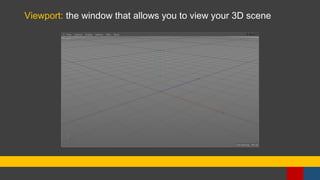
Viewport: the window that allows you to view your 3D scene
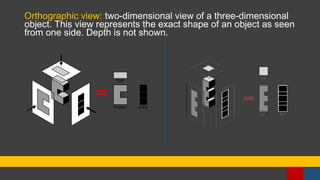
Orthographic view: two-dimensional view of a three-dimensional
object. This view represents the exact shape of an object as seen
from one side. Depth is not shown.
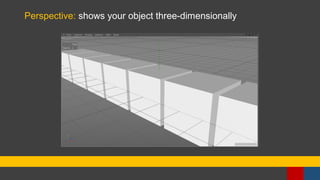
Perspective: shows your object three-dimensionally
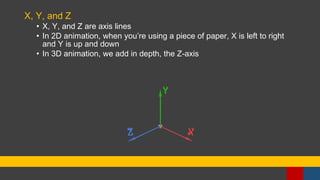
X, Y, and Z
• X, Y, and Z are axis lines
• In 2D animation, when you’re using a piece of paper, X is left to right
and Y is up and down
• In 3D animation, we add in depth, the Z-axis
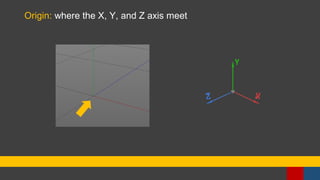
Origin: where the X, Y, and Z axis meet
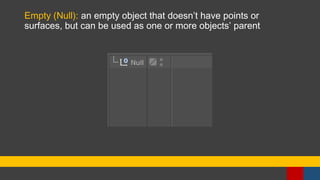
Empty (Null): an empty object that doesn’t have points or
surfaces, but can be used as one or more objects’ parent
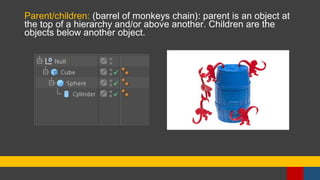
Parent/children: (barrel of monkeys chain): parent is an object at
the top of a hierarchy and/or above another. Children are the
objects below another object.
The 3D Model
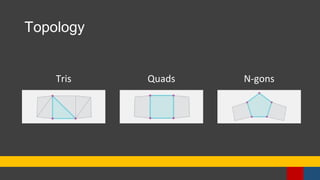
Topology
Tris Quads N-gons
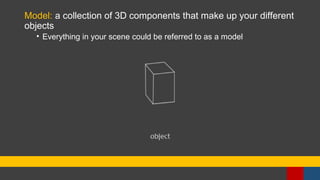
Model: a collection of 3D components that make up your different
objects
• Everything in your scene could be referred to as a model
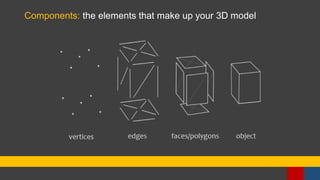
Components: the elements that make up your 3D model
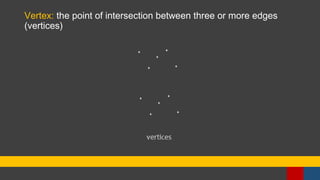
Vertex: the point of intersection between three or more edges
(vertices)
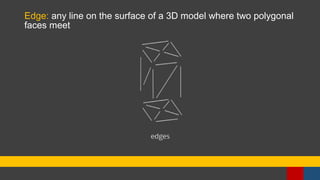
Edge: any line on the surface of a 3D model where two polygonal
faces meet
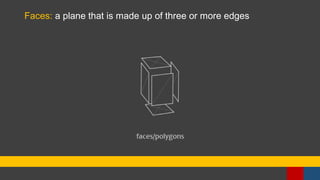
Faces: a plane that is made up of three or more edges
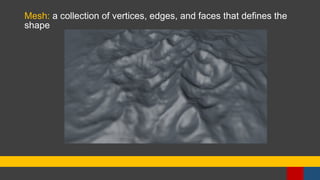
Mesh: a collection of vertices, edges, and faces that defines the
shape
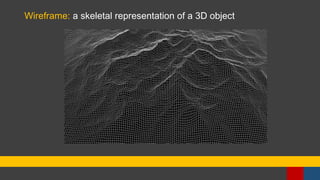
Wireframe: a skeletal representation of a 3D object
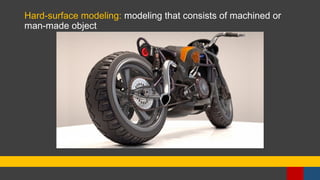
Hard-surface modeling: modeling that consists of machined or
man-made object
Organic modeling: modeling that consists of objects derived from
living matter
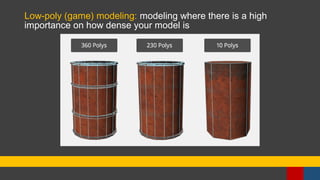
Low-poly (game) modeling: modeling where there is a high
importance on how dense your model is

3D Introduction