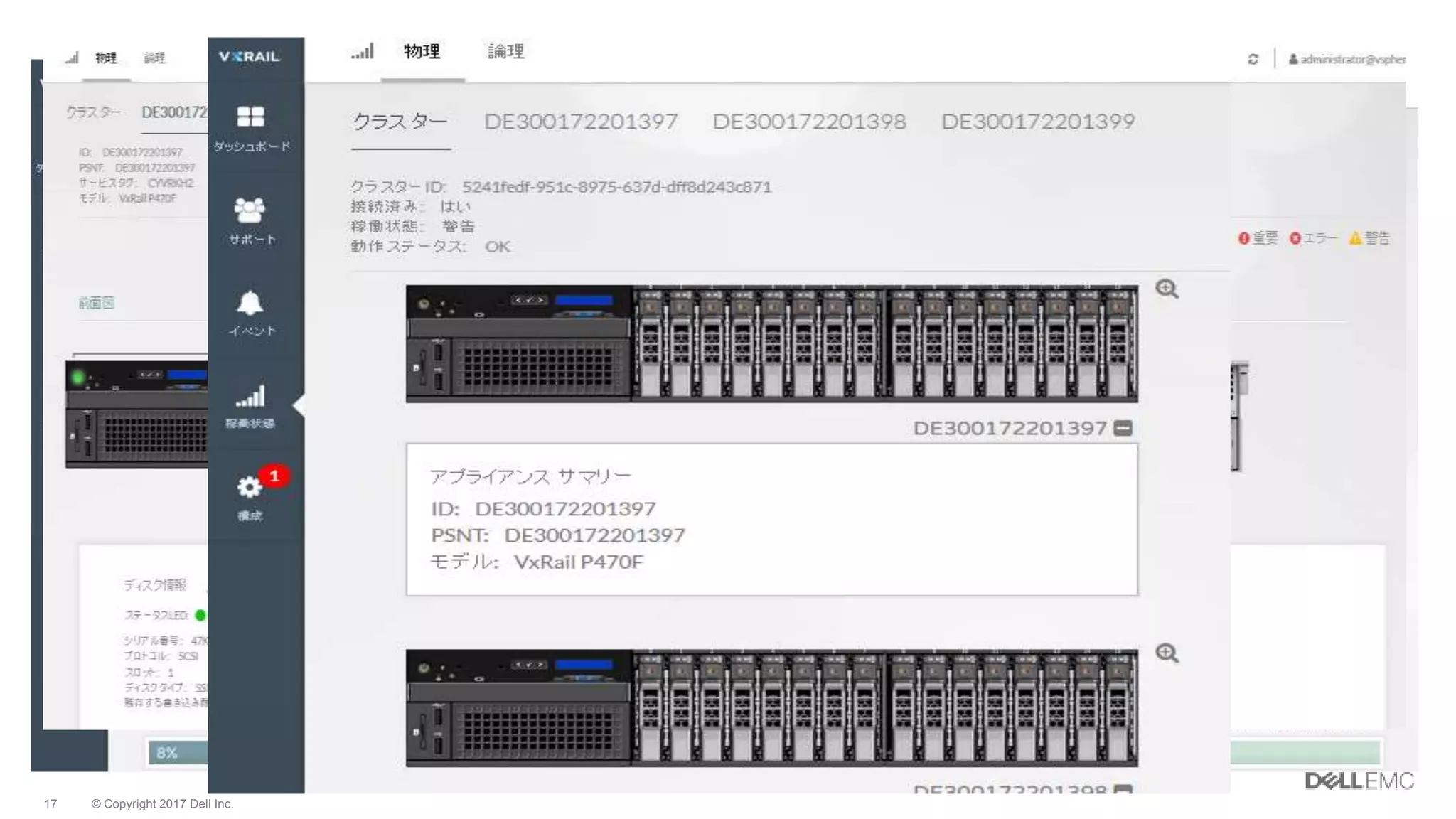
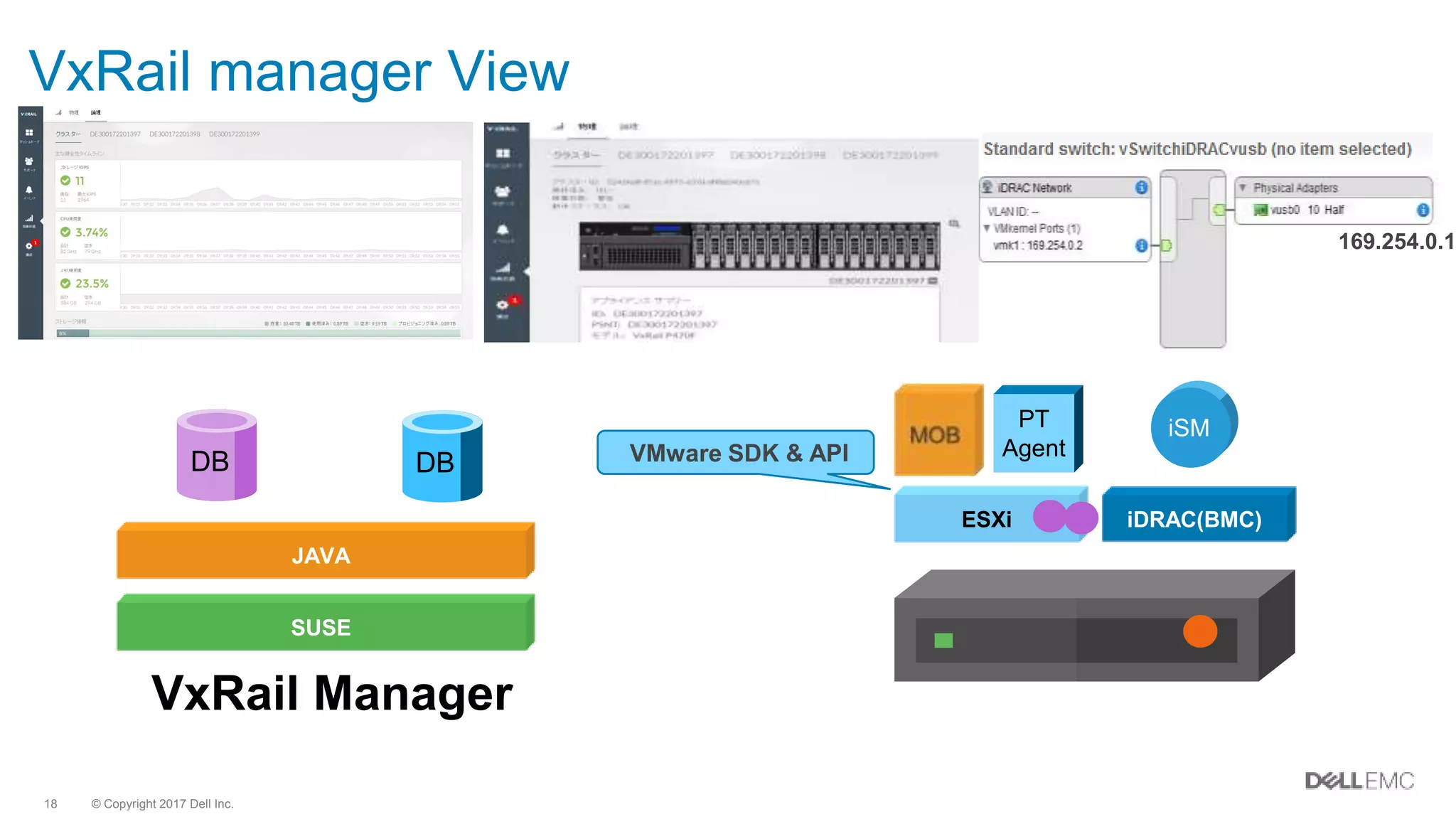
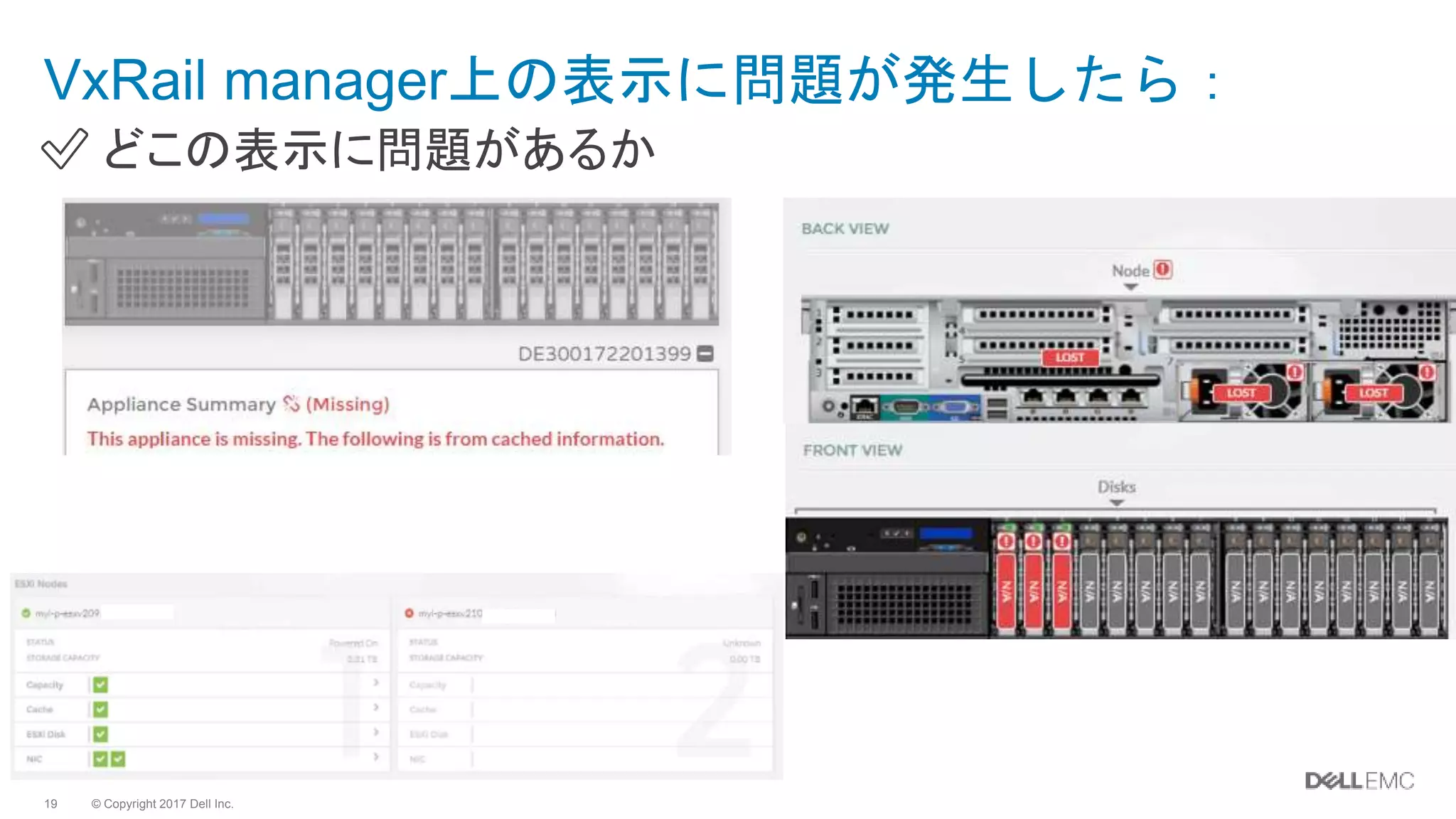
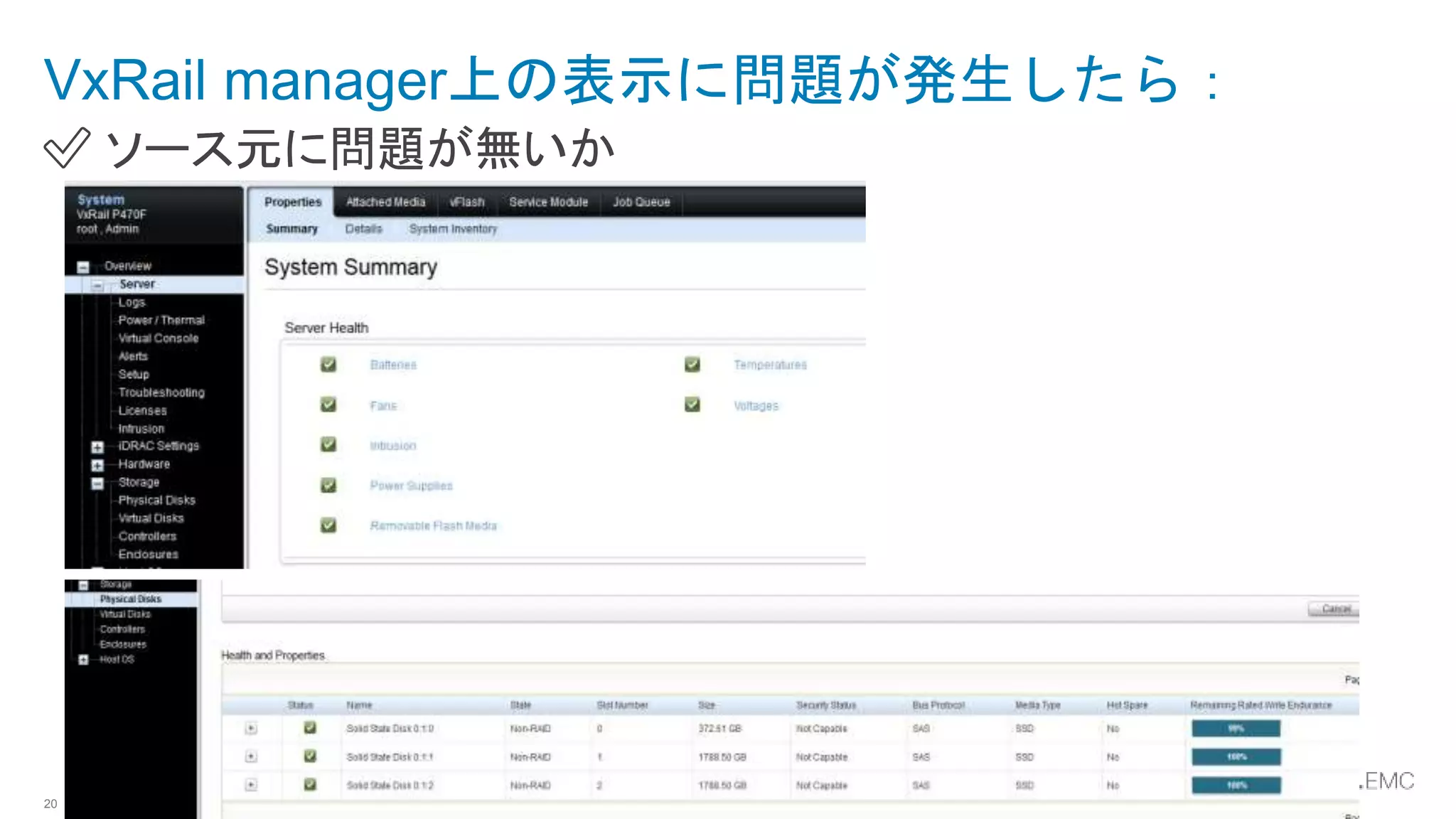
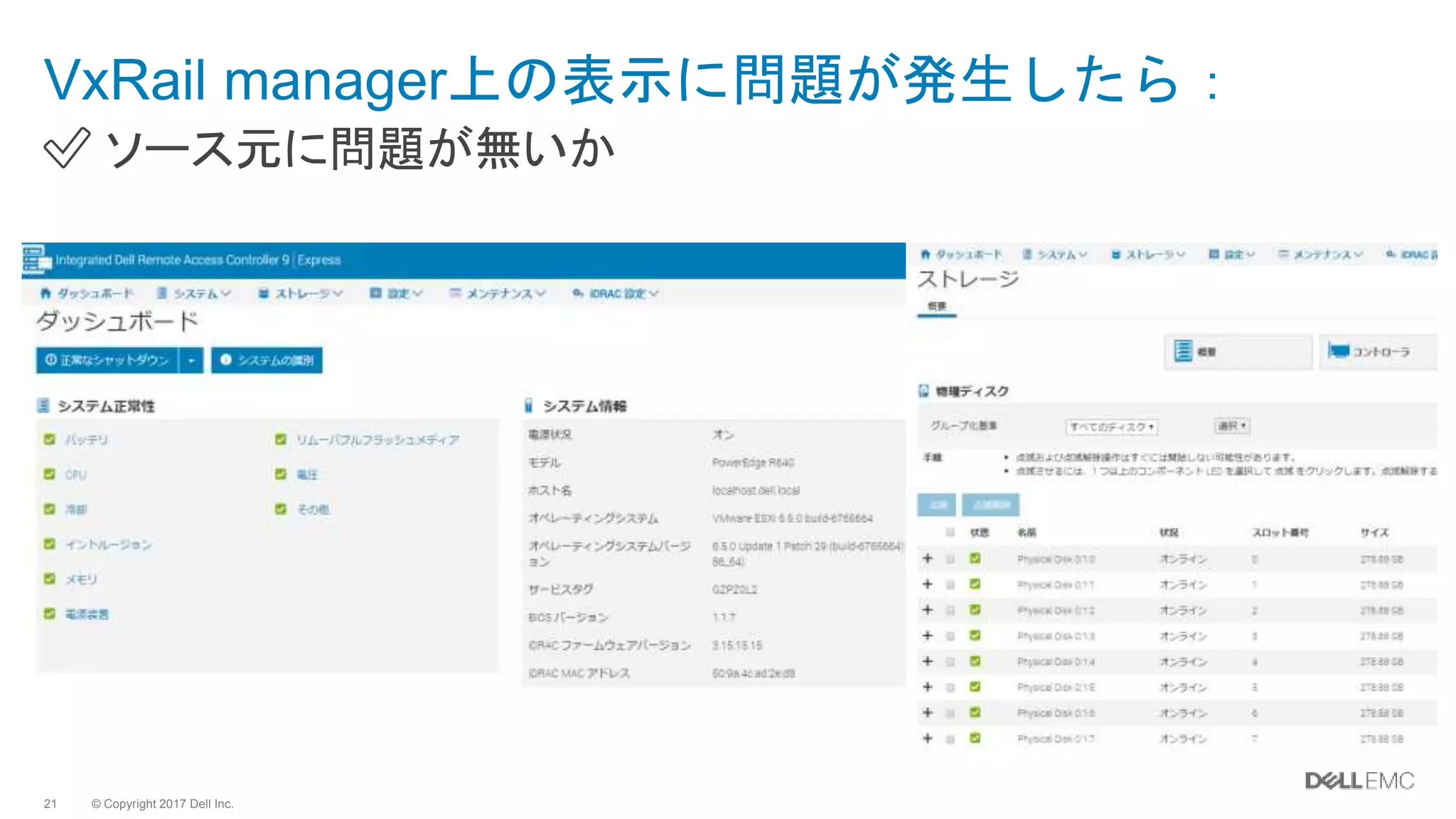
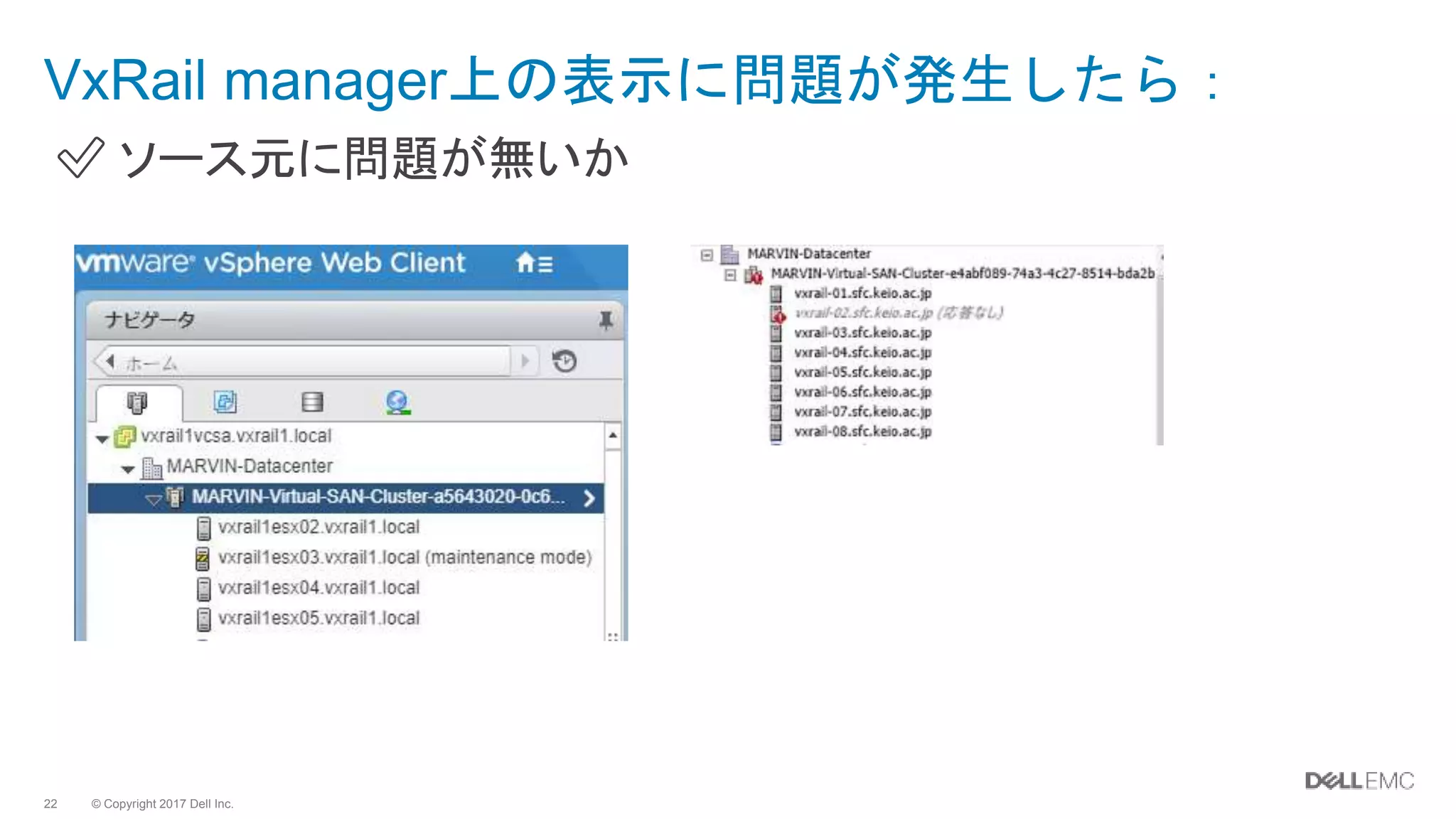
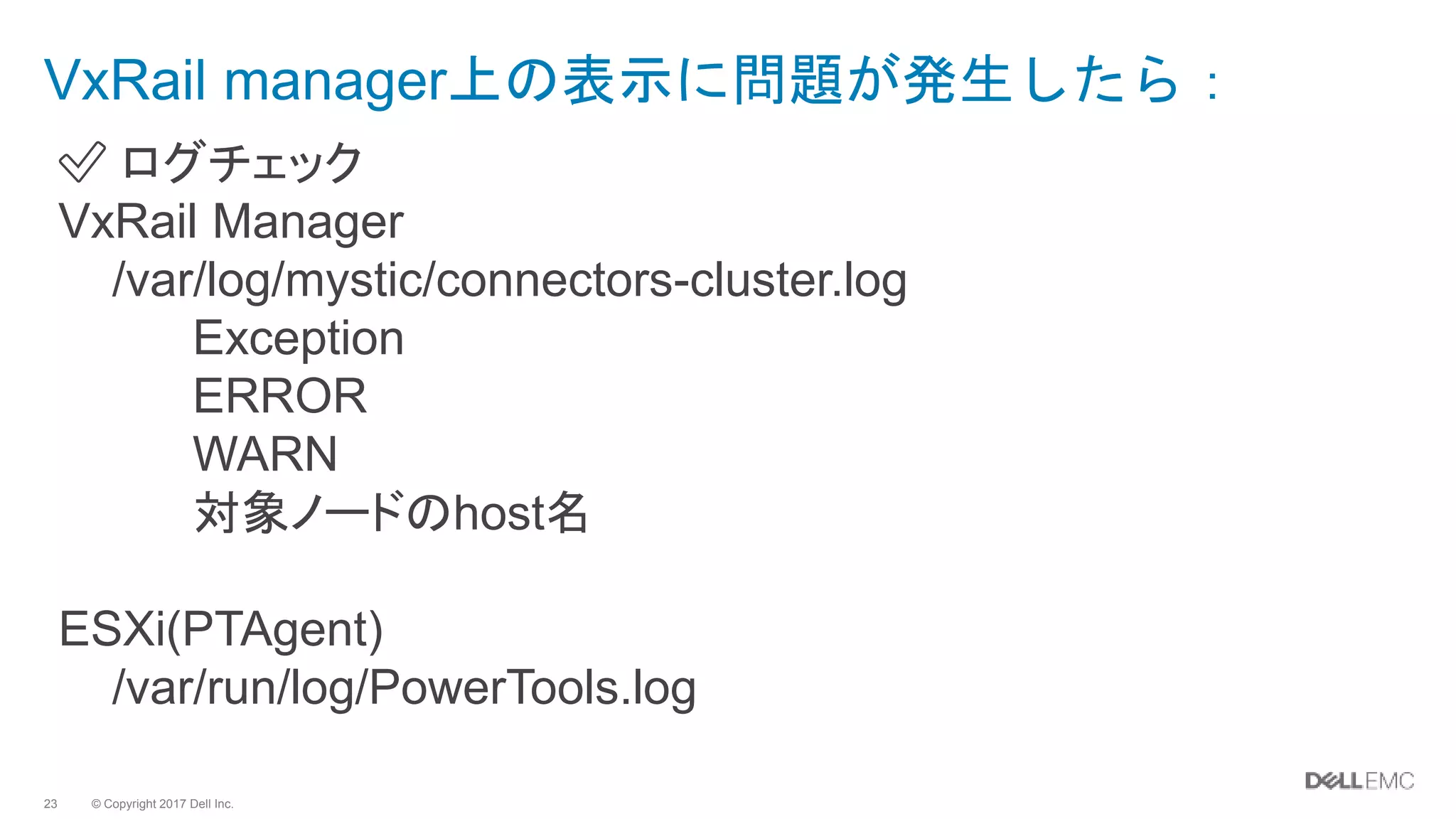
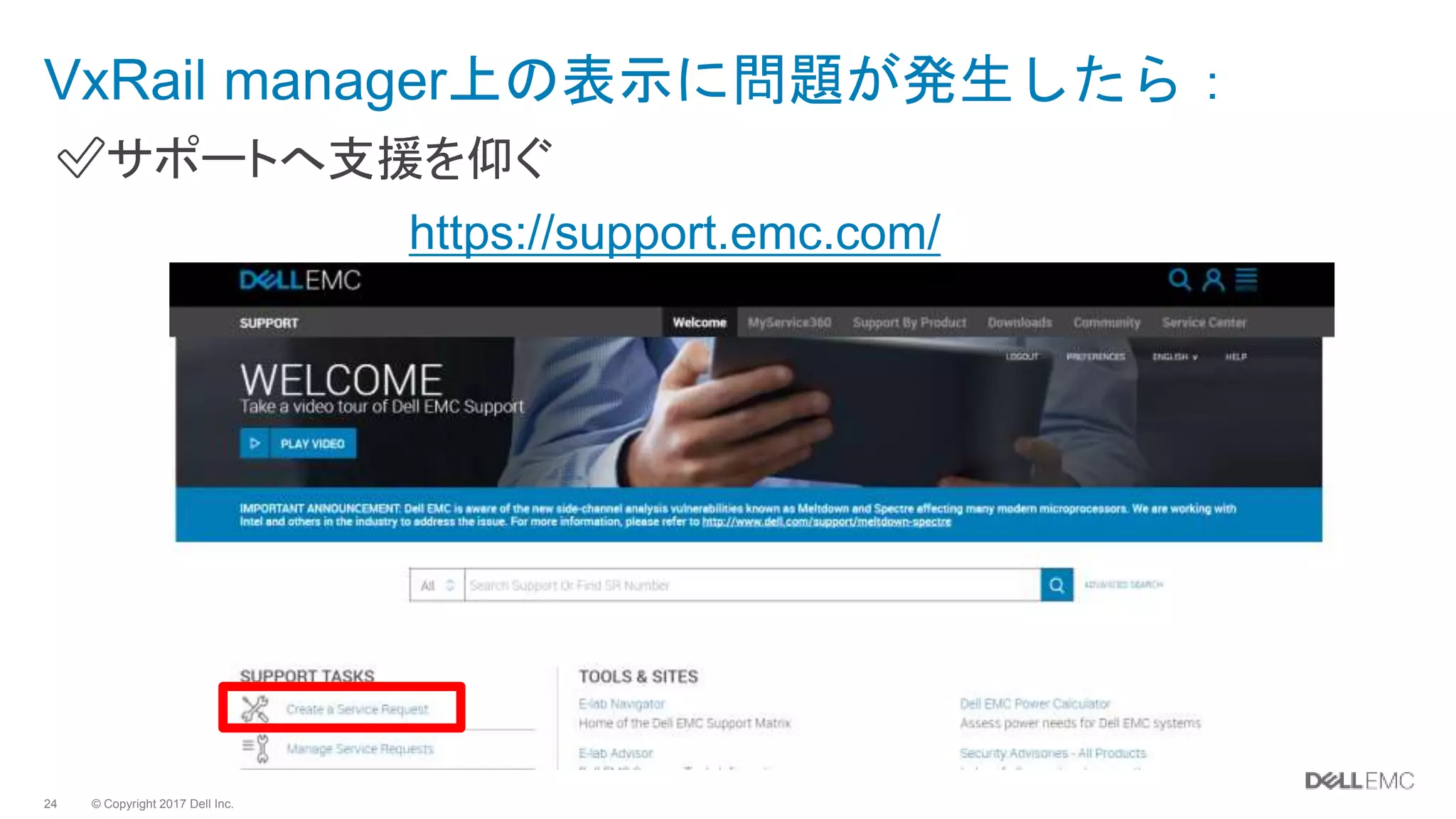
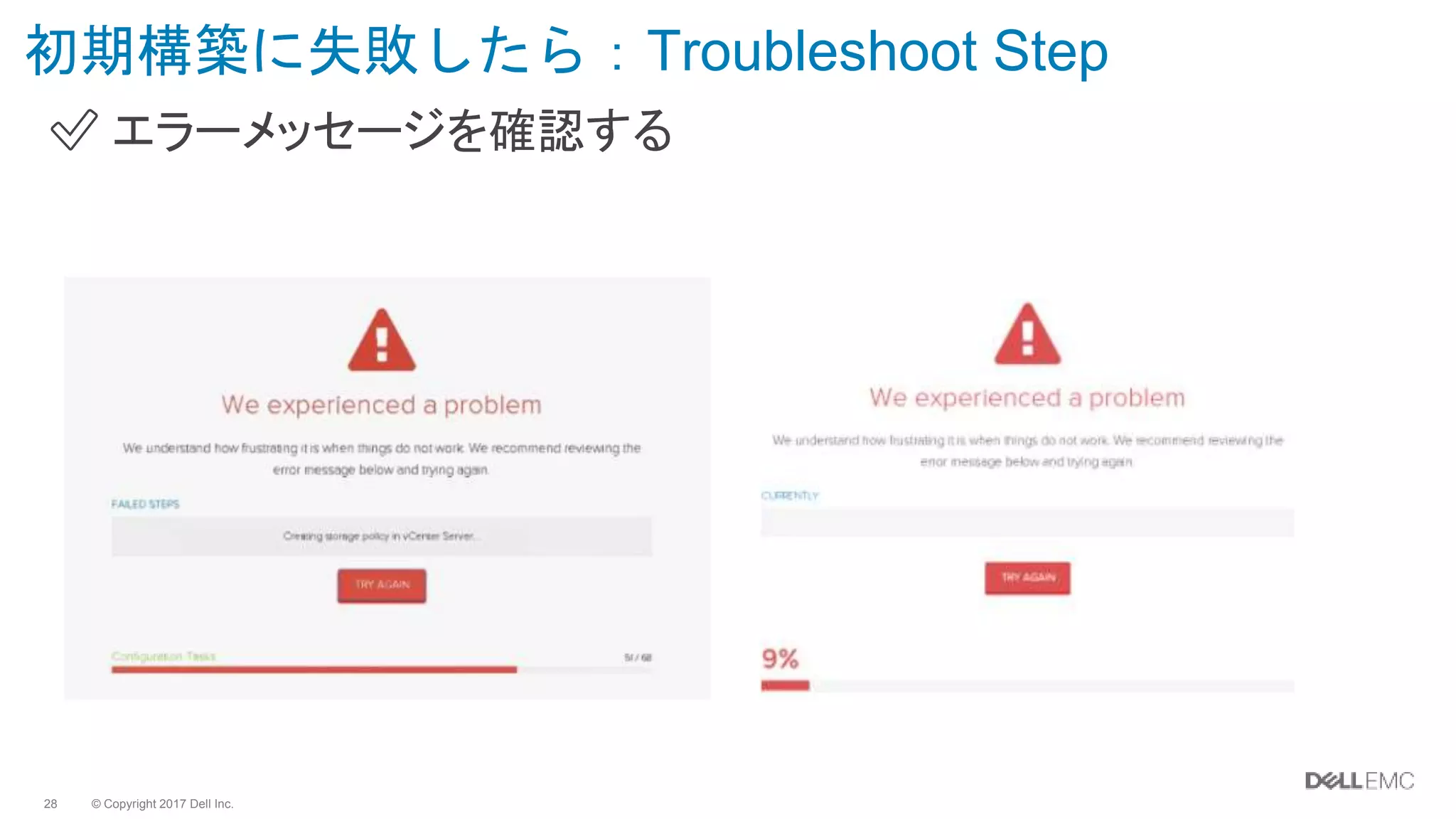
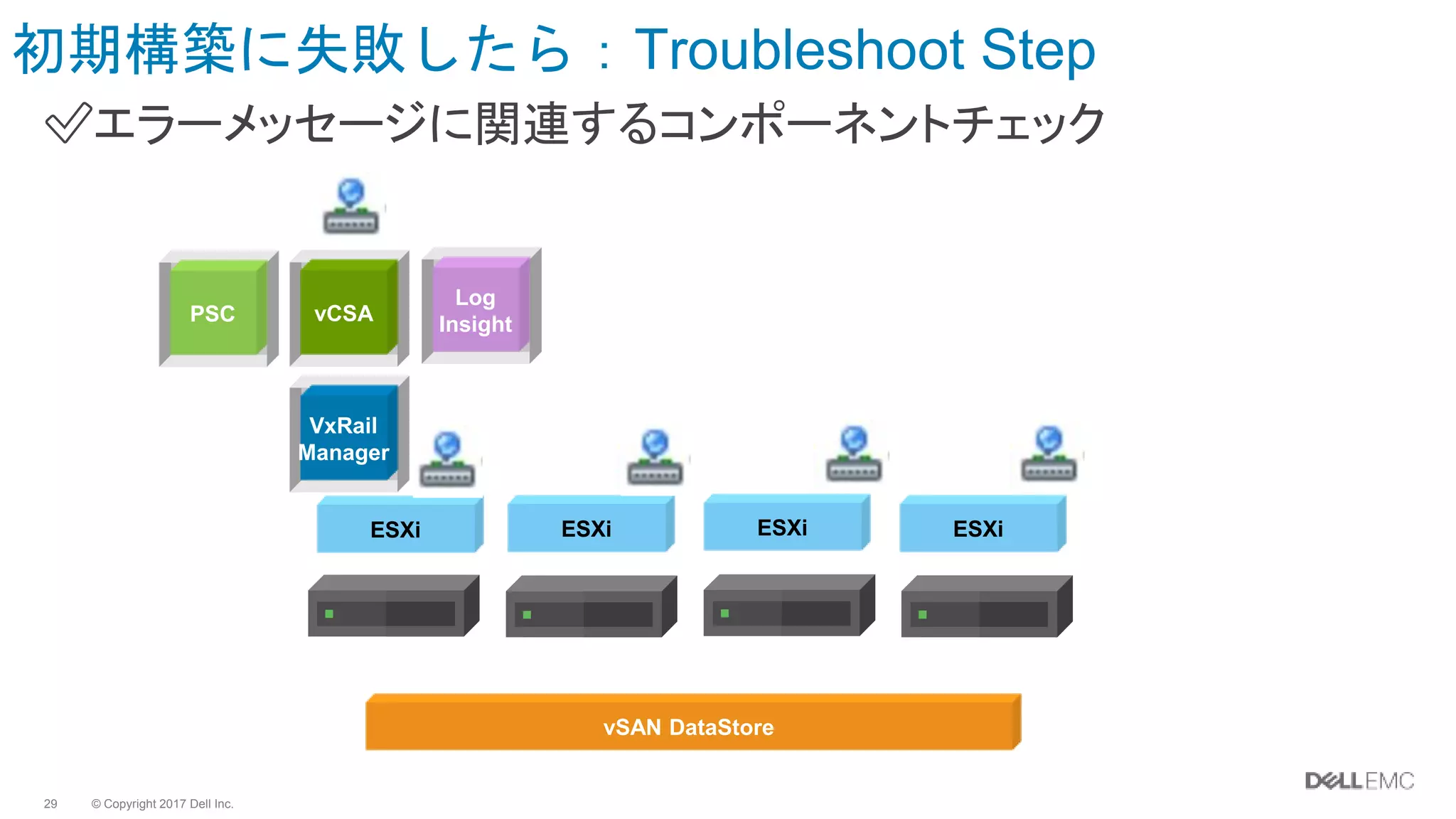
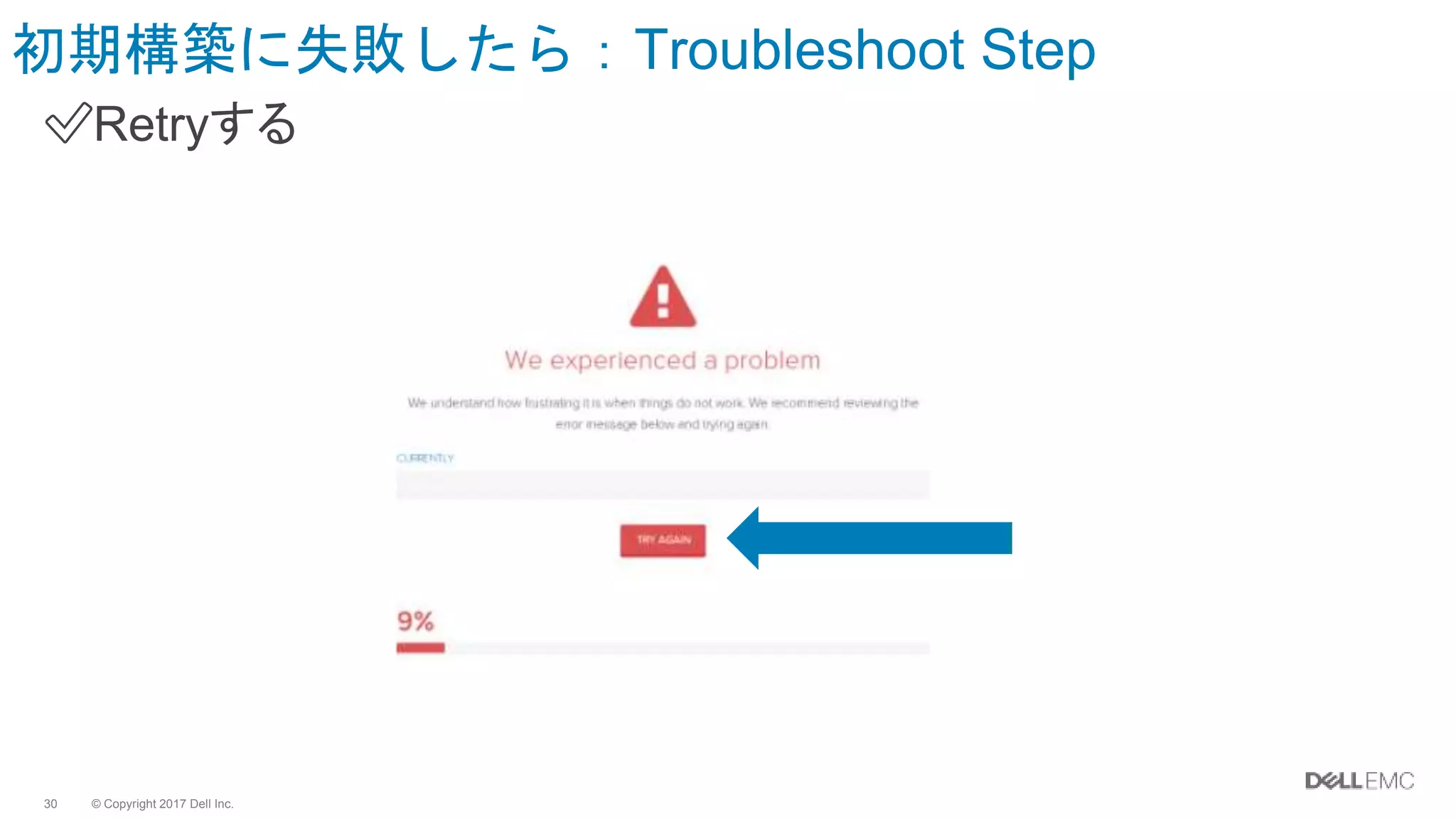
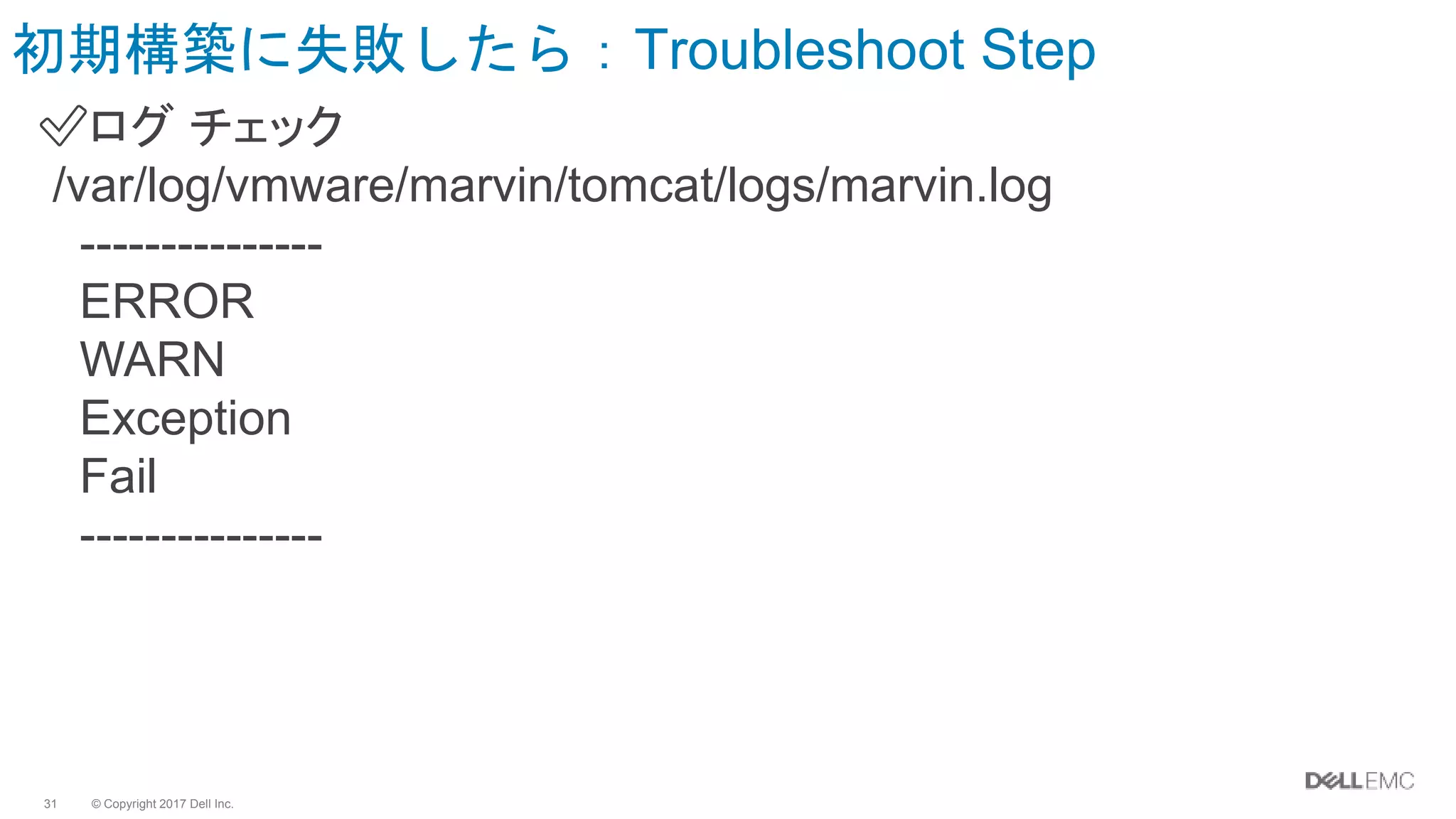
#20 VxMにおいて、どの箇所でステータスが拾えていないのか、チェックします。
以下、時間あればKB紹介 ※level30のみ紹介
VxRail: Unable to view the Logical view in the VxRail Manager GUI Level
30 = Customers
Article Number 000501459
https://support.emc.com/kb/501459
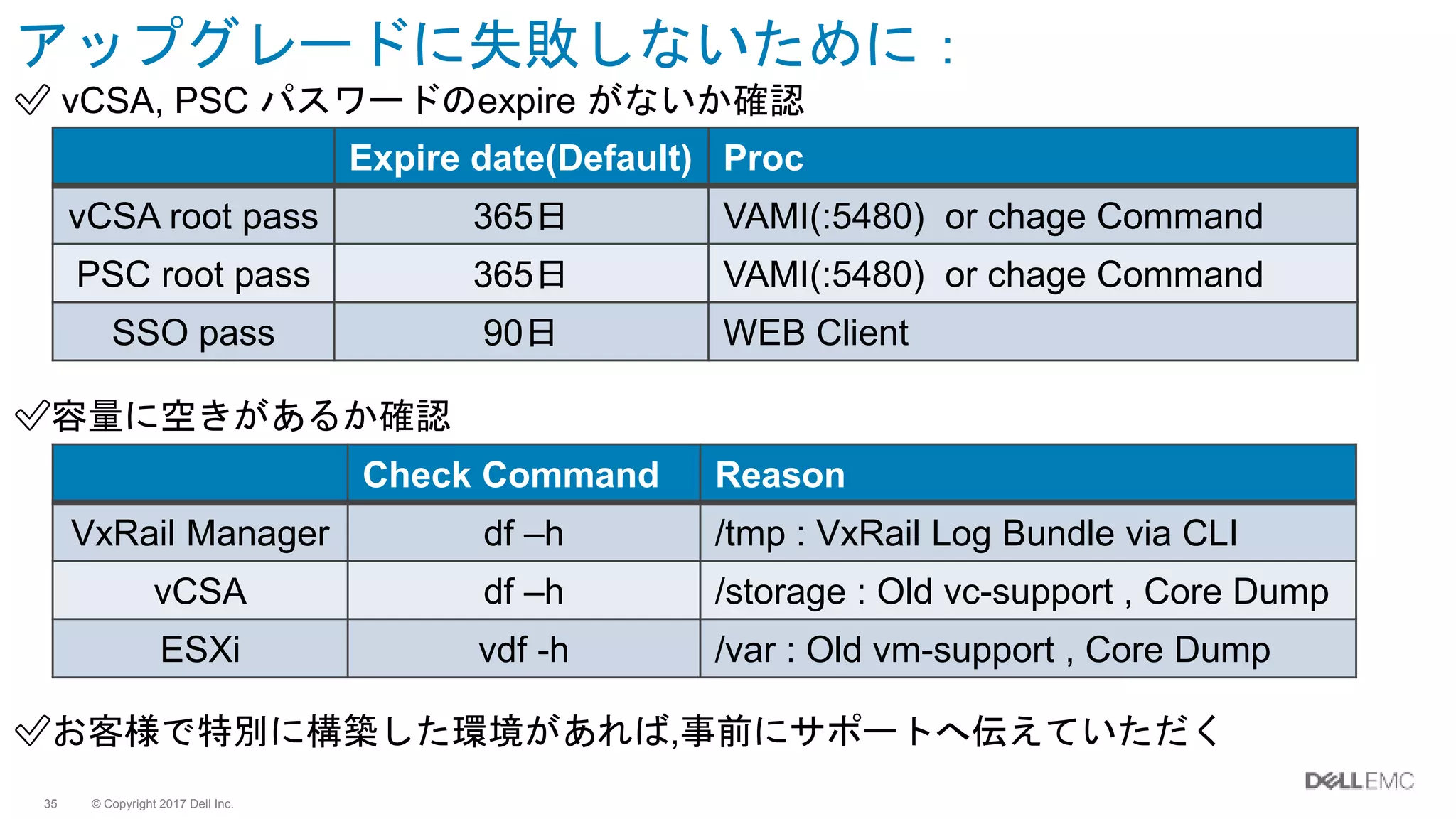
#36 root password expire dateはVMware vSphere 6.0 defaultの値となっております。rootアカウント password有効期限を無限延長する場合、各アプライアンスにrootでログインし以下コマンドを入力致します。---------chage -M -1 -E -1 root---------参考資料:- root ユーザーのパスワードの変更 https://docs.vmware.com/jp/VMware-vSphere/6.0/com.vmware.vsphere.vcsa.doc/GUID-48BAF973-4FD3-4FF3-B1B6-5F7286C9B59A.html
・同じパスワードは5回以上 別のものに変更してからでないと設定できない。
なお、VxRail Managerのバージョン4.0.1xx以前において、VCSA/PSCのrootユーザのパスワードの変更はサポート外。
このルールを知らず、名前を変更した場合。upgradeをするときに失敗するため、古いVxRail Versionではrenameはやめましょう。
あとは、以下補足。
★★ISOマウントしっぱな★★
★★iSCSI storageマウント and リカバリポイントがonだと upgradeに失敗する問題 >> 4.0.200で修正された★★
加えて、万が一 台数の多いクラスタの場合。状況に応じて、resync 時間を60分以上にすることを提案する場合があること補足。
VSAN におけるホスト障害時の修復遅延時間の変更 (2147736) | VMware ...
https://kb.vmware.com/kb/2147736
■VxRail: Pre-Upgrade Checklist - VxRail Manager
- Pre-Upgrade Checklist - VxRail Manager 3.5 - 4.0 - 4.0001 - 4.0.1 Level 30 = Customers
https://support.emc.com/kb/501006
1. Cluster Name should be default 2. Datastore Name should be default 3. VM Network Ports Name should be default 4. All Management VM Names should be default 5. Customer ESXi Hosts should have Enterprise Plus License (Upgrade can be done with vSphere Standard license.it is recommended but not required) 6. DRS should be enabled - In vSphere Web Client 7. There should be no iSCSI Datastore‘s mounted on any ESXi Host (Unmount and detach it before upgrade) ★★★★ 8. There should be no ISO mounted to any of the VM’s ★★ISOマウントしっぱな★★ 9. The vCenter Log Storage should not be full 10. VxRail Manager Status should be "Healthy" (VxRail Manager GUI -> Configuration -> General -> System Diagnostics) 11. The vCenter Status should be "Healthy" 12. Customers to open a SR if they have any concerns