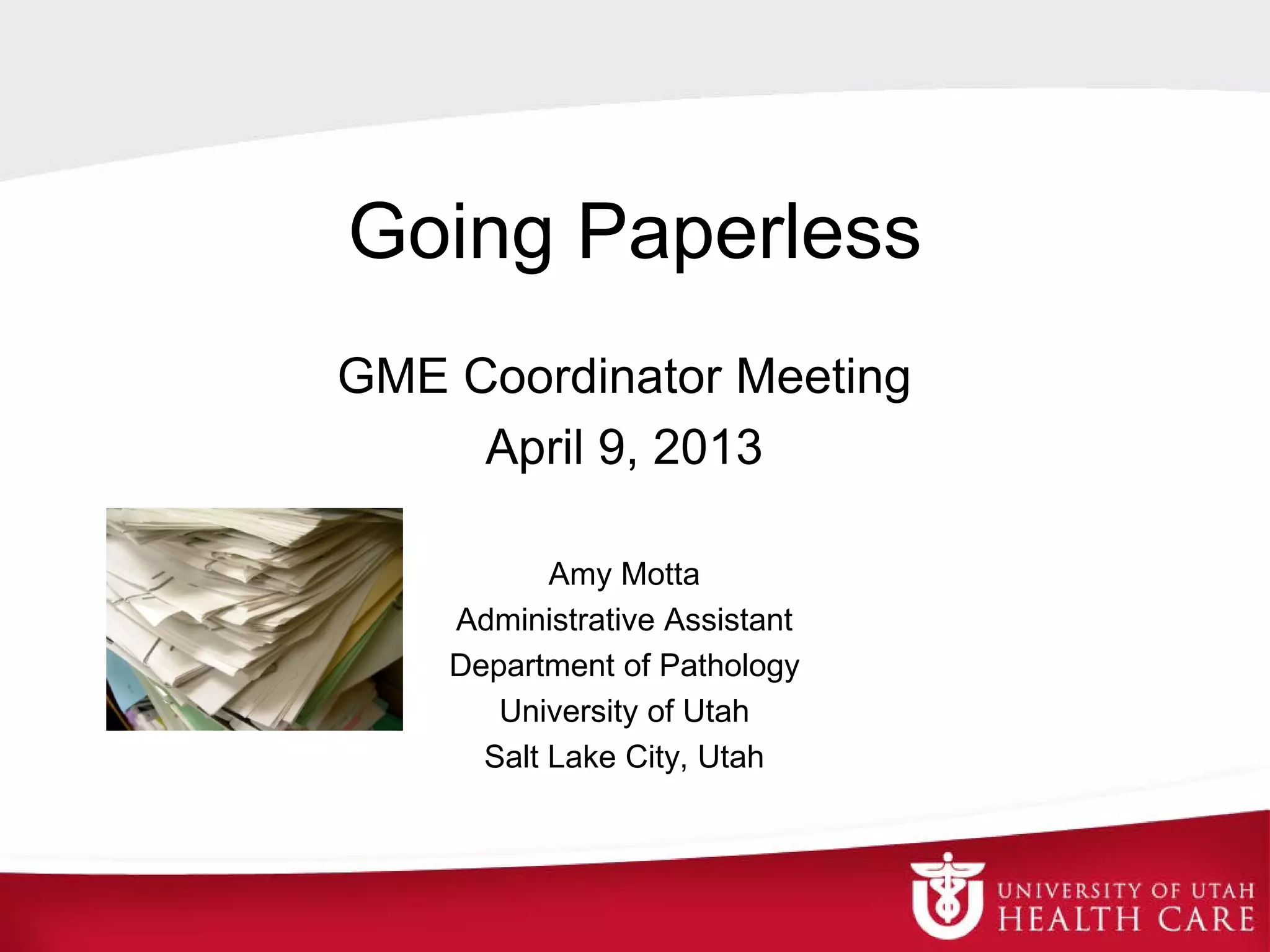
Going Paperless
GME Coordinator Meeting
April 9, 2013
Amy Motta
Administrative Assistant
Department of Pathology
University of Utah
Salt Lake City, Utah
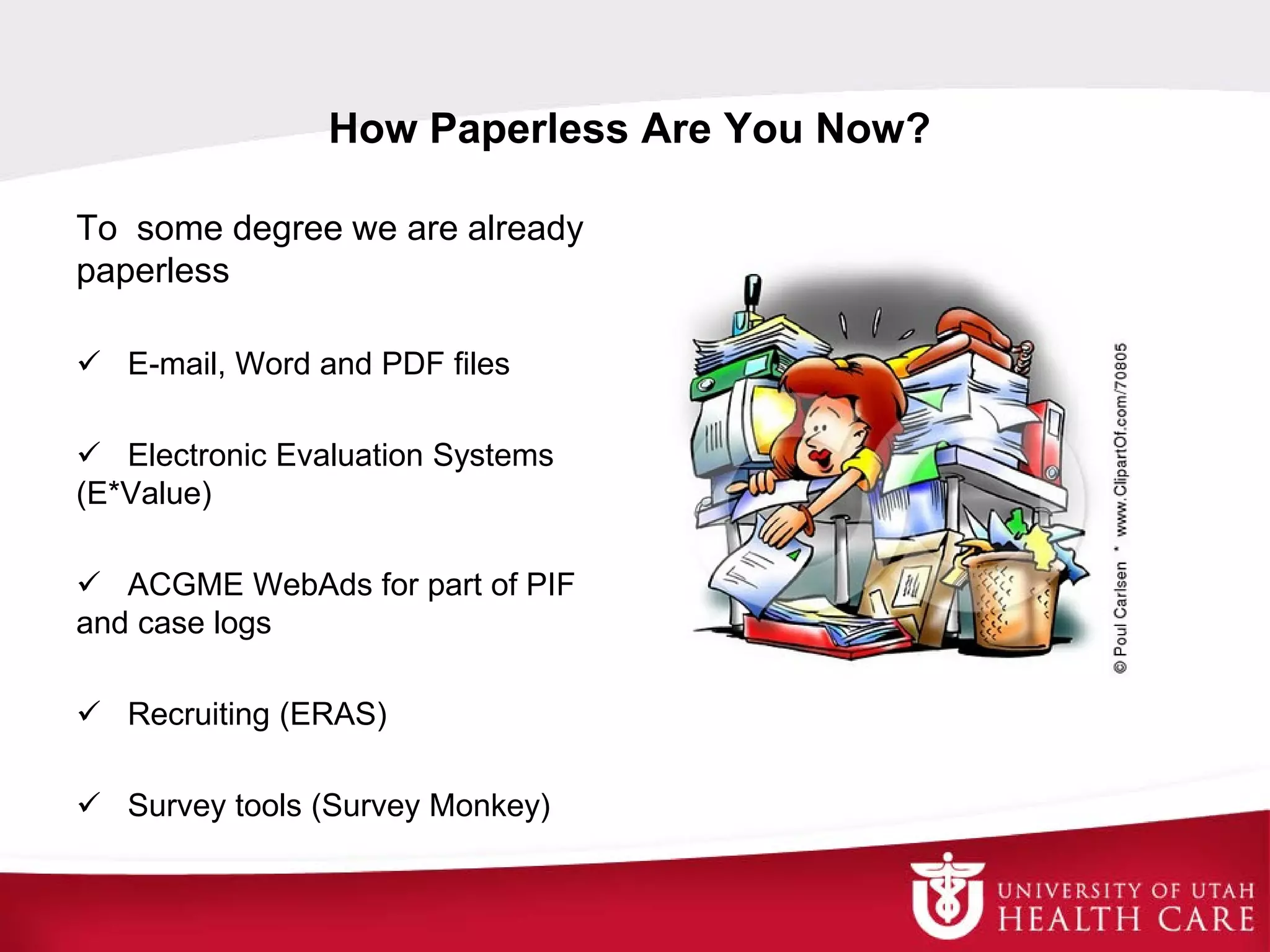
How Paperless Are You Now?
To some degree we are already
paperless
 E-mail, Word and PDF files
 Electronic Evaluation Systems
(E*Value)
 ACGME WebAds for part of PIF
and case logs
 Recruiting (ERAS)
 Survey tools (Survey Monkey)
Overview
 Take a look at your office, what “system” do you use to
store files?
 You may not realize it but you do have a “system”,
whether it was left to you by your predecessor or a one
you developed
 Are all of your files on subject x in one format (paper vs
electronic), or do you have some in a paper file and
some electronic?
 I drive myself crazy with this
 Decide, ok, for these kinds of files, I will keep paper
files; for these kinds of files, I will keep electronic files
 Don’t have to go back and scan paper files or print electronic
files (too much work) just decide to employ your new system
starting now
 Stick to your plan
 Decide what kinds of files you want to keep one copy of
and what kinds of files you want to keep two copies of
 If you are afraid of losing files
 Consider one copy as a paper file and one copy electronic; or
two copies electronic in different places
Pros and Cons
Pros
 Easier to share information
 E-mail
 Shared server
 Web-based
 Easier to collect data across
the program
 Takes up less physical space
 Saves time
Cons
 Harder to share information
 Data in different locations
 Can systems talk to each
other?
 User resistance
 Risk of losing data (crash) and
risk of software going obsolete
 PHI concerns
Simple Ideas
A word of advice . . .
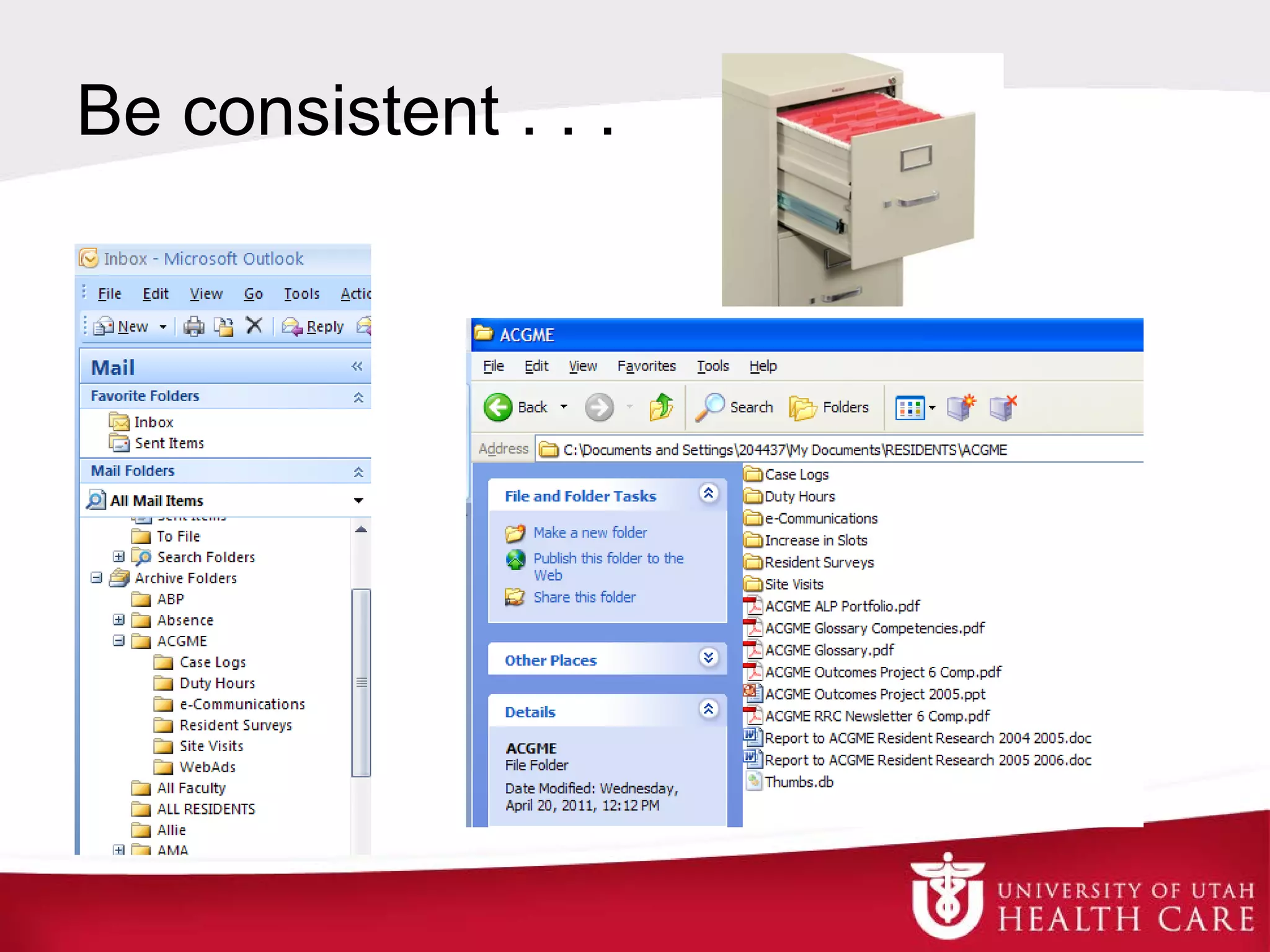
Be consistent with naming and filing your
e-mail files
hard copy files
computer files
For example: Don’t name your e-mail file “Duty Hours”
and your computer file “Work Hours”
Be consistent . . ..
The To-Do List
Get rid of all the pieces of paper you have
written down “To-Do” tasks on
Instead, put your to-dos in an excel file
with a column for due date
Makes it easy to sort, prioritize and keep
track of the status
TASK WAITING?
WAITING FOR
WHAT? DUE DATE DONE?
Finish final travel reimbursement for Chris for USCAP y Dr Palmer 4/1/13 n
Finish and distribute on-call schedule for April y Lisa 4/1/13 n
E-mail residents to get their duty hours entered for March y day 4/1/13 n
Enter resident vacations for May into E*Value n 4/1/13 n
Enter resident on-call schedules into SmartWeb for May n 4/1/13 n
Have PD sign graduation certificates return to GME n 4/1/13 n
Visiting Resident - Mauricio Salicru, e-mail Dr Palmer y Mauricio 4/2/13 n
Fix any unmatched items in UMS for 01160 for Feb y Marsha 4/2/13 n
Run monthly conf attendance report for Mar n 4/2/13 n
E-mail brain cutting conf reminder Apr 4 y day 4/3/13 n
Check VSAS and SOM course roster for MS PATH 7050-1 y day 4/5/13 n
Follow up with Maggie Hopkins, need her Step 3 score report y Maggie 4/5/13 n
Update Training Agreements with faculty list n 4/8/13 n
Attend GME Coordinator mtg on Apr 9 y day 4/9/13 n
Finish verification on Jim Martinchick n 4/9/13 n
Run GME Monthly Duty Hour Violation report for Mar y day 4/10/13 n
E-mail the on-call money for March to GME y day 4/10/13 n
ACGME Resident Survey (ends Mar 24) print and save report y ACGME 4/12/13 n
Register for ERAS 2014 (opened Feb 4) y ERAS 4/15/13 n
Run GME Monthly Percent Schedule report for Apr for GME y day 4/15/13 n
Order food for journal club Apr 23 n 4/16/13 n
Run GME Monthly Didactic report for Apr y day 4/19/13 n
Finish contrcts for continuing residents y GME office 5/1/13 n
Enter rotation schedules into E*Value for 2013 2014 y Dr Palmer 5/16/13 n
ACGME Site Visit - Did we get our results yet? y ACGME 5/31/13 n
SOM Career Day is July 1 find faculty and residents y day 6/1/13 n
Get Step 3 score reports from PGY-1 residents y Ling, Maggie 6/30/13 n
Do End of Training letters for graduating residents send to GME n 7/30/13 n
Paperless Recruiting
Applications already come through ERAS
electronically
 ERAS WebReview
 A great way to get applications to reviewers
and interviewers
Applicant itineraries
Paperless Recruiting
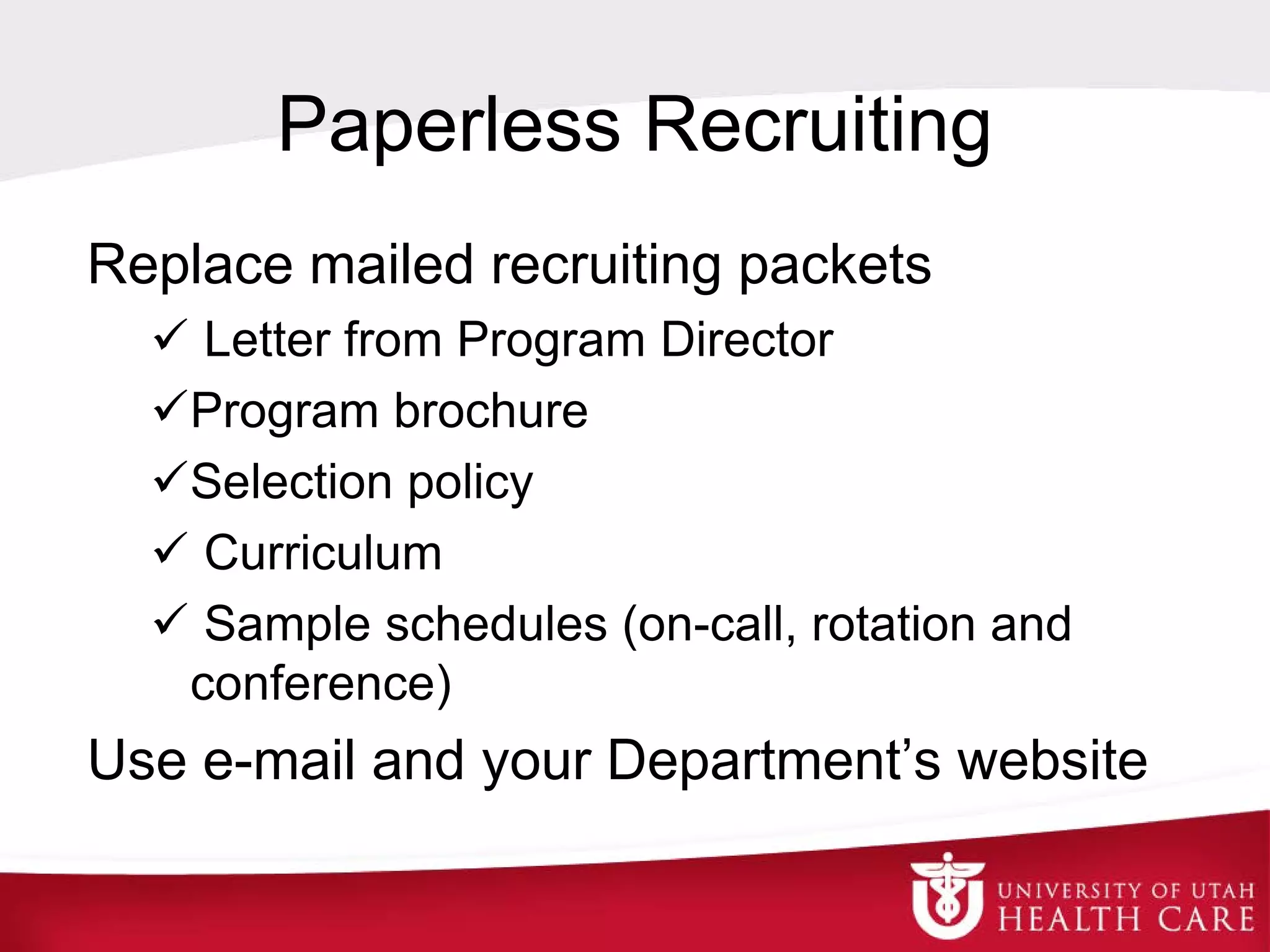
Replace mailed recruiting packets
 Letter from Program Director
Program brochure
Selection policy
 Curriculum
 Sample schedules (on-call, rotation and
conference)
Use e-mail and your Department’s website
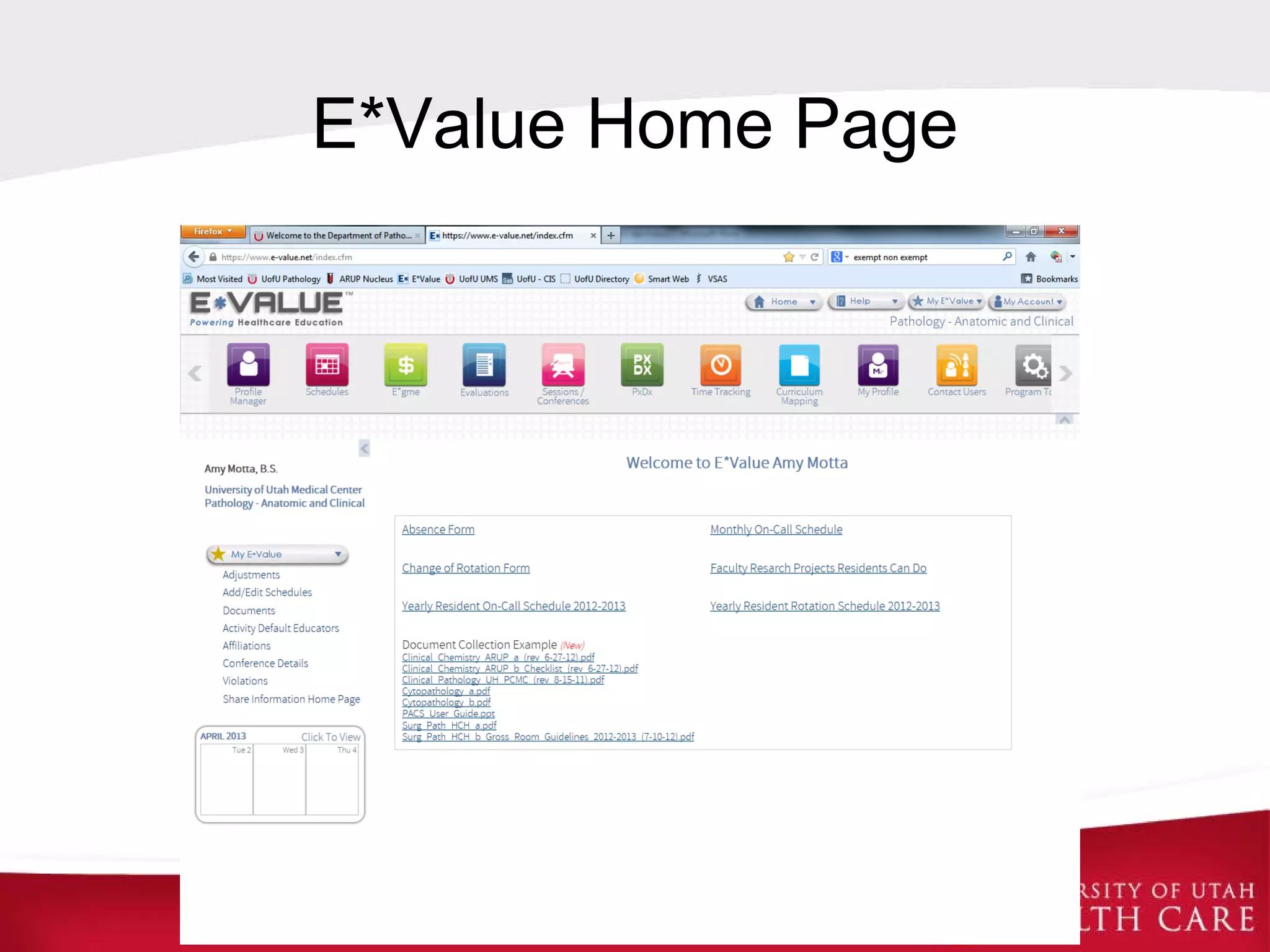
E*Value
In E*Value you can do the following:
 Evaluations (resident, faculty, rotation, etc.)
 Duty hours
 Conference schedules
 Policies
 Rotation and conference documents
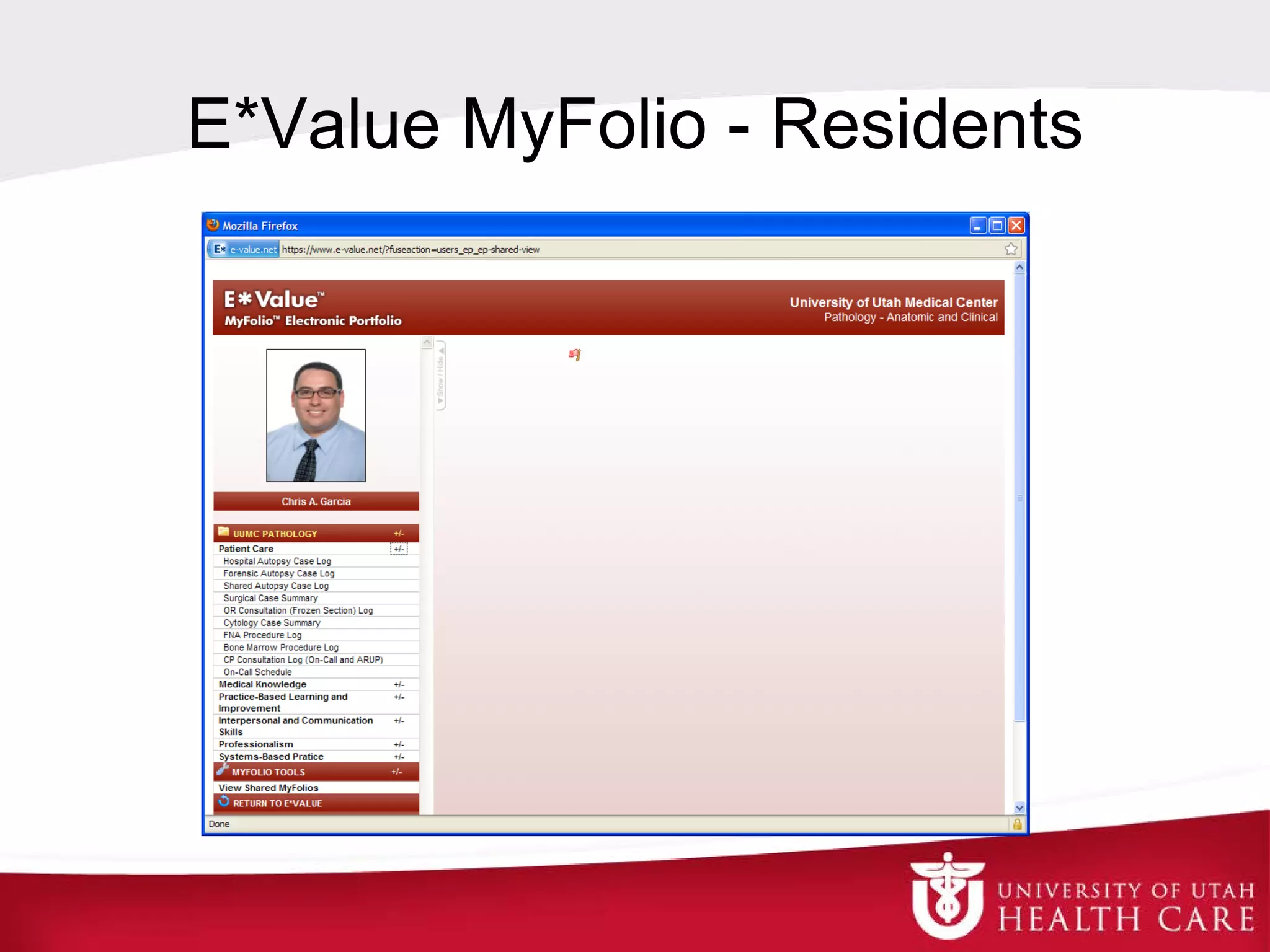
 Portfolio
E*Value Home Page
E*Value MyFolio - Residents
E*Value MyFolio - Program
Create a portfolio for your program
 Official ACGME and GME correspondence
 Policies
 Residency committee meeting minutes
 Annual program evaluation and plan
 Anything an ACGME or GME site visitor
would need
Just when you
thought you
were totally
electronic . . .
someone will
ask you for a
print out!
Questions and Discussions
Thank you!

Going Paperless

  • 1.
    Going Paperless GME CoordinatorMeeting April 9, 2013 Amy Motta Administrative Assistant Department of Pathology University of Utah Salt Lake City, Utah
  • 2.
    How Paperless AreYou Now? To some degree we are already paperless  E-mail, Word and PDF files  Electronic Evaluation Systems (E*Value)  ACGME WebAds for part of PIF and case logs  Recruiting (ERAS)  Survey tools (Survey Monkey)
  • 3.
    Overview  Take alook at your office, what “system” do you use to store files?  You may not realize it but you do have a “system”, whether it was left to you by your predecessor or a one you developed  Are all of your files on subject x in one format (paper vs electronic), or do you have some in a paper file and some electronic?  I drive myself crazy with this
  • 4.
     Decide, ok,for these kinds of files, I will keep paper files; for these kinds of files, I will keep electronic files  Don’t have to go back and scan paper files or print electronic files (too much work) just decide to employ your new system starting now  Stick to your plan  Decide what kinds of files you want to keep one copy of and what kinds of files you want to keep two copies of  If you are afraid of losing files  Consider one copy as a paper file and one copy electronic; or two copies electronic in different places
  • 5.
    Pros and Cons Pros Easier to share information  E-mail  Shared server  Web-based  Easier to collect data across the program  Takes up less physical space  Saves time Cons  Harder to share information  Data in different locations  Can systems talk to each other?  User resistance  Risk of losing data (crash) and risk of software going obsolete  PHI concerns
  • 6.
    Simple Ideas A wordof advice . . . Be consistent with naming and filing your e-mail files hard copy files computer files For example: Don’t name your e-mail file “Duty Hours” and your computer file “Work Hours”
  • 7.
  • 8.
    The To-Do List Getrid of all the pieces of paper you have written down “To-Do” tasks on Instead, put your to-dos in an excel file with a column for due date Makes it easy to sort, prioritize and keep track of the status
  • 9.
    TASK WAITING? WAITING FOR WHAT?DUE DATE DONE? Finish final travel reimbursement for Chris for USCAP y Dr Palmer 4/1/13 n Finish and distribute on-call schedule for April y Lisa 4/1/13 n E-mail residents to get their duty hours entered for March y day 4/1/13 n Enter resident vacations for May into E*Value n 4/1/13 n Enter resident on-call schedules into SmartWeb for May n 4/1/13 n Have PD sign graduation certificates return to GME n 4/1/13 n Visiting Resident - Mauricio Salicru, e-mail Dr Palmer y Mauricio 4/2/13 n Fix any unmatched items in UMS for 01160 for Feb y Marsha 4/2/13 n Run monthly conf attendance report for Mar n 4/2/13 n E-mail brain cutting conf reminder Apr 4 y day 4/3/13 n Check VSAS and SOM course roster for MS PATH 7050-1 y day 4/5/13 n Follow up with Maggie Hopkins, need her Step 3 score report y Maggie 4/5/13 n Update Training Agreements with faculty list n 4/8/13 n Attend GME Coordinator mtg on Apr 9 y day 4/9/13 n Finish verification on Jim Martinchick n 4/9/13 n Run GME Monthly Duty Hour Violation report for Mar y day 4/10/13 n E-mail the on-call money for March to GME y day 4/10/13 n ACGME Resident Survey (ends Mar 24) print and save report y ACGME 4/12/13 n Register for ERAS 2014 (opened Feb 4) y ERAS 4/15/13 n Run GME Monthly Percent Schedule report for Apr for GME y day 4/15/13 n Order food for journal club Apr 23 n 4/16/13 n Run GME Monthly Didactic report for Apr y day 4/19/13 n Finish contrcts for continuing residents y GME office 5/1/13 n Enter rotation schedules into E*Value for 2013 2014 y Dr Palmer 5/16/13 n ACGME Site Visit - Did we get our results yet? y ACGME 5/31/13 n SOM Career Day is July 1 find faculty and residents y day 6/1/13 n Get Step 3 score reports from PGY-1 residents y Ling, Maggie 6/30/13 n Do End of Training letters for graduating residents send to GME n 7/30/13 n
  • 10.
    Paperless Recruiting Applications alreadycome through ERAS electronically  ERAS WebReview  A great way to get applications to reviewers and interviewers Applicant itineraries
  • 11.
    Paperless Recruiting Replace mailedrecruiting packets  Letter from Program Director Program brochure Selection policy  Curriculum  Sample schedules (on-call, rotation and conference) Use e-mail and your Department’s website
  • 12.
    E*Value In E*Value youcan do the following:  Evaluations (resident, faculty, rotation, etc.)  Duty hours  Conference schedules  Policies  Rotation and conference documents  Portfolio
  • 13.
  • 14.
  • 15.
    E*Value MyFolio -Program Create a portfolio for your program  Official ACGME and GME correspondence  Policies  Residency committee meeting minutes  Annual program evaluation and plan  Anything an ACGME or GME site visitor would need
  • 16.
    Just when you thoughtyou were totally electronic . . . someone will ask you for a print out!
  • 17.
  • 18.