



James Clancey
Senior Mobile Developer
Xamarin
clancey@xamarin.com
Must-use App
Components
@jtclancey
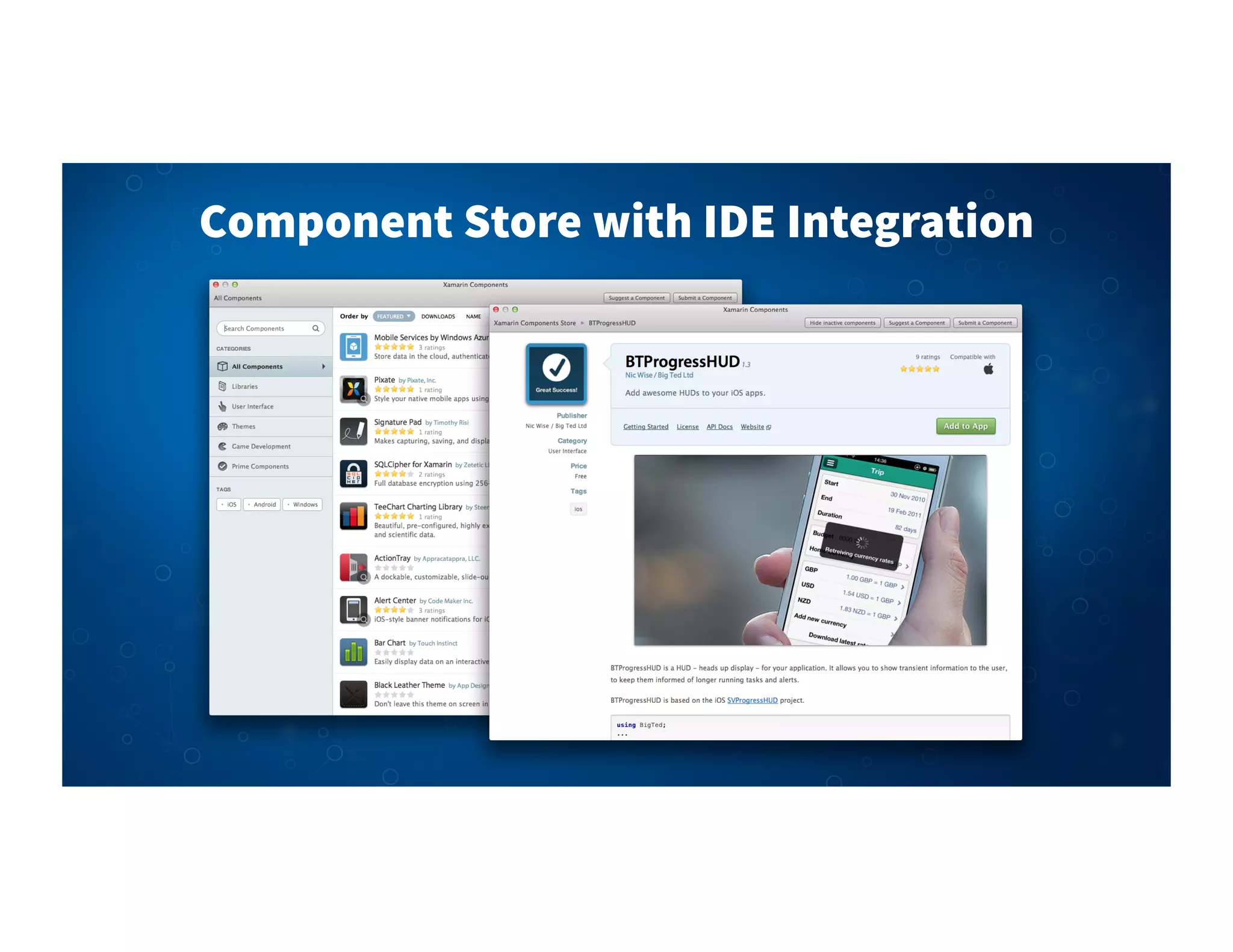
Component Store with IDE Integration
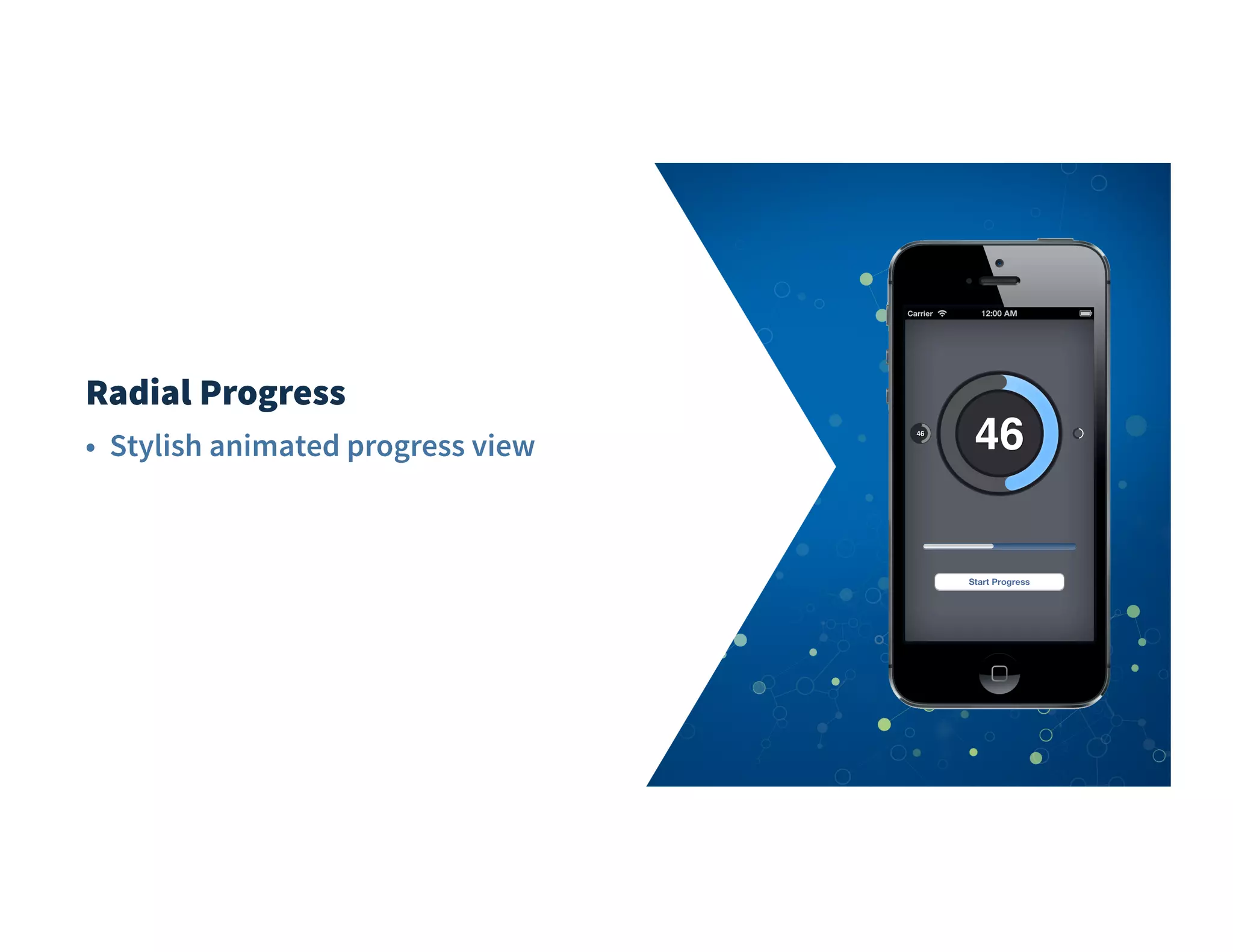
Radial Progress
• Stylish animated progress view
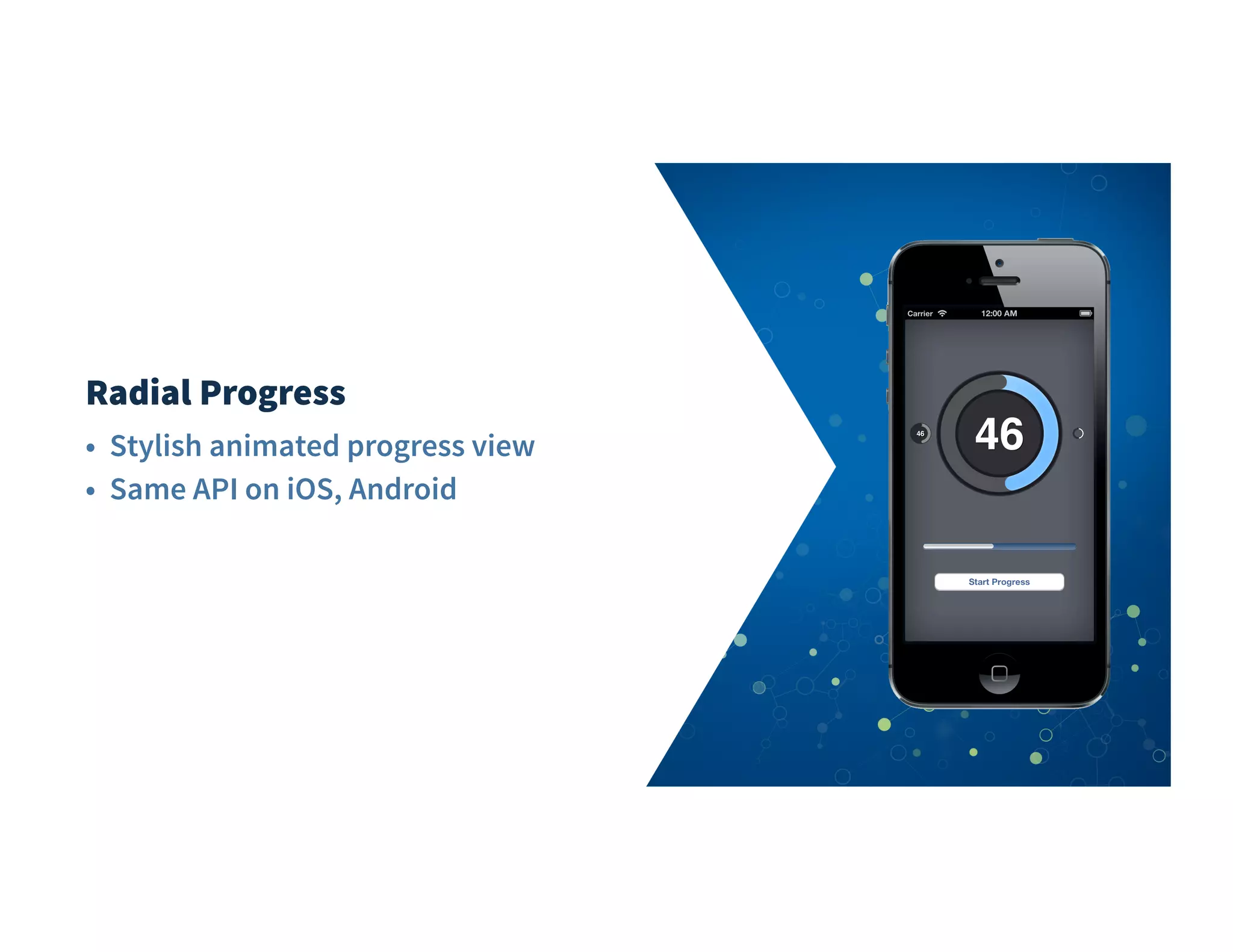
Radial Progress
• Stylish animated progress view
• Same API on iOS, Android
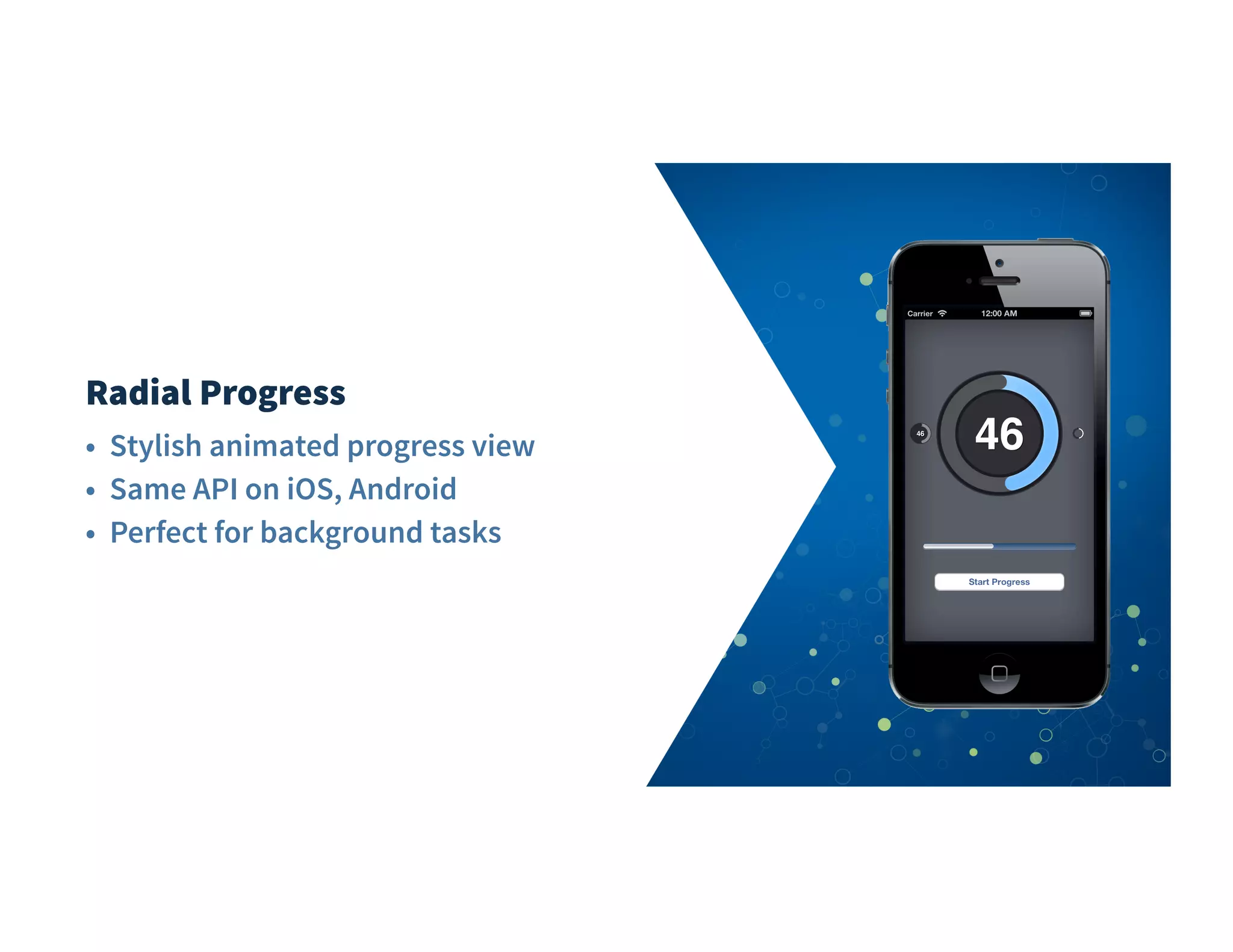
Radial Progress
• Stylish animated progress view
• Same API on iOS, Android
• Perfect for background tasks
01
02
03
04
05
06
07
08
09
10
11
12
13
14
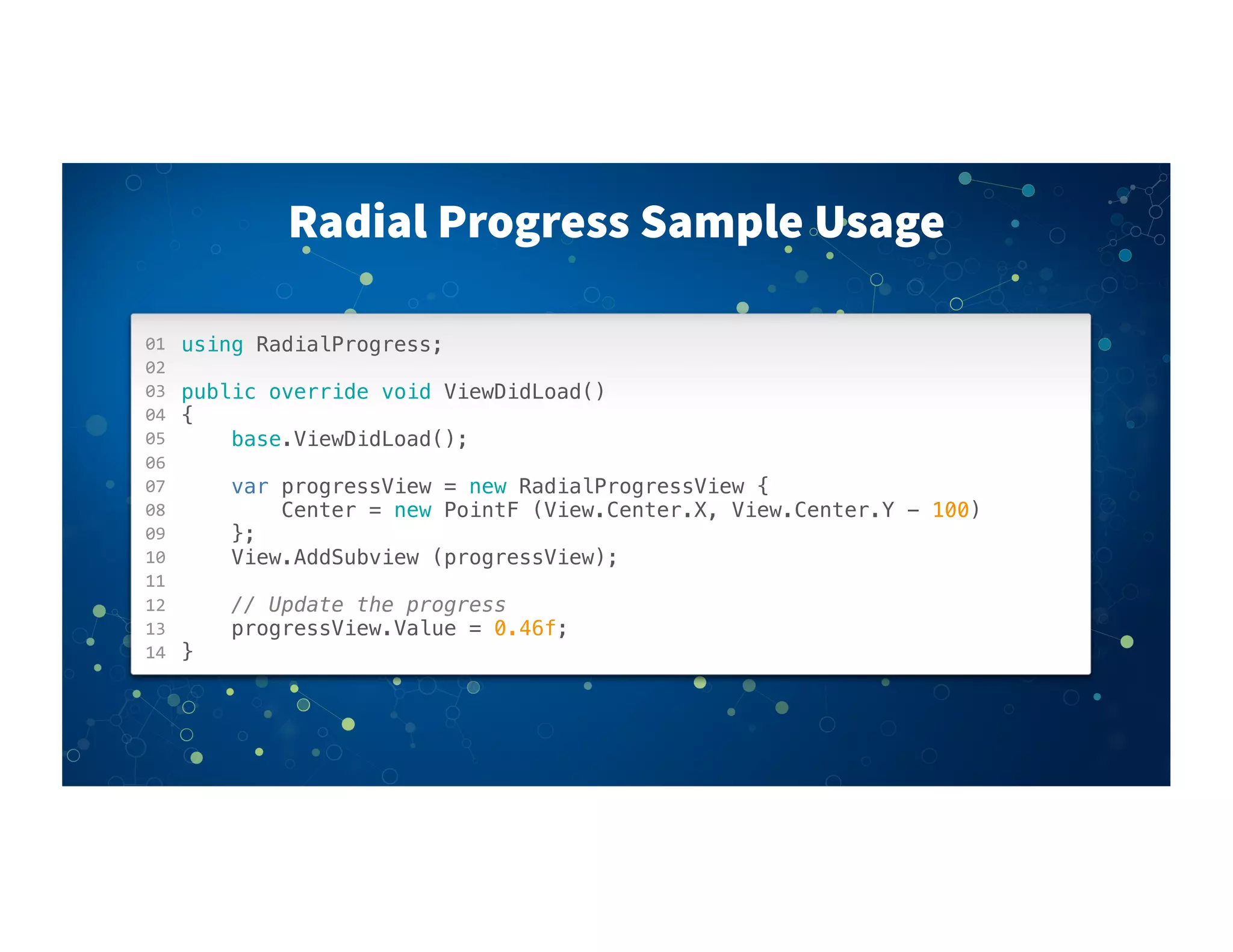
Radial Progress Sample Usage
using RadialProgress;
public override void ViewDidLoad()
{
base.ViewDidLoad();
! !
var progressView = new RadialProgressView {
Center = new PointF (View.Center.X, View.Center.Y - 100)
};
View.AddSubview (progressView);
// Update the progress
progressView.Value = 0.46f;
}
Json.NET
• LINQ-to-JSON for custom JSON parsing and output
Json.NET
• LINQ-to-JSON for custom JSON parsing and output
• Faster than .NET's built-in JSON serializers
Json.NET
• LINQ-to-JSON for custom JSON parsing and output
• Faster than .NET's built-in JSON serializers
• Also converts JSON to and from XML
Json.net
01
02
03
04
05
06
07
08
09
10
11
12
13
14
15
16
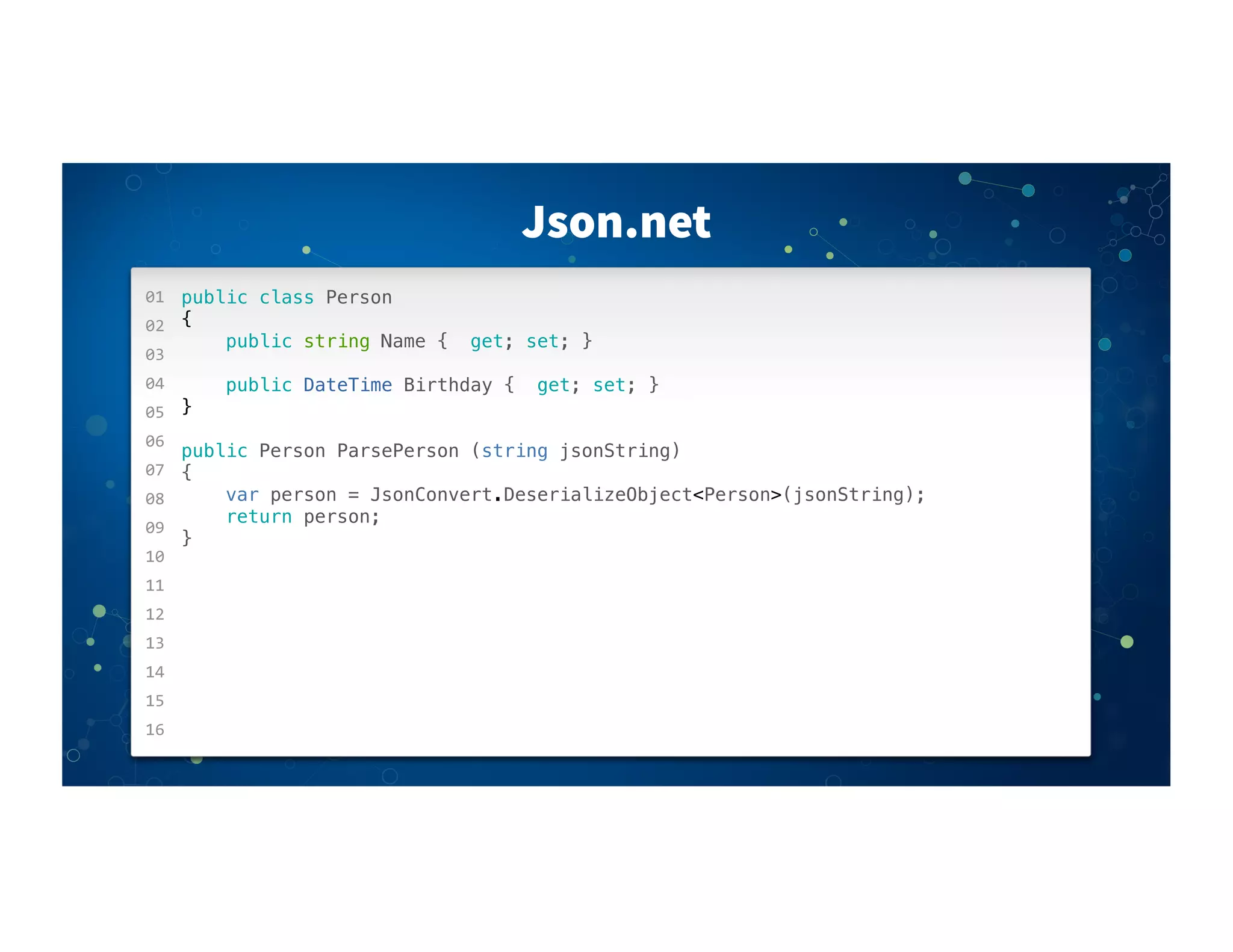
public class Person
{
public string Name { get; set; }
public DateTime Birthday { get; set; }
}
public Person ParsePerson (string jsonString)
{
var person = JsonConvert.DeserializeObject<Person>(jsonString);
return person;
}
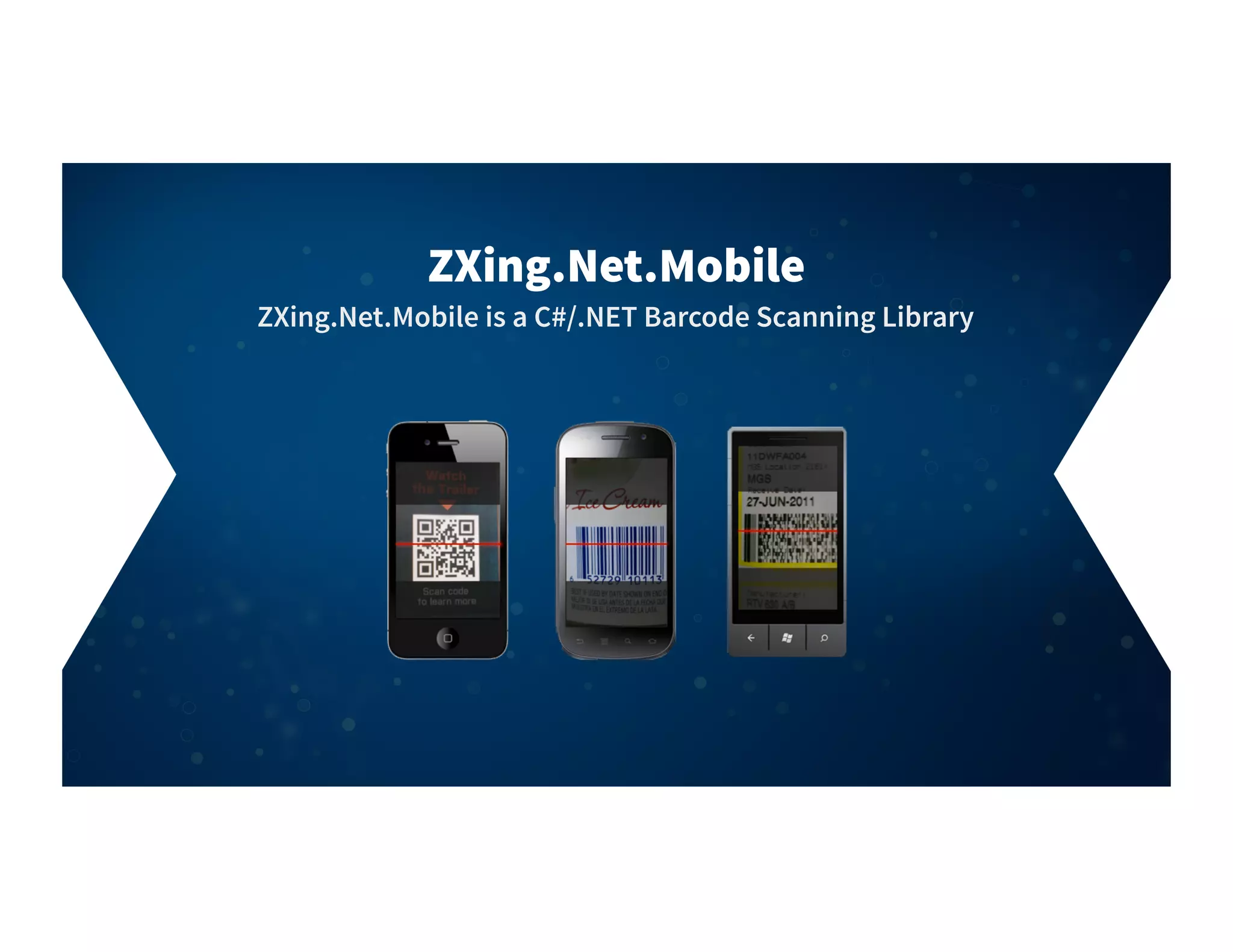
ZXing.Net.Mobile is a C#/.NET Barcode Scanning Library
ZXing.Net.Mobile
ZXing.Net.Mobile
• Open Source
• Simple API
• Cross platform
iOS
Android
Windows Phone
• Custom Overlays
01
02
03
04
05
06
07
08
09
10
11
12
13
14
15
16
ZXing.Net.Mobile
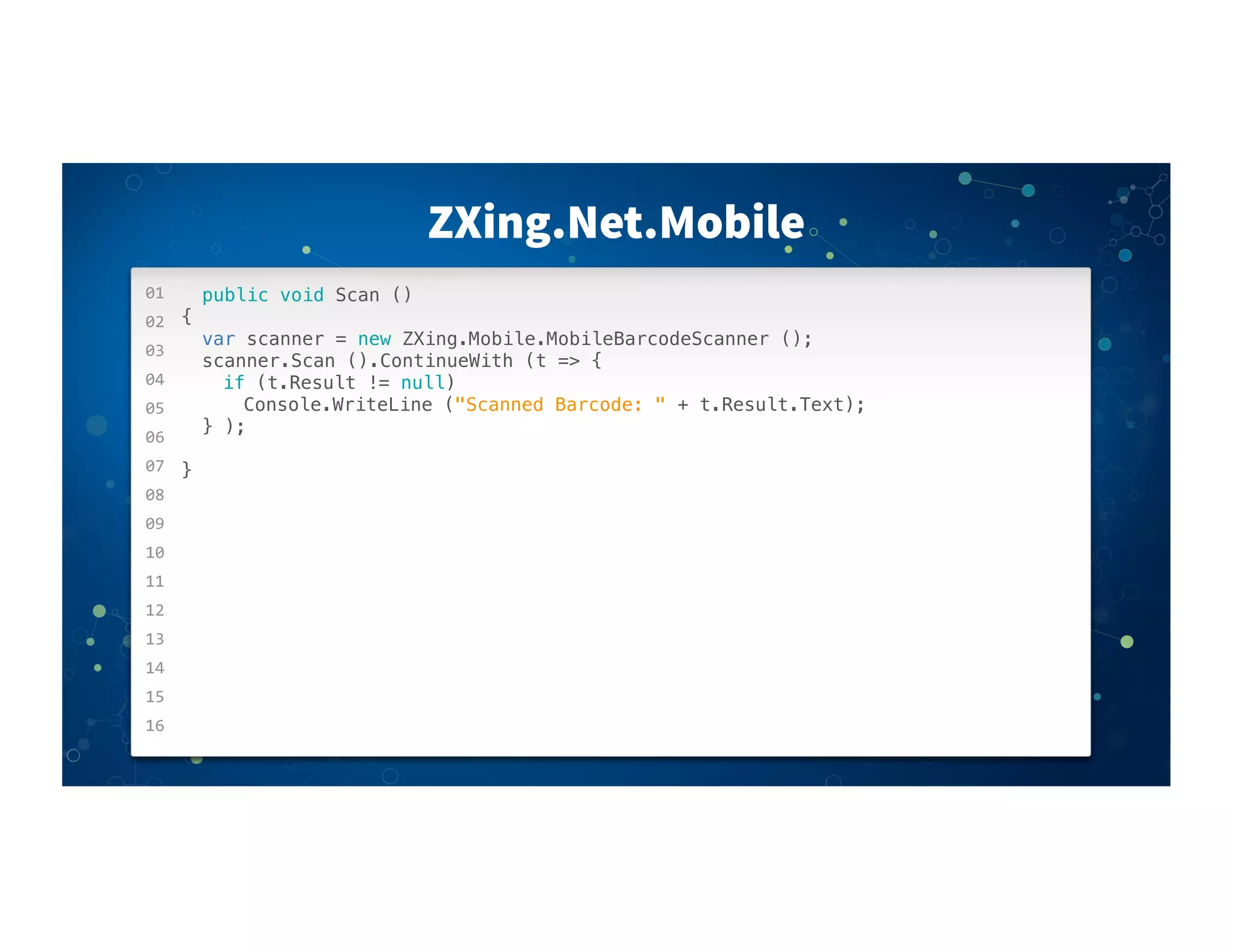
public void Scan ()
{
! var scanner = new ZXing.Mobile.MobileBarcodeScanner ();
! scanner.Scan ().ContinueWith (t => {
! ! if (t.Result != null)
! ! ! Console.WriteLine ("Scanned Barcode: " + t.Result.Text);
! } );
!
}
Dropbox
• API handles all the caching, retrying, and file change
notifications.
Dropbox
• API handles all the caching, retrying, and file change
notifications.
• Writes are local so changes are immediate. The Sync API syncs
to Dropbox behind the scenes.
Dropbox
• API handles all the caching, retrying, and file change
notifications.
• Writes are local so changes are immediate. The Sync API syncs
to Dropbox behind the scenes.
• Your app works great even when offline and automatically syncs
when it's back online.
01
02
03
04
05
06
07
08
09
10
11
12
13
14
15
16
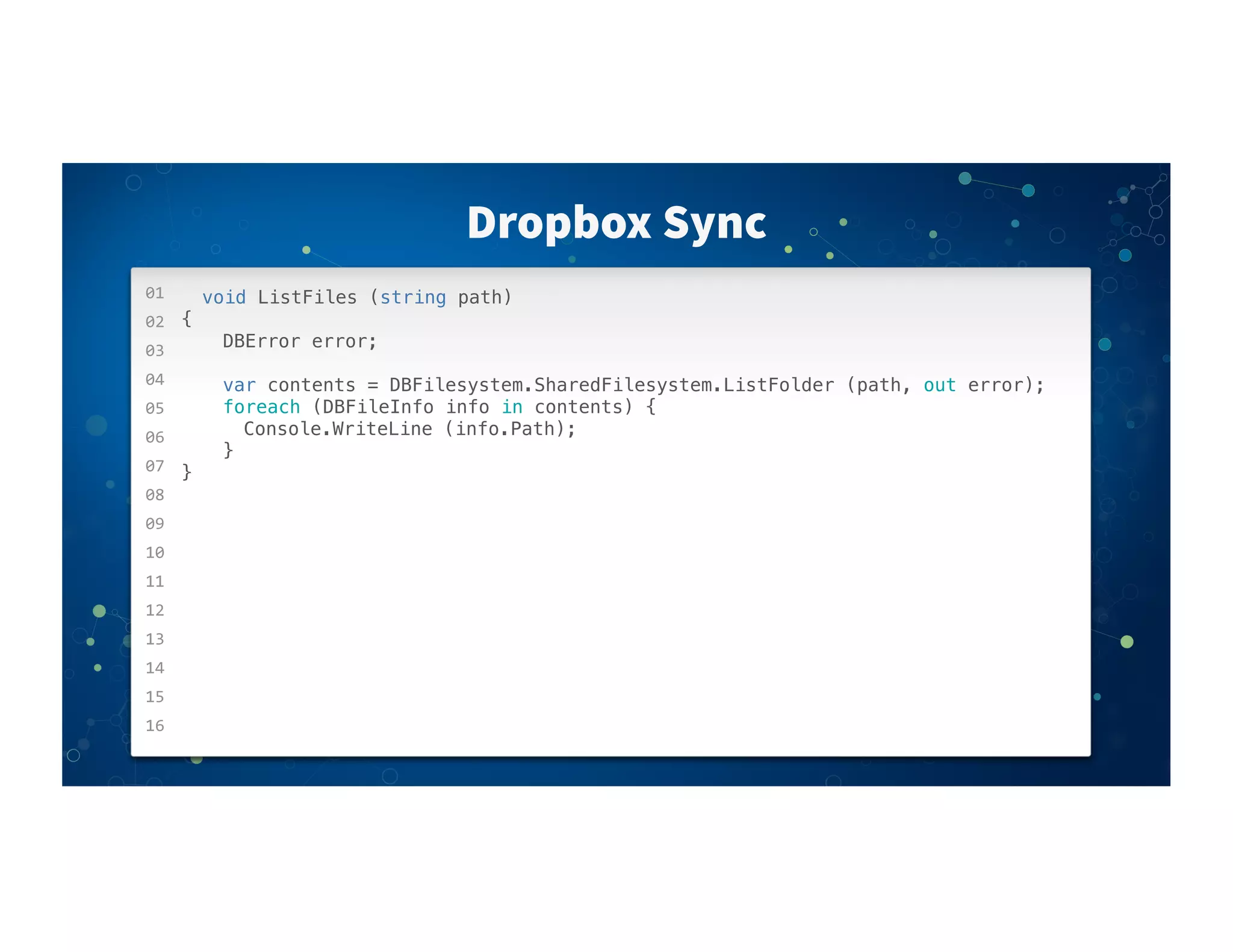
Dropbox Sync
void ListFiles (string path)
{
! ! DBError error;
! ! var contents = DBFilesystem.SharedFilesystem.ListFolder (path, out error);
! ! foreach (DBFileInfo info in contents) {
! ! ! Console.WriteLine (info.Path);
! ! }
}
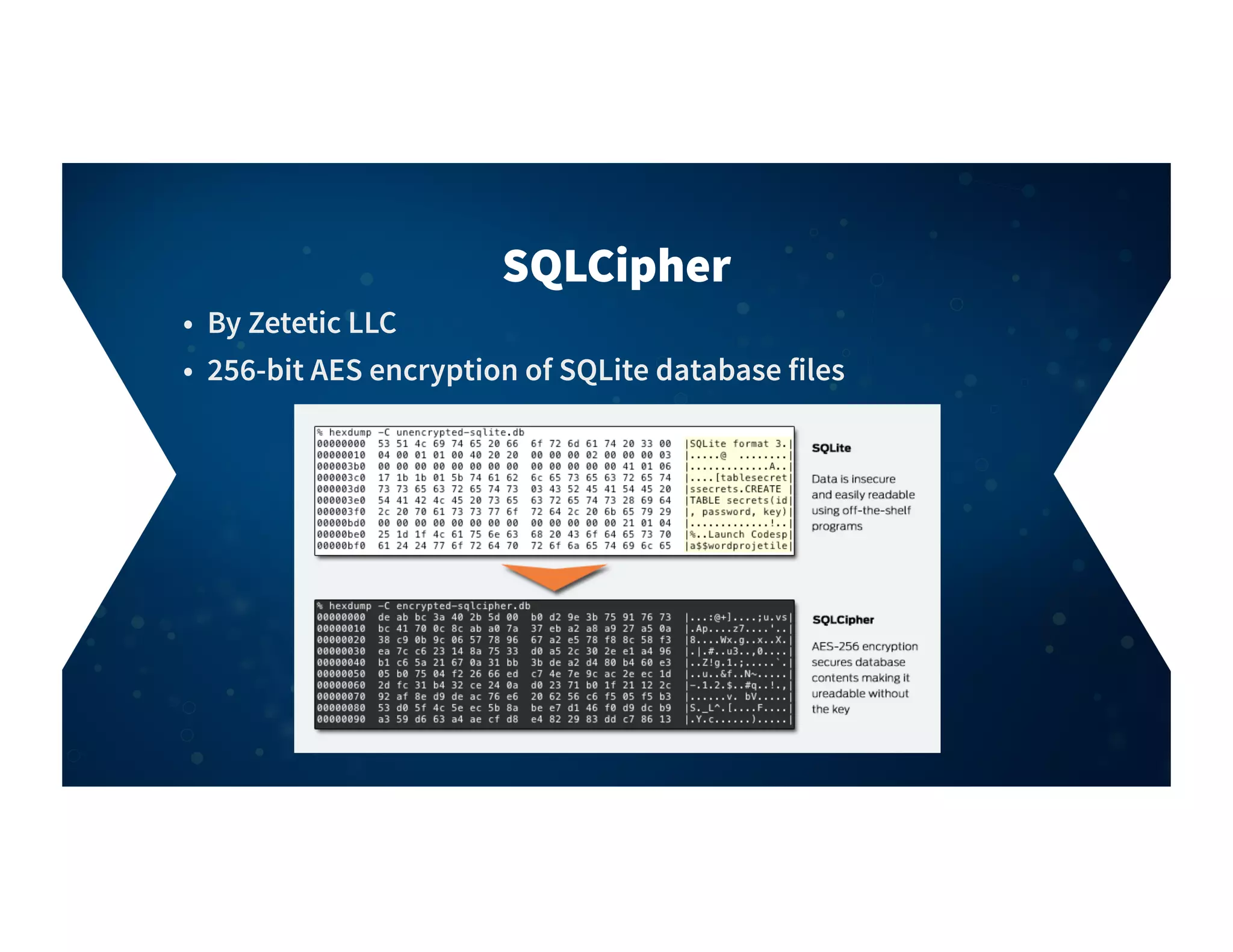
• By Zetetic LLC
• 256-bit AES encryption of SQLite database files
SQLCipher
01
02
03
04
05
06
07
08
09
10
11
12
13
14
15
16
SQLCipher
public class Model
{
! [PrimaryKey,AutoIncrement]
! public int Id { get; set; }
! public string Content { get; set; }
}
using(var conn = new SQLiteConnection (FilePath, Password))
{
! var model = conn.Table<Model>().Where(x=> x.Id = 0)
}
01
02
03
04
05
06
07
08
09
10
11
12
13
14
15
16
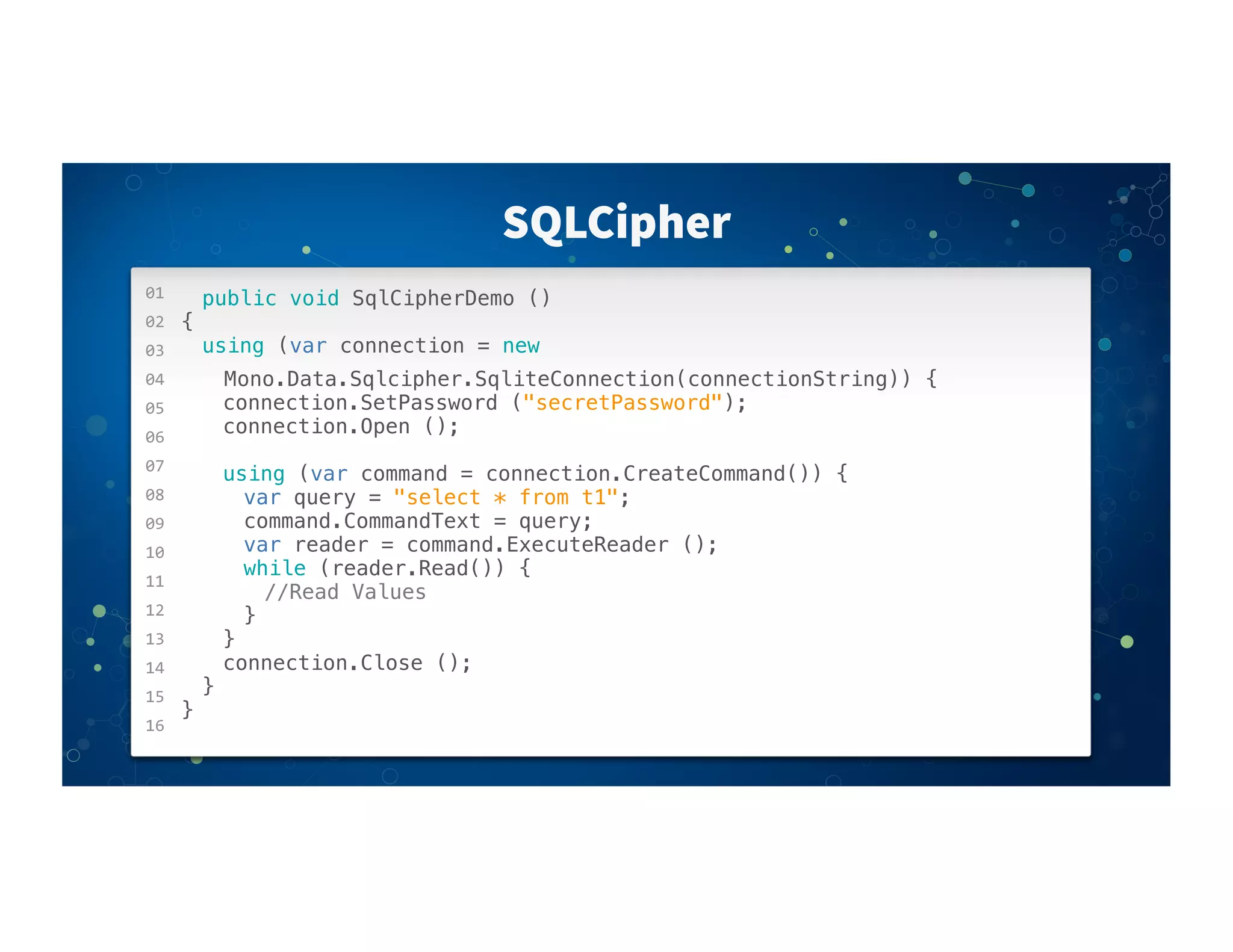
SQLCipher
public void SqlCipherDemo ()
{
! using (var connection = new
Mono.Data.Sqlcipher.SqliteConnection(connectionString)) {
! ! connection.SetPassword ("secretPassword");
! ! connection.Open ();
! ! using (var command = connection.CreateCommand()) {
! ! ! var query = "select * from t1";
! ! ! command.CommandText = query;
! ! ! var reader = command.ExecuteReader ();
! ! ! while (reader.Read()) {
! ! ! ! //Read Values
! ! ! }
! ! }
! ! connection.Close ();
! }
}
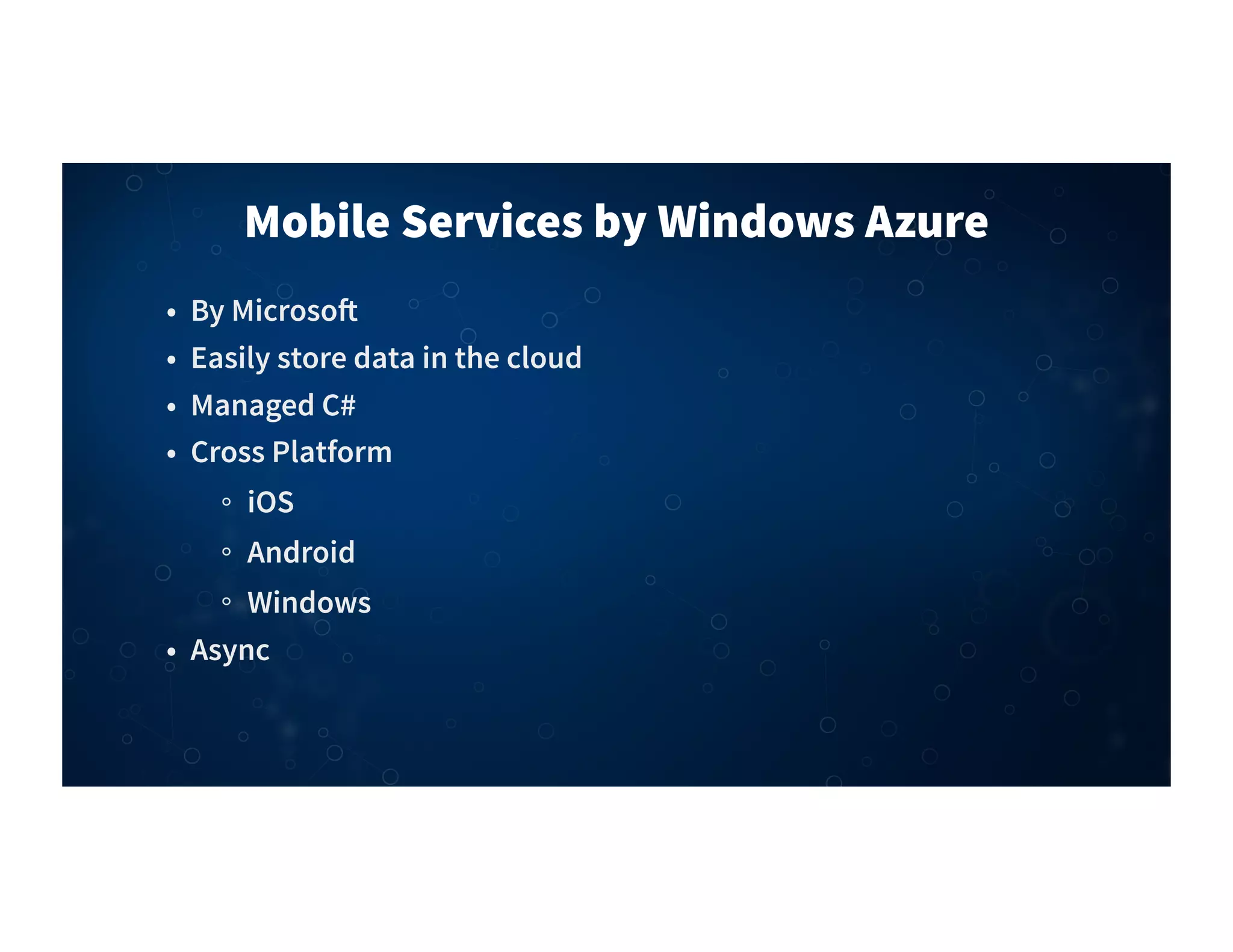
Mobile Services by Windows Azure
• By Microso"
• Easily store data in the cloud
• Managed C#
• Cross Platform
iOS
Android
Windows
• Async
01
02
03
04
05
06
07
08
09
10
11
12
13
14
15
16
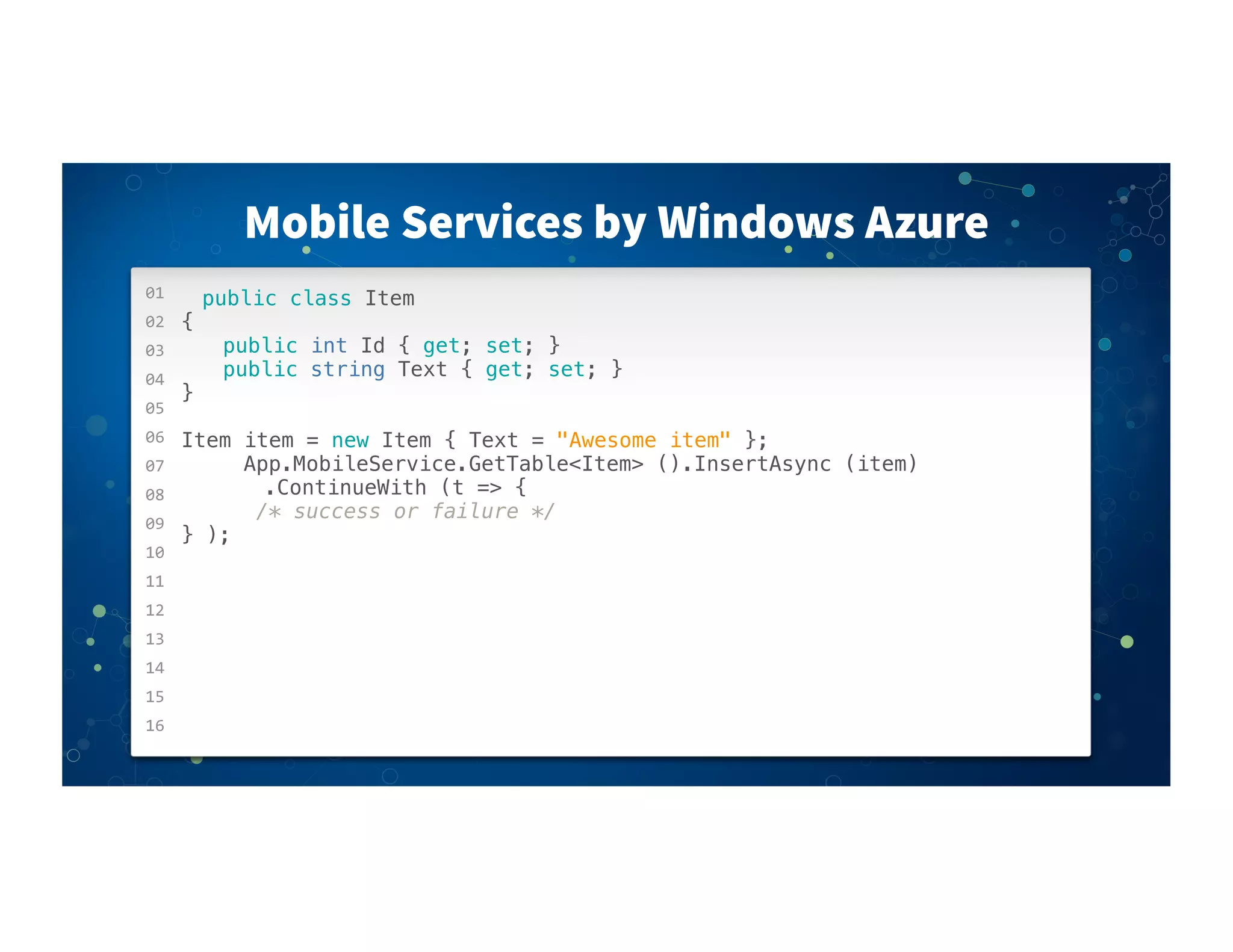
Mobile Services by Windows Azure
public class Item
{
! ! public int Id { get; set; }
! ! public string Text { get; set; }
}
Item item = new Item { Text = "Awesome item" };
! ! ! App.MobileService.GetTable<Item> ().InsertAsync (item)
! ! ! ! .ContinueWith (t => {
! ! ! /* success or failure */
} );
by Shinobi
Blazing fast charts!
ShinobiCharts
Xamarin.Social
• Cross Platform
iOS
Android
• Share Text or Images
• Twitter
• Facebook
• Flickr
• App.net
• Pinterest
01
02
03
04
05
06
07
08
09
10
11
12
13
14
15
16
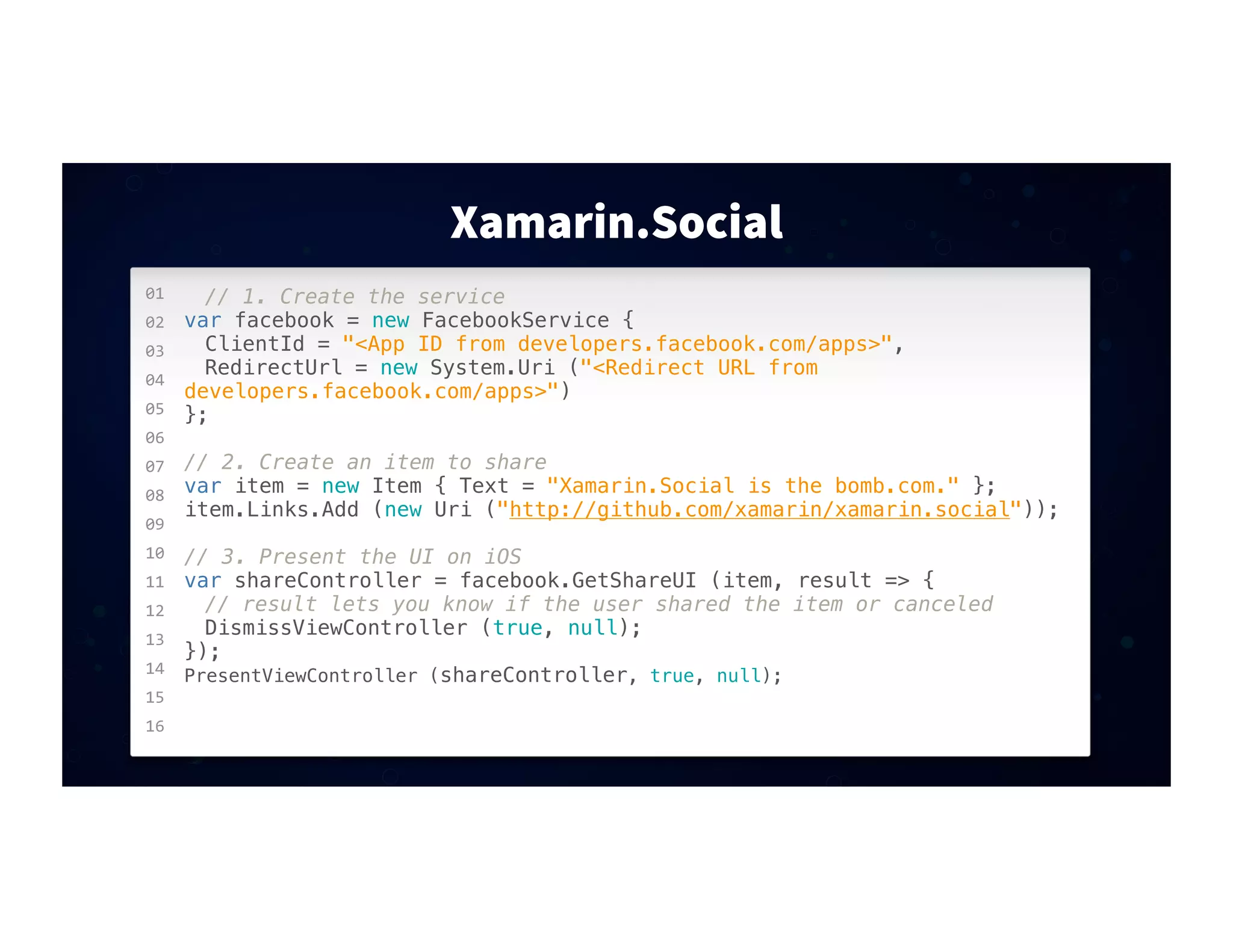
Xamarin.Social
// 1. Create the service
var facebook = new FacebookService {
! ClientId = "<App ID from developers.facebook.com/apps>",
! RedirectUrl = new System.Uri ("<Redirect URL from
developers.facebook.com/apps>")
};
// 2. Create an item to share
var item = new Item { Text = "Xamarin.Social is the bomb.com." };
item.Links.Add (new Uri ("http://github.com/xamarin/xamarin.social"));
// 3. Present the UI on iOS
var shareController = facebook.GetShareUI (item, result => {
! // result lets you know if the user shared the item or canceled
! DismissViewController (true, null);
});
PresentViewController (shareController, true, null);
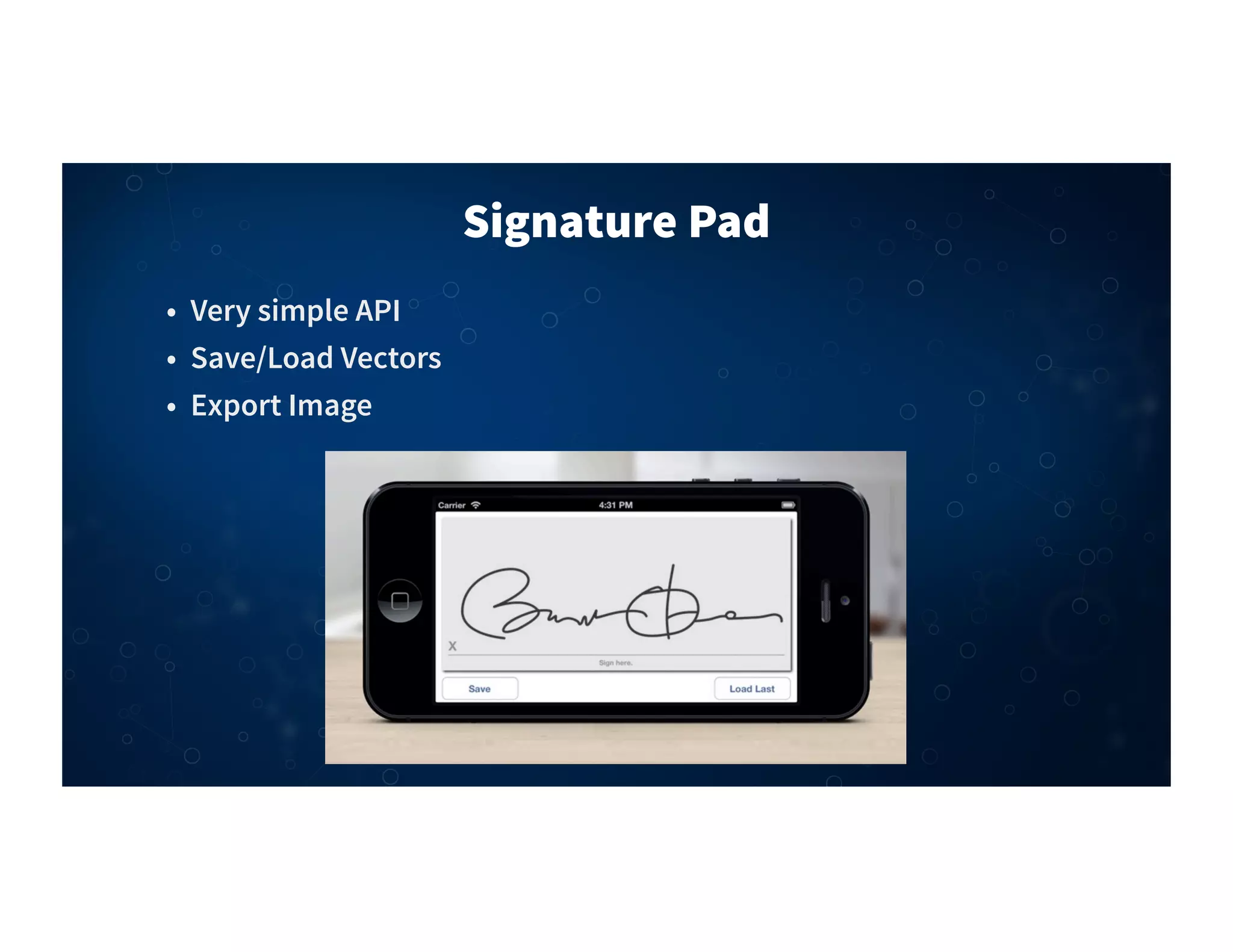
Signature Pad
• Very simple API
• Save/Load Vectors
• Export Image
01
02
03
04
05
06
07
08
09
10
11
12
13
14
15
16
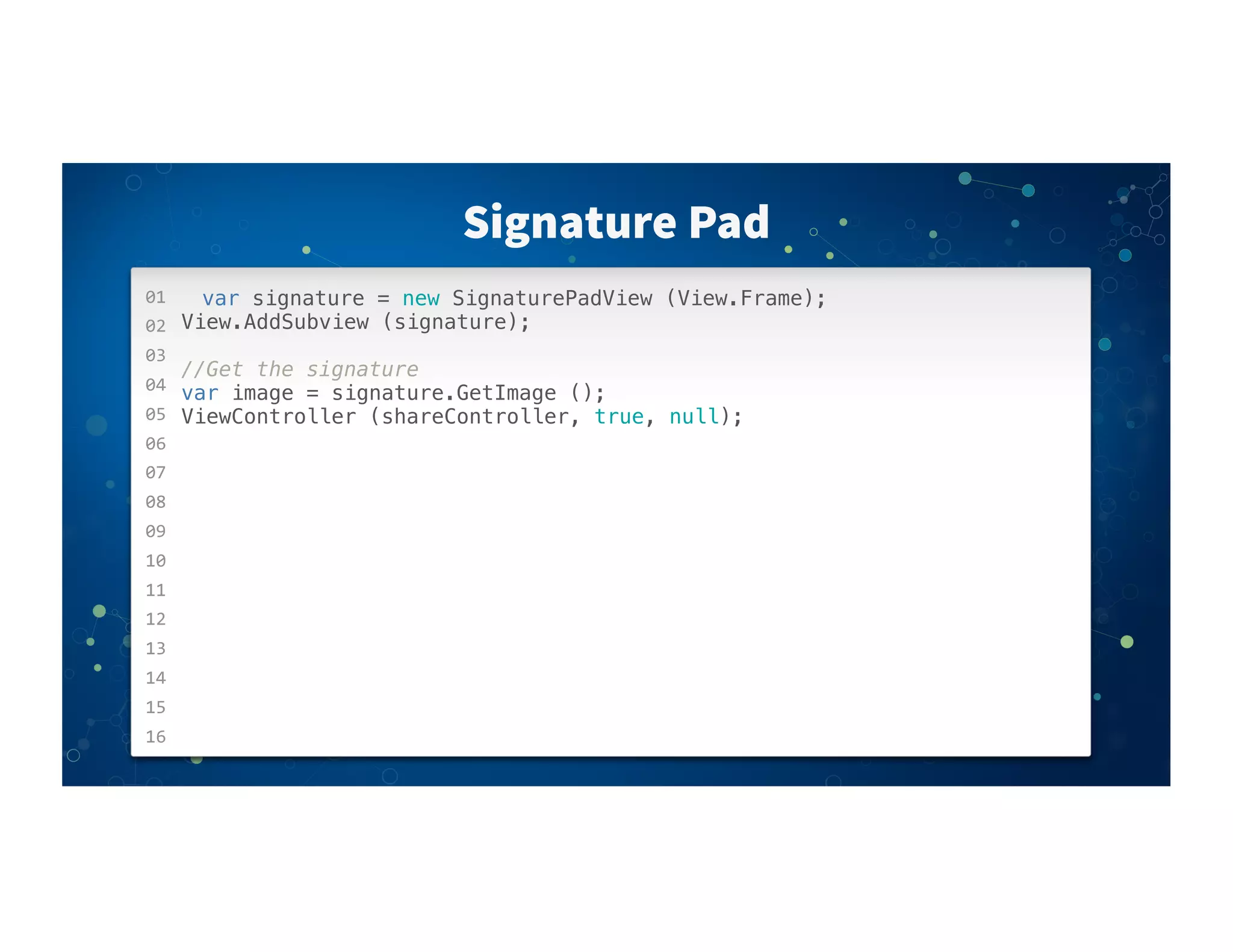
Signature Pad
var signature = new SignaturePadView (View.Frame);
View.AddSubview (signature);
//Get the signature
var image = signature.GetImage ();
ViewController (shareController, true, null);
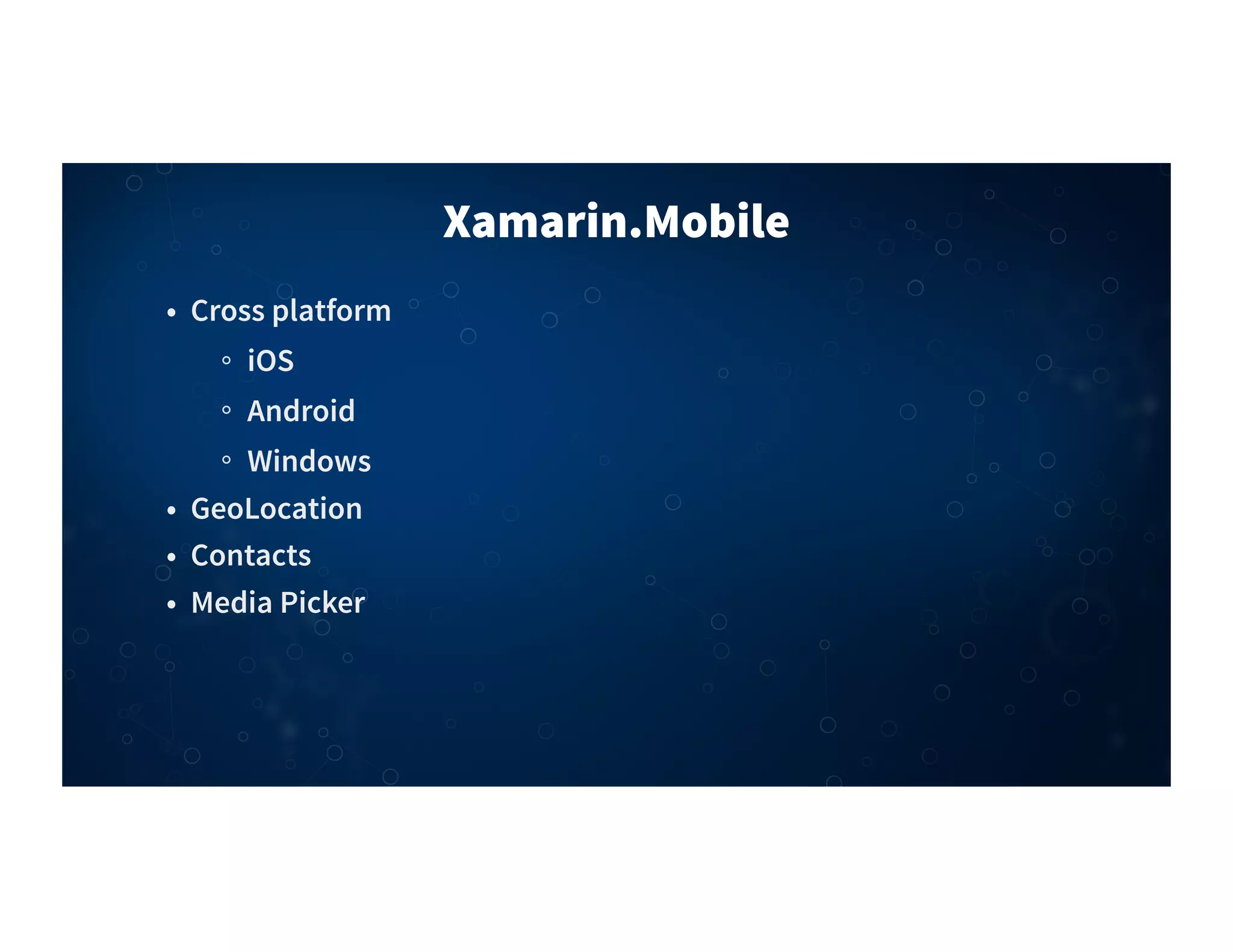
Xamarin.Mobile
• Cross platform
iOS
Android
Windows
• GeoLocation
• Contacts
• Media Picker
01
02
03
04
05
06
07
08
09
10
11
12
13
14
15
16
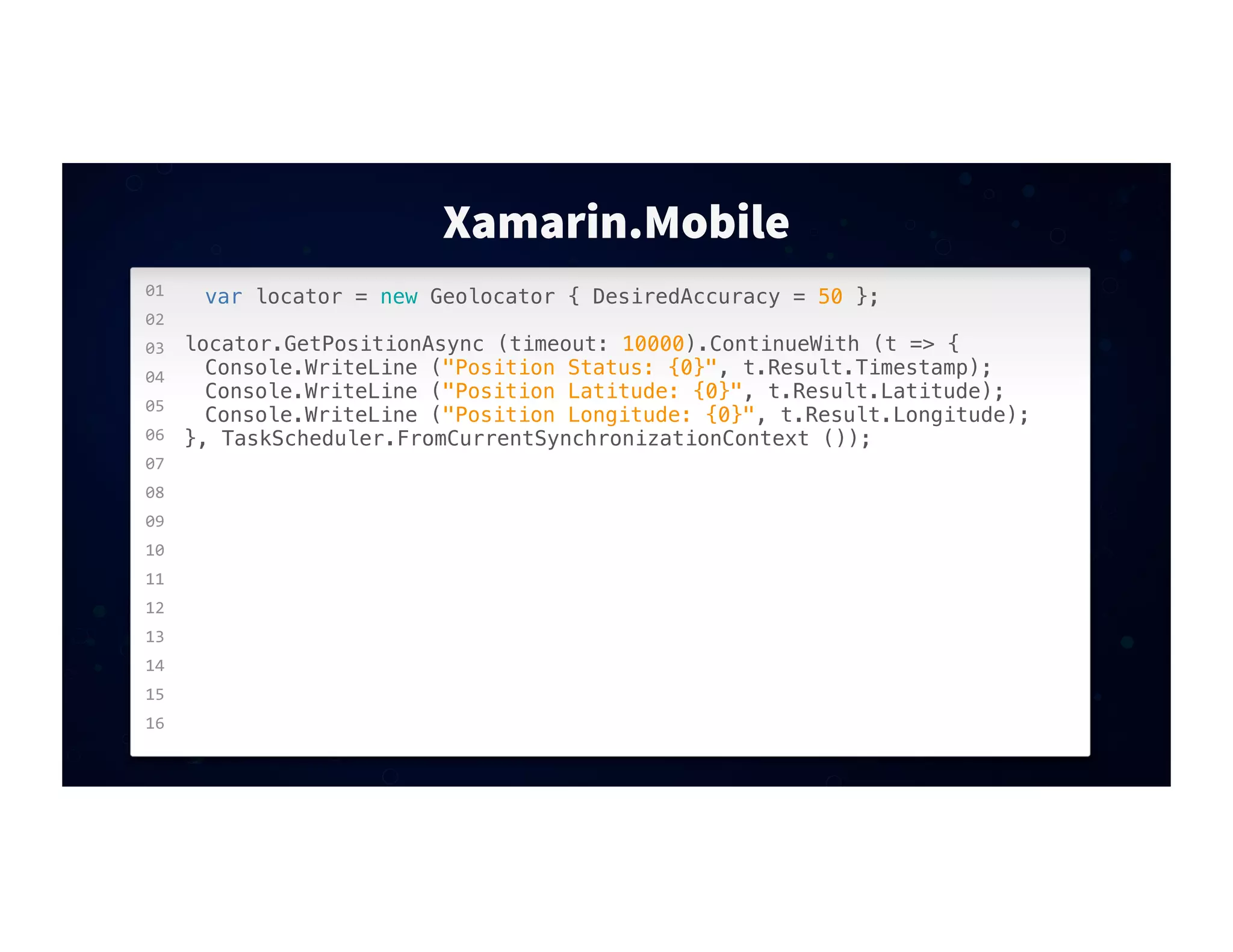
Xamarin.Mobile
var locator = new Geolocator { DesiredAccuracy = 50 };
locator.GetPositionAsync (timeout: 10000).ContinueWith (t => {
! Console.WriteLine ("Position Status: {0}", t.Result.Timestamp);
! Console.WriteLine ("Position Latitude: {0}", t.Result.Latitude);
! Console.WriteLine ("Position Longitude: {0}", t.Result.Longitude);
}, TaskScheduler.FromCurrentSynchronizationContext ());
Q&A
DEMO
THANK YOU
James Clancey
clancey@xamarin.com
@jtclancey

10 Must-Use Components for Your Mobile Apps, James Clancey