1. Software and Software
Engineering
Abdus Sattar
Senior Lecturer
Department of Computer Science and Engineering
Daffodil International University
Email: sattar342@gmail.com; sattar@britannia.ac
Expected Learning Outcome
Appreciate Software Engineering
Identify the different components of software
engineering
AbdusSattar,sattar@britannia.ac
2
What is Software?
Software is:
 Instructions (computer programs) that when
executed provide desired features, function, and
performance;
 Data structures that enable the programs to
adequately manipulate information and
 Documentation that describes the operation and use
of the programs.
AbdusSattar,sattar@britannia.ac
3
Characteristics/Nature of Software
Software is developed or engineered, it is not
manufactured in the classical sense.
 Software is intangible
• Hard to understand development effort
 Software is easy to reproduce
• Cost is in its development
 The industry is labor-intensive
• Hard to automate
AbdusSattar,sattar@britannia.ac
4
Characteristics/Nature of Software
 Untrained people can hack something together
• Quality problems are hard to notice
 Software is easy to modify
• People make changes without fully understanding it
 Software does not ‘wear out’
• It deteriorates by having its design changed:
• erroneously, or
• in ways that were not anticipated, thus making it
complex
AbdusSattar,sattar@britannia.ac
5
Characteristics/Nature of Software
 Conclusions
 Much software has poor design and is getting worse
 We have to learn to ‘engineer’ software
AbdusSattar,sattar@britannia.ac
6
Software Applications
System Software :
 Operating system, drivers, networking software, telecommunications
processors, Compilers.
Application Software:
 Microsoft Office, Excel and Outlook, Google Chrome, Mozilla Firefox
and Skype. Games and mobile applications such as "Clash of Clans,"
SoundCloud, Spotify and Uber, are also considered application software.
Other specific examples include Steam, "Minecraft," Adobe Reader and
Photoshop.
Engineering/scientific software:
 Computer-aided Design and Computer-aided Manufacturing Software,
Civil Engineering and Architectural Software , Electrical Engineering
software, Geographic Information Systems Software, Simulation
software, Interactive Software.
Embedded Software :
 key pad control for a microwave oven, fuel control, dashboard displays,
and braking systems, control and monitoring system.
AbdusSattar,sattar@britannia.ac
7
Software Applications (Cont..)
Product-line software/Data Processing System:
 Inventory control products, word processing, spreadsheets, computer
graphics, multimedia, entertainment, database management, and
personal and business financial applications
WebApps (Web applications)
 Integrated with corporate databases and business applications:
Booking application, Chatting application, Upload, E-Business, E-
Commerce application.
AI software
 Include robotics, expert systems, pattern recognition (image and
voice), artificial neural networks, theorem, proving, and game
playing.
Gaming Software
Mobile Device Software
AbdusSattar,sattar@britannia.ac
8
Software—New Categories
 Open world computing—pervasive/widespread, distributed
computing
 Ubiquitous computing—wireless networks.
 Net sourcing—the Web as a computing engine.
 Open source—”free” source code open to the computing
community (a blessing, but also a potential curse!)
AbdusSattar,sattar@britannia.ac
9
Legacy Software
Legacy implies that the software is out of date or in
need of replacement, however it may be in good
working order so the business or individual owner
does not want to upgrade or update the software.
AbdusSattar,sattar@britannia.ac
10
Legacy Software
Why must it change?
 software must be adapted to meet the needs of new
computing environments or technology.
 software must be enhanced to implement new
business requirements.
 software must be extended to make it interoperable
with other more modern systems or databases.
 software must be re-architected to make it viable
within a network environment.
AbdusSattar,sattar@britannia.ac
11
Characteristics of WebApps
 Network intensiveness. A WebApp resides on a network and
must serve the needs of a diverse community of clients.
 Concurrency. A large number of users may access the
WebApp at one time.
 Unpredictable load. The number of users of the WebApp may
vary by orders of magnitude from day to day.
 Performance. If a WebApp user must wait too long (for
access, for server-side processing, for client-side formatting
and display), he or she may decide to go elsewhere.
 Availability. Although expectation of 100 percent availability
is unreasonable, users of popular WebApps often demand
access on a “24/7/365” basis.
AbdusSattar,sattar@britannia.ac
12
CharacteristicsofWebApps(Cont…)
Data driven. The primary function of many WebApps is to use
hypermedia to present text, graphics, audio, and video content to the end-
user.
Content sensitive. The quality and aesthetic nature of content remains an
important determinant of the quality of a WebApp.
Continuous evolution. Unlike conventional application software that
evolves over a series of planned, chronologically-spaced releases, Web
applications evolve continuously.
Immediacy. Although immediacy—the compelling need to get software to
market quickly—is a characteristic of many application domains, WebApps
often exhibit a time to market that can be a matter of a few days or weeks.
Security. Because WebApps are available via network access, it is
difficult, if not impossible, to limit the population of end-users who may
access the application.
Aesthetics. An undeniable part of the appeal of a WebApp is its look and
feel.
AbdusSattar,sattar@britannia.ac
13
Software Engineering
The IEEE definition:
 Software Engineering:
 The application of a systematic, disciplined, quantifiable
approach to the development, operation, and maintenance
of software; that is, the application of engineering to
software.
 The study of approaches as in (1).
AbdusSattar,sattar@britannia.ac
14
Software Engineering (Cont..)
 The process of solving customers ’
problems by the systematic development
and evolution of large, high-quality
software systems within cost, time and
other constraints
AbdusSattar,sattar@britannia.ac
15
Software Engineering (Cont..)
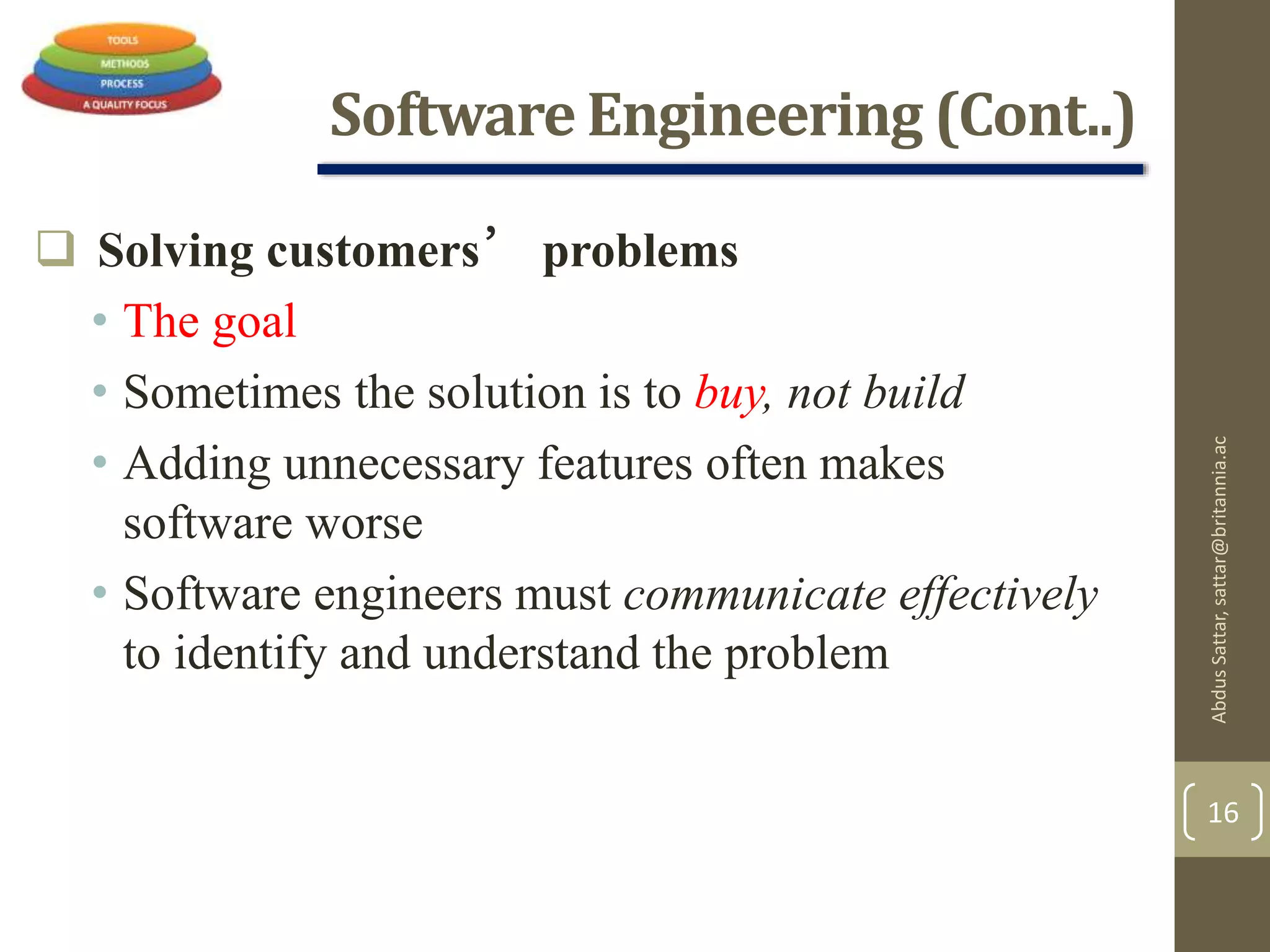
 Solving customers’ problems
• The goal
• Sometimes the solution is to buy, not build
• Adding unnecessary features often makes
software worse
• Software engineers must communicate effectively
to identify and understand the problem
AbdusSattar,sattar@britannia.ac
16
Software Engineering (Cont..)
 Systematic development and evolution
• An engineering process involves applying well
understood techniques in a organized and
disciplined way
• Many well-accepted practices have been
formally standardized
• e.g. by the IEEE or ISO
• Most development work is evolution
AbdusSattar,sattar@britannia.ac
17
Software Engineering (Cont..)
 Large, high quality software systems
• Software engineering techniques are needed
because large systems cannot be completely
understood by one person
• Teamwork and co-ordination are required
• Key challenge: Dividing up the work and
ensuring that the parts of the system work
properly together
• The end-product must be of sufficient quality
AbdusSattar,sattar@britannia.ac
18
Software Engineering (Cont..)
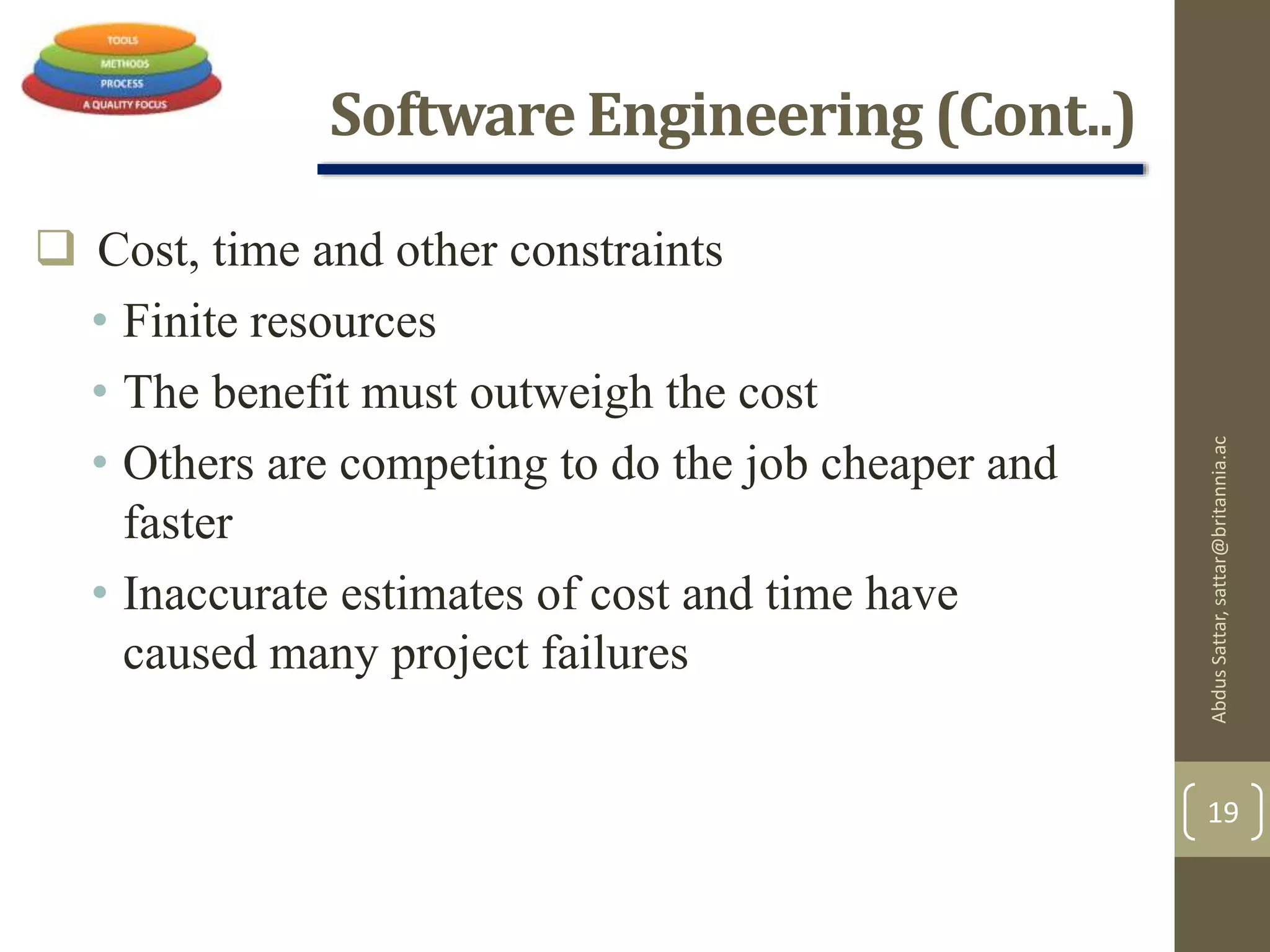
 Cost, time and other constraints
• Finite resources
• The benefit must outweigh the cost
• Others are competing to do the job cheaper and
faster
• Inaccurate estimates of cost and time have
caused many project failures
AbdusSattar,sattar@britannia.ac
19
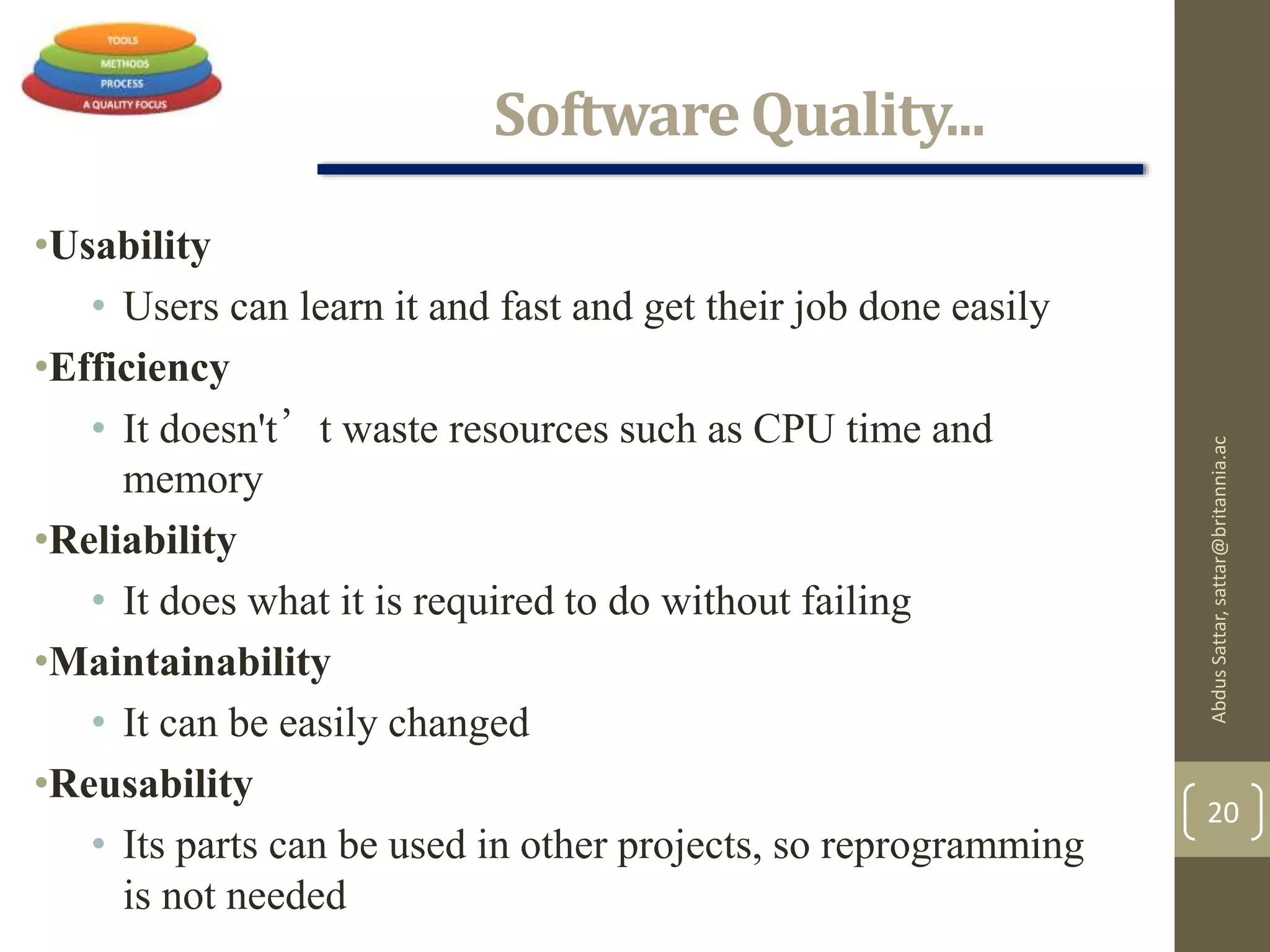
Software Quality...
•Usability
• Users can learn it and fast and get their job done easily
•Efficiency
• It doesn't’t waste resources such as CPU time and
memory
•Reliability
• It does what it is required to do without failing
•Maintainability
• It can be easily changed
•Reusability
• Its parts can be used in other projects, so reprogramming
is not needed
AbdusSattar,sattar@britannia.ac
20
SoftwareQuality and Stakeholders
AbdusSattar,sattar@britannia.ac
21
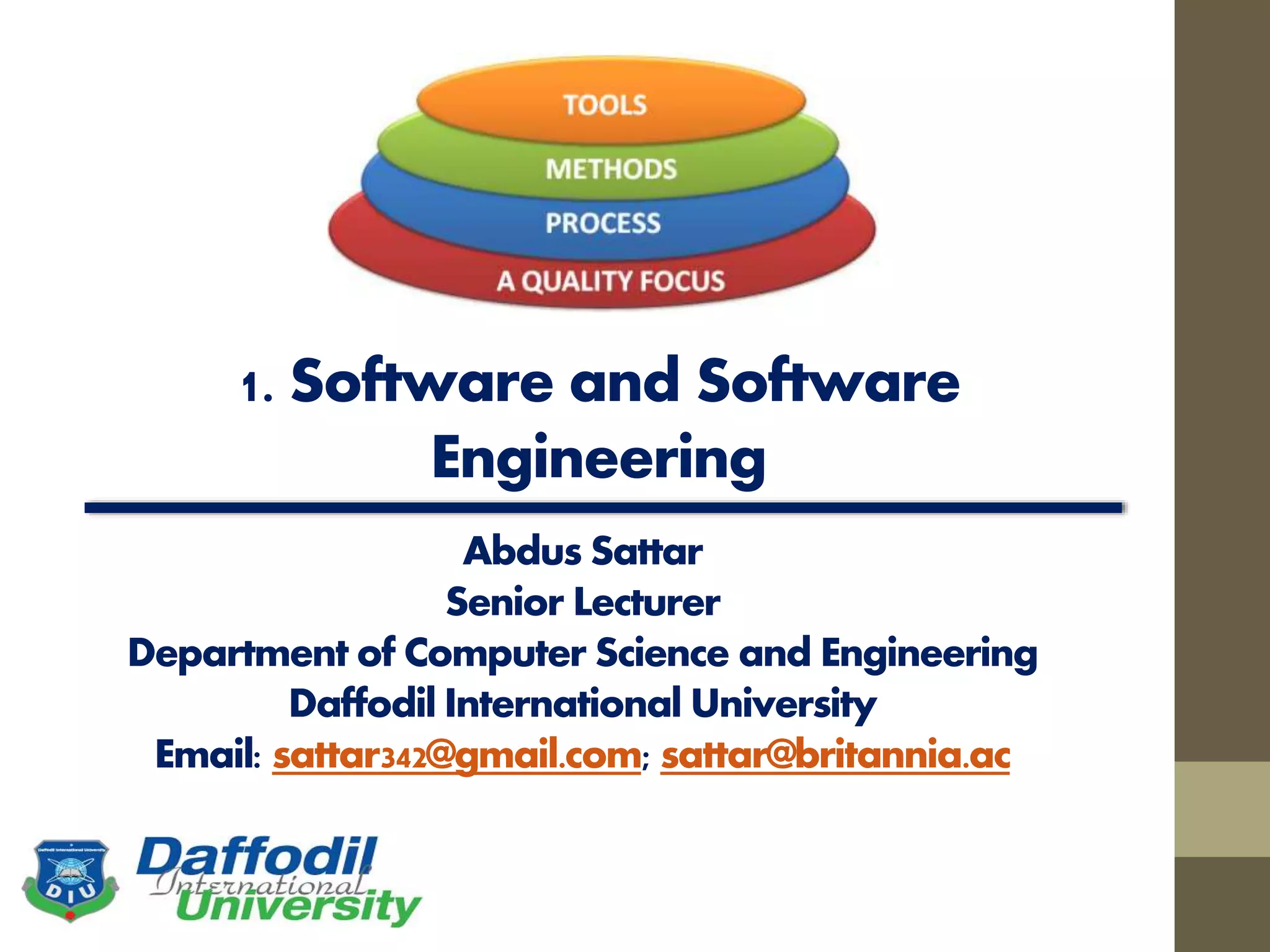
A Layered Technology
AbdusSattar,sattar@britannia.ac
22
Fig: Software engineering layers
Software Process
 A process is a collection of activities, actions, and tasks that
are performed when some work product is to be created.
 An activity strives to achieve a broad objective (e.g.,
communication with stakeholders) and is applied regardless of
the application domain, size of the project, complexity of the
effort, or degree of rigor with which software engineering is to
be applied.
 An action (e.g., architectural design) encompasses a set of
tasks that produce a major work product (e.g., an architectural
design model).
 A task focuses on a small, but well-defined objective (e.g.,
conducting a unit test) that produces a tangible outcome.
AbdusSattar,sattar@britannia.ac
23
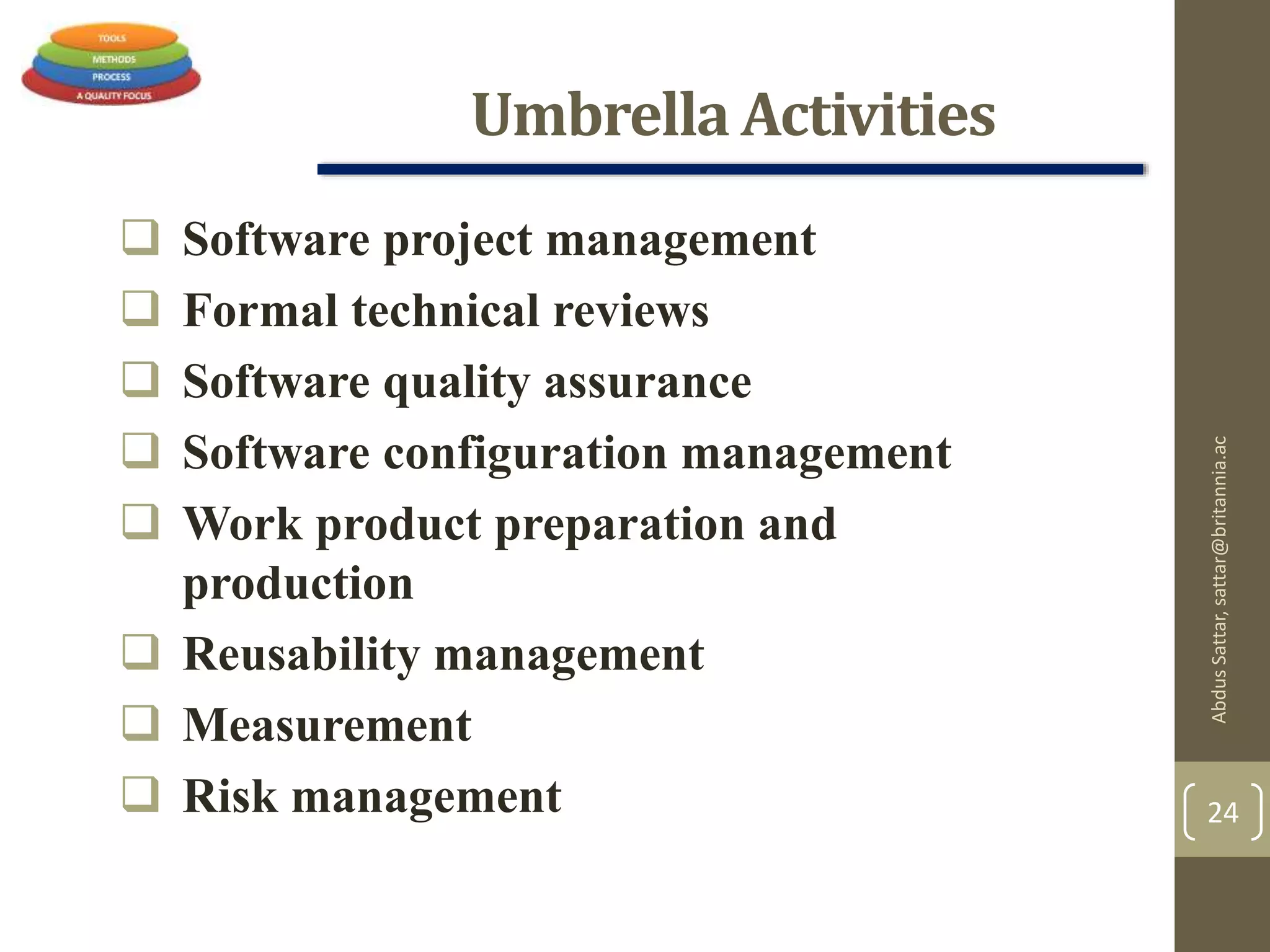
Umbrella Activities
 Software project management
 Formal technical reviews
 Software quality assurance
 Software configuration management
 Work product preparation and
production
 Reusability management
 Measurement
 Risk management
AbdusSattar,sattar@britannia.ac
24
The Essence of Practice
George Polya outlined The essence of software
engineering practice:
 Understand the problem (communication and
analysis).
 Plan a solution (modeling and software design).
 Carry out the plan (code generation).
 Examine the result for accuracy (testing and
quality assurance).
AbdusSattar,sattar@britannia.ac
25
Software Myths
Pressman describes a number of common beliefs or myths
that software managers, customers, and developers believe
falsely.
He describes these myths as ``misleading attitudes that
have caused serious problems.'' We look at these myths to
see why they are false, and why they lead to trouble.
 Affect managers, customers (and other non-technical stakeholders)
and practitioners
 Are believable because they often have elements of truth,
 but …
 Invariably lead to bad decisions,
 therefore …
 Insist on reality as you navigate your way through software
engineering
AbdusSattar,sattar@britannia.ac
26
Hooker’s General Principles
1: The Reason It All Exists
2: KISS (Keep It Simple, Stupid!)
3: Maintain the Vision
4: What You Produce, Others Will Consume
5: Be Open to the Future
6: Plan Ahead for Reuse
7: Think!
AbdusSattar,sattar@britannia.ac
27
AbdusSattar,sattar@britannia.ac
28
References:
1. Software Engineering by Ian Sommerville,
9th edition, Addison-Wesley, 2011
2. Software Engineering A practitioner’s
Approach by Roger S. Pressman, 7th edition, McGraw Hill, 2010.

1. ch 1-introduction

  • 1.
    1. Software andSoftware Engineering Abdus Sattar Senior Lecturer Department of Computer Science and Engineering Daffodil International University Email: sattar342@gmail.com; sattar@britannia.ac
  • 2.
    Expected Learning Outcome AppreciateSoftware Engineering Identify the different components of software engineering AbdusSattar,sattar@britannia.ac 2
  • 3.
    What is Software? Softwareis:  Instructions (computer programs) that when executed provide desired features, function, and performance;  Data structures that enable the programs to adequately manipulate information and  Documentation that describes the operation and use of the programs. AbdusSattar,sattar@britannia.ac 3
  • 4.
    Characteristics/Nature of Software Softwareis developed or engineered, it is not manufactured in the classical sense.  Software is intangible • Hard to understand development effort  Software is easy to reproduce • Cost is in its development  The industry is labor-intensive • Hard to automate AbdusSattar,sattar@britannia.ac 4
  • 5.
    Characteristics/Nature of Software Untrained people can hack something together • Quality problems are hard to notice  Software is easy to modify • People make changes without fully understanding it  Software does not ‘wear out’ • It deteriorates by having its design changed: • erroneously, or • in ways that were not anticipated, thus making it complex AbdusSattar,sattar@britannia.ac 5
  • 6.
    Characteristics/Nature of Software Conclusions  Much software has poor design and is getting worse  We have to learn to ‘engineer’ software AbdusSattar,sattar@britannia.ac 6
  • 7.
    Software Applications System Software:  Operating system, drivers, networking software, telecommunications processors, Compilers. Application Software:  Microsoft Office, Excel and Outlook, Google Chrome, Mozilla Firefox and Skype. Games and mobile applications such as "Clash of Clans," SoundCloud, Spotify and Uber, are also considered application software. Other specific examples include Steam, "Minecraft," Adobe Reader and Photoshop. Engineering/scientific software:  Computer-aided Design and Computer-aided Manufacturing Software, Civil Engineering and Architectural Software , Electrical Engineering software, Geographic Information Systems Software, Simulation software, Interactive Software. Embedded Software :  key pad control for a microwave oven, fuel control, dashboard displays, and braking systems, control and monitoring system. AbdusSattar,sattar@britannia.ac 7
  • 8.
    Software Applications (Cont..) Product-linesoftware/Data Processing System:  Inventory control products, word processing, spreadsheets, computer graphics, multimedia, entertainment, database management, and personal and business financial applications WebApps (Web applications)  Integrated with corporate databases and business applications: Booking application, Chatting application, Upload, E-Business, E- Commerce application. AI software  Include robotics, expert systems, pattern recognition (image and voice), artificial neural networks, theorem, proving, and game playing. Gaming Software Mobile Device Software AbdusSattar,sattar@britannia.ac 8
  • 9.
    Software—New Categories  Openworld computing—pervasive/widespread, distributed computing  Ubiquitous computing—wireless networks.  Net sourcing—the Web as a computing engine.  Open source—”free” source code open to the computing community (a blessing, but also a potential curse!) AbdusSattar,sattar@britannia.ac 9
  • 10.
    Legacy Software Legacy impliesthat the software is out of date or in need of replacement, however it may be in good working order so the business or individual owner does not want to upgrade or update the software. AbdusSattar,sattar@britannia.ac 10
  • 11.
    Legacy Software Why mustit change?  software must be adapted to meet the needs of new computing environments or technology.  software must be enhanced to implement new business requirements.  software must be extended to make it interoperable with other more modern systems or databases.  software must be re-architected to make it viable within a network environment. AbdusSattar,sattar@britannia.ac 11
  • 12.
    Characteristics of WebApps Network intensiveness. A WebApp resides on a network and must serve the needs of a diverse community of clients.  Concurrency. A large number of users may access the WebApp at one time.  Unpredictable load. The number of users of the WebApp may vary by orders of magnitude from day to day.  Performance. If a WebApp user must wait too long (for access, for server-side processing, for client-side formatting and display), he or she may decide to go elsewhere.  Availability. Although expectation of 100 percent availability is unreasonable, users of popular WebApps often demand access on a “24/7/365” basis. AbdusSattar,sattar@britannia.ac 12
  • 13.
    CharacteristicsofWebApps(Cont…) Data driven. Theprimary function of many WebApps is to use hypermedia to present text, graphics, audio, and video content to the end- user. Content sensitive. The quality and aesthetic nature of content remains an important determinant of the quality of a WebApp. Continuous evolution. Unlike conventional application software that evolves over a series of planned, chronologically-spaced releases, Web applications evolve continuously. Immediacy. Although immediacy—the compelling need to get software to market quickly—is a characteristic of many application domains, WebApps often exhibit a time to market that can be a matter of a few days or weeks. Security. Because WebApps are available via network access, it is difficult, if not impossible, to limit the population of end-users who may access the application. Aesthetics. An undeniable part of the appeal of a WebApp is its look and feel. AbdusSattar,sattar@britannia.ac 13
  • 14.
    Software Engineering The IEEEdefinition:  Software Engineering:  The application of a systematic, disciplined, quantifiable approach to the development, operation, and maintenance of software; that is, the application of engineering to software.  The study of approaches as in (1). AbdusSattar,sattar@britannia.ac 14
  • 15.
    Software Engineering (Cont..) The process of solving customers ’ problems by the systematic development and evolution of large, high-quality software systems within cost, time and other constraints AbdusSattar,sattar@britannia.ac 15
  • 16.
    Software Engineering (Cont..) Solving customers’ problems • The goal • Sometimes the solution is to buy, not build • Adding unnecessary features often makes software worse • Software engineers must communicate effectively to identify and understand the problem AbdusSattar,sattar@britannia.ac 16
  • 17.
    Software Engineering (Cont..) Systematic development and evolution • An engineering process involves applying well understood techniques in a organized and disciplined way • Many well-accepted practices have been formally standardized • e.g. by the IEEE or ISO • Most development work is evolution AbdusSattar,sattar@britannia.ac 17
  • 18.
    Software Engineering (Cont..) Large, high quality software systems • Software engineering techniques are needed because large systems cannot be completely understood by one person • Teamwork and co-ordination are required • Key challenge: Dividing up the work and ensuring that the parts of the system work properly together • The end-product must be of sufficient quality AbdusSattar,sattar@britannia.ac 18
  • 19.
    Software Engineering (Cont..) Cost, time and other constraints • Finite resources • The benefit must outweigh the cost • Others are competing to do the job cheaper and faster • Inaccurate estimates of cost and time have caused many project failures AbdusSattar,sattar@britannia.ac 19
  • 20.
    Software Quality... •Usability • Userscan learn it and fast and get their job done easily •Efficiency • It doesn't’t waste resources such as CPU time and memory •Reliability • It does what it is required to do without failing •Maintainability • It can be easily changed •Reusability • Its parts can be used in other projects, so reprogramming is not needed AbdusSattar,sattar@britannia.ac 20
  • 21.
  • 22.
  • 23.
    Software Process  Aprocess is a collection of activities, actions, and tasks that are performed when some work product is to be created.  An activity strives to achieve a broad objective (e.g., communication with stakeholders) and is applied regardless of the application domain, size of the project, complexity of the effort, or degree of rigor with which software engineering is to be applied.  An action (e.g., architectural design) encompasses a set of tasks that produce a major work product (e.g., an architectural design model).  A task focuses on a small, but well-defined objective (e.g., conducting a unit test) that produces a tangible outcome. AbdusSattar,sattar@britannia.ac 23
  • 24.
    Umbrella Activities  Softwareproject management  Formal technical reviews  Software quality assurance  Software configuration management  Work product preparation and production  Reusability management  Measurement  Risk management AbdusSattar,sattar@britannia.ac 24
  • 25.
    The Essence ofPractice George Polya outlined The essence of software engineering practice:  Understand the problem (communication and analysis).  Plan a solution (modeling and software design).  Carry out the plan (code generation).  Examine the result for accuracy (testing and quality assurance). AbdusSattar,sattar@britannia.ac 25
  • 26.
    Software Myths Pressman describesa number of common beliefs or myths that software managers, customers, and developers believe falsely. He describes these myths as ``misleading attitudes that have caused serious problems.'' We look at these myths to see why they are false, and why they lead to trouble.  Affect managers, customers (and other non-technical stakeholders) and practitioners  Are believable because they often have elements of truth,  but …  Invariably lead to bad decisions,  therefore …  Insist on reality as you navigate your way through software engineering AbdusSattar,sattar@britannia.ac 26
  • 27.
    Hooker’s General Principles 1:The Reason It All Exists 2: KISS (Keep It Simple, Stupid!) 3: Maintain the Vision 4: What You Produce, Others Will Consume 5: Be Open to the Future 6: Plan Ahead for Reuse 7: Think! AbdusSattar,sattar@britannia.ac 27
  • 28.
    AbdusSattar,sattar@britannia.ac 28 References: 1. Software Engineeringby Ian Sommerville, 9th edition, Addison-Wesley, 2011 2. Software Engineering A practitioner’s Approach by Roger S. Pressman, 7th edition, McGraw Hill, 2010.