Class Diagrams
Identifying and representing Classes
Object Web, Bapayya Choudhary Maganti
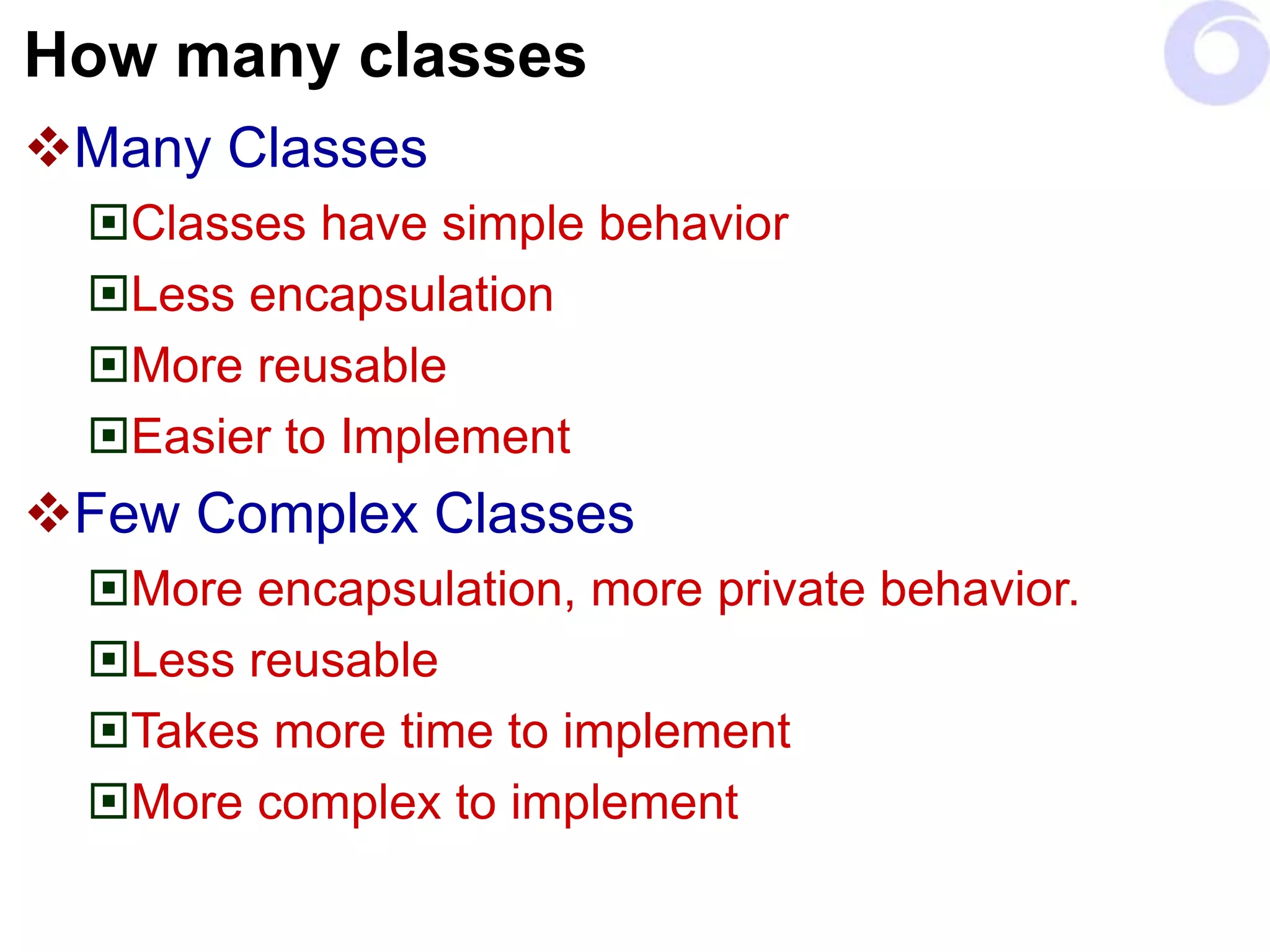
How many classes
Many Classes
Classes have simple behavior
Less encapsulation
More reusable
Easier to Implement
Few Complex Classes
More encapsulation, more private behavior.
Less reusable
Takes more time to implement
More complex to implement
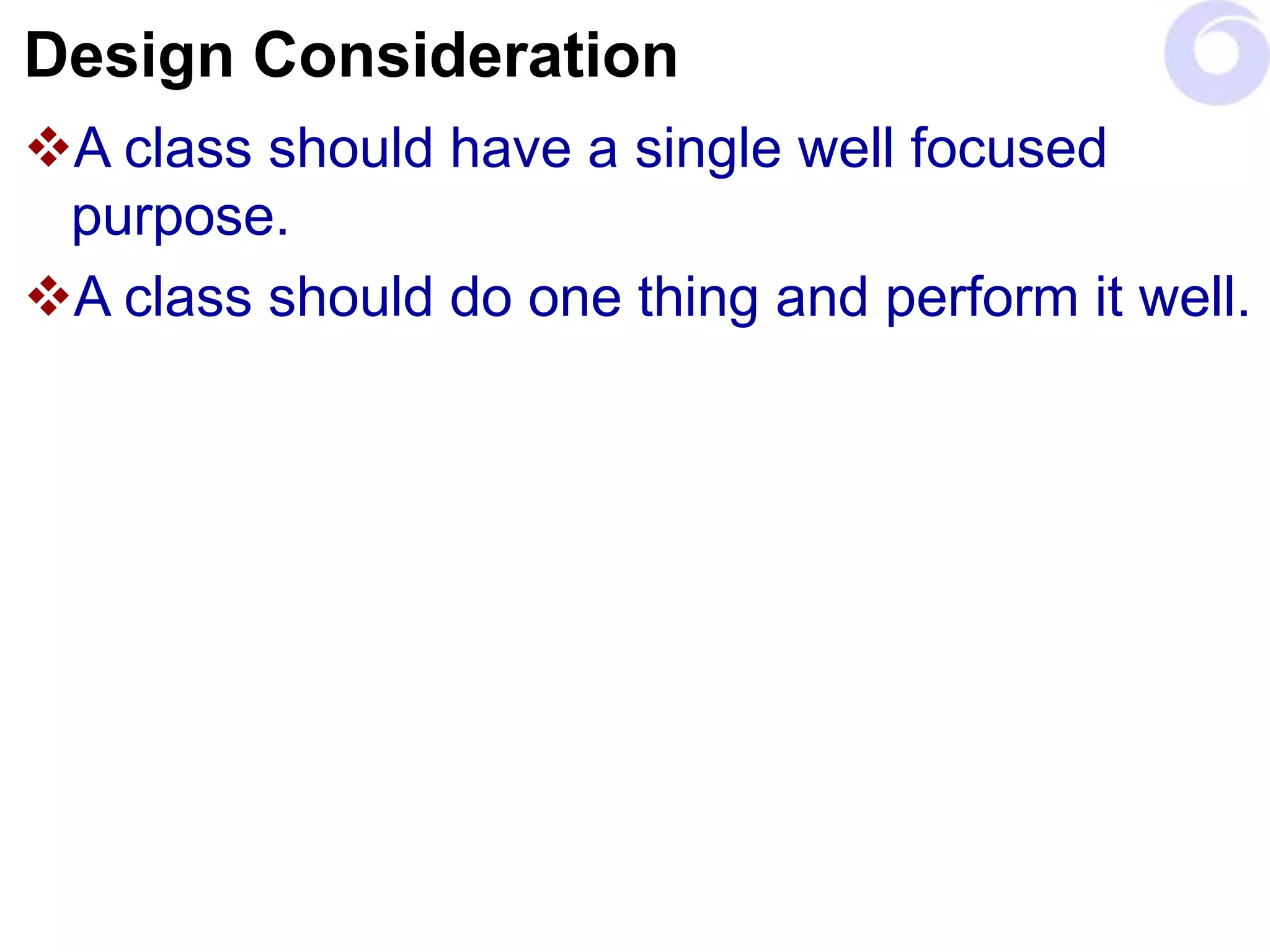
Design Consideration
A class should have a single well focused
purpose.
A class should do one thing and perform it well.
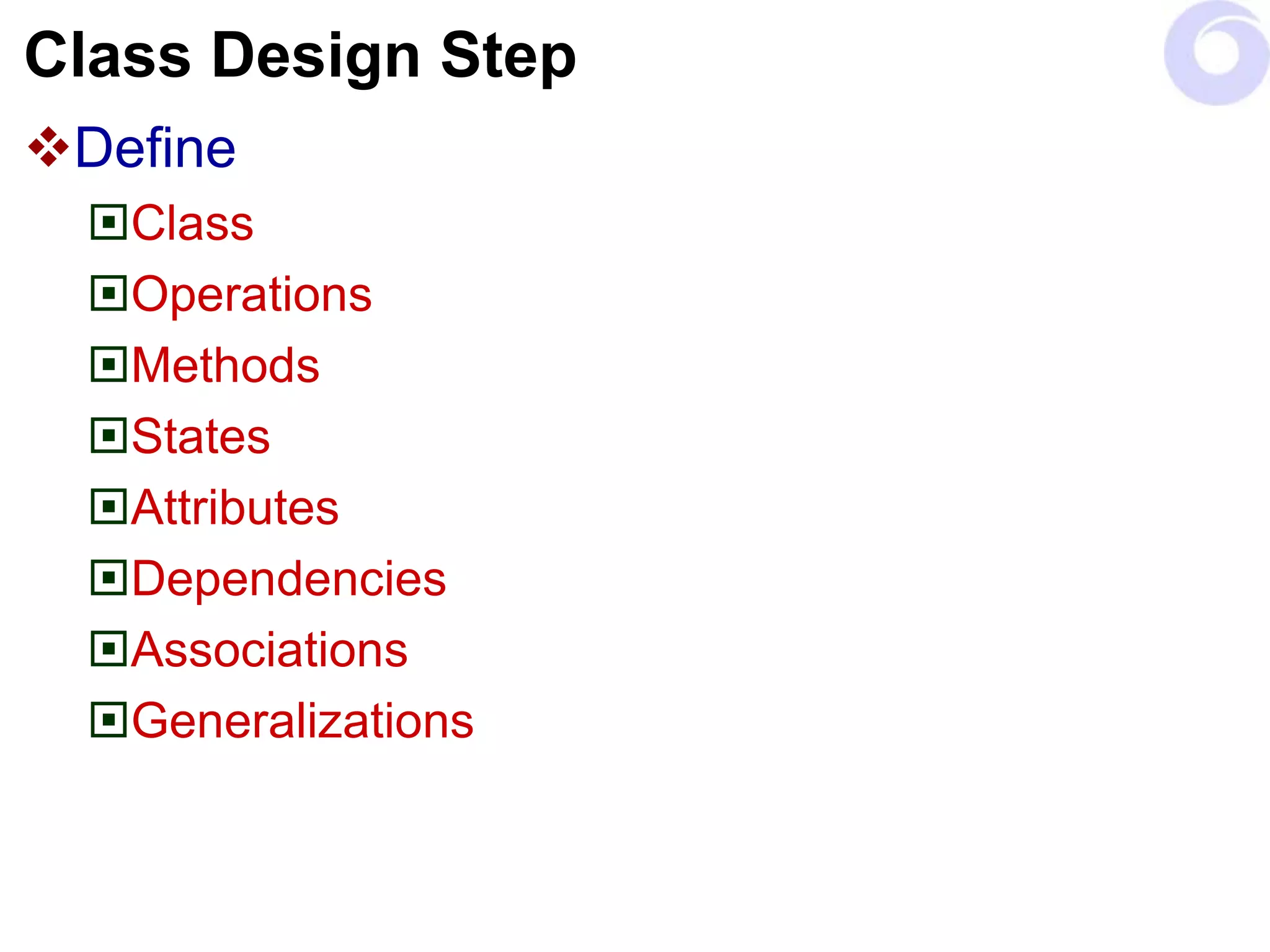
Class Design Step
Define
Class
Operations
Methods
States
Attributes
Dependencies
Associations
Generalizations
Simple steps in finding a class
Read and understand the specification.
Extract noun phrases from the specification
and build a list.
Look for nouns that may be hidden (for
example, by the use of the passive voice), and
add them to the list.
Applying the following guidelines:
Model Physical Objects.
Model Conceptual Entities.
Use a Single term for each concept.
Be wary of the use of adjectives.
… Classes:
Identify the candidates for abstract super
classes by grouping classes that share
common attributes.
Use packages to look for classes that may be
missing.
Attributes & Operations
Find responsibilities using the following
guidelines:
Recall the purpose of each class, as implied by its
name and specified in the statement of purpose.
Extract responsibilities from the specification by
looking for actions and information.
Identify responsibilities implied by the relationships
between classes.
… Attributes & Operations
Assign responsibilities to classes using the
following guidelines:
Evenly distributed system intelligence.
State responsibility as generally as possible.
Keep behavior with related information.
Keep information about one thing in one place.
Share responsibilities among related classes.
… Attributes & Operations
Find additional responsibilities by looking for
relationships between classes.
is-kind-of
Use is-kind-of relationships to find inheritance relationships.
is-analogous-to
Use is-analogous-to relationships to find missing superclasses.
is-part-of
Use is-part-of relationships to find other missing classes.
Relations
Find the list collaborations by examining the
responsibilities associated with classes.
Ask:
With whom does this class need to collaborate to
fulfill its responsibilities?
Who needs to make use of the responsibilities are
defined for this class?
Relations
Identify additional collaboration by looking for
these relationships between classes.
Is-part-of
The is-part-of relationship.
Has-knowledge-of
The has-knowledge-of relationship and.
Depends-upon
The depends-upon relationships.
Discard classes if no class collaborates with
them, and they collaborate with no other class.
Hierarchies:
Build Hierarchy graphs that illustrate the
inheritance relationships between classes.
Identify which classes are abstract and which
are concrete.
Draw Venn diagrams representing the
responsibilities shared between classes.
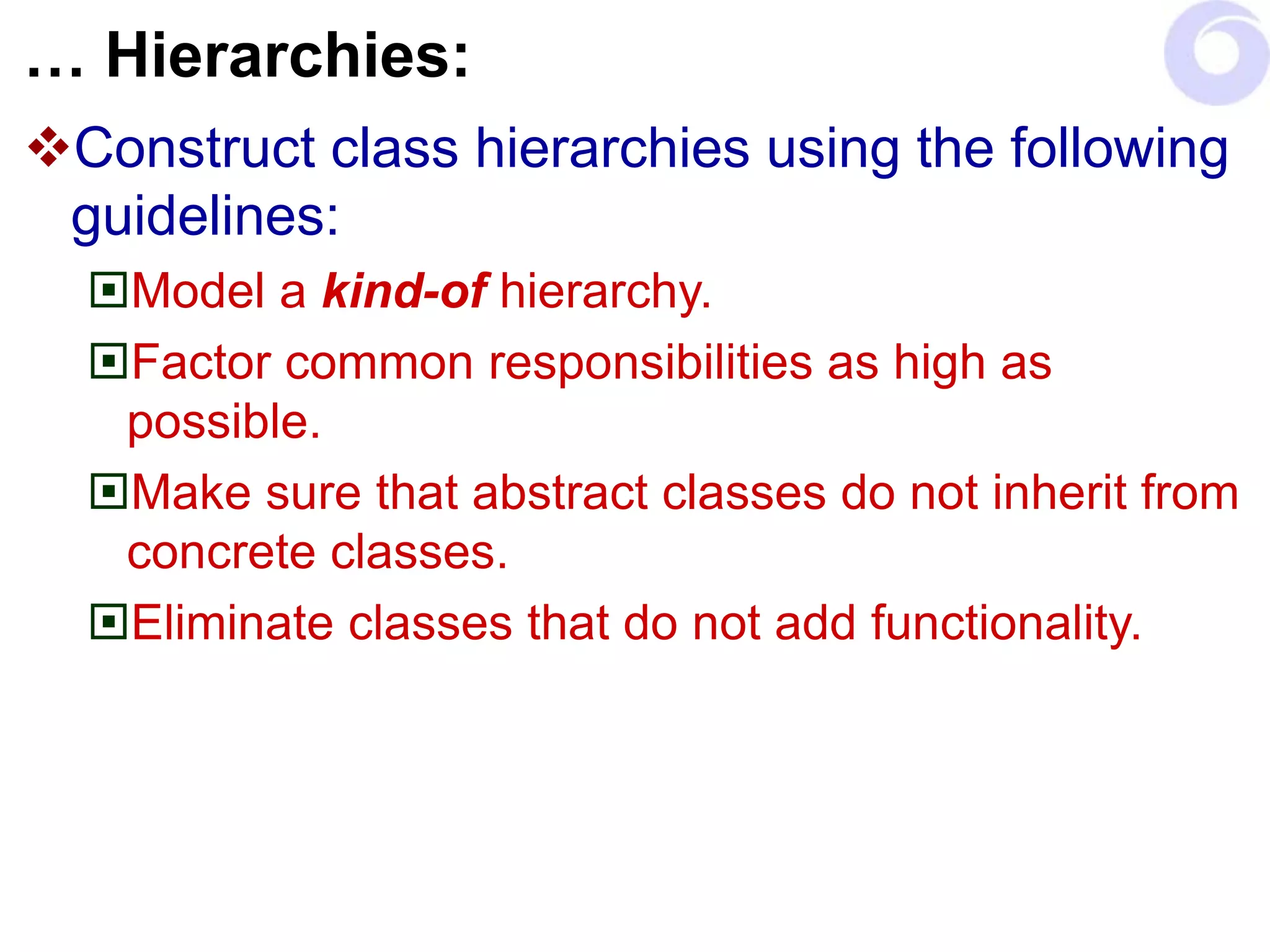
… Hierarchies:
Construct class hierarchies using the following
guidelines:
Model a kind-of hierarchy.
Factor common responsibilities as high as
possible.
Make sure that abstract classes do not inherit from
concrete classes.
Eliminate classes that do not add functionality.
… Hierarchies:
Construct the contracts defined by each class
using the following guidelines:
Group responsibilities that are used by the same
clients.
Maximize the cohesiveness of classes.
Minimize the number of contracts per class.
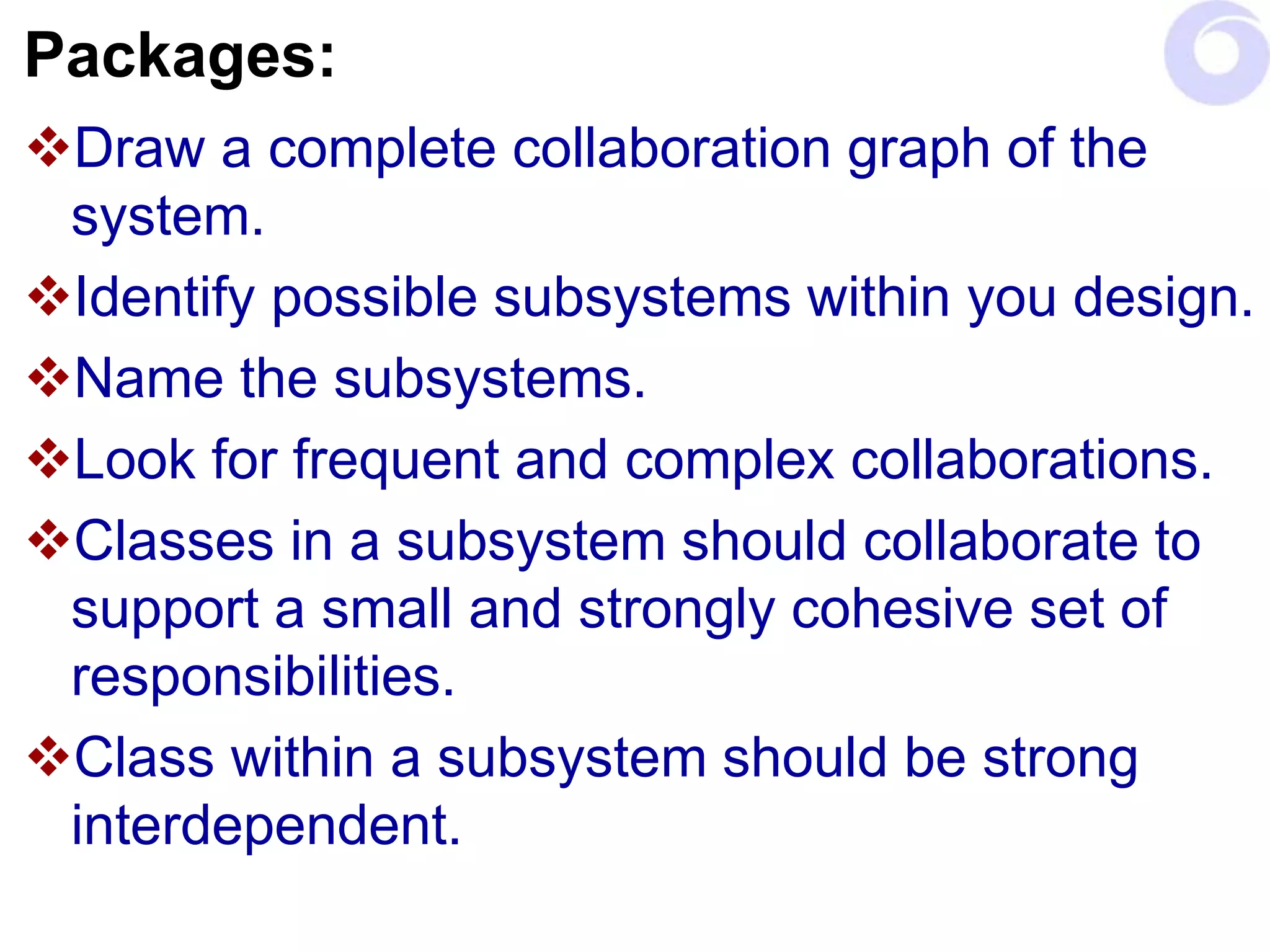
Packages:
Draw a complete collaboration graph of the
system.
Identify possible subsystems within you design.
Name the subsystems.
Look for frequent and complex collaborations.
Classes in a subsystem should collaborate to
support a small and strongly cohesive set of
responsibilities.
Class within a subsystem should be strong
interdependent.
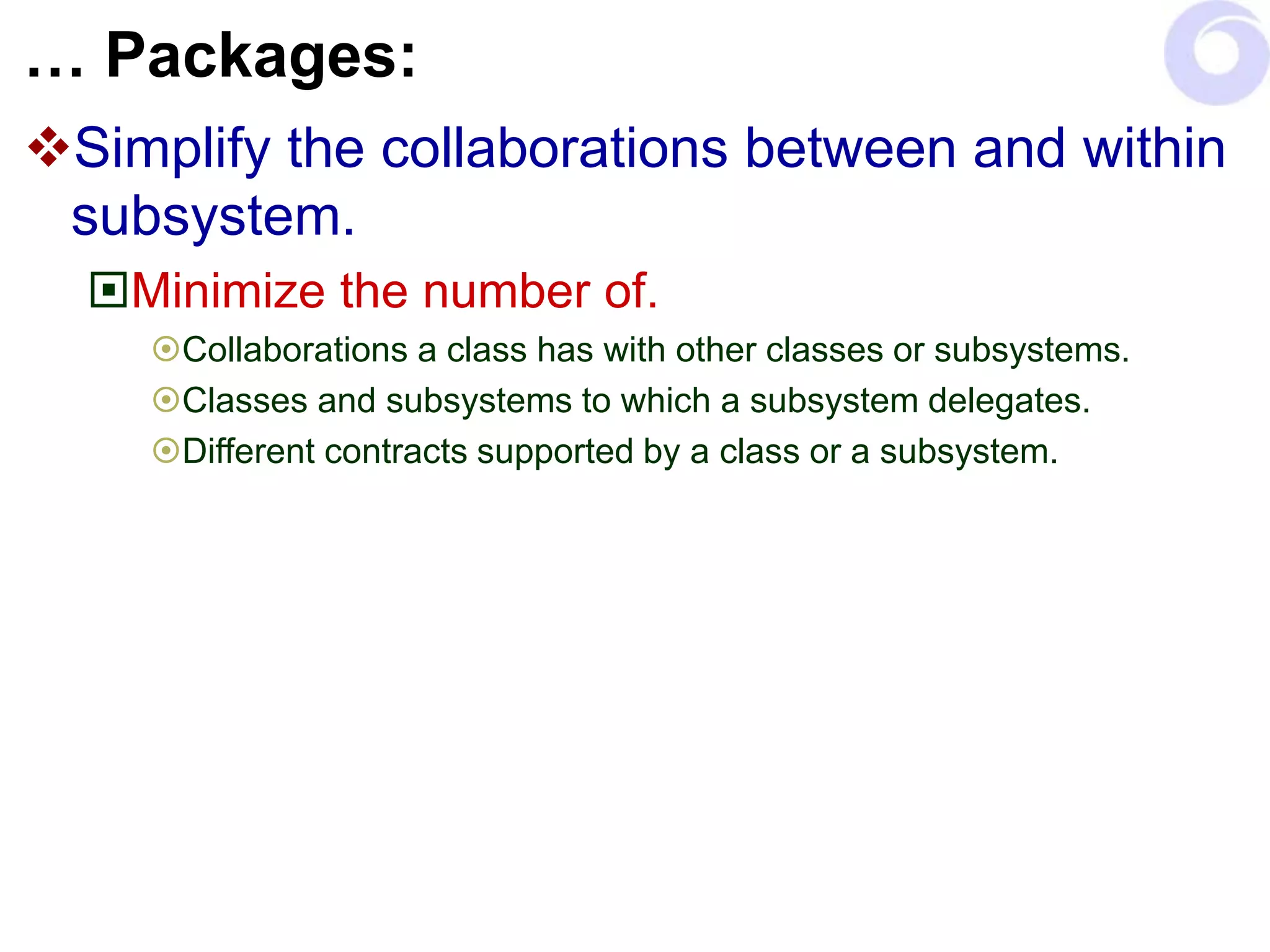
… Packages:
Simplify the collaborations between and within
subsystem.
Minimize the number of.
Collaborations a class has with other classes or subsystems.
Classes and subsystems to which a subsystem delegates.
Different contracts supported by a class or a subsystem.
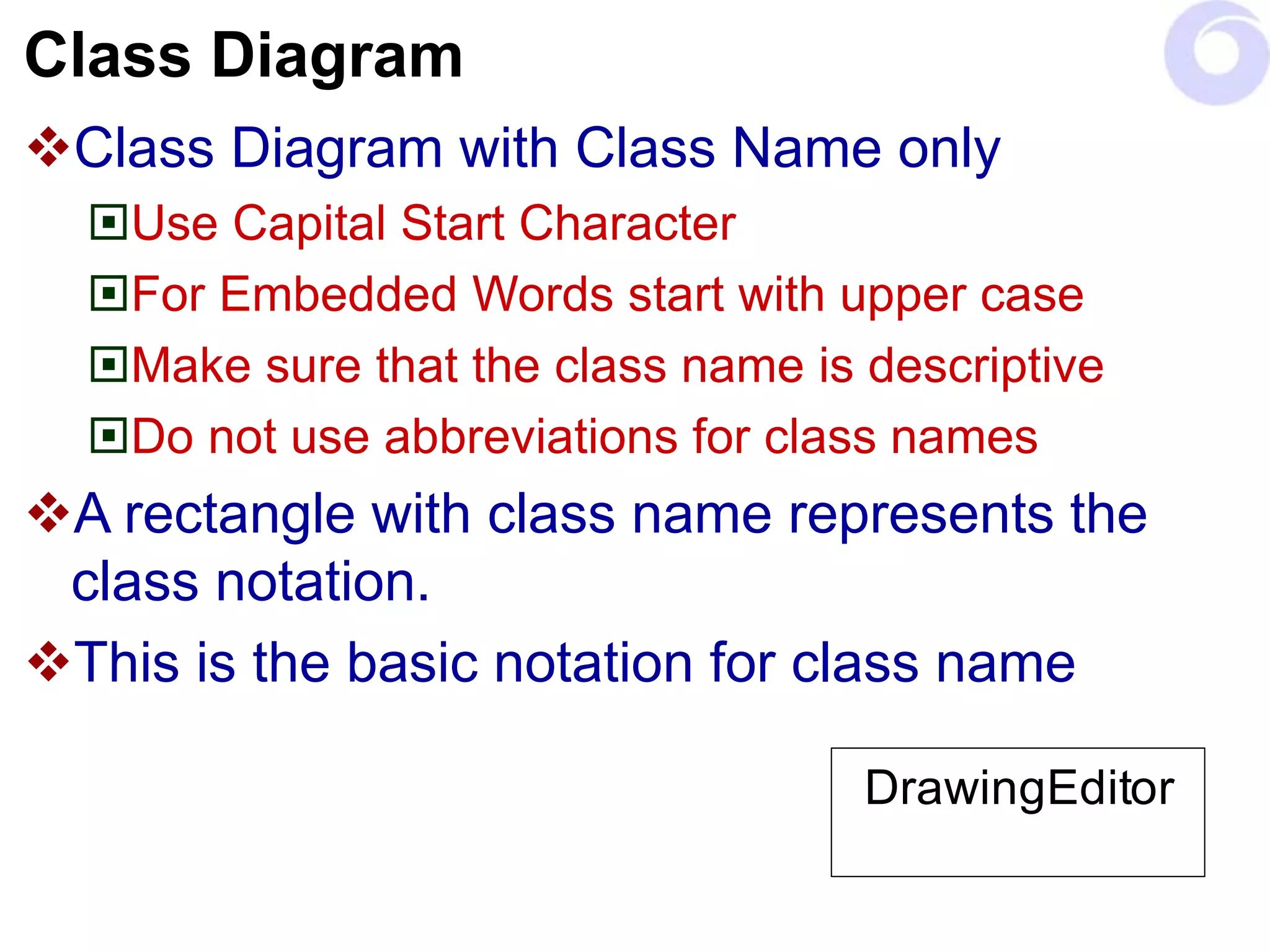
Class Diagram
Class Diagram with Class Name only
Use Capital Start Character
For Embedded Words start with upper case
Make sure that the class name is descriptive
Do not use abbreviations for class names
A rectangle with class name represents the
class notation.
This is the basic notation for class name
DrawingEditor
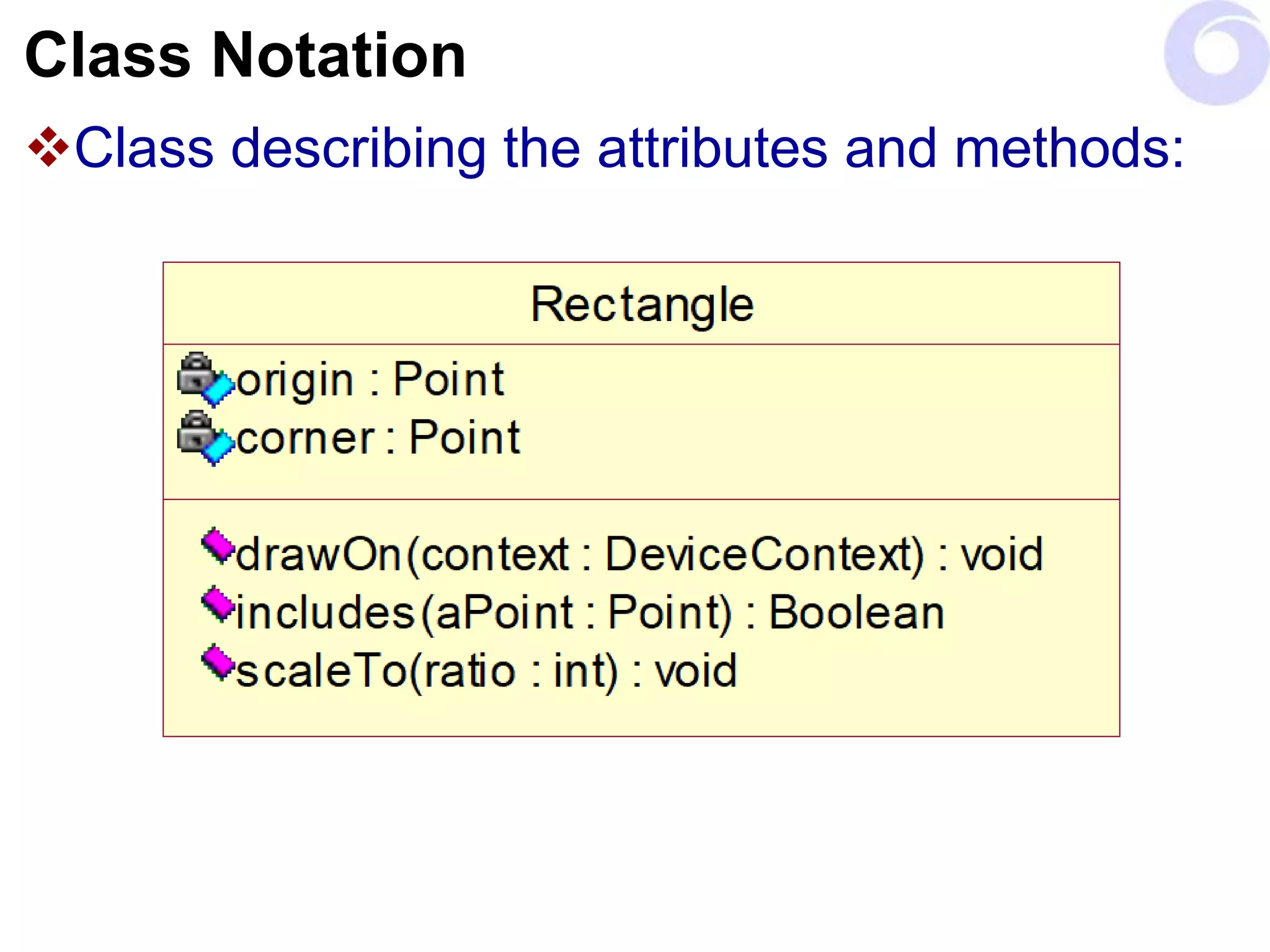
Class Notation
Class describing the attributes and methods:
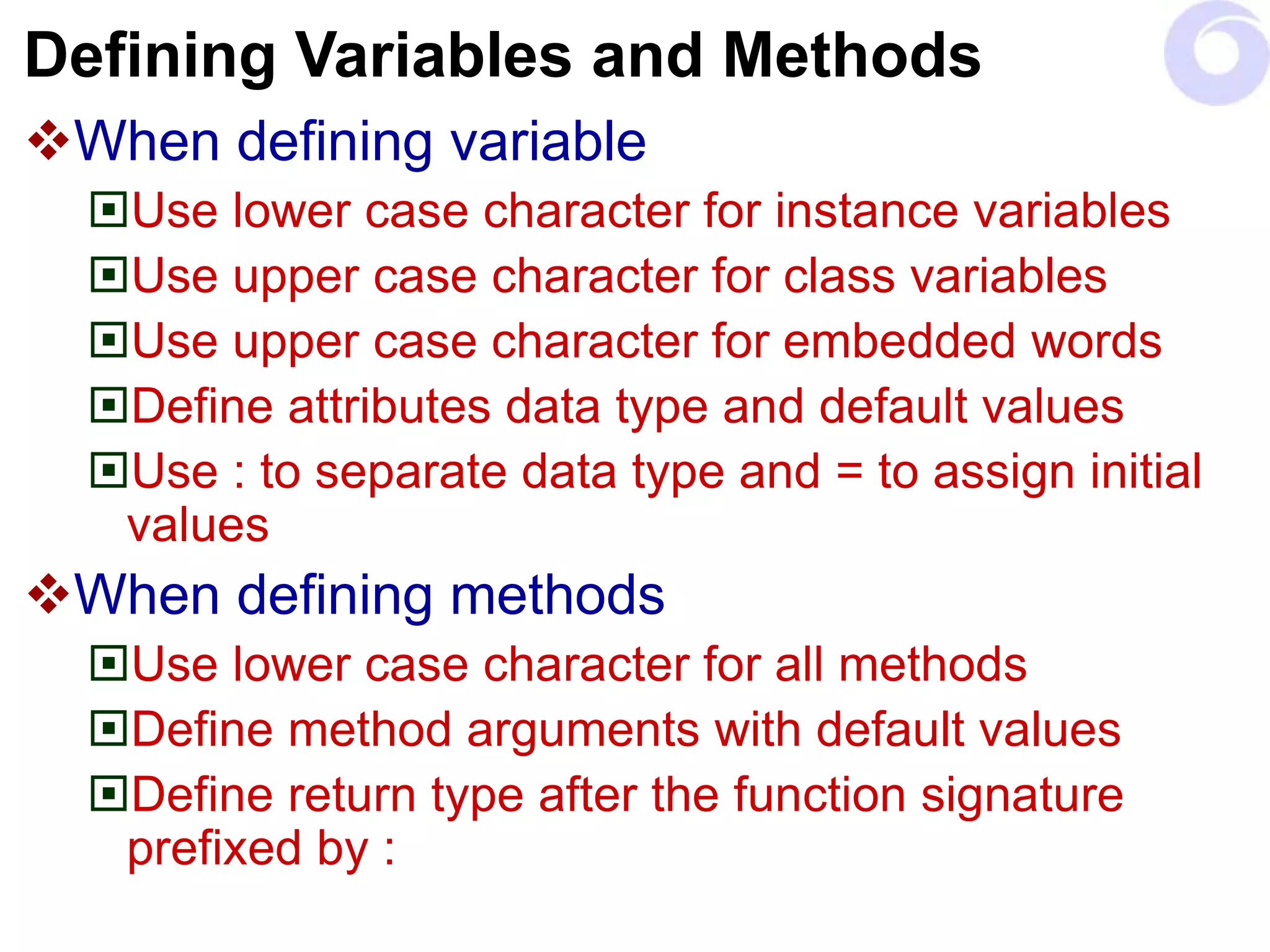
Defining Variables and Methods
When defining variable
Use lower case character for instance variables
Use upper case character for class variables
Use upper case character for embedded words
Define attributes data type and default values
Use : to separate data type and = to assign initial
values
When defining methods
Use lower case character for all methods
Define method arguments with default values
Define return type after the function signature
prefixed by :
Access Modifiers
When defining the attributes and methods use
following conventions
- for private
+ for public
# for protected
$ for class (static) also by underlining the classifier
/ for derived
An attribute whose value may be calculated based on the value of
other attributes.
Used to represent a value which is not persistence but used to hold
a transient value (Performance vs. Memory)
Generalization
Single Inheritance
Tool is the super class
Creation Tool and Selection Tool are subclasses
Tool
CreationTool SelectionTool
…
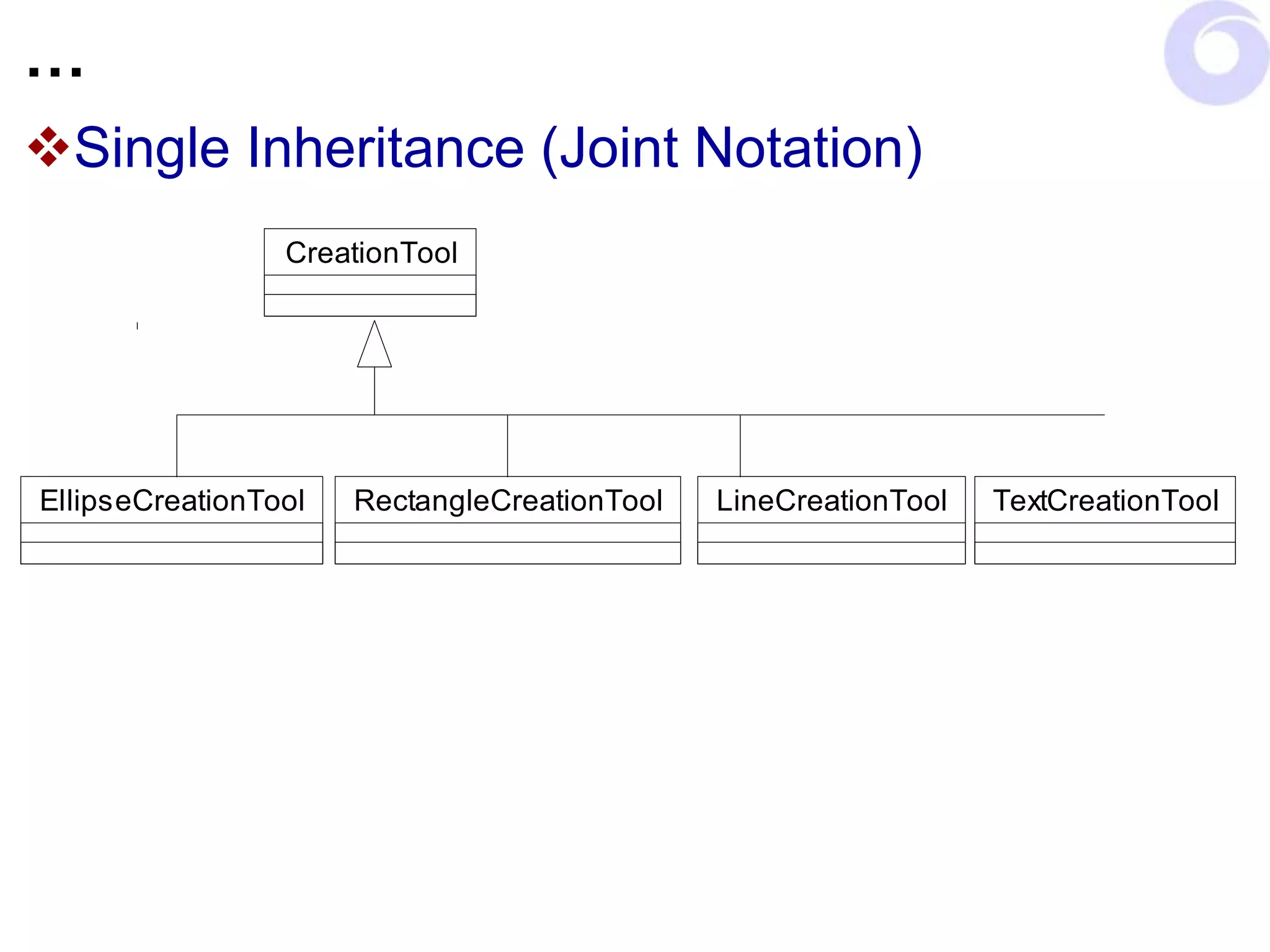
Single Inheritance (Joint Notation)
CreationTool
LineCreationTool
RectangleCreationTool
EllipseCreationTool TextCreationTool
…
Multiple Inheritance
Car Ship
CarShip
…
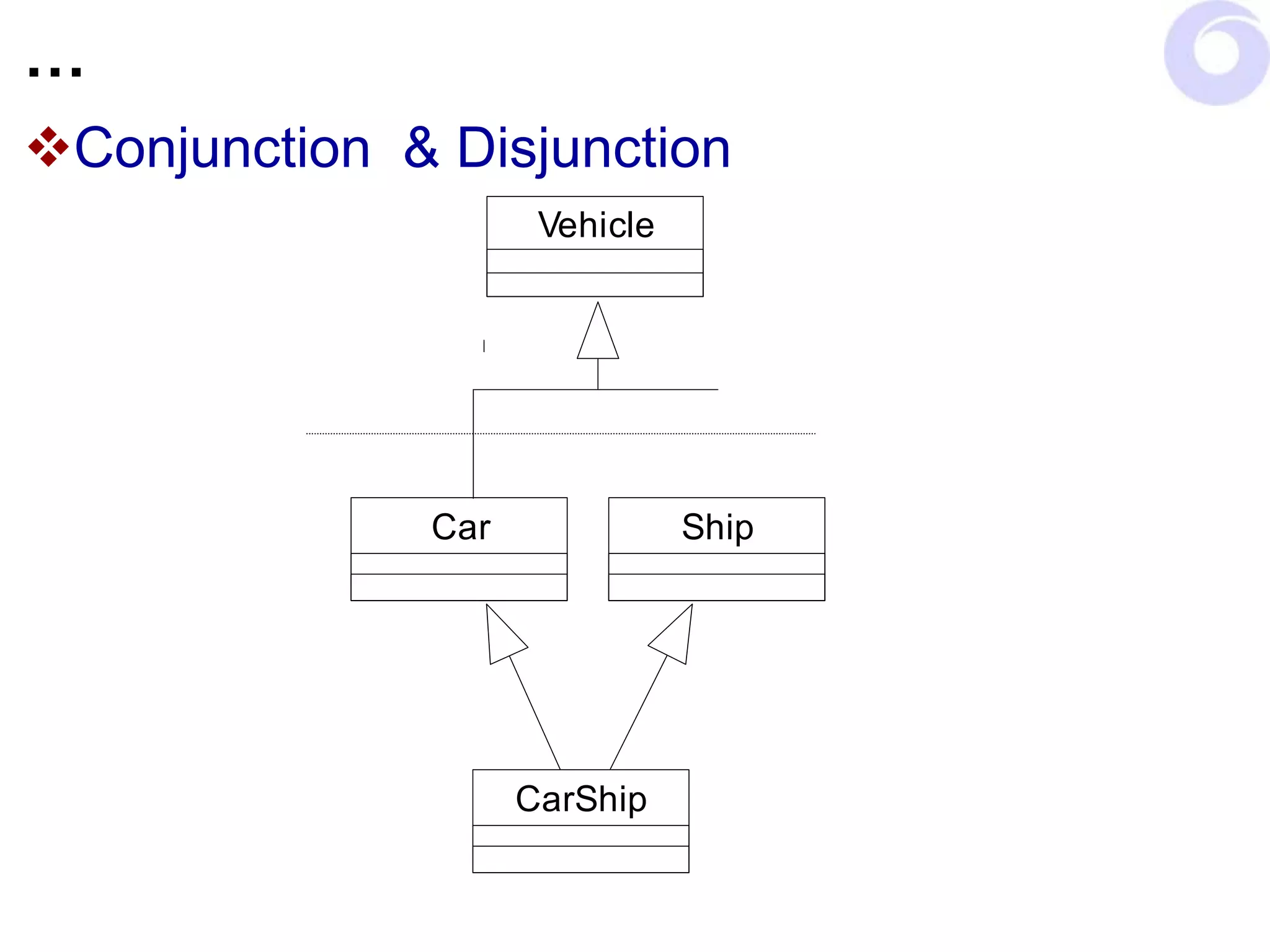
Conjunction & Disjunction
Car Ship
CarShip
Vehicle
…
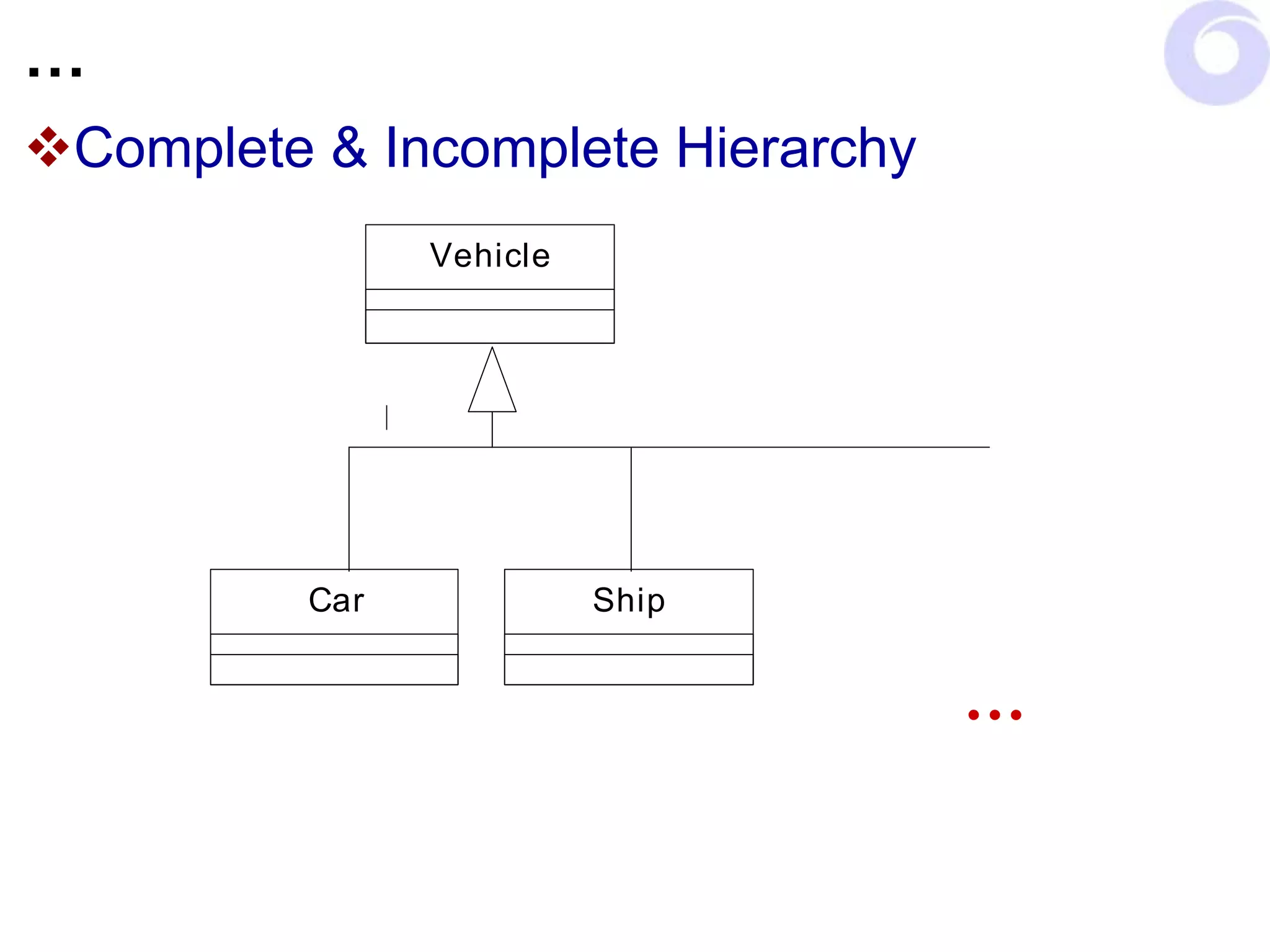
Complete & Incomplete Hierarchy
Car Ship
Vehicle
…
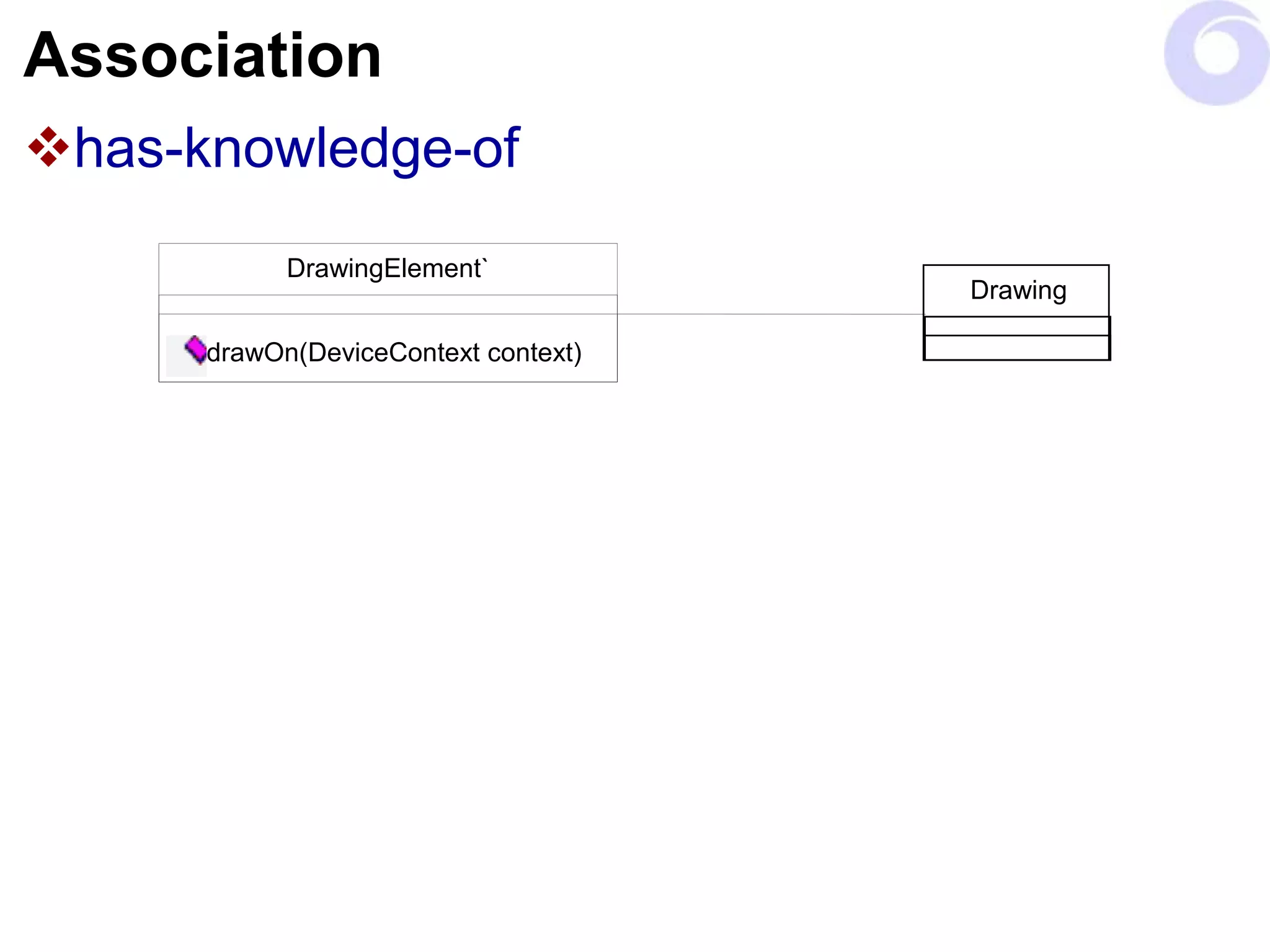
Association
has-knowledge-of
DrawingElement`
drawOn(DeviceContext context)
Drawing
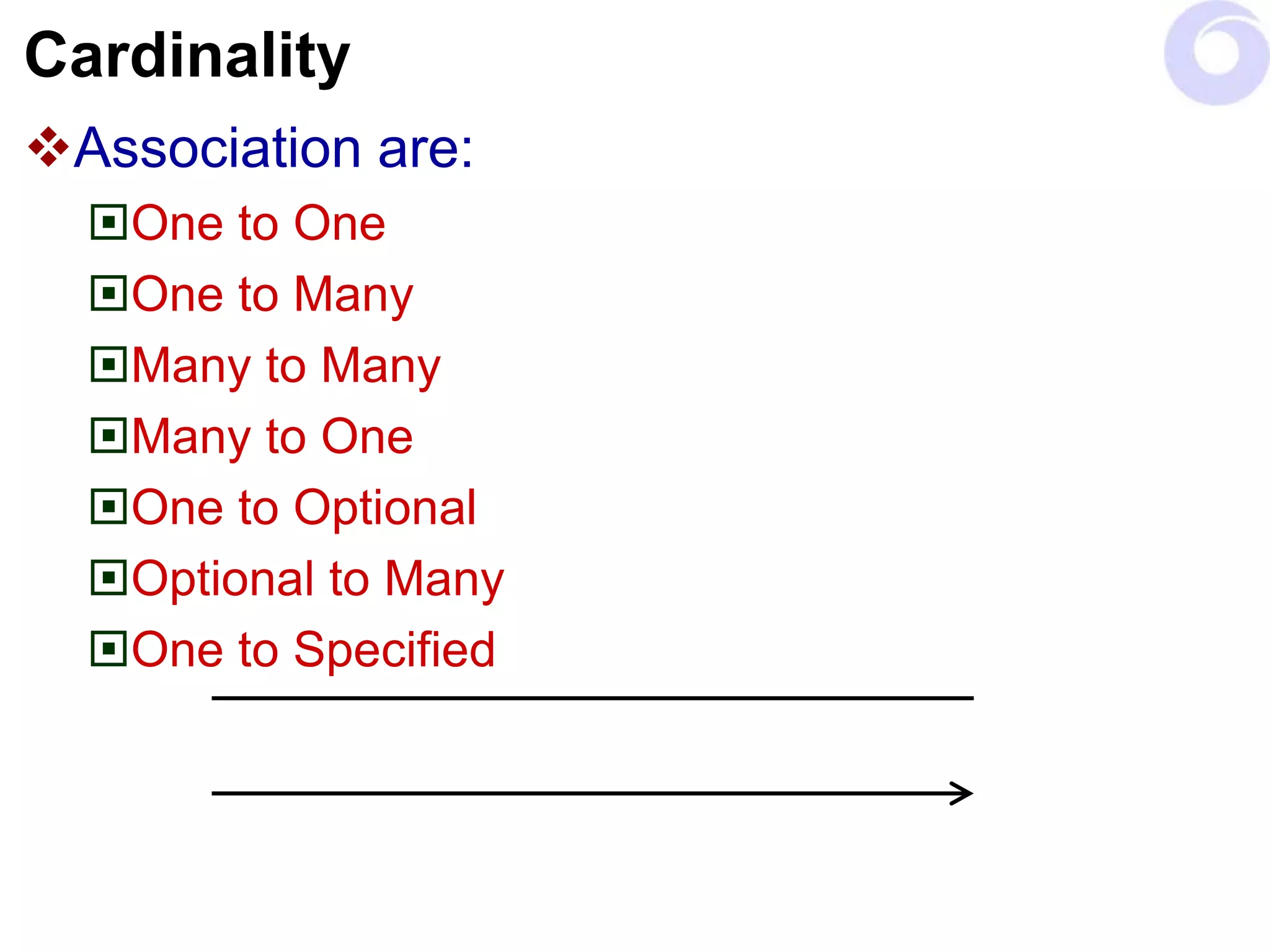
Cardinality
Association are:
One to One
One to Many
Many to Many
Many to One
One to Optional
Optional to Many
One to Specified
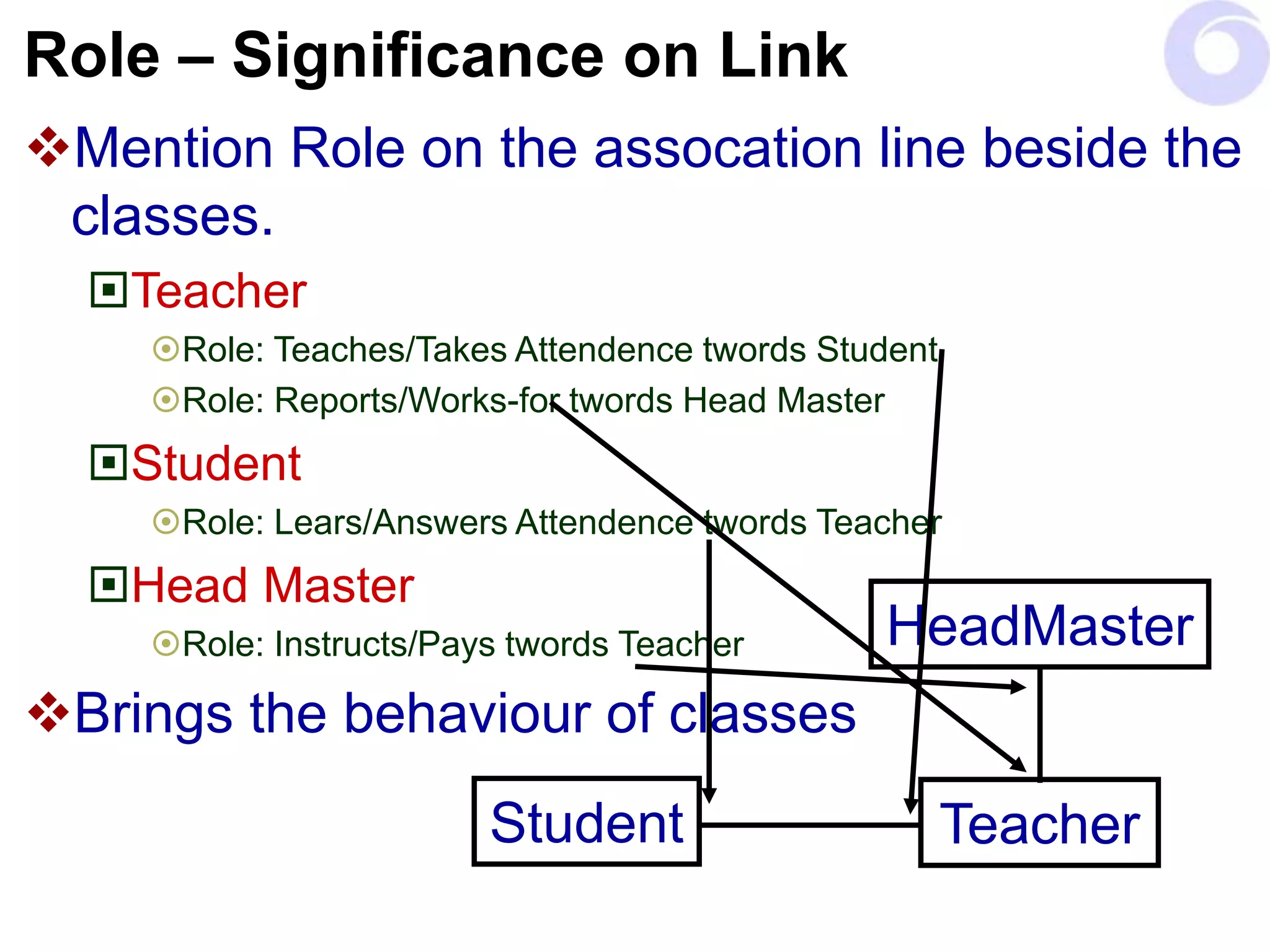
Role – Significance on Link
Mention Role on the assocation line beside the
classes.
Teacher
Role: Teaches/Takes Attendence twords Student
Role: Reports/Works-for twords Head Master
Student
Role: Lears/Answers Attendence twords Teacher
Head Master
Role: Instructs/Pays twords Teacher
Brings the behaviour of classes
Teacher
HeadMaster
Student
…
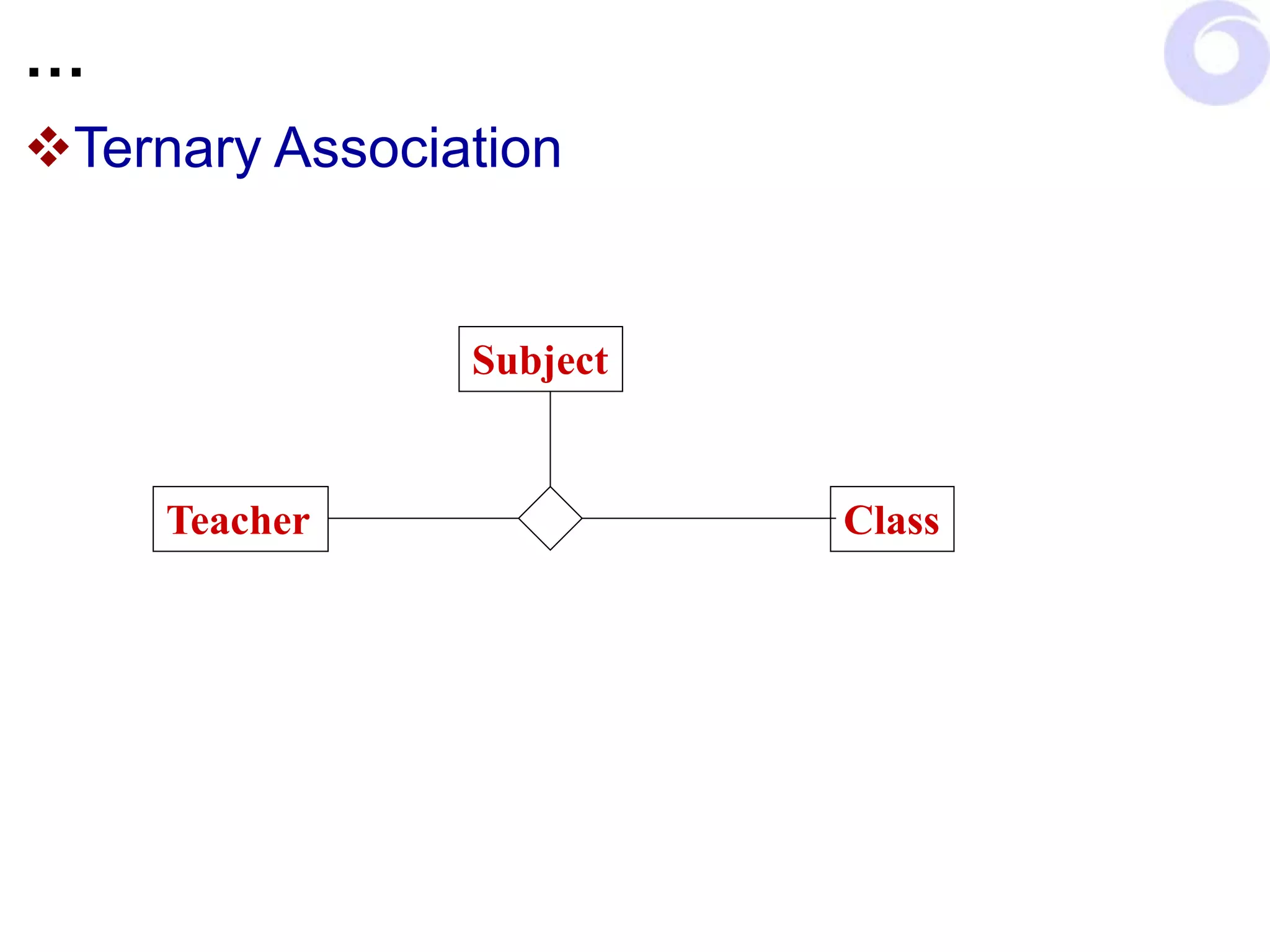
Ternary Association
Teacher Class
Subject
…
Link Association
Teacher Class
Subject
Schedule
…
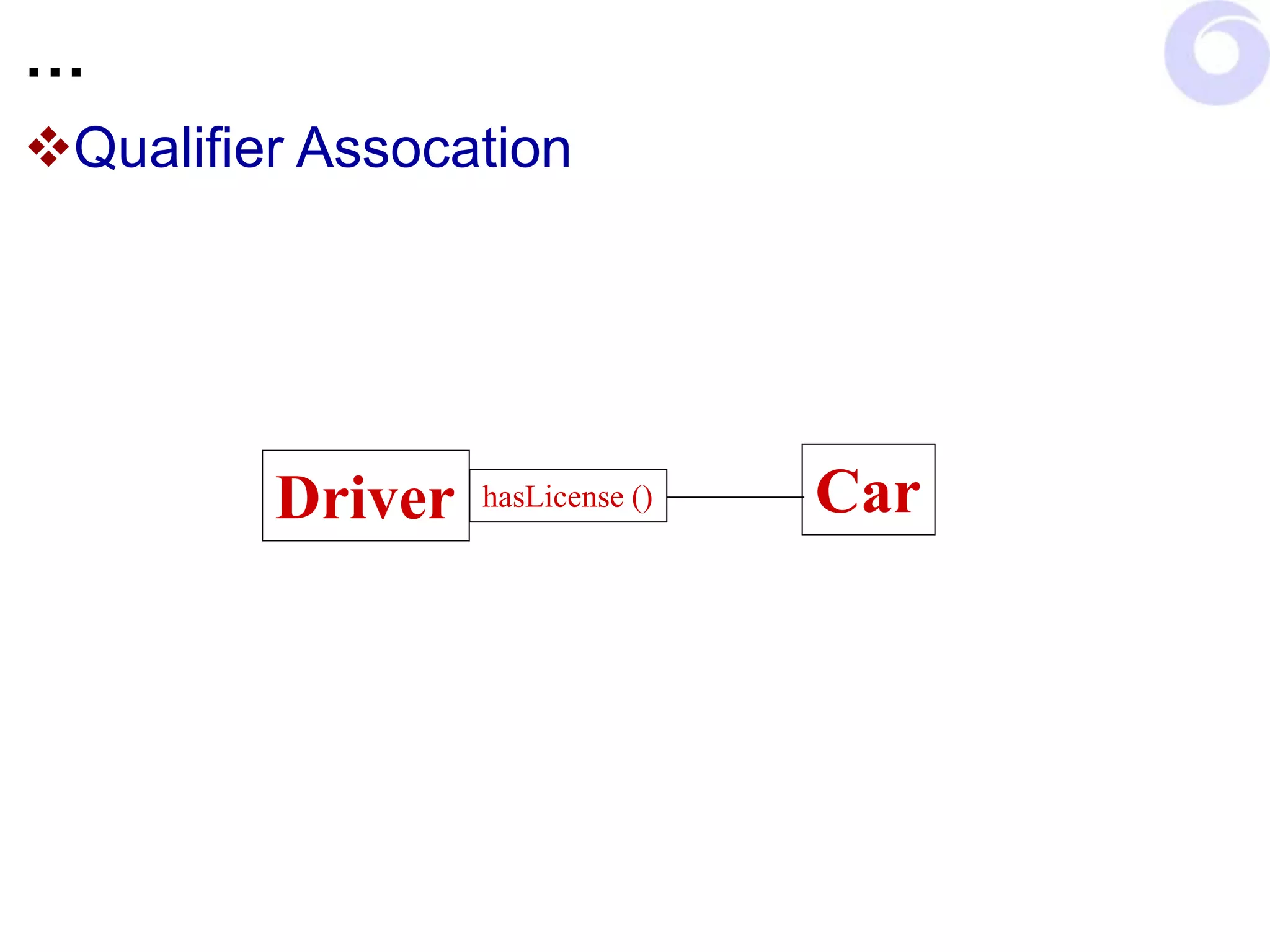
Qualifier Assocation
Driver Car
hasLicense ()
…
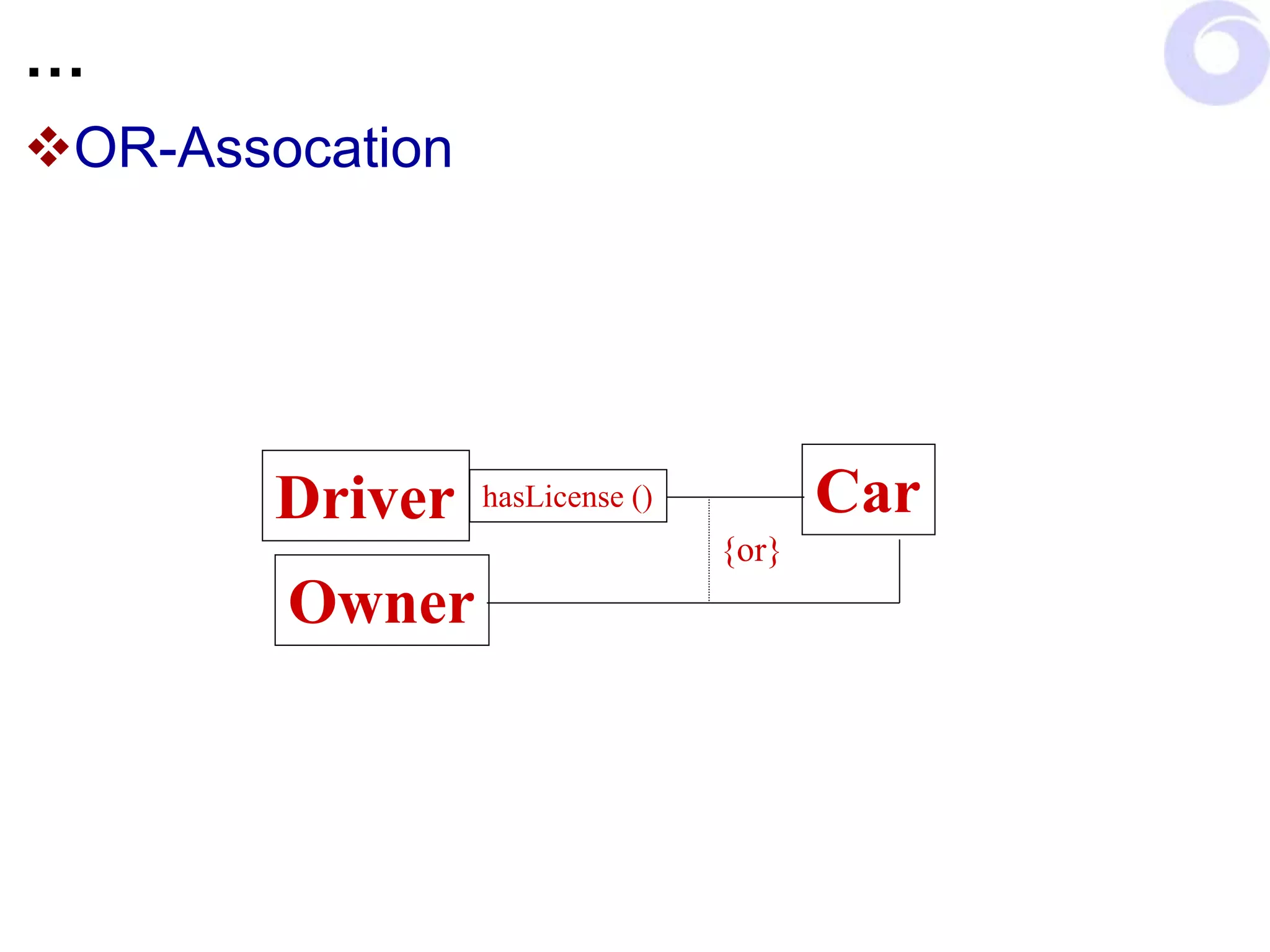
OR-Assocation
Driver Car
hasLicense ()
Owner
{or}
Aggregation
Is-Part-of
Word Sentence
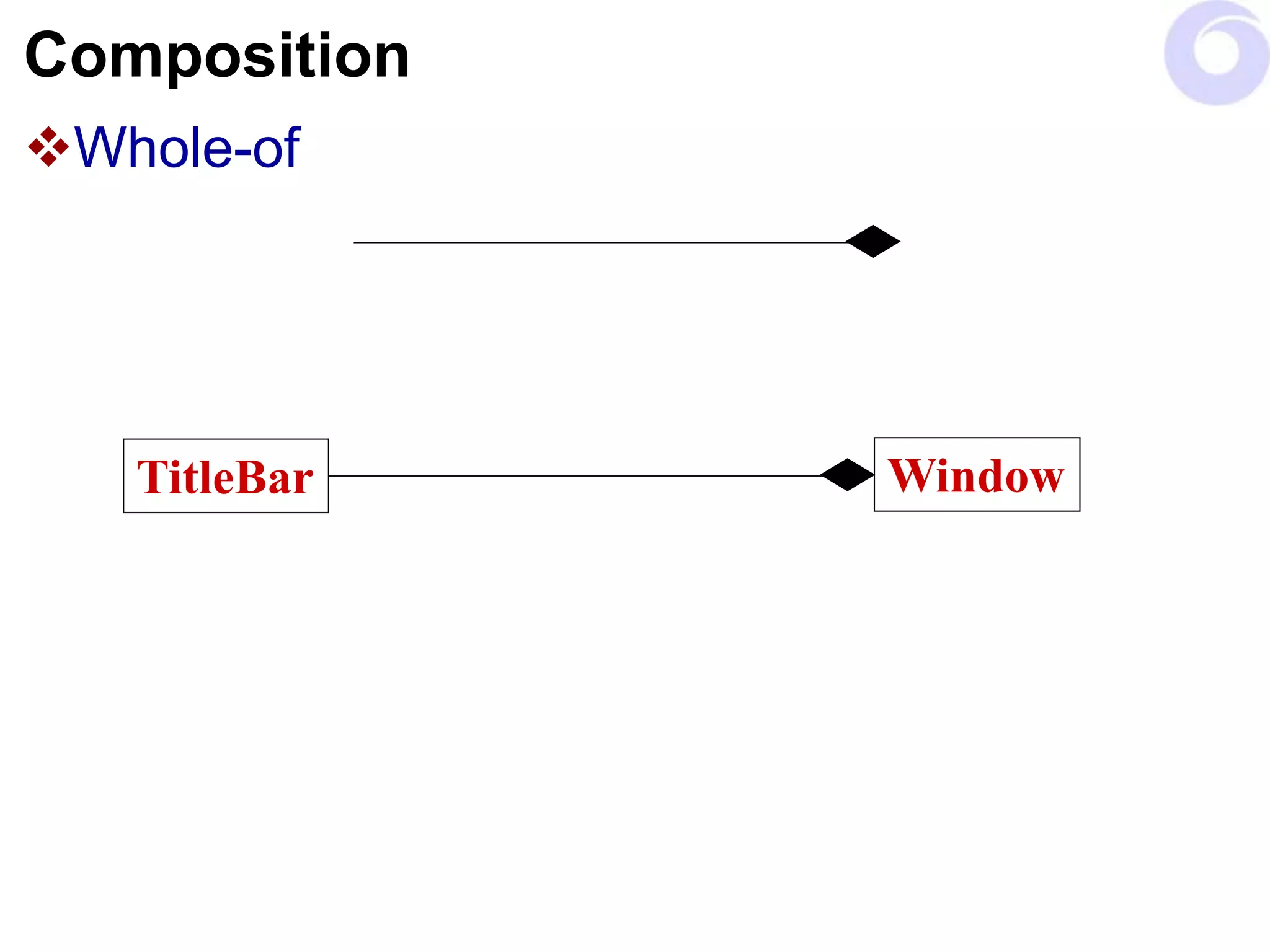
Composition
Whole-of
TitleBar Window
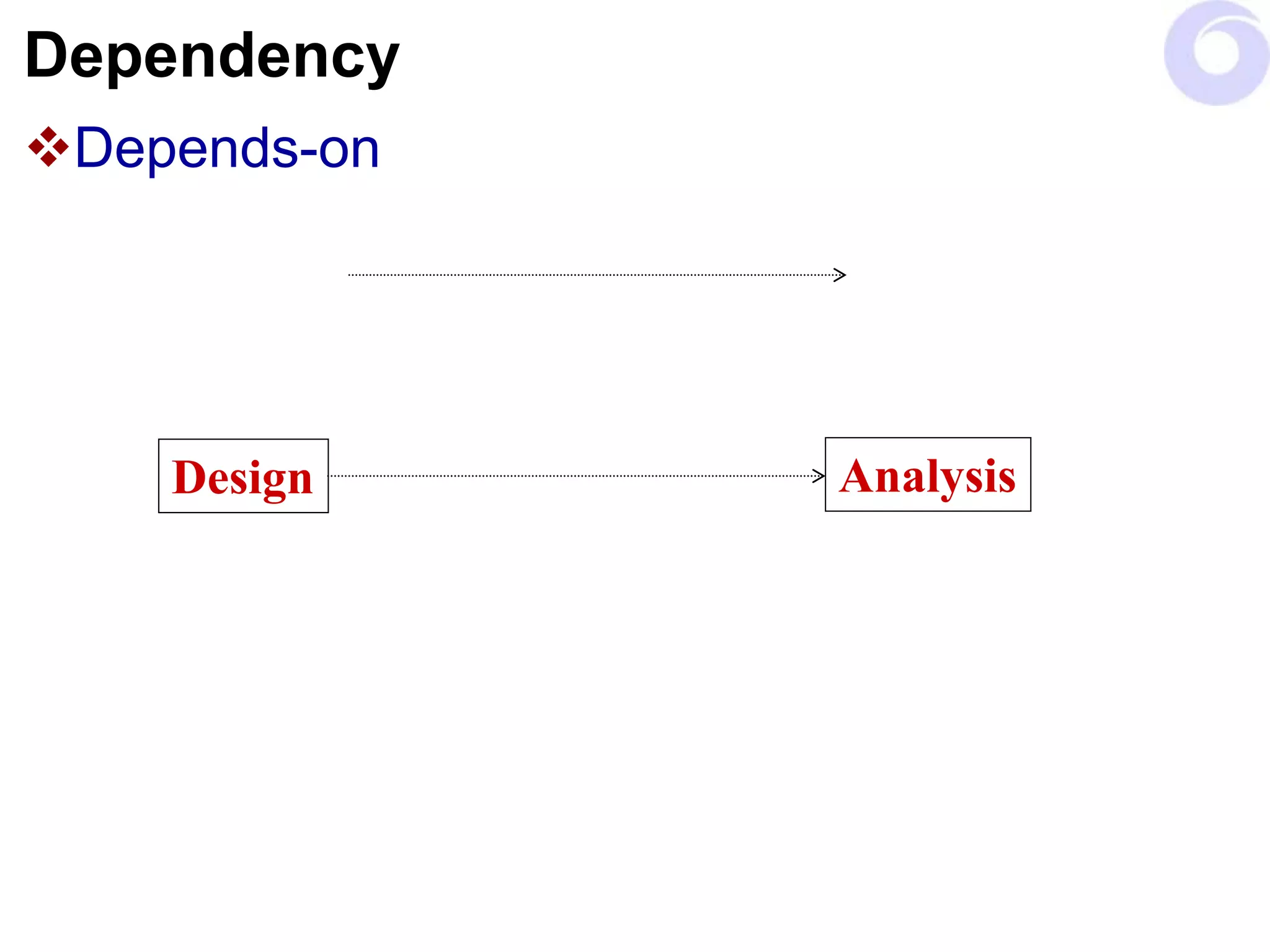
Dependency
Depends-on
Design Analysis
Dependencies vs. Associations
Associations are structural
Dependencies are non-structural
Association is visible relations referred by
global, static, local variable or obtained as
parameter.
Dependencies are transient links
Have limited duration
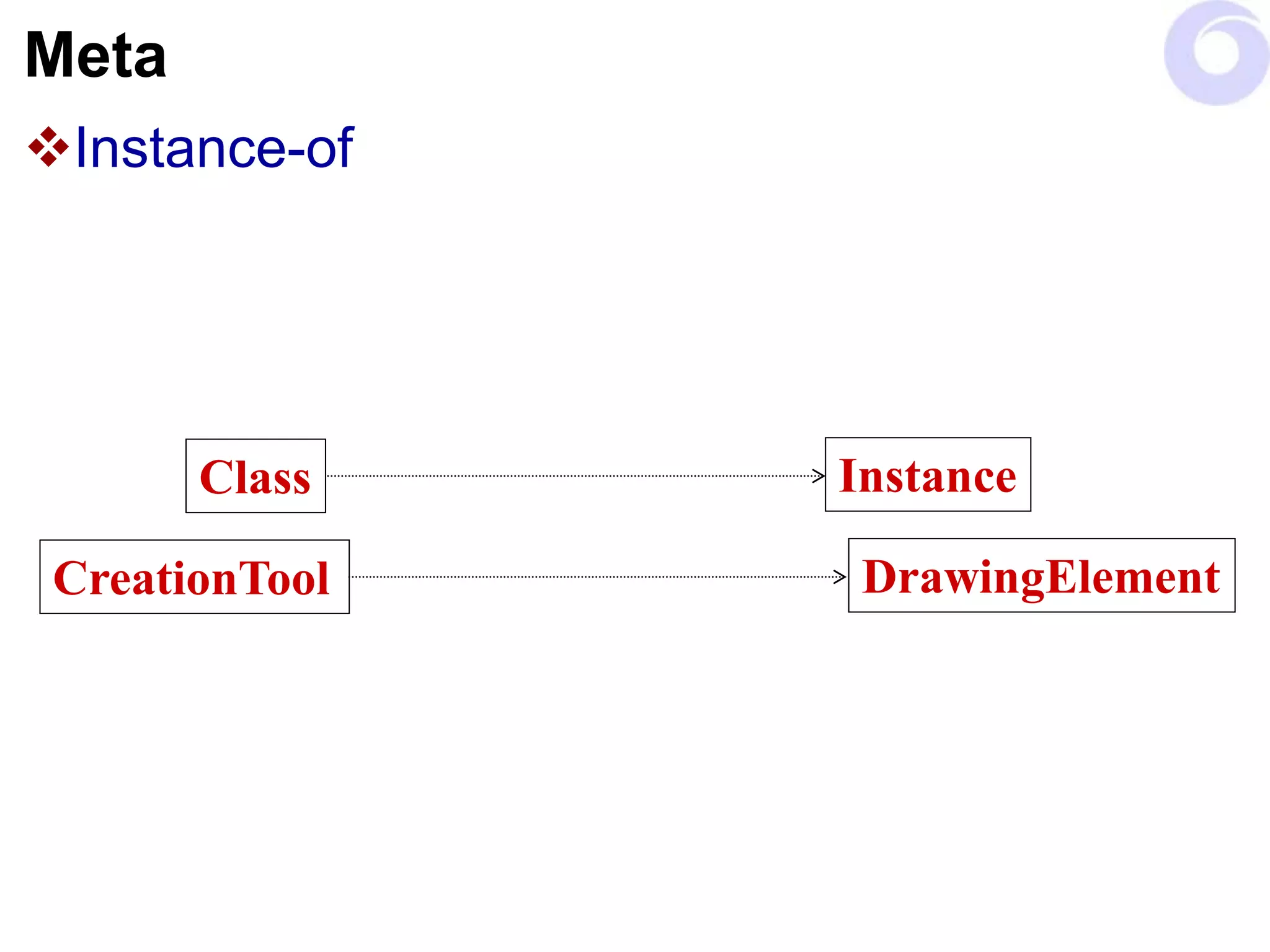
Meta
Instance-of
Class Instance
CreationTool DrawingElement
Checkpoints
Classes
Clear Class names (Matches role)
One well-defined abstraction (if not split)
Functionally coupled attributes/behavior (look for
proper cohesion)
Generalization were made
All class requirements were addressed
Demands are consistent with state diagrams
Complete class instance life cycle is described.
The class has the required behavior
Checkpoints
Operations
Easily understood operations
State description is correct
Required behavior is offered
Parameters are defined correctly
Messages are completely assigned operations
Implementation specifications are correct
Signatures confirm the standards (target language)
All operations are needed by use case realizations
(Remove not required and duplicate)
Checkpoints
Attributes
A single concept
Descriptive names
All attributes are needed by use case realizations
(Remove if not required or duplicate)
Relationships
Descriptive role names
Multiplicities are correct

07. Class Diagram.ppt

  • 1.
    Class Diagrams Identifying andrepresenting Classes Object Web, Bapayya Choudhary Maganti
  • 2.
    How many classes ManyClasses Classes have simple behavior Less encapsulation More reusable Easier to Implement Few Complex Classes More encapsulation, more private behavior. Less reusable Takes more time to implement More complex to implement
  • 3.
    Design Consideration A classshould have a single well focused purpose. A class should do one thing and perform it well.
  • 4.
  • 5.
    Simple steps infinding a class Read and understand the specification. Extract noun phrases from the specification and build a list. Look for nouns that may be hidden (for example, by the use of the passive voice), and add them to the list. Applying the following guidelines: Model Physical Objects. Model Conceptual Entities. Use a Single term for each concept. Be wary of the use of adjectives.
  • 6.
    … Classes: Identify thecandidates for abstract super classes by grouping classes that share common attributes. Use packages to look for classes that may be missing.
  • 7.
    Attributes & Operations Findresponsibilities using the following guidelines: Recall the purpose of each class, as implied by its name and specified in the statement of purpose. Extract responsibilities from the specification by looking for actions and information. Identify responsibilities implied by the relationships between classes.
  • 8.
    … Attributes &Operations Assign responsibilities to classes using the following guidelines: Evenly distributed system intelligence. State responsibility as generally as possible. Keep behavior with related information. Keep information about one thing in one place. Share responsibilities among related classes.
  • 9.
    … Attributes &Operations Find additional responsibilities by looking for relationships between classes. is-kind-of Use is-kind-of relationships to find inheritance relationships. is-analogous-to Use is-analogous-to relationships to find missing superclasses. is-part-of Use is-part-of relationships to find other missing classes.
  • 10.
    Relations Find the listcollaborations by examining the responsibilities associated with classes. Ask: With whom does this class need to collaborate to fulfill its responsibilities? Who needs to make use of the responsibilities are defined for this class?
  • 11.
    Relations Identify additional collaborationby looking for these relationships between classes. Is-part-of The is-part-of relationship. Has-knowledge-of The has-knowledge-of relationship and. Depends-upon The depends-upon relationships. Discard classes if no class collaborates with them, and they collaborate with no other class.
  • 12.
    Hierarchies: Build Hierarchy graphsthat illustrate the inheritance relationships between classes. Identify which classes are abstract and which are concrete. Draw Venn diagrams representing the responsibilities shared between classes.
  • 13.
    … Hierarchies: Construct classhierarchies using the following guidelines: Model a kind-of hierarchy. Factor common responsibilities as high as possible. Make sure that abstract classes do not inherit from concrete classes. Eliminate classes that do not add functionality.
  • 14.
    … Hierarchies: Construct thecontracts defined by each class using the following guidelines: Group responsibilities that are used by the same clients. Maximize the cohesiveness of classes. Minimize the number of contracts per class.
  • 15.
    Packages: Draw a completecollaboration graph of the system. Identify possible subsystems within you design. Name the subsystems. Look for frequent and complex collaborations. Classes in a subsystem should collaborate to support a small and strongly cohesive set of responsibilities. Class within a subsystem should be strong interdependent.
  • 16.
    … Packages: Simplify thecollaborations between and within subsystem. Minimize the number of. Collaborations a class has with other classes or subsystems. Classes and subsystems to which a subsystem delegates. Different contracts supported by a class or a subsystem.
  • 17.
    Class Diagram Class Diagramwith Class Name only Use Capital Start Character For Embedded Words start with upper case Make sure that the class name is descriptive Do not use abbreviations for class names A rectangle with class name represents the class notation. This is the basic notation for class name DrawingEditor
  • 18.
    Class Notation Class describingthe attributes and methods:
  • 19.
    Defining Variables andMethods When defining variable Use lower case character for instance variables Use upper case character for class variables Use upper case character for embedded words Define attributes data type and default values Use : to separate data type and = to assign initial values When defining methods Use lower case character for all methods Define method arguments with default values Define return type after the function signature prefixed by :
  • 20.
    Access Modifiers When definingthe attributes and methods use following conventions - for private + for public # for protected $ for class (static) also by underlining the classifier / for derived An attribute whose value may be calculated based on the value of other attributes. Used to represent a value which is not persistence but used to hold a transient value (Performance vs. Memory)
  • 21.
    Generalization Single Inheritance Tool isthe super class Creation Tool and Selection Tool are subclasses Tool CreationTool SelectionTool
  • 22.
    … Single Inheritance (JointNotation) CreationTool LineCreationTool RectangleCreationTool EllipseCreationTool TextCreationTool
  • 23.
  • 24.
  • 25.
    … Complete & IncompleteHierarchy Car Ship Vehicle …
  • 26.
  • 27.
    Cardinality Association are: One toOne One to Many Many to Many Many to One One to Optional Optional to Many One to Specified
  • 28.
    Role – Significanceon Link Mention Role on the assocation line beside the classes. Teacher Role: Teaches/Takes Attendence twords Student Role: Reports/Works-for twords Head Master Student Role: Lears/Answers Attendence twords Teacher Head Master Role: Instructs/Pays twords Teacher Brings the behaviour of classes Teacher HeadMaster Student
  • 29.
  • 30.
  • 31.
  • 32.
  • 33.
  • 34.
  • 35.
  • 36.
    Dependencies vs. Associations Associationsare structural Dependencies are non-structural Association is visible relations referred by global, static, local variable or obtained as parameter. Dependencies are transient links Have limited duration
  • 37.
  • 38.
    Checkpoints Classes Clear Class names(Matches role) One well-defined abstraction (if not split) Functionally coupled attributes/behavior (look for proper cohesion) Generalization were made All class requirements were addressed Demands are consistent with state diagrams Complete class instance life cycle is described. The class has the required behavior
  • 39.
    Checkpoints Operations Easily understood operations Statedescription is correct Required behavior is offered Parameters are defined correctly Messages are completely assigned operations Implementation specifications are correct Signatures confirm the standards (target language) All operations are needed by use case realizations (Remove not required and duplicate)
  • 40.
    Checkpoints Attributes A single concept Descriptivenames All attributes are needed by use case realizations (Remove if not required or duplicate) Relationships Descriptive role names Multiplicities are correct