Basic concept of
Information Technology
(IT)
INFORMATION TECHNOLOGY AND MODERN SCENARIO OF IT
HARDWARE V/S SOFTWARE INPUT AND OUTPUT DEVICES
OPERATING SYSTEM V/S COMPUTER PROGRAM
BASIC UNITS OF DATA STORAGE, STORAGE AND MEMORY
SYSTEMS DEVELOPMENT
Information Technology
 Information Technology is the technology that uses computing with high-
speed communication links to spread information from one place to
another.
 The interconnection of computers enable people to send and receive
information. The communication links are also used to communicate with
different people In the world.
 The world has become a global village due to information technology. It
means that people living in that world know one and other as if they are
living in a village. It has become possible due to fast communication links.
 Information plays an important role in every field of life.
 Information can be used to improve the standard of life. It can also be used for
solving different problems. For example, if a person has latest information about
medical field, he can use this information to cure different diseases.
 Information technology has enabled different types of institutions and
organizations to be a part of digital convergence. The digital convergence
means that various industries have merged electronically to exchange
information. This merging is very important in modern world.
SCENARIO OF MODERN INFORMATION
TECHNOLOGY
 The modern scenario of information technology has broadened the base of
computing.
 Satellite, mobile phones, fiber optic, fax, e-commerce and m-commerce are used
to exchange information. These technologies provide a modern scenario of
computer utilization.
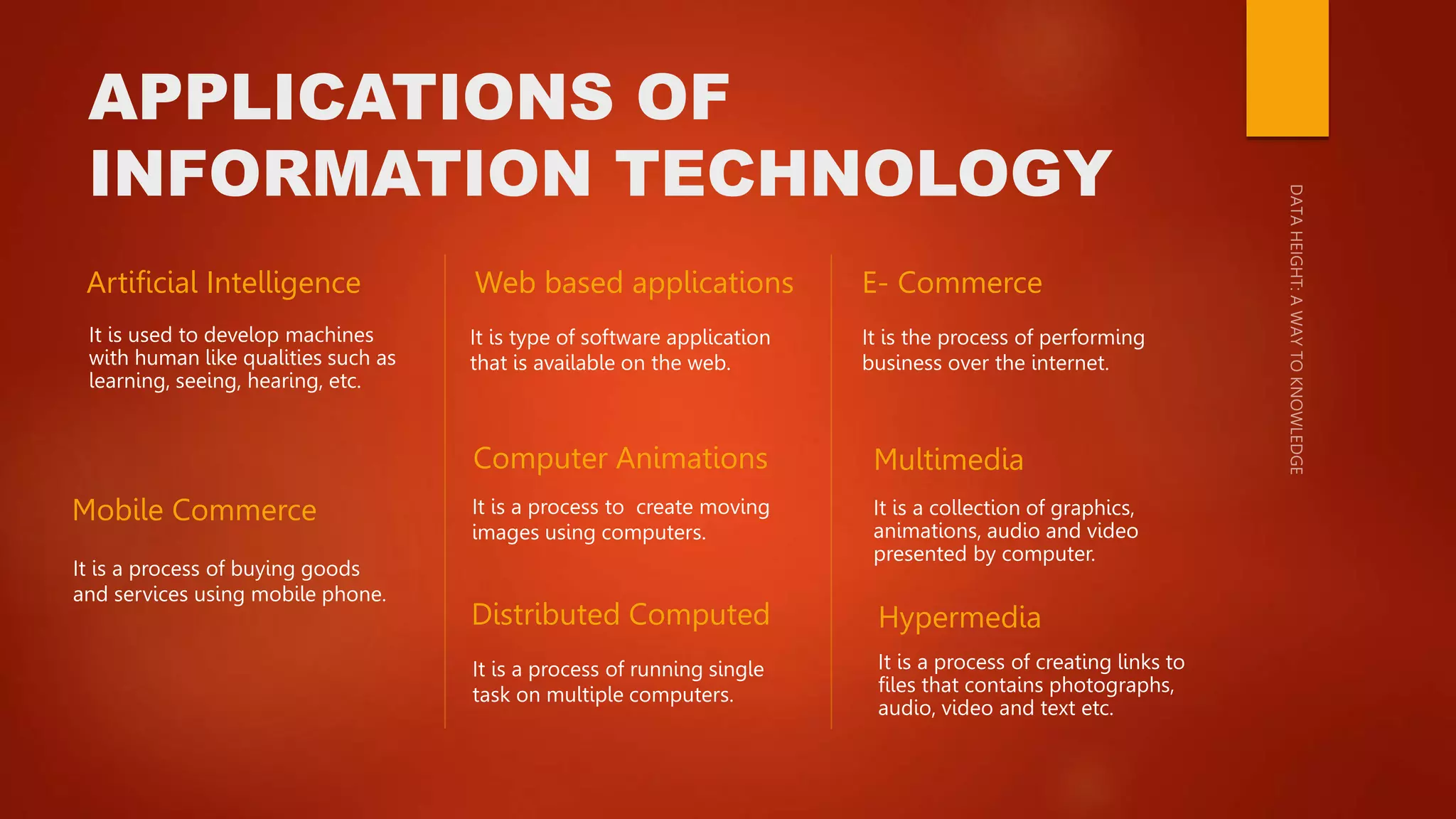
APPLICATIONS OF
INFORMATION TECHNOLOGY
Artificial Intelligence
It is used to develop machines
with human like qualities such as
learning, seeing, hearing, etc.
Web based applications
It is type of software application
that is available on the web.
E- Commerce
It is the process of performing
business over the internet.
Mobile Commerce
It is a process of buying goods
and services using mobile phone.
Computer Animations
It is a process of running single
task on multiple computers.
Distributed Computed
It is a process to create moving
images using computers.
Multimedia
It is a collection of graphics,
animations, audio and video
presented by computer.
Hypermedia
It is a process of creating links to
files that contains photographs,
audio, video and text etc.
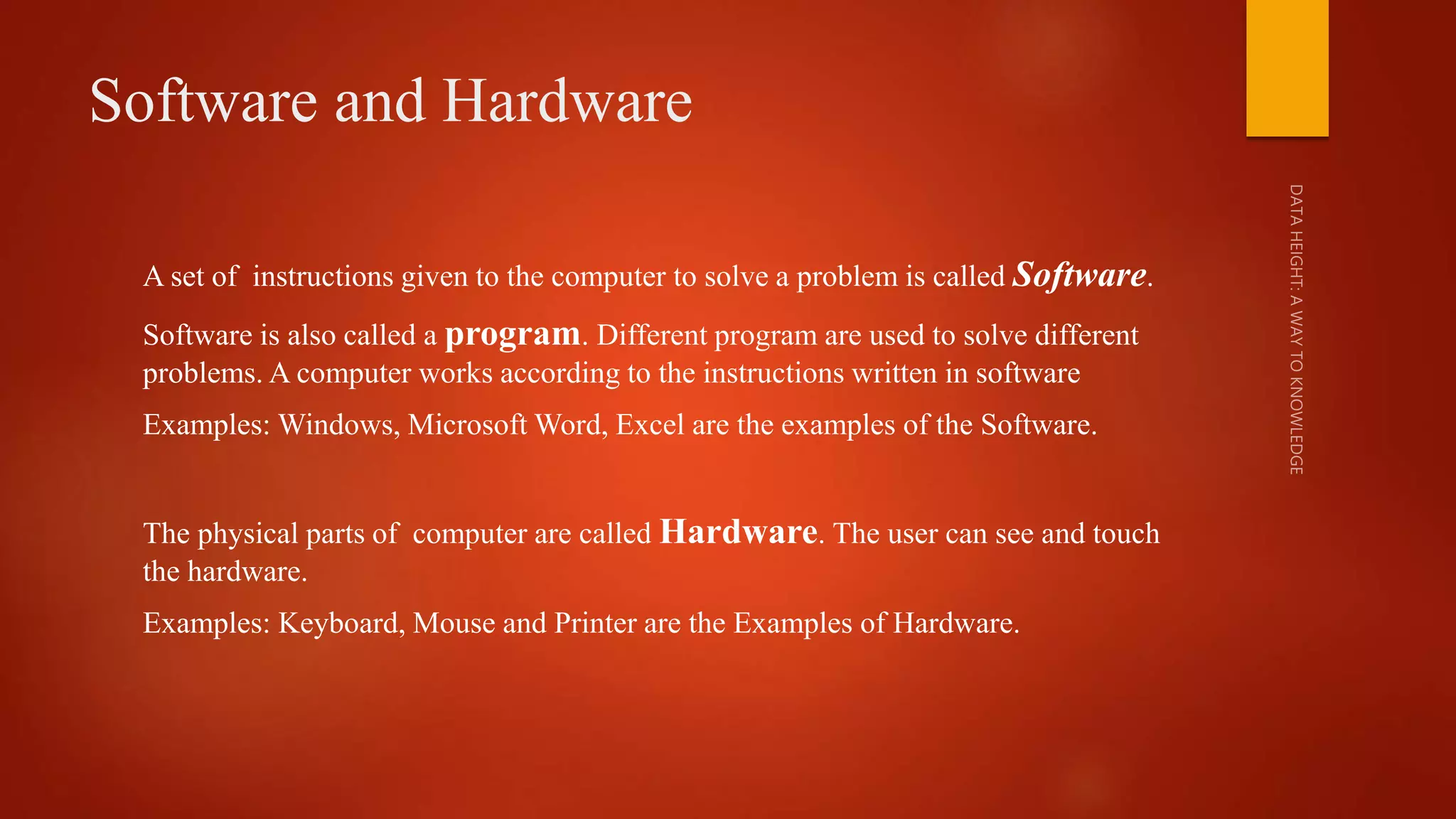
Software and Hardware
A set of instructions given to the computer to solve a problem is called Software.
Software is also called a program. Different program are used to solve different
problems. A computer works according to the instructions written in software
Examples: Windows, Microsoft Word, Excel are the examples of the Software.
The physical parts of computer are called Hardware. The user can see and touch
the hardware.
Examples: Keyboard, Mouse and Printer are the Examples of Hardware.
Relationship Between Software and
Hardware
Software is the set of instructions that tells the computer hardware what
to do.
The hardware cannot performs the task without software and the
software cannot executed without hardware.
A computer can be useful only when the software and hardware are
combined.
Difference between Software and
Hardware
Software
 A software is a set of instructions that tells a
computer exactly what to do.
 Software cannot be touched.
 Software cannot be executed without
hardware.
 Software is debugged in case of problem.
 Software can be reinstall if problem is not
solved.
 Software is prepared by write the instructions
of programming language.
 Window, Photoshop, MS office, In page and
video editors etc. are the examples of
software.
Hardware
 Hardware are the physical parts of computer
that cause processing of data.
 Hardware cannot perform any task without
software.
 Hardware can be seen and touched.
 Hardware is repaired in case of problem.
 Hardware is replaced if the problem is not
solved.
 Hardware is made of physical materials or
components.
 Mouse, monitor, scanner, keyboard and
touchpad etc. are the examples of Hardware.
INPUT DEVICES
 Input Devices:

Basic concept of Information Technology (IT).pptx

  • 1.
    Basic concept of InformationTechnology (IT) INFORMATION TECHNOLOGY AND MODERN SCENARIO OF IT HARDWARE V/S SOFTWARE INPUT AND OUTPUT DEVICES OPERATING SYSTEM V/S COMPUTER PROGRAM BASIC UNITS OF DATA STORAGE, STORAGE AND MEMORY SYSTEMS DEVELOPMENT
  • 2.
    Information Technology  InformationTechnology is the technology that uses computing with high- speed communication links to spread information from one place to another.  The interconnection of computers enable people to send and receive information. The communication links are also used to communicate with different people In the world.  The world has become a global village due to information technology. It means that people living in that world know one and other as if they are living in a village. It has become possible due to fast communication links.  Information plays an important role in every field of life.
  • 3.
     Information canbe used to improve the standard of life. It can also be used for solving different problems. For example, if a person has latest information about medical field, he can use this information to cure different diseases.  Information technology has enabled different types of institutions and organizations to be a part of digital convergence. The digital convergence means that various industries have merged electronically to exchange information. This merging is very important in modern world. SCENARIO OF MODERN INFORMATION TECHNOLOGY  The modern scenario of information technology has broadened the base of computing.  Satellite, mobile phones, fiber optic, fax, e-commerce and m-commerce are used to exchange information. These technologies provide a modern scenario of computer utilization.
  • 4.
    APPLICATIONS OF INFORMATION TECHNOLOGY ArtificialIntelligence It is used to develop machines with human like qualities such as learning, seeing, hearing, etc. Web based applications It is type of software application that is available on the web. E- Commerce It is the process of performing business over the internet. Mobile Commerce It is a process of buying goods and services using mobile phone. Computer Animations It is a process of running single task on multiple computers. Distributed Computed It is a process to create moving images using computers. Multimedia It is a collection of graphics, animations, audio and video presented by computer. Hypermedia It is a process of creating links to files that contains photographs, audio, video and text etc.
  • 5.
    Software and Hardware Aset of instructions given to the computer to solve a problem is called Software. Software is also called a program. Different program are used to solve different problems. A computer works according to the instructions written in software Examples: Windows, Microsoft Word, Excel are the examples of the Software. The physical parts of computer are called Hardware. The user can see and touch the hardware. Examples: Keyboard, Mouse and Printer are the Examples of Hardware.
  • 6.
    Relationship Between Softwareand Hardware Software is the set of instructions that tells the computer hardware what to do. The hardware cannot performs the task without software and the software cannot executed without hardware. A computer can be useful only when the software and hardware are combined.
  • 7.
    Difference between Softwareand Hardware Software  A software is a set of instructions that tells a computer exactly what to do.  Software cannot be touched.  Software cannot be executed without hardware.  Software is debugged in case of problem.  Software can be reinstall if problem is not solved.  Software is prepared by write the instructions of programming language.  Window, Photoshop, MS office, In page and video editors etc. are the examples of software. Hardware  Hardware are the physical parts of computer that cause processing of data.  Hardware cannot perform any task without software.  Hardware can be seen and touched.  Hardware is repaired in case of problem.  Hardware is replaced if the problem is not solved.  Hardware is made of physical materials or components.  Mouse, monitor, scanner, keyboard and touchpad etc. are the examples of Hardware.
  • 8.