Deployments for the rest of us


RootConf, Bangalore   |   Anurag Patel, Red Hat
Agenda
●   An overview of Openshift PaaS.
●   Command line client 'rhc'.
●   Deploying a sample app.
●   Application addons.
●   The Openshift shell.
●   Databases, logs, snapshots.
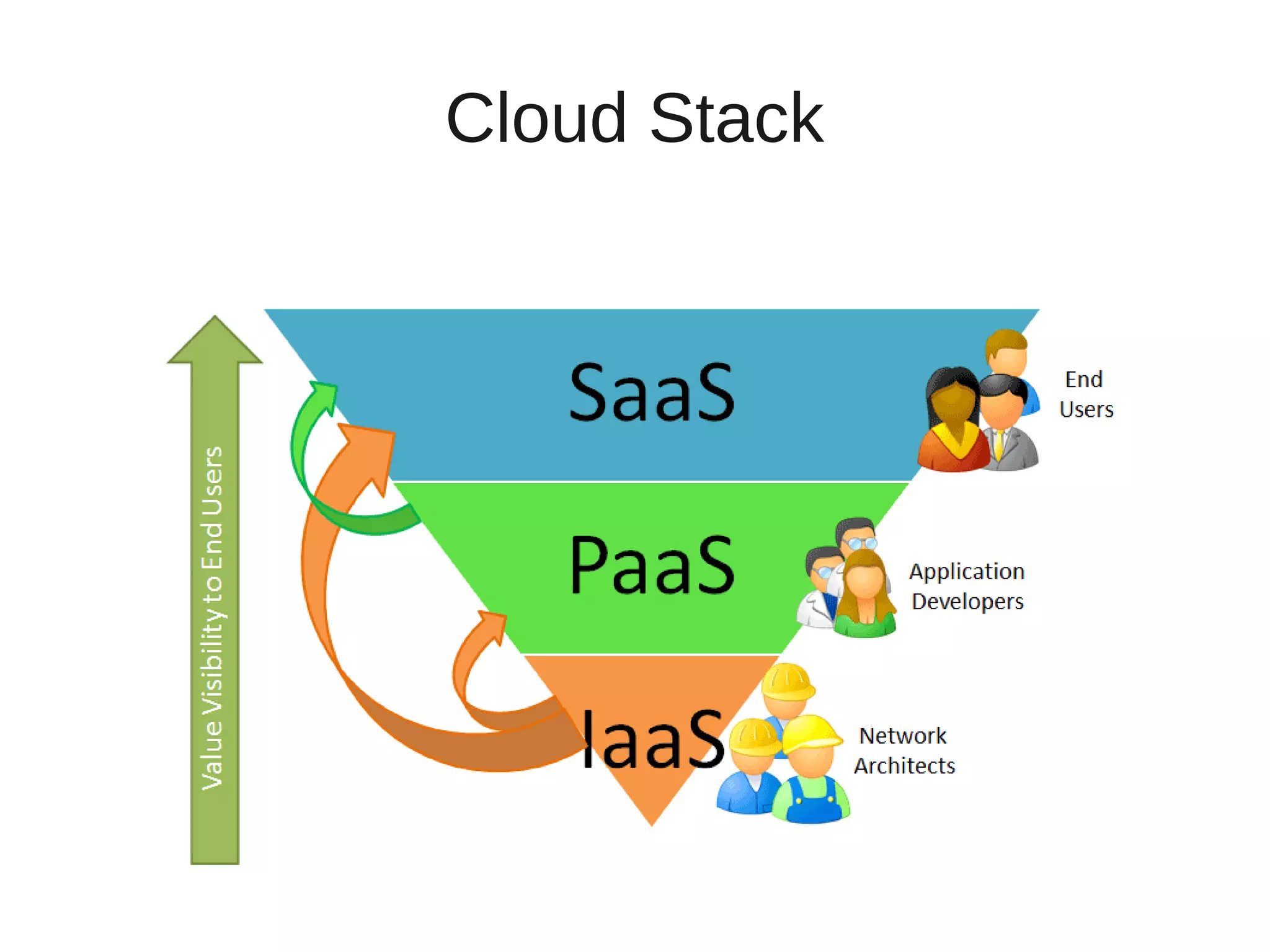
Cloud Stack
PaaS?
Openshift Origin
●   Open source components.
●   Run on your own Laptop, premises, datacenter.
●   Deploy your own SaaS on your own PaaS
    running on your own IaaS.
●   https://github.com/openshift/crankcase
Languages
Cartridges
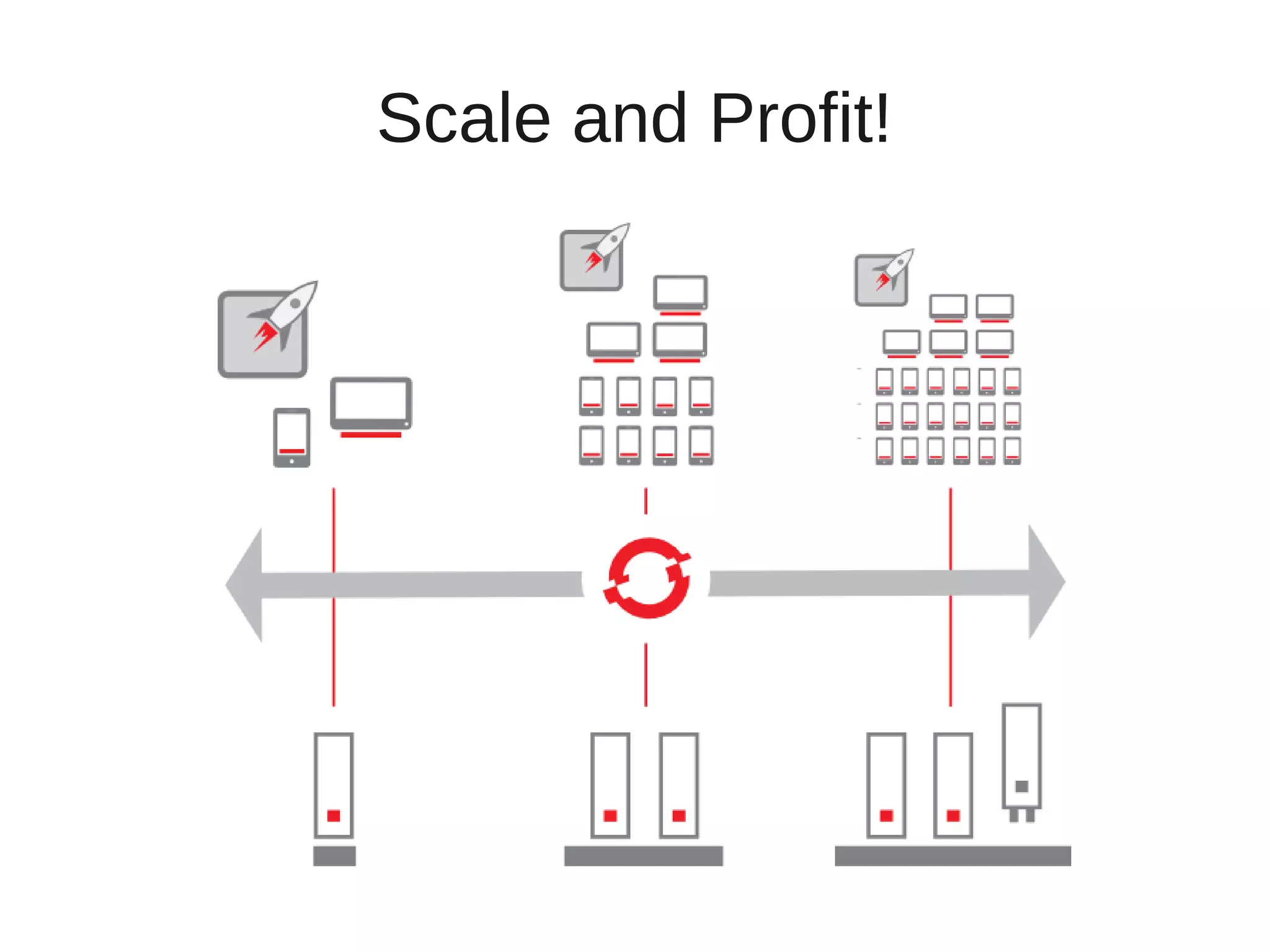
Scale and Profit!
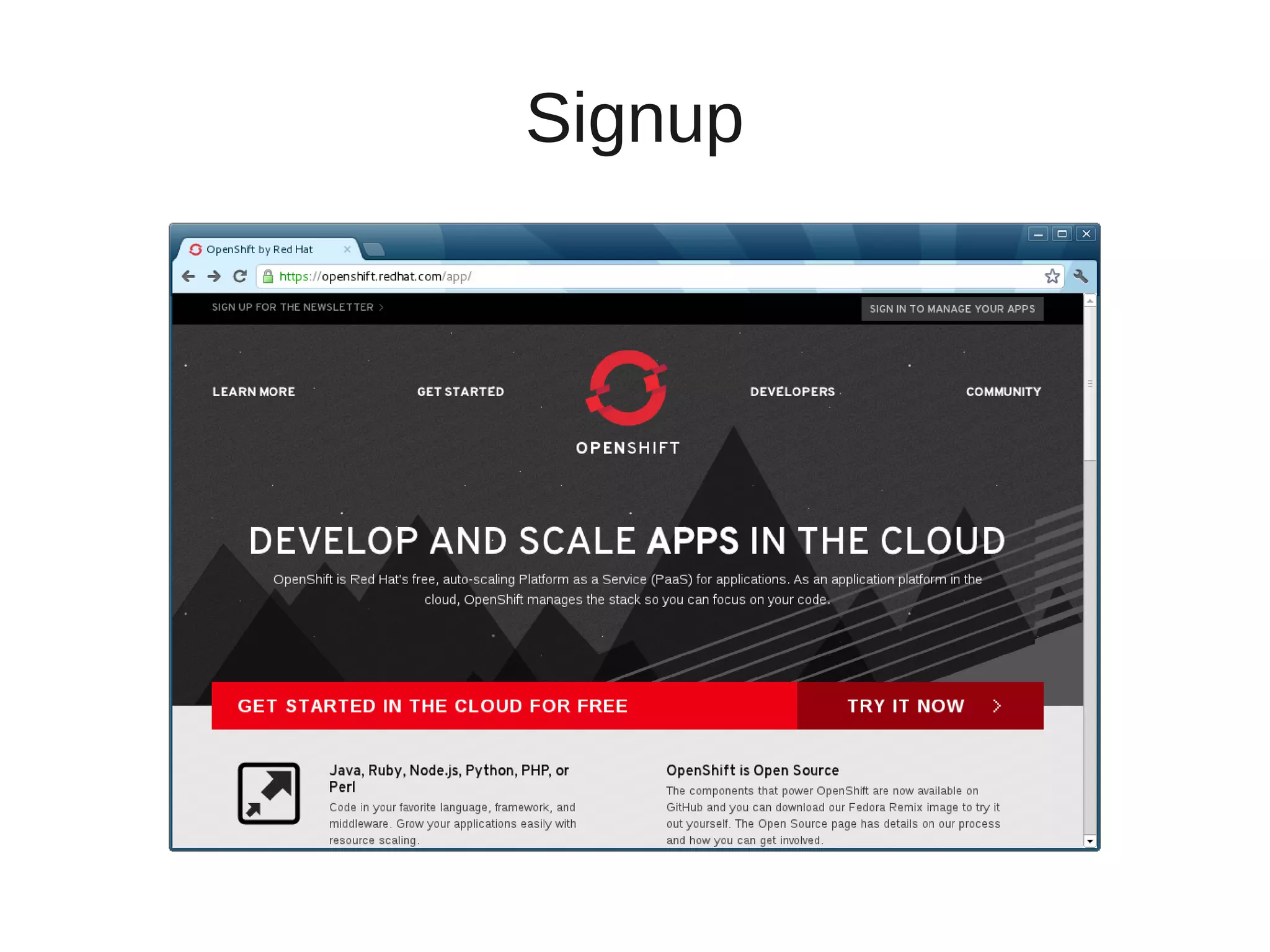
Signup
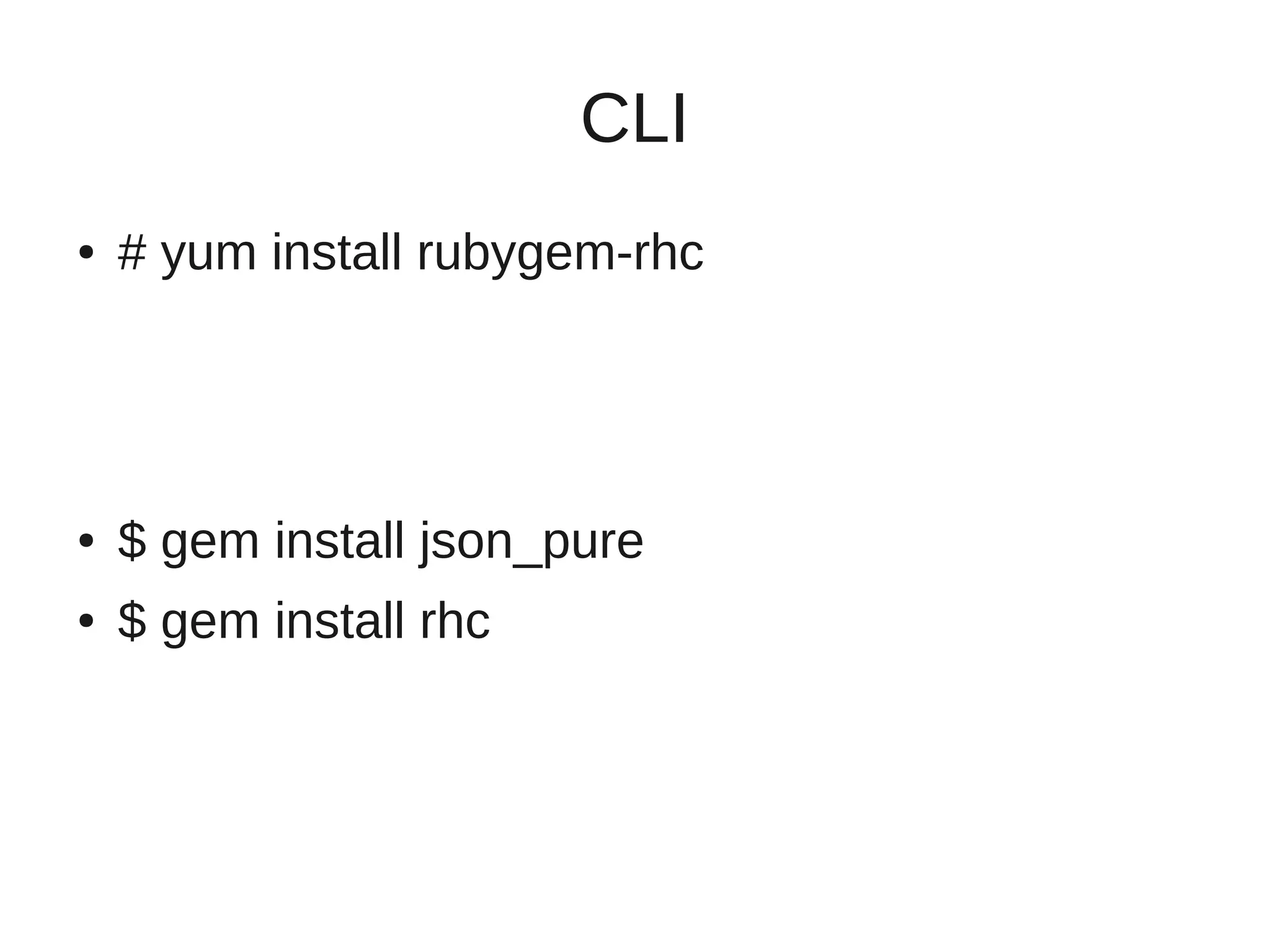
CLI
●   # yum install rubygem-rhc


●   $ gem install json_pure
●   $ gem install rhc
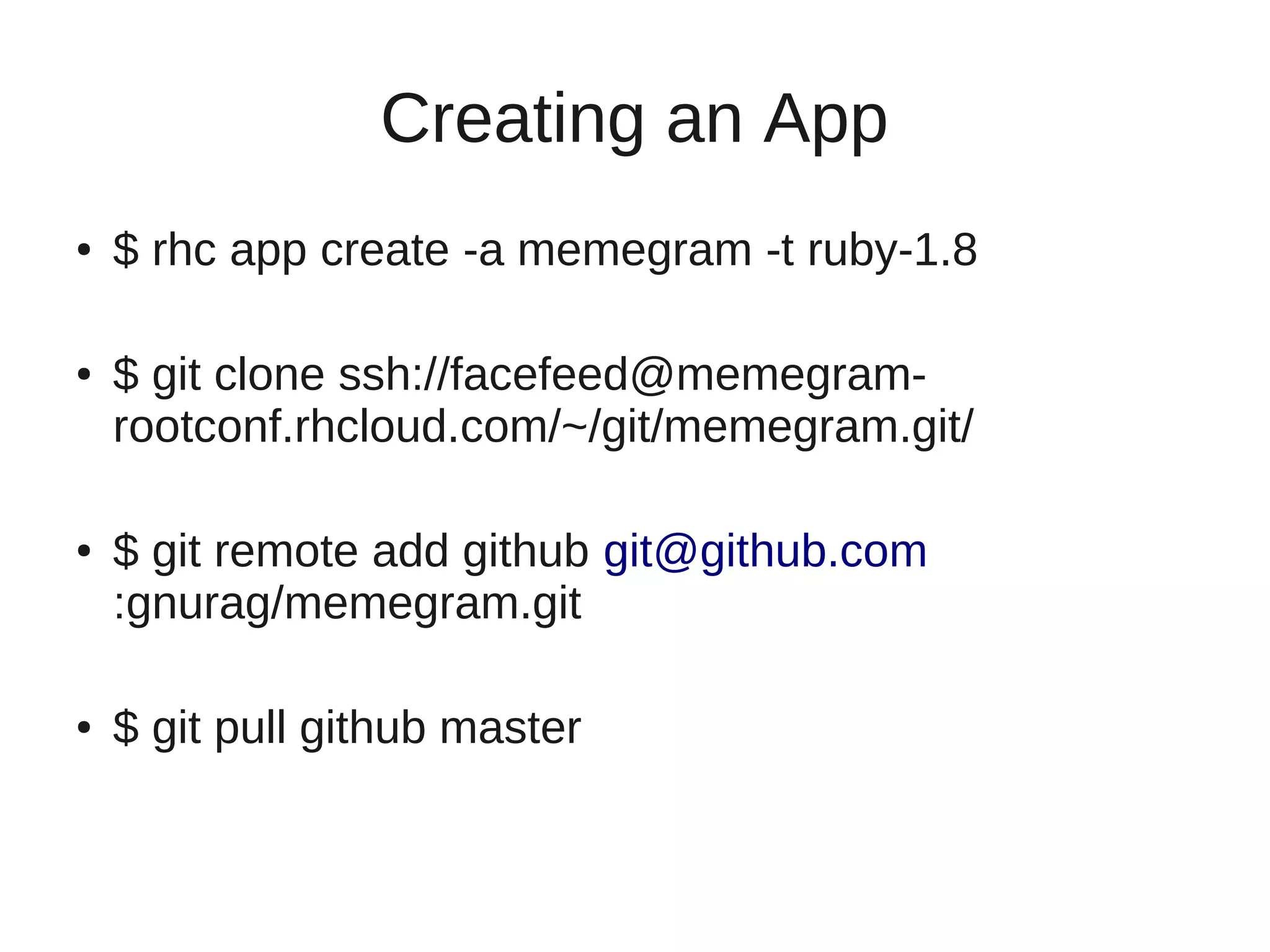
Creating an App
●   $ rhc app create -a memegram -t ruby-1.8

●   $ git clone ssh://facefeed@memegram-
    rootconf.rhcloud.com/~/git/memegram.git/

●   $ git remote add github git@github.com
    :gnurag/memegram.git

●   $ git pull github master
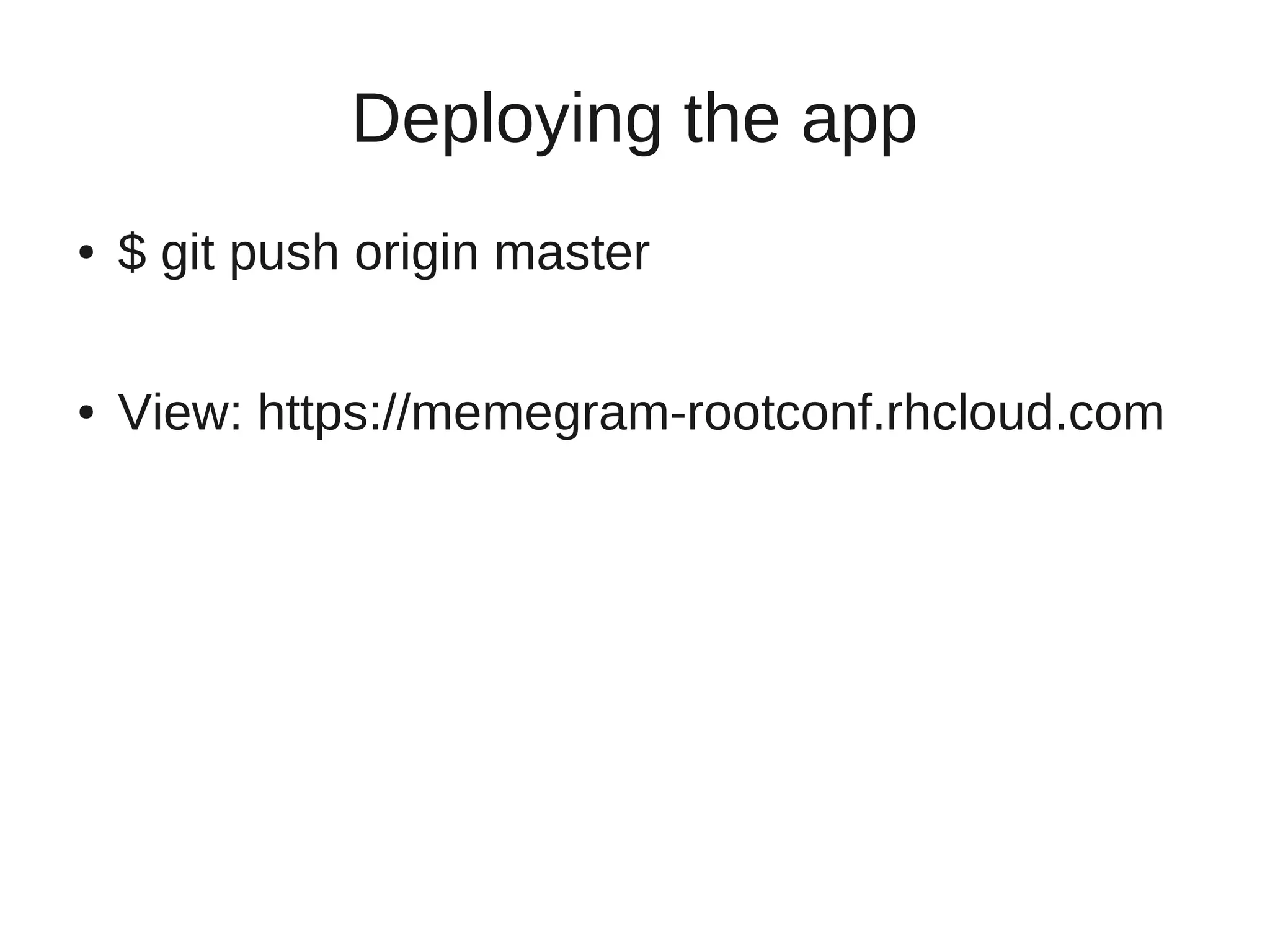
Deploying the app
●   $ git push origin master

●   View: https://memegram-rootconf.rhcloud.com
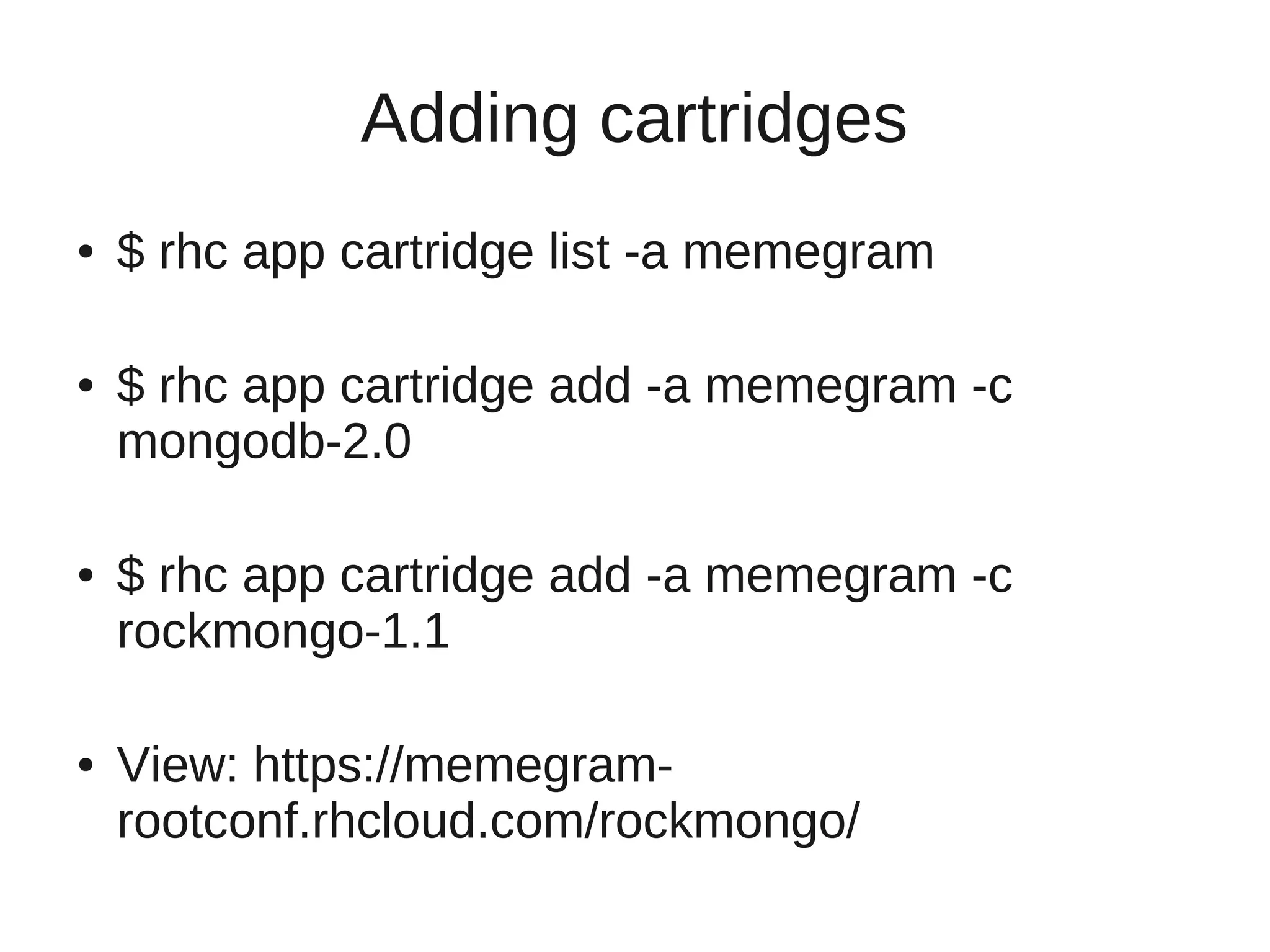
Adding cartridges
●   $ rhc app cartridge list -a memegram

●   $ rhc app cartridge add -a memegram -c
    mongodb-2.0

●   $ rhc app cartridge add -a memegram -c
    rockmongo-1.1

●   View: https://memegram-
    rootconf.rhcloud.com/rockmongo/
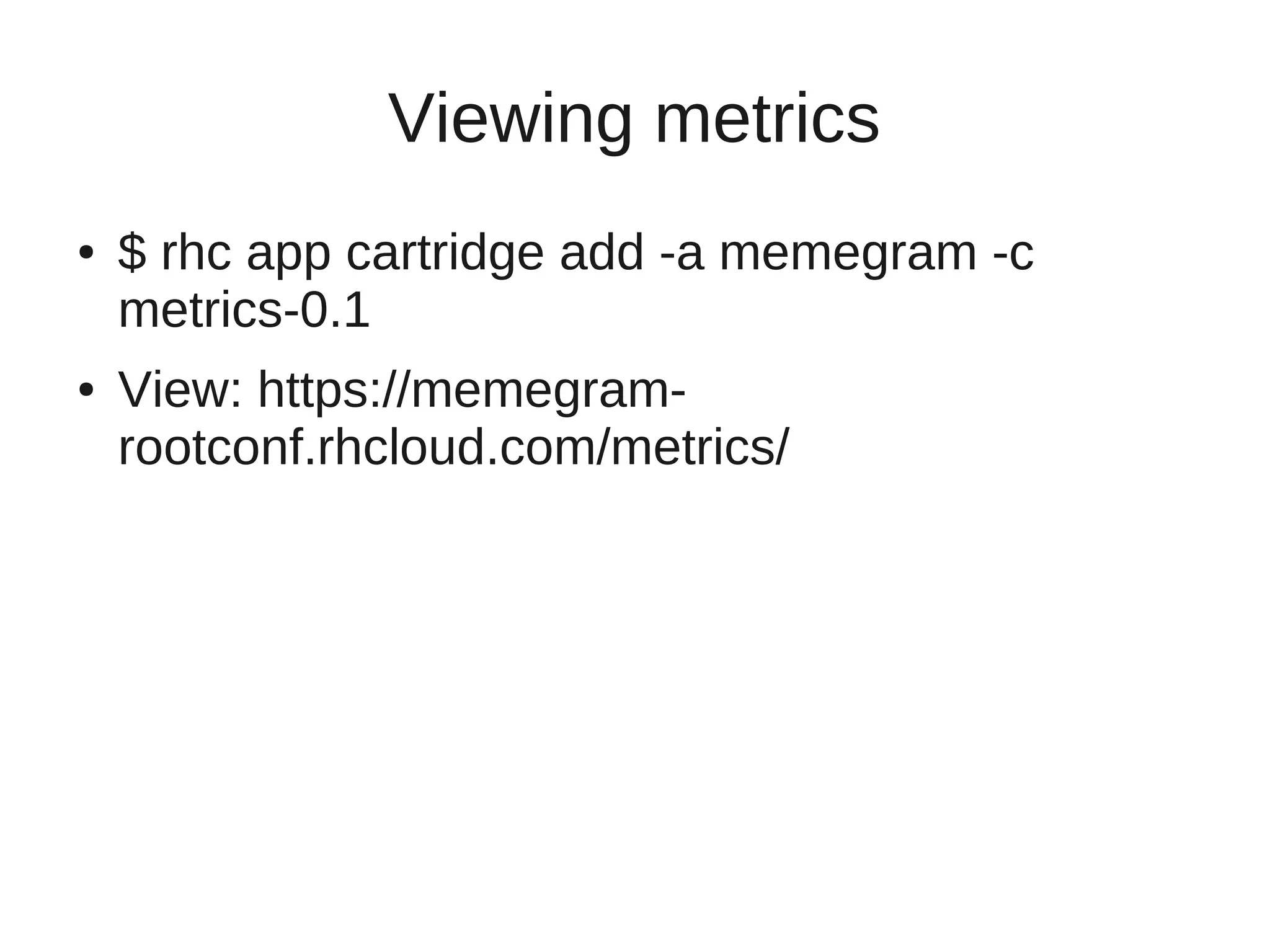
Viewing metrics
●   $ rhc app cartridge add -a memegram -c
    metrics-0.1
●   View: https://memegram-
    rootconf.rhcloud.com/metrics/
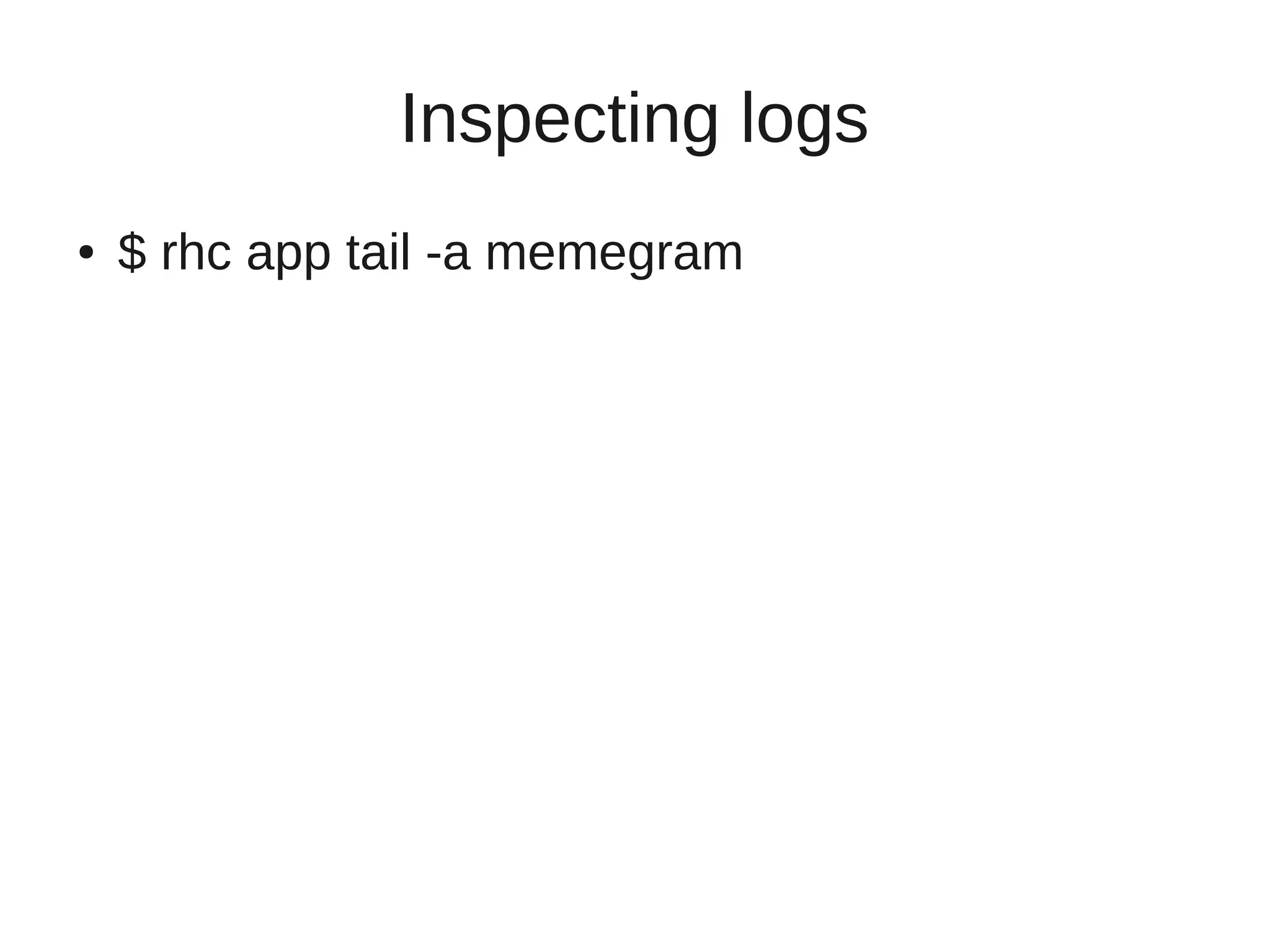
Inspecting logs
●   $ rhc app tail -a memegram
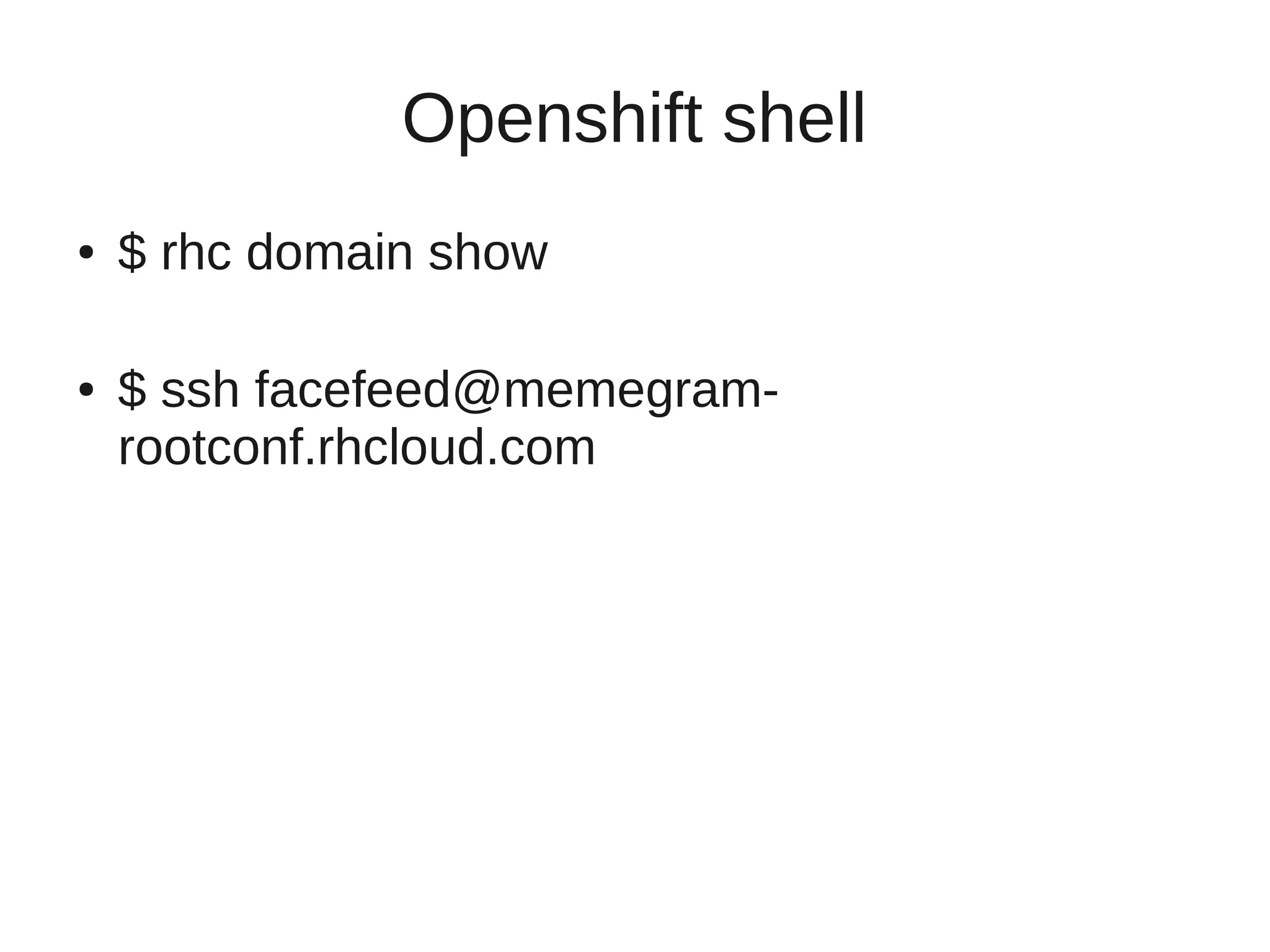
Openshift shell
●   $ rhc domain show

●   $ ssh facefeed@memegram-
    rootconf.rhcloud.com
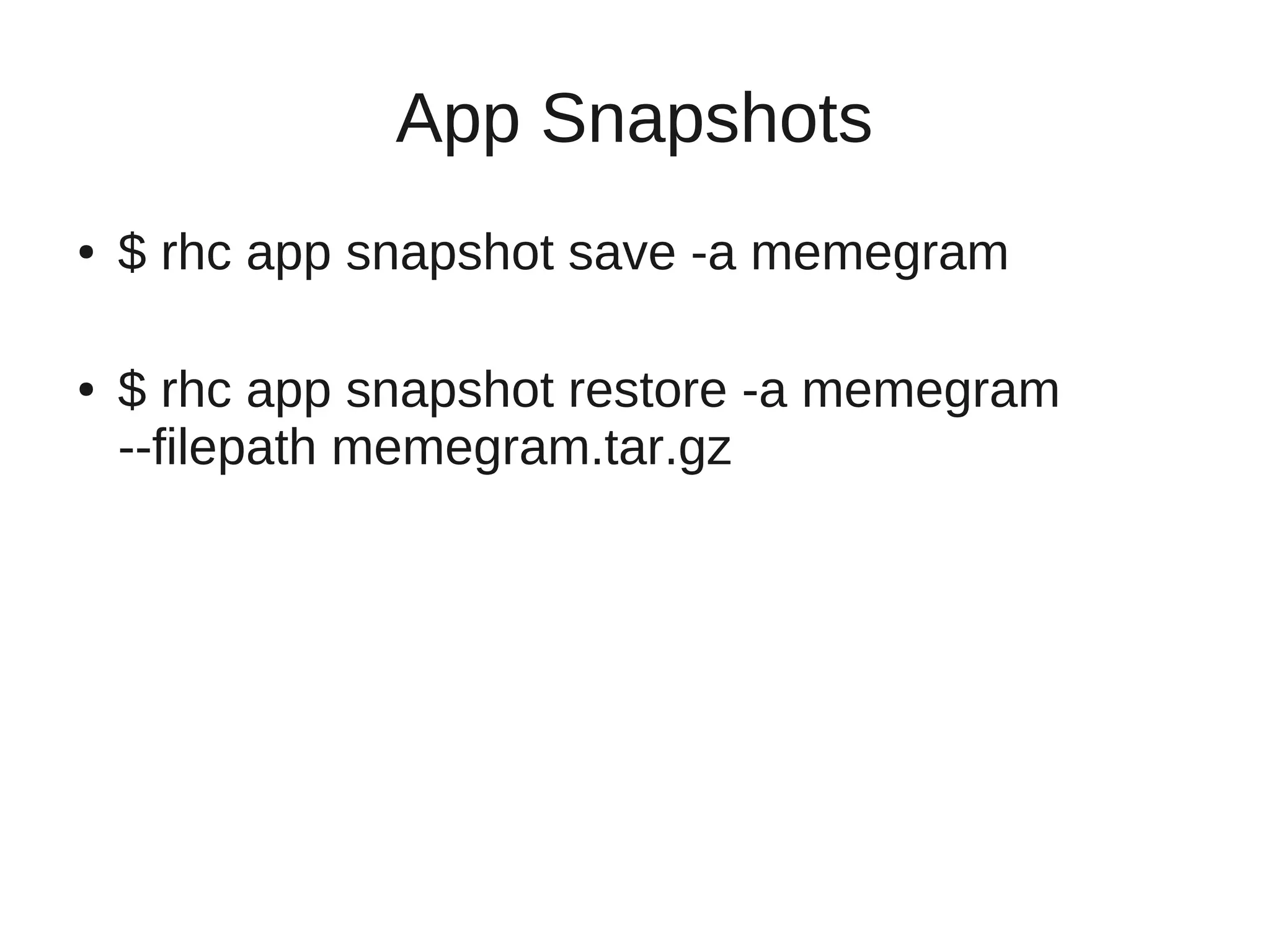
App Snapshots
●   $ rhc app snapshot save -a memegram

●   $ rhc app snapshot restore -a memegram
    --filepath memegram.tar.gz
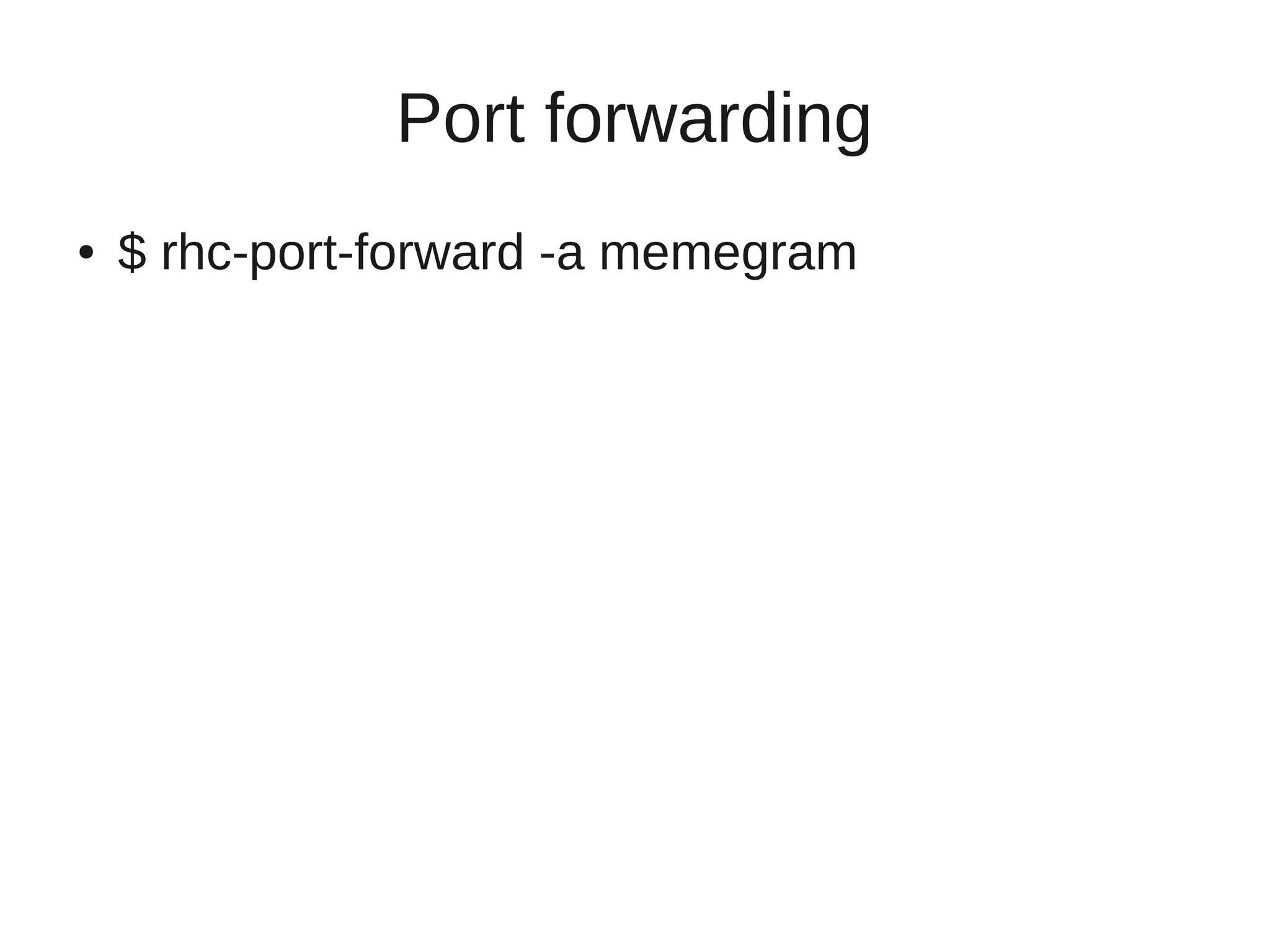
Port forwarding
●   $ rhc-port-forward -a memegram
What next?
●   Signup: https://openshift.redhat.com/app/
●   Github: https://github.com/openshift/
●   Userguide: http://docs.redhat.com
●   IRC: #openshift
●   Twitter: @openshift
●   Memegram:
    https://github.com/gnurag/memegram
Thank you!
●   Anurag <apatel@redhat.com>
●   IRC: devmodem
●   Twitter: @gnurag

Openshift: Deployments for the rest of us

  • 1.
    Deployments for therest of us RootConf, Bangalore | Anurag Patel, Red Hat
  • 2.
    Agenda ● An overview of Openshift PaaS. ● Command line client 'rhc'. ● Deploying a sample app. ● Application addons. ● The Openshift shell. ● Databases, logs, snapshots.
  • 3.
  • 4.
  • 5.
    Openshift Origin ● Open source components. ● Run on your own Laptop, premises, datacenter. ● Deploy your own SaaS on your own PaaS running on your own IaaS. ● https://github.com/openshift/crankcase
  • 6.
  • 7.
  • 8.
  • 10.
  • 11.
    CLI ● # yum install rubygem-rhc ● $ gem install json_pure ● $ gem install rhc
  • 12.
    Creating an App ● $ rhc app create -a memegram -t ruby-1.8 ● $ git clone ssh://facefeed@memegram- rootconf.rhcloud.com/~/git/memegram.git/ ● $ git remote add github git@github.com :gnurag/memegram.git ● $ git pull github master
  • 13.
    Deploying the app ● $ git push origin master ● View: https://memegram-rootconf.rhcloud.com
  • 14.
    Adding cartridges ● $ rhc app cartridge list -a memegram ● $ rhc app cartridge add -a memegram -c mongodb-2.0 ● $ rhc app cartridge add -a memegram -c rockmongo-1.1 ● View: https://memegram- rootconf.rhcloud.com/rockmongo/
  • 15.
    Viewing metrics ● $ rhc app cartridge add -a memegram -c metrics-0.1 ● View: https://memegram- rootconf.rhcloud.com/metrics/
  • 16.
    Inspecting logs ● $ rhc app tail -a memegram
  • 17.
    Openshift shell ● $ rhc domain show ● $ ssh facefeed@memegram- rootconf.rhcloud.com
  • 18.
    App Snapshots ● $ rhc app snapshot save -a memegram ● $ rhc app snapshot restore -a memegram --filepath memegram.tar.gz
  • 19.
    Port forwarding ● $ rhc-port-forward -a memegram
  • 20.
    What next? ● Signup: https://openshift.redhat.com/app/ ● Github: https://github.com/openshift/ ● Userguide: http://docs.redhat.com ● IRC: #openshift ● Twitter: @openshift ● Memegram: https://github.com/gnurag/memegram
  • 21.
    Thank you! ● Anurag <apatel@redhat.com> ● IRC: devmodem ● Twitter: @gnurag