BPM Portals with Visio and SharePoint
?
Who am I not?
Šenaj Lelić
Microsoft MVP (Visio)
oneAssist UG
• Started for Borland, Novell, Autodesk
• Became Visio-ized in 1995
• Visio consultant, developer, trainer, author
• Trainer for Apps, SharePoint, Lync
• Many webcasts for Microsoft Germany and
Microsoft Western Europe
• Mainly BPM and BPM Portals
• 16 (21) years Visio MVP
Who am I?
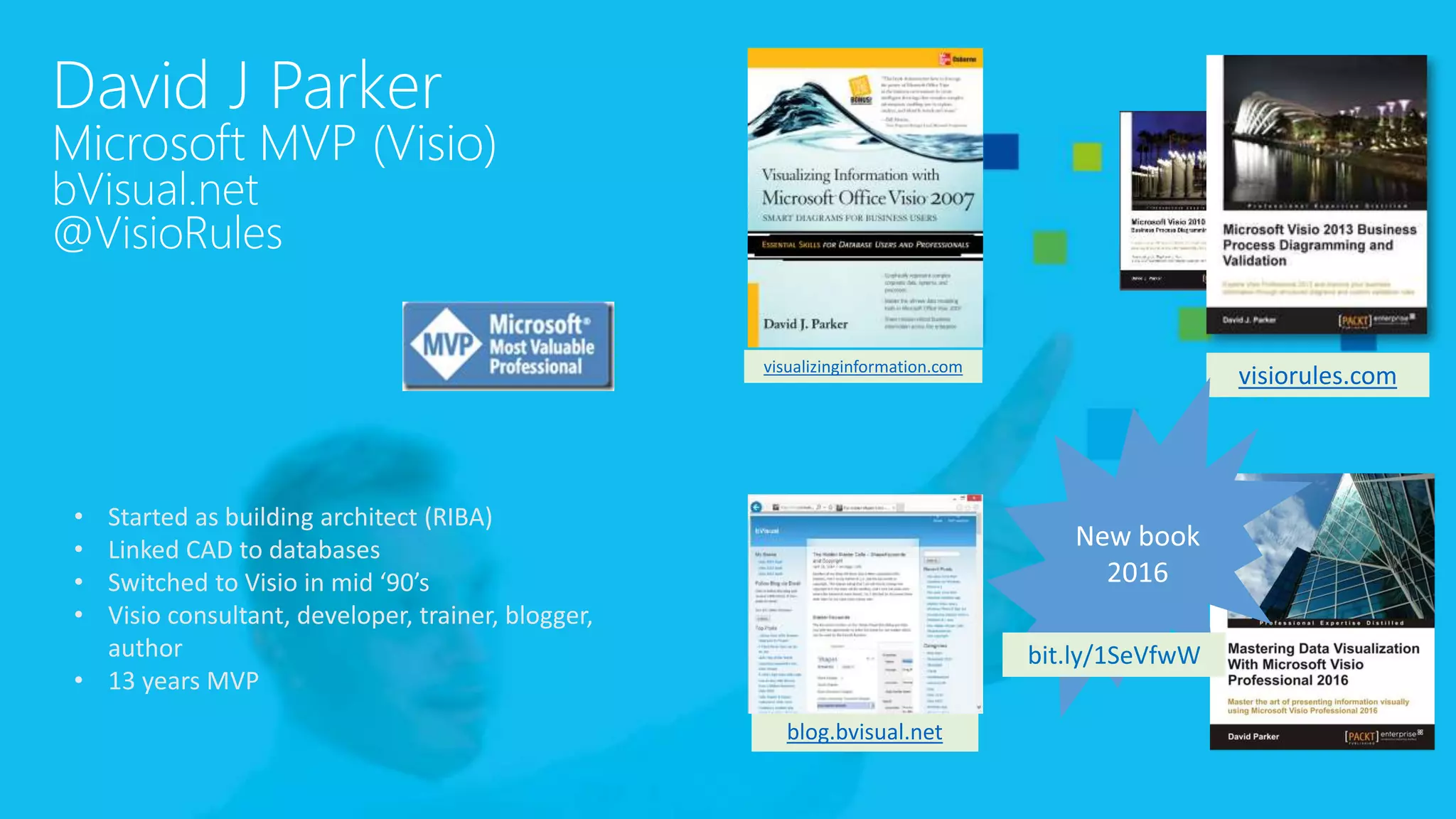
David J Parker
Microsoft MVP (Visio)
bVisual.net
@VisioRules
visiorules.com
blog.bvisual.net
visualizinginformation.com
• Started as building architect (RIBA)
• Linked CAD to databases
• Switched to Visio in mid ‘90’s
• Visio consultant, developer, trainer, blogger,
author
• 13 years MVP
bit.ly/1SeVfwW
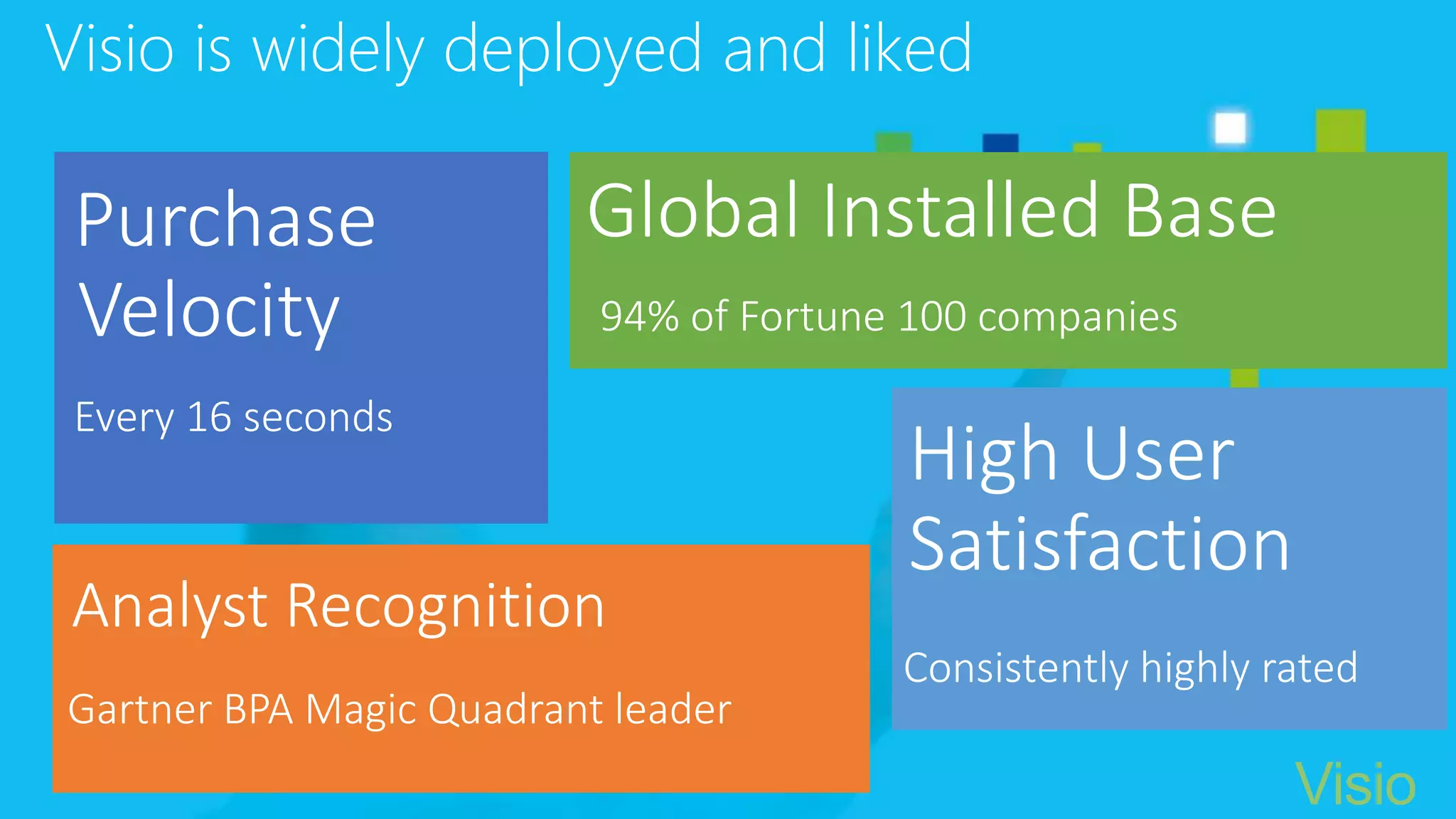
Visio is widely deployed and liked
Analyst Recognition
High User
Satisfaction
Global Installed BasePurchase
Velocity 94% of Fortune 100 companies

Every 16 seconds
Gartner BPA Magic Quadrant leader
Consistently highly rated
Visio
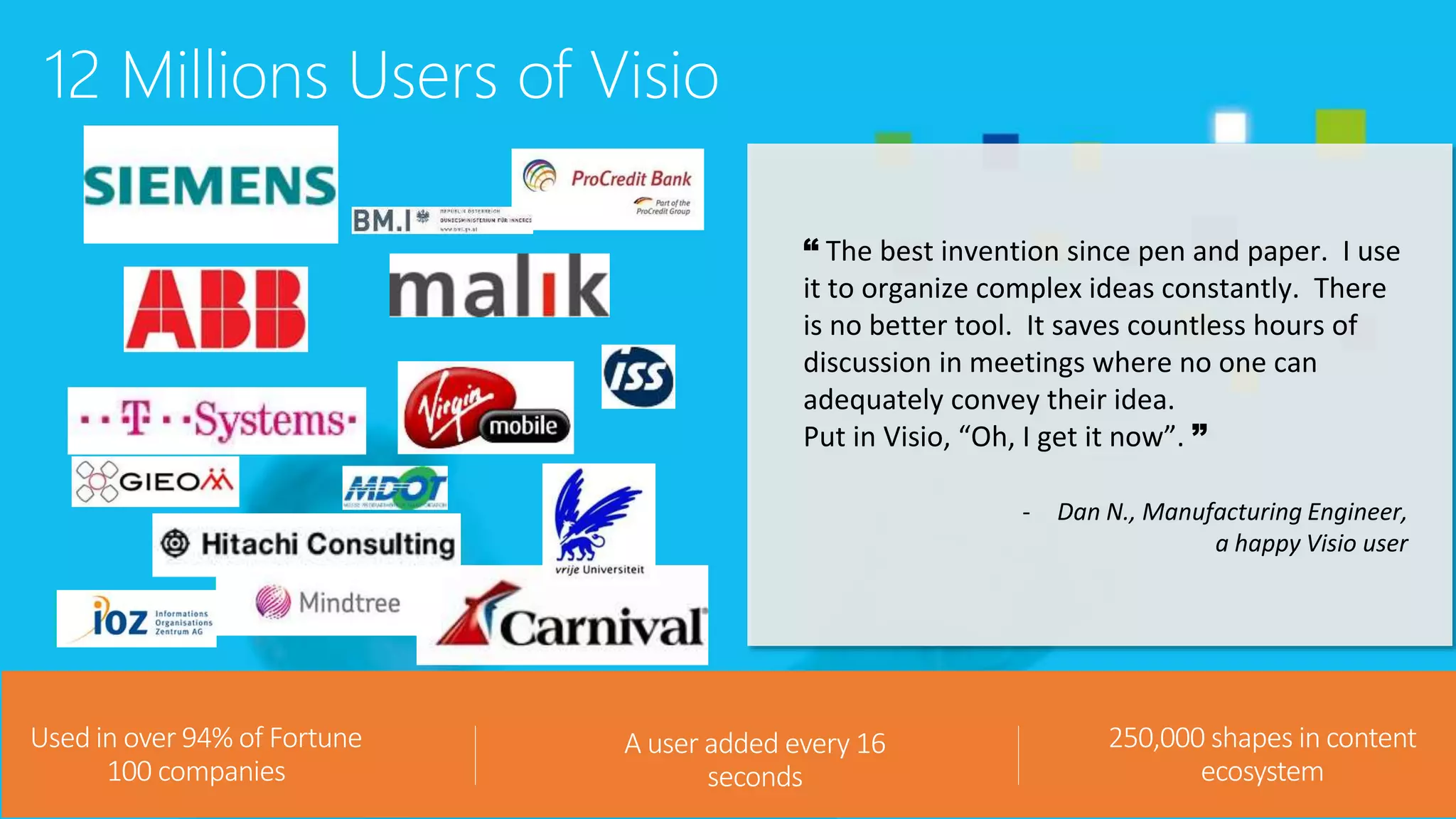
12 Millions Users of Visio
8
Used in over 94% of Fortune
100 companies
A user added every 16
seconds
250,000 shapes in content
ecosystem
“ The best invention since pen and paper. I use
it to organize complex ideas constantly. There
is no better tool. It saves countless hours of
discussion in meetings where no one can
adequately convey their idea.
Put in Visio, “Oh, I get it now”. ”
- Dan N., Manufacturing Engineer,
a happy Visio user
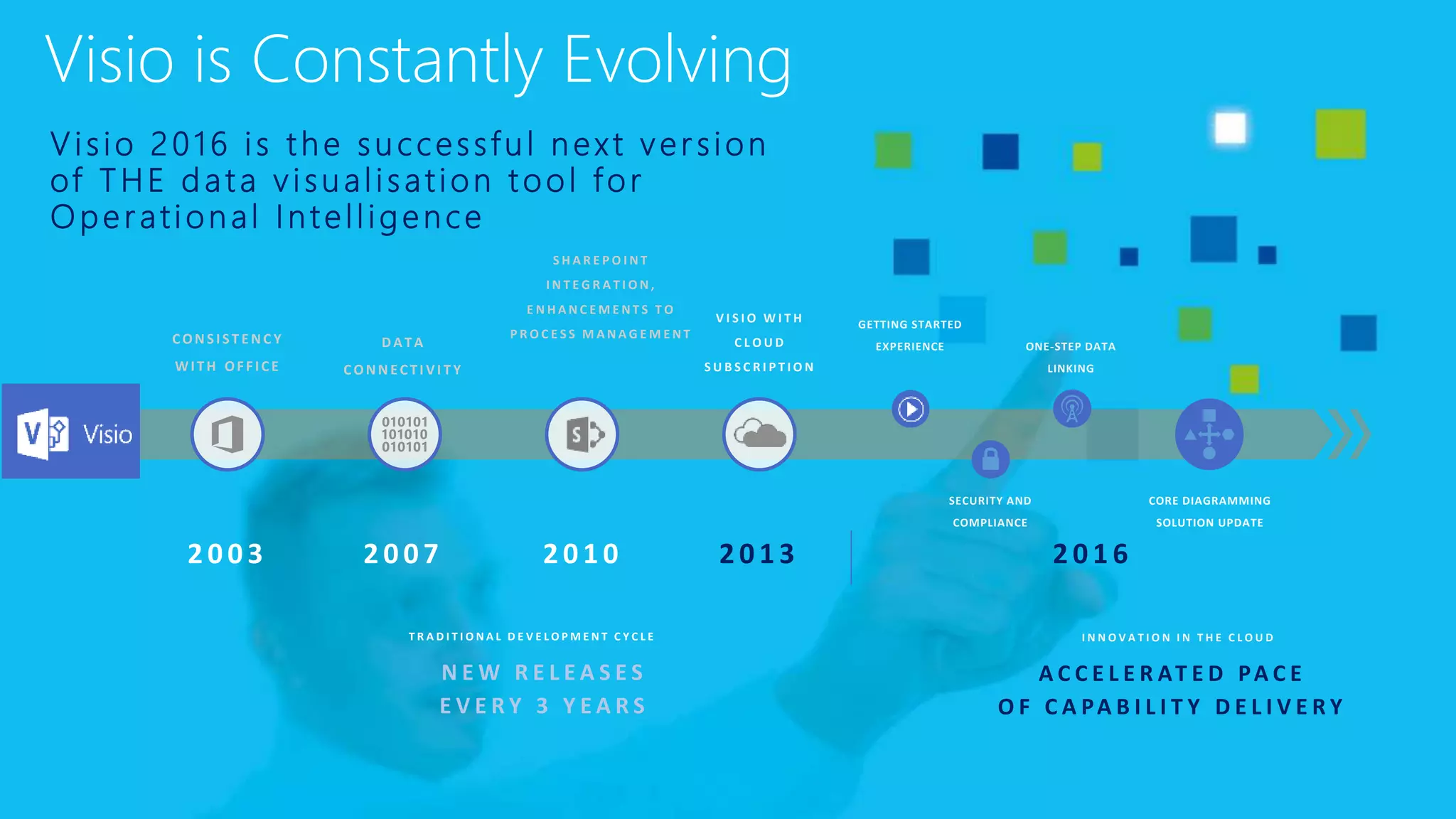
V i s io 2 0 1 6 i s t h e s u c cessfu l n e xt v er sion
of T H E d a t a v i su al isation t o o l f o r
O p e r ati on al I n t ell igen ce
N E W R E L E A S E S
E V E R Y 3 Y E A R S
T R A D I T I O N A L D E V E L O P M E N T C Y C L E I N N O V A T I O N I N T H E C L O U D
CONSIST ENC Y
WITH OFFICE
DATA
CONNECTI VI T Y
S H A R E P O I N T
I N T E G R A T I O N ,
E N H A N C E M E N T S T O
P R O C E S S M A N A G E M E N T
V I S I O W I T H
C L O U D
S U B S C R I P T I O N
GETTING STARTED
EXPERIENCE ONE-STEP DATA
LINKING
SECURITY AND
COMPLIANCE
CORE DIAGRAMMING
SOLUTION UPDATE
A C C E L E R AT E D PA C E
O F C A PA B I L I T Y D E L I V E R Y
Visio is Constantly Evolving
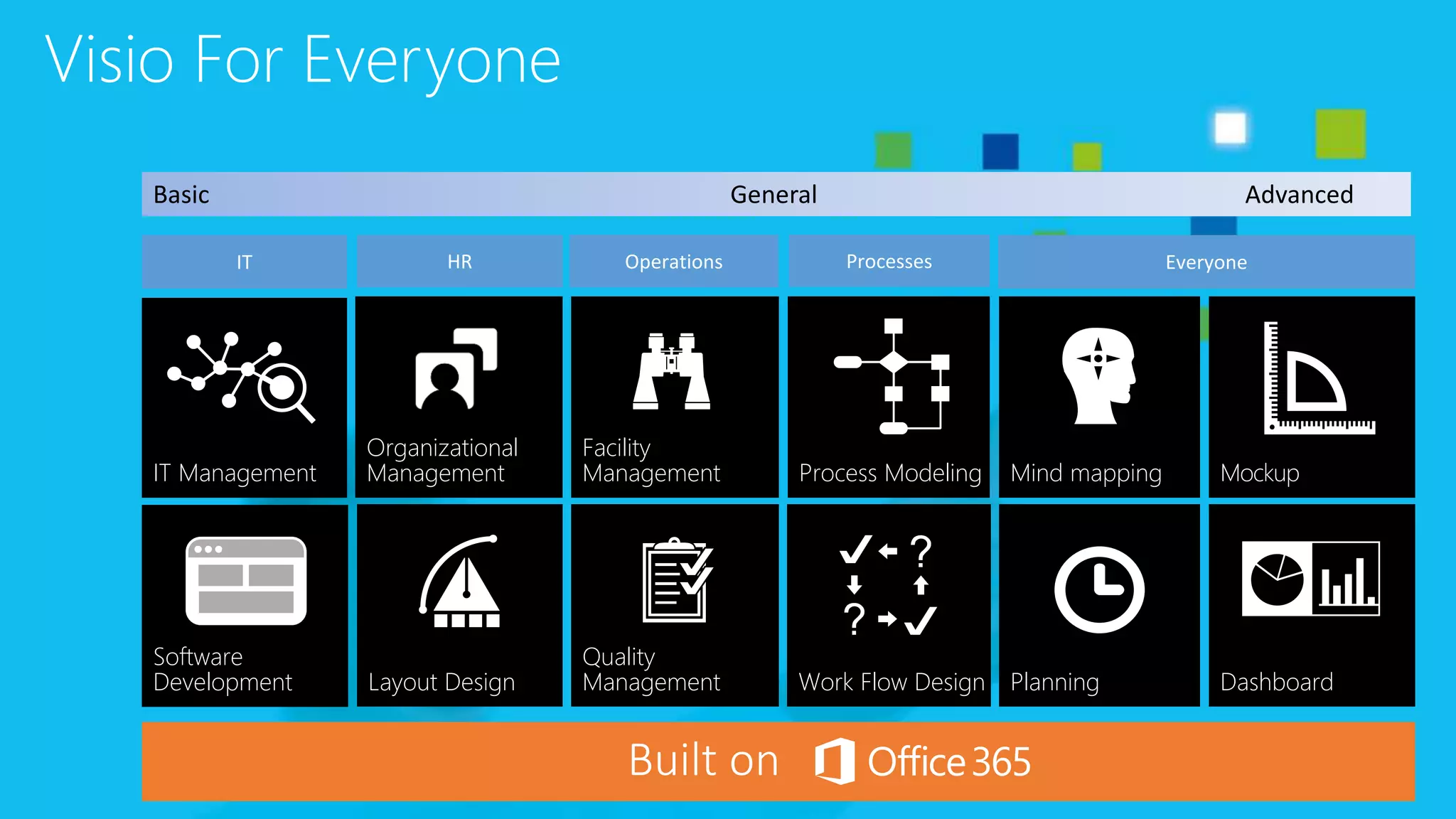
Organizational
Management
Facility
Management
Work Flow Design
Mockup
Planning
IT Management Process Modeling Mind mapping
Dashboard
Quality
Management
Software
Development Layout Design
Visio For Everyone
Basic General Advanced
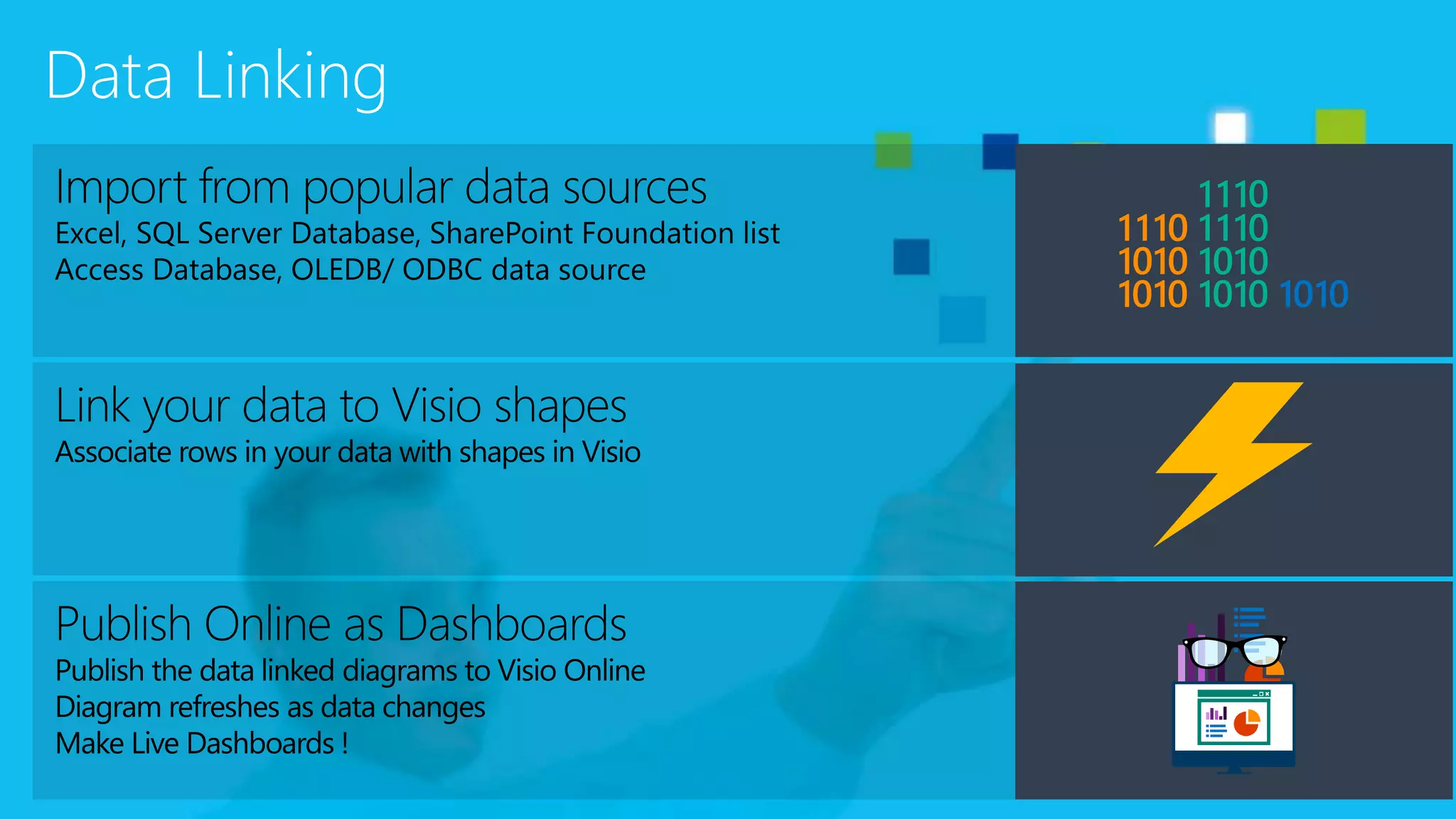
Data Linking
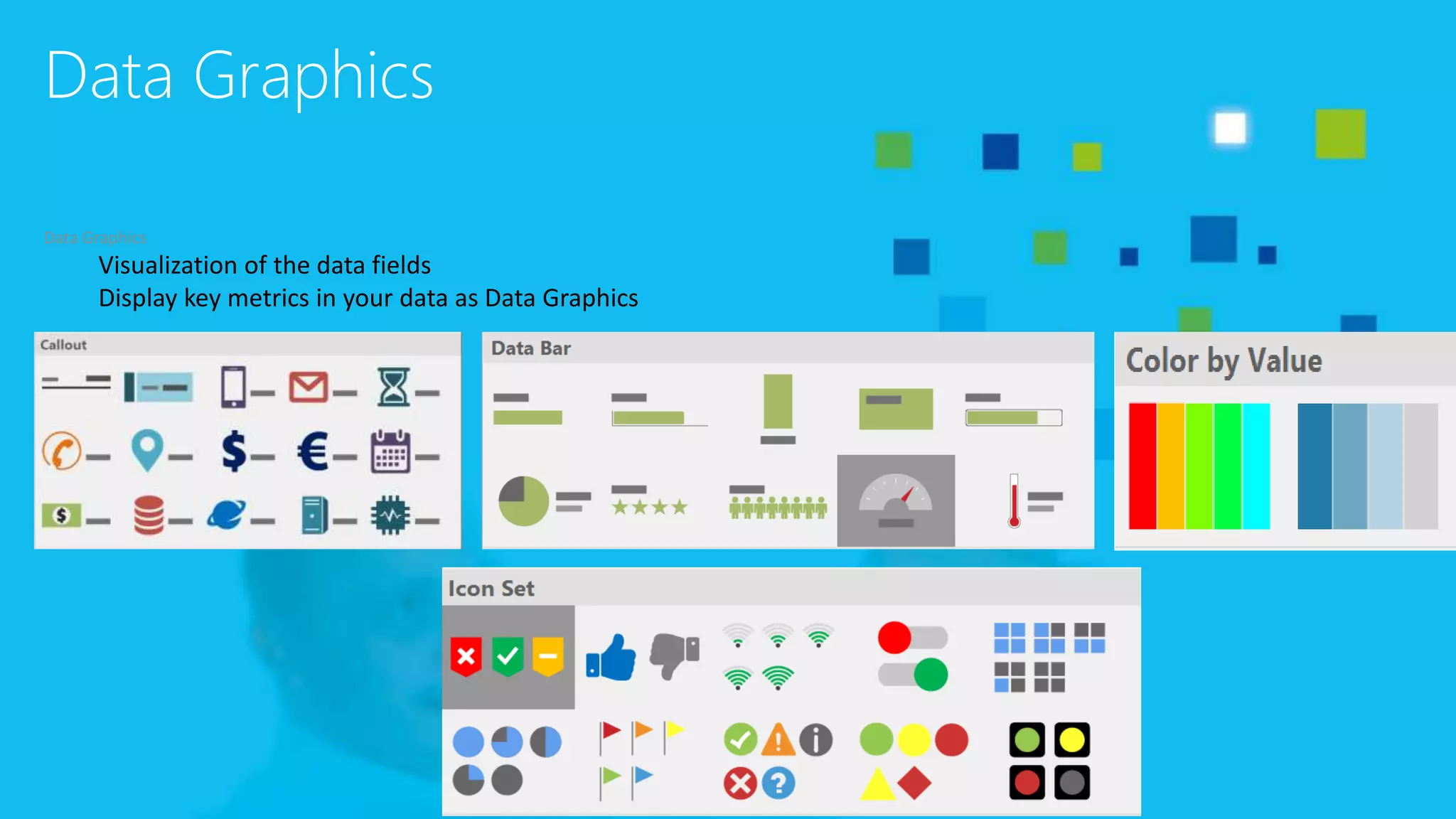
Data Graphics
Data Graphics
Visualization of the data fields
Display key metrics in your data as Data Graphics
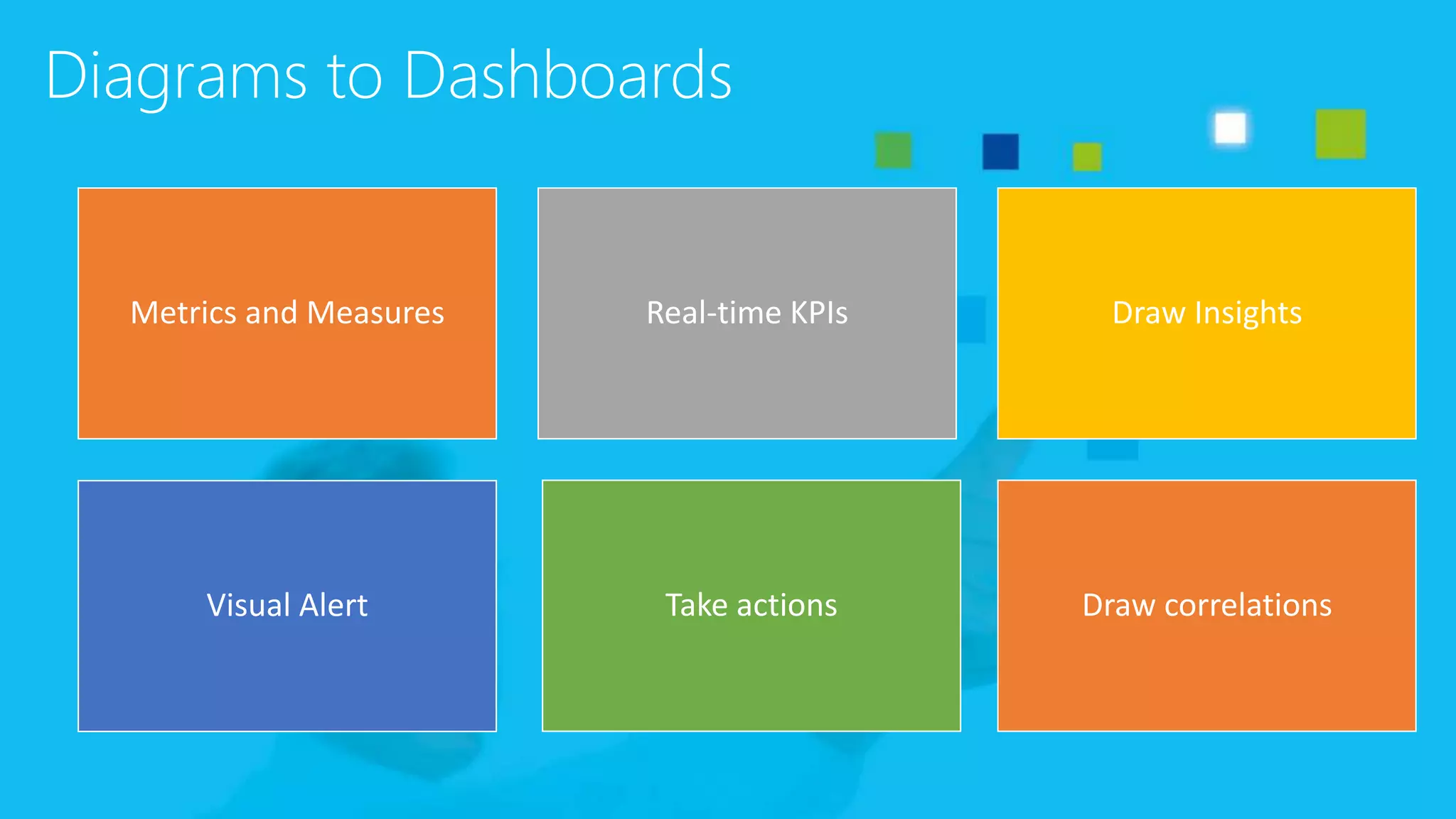
Diagrams to Dashboards
Metrics and Measures Real-time KPIs Draw Insights
Visual Alert Take actions Draw correlations
Microsoft SharePoint
• The powerful backend
• Delivers the necessary document management and publication
functions
• Versioning
• Check in and check out
• Visualizing Visio diagrams in the browser (no plug-ins needed) including
metadata update
Microsoft Visio
• The powerful diagramming platform
• Delivers the core features for efficient BPM diagramming
• Supports more than 10 different BPM notations like ISO, EPC/EPK,
BPMN 2.0 etc.
• Stores the documentation in Visio files – including metadata (which
are pulled from the backend system and updated there)
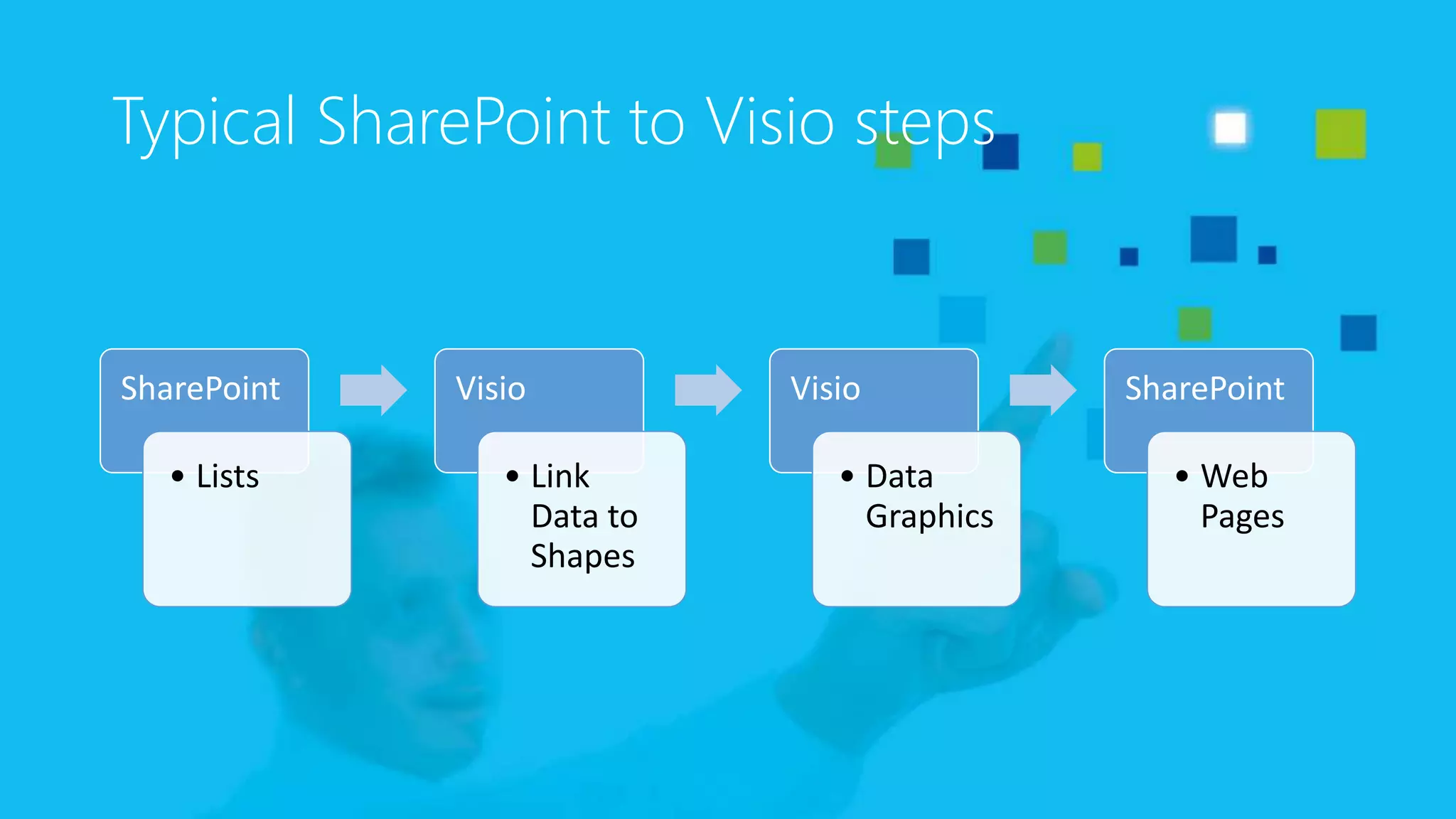
Typical SharePoint to Visio steps
SharePoint
• Lists
Visio
• Link
Data to
Shapes
Visio
• Data
Graphics
SharePoint
• Web
Pages
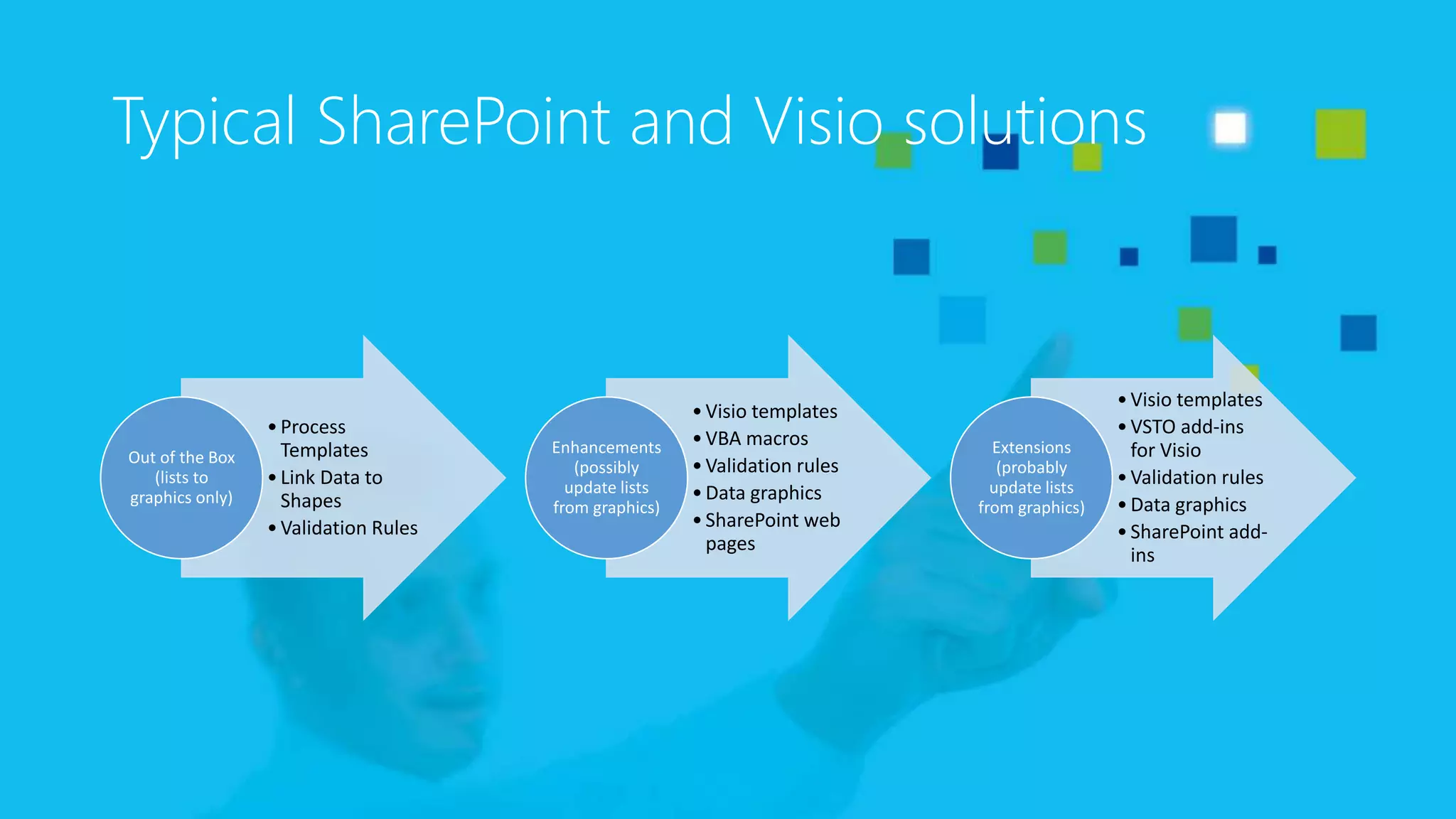
Typical SharePoint and Visio solutions
•Process
Templates
•Link Data to
Shapes
•Validation Rules
Out of the Box
(lists to
graphics only)
•Visio templates
•VBA macros
•Validation rules
•Data graphics
•SharePoint web
pages
Enhancements
(possibly
update lists
from graphics)
•Visio templates
•VSTO add-ins
for Visio
•Validation rules
•Data graphics
•SharePoint add-
ins
Extensions
(probably
update lists
from graphics)
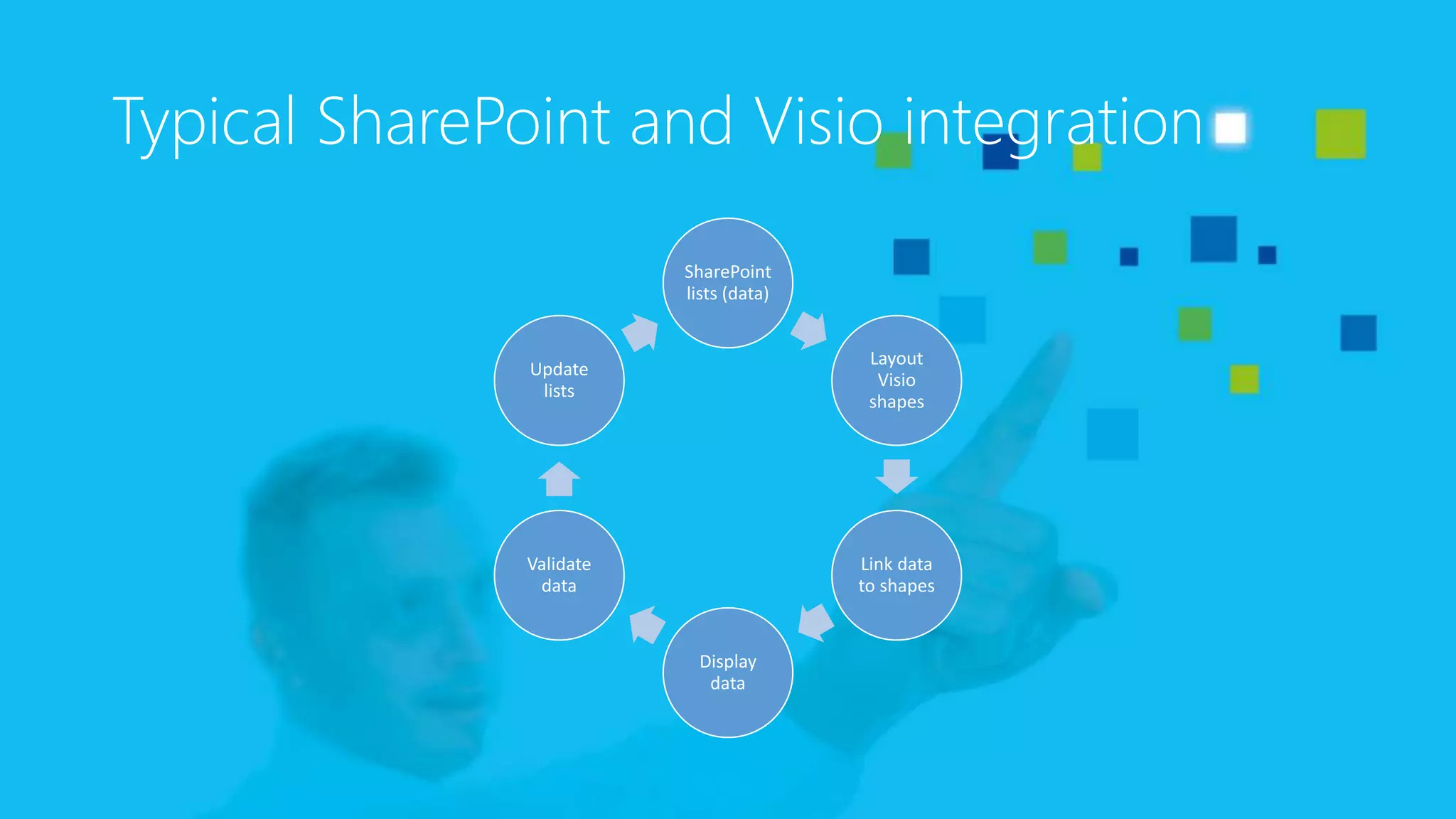
Typical SharePoint and Visio integration
SharePoint
lists (data)
Layout
Visio
shapes
Link data
to shapes
Display
data
Validate
data
Update
lists
Visio BPM templates
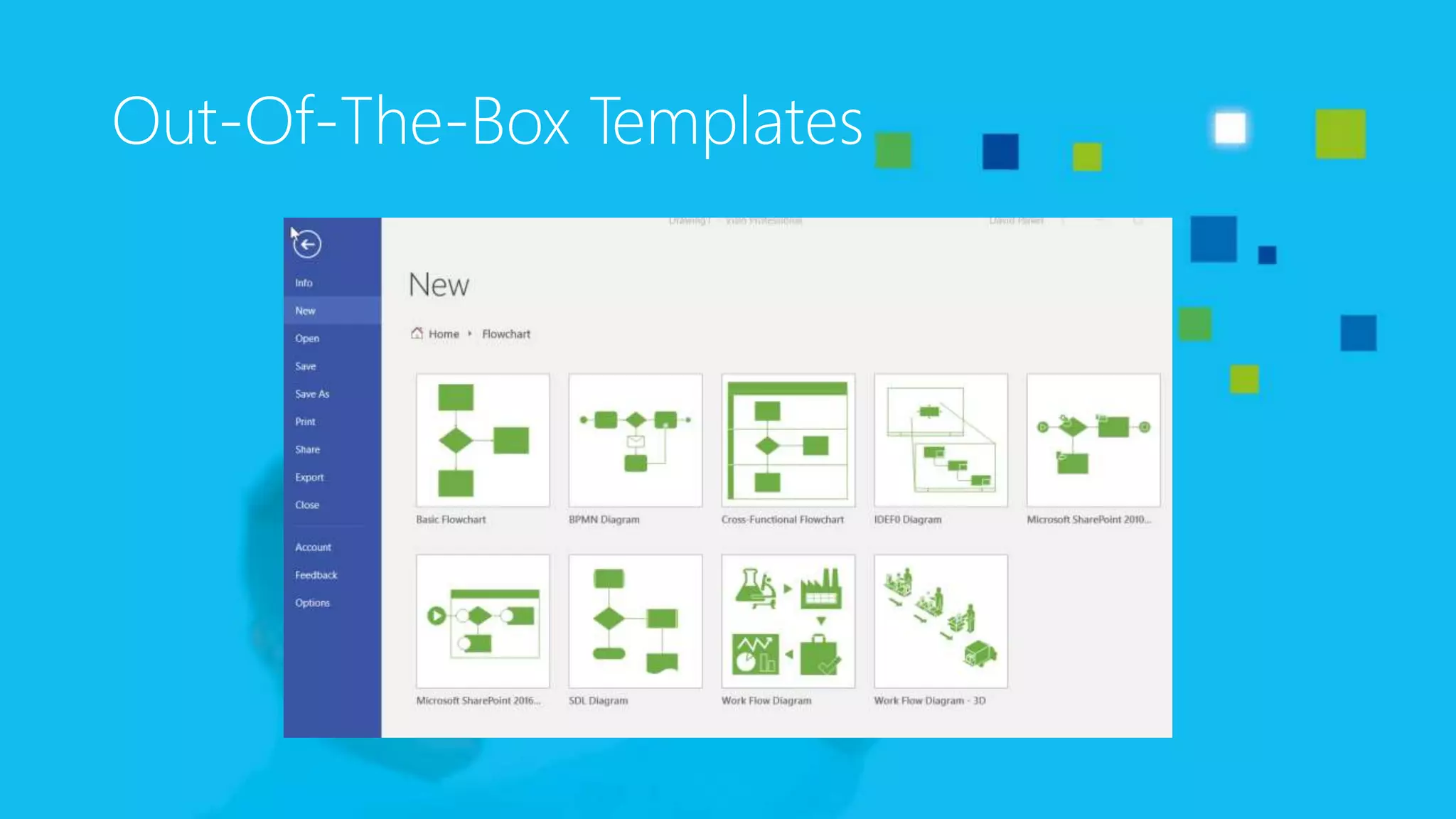
Out-Of-The-Box Templates
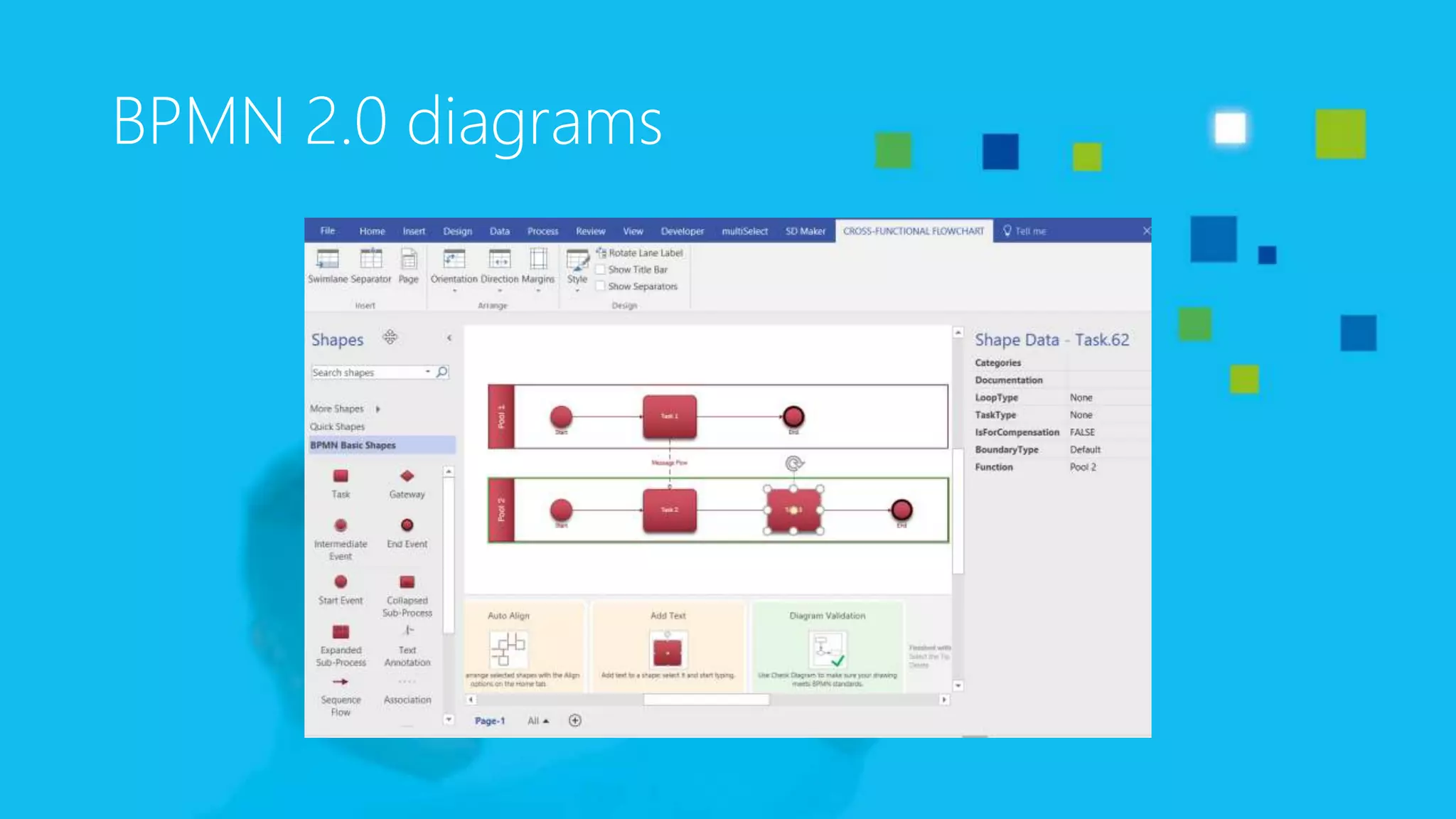
BPMN 2.0 diagrams
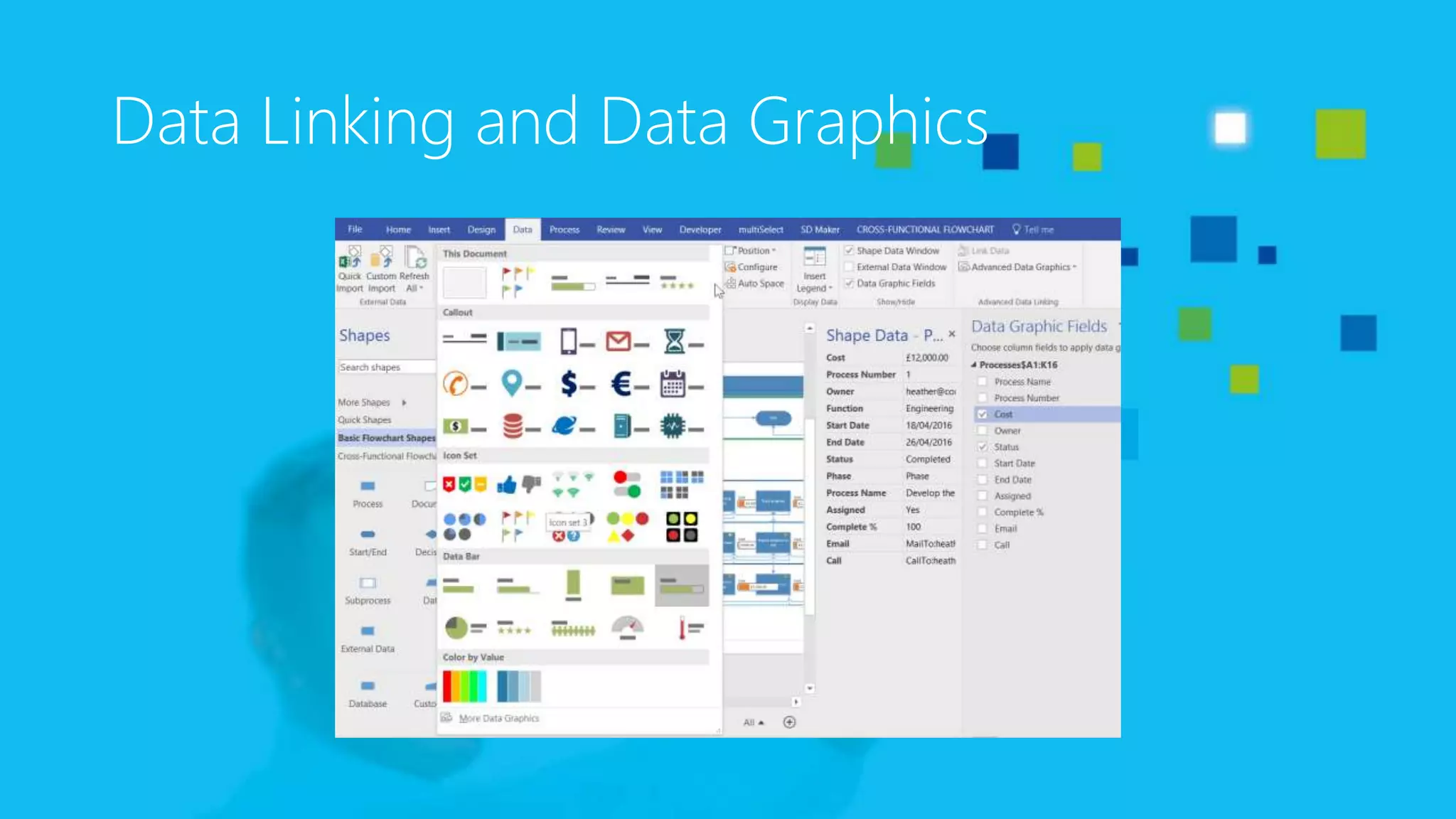
Data Linking and Data Graphics
bVisual BPM solution
bVisual.net
The bVisual BPM Solution
• Combines the worlds of Microsoft Visio and Microsoft SharePoint
into a BPM solution
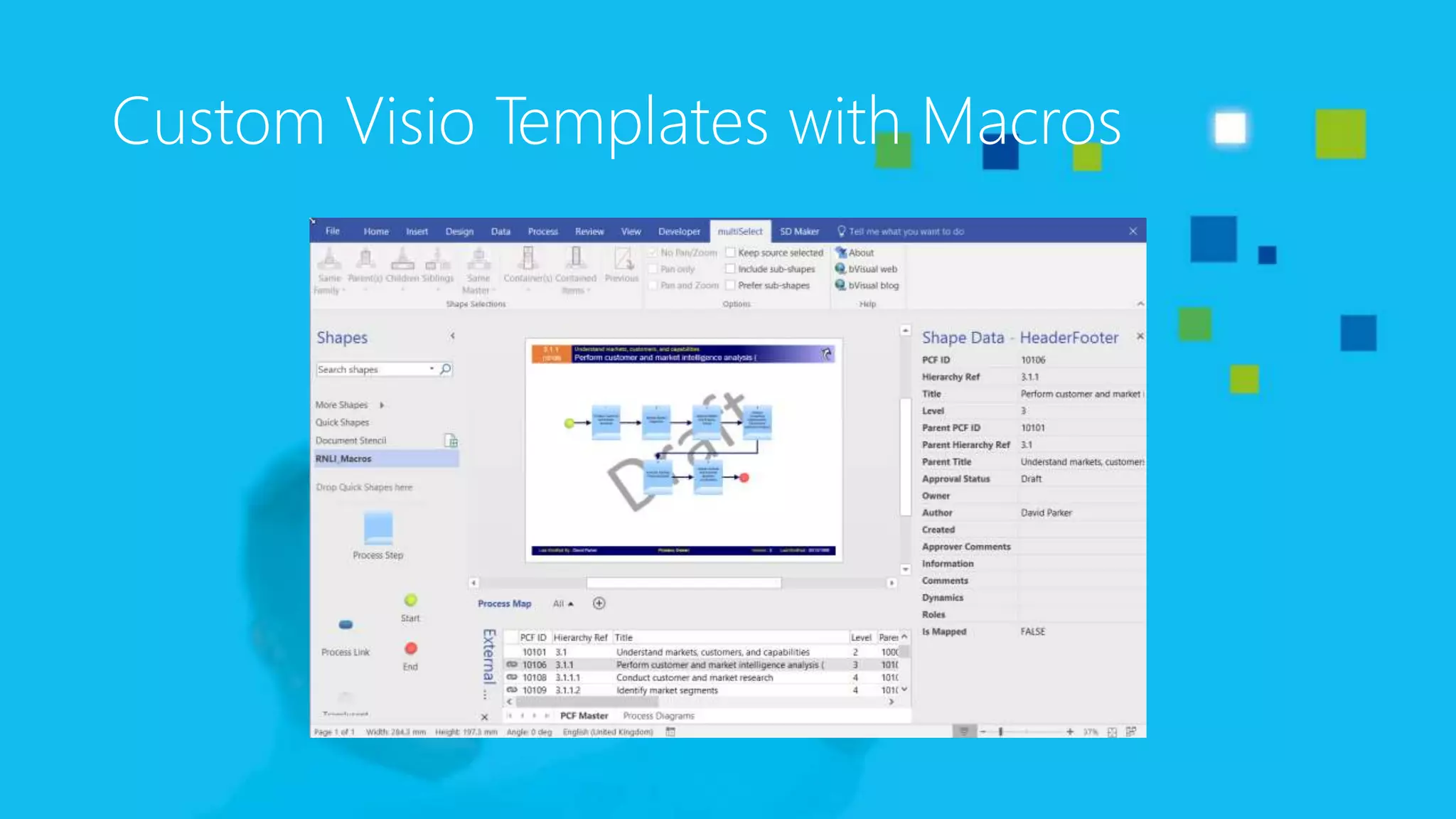
• Custom Visio template
• Custom validation rules
• Custom VBA macros
• Additional VSTO add-ins
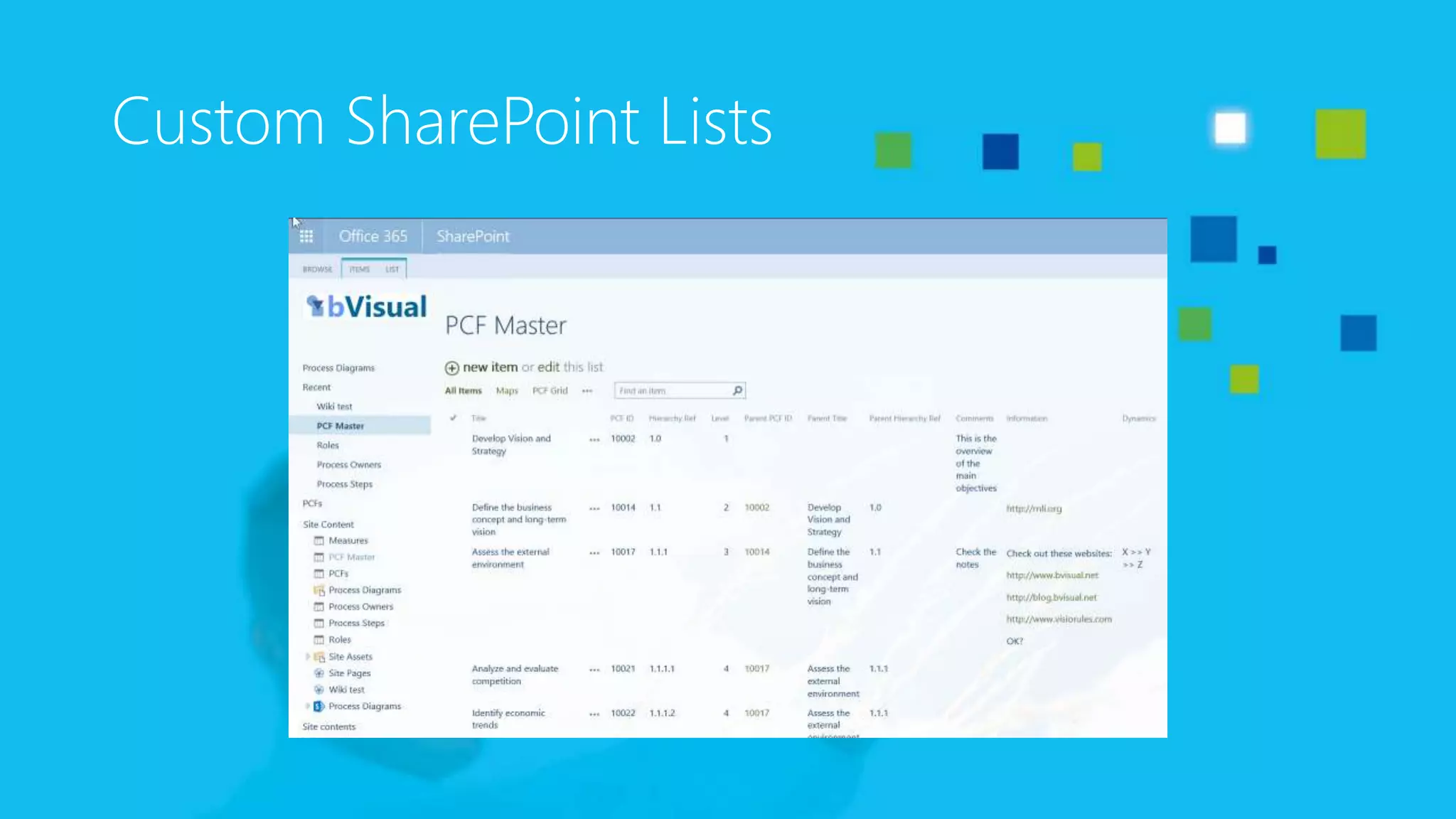
Custom SharePoint Lists
Custom Visio Templates with Macros
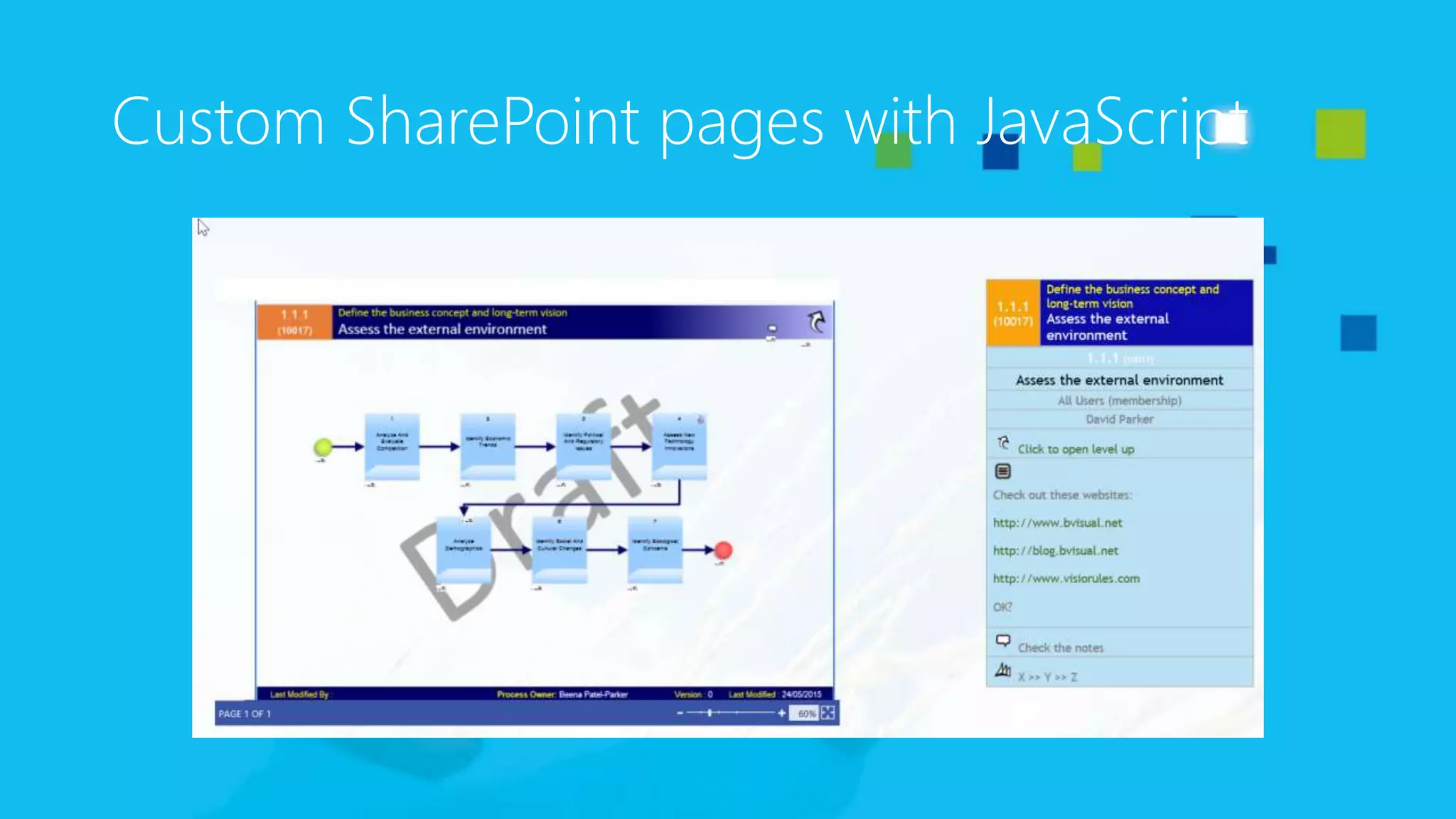
Custom SharePoint pages with JavaScript
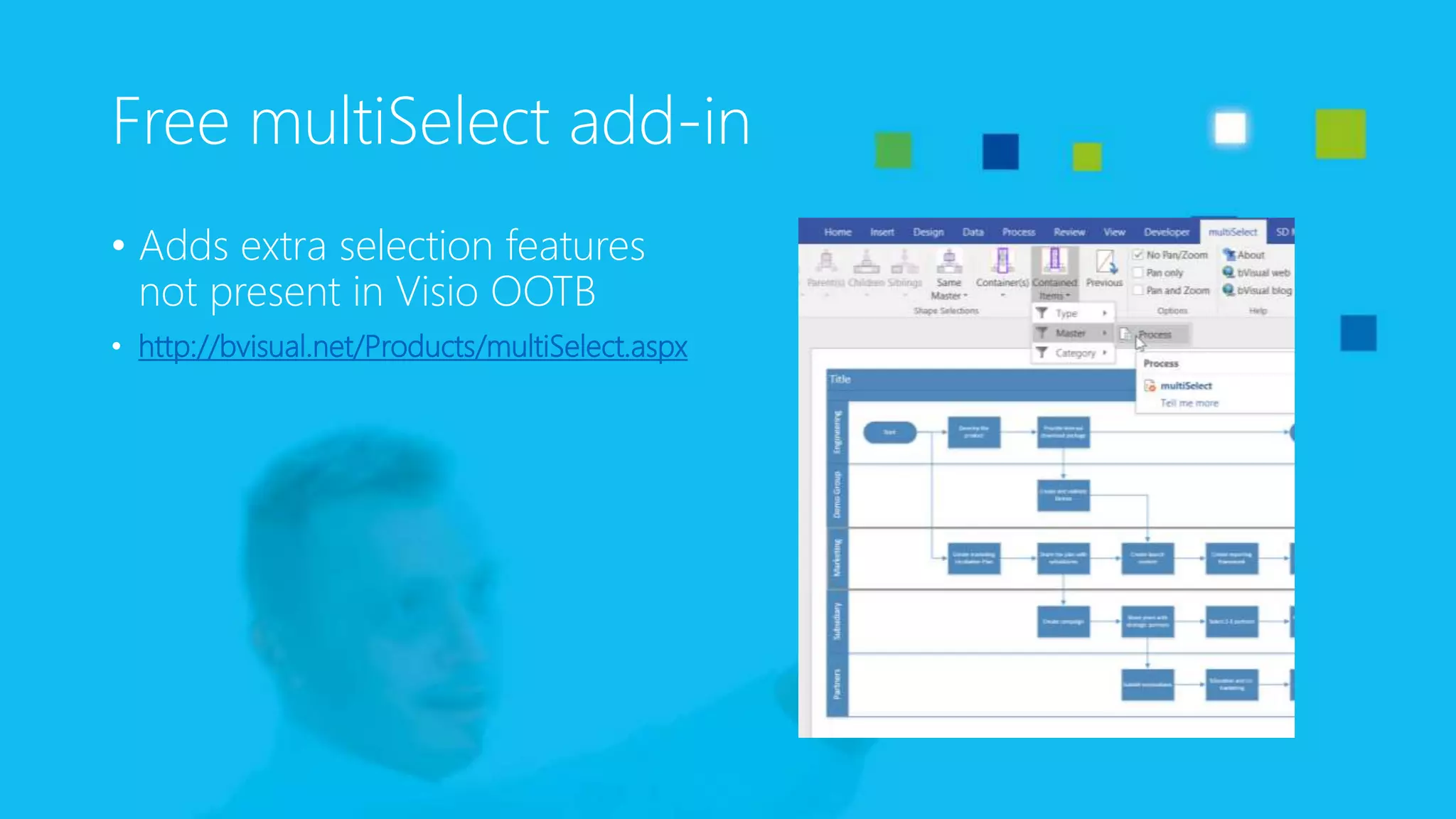
Free multiSelect add-in
• Adds extra selection features
not present in Visio OOTB
• http://bvisual.net/Products/multiSelect.aspx
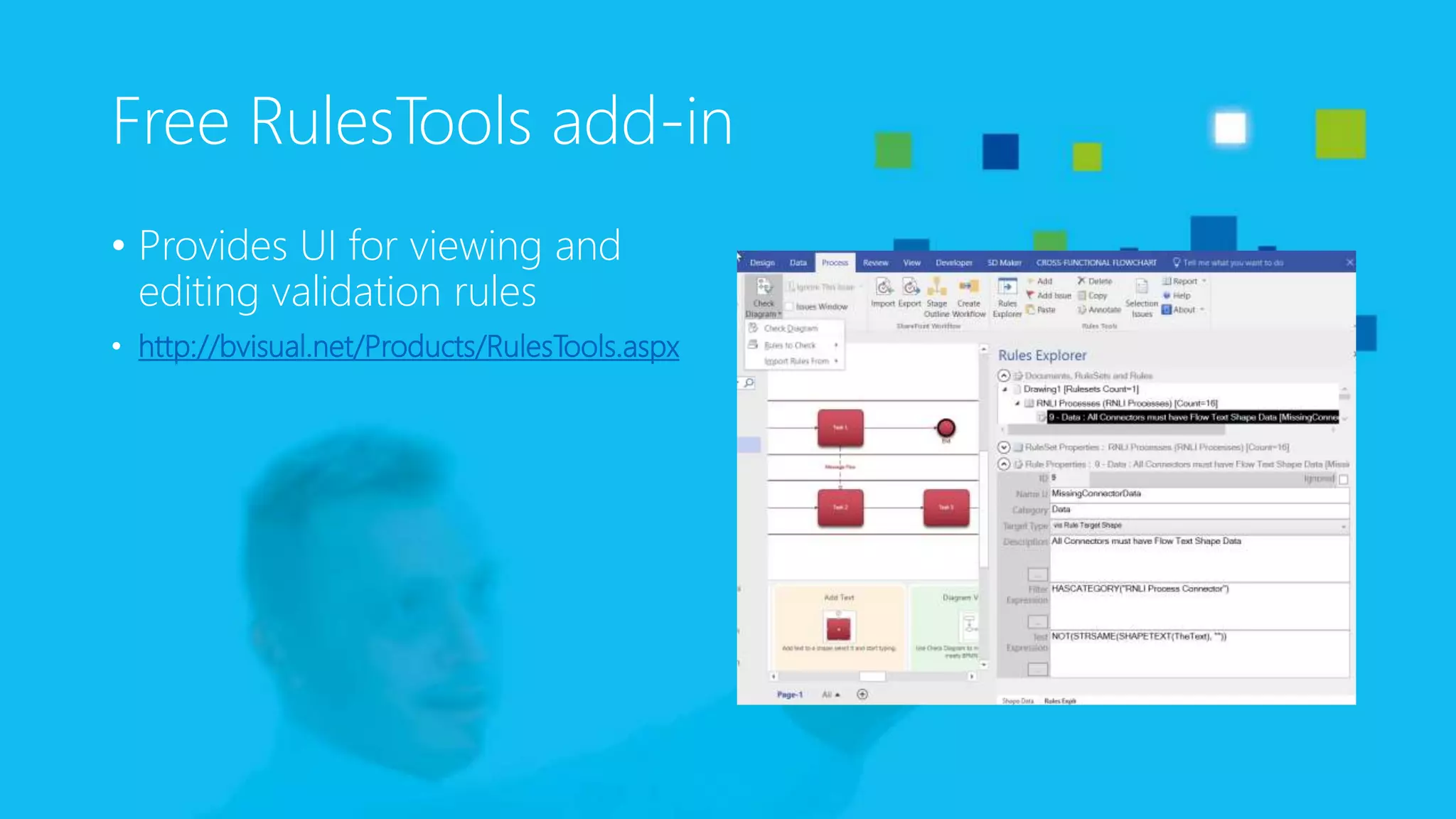
Free RulesTools add-in
• Provides UI for viewing and
editing validation rules
• http://bvisual.net/Products/RulesTools.aspx
oneAssist BPM system
The oneAssist BPM System
• Combines the worlds of Microsoft Visio and Microsoft SharePoint
into a BPM system
• Is neutral regarding the BPM notation
• Complements the core Microsoft products with oneAssist
developments
• Delivers functions needed for a universal BPM system that are not delivered
by Microsoft
The oneAssist BPM extensions
• Deliver the missing functions to successfully connect Visio and
SharePoint
• Some of the key features:
• Navigation components (tree views)
• Multilanguage support and storage
• Efficient metadata update
• Consumer client (Browser-based) for process execution
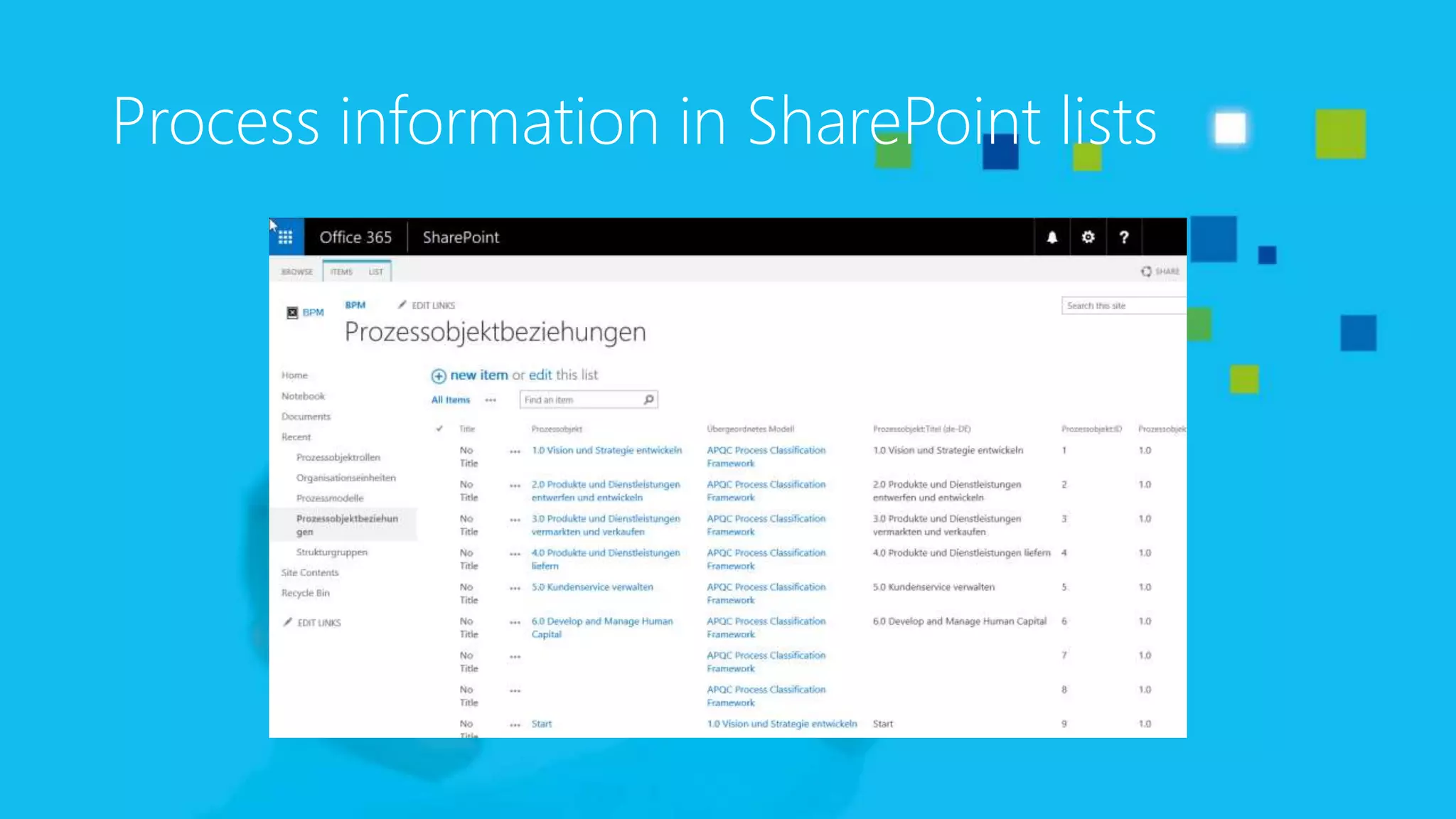
Process information in SharePoint lists
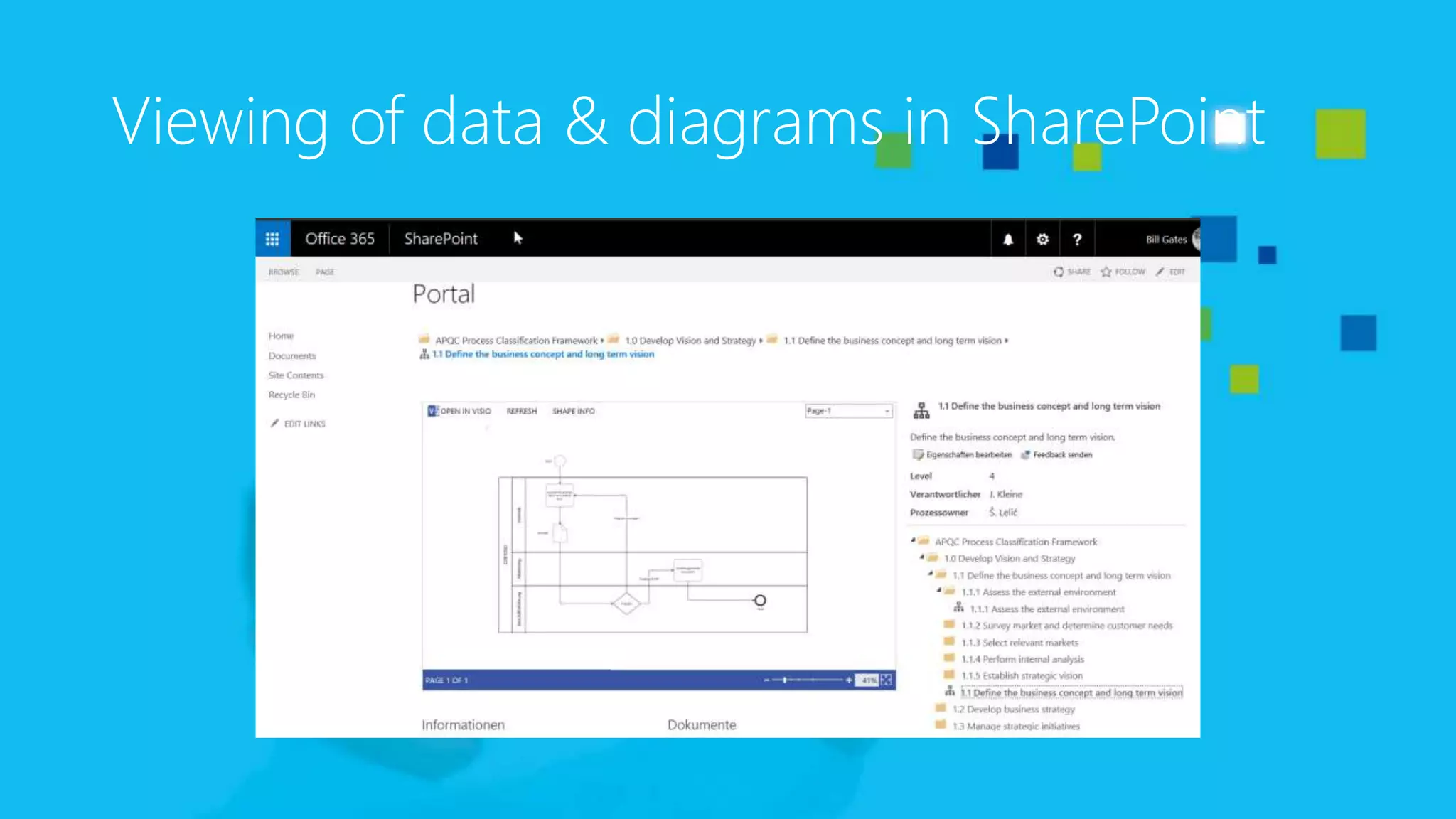
Viewing of data & diagrams in SharePoint
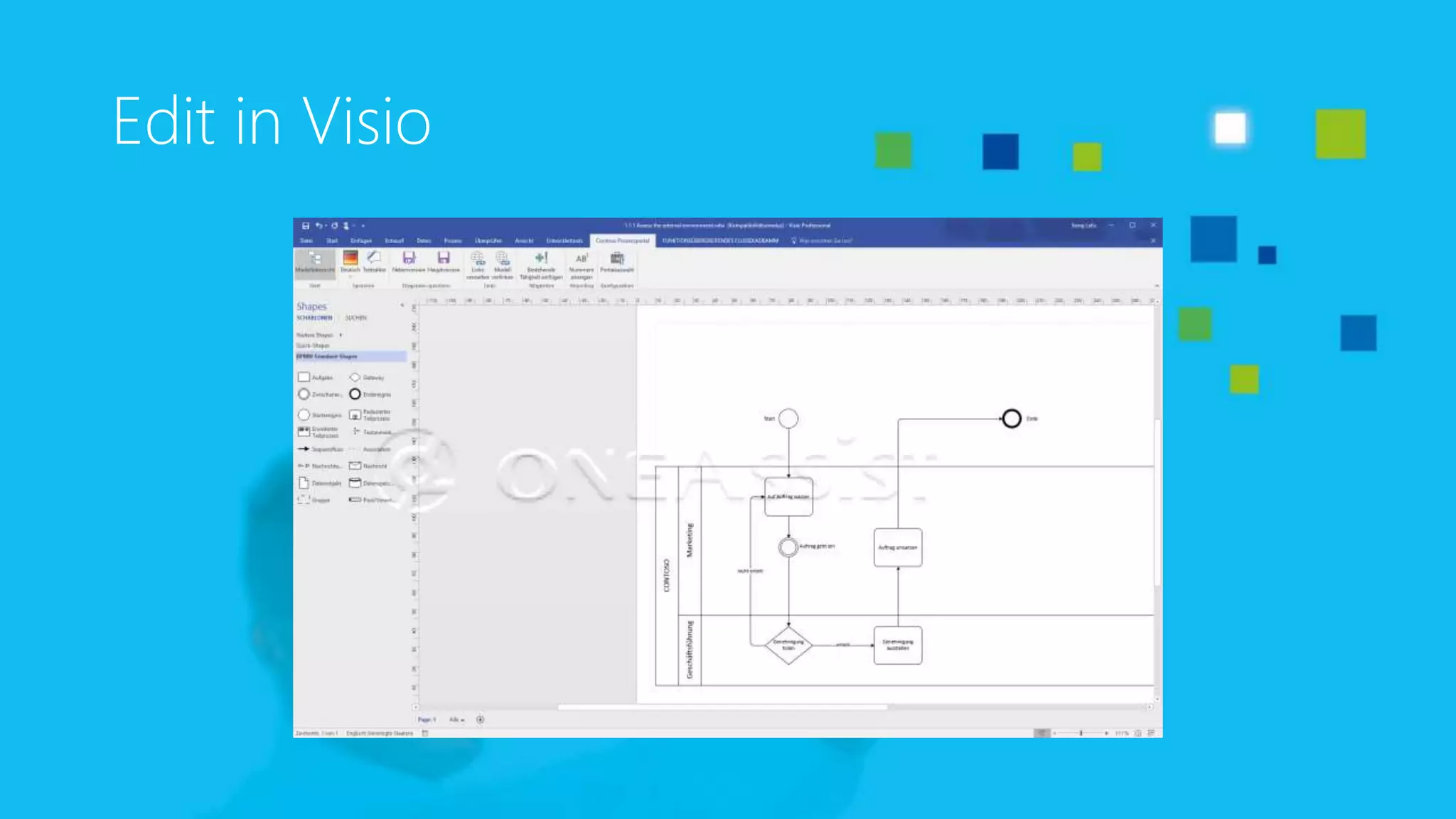
Edit in Visio
demo time
Any
questions?
David J Parker
Microsoft MVP (Visio)
@VisioRules
davidp@bvisual.net
Thank
you!

Bpm portals with Visio and SharePoint

  • 1.
    BPM Portals withVisio and SharePoint ?
  • 2.
  • 3.
    Šenaj Lelić Microsoft MVP(Visio) oneAssist UG • Started for Borland, Novell, Autodesk • Became Visio-ized in 1995 • Visio consultant, developer, trainer, author • Trainer for Apps, SharePoint, Lync • Many webcasts for Microsoft Germany and Microsoft Western Europe • Mainly BPM and BPM Portals • 16 (21) years Visio MVP
  • 4.
  • 5.
    David J Parker MicrosoftMVP (Visio) bVisual.net @VisioRules visiorules.com blog.bvisual.net visualizinginformation.com • Started as building architect (RIBA) • Linked CAD to databases • Switched to Visio in mid ‘90’s • Visio consultant, developer, trainer, blogger, author • 13 years MVP bit.ly/1SeVfwW
  • 7.
    Visio is widelydeployed and liked Analyst Recognition High User Satisfaction Global Installed BasePurchase Velocity 94% of Fortune 100 companies Every 16 seconds Gartner BPA Magic Quadrant leader Consistently highly rated Visio
  • 8.
    12 Millions Usersof Visio 8 Used in over 94% of Fortune 100 companies A user added every 16 seconds 250,000 shapes in content ecosystem “ The best invention since pen and paper. I use it to organize complex ideas constantly. There is no better tool. It saves countless hours of discussion in meetings where no one can adequately convey their idea. Put in Visio, “Oh, I get it now”. ” - Dan N., Manufacturing Engineer, a happy Visio user
  • 9.
    V i sio 2 0 1 6 i s t h e s u c cessfu l n e xt v er sion of T H E d a t a v i su al isation t o o l f o r O p e r ati on al I n t ell igen ce N E W R E L E A S E S E V E R Y 3 Y E A R S T R A D I T I O N A L D E V E L O P M E N T C Y C L E I N N O V A T I O N I N T H E C L O U D CONSIST ENC Y WITH OFFICE DATA CONNECTI VI T Y S H A R E P O I N T I N T E G R A T I O N , E N H A N C E M E N T S T O P R O C E S S M A N A G E M E N T V I S I O W I T H C L O U D S U B S C R I P T I O N GETTING STARTED EXPERIENCE ONE-STEP DATA LINKING SECURITY AND COMPLIANCE CORE DIAGRAMMING SOLUTION UPDATE A C C E L E R AT E D PA C E O F C A PA B I L I T Y D E L I V E R Y Visio is Constantly Evolving
  • 10.
    Organizational Management Facility Management Work Flow Design Mockup Planning ITManagement Process Modeling Mind mapping Dashboard Quality Management Software Development Layout Design Visio For Everyone Basic General Advanced
  • 11.
  • 12.
    Data Graphics Data Graphics Visualizationof the data fields Display key metrics in your data as Data Graphics
  • 13.
    Diagrams to Dashboards Metricsand Measures Real-time KPIs Draw Insights Visual Alert Take actions Draw correlations
  • 14.
    Microsoft SharePoint • Thepowerful backend • Delivers the necessary document management and publication functions • Versioning • Check in and check out • Visualizing Visio diagrams in the browser (no plug-ins needed) including metadata update
  • 15.
    Microsoft Visio • Thepowerful diagramming platform • Delivers the core features for efficient BPM diagramming • Supports more than 10 different BPM notations like ISO, EPC/EPK, BPMN 2.0 etc. • Stores the documentation in Visio files – including metadata (which are pulled from the backend system and updated there)
  • 16.
    Typical SharePoint toVisio steps SharePoint • Lists Visio • Link Data to Shapes Visio • Data Graphics SharePoint • Web Pages
  • 17.
    Typical SharePoint andVisio solutions •Process Templates •Link Data to Shapes •Validation Rules Out of the Box (lists to graphics only) •Visio templates •VBA macros •Validation rules •Data graphics •SharePoint web pages Enhancements (possibly update lists from graphics) •Visio templates •VSTO add-ins for Visio •Validation rules •Data graphics •SharePoint add- ins Extensions (probably update lists from graphics)
  • 18.
    Typical SharePoint andVisio integration SharePoint lists (data) Layout Visio shapes Link data to shapes Display data Validate data Update lists
  • 19.
  • 20.
  • 21.
  • 22.
    Data Linking andData Graphics
  • 23.
  • 24.
    The bVisual BPMSolution • Combines the worlds of Microsoft Visio and Microsoft SharePoint into a BPM solution • Custom Visio template • Custom validation rules • Custom VBA macros • Additional VSTO add-ins
  • 25.
  • 26.
  • 27.
    Custom SharePoint pageswith JavaScript
  • 28.
    Free multiSelect add-in •Adds extra selection features not present in Visio OOTB • http://bvisual.net/Products/multiSelect.aspx
  • 29.
    Free RulesTools add-in •Provides UI for viewing and editing validation rules • http://bvisual.net/Products/RulesTools.aspx
  • 30.
  • 31.
    The oneAssist BPMSystem • Combines the worlds of Microsoft Visio and Microsoft SharePoint into a BPM system • Is neutral regarding the BPM notation • Complements the core Microsoft products with oneAssist developments • Delivers functions needed for a universal BPM system that are not delivered by Microsoft
  • 32.
    The oneAssist BPMextensions • Deliver the missing functions to successfully connect Visio and SharePoint • Some of the key features: • Navigation components (tree views) • Multilanguage support and storage • Efficient metadata update • Consumer client (Browser-based) for process execution
  • 33.
    Process information inSharePoint lists
  • 34.
    Viewing of data& diagrams in SharePoint
  • 35.
  • 36.
  • 37.
  • 38.
    David J Parker MicrosoftMVP (Visio) @VisioRules davidp@bvisual.net Thank you!