
MariaDB Enterprise
Tools
Andrew Hutchings
Software Engineering Manager
MariaDB Corporation
1
About Me
2
● Andrew (LinuxJedi) Hutchings
● Previously Lead Engineer / Manager for
MariaDB ColumnStore
● Many years of experience in database, cloud
and web technologies
● Co-author of MySQL 5.1 Plugin Development
● Twitter: @LinuxJedi
● EMail: linuxjedi@mariadb.com
Intended Audience
● DBAs who use command line tools
● Or really anyone who uses command line tools
3
The Problem...
4
● MariaDB’s growing suite of products each has its own set of tools to use
● Some of the tools have different interfaces
● Several of the tools have not had many changes in years
● DBA tools that MariaDB do not have equivalents of yet also have different
interfaces
The Idea
● A unified utility that encompases the entire MariaDB stack
● Modular design so extra tools can be added
● Easy / inviting to use for beginners and power users
● Newer features that MariaDB clients should have had long ago
5
6
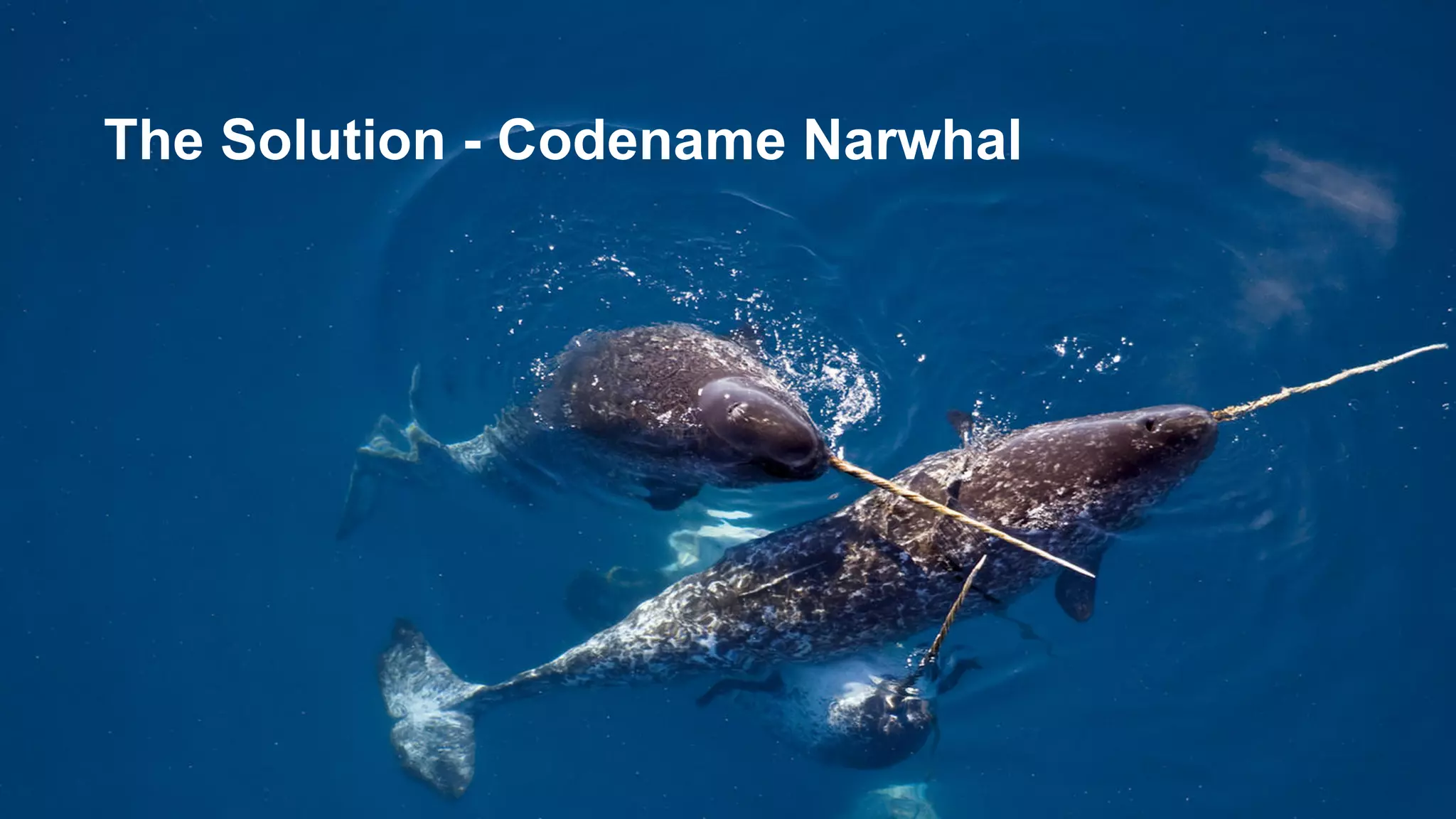
The Solution - Codename Narwhal
What is it?
7
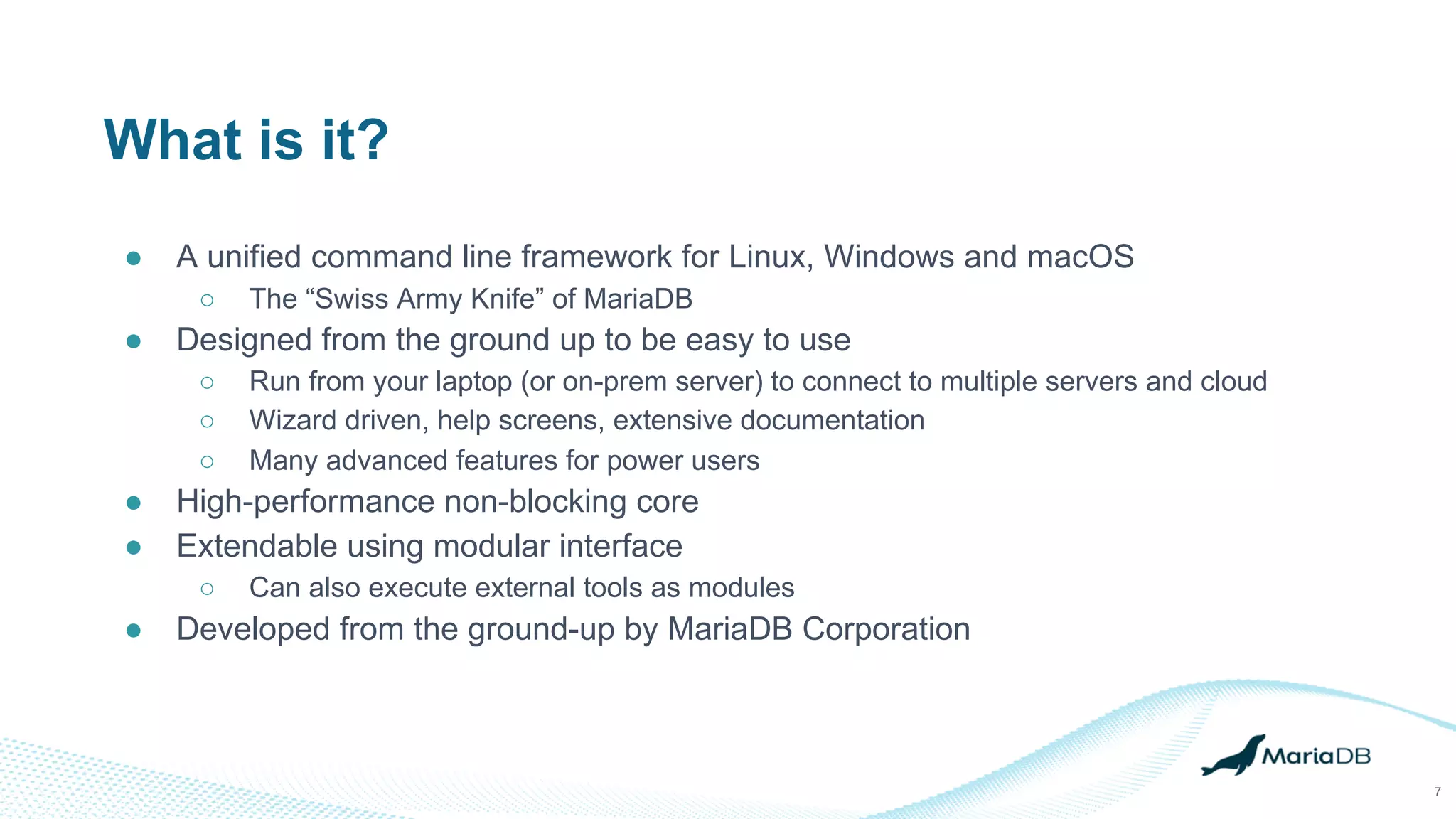
● A unified command line framework for Linux, Windows and macOS
○ The “Swiss Army Knife” of MariaDB
● Designed from the ground up to be easy to use
○ Run from your laptop (or on-prem server) to connect to multiple servers and cloud
○ Wizard driven, help screens, extensive documentation
○ Many advanced features for power users
● High-performance non-blocking core
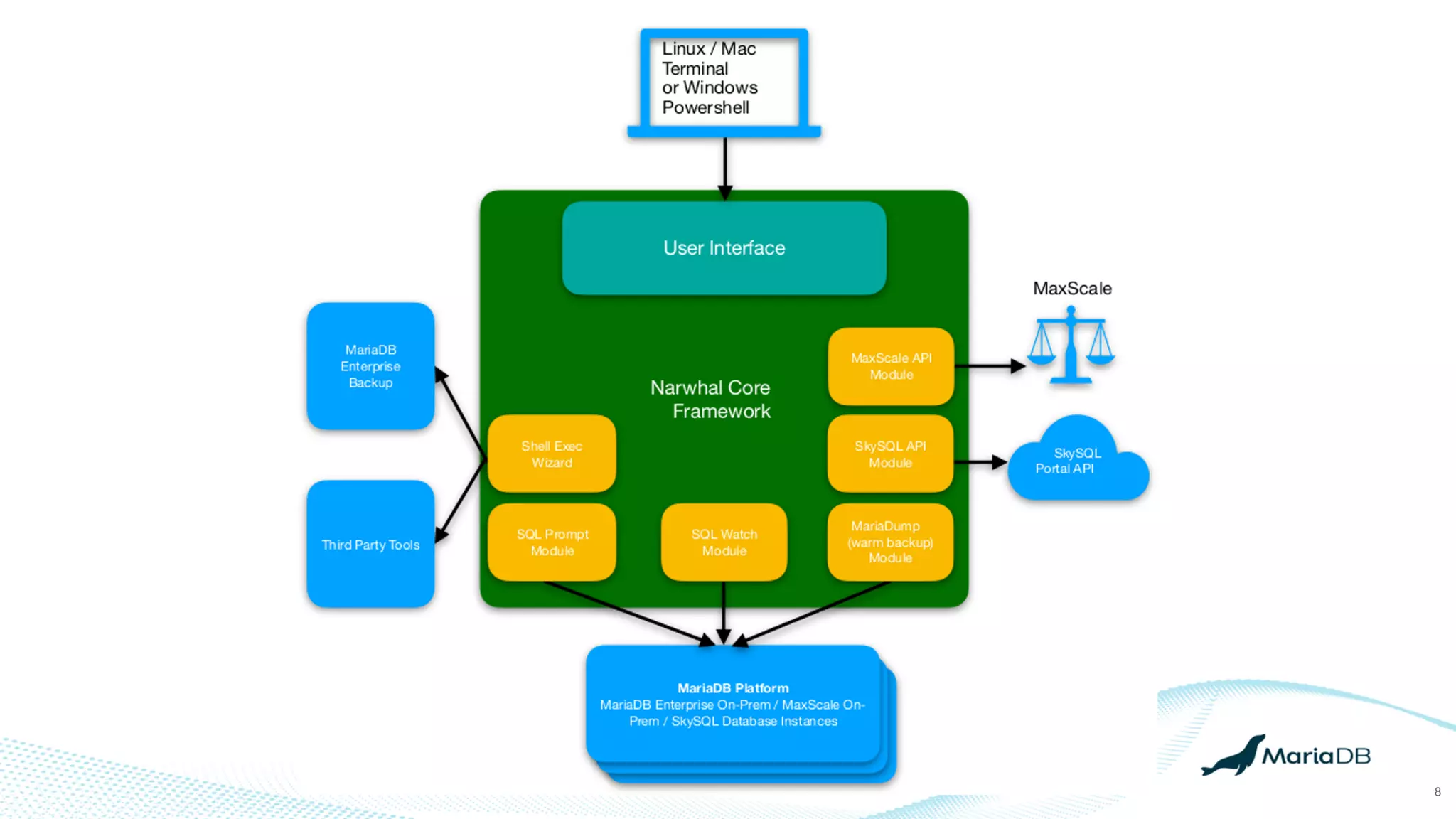
● Extendable using modular interface
○ Can also execute external tools as modules
● Developed from the ground-up by MariaDB Corporation
8
Target Users
9
● DBAs / RDBAs & Developers
● MariaDB field engineers (using MariaDB Tools on site)
● DevOps / SRE
● From beginner to expert
Project Status
10
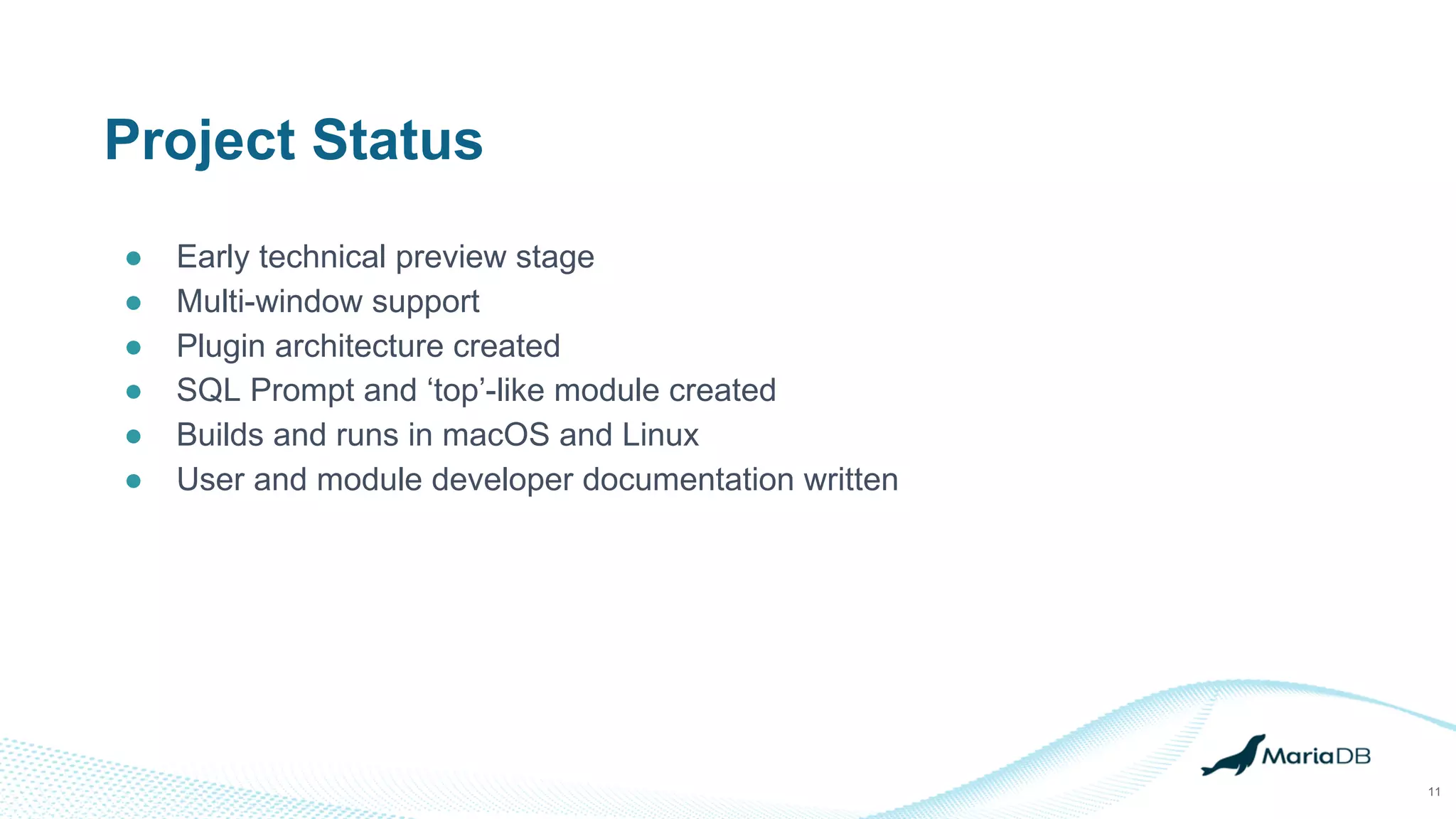
Project Status
● Early technical preview stage
● Multi-window support
● Plugin architecture created
● SQL Prompt and ‘top’-like module created
● Builds and runs in macOS and Linux
● User and module developer documentation written
11
12
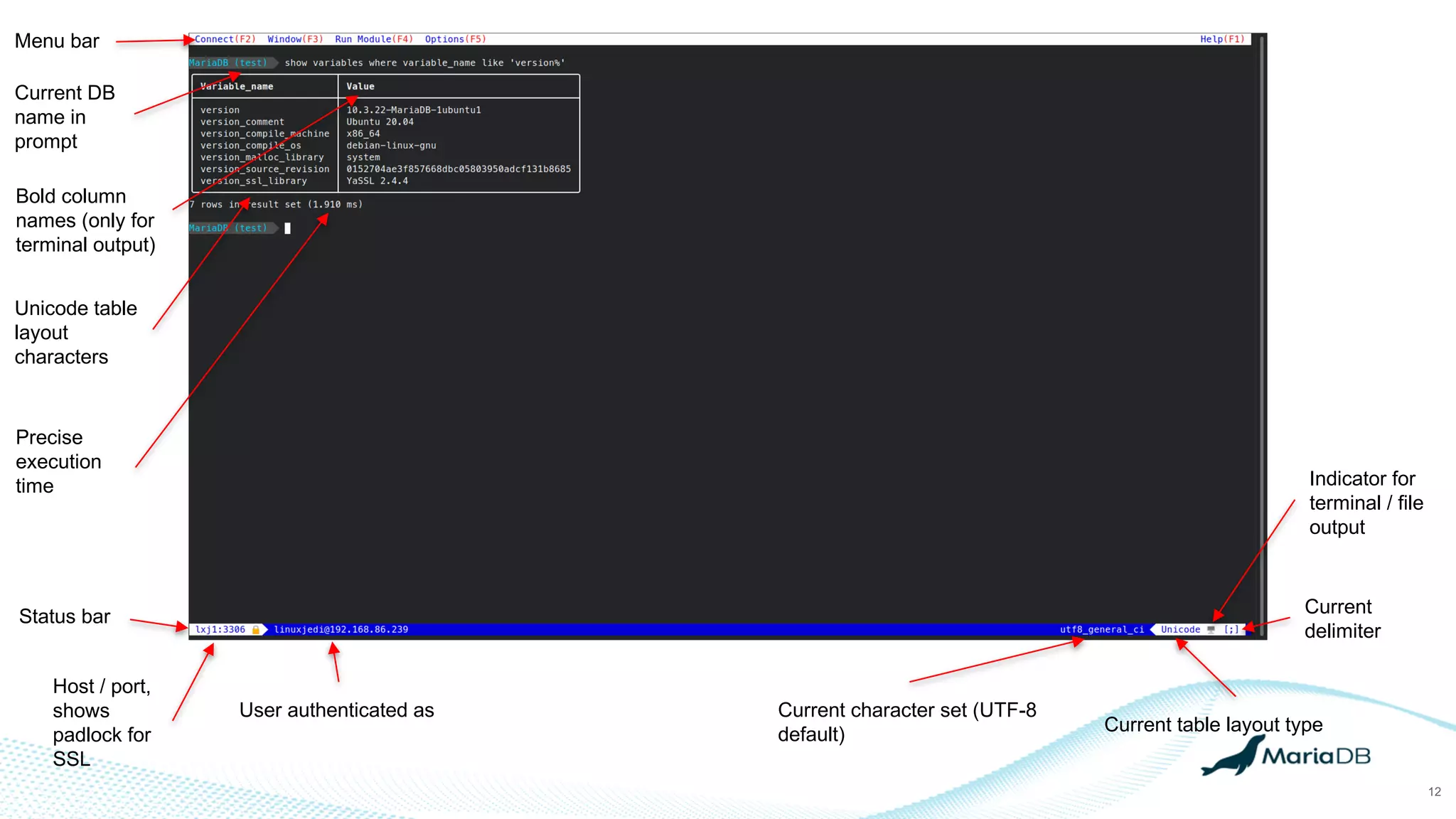
Menu bar
Current DB
name in
prompt
Precise
execution
time
Bold column
names (only for
terminal output)
Unicode table
layout
characters
Host / port,
shows
padlock for
SSL
User authenticated as Current character set (UTF-8
default) Current table layout type
Indicator for
terminal / file
output
Current
delimiter
Status bar
13
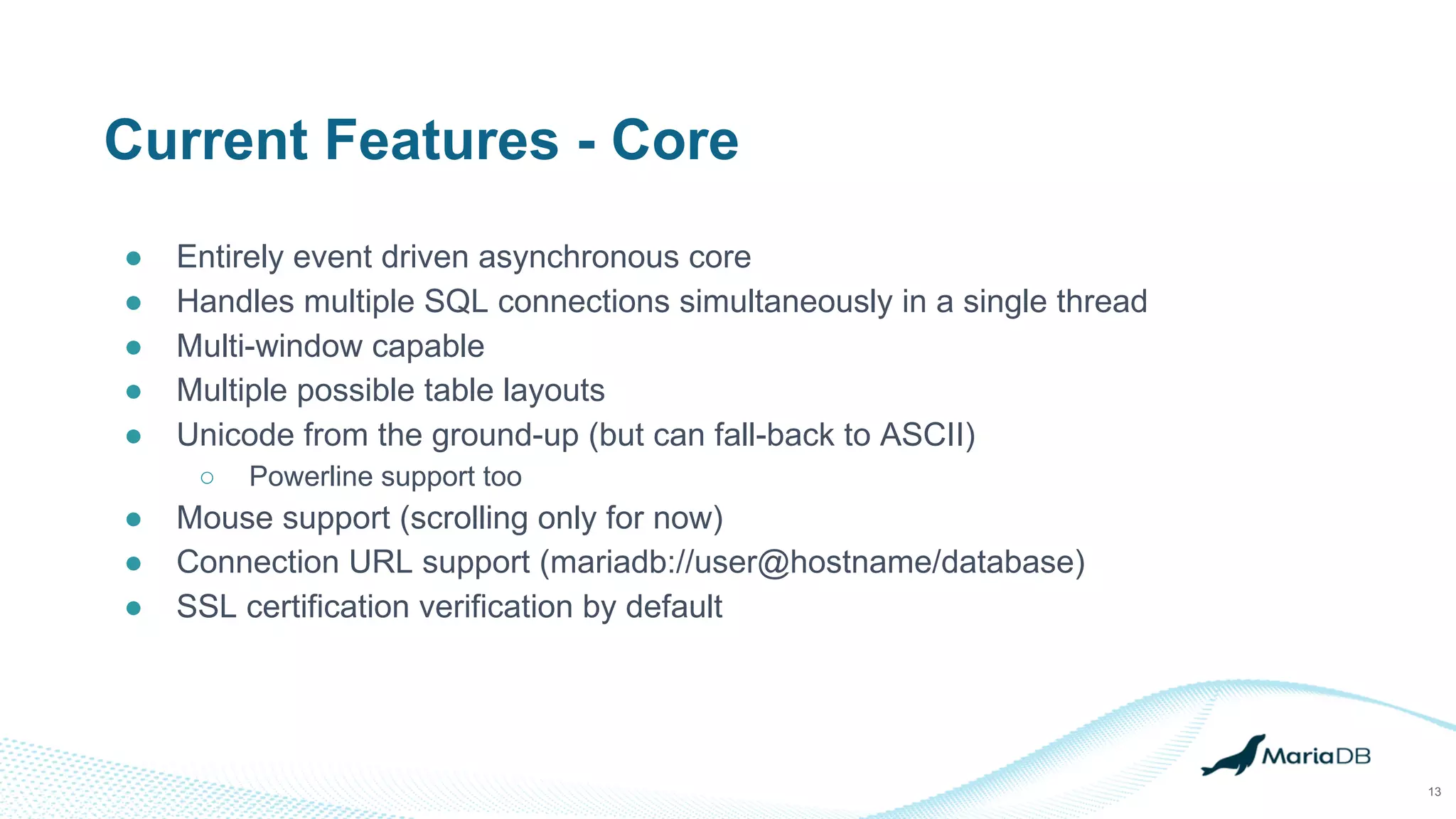
Current Features - Core
● Entirely event driven asynchronous core
● Handles multiple SQL connections simultaneously in a single thread
● Multi-window capable
● Multiple possible table layouts
● Unicode from the ground-up (but can fall-back to ASCII)
○ Powerline support too
● Mouse support (scrolling only for now)
● Connection URL support (mariadb://user@hostname/database)
● SSL certification verification by default
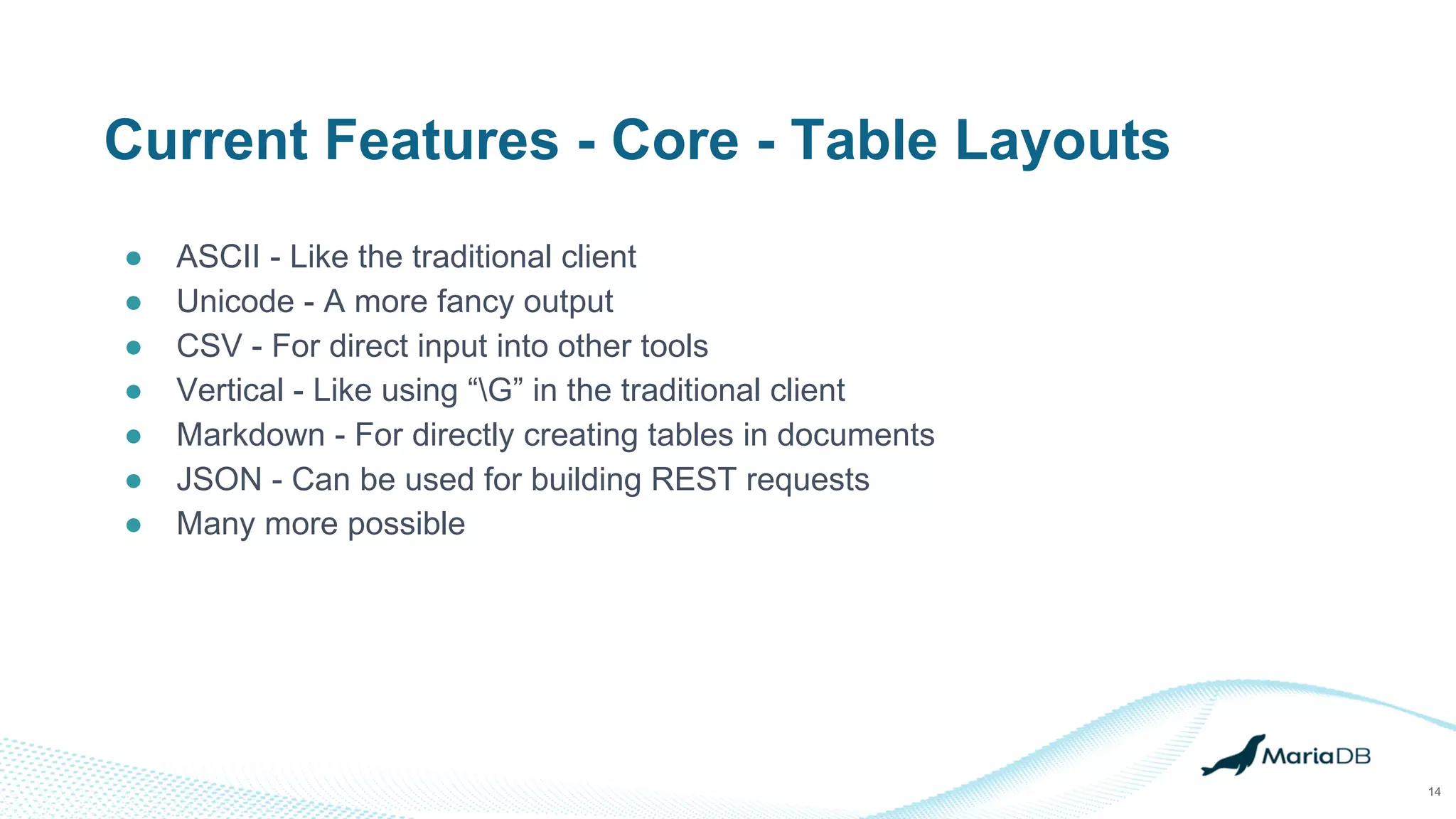
Current Features - Core - Table Layouts
● ASCII - Like the traditional client
● Unicode - A more fancy output
● CSV - For direct input into other tools
● Vertical - Like using “G” in the traditional client
● Markdown - For directly creating tables in documents
● JSON - Can be used for building REST requests
● Many more possible
14
Current Features - SQL Prompt
● Smarter query processing, no need for a delimiter for single line queries
● Easier to understand query history search
● Modular command parser
○ New commands are simple to add
15
Current Features - Module API
● Well documented API for modules
● Currently written in C
● Gives functionality for
○ Window manipulation
○ Async SQL queries
○ Command parsing
○ General utilities
16
Current Features - Top Module
● Similar to Linux / Unix ‘top’ command
● Shows live usage statistics for a MariaDB server
● Shows processlist
17
The Future
18
Planned Features - Core
● Help improvements
● UI improvements to aid users
● Full mouse support
● Windows support
● Connection details manager
19
Planned Features - SQL Watch Module
● A module to execute a single query repeatedly and watch for changes
○ New rows
○ Modified rows
● Can be useful to see state changes in status variables or live changes to parts
of tables
20
Planned Features - Shell Exec Wizard
● Provides a form to execute an external application
○ mariabackup as an example
● Uses a simple configuration file to map form details to executable options
● Output renders inside the UI
○ Interactive input may also be possible later
● Makes it extremely easy to add extra features just with configuration files
21
Planned Features - Command Modules
● Modules that a user can run with a single command
○ They execute something
○ Echo to screen if needed
○ Then return
● Can take zero or more parameters
● Executed by just typing in the command name in SQL Prompt with any
parameters
22
Planned Features - SQL Prompt
● Autocomplete suggestions
● Live syntax highlighting
● More commands
23
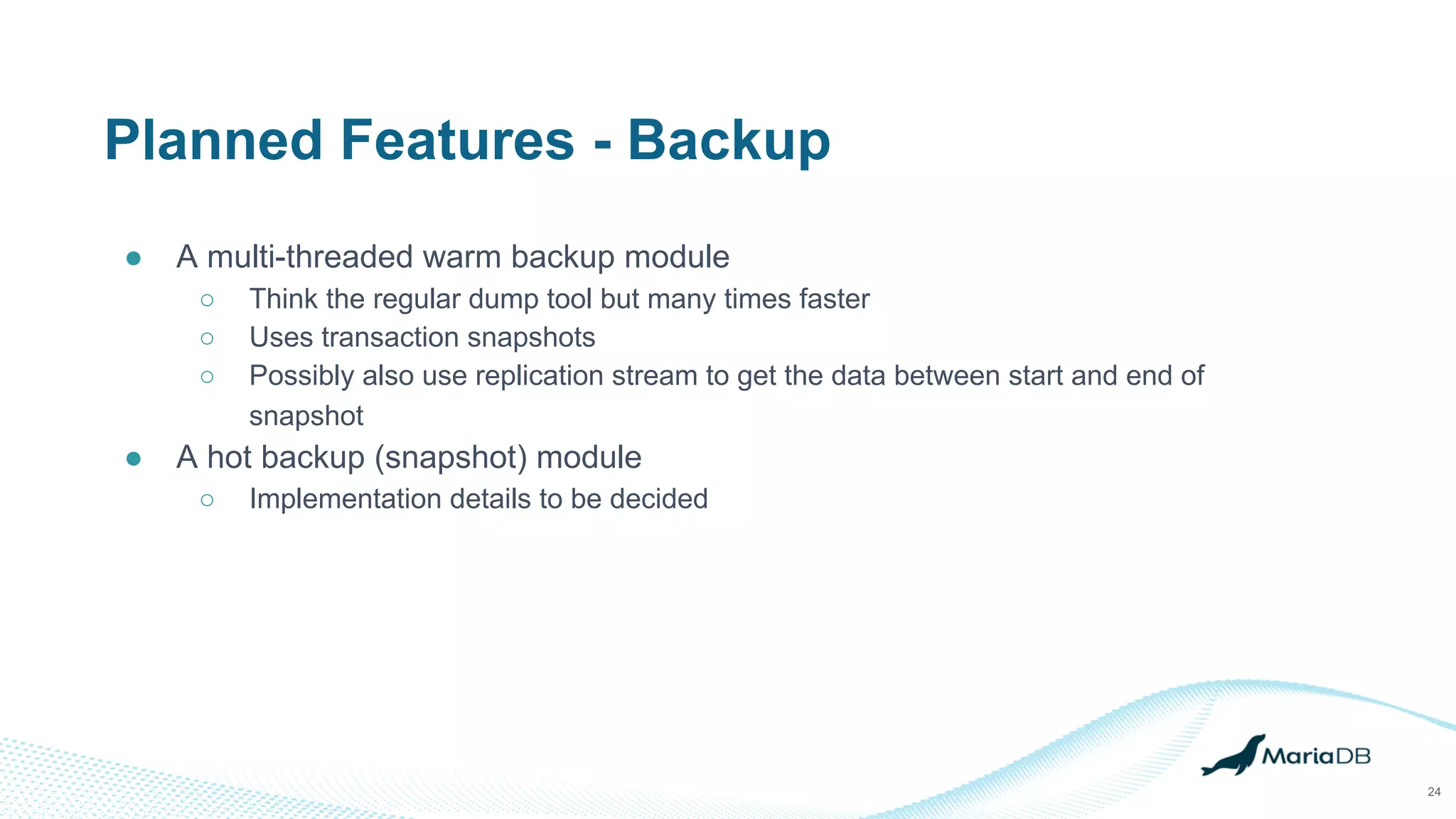
Planned Features - Backup
● A multi-threaded warm backup module
○ Think the regular dump tool but many times faster
○ Uses transaction snapshots
○ Possibly also use replication stream to get the data between start and end of
snapshot
● A hot backup (snapshot) module
○ Implementation details to be decided
24
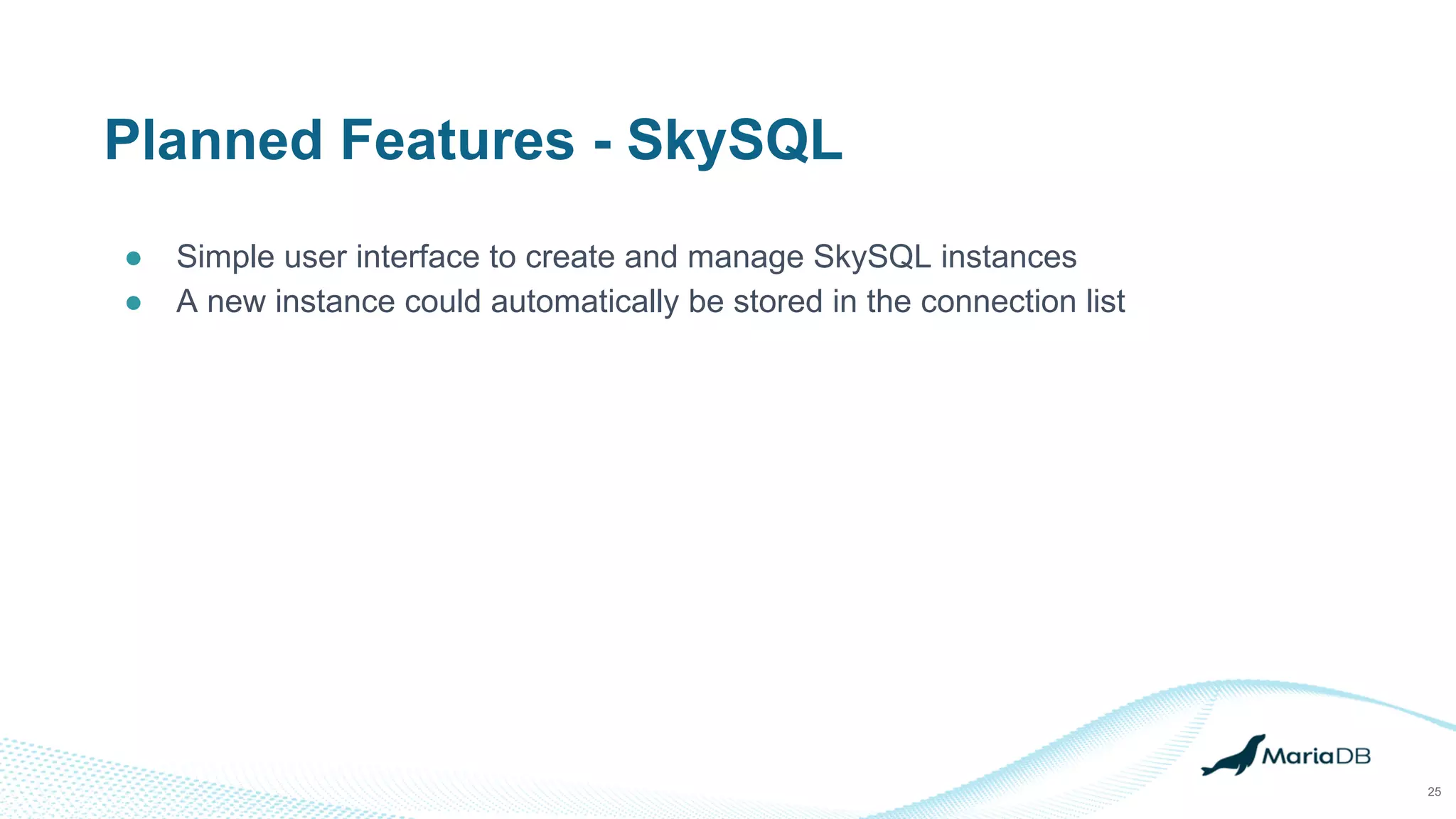
Planned Features - SkySQL
● Simple user interface to create and manage SkySQL instances
● A new instance could automatically be stored in the connection list
25
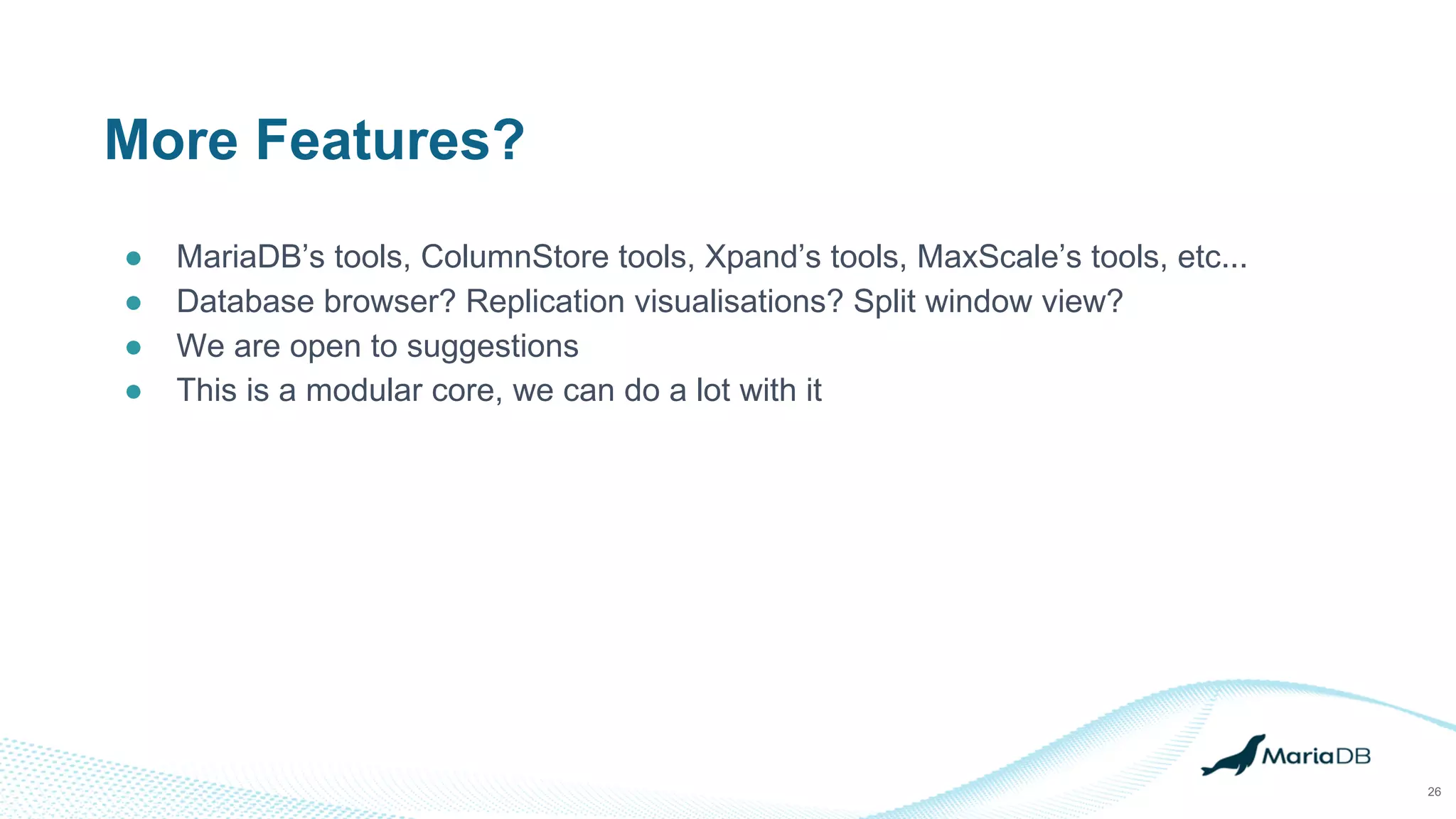
More Features?
● MariaDB’s tools, ColumnStore tools, Xpand’s tools, MaxScale’s tools, etc...
● Database browser? Replication visualisations? Split window view?
● We are open to suggestions
● This is a modular core, we can do a lot with it
26
Demo Time
27
Summary
28
● We are building a simple unified DBA tool for the entire MariaDB stack
● Expect more about this tool in the coming months as we complete the first
release
Thank You!
29

MariaDB Enterprise Tools introduction

  • 1.
    MariaDB Enterprise Tools Andrew Hutchings SoftwareEngineering Manager MariaDB Corporation 1
  • 2.
    About Me 2 ● Andrew(LinuxJedi) Hutchings ● Previously Lead Engineer / Manager for MariaDB ColumnStore ● Many years of experience in database, cloud and web technologies ● Co-author of MySQL 5.1 Plugin Development ● Twitter: @LinuxJedi ● EMail: linuxjedi@mariadb.com
  • 3.
    Intended Audience ● DBAswho use command line tools ● Or really anyone who uses command line tools 3
  • 4.
    The Problem... 4 ● MariaDB’sgrowing suite of products each has its own set of tools to use ● Some of the tools have different interfaces ● Several of the tools have not had many changes in years ● DBA tools that MariaDB do not have equivalents of yet also have different interfaces
  • 5.
    The Idea ● Aunified utility that encompases the entire MariaDB stack ● Modular design so extra tools can be added ● Easy / inviting to use for beginners and power users ● Newer features that MariaDB clients should have had long ago 5
  • 6.
    6 The Solution -Codename Narwhal
  • 7.
    What is it? 7 ●A unified command line framework for Linux, Windows and macOS ○ The “Swiss Army Knife” of MariaDB ● Designed from the ground up to be easy to use ○ Run from your laptop (or on-prem server) to connect to multiple servers and cloud ○ Wizard driven, help screens, extensive documentation ○ Many advanced features for power users ● High-performance non-blocking core ● Extendable using modular interface ○ Can also execute external tools as modules ● Developed from the ground-up by MariaDB Corporation
  • 8.
  • 9.
    Target Users 9 ● DBAs/ RDBAs & Developers ● MariaDB field engineers (using MariaDB Tools on site) ● DevOps / SRE ● From beginner to expert
  • 10.
  • 11.
    Project Status ● Earlytechnical preview stage ● Multi-window support ● Plugin architecture created ● SQL Prompt and ‘top’-like module created ● Builds and runs in macOS and Linux ● User and module developer documentation written 11
  • 12.
    12 Menu bar Current DB namein prompt Precise execution time Bold column names (only for terminal output) Unicode table layout characters Host / port, shows padlock for SSL User authenticated as Current character set (UTF-8 default) Current table layout type Indicator for terminal / file output Current delimiter Status bar
  • 13.
    13 Current Features -Core ● Entirely event driven asynchronous core ● Handles multiple SQL connections simultaneously in a single thread ● Multi-window capable ● Multiple possible table layouts ● Unicode from the ground-up (but can fall-back to ASCII) ○ Powerline support too ● Mouse support (scrolling only for now) ● Connection URL support (mariadb://user@hostname/database) ● SSL certification verification by default
  • 14.
    Current Features -Core - Table Layouts ● ASCII - Like the traditional client ● Unicode - A more fancy output ● CSV - For direct input into other tools ● Vertical - Like using “G” in the traditional client ● Markdown - For directly creating tables in documents ● JSON - Can be used for building REST requests ● Many more possible 14
  • 15.
    Current Features -SQL Prompt ● Smarter query processing, no need for a delimiter for single line queries ● Easier to understand query history search ● Modular command parser ○ New commands are simple to add 15
  • 16.
    Current Features -Module API ● Well documented API for modules ● Currently written in C ● Gives functionality for ○ Window manipulation ○ Async SQL queries ○ Command parsing ○ General utilities 16
  • 17.
    Current Features -Top Module ● Similar to Linux / Unix ‘top’ command ● Shows live usage statistics for a MariaDB server ● Shows processlist 17
  • 18.
  • 19.
    Planned Features -Core ● Help improvements ● UI improvements to aid users ● Full mouse support ● Windows support ● Connection details manager 19
  • 20.
    Planned Features -SQL Watch Module ● A module to execute a single query repeatedly and watch for changes ○ New rows ○ Modified rows ● Can be useful to see state changes in status variables or live changes to parts of tables 20
  • 21.
    Planned Features -Shell Exec Wizard ● Provides a form to execute an external application ○ mariabackup as an example ● Uses a simple configuration file to map form details to executable options ● Output renders inside the UI ○ Interactive input may also be possible later ● Makes it extremely easy to add extra features just with configuration files 21
  • 22.
    Planned Features -Command Modules ● Modules that a user can run with a single command ○ They execute something ○ Echo to screen if needed ○ Then return ● Can take zero or more parameters ● Executed by just typing in the command name in SQL Prompt with any parameters 22
  • 23.
    Planned Features -SQL Prompt ● Autocomplete suggestions ● Live syntax highlighting ● More commands 23
  • 24.
    Planned Features -Backup ● A multi-threaded warm backup module ○ Think the regular dump tool but many times faster ○ Uses transaction snapshots ○ Possibly also use replication stream to get the data between start and end of snapshot ● A hot backup (snapshot) module ○ Implementation details to be decided 24
  • 25.
    Planned Features -SkySQL ● Simple user interface to create and manage SkySQL instances ● A new instance could automatically be stored in the connection list 25
  • 26.
    More Features? ● MariaDB’stools, ColumnStore tools, Xpand’s tools, MaxScale’s tools, etc... ● Database browser? Replication visualisations? Split window view? ● We are open to suggestions ● This is a modular core, we can do a lot with it 26
  • 27.
  • 28.
    Summary 28 ● We arebuilding a simple unified DBA tool for the entire MariaDB stack ● Expect more about this tool in the coming months as we complete the first release
  • 29.