xAPI: Four Lines of Code!
Buckle up, folks…
We’re looking at
CODE!
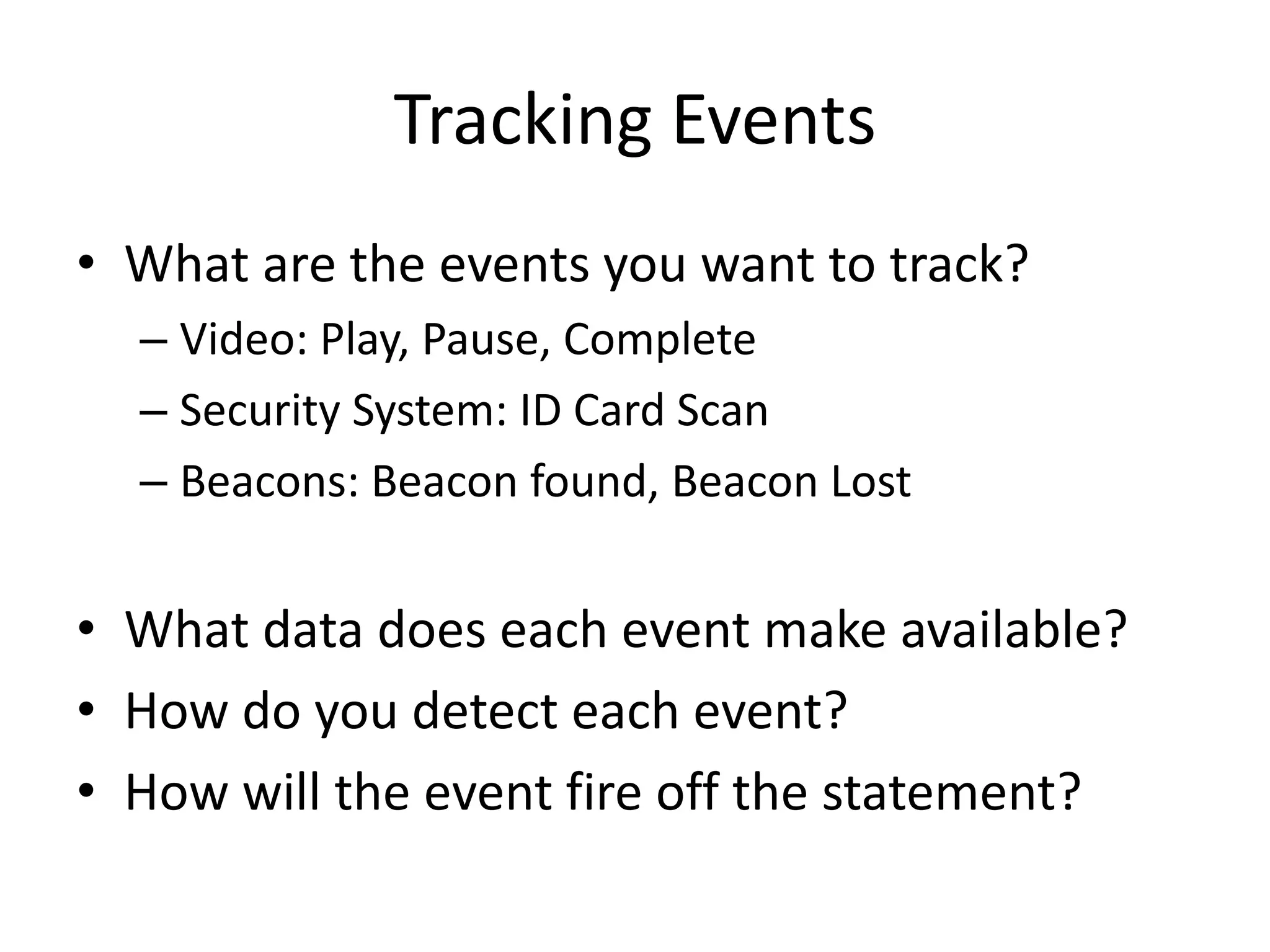
Tracking Events
• What are the events you want to track?
– Video: Play, Pause, Complete
– Security System: ID Card Scan
– Beacons: Beacon found, Beacon Lost
• What data does each event make available?
• How do you detect each event?
• How will the event fire off the statement?
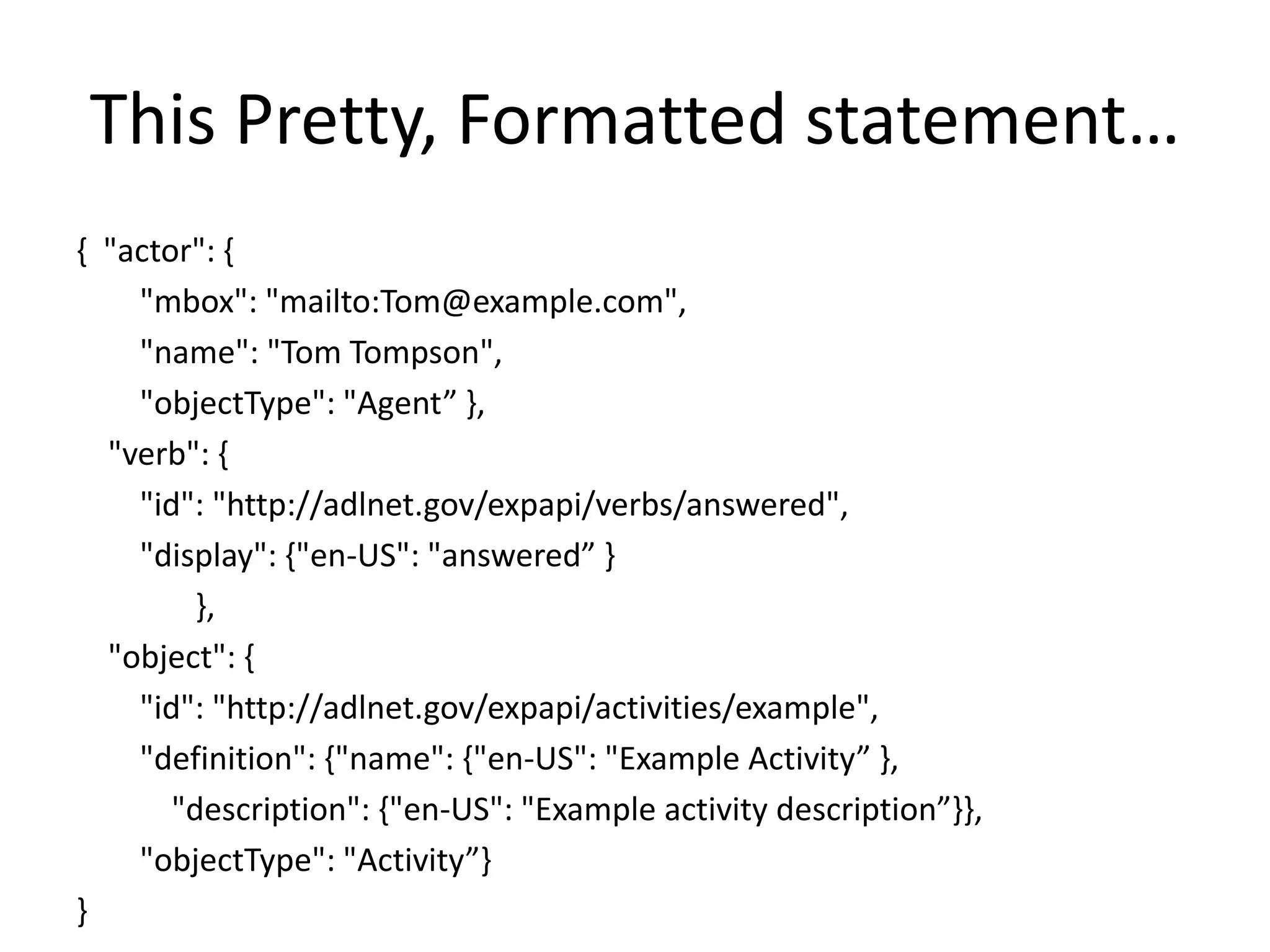
This Pretty, Formatted statement…
{ "actor": {
"mbox": "mailto:Tom@example.com",
"name": "Tom Tompson",
"objectType": "Agent” },
"verb": {
"id": "http://adlnet.gov/expapi/verbs/answered",
"display": {"en-US": "answered” }
},
"object": {
"id": "http://adlnet.gov/expapi/activities/example",
"definition": {"name": {"en-US": "Example Activity” },
"description": {"en-US": "Example activity description”}},
"objectType": "Activity”}
}
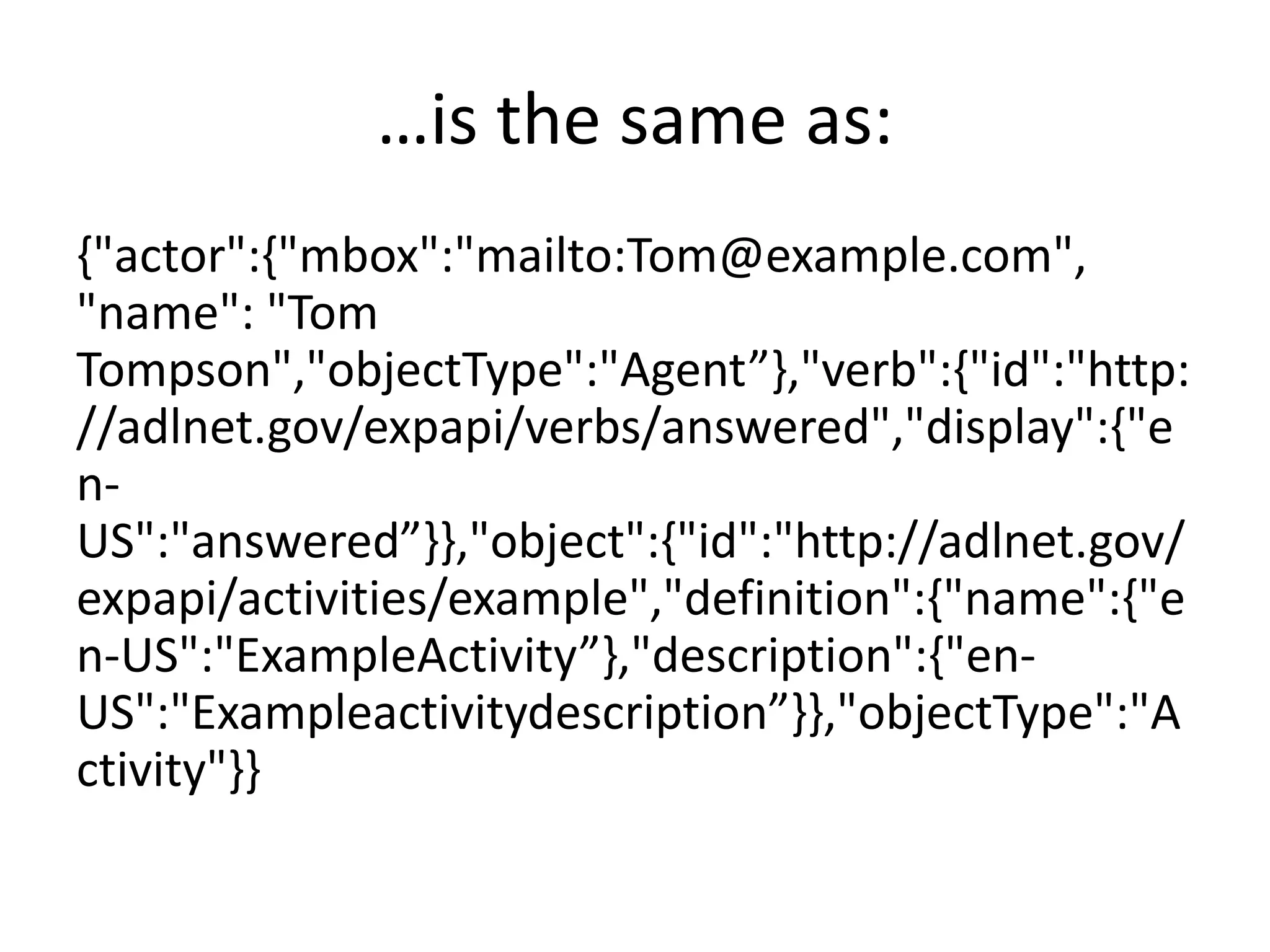
…is the same as:
{"actor":{"mbox":"mailto:Tom@example.com",
"name": "Tom
Tompson","objectType":"Agent”},"verb":{"id":"http:
//adlnet.gov/expapi/verbs/answered","display":{"e
n-
US":"answered”}},"object":{"id":"http://adlnet.gov/
expapi/activities/example","definition":{"name":{"e
n-US":"ExampleActivity”},"description":{"en-
US":"Exampleactivitydescription”}},"objectType":"A
ctivity"}}
Four lines of Code
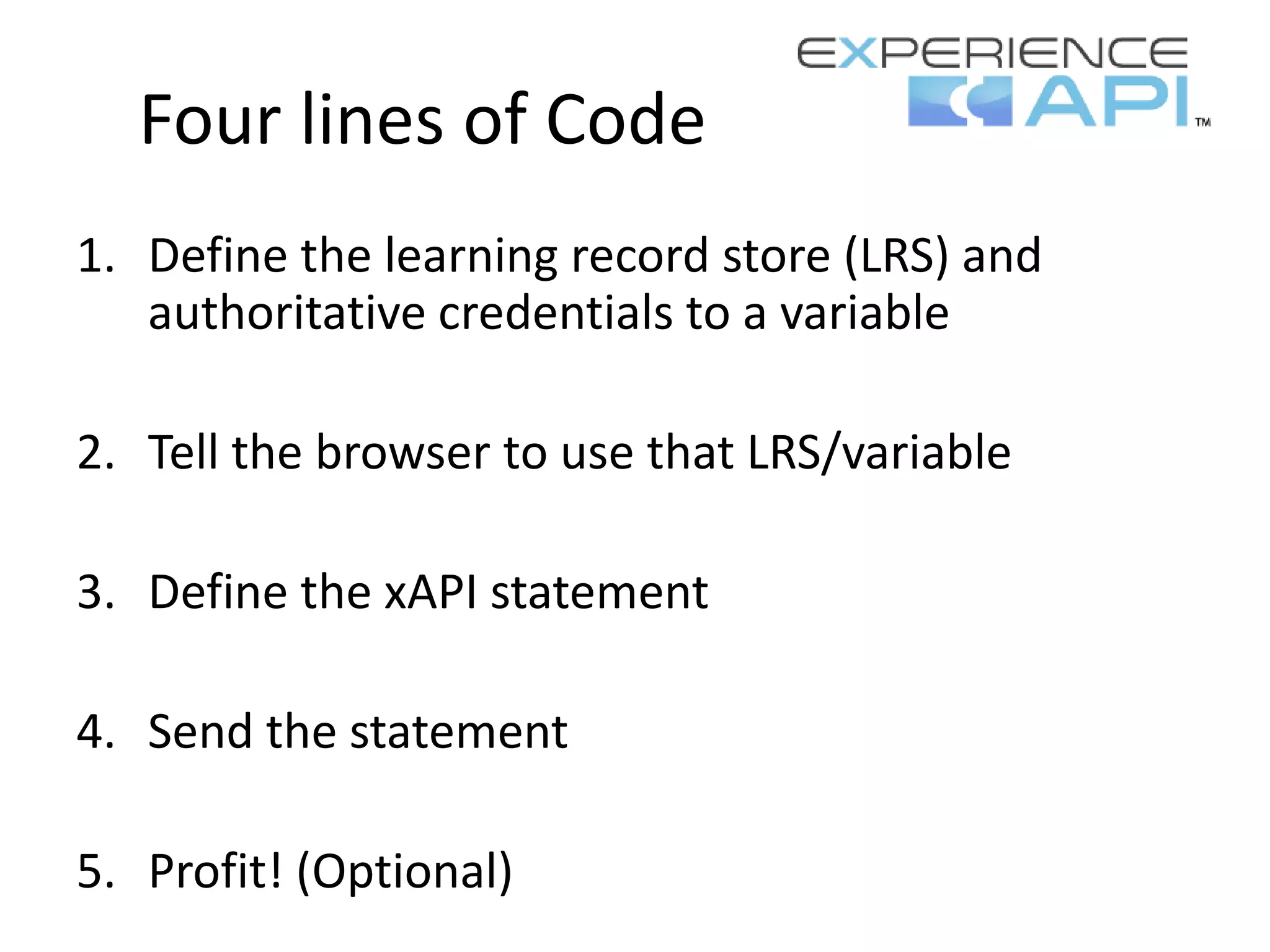
1. Define the learning record store (LRS) and
authoritative credentials to a variable
2. Tell the browser to use that LRS/variable
3. Define the xAPI statement
4. Send the statement
5. Profit! (Optional)
Four lines of Code
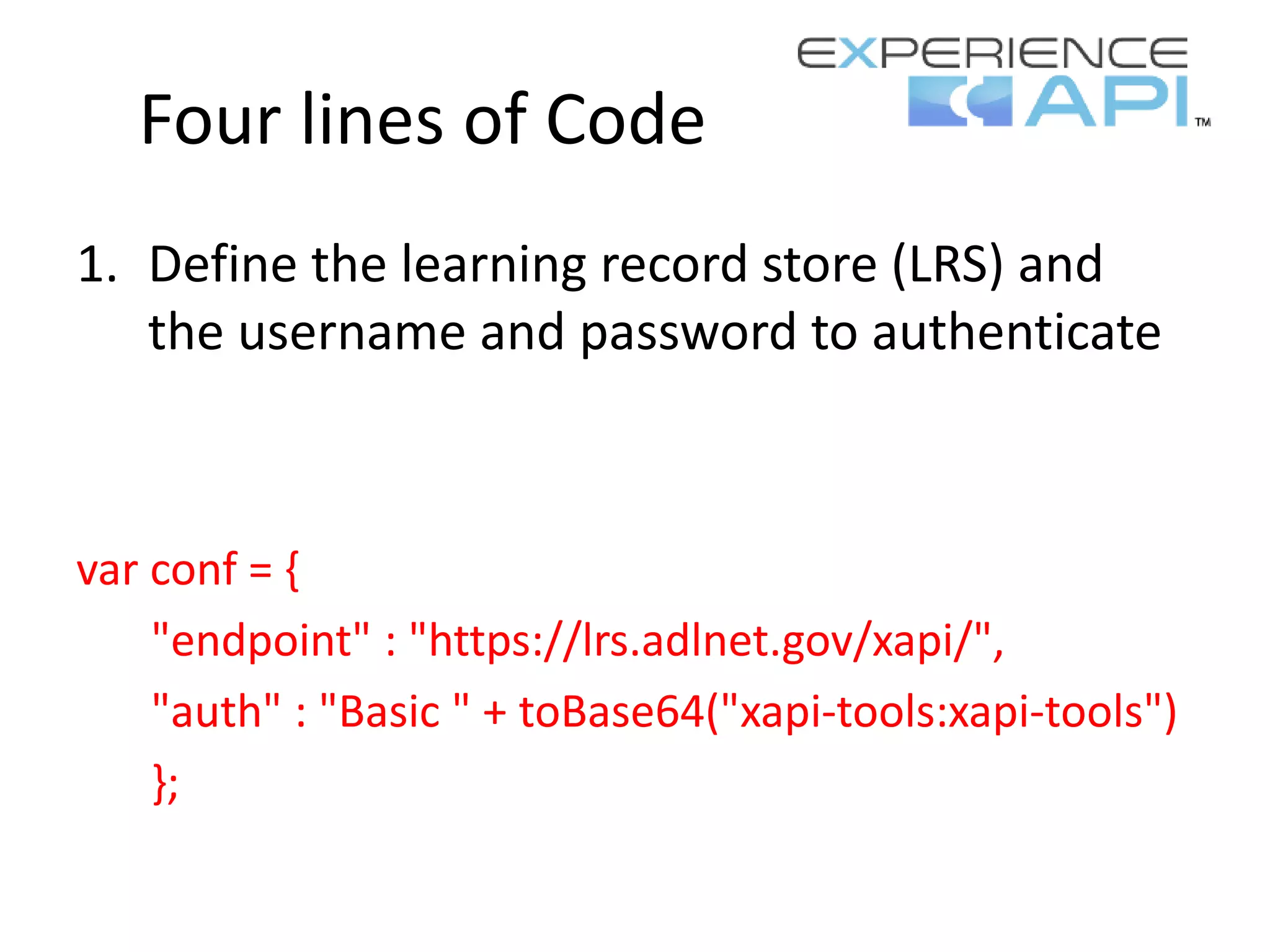
1. Define the learning record store (LRS) and
the username and password to authenticate
var conf = {
"endpoint" : "https://lrs.adlnet.gov/xapi/",
"auth" : "Basic " + toBase64("xapi-tools:xapi-tools")
};
Four lines of Code
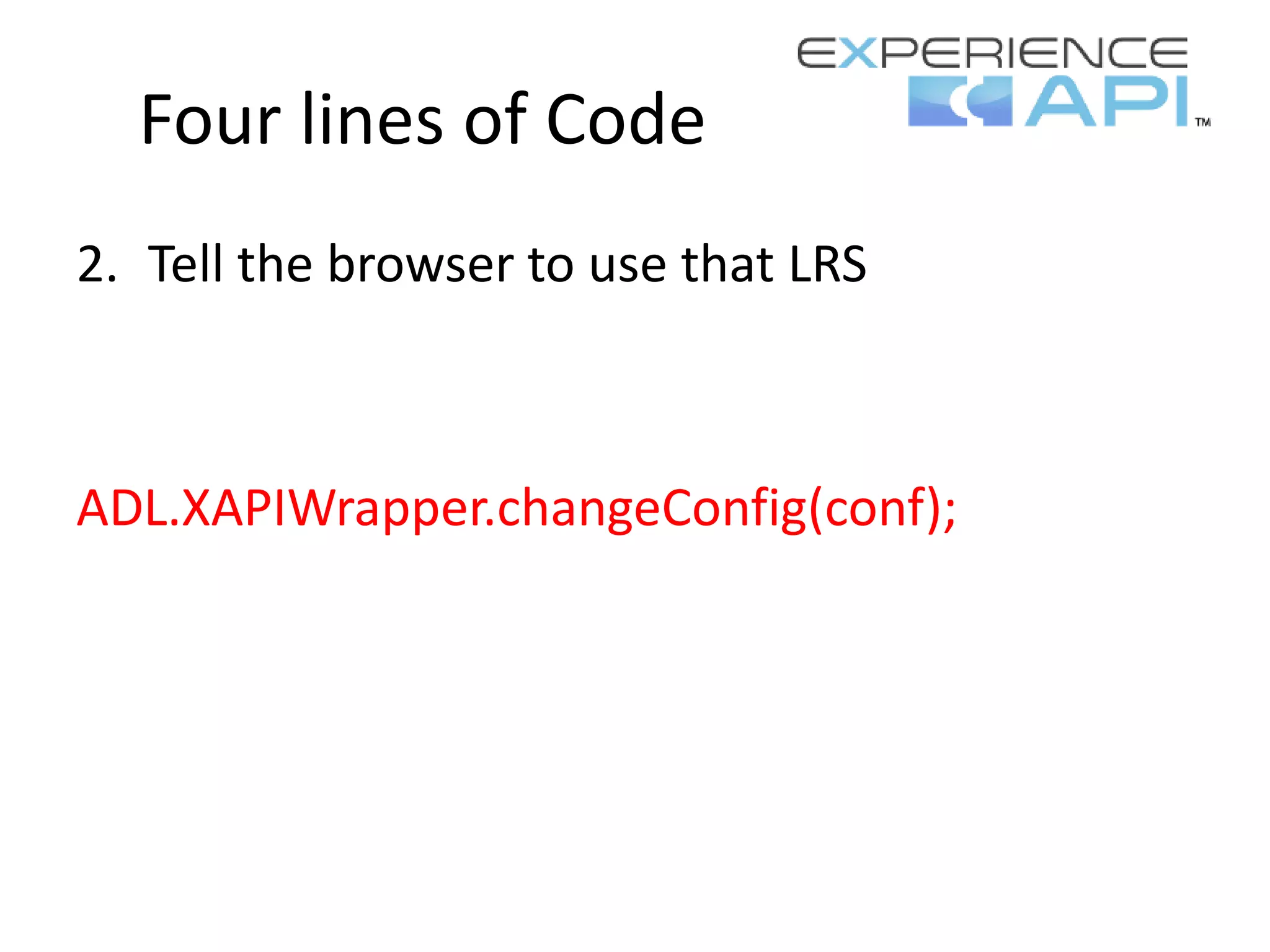
2. Tell the browser to use that LRS
ADL.XAPIWrapper.changeConfig(conf);
Four lines of Code
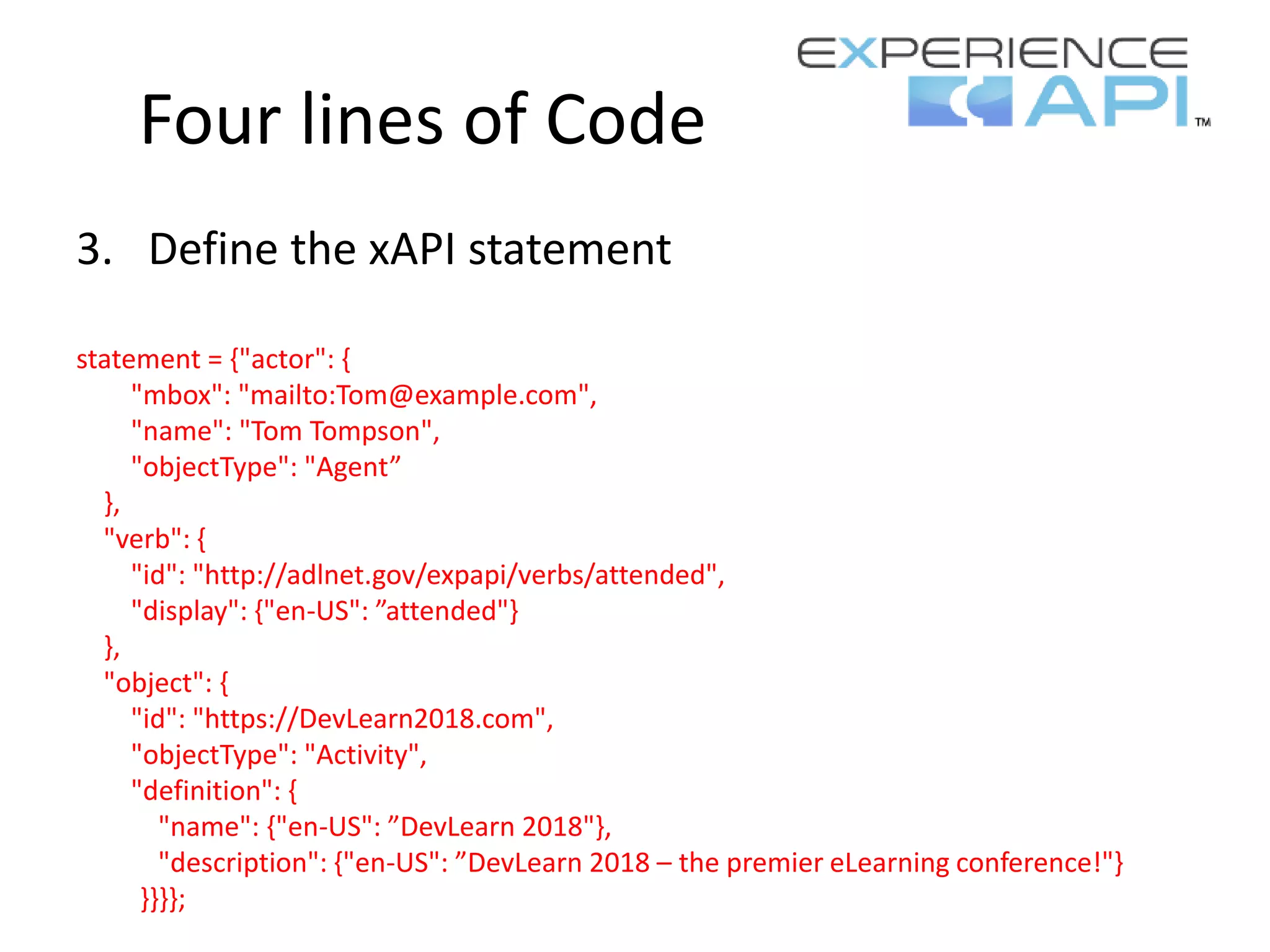
3. Define the xAPI statement
statement = {"actor": {
"mbox": "mailto:Tom@example.com",
"name": "Tom Tompson",
"objectType": "Agent”
},
"verb": {
"id": "http://adlnet.gov/expapi/verbs/attended",
"display": {"en-US": ”attended"}
},
"object": {
"id": "https://DevLearn2018.com",
"objectType": "Activity",
"definition": {
"name": {"en-US": ”DevLearn 2018"},
"description": {"en-US": ”DevLearn 2018 – the premier eLearning conference!"}
}}}};
Four lines of Code
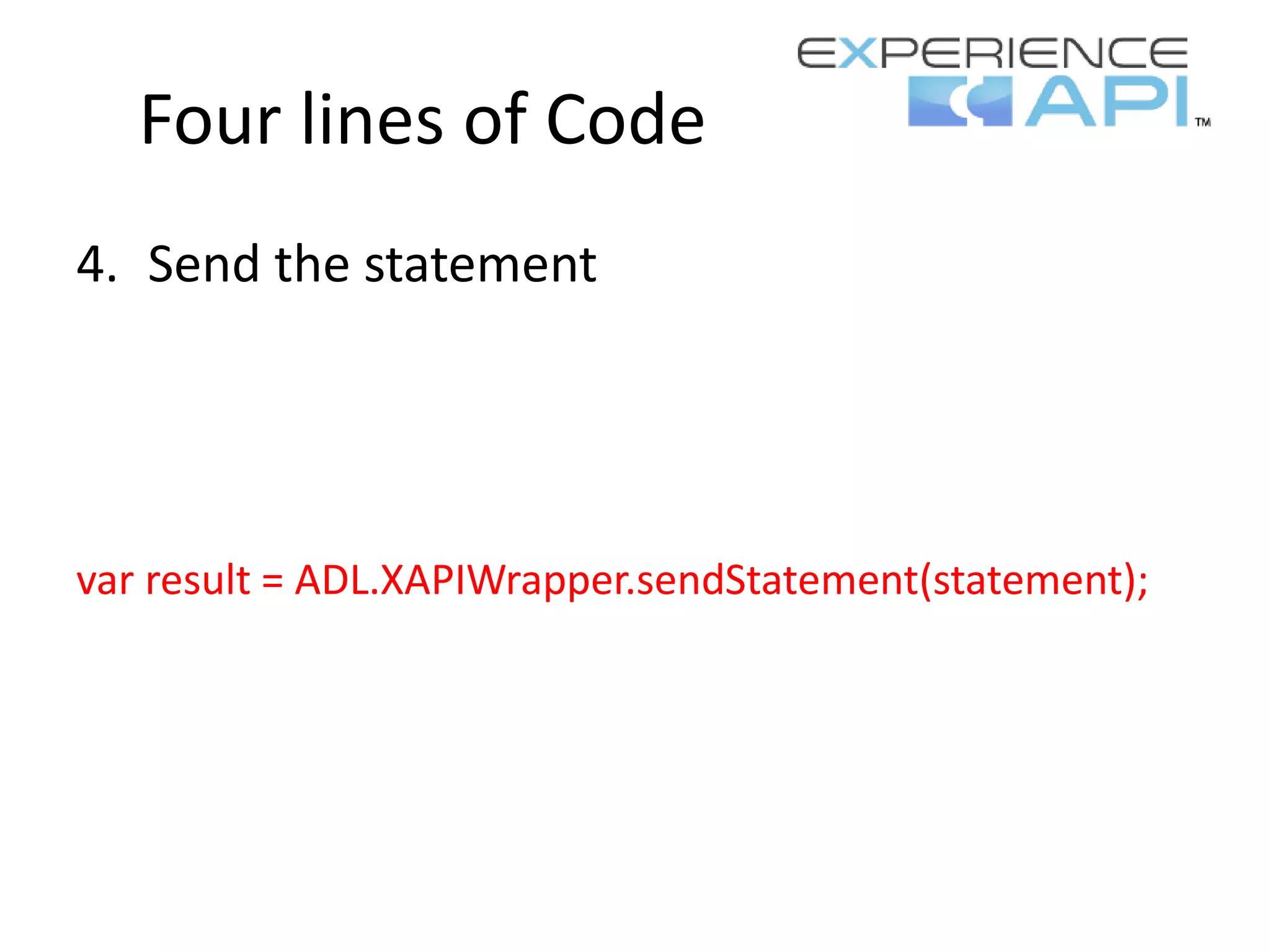
4. Send the statement
var result = ADL.XAPIWrapper.sendStatement(statement);
Four lines of Code
5. Profit!*
*Optional
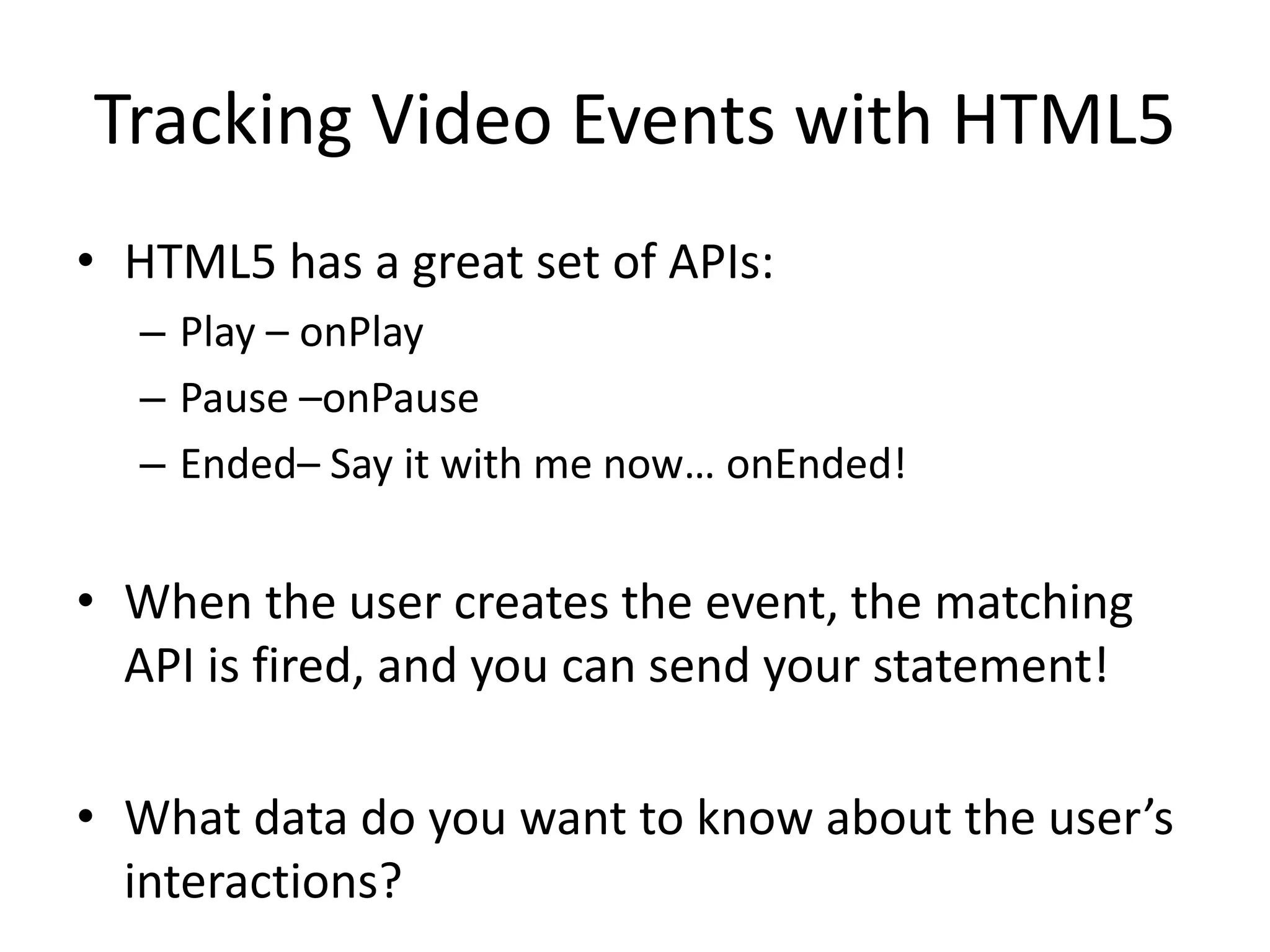
Tracking Video Events with HTML5
• HTML5 has a great set of APIs:
– Play – onPlay
– Pause –onPause
– Ended– Say it with me now… onEnded!
• When the user creates the event, the matching
API is fired, and you can send your statement!
• What data do you want to know about the user’s
interactions?
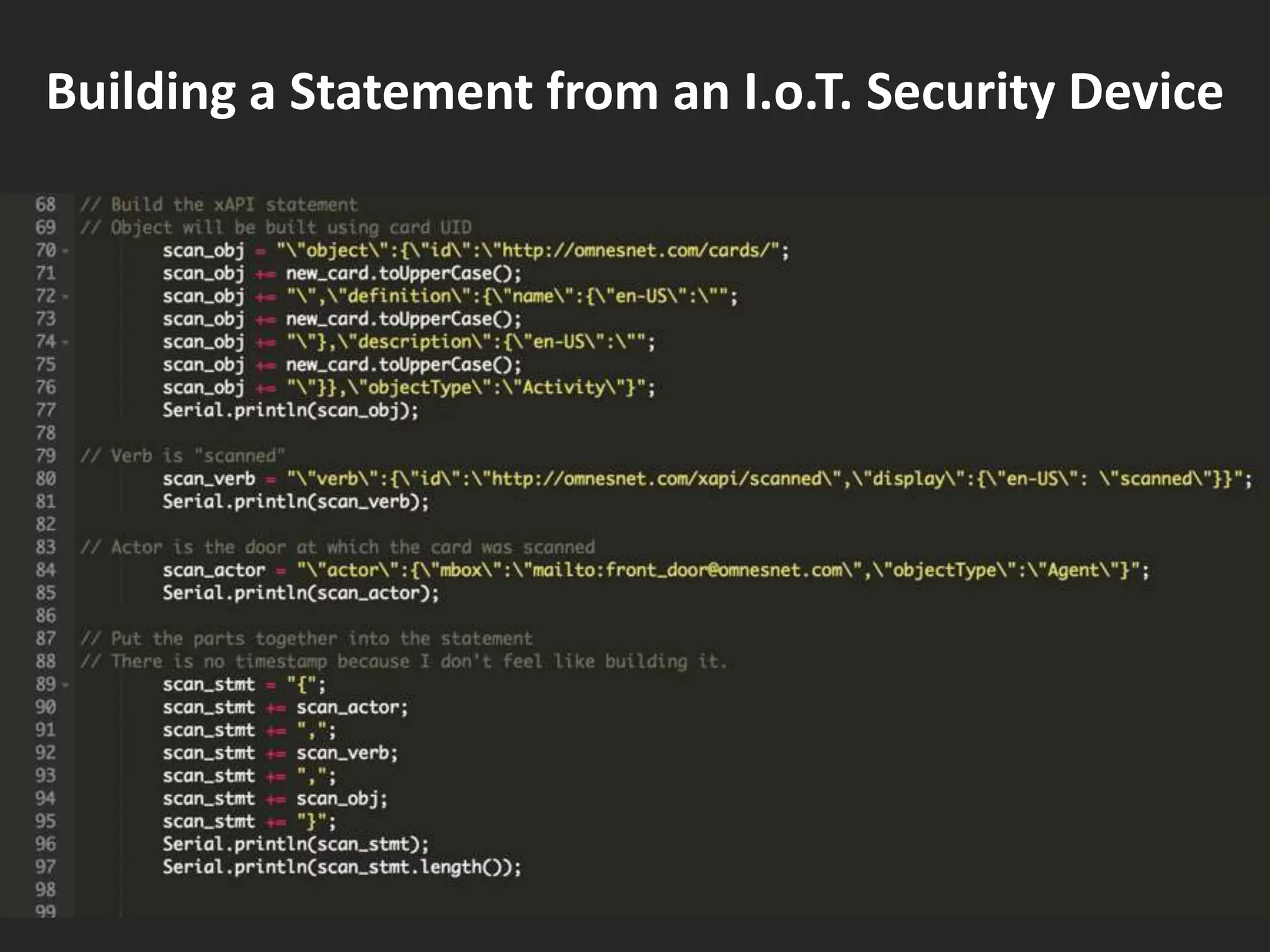
Building a Statement from an I.o.T. Security Device
https://www.learningsolutionsmag.com/aut
hors/625/anthony-altieri
My series of articles on
xAPI
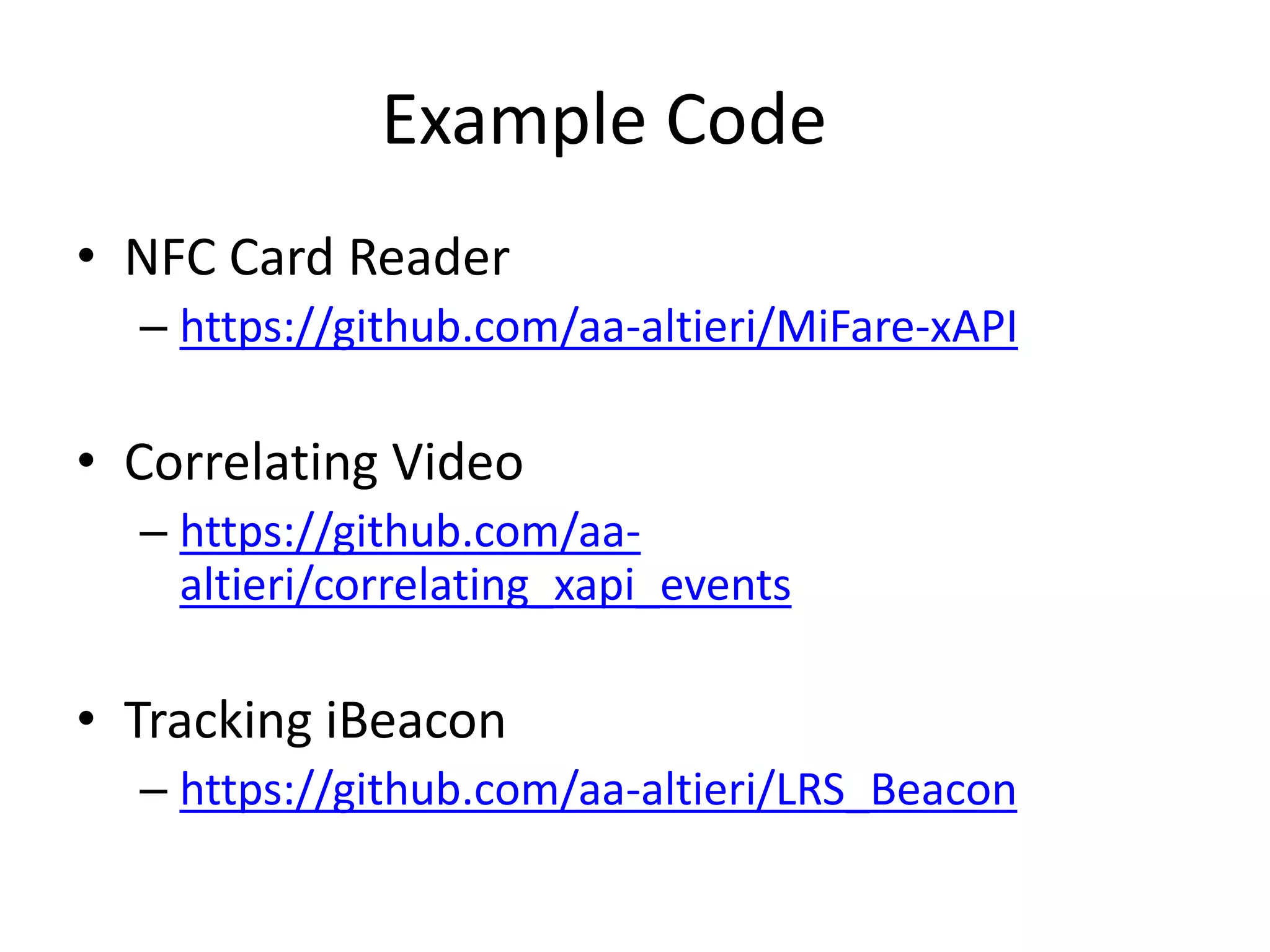
Example Code
• NFC Card Reader
– https://github.com/aa-altieri/MiFare-xAPI
• Correlating Video
– https://github.com/aa-
altieri/correlating_xapi_events
• Tracking iBeacon
– https://github.com/aa-altieri/LRS_Beacon
Anthony Altieri - IDIoT in Chief
Omnes Solutions LLC
altierian@gmail.com
@aa_altieri

xAPI Camp-Four Lines of Code

  • 1.
    xAPI: Four Linesof Code! Buckle up, folks… We’re looking at CODE!
  • 2.
    Tracking Events • Whatare the events you want to track? – Video: Play, Pause, Complete – Security System: ID Card Scan – Beacons: Beacon found, Beacon Lost • What data does each event make available? • How do you detect each event? • How will the event fire off the statement?
  • 3.
    This Pretty, Formattedstatement… { "actor": { "mbox": "mailto:Tom@example.com", "name": "Tom Tompson", "objectType": "Agent” }, "verb": { "id": "http://adlnet.gov/expapi/verbs/answered", "display": {"en-US": "answered” } }, "object": { "id": "http://adlnet.gov/expapi/activities/example", "definition": {"name": {"en-US": "Example Activity” }, "description": {"en-US": "Example activity description”}}, "objectType": "Activity”} }
  • 4.
    …is the sameas: {"actor":{"mbox":"mailto:Tom@example.com", "name": "Tom Tompson","objectType":"Agent”},"verb":{"id":"http: //adlnet.gov/expapi/verbs/answered","display":{"e n- US":"answered”}},"object":{"id":"http://adlnet.gov/ expapi/activities/example","definition":{"name":{"e n-US":"ExampleActivity”},"description":{"en- US":"Exampleactivitydescription”}},"objectType":"A ctivity"}}
  • 5.
    Four lines ofCode 1. Define the learning record store (LRS) and authoritative credentials to a variable 2. Tell the browser to use that LRS/variable 3. Define the xAPI statement 4. Send the statement 5. Profit! (Optional)
  • 6.
    Four lines ofCode 1. Define the learning record store (LRS) and the username and password to authenticate var conf = { "endpoint" : "https://lrs.adlnet.gov/xapi/", "auth" : "Basic " + toBase64("xapi-tools:xapi-tools") };
  • 7.
    Four lines ofCode 2. Tell the browser to use that LRS ADL.XAPIWrapper.changeConfig(conf);
  • 8.
    Four lines ofCode 3. Define the xAPI statement statement = {"actor": { "mbox": "mailto:Tom@example.com", "name": "Tom Tompson", "objectType": "Agent” }, "verb": { "id": "http://adlnet.gov/expapi/verbs/attended", "display": {"en-US": ”attended"} }, "object": { "id": "https://DevLearn2018.com", "objectType": "Activity", "definition": { "name": {"en-US": ”DevLearn 2018"}, "description": {"en-US": ”DevLearn 2018 – the premier eLearning conference!"} }}}};
  • 9.
    Four lines ofCode 4. Send the statement var result = ADL.XAPIWrapper.sendStatement(statement);
  • 10.
    Four lines ofCode 5. Profit!* *Optional
  • 11.
    Tracking Video Eventswith HTML5 • HTML5 has a great set of APIs: – Play – onPlay – Pause –onPause – Ended– Say it with me now… onEnded! • When the user creates the event, the matching API is fired, and you can send your statement! • What data do you want to know about the user’s interactions?
  • 12.
    Building a Statementfrom an I.o.T. Security Device
  • 13.
  • 14.
    Example Code • NFCCard Reader – https://github.com/aa-altieri/MiFare-xAPI • Correlating Video – https://github.com/aa- altieri/correlating_xapi_events • Tracking iBeacon – https://github.com/aa-altieri/LRS_Beacon
  • 15.
    Anthony Altieri -IDIoT in Chief Omnes Solutions LLC altierian@gmail.com @aa_altieri