Test Automation Training
        By Unmesh Ballal
Agenda


When to automate?
Benefits of Automation
Code Driven Testing
Test Framework
Test automation tools
GUI testing
Brief training on Selenium
Demo of Selenium
Test Automation Charter
When to automate?


No GUI Changes – code stable
Time spend on manual testing is too much
Automating early can be time consuming
Manual testing limitation
  Data is pre-defined
Automation benefits

Manual test case is included in testing for automation
Platform and OS independence e.g. Web, mobile
Data driven capability (Input Data, Output Data, Metadata)
can be expanded
Easy debugging and logging
Extensible & Customizable by integrating with other tools
Availability of reliable test case driver (Ant or Maven)
Ability to integrate with the developers' workflows.
Support unattended test runs
Support distributed execution environment across multiple
platform and OS
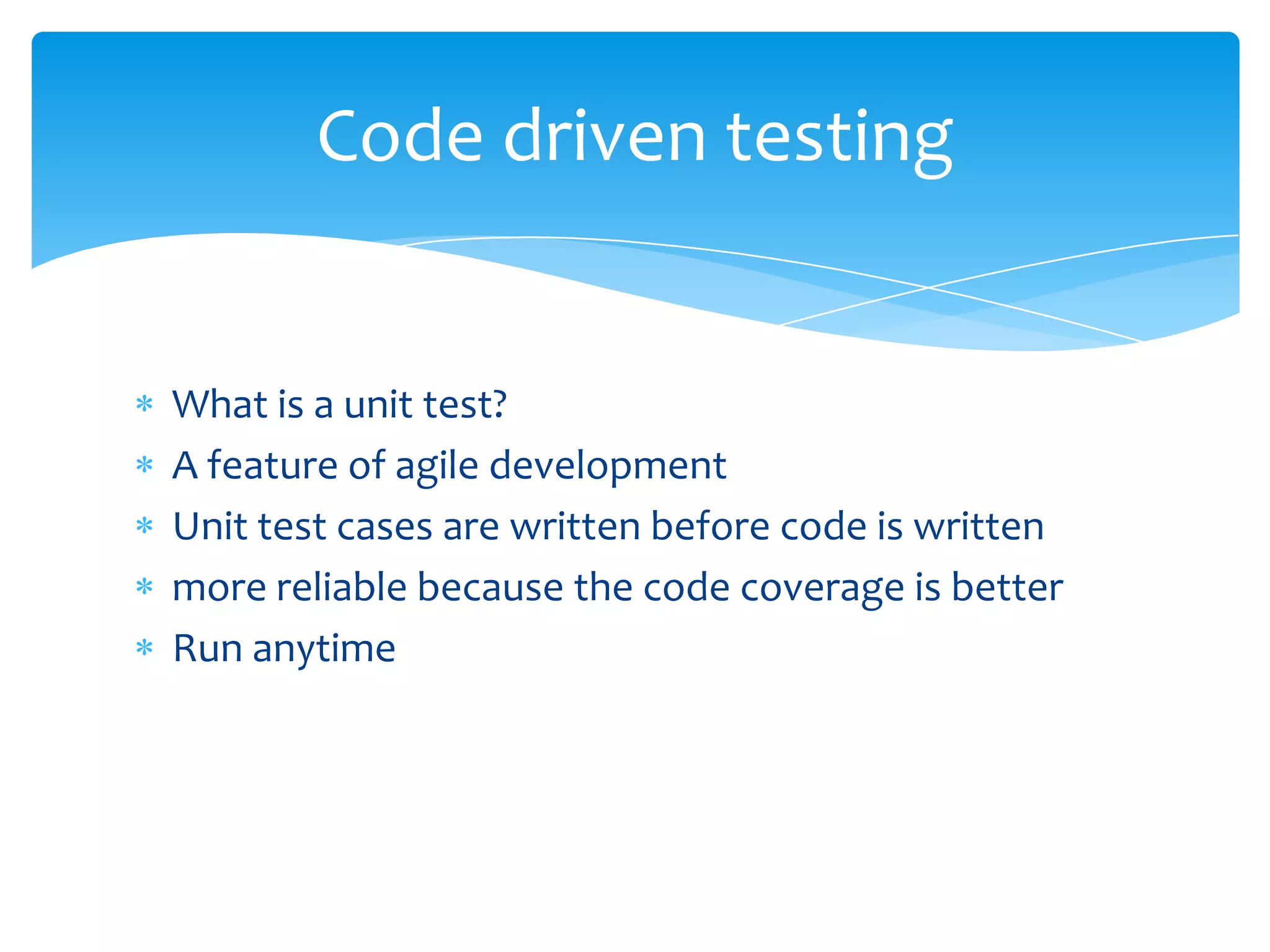
Code driven testing


What is a unit test?
A feature of agile development
Unit test cases are written before code is written
more reliable because the code coverage is better
Run anytime
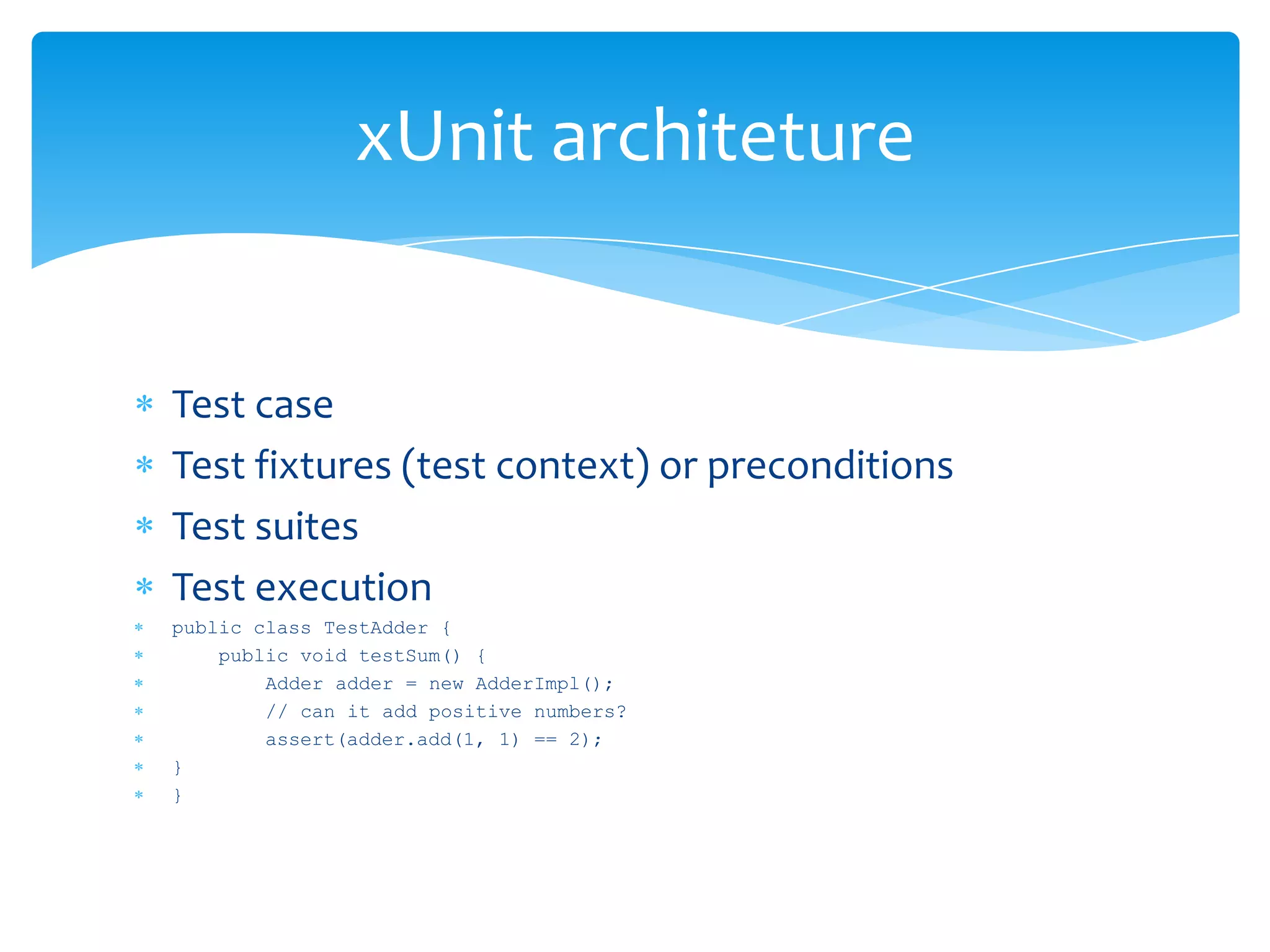
xUnit architeture


Test case
Test fixtures (test context) or preconditions
Test suites
Test execution
public class TestAdder {
    public void testSum() {
        Adder adder = new AdderImpl();
        // can it add positive numbers?
        assert(adder.add(1, 1) == 2);
}
}
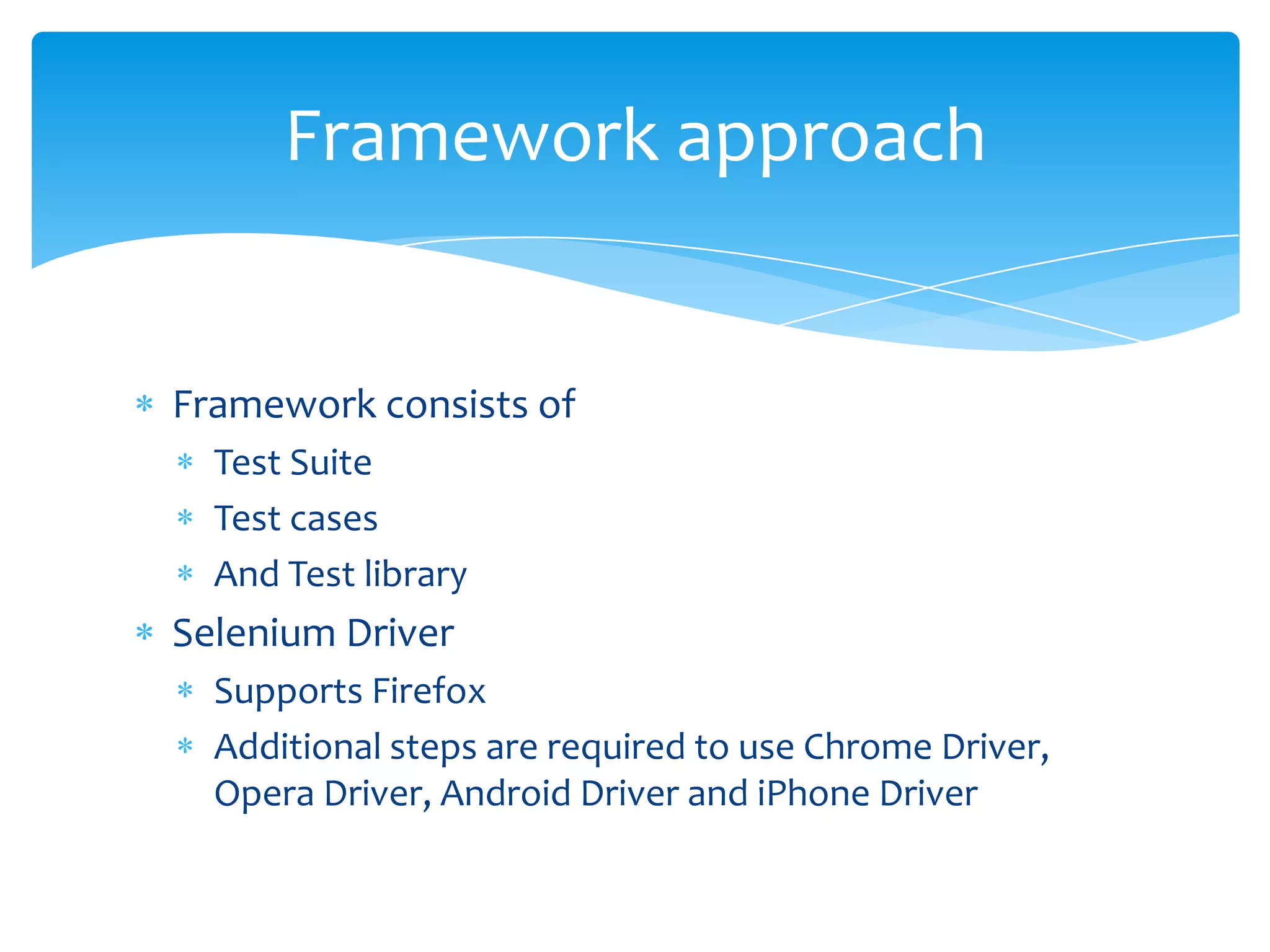
Framework approach


Framework consists of
  Test Suite
  Test cases
  And Test library
Selenium Driver
  Supports Firefox
  Additional steps are required to use Chrome Driver,
  Opera Driver, Android Driver and iPhone Driver
Popular Test Automation tools


 Selenium – open source
 QTP
 Rational Robot
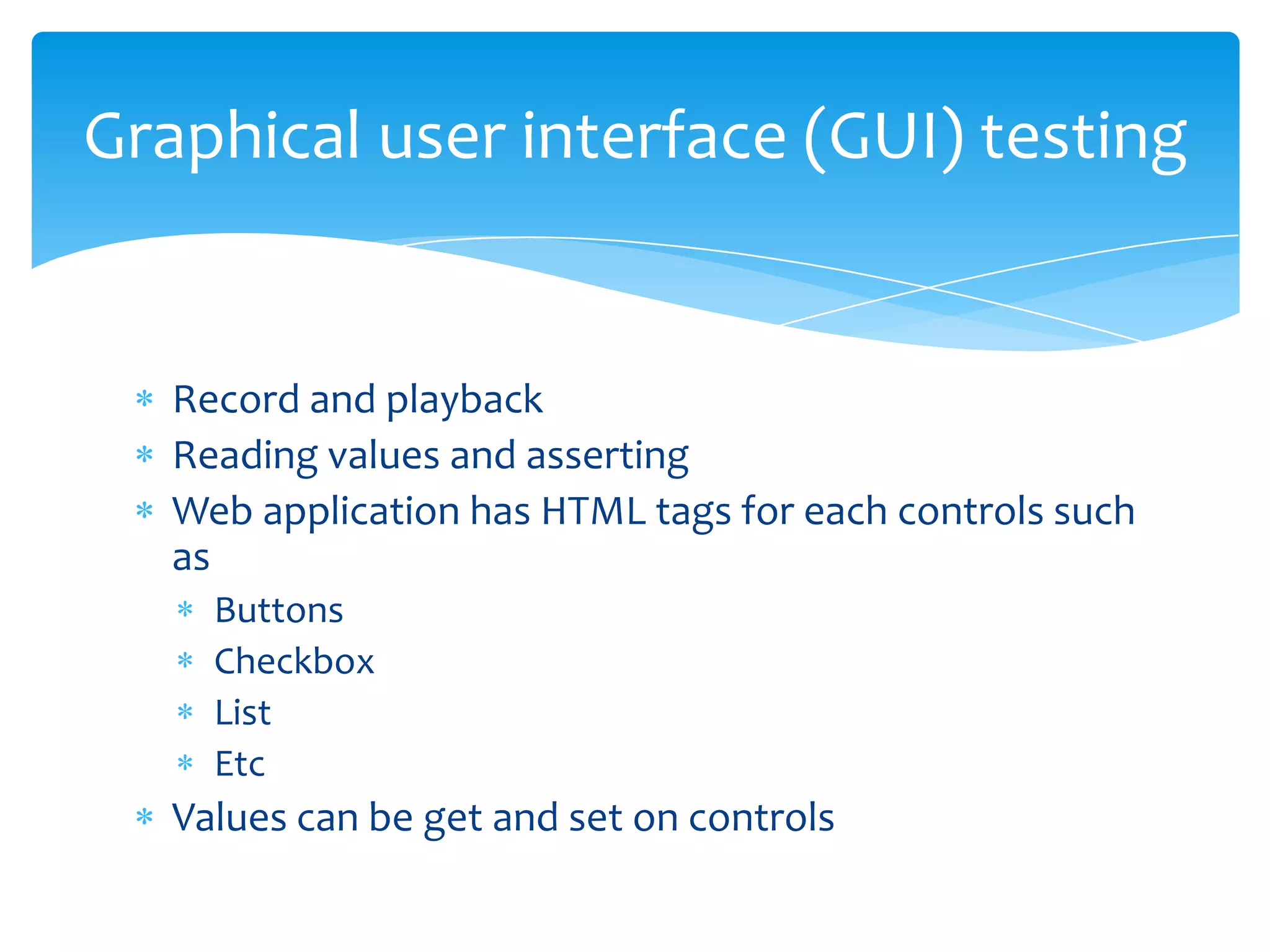
Graphical user interface (GUI) testing


   Record and playback
   Reading values and asserting
   Web application has HTML tags for each controls such
   as
     Buttons
     Checkbox
     List
     Etc
   Values can be get and set on controls
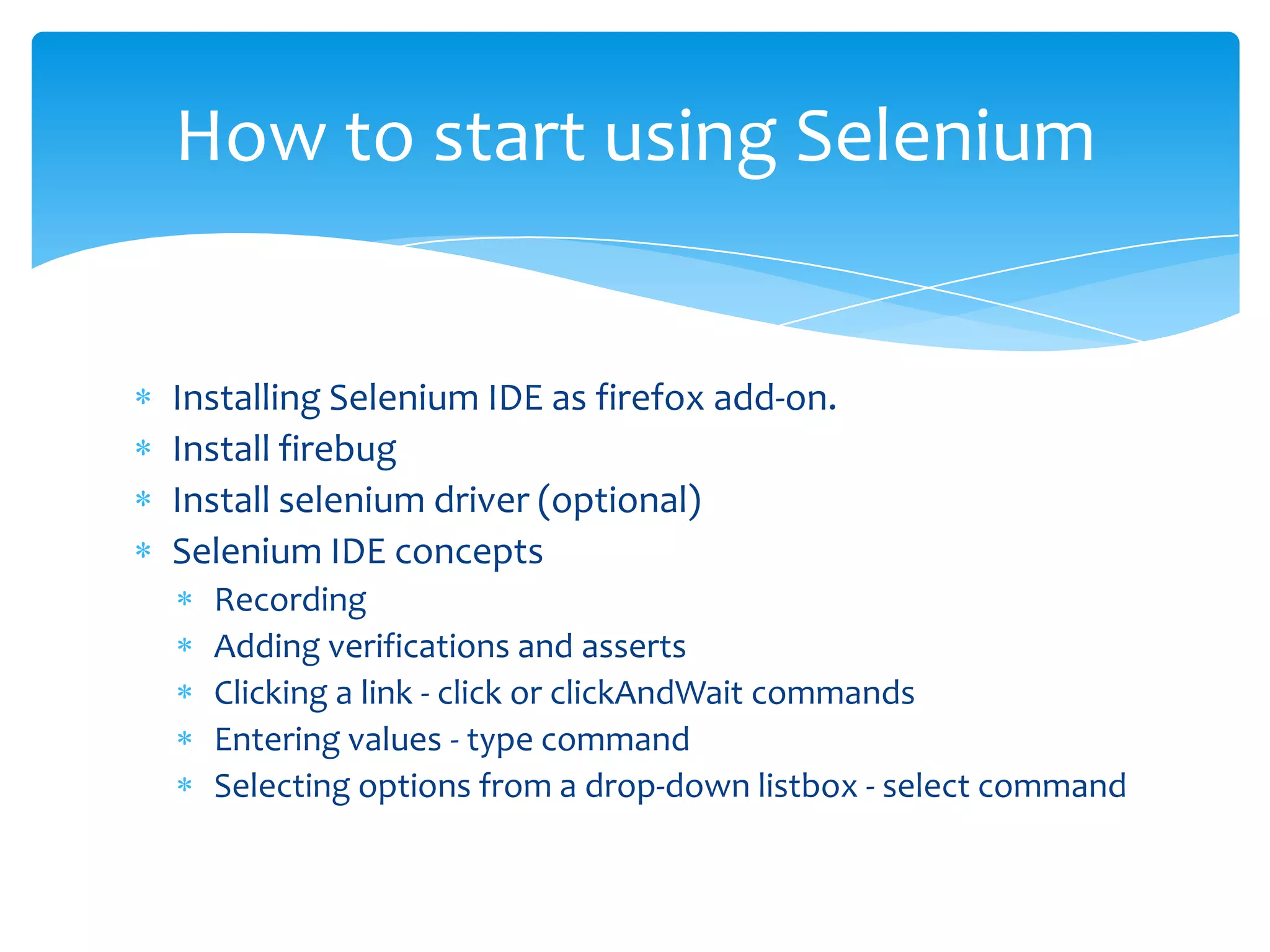
How to start using Selenium


Installing Selenium IDE as firefox add-on.
Install firebug
Install selenium driver (optional)
Selenium IDE concepts
  Recording
  Adding verifications and asserts
  Clicking a link - click or clickAndWait commands
  Entering values - type command
  Selecting options from a drop-down listbox - select command
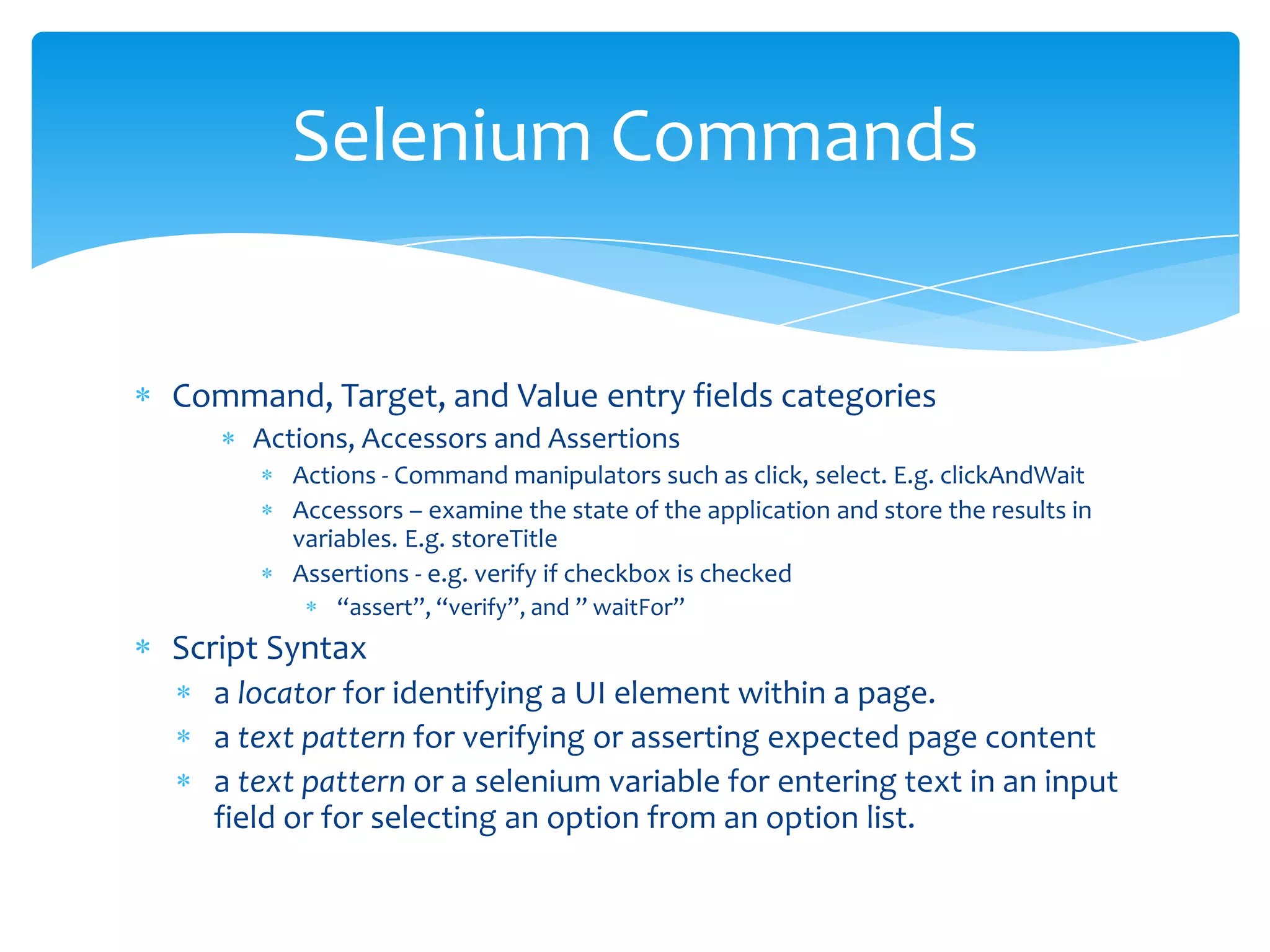
Selenium Commands


Command, Target, and Value entry fields categories
     Actions, Accessors and Assertions
        Actions - Command manipulators such as click, select. E.g. clickAndWait
        Accessors – examine the state of the application and store the results in
        variables. E.g. storeTitle
        Assertions - e.g. verify if checkbox is checked
            “assert”, “verify”, and ” waitFor”
Script Syntax
  a locator for identifying a UI element within a page.
  a text pattern for verifying or asserting expected page content
  a text pattern or a selenium variable for entering text in an input
  field or for selecting an option from an option list.
Selenium command examples


verifyText          //div//a[2]   Login


goBackAndWait
                                  Welcome to My Home
verifyTextPresent
                                  Page
type                id=phone      (555) 666-7066
type                id=address1


   https://www.youtube.com/watch?v=JM4GldTw_Cw
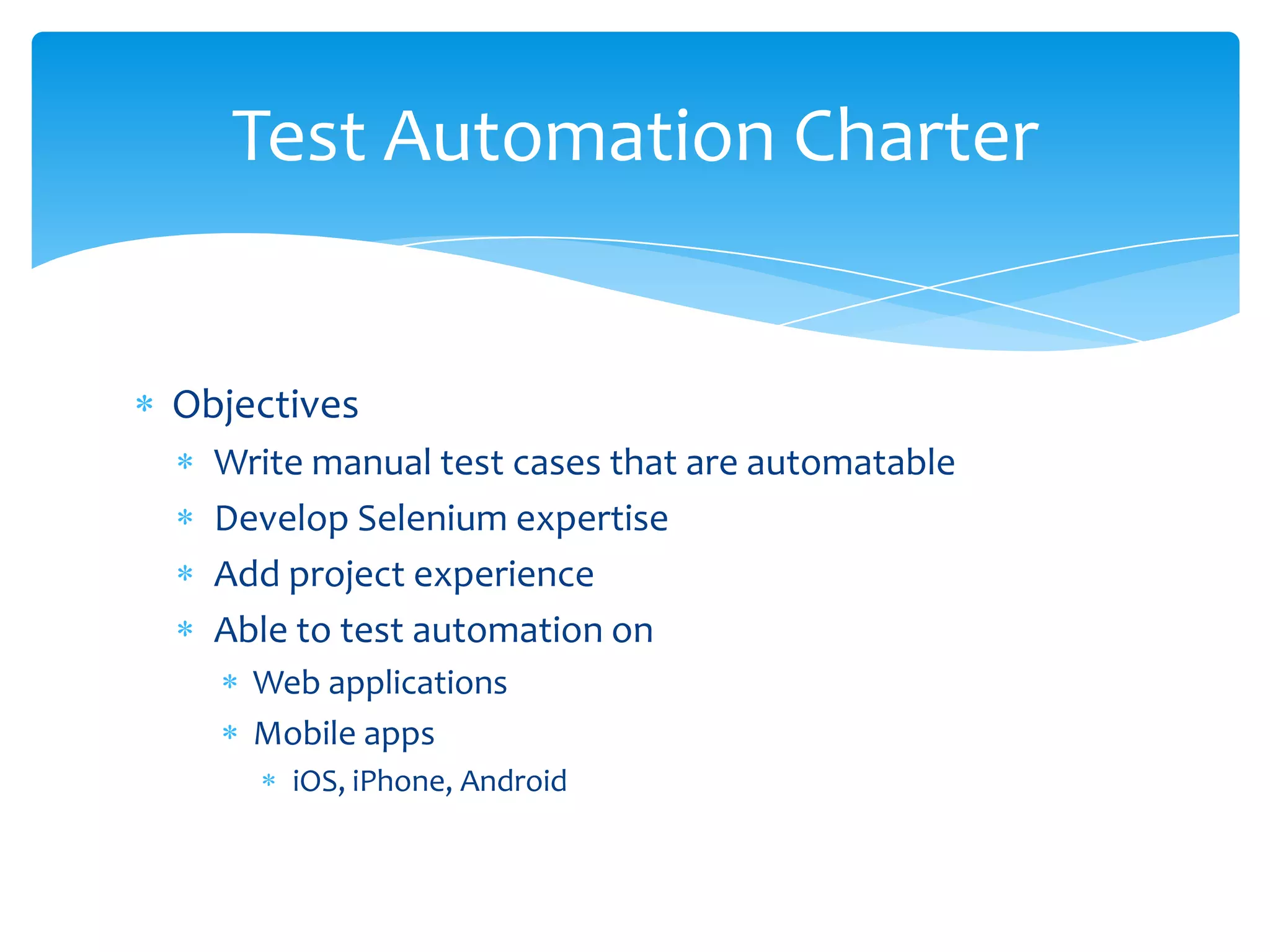
Test Automation Charter


Objectives
  Write manual test cases that are automatable
  Develop Selenium expertise
  Add project experience
  Able to test automation on
    Web applications
    Mobile apps
      iOS, iPhone, Android
Questions?

Test Automation

  • 1.
    Test Automation Training By Unmesh Ballal
  • 2.
    Agenda When to automate? Benefitsof Automation Code Driven Testing Test Framework Test automation tools GUI testing Brief training on Selenium Demo of Selenium Test Automation Charter
  • 3.
    When to automate? NoGUI Changes – code stable Time spend on manual testing is too much Automating early can be time consuming Manual testing limitation Data is pre-defined
  • 4.
    Automation benefits Manual testcase is included in testing for automation Platform and OS independence e.g. Web, mobile Data driven capability (Input Data, Output Data, Metadata) can be expanded Easy debugging and logging Extensible & Customizable by integrating with other tools Availability of reliable test case driver (Ant or Maven) Ability to integrate with the developers' workflows. Support unattended test runs Support distributed execution environment across multiple platform and OS
  • 5.
    Code driven testing Whatis a unit test? A feature of agile development Unit test cases are written before code is written more reliable because the code coverage is better Run anytime
  • 6.
    xUnit architeture Test case Testfixtures (test context) or preconditions Test suites Test execution public class TestAdder { public void testSum() { Adder adder = new AdderImpl(); // can it add positive numbers? assert(adder.add(1, 1) == 2); } }
  • 7.
    Framework approach Framework consistsof Test Suite Test cases And Test library Selenium Driver Supports Firefox Additional steps are required to use Chrome Driver, Opera Driver, Android Driver and iPhone Driver
  • 8.
    Popular Test Automationtools Selenium – open source QTP Rational Robot
  • 9.
    Graphical user interface(GUI) testing Record and playback Reading values and asserting Web application has HTML tags for each controls such as Buttons Checkbox List Etc Values can be get and set on controls
  • 10.
    How to startusing Selenium Installing Selenium IDE as firefox add-on. Install firebug Install selenium driver (optional) Selenium IDE concepts Recording Adding verifications and asserts Clicking a link - click or clickAndWait commands Entering values - type command Selecting options from a drop-down listbox - select command
  • 11.
    Selenium Commands Command, Target,and Value entry fields categories Actions, Accessors and Assertions Actions - Command manipulators such as click, select. E.g. clickAndWait Accessors – examine the state of the application and store the results in variables. E.g. storeTitle Assertions - e.g. verify if checkbox is checked “assert”, “verify”, and ” waitFor” Script Syntax a locator for identifying a UI element within a page. a text pattern for verifying or asserting expected page content a text pattern or a selenium variable for entering text in an input field or for selecting an option from an option list.
  • 12.
    Selenium command examples verifyText //div//a[2] Login goBackAndWait Welcome to My Home verifyTextPresent Page type id=phone (555) 666-7066 type id=address1 https://www.youtube.com/watch?v=JM4GldTw_Cw
  • 13.
    Test Automation Charter Objectives Write manual test cases that are automatable Develop Selenium expertise Add project experience Able to test automation on Web applications Mobile apps iOS, iPhone, Android
  • 14.