MailBox & Email management (tips …)    http://beariscool.blogspot.com/ . Connexion ergo sum  (Anonymous)
Tips to manage your mailbox (1/2) Keep low number of folders, don't loose time to organize BUT use search tools as  Google@  to retrieve old mail Do not take a look every x minutes BUT take a look only 2 or 3 times per day Keep your Inbox empty each day  ... keep only email requiring action
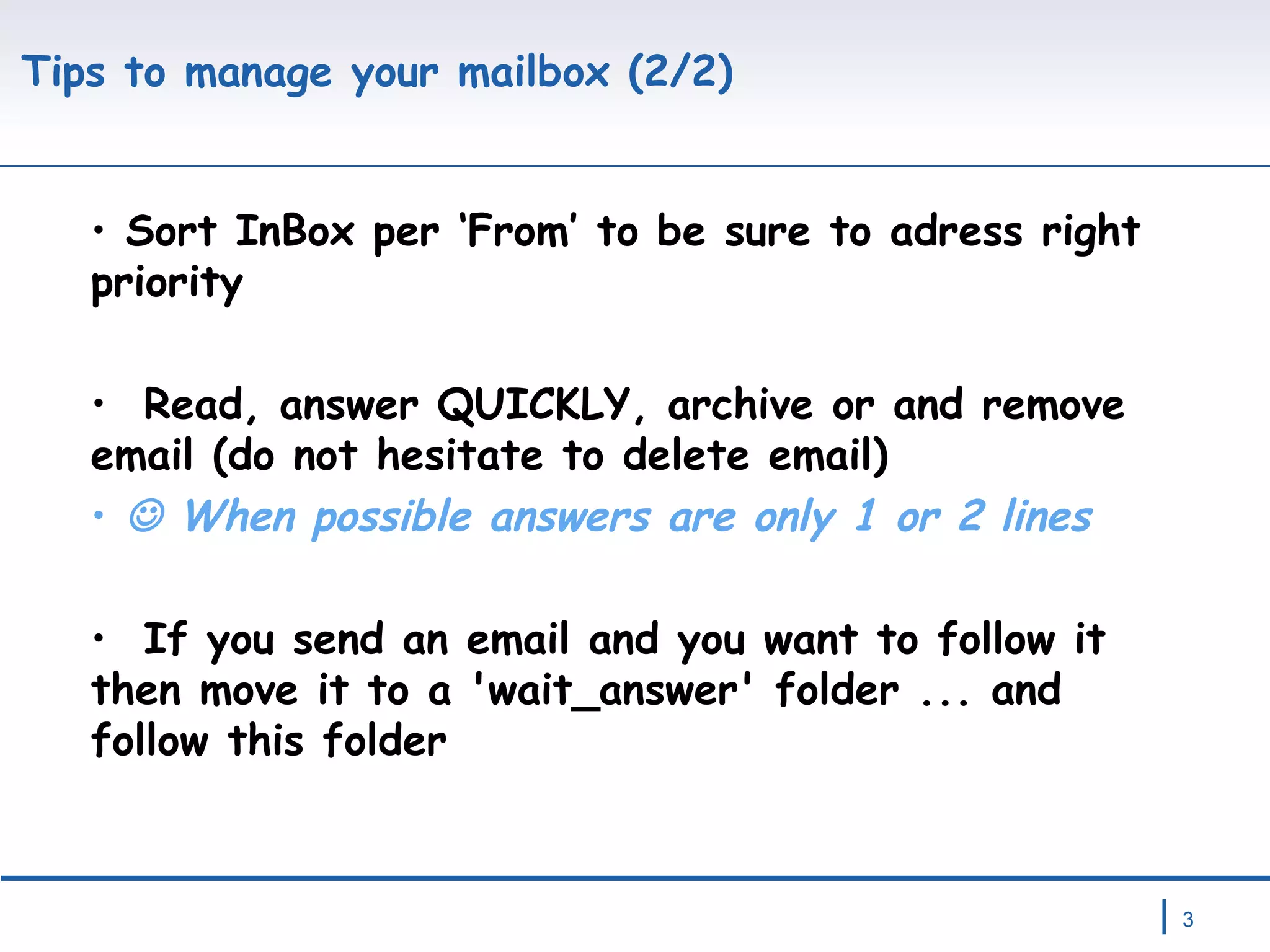
Tips to manage your mailbox (2/2) Sort InBox per ‘From’ to be sure to adress right priority Read, answer QUICKLY, archive or and remove email (do not hesitate to delete email)    When possible answers are only 1 or 2 lines If you send an email and you want to follow it then move it to a 'wait_answer' folder ... and follow this folder
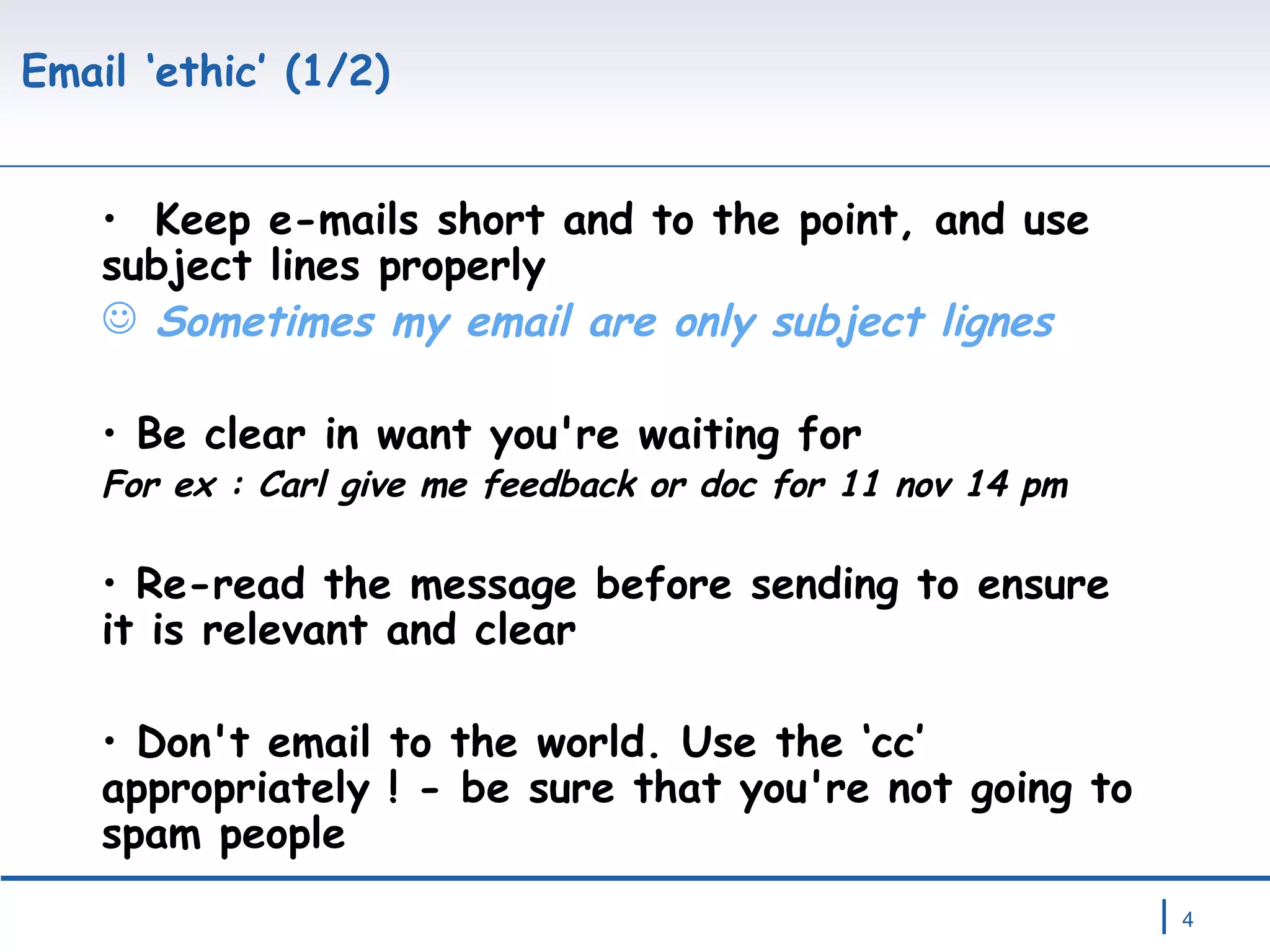
Email ‘ethic’ (1/2) Keep e-mails short and to the point, and use subject lines properly  Sometimes my email are only subject lignes Be clear in want you're waiting for For ex : Carl give me feedback or doc for 11 nov 14 pm Re-read the message before sending to ensure it is relevant and clear Don't email to the world. Use the ‘cc’ appropriately ! - be sure that you're not going to spam people
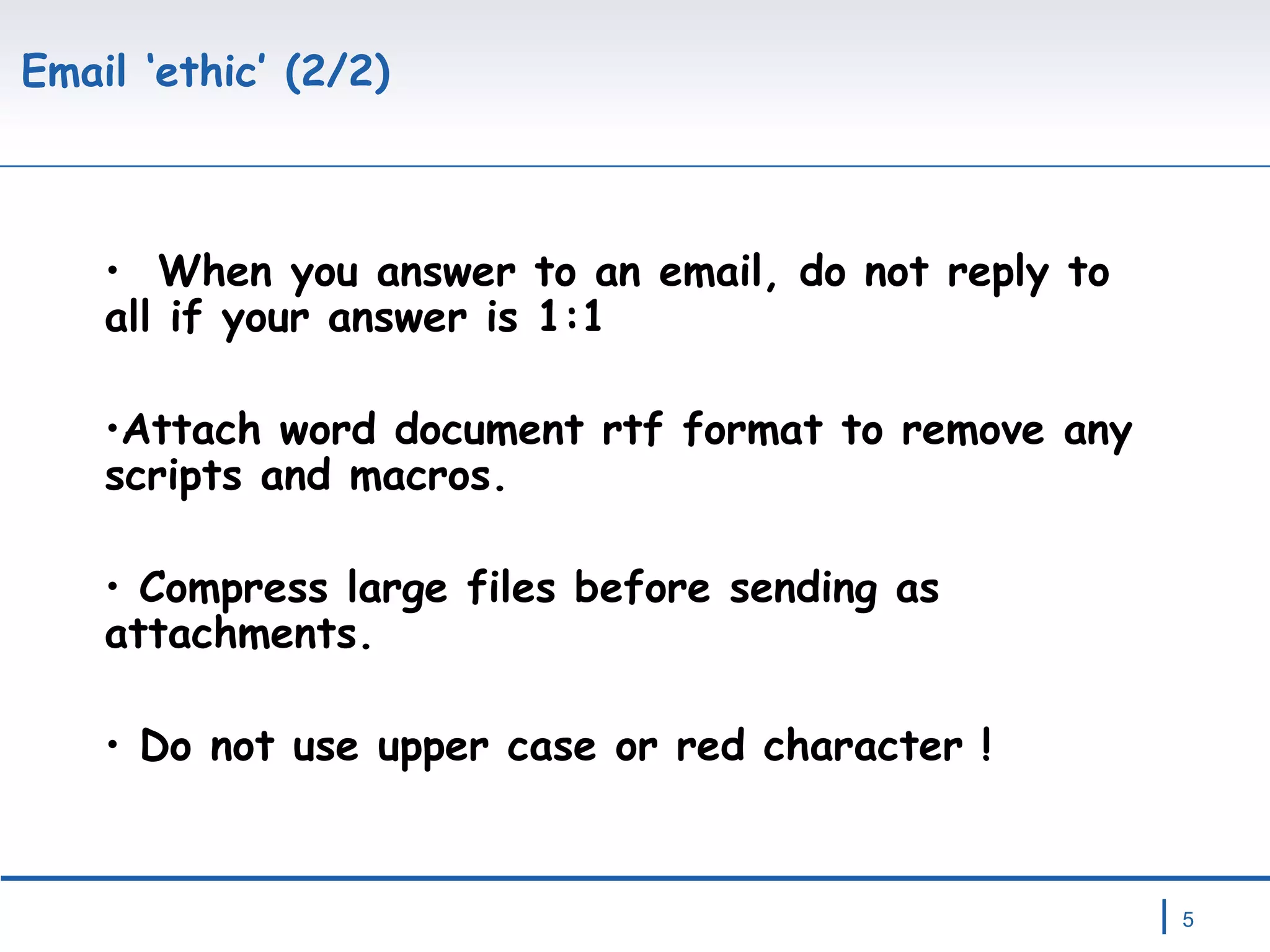
Email ‘ethic’ (2/2) When you answer to an email, do not reply to all if your answer is 1:1 Attach word document rtf format to remove any scripts and macros. Compress large files before sending as attachments. Do not use upper case or red character !
Email is not always the right tool ! Be aware !!  Email is a magic tool  BUT Email is not always the right tool …  and it’s sometimes  better to phone or to move and talk face to face.     By the way …  Do you e-mail the person next to you at work rather than just talking to him/her ?  What do you think if your answer is yes ?

EMail Management

  • 1.
    MailBox & Emailmanagement (tips …)   http://beariscool.blogspot.com/ . Connexion ergo sum (Anonymous)
  • 2.
    Tips to manageyour mailbox (1/2) Keep low number of folders, don't loose time to organize BUT use search tools as Google@ to retrieve old mail Do not take a look every x minutes BUT take a look only 2 or 3 times per day Keep your Inbox empty each day ... keep only email requiring action
  • 3.
    Tips to manageyour mailbox (2/2) Sort InBox per ‘From’ to be sure to adress right priority Read, answer QUICKLY, archive or and remove email (do not hesitate to delete email)  When possible answers are only 1 or 2 lines If you send an email and you want to follow it then move it to a 'wait_answer' folder ... and follow this folder
  • 4.
    Email ‘ethic’ (1/2)Keep e-mails short and to the point, and use subject lines properly Sometimes my email are only subject lignes Be clear in want you're waiting for For ex : Carl give me feedback or doc for 11 nov 14 pm Re-read the message before sending to ensure it is relevant and clear Don't email to the world. Use the ‘cc’ appropriately ! - be sure that you're not going to spam people
  • 5.
    Email ‘ethic’ (2/2)When you answer to an email, do not reply to all if your answer is 1:1 Attach word document rtf format to remove any scripts and macros. Compress large files before sending as attachments. Do not use upper case or red character !
  • 6.
    Email is notalways the right tool ! Be aware !! Email is a magic tool BUT Email is not always the right tool … and it’s sometimes better to phone or to move and talk face to face.  By the way … Do you e-mail the person next to you at work rather than just talking to him/her ? What do you think if your answer is yes ?