

Monitoring with “Non-Obvious” Nagios

               John Sellens

           jsellens@syonex.com


            September 26, 2012
 Notes PDF at http://www.syonex.com/notes/
Monitoring with “Non-Obvious” Nagios


       Contents

       Nagios Basics                                                         5

       Nagios Plugins                                                      11

       More on Configuration                                                18

       Theory and Practice                                                 48

       Getting Larger                                                      63

       Tips and Tricks                                                     69

       Abusing Nagios                                                      76

       Nagios Addons                                                       87

c 2003-2012 John Sellens      Nagios World Conference North America 2012         1


Monitoring with “Non-Obvious” Nagios


       Wrap Up                                                             105


c 2003-2012 John Sellens      Nagios World Conference North America 2012         2
Monitoring with “Non-Obvious” Nagios


                                           Overview

         • Nagios is well-established and widely used
             – Over a million known servers running 3.X

         • We’re going to look at some of the non-obvious bits
         • And ways to extend Nagios
         • We’ll assume a basic knowledge of Nagios and what it does
         • This is a three hour course sliced to 1:45


c 2003-2012 John Sellens      Nagios World Conference North America 2012               3


    Notes:
          • I’m assuming you’ve already chosen Nagios for your environment
                  – Or you’re very careful when making decisions and don’t want to
                    rush into anything

          • Or at least I hope what we’re covering is non-obvious and/or non-trivial
          • The server count is from Ethan Galstad’s talk at Ohio LinuxFest 2010 —
             servers that check for available updates.

          • I sure hope the network and my laptop are both happy . . .
          • So, if the slides are not completely consistent, I hope you’ll be under-
             standing
Monitoring with “Non-Obvious” Nagios


                               Viewpoints and Religion

         • Monitoring is Exceptions, Trending, History
         • UNIX philosophy: Effective tools, not kitchen sink
             – Choose the best tool(s) for the job

         • SNMP is Your Friend
             – Use it whenever you can

         • Solve any problem in computer science with another level of
            indirection


c 2003-2012 John Sellens      Nagios World Conference North America 2012   4
Monitoring with “Non-Obvious” Nagios                                       Nagios Basics


                                       Nagios Basics


c 2003-2012 John Sellens      Nagios World Conference North America 2012              5
Monitoring with “Non-Obvious” Nagios                                       Nagios Basics


                                       Nagios Basics

         • You likely already know everything I normally say here
         • But:
             – Well over a million installations

             – Discrete components

             – Well-defined interfaces

             – Great documentation

         • And:
             – Nagios core just schedules and executes

             – It’s just an engine


c 2003-2012 John Sellens      Nagios World Conference North America 2012              6
Monitoring with “Non-Obvious” Nagios                                       Nagios Basics


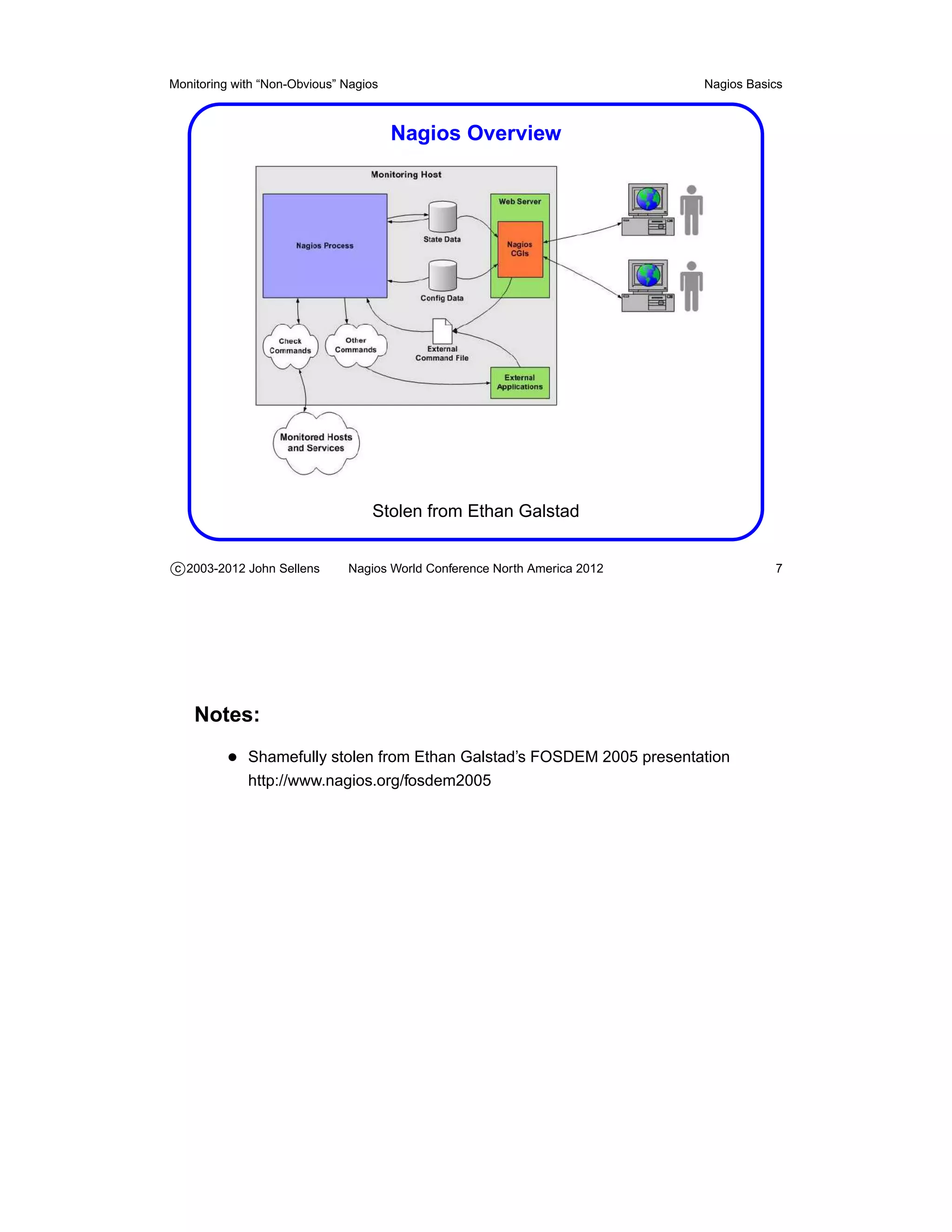
                                       Nagios Overview


                                   Stolen from Ethan Galstad


c 2003-2012 John Sellens      Nagios World Conference North America 2012              7


    Notes:
          • Shamefully stolen from Ethan Galstad’s FOSDEM 2005 presentation
             http://www.nagios.org/fosdem2005
Monitoring with “Non-Obvious” Nagios                                        Nagios Basics


                                       Building Nagios

         • The typical build process, with a few tweaks
         • Lots (and lots) of configure options . . .
         • Is --enable-embedded-perl a good idea?
         • Likely want --enable-event-broker
         • Don’t forget make install-commandmode
             – Creates the external command file (named pipe)

         • Setup Apache with the example conf entries


c 2003-2012 John Sellens      Nagios World Conference North America 2012               8


    Notes:
          • Quickstart Installation Guides
             http://nagios.sourceforge.net/docs/3_0/quickstart.html

          • Embedding a Perl interpreter just seems not quite right to me
                  – But see the documentation for pros and cons:
                    http://nagios.sourceforge.net/docs/3_0/embeddedperl.html

          • make install-webconf might do the Apache config for you
          • make install-init may set up your boot script
          • make fullinstall may do it all for you
          • I use the FreeBSD port . . .
          • Most people likely just install the “standard packages”
Monitoring with “Non-Obvious” Nagios                                           Nagios Basics


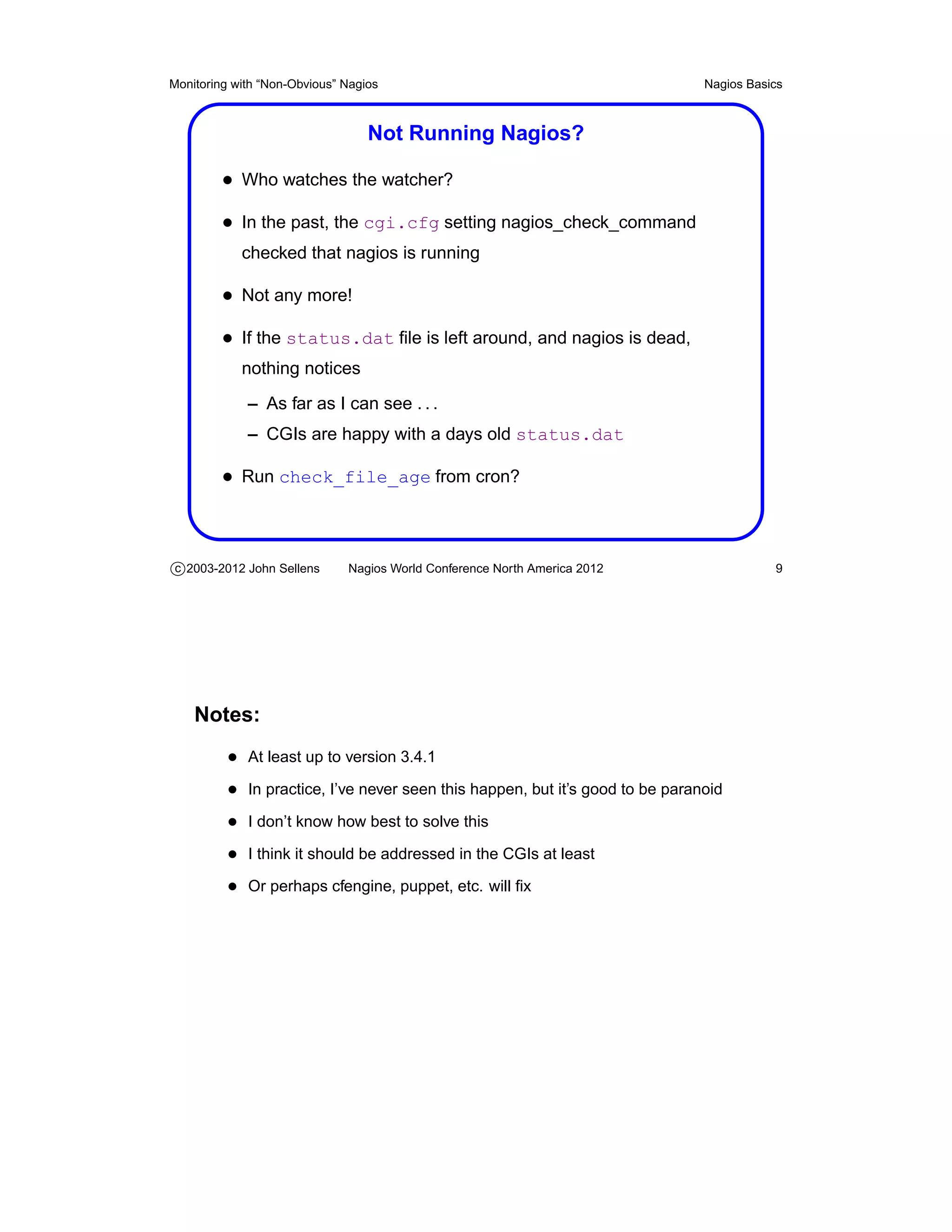
                                  Not Running Nagios?

         • Who watches the watcher?
         • In the past, the cgi.cfg setting nagios_check_command
            checked that nagios is running

         • Not any more!
         • If the status.dat file is left around, and nagios is dead,
            nothing notices
             – As far as I can see . . .
             – CGIs are happy with a days old status.dat

         • Run check_file_age from cron?


c 2003-2012 John Sellens      Nagios World Conference North America 2012                  9


    Notes:
          • At least up to version 3.4.1
          • In practice, I’ve never seen this happen, but it’s good to be paranoid
          • I don’t know how best to solve this
          • I think it should be addressed in the CGIs at least
          • Or perhaps cfengine, puppet, etc. will fix
Monitoring with “Non-Obvious” Nagios                                          Nagios Basics


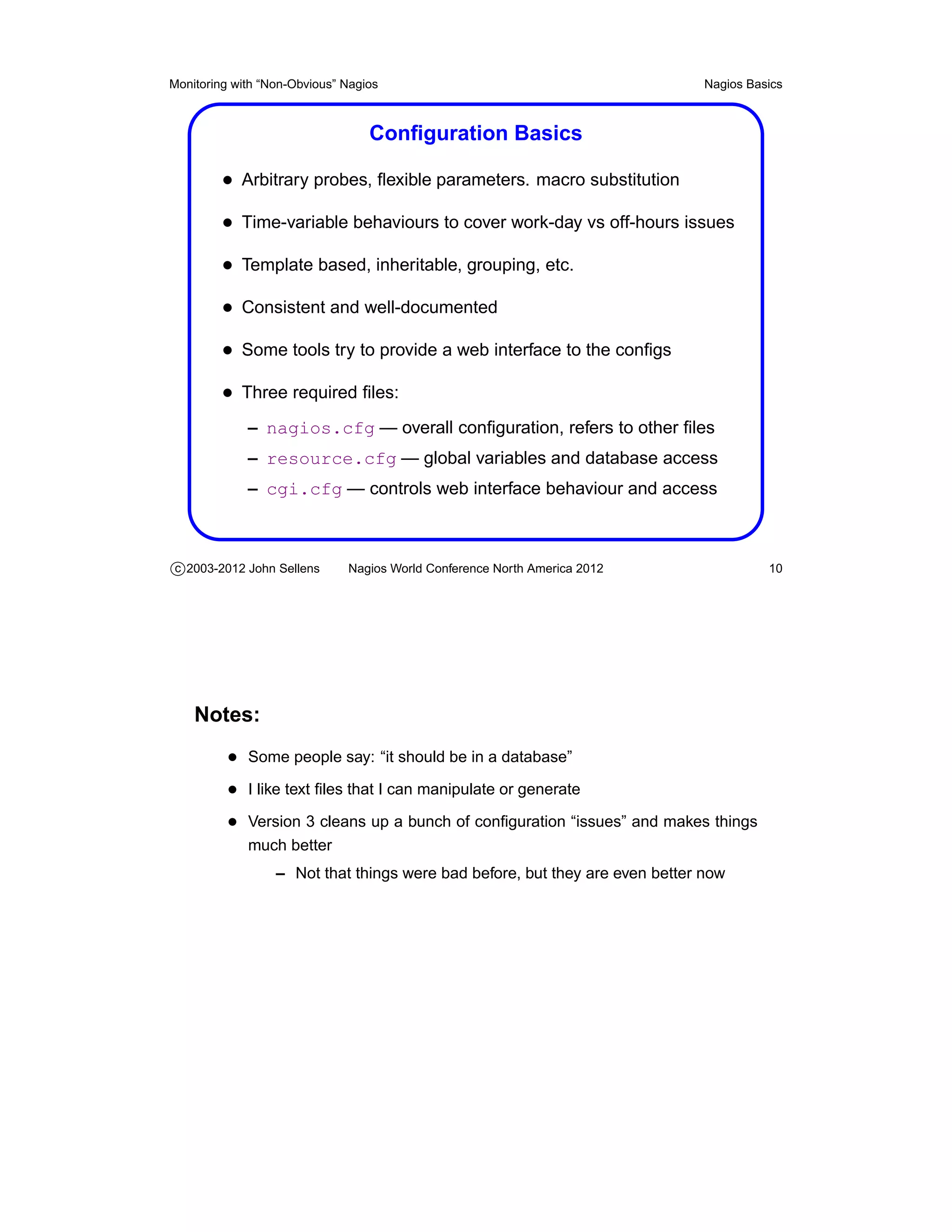
                                  Configuration Basics

         • Arbitrary probes, flexible parameters. macro substitution
         • Time-variable behaviours to cover work-day vs off-hours issues
         • Template based, inheritable, grouping, etc.
         • Consistent and well-documented
         • Some tools try to provide a web interface to the configs
         • Three required files:
             – nagios.cfg — overall configuration, refers to other files
             – resource.cfg — global variables and database access
             – cgi.cfg — controls web interface behaviour and access


c 2003-2012 John Sellens      Nagios World Conference North America 2012                10


    Notes:
          • Some people say: “it should be in a database”
          • I like text files that I can manipulate or generate
          • Version 3 cleans up a bunch of configuration “issues” and makes things
             much better
                  – Not that things were bad before, but they are even better now
Monitoring with “Non-Obvious” Nagios                                       Nagios Plugins


                                       Nagios Plugins


c 2003-2012 John Sellens      Nagios World Conference North America 2012              11
Monitoring with “Non-Obvious” Nagios                                       Nagios Plugins


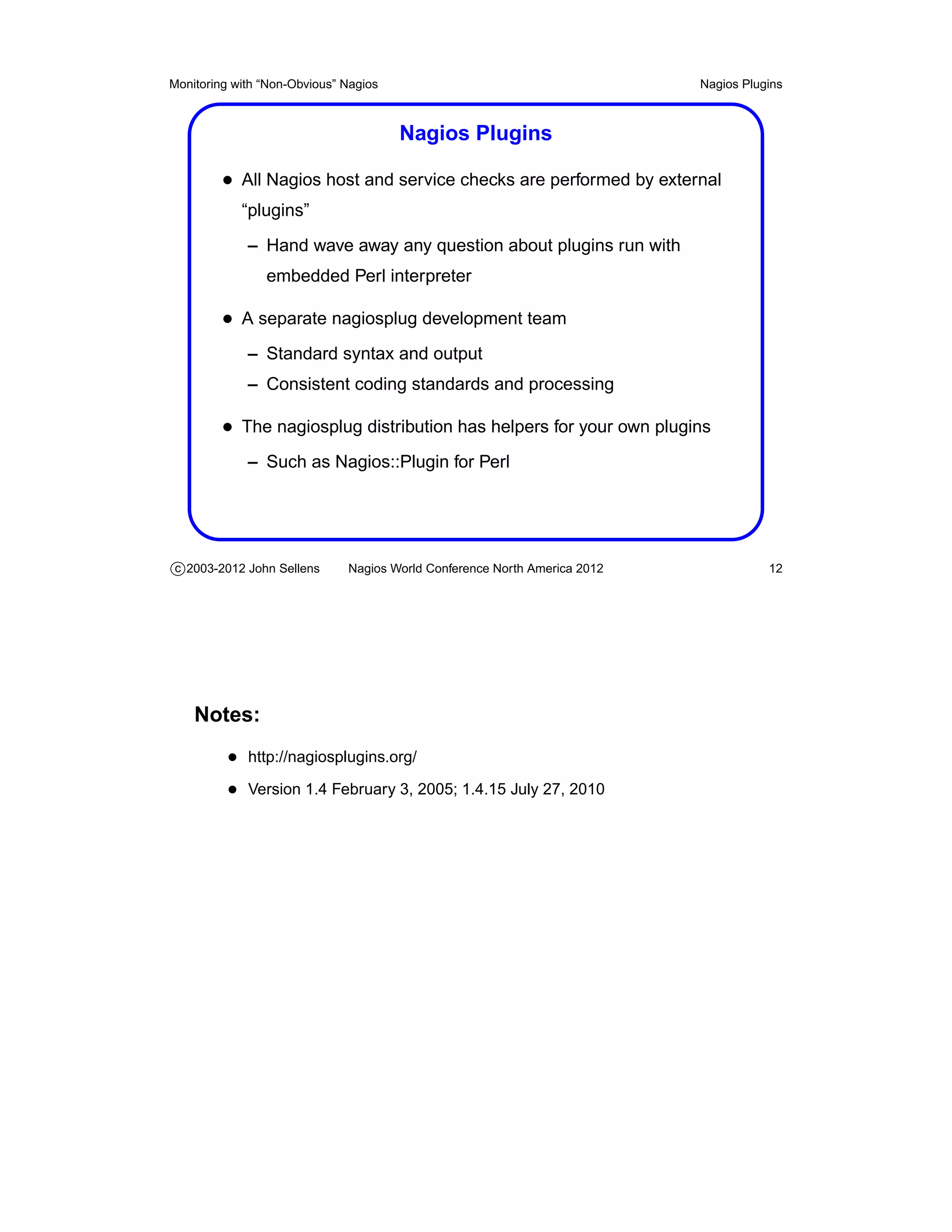
                                       Nagios Plugins

         • All Nagios host and service checks are performed by external
            “plugins”
             – Hand wave away any question about plugins run with
                embedded Perl interpreter

         • A separate nagiosplug development team
             – Standard syntax and output
             – Consistent coding standards and processing

         • The nagiosplug distribution has helpers for your own plugins
             – Such as Nagios::Plugin for Perl


c 2003-2012 John Sellens      Nagios World Conference North America 2012              12


    Notes:
          • http://nagiosplugins.org/
          • Version 1.4 February 3, 2005; 1.4.15 July 27, 2010
Monitoring with “Non-Obvious” Nagios                                       Nagios Plugins


                                       Theory of Plugins

         • A plugin command will be invoked by Nagios as required, with
            arguments as specified in the command definition that was used

         • Standard options include
             – who to check:      --hostname= or -H
             –   where to check: --ipaddress= or -I
             –   the port to check: --port= or -P
             –   critical error level: --critical= or -c
             –   warning level: --warning= or -w
             –   provide usage help: --help or -h

         • Critical and warning levels are in units that make sense for the
            plugin being used


c 2003-2012 John Sellens      Nagios World Conference North America 2012              13


    Notes:
          • The “ROADMAP” file in the current nagiosplug source provides additional
             information
Monitoring with “Non-Obvious” Nagios                                          Nagios Plugins


                              Theory of Plugins (cont’d)
         • Plugins return an informative message, and an exit code
             – Limited to about 350 characters of message (pre-V3)
             – The message is displayed in the web status interface

         • Exit codes indicate current state
             – 0 OK
             – 1 WARNING
             – 2 CRITICAL
             – 3 UNKNOWN

         • Nagios reacts based on exit code
             – Invokes notifications, exception handlers

         • Optional “performance data” is for statistics collection

c 2003-2012 John Sellens      Nagios World Conference North America 2012                 14


    Notes:
          • Version 3 allows long (4,000 character), multi-line output from plugins
                  – I think first line goes in web display
                  – All output available via macros

          • Plugins may also return “performance data” by appending an or-bar (“|”)
             and “key=value” information to the message

          • Performance data can be processed via appropriate settings in the na-
             gios.cfg file
                  – So you can stuff your plugin results into a database, or a graph,
                    etc.
Monitoring with “Non-Obvious” Nagios                                           Nagios Plugins


                                       Plugin Extra-Opts

         • C plugins can consult a run-time config file
            check_whatever --extra-opts=[section][@file]

         • Config file is “ini” style
            [section]
            key=value

         • File defaults to plugins.ini or nagios-plugins.ini
         • Searched for in $NAGIOS_CONFIG_PATH or various /etc dirs
         • Configure with --enable-extra-opts


c 2003-2012 John Sellens      Nagios World Conference North America 2012                  15


    Notes:
          • http://nagiosplugins.org/extra-opts hmm - wish there was per-host option
          • I don’t think you can do per-hostaddress settings within the file itself
                  – Though you could have different sections named for a macro used
                    on the command line

          • Extra-opts capability was added in 1.4.12
          • Early on I didn’t find documentation on how to find the file, so I looked at
             the code — fixed now

          • The code to file the config file seems a little convoluted
          • Ethan Galstad pointed out that this is handy for hiding userids and pass-
             words and other secrets from the ps command
Monitoring with “Non-Obvious” Nagios                                        Nagios Plugins


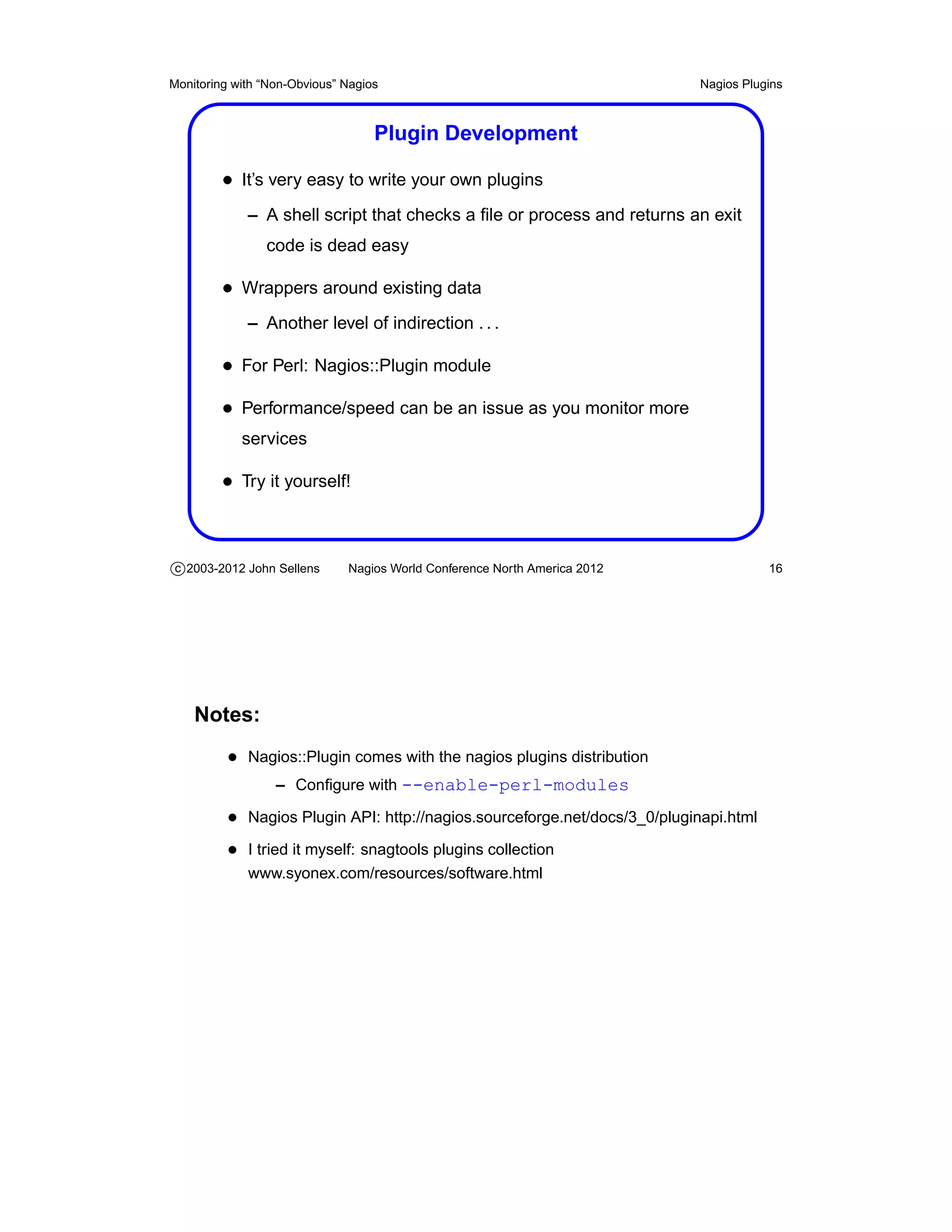
                                   Plugin Development

         • It’s very easy to write your own plugins
             – A shell script that checks a file or process and returns an exit
                code is dead easy

         • Wrappers around existing data
             – Another level of indirection . . .

         • For Perl: Nagios::Plugin module
         • Performance/speed can be an issue as you monitor more
            services

         • Try it yourself!


c 2003-2012 John Sellens      Nagios World Conference North America 2012               16


    Notes:
          • Nagios::Plugin comes with the nagios plugins distribution
                  – Configure with --enable-perl-modules

          • Nagios Plugin API: http://nagios.sourceforge.net/docs/3_0/pluginapi.html
          • I tried it myself: snagtools plugins collection
             www.syonex.com/resources/software.html
Monitoring with “Non-Obvious” Nagios                                       Nagios Plugins


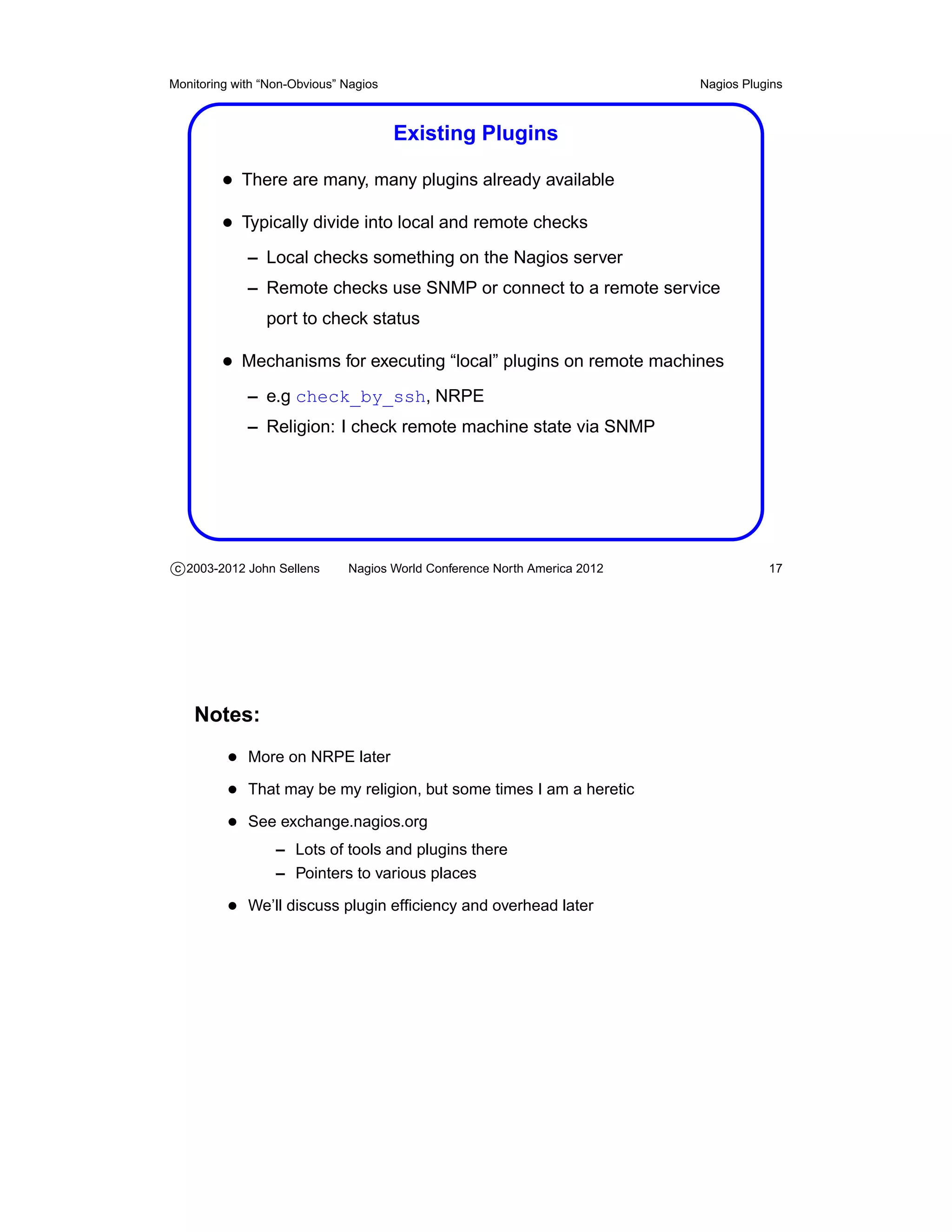
                                       Existing Plugins

         • There are many, many plugins already available
         • Typically divide into local and remote checks
             – Local checks something on the Nagios server
             – Remote checks use SNMP or connect to a remote service
                port to check status

         • Mechanisms for executing “local” plugins on remote machines
             – e.g check_by_ssh, NRPE
             – Religion: I check remote machine state via SNMP


c 2003-2012 John Sellens      Nagios World Conference North America 2012              17


    Notes:
          • More on NRPE later
          • That may be my religion, but some times I am a heretic
          • See exchange.nagios.org
                  – Lots of tools and plugins there
                  – Pointers to various places

          • We’ll discuss plugin efficiency and overhead later
Monitoring with “Non-Obvious” Nagios                                       More on Configuration


                             More on Configuration


c 2003-2012 John Sellens      Nagios World Conference North America 2012                    18
Monitoring with “Non-Obvious” Nagios                                       More on Configuration


                                  Configuration Details

         • Recall: Text files, 3 core files plus object definitions
         • Recall: Read and digested when Nagios starts
         • Recall: Can be a little complicated at first glance
             – Likely only because there are so many possibilities
             – But consistent and well documented

         • Let’s look at it in some more depth


c 2003-2012 John Sellens      Nagios World Conference North America 2012                    19


    Notes:
          • Version 3 allows pre-digesting configs before startup
                  – Speeds startup time in large environments
Monitoring with “Non-Obvious” Nagios                                       More on Configuration


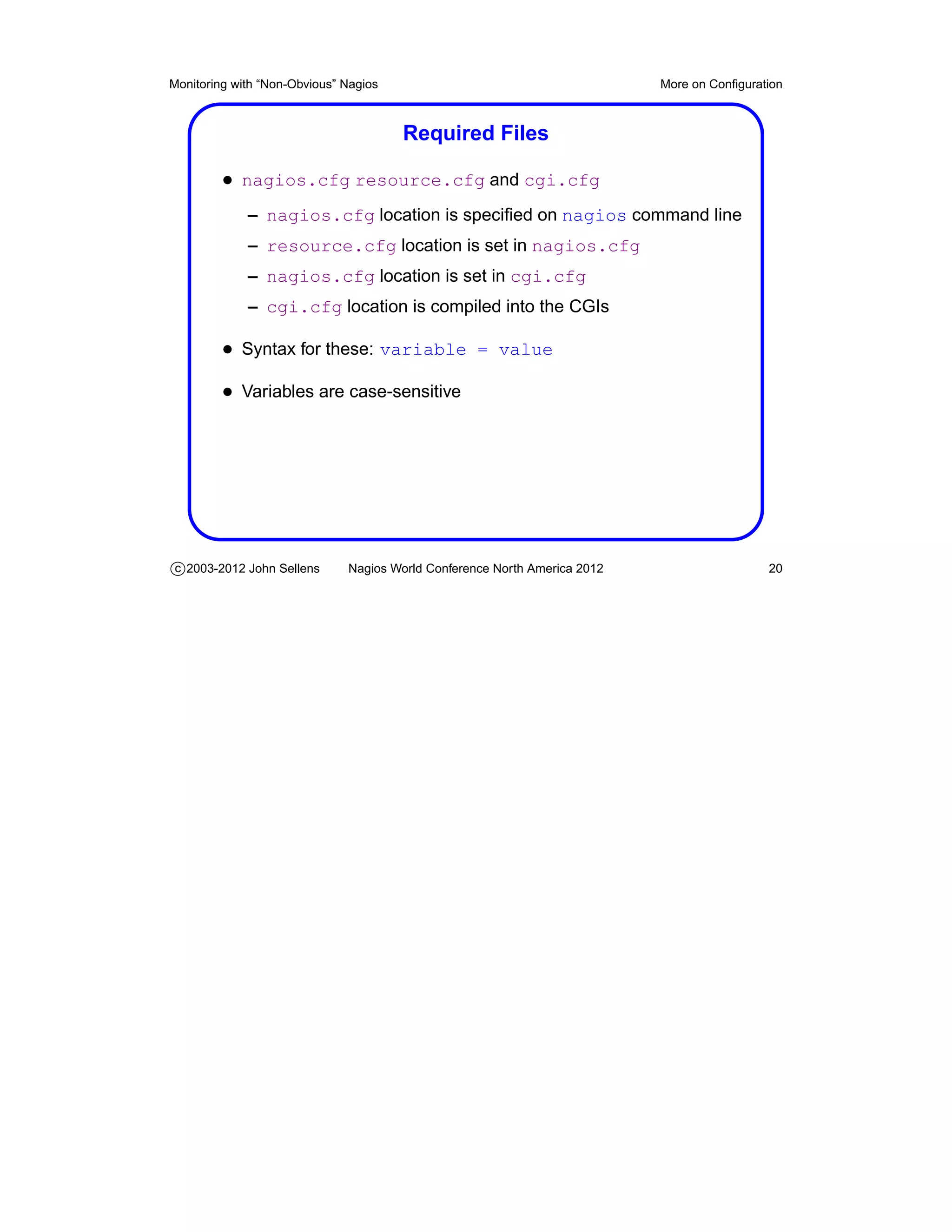
                                       Required Files

         • nagios.cfg resource.cfg and cgi.cfg
             – nagios.cfg location is specified on nagios command line
             – resource.cfg location is set in nagios.cfg
             – nagios.cfg location is set in cgi.cfg
             – cgi.cfg location is compiled into the CGIs

         • Syntax for these: variable = value
         • Variables are case-sensitive


c 2003-2012 John Sellens      Nagios World Conference North America 2012                    20
Monitoring with “Non-Obvious” Nagios                                       More on Configuration


                                       nagios.cfg Settings

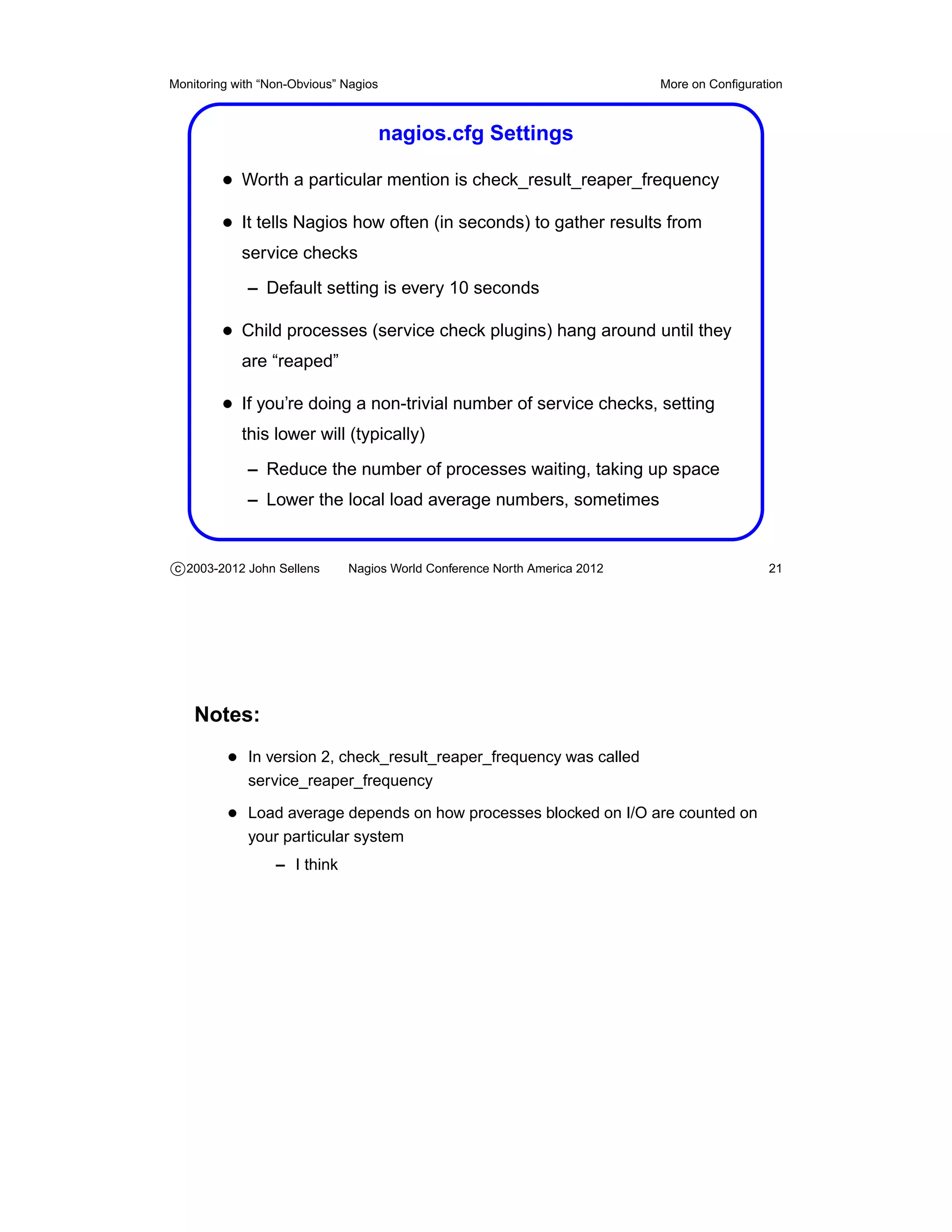
         • Worth a particular mention is check_result_reaper_frequency
         • It tells Nagios how often (in seconds) to gather results from
            service checks
             – Default setting is every 10 seconds

         • Child processes (service check plugins) hang around until they
            are “reaped”

         • If you’re doing a non-trivial number of service checks, setting
            this lower will (typically)
             – Reduce the number of processes waiting, taking up space
             – Lower the local load average numbers, sometimes


c 2003-2012 John Sellens      Nagios World Conference North America 2012                    21


    Notes:
          • In version 2, check_result_reaper_frequency was called
             service_reaper_frequency

          • Load average depends on how processes blocked on I/O are counted on
             your particular system
                  – I think
Monitoring with “Non-Obvious” Nagios                                       More on Configuration


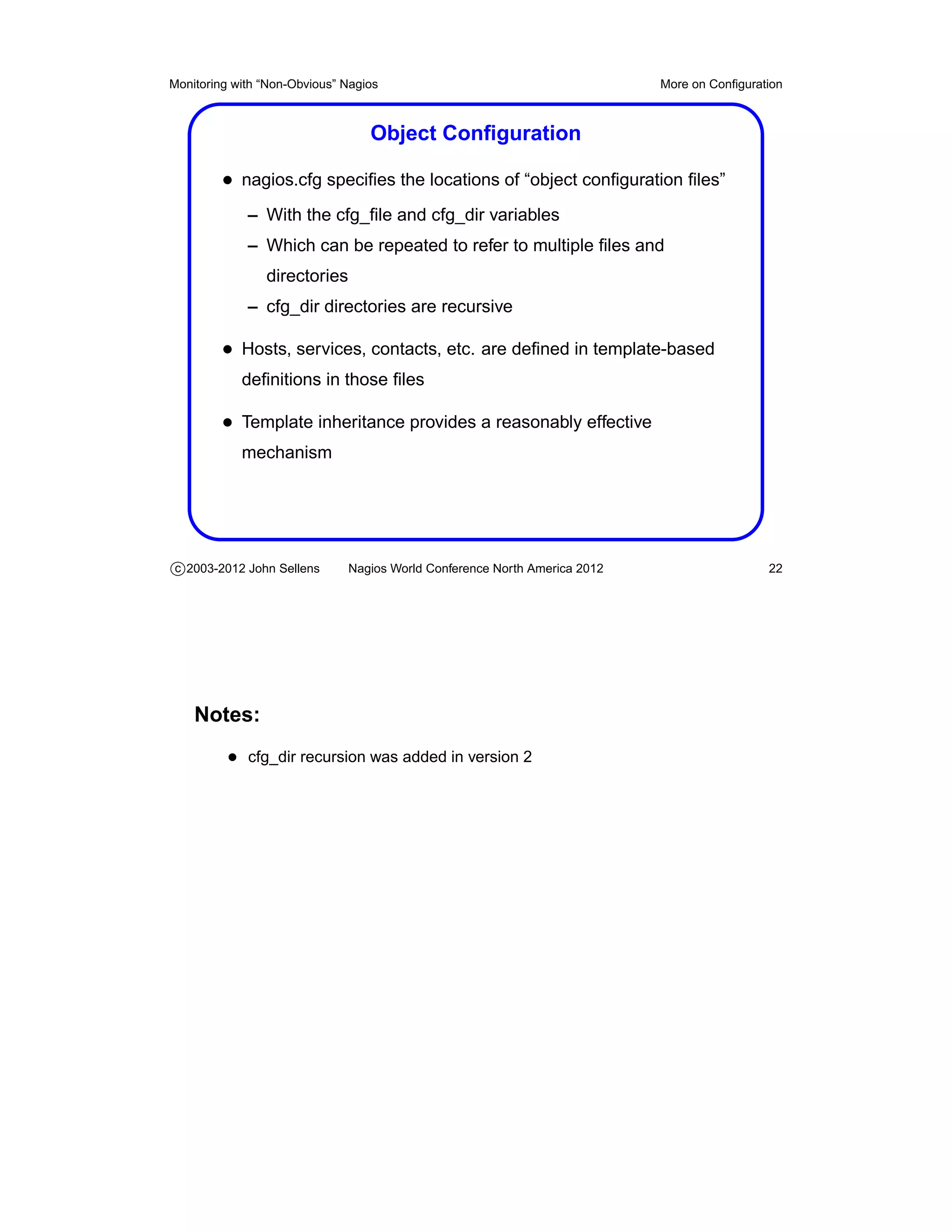
                                  Object Configuration

         • nagios.cfg specifies the locations of “object configuration files”
             – With the cfg_file and cfg_dir variables
             – Which can be repeated to refer to multiple files and
                directories
             – cfg_dir directories are recursive

         • Hosts, services, contacts, etc. are defined in template-based
            definitions in those files

         • Template inheritance provides a reasonably effective
            mechanism


c 2003-2012 John Sellens      Nagios World Conference North America 2012                    22


    Notes:
          • cfg_dir recursion was added in version 2
Monitoring with “Non-Obvious” Nagios                                         More on Configuration


                           Object Configuration (cont’d)
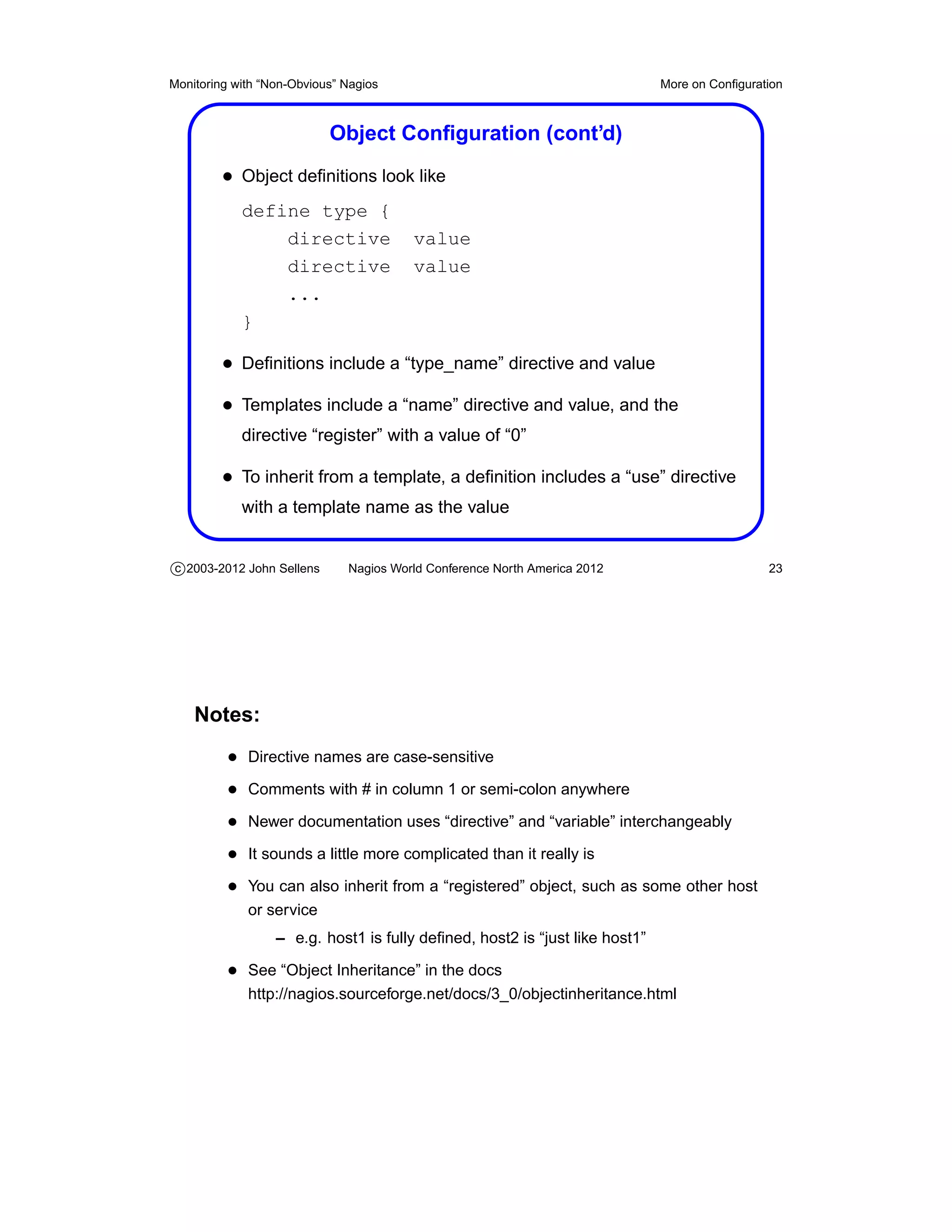
         • Object definitions look like
            define type {
                directive               value
                directive               value
                ...
            }

         • Definitions include a “type_name” directive and value
         • Templates include a “name” directive and value, and the
            directive “register” with a value of “0”

         • To inherit from a template, a definition includes a “use” directive
            with a template name as the value


c 2003-2012 John Sellens      Nagios World Conference North America 2012                      23


    Notes:
          • Directive names are case-sensitive
          • Comments with # in column 1 or semi-colon anywhere
          • Newer documentation uses “directive” and “variable” interchangeably
          • It sounds a little more complicated than it really is
          • You can also inherit from a “registered” object, such as some other host
             or service
                  – e.g. host1 is fully defined, host2 is “just like host1”

          • See “Object Inheritance” in the docs
             http://nagios.sourceforge.net/docs/3_0/objectinheritance.html
Monitoring with “Non-Obvious” Nagios                                       More on Configuration


                                       Object Templates

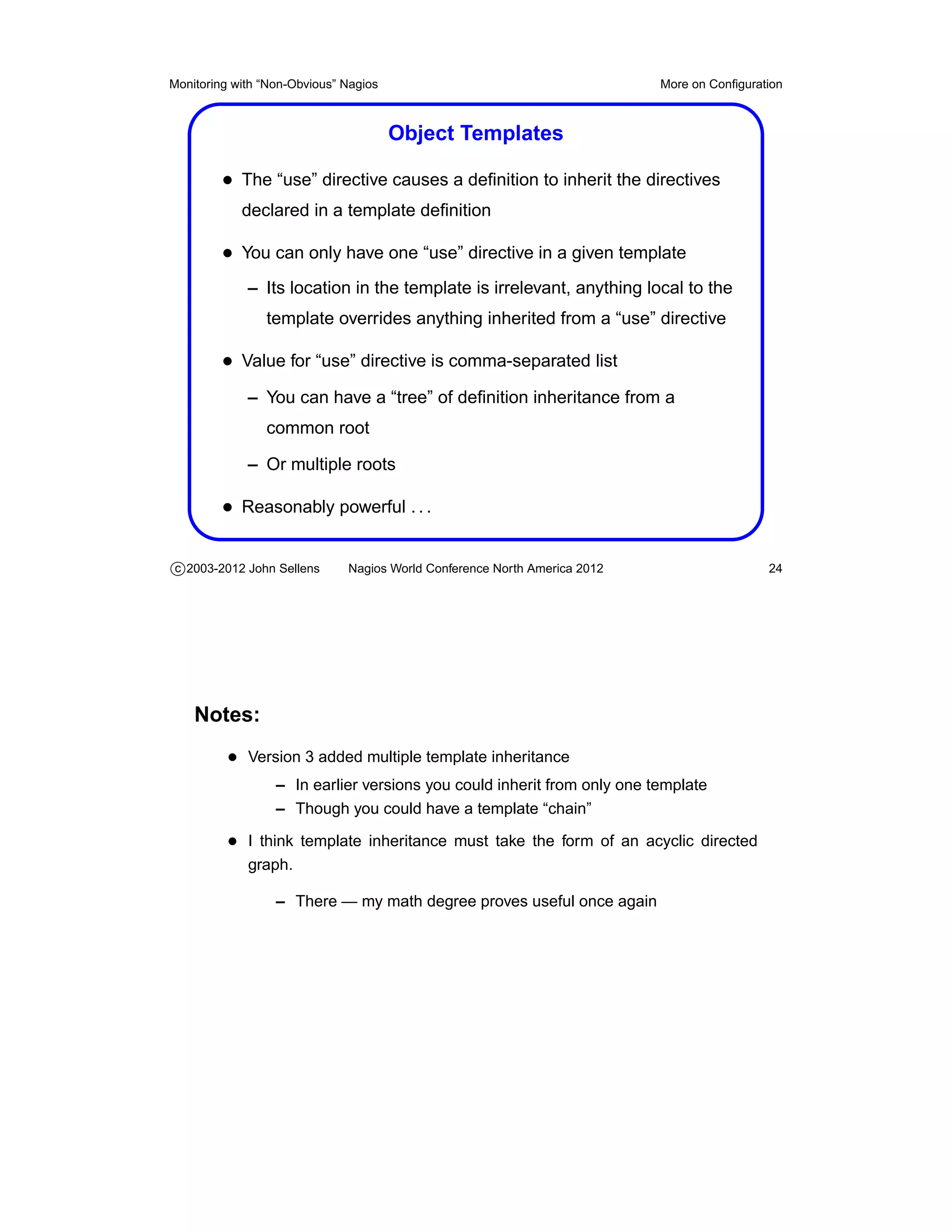
         • The “use” directive causes a definition to inherit the directives
            declared in a template definition

         • You can only have one “use” directive in a given template
             – Its location in the template is irrelevant, anything local to the
                template overrides anything inherited from a “use” directive

         • Value for “use” directive is comma-separated list
             – You can have a “tree” of definition inheritance from a
                common root

             – Or multiple roots

         • Reasonably powerful . . .

c 2003-2012 John Sellens      Nagios World Conference North America 2012                    24


    Notes:
          • Version 3 added multiple template inheritance
                  – In earlier versions you could inherit from only one template
                  – Though you could have a template “chain”

          • I think template inheritance must take the form of an acyclic directed
             graph.

                  – There — my math degree proves useful once again
Monitoring with “Non-Obvious” Nagios                                       More on Configuration


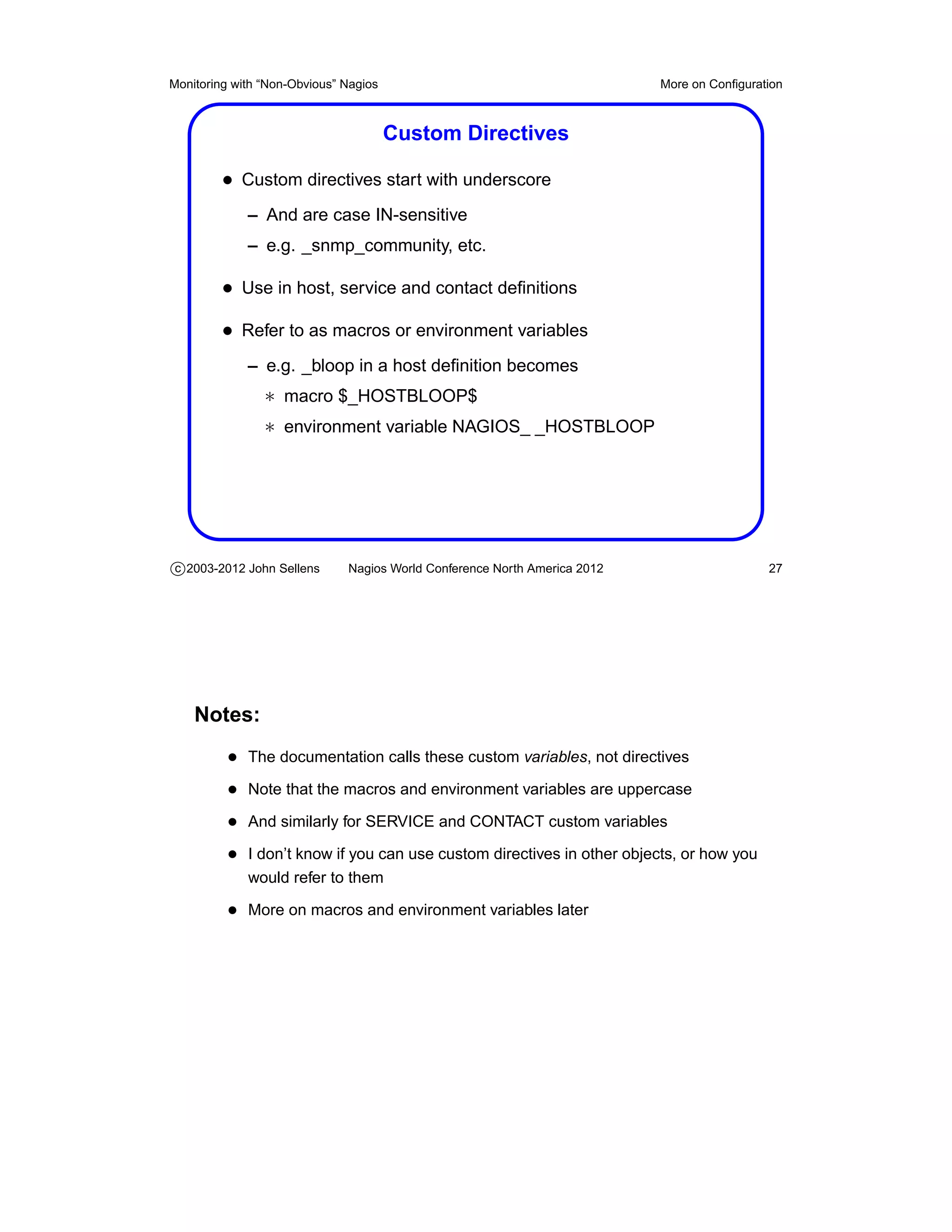
                            Object Template Inheritance


         • Host devweb1 definition contains use 1, 4, 8
         • First template (1 in this case) has highest priority

c 2003-2012 John Sellens      Nagios World Conference North America 2012                    25


    Notes:
          • Stolen from Nagios 3 documentation
          • Multiple inheritance sources were added in version 3
          • Very handy with multiple locations, variable overrides, etc.
Monitoring with “Non-Obvious” Nagios                                        More on Configuration


                                  Directives and Values

         • Each object type has pre-defined directive names
             – Generally consistent across different object types

         • Append to an inherited value: directive +value
         • Delete inherited value: directive null


c 2003-2012 John Sellens       Nagios World Conference North America 2012                    26


    Notes:
          • Appending with + is called additive inheritence
          • No subtractive inheritence i.e. can’t remove an item from a list unless you
             re-set the list
Monitoring with “Non-Obvious” Nagios                                       More on Configuration


                                       Custom Directives

         • Custom directives start with underscore
             – And are case IN-sensitive
             – e.g. _snmp_community, etc.

         • Use in host, service and contact definitions
         • Refer to as macros or environment variables
             – e.g. _bloop in a host definition becomes
                ∗ macro $_HOSTBLOOP$
                ∗ environment variable NAGIOS_ _HOSTBLOOP


c 2003-2012 John Sellens      Nagios World Conference North America 2012                    27


    Notes:
          • The documentation calls these custom variables, not directives
          • Note that the macros and environment variables are uppercase
          • And similarly for SERVICE and CONTACT custom variables
          • I don’t know if you can use custom directives in other objects, or how you
             would refer to them

          • More on macros and environment variables later
Monitoring with “Non-Obvious” Nagios                                       More on Configuration


                                       Implied Inheritance

         • Nagios will sometimes assume a value from a related object
         • Service objects will inherit
             – contact_groups, notification_interval, notification_period
            from the associated host

         • Hostescalations and serviceescalations will similarly inherit as
            well
             – Except notification_period becomes escalation_period


c 2003-2012 John Sellens      Nagios World Conference North America 2012                    28


    Notes:
          • Which is convenient and makes sense, and saves keeping the same in-
             formation consistent in multiple places
Monitoring with “Non-Obvious” Nagios                                       More on Configuration


                                        Object Types

         • There are quite a few different object types that can be defined
         • host, hostdependency, hostescalation
         • hostgroup
         • contact, contactgroup
         • service, servicegroup, servicedependency, serviceescalation
         • hostextinfo, serviceextinfo
         • timeperiod
         • command


c 2003-2012 John Sellens      Nagios World Conference North America 2012                    29


    Notes:
          • I think “quite a few” equals 14
          • More or less self explanatory
          • The “extinfo” types provide “extended” information for hosts and services
             for the web interface

          • hostgroupescalation removed in 2.x — you can now use hostgroup_name
             in hostescalation definitions

          • 2.x added servicegroup primarily for CGI display purposes
          • Servicegroup can be referred to by servicedependency and serviceesca-
             lation definitions

          • hostextinfo and serviceextinfo are now deprecated
                  – All directives are now part of host and service definitions
Monitoring with “Non-Obvious” Nagios                                       More on Configuration


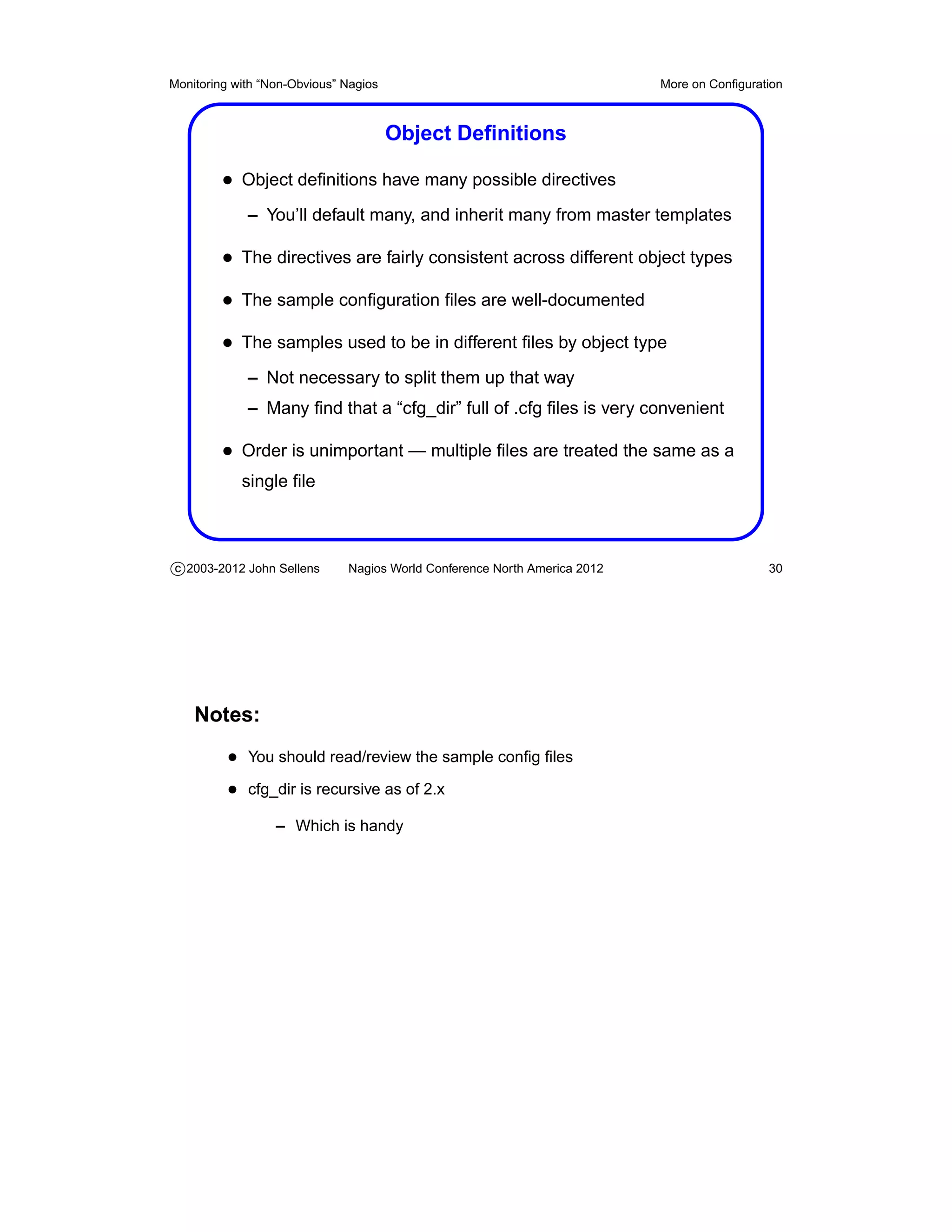
                                       Object Definitions

         • Object definitions have many possible directives
             – You’ll default many, and inherit many from master templates

         • The directives are fairly consistent across different object types
         • The sample configuration files are well-documented
         • The samples used to be in different files by object type
             – Not necessary to split them up that way
             – Many find that a “cfg_dir” full of .cfg files is very convenient

         • Order is unimportant — multiple files are treated the same as a
            single file


c 2003-2012 John Sellens      Nagios World Conference North America 2012                    30


    Notes:
          • You should read/review the sample config files
          • cfg_dir is recursive as of 2.x
                  – Which is handy
Monitoring with “Non-Obvious” Nagios                                       More on Configuration


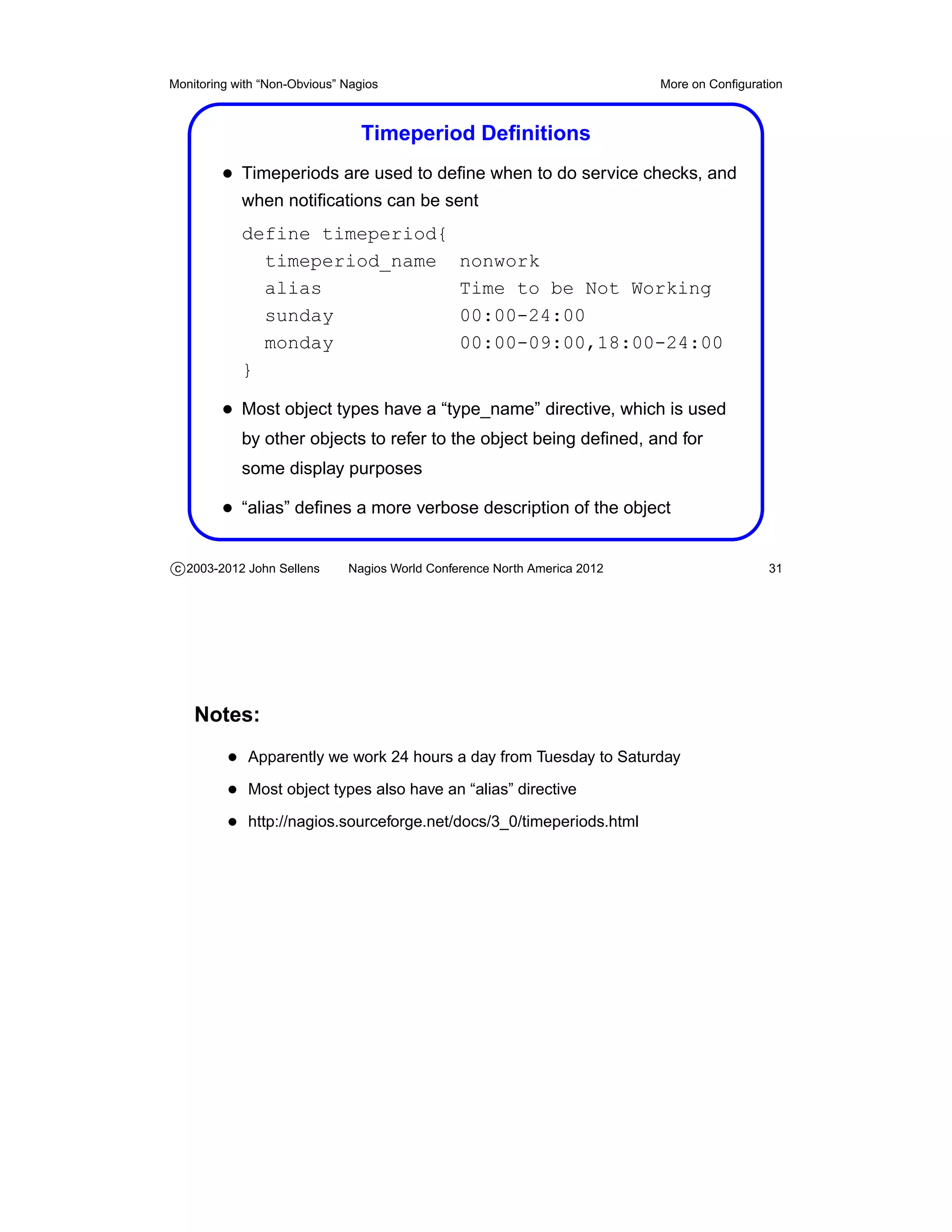
                                 Timeperiod Definitions
         • Timeperiods are used to define when to do service checks, and
            when notifications can be sent
            define timeperiod{
              timeperiod_name                   nonwork
              alias                             Time to be Not Working
              sunday                            00:00-24:00
              monday                            00:00-09:00,18:00-24:00
            }

         • Most object types have a “type_name” directive, which is used
            by other objects to refer to the object being defined, and for
            some display purposes

         • “alias” defines a more verbose description of the object

c 2003-2012 John Sellens      Nagios World Conference North America 2012                    31


    Notes:
          • Apparently we work 24 hours a day from Tuesday to Saturday
          • Most object types also have an “alias” directive
          • http://nagios.sourceforge.net/docs/3_0/timeperiods.html
Monitoring with “Non-Obvious” Nagios                                       More on Configuration


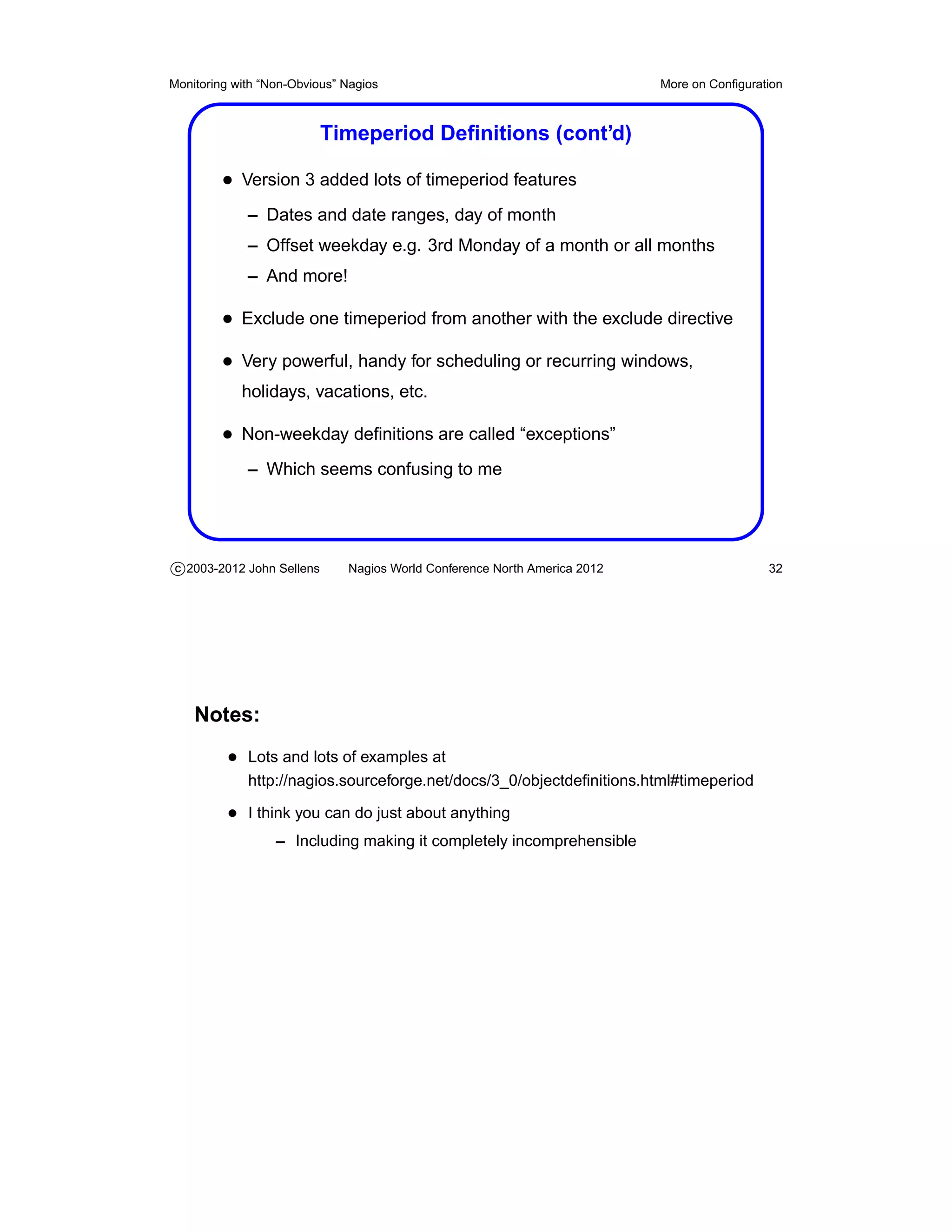
                           Timeperiod Definitions (cont’d)

         • Version 3 added lots of timeperiod features
             – Dates and date ranges, day of month
             – Offset weekday e.g. 3rd Monday of a month or all months
             – And more!

         • Exclude one timeperiod from another with the exclude directive
         • Very powerful, handy for scheduling or recurring windows,
            holidays, vacations, etc.

         • Non-weekday definitions are called “exceptions”
             – Which seems confusing to me


c 2003-2012 John Sellens      Nagios World Conference North America 2012                    32


    Notes:
          • Lots and lots of examples at
             http://nagios.sourceforge.net/docs/3_0/objectdefinitions.html#timeperiod

          • I think you can do just about anything
                  – Including making it completely incomprehensible
Monitoring with “Non-Obvious” Nagios                                       More on Configuration


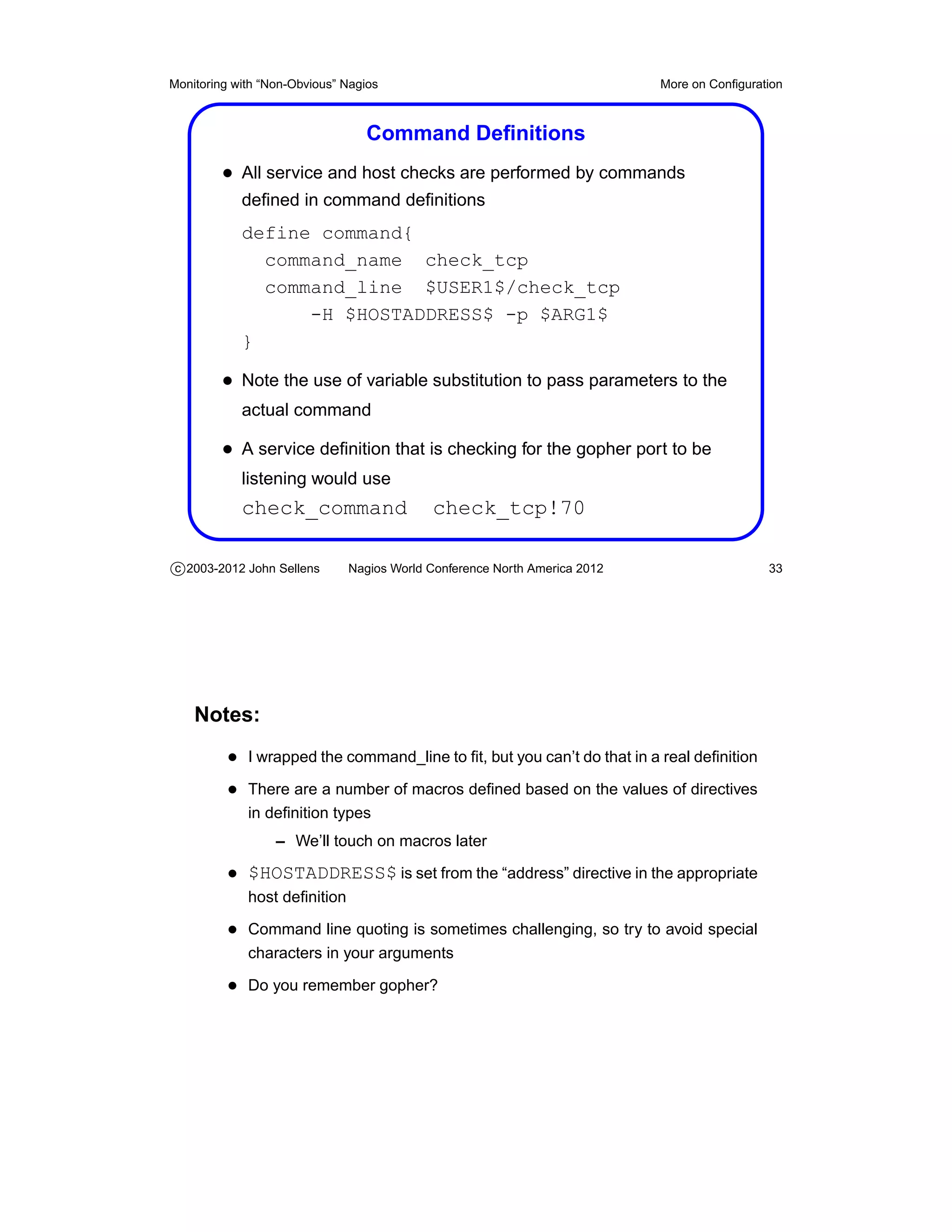
                                 Command Definitions
         • All service and host checks are performed by commands
            defined in command definitions
            define command{
              command_name check_tcp
              command_line $USER1$/check_tcp
                  -H $HOSTADDRESS$ -p $ARG1$
            }

         • Note the use of variable substitution to pass parameters to the
            actual command

         • A service definition that is checking for the gopher port to be
            listening would use
            check_command                  check_tcp!70

c 2003-2012 John Sellens      Nagios World Conference North America 2012                    33


    Notes:
          • I wrapped the command_line to fit, but you can’t do that in a real definition
          • There are a number of macros defined based on the values of directives
             in definition types
                  – We’ll touch on macros later

          • $HOSTADDRESS$ is set from the “address” directive in the appropriate
             host definition

          • Command line quoting is sometimes challenging, so try to avoid special
             characters in your arguments

          • Do you remember gopher?
Monitoring with “Non-Obvious” Nagios                                        More on Configuration


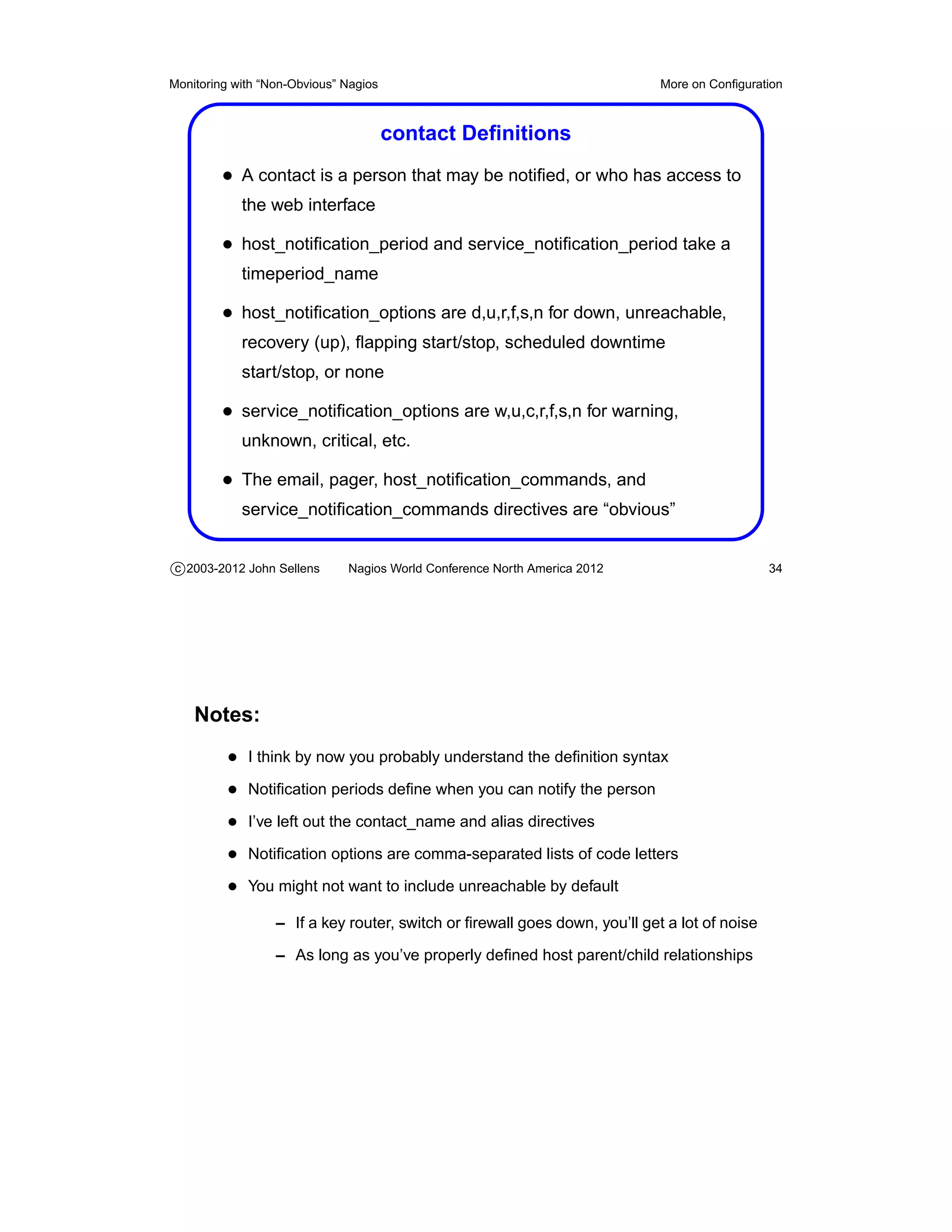
                                       contact Definitions
         • A contact is a person that may be notified, or who has access to
            the web interface

         • host_notification_period and service_notification_period take a
            timeperiod_name

         • host_notification_options are d,u,r,f,s,n for down, unreachable,
            recovery (up), flapping start/stop, scheduled downtime
            start/stop, or none

         • service_notification_options are w,u,c,r,f,s,n for warning,
            unknown, critical, etc.

         • The email, pager, host_notification_commands, and
            service_notification_commands directives are “obvious”


c 2003-2012 John Sellens      Nagios World Conference North America 2012                      34


    Notes:
          • I think by now you probably understand the definition syntax
          • Notification periods define when you can notify the person
          • I’ve left out the contact_name and alias directives
          • Notification options are comma-separated lists of code letters
          • You might not want to include unreachable by default
                  – If a key router, switch or firewall goes down, you’ll get a lot of noise

                  – As long as you’ve properly defined host parent/child relationships
Monitoring with “Non-Obvious” Nagios                                       More on Configuration


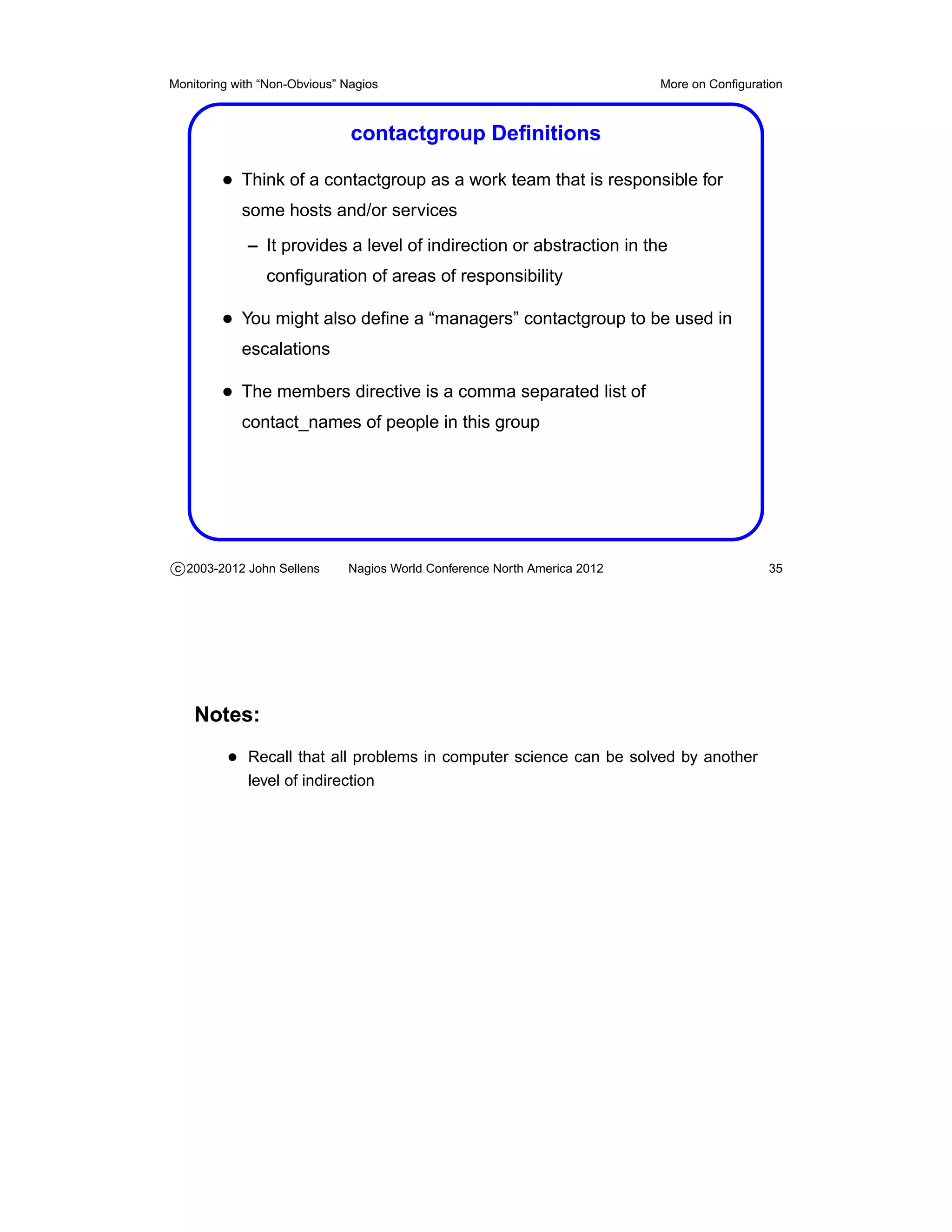
                               contactgroup Definitions

         • Think of a contactgroup as a work team that is responsible for
            some hosts and/or services
             – It provides a level of indirection or abstraction in the
                configuration of areas of responsibility

         • You might also define a “managers” contactgroup to be used in
            escalations

         • The members directive is a comma separated list of
            contact_names of people in this group


c 2003-2012 John Sellens      Nagios World Conference North America 2012                    35


    Notes:
          • Recall that all problems in computer science can be solved by another
             level of indirection
Monitoring with “Non-Obvious” Nagios                                       More on Configuration


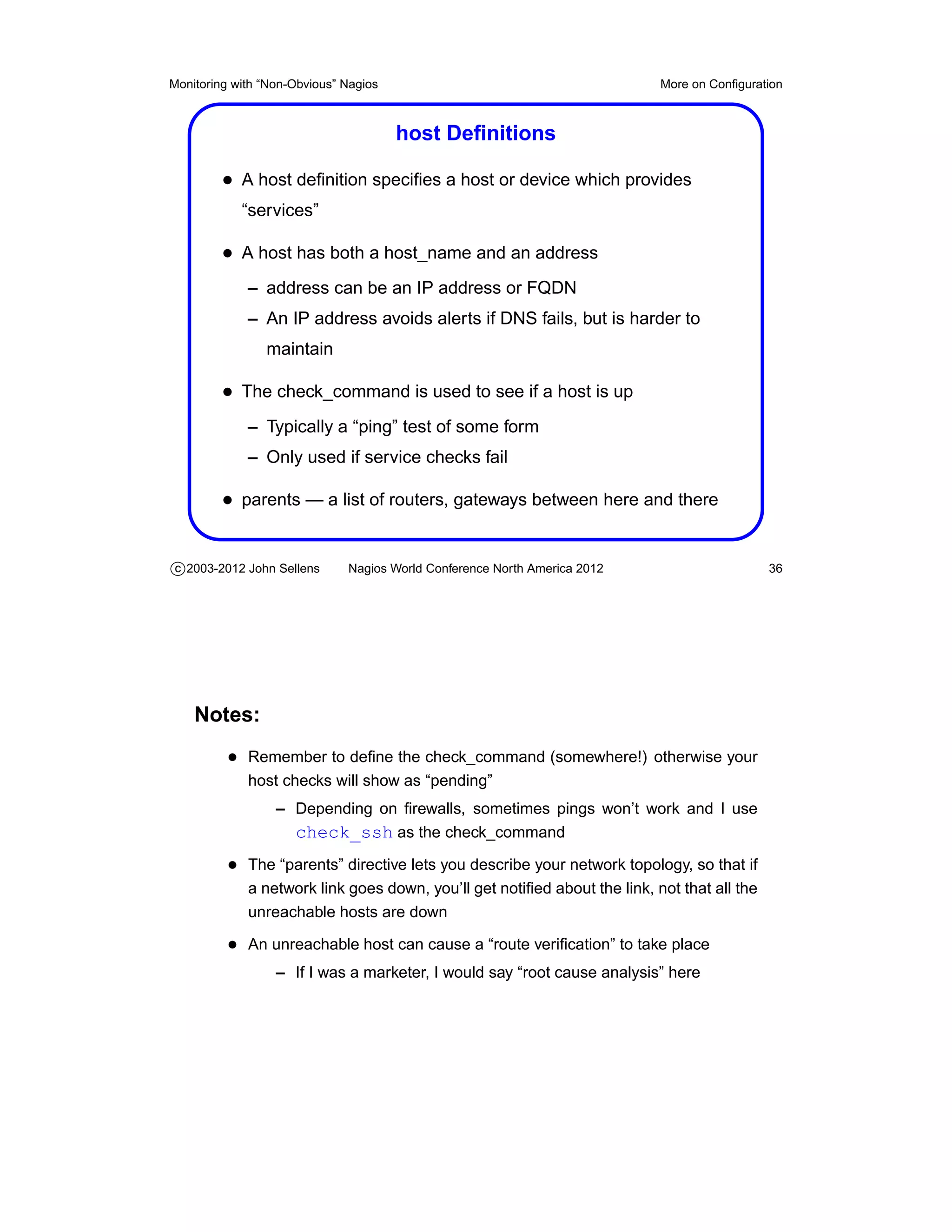
                                       host Definitions

         • A host definition specifies a host or device which provides
            “services”

         • A host has both a host_name and an address
             – address can be an IP address or FQDN
             – An IP address avoids alerts if DNS fails, but is harder to
                maintain

         • The check_command is used to see if a host is up
             – Typically a “ping” test of some form
             – Only used if service checks fail

         • parents — a list of routers, gateways between here and there


c 2003-2012 John Sellens      Nagios World Conference North America 2012                     36


    Notes:
          • Remember to define the check_command (somewhere!) otherwise your
             host checks will show as “pending”
                  – Depending on firewalls, sometimes pings won’t work and I use
                    check_ssh as the check_command
          • The “parents” directive lets you describe your network topology, so that if
             a network link goes down, you’ll get notified about the link, not that all the
             unreachable hosts are down

          • An unreachable host can cause a “route verification” to take place
                  – If I was a marketer, I would say “root cause analysis” here
Monitoring with “Non-Obvious” Nagios                                       More on Configuration


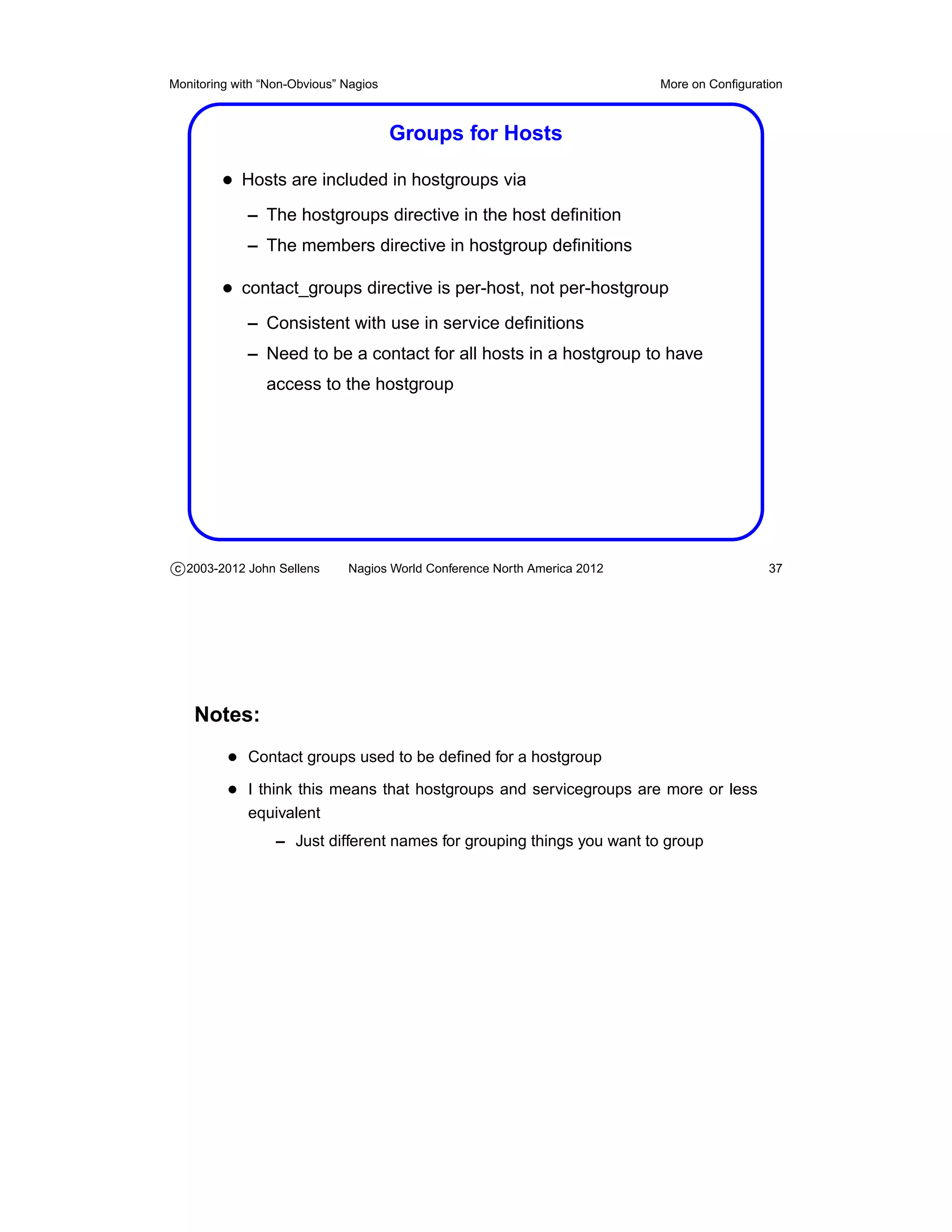
                                       Groups for Hosts

         • Hosts are included in hostgroups via
             – The hostgroups directive in the host definition
             – The members directive in hostgroup definitions

         • contact_groups directive is per-host, not per-hostgroup
             – Consistent with use in service definitions
             – Need to be a contact for all hosts in a hostgroup to have
                access to the hostgroup


c 2003-2012 John Sellens      Nagios World Conference North America 2012                    37


    Notes:
          • Contact groups used to be defined for a hostgroup
          • I think this means that hostgroups and servicegroups are more or less
             equivalent
                  – Just different names for grouping things you want to group
Monitoring with “Non-Obvious” Nagios                                       More on Configuration


                                 hostgroup Definitions

         • A hostgroup defines an administrative grouping of hosts
         • Used to organize output in the web interface, and to determine
            access restrictions
             – You can only access those hosts/services that you are
                responsible for

         • members lists the hosts that are members
         • hostgroup_members includes other hostgroups in this one


c 2003-2012 John Sellens      Nagios World Conference North America 2012                    38


    Notes:
          • Can have multiple members directives for convenience
                  – I think

          • Contacts used to be attached to hosts only by the old contact_groups
             directive in hostgroups
Monitoring with “Non-Obvious” Nagios                                       More on Configuration


                                       service Definitions

         • In Nagios terms, a “service” could be an aspect of a running
            system, like disk capacity, or memory utilization
             – A “service” needn’t be offered externally to a device

         • Nagios tests services based on
             – max_check_attempts — how many times to check a service
                before concluding it is actually down
             – normal_check_interval — how many “time units” to wait
                between regular service checks
             – retry_check_interval – how many “time units” to wait before
                checking a service that is not “OK”

         • contact_groups — who to complain to in case of a problem

c 2003-2012 John Sellens      Nagios World Conference North America 2012                    39


    Notes:
          • See the documentation on “Service Check Scheduling” at
             http://nagios.sourceforge.net/docs/2_0/checkscheduling.html
                  – Nagios works hard to be efficient and effective at doing checks
                  – Not yet written/updated for Nagios 3.x
Monitoring with “Non-Obvious” Nagios                                       More on Configuration


                     Service check_command Directives

         • Each service definition must include a check_command
            directive

         • You can refer to a defined command
             – Arguments can be provided, separated by !

         • For example
           check_command                     check_ntserv!w3svc

         • Open question: where should you quote special characters?


c 2003-2012 John Sellens      Nagios World Conference North America 2012                    40


    Notes:
          • You used to be able to provide a “raw” command to be executed, sur-
             rounded by double quotes
                  – But I don’t think you can anymore
                  – Not often used — you’re better off to use the indirection provided
                    by command definitions
Monitoring with “Non-Obvious” Nagios                                       More on Configuration


                              Notification Configuration

         • Host and service definitions also define when notifications
            should be sent using the following directives
             – notification_interval — number of “time units” (default:
                minutes) before re-notifying of a problem
             – notification_period — the timeperiod during which
                notifications may be sent
             – notification_options — hosts: d,u,r,f,s,n; services: w,u,c,r,f,s
             – notifications_enabled — 1 for yes, 0 for no

         • The contact_group for the hostgroup or service is notified, using
            the rules for the individual contacts in group


c 2003-2012 John Sellens      Nagios World Conference North America 2012                    41


    Notes:
          • “Time units” are in terms of the “interval_length” defined in the nagios.cfg
             file
                   – Which defaults to 60 seconds
                   – So the number given in an object definition for an “interval” is usu-
                     ally the number of minutes

          • Hosts: down, unreachable, recovery (up), flapping start/stop, scheduled
             downtime start/stop, none

          • Services: warning, unknown, critical, recovered, flapping start/stop, sched-
             uled downtime start/stop, none

          • See the detailed rules in “Notifications”, at
             http://nagios.sourceforge.net/docs/3_0/notifications.html
Monitoring with “Non-Obvious” Nagios                                       More on Configuration


                                       Notes and Links

         • You can define
             – notes notes_url action_url
            for
             – host hostgroup service servicegroup
            objects

         • Show up in reasonable places in the web interface
         • Allow you to link to documentation or other things you can do to
            the host


c 2003-2012 John Sellens      Nagios World Conference North America 2012                    42


    Notes:
          • These are relatively recent - late version 2, or version 3?
          • Or perhaps they were always in the hostextinfo and serviceextinfo objects
             which I never used?
Monitoring with “Non-Obvious” Nagios                                       More on Configuration


                                Dependency Definitions

         • The hostdependency and servicedependency definitions allow
            you to define relationships between hosts and services

         • For example, you could declare that your WWW service
            depends on your SQL service
             – If SQL is down, don’t bother checking WWW, because we
                already know it will fail

         • Or your web host may depend on your nfs-server host
             – Similar but different from a host’s “parents”
             – parents defines network topology


c 2003-2012 John Sellens      Nagios World Conference North America 2012                    43


    Notes:
          • Leave dependent_host_name and dependent_hostgroup_name empty
             (or null) for “same host”

          • See “Host and Service Dependencies” at
             http://nagios.sourceforge.net/docs/3_0/dependencies.html

          • More on dependencies later
Monitoring with “Non-Obvious” Nagios                                       More on Configuration


                                 Escalation Definitions

         • If something is broken, you may want/need to “escalate” the
            problem if it’s not resolved quickly

         • Define these if so: hostescalation hostgroupescalation
            serviceescalation

         • first_notification and last_notification — which notifications to
            escalate

         • notification_interval — how often to send them
         • contact_groups — who to send them to
             – Remember to include the “lower level” contactgroups
             – Or use additive inheritance (with a + sign)


c 2003-2012 John Sellens      Nagios World Conference North America 2012                    44


    Notes:
          • Notifications and escalations provide a very flexible mechanism
          • For example, you could set up different contactgroups and contacts for
             the same people, but with different ways to contact them, so that you
             could
                  –   first email problems reports to the contacts
                  –   then page them
                  –   then send SMS messages to their phones
                  –   then call their home phone numbers
                  –   and so on
          • See “Notification Escalations” at
             http://nagios.sourceforge.net/docs/2_0/escalations.html
          • hostgroupescalation removed in 2.x — you can now use hostgroup_name
             in hostescalation definitions
Monitoring with “Non-Obvious” Nagios                                       More on Configuration


                                   Definition Shortcuts

         • General rule: anywhere you can list a host_name or
            hostgroup_name you can
             – use a comma-separated list of hosts/groups
             – exclude with !
             – use a wildcard host_name of “∗”, meaning “all hosts”
            to have it apply (or not) to multiple hosts

         • e.g. A service definition for the HTTP service might include
           hostgroup_name                 webservers
            to cause the service to be defined for all hosts in the
            webservers hostgroup

         • This can save a lot of repetition in your configs

c 2003-2012 John Sellens      Nagios World Conference North America 2012                    45


    Notes:
          • e.g. For a service, dependency, or escalation
          • Note that this is a “general rule” and won’t necessarily apply in every
             possible instance

          • In nagios.cfg set use_regexp_matching=1
          • See “Time-Saving Tricks For Object Definitions” at
             http://nagios.sourceforge.net/docs/3_0/objecttricks.html
Monitoring with “Non-Obvious” Nagios                                       More on Configuration


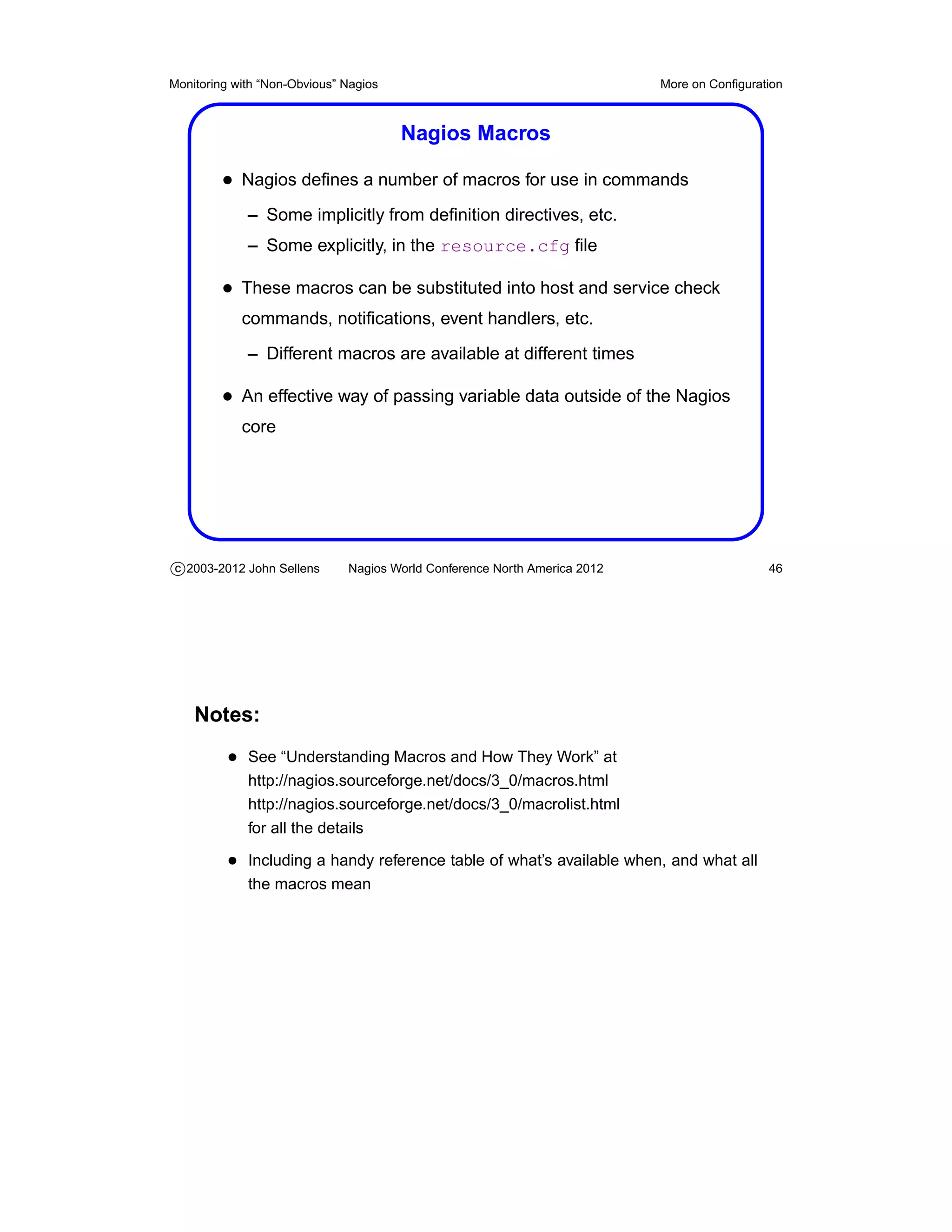
                                       Nagios Macros

         • Nagios defines a number of macros for use in commands
             – Some implicitly from definition directives, etc.
             – Some explicitly, in the resource.cfg file

         • These macros can be substituted into host and service check
            commands, notifications, event handlers, etc.
             – Different macros are available at different times

         • An effective way of passing variable data outside of the Nagios
            core


c 2003-2012 John Sellens      Nagios World Conference North America 2012                    46


    Notes:
          • See “Understanding Macros and How They Work” at
             http://nagios.sourceforge.net/docs/3_0/macros.html
             http://nagios.sourceforge.net/docs/3_0/macrolist.html
             for all the details

          • Including a handy reference table of what’s available when, and what all
             the macros mean
Monitoring with “Non-Obvious” Nagios                                       More on Configuration


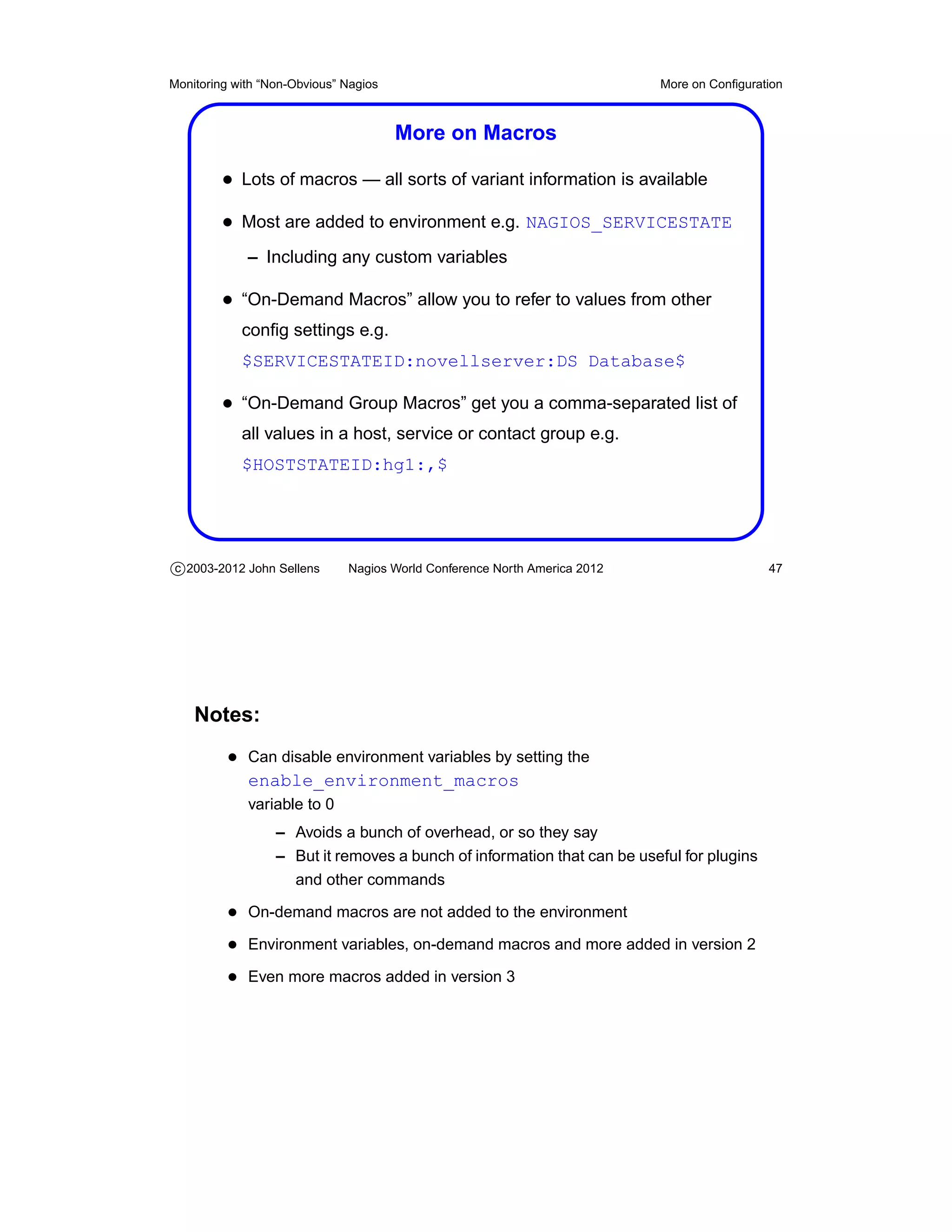
                                       More on Macros

         • Lots of macros — all sorts of variant information is available
         • Most are added to environment e.g. NAGIOS_SERVICESTATE
             – Including any custom variables

         • “On-Demand Macros” allow you to refer to values from other
            config settings e.g.
            $SERVICESTATEID:novellserver:DS Database$

         • “On-Demand Group Macros” get you a comma-separated list of
            all values in a host, service or contact group e.g.
            $HOSTSTATEID:hg1:,$


c 2003-2012 John Sellens      Nagios World Conference North America 2012                    47


    Notes:
          • Can disable environment variables by setting the
             enable_environment_macros
             variable to 0
                  – Avoids a bunch of overhead, or so they say
                  – But it removes a bunch of information that can be useful for plugins
                    and other commands

          • On-demand macros are not added to the environment
          • Environment variables, on-demand macros and more added in version 2
          • Even more macros added in version 3
Monitoring with “Non-Obvious” Nagios                                       Theory and Practice


                               Theory and Practice


c 2003-2012 John Sellens      Nagios World Conference North America 2012                   48
Monitoring with “Non-Obvious” Nagios                                       Theory and Practice


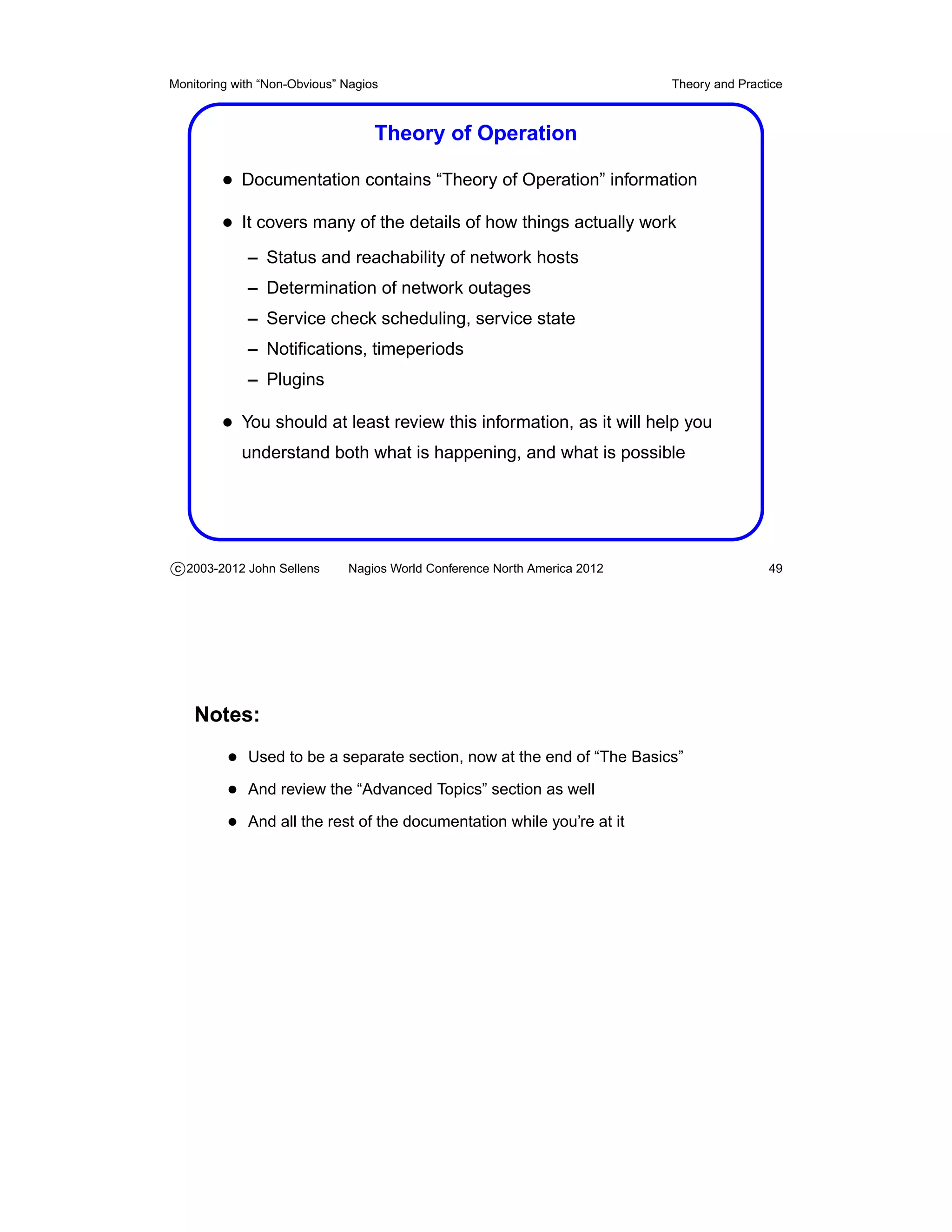
                                   Theory of Operation

         • Documentation contains “Theory of Operation” information
         • It covers many of the details of how things actually work
             – Status and reachability of network hosts
             – Determination of network outages
             – Service check scheduling, service state
             – Notifications, timeperiods
             – Plugins

         • You should at least review this information, as it will help you
            understand both what is happening, and what is possible


c 2003-2012 John Sellens      Nagios World Conference North America 2012                   49


    Notes:
          • Used to be a separate section, now at the end of “The Basics”
          • And review the “Advanced Topics” section as well
          • And all the rest of the documentation while you’re at it
Monitoring with “Non-Obvious” Nagios                                       Theory and Practice


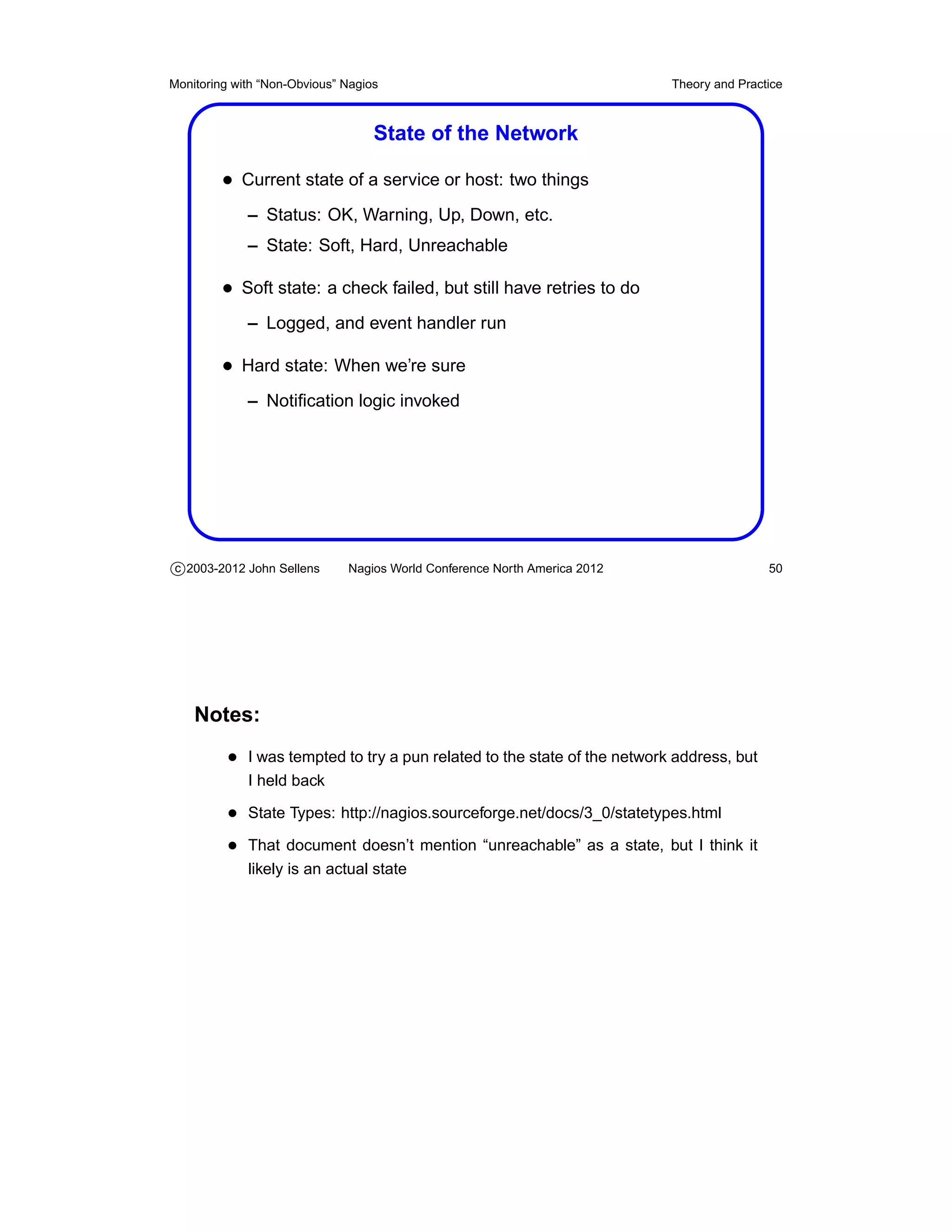
                                   State of the Network

         • Current state of a service or host: two things
             – Status: OK, Warning, Up, Down, etc.
             – State: Soft, Hard, Unreachable

         • Soft state: a check failed, but still have retries to do
             – Logged, and event handler run

         • Hard state: When we’re sure
             – Notification logic invoked


c 2003-2012 John Sellens      Nagios World Conference North America 2012                   50


    Notes:
          • I was tempted to try a pun related to the state of the network address, but
             I held back

          • State Types: http://nagios.sourceforge.net/docs/3_0/statetypes.html
          • That document doesn’t mention “unreachable” as a state, but I think it
             likely is an actual state
Monitoring with “Non-Obvious” Nagios                                         Theory and Practice


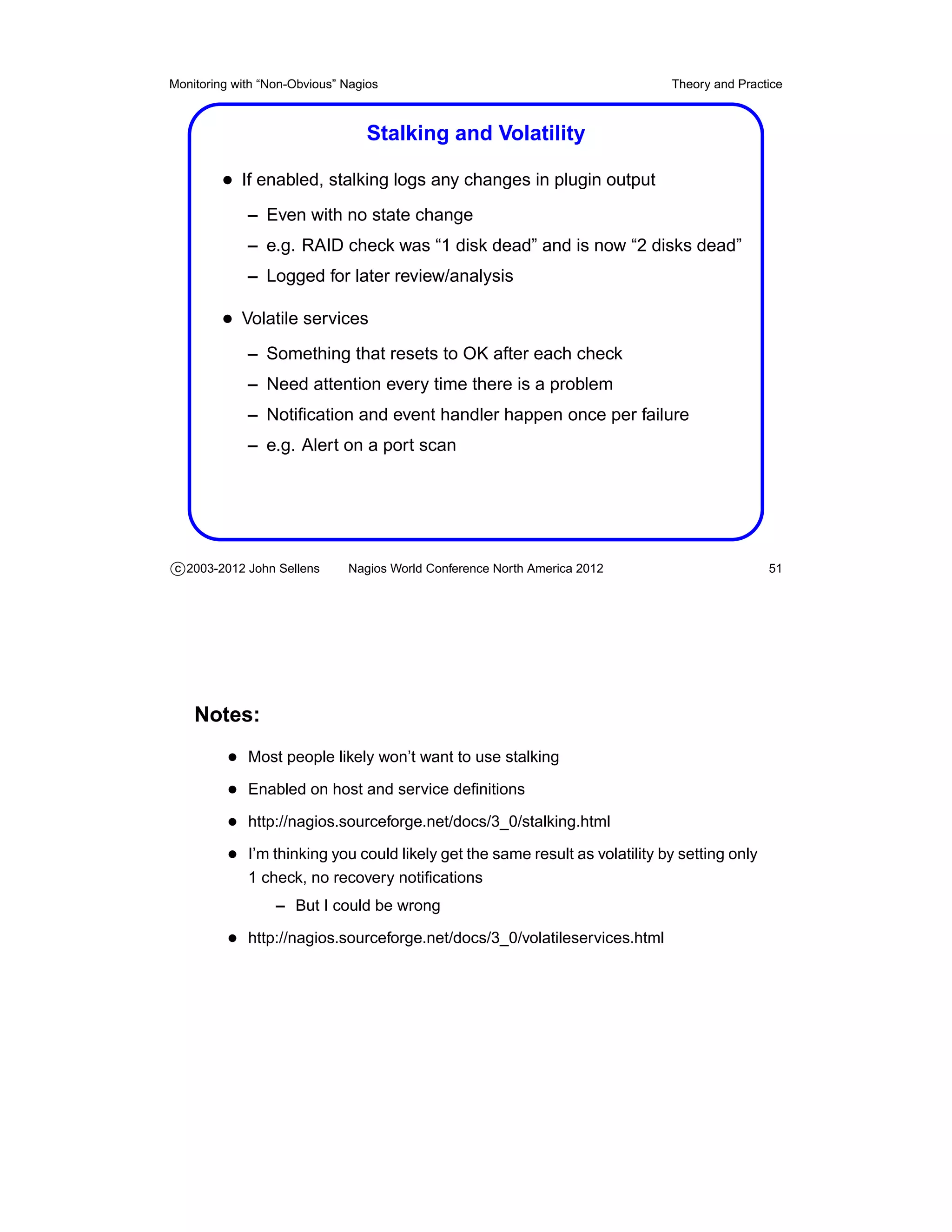
                                  Stalking and Volatility

         • If enabled, stalking logs any changes in plugin output
             – Even with no state change
             – e.g. RAID check was “1 disk dead” and is now “2 disks dead”
             – Logged for later review/analysis

         • Volatile services
             – Something that resets to OK after each check
             – Need attention every time there is a problem
             – Notification and event handler happen once per failure
             – e.g. Alert on a port scan


c 2003-2012 John Sellens      Nagios World Conference North America 2012                      51


    Notes:
          • Most people likely won’t want to use stalking
          • Enabled on host and service definitions
          • http://nagios.sourceforge.net/docs/3_0/stalking.html
          • I’m thinking you could likely get the same result as volatility by setting only
             1 check, no recovery notifications
                  – But I could be wrong

          • http://nagios.sourceforge.net/docs/3_0/volatileservices.html
Monitoring with “Non-Obvious” Nagios                                       Theory and Practice


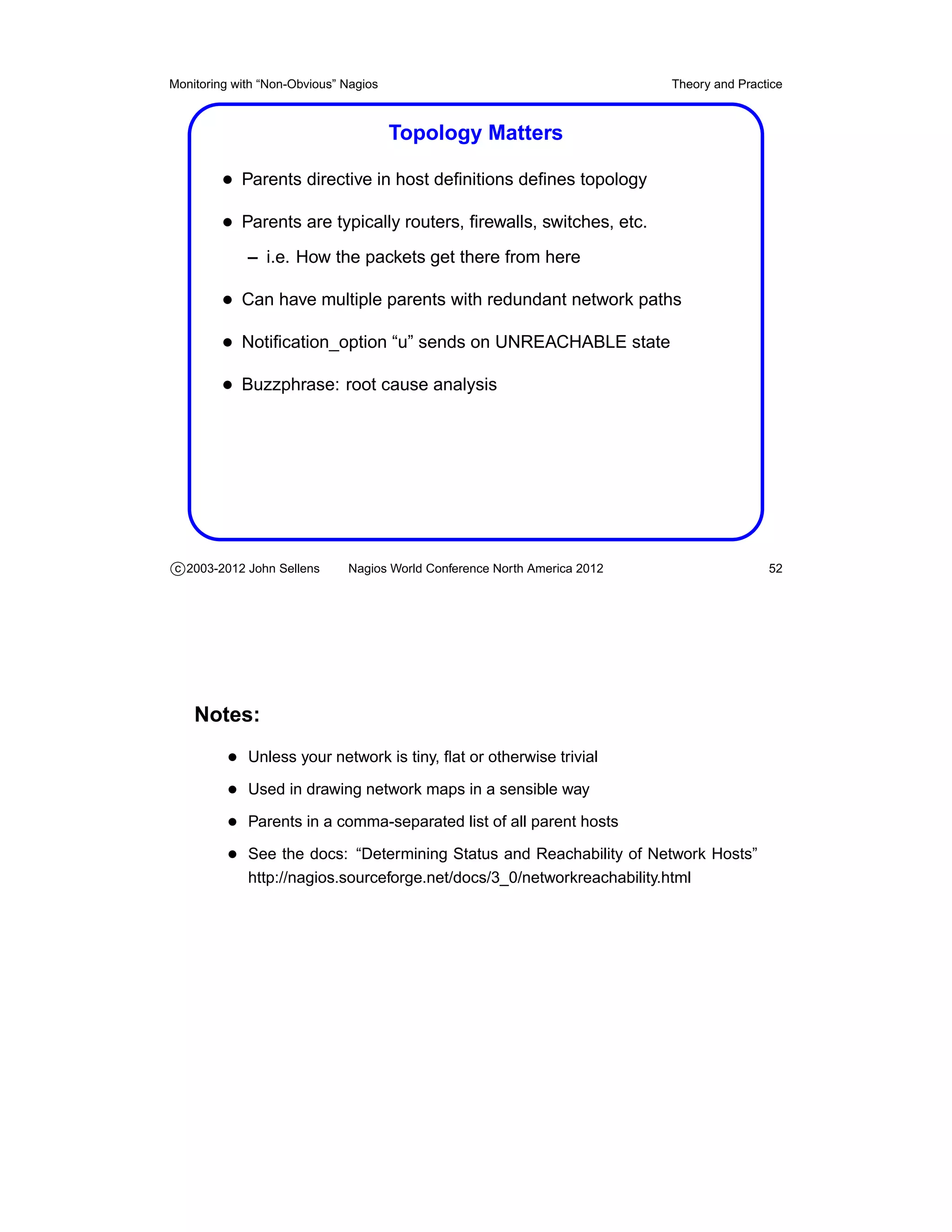
                                       Topology Matters

         • Parents directive in host definitions defines topology
         • Parents are typically routers, firewalls, switches, etc.
             – i.e. How the packets get there from here

         • Can have multiple parents with redundant network paths
         • Notification_option “u” sends on UNREACHABLE state
         • Buzzphrase: root cause analysis


c 2003-2012 John Sellens      Nagios World Conference North America 2012                   52


    Notes:
          • Unless your network is tiny, flat or otherwise trivial
          • Used in drawing network maps in a sensible way
          • Parents in a comma-separated list of all parent hosts
          • See the docs: “Determining Status and Reachability of Network Hosts”
             http://nagios.sourceforge.net/docs/3_0/networkreachability.html
Monitoring with “Non-Obvious” Nagios                                         Theory and Practice


                                  Depending on Others

         • Host and service dependencies define operational requirements
             – e.g. Web server can’t work unless file server is working

         • execution_failure_criteria and
            notification_failure_criteria determine what we do
            if something we depend on fails, e.g.
             – if file server down, don’t execute web check
             – and don’t notify me about web problem

         • Set inherits_parent to inherit dependencies in definitions


c 2003-2012 John Sellens      Nagios World Conference North America 2012                     53


    Notes:
          • Failure criteria are o (OK), w (warning), u (up), c (critical), p (pending), n
             (none)

          • I think inherits_parent is perhaps misnamed – parents are topo-
             logical, dependencies are different

          • http://nagios.sourceforge.net/docs/3_0/dependencies.html
Monitoring with “Non-Obvious” Nagios                                        Theory and Practice


                                       Cached Checks

         • Can cache and re-use host or service check results
         • Used only for “On-Demand Checks”
             – Checking that host is up if a service fails
             – Checking topological reachability
             – For “predictive dependency checks”

         • i.e. Checking for “collateral damage”
         • Lower overhead, good results
             – You should enable and tune the cache


c 2003-2012 John Sellens      Nagios World Conference North America 2012                    54


    Notes:
          • “Predictive dependency checks” – in a network outage, schedule more
             topological checks earlier, since we’re likely to need that information

          • http://nagios.sourceforge.net/docs/3_0/cachedchecks.html
          • Don’t blame me for the “cached checks” pun, because in Canada “cached
             cheques” makes no sense at all
Monitoring with “Non-Obvious” Nagios                                       Theory and Practice


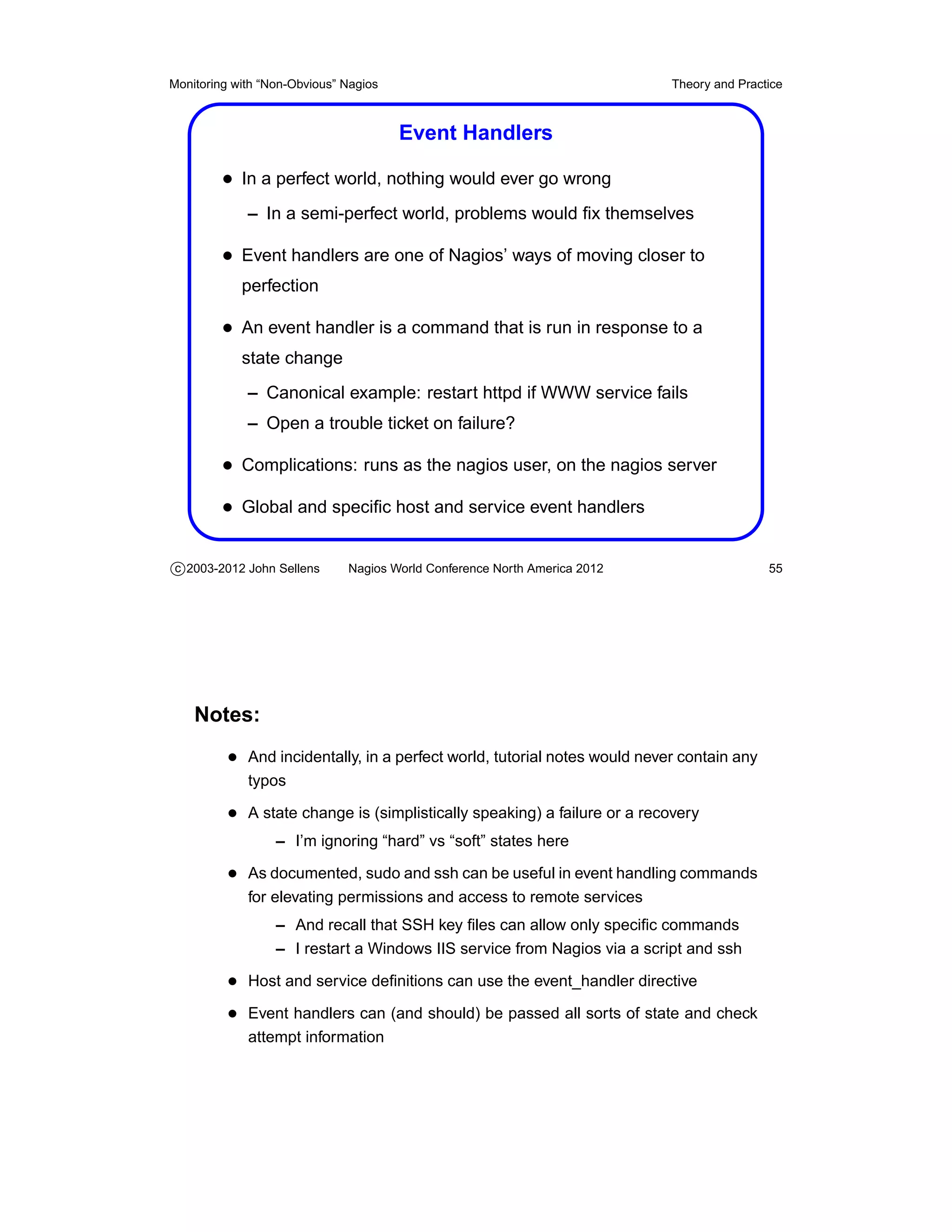
                                       Event Handlers

         • In a perfect world, nothing would ever go wrong
             – In a semi-perfect world, problems would fix themselves

         • Event handlers are one of Nagios’ ways of moving closer to
            perfection

         • An event handler is a command that is run in response to a
            state change
             – Canonical example: restart httpd if WWW service fails
             – Open a trouble ticket on failure?

         • Complications: runs as the nagios user, on the nagios server
         • Global and specific host and service event handlers

c 2003-2012 John Sellens      Nagios World Conference North America 2012                   55


    Notes:
          • And incidentally, in a perfect world, tutorial notes would never contain any
             typos

          • A state change is (simplistically speaking) a failure or a recovery
                  – I’m ignoring “hard” vs “soft” states here

          • As documented, sudo and ssh can be useful in event handling commands
             for elevating permissions and access to remote services
                  – And recall that SSH key files can allow only specific commands
                  – I restart a Windows IIS service from Nagios via a script and ssh

          • Host and service definitions can use the event_handler directive
          • Event handlers can (and should) be passed all sorts of state and check
             attempt information
Monitoring with “Non-Obvious” Nagios                                       Theory and Practice


                                   External Commands

         • The Nagios server maintains a named pipe in the file system for
            accepting various commands from other processes

         • External commands are used most often by the web interface to
            record information and modify Nagios’ behaviour
             – But you can do lots of things from shell scripts . . .

         • Some of the available functionality
             – Add/delete host or service comments
             – Schedule downtime, enable/disable notifications
             – Reschedule host or service checks
             – Submit passive service check results
             – Restart or stop the Nagios server


c 2003-2012 John Sellens      Nagios World Conference North America 2012                   56


    Notes:
          • Written to the named pipe as a single line, with multiple fields
                  – Syntax is timestamp, command, then ;-separated arguments

          • e.g. to get Nagios to restart, write this:
             [1041175870] RESTART_PROGRAM;1041175870
          • Documented (of course) at
             http://nagios.sourceforge.net/docs/3_0/extcommands.html

          • Exhaustive list of 157 available commands, with examples, at
             http://www.nagios.org/developerinfo/externalcommands/
Monitoring with “Non-Obvious” Nagios                                       Theory and Practice


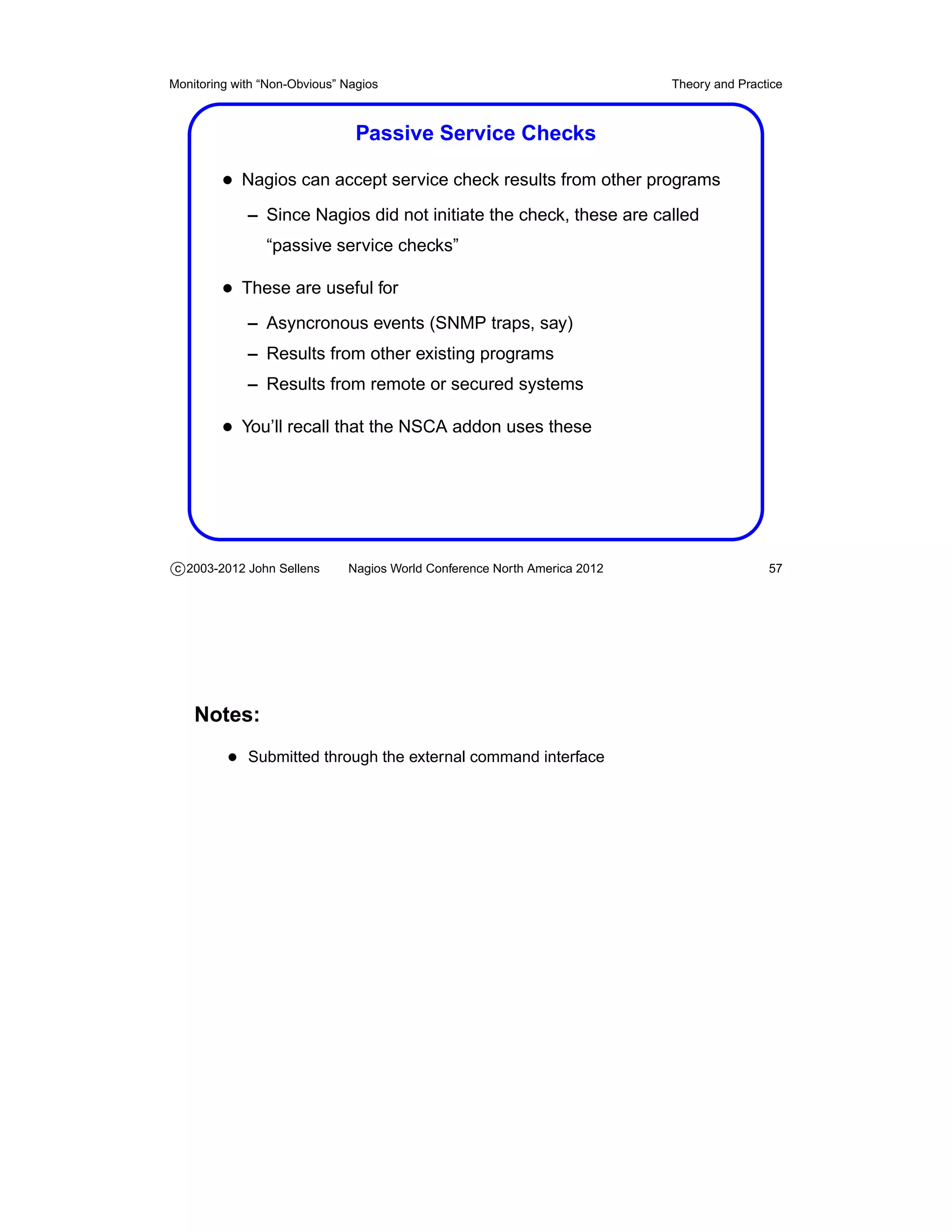
                                Passive Service Checks

         • Nagios can accept service check results from other programs
             – Since Nagios did not initiate the check, these are called
                “passive service checks”

         • These are useful for
             – Asyncronous events (SNMP traps, say)
             – Results from other existing programs
             – Results from remote or secured systems

         • You’ll recall that the NSCA addon uses these


c 2003-2012 John Sellens      Nagios World Conference North America 2012                   57


    Notes:
          • Submitted through the external command interface
Monitoring with “Non-Obvious” Nagios                                       Theory and Practice


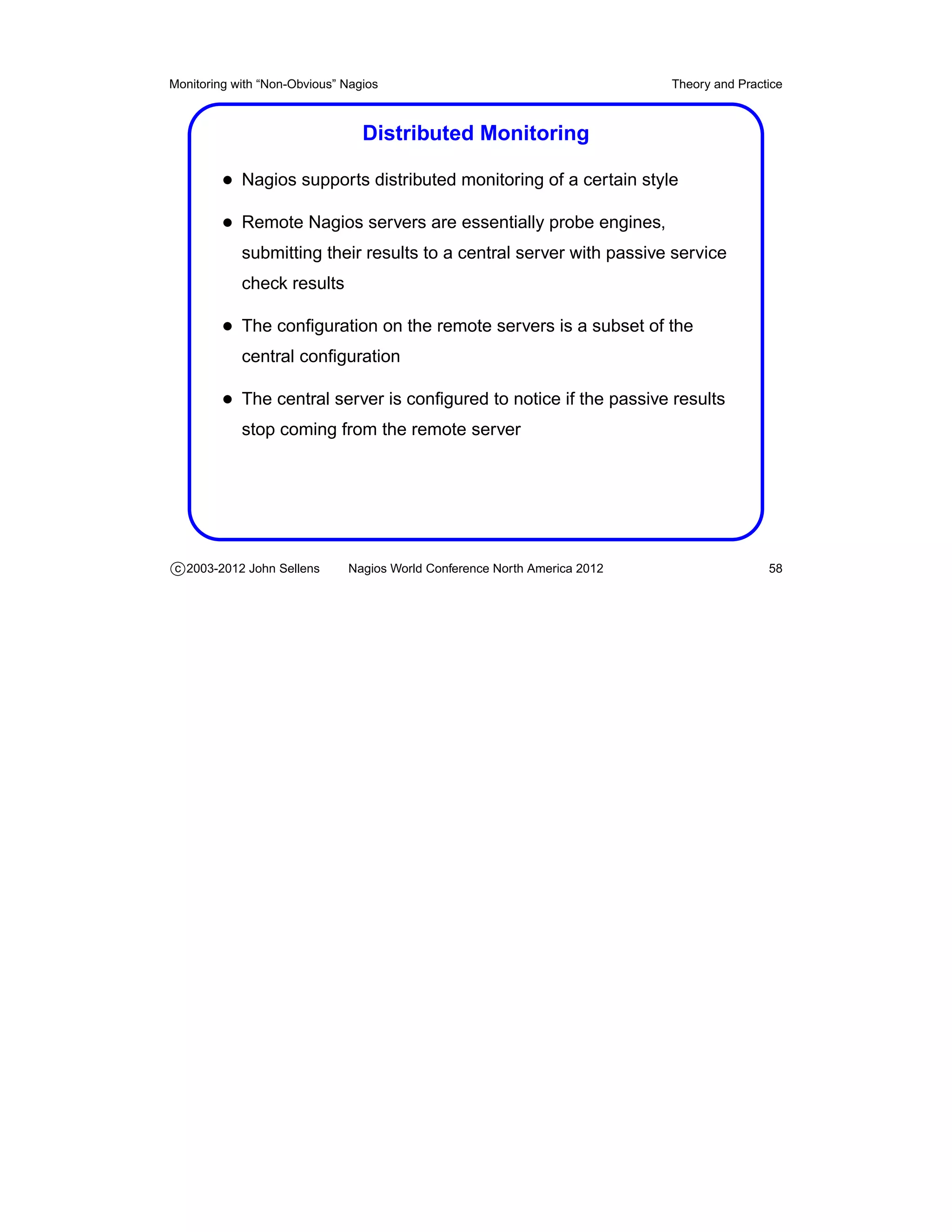
                                 Distributed Monitoring

         • Nagios supports distributed monitoring of a certain style
         • Remote Nagios servers are essentially probe engines,
            submitting their results to a central server with passive service
            check results

         • The configuration on the remote servers is a subset of the
            central configuration

         • The central server is configured to notice if the passive results
            stop coming from the remote server


c 2003-2012 John Sellens      Nagios World Conference North America 2012                   58
Monitoring with “Non-Obvious” Nagios                                       Theory and Practice


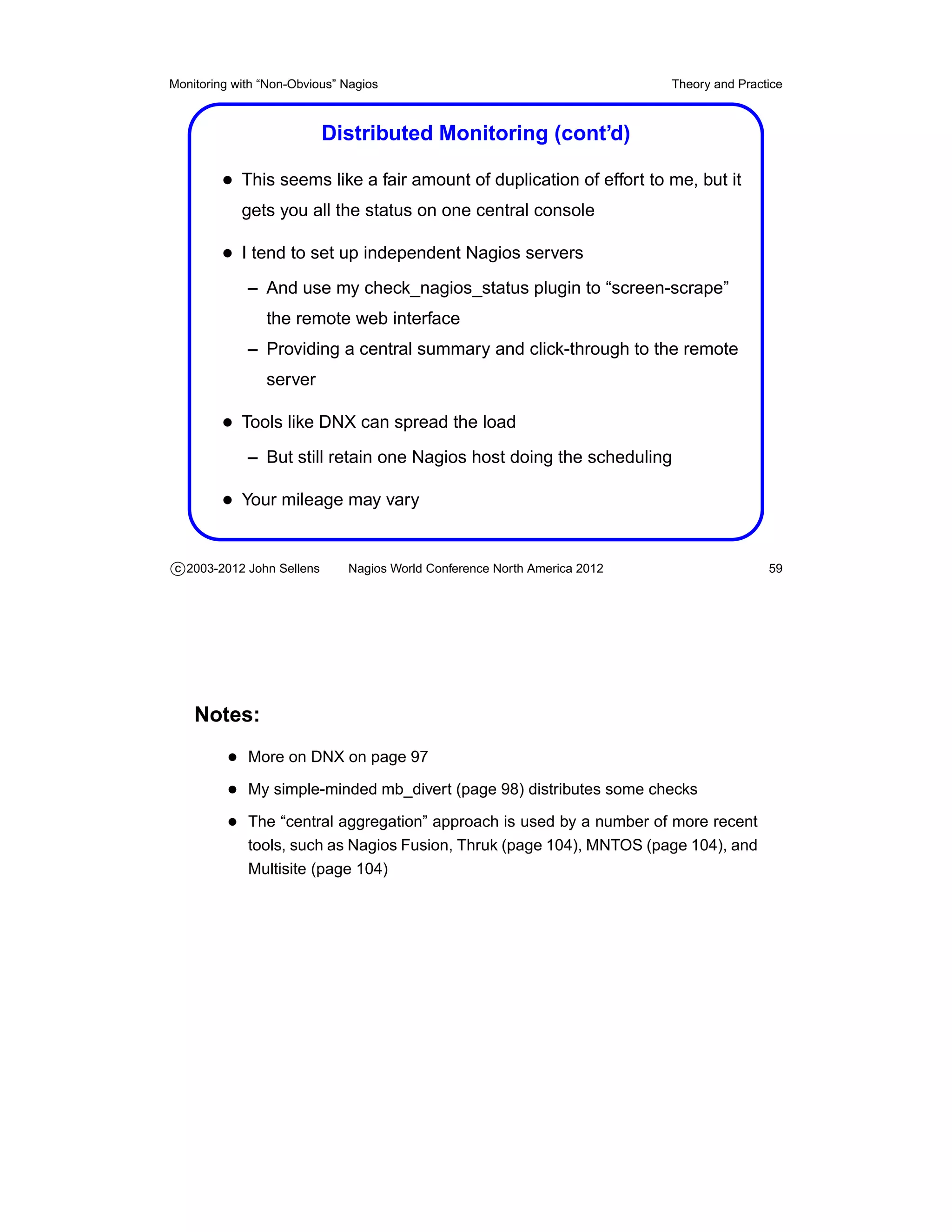
                           Distributed Monitoring (cont’d)

         • This seems like a fair amount of duplication of effort to me, but it
            gets you all the status on one central console

         • I tend to set up independent Nagios servers
             – And use my check_nagios_status plugin to “screen-scrape”
                the remote web interface
             – Providing a central summary and click-through to the remote
                server

         • Tools like DNX can spread the load
             – But still retain one Nagios host doing the scheduling

         • Your mileage may vary


c 2003-2012 John Sellens      Nagios World Conference North America 2012                   59


    Notes:
          • More on DNX on page 97
          • My simple-minded mb_divert (page 98) distributes some checks
          • The “central aggregation” approach is used by a number of more recent
             tools, such as Nagios Fusion, Thruk (page 104), MNTOS (page 104), and
             Multisite (page 104)
Monitoring with “Non-Obvious” Nagios                                       Theory and Practice


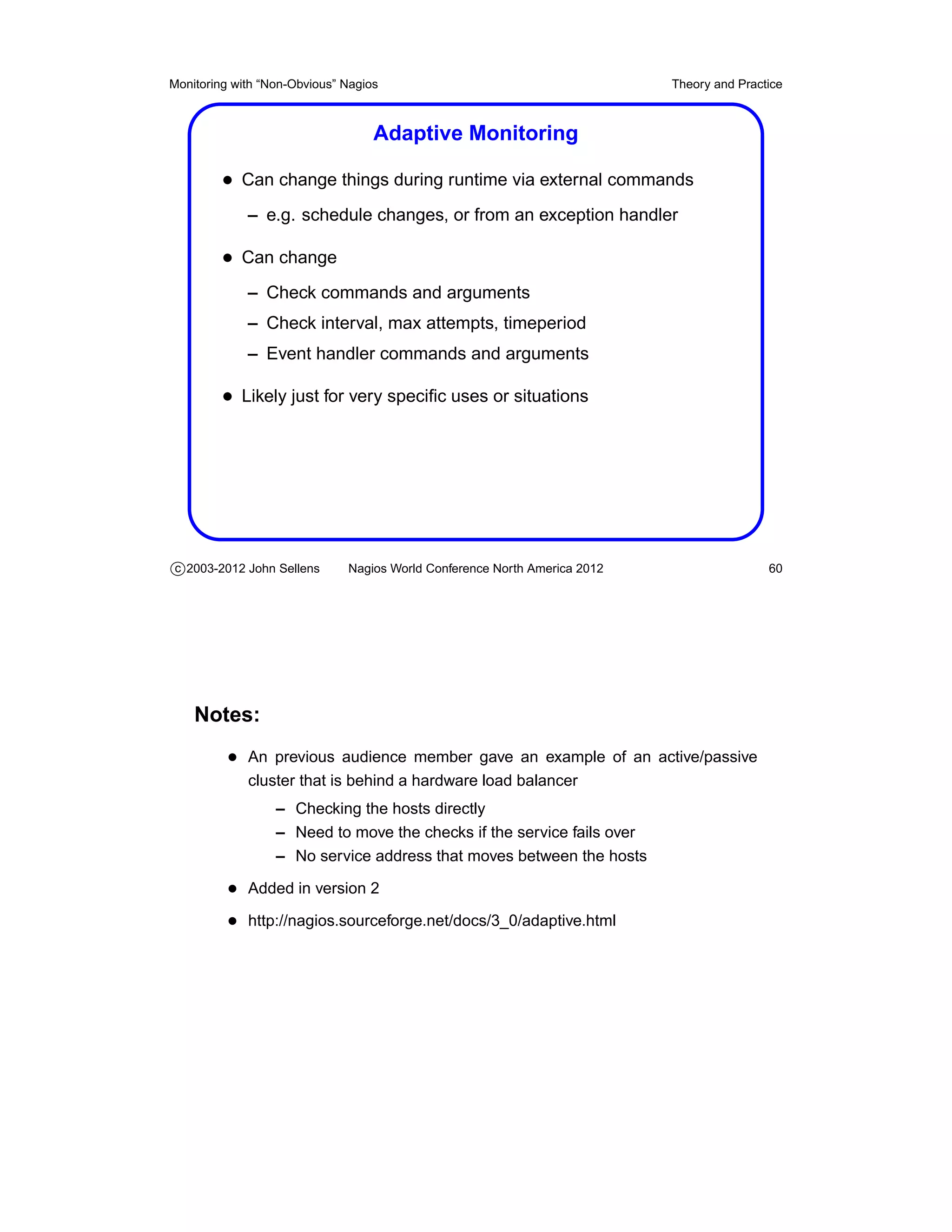
                                   Adaptive Monitoring

         • Can change things during runtime via external commands
             – e.g. schedule changes, or from an exception handler

         • Can change
             – Check commands and arguments
             – Check interval, max attempts, timeperiod
             – Event handler commands and arguments

         • Likely just for very specific uses or situations


c 2003-2012 John Sellens      Nagios World Conference North America 2012                   60


    Notes:
          • An previous audience member gave an example of an active/passive
             cluster that is behind a hardware load balancer
                  – Checking the hosts directly
                  – Need to move the checks if the service fails over
                  – No service address that moves between the hosts

          • Added in version 2
          • http://nagios.sourceforge.net/docs/3_0/adaptive.html
Monitoring with “Non-Obvious” Nagios                                       Theory and Practice


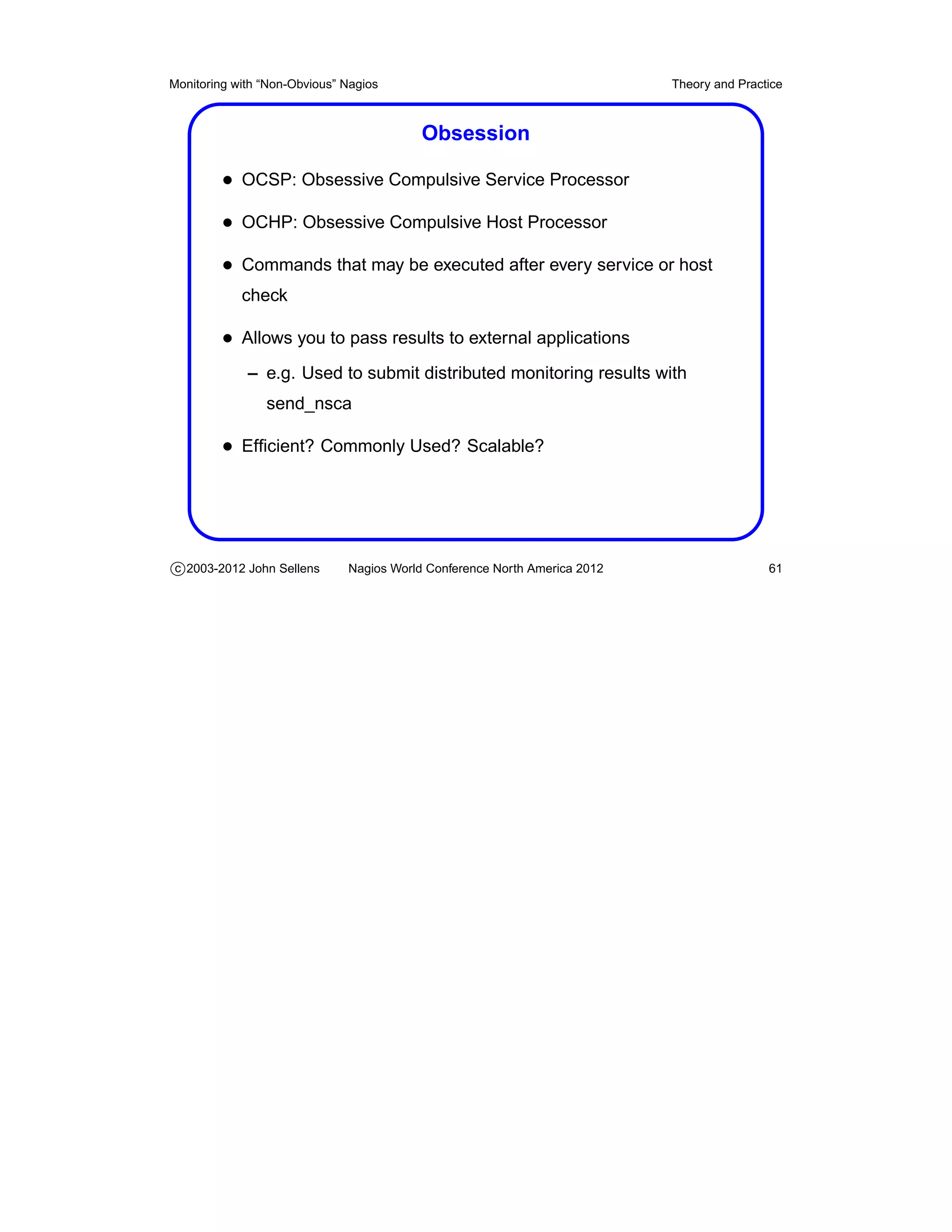
                                          Obsession

         • OCSP: Obsessive Compulsive Service Processor
         • OCHP: Obsessive Compulsive Host Processor
         • Commands that may be executed after every service or host
            check

         • Allows you to pass results to external applications
             – e.g. Used to submit distributed monitoring results with
                send_nsca

         • Efficient? Commonly Used? Scalable?


c 2003-2012 John Sellens      Nagios World Conference North America 2012                   61
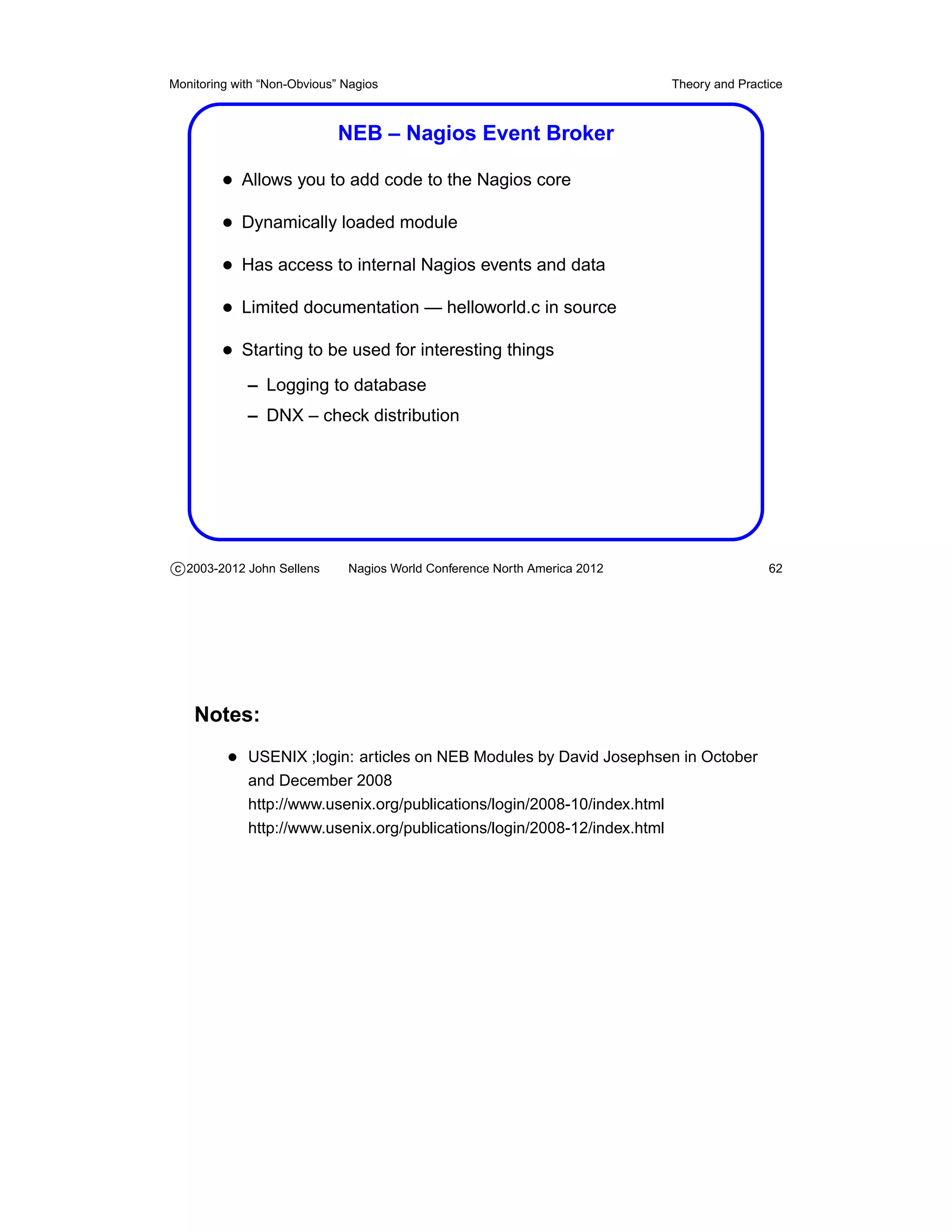
Monitoring with “Non-Obvious” Nagios                                       Theory and Practice


                             NEB – Nagios Event Broker

         • Allows you to add code to the Nagios core
         • Dynamically loaded module
         • Has access to internal Nagios events and data
         • Limited documentation — helloworld.c in source
         • Starting to be used for interesting things
             – Logging to database
             – DNX – check distribution


c 2003-2012 John Sellens      Nagios World Conference North America 2012                   62


    Notes:
          • USENIX ;login: articles on NEB Modules by David Josephsen in October
             and December 2008
             http://www.usenix.org/publications/login/2008-10/index.html
             http://www.usenix.org/publications/login/2008-12/index.html
Monitoring with “Non-Obvious” Nagios                                       Getting Larger


                                       Getting Larger


c 2003-2012 John Sellens      Nagios World Conference North America 2012              63
Monitoring with “Non-Obvious” Nagios                                       Getting Larger


                                         Scaling Up

         • Nagios can handle a lot without much effort
         • As you get larger, advanced features are more important
             – Use parent/child and host/service dependencies
             – More efficient for humans and machines

         • You will need to be more rigorous in your configuration
             – Consistency, completeness, tuning

         • Version 3 adds scalability and tuning features


c 2003-2012 John Sellens      Nagios World Conference North America 2012              64
Monitoring with “Non-Obvious” Nagios                                       Getting Larger


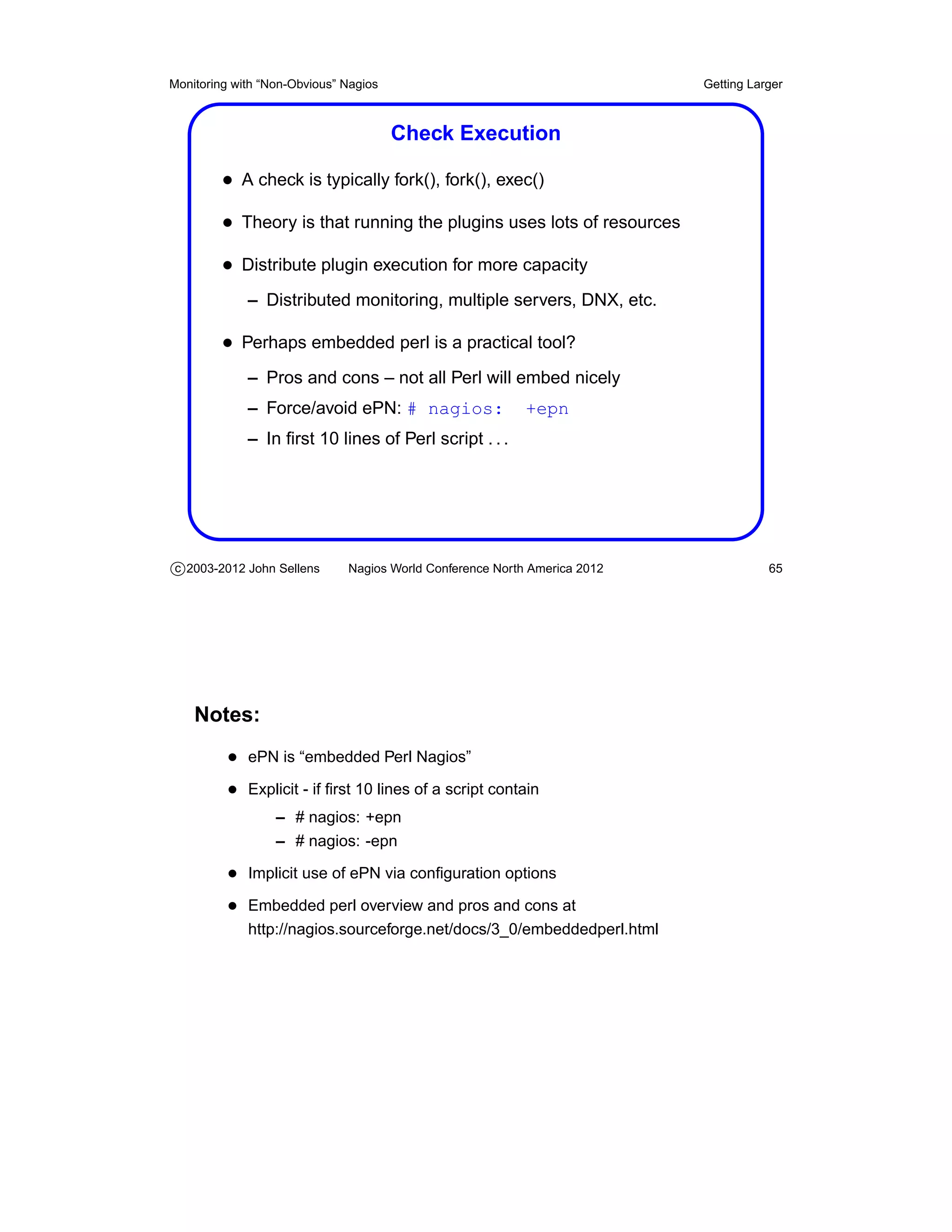
                                       Check Execution

         • A check is typically fork(), fork(), exec()
         • Theory is that running the plugins uses lots of resources
         • Distribute plugin execution for more capacity
             – Distributed monitoring, multiple servers, DNX, etc.

         • Perhaps embedded perl is a practical tool?
             – Pros and cons – not all Perl will embed nicely
             – Force/avoid ePN: # nagios:                  +epn
             – In first 10 lines of Perl script . . .


c 2003-2012 John Sellens      Nagios World Conference North America 2012              65


    Notes:
          • ePN is “embedded Perl Nagios”
          • Explicit - if first 10 lines of a script contain
                  – # nagios: +epn
                  – # nagios: -epn

          • Implicit use of ePN via configuration options
          • Embedded perl overview and pros and cons at
             http://nagios.sourceforge.net/docs/3_0/embeddedperl.html
Monitoring with “Non-Obvious” Nagios                                       Getting Larger


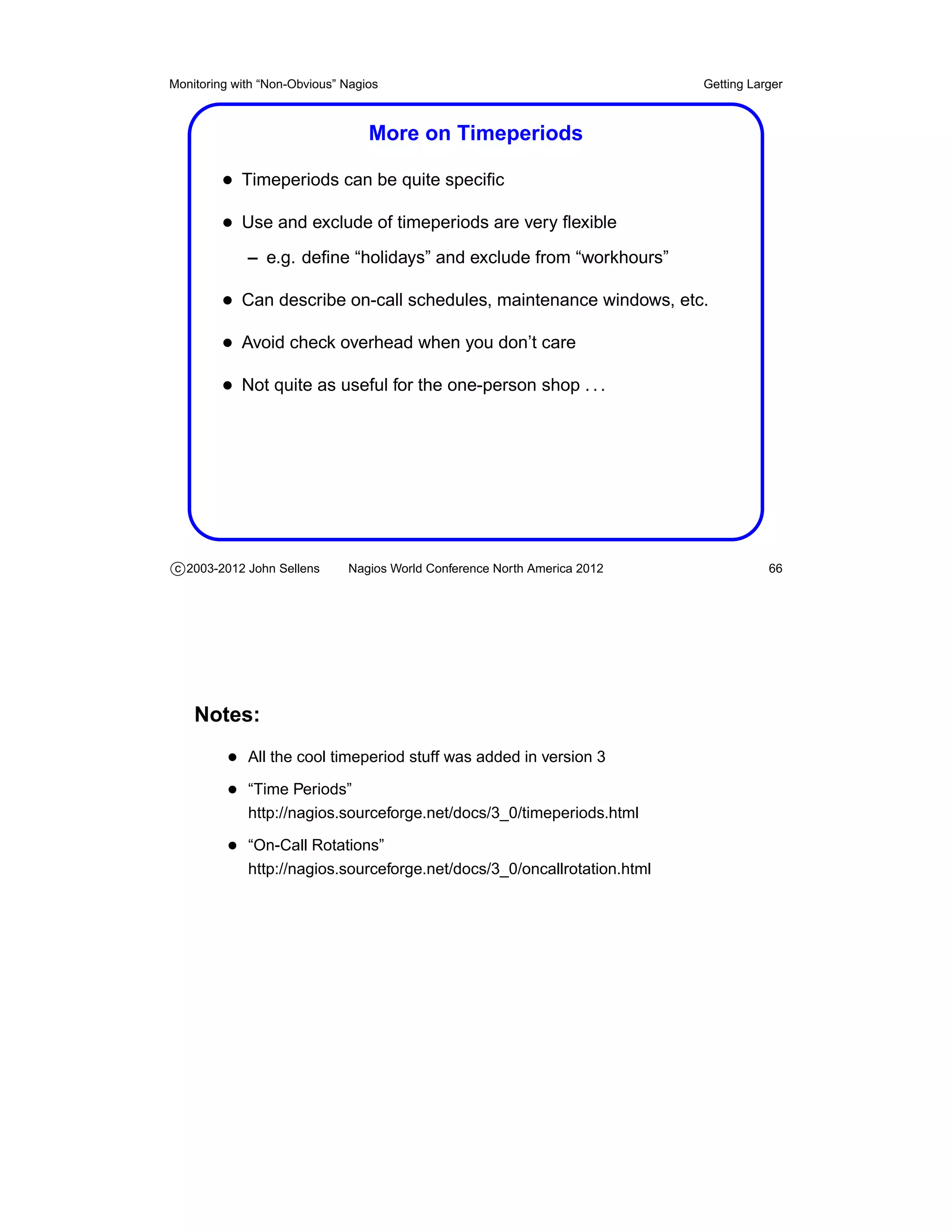
                                  More on Timeperiods

         • Timeperiods can be quite specific
         • Use and exclude of timeperiods are very flexible
             – e.g. define “holidays” and exclude from “workhours”

         • Can describe on-call schedules, maintenance windows, etc.
         • Avoid check overhead when you don’t care
         • Not quite as useful for the one-person shop . . .


c 2003-2012 John Sellens      Nagios World Conference North America 2012              66


    Notes:
          • All the cool timeperiod stuff was added in version 3
          • “Time Periods”
             http://nagios.sourceforge.net/docs/3_0/timeperiods.html

          • “On-Call Rotations”
             http://nagios.sourceforge.net/docs/3_0/oncallrotation.html
Monitoring with “Non-Obvious” Nagios                                          Getting Larger


                              Large Installation Tweaks

         • use_large_installation_tweaks option
         • No summary macros in the environment to avoid overhead
             – e.g. TOTALHOSTSUP, etc.

         • Lazy, but more efficient memory freeing in children
         • Checks are single, not double, fork()


c 2003-2012 John Sellens      Nagios World Conference North America 2012                 67


    Notes:
          • “Large Installation Tweaks”
             http://nagios.sourceforge.net/docs/3_0/largeinstalltweaks.html
Monitoring with “Non-Obvious” Nagios                                       Getting Larger


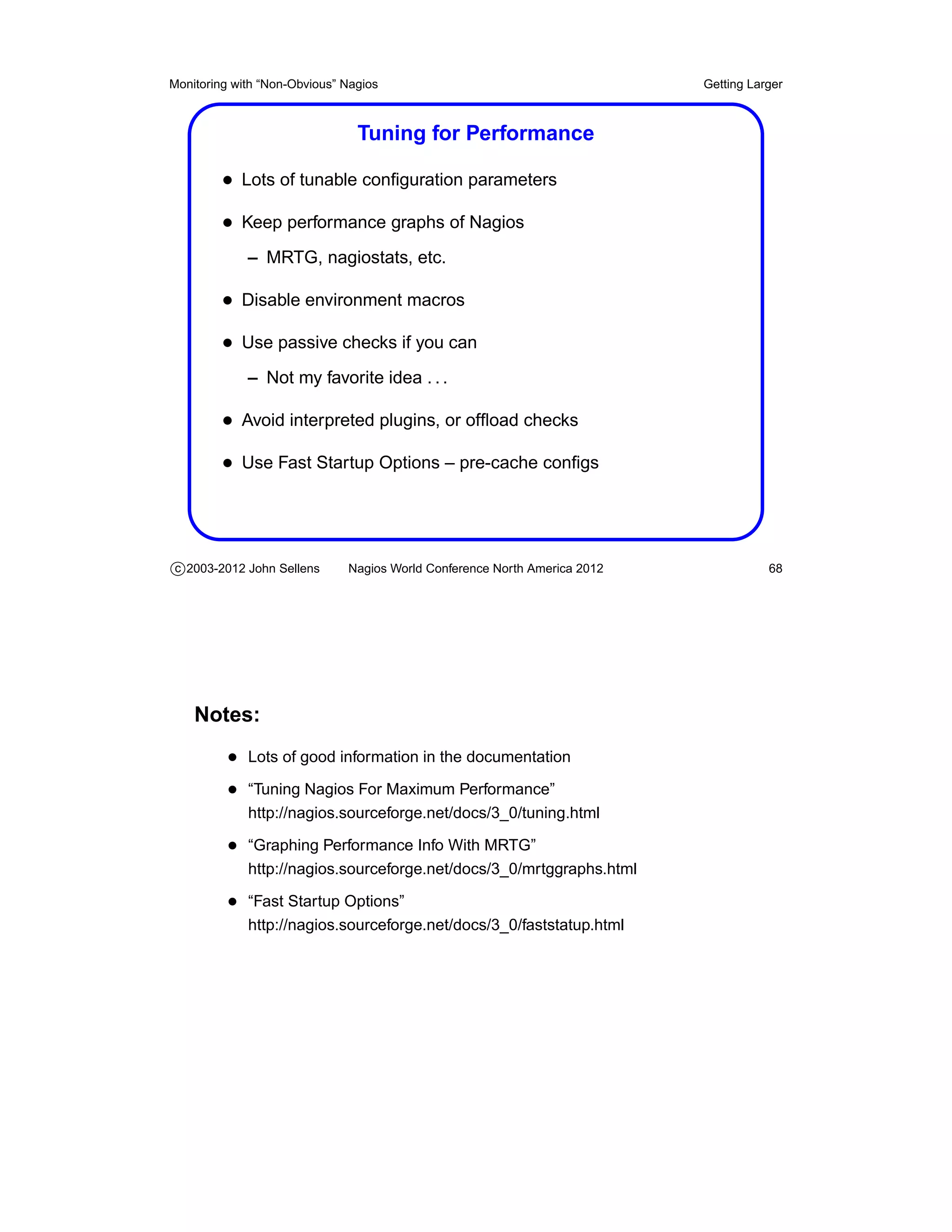
                                Tuning for Performance

         • Lots of tunable configuration parameters
         • Keep performance graphs of Nagios
             – MRTG, nagiostats, etc.

         • Disable environment macros
         • Use passive checks if you can
             – Not my favorite idea . . .

         • Avoid interpreted plugins, or offload checks
         • Use Fast Startup Options – pre-cache configs


c 2003-2012 John Sellens      Nagios World Conference North America 2012              68


    Notes:
          • Lots of good information in the documentation
          • “Tuning Nagios For Maximum Performance”
             http://nagios.sourceforge.net/docs/3_0/tuning.html

          • “Graphing Performance Info With MRTG”
             http://nagios.sourceforge.net/docs/3_0/mrtggraphs.html

          • “Fast Startup Options”
             http://nagios.sourceforge.net/docs/3_0/faststatup.html
Monitoring with “Non-Obvious” Nagios                                       Tips and Tricks


                                       Tips and Tricks


c 2003-2012 John Sellens      Nagios World Conference North America 2012               69
Monitoring with “Non-Obvious” Nagios                                       Tips and Tricks


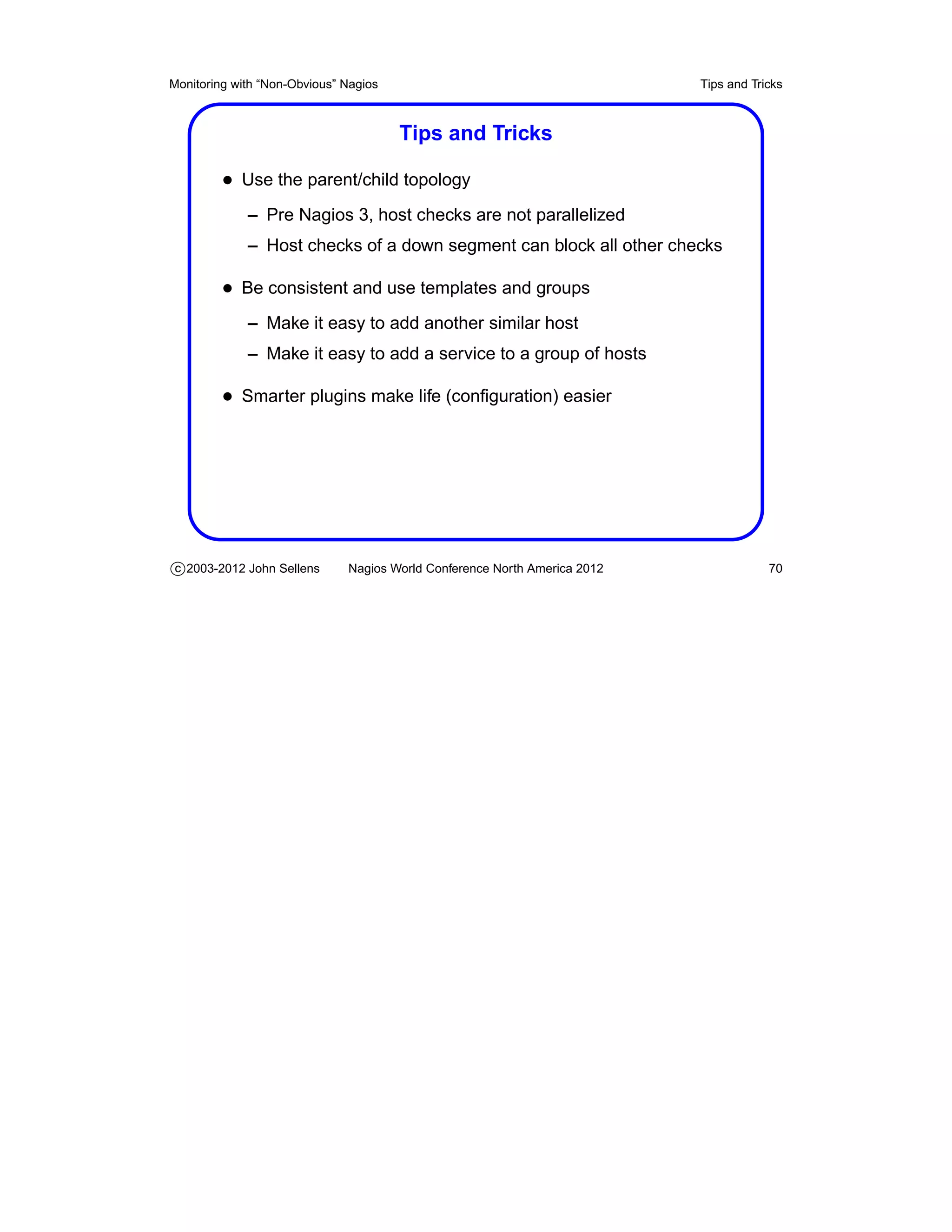
                                       Tips and Tricks

         • Use the parent/child topology
             – Pre Nagios 3, host checks are not parallelized
             – Host checks of a down segment can block all other checks

         • Be consistent and use templates and groups
             – Make it easy to add another similar host
             – Make it easy to add a service to a group of hosts

         • Smarter plugins make life (configuration) easier


c 2003-2012 John Sellens      Nagios World Conference North America 2012               70
Monitoring with “Non-Obvious” Nagios                                       Tips and Tricks


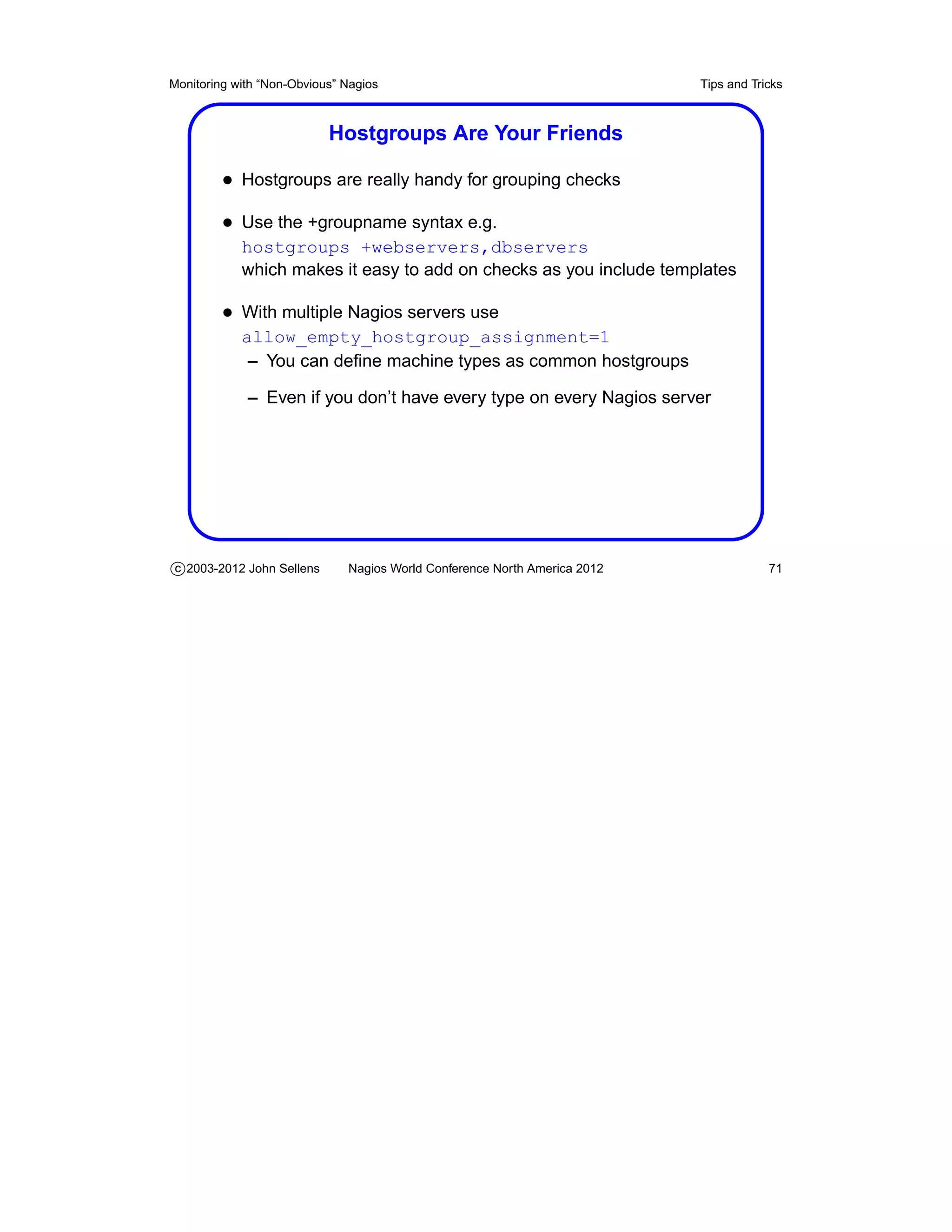
                           Hostgroups Are Your Friends

         • Hostgroups are really handy for grouping checks
         • Use the +groupname syntax e.g.
            hostgroups +webservers,dbservers
            which makes it easy to add on checks as you include templates

         • With multiple Nagios servers use
            allow_empty_hostgroup_assignment=1
             – You can define machine types as common hostgroups

             – Even if you don’t have every type on every Nagios server


c 2003-2012 John Sellens      Nagios World Conference North America 2012               71
Monitoring with “Non-Obvious” Nagios                                       Tips and Tricks


                             Organize Your Config Files

         • Put files in different directories
         • One host per config file
         • Generate configs from other information you already have
             – Or use a script to generate from a list

         • Take advantage of your naming convention
             – Wildcards in host names based on FQDNs


c 2003-2012 John Sellens      Nagios World Conference North America 2012               72
Monitoring with “Non-Obvious” Nagios                                       Tips and Tricks


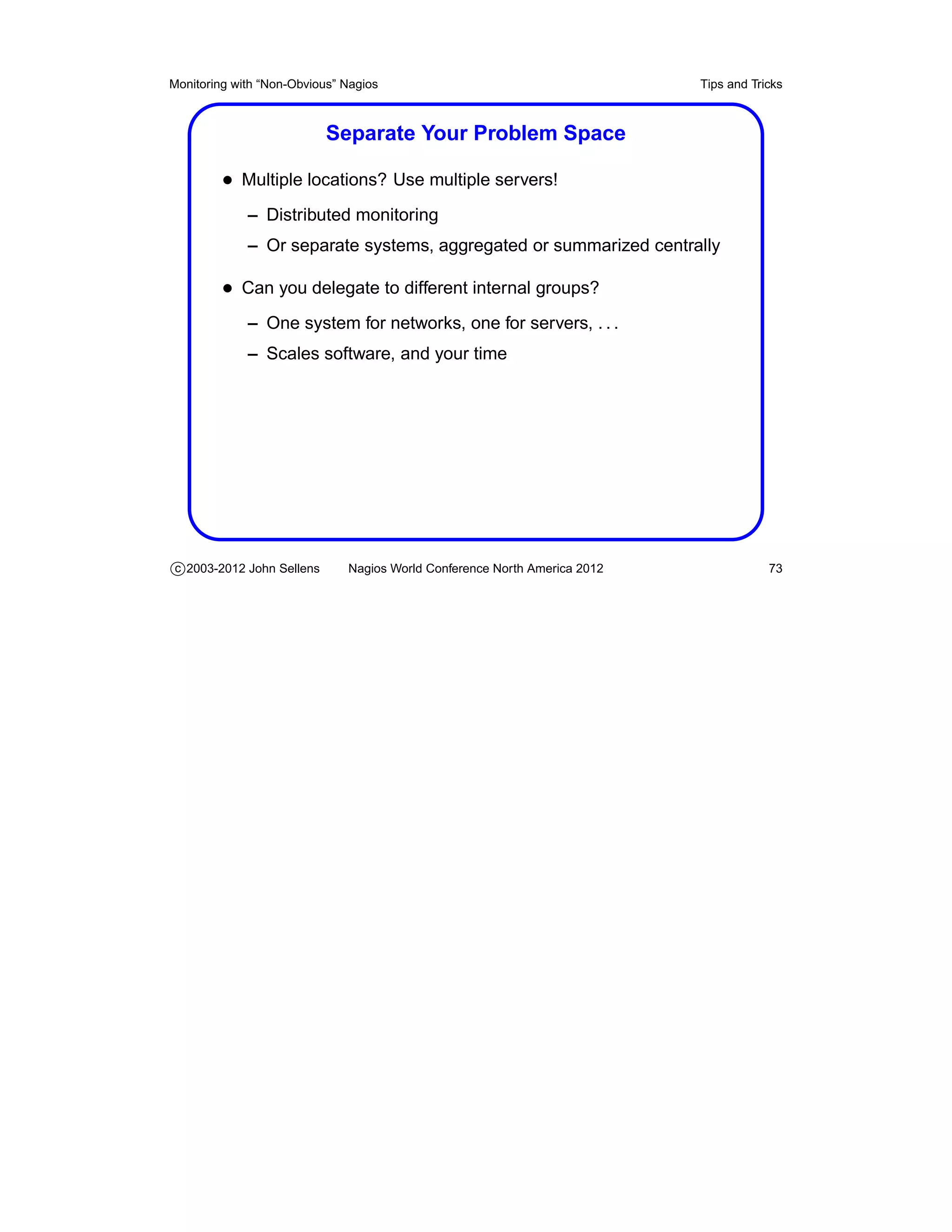
                           Separate Your Problem Space

         • Multiple locations? Use multiple servers!
             – Distributed monitoring
             – Or separate systems, aggregated or summarized centrally

         • Can you delegate to different internal groups?
             – One system for networks, one for servers, . . .
             – Scales software, and your time


c 2003-2012 John Sellens      Nagios World Conference North America 2012               73
Monitoring with “Non-Obvious” Nagios                                       Tips and Tricks


                            Another Level of Indirection

         • Wrap your plugins in smarter scripts
             – How about a master checker that knows all and checks
                everything on a host?

         • Have your plugins determine what’s “normal” or not
             – So you don’t have to pre-set thresholds, etc.


c 2003-2012 John Sellens      Nagios World Conference North America 2012               74
Monitoring with “Non-Obvious” Nagios                                            Tips and Tricks


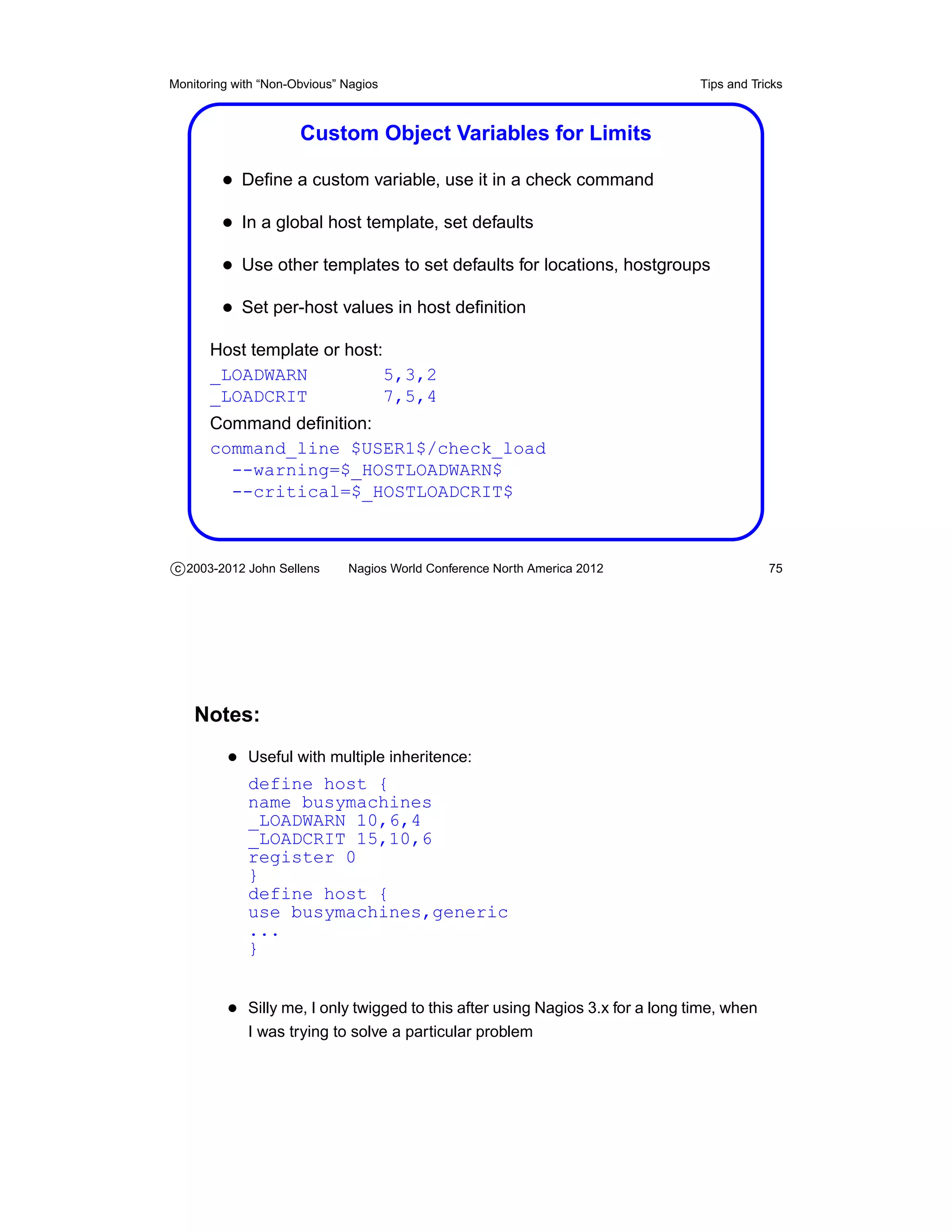
                      Custom Object Variables for Limits

         • Define a custom variable, use it in a check command
         • In a global host template, set defaults
         • Use other templates to set defaults for locations, hostgroups
         • Set per-host values in host definition
       Host template or host:
       _LOADWARN              5,3,2
       _LOADCRIT              7,5,4
       Command definition:
       command_line $USER1$/check_load
         --warning=$_HOSTLOADWARN$
         --critical=$_HOSTLOADCRIT$


c 2003-2012 John Sellens      Nagios World Conference North America 2012                    75


    Notes:
          • Useful with multiple inheritence:
             define host {
             name busymachines
             _LOADWARN 10,6,4
             _LOADCRIT 15,10,6
             register 0
             }
             define host {
             use busymachines,generic
             ...
             }


          • Silly me, I only twigged to this after using Nagios 3.x for a long time, when
             I was trying to solve a particular problem
Monitoring with “Non-Obvious” Nagios                                       Abusing Nagios


                                       Abusing Nagios


c 2003-2012 John Sellens      Nagios World Conference North America 2012              76
Monitoring with “Non-Obvious” Nagios                                              Abusing Nagios


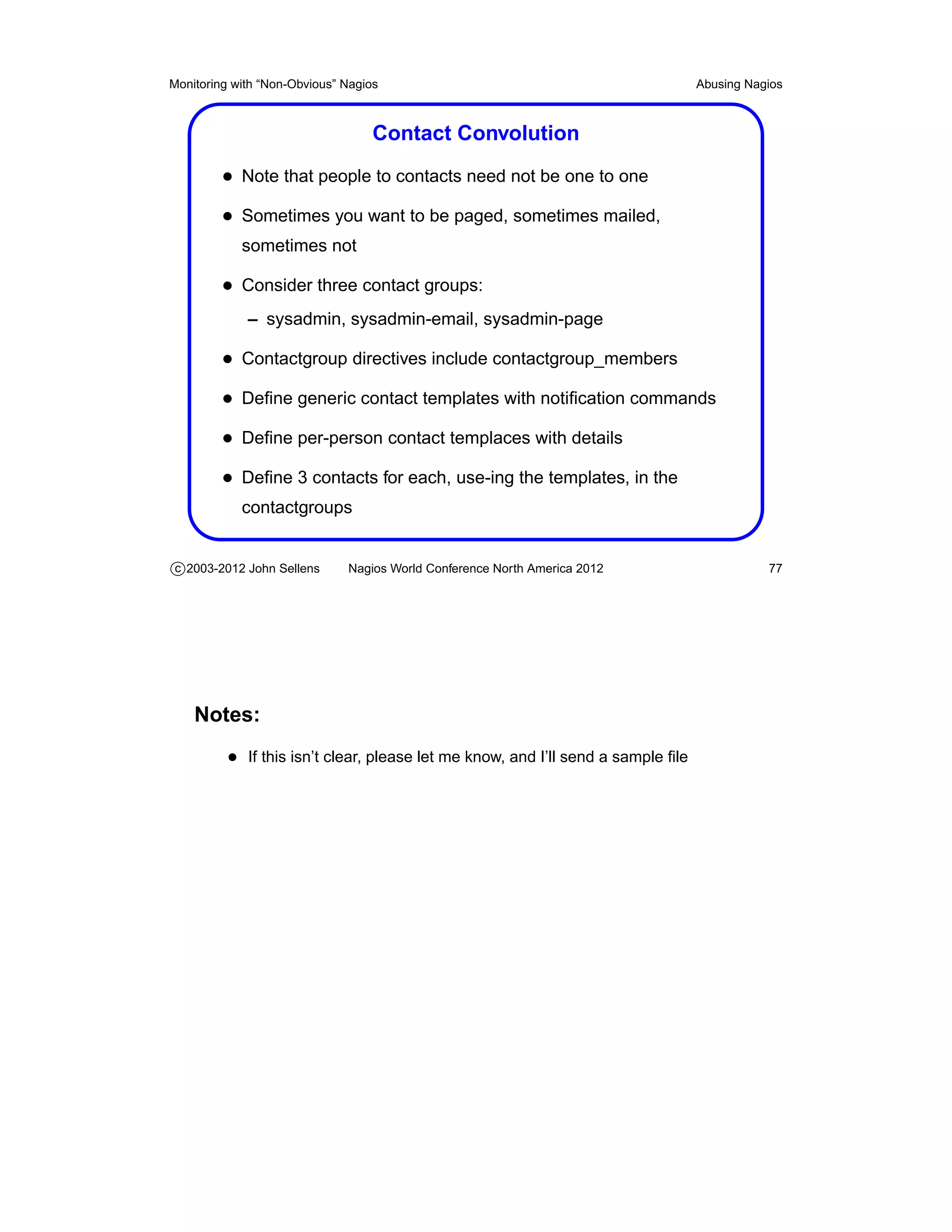
                                   Contact Convolution
         • Note that people to contacts need not be one to one
         • Sometimes you want to be paged, sometimes mailed,
            sometimes not

         • Consider three contact groups:
             – sysadmin, sysadmin-email, sysadmin-page

         • Contactgroup directives include contactgroup_members
         • Define generic contact templates with notification commands
         • Define per-person contact templaces with details
         • Define 3 contacts for each, use-ing the templates, in the
            contactgroups


c 2003-2012 John Sellens      Nagios World Conference North America 2012                     77


    Notes:
          • If this isn’t clear, please let me know, and I’ll send a sample file
Monitoring with “Non-Obvious” Nagios                                         Abusing Nagios


                                  Cheap (Check) Tricks

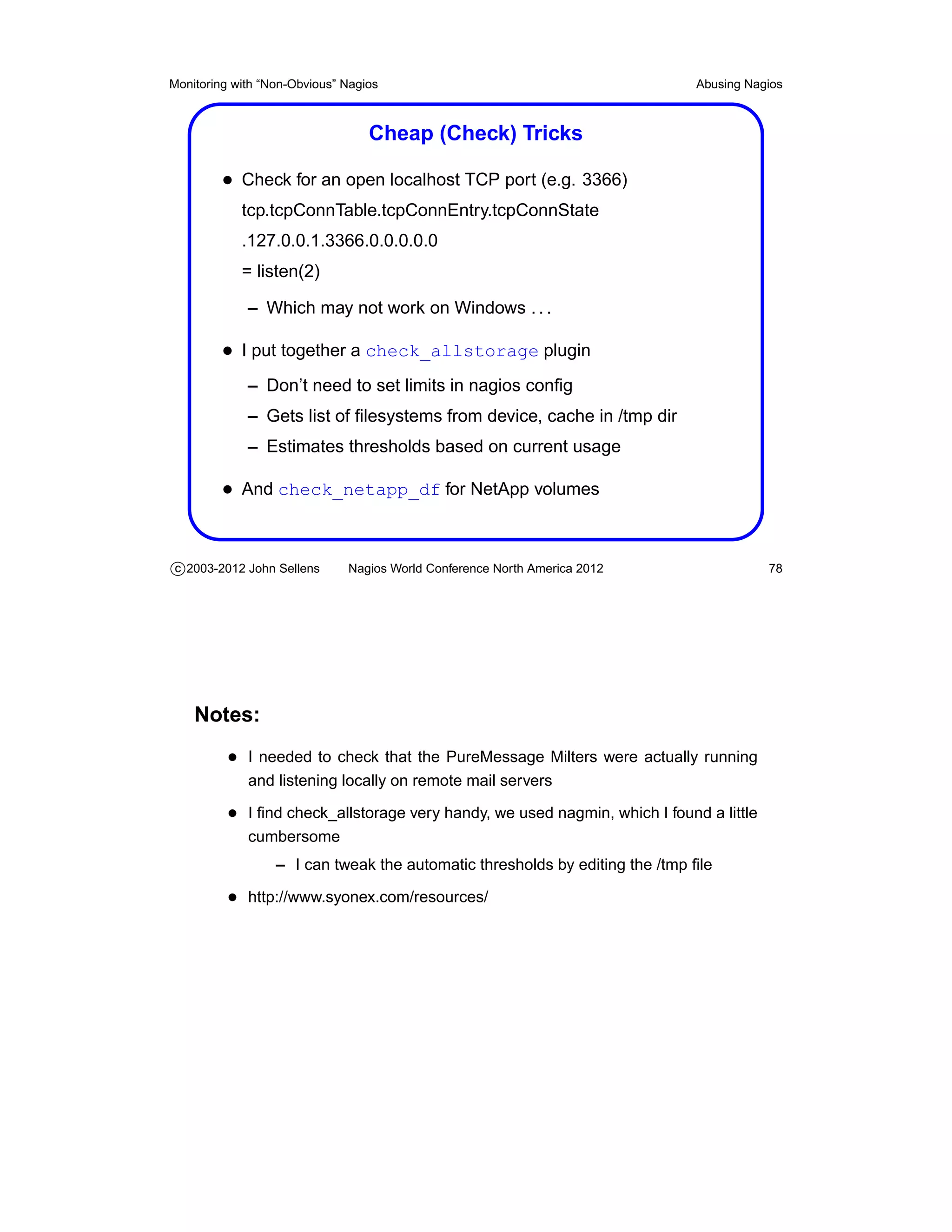
         • Check for an open localhost TCP port (e.g. 3366)
            tcp.tcpConnTable.tcpConnEntry.tcpConnState
            .127.0.0.1.3366.0.0.0.0.0
            = listen(2)

             – Which may not work on Windows . . .

         • I put together a check_allstorage plugin
             – Don’t need to set limits in nagios config
             – Gets list of filesystems from device, cache in /tmp dir
             – Estimates thresholds based on current usage

         • And check_netapp_df for NetApp volumes


c 2003-2012 John Sellens      Nagios World Conference North America 2012                78


    Notes:
          • I needed to check that the PureMessage Milters were actually running
             and listening locally on remote mail servers

          • I find check_allstorage very handy, we used nagmin, which I found a little
             cumbersome
                  – I can tweak the automatic thresholds by editing the /tmp file

          • http://www.syonex.com/resources/
Monitoring with “Non-Obvious” Nagios                                       Abusing Nagios


                               Getting There from Here

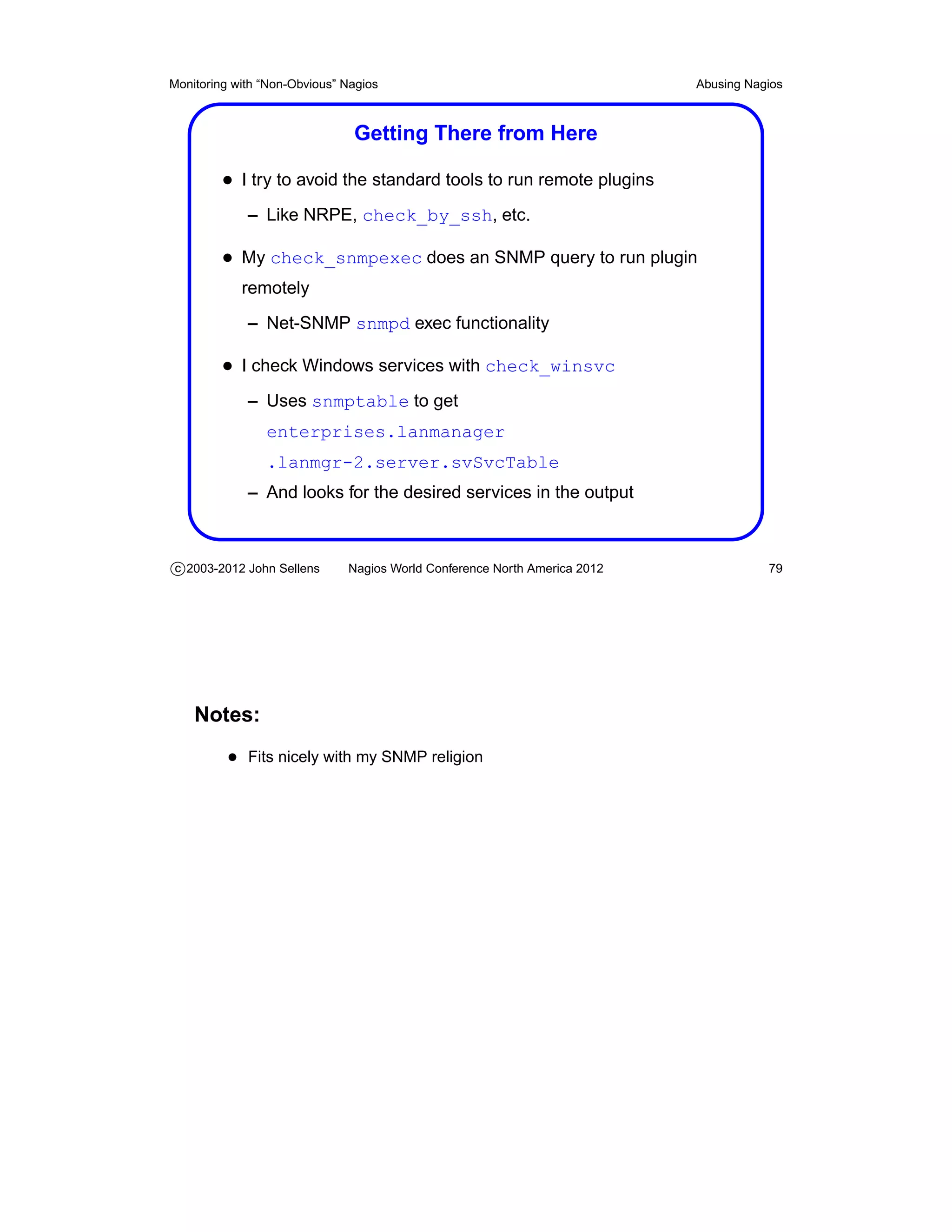
         • I try to avoid the standard tools to run remote plugins
             – Like NRPE, check_by_ssh, etc.

         • My check_snmpexec does an SNMP query to run plugin
            remotely
             – Net-SNMP snmpd exec functionality

         • I check Windows services with check_winsvc
             – Uses snmptable to get
                enterprises.lanmanager
                .lanmgr-2.server.svSvcTable
             – And looks for the desired services in the output


c 2003-2012 John Sellens      Nagios World Conference North America 2012              79


    Notes:
          • Fits nicely with my SNMP religion
Monitoring with “Non-Obvious” Nagios                                         Abusing Nagios


                                       Web Server Abuse

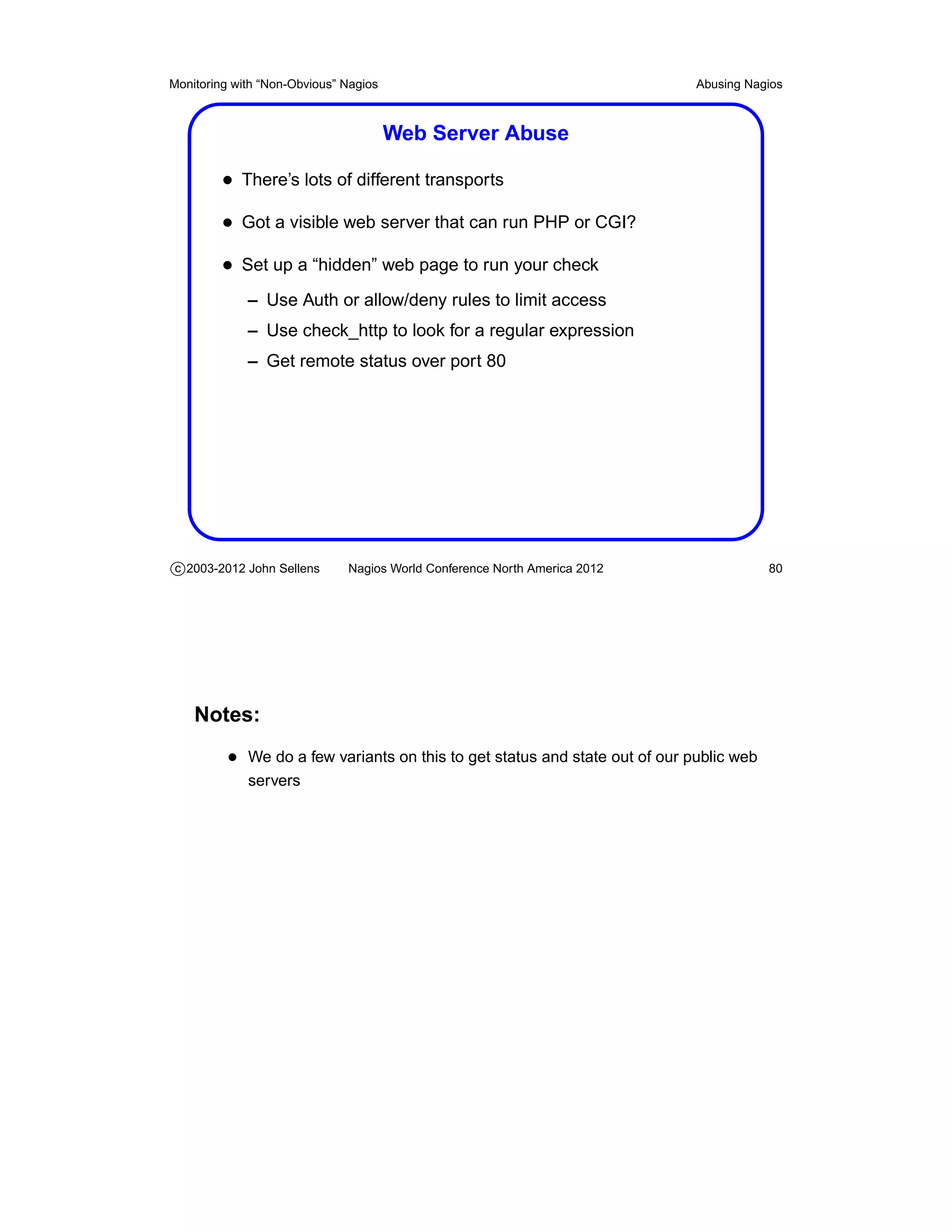
         • There’s lots of different transports
         • Got a visible web server that can run PHP or CGI?
         • Set up a “hidden” web page to run your check
             – Use Auth or allow/deny rules to limit access
             – Use check_http to look for a regular expression
             – Get remote status over port 80


c 2003-2012 John Sellens      Nagios World Conference North America 2012                 80


    Notes:
          • We do a few variants on this to get status and state out of our public web
             servers
Monitoring with “Non-Obvious” Nagios                                       Abusing Nagios


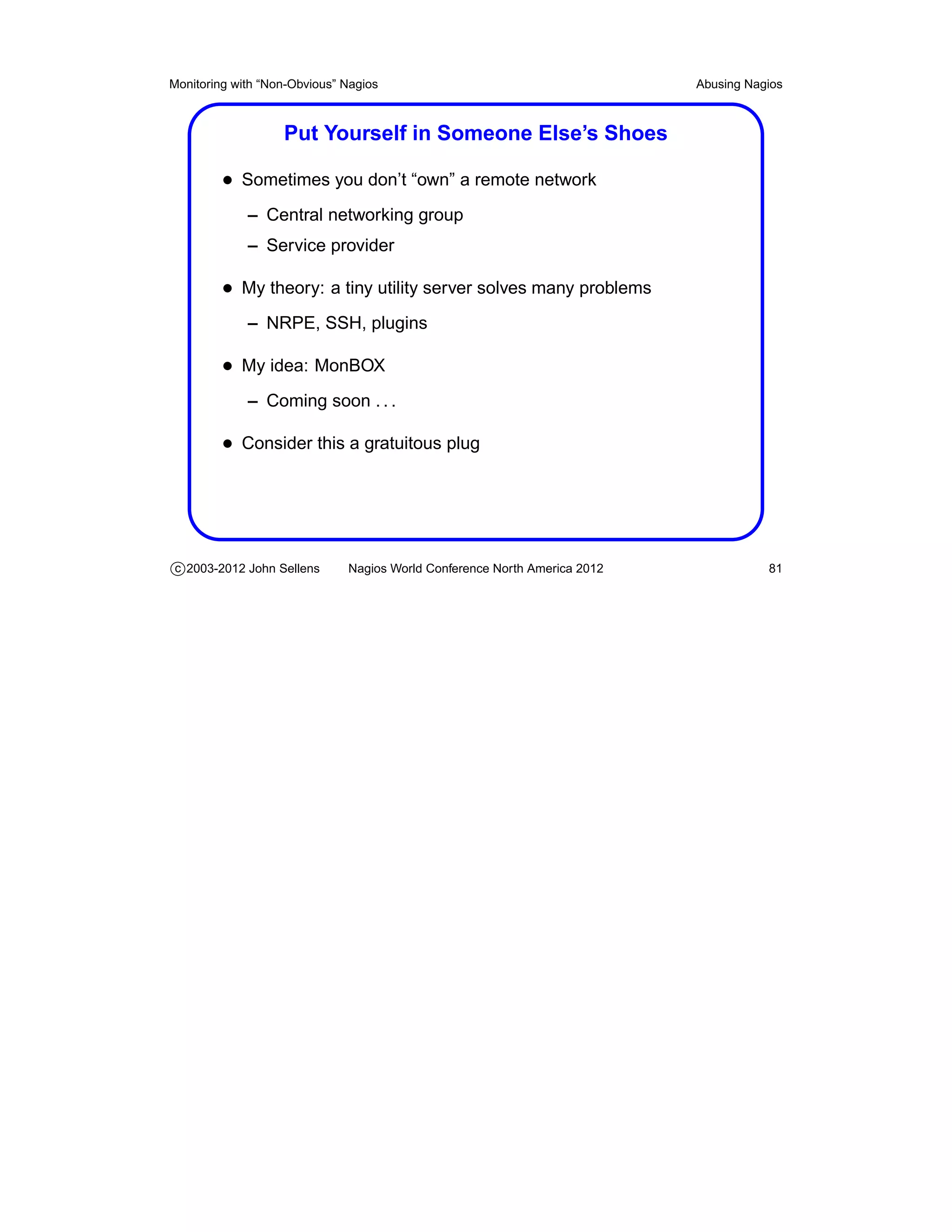
                   Put Yourself in Someone Else’s Shoes

         • Sometimes you don’t “own” a remote network
             – Central networking group
             – Service provider

         • My theory: a tiny utility server solves many problems
             – NRPE, SSH, plugins

         • My idea: MonBOX
             – Coming soon . . .

         • Consider this a gratuitous plug


c 2003-2012 John Sellens      Nagios World Conference North America 2012              81
Monitoring with “Non-Obvious” Nagios                                       Abusing Nagios


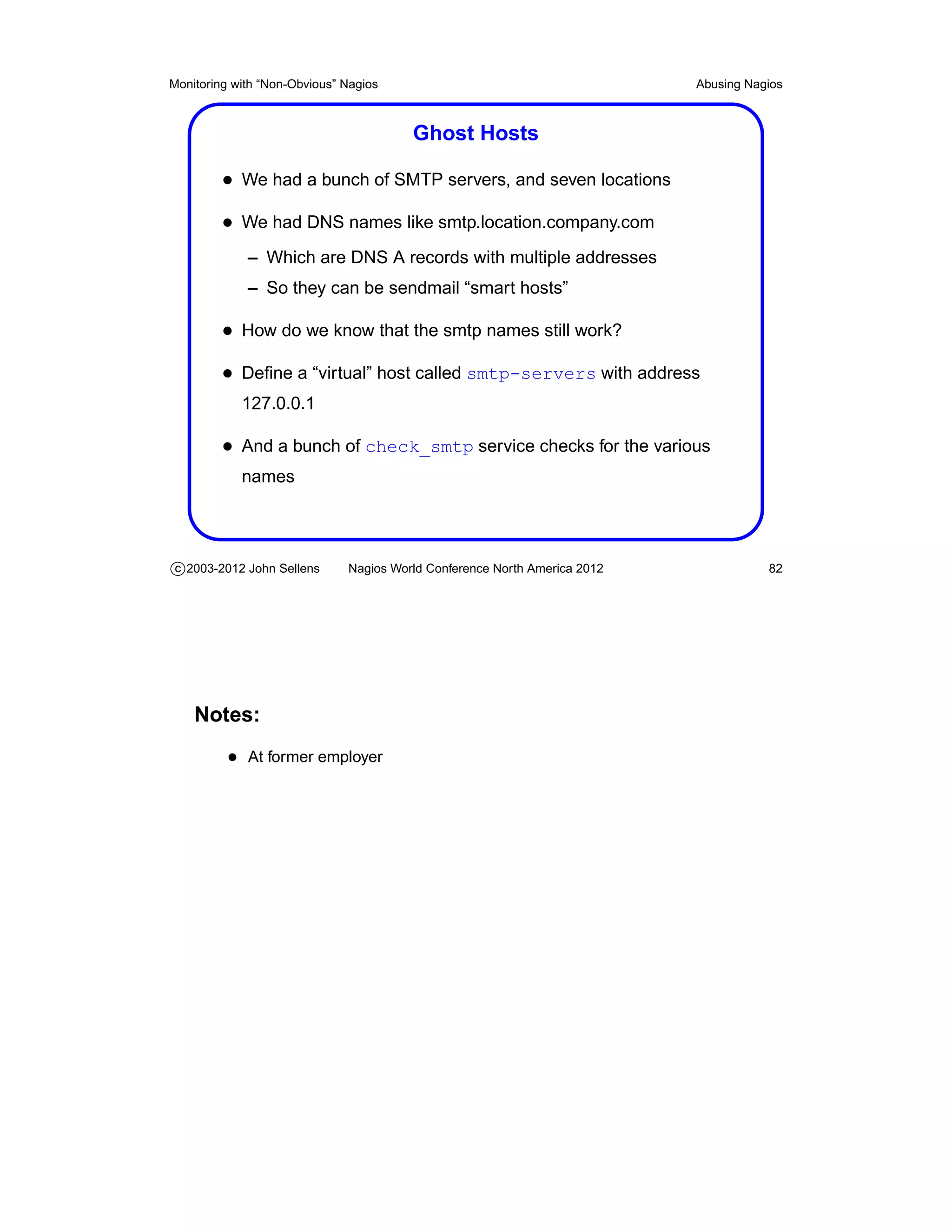
                                        Ghost Hosts

         • We had a bunch of SMTP servers, and seven locations
         • We had DNS names like smtp.location.company.com
             – Which are DNS A records with multiple addresses
             – So they can be sendmail “smart hosts”

         • How do we know that the smtp names still work?
         • Define a “virtual” host called smtp-servers with address
            127.0.0.1

         • And a bunch of check_smtp service checks for the various
            names


c 2003-2012 John Sellens      Nagios World Conference North America 2012              82


    Notes:
          • At former employer
Monitoring with “Non-Obvious” Nagios                                       Abusing Nagios


                                       Service as a Host

         • We had an outsourced help desk
             – They watched nagios, but only cared about “down” hosts

         • How did we get them to notice a down link between up routers?
         • Made up a hostname “link-tor-det” and the host check is
            check_hops

         • So the link down looks like a host down


c 2003-2012 John Sellens      Nagios World Conference North America 2012              83
Monitoring with “Non-Obvious” Nagios                                       Abusing Nagios


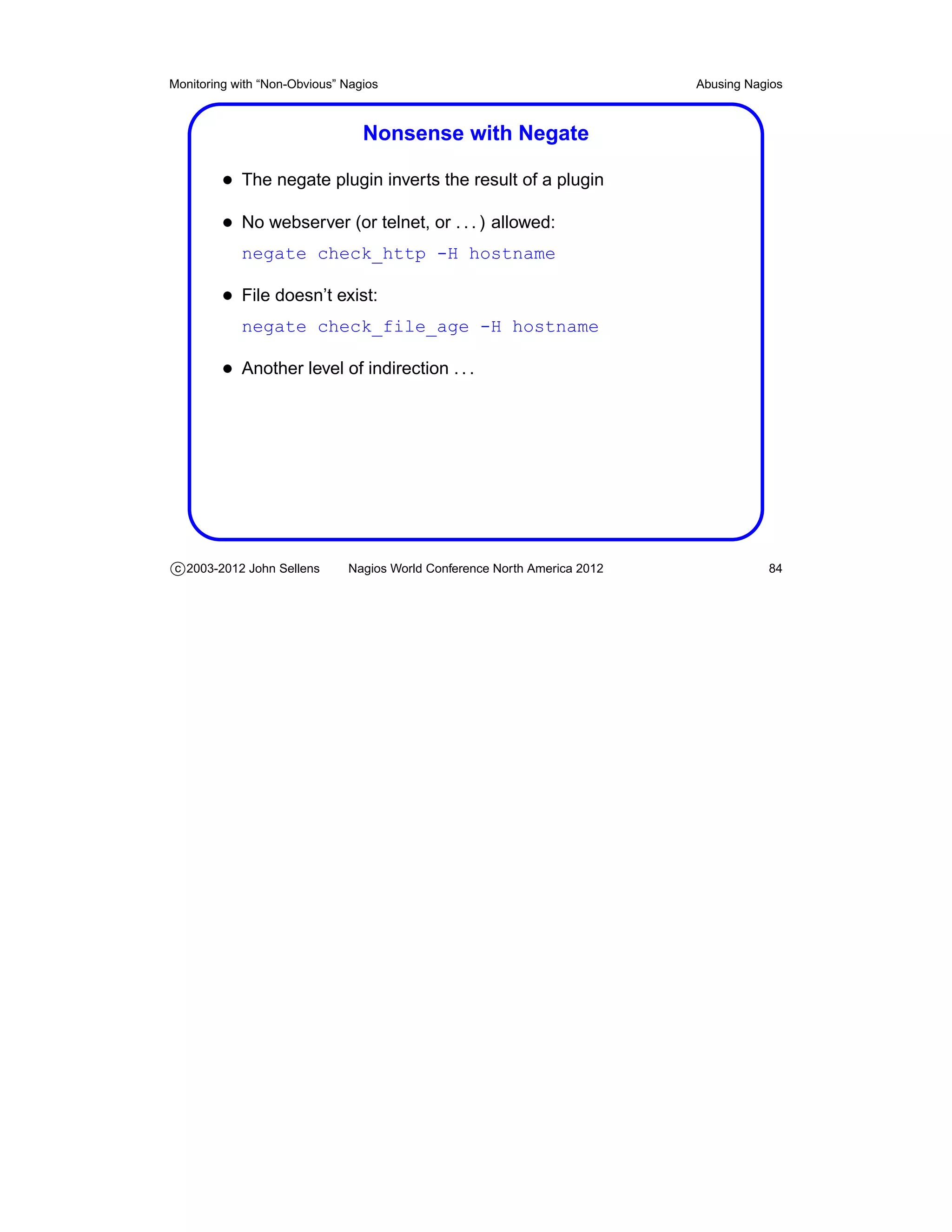
                                 Nonsense with Negate

         • The negate plugin inverts the result of a plugin
         • No webserver (or telnet, or . . . ) allowed:
            negate check_http -H hostname

         • File doesn’t exist:
            negate check_file_age -H hostname

         • Another level of indirection . . .


c 2003-2012 John Sellens      Nagios World Conference North America 2012              84
Monitoring with “Non-Obvious” Nagios                                       Abusing Nagios


                                       Hey! Wake Up!

         • At FreshBooks, we have “hack offs”
         • I have a remote control power bar
         • I bought at 12 volt revolving light at the auto supply
         • A few scripts watch the status file
             – Look for unhandled problems

         • Can be used with a klaxon horn as well . . .
         • I now have this hooked into my Asterisk box at home . . .


c 2003-2012 John Sellens      Nagios World Conference North America 2012              85
Monitoring with “Non-Obvious” Nagios                                       Abusing Nagios


                                       Remember . . .

         • Anything you care about can be monitored
         • It does not need to be a “service”
         • Or even something on a computer or network device
         • Simple shell plugins are powerful


c 2003-2012 John Sellens      Nagios World Conference North America 2012              86
Monitoring with “Non-Obvious” Nagios                                       Nagios Addons


                                       Nagios Addons


c 2003-2012 John Sellens      Nagios World Conference North America 2012             87
Monitoring with “Non-Obvious” Nagios                                       Nagios Addons


                                Visualizing Nagios Data

         • There are manu visualization tools for Nagios
         • Graphing, mapping, business processes, . . .
         • I’m not covering any of those today


c 2003-2012 John Sellens      Nagios World Conference North America 2012             88
Monitoring with “Non-Obvious” Nagios                                       Nagios Addons


                                       Nagios Addons

         • The “downloads” section of the Nagios web site includes
            references to a number of “addons” for Nagios
             – Providing interesting additional functionality

         • The extras are now listed on nagiosexchange.org
         • Have a browse, and you’ll get some interesting ideas
         • A few addons, in particular, are worth special mention


c 2003-2012 John Sellens      Nagios World Conference North America 2012             89


    Notes:
          • See my “Tools You Need” notes for more addon mentions
          • http://www.nagios.org/download/addons/
          • http://exchange.nagios.org/
Monitoring with “Non-Obvious” Nagios                                         Nagios Addons


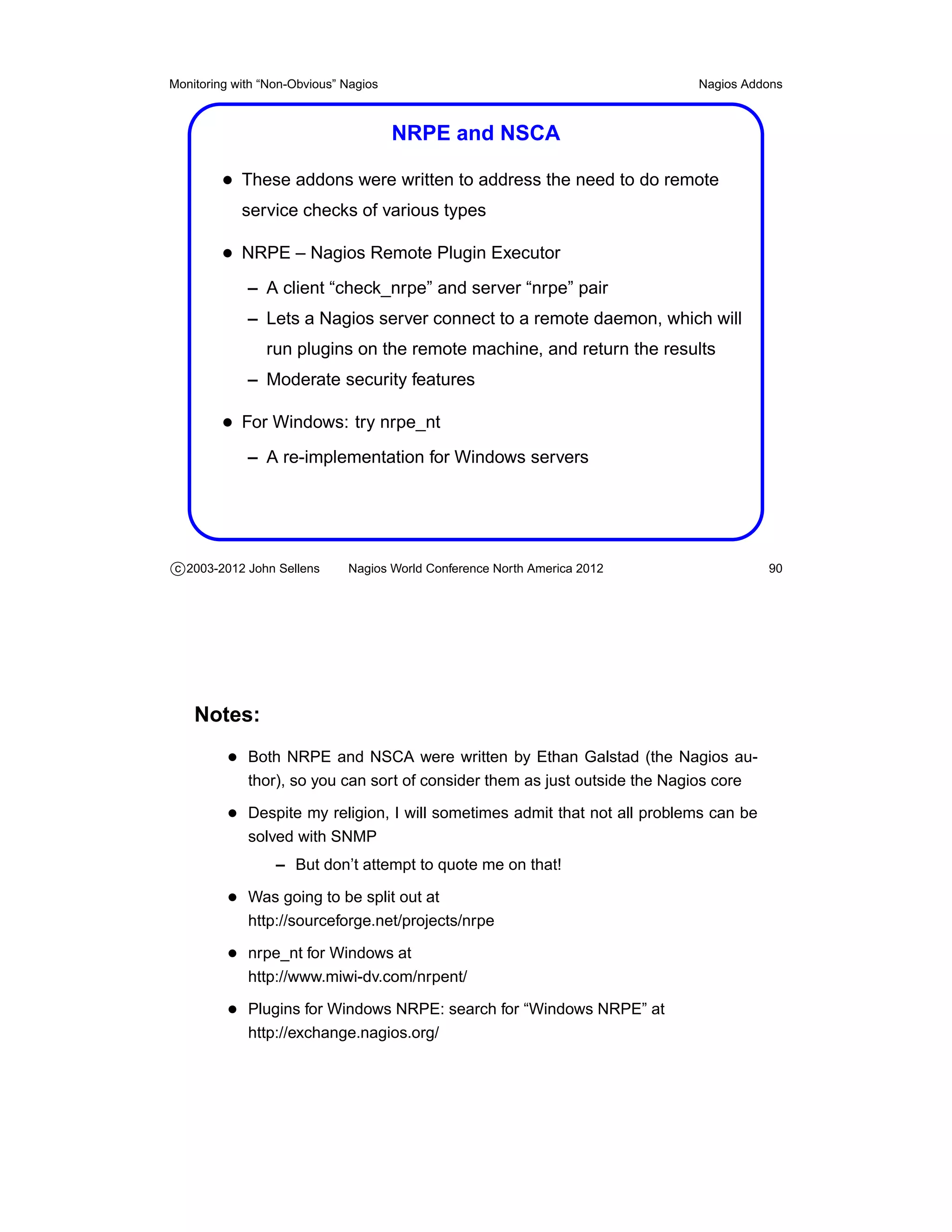
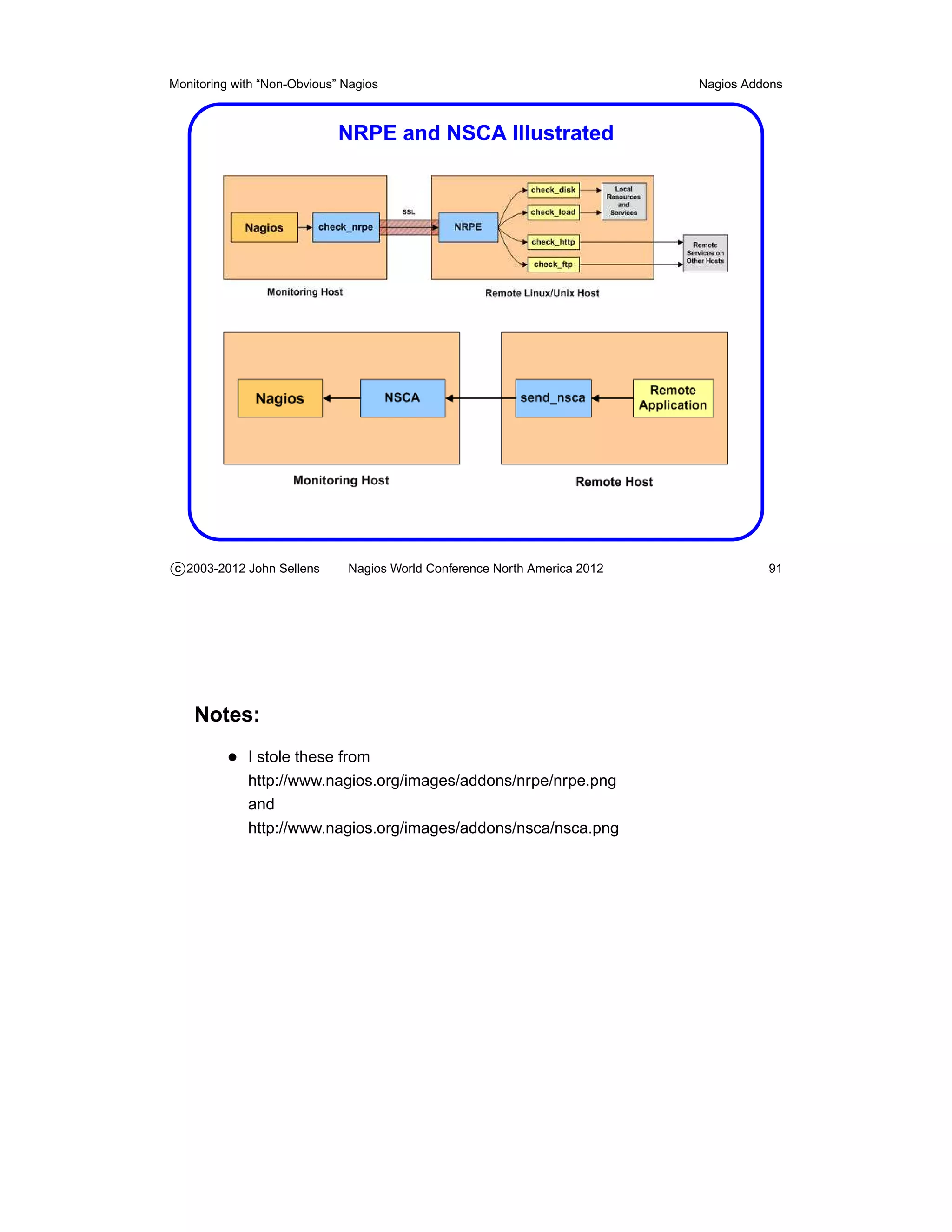
                                       NRPE and NSCA

         • These addons were written to address the need to do remote
            service checks of various types

         • NRPE – Nagios Remote Plugin Executor
             – A client “check_nrpe” and server “nrpe” pair
             – Lets a Nagios server connect to a remote daemon, which will
                run plugins on the remote machine, and return the results
             – Moderate security features

         • For Windows: try nrpe_nt
             – A re-implementation for Windows servers


c 2003-2012 John Sellens      Nagios World Conference North America 2012               90


    Notes:
          • Both NRPE and NSCA were written by Ethan Galstad (the Nagios au-
             thor), so you can sort of consider them as just outside the Nagios core

          • Despite my religion, I will sometimes admit that not all problems can be
             solved with SNMP
                  – But don’t attempt to quote me on that!

          • Was going to be split out at
             http://sourceforge.net/projects/nrpe

          • nrpe_nt for Windows at
             http://www.miwi-dv.com/nrpent/

          • Plugins for Windows NRPE: search for “Windows NRPE” at
             http://exchange.nagios.org/
Monitoring with “Non-Obvious” Nagios                                       Nagios Addons


                             NRPE and NSCA Illustrated


c 2003-2012 John Sellens      Nagios World Conference North America 2012             91


    Notes:
          • I stole these from
             http://www.nagios.org/images/addons/nrpe/nrpe.png
             and
             http://www.nagios.org/images/addons/nsca/nsca.png
Monitoring with “Non-Obvious” Nagios                                       Nagios Addons


                               NRPE and NSCA (cont’d)

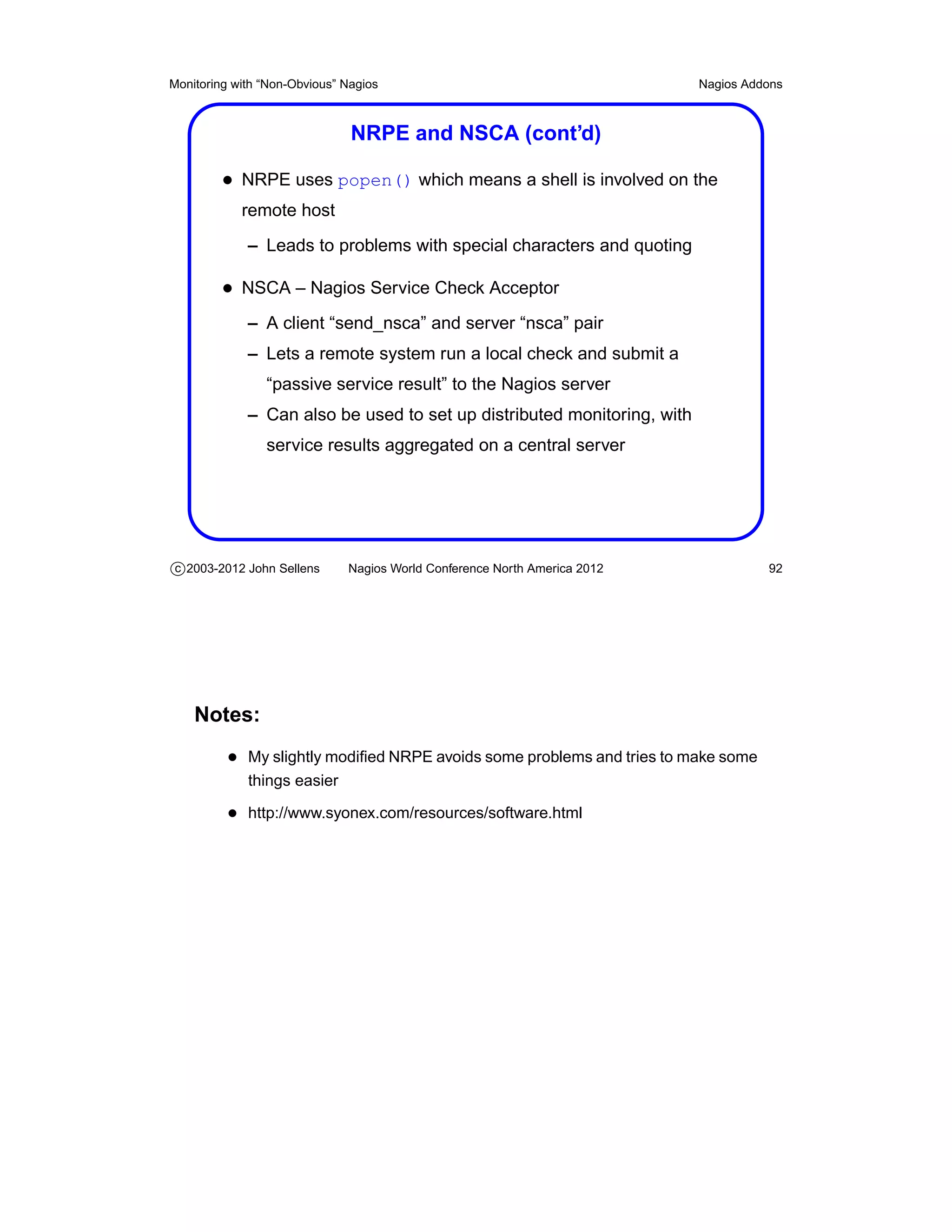
         • NRPE uses popen() which means a shell is involved on the
            remote host
             – Leads to problems with special characters and quoting

         • NSCA – Nagios Service Check Acceptor
             – A client “send_nsca” and server “nsca” pair
             – Lets a remote system run a local check and submit a
                “passive service result” to the Nagios server
             – Can also be used to set up distributed monitoring, with
                service results aggregated on a central server


c 2003-2012 John Sellens      Nagios World Conference North America 2012             92


    Notes:
          • My slightly modified NRPE avoids some problems and tries to make some
             things easier

          • http://www.syonex.com/resources/software.html
Monitoring with “Non-Obvious” Nagios                                       Nagios Addons


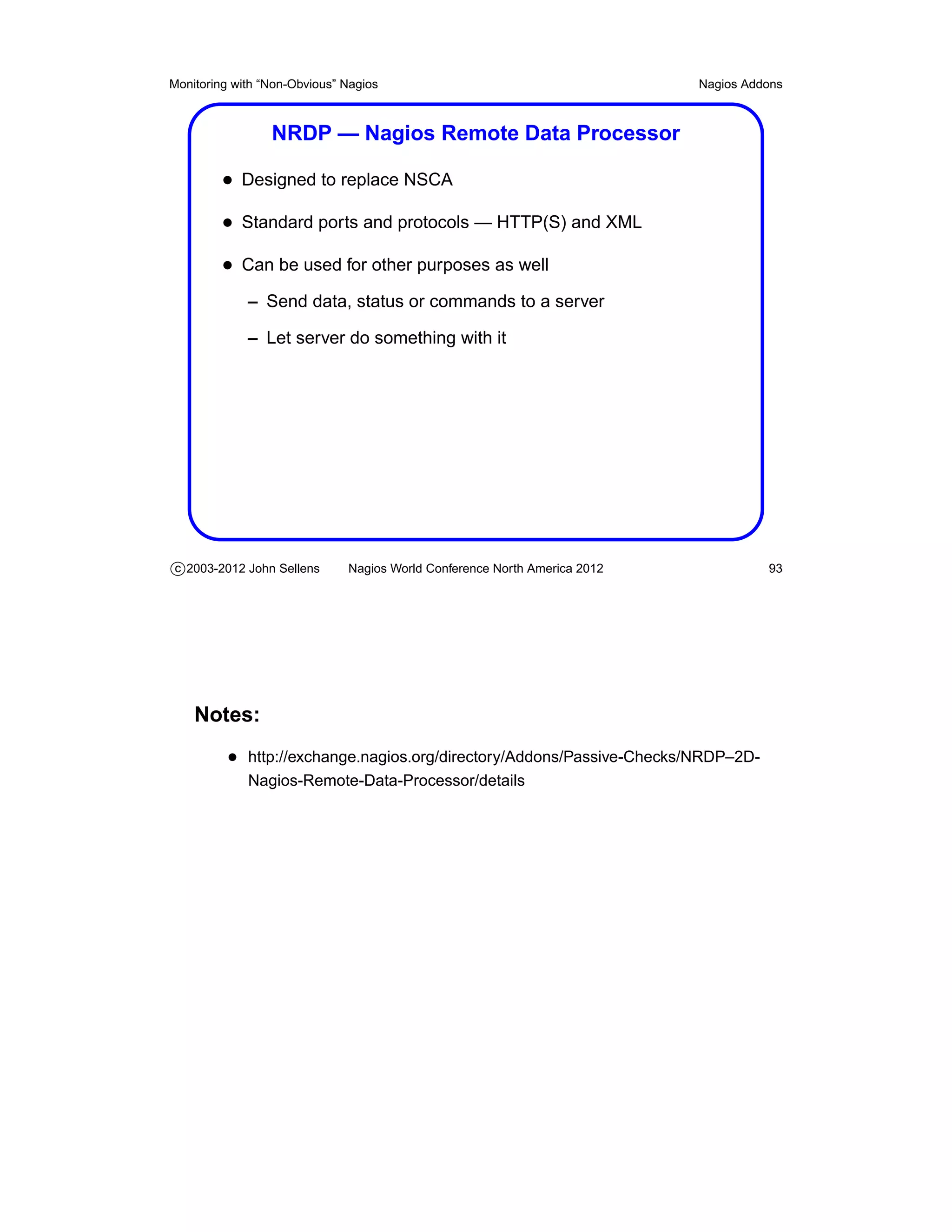
                 NRDP — Nagios Remote Data Processor

         • Designed to replace NSCA
         • Standard ports and protocols — HTTP(S) and XML
         • Can be used for other purposes as well
             – Send data, status or commands to a server

             – Let server do something with it


c 2003-2012 John Sellens      Nagios World Conference North America 2012             93


    Notes:
          • http://exchange.nagios.org/directory/Addons/Passive-Checks/NRDP–2D-
             Nagios-Remote-Data-Processor/details
Monitoring with “Non-Obvious” Nagios                                       Nagios Addons


                    NDOUtils — Status and Events to DB

         • Nagios Data Output Utilities
         • Event broker and intermediate programs to stuff status and
            event data into a database
             – So you can crunch the details later
             – Into pretty reports and graphs

         • Real time (via pipe) or periodic (via files)
         • Can import old logs
         • Still alpha/beta, and still “experimental”
         • “likely play a central role in the new Nagios web interface”


c 2003-2012 John Sellens      Nagios World Conference North America 2012              94


    Notes:
          • Also by Ethan Galstad, so just outside the nagios code
          • Currently MySQL only, but PostgreSQL will likely be added at some point
                  – Or so the README says
                  – I think the icinga equivalent may have PostgreSQL support now
Monitoring with “Non-Obvious” Nagios                                       Nagios Addons


                            NDOUtils — Simple Diagram


c 2003-2012 John Sellens      Nagios World Conference North America 2012             95


    Notes:
          • Stolen from http://www.nagios.org/images/addons/ndoutils/ndoutils.png
Monitoring with “Non-Obvious” Nagios                                       Nagios Addons


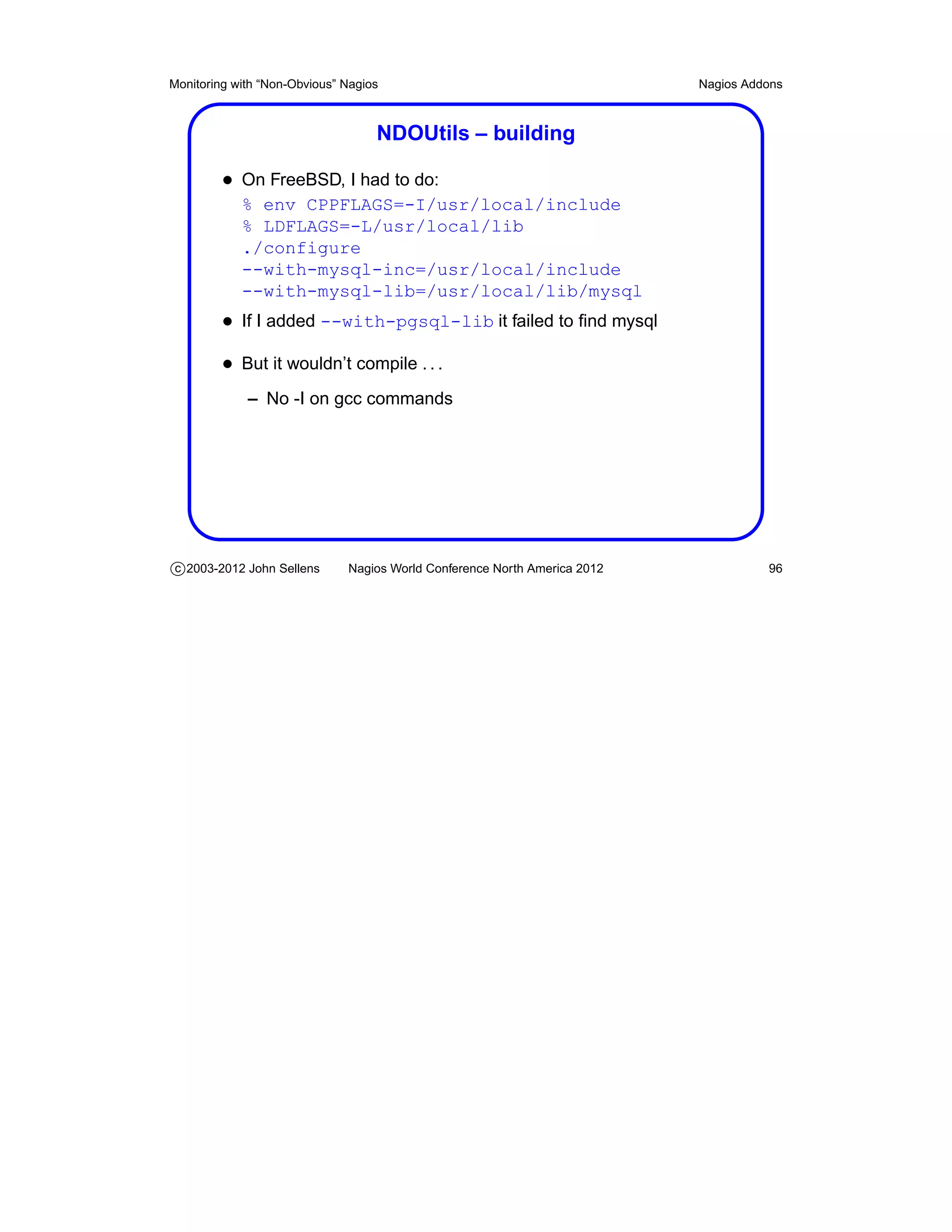
                                   NDOUtils – building

         • On FreeBSD, I had to do:
            % env CPPFLAGS=-I/usr/local/include
            % LDFLAGS=-L/usr/local/lib
            ./configure
            --with-mysql-inc=/usr/local/include
            --with-mysql-lib=/usr/local/lib/mysql
         • If I added --with-pgsql-lib it failed to find mysql
         • But it wouldn’t compile . . .
             – No -I on gcc commands


c 2003-2012 John Sellens      Nagios World Conference North America 2012             96
Monitoring with “Non-Obvious” Nagios                                       Nagios Addons


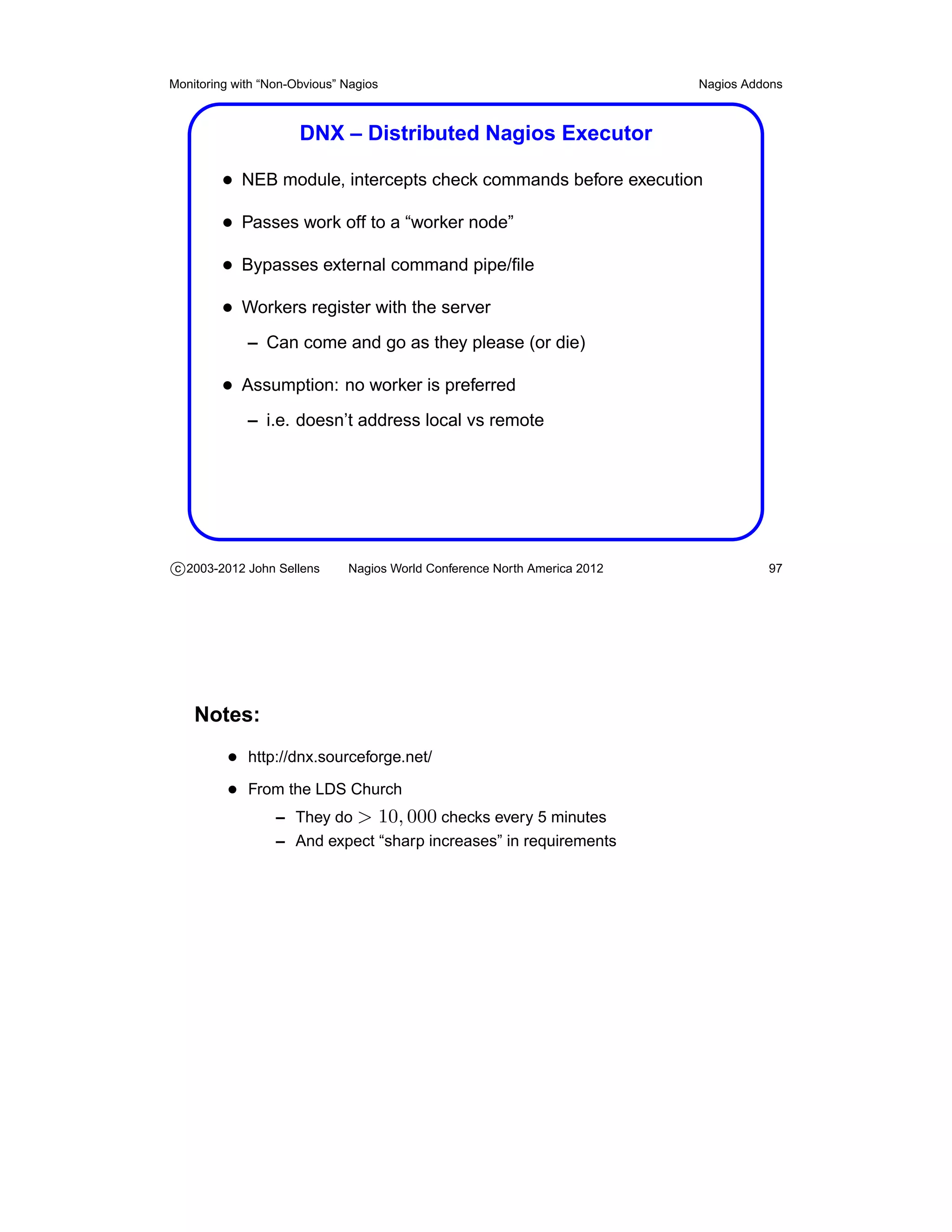
                      DNX – Distributed Nagios Executor

         • NEB module, intercepts check commands before execution
         • Passes work off to a “worker node”
         • Bypasses external command pipe/file
         • Workers register with the server
             – Can come and go as they please (or die)

         • Assumption: no worker is preferred
             – i.e. doesn’t address local vs remote


c 2003-2012 John Sellens      Nagios World Conference North America 2012             97


    Notes:
          • http://dnx.sourceforge.net/
          • From the LDS Church
               – They do > 10, 000 checks every 5 minutes
                  – And expect “sharp increases” in requirements
Monitoring with “Non-Obvious” Nagios                                       Nagios Addons


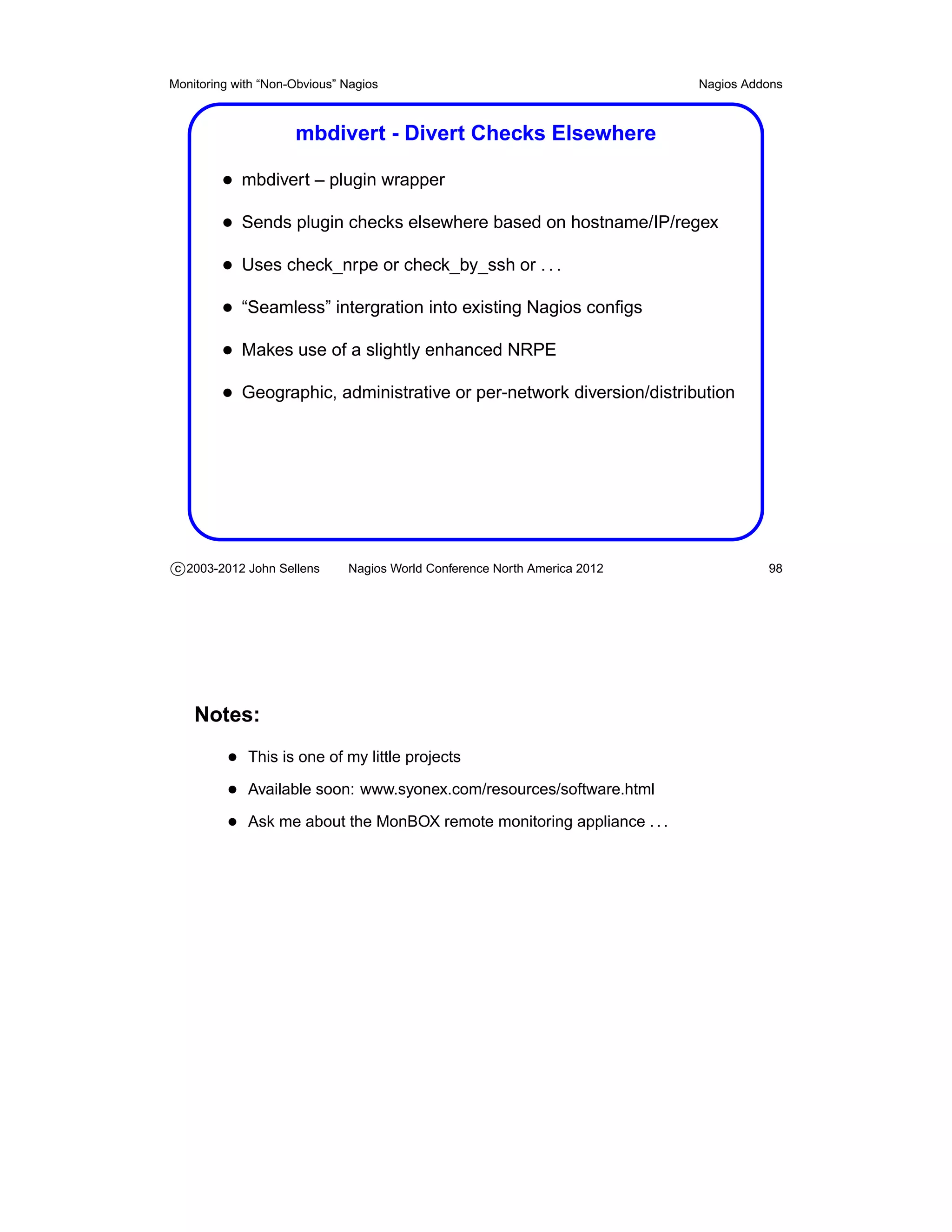
                     mbdivert - Divert Checks Elsewhere

         • mbdivert – plugin wrapper
         • Sends plugin checks elsewhere based on hostname/IP/regex
         • Uses check_nrpe or check_by_ssh or . . .
         • “Seamless” intergration into existing Nagios configs
         • Makes use of a slightly enhanced NRPE
         • Geographic, administrative or per-network diversion/distribution


c 2003-2012 John Sellens      Nagios World Conference North America 2012             98


    Notes:
          • This is one of my little projects
          • Available soon: www.syonex.com/resources/software.html
          • Ask me about the MonBOX remote monitoring appliance . . .
Monitoring with “Non-Obvious” Nagios                                       Nagios Addons


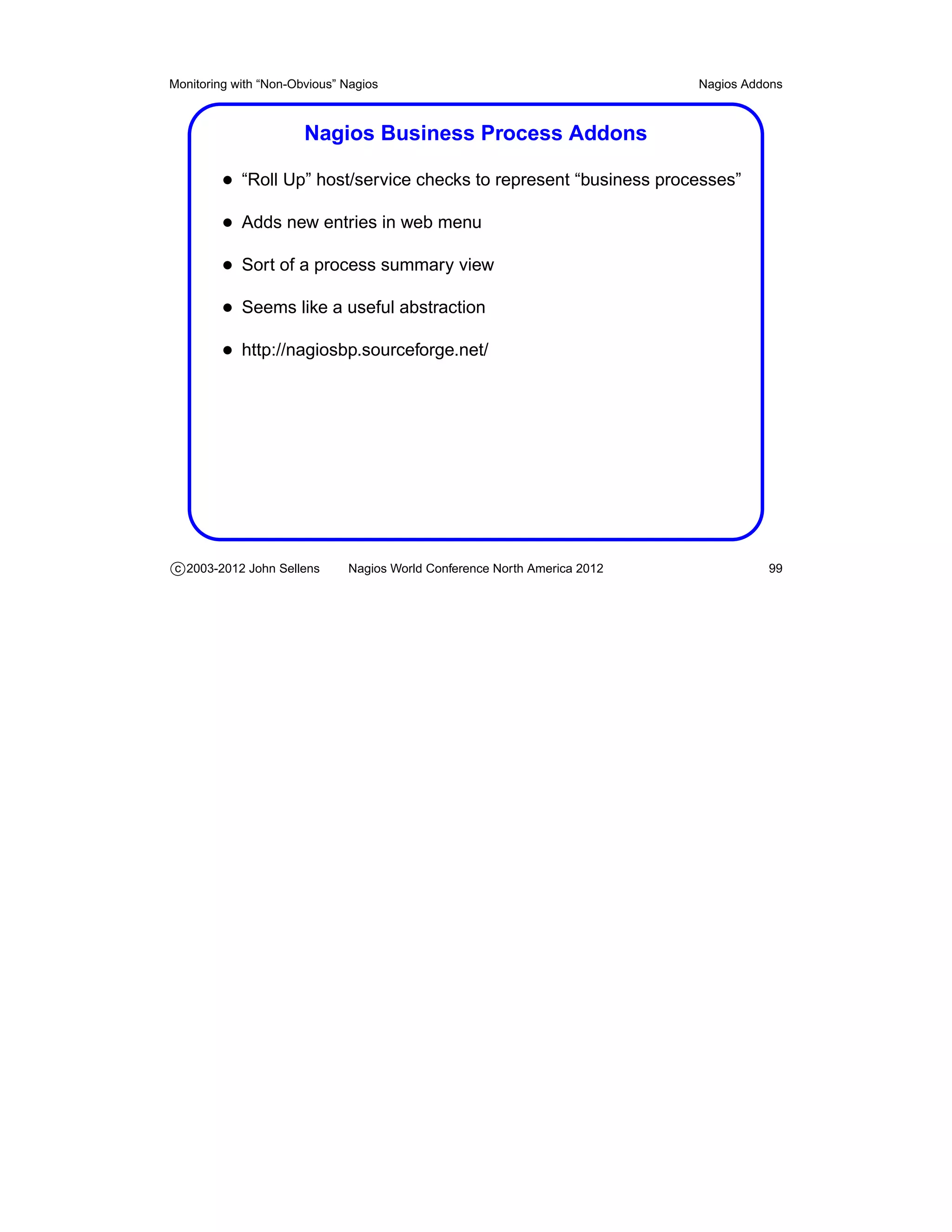
                       Nagios Business Process Addons

         • “Roll Up” host/service checks to represent “business processes”
         • Adds new entries in web menu
         • Sort of a process summary view
         • Seems like a useful abstraction
         • http://nagiosbp.sourceforge.net/


c 2003-2012 John Sellens      Nagios World Conference North America 2012             99
Monitoring with “Non-Obvious” Nagios                                       Nagios Addons


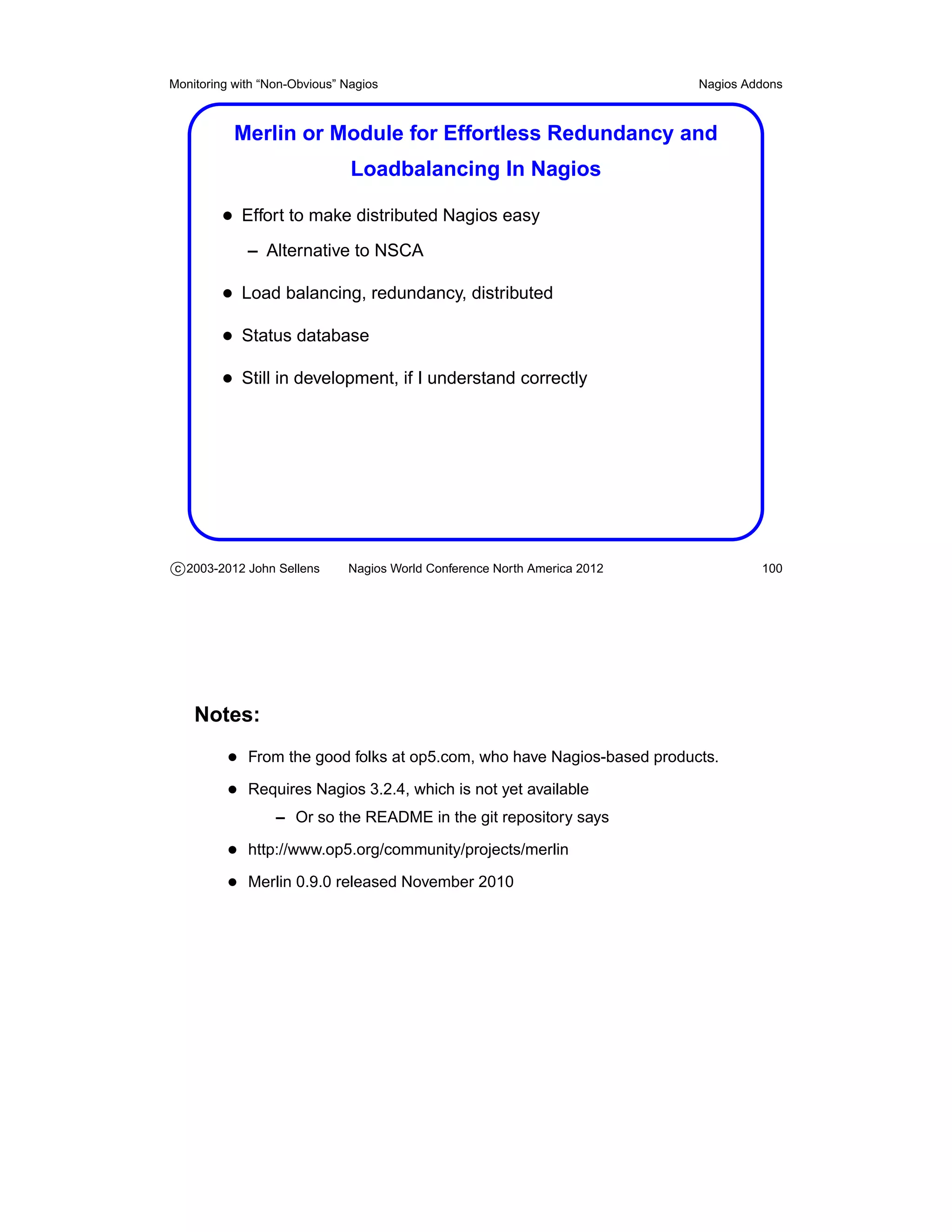
           Merlin or Module for Effortless Redundancy and
                               Loadbalancing In Nagios

         • Effort to make distributed Nagios easy
             – Alternative to NSCA

         • Load balancing, redundancy, distributed
         • Status database
         • Still in development, if I understand correctly


c 2003-2012 John Sellens      Nagios World Conference North America 2012            100


    Notes:
          • From the good folks at op5.com, who have Nagios-based products.
          • Requires Nagios 3.2.4, which is not yet available
                  – Or so the README in the git repository says

          • http://www.op5.org/community/projects/merlin
          • Merlin 0.9.0 released November 2010
Monitoring with “Non-Obvious” Nagios                                       Nagios Addons


               V-Shell — Alternative Front End for Nagios

         • Standard web interface is thought to be “long in the tooth”
         • Alternative web interface to Nagios Core
             – From the Nagios Enterprises team

         • PHP, CSS, valid XHTML
         • Basic, functional rather than web 2.0 whizbang
         • Work in progress


c 2003-2012 John Sellens      Nagios World Conference North America 2012            101


    Notes:
          • V-Shell released in early October 2010
          • List of notable themes and web interfaces at
             http://www.nagios.org/download/frontends

          • Nagios V-Shell is referenced there and on
             http://exchange.nagios.org
Monitoring with “Non-Obvious” Nagios                                       Nagios Addons


                  NINJA or Nagios Is Now Just Awesome

         • Attempt to develop an alternative Nagios GUI
         • PHP, scalability, better searching and filtering
         • Multi-language, templates/skins
         • Relies on Merlin
         • Used in op5’s monitoring product


c 2003-2012 John Sellens      Nagios World Conference North America 2012            102


    Notes:
          • Also from the good folks at op5.com.
          • http://www.op5.org/community/projects/ninja
          • Ninja 1.1.0 released November 2010
Monitoring with “Non-Obvious” Nagios                                       Nagios Addons


                        Naglite2 — Simple Status Screen

         • At FreshBooks we use Naglite2 for a status screen
         • Quick summary of currently un-ack’d problems
         • Handy for NOC status wall screens
         • By Laurie Denness, at Last.fm
         • http://laurie.denness.net/blog/2010/03/naglite2-finally-released/
         • http://github.com/lozzd/Naglite2


c 2003-2012 John Sellens      Nagios World Conference North America 2012            103
Monitoring with “Non-Obvious” Nagios                                          Nagios Addons


                            Multiple Nagios Aggregators

         • MNTOS — Multi Nagios Tactical Overview System
             – Simple summary of multiple Tactical Overview pages

         • Thruk Monitoring Webinterface
             – Aggregates multiple backends
             – Uses MKLivestatus for communication and commands

         • Multisite — aggregator, multiple views
             – Same author(s) as MKLivestatus


c 2003-2012 John Sellens      Nagios World Conference North America 2012               104


    Notes:
          • MNTOS from http://www.sorkmos.com/index.php?page=mntos
          • http://www.thruk.org/index.php
          • Thruk supports Nagios and “similar” tools
          • MKLivestatus NEB module from http://mathias-kettner.de/checkmk_livestatus.html
          • Multisite from http://mathias-kettner.de/checkmk_multisite.html
Monitoring with “Non-Obvious” Nagios                                       Wrap Up


                                          Wrap Up


c 2003-2012 John Sellens      Nagios World Conference North America 2012       105
Monitoring with “Non-Obvious” Nagios                                                   Wrap Up


                                         And Finally!

         • Feel free to contact me directly if you have any unanswered
            questions, either now, or later: jsellens@syonex.com

         • Questions? Comments?
         • Thank you for attending!


c 2003-2012 John Sellens      Nagios World Conference North America 2012                      106


    Notes:
          • Thank you very much for taking this tutorial, and I hope that it was (and
             will be) informative and useful for you.

          • I would be very interested in your feedback, positive or negative, and sug-
             gestions for additional things to include in future versions of this tutorial,
             on the comment form, here at the conference, or later by email.

Nagios Conference 2012 - John Sellens - Non-Obvious Nagios

  • 1.
    Monitoring with “Non-Obvious”Nagios John Sellens jsellens@syonex.com September 26, 2012 Notes PDF at http://www.syonex.com/notes/
  • 2.
    Monitoring with “Non-Obvious”Nagios Contents Nagios Basics 5 Nagios Plugins 11 More on Configuration 18 Theory and Practice 48 Getting Larger 63 Tips and Tricks 69 Abusing Nagios 76 Nagios Addons 87 c 2003-2012 John Sellens Nagios World Conference North America 2012 1 Monitoring with “Non-Obvious” Nagios Wrap Up 105 c 2003-2012 John Sellens Nagios World Conference North America 2012 2
  • 3.
    Monitoring with “Non-Obvious”Nagios Overview • Nagios is well-established and widely used – Over a million known servers running 3.X • We’re going to look at some of the non-obvious bits • And ways to extend Nagios • We’ll assume a basic knowledge of Nagios and what it does • This is a three hour course sliced to 1:45 c 2003-2012 John Sellens Nagios World Conference North America 2012 3 Notes: • I’m assuming you’ve already chosen Nagios for your environment – Or you’re very careful when making decisions and don’t want to rush into anything • Or at least I hope what we’re covering is non-obvious and/or non-trivial • The server count is from Ethan Galstad’s talk at Ohio LinuxFest 2010 — servers that check for available updates. • I sure hope the network and my laptop are both happy . . . • So, if the slides are not completely consistent, I hope you’ll be under- standing
  • 4.
    Monitoring with “Non-Obvious”Nagios Viewpoints and Religion • Monitoring is Exceptions, Trending, History • UNIX philosophy: Effective tools, not kitchen sink – Choose the best tool(s) for the job • SNMP is Your Friend – Use it whenever you can • Solve any problem in computer science with another level of indirection c 2003-2012 John Sellens Nagios World Conference North America 2012 4
  • 5.
    Monitoring with “Non-Obvious”Nagios Nagios Basics Nagios Basics c 2003-2012 John Sellens Nagios World Conference North America 2012 5
  • 6.
    Monitoring with “Non-Obvious”Nagios Nagios Basics Nagios Basics • You likely already know everything I normally say here • But: – Well over a million installations – Discrete components – Well-defined interfaces – Great documentation • And: – Nagios core just schedules and executes – It’s just an engine c 2003-2012 John Sellens Nagios World Conference North America 2012 6
  • 7.
    Monitoring with “Non-Obvious”Nagios Nagios Basics Nagios Overview Stolen from Ethan Galstad c 2003-2012 John Sellens Nagios World Conference North America 2012 7 Notes: • Shamefully stolen from Ethan Galstad’s FOSDEM 2005 presentation http://www.nagios.org/fosdem2005
  • 8.
    Monitoring with “Non-Obvious”Nagios Nagios Basics Building Nagios • The typical build process, with a few tweaks • Lots (and lots) of configure options . . . • Is --enable-embedded-perl a good idea? • Likely want --enable-event-broker • Don’t forget make install-commandmode – Creates the external command file (named pipe) • Setup Apache with the example conf entries c 2003-2012 John Sellens Nagios World Conference North America 2012 8 Notes: • Quickstart Installation Guides http://nagios.sourceforge.net/docs/3_0/quickstart.html • Embedding a Perl interpreter just seems not quite right to me – But see the documentation for pros and cons: http://nagios.sourceforge.net/docs/3_0/embeddedperl.html • make install-webconf might do the Apache config for you • make install-init may set up your boot script • make fullinstall may do it all for you • I use the FreeBSD port . . . • Most people likely just install the “standard packages”
  • 9.
    Monitoring with “Non-Obvious”Nagios Nagios Basics Not Running Nagios? • Who watches the watcher? • In the past, the cgi.cfg setting nagios_check_command checked that nagios is running • Not any more! • If the status.dat file is left around, and nagios is dead, nothing notices – As far as I can see . . . – CGIs are happy with a days old status.dat • Run check_file_age from cron? c 2003-2012 John Sellens Nagios World Conference North America 2012 9 Notes: • At least up to version 3.4.1 • In practice, I’ve never seen this happen, but it’s good to be paranoid • I don’t know how best to solve this • I think it should be addressed in the CGIs at least • Or perhaps cfengine, puppet, etc. will fix
  • 10.
    Monitoring with “Non-Obvious”Nagios Nagios Basics Configuration Basics • Arbitrary probes, flexible parameters. macro substitution • Time-variable behaviours to cover work-day vs off-hours issues • Template based, inheritable, grouping, etc. • Consistent and well-documented • Some tools try to provide a web interface to the configs • Three required files: – nagios.cfg — overall configuration, refers to other files – resource.cfg — global variables and database access – cgi.cfg — controls web interface behaviour and access c 2003-2012 John Sellens Nagios World Conference North America 2012 10 Notes: • Some people say: “it should be in a database” • I like text files that I can manipulate or generate • Version 3 cleans up a bunch of configuration “issues” and makes things much better – Not that things were bad before, but they are even better now
  • 11.
    Monitoring with “Non-Obvious”Nagios Nagios Plugins Nagios Plugins c 2003-2012 John Sellens Nagios World Conference North America 2012 11
  • 12.
    Monitoring with “Non-Obvious”Nagios Nagios Plugins Nagios Plugins • All Nagios host and service checks are performed by external “plugins” – Hand wave away any question about plugins run with embedded Perl interpreter • A separate nagiosplug development team – Standard syntax and output – Consistent coding standards and processing • The nagiosplug distribution has helpers for your own plugins – Such as Nagios::Plugin for Perl c 2003-2012 John Sellens Nagios World Conference North America 2012 12 Notes: • http://nagiosplugins.org/ • Version 1.4 February 3, 2005; 1.4.15 July 27, 2010
  • 13.
    Monitoring with “Non-Obvious”Nagios Nagios Plugins Theory of Plugins • A plugin command will be invoked by Nagios as required, with arguments as specified in the command definition that was used • Standard options include – who to check: --hostname= or -H – where to check: --ipaddress= or -I – the port to check: --port= or -P – critical error level: --critical= or -c – warning level: --warning= or -w – provide usage help: --help or -h • Critical and warning levels are in units that make sense for the plugin being used c 2003-2012 John Sellens Nagios World Conference North America 2012 13 Notes: • The “ROADMAP” file in the current nagiosplug source provides additional information
  • 14.
    Monitoring with “Non-Obvious”Nagios Nagios Plugins Theory of Plugins (cont’d) • Plugins return an informative message, and an exit code – Limited to about 350 characters of message (pre-V3) – The message is displayed in the web status interface • Exit codes indicate current state – 0 OK – 1 WARNING – 2 CRITICAL – 3 UNKNOWN • Nagios reacts based on exit code – Invokes notifications, exception handlers • Optional “performance data” is for statistics collection c 2003-2012 John Sellens Nagios World Conference North America 2012 14 Notes: • Version 3 allows long (4,000 character), multi-line output from plugins – I think first line goes in web display – All output available via macros • Plugins may also return “performance data” by appending an or-bar (“|”) and “key=value” information to the message • Performance data can be processed via appropriate settings in the na- gios.cfg file – So you can stuff your plugin results into a database, or a graph, etc.
  • 15.
    Monitoring with “Non-Obvious”Nagios Nagios Plugins Plugin Extra-Opts • C plugins can consult a run-time config file check_whatever --extra-opts=[section][@file] • Config file is “ini” style [section] key=value • File defaults to plugins.ini or nagios-plugins.ini • Searched for in $NAGIOS_CONFIG_PATH or various /etc dirs • Configure with --enable-extra-opts c 2003-2012 John Sellens Nagios World Conference North America 2012 15 Notes: • http://nagiosplugins.org/extra-opts hmm - wish there was per-host option • I don’t think you can do per-hostaddress settings within the file itself – Though you could have different sections named for a macro used on the command line • Extra-opts capability was added in 1.4.12 • Early on I didn’t find documentation on how to find the file, so I looked at the code — fixed now • The code to file the config file seems a little convoluted • Ethan Galstad pointed out that this is handy for hiding userids and pass- words and other secrets from the ps command
  • 16.
    Monitoring with “Non-Obvious”Nagios Nagios Plugins Plugin Development • It’s very easy to write your own plugins – A shell script that checks a file or process and returns an exit code is dead easy • Wrappers around existing data – Another level of indirection . . . • For Perl: Nagios::Plugin module • Performance/speed can be an issue as you monitor more services • Try it yourself! c 2003-2012 John Sellens Nagios World Conference North America 2012 16 Notes: • Nagios::Plugin comes with the nagios plugins distribution – Configure with --enable-perl-modules • Nagios Plugin API: http://nagios.sourceforge.net/docs/3_0/pluginapi.html • I tried it myself: snagtools plugins collection www.syonex.com/resources/software.html
  • 17.
    Monitoring with “Non-Obvious”Nagios Nagios Plugins Existing Plugins • There are many, many plugins already available • Typically divide into local and remote checks – Local checks something on the Nagios server – Remote checks use SNMP or connect to a remote service port to check status • Mechanisms for executing “local” plugins on remote machines – e.g check_by_ssh, NRPE – Religion: I check remote machine state via SNMP c 2003-2012 John Sellens Nagios World Conference North America 2012 17 Notes: • More on NRPE later • That may be my religion, but some times I am a heretic • See exchange.nagios.org – Lots of tools and plugins there – Pointers to various places • We’ll discuss plugin efficiency and overhead later
  • 18.
    Monitoring with “Non-Obvious”Nagios More on Configuration More on Configuration c 2003-2012 John Sellens Nagios World Conference North America 2012 18
  • 19.
    Monitoring with “Non-Obvious”Nagios More on Configuration Configuration Details • Recall: Text files, 3 core files plus object definitions • Recall: Read and digested when Nagios starts • Recall: Can be a little complicated at first glance – Likely only because there are so many possibilities – But consistent and well documented • Let’s look at it in some more depth c 2003-2012 John Sellens Nagios World Conference North America 2012 19 Notes: • Version 3 allows pre-digesting configs before startup – Speeds startup time in large environments
  • 20.
    Monitoring with “Non-Obvious”Nagios More on Configuration Required Files • nagios.cfg resource.cfg and cgi.cfg – nagios.cfg location is specified on nagios command line – resource.cfg location is set in nagios.cfg – nagios.cfg location is set in cgi.cfg – cgi.cfg location is compiled into the CGIs • Syntax for these: variable = value • Variables are case-sensitive c 2003-2012 John Sellens Nagios World Conference North America 2012 20
  • 21.
    Monitoring with “Non-Obvious”Nagios More on Configuration nagios.cfg Settings • Worth a particular mention is check_result_reaper_frequency • It tells Nagios how often (in seconds) to gather results from service checks – Default setting is every 10 seconds • Child processes (service check plugins) hang around until they are “reaped” • If you’re doing a non-trivial number of service checks, setting this lower will (typically) – Reduce the number of processes waiting, taking up space – Lower the local load average numbers, sometimes c 2003-2012 John Sellens Nagios World Conference North America 2012 21 Notes: • In version 2, check_result_reaper_frequency was called service_reaper_frequency • Load average depends on how processes blocked on I/O are counted on your particular system – I think
  • 22.
    Monitoring with “Non-Obvious”Nagios More on Configuration Object Configuration • nagios.cfg specifies the locations of “object configuration files” – With the cfg_file and cfg_dir variables – Which can be repeated to refer to multiple files and directories – cfg_dir directories are recursive • Hosts, services, contacts, etc. are defined in template-based definitions in those files • Template inheritance provides a reasonably effective mechanism c 2003-2012 John Sellens Nagios World Conference North America 2012 22 Notes: • cfg_dir recursion was added in version 2
  • 23.
    Monitoring with “Non-Obvious”Nagios More on Configuration Object Configuration (cont’d) • Object definitions look like define type { directive value directive value ... } • Definitions include a “type_name” directive and value • Templates include a “name” directive and value, and the directive “register” with a value of “0” • To inherit from a template, a definition includes a “use” directive with a template name as the value c 2003-2012 John Sellens Nagios World Conference North America 2012 23 Notes: • Directive names are case-sensitive • Comments with # in column 1 or semi-colon anywhere • Newer documentation uses “directive” and “variable” interchangeably • It sounds a little more complicated than it really is • You can also inherit from a “registered” object, such as some other host or service – e.g. host1 is fully defined, host2 is “just like host1” • See “Object Inheritance” in the docs http://nagios.sourceforge.net/docs/3_0/objectinheritance.html
  • 24.
    Monitoring with “Non-Obvious”Nagios More on Configuration Object Templates • The “use” directive causes a definition to inherit the directives declared in a template definition • You can only have one “use” directive in a given template – Its location in the template is irrelevant, anything local to the template overrides anything inherited from a “use” directive • Value for “use” directive is comma-separated list – You can have a “tree” of definition inheritance from a common root – Or multiple roots • Reasonably powerful . . . c 2003-2012 John Sellens Nagios World Conference North America 2012 24 Notes: • Version 3 added multiple template inheritance – In earlier versions you could inherit from only one template – Though you could have a template “chain” • I think template inheritance must take the form of an acyclic directed graph. – There — my math degree proves useful once again
  • 25.
    Monitoring with “Non-Obvious”Nagios More on Configuration Object Template Inheritance • Host devweb1 definition contains use 1, 4, 8 • First template (1 in this case) has highest priority c 2003-2012 John Sellens Nagios World Conference North America 2012 25 Notes: • Stolen from Nagios 3 documentation • Multiple inheritance sources were added in version 3 • Very handy with multiple locations, variable overrides, etc.
  • 26.
    Monitoring with “Non-Obvious”Nagios More on Configuration Directives and Values • Each object type has pre-defined directive names – Generally consistent across different object types • Append to an inherited value: directive +value • Delete inherited value: directive null c 2003-2012 John Sellens Nagios World Conference North America 2012 26 Notes: • Appending with + is called additive inheritence • No subtractive inheritence i.e. can’t remove an item from a list unless you re-set the list
  • 27.
    Monitoring with “Non-Obvious”Nagios More on Configuration Custom Directives • Custom directives start with underscore – And are case IN-sensitive – e.g. _snmp_community, etc. • Use in host, service and contact definitions • Refer to as macros or environment variables – e.g. _bloop in a host definition becomes ∗ macro $_HOSTBLOOP$ ∗ environment variable NAGIOS_ _HOSTBLOOP c 2003-2012 John Sellens Nagios World Conference North America 2012 27 Notes: • The documentation calls these custom variables, not directives • Note that the macros and environment variables are uppercase • And similarly for SERVICE and CONTACT custom variables • I don’t know if you can use custom directives in other objects, or how you would refer to them • More on macros and environment variables later
  • 28.
    Monitoring with “Non-Obvious”Nagios More on Configuration Implied Inheritance • Nagios will sometimes assume a value from a related object • Service objects will inherit – contact_groups, notification_interval, notification_period from the associated host • Hostescalations and serviceescalations will similarly inherit as well – Except notification_period becomes escalation_period c 2003-2012 John Sellens Nagios World Conference North America 2012 28 Notes: • Which is convenient and makes sense, and saves keeping the same in- formation consistent in multiple places
  • 29.
    Monitoring with “Non-Obvious”Nagios More on Configuration Object Types • There are quite a few different object types that can be defined • host, hostdependency, hostescalation • hostgroup • contact, contactgroup • service, servicegroup, servicedependency, serviceescalation • hostextinfo, serviceextinfo • timeperiod • command c 2003-2012 John Sellens Nagios World Conference North America 2012 29 Notes: • I think “quite a few” equals 14 • More or less self explanatory • The “extinfo” types provide “extended” information for hosts and services for the web interface • hostgroupescalation removed in 2.x — you can now use hostgroup_name in hostescalation definitions • 2.x added servicegroup primarily for CGI display purposes • Servicegroup can be referred to by servicedependency and serviceesca- lation definitions • hostextinfo and serviceextinfo are now deprecated – All directives are now part of host and service definitions
  • 30.
    Monitoring with “Non-Obvious”Nagios More on Configuration Object Definitions • Object definitions have many possible directives – You’ll default many, and inherit many from master templates • The directives are fairly consistent across different object types • The sample configuration files are well-documented • The samples used to be in different files by object type – Not necessary to split them up that way – Many find that a “cfg_dir” full of .cfg files is very convenient • Order is unimportant — multiple files are treated the same as a single file c 2003-2012 John Sellens Nagios World Conference North America 2012 30 Notes: • You should read/review the sample config files • cfg_dir is recursive as of 2.x – Which is handy
  • 31.
    Monitoring with “Non-Obvious”Nagios More on Configuration Timeperiod Definitions • Timeperiods are used to define when to do service checks, and when notifications can be sent define timeperiod{ timeperiod_name nonwork alias Time to be Not Working sunday 00:00-24:00 monday 00:00-09:00,18:00-24:00 } • Most object types have a “type_name” directive, which is used by other objects to refer to the object being defined, and for some display purposes • “alias” defines a more verbose description of the object c 2003-2012 John Sellens Nagios World Conference North America 2012 31 Notes: • Apparently we work 24 hours a day from Tuesday to Saturday • Most object types also have an “alias” directive • http://nagios.sourceforge.net/docs/3_0/timeperiods.html
  • 32.
    Monitoring with “Non-Obvious”Nagios More on Configuration Timeperiod Definitions (cont’d) • Version 3 added lots of timeperiod features – Dates and date ranges, day of month – Offset weekday e.g. 3rd Monday of a month or all months – And more! • Exclude one timeperiod from another with the exclude directive • Very powerful, handy for scheduling or recurring windows, holidays, vacations, etc. • Non-weekday definitions are called “exceptions” – Which seems confusing to me c 2003-2012 John Sellens Nagios World Conference North America 2012 32 Notes: • Lots and lots of examples at http://nagios.sourceforge.net/docs/3_0/objectdefinitions.html#timeperiod • I think you can do just about anything – Including making it completely incomprehensible
  • 33.
    Monitoring with “Non-Obvious”Nagios More on Configuration Command Definitions • All service and host checks are performed by commands defined in command definitions define command{ command_name check_tcp command_line $USER1$/check_tcp -H $HOSTADDRESS$ -p $ARG1$ } • Note the use of variable substitution to pass parameters to the actual command • A service definition that is checking for the gopher port to be listening would use check_command check_tcp!70 c 2003-2012 John Sellens Nagios World Conference North America 2012 33 Notes: • I wrapped the command_line to fit, but you can’t do that in a real definition • There are a number of macros defined based on the values of directives in definition types – We’ll touch on macros later • $HOSTADDRESS$ is set from the “address” directive in the appropriate host definition • Command line quoting is sometimes challenging, so try to avoid special characters in your arguments • Do you remember gopher?
  • 34.
    Monitoring with “Non-Obvious”Nagios More on Configuration contact Definitions • A contact is a person that may be notified, or who has access to the web interface • host_notification_period and service_notification_period take a timeperiod_name • host_notification_options are d,u,r,f,s,n for down, unreachable, recovery (up), flapping start/stop, scheduled downtime start/stop, or none • service_notification_options are w,u,c,r,f,s,n for warning, unknown, critical, etc. • The email, pager, host_notification_commands, and service_notification_commands directives are “obvious” c 2003-2012 John Sellens Nagios World Conference North America 2012 34 Notes: • I think by now you probably understand the definition syntax • Notification periods define when you can notify the person • I’ve left out the contact_name and alias directives • Notification options are comma-separated lists of code letters • You might not want to include unreachable by default – If a key router, switch or firewall goes down, you’ll get a lot of noise – As long as you’ve properly defined host parent/child relationships
  • 35.
    Monitoring with “Non-Obvious”Nagios More on Configuration contactgroup Definitions • Think of a contactgroup as a work team that is responsible for some hosts and/or services – It provides a level of indirection or abstraction in the configuration of areas of responsibility • You might also define a “managers” contactgroup to be used in escalations • The members directive is a comma separated list of contact_names of people in this group c 2003-2012 John Sellens Nagios World Conference North America 2012 35 Notes: • Recall that all problems in computer science can be solved by another level of indirection
  • 36.
    Monitoring with “Non-Obvious”Nagios More on Configuration host Definitions • A host definition specifies a host or device which provides “services” • A host has both a host_name and an address – address can be an IP address or FQDN – An IP address avoids alerts if DNS fails, but is harder to maintain • The check_command is used to see if a host is up – Typically a “ping” test of some form – Only used if service checks fail • parents — a list of routers, gateways between here and there c 2003-2012 John Sellens Nagios World Conference North America 2012 36 Notes: • Remember to define the check_command (somewhere!) otherwise your host checks will show as “pending” – Depending on firewalls, sometimes pings won’t work and I use check_ssh as the check_command • The “parents” directive lets you describe your network topology, so that if a network link goes down, you’ll get notified about the link, not that all the unreachable hosts are down • An unreachable host can cause a “route verification” to take place – If I was a marketer, I would say “root cause analysis” here
  • 37.
    Monitoring with “Non-Obvious”Nagios More on Configuration Groups for Hosts • Hosts are included in hostgroups via – The hostgroups directive in the host definition – The members directive in hostgroup definitions • contact_groups directive is per-host, not per-hostgroup – Consistent with use in service definitions – Need to be a contact for all hosts in a hostgroup to have access to the hostgroup c 2003-2012 John Sellens Nagios World Conference North America 2012 37 Notes: • Contact groups used to be defined for a hostgroup • I think this means that hostgroups and servicegroups are more or less equivalent – Just different names for grouping things you want to group
  • 38.
    Monitoring with “Non-Obvious”Nagios More on Configuration hostgroup Definitions • A hostgroup defines an administrative grouping of hosts • Used to organize output in the web interface, and to determine access restrictions – You can only access those hosts/services that you are responsible for • members lists the hosts that are members • hostgroup_members includes other hostgroups in this one c 2003-2012 John Sellens Nagios World Conference North America 2012 38 Notes: • Can have multiple members directives for convenience – I think • Contacts used to be attached to hosts only by the old contact_groups directive in hostgroups
  • 39.
    Monitoring with “Non-Obvious”Nagios More on Configuration service Definitions • In Nagios terms, a “service” could be an aspect of a running system, like disk capacity, or memory utilization – A “service” needn’t be offered externally to a device • Nagios tests services based on – max_check_attempts — how many times to check a service before concluding it is actually down – normal_check_interval — how many “time units” to wait between regular service checks – retry_check_interval – how many “time units” to wait before checking a service that is not “OK” • contact_groups — who to complain to in case of a problem c 2003-2012 John Sellens Nagios World Conference North America 2012 39 Notes: • See the documentation on “Service Check Scheduling” at http://nagios.sourceforge.net/docs/2_0/checkscheduling.html – Nagios works hard to be efficient and effective at doing checks – Not yet written/updated for Nagios 3.x
  • 40.
    Monitoring with “Non-Obvious”Nagios More on Configuration Service check_command Directives • Each service definition must include a check_command directive • You can refer to a defined command – Arguments can be provided, separated by ! • For example check_command check_ntserv!w3svc • Open question: where should you quote special characters? c 2003-2012 John Sellens Nagios World Conference North America 2012 40 Notes: • You used to be able to provide a “raw” command to be executed, sur- rounded by double quotes – But I don’t think you can anymore – Not often used — you’re better off to use the indirection provided by command definitions
  • 41.
    Monitoring with “Non-Obvious”Nagios More on Configuration Notification Configuration • Host and service definitions also define when notifications should be sent using the following directives – notification_interval — number of “time units” (default: minutes) before re-notifying of a problem – notification_period — the timeperiod during which notifications may be sent – notification_options — hosts: d,u,r,f,s,n; services: w,u,c,r,f,s – notifications_enabled — 1 for yes, 0 for no • The contact_group for the hostgroup or service is notified, using the rules for the individual contacts in group c 2003-2012 John Sellens Nagios World Conference North America 2012 41 Notes: • “Time units” are in terms of the “interval_length” defined in the nagios.cfg file – Which defaults to 60 seconds – So the number given in an object definition for an “interval” is usu- ally the number of minutes • Hosts: down, unreachable, recovery (up), flapping start/stop, scheduled downtime start/stop, none • Services: warning, unknown, critical, recovered, flapping start/stop, sched- uled downtime start/stop, none • See the detailed rules in “Notifications”, at http://nagios.sourceforge.net/docs/3_0/notifications.html
  • 42.
    Monitoring with “Non-Obvious”Nagios More on Configuration Notes and Links • You can define – notes notes_url action_url for – host hostgroup service servicegroup objects • Show up in reasonable places in the web interface • Allow you to link to documentation or other things you can do to the host c 2003-2012 John Sellens Nagios World Conference North America 2012 42 Notes: • These are relatively recent - late version 2, or version 3? • Or perhaps they were always in the hostextinfo and serviceextinfo objects which I never used?
  • 43.
    Monitoring with “Non-Obvious”Nagios More on Configuration Dependency Definitions • The hostdependency and servicedependency definitions allow you to define relationships between hosts and services • For example, you could declare that your WWW service depends on your SQL service – If SQL is down, don’t bother checking WWW, because we already know it will fail • Or your web host may depend on your nfs-server host – Similar but different from a host’s “parents” – parents defines network topology c 2003-2012 John Sellens Nagios World Conference North America 2012 43 Notes: • Leave dependent_host_name and dependent_hostgroup_name empty (or null) for “same host” • See “Host and Service Dependencies” at http://nagios.sourceforge.net/docs/3_0/dependencies.html • More on dependencies later
  • 44.
    Monitoring with “Non-Obvious”Nagios More on Configuration Escalation Definitions • If something is broken, you may want/need to “escalate” the problem if it’s not resolved quickly • Define these if so: hostescalation hostgroupescalation serviceescalation • first_notification and last_notification — which notifications to escalate • notification_interval — how often to send them • contact_groups — who to send them to – Remember to include the “lower level” contactgroups – Or use additive inheritance (with a + sign) c 2003-2012 John Sellens Nagios World Conference North America 2012 44 Notes: • Notifications and escalations provide a very flexible mechanism • For example, you could set up different contactgroups and contacts for the same people, but with different ways to contact them, so that you could – first email problems reports to the contacts – then page them – then send SMS messages to their phones – then call their home phone numbers – and so on • See “Notification Escalations” at http://nagios.sourceforge.net/docs/2_0/escalations.html • hostgroupescalation removed in 2.x — you can now use hostgroup_name in hostescalation definitions
  • 45.
    Monitoring with “Non-Obvious”Nagios More on Configuration Definition Shortcuts • General rule: anywhere you can list a host_name or hostgroup_name you can – use a comma-separated list of hosts/groups – exclude with ! – use a wildcard host_name of “∗”, meaning “all hosts” to have it apply (or not) to multiple hosts • e.g. A service definition for the HTTP service might include hostgroup_name webservers to cause the service to be defined for all hosts in the webservers hostgroup • This can save a lot of repetition in your configs c 2003-2012 John Sellens Nagios World Conference North America 2012 45 Notes: • e.g. For a service, dependency, or escalation • Note that this is a “general rule” and won’t necessarily apply in every possible instance • In nagios.cfg set use_regexp_matching=1 • See “Time-Saving Tricks For Object Definitions” at http://nagios.sourceforge.net/docs/3_0/objecttricks.html
  • 46.
    Monitoring with “Non-Obvious”Nagios More on Configuration Nagios Macros • Nagios defines a number of macros for use in commands – Some implicitly from definition directives, etc. – Some explicitly, in the resource.cfg file • These macros can be substituted into host and service check commands, notifications, event handlers, etc. – Different macros are available at different times • An effective way of passing variable data outside of the Nagios core c 2003-2012 John Sellens Nagios World Conference North America 2012 46 Notes: • See “Understanding Macros and How They Work” at http://nagios.sourceforge.net/docs/3_0/macros.html http://nagios.sourceforge.net/docs/3_0/macrolist.html for all the details • Including a handy reference table of what’s available when, and what all the macros mean
  • 47.
    Monitoring with “Non-Obvious”Nagios More on Configuration More on Macros • Lots of macros — all sorts of variant information is available • Most are added to environment e.g. NAGIOS_SERVICESTATE – Including any custom variables • “On-Demand Macros” allow you to refer to values from other config settings e.g. $SERVICESTATEID:novellserver:DS Database$ • “On-Demand Group Macros” get you a comma-separated list of all values in a host, service or contact group e.g. $HOSTSTATEID:hg1:,$ c 2003-2012 John Sellens Nagios World Conference North America 2012 47 Notes: • Can disable environment variables by setting the enable_environment_macros variable to 0 – Avoids a bunch of overhead, or so they say – But it removes a bunch of information that can be useful for plugins and other commands • On-demand macros are not added to the environment • Environment variables, on-demand macros and more added in version 2 • Even more macros added in version 3
  • 48.
    Monitoring with “Non-Obvious”Nagios Theory and Practice Theory and Practice c 2003-2012 John Sellens Nagios World Conference North America 2012 48
  • 49.
    Monitoring with “Non-Obvious”Nagios Theory and Practice Theory of Operation • Documentation contains “Theory of Operation” information • It covers many of the details of how things actually work – Status and reachability of network hosts – Determination of network outages – Service check scheduling, service state – Notifications, timeperiods – Plugins • You should at least review this information, as it will help you understand both what is happening, and what is possible c 2003-2012 John Sellens Nagios World Conference North America 2012 49 Notes: • Used to be a separate section, now at the end of “The Basics” • And review the “Advanced Topics” section as well • And all the rest of the documentation while you’re at it
  • 50.
    Monitoring with “Non-Obvious”Nagios Theory and Practice State of the Network • Current state of a service or host: two things – Status: OK, Warning, Up, Down, etc. – State: Soft, Hard, Unreachable • Soft state: a check failed, but still have retries to do – Logged, and event handler run • Hard state: When we’re sure – Notification logic invoked c 2003-2012 John Sellens Nagios World Conference North America 2012 50 Notes: • I was tempted to try a pun related to the state of the network address, but I held back • State Types: http://nagios.sourceforge.net/docs/3_0/statetypes.html • That document doesn’t mention “unreachable” as a state, but I think it likely is an actual state
  • 51.
    Monitoring with “Non-Obvious”Nagios Theory and Practice Stalking and Volatility • If enabled, stalking logs any changes in plugin output – Even with no state change – e.g. RAID check was “1 disk dead” and is now “2 disks dead” – Logged for later review/analysis • Volatile services – Something that resets to OK after each check – Need attention every time there is a problem – Notification and event handler happen once per failure – e.g. Alert on a port scan c 2003-2012 John Sellens Nagios World Conference North America 2012 51 Notes: • Most people likely won’t want to use stalking • Enabled on host and service definitions • http://nagios.sourceforge.net/docs/3_0/stalking.html • I’m thinking you could likely get the same result as volatility by setting only 1 check, no recovery notifications – But I could be wrong • http://nagios.sourceforge.net/docs/3_0/volatileservices.html
  • 52.
    Monitoring with “Non-Obvious”Nagios Theory and Practice Topology Matters • Parents directive in host definitions defines topology • Parents are typically routers, firewalls, switches, etc. – i.e. How the packets get there from here • Can have multiple parents with redundant network paths • Notification_option “u” sends on UNREACHABLE state • Buzzphrase: root cause analysis c 2003-2012 John Sellens Nagios World Conference North America 2012 52 Notes: • Unless your network is tiny, flat or otherwise trivial • Used in drawing network maps in a sensible way • Parents in a comma-separated list of all parent hosts • See the docs: “Determining Status and Reachability of Network Hosts” http://nagios.sourceforge.net/docs/3_0/networkreachability.html
  • 53.
    Monitoring with “Non-Obvious”Nagios Theory and Practice Depending on Others • Host and service dependencies define operational requirements – e.g. Web server can’t work unless file server is working • execution_failure_criteria and notification_failure_criteria determine what we do if something we depend on fails, e.g. – if file server down, don’t execute web check – and don’t notify me about web problem • Set inherits_parent to inherit dependencies in definitions c 2003-2012 John Sellens Nagios World Conference North America 2012 53 Notes: • Failure criteria are o (OK), w (warning), u (up), c (critical), p (pending), n (none) • I think inherits_parent is perhaps misnamed – parents are topo- logical, dependencies are different • http://nagios.sourceforge.net/docs/3_0/dependencies.html
  • 54.
    Monitoring with “Non-Obvious”Nagios Theory and Practice Cached Checks • Can cache and re-use host or service check results • Used only for “On-Demand Checks” – Checking that host is up if a service fails – Checking topological reachability – For “predictive dependency checks” • i.e. Checking for “collateral damage” • Lower overhead, good results – You should enable and tune the cache c 2003-2012 John Sellens Nagios World Conference North America 2012 54 Notes: • “Predictive dependency checks” – in a network outage, schedule more topological checks earlier, since we’re likely to need that information • http://nagios.sourceforge.net/docs/3_0/cachedchecks.html • Don’t blame me for the “cached checks” pun, because in Canada “cached cheques” makes no sense at all
  • 55.
    Monitoring with “Non-Obvious”Nagios Theory and Practice Event Handlers • In a perfect world, nothing would ever go wrong – In a semi-perfect world, problems would fix themselves • Event handlers are one of Nagios’ ways of moving closer to perfection • An event handler is a command that is run in response to a state change – Canonical example: restart httpd if WWW service fails – Open a trouble ticket on failure? • Complications: runs as the nagios user, on the nagios server • Global and specific host and service event handlers c 2003-2012 John Sellens Nagios World Conference North America 2012 55 Notes: • And incidentally, in a perfect world, tutorial notes would never contain any typos • A state change is (simplistically speaking) a failure or a recovery – I’m ignoring “hard” vs “soft” states here • As documented, sudo and ssh can be useful in event handling commands for elevating permissions and access to remote services – And recall that SSH key files can allow only specific commands – I restart a Windows IIS service from Nagios via a script and ssh • Host and service definitions can use the event_handler directive • Event handlers can (and should) be passed all sorts of state and check attempt information
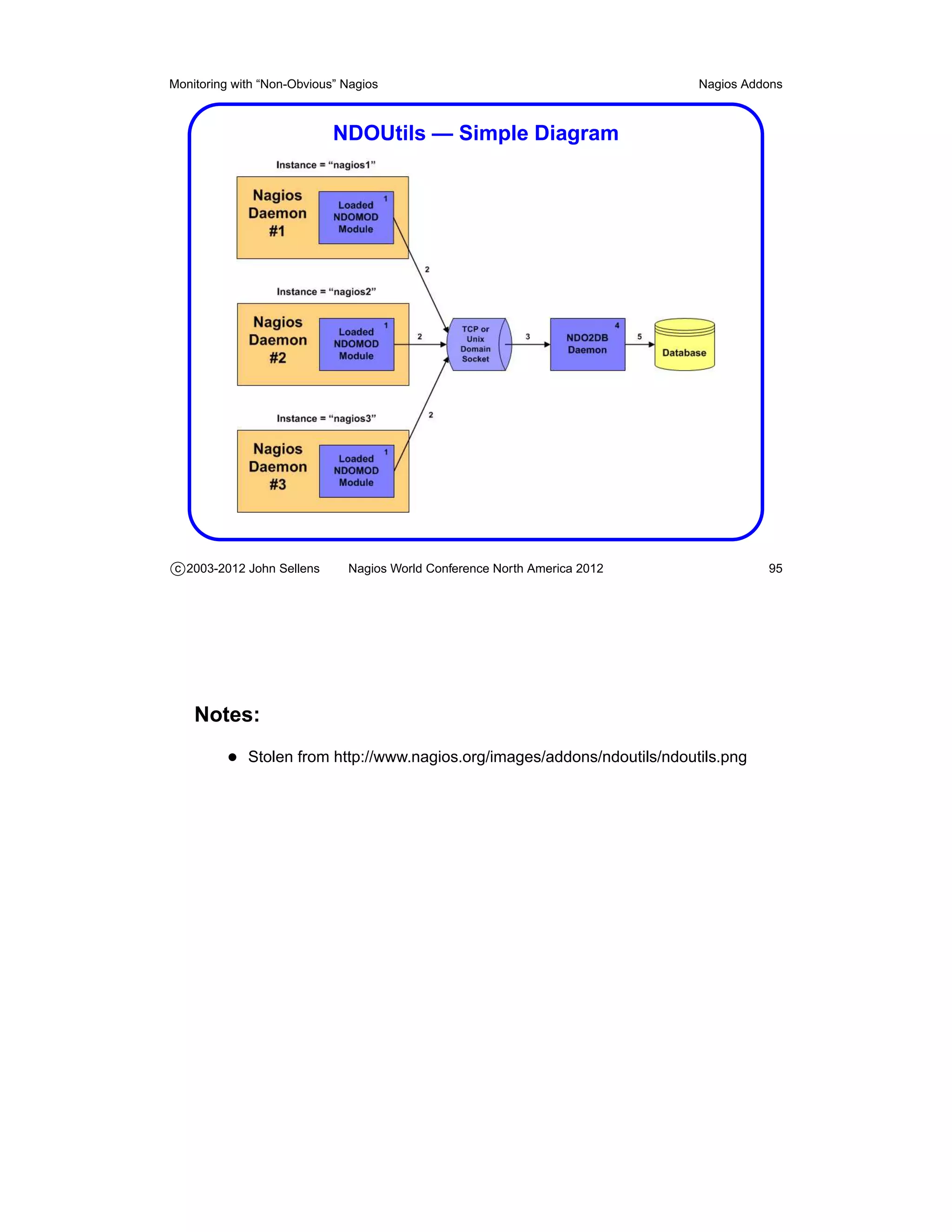
  • 56.
    Monitoring with “Non-Obvious”Nagios Theory and Practice External Commands • The Nagios server maintains a named pipe in the file system for accepting various commands from other processes • External commands are used most often by the web interface to record information and modify Nagios’ behaviour – But you can do lots of things from shell scripts . . . • Some of the available functionality – Add/delete host or service comments – Schedule downtime, enable/disable notifications – Reschedule host or service checks – Submit passive service check results – Restart or stop the Nagios server c 2003-2012 John Sellens Nagios World Conference North America 2012 56 Notes: • Written to the named pipe as a single line, with multiple fields – Syntax is timestamp, command, then ;-separated arguments • e.g. to get Nagios to restart, write this: [1041175870] RESTART_PROGRAM;1041175870 • Documented (of course) at http://nagios.sourceforge.net/docs/3_0/extcommands.html • Exhaustive list of 157 available commands, with examples, at http://www.nagios.org/developerinfo/externalcommands/
  • 57.
    Monitoring with “Non-Obvious”Nagios Theory and Practice Passive Service Checks • Nagios can accept service check results from other programs – Since Nagios did not initiate the check, these are called “passive service checks” • These are useful for – Asyncronous events (SNMP traps, say) – Results from other existing programs – Results from remote or secured systems • You’ll recall that the NSCA addon uses these c 2003-2012 John Sellens Nagios World Conference North America 2012 57 Notes: • Submitted through the external command interface
  • 58.
    Monitoring with “Non-Obvious”Nagios Theory and Practice Distributed Monitoring • Nagios supports distributed monitoring of a certain style • Remote Nagios servers are essentially probe engines, submitting their results to a central server with passive service check results • The configuration on the remote servers is a subset of the central configuration • The central server is configured to notice if the passive results stop coming from the remote server c 2003-2012 John Sellens Nagios World Conference North America 2012 58
  • 59.
    Monitoring with “Non-Obvious”Nagios Theory and Practice Distributed Monitoring (cont’d) • This seems like a fair amount of duplication of effort to me, but it gets you all the status on one central console • I tend to set up independent Nagios servers – And use my check_nagios_status plugin to “screen-scrape” the remote web interface – Providing a central summary and click-through to the remote server • Tools like DNX can spread the load – But still retain one Nagios host doing the scheduling • Your mileage may vary c 2003-2012 John Sellens Nagios World Conference North America 2012 59 Notes: • More on DNX on page 97 • My simple-minded mb_divert (page 98) distributes some checks • The “central aggregation” approach is used by a number of more recent tools, such as Nagios Fusion, Thruk (page 104), MNTOS (page 104), and Multisite (page 104)
  • 60.
    Monitoring with “Non-Obvious”Nagios Theory and Practice Adaptive Monitoring • Can change things during runtime via external commands – e.g. schedule changes, or from an exception handler • Can change – Check commands and arguments – Check interval, max attempts, timeperiod – Event handler commands and arguments • Likely just for very specific uses or situations c 2003-2012 John Sellens Nagios World Conference North America 2012 60 Notes: • An previous audience member gave an example of an active/passive cluster that is behind a hardware load balancer – Checking the hosts directly – Need to move the checks if the service fails over – No service address that moves between the hosts • Added in version 2 • http://nagios.sourceforge.net/docs/3_0/adaptive.html
  • 61.
    Monitoring with “Non-Obvious”Nagios Theory and Practice Obsession • OCSP: Obsessive Compulsive Service Processor • OCHP: Obsessive Compulsive Host Processor • Commands that may be executed after every service or host check • Allows you to pass results to external applications – e.g. Used to submit distributed monitoring results with send_nsca • Efficient? Commonly Used? Scalable? c 2003-2012 John Sellens Nagios World Conference North America 2012 61
  • 62.
    Monitoring with “Non-Obvious”Nagios Theory and Practice NEB – Nagios Event Broker • Allows you to add code to the Nagios core • Dynamically loaded module • Has access to internal Nagios events and data • Limited documentation — helloworld.c in source • Starting to be used for interesting things – Logging to database – DNX – check distribution c 2003-2012 John Sellens Nagios World Conference North America 2012 62 Notes: • USENIX ;login: articles on NEB Modules by David Josephsen in October and December 2008 http://www.usenix.org/publications/login/2008-10/index.html http://www.usenix.org/publications/login/2008-12/index.html
  • 63.
    Monitoring with “Non-Obvious”Nagios Getting Larger Getting Larger c 2003-2012 John Sellens Nagios World Conference North America 2012 63
  • 64.
    Monitoring with “Non-Obvious”Nagios Getting Larger Scaling Up • Nagios can handle a lot without much effort • As you get larger, advanced features are more important – Use parent/child and host/service dependencies – More efficient for humans and machines • You will need to be more rigorous in your configuration – Consistency, completeness, tuning • Version 3 adds scalability and tuning features c 2003-2012 John Sellens Nagios World Conference North America 2012 64
  • 65.
    Monitoring with “Non-Obvious”Nagios Getting Larger Check Execution • A check is typically fork(), fork(), exec() • Theory is that running the plugins uses lots of resources • Distribute plugin execution for more capacity – Distributed monitoring, multiple servers, DNX, etc. • Perhaps embedded perl is a practical tool? – Pros and cons – not all Perl will embed nicely – Force/avoid ePN: # nagios: +epn – In first 10 lines of Perl script . . . c 2003-2012 John Sellens Nagios World Conference North America 2012 65 Notes: • ePN is “embedded Perl Nagios” • Explicit - if first 10 lines of a script contain – # nagios: +epn – # nagios: -epn • Implicit use of ePN via configuration options • Embedded perl overview and pros and cons at http://nagios.sourceforge.net/docs/3_0/embeddedperl.html
  • 66.
    Monitoring with “Non-Obvious”Nagios Getting Larger More on Timeperiods • Timeperiods can be quite specific • Use and exclude of timeperiods are very flexible – e.g. define “holidays” and exclude from “workhours” • Can describe on-call schedules, maintenance windows, etc. • Avoid check overhead when you don’t care • Not quite as useful for the one-person shop . . . c 2003-2012 John Sellens Nagios World Conference North America 2012 66 Notes: • All the cool timeperiod stuff was added in version 3 • “Time Periods” http://nagios.sourceforge.net/docs/3_0/timeperiods.html • “On-Call Rotations” http://nagios.sourceforge.net/docs/3_0/oncallrotation.html
  • 67.
    Monitoring with “Non-Obvious”Nagios Getting Larger Large Installation Tweaks • use_large_installation_tweaks option • No summary macros in the environment to avoid overhead – e.g. TOTALHOSTSUP, etc. • Lazy, but more efficient memory freeing in children • Checks are single, not double, fork() c 2003-2012 John Sellens Nagios World Conference North America 2012 67 Notes: • “Large Installation Tweaks” http://nagios.sourceforge.net/docs/3_0/largeinstalltweaks.html
  • 68.
    Monitoring with “Non-Obvious”Nagios Getting Larger Tuning for Performance • Lots of tunable configuration parameters • Keep performance graphs of Nagios – MRTG, nagiostats, etc. • Disable environment macros • Use passive checks if you can – Not my favorite idea . . . • Avoid interpreted plugins, or offload checks • Use Fast Startup Options – pre-cache configs c 2003-2012 John Sellens Nagios World Conference North America 2012 68 Notes: • Lots of good information in the documentation • “Tuning Nagios For Maximum Performance” http://nagios.sourceforge.net/docs/3_0/tuning.html • “Graphing Performance Info With MRTG” http://nagios.sourceforge.net/docs/3_0/mrtggraphs.html • “Fast Startup Options” http://nagios.sourceforge.net/docs/3_0/faststatup.html
  • 69.
    Monitoring with “Non-Obvious”Nagios Tips and Tricks Tips and Tricks c 2003-2012 John Sellens Nagios World Conference North America 2012 69
  • 70.
    Monitoring with “Non-Obvious”Nagios Tips and Tricks Tips and Tricks • Use the parent/child topology – Pre Nagios 3, host checks are not parallelized – Host checks of a down segment can block all other checks • Be consistent and use templates and groups – Make it easy to add another similar host – Make it easy to add a service to a group of hosts • Smarter plugins make life (configuration) easier c 2003-2012 John Sellens Nagios World Conference North America 2012 70
  • 71.
    Monitoring with “Non-Obvious”Nagios Tips and Tricks Hostgroups Are Your Friends • Hostgroups are really handy for grouping checks • Use the +groupname syntax e.g. hostgroups +webservers,dbservers which makes it easy to add on checks as you include templates • With multiple Nagios servers use allow_empty_hostgroup_assignment=1 – You can define machine types as common hostgroups – Even if you don’t have every type on every Nagios server c 2003-2012 John Sellens Nagios World Conference North America 2012 71
  • 72.
    Monitoring with “Non-Obvious”Nagios Tips and Tricks Organize Your Config Files • Put files in different directories • One host per config file • Generate configs from other information you already have – Or use a script to generate from a list • Take advantage of your naming convention – Wildcards in host names based on FQDNs c 2003-2012 John Sellens Nagios World Conference North America 2012 72
  • 73.
    Monitoring with “Non-Obvious”Nagios Tips and Tricks Separate Your Problem Space • Multiple locations? Use multiple servers! – Distributed monitoring – Or separate systems, aggregated or summarized centrally • Can you delegate to different internal groups? – One system for networks, one for servers, . . . – Scales software, and your time c 2003-2012 John Sellens Nagios World Conference North America 2012 73
  • 74.
    Monitoring with “Non-Obvious”Nagios Tips and Tricks Another Level of Indirection • Wrap your plugins in smarter scripts – How about a master checker that knows all and checks everything on a host? • Have your plugins determine what’s “normal” or not – So you don’t have to pre-set thresholds, etc. c 2003-2012 John Sellens Nagios World Conference North America 2012 74
  • 75.
    Monitoring with “Non-Obvious”Nagios Tips and Tricks Custom Object Variables for Limits • Define a custom variable, use it in a check command • In a global host template, set defaults • Use other templates to set defaults for locations, hostgroups • Set per-host values in host definition Host template or host: _LOADWARN 5,3,2 _LOADCRIT 7,5,4 Command definition: command_line $USER1$/check_load --warning=$_HOSTLOADWARN$ --critical=$_HOSTLOADCRIT$ c 2003-2012 John Sellens Nagios World Conference North America 2012 75 Notes: • Useful with multiple inheritence: define host { name busymachines _LOADWARN 10,6,4 _LOADCRIT 15,10,6 register 0 } define host { use busymachines,generic ... } • Silly me, I only twigged to this after using Nagios 3.x for a long time, when I was trying to solve a particular problem
  • 76.
    Monitoring with “Non-Obvious”Nagios Abusing Nagios Abusing Nagios c 2003-2012 John Sellens Nagios World Conference North America 2012 76
  • 77.
    Monitoring with “Non-Obvious”Nagios Abusing Nagios Contact Convolution • Note that people to contacts need not be one to one • Sometimes you want to be paged, sometimes mailed, sometimes not • Consider three contact groups: – sysadmin, sysadmin-email, sysadmin-page • Contactgroup directives include contactgroup_members • Define generic contact templates with notification commands • Define per-person contact templaces with details • Define 3 contacts for each, use-ing the templates, in the contactgroups c 2003-2012 John Sellens Nagios World Conference North America 2012 77 Notes: • If this isn’t clear, please let me know, and I’ll send a sample file
  • 78.
    Monitoring with “Non-Obvious”Nagios Abusing Nagios Cheap (Check) Tricks • Check for an open localhost TCP port (e.g. 3366) tcp.tcpConnTable.tcpConnEntry.tcpConnState .127.0.0.1.3366.0.0.0.0.0 = listen(2) – Which may not work on Windows . . . • I put together a check_allstorage plugin – Don’t need to set limits in nagios config – Gets list of filesystems from device, cache in /tmp dir – Estimates thresholds based on current usage • And check_netapp_df for NetApp volumes c 2003-2012 John Sellens Nagios World Conference North America 2012 78 Notes: • I needed to check that the PureMessage Milters were actually running and listening locally on remote mail servers • I find check_allstorage very handy, we used nagmin, which I found a little cumbersome – I can tweak the automatic thresholds by editing the /tmp file • http://www.syonex.com/resources/
  • 79.
    Monitoring with “Non-Obvious”Nagios Abusing Nagios Getting There from Here • I try to avoid the standard tools to run remote plugins – Like NRPE, check_by_ssh, etc. • My check_snmpexec does an SNMP query to run plugin remotely – Net-SNMP snmpd exec functionality • I check Windows services with check_winsvc – Uses snmptable to get enterprises.lanmanager .lanmgr-2.server.svSvcTable – And looks for the desired services in the output c 2003-2012 John Sellens Nagios World Conference North America 2012 79 Notes: • Fits nicely with my SNMP religion
  • 80.
    Monitoring with “Non-Obvious”Nagios Abusing Nagios Web Server Abuse • There’s lots of different transports • Got a visible web server that can run PHP or CGI? • Set up a “hidden” web page to run your check – Use Auth or allow/deny rules to limit access – Use check_http to look for a regular expression – Get remote status over port 80 c 2003-2012 John Sellens Nagios World Conference North America 2012 80 Notes: • We do a few variants on this to get status and state out of our public web servers
  • 81.
    Monitoring with “Non-Obvious”Nagios Abusing Nagios Put Yourself in Someone Else’s Shoes • Sometimes you don’t “own” a remote network – Central networking group – Service provider • My theory: a tiny utility server solves many problems – NRPE, SSH, plugins • My idea: MonBOX – Coming soon . . . • Consider this a gratuitous plug c 2003-2012 John Sellens Nagios World Conference North America 2012 81
  • 82.
    Monitoring with “Non-Obvious”Nagios Abusing Nagios Ghost Hosts • We had a bunch of SMTP servers, and seven locations • We had DNS names like smtp.location.company.com – Which are DNS A records with multiple addresses – So they can be sendmail “smart hosts” • How do we know that the smtp names still work? • Define a “virtual” host called smtp-servers with address 127.0.0.1 • And a bunch of check_smtp service checks for the various names c 2003-2012 John Sellens Nagios World Conference North America 2012 82 Notes: • At former employer
  • 83.
    Monitoring with “Non-Obvious”Nagios Abusing Nagios Service as a Host • We had an outsourced help desk – They watched nagios, but only cared about “down” hosts • How did we get them to notice a down link between up routers? • Made up a hostname “link-tor-det” and the host check is check_hops • So the link down looks like a host down c 2003-2012 John Sellens Nagios World Conference North America 2012 83
  • 84.
    Monitoring with “Non-Obvious”Nagios Abusing Nagios Nonsense with Negate • The negate plugin inverts the result of a plugin • No webserver (or telnet, or . . . ) allowed: negate check_http -H hostname • File doesn’t exist: negate check_file_age -H hostname • Another level of indirection . . . c 2003-2012 John Sellens Nagios World Conference North America 2012 84
  • 85.
    Monitoring with “Non-Obvious”Nagios Abusing Nagios Hey! Wake Up! • At FreshBooks, we have “hack offs” • I have a remote control power bar • I bought at 12 volt revolving light at the auto supply • A few scripts watch the status file – Look for unhandled problems • Can be used with a klaxon horn as well . . . • I now have this hooked into my Asterisk box at home . . . c 2003-2012 John Sellens Nagios World Conference North America 2012 85
  • 86.
    Monitoring with “Non-Obvious”Nagios Abusing Nagios Remember . . . • Anything you care about can be monitored • It does not need to be a “service” • Or even something on a computer or network device • Simple shell plugins are powerful c 2003-2012 John Sellens Nagios World Conference North America 2012 86
  • 87.
    Monitoring with “Non-Obvious”Nagios Nagios Addons Nagios Addons c 2003-2012 John Sellens Nagios World Conference North America 2012 87
  • 88.
    Monitoring with “Non-Obvious”Nagios Nagios Addons Visualizing Nagios Data • There are manu visualization tools for Nagios • Graphing, mapping, business processes, . . . • I’m not covering any of those today c 2003-2012 John Sellens Nagios World Conference North America 2012 88
  • 89.
    Monitoring with “Non-Obvious”Nagios Nagios Addons Nagios Addons • The “downloads” section of the Nagios web site includes references to a number of “addons” for Nagios – Providing interesting additional functionality • The extras are now listed on nagiosexchange.org • Have a browse, and you’ll get some interesting ideas • A few addons, in particular, are worth special mention c 2003-2012 John Sellens Nagios World Conference North America 2012 89 Notes: • See my “Tools You Need” notes for more addon mentions • http://www.nagios.org/download/addons/ • http://exchange.nagios.org/
  • 90.
    Monitoring with “Non-Obvious”Nagios Nagios Addons NRPE and NSCA • These addons were written to address the need to do remote service checks of various types • NRPE – Nagios Remote Plugin Executor – A client “check_nrpe” and server “nrpe” pair – Lets a Nagios server connect to a remote daemon, which will run plugins on the remote machine, and return the results – Moderate security features • For Windows: try nrpe_nt – A re-implementation for Windows servers c 2003-2012 John Sellens Nagios World Conference North America 2012 90 Notes: • Both NRPE and NSCA were written by Ethan Galstad (the Nagios au- thor), so you can sort of consider them as just outside the Nagios core • Despite my religion, I will sometimes admit that not all problems can be solved with SNMP – But don’t attempt to quote me on that! • Was going to be split out at http://sourceforge.net/projects/nrpe • nrpe_nt for Windows at http://www.miwi-dv.com/nrpent/ • Plugins for Windows NRPE: search for “Windows NRPE” at http://exchange.nagios.org/
  • 91.
    Monitoring with “Non-Obvious”Nagios Nagios Addons NRPE and NSCA Illustrated c 2003-2012 John Sellens Nagios World Conference North America 2012 91 Notes: • I stole these from http://www.nagios.org/images/addons/nrpe/nrpe.png and http://www.nagios.org/images/addons/nsca/nsca.png
  • 92.
    Monitoring with “Non-Obvious”Nagios Nagios Addons NRPE and NSCA (cont’d) • NRPE uses popen() which means a shell is involved on the remote host – Leads to problems with special characters and quoting • NSCA – Nagios Service Check Acceptor – A client “send_nsca” and server “nsca” pair – Lets a remote system run a local check and submit a “passive service result” to the Nagios server – Can also be used to set up distributed monitoring, with service results aggregated on a central server c 2003-2012 John Sellens Nagios World Conference North America 2012 92 Notes: • My slightly modified NRPE avoids some problems and tries to make some things easier • http://www.syonex.com/resources/software.html
  • 93.
    Monitoring with “Non-Obvious”Nagios Nagios Addons NRDP — Nagios Remote Data Processor • Designed to replace NSCA • Standard ports and protocols — HTTP(S) and XML • Can be used for other purposes as well – Send data, status or commands to a server – Let server do something with it c 2003-2012 John Sellens Nagios World Conference North America 2012 93 Notes: • http://exchange.nagios.org/directory/Addons/Passive-Checks/NRDP–2D- Nagios-Remote-Data-Processor/details
  • 94.
    Monitoring with “Non-Obvious”Nagios Nagios Addons NDOUtils — Status and Events to DB • Nagios Data Output Utilities • Event broker and intermediate programs to stuff status and event data into a database – So you can crunch the details later – Into pretty reports and graphs • Real time (via pipe) or periodic (via files) • Can import old logs • Still alpha/beta, and still “experimental” • “likely play a central role in the new Nagios web interface” c 2003-2012 John Sellens Nagios World Conference North America 2012 94 Notes: • Also by Ethan Galstad, so just outside the nagios code • Currently MySQL only, but PostgreSQL will likely be added at some point – Or so the README says – I think the icinga equivalent may have PostgreSQL support now
  • 95.
    Monitoring with “Non-Obvious”Nagios Nagios Addons NDOUtils — Simple Diagram c 2003-2012 John Sellens Nagios World Conference North America 2012 95 Notes: • Stolen from http://www.nagios.org/images/addons/ndoutils/ndoutils.png
  • 96.
    Monitoring with “Non-Obvious”Nagios Nagios Addons NDOUtils – building • On FreeBSD, I had to do: % env CPPFLAGS=-I/usr/local/include % LDFLAGS=-L/usr/local/lib ./configure --with-mysql-inc=/usr/local/include --with-mysql-lib=/usr/local/lib/mysql • If I added --with-pgsql-lib it failed to find mysql • But it wouldn’t compile . . . – No -I on gcc commands c 2003-2012 John Sellens Nagios World Conference North America 2012 96
  • 97.
    Monitoring with “Non-Obvious”Nagios Nagios Addons DNX – Distributed Nagios Executor • NEB module, intercepts check commands before execution • Passes work off to a “worker node” • Bypasses external command pipe/file • Workers register with the server – Can come and go as they please (or die) • Assumption: no worker is preferred – i.e. doesn’t address local vs remote c 2003-2012 John Sellens Nagios World Conference North America 2012 97 Notes: • http://dnx.sourceforge.net/ • From the LDS Church – They do > 10, 000 checks every 5 minutes – And expect “sharp increases” in requirements
  • 98.
    Monitoring with “Non-Obvious”Nagios Nagios Addons mbdivert - Divert Checks Elsewhere • mbdivert – plugin wrapper • Sends plugin checks elsewhere based on hostname/IP/regex • Uses check_nrpe or check_by_ssh or . . . • “Seamless” intergration into existing Nagios configs • Makes use of a slightly enhanced NRPE • Geographic, administrative or per-network diversion/distribution c 2003-2012 John Sellens Nagios World Conference North America 2012 98 Notes: • This is one of my little projects • Available soon: www.syonex.com/resources/software.html • Ask me about the MonBOX remote monitoring appliance . . .
  • 99.
    Monitoring with “Non-Obvious”Nagios Nagios Addons Nagios Business Process Addons • “Roll Up” host/service checks to represent “business processes” • Adds new entries in web menu • Sort of a process summary view • Seems like a useful abstraction • http://nagiosbp.sourceforge.net/ c 2003-2012 John Sellens Nagios World Conference North America 2012 99
  • 100.
    Monitoring with “Non-Obvious”Nagios Nagios Addons Merlin or Module for Effortless Redundancy and Loadbalancing In Nagios • Effort to make distributed Nagios easy – Alternative to NSCA • Load balancing, redundancy, distributed • Status database • Still in development, if I understand correctly c 2003-2012 John Sellens Nagios World Conference North America 2012 100 Notes: • From the good folks at op5.com, who have Nagios-based products. • Requires Nagios 3.2.4, which is not yet available – Or so the README in the git repository says • http://www.op5.org/community/projects/merlin • Merlin 0.9.0 released November 2010
  • 101.
    Monitoring with “Non-Obvious”Nagios Nagios Addons V-Shell — Alternative Front End for Nagios • Standard web interface is thought to be “long in the tooth” • Alternative web interface to Nagios Core – From the Nagios Enterprises team • PHP, CSS, valid XHTML • Basic, functional rather than web 2.0 whizbang • Work in progress c 2003-2012 John Sellens Nagios World Conference North America 2012 101 Notes: • V-Shell released in early October 2010 • List of notable themes and web interfaces at http://www.nagios.org/download/frontends • Nagios V-Shell is referenced there and on http://exchange.nagios.org
  • 102.
    Monitoring with “Non-Obvious”Nagios Nagios Addons NINJA or Nagios Is Now Just Awesome • Attempt to develop an alternative Nagios GUI • PHP, scalability, better searching and filtering • Multi-language, templates/skins • Relies on Merlin • Used in op5’s monitoring product c 2003-2012 John Sellens Nagios World Conference North America 2012 102 Notes: • Also from the good folks at op5.com. • http://www.op5.org/community/projects/ninja • Ninja 1.1.0 released November 2010
  • 103.
    Monitoring with “Non-Obvious”Nagios Nagios Addons Naglite2 — Simple Status Screen • At FreshBooks we use Naglite2 for a status screen • Quick summary of currently un-ack’d problems • Handy for NOC status wall screens • By Laurie Denness, at Last.fm • http://laurie.denness.net/blog/2010/03/naglite2-finally-released/ • http://github.com/lozzd/Naglite2 c 2003-2012 John Sellens Nagios World Conference North America 2012 103
  • 104.
    Monitoring with “Non-Obvious”Nagios Nagios Addons Multiple Nagios Aggregators • MNTOS — Multi Nagios Tactical Overview System – Simple summary of multiple Tactical Overview pages • Thruk Monitoring Webinterface – Aggregates multiple backends – Uses MKLivestatus for communication and commands • Multisite — aggregator, multiple views – Same author(s) as MKLivestatus c 2003-2012 John Sellens Nagios World Conference North America 2012 104 Notes: • MNTOS from http://www.sorkmos.com/index.php?page=mntos • http://www.thruk.org/index.php • Thruk supports Nagios and “similar” tools • MKLivestatus NEB module from http://mathias-kettner.de/checkmk_livestatus.html • Multisite from http://mathias-kettner.de/checkmk_multisite.html
  • 105.
    Monitoring with “Non-Obvious”Nagios Wrap Up Wrap Up c 2003-2012 John Sellens Nagios World Conference North America 2012 105
  • 106.
    Monitoring with “Non-Obvious”Nagios Wrap Up And Finally! • Feel free to contact me directly if you have any unanswered questions, either now, or later: jsellens@syonex.com • Questions? Comments? • Thank you for attending! c 2003-2012 John Sellens Nagios World Conference North America 2012 106 Notes: • Thank you very much for taking this tutorial, and I hope that it was (and will be) informative and useful for you. • I would be very interested in your feedback, positive or negative, and sug- gestions for additional things to include in future versions of this tutorial, on the comment form, here at the conference, or later by email.