
Accessibility (a11y)
A feature you can build
jQuery San Diego 2014
Monika Piotrowicz (@monsika)
Monika
Piotrowicz
Front End Web Developer
Shopify
@monsika
@shopify
I’m just...
A regular Front End Developer...
So how’d I get here?
A short story, starring WCAG 2.0 AA
Today

• Introduction to accessibility
• Techniques you can implement today
• Introduction to screen readers & ARIA
• Testing tips
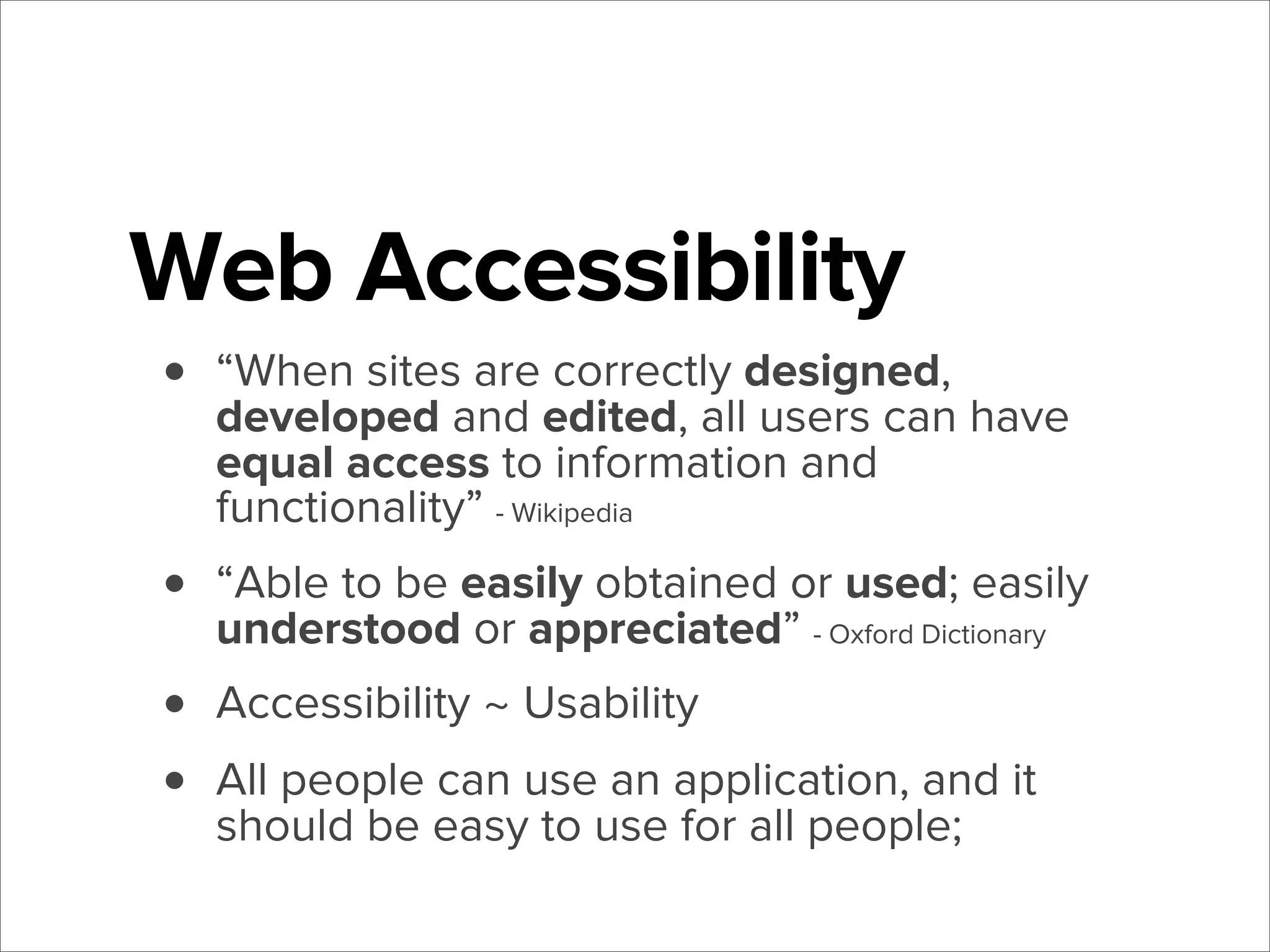
Web Accessibility
•

“When sites are correctly designed,
developed and edited, all users can have
equal access to information and
functionality” - Wikipedia

•
•
•

“Able to be easily obtained or used; easily
understood or appreciated” - Oxford Dictionary
Accessibility ~ Usability
All people can use an application, and it
should be easy to use for all people;
rough

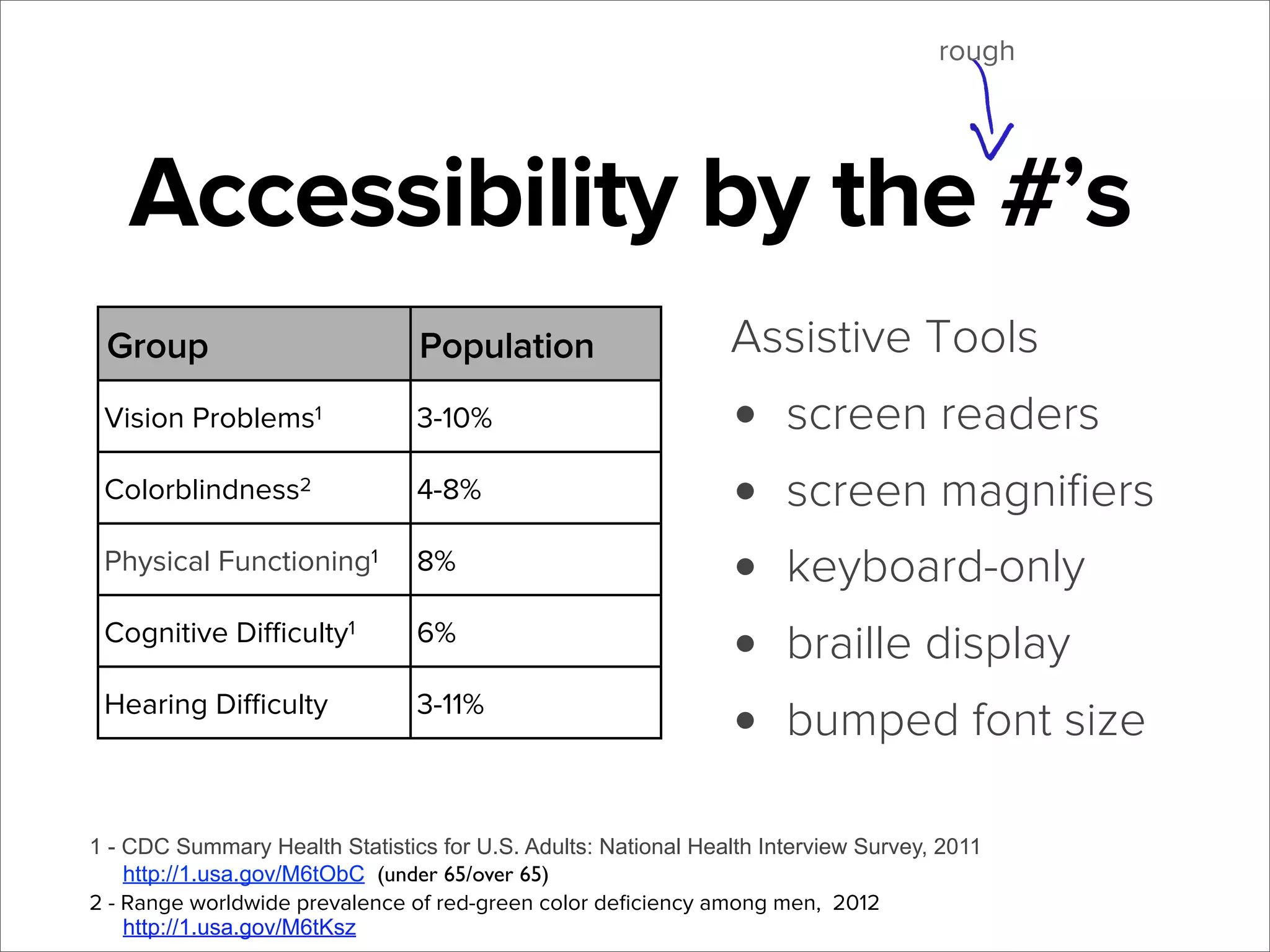
Accessibility by the #’s
Group

Population

Vision Problems1

3-10%

Colorblindness2

4-8%

Physical Functioning1

8%

Cognitive Difficulty1

6%

Hearing Difficulty

3-11%

Assistive Tools

•
•
•
•
•

screen readers
screen magnifiers
keyboard-only
braille display
bumped font size

1 - CDC Summary Health Statistics for U.S. Adults: National Health Interview Survey, 2011
http://1.usa.gov/M6tObC (under 65/over 65)
2 - Range worldwide prevalence of red-green color deficiency among men, 2012
http://1.usa.gov/M6tKsz
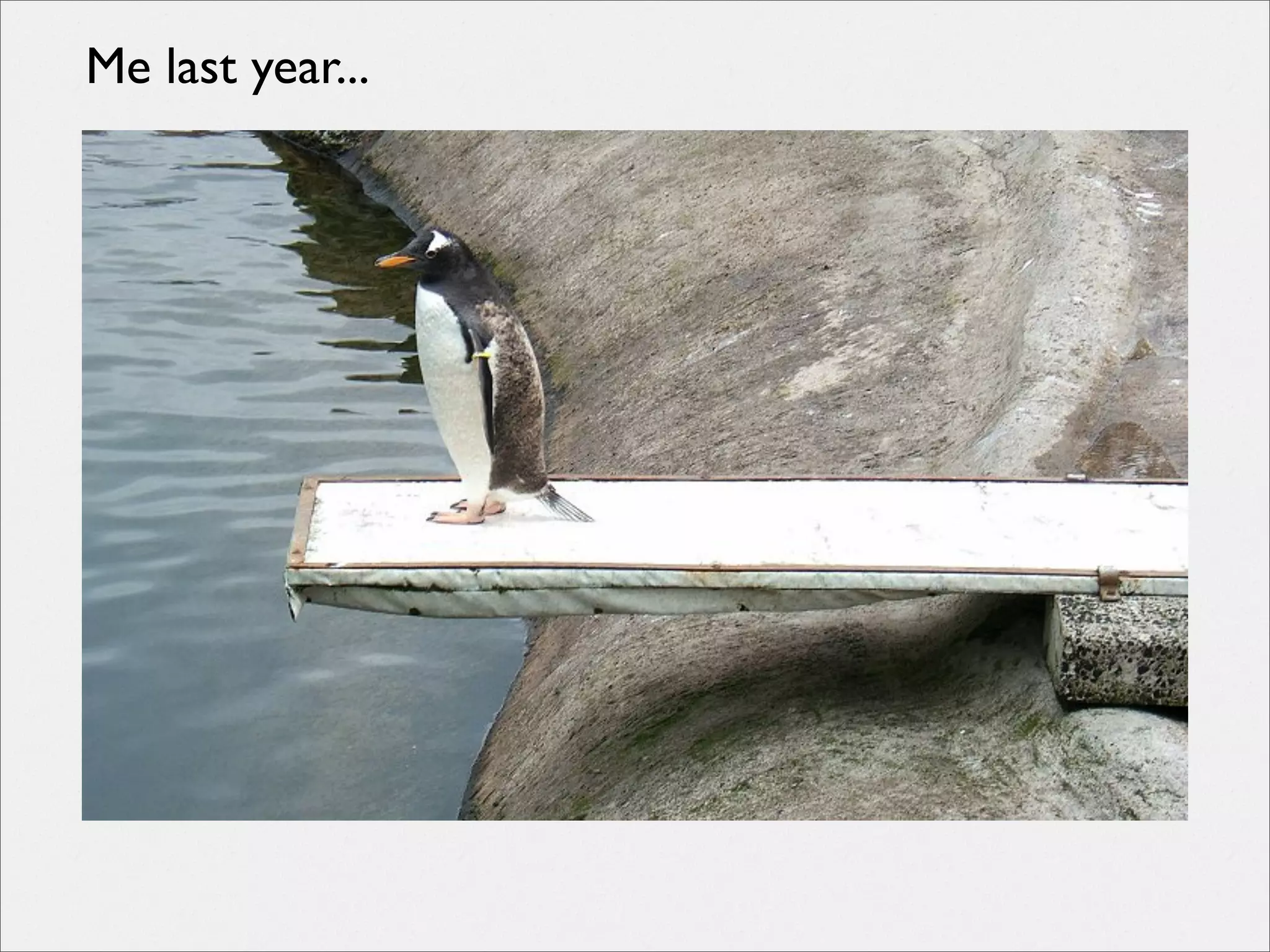
Me last year...
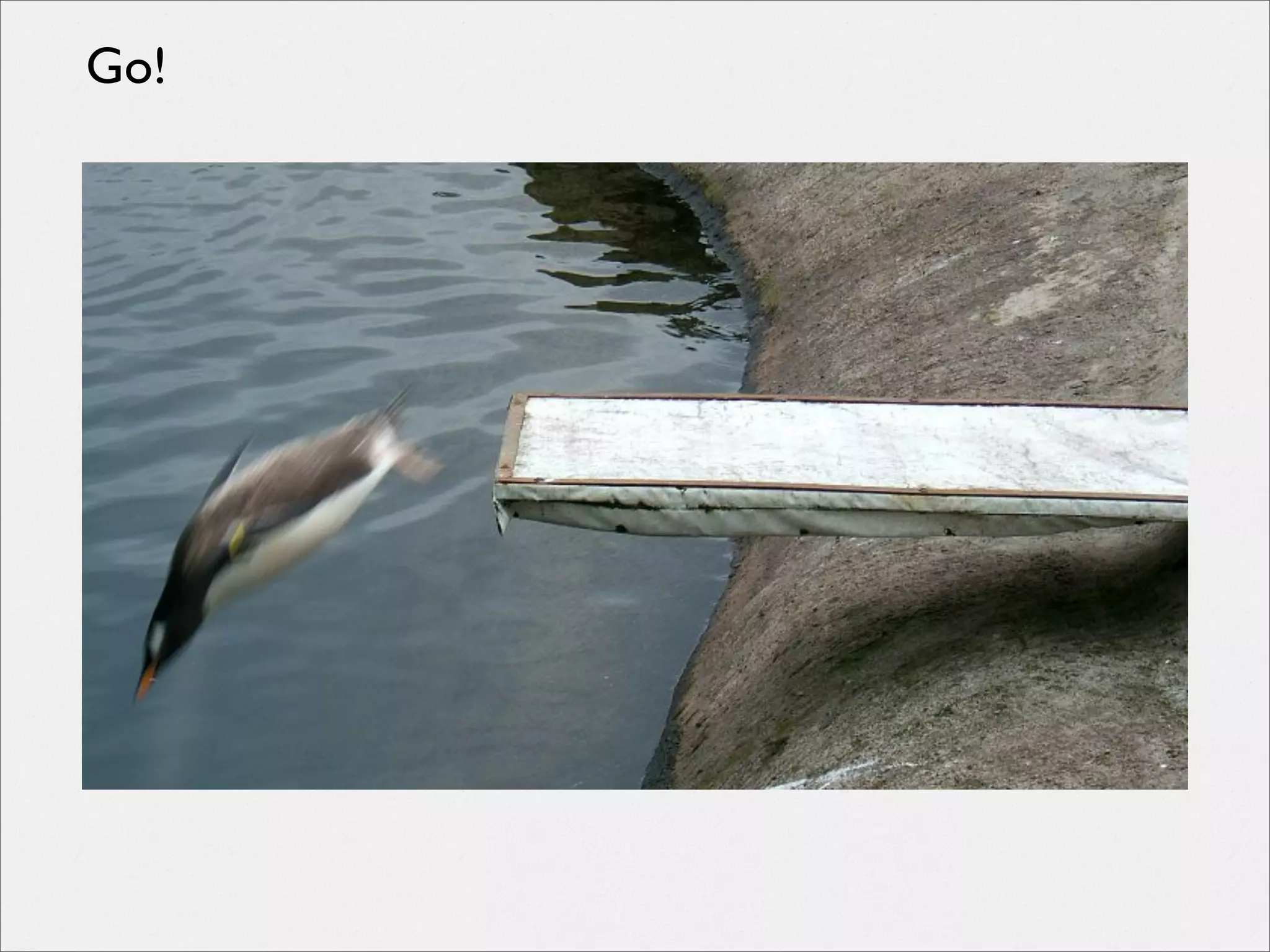
Go!
WCAG
The standard
http://www.w3.org/TR/WCAG20/

Understanding WCAG
http://www.w3.org/TR/UNDERSTANDING-WCAG20/

Techniques
http://www.w3.org/TR/WCAG20-TECHS/

Quick Reference
http://www.w3.org/WAI/WCAG20/quickref/

FAQ
http://www.w3.org/WAI/WCAG20/wcag2faq.html
Accessibility
!=
just a checklist
Starting out
Early accessibility considerations
First Steps
• functional keyboard-only
• fallbacks for visual information
• well-functioning forms
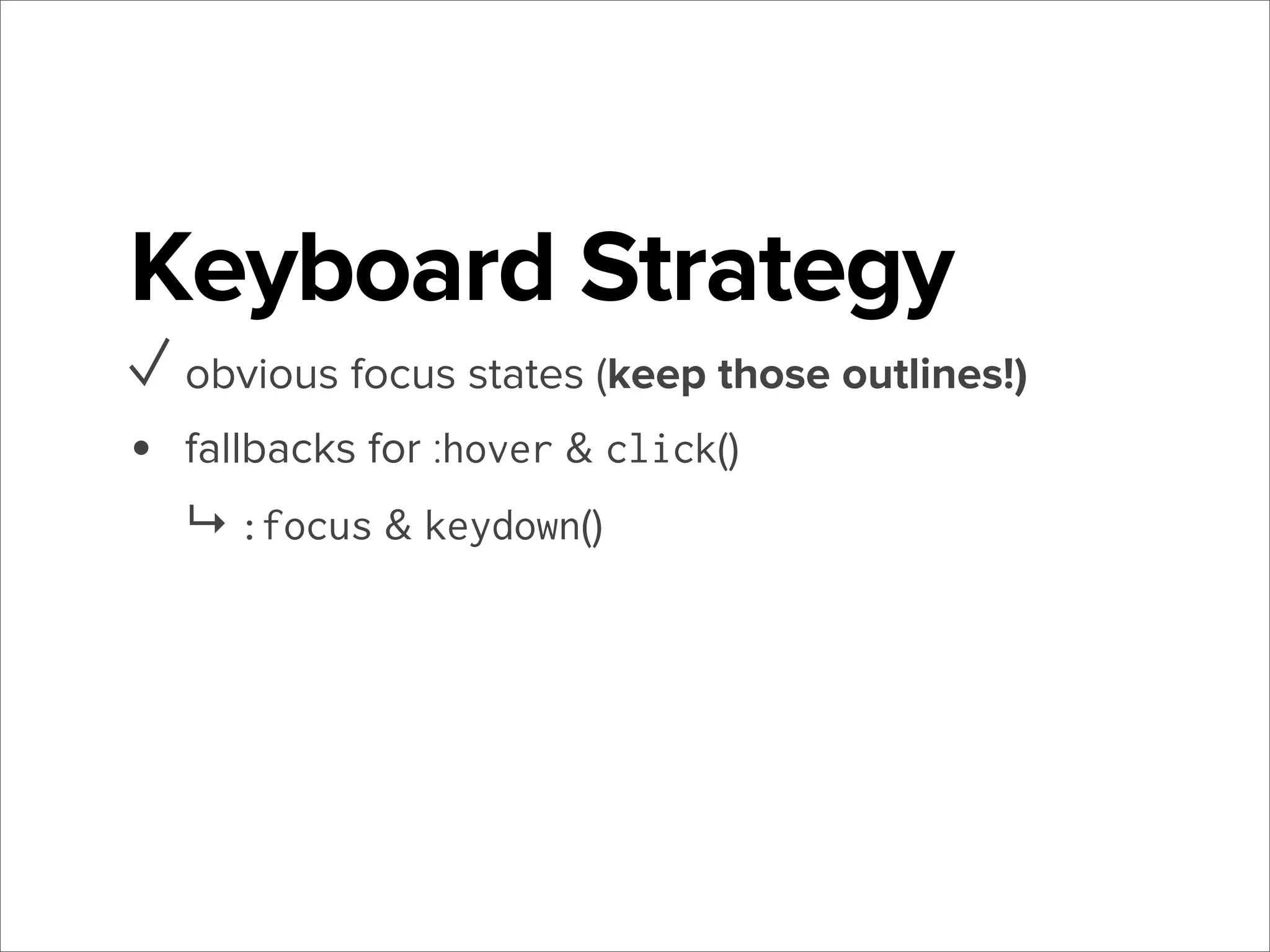
Keyboard Strategy
•

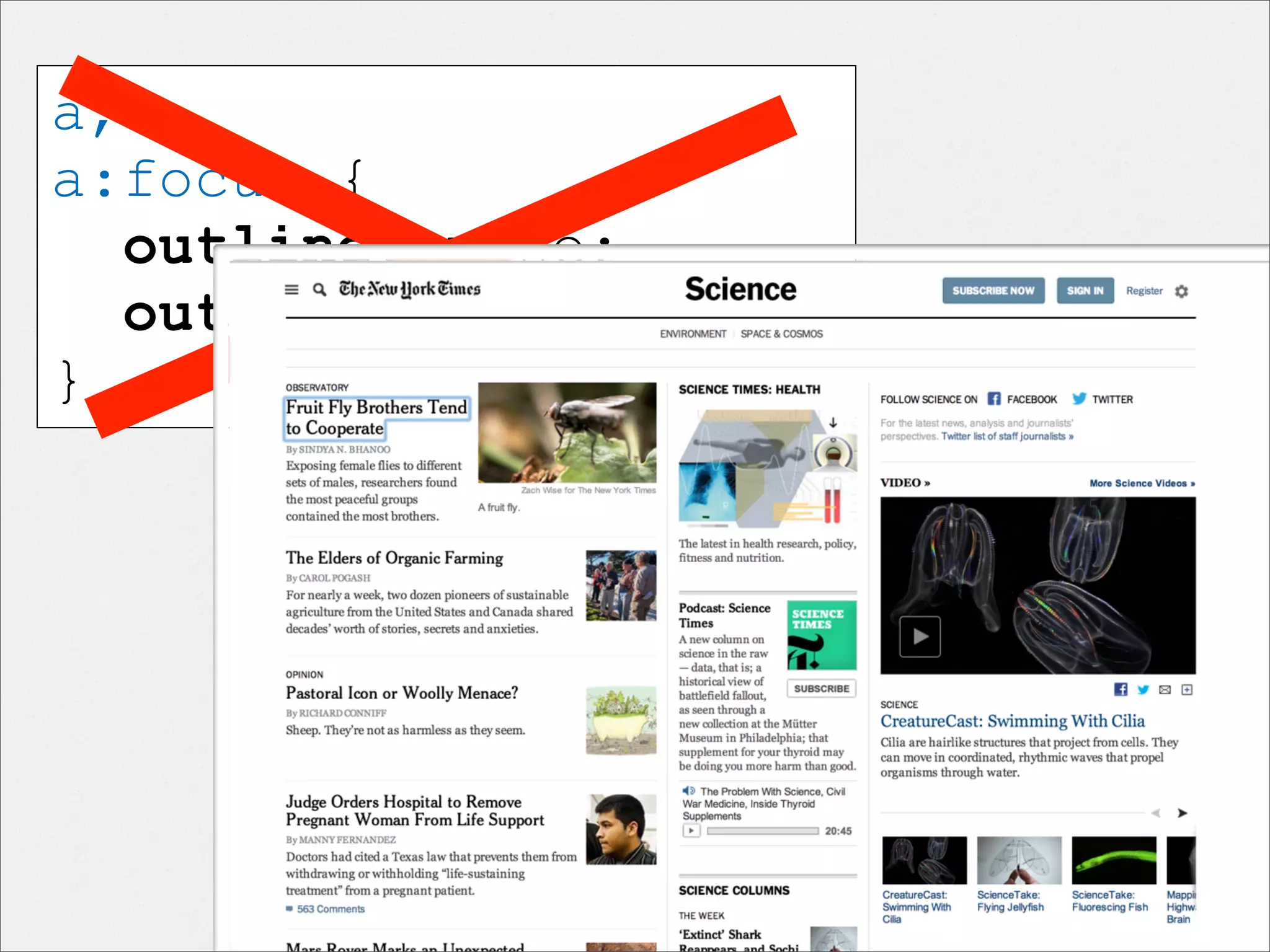
obvious focus states (keep those outlines!)
a,
a:focus {
outline: none;
outline: 0;
}
Keyboard Strategy
✓ obvious focus states (keep those outlines!)
•

fallbacks for :hover & click()
↳ :focus & keydown()
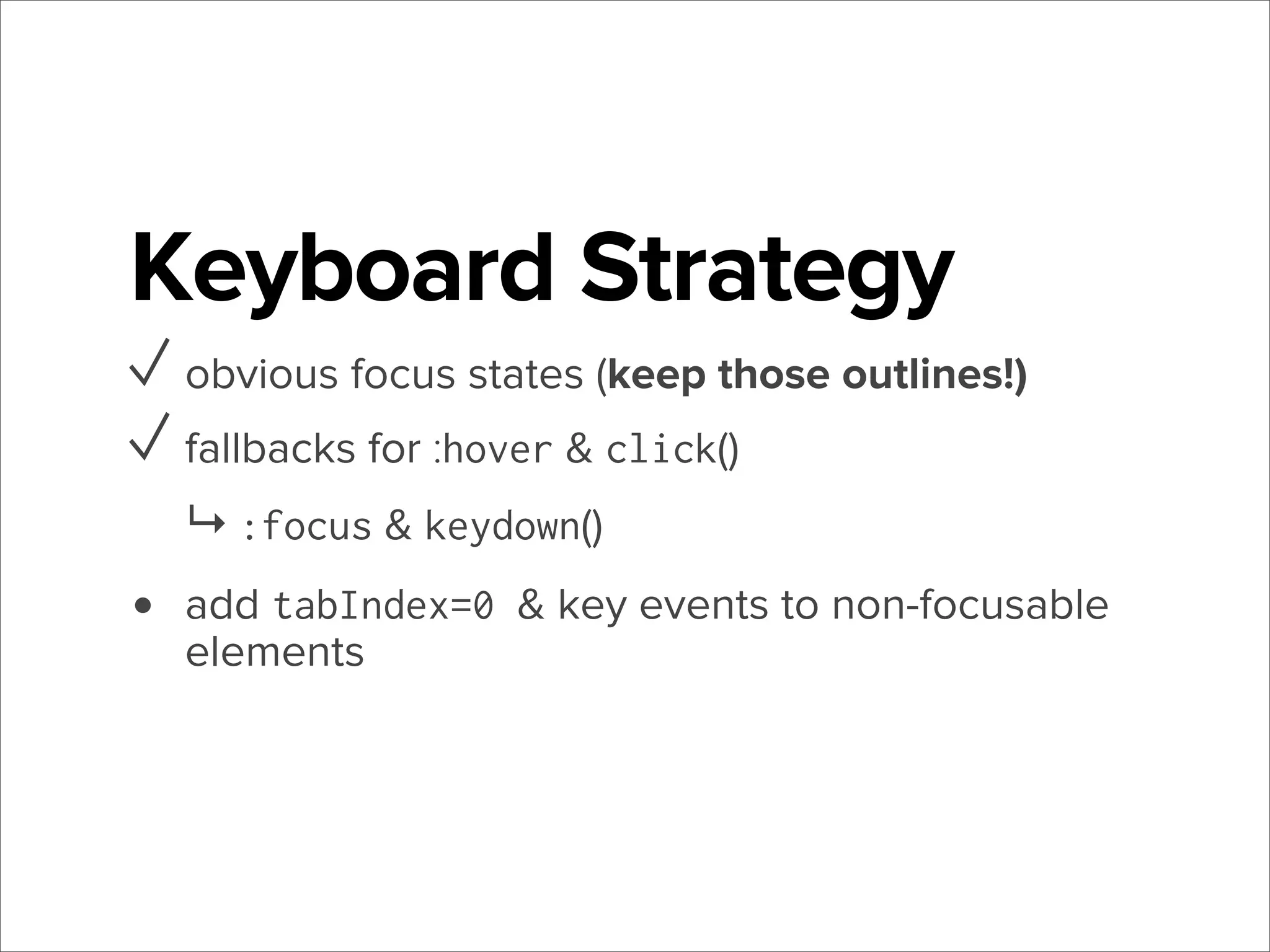
Keyboard Strategy
✓ obvious focus states (keep those outlines!)
✓ fallbacks for :hover & click()
↳ :focus & keydown()

•

add tabIndex=0 & key events to non-focusable
elements
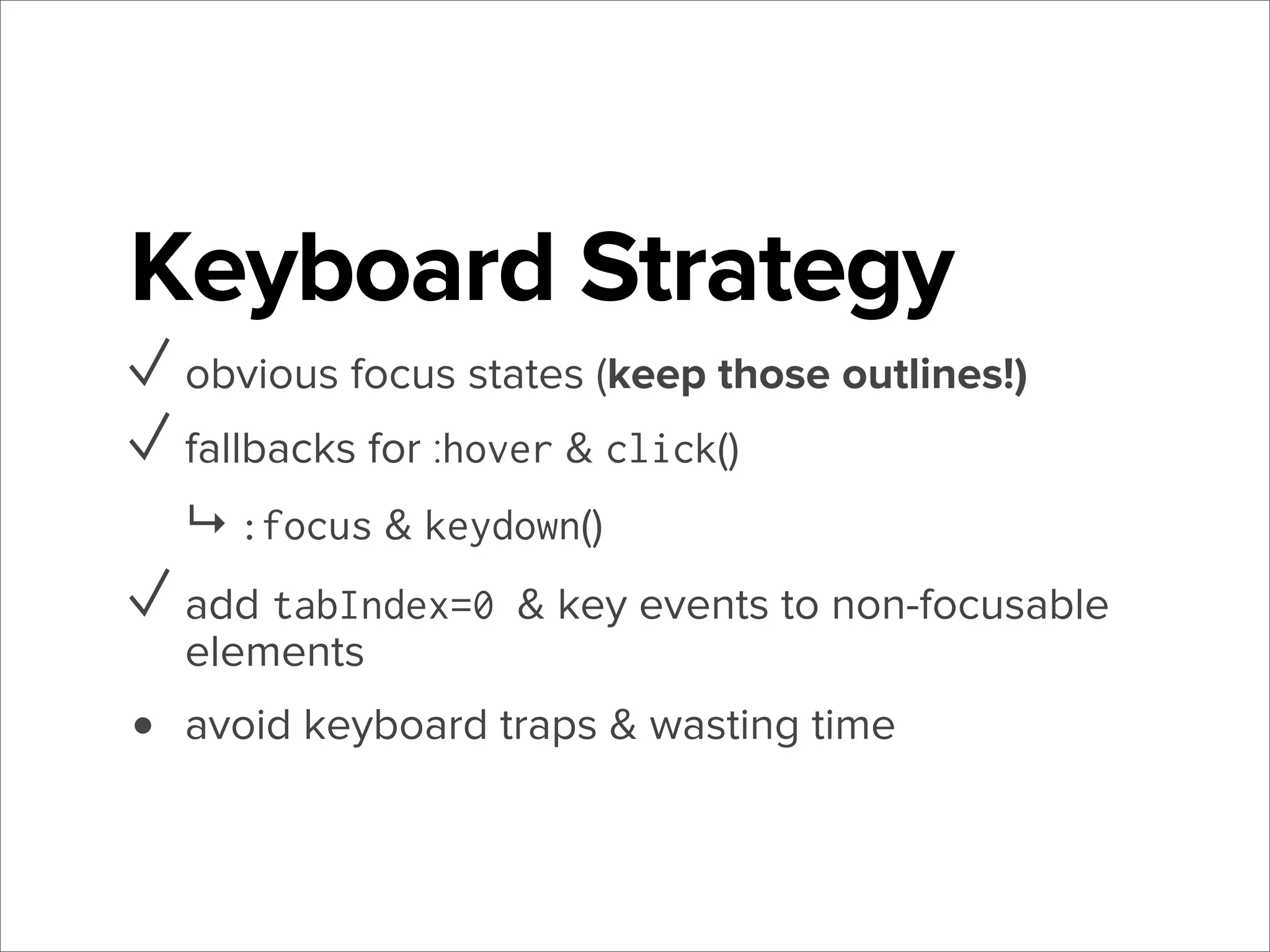
Keyboard Strategy
✓ obvious focus states (keep those outlines!)
✓ fallbacks for :hover & click()
↳ :focus & keydown()

✓ add tabIndex=0 & key events to non-focusable
elements

•

avoid keyboard traps & wasting time
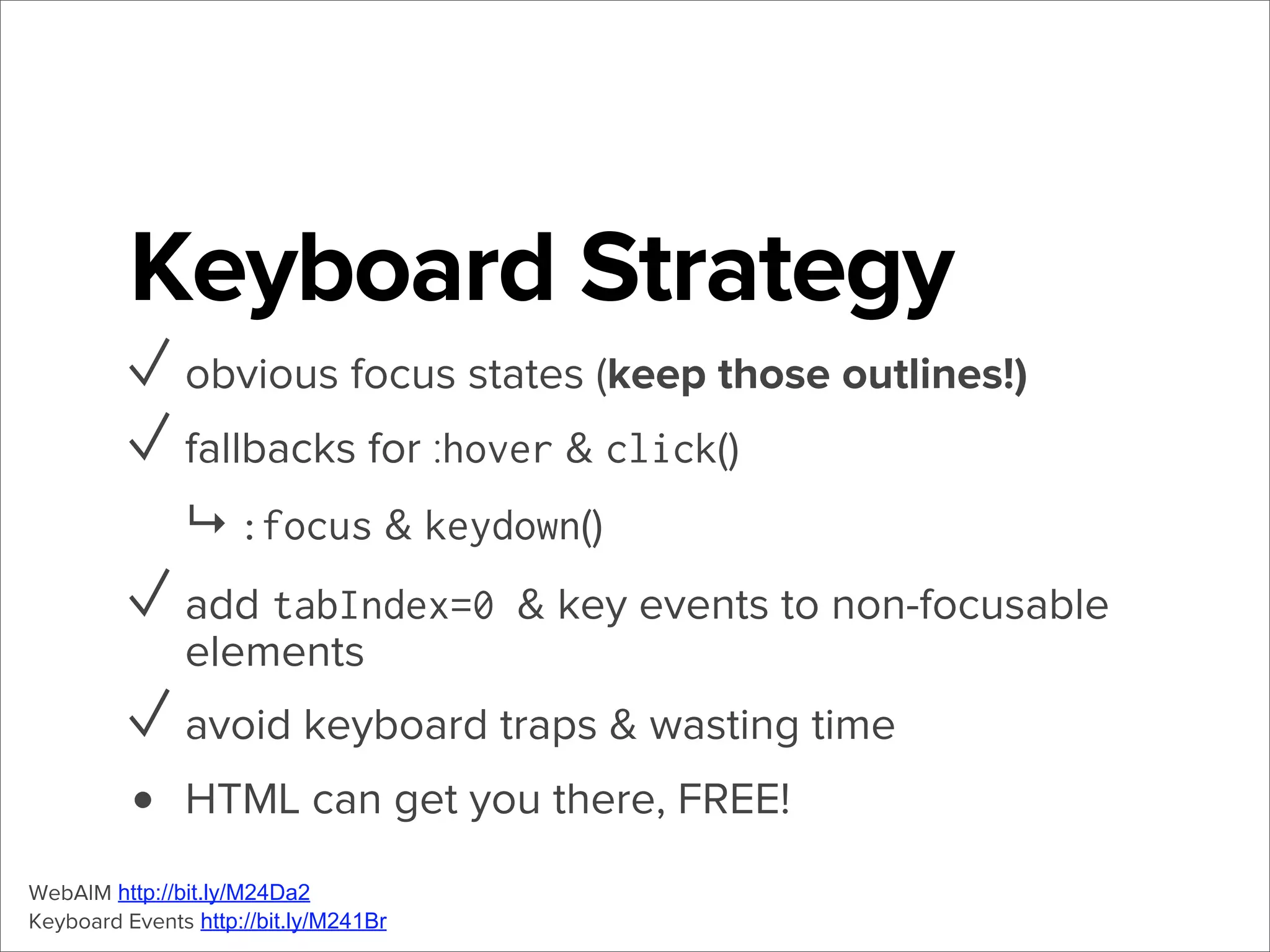
Keyboard Strategy
✓ obvious focus states (keep those outlines!)
✓ fallbacks for :hover & click()
↳ :focus & keydown()

✓ add tabIndex=0 & key events to non-focusable
elements

✓ avoid keyboard traps & wasting time
• HTML can get you there, FREE!
WebAIM http://bit.ly/M24Da2
Keyboard Events http://bit.ly/M241Br
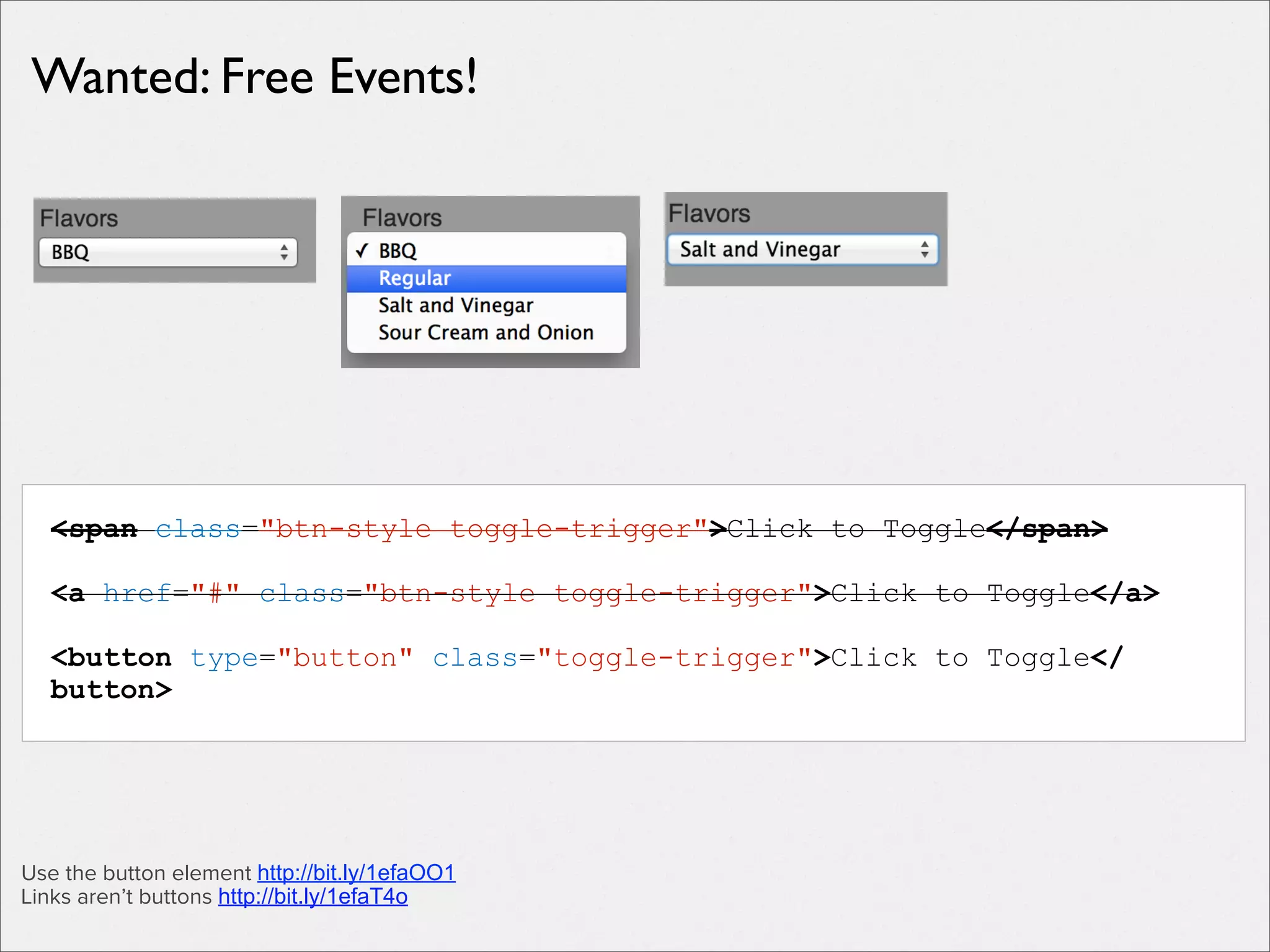
Wanted: Free Events!

<span class="btn-style toggle-trigger">Click to Toggle</span>
<a href="#" class="btn-style toggle-trigger">Click to Toggle</a>
<button type="button" class="toggle-trigger">Click to Toggle</
button>

Use the button element http://bit.ly/1efaOO1
Links aren’t buttons http://bit.ly/1efaT4o
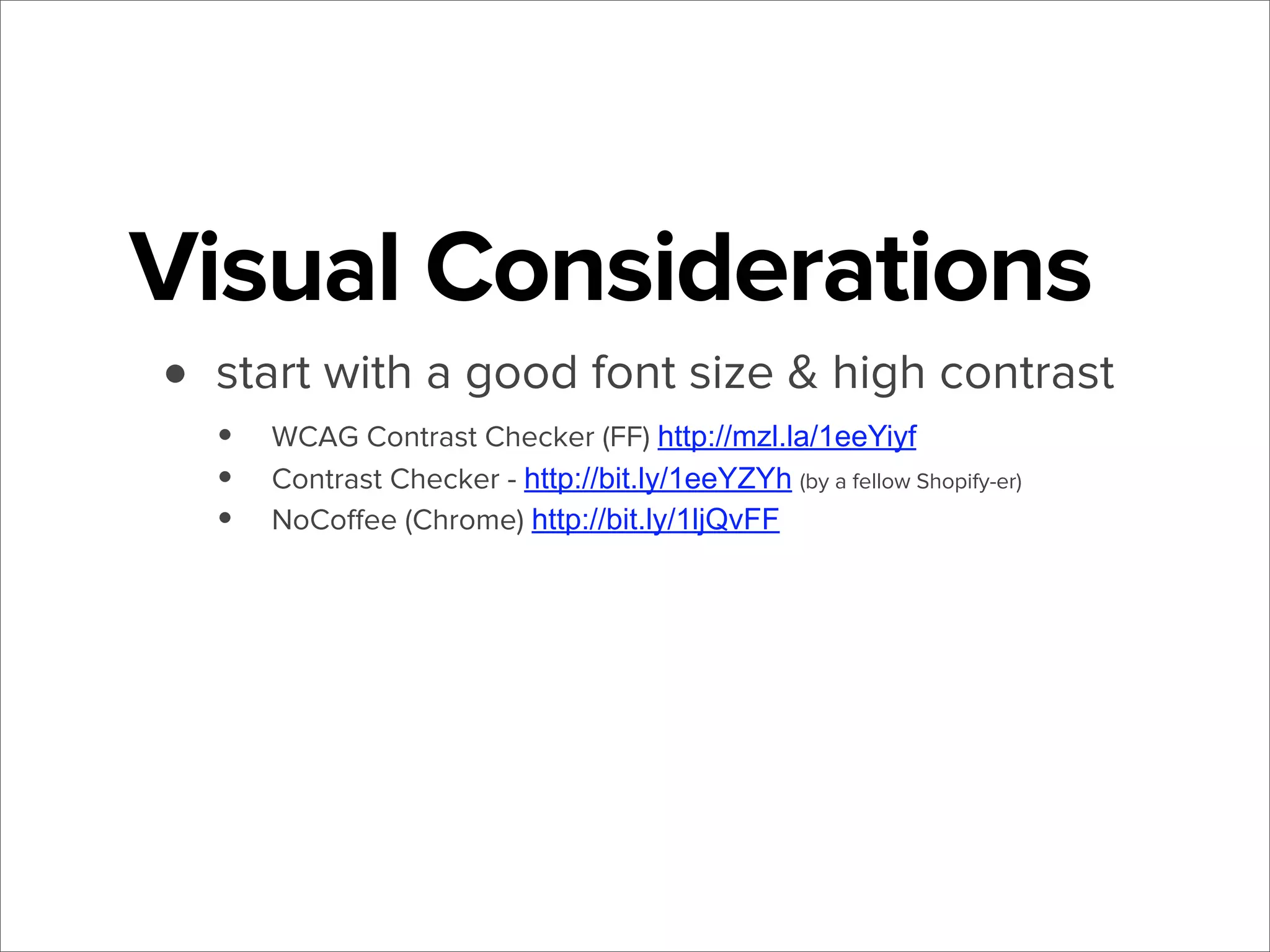
Visual Considerations
• start with a good font size & high contrast
•
•
•

WCAG Contrast Checker (FF) http://mzl.la/1eeYiyf
Contrast Checker - http://bit.ly/1eeYZYh (by a fellow Shopify-er)
NoCoffee (Chrome) http://bit.ly/1ljQvFF
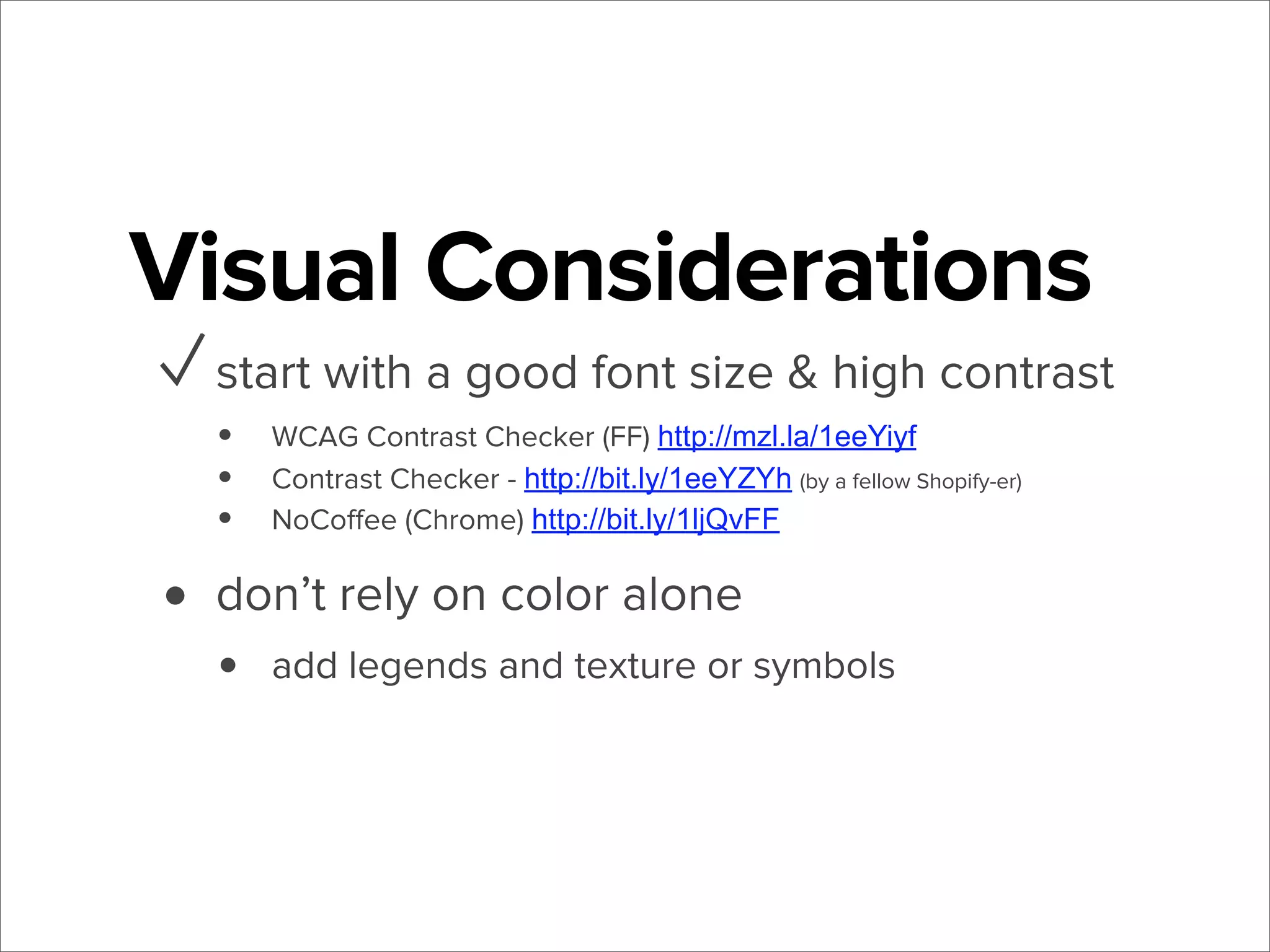
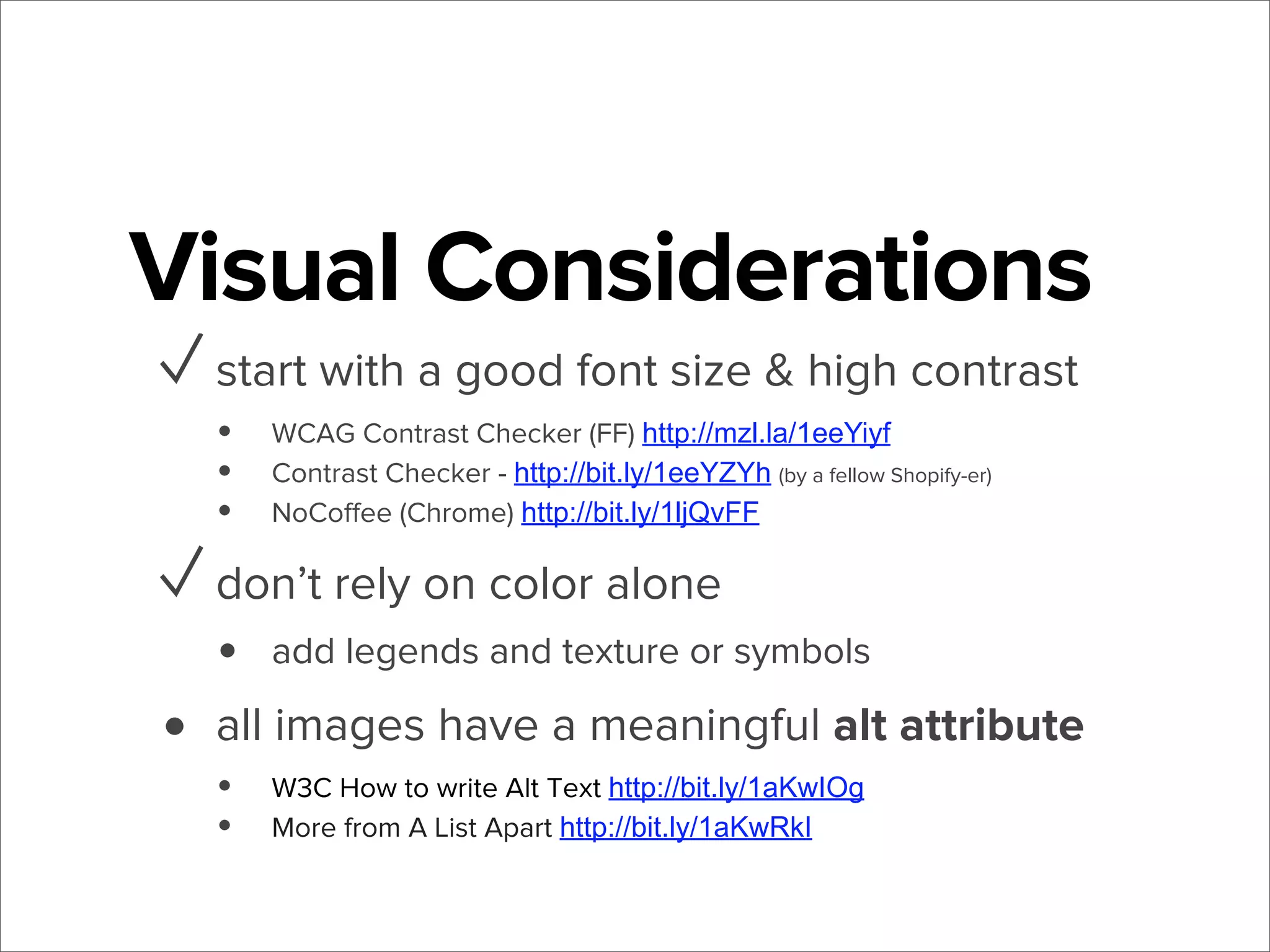
Visual Considerations
✓ start with a good font size & high contrast
•
•
•

WCAG Contrast Checker (FF) http://mzl.la/1eeYiyf
Contrast Checker - http://bit.ly/1eeYZYh (by a fellow Shopify-er)
NoCoffee (Chrome) http://bit.ly/1ljQvFF

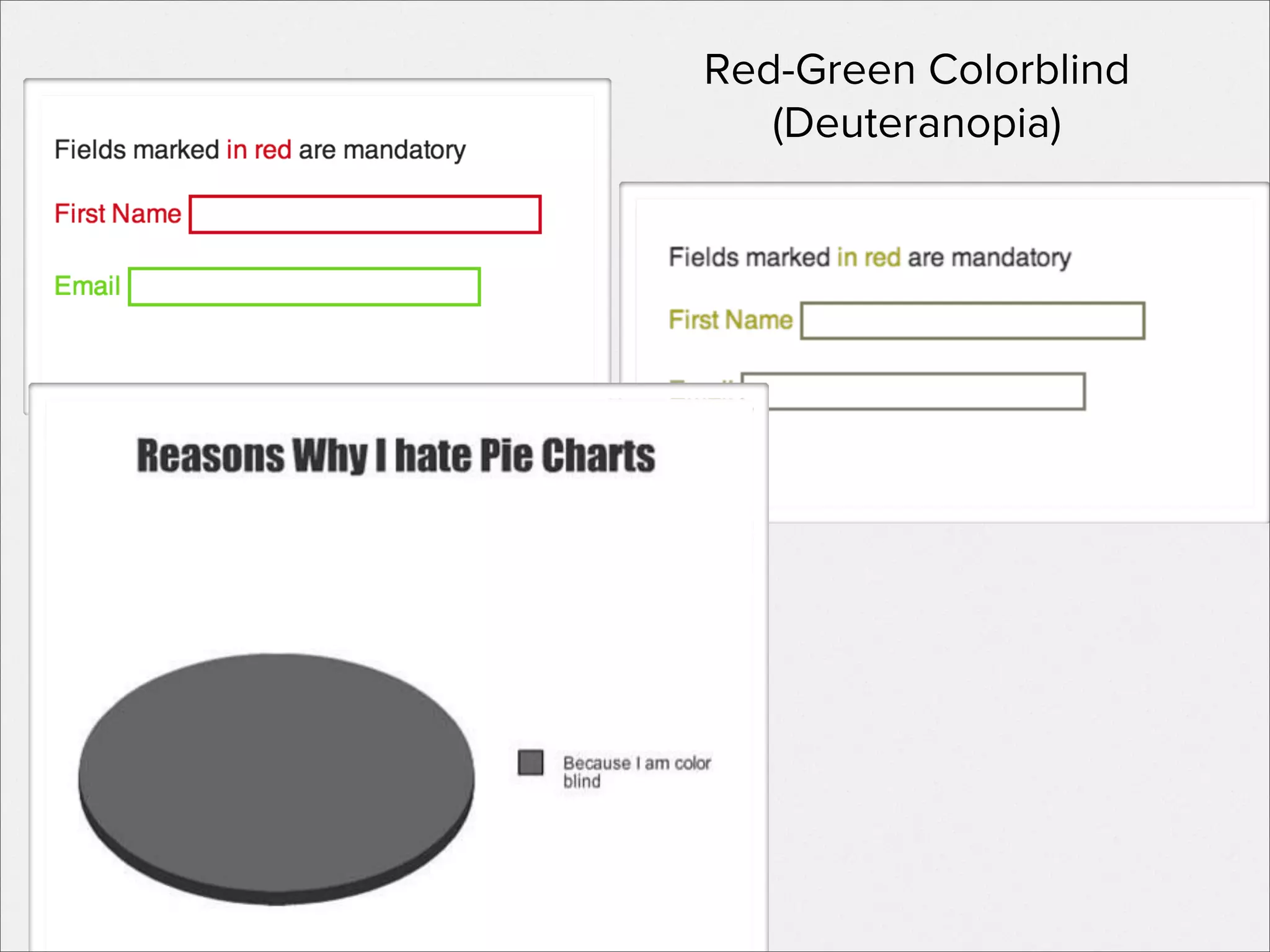
• don’t rely on color alone
•

add legends and texture or symbols
Red-Green Colorblind
(Deuteranopia)
Visual Considerations
✓ start with a good font size & high contrast
•
•
•

WCAG Contrast Checker (FF) http://mzl.la/1eeYiyf
Contrast Checker - http://bit.ly/1eeYZYh (by a fellow Shopify-er)
NoCoffee (Chrome) http://bit.ly/1ljQvFF

✓ don’t rely on color alone
•

•

add legends and texture or symbols

all images have a meaningful alt attribute
• W3C How to write Alt Text http://bit.ly/1aKwIOg
• More from A List Apart http://bit.ly/1aKwRkI
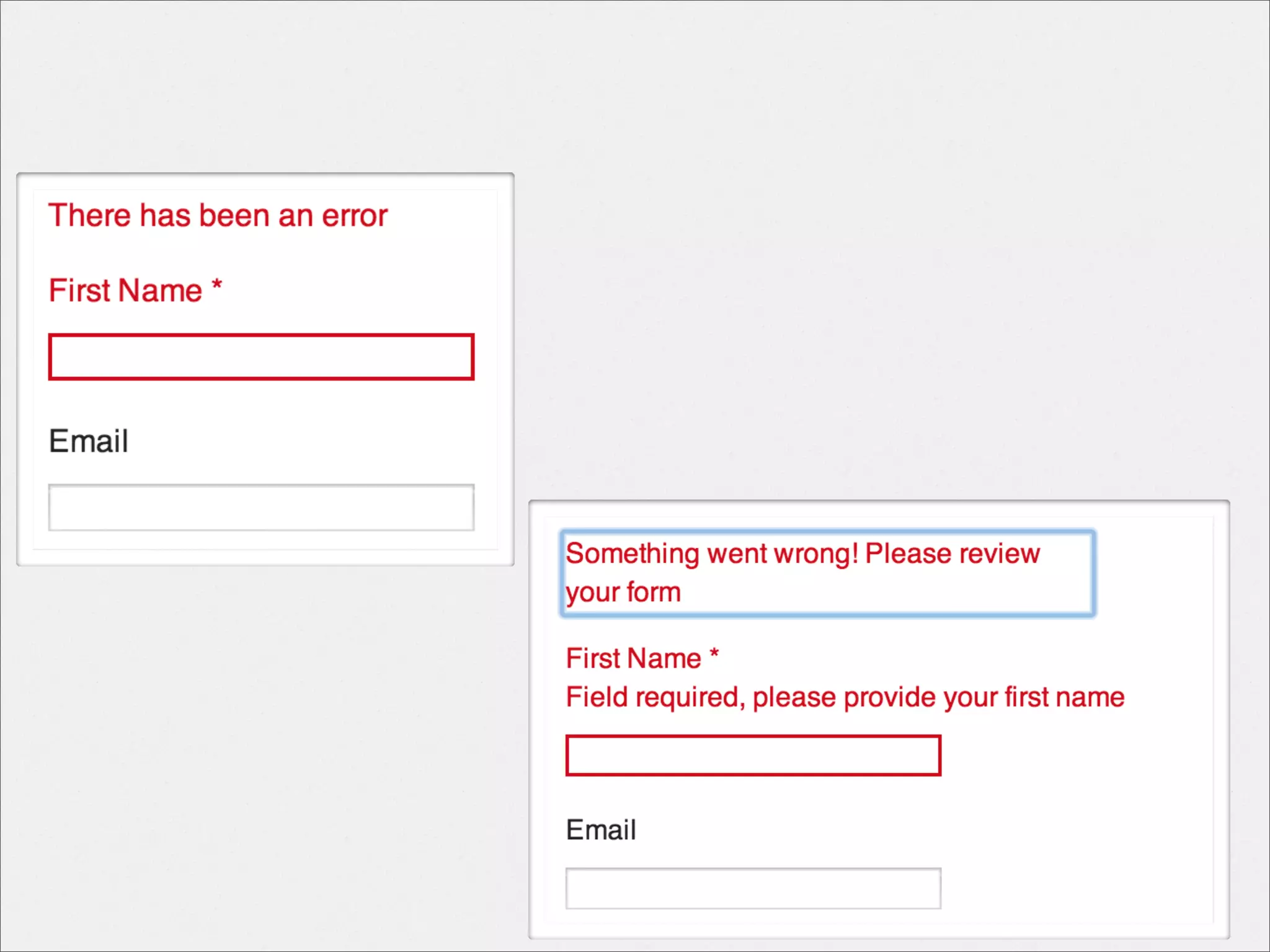
Forms
•

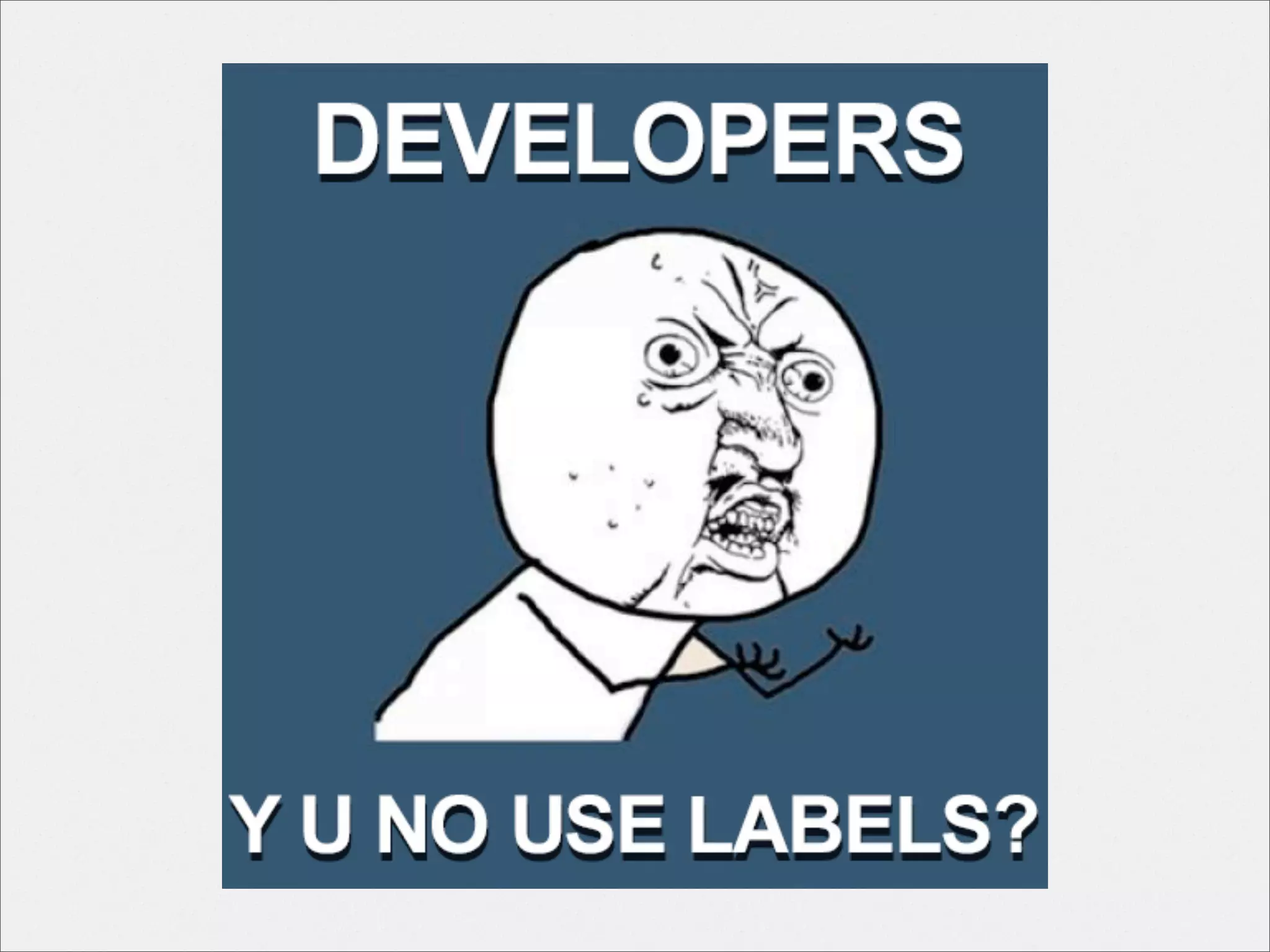
Every form field includes a real label
<label for="[INPUT ID]">
Forms
✓ Every form field includes a real label
<label for="[INPUT ID]">

•

Labels can include help, required, error text
Forms
✓ Every form field includes a real label
<label for="[INPUT ID]">

✓ Labels can include help, required, error text
• Provide meaningful message on form error

WebAIM Forms http://bit.ly/1aKw2bM
WebAIM Validation http://bit.ly/1aKw6bB
Accessible Form Labeling http://bit.ly/1aKw83b
boldly go...
The SCREEN READER
VoiceOver

TalkBack

TRY ONE!!
How else can you expect to build for one?

NVDA

JAWS
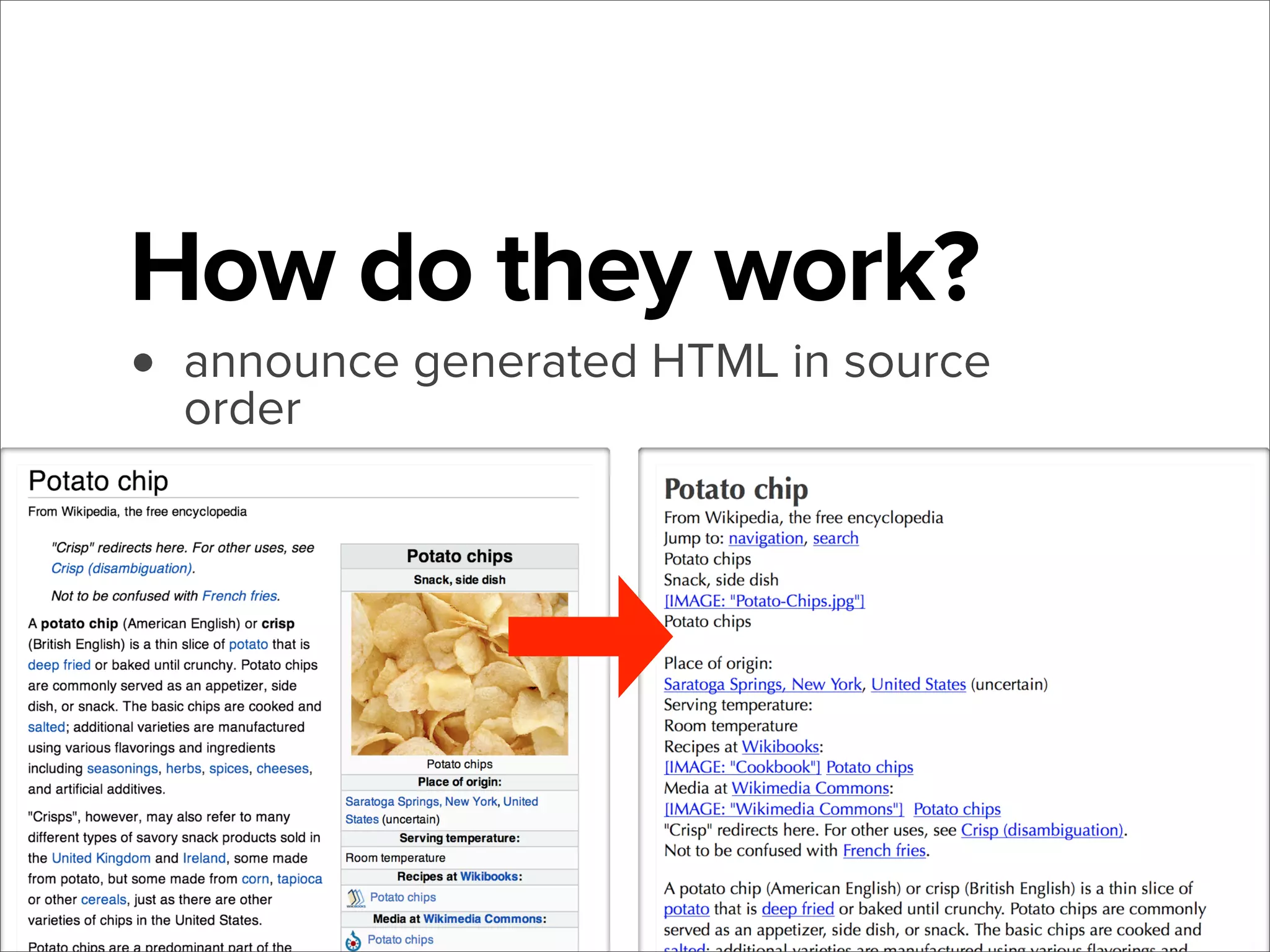
How do they work?

• announce generated HTML in source
order
Screen reader 101
•
•

Use keyboard to navigate and find content

98.6% of screen reader users have JS
enabled!1

• Highly customizable

1 - WebAIM Survey http://bit.ly/1aKvVgp
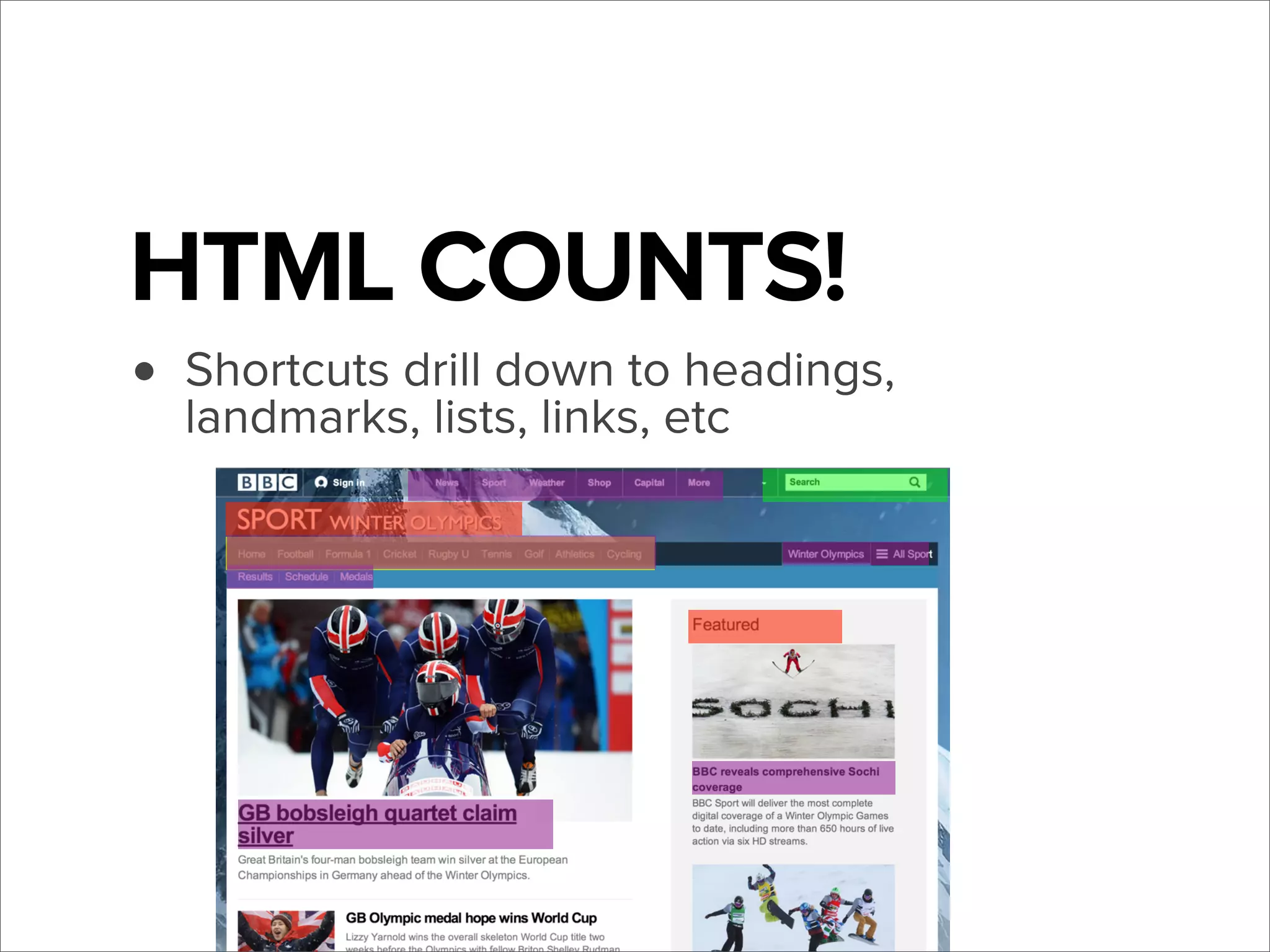
HTML COUNTS!
headings,
• Shortcuts drill down toetc
landmarks, lists, links,
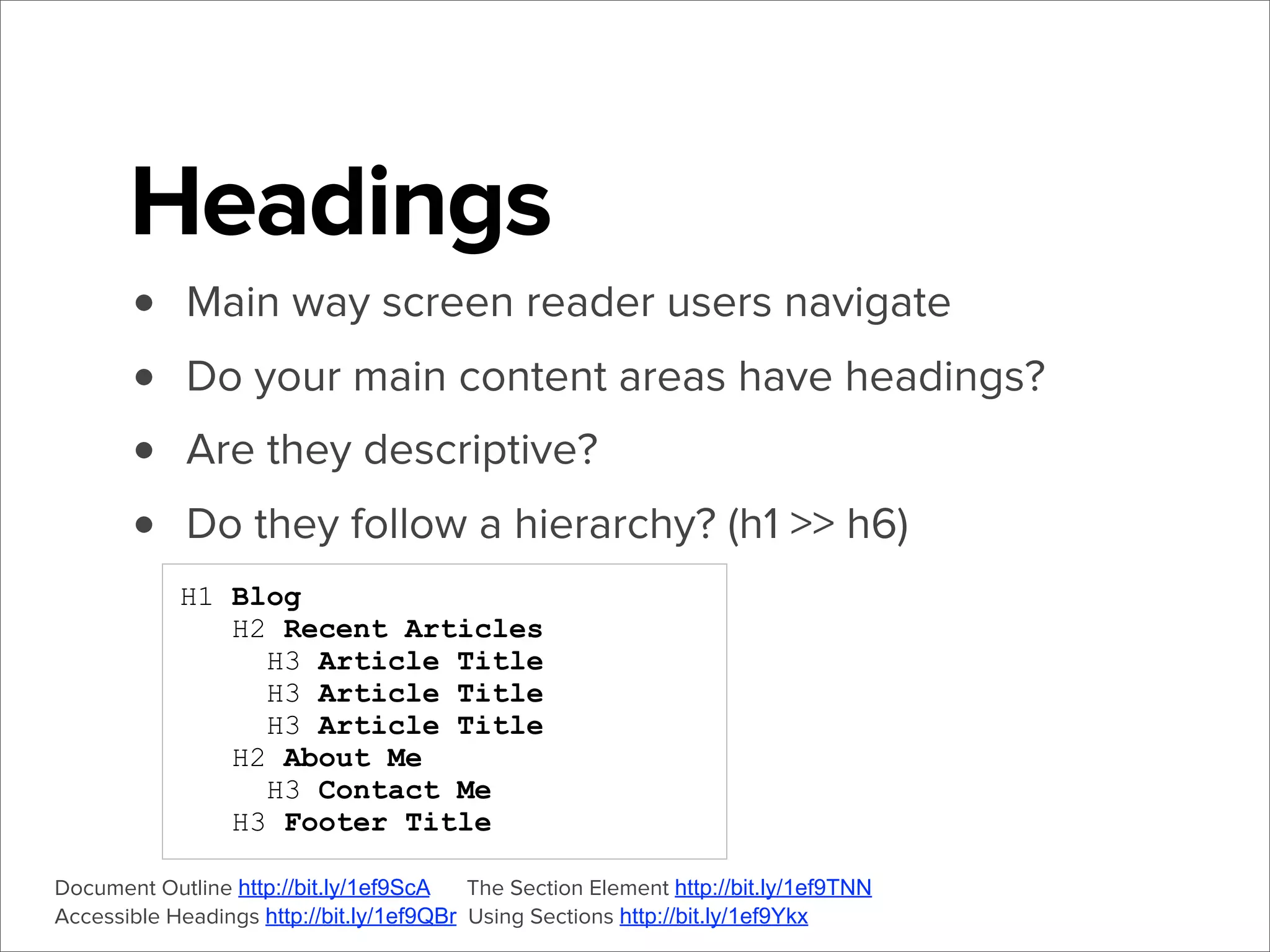
Headings
•
•
•
•

Main way screen reader users navigate
Do your main content areas have headings?
Are they descriptive?
Do they follow a hierarchy? (h1 >> h6)
H1 Blog
H2 Recent Articles
H3 Article Title
H3 Article Title
H3 Article Title
H2 About Me
H3 Contact Me
H3 Footer Title

Document Outline http://bit.ly/1ef9ScA
The Section Element http://bit.ly/1ef9TNN
Accessible Headings http://bit.ly/1ef9QBr Using Sections http://bit.ly/1ef9Ykx
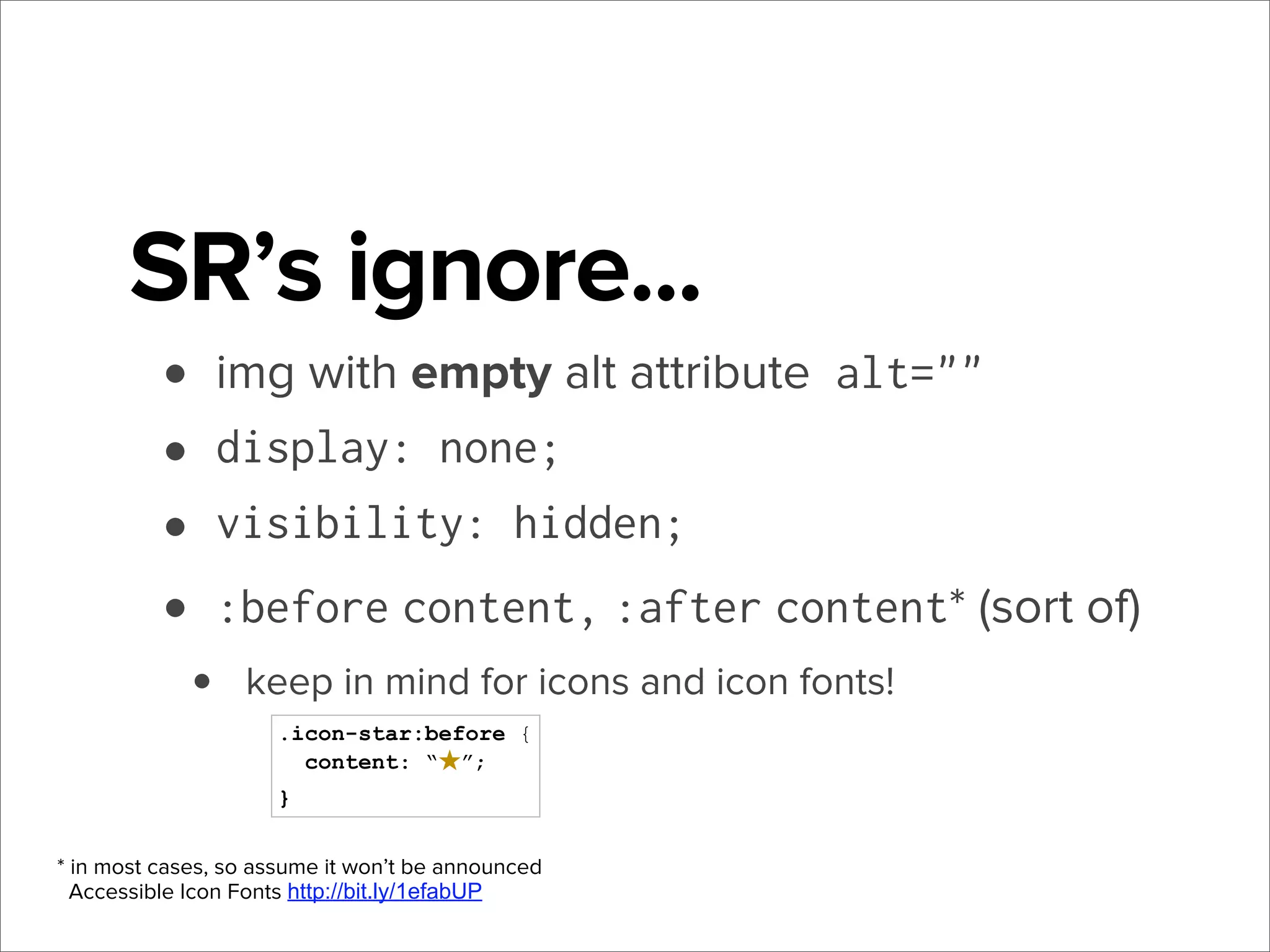
SR’s ignore...
• img with empty alt attribute alt=""
• display: none;
• visibility: hidden;
• :before content, :after content* (sort of)
•

keep in mind for icons and icon fonts!
.icon-star:before {
content: “★”;
}

* in most cases, so assume it won’t be announced
Accessible Icon Fonts http://bit.ly/1efabUP
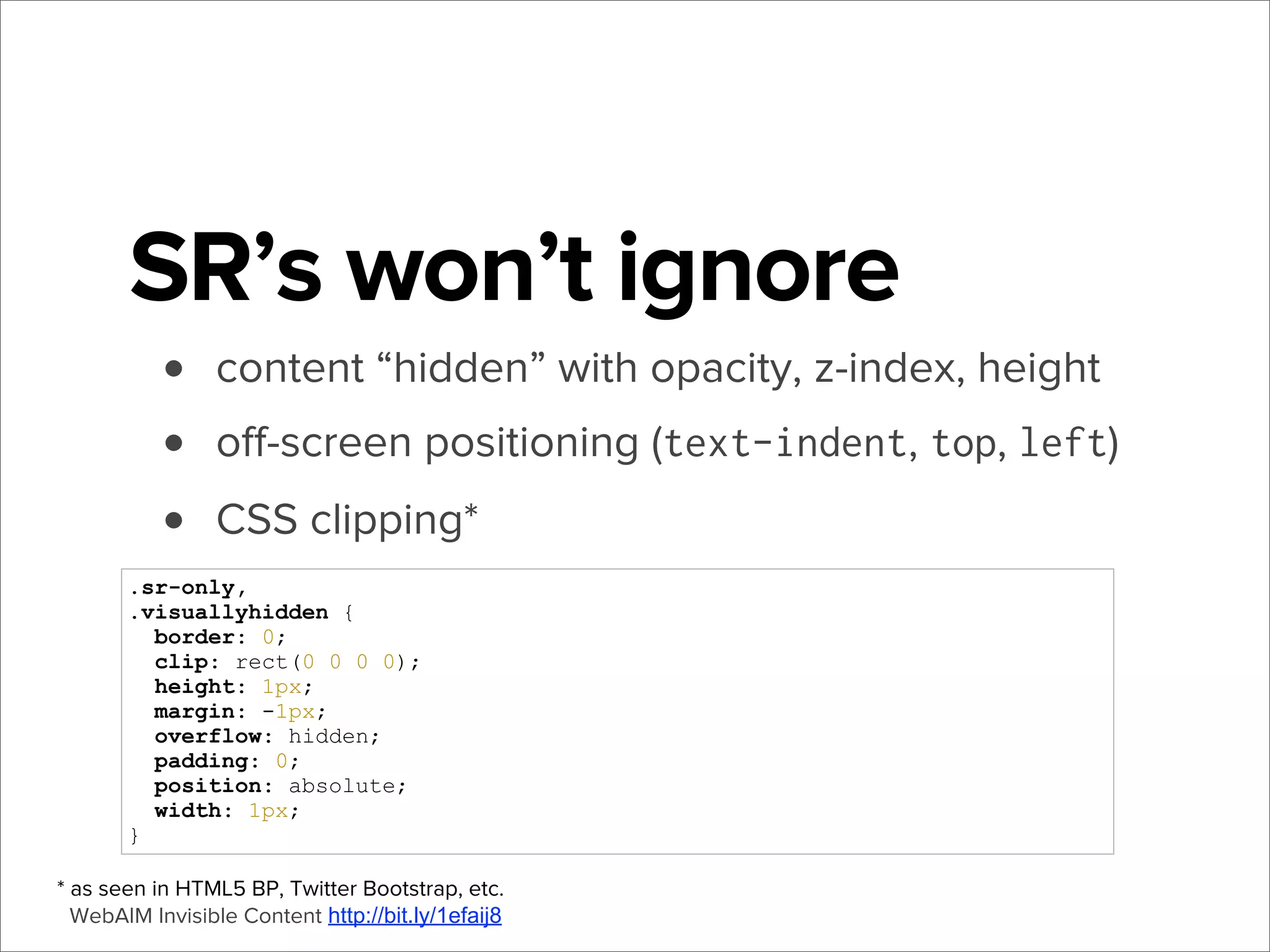
SR’s won’t ignore
•
•
•

content “hidden” with opacity, z-index, height
off-screen positioning (text-indent, top, left)
CSS clipping*

.sr-only,
.visuallyhidden {
border: 0;
clip: rect(0 0 0 0);
height: 1px;
margin: -1px;
overflow: hidden;
padding: 0;
position: absolute;
width: 1px;
}
* as seen in HTML5 BP, Twitter Bootstrap, etc.
WebAIM Invisible Content http://bit.ly/1efaij8
Beyond the basics
There’s gotta be more to screen readers than just
that, right?
ARIA
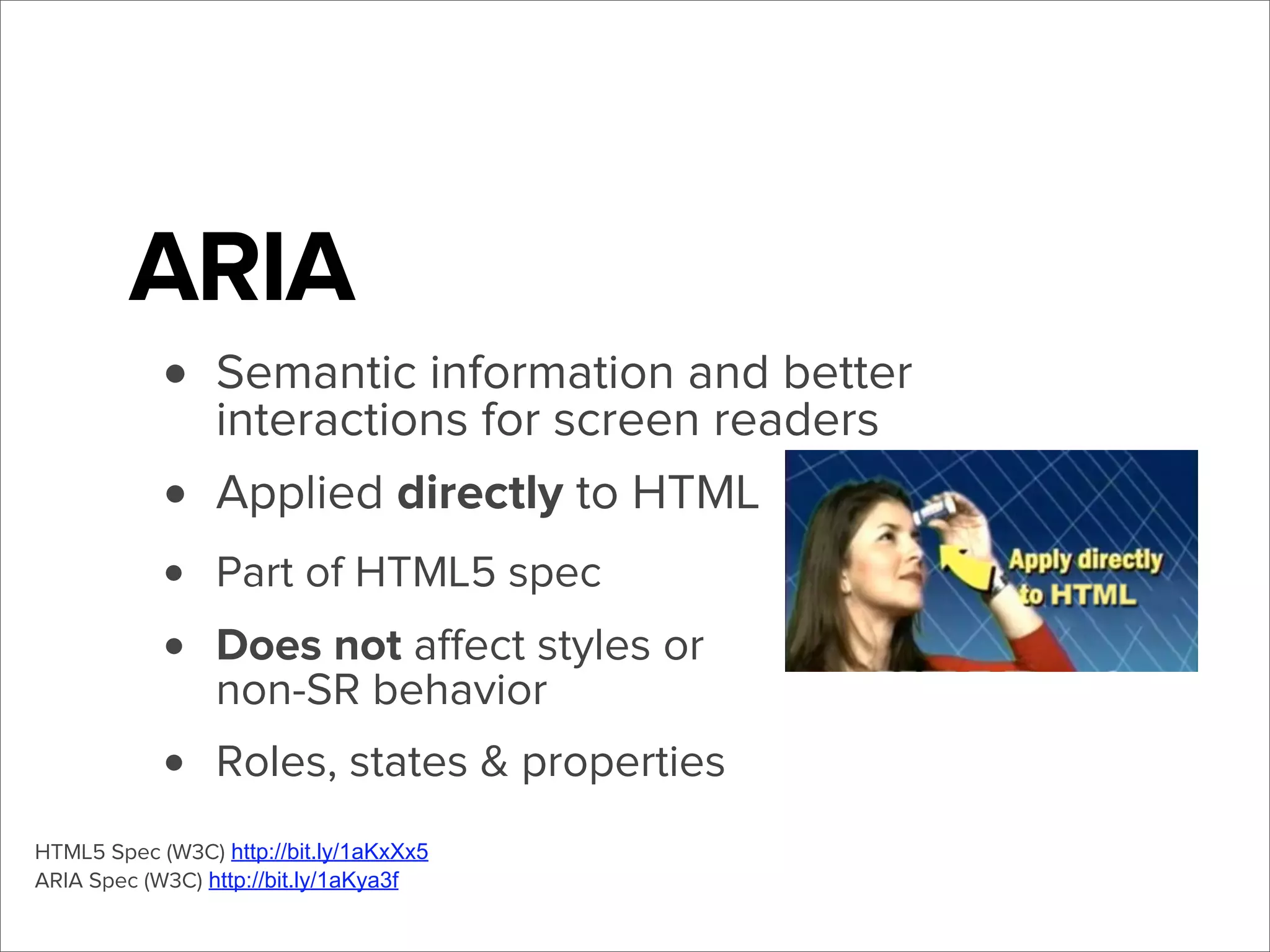
• Semantic information and better
interactions for screen readers
• Applied directly to HTML
•
•

Part of HTML5 spec

•

Roles, states & properties

Does not affect styles or
non-SR behavior

HTML5 Spec (W3C) http://bit.ly/1aKxXx5
ARIA Spec (W3C) http://bit.ly/1aKya3f
Roles
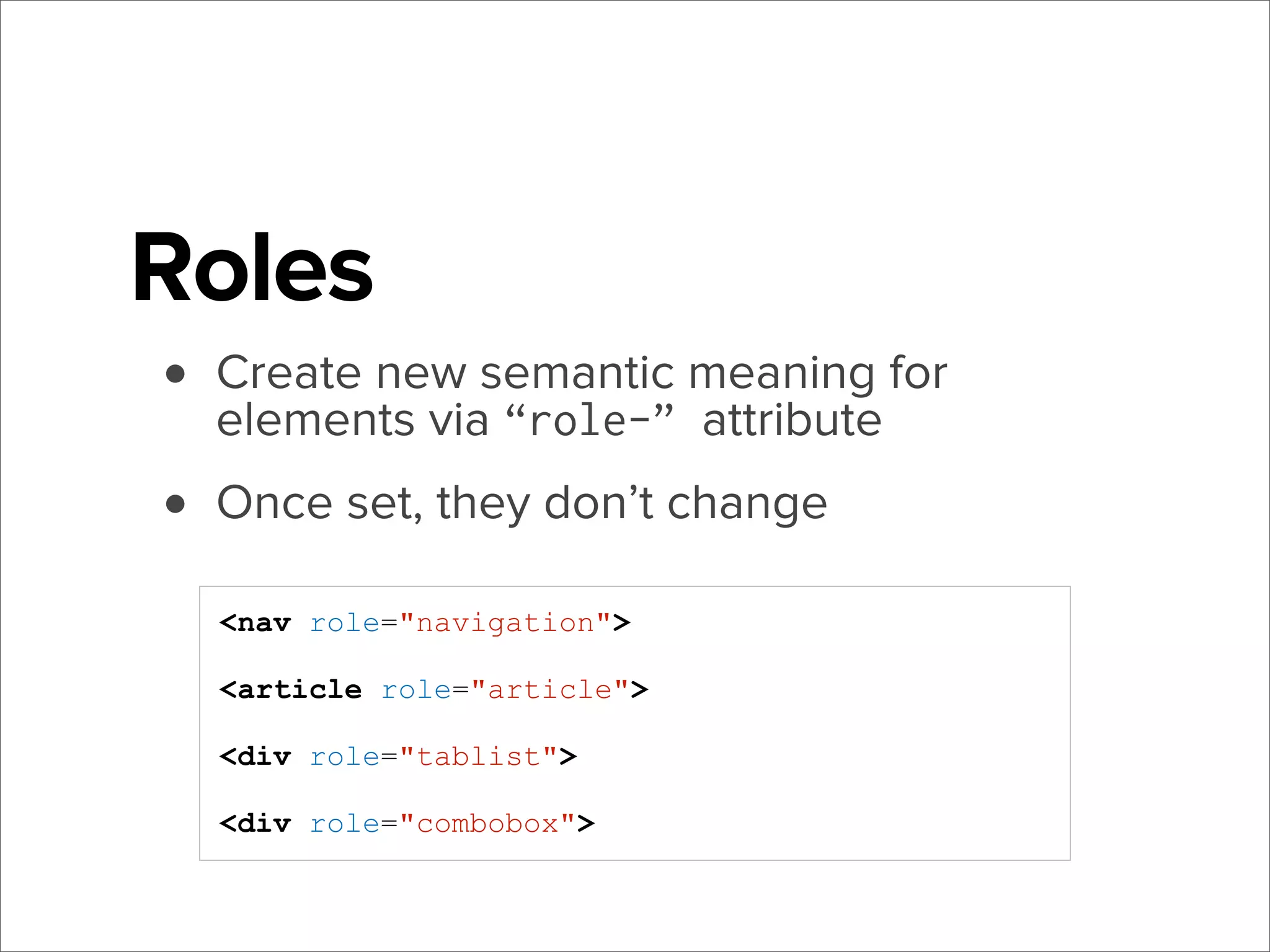
• Create new semantic meaning for
elements via “role-” attribute
• Once set, they don’t change
<nav role="navigation">
<article role="article">
<div role="tablist">
<div role="combobox">
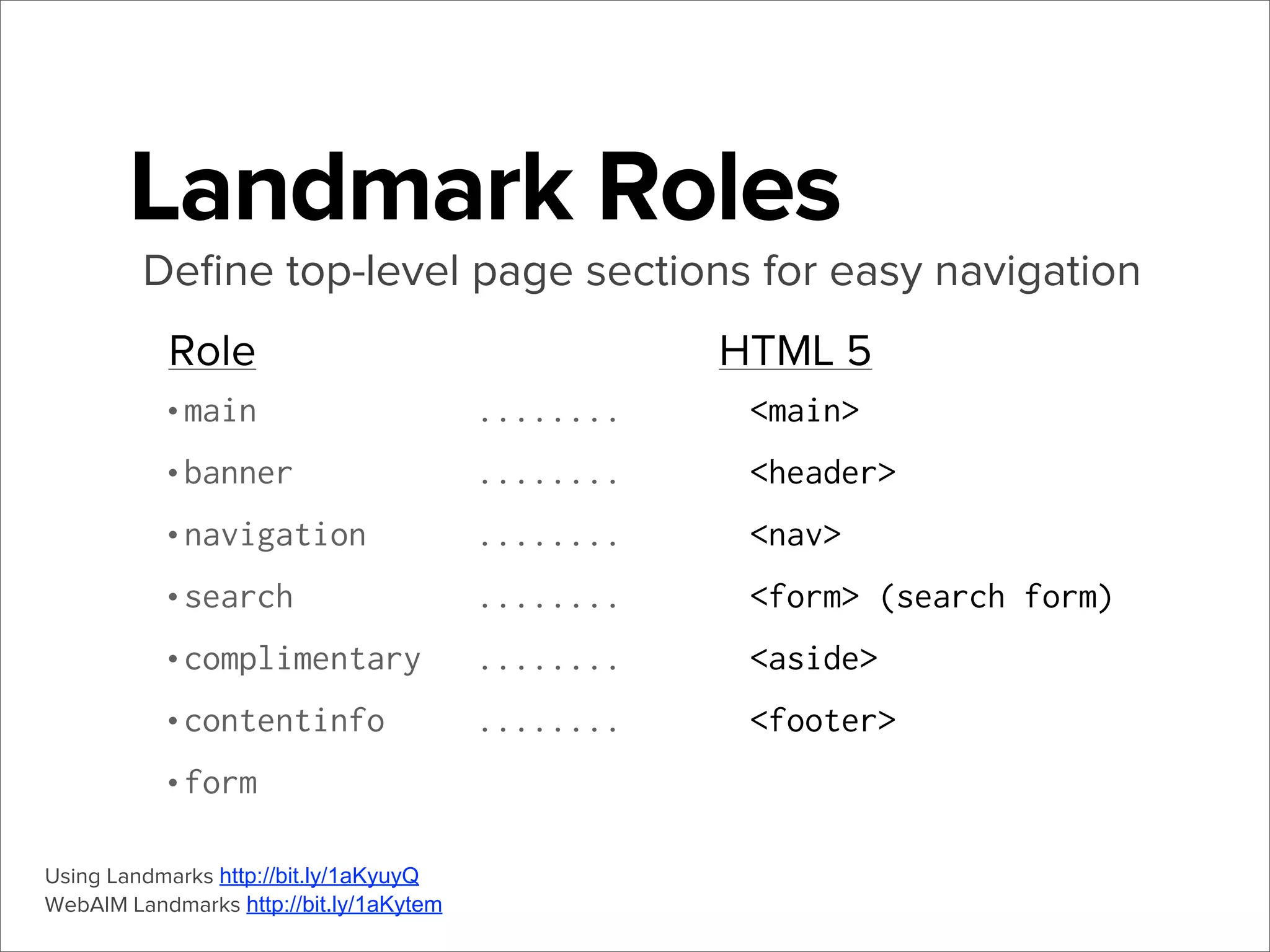
Landmark Roles
Define top-level page sections for easy navigation
Role
•main
•banner
•navigation
•search
•complimentary
•contentinfo
•form
Using Landmarks http://bit.ly/1aKyuyQ
WebAIM Landmarks http://bit.ly/1aKytem

HTML 5
........

<main>

........

<header>

........

<nav>

........

<form> (search form)

........

<aside>

........

<footer>
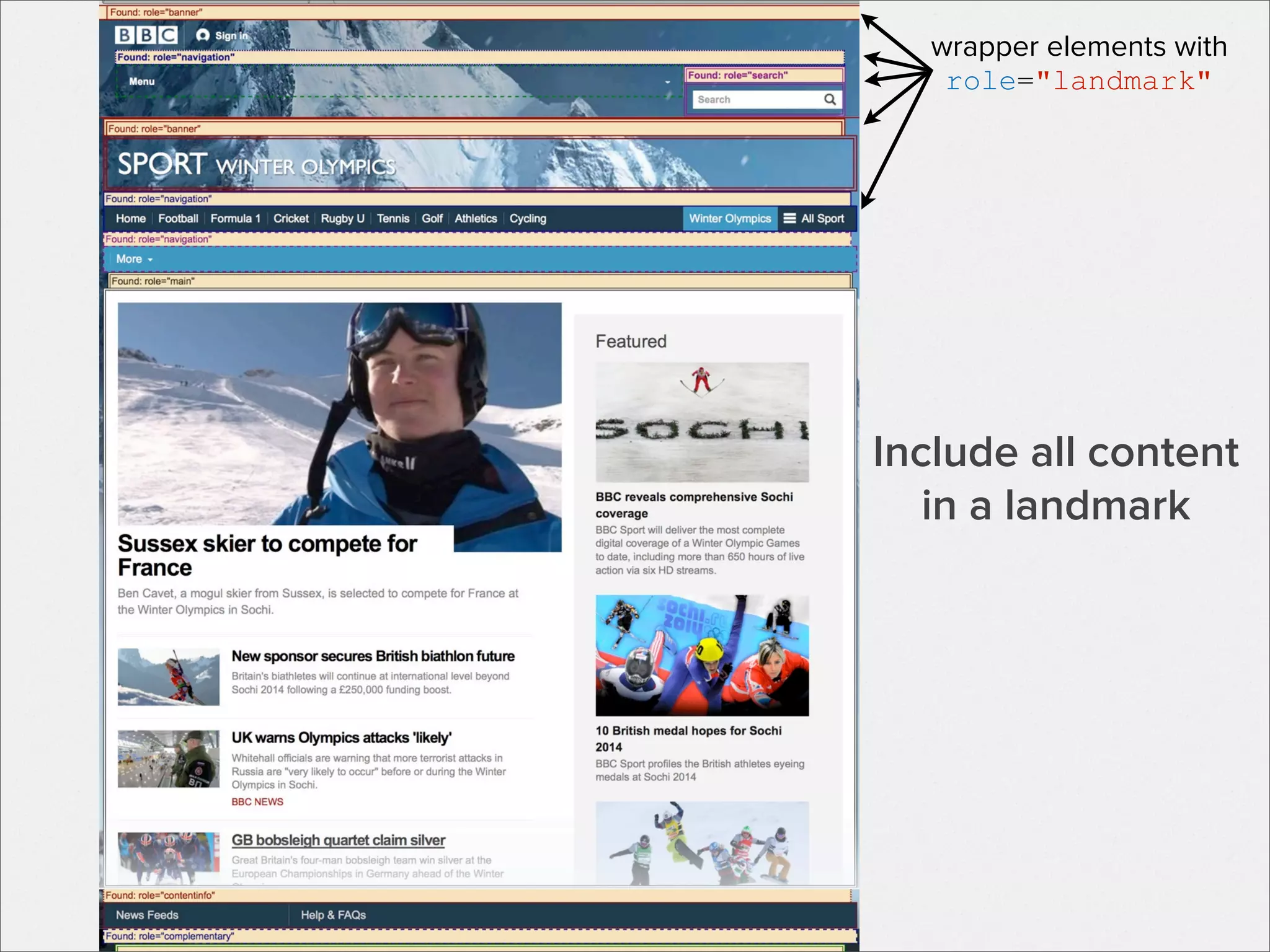
wrapper elements with
role="landmark"

Include all content
in a landmark
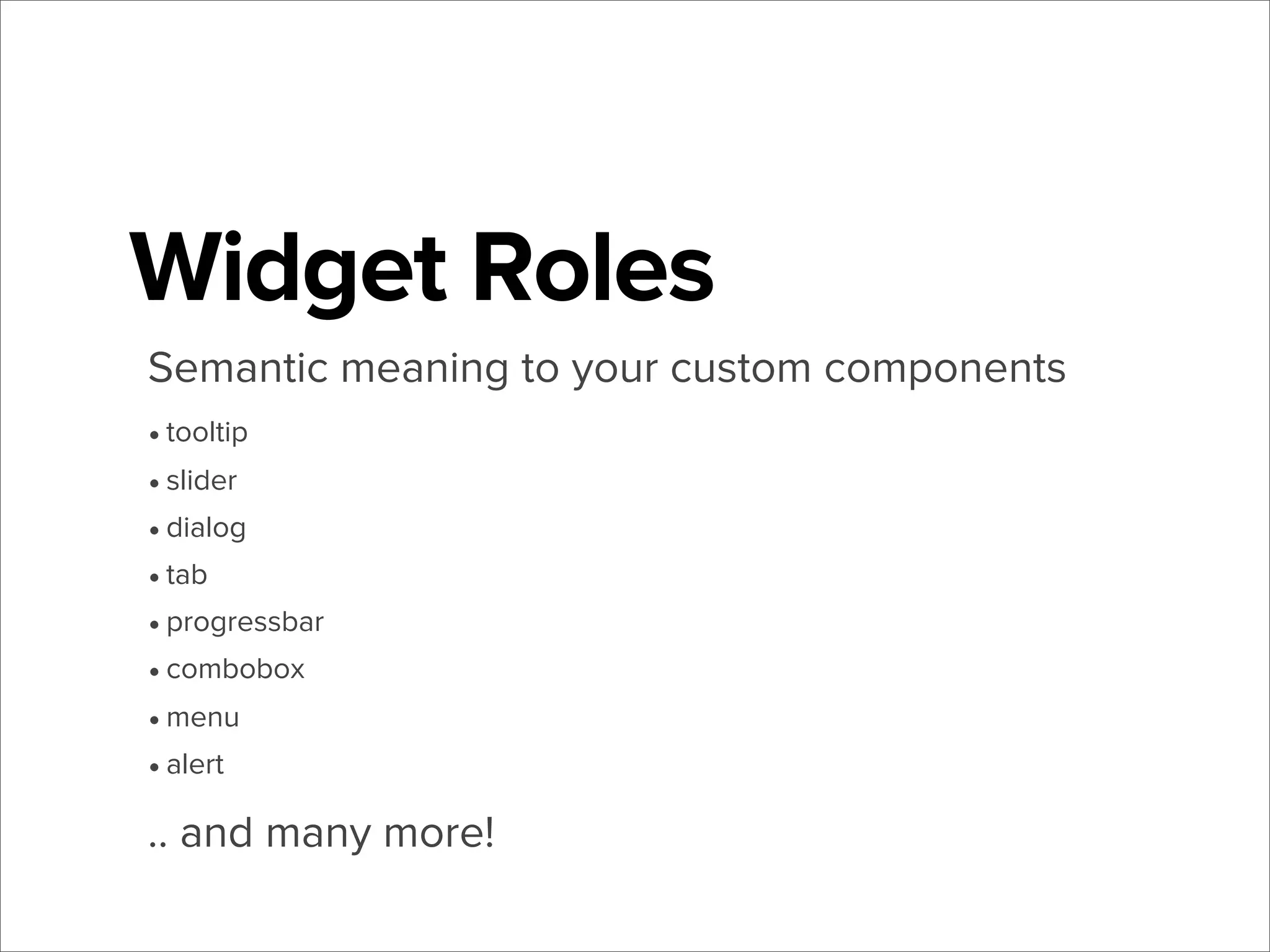
Widget Roles
Semantic meaning to your custom components
• tooltip
• slider
• dialog
• tab
• progressbar
• combobox
• menu
• alert

.. and many more!
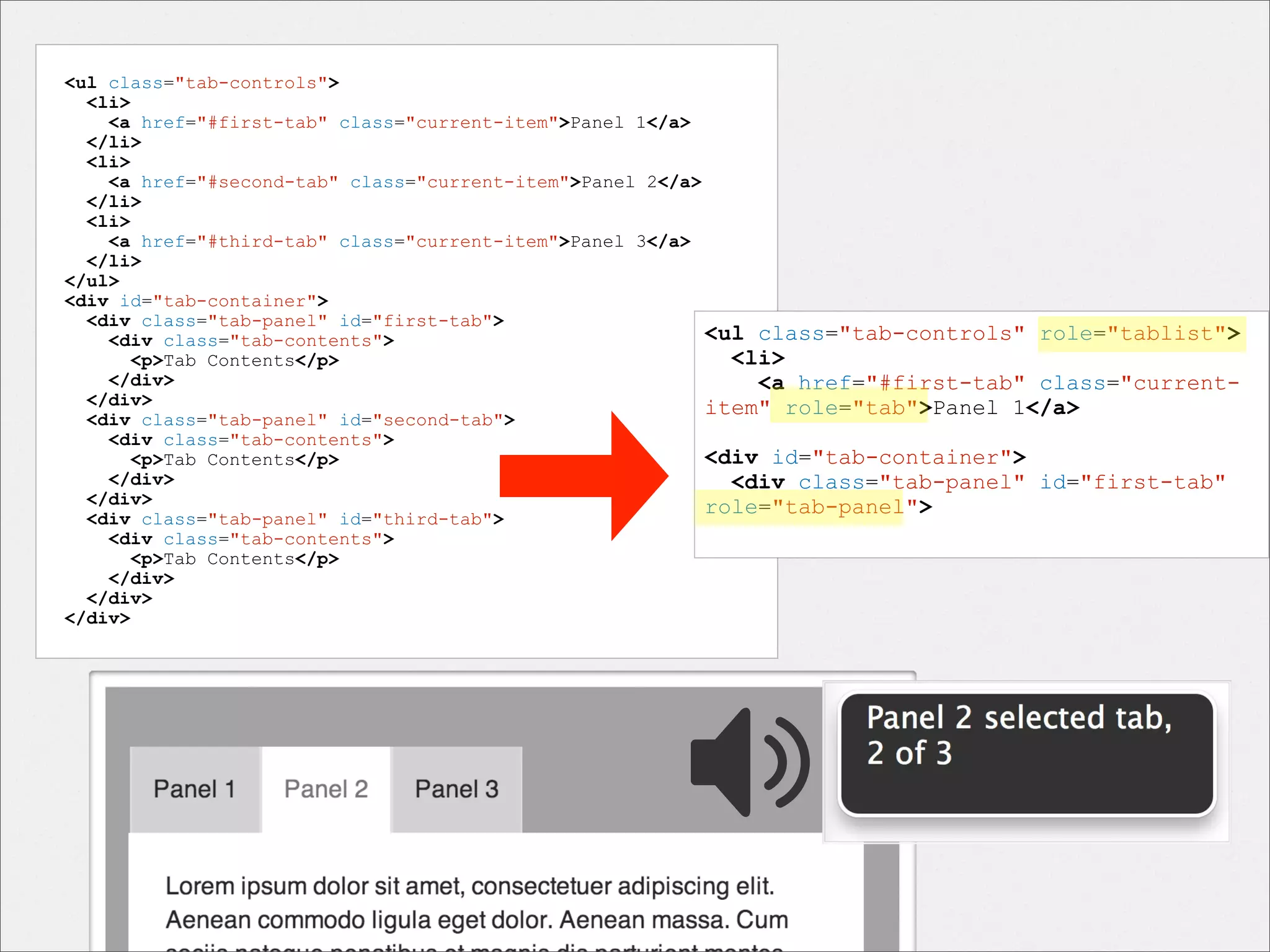
<ul class="tab-controls">
<li>
<a href="#first-tab" class="current-item">Panel 1</a>
</li>
<li>
<a href="#second-tab" class="current-item">Panel 2</a>
</li>
<li>
<a href="#third-tab" class="current-item">Panel 3</a>
</li>
</ul>
<div id="tab-container">
<div class="tab-panel" id="first-tab">
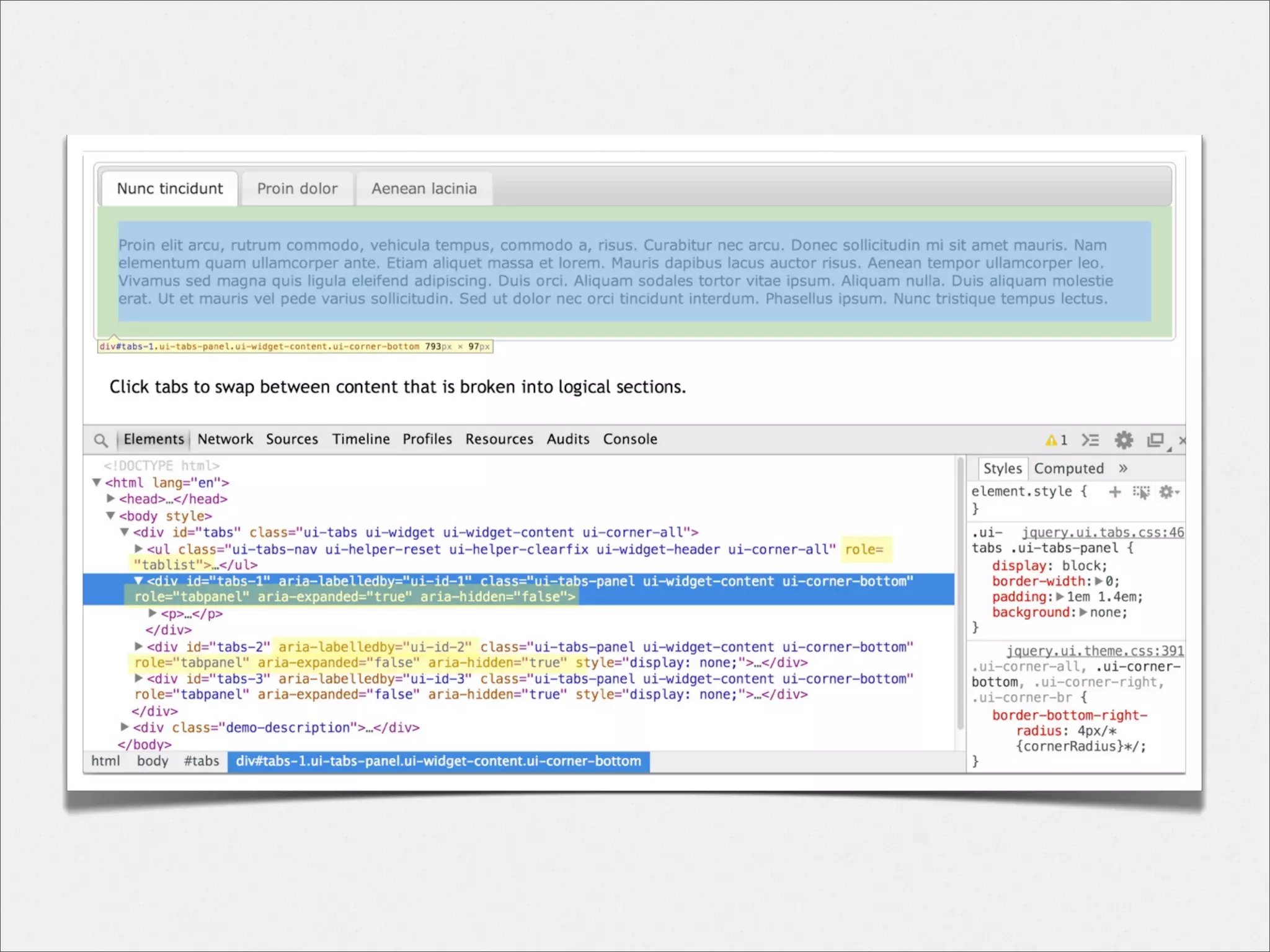
<ul class="tab-controls" role="tablist">
<div class="tab-contents">
<li>
<p>Tab Contents</p>
</div>
<a href="#first-tab" class="current</div>
item" role="tab">Panel 1</a>
<div class="tab-panel" id="second-tab">
<div class="tab-contents">
<div id="tab-container">
<p>Tab Contents</p>
</div>
<div class="tab-panel" id="first-tab"
</div>
role="tab-panel">
<div class="tab-panel" id="third-tab">
<div class="tab-contents">
<p>Tab Contents</p>
</div>
</div>
</div>

???
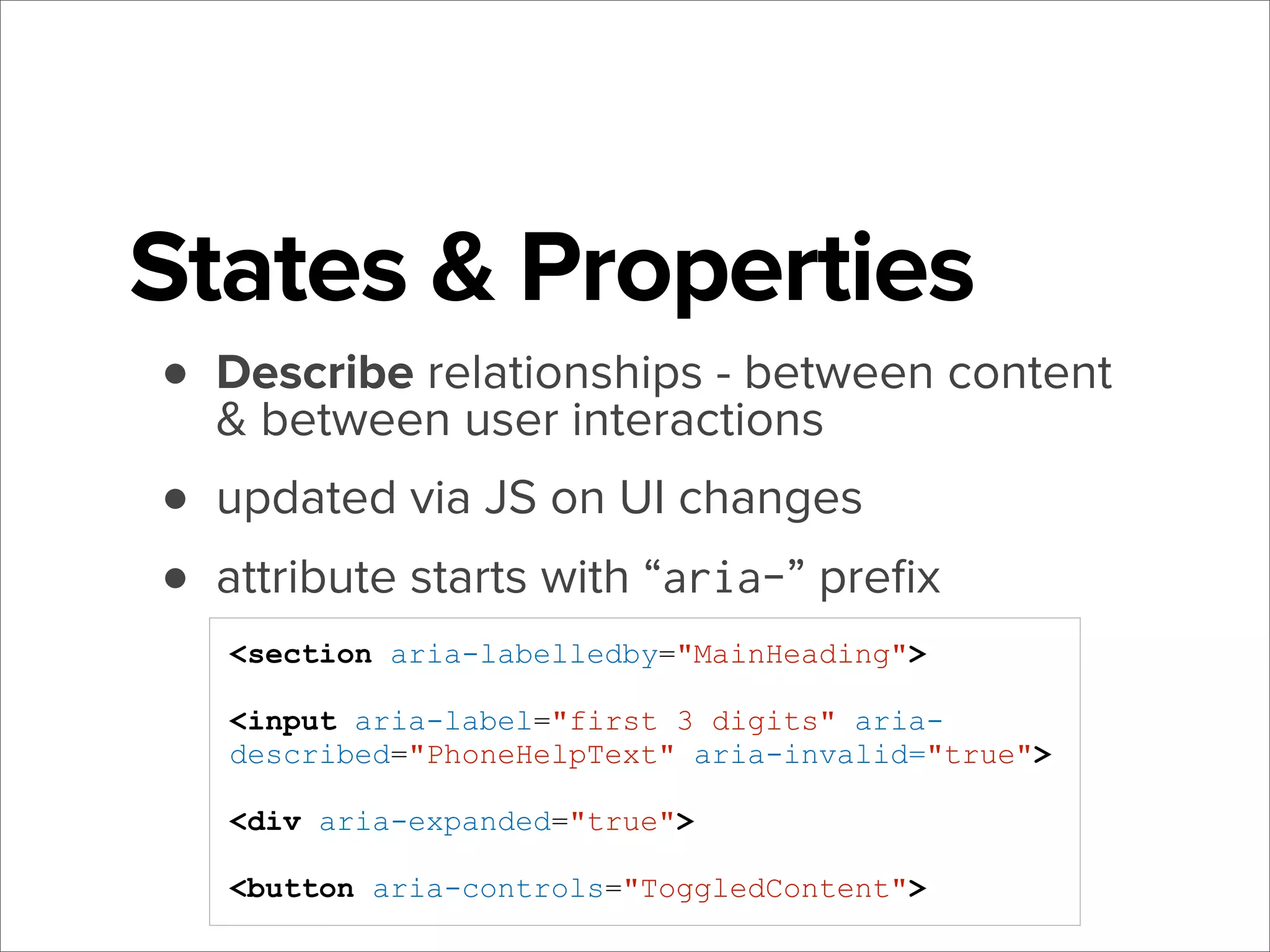
States & Properties
• Describe relationships - between content
& between user interactions
• updated via JS on UI changes
• attribute starts with “aria-” prefix
<section aria-labelledby="MainHeading">
<input aria-label="first 3 digits" ariadescribed="PhoneHelpText" aria-invalid="true">
<div aria-expanded="true">
<button aria-controls="ToggledContent">
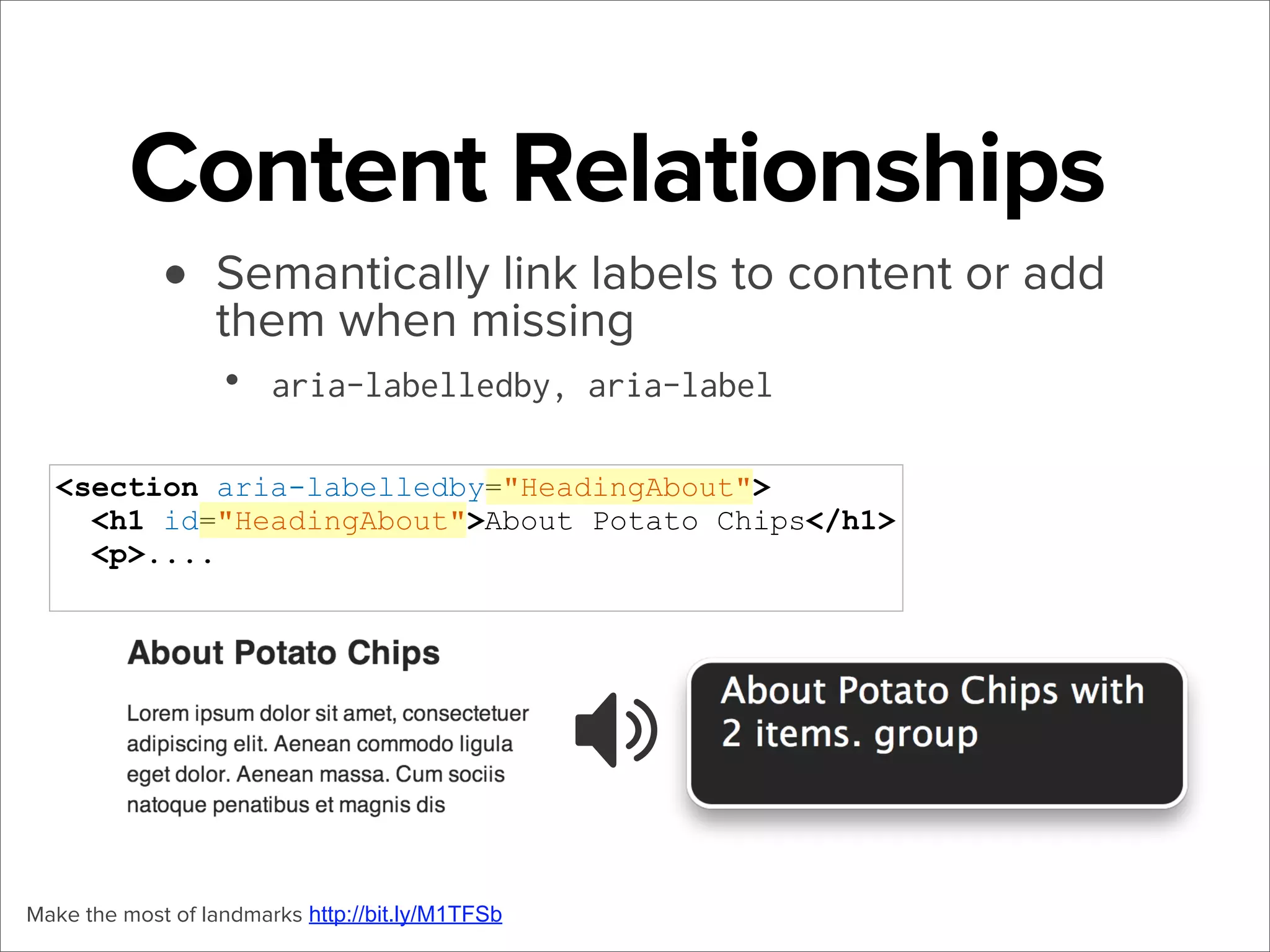
Content Relationships
• Semantically link labels to content or add
them when missing
•

aria-labelledby, aria-label

<section aria-labelledby="HeadingAbout">
<h1 id="HeadingAbout">About Potato Chips</h1>
<p>....

Make the most of landmarks http://bit.ly/M1TFSb
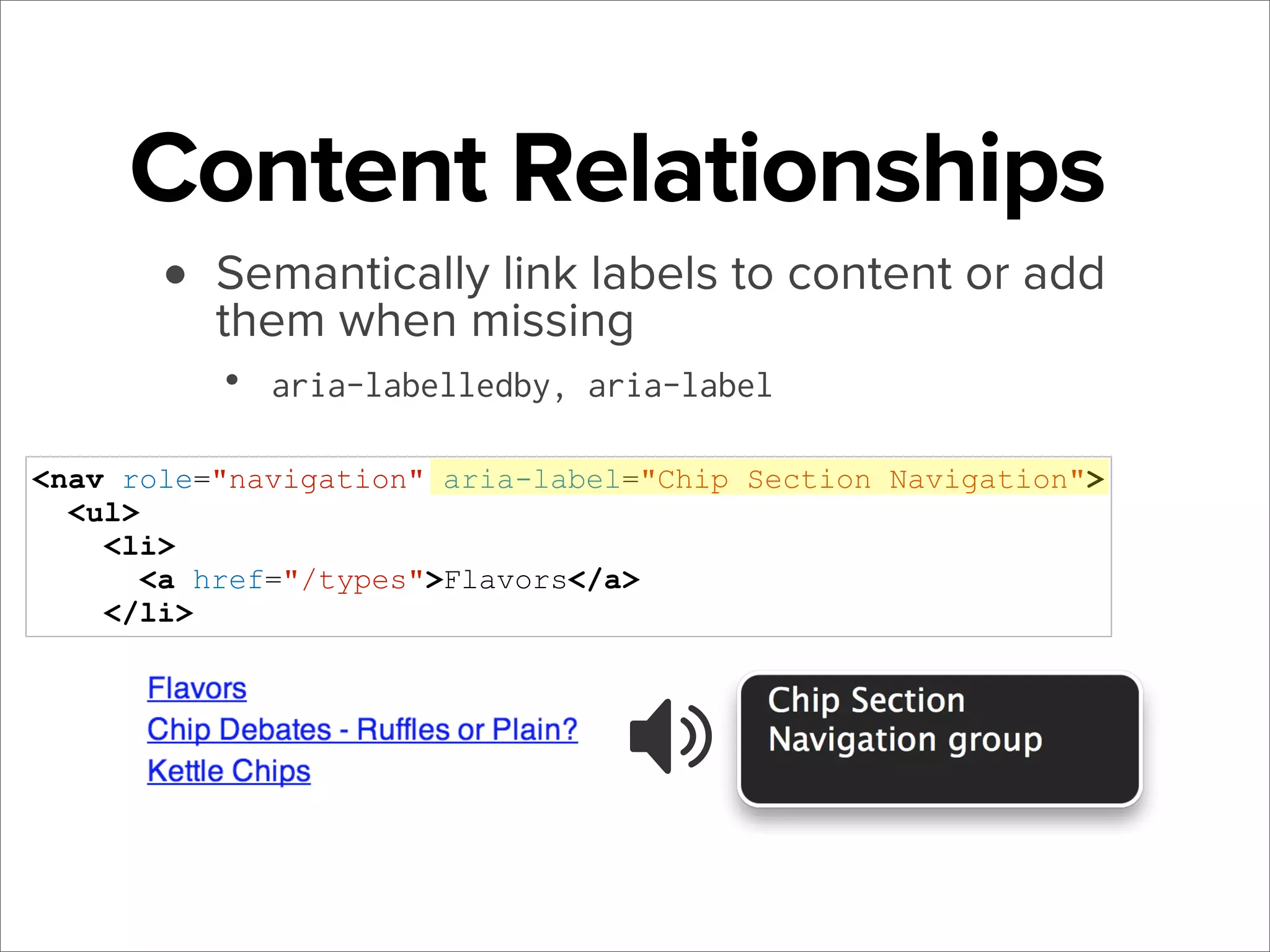
Content Relationships
• Semantically link labels to content or add
them when missing
•

aria-labelledby, aria-label

<nav role="navigation" aria-label="Chip Section Navigation">
<ul>
<li>
<a href="/types">Flavors</a>
</li>
The more you know
It's just HTML!
.elem[aria-hidden = "false"] {
display: block;
}
.elem[aria-invalid ="false"] {
background: #999;
}
.elem[aria-expanded = "true"] {
height: 100%;
background-image: url("sprite/down-arrows.jpg");
}
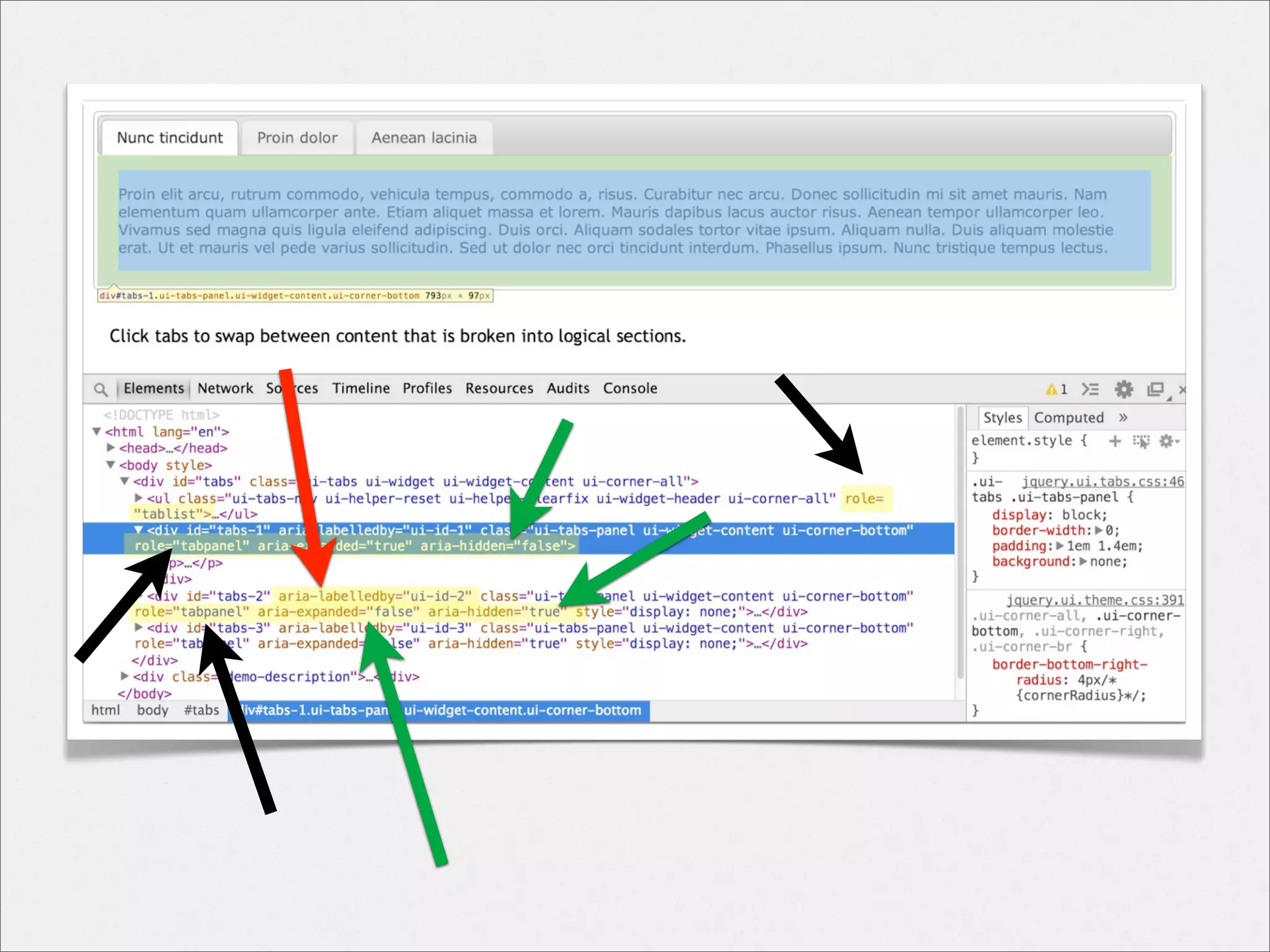
Putting it all together
•
•
•
•
•

jQueryUI https://jqueryui.com/
Practical ARIA Examples http://bit.ly/1bhMqBg
HTML5 & ARIA Design Patterns http://bit.ly/1bhMlNZ
Accessible Forms with ARIA http://bit.ly/1bhMv7M
Bootstrap Accessibility Plugin (PayPal) http://bit.ly/1bhM8dy
Using ARIA Wisely
•
•
•

ARIA is a bridge, not a replacement.

•

USE plain HTML if you can

Not magic and makes no promises

•

Events, focus management, keyboard support, and
meaningful structure is still up to you

Only way to know for sure... TEST
ARIA Resources
W3C Intro

http://www.w3.org/TR/wai-aria-primer/

W3C How-to with design patterns
http://www.w3.org/TR/wai-aria-practices/

W3C Supporting Info for developers
http://www.w3.org/TR/aria-in-html/

WEBAIM Introduction

http://webaim.org/techniques/aria/

Warnings and Perspectives

http://alistapart.com/article/the-accessibility-of-wai-aria

General Information

https://developer.mozilla.org/en-US/docs/Web/Accessibility/ARIA

ARIA Validation

http://validator.nu
Testing
Automated Tools
•
•
•
•

WebAIM WAVE (FF) http://wave.webaim.org/toolbar/
Accessibility Developer Tools (Chrome) http://bit.ly/1fW0W0A
Web Developer Toolbar (Chrome & FF) http://bit.ly/1dA2JmY
Quail Project quailjs.org

http://quailjs.org/sprint/
Manual Testing
• disable all images
• test with just a keyboard
• load it in a screen reader
• load it in another screen reader
Does your page make sense?
Is it usable ?
10 Tips anyone can use http://bit.ly/1efaA9N
6 Tests anyone can do http://bit.ly/1efaC1c
Unsolicited Advice
• Start small, there’s still a big impact
• Prioritize areas/pages
•
•
•

main navigation?
contact us form?
homepage?

• Document as you go
Final Thoughts
What I’ve learned
• Bake it in, don’t tack it on
• Awesome and helpful community
• You may find it hard to stop...
Behind all these checklists, rules, and
regulations, there are people just trying
to use your site.
So make it useable, for everybody.
Thanks!
@monsika
@shopify
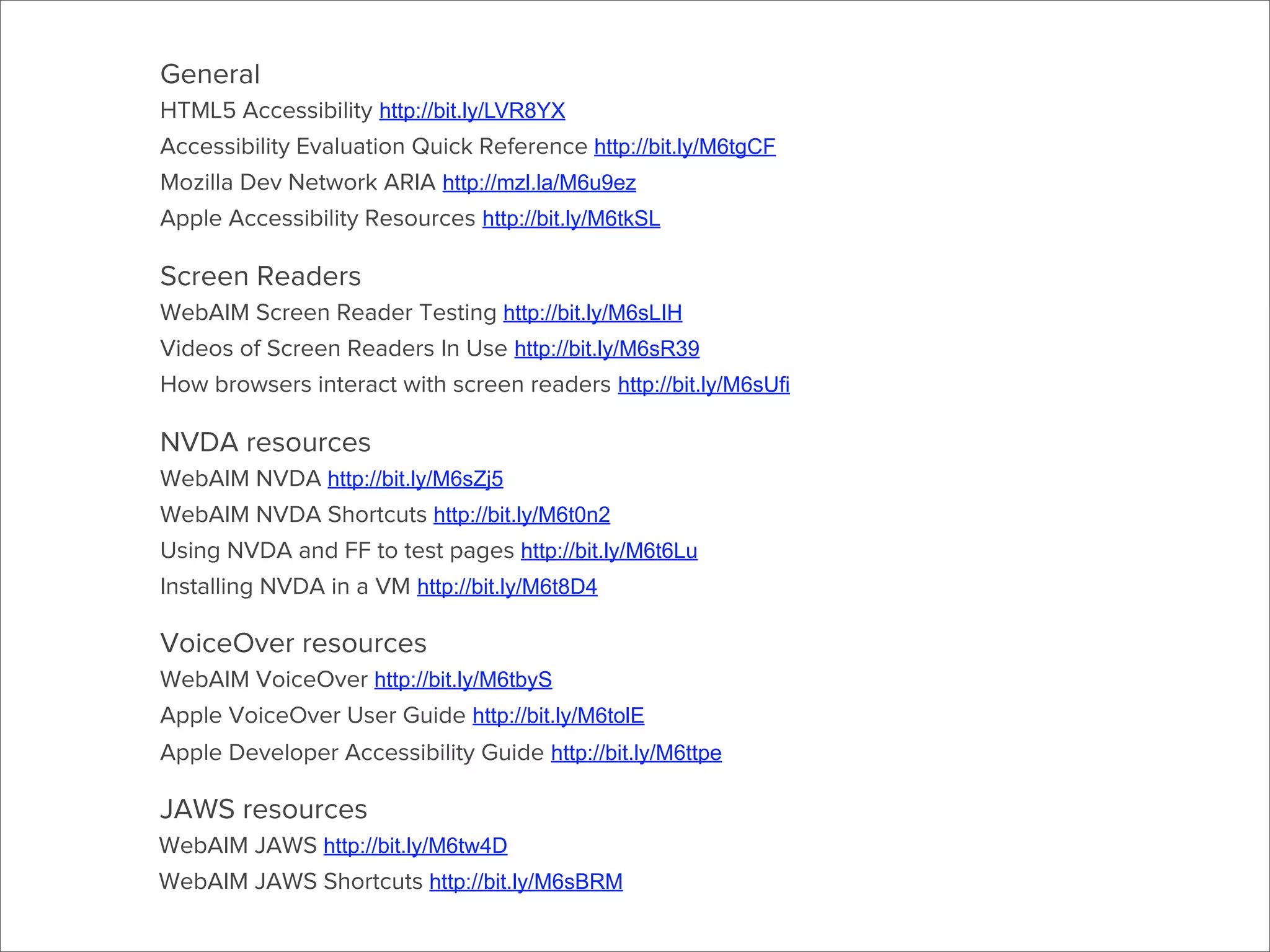
More Resources
General
HTML5 Accessibility http://bit.ly/LVR8YX
Accessibility Evaluation Quick Reference http://bit.ly/M6tgCF
Mozilla Dev Network ARIA http://mzl.la/M6u9ez
Apple Accessibility Resources http://bit.ly/M6tkSL

Screen Readers
WebAIM Screen Reader Testing http://bit.ly/M6sLIH
Videos of Screen Readers In Use http://bit.ly/M6sR39
How browsers interact with screen readers http://bit.ly/M6sUfi

NVDA resources
WebAIM NVDA http://bit.ly/M6sZj5
WebAIM NVDA Shortcuts http://bit.ly/M6t0n2
Using NVDA and FF to test pages http://bit.ly/M6t6Lu
Installing NVDA in a VM http://bit.ly/M6t8D4

VoiceOver resources
WebAIM VoiceOver http://bit.ly/M6tbyS
Apple VoiceOver User Guide http://bit.ly/M6tolE
Apple Developer Accessibility Guide http://bit.ly/M6ttpe

JAWS resources
WebAIM JAWS http://bit.ly/M6tw4D
WebAIM JAWS Shortcuts http://bit.ly/M6sBRM
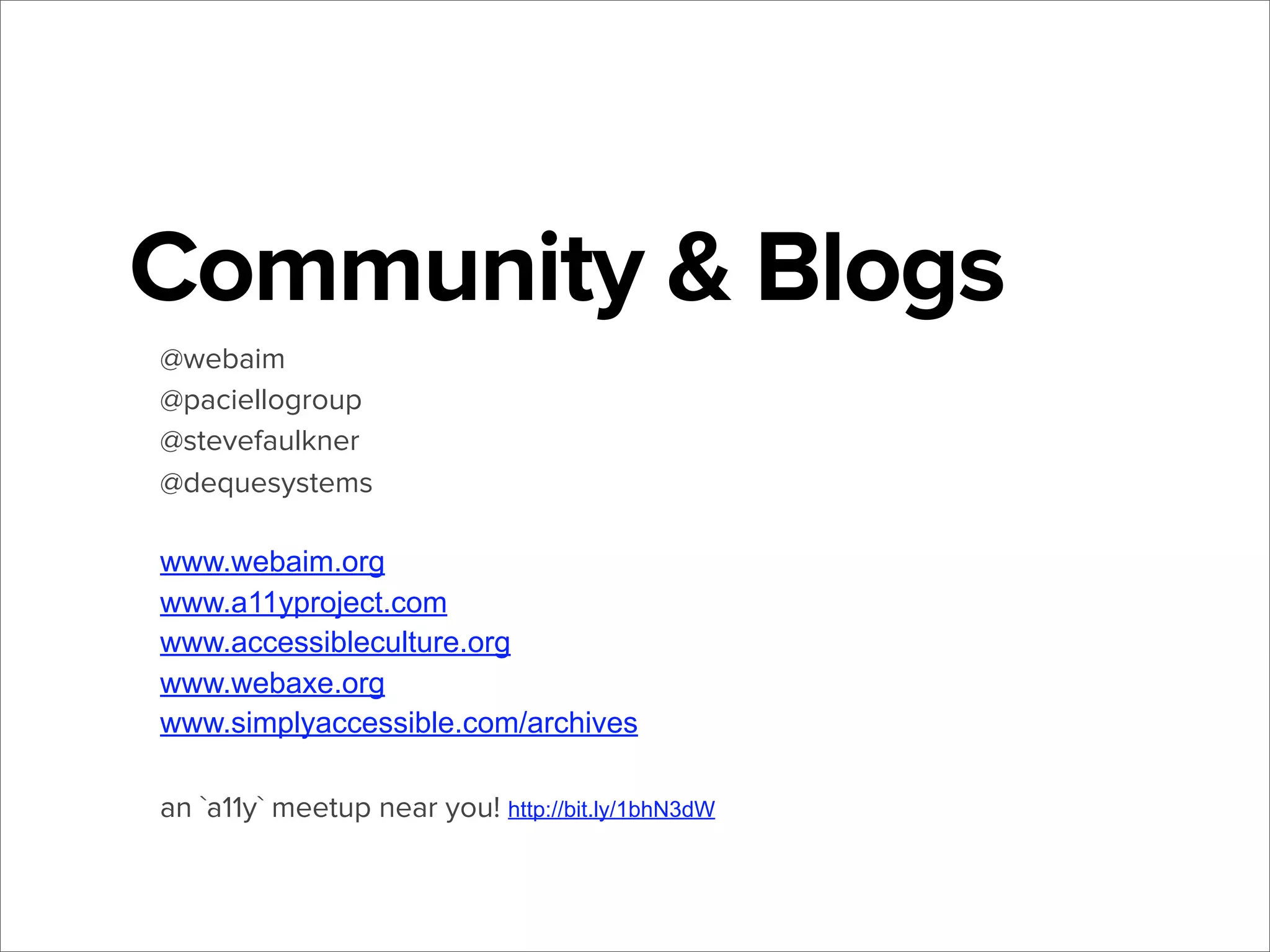
Community & Blogs
@webaim
@paciellogroup
@stevefaulkner
@dequesystems
www.webaim.org
www.a11yproject.com
www.accessibleculture.org
www.webaxe.org
www.simplyaccessible.com/archives
an `a11y` meetup near you! http://bit.ly/1bhN3dW

Accessibility - A feature you can build

  • 1.
    Accessibility (a11y) A featureyou can build jQuery San Diego 2014 Monika Piotrowicz (@monsika)
  • 2.
    Monika Piotrowicz Front End WebDeveloper Shopify @monsika @shopify
  • 3.
    I’m just... A regularFront End Developer...
  • 4.
    So how’d Iget here? A short story, starring WCAG 2.0 AA
  • 5.
    Today • Introduction toaccessibility • Techniques you can implement today • Introduction to screen readers & ARIA • Testing tips
  • 6.
    Web Accessibility • “When sitesare correctly designed, developed and edited, all users can have equal access to information and functionality” - Wikipedia • • • “Able to be easily obtained or used; easily understood or appreciated” - Oxford Dictionary Accessibility ~ Usability All people can use an application, and it should be easy to use for all people;
  • 7.
    rough Accessibility by the#’s Group Population Vision Problems1 3-10% Colorblindness2 4-8% Physical Functioning1 8% Cognitive Difficulty1 6% Hearing Difficulty 3-11% Assistive Tools • • • • • screen readers screen magnifiers keyboard-only braille display bumped font size 1 - CDC Summary Health Statistics for U.S. Adults: National Health Interview Survey, 2011 http://1.usa.gov/M6tObC (under 65/over 65) 2 - Range worldwide prevalence of red-green color deficiency among men, 2012 http://1.usa.gov/M6tKsz
  • 8.
  • 9.
  • 10.
  • 12.
  • 13.
  • 14.
    First Steps • functionalkeyboard-only • fallbacks for visual information • well-functioning forms
  • 16.
    Keyboard Strategy • obvious focusstates (keep those outlines!)
  • 17.
  • 18.
    Keyboard Strategy ✓ obviousfocus states (keep those outlines!) • fallbacks for :hover & click() ↳ :focus & keydown()
  • 19.
    Keyboard Strategy ✓ obviousfocus states (keep those outlines!) ✓ fallbacks for :hover & click() ↳ :focus & keydown() • add tabIndex=0 & key events to non-focusable elements
  • 20.
    Keyboard Strategy ✓ obviousfocus states (keep those outlines!) ✓ fallbacks for :hover & click() ↳ :focus & keydown() ✓ add tabIndex=0 & key events to non-focusable elements • avoid keyboard traps & wasting time
  • 21.
    Keyboard Strategy ✓ obviousfocus states (keep those outlines!) ✓ fallbacks for :hover & click() ↳ :focus & keydown() ✓ add tabIndex=0 & key events to non-focusable elements ✓ avoid keyboard traps & wasting time • HTML can get you there, FREE! WebAIM http://bit.ly/M24Da2 Keyboard Events http://bit.ly/M241Br
  • 22.
    Wanted: Free Events! <spanclass="btn-style toggle-trigger">Click to Toggle</span> <a href="#" class="btn-style toggle-trigger">Click to Toggle</a> <button type="button" class="toggle-trigger">Click to Toggle</ button> Use the button element http://bit.ly/1efaOO1 Links aren’t buttons http://bit.ly/1efaT4o
  • 24.
    Visual Considerations • startwith a good font size & high contrast • • • WCAG Contrast Checker (FF) http://mzl.la/1eeYiyf Contrast Checker - http://bit.ly/1eeYZYh (by a fellow Shopify-er) NoCoffee (Chrome) http://bit.ly/1ljQvFF
  • 25.
    Visual Considerations ✓ startwith a good font size & high contrast • • • WCAG Contrast Checker (FF) http://mzl.la/1eeYiyf Contrast Checker - http://bit.ly/1eeYZYh (by a fellow Shopify-er) NoCoffee (Chrome) http://bit.ly/1ljQvFF • don’t rely on color alone • add legends and texture or symbols
  • 26.
  • 27.
    Visual Considerations ✓ startwith a good font size & high contrast • • • WCAG Contrast Checker (FF) http://mzl.la/1eeYiyf Contrast Checker - http://bit.ly/1eeYZYh (by a fellow Shopify-er) NoCoffee (Chrome) http://bit.ly/1ljQvFF ✓ don’t rely on color alone • • add legends and texture or symbols all images have a meaningful alt attribute • W3C How to write Alt Text http://bit.ly/1aKwIOg • More from A List Apart http://bit.ly/1aKwRkI
  • 29.
    Forms • Every form fieldincludes a real label <label for="[INPUT ID]">
  • 30.
    Forms ✓ Every formfield includes a real label <label for="[INPUT ID]"> • Labels can include help, required, error text
  • 31.
    Forms ✓ Every formfield includes a real label <label for="[INPUT ID]"> ✓ Labels can include help, required, error text • Provide meaningful message on form error WebAIM Forms http://bit.ly/1aKw2bM WebAIM Validation http://bit.ly/1aKw6bB Accessible Form Labeling http://bit.ly/1aKw83b
  • 33.
  • 34.
    VoiceOver TalkBack TRY ONE!! How elsecan you expect to build for one? NVDA JAWS
  • 35.
    How do theywork? • announce generated HTML in source order
  • 36.
    Screen reader 101 • • Usekeyboard to navigate and find content 98.6% of screen reader users have JS enabled!1 • Highly customizable 1 - WebAIM Survey http://bit.ly/1aKvVgp
  • 37.
    HTML COUNTS! headings, • Shortcutsdrill down toetc landmarks, lists, links,
  • 38.
    Headings • • • • Main way screenreader users navigate Do your main content areas have headings? Are they descriptive? Do they follow a hierarchy? (h1 >> h6) H1 Blog H2 Recent Articles H3 Article Title H3 Article Title H3 Article Title H2 About Me H3 Contact Me H3 Footer Title Document Outline http://bit.ly/1ef9ScA The Section Element http://bit.ly/1ef9TNN Accessible Headings http://bit.ly/1ef9QBr Using Sections http://bit.ly/1ef9Ykx
  • 39.
    SR’s ignore... • imgwith empty alt attribute alt="" • display: none; • visibility: hidden; • :before content, :after content* (sort of) • keep in mind for icons and icon fonts! .icon-star:before { content: “★”; } * in most cases, so assume it won’t be announced Accessible Icon Fonts http://bit.ly/1efabUP
  • 40.
    SR’s won’t ignore • • • content“hidden” with opacity, z-index, height off-screen positioning (text-indent, top, left) CSS clipping* .sr-only, .visuallyhidden { border: 0; clip: rect(0 0 0 0); height: 1px; margin: -1px; overflow: hidden; padding: 0; position: absolute; width: 1px; } * as seen in HTML5 BP, Twitter Bootstrap, etc. WebAIM Invisible Content http://bit.ly/1efaij8
  • 41.
    Beyond the basics There’sgotta be more to screen readers than just that, right?
  • 43.
    ARIA • Semantic informationand better interactions for screen readers • Applied directly to HTML • • Part of HTML5 spec • Roles, states & properties Does not affect styles or non-SR behavior HTML5 Spec (W3C) http://bit.ly/1aKxXx5 ARIA Spec (W3C) http://bit.ly/1aKya3f
  • 44.
    Roles • Create newsemantic meaning for elements via “role-” attribute • Once set, they don’t change <nav role="navigation"> <article role="article"> <div role="tablist"> <div role="combobox">
  • 45.
    Landmark Roles Define top-levelpage sections for easy navigation Role •main •banner •navigation •search •complimentary •contentinfo •form Using Landmarks http://bit.ly/1aKyuyQ WebAIM Landmarks http://bit.ly/1aKytem HTML 5 ........ <main> ........ <header> ........ <nav> ........ <form> (search form) ........ <aside> ........ <footer>
  • 46.
  • 47.
    Widget Roles Semantic meaningto your custom components • tooltip • slider • dialog • tab • progressbar • combobox • menu • alert .. and many more!
  • 48.
    <ul class="tab-controls"> <li> <a href="#first-tab"class="current-item">Panel 1</a> </li> <li> <a href="#second-tab" class="current-item">Panel 2</a> </li> <li> <a href="#third-tab" class="current-item">Panel 3</a> </li> </ul> <div id="tab-container"> <div class="tab-panel" id="first-tab"> <ul class="tab-controls" role="tablist"> <div class="tab-contents"> <li> <p>Tab Contents</p> </div> <a href="#first-tab" class="current</div> item" role="tab">Panel 1</a> <div class="tab-panel" id="second-tab"> <div class="tab-contents"> <div id="tab-container"> <p>Tab Contents</p> </div> <div class="tab-panel" id="first-tab" </div> role="tab-panel"> <div class="tab-panel" id="third-tab"> <div class="tab-contents"> <p>Tab Contents</p> </div> </div> </div> ???
  • 49.
    States & Properties •Describe relationships - between content & between user interactions • updated via JS on UI changes • attribute starts with “aria-” prefix <section aria-labelledby="MainHeading"> <input aria-label="first 3 digits" ariadescribed="PhoneHelpText" aria-invalid="true"> <div aria-expanded="true"> <button aria-controls="ToggledContent">
  • 50.
    Content Relationships • Semanticallylink labels to content or add them when missing • aria-labelledby, aria-label <section aria-labelledby="HeadingAbout"> <h1 id="HeadingAbout">About Potato Chips</h1> <p>.... Make the most of landmarks http://bit.ly/M1TFSb
  • 51.
    Content Relationships • Semanticallylink labels to content or add them when missing • aria-labelledby, aria-label <nav role="navigation" aria-label="Chip Section Navigation"> <ul> <li> <a href="/types">Flavors</a> </li>
  • 52.
    The more youknow It's just HTML! .elem[aria-hidden = "false"] { display: block; } .elem[aria-invalid ="false"] { background: #999; } .elem[aria-expanded = "true"] { height: 100%; background-image: url("sprite/down-arrows.jpg"); }
  • 54.
    Putting it alltogether • • • • • jQueryUI https://jqueryui.com/ Practical ARIA Examples http://bit.ly/1bhMqBg HTML5 & ARIA Design Patterns http://bit.ly/1bhMlNZ Accessible Forms with ARIA http://bit.ly/1bhMv7M Bootstrap Accessibility Plugin (PayPal) http://bit.ly/1bhM8dy
  • 55.
    Using ARIA Wisely • • • ARIAis a bridge, not a replacement. • USE plain HTML if you can Not magic and makes no promises • Events, focus management, keyboard support, and meaningful structure is still up to you Only way to know for sure... TEST
  • 56.
    ARIA Resources W3C Intro http://www.w3.org/TR/wai-aria-primer/ W3CHow-to with design patterns http://www.w3.org/TR/wai-aria-practices/ W3C Supporting Info for developers http://www.w3.org/TR/aria-in-html/ WEBAIM Introduction http://webaim.org/techniques/aria/ Warnings and Perspectives http://alistapart.com/article/the-accessibility-of-wai-aria General Information https://developer.mozilla.org/en-US/docs/Web/Accessibility/ARIA ARIA Validation http://validator.nu
  • 57.
  • 58.
    Automated Tools • • • • WebAIM WAVE(FF) http://wave.webaim.org/toolbar/ Accessibility Developer Tools (Chrome) http://bit.ly/1fW0W0A Web Developer Toolbar (Chrome & FF) http://bit.ly/1dA2JmY Quail Project quailjs.org http://quailjs.org/sprint/
  • 60.
    Manual Testing • disableall images • test with just a keyboard • load it in a screen reader • load it in another screen reader Does your page make sense? Is it usable ? 10 Tips anyone can use http://bit.ly/1efaA9N 6 Tests anyone can do http://bit.ly/1efaC1c
  • 61.
    Unsolicited Advice • Startsmall, there’s still a big impact • Prioritize areas/pages • • • main navigation? contact us form? homepage? • Document as you go
  • 62.
  • 63.
    What I’ve learned •Bake it in, don’t tack it on • Awesome and helpful community • You may find it hard to stop...
  • 64.
    Behind all thesechecklists, rules, and regulations, there are people just trying to use your site. So make it useable, for everybody.
  • 65.
  • 66.
  • 67.
    General HTML5 Accessibility http://bit.ly/LVR8YX AccessibilityEvaluation Quick Reference http://bit.ly/M6tgCF Mozilla Dev Network ARIA http://mzl.la/M6u9ez Apple Accessibility Resources http://bit.ly/M6tkSL Screen Readers WebAIM Screen Reader Testing http://bit.ly/M6sLIH Videos of Screen Readers In Use http://bit.ly/M6sR39 How browsers interact with screen readers http://bit.ly/M6sUfi NVDA resources WebAIM NVDA http://bit.ly/M6sZj5 WebAIM NVDA Shortcuts http://bit.ly/M6t0n2 Using NVDA and FF to test pages http://bit.ly/M6t6Lu Installing NVDA in a VM http://bit.ly/M6t8D4 VoiceOver resources WebAIM VoiceOver http://bit.ly/M6tbyS Apple VoiceOver User Guide http://bit.ly/M6tolE Apple Developer Accessibility Guide http://bit.ly/M6ttpe JAWS resources WebAIM JAWS http://bit.ly/M6tw4D WebAIM JAWS Shortcuts http://bit.ly/M6sBRM
  • 68.