Computer Science 2210
Internet Principles of
Operation
By Inqilab Ruknuddin Patel
inqilab@ruknuddin.com
www.ruknuddin.com
Objectives:
•show understanding of the role of the browser and
Internet server
•show understanding of what is meant by hypertext
transfer protocol (http) and HTML
•distinguish between HTML structure and
presentation
•show understanding of the concept of MAC
address, Internet Protocol (IP) address and cookies
What is Internet?
The Internet is a global system of interconnected computer
networks that use the standard Internet protocol suite to
serve billions of users worldwide.
It is a network of networks that consists of millions of
private, public, academic, business, and government
networks, of local to global scope, that are linked by a broad
array of electronic, wireless and optical networking
technologies.
Internet carries an extensive range of information resources
and services, such as the inter-linked hypertext documents
of the World Wide Web (WWW) and the infrastructure to
support email.
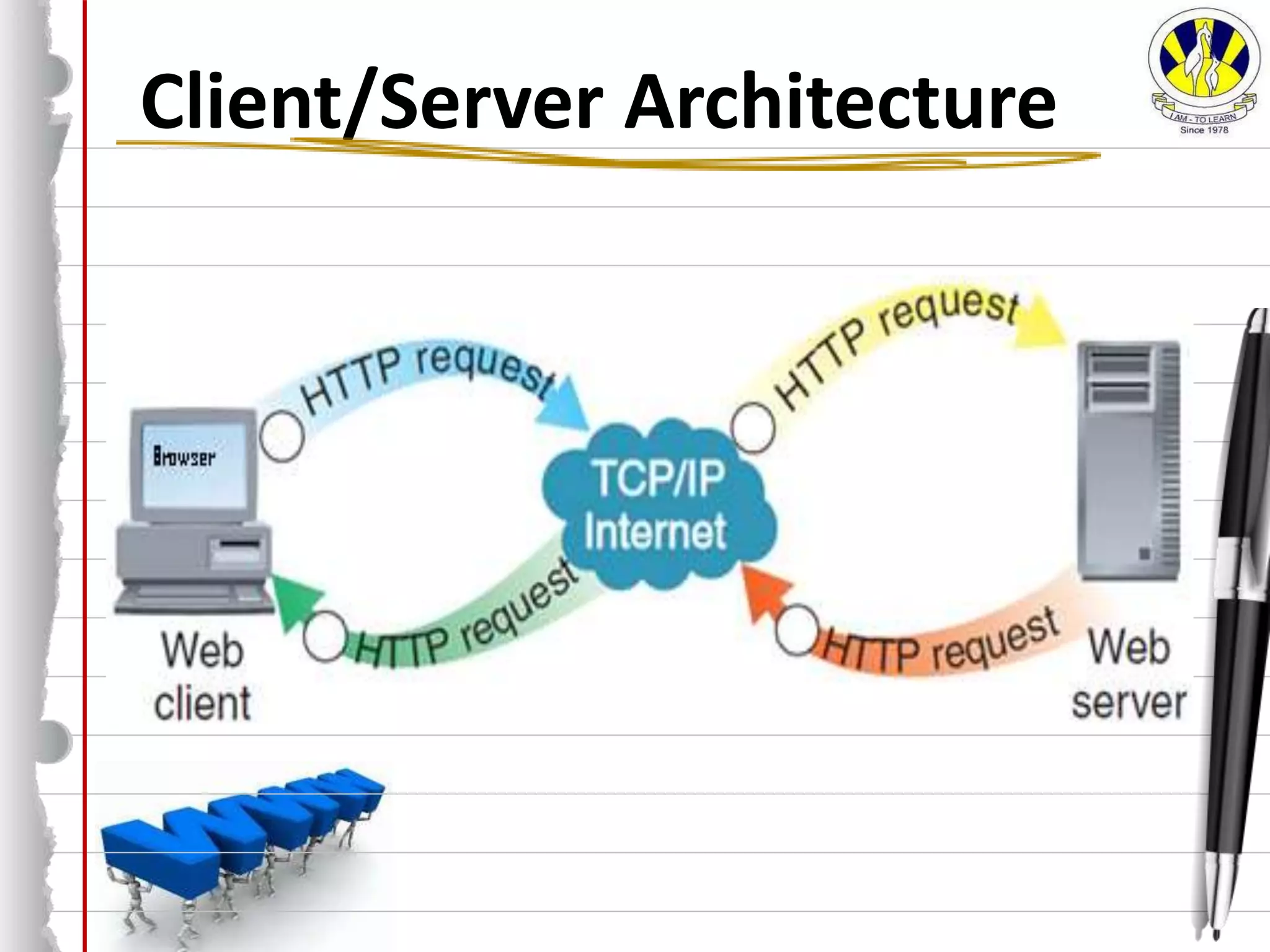
Client/Server Architecture
A network architecture in which each computer or process
on the network is either a client or a server.
Internet server (web server) is a special computer, on which
websites are stored. Web Server is constantly switched on
and connected to the Internet so that each Internet user
around the world can access website at all times. This
computer is built up with selected high quality components,
which can endure incessant work and high load.
Clients are PCs or workstations on which users run
applications.
Client/Server Architecture
Web Client
Web client is a computer, on which user actually
works. It has web browser to locate, retrieve and
display contents on web servers.
The user logs onto a client computer which then
connects to the server, verifies the user and then
allows them access to the files stored on the server
that they have permission to access.
Web Browser
Web browser is a software application used to
locate, retrieve and also display content on the
World Wide Web, including Web pages, images,
video and other files.
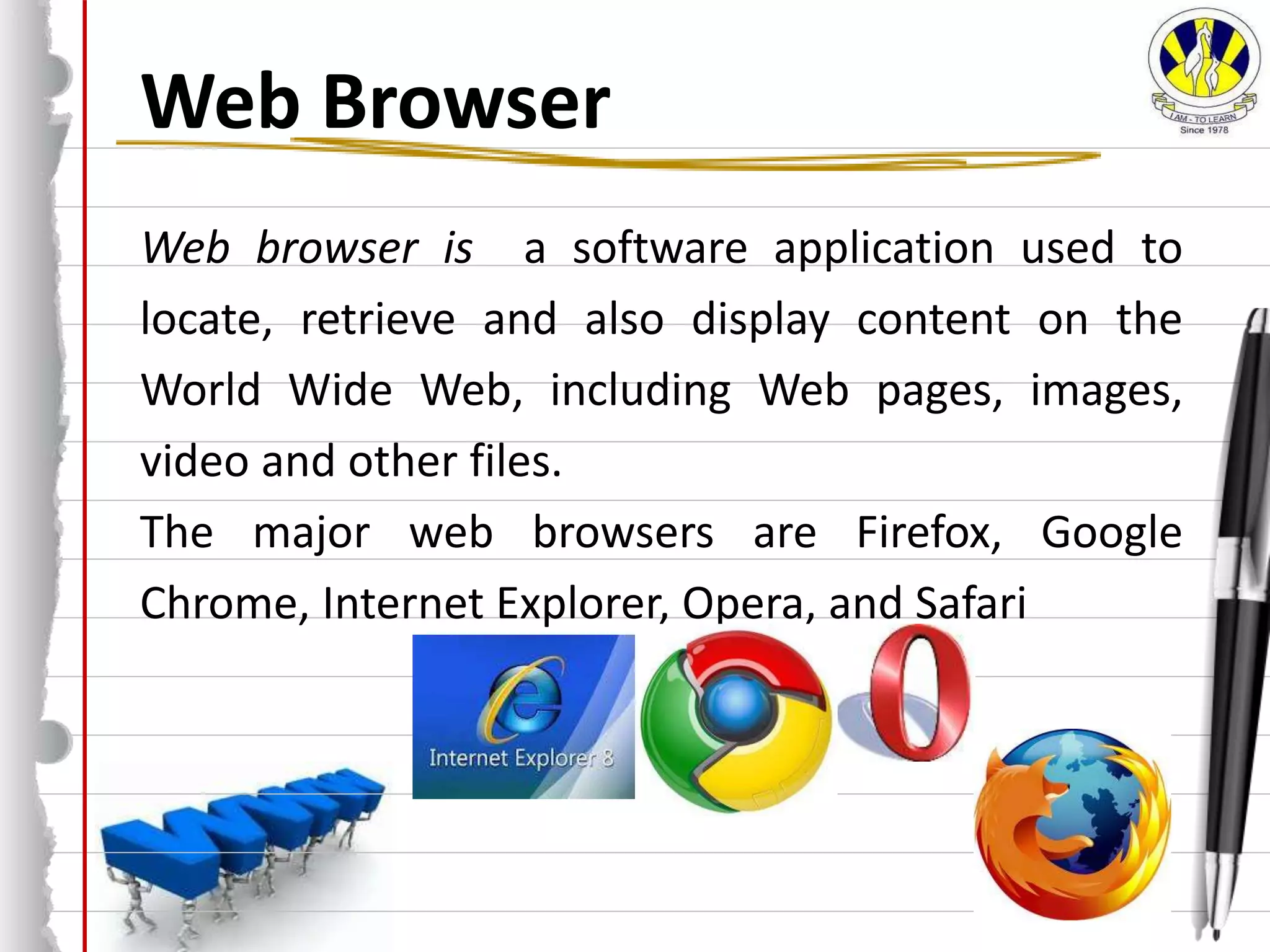
The major web browsers are Firefox, Google
Chrome, Internet Explorer, Opera, and Safari
Web Server
Web server is a special computer, on which
websites are stored.
Web Server is constantly switched on and
connected to the Internet so that each Internet
user around the world can access website at all
times.
This computer stores:
Websites
Images & Videos
Files
HTML
HTML is the "mother tongue" of your browser.
HTML (Hyper Text Mark-up Language) is the
authoring language, used to create web pages and
other information that can be displayed in a web
browser.
The websites are developed in HTML and stored on
Web Servers. When User types the URL of website,
browser locates and fetches the website from
server on clients computer and displays contents.
HTTP
HTTP (HyperText Transfer Protocol), the underlying
protocol used by the World Wide Web. HTTP
defines how messages are formatted and
transmitted, and what actions Web servers and
browsers should take in response to various
commands. For example, when you enter a URL in
your browser, this actually sends an HTTP command
to the Web server directing it to fetch and transmit
the requested Web page.
Protocols
A protocol is the set of rules that define how
devices communicate.
how the communication will start
the transmission speed
the significance of the bits being transmitted
how the bits will be delivered (one at a time or in
groups of 16 for example)
error checking procedures used
The Internet Protocol is known as TCP/IP.
IP Addressing
An Internet Protocol (IP) address is a unique 32-bit reference number
that is allocated to devices on a computer network that uses the
Internet Protocol.
IP addresses are stored as 32-bit numbers
2^(32) = 4 billion possible unique IP addresses
For our convenience IP addresses are usually displayed as a series of 4
decimal numbers, each one representing 8 bits of the original binary
address.
32-bit binary version: 110010011010000001011011011111111
11001001  201
10100000  160
01011011  91
01111111  127
decimal version: 201.160.91.127
Some IP addresses are reserved for private network ranges e.g.
10.0.0.0 - 10.255.255.255
172.16.0.0 - 172.31.255.255
192.168.0.0 - 192.168.255.255
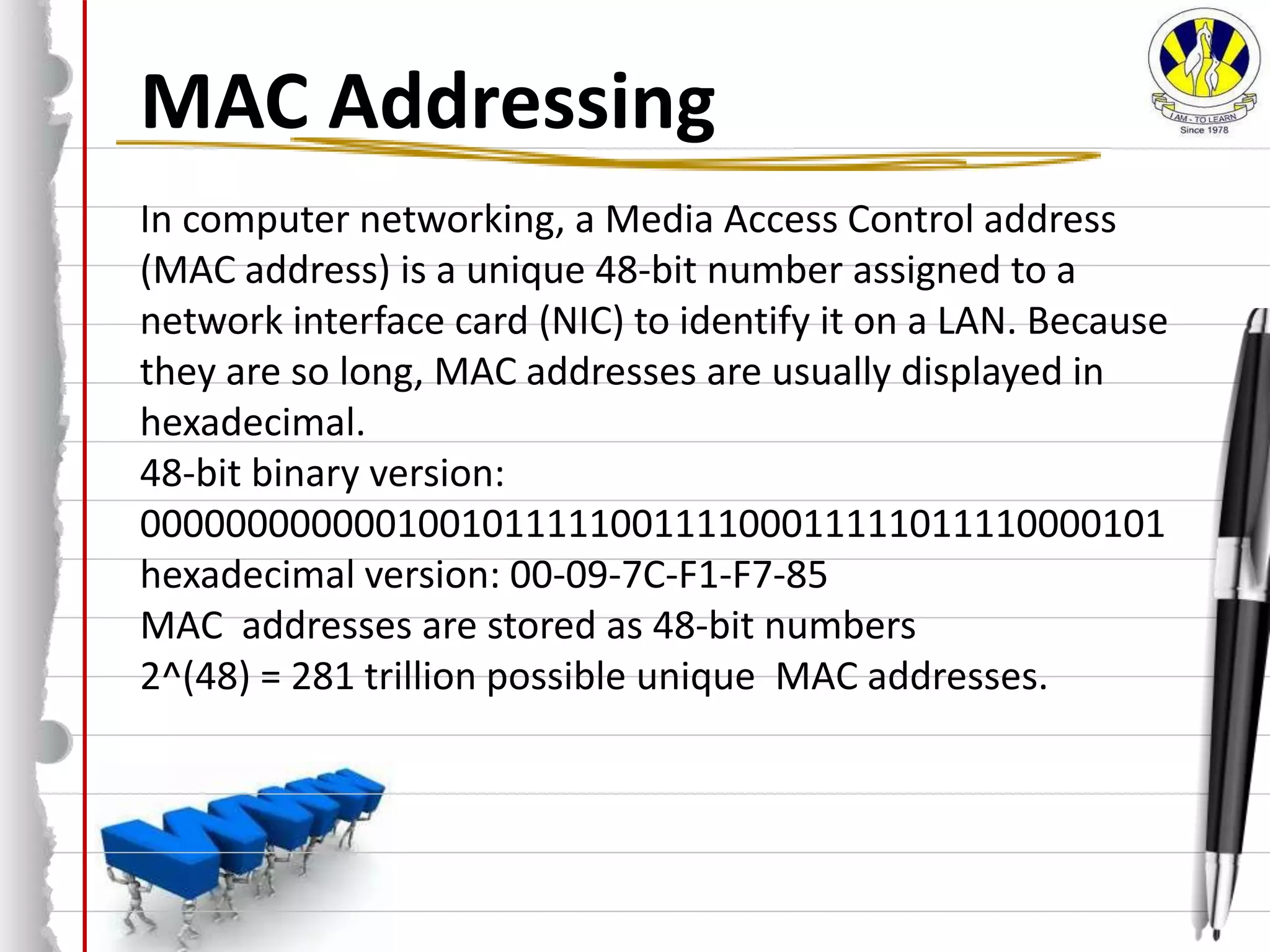
MAC Addressing
In computer networking, a Media Access Control address
(MAC address) is a unique 48-bit number assigned to a
network interface card (NIC) to identify it on a LAN. Because
they are so long, MAC addresses are usually displayed in
hexadecimal.
48-bit binary version:
000000000000100101111100111100011111011110000101
hexadecimal version: 00-09-7C-F1-F7-85
MAC addresses are stored as 48-bit numbers
2^(48) = 281 trillion possible unique MAC addresses.
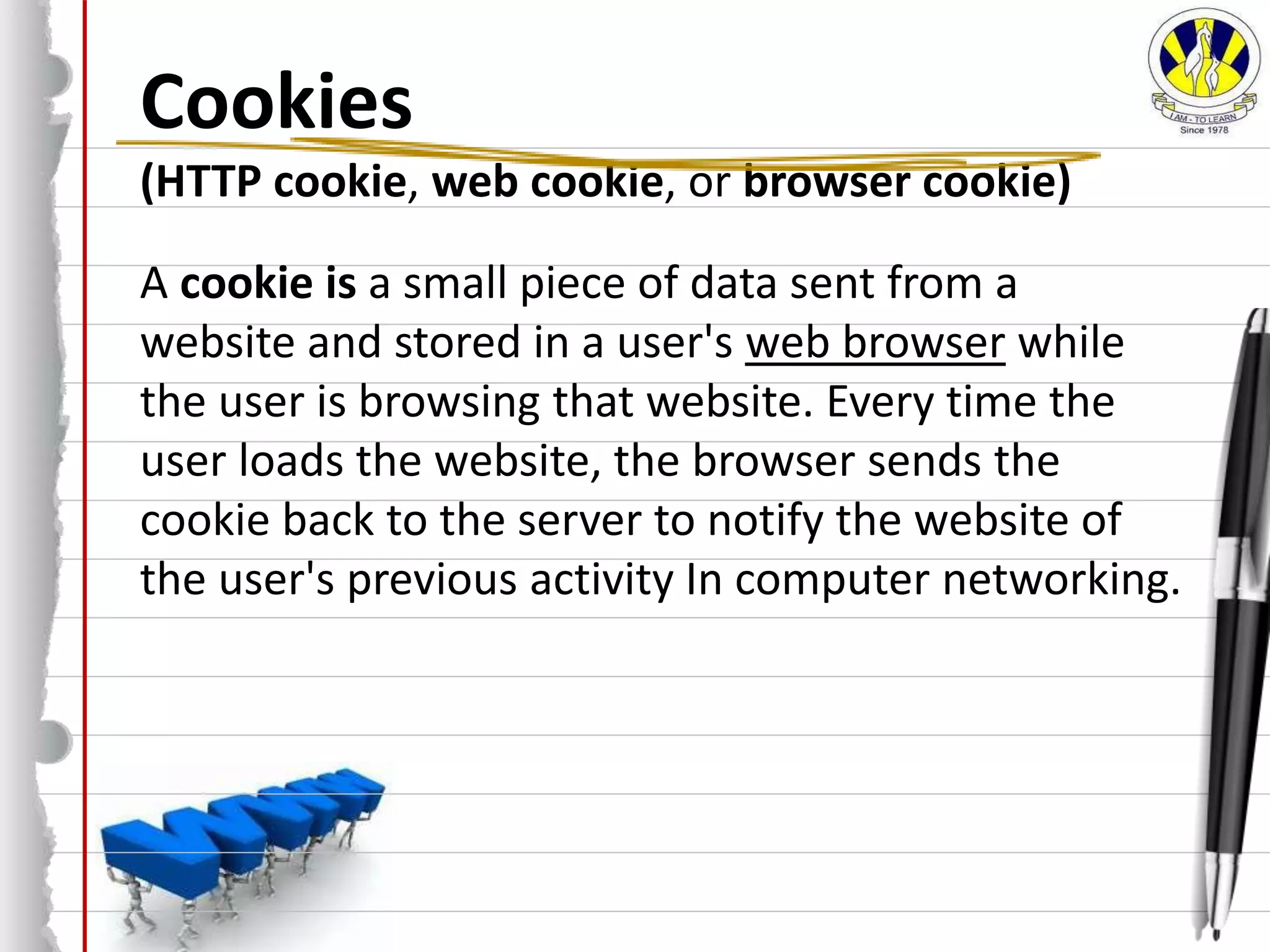
Cookies
(HTTP cookie, web cookie, or browser cookie)
A cookie is a small piece of data sent from a
website and stored in a user's web browser while
the user is browsing that website. Every time the
user loads the website, the browser sends the
cookie back to the server to notify the website of
the user's previous activity In computer networking.
Thank you
By Inqilab Ruknuddin Patel
inqilab@ruknuddin.com
www.ruknuddin.com

Internet principles of operation

  • 1.
    Computer Science 2210 InternetPrinciples of Operation By Inqilab Ruknuddin Patel inqilab@ruknuddin.com www.ruknuddin.com
  • 2.
    Objectives: •show understanding ofthe role of the browser and Internet server •show understanding of what is meant by hypertext transfer protocol (http) and HTML •distinguish between HTML structure and presentation •show understanding of the concept of MAC address, Internet Protocol (IP) address and cookies
  • 3.
    What is Internet? TheInternet is a global system of interconnected computer networks that use the standard Internet protocol suite to serve billions of users worldwide. It is a network of networks that consists of millions of private, public, academic, business, and government networks, of local to global scope, that are linked by a broad array of electronic, wireless and optical networking technologies. Internet carries an extensive range of information resources and services, such as the inter-linked hypertext documents of the World Wide Web (WWW) and the infrastructure to support email.
  • 4.
    Client/Server Architecture A networkarchitecture in which each computer or process on the network is either a client or a server. Internet server (web server) is a special computer, on which websites are stored. Web Server is constantly switched on and connected to the Internet so that each Internet user around the world can access website at all times. This computer is built up with selected high quality components, which can endure incessant work and high load. Clients are PCs or workstations on which users run applications.
  • 5.
  • 6.
    Web Client Web clientis a computer, on which user actually works. It has web browser to locate, retrieve and display contents on web servers. The user logs onto a client computer which then connects to the server, verifies the user and then allows them access to the files stored on the server that they have permission to access.
  • 7.
    Web Browser Web browseris a software application used to locate, retrieve and also display content on the World Wide Web, including Web pages, images, video and other files. The major web browsers are Firefox, Google Chrome, Internet Explorer, Opera, and Safari
  • 8.
    Web Server Web serveris a special computer, on which websites are stored. Web Server is constantly switched on and connected to the Internet so that each Internet user around the world can access website at all times. This computer stores: Websites Images & Videos Files
  • 9.
    HTML HTML is the"mother tongue" of your browser. HTML (Hyper Text Mark-up Language) is the authoring language, used to create web pages and other information that can be displayed in a web browser. The websites are developed in HTML and stored on Web Servers. When User types the URL of website, browser locates and fetches the website from server on clients computer and displays contents.
  • 10.
    HTTP HTTP (HyperText TransferProtocol), the underlying protocol used by the World Wide Web. HTTP defines how messages are formatted and transmitted, and what actions Web servers and browsers should take in response to various commands. For example, when you enter a URL in your browser, this actually sends an HTTP command to the Web server directing it to fetch and transmit the requested Web page.
  • 11.
    Protocols A protocol isthe set of rules that define how devices communicate. how the communication will start the transmission speed the significance of the bits being transmitted how the bits will be delivered (one at a time or in groups of 16 for example) error checking procedures used The Internet Protocol is known as TCP/IP.
  • 12.
    IP Addressing An InternetProtocol (IP) address is a unique 32-bit reference number that is allocated to devices on a computer network that uses the Internet Protocol. IP addresses are stored as 32-bit numbers 2^(32) = 4 billion possible unique IP addresses For our convenience IP addresses are usually displayed as a series of 4 decimal numbers, each one representing 8 bits of the original binary address. 32-bit binary version: 110010011010000001011011011111111 11001001  201 10100000  160 01011011  91 01111111  127 decimal version: 201.160.91.127 Some IP addresses are reserved for private network ranges e.g. 10.0.0.0 - 10.255.255.255 172.16.0.0 - 172.31.255.255 192.168.0.0 - 192.168.255.255
  • 13.
    MAC Addressing In computernetworking, a Media Access Control address (MAC address) is a unique 48-bit number assigned to a network interface card (NIC) to identify it on a LAN. Because they are so long, MAC addresses are usually displayed in hexadecimal. 48-bit binary version: 000000000000100101111100111100011111011110000101 hexadecimal version: 00-09-7C-F1-F7-85 MAC addresses are stored as 48-bit numbers 2^(48) = 281 trillion possible unique MAC addresses.
  • 14.
    Cookies (HTTP cookie, webcookie, or browser cookie) A cookie is a small piece of data sent from a website and stored in a user's web browser while the user is browsing that website. Every time the user loads the website, the browser sends the cookie back to the server to notify the website of the user's previous activity In computer networking.
  • 15.
    Thank you By InqilabRuknuddin Patel inqilab@ruknuddin.com www.ruknuddin.com