
How To Get Started
With Guest Blogging
What is guest blogging?
Guest blogging is simply creating
content and publishing it on another
blog (that you don’t own).
Why guest blog?
➢ It builds your network and authority
➢ It allows you to get in front of another
audience
➢ It positions you as an expert and gives
you credibility & authority
➢ It is a great way of bringing new people
to your website
How to find guest posting
opportunities
➢ Start a list or Google doc of blogs that attract your ideal client
(I’ll share mine with you)
➢ Make note of the most popular posts. Why? Well I saw
Photobusinesstools.com wrote a post about blogging and I
offered to build on that by writing a post about how to get
your blog posts in front of your potential customers. It helped
the site owner because it built on a topic she was already
covering and that performed well.
➢ Look for contact information (name and email) and any guest
posting guidelines on the site
How to find guest posting
opportunities
➢ Use Google to find opportunities. Replace keyword with
keywords that fit what you’re looking for like “eco-friendly
wedding”
keyword “submit a guest post”
keyword “guest post”
keyword “guest post by”
keyword “accepting guest posts”
keyword “guest post guidelines”
➢ If your competitors have “press” or “as seen on” pages, add the
blogs they’ve written for to your list.
➢ Search alltop.com
Pitching
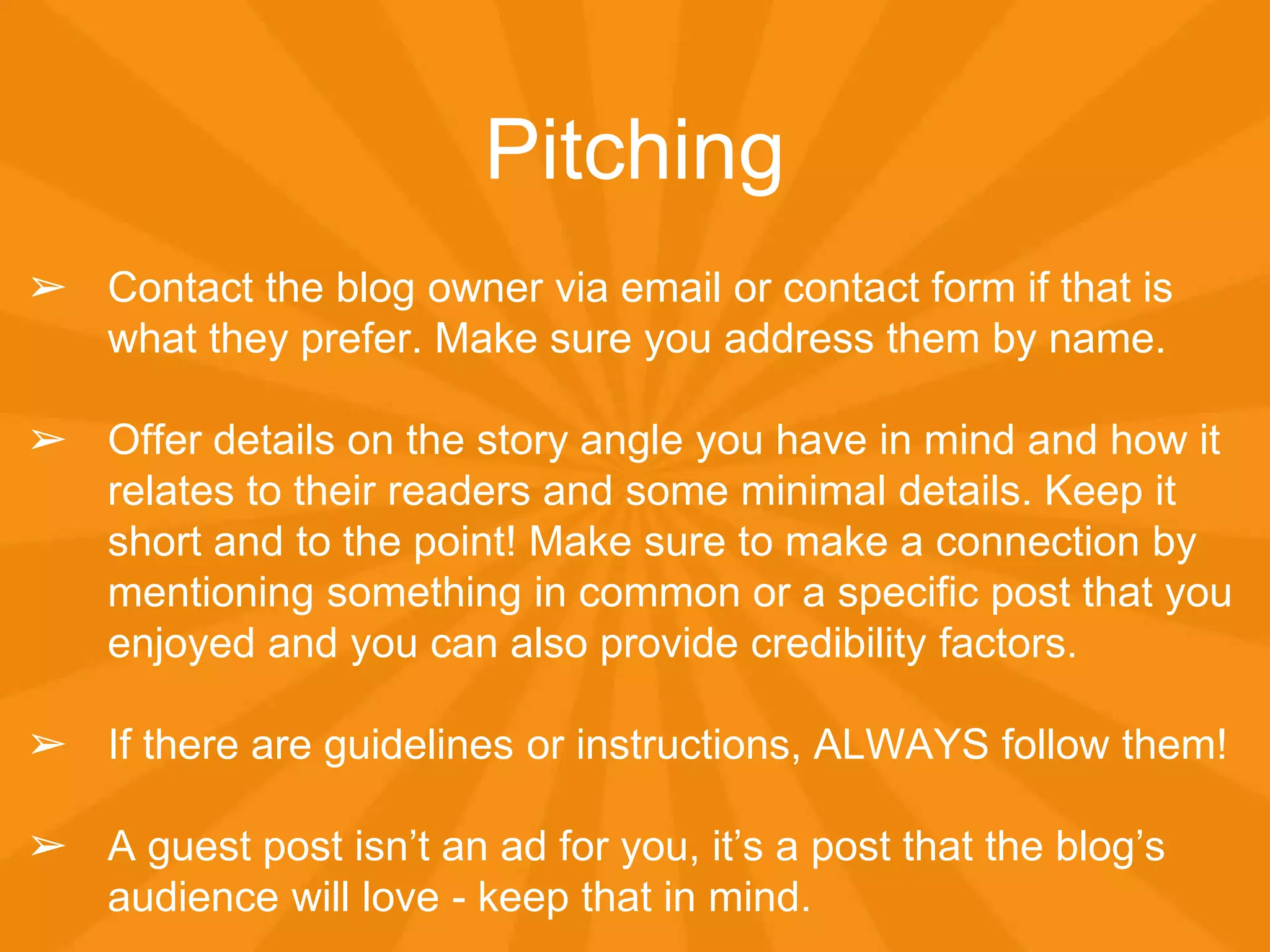
➢ Contact the blog owner via email or contact form if that is
what they prefer. Make sure you address them by name.
➢ Offer details on the story angle you have in mind and how it
relates to their readers and some minimal details. Keep it
short and to the point! Make sure to make a connection by
mentioning something in common or a specific post that you
enjoyed and you can also provide credibility factors.
➢ If there are guidelines or instructions, ALWAYS follow them!
➢ A guest post isn’t an ad for you, it’s a post that the blog’s
audience will love - keep that in mind.
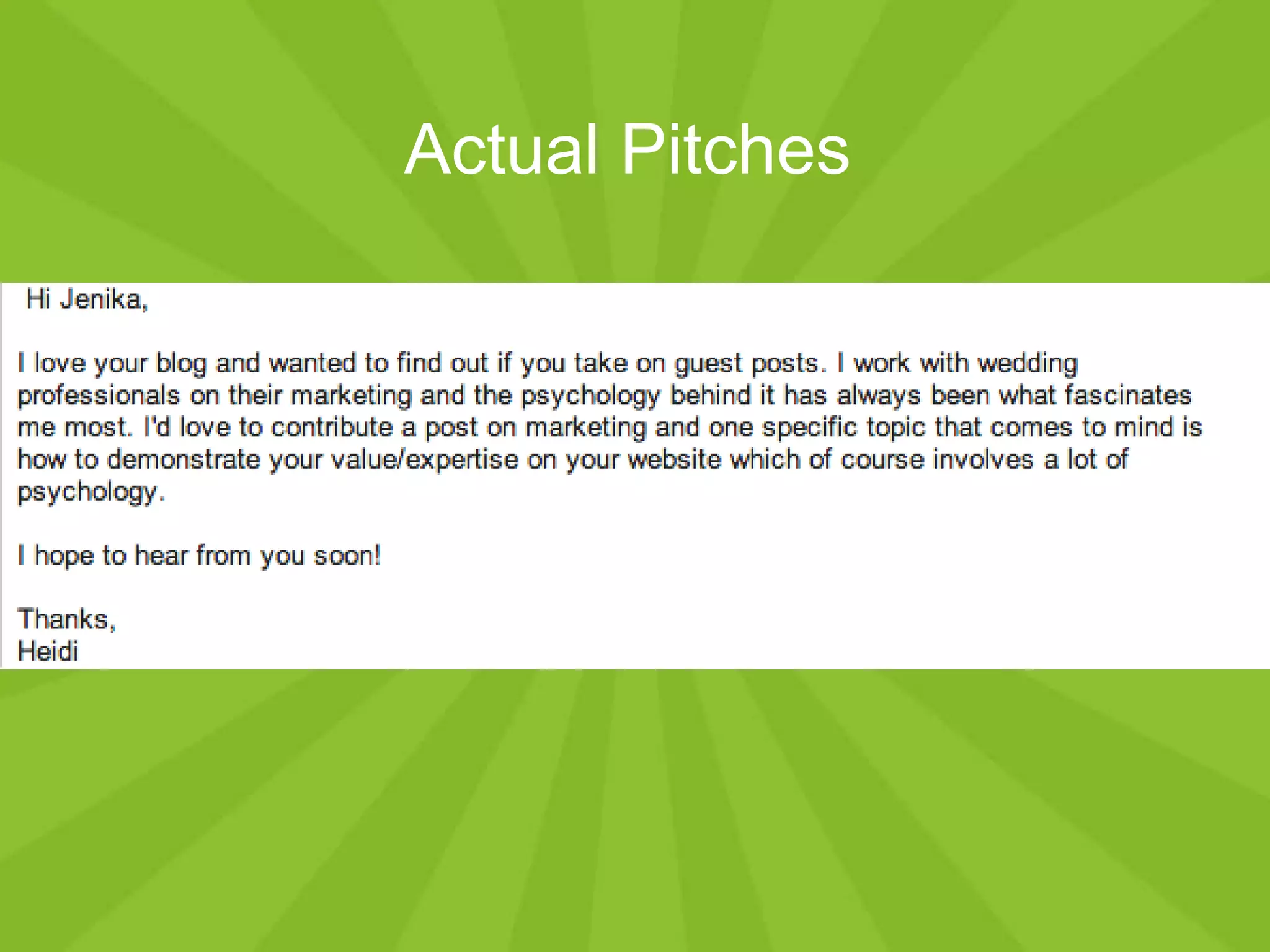
Actual Pitches
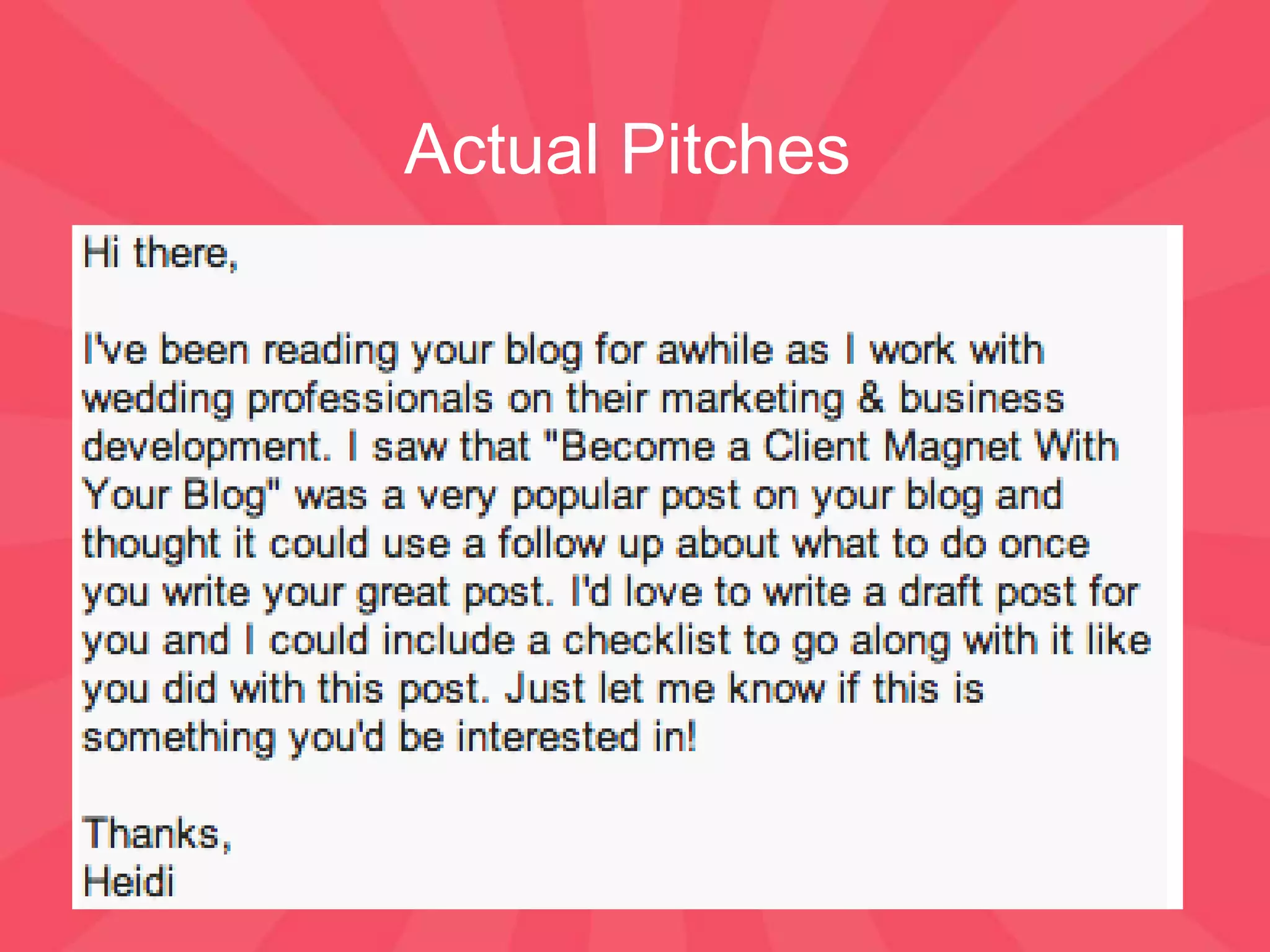
Actual Pitches
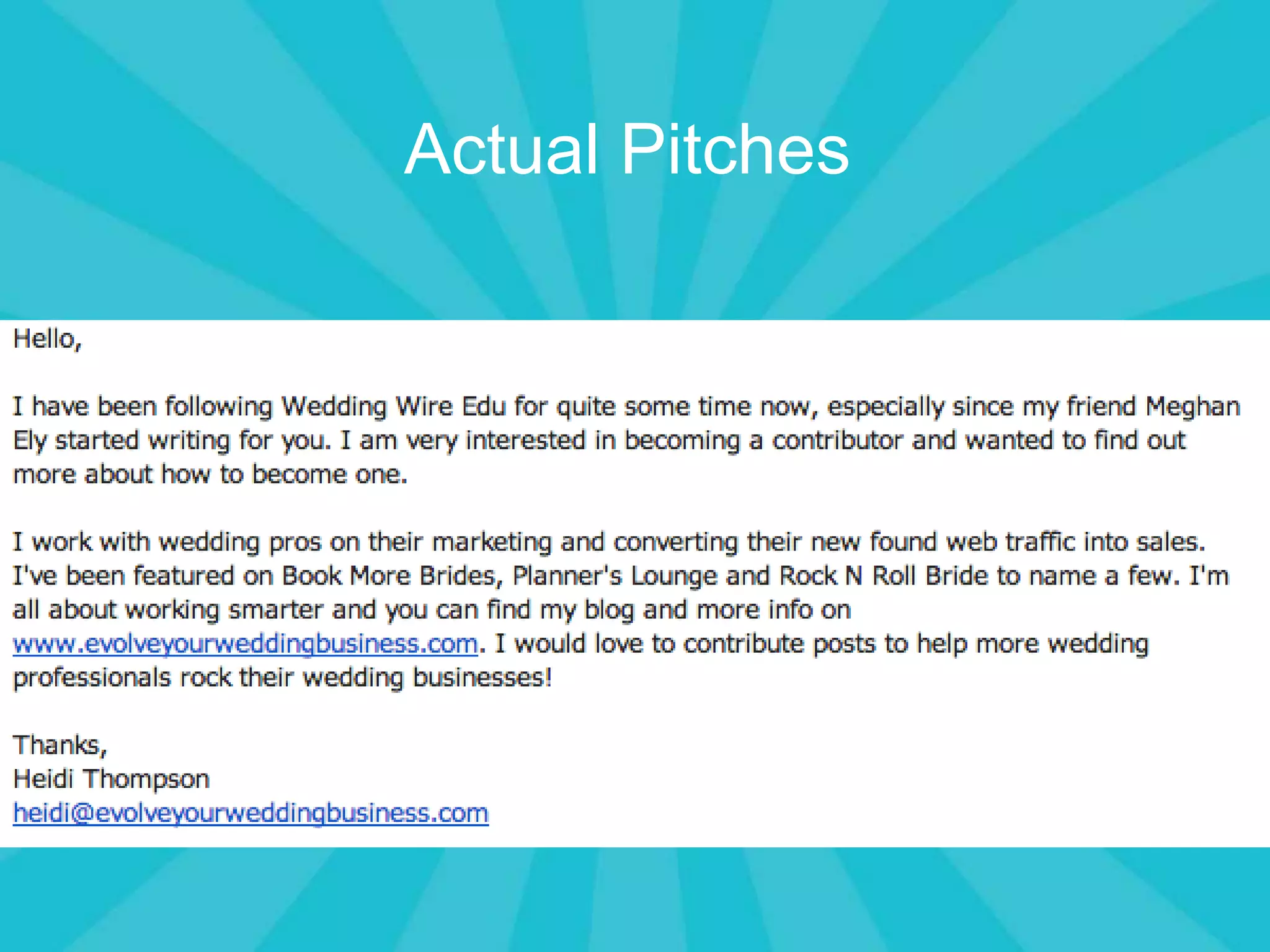
Actual Pitches
Then what?
➢ If you don’t hear back within about a week, send them an
email to follow up!
➢ If they say no, remember that it often means not right now
and ask if you can drop them an email in 3 months to see if it
would be a better fit then.
➢ Make sure to include at least 1 post idea but offering more
than 1 allows them to choose instead of just saying no.
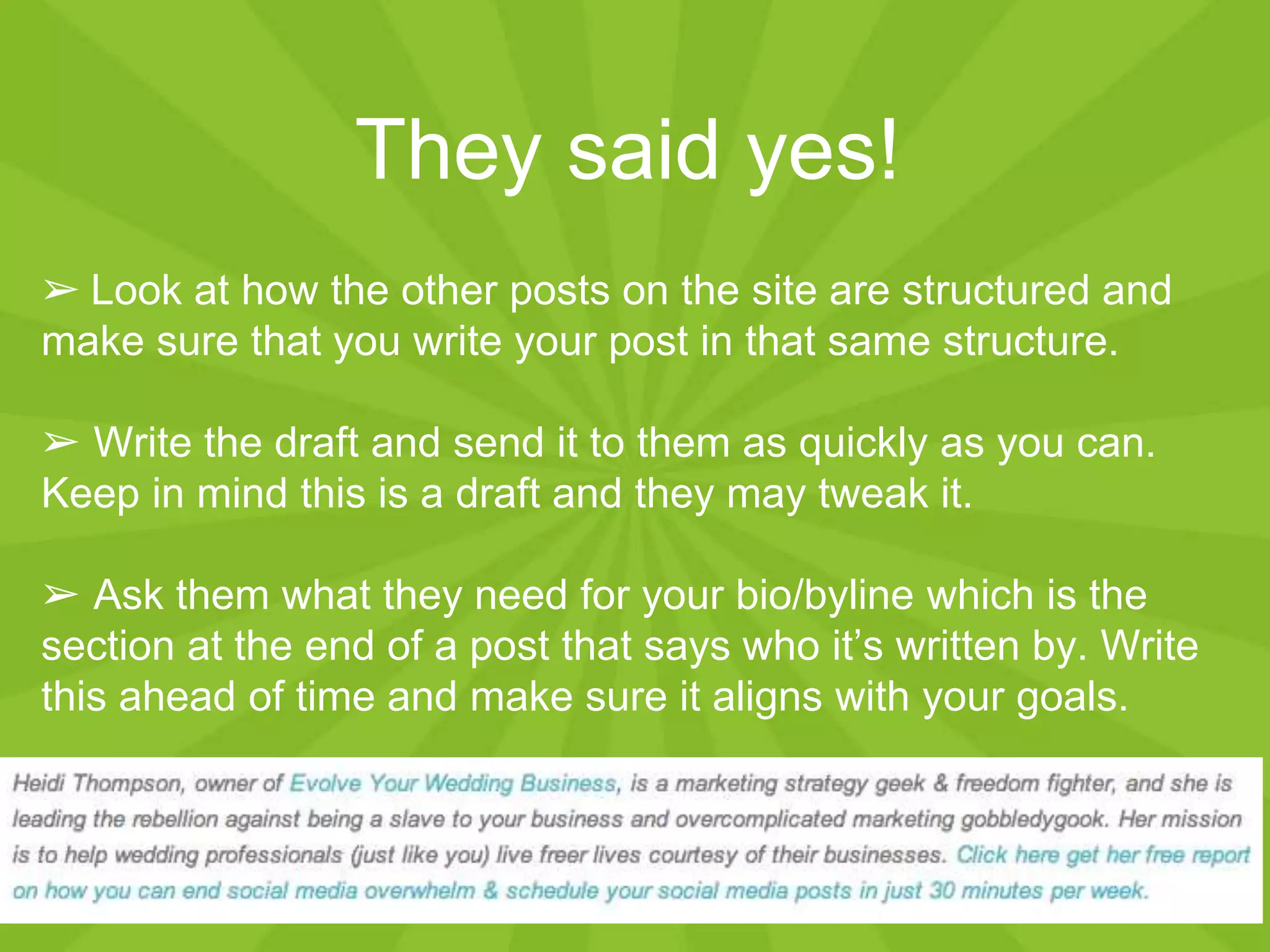
They said yes!
➢ Look at how the other posts on the site are structured and
make sure that you write your post in that same structure.
➢ Write the draft and send it to them as quickly as you can.
Keep in mind this is a draft and they may tweak it.
➢ Ask them what they need for your bio/byline which is the
section at the end of a post that says who it’s written by. Write
this ahead of time and make sure it aligns with your goals.
Once it’s live
➢ Ask what the publishing date of your post is
and be sure to promote it on your social media
profiles (more than once).
➢ Add a link to it to a Press or As Seen On page
on your site for credibility
➢Send the blogger a thank you note with a tool
like Paperless Post
Tracking your results
➢ Give the post some time but in 2-4 weeks, check in with
your Google Analytics to see what traffic came to your site
from the guest post. Be sure to document this!
➢ If your goal is to build your email list, you can use Google
Analytics to track opt ins by source
➢ Use the spreadsheet I’m going to give you to keep track of
these numbers so you can do more of what works and less of
what doesn’t work
Questions?
➢Get your guest post tracking spreadsheet at
http://bit.ly/posttracker You’ll have to click File >
Download as or if you use Google Drive click File >
Make a Copy
➢ Any questions? Put them in the questions box!

Guest blogging training

  • 1.
    How To GetStarted With Guest Blogging
  • 2.
    What is guestblogging? Guest blogging is simply creating content and publishing it on another blog (that you don’t own).
  • 3.
    Why guest blog? ➢It builds your network and authority ➢ It allows you to get in front of another audience ➢ It positions you as an expert and gives you credibility & authority ➢ It is a great way of bringing new people to your website
  • 4.
    How to findguest posting opportunities ➢ Start a list or Google doc of blogs that attract your ideal client (I’ll share mine with you) ➢ Make note of the most popular posts. Why? Well I saw Photobusinesstools.com wrote a post about blogging and I offered to build on that by writing a post about how to get your blog posts in front of your potential customers. It helped the site owner because it built on a topic she was already covering and that performed well. ➢ Look for contact information (name and email) and any guest posting guidelines on the site
  • 5.
    How to findguest posting opportunities ➢ Use Google to find opportunities. Replace keyword with keywords that fit what you’re looking for like “eco-friendly wedding” keyword “submit a guest post” keyword “guest post” keyword “guest post by” keyword “accepting guest posts” keyword “guest post guidelines” ➢ If your competitors have “press” or “as seen on” pages, add the blogs they’ve written for to your list. ➢ Search alltop.com
  • 6.
    Pitching ➢ Contact theblog owner via email or contact form if that is what they prefer. Make sure you address them by name. ➢ Offer details on the story angle you have in mind and how it relates to their readers and some minimal details. Keep it short and to the point! Make sure to make a connection by mentioning something in common or a specific post that you enjoyed and you can also provide credibility factors. ➢ If there are guidelines or instructions, ALWAYS follow them! ➢ A guest post isn’t an ad for you, it’s a post that the blog’s audience will love - keep that in mind.
  • 7.
  • 8.
  • 9.
  • 10.
    Then what? ➢ Ifyou don’t hear back within about a week, send them an email to follow up! ➢ If they say no, remember that it often means not right now and ask if you can drop them an email in 3 months to see if it would be a better fit then. ➢ Make sure to include at least 1 post idea but offering more than 1 allows them to choose instead of just saying no.
  • 11.
    They said yes! ➢Look at how the other posts on the site are structured and make sure that you write your post in that same structure. ➢ Write the draft and send it to them as quickly as you can. Keep in mind this is a draft and they may tweak it. ➢ Ask them what they need for your bio/byline which is the section at the end of a post that says who it’s written by. Write this ahead of time and make sure it aligns with your goals.
  • 12.
    Once it’s live ➢Ask what the publishing date of your post is and be sure to promote it on your social media profiles (more than once). ➢ Add a link to it to a Press or As Seen On page on your site for credibility ➢Send the blogger a thank you note with a tool like Paperless Post
  • 13.
    Tracking your results ➢Give the post some time but in 2-4 weeks, check in with your Google Analytics to see what traffic came to your site from the guest post. Be sure to document this! ➢ If your goal is to build your email list, you can use Google Analytics to track opt ins by source ➢ Use the spreadsheet I’m going to give you to keep track of these numbers so you can do more of what works and less of what doesn’t work
  • 14.
    Questions? ➢Get your guestpost tracking spreadsheet at http://bit.ly/posttracker You’ll have to click File > Download as or if you use Google Drive click File > Make a Copy ➢ Any questions? Put them in the questions box!