
Lesson 5 Computer Operating System
•Download as DOC, PDF•
1 like•555 views

Operating Systems

Recommended
More Related Content
What's hot
What's hot (20)
Similar to Lesson 5 Computer Operating System
Similar to Lesson 5 Computer Operating System (20)
More from Laguna State Polytechnic University
More from Laguna State Polytechnic University (20)
Recently uploaded
Recently uploaded (20)
Lesson 5 Computer Operating System
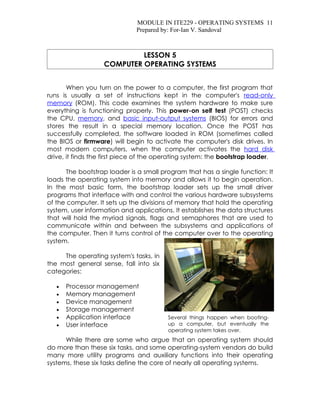
- 1. MODULE IN ITE229 - OPERATING SYSTEMS 11 Prepared by: For-Ian V. Sandoval LESSON 5 COMPUTER OPERATING SYSTEMS When you turn on the power to a computer, the first program that runs is usually a set of instructions kept in the computer's read-only memory (ROM). This code examines the system hardware to make sure everything is functioning properly. This power-on self test (POST) checks the CPU, memory, and basic input-output systems (BIOS) for errors and stores the result in a special memory location. Once the POST has successfully completed, the software loaded in ROM (sometimes called the BIOS or firmware) will begin to activate the computer's disk drives. In most modern computers, when the computer activates the hard disk drive, it finds the first piece of the operating system: the bootstrap loader. The bootstrap loader is a small program that has a single function: It loads the operating system into memory and allows it to begin operation. In the most basic form, the bootstrap loader sets up the small driver programs that interface with and control the various hardware subsystems of the computer. It sets up the divisions of memory that hold the operating system, user information and applications. It establishes the data structures that will hold the myriad signals, flags and semaphores that are used to communicate within and between the subsystems and applications of the computer. Then it turns control of the computer over to the operating system. The operating system's tasks, in the most general sense, fall into six categories: • Processor management • Memory management • Device management • Storage management • Application interface Several things happen when booting- • User interface up a computer, but eventually the operating system takes over. While there are some who argue that an operating system should do more than these six tasks, and some operating-system vendors do build many more utility programs and auxiliary functions into their operating systems, these six tasks define the core of nearly all operating systems.