
WHAT DID THEY DO?  LESSONS LEARNED IN CROSS-MEDIA   Christy Dena Director, Universe Creation 101 Power to the Pixel, London Film Festival 14 th  October, 2009
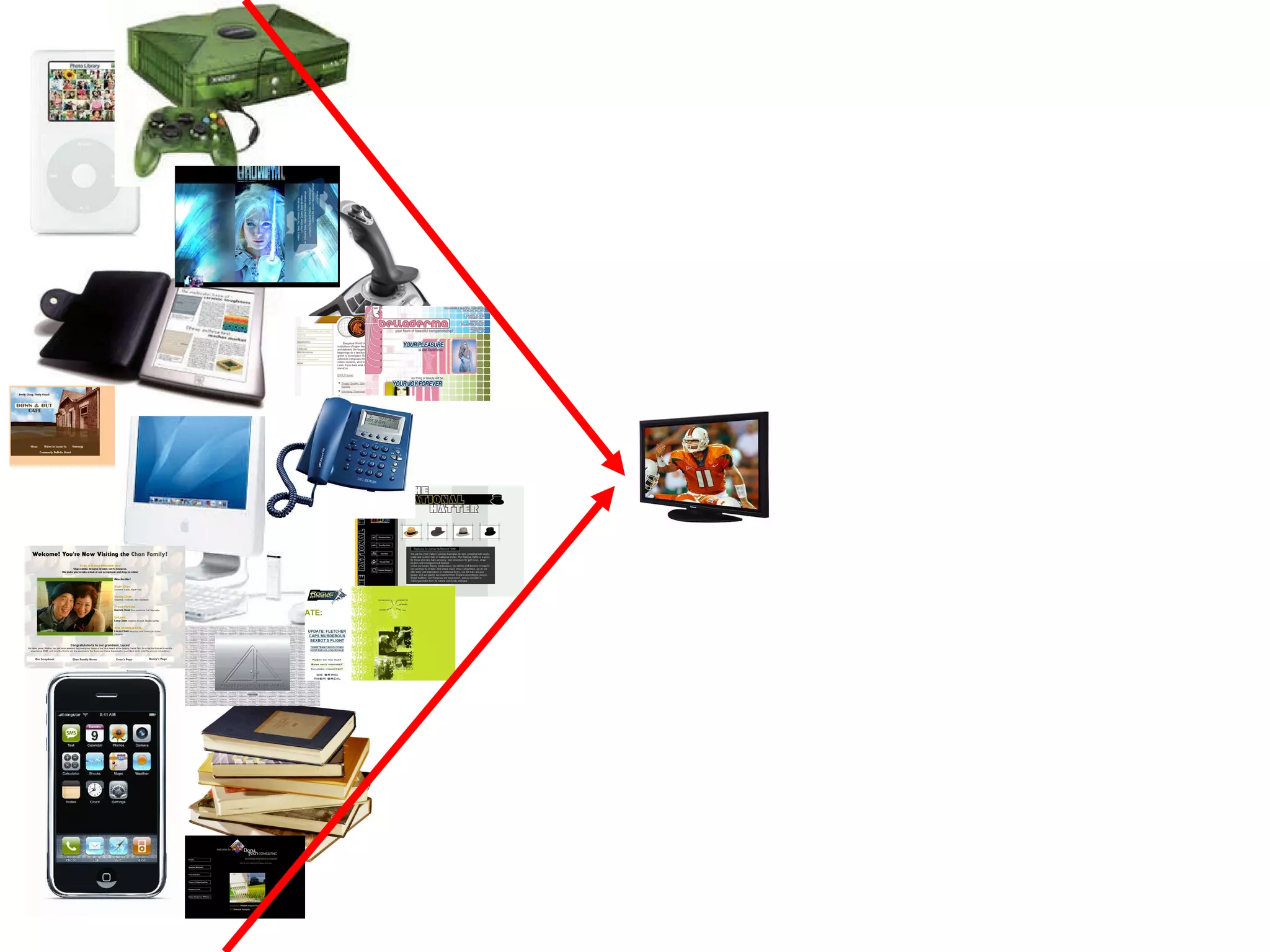
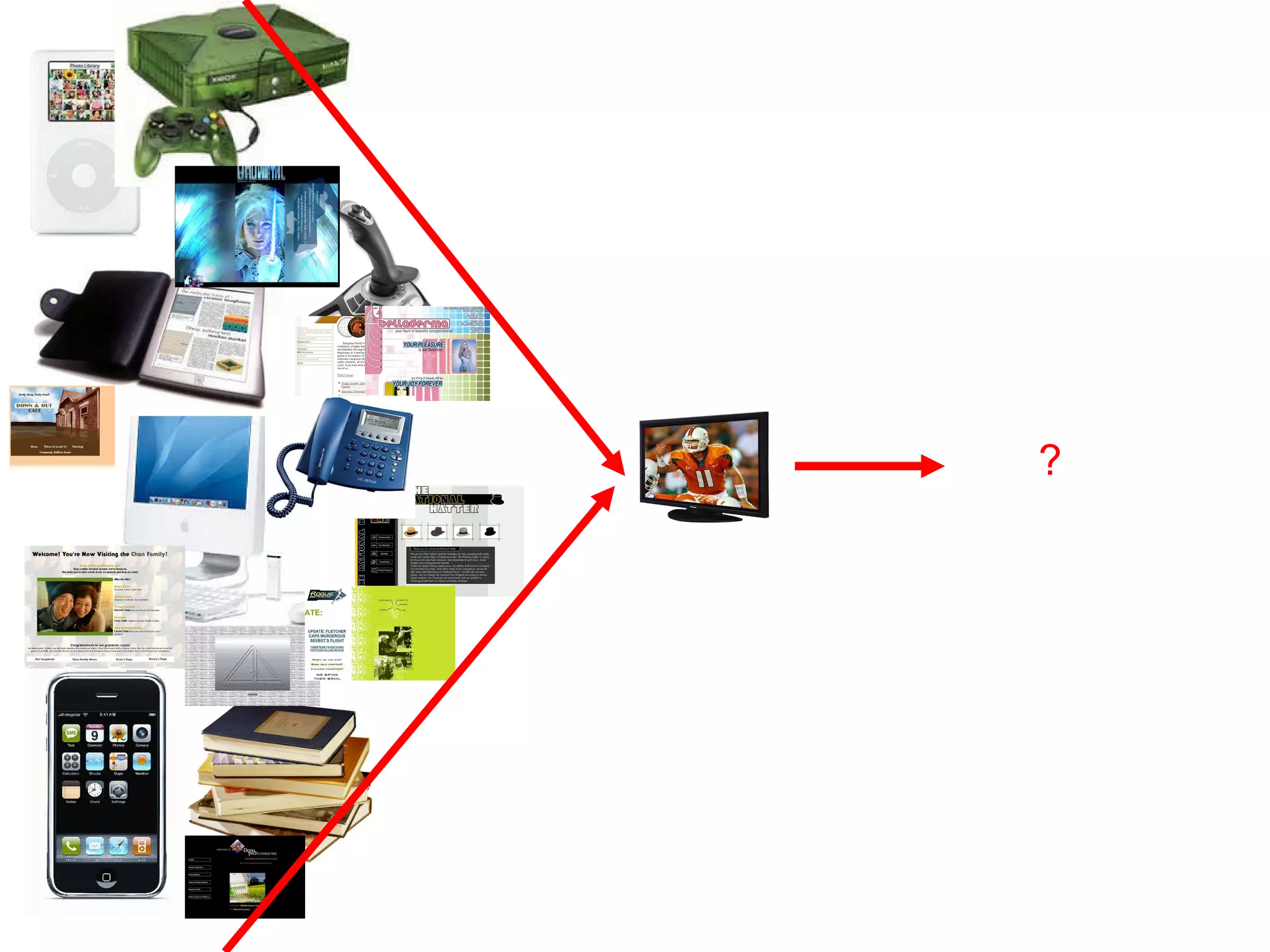
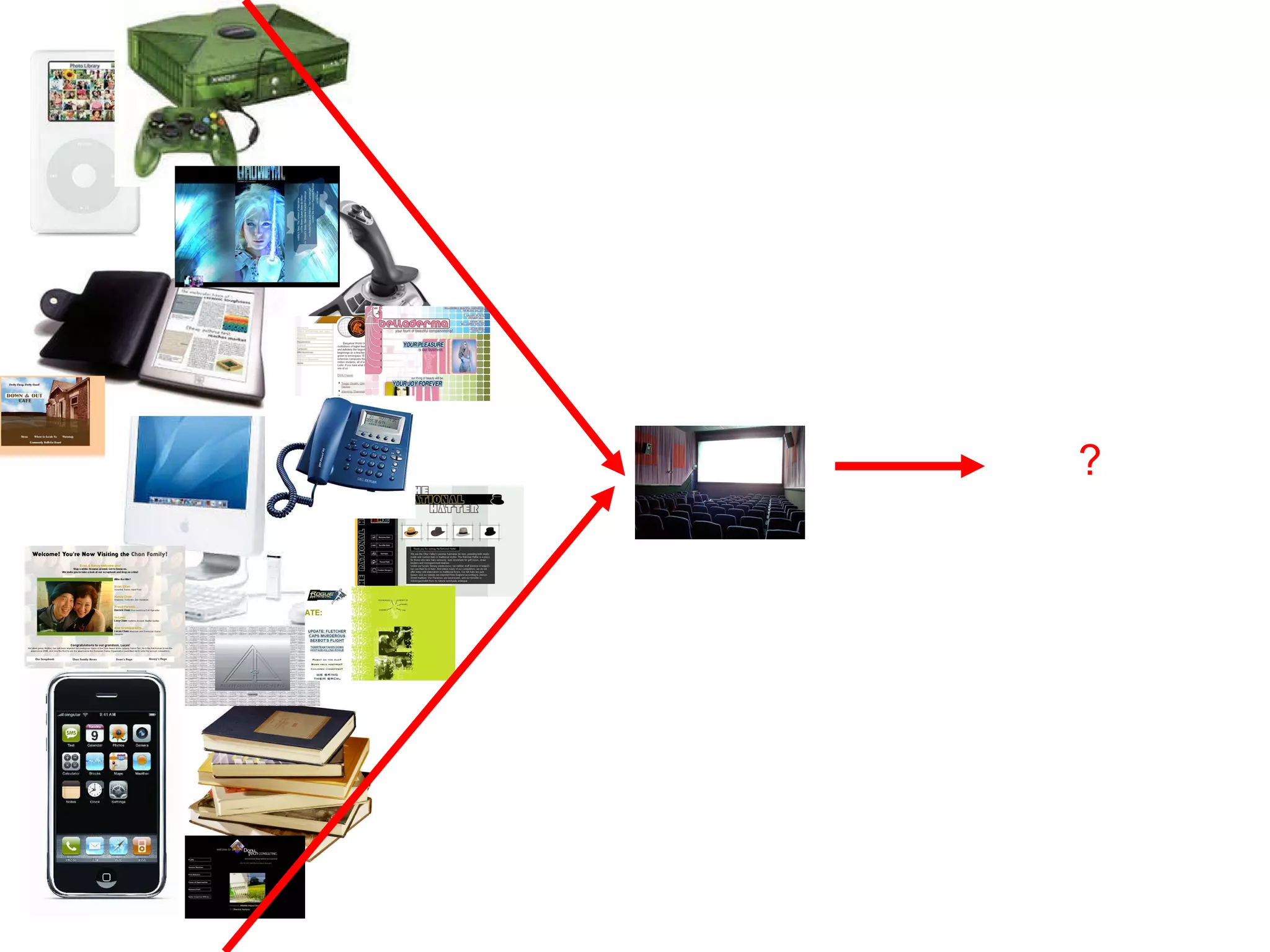
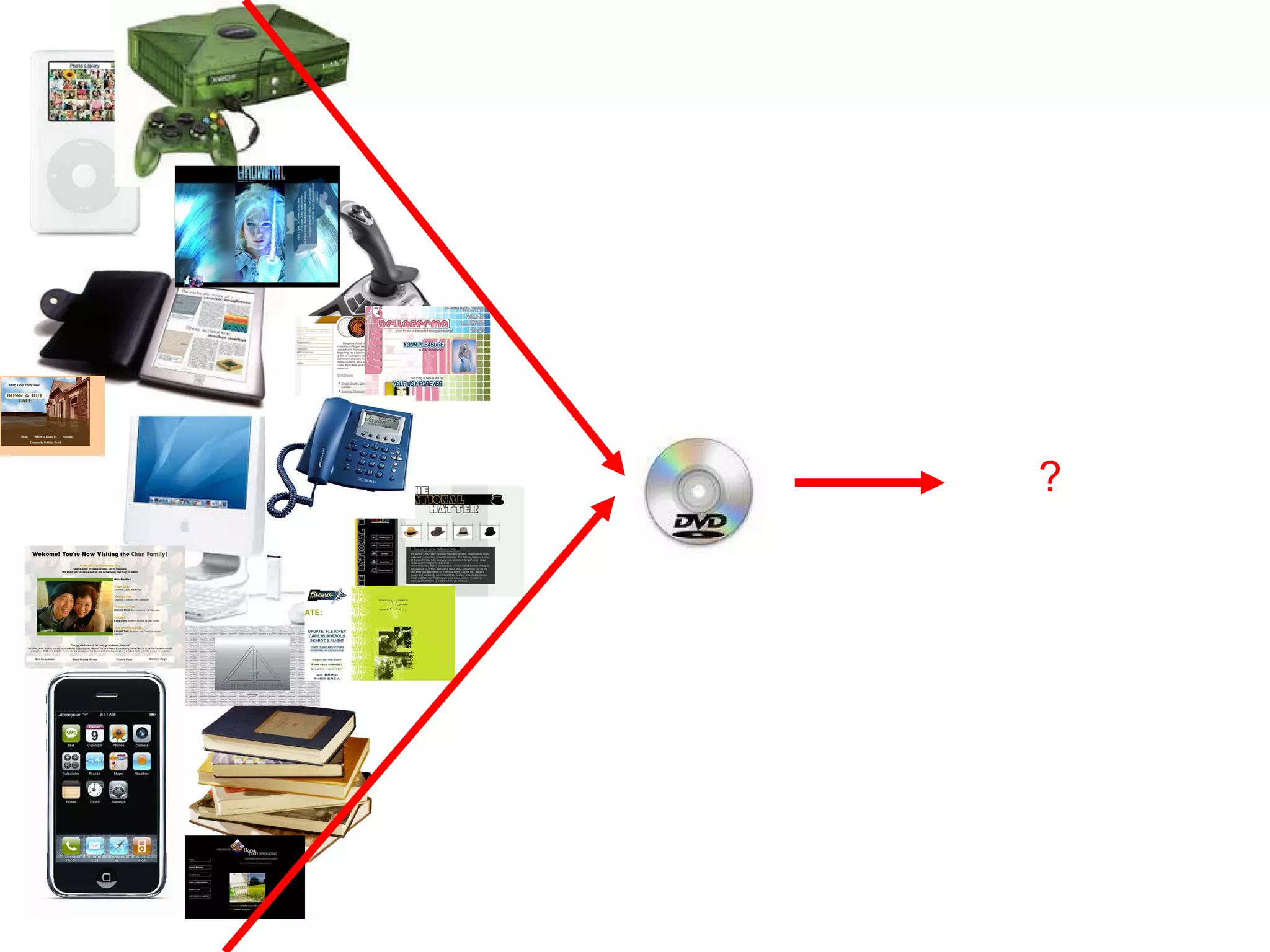
Flash in the…Planet?
"Multiplatform digital entertainment is here to stay and requires a different approach"  Javier Perez Dolset, Zed Worldwide #MIPCOM09
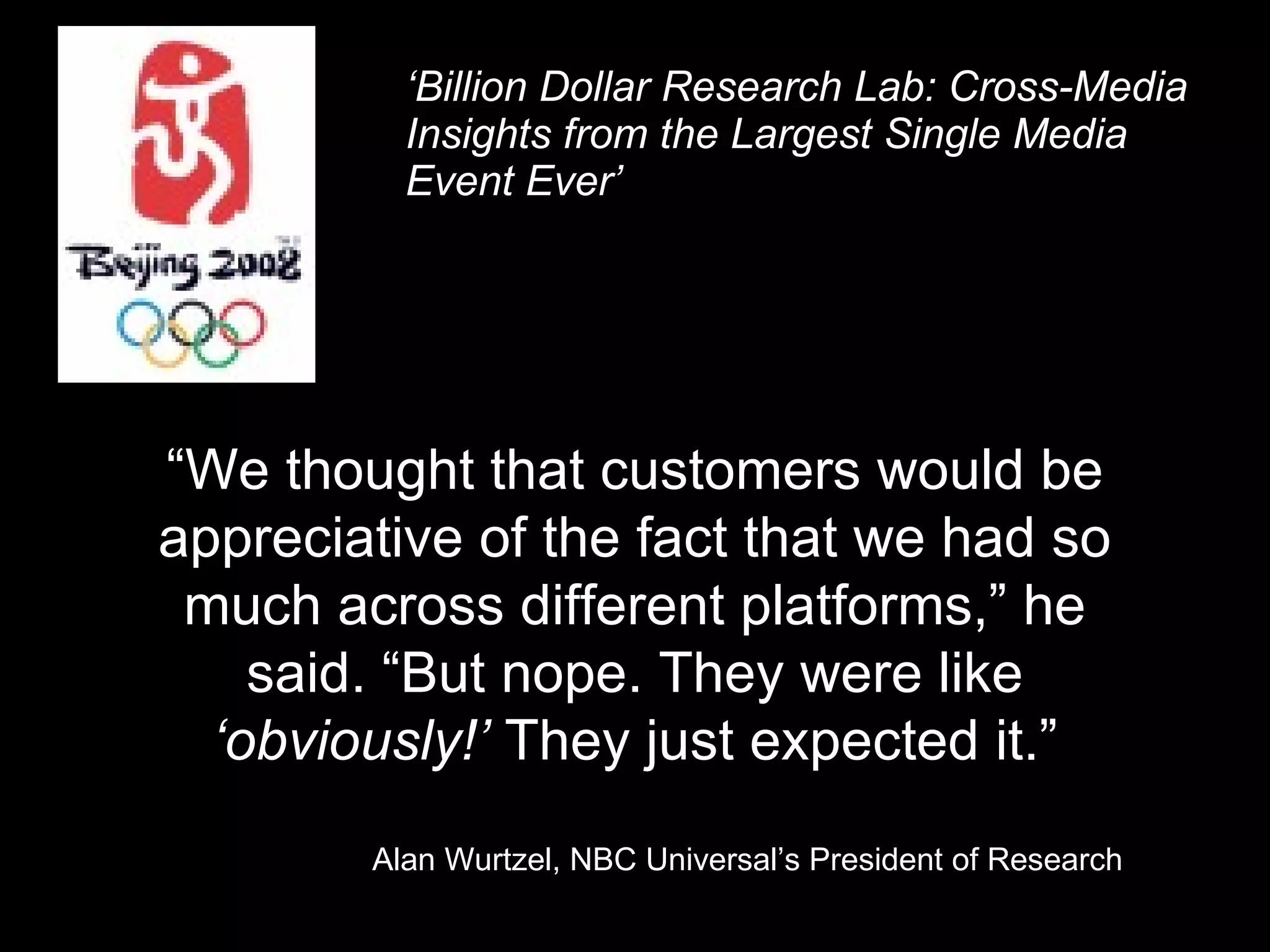
‘ Billion Dollar Research Lab: Cross-Media Insights from the Largest Single Media Event Ever’ “ We thought that customers would be appreciative of the fact that we had so much across different platforms,” he said. “But nope. They were like  ‘obviously!’  They just expected it.” Alan Wurtzel, NBC Universal’s President of Research
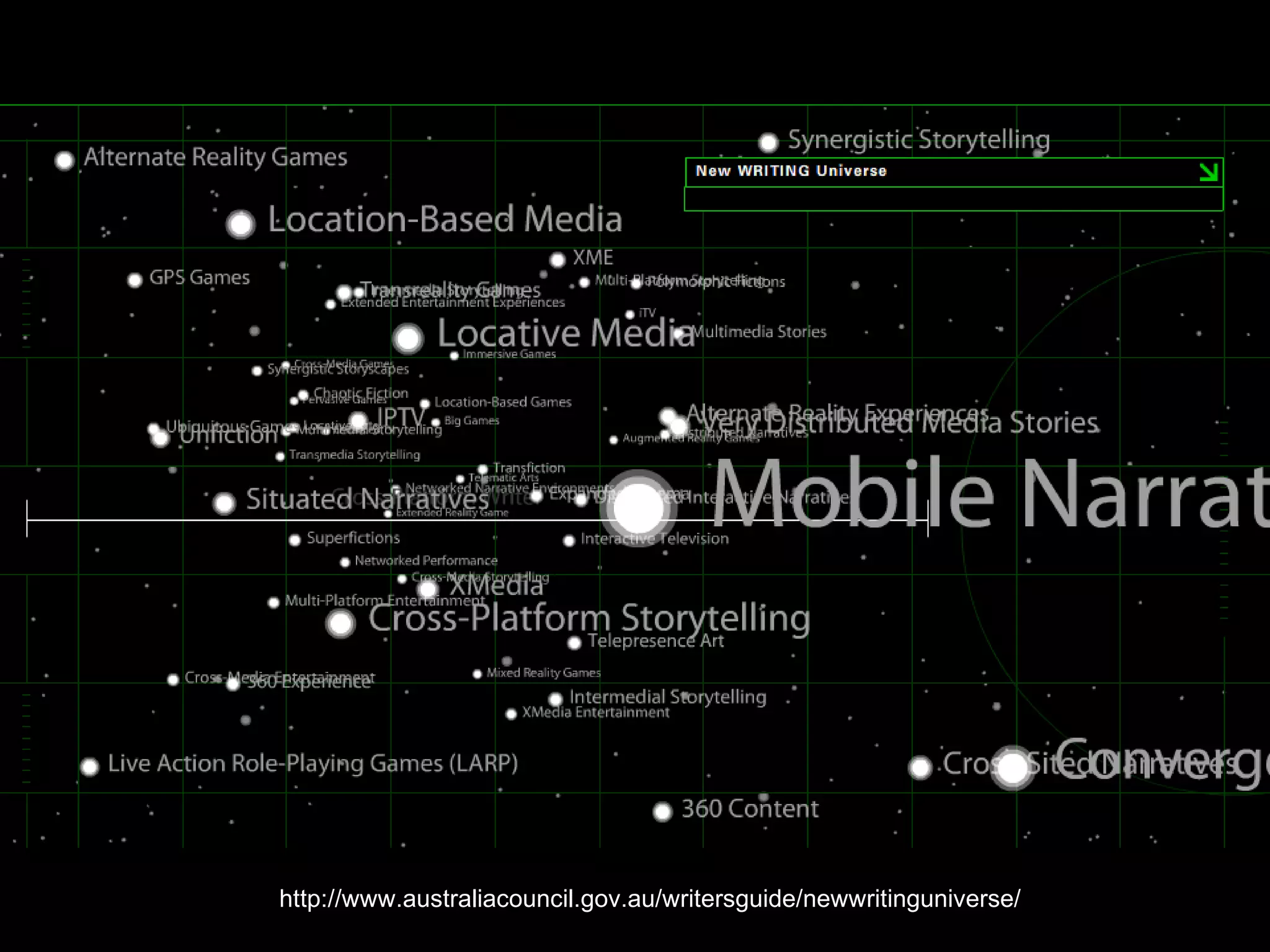
http://www.australiacouncil.gov.au/writersguide/newwritinguniverse/
 
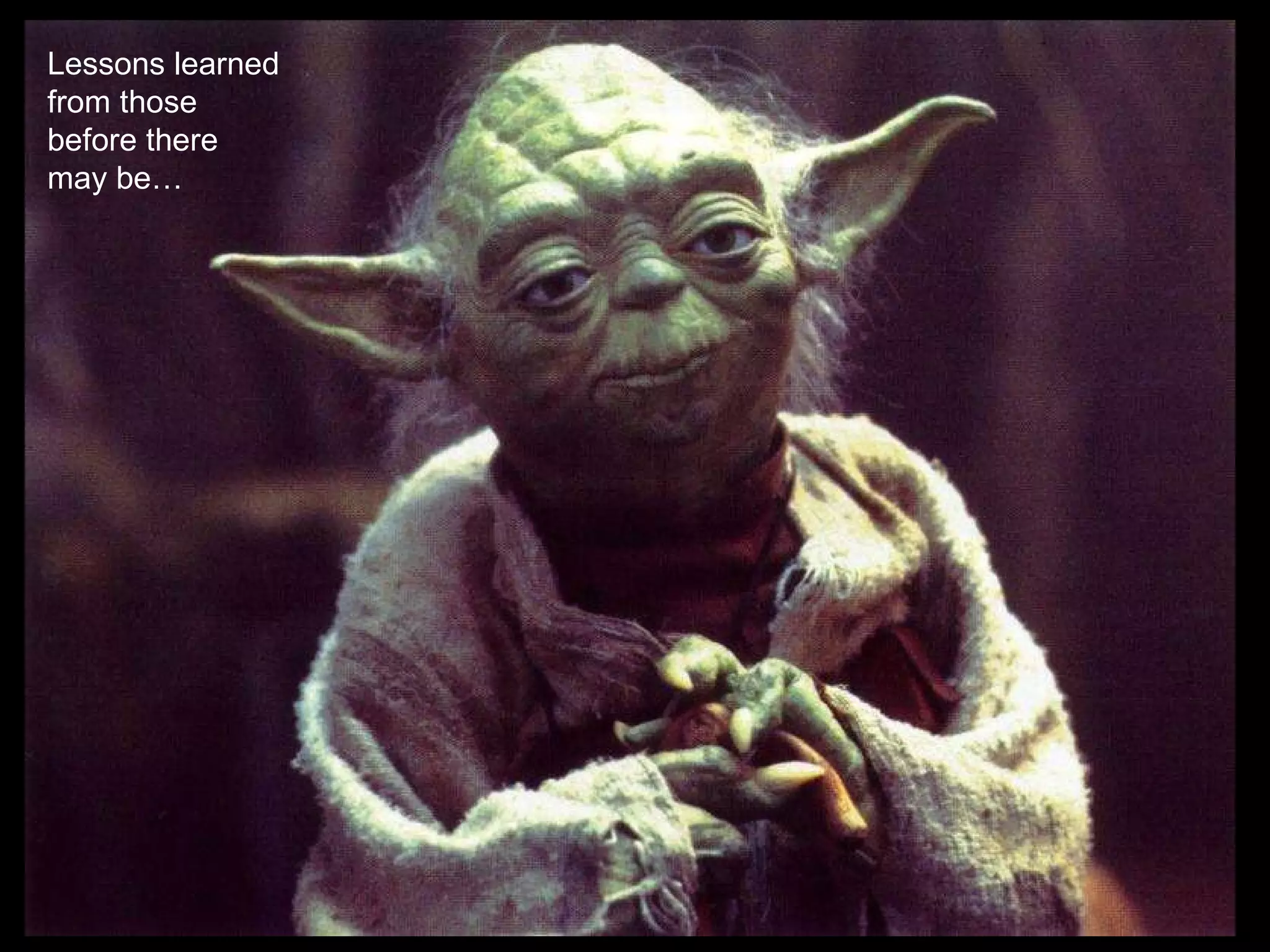
Lessons learned from those before there may be…
* Do not to plan events around fixed dates, keep them flexible by setting  them at a fictional event (Adrian Hon) * Provide Recaps/Story So Far for  latecomers * The name of the first website players find will become their title for the entire project *  Respect the Hard-core, engage them first/early  (Jane McGonigal) * Give the players something to model their actions on  (Brian Clarke & Mike Monello) * Be prepared for actor improvisation to  change the plot * Design for a variety of engagement and expertise levels *  Set a day and cycle (eg weekly) that you will update the project, so players  know what to expect and you have a schedule you can keep to * In large  projects, only the smallest audience number will attend to every piece of  content in every media * Some people like narrative content, some  interacting with characters, some attending live events, some puzzles, some  play and some contribute content * Be prepared for someone  game/hijacking your project by creating fake websites and characters * Be  prepared for ‘brute force’ being applied to an automated system * Players  almost always check who registered a domain name * Not all ‘alternate  reality’ games are hoaxes * Countdowns have been used many times, and  will be used again * Create a character to guide the players with what to do (Evan Jones) * Competition attracts newcomers, but doesn’t drive their desire to stay (Adrian Hon)
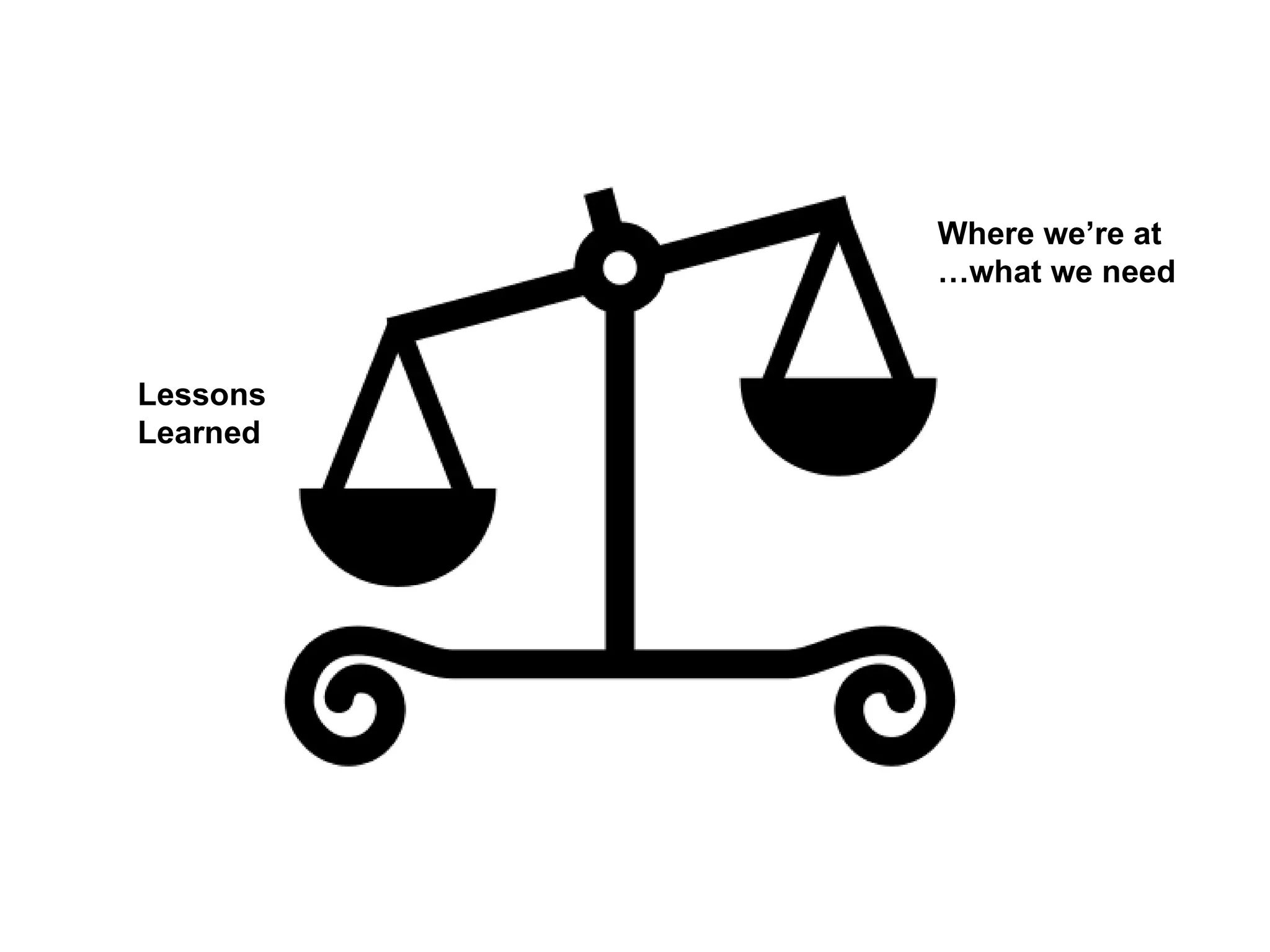
Lessons Learned Where we’re at …what we need
Local & Global Design Documentation Address Different Audiences
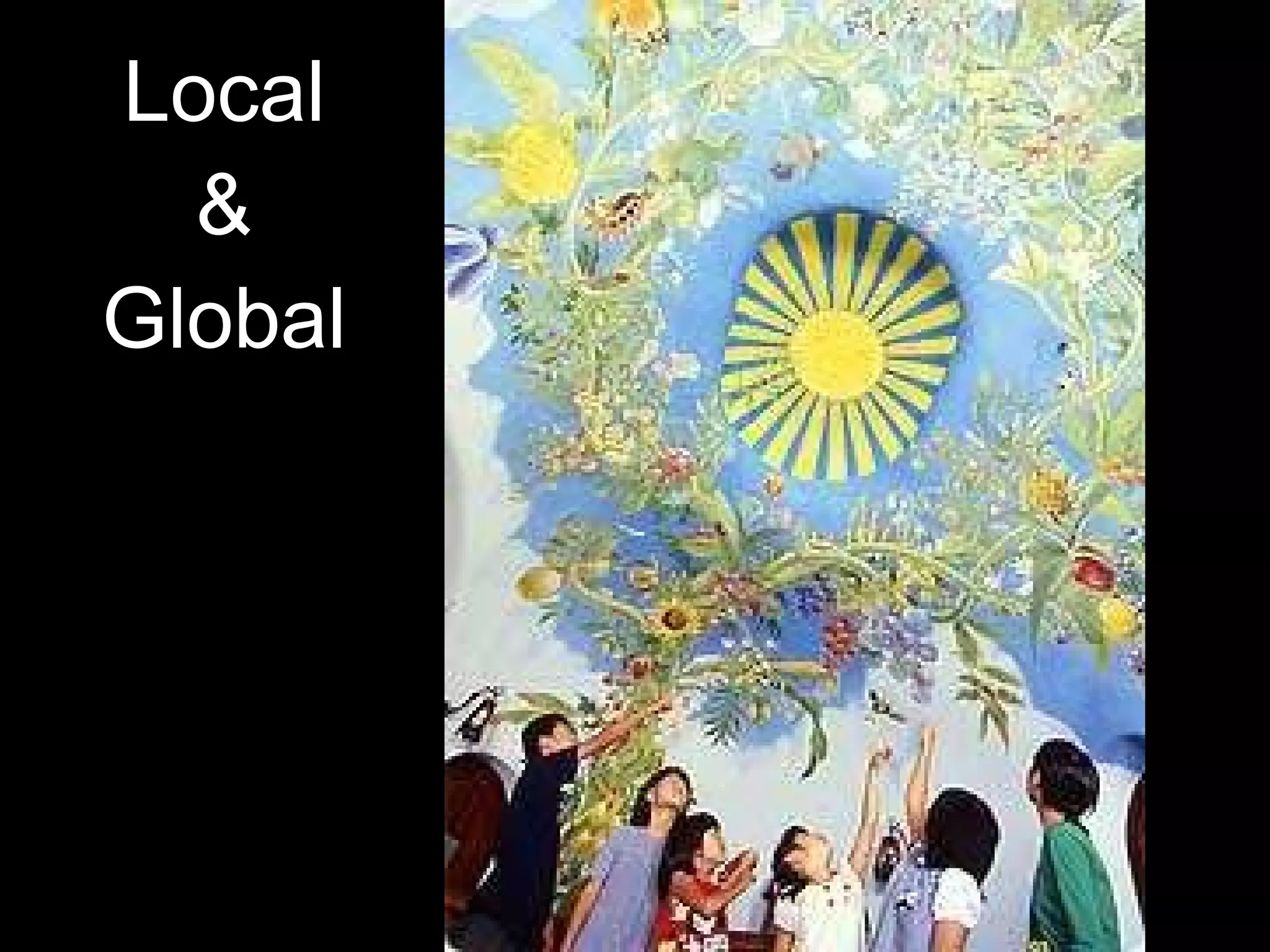
Local & Global
Local and a dash of global?
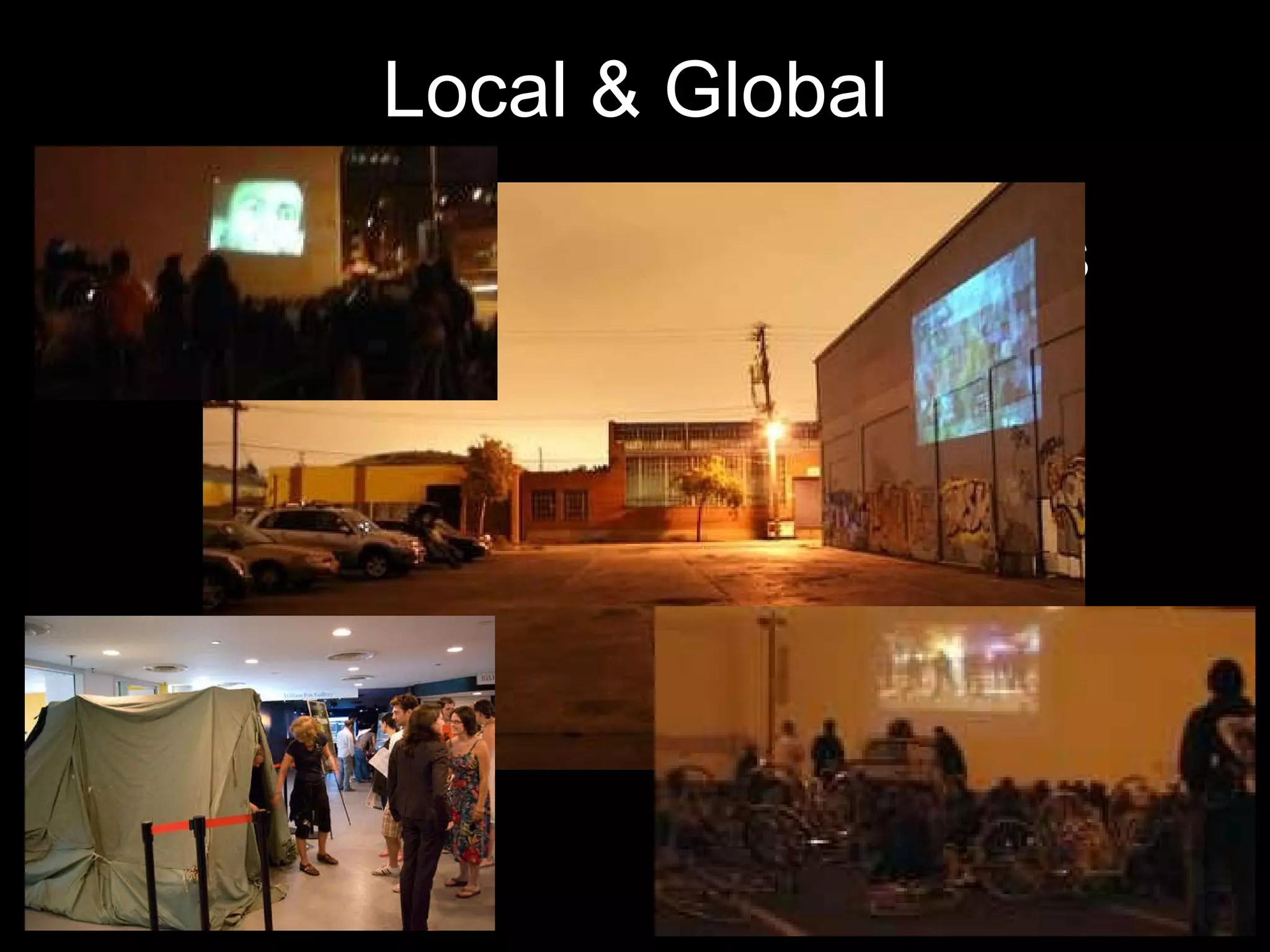
Local & Global Live events (cinema events, meeting characters, local competitions etc) consider:  Sharing the experience in real-time (streaming) Giving non-local people something to do as well Getting local & non-local people to work together Make the local replicable (by yourself or others – self-replication)
Local & Global INSERT PIC OF INDIE SCREENINGS
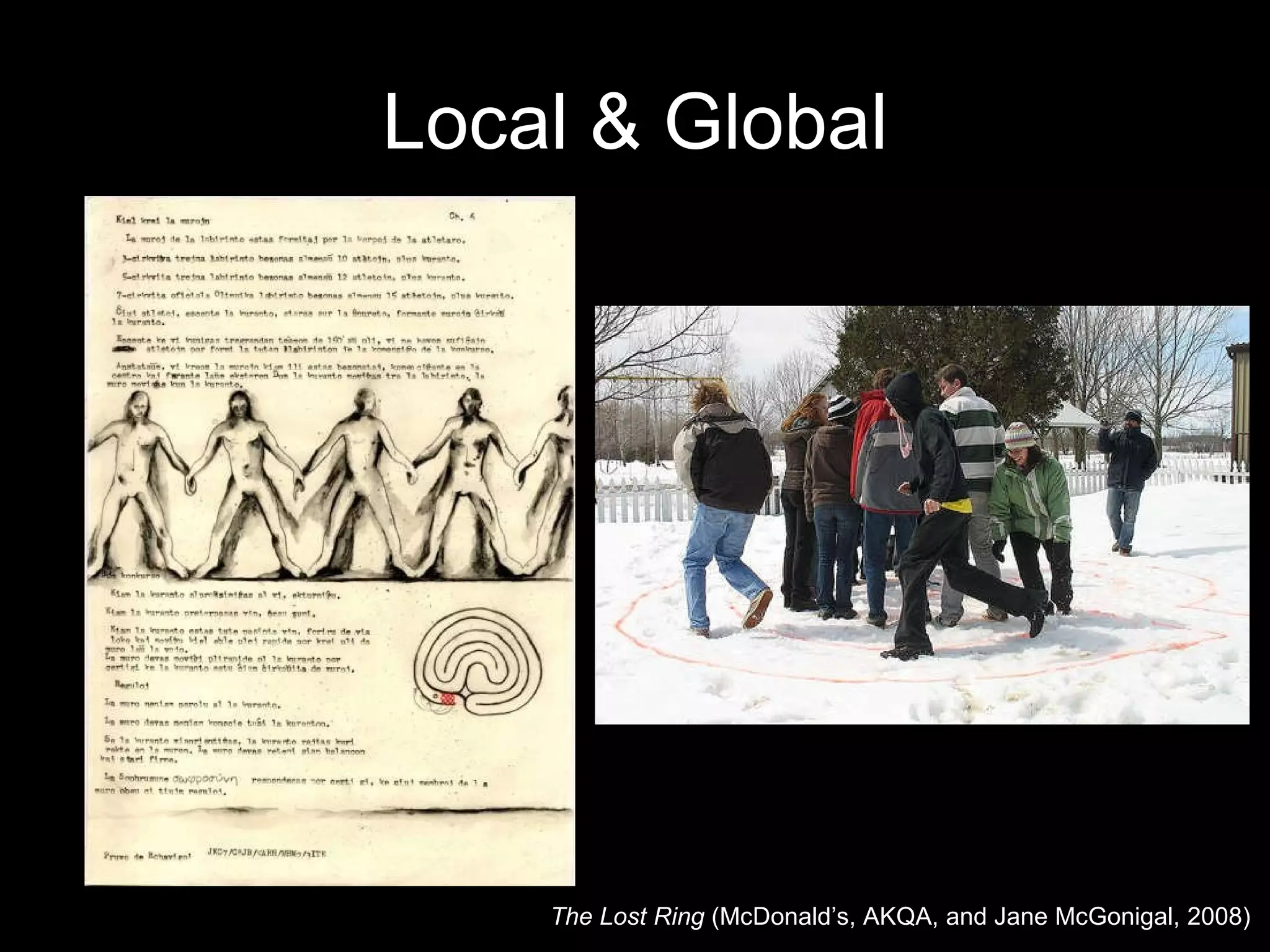
Local & Global The Lost Ring  ( McDonald’s, AKQA, and  Jane McGonigal, 2008)
 
Design Documentation Issues Indicate what part of the story is in what media (or which website) Indicate timing – when each element is released [pacing] Indicate why and how participants traverse media [calls to action?] Indicate what people see and do [their experience] Think about non-linear traversal [order narrative is accessed] Difficult to ensure continuity across different developers…
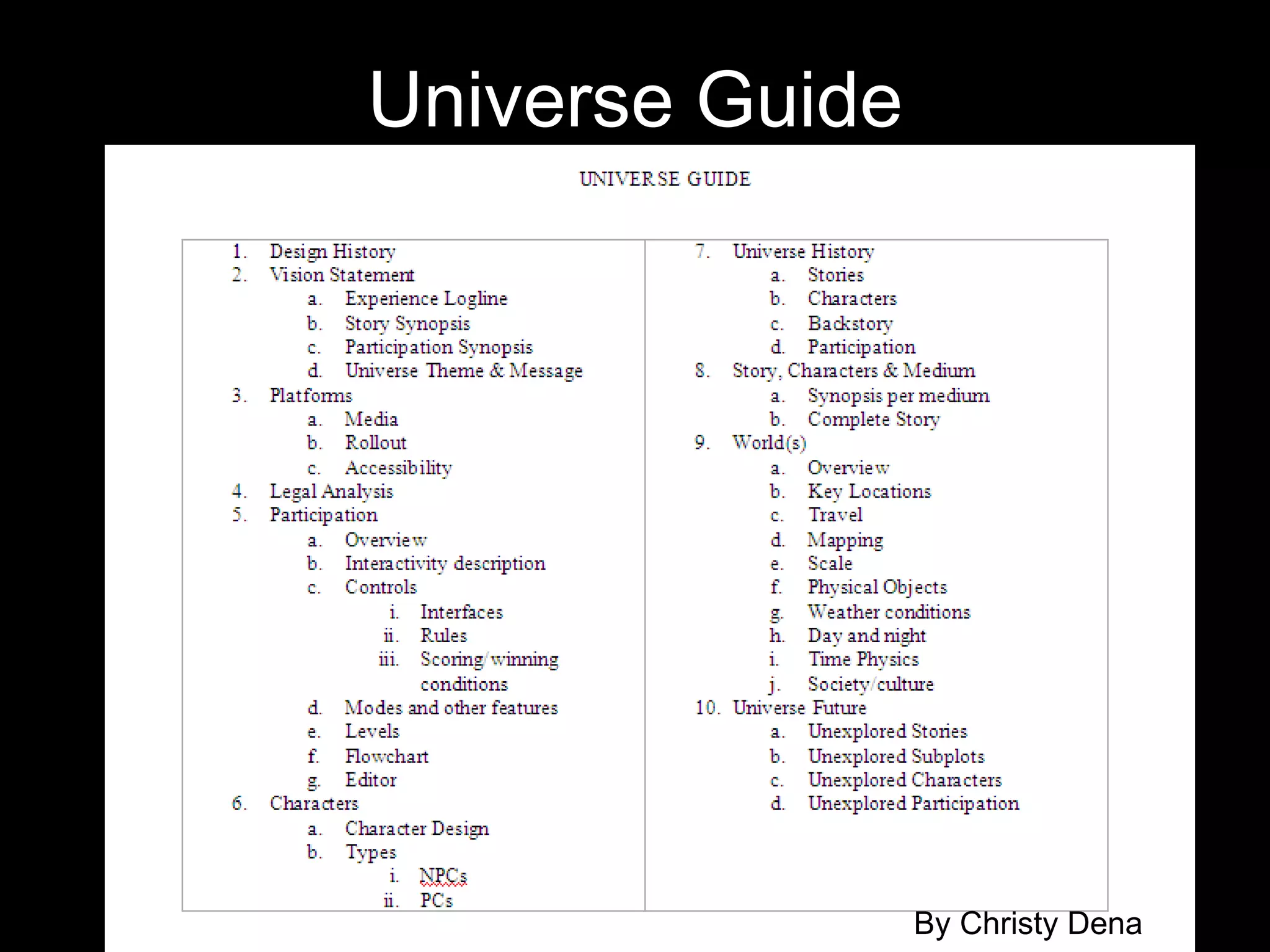
Design Documentation Universe Guide Flow Visualisation Flow Script
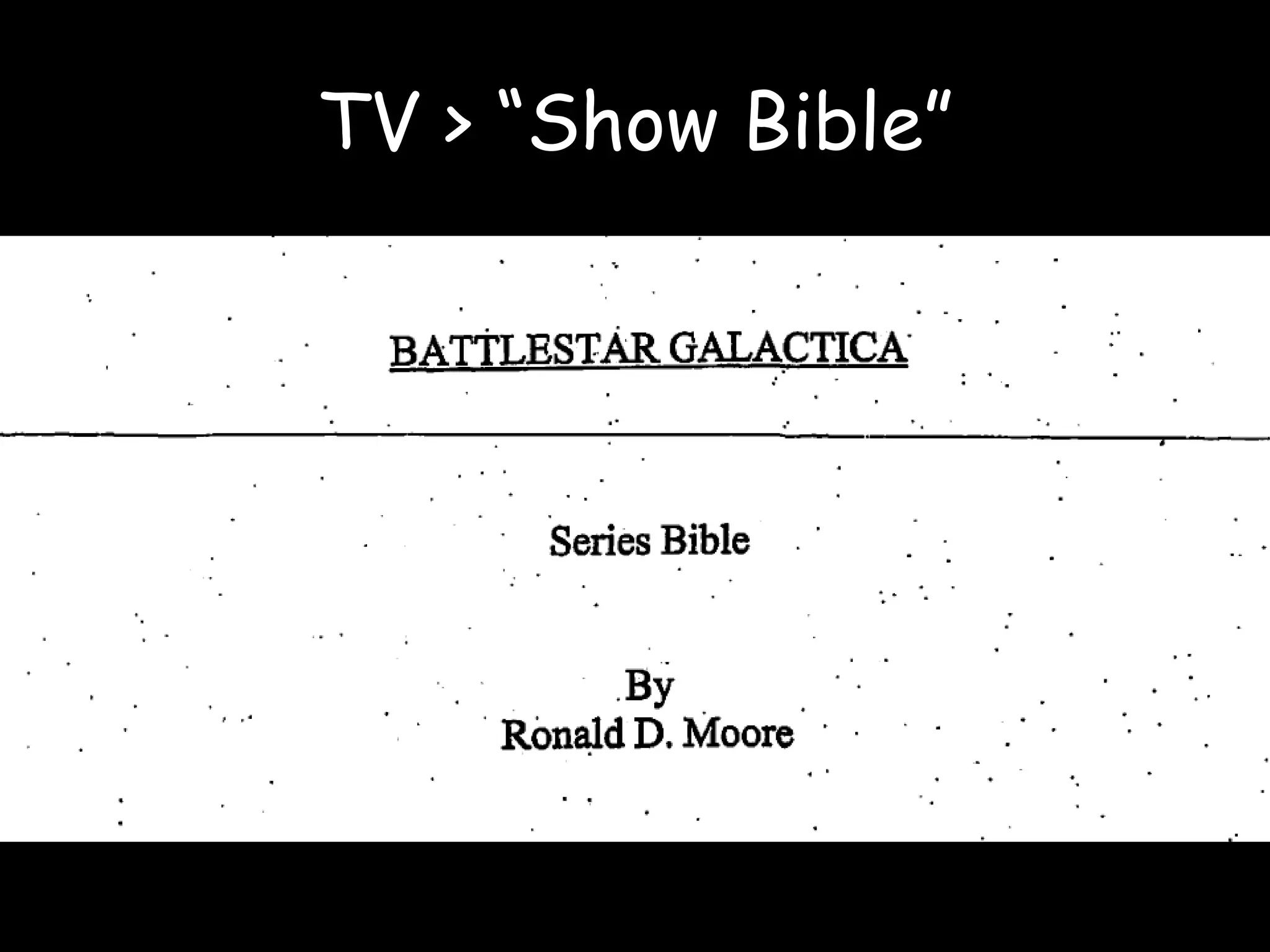
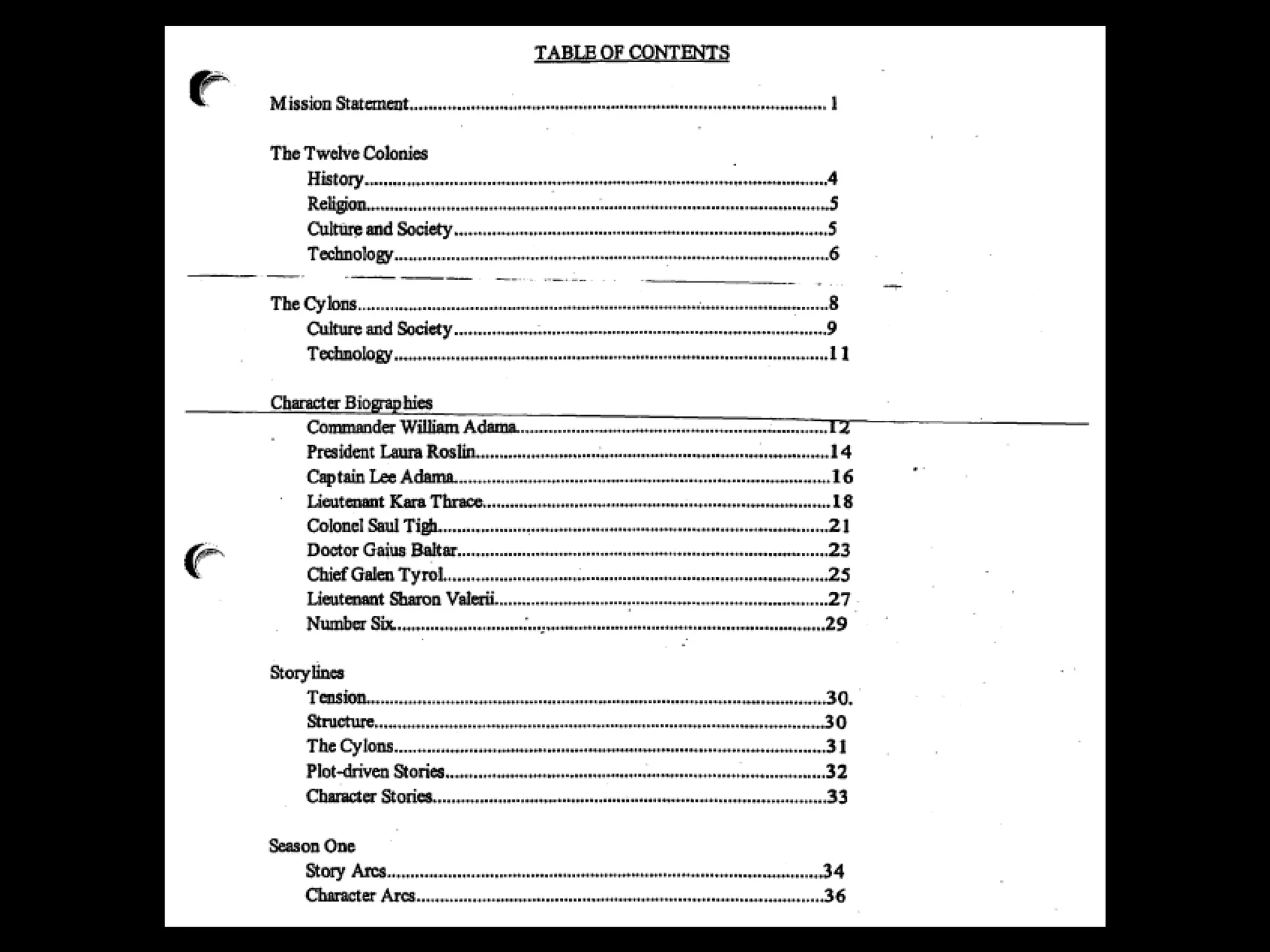
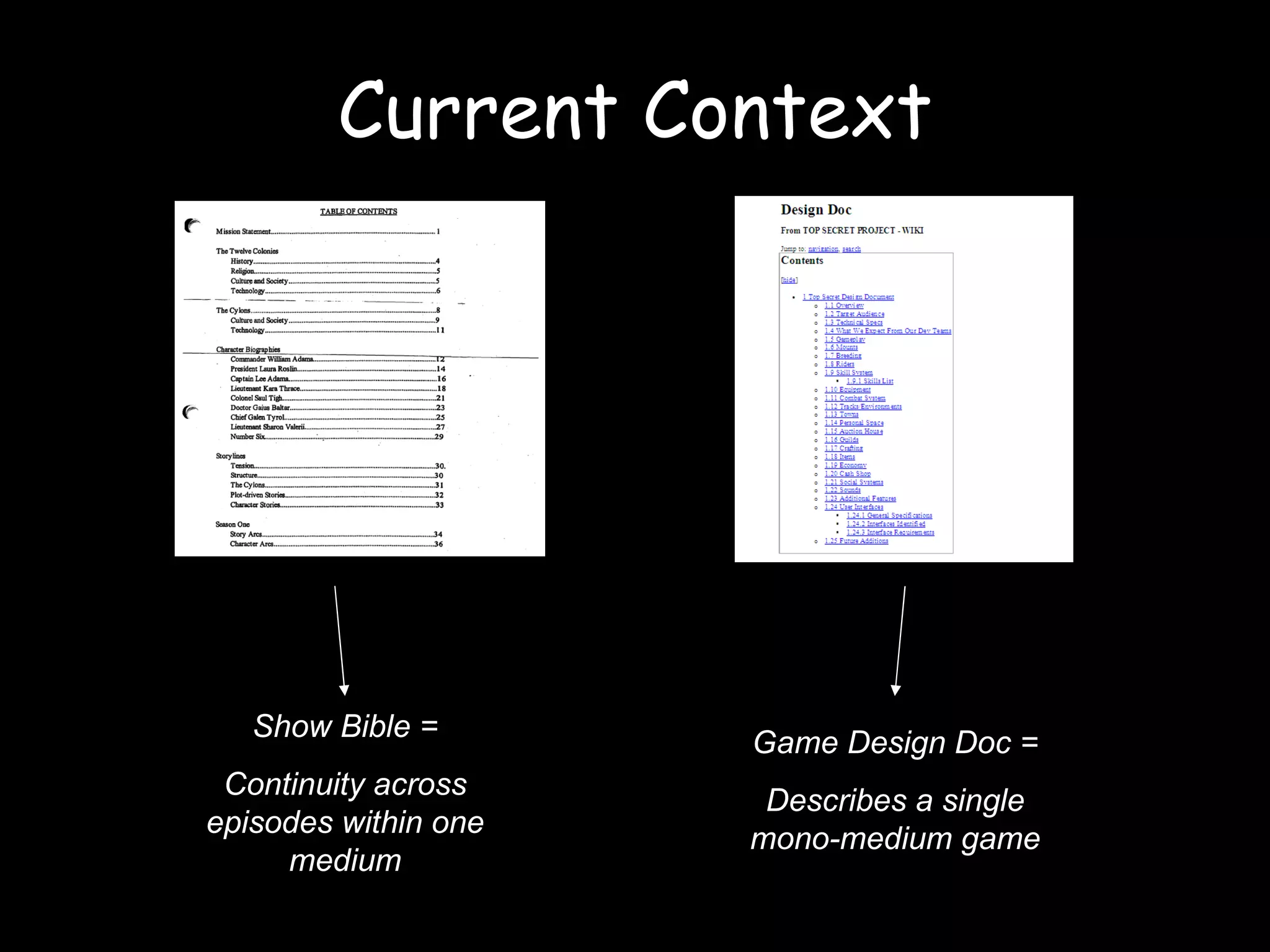
TV > “Show Bible”
 
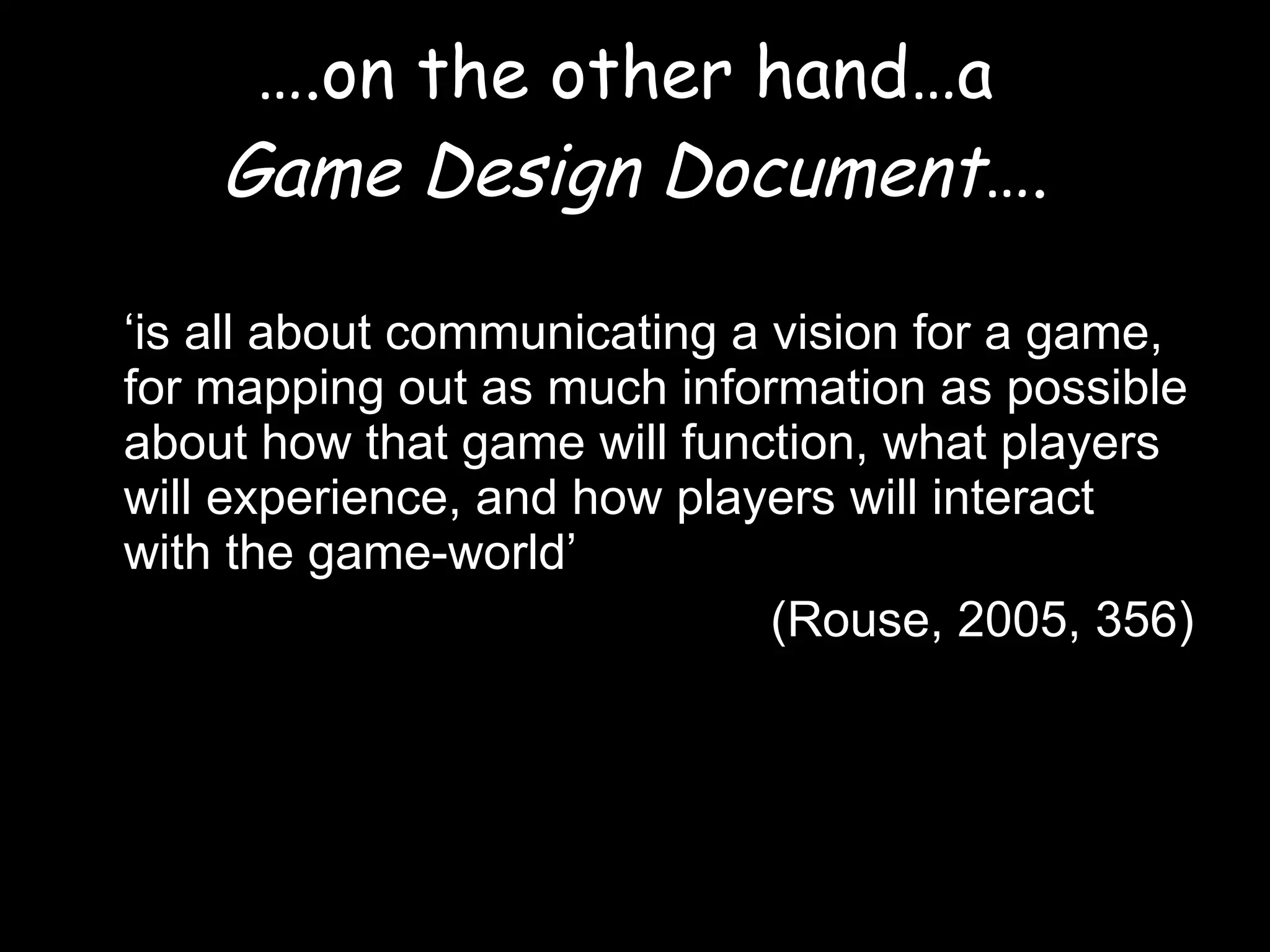
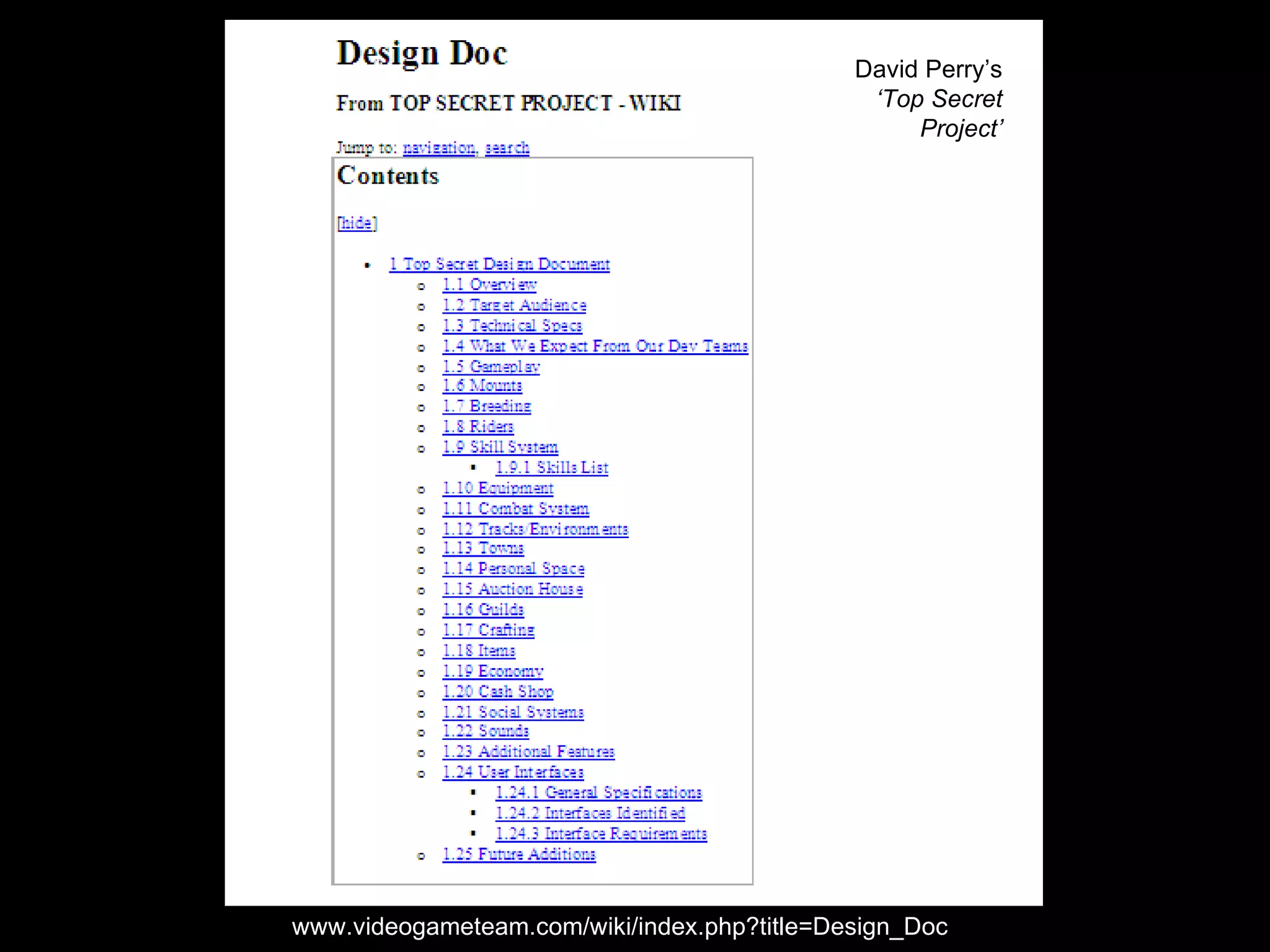
… .on the other hand…a  Game Design Document …. ‘ is all about communicating a vision for a game, for mapping out as much information as possible about how that game will function, what players will experience, and how players will interact with the game-world’  (Rouse, 2005, 356)
www.videogameteam.com/wiki/index.php?title=Design_Doc David Perry’s  ‘Top Secret Project’
Current Context Show Bible = Continuity across episodes within one medium Game Design Doc = Describes a single mono-medium game
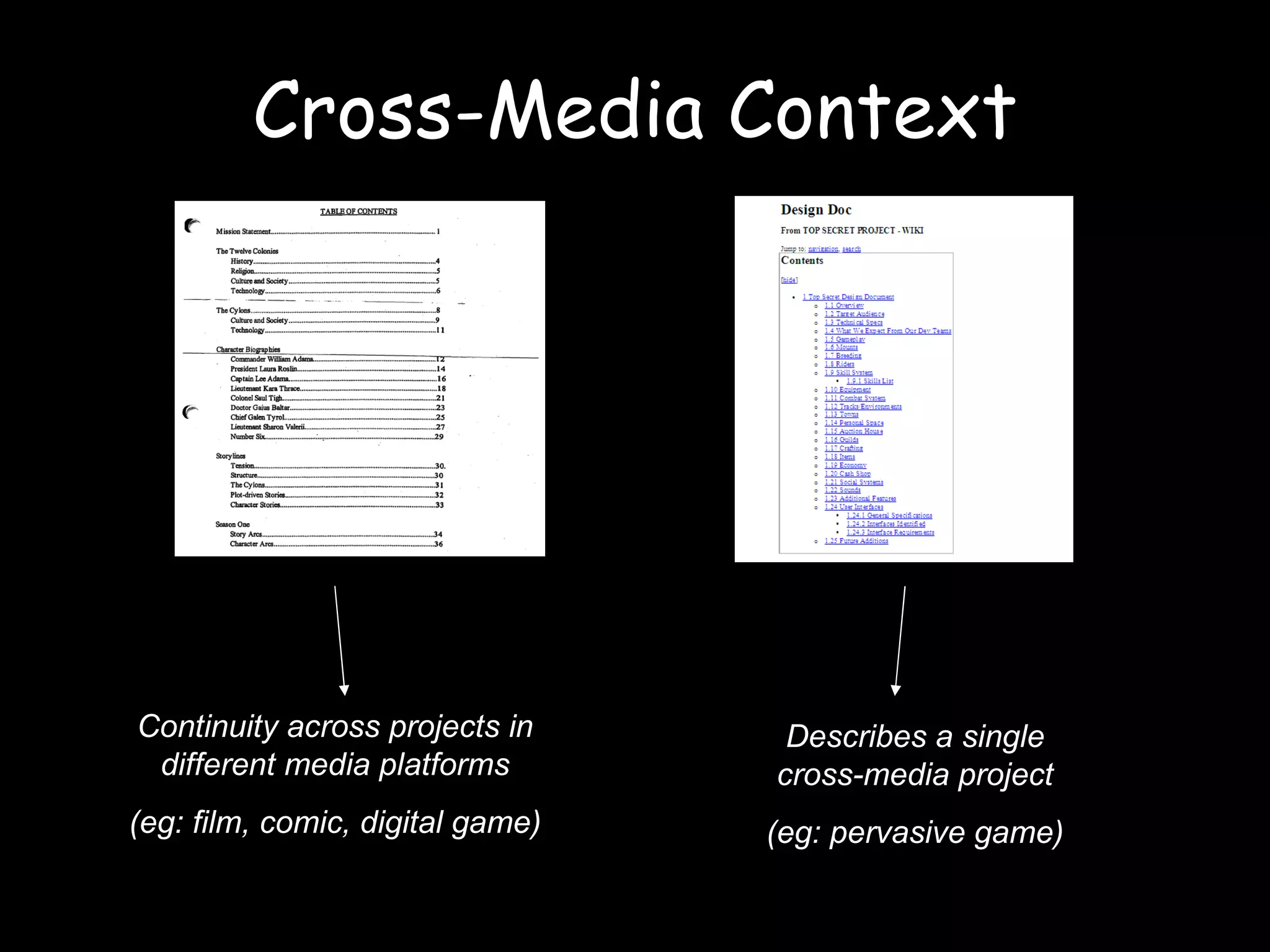
Cross-Media Context Continuity across projects in different media platforms (eg: film, comic, digital game) Describes a single cross-media project (eg: pervasive game)
Universe Guide By Christy Dena
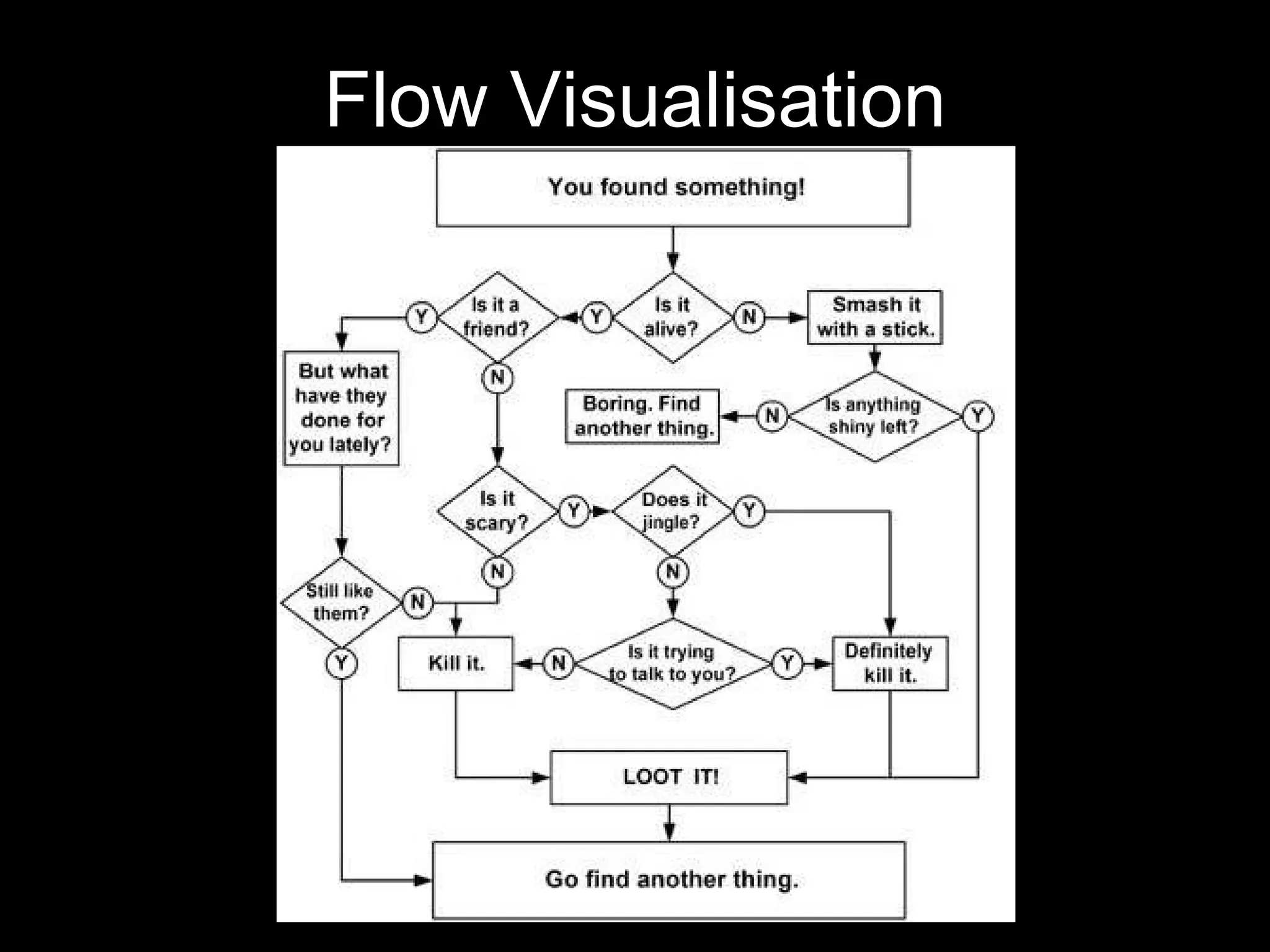
Flow Visualisation
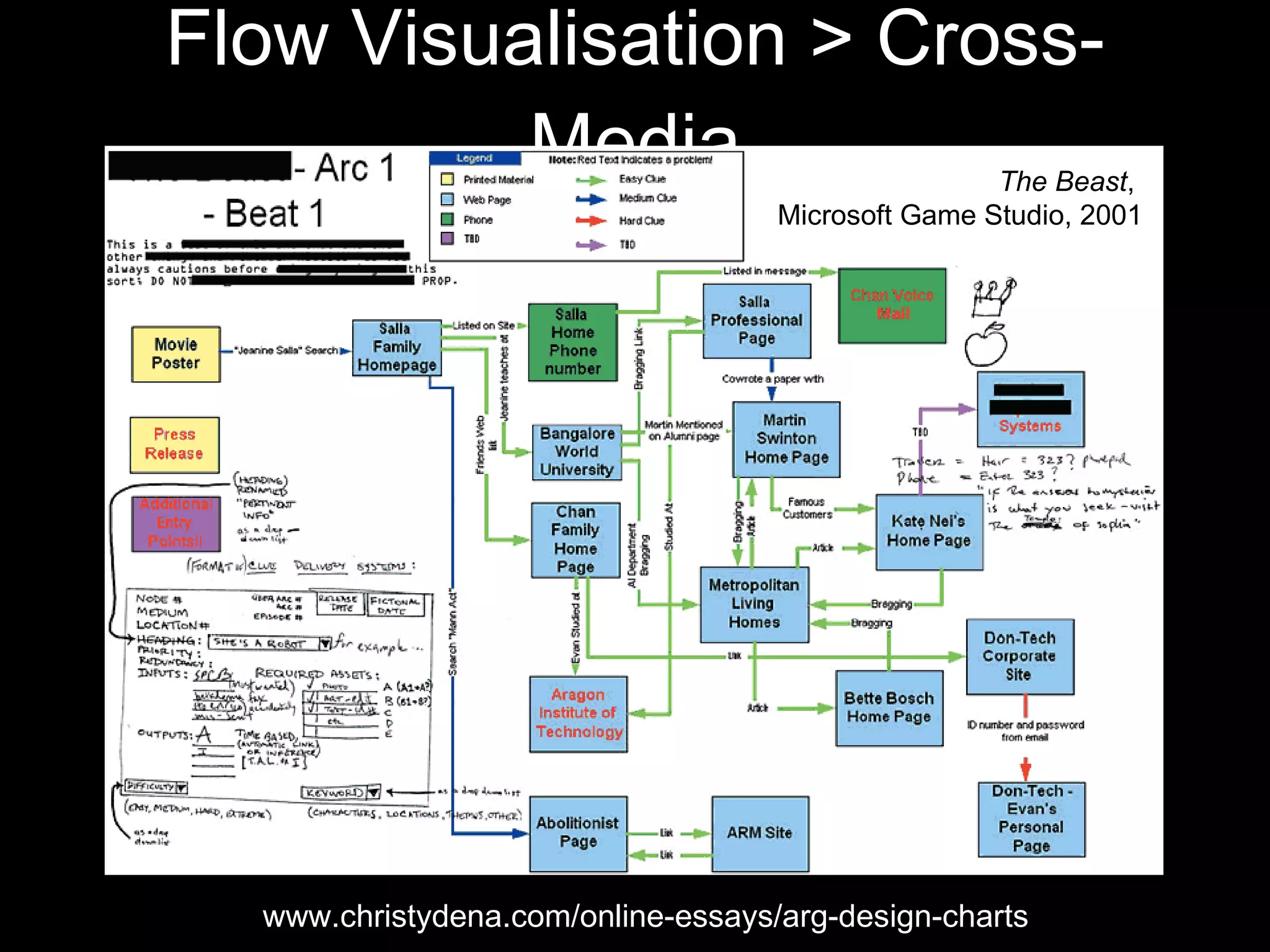
Flow Visualisation > Cross-Media www.christydena.com/online-essays/arg-design-charts The Beast ,  Microsoft Game Studio, 2001


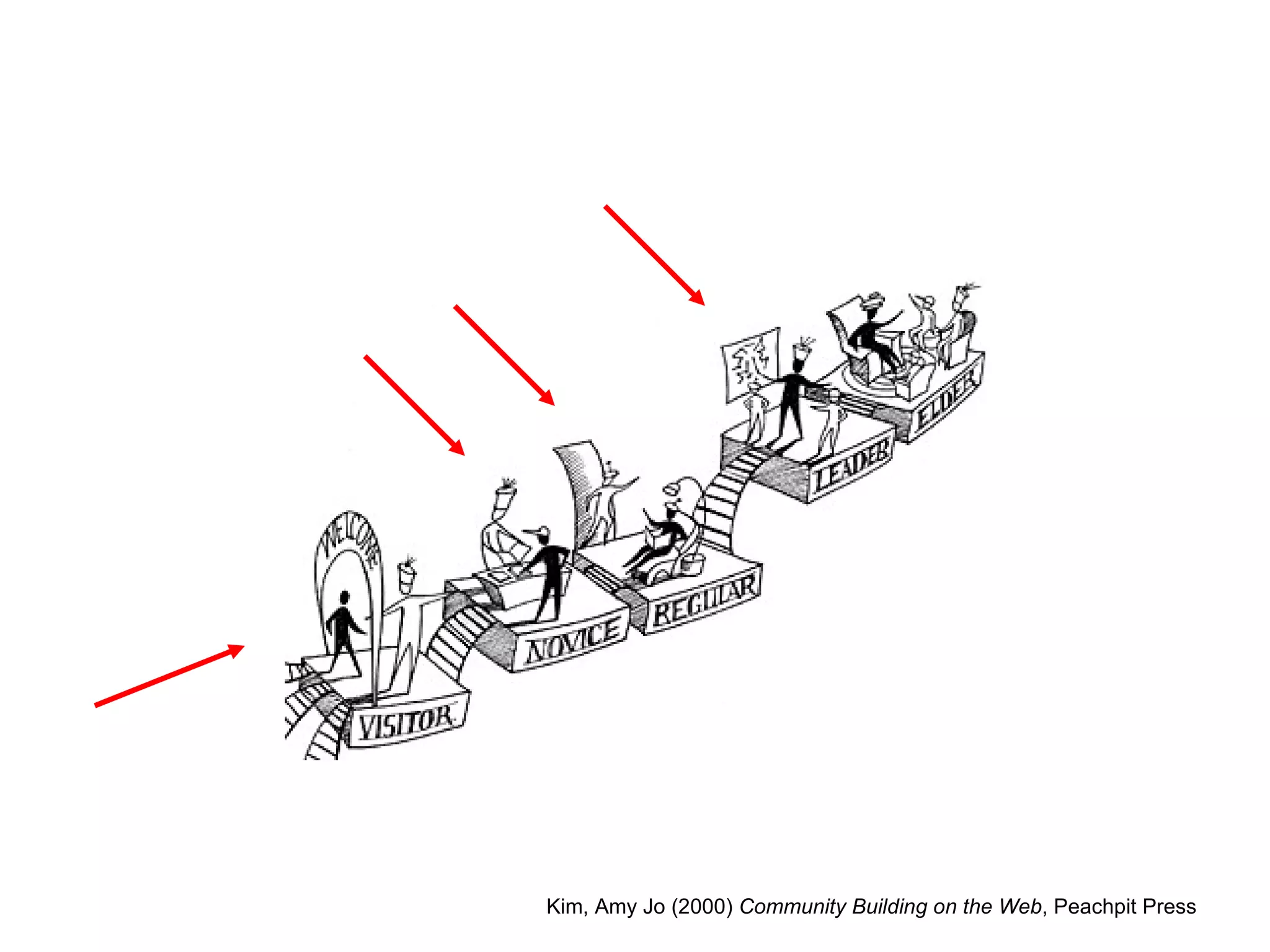
Vary Engagement & Skills
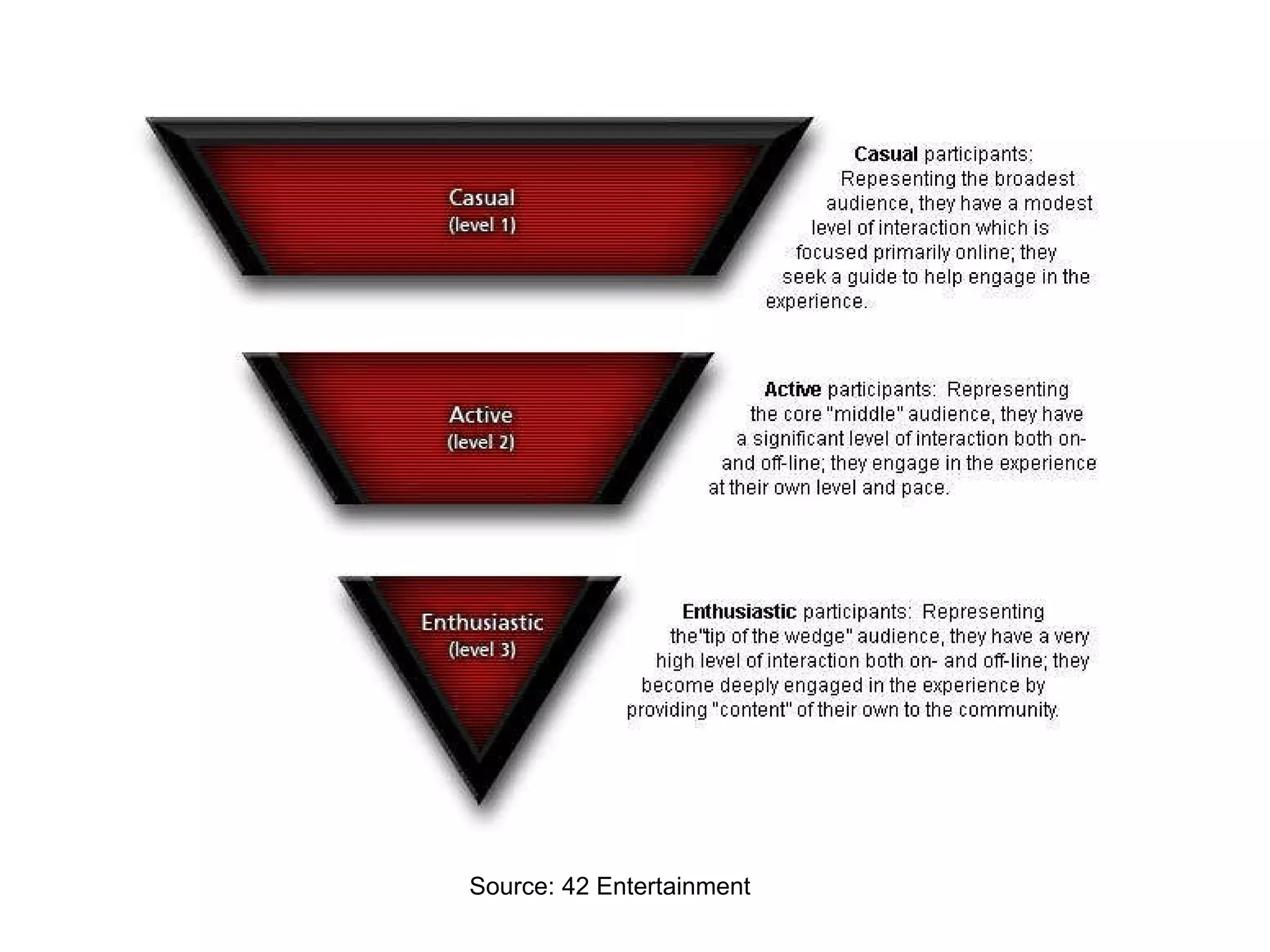
Source: 42 Entertainment
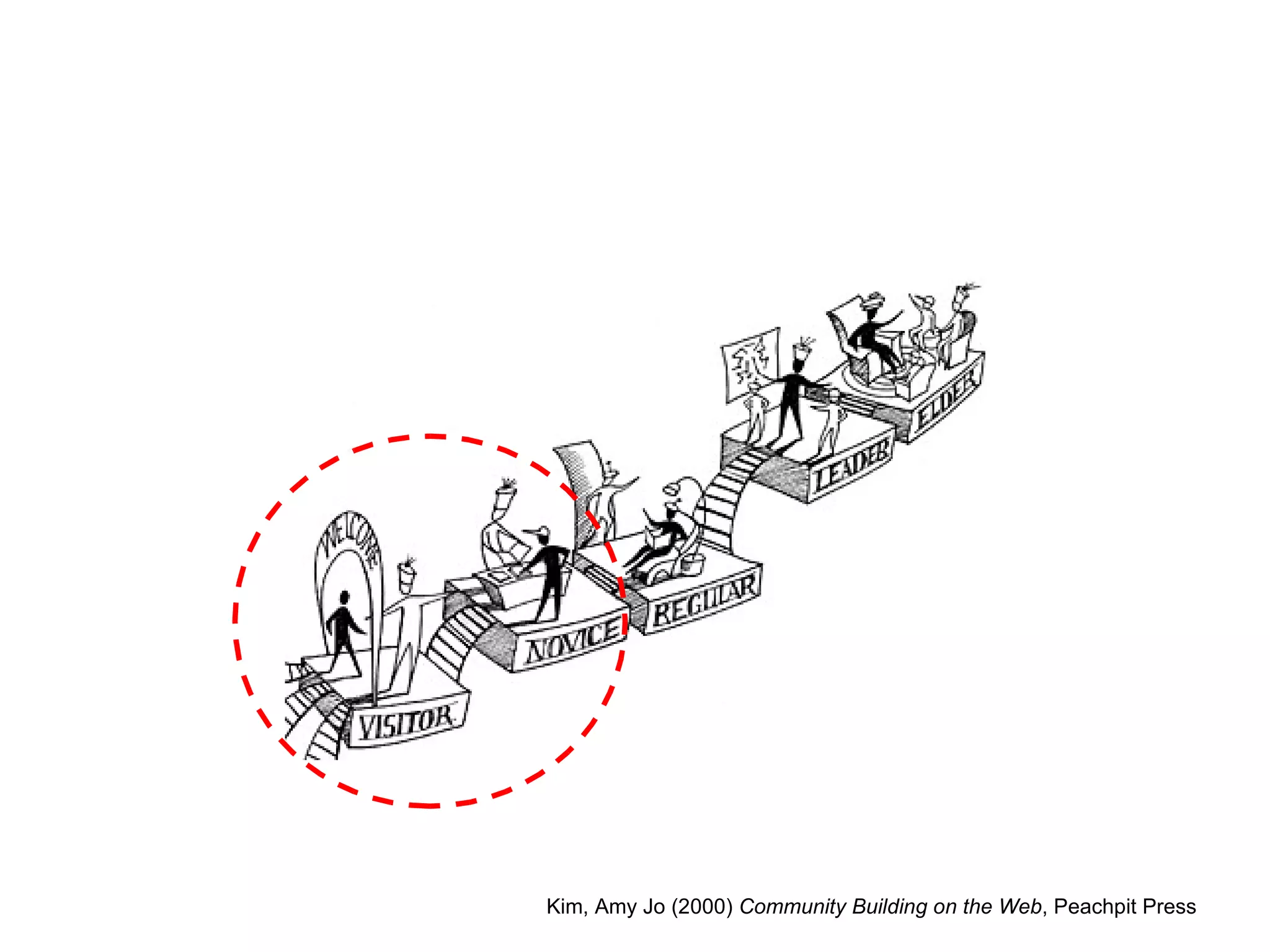
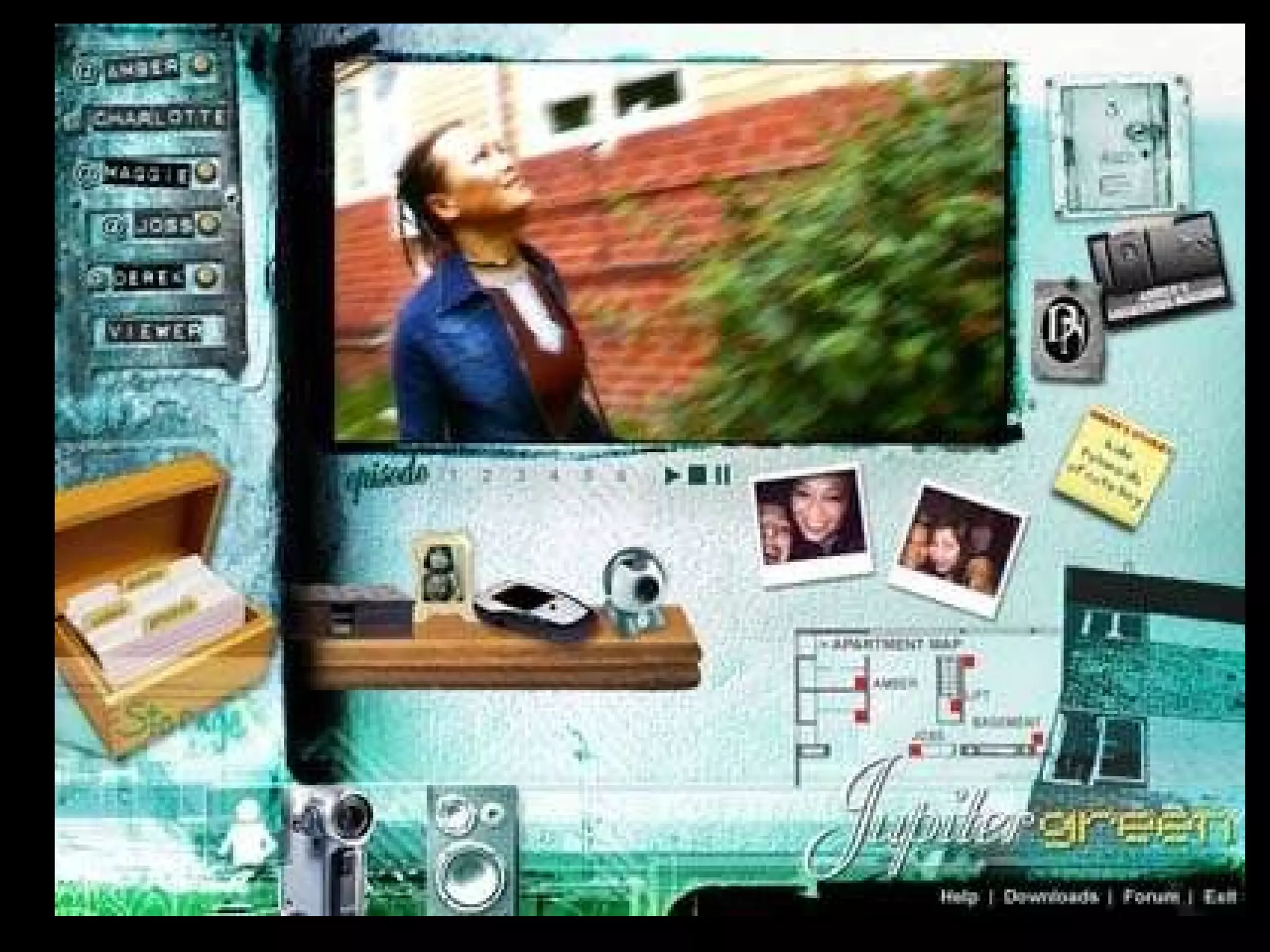
Kim, Amy Jo (2000)  Community Building on the Web , Peachpit Press
 
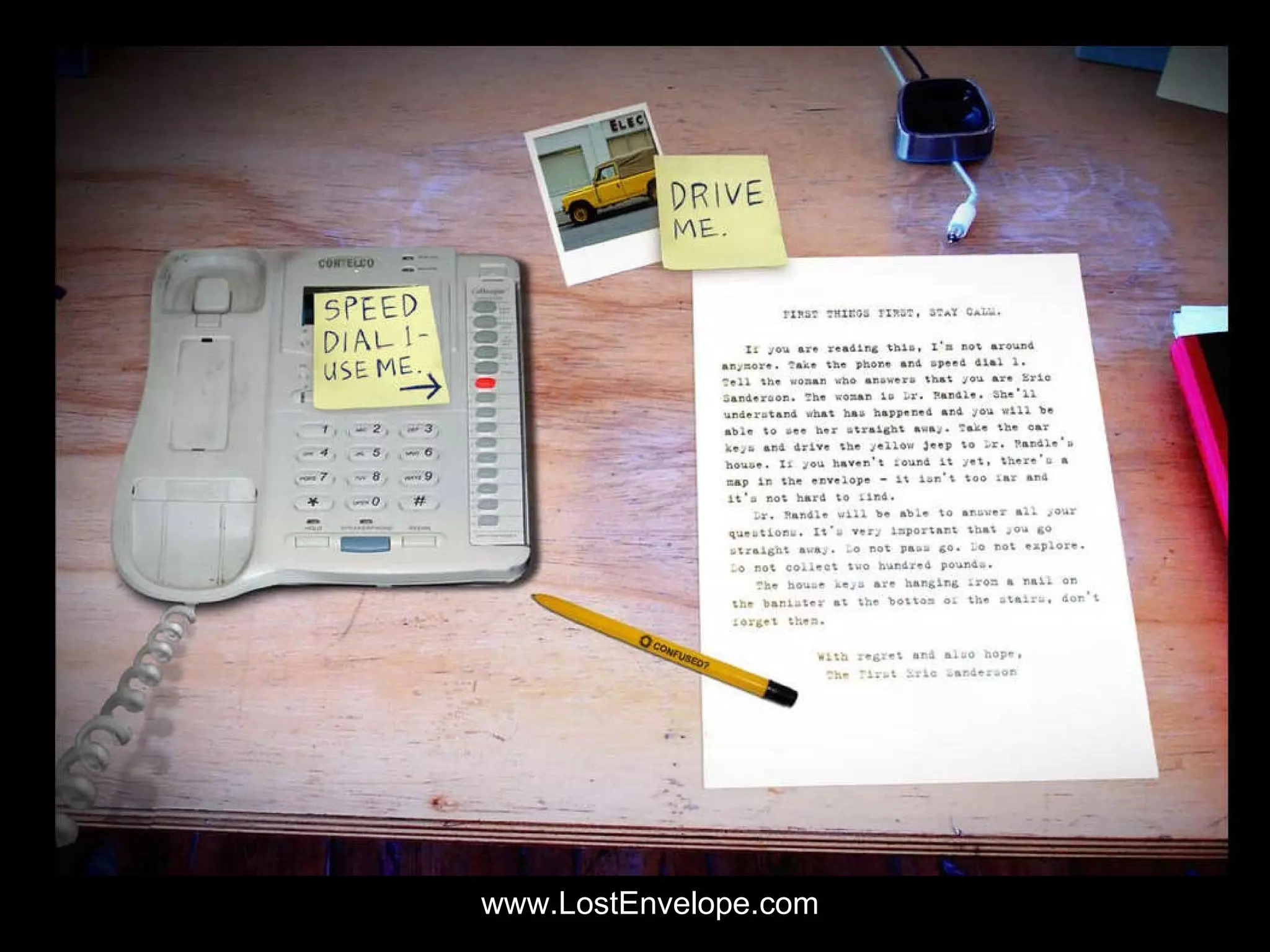
www.LostEnvelope.com
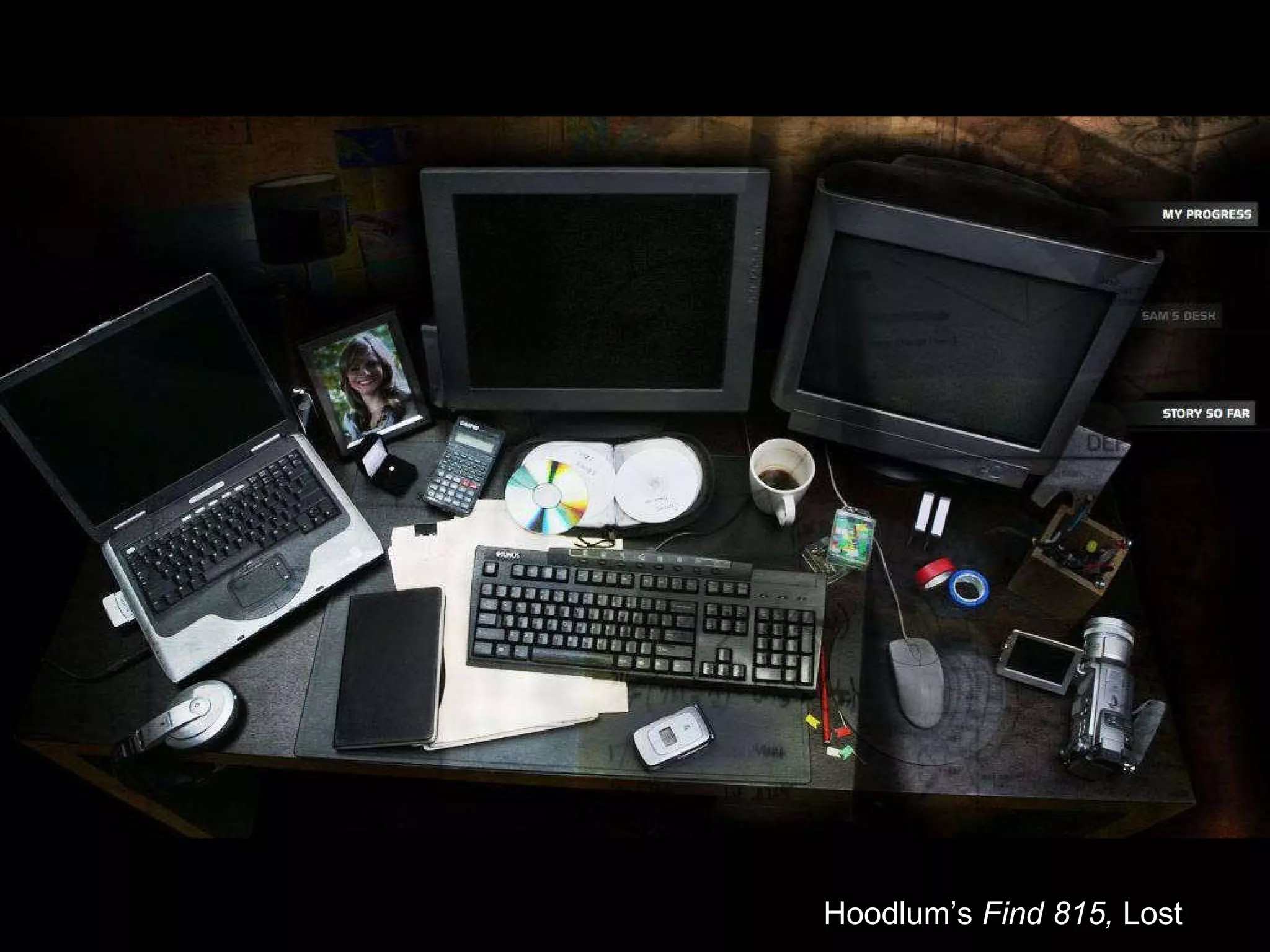
Hoodlum’s  Find 815,  Lost
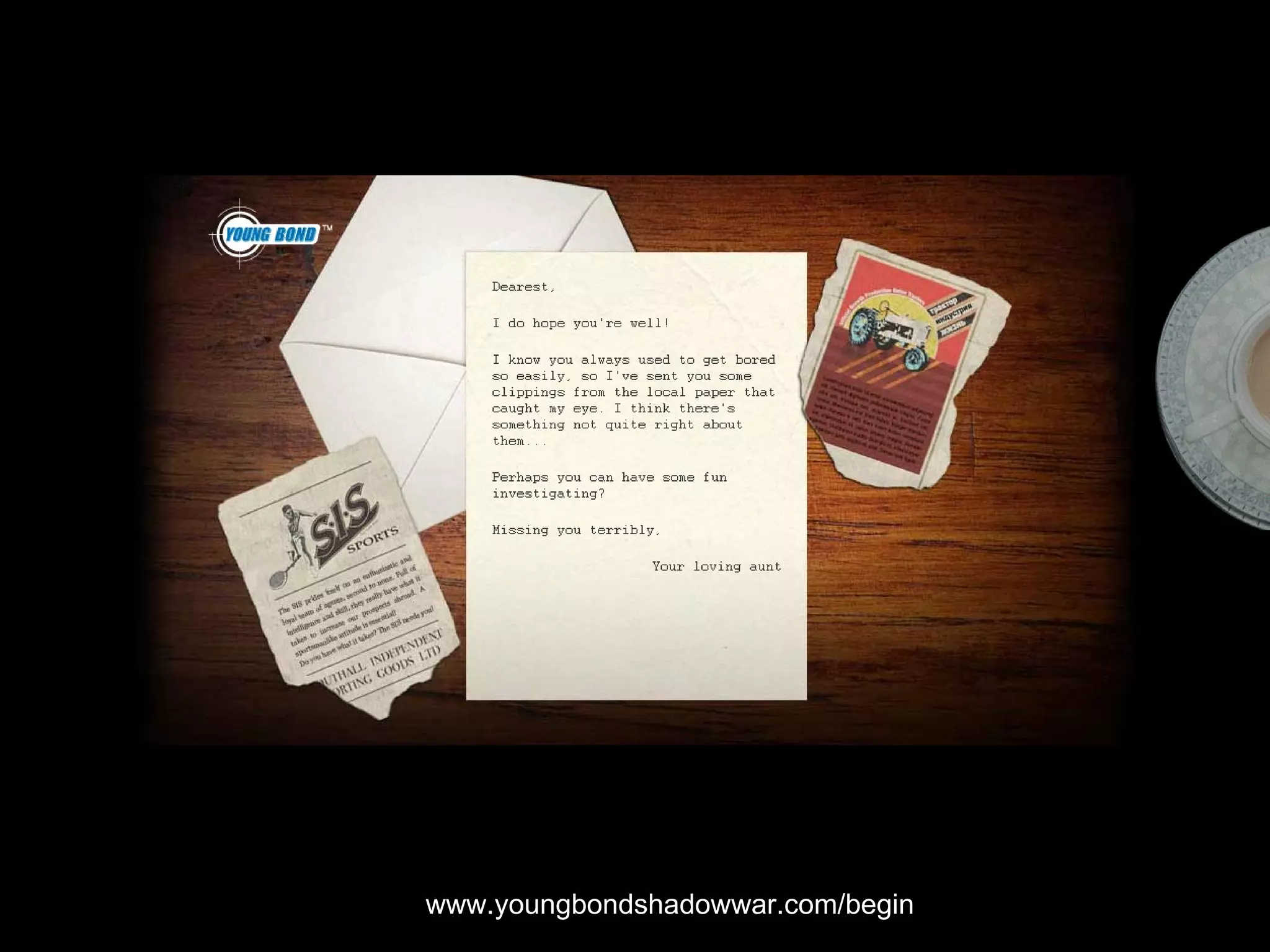
www.youngbondshadowwar.com/begin
Kim, Amy Jo (2000)  Community Building on the Web , Peachpit Press
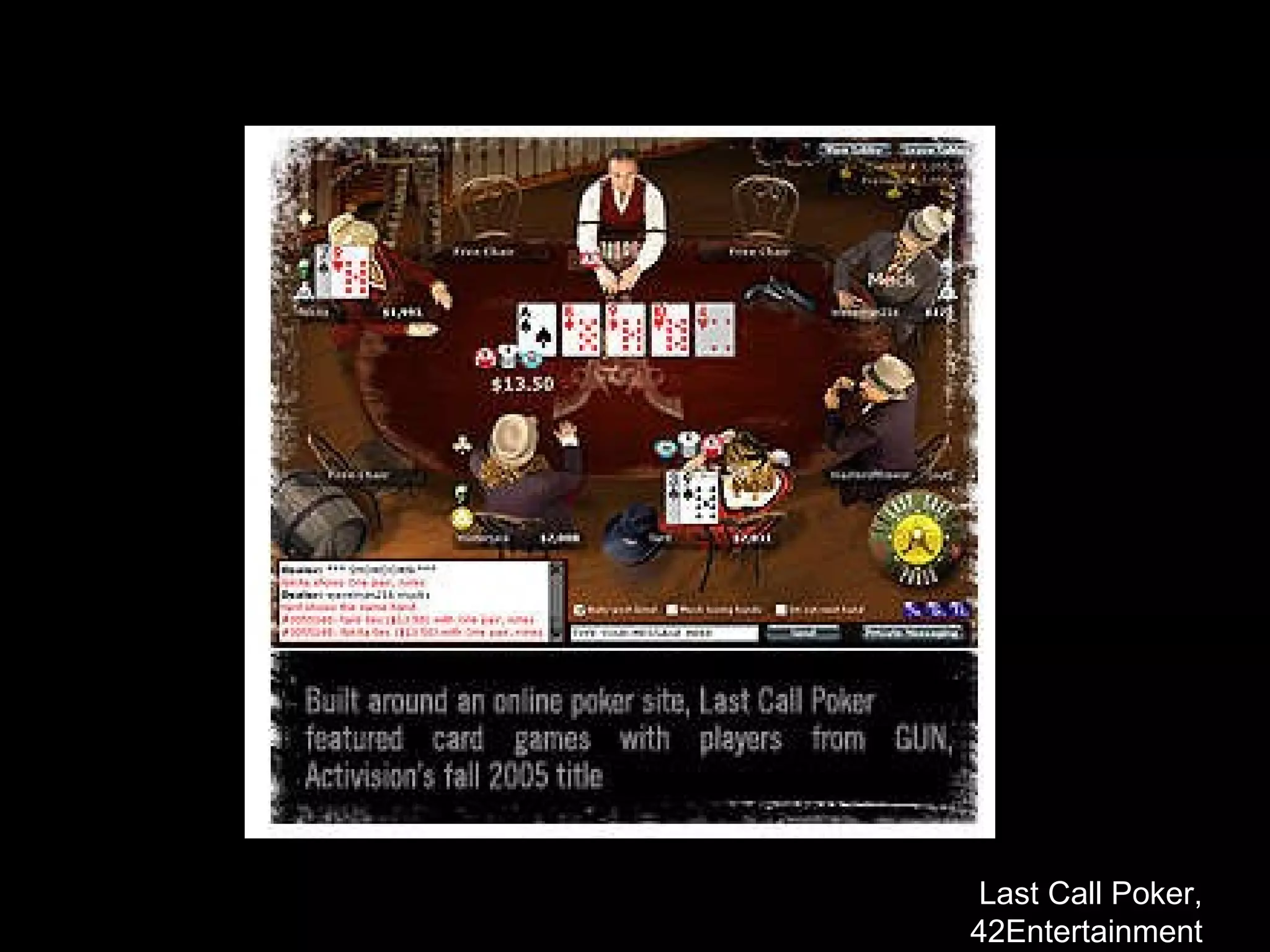
http://www.42entertainment.com/poker.html Last Call Poker Last Call Poker, 42Entertainment
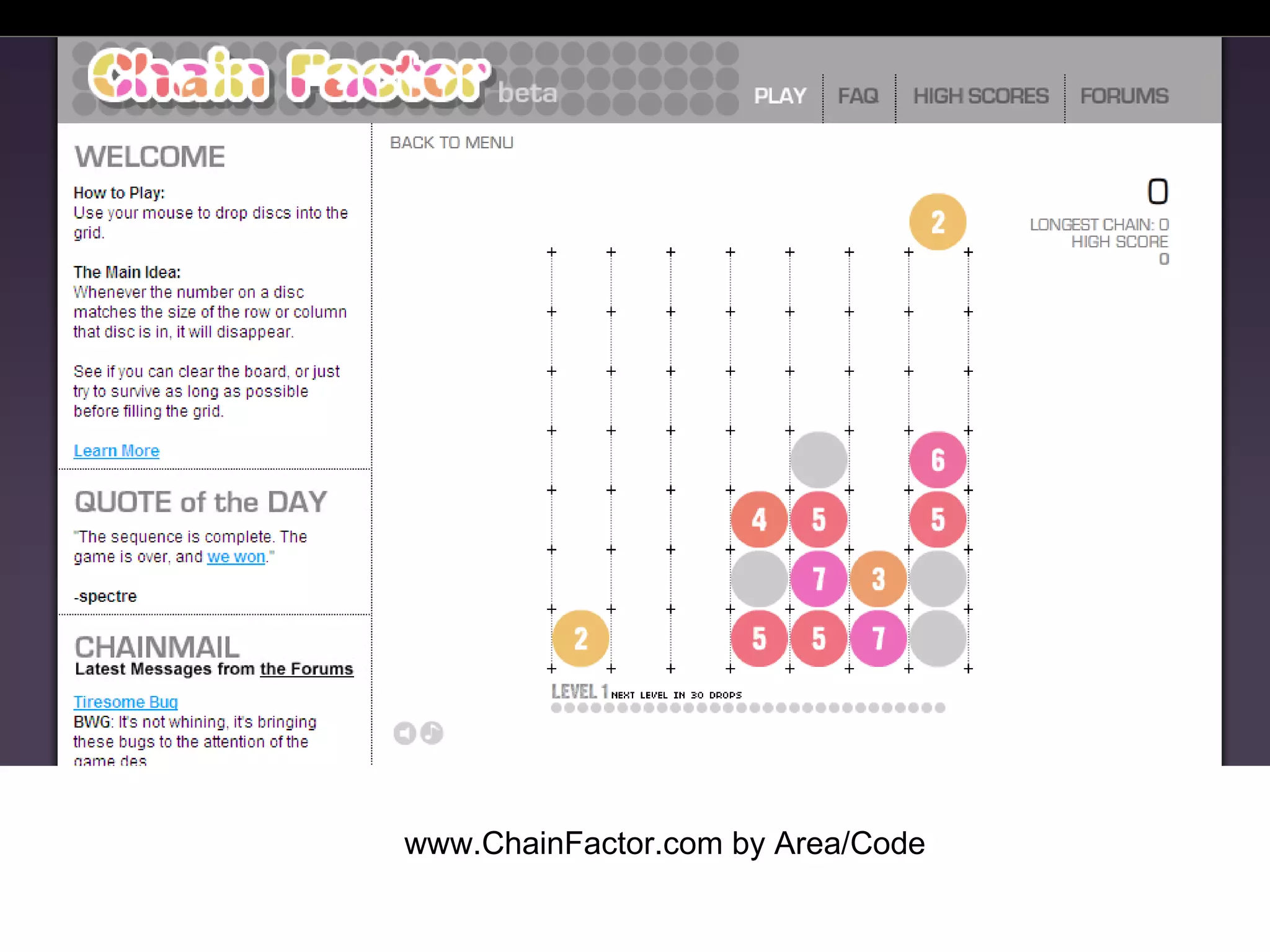
www.ChainFactor.com by Area/Code
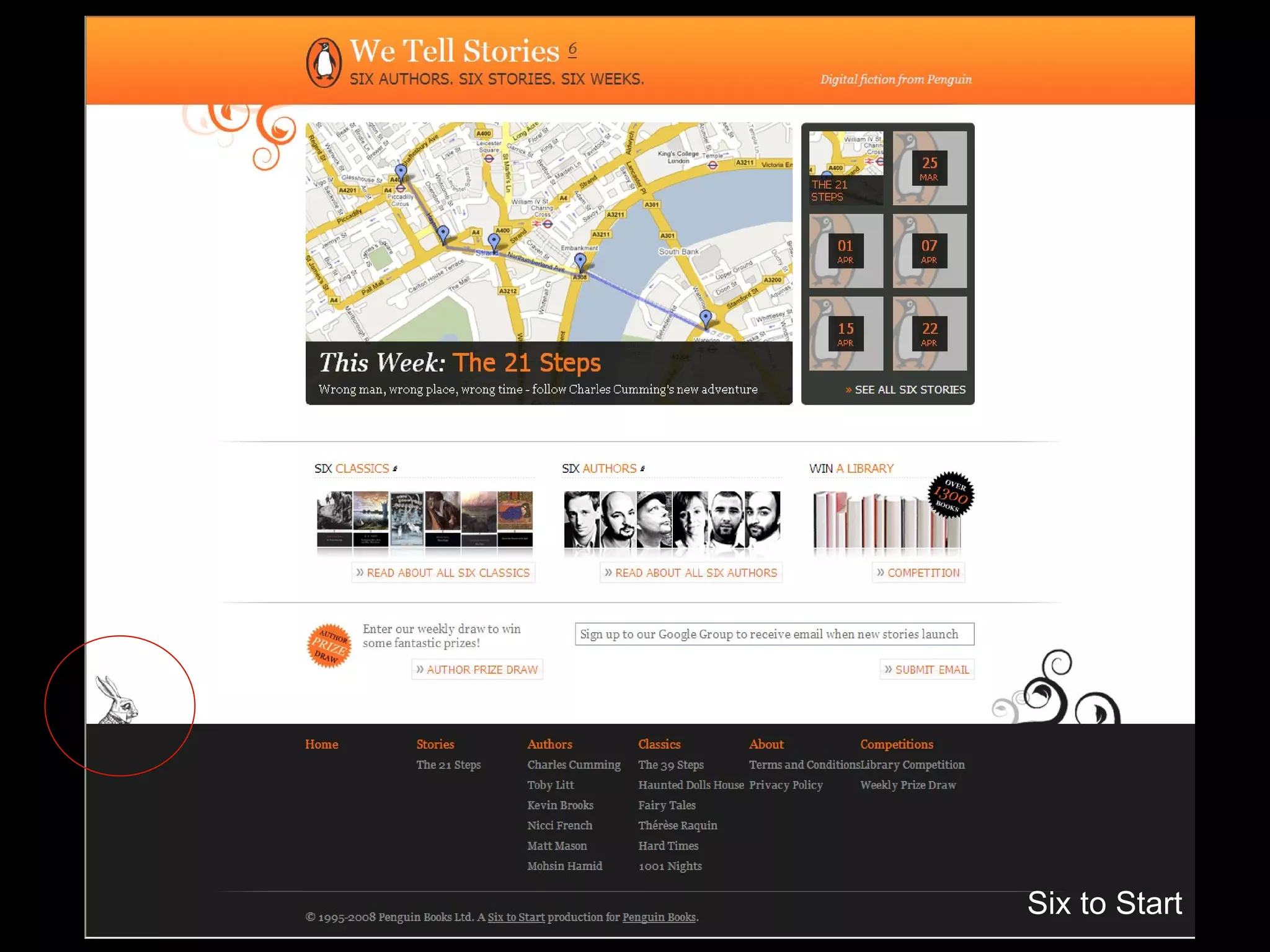
Six to Start
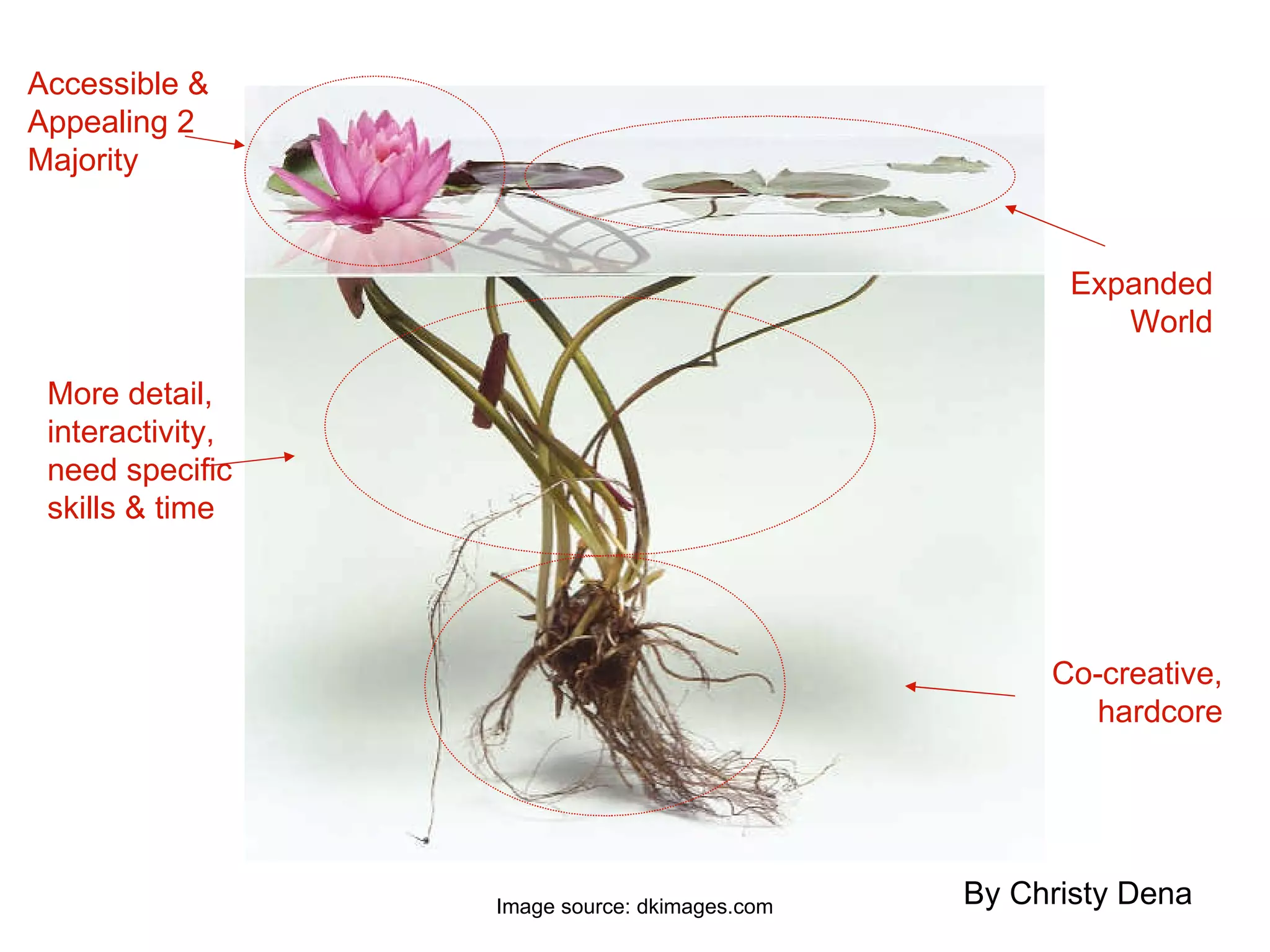
Image source: dkimages.com Accessible & Appealing 2 Majority Expanded World More detail, interactivity, need specific skills & time Co-creative, hardcore By Christy Dena
Why is it Important? Attract and Reach more people More people stick around (low attrition rate) The hard-core are the smallest audience size, but the most engaged, evangelical & contribute content Casuals are the largest audience size, but the least experienced. But…you can only create what you know. If you don’t understand hard-core, you can’t design for them.  The type of content & design you create attracts  like-minded audiences & players.
Bonus Level:
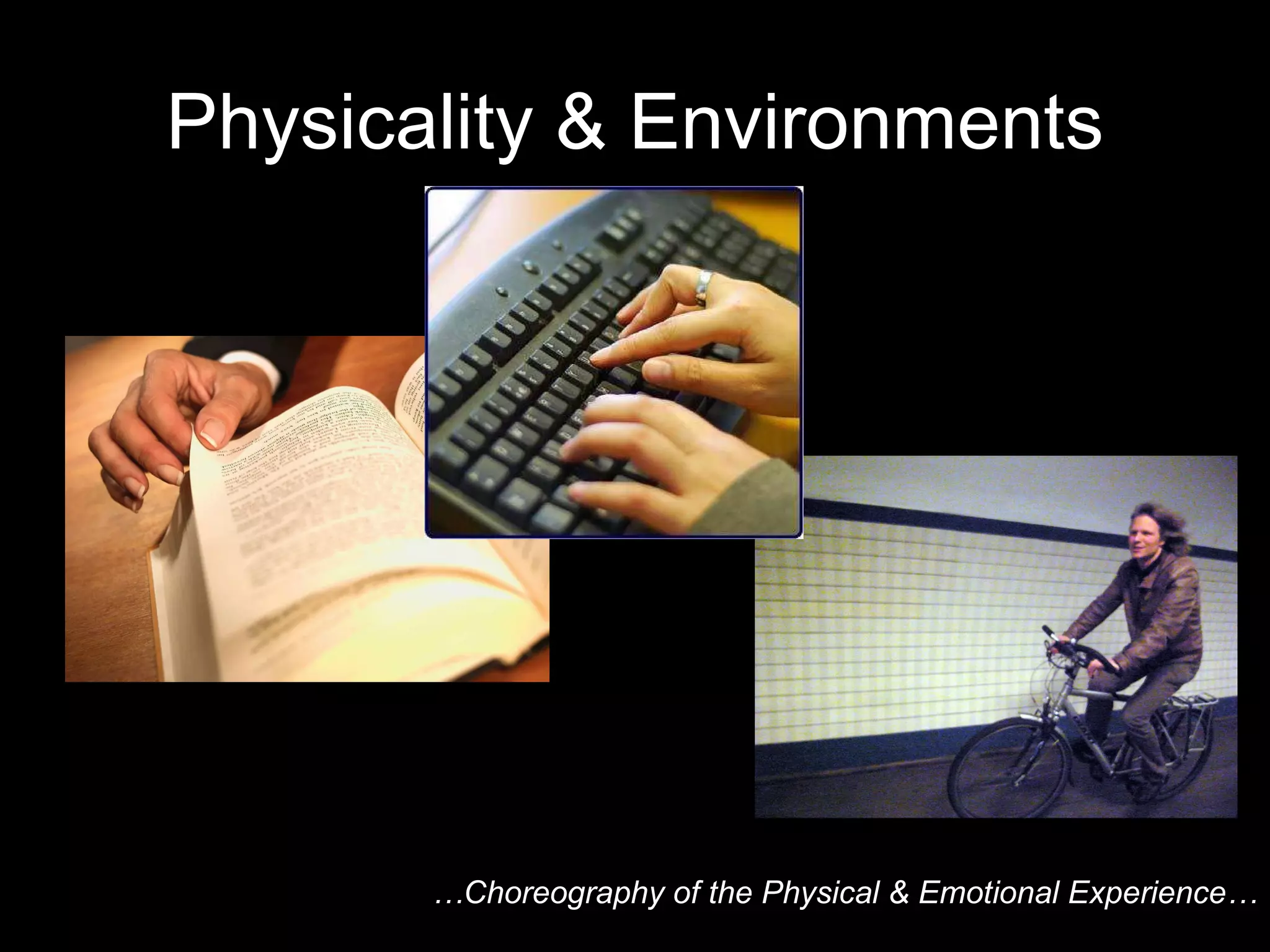
Physicality & Environments … Choreography of the Physical & Emotional Experience…
 
?
?
?
I dare you to think about what is right for your film, for your story, for the characters, for the mood, for your message… Put your creativity (and a healthy dollop of audience demand) first …  and then let’s see what  the next generation of  cross-media brings…
Wohoo! Feel free to contact me at: www.ChristyDena.com www.UniverseCreation101.com Check out the event:   www.PowertothePixel.com

Lessons Learned in Cross-Media

  • 1.
    WHAT DID THEYDO? LESSONS LEARNED IN CROSS-MEDIA Christy Dena Director, Universe Creation 101 Power to the Pixel, London Film Festival 14 th October, 2009
  • 2.
  • 3.
    "Multiplatform digital entertainmentis here to stay and requires a different approach" Javier Perez Dolset, Zed Worldwide #MIPCOM09
  • 4.
    ‘ Billion DollarResearch Lab: Cross-Media Insights from the Largest Single Media Event Ever’ “ We thought that customers would be appreciative of the fact that we had so much across different platforms,” he said. “But nope. They were like ‘obviously!’ They just expected it.” Alan Wurtzel, NBC Universal’s President of Research
  • 5.
  • 6.
  • 7.
    Lessons learned fromthose before there may be…
  • 8.
    * Do notto plan events around fixed dates, keep them flexible by setting them at a fictional event (Adrian Hon) * Provide Recaps/Story So Far for latecomers * The name of the first website players find will become their title for the entire project * Respect the Hard-core, engage them first/early (Jane McGonigal) * Give the players something to model their actions on (Brian Clarke & Mike Monello) * Be prepared for actor improvisation to change the plot * Design for a variety of engagement and expertise levels * Set a day and cycle (eg weekly) that you will update the project, so players know what to expect and you have a schedule you can keep to * In large projects, only the smallest audience number will attend to every piece of content in every media * Some people like narrative content, some interacting with characters, some attending live events, some puzzles, some play and some contribute content * Be prepared for someone game/hijacking your project by creating fake websites and characters * Be prepared for ‘brute force’ being applied to an automated system * Players almost always check who registered a domain name * Not all ‘alternate reality’ games are hoaxes * Countdowns have been used many times, and will be used again * Create a character to guide the players with what to do (Evan Jones) * Competition attracts newcomers, but doesn’t drive their desire to stay (Adrian Hon)
  • 9.
    Lessons Learned Wherewe’re at …what we need
  • 10.
    Local & GlobalDesign Documentation Address Different Audiences
  • 11.
  • 12.
    Local and adash of global?
  • 13.
    Local & GlobalLive events (cinema events, meeting characters, local competitions etc) consider: Sharing the experience in real-time (streaming) Giving non-local people something to do as well Getting local & non-local people to work together Make the local replicable (by yourself or others – self-replication)
  • 14.
    Local & GlobalINSERT PIC OF INDIE SCREENINGS
  • 15.
    Local & GlobalThe Lost Ring ( McDonald’s, AKQA, and Jane McGonigal, 2008)
  • 16.
  • 17.
    Design Documentation IssuesIndicate what part of the story is in what media (or which website) Indicate timing – when each element is released [pacing] Indicate why and how participants traverse media [calls to action?] Indicate what people see and do [their experience] Think about non-linear traversal [order narrative is accessed] Difficult to ensure continuity across different developers…
  • 18.
    Design Documentation UniverseGuide Flow Visualisation Flow Script
  • 19.
    TV > “ShowBible”
  • 20.
  • 21.
    … .on theother hand…a Game Design Document …. ‘ is all about communicating a vision for a game, for mapping out as much information as possible about how that game will function, what players will experience, and how players will interact with the game-world’ (Rouse, 2005, 356)
  • 22.
  • 23.
    Current Context ShowBible = Continuity across episodes within one medium Game Design Doc = Describes a single mono-medium game
  • 24.
    Cross-Media Context Continuityacross projects in different media platforms (eg: film, comic, digital game) Describes a single cross-media project (eg: pervasive game)
  • 25.
    Universe Guide ByChristy Dena
  • 26.
  • 27.
    Flow Visualisation >Cross-Media www.christydena.com/online-essays/arg-design-charts The Beast , Microsoft Game Studio, 2001
  • 28.
  • 29.
  • 30.
  • 31.
  • 32.
  • 33.
    Kim, Amy Jo(2000) Community Building on the Web , Peachpit Press
  • 34.
  • 35.
  • 36.
  • 37.
  • 38.
    Kim, Amy Jo(2000) Community Building on the Web , Peachpit Press
  • 39.
    http://www.42entertainment.com/poker.html Last CallPoker Last Call Poker, 42Entertainment
  • 40.
  • 41.
  • 42.
    Image source: dkimages.comAccessible & Appealing 2 Majority Expanded World More detail, interactivity, need specific skills & time Co-creative, hardcore By Christy Dena
  • 43.
    Why is itImportant? Attract and Reach more people More people stick around (low attrition rate) The hard-core are the smallest audience size, but the most engaged, evangelical & contribute content Casuals are the largest audience size, but the least experienced. But…you can only create what you know. If you don’t understand hard-core, you can’t design for them. The type of content & design you create attracts like-minded audiences & players.
  • 44.
  • 45.
    Physicality & Environments… Choreography of the Physical & Emotional Experience…
  • 46.
  • 47.
  • 48.
  • 49.
  • 50.
    I dare youto think about what is right for your film, for your story, for the characters, for the mood, for your message… Put your creativity (and a healthy dollop of audience demand) first … and then let’s see what the next generation of cross-media brings…
  • 51.
    Wohoo! Feel freeto contact me at: www.ChristyDena.com www.UniverseCreation101.com Check out the event: www.PowertothePixel.com