October 2011


Powering your website with
      realtime data


    Bert Van Hauwaert
bert@becoded.be - @tbotwit
Bert Van Hauwaert

•   Live in Belgium

•   Founder of be.coded

•   Freelance web application developer & consultant

•   ZCE 5.0

•   Working on realtime auction sites
Overview

•   The old days

•   XMPP

•   Install server

•   Configure apache

•   Libraries

•   Examples
Overview

•   The old days

•   XMPP

•   Install server

•   Configure apache

•   Libraries

•   Examples
The old days


•   <meta http-equiv=”refresh” content=”5” />

•   <script >

•   AJAX
Overview

•   The old days

•   XMPP

•   Install server

•   Configure apache

•   Libraries

•   Examples
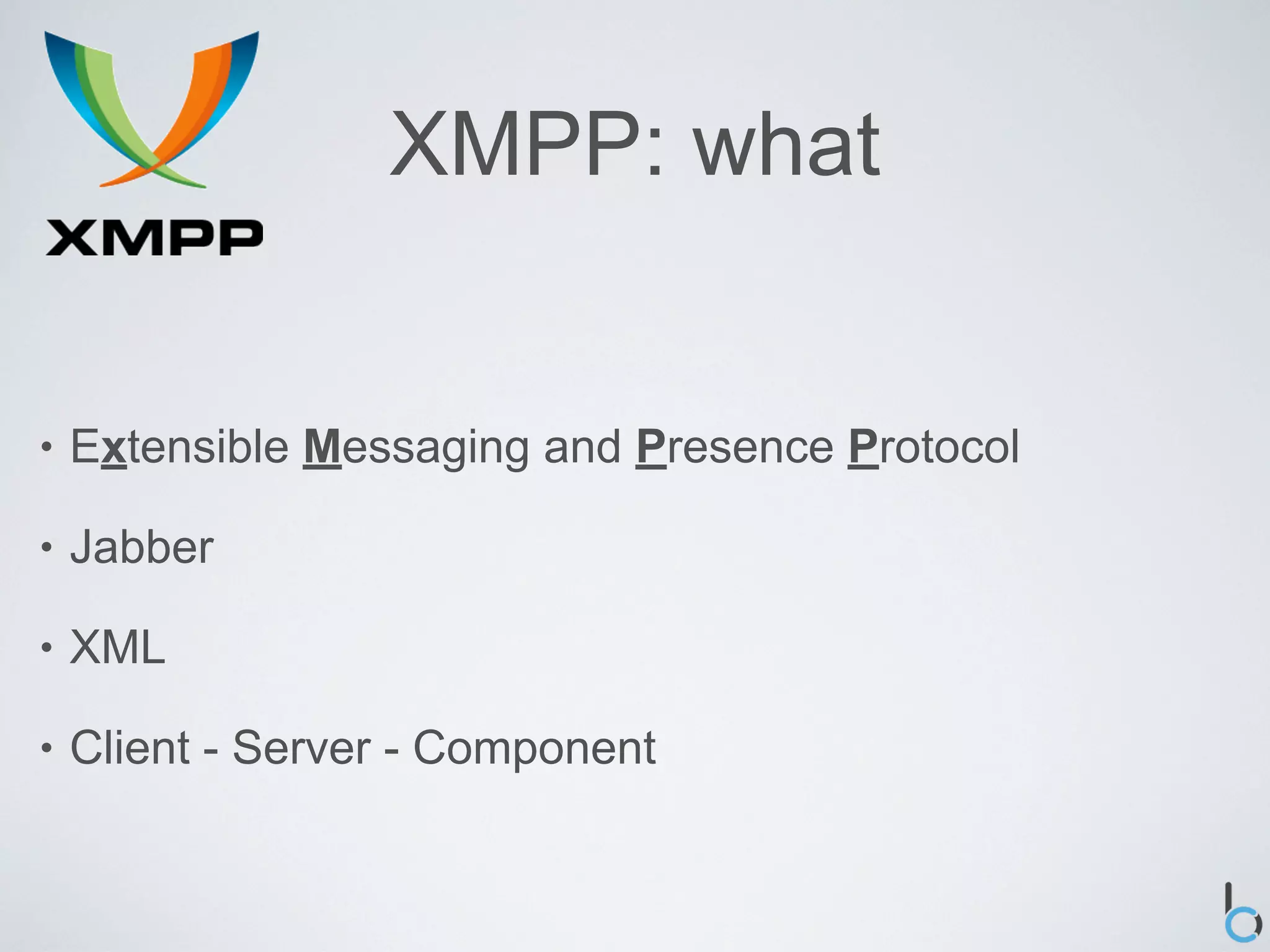
XMPP: what


•   Extensible Messaging and Presence Protocol

•   Jabber

•   XML

•   Client - Server - Component
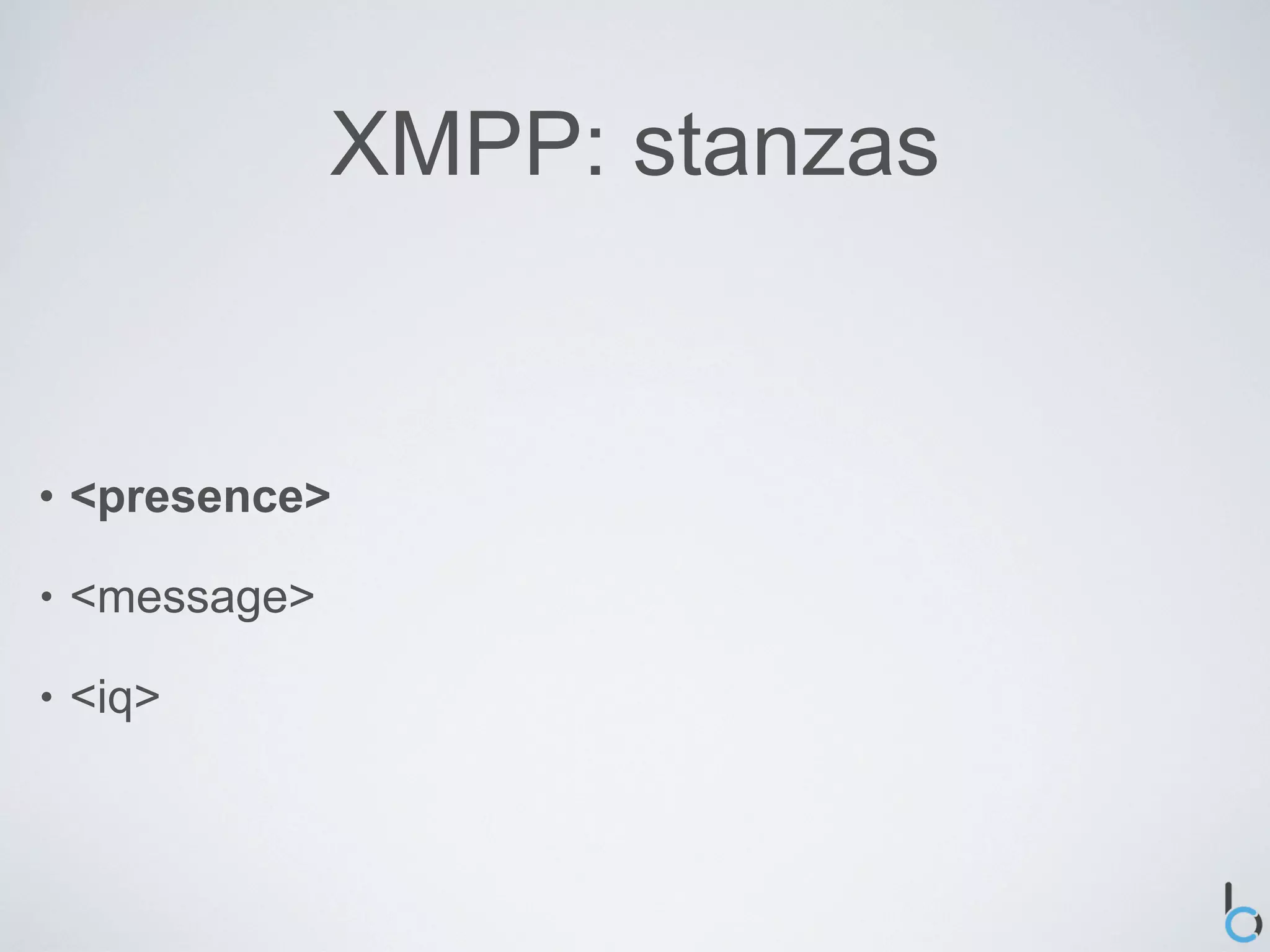
XMPP: stanzas


•   <presence>

•   <message>

•   <iq>
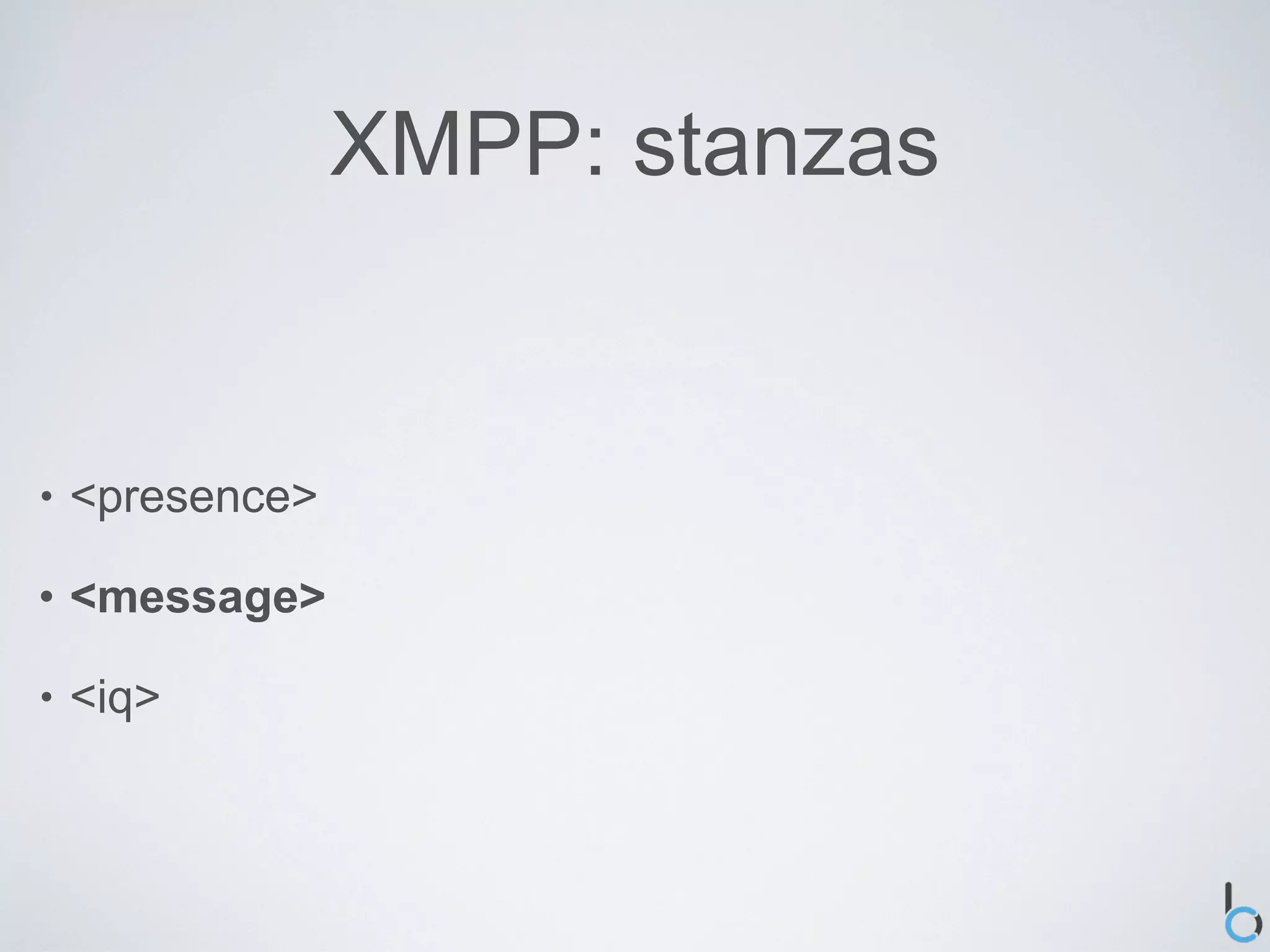
XMPP: stanzas


•   <presence>

•   <message>

•   <iq>
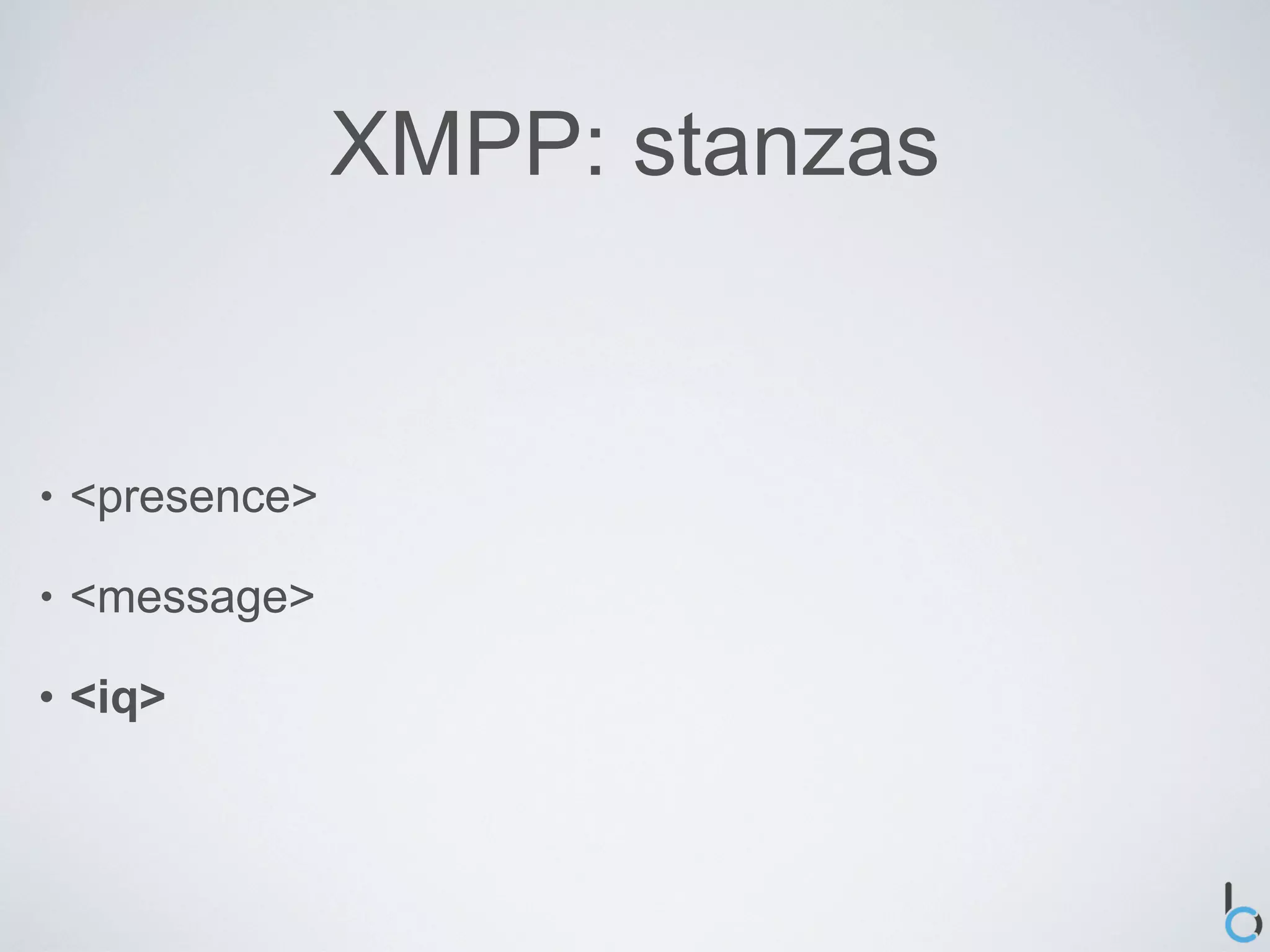
XMPP: stanzas


•   <presence>

•   <message>

•   <iq>
XMPP: stanzas


•   <presence>

•   <message>

•   <iq>
XMPP: addressing


•   JID (Jabber Identifier)

•   Three main parts

    •   [ node "@" ] domain [ "/" resource ]
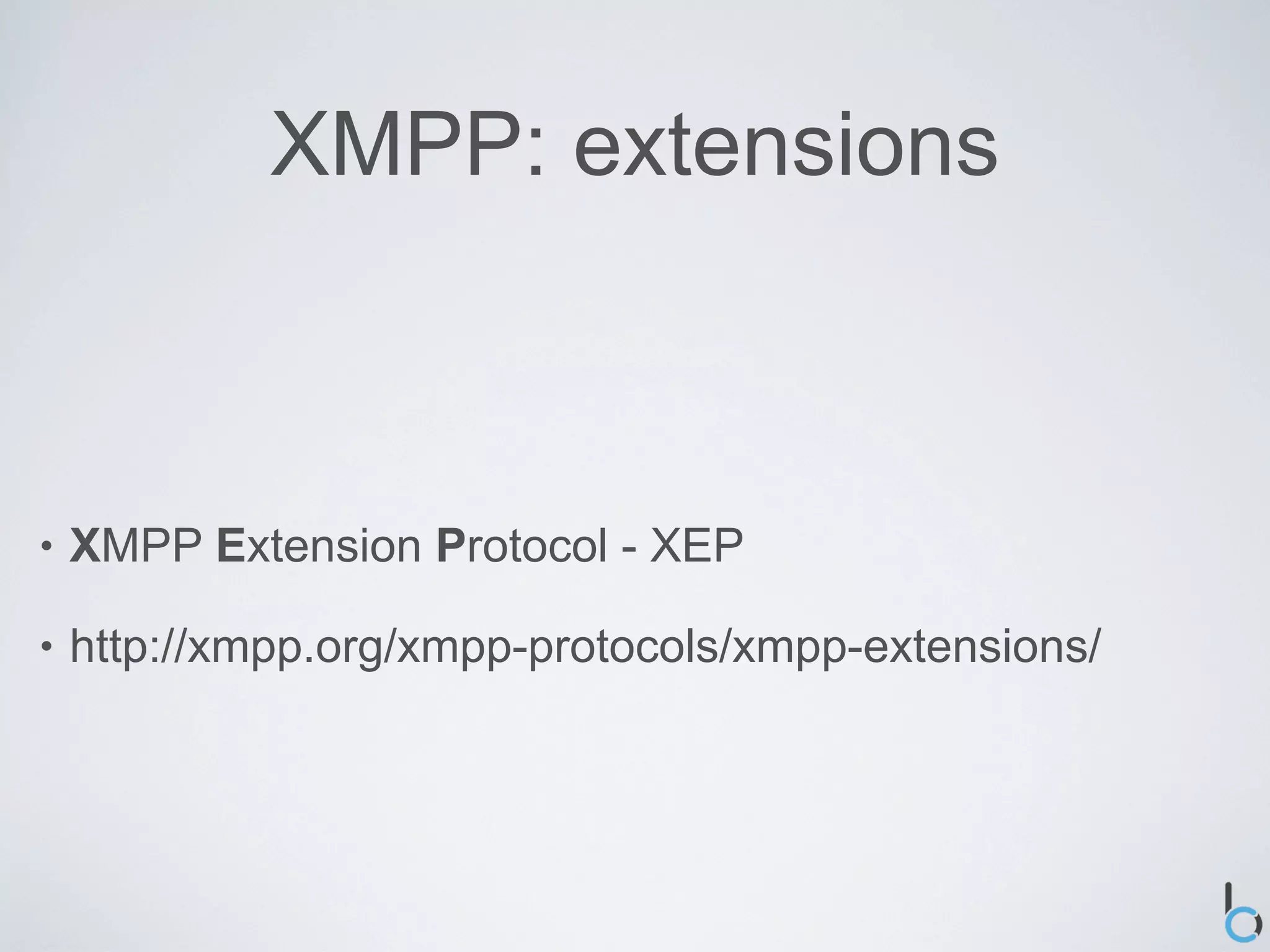
XMPP: extensions


•   XMPP Extension Protocol - XEP

•   http://xmpp.org/xmpp-protocols/xmpp-extensions/
XMPP: advantages


•   Open

•   Decentralized

•   Secure

•   Extensible
XMPP: disadvantages


•   Statefulness

•   Overhead
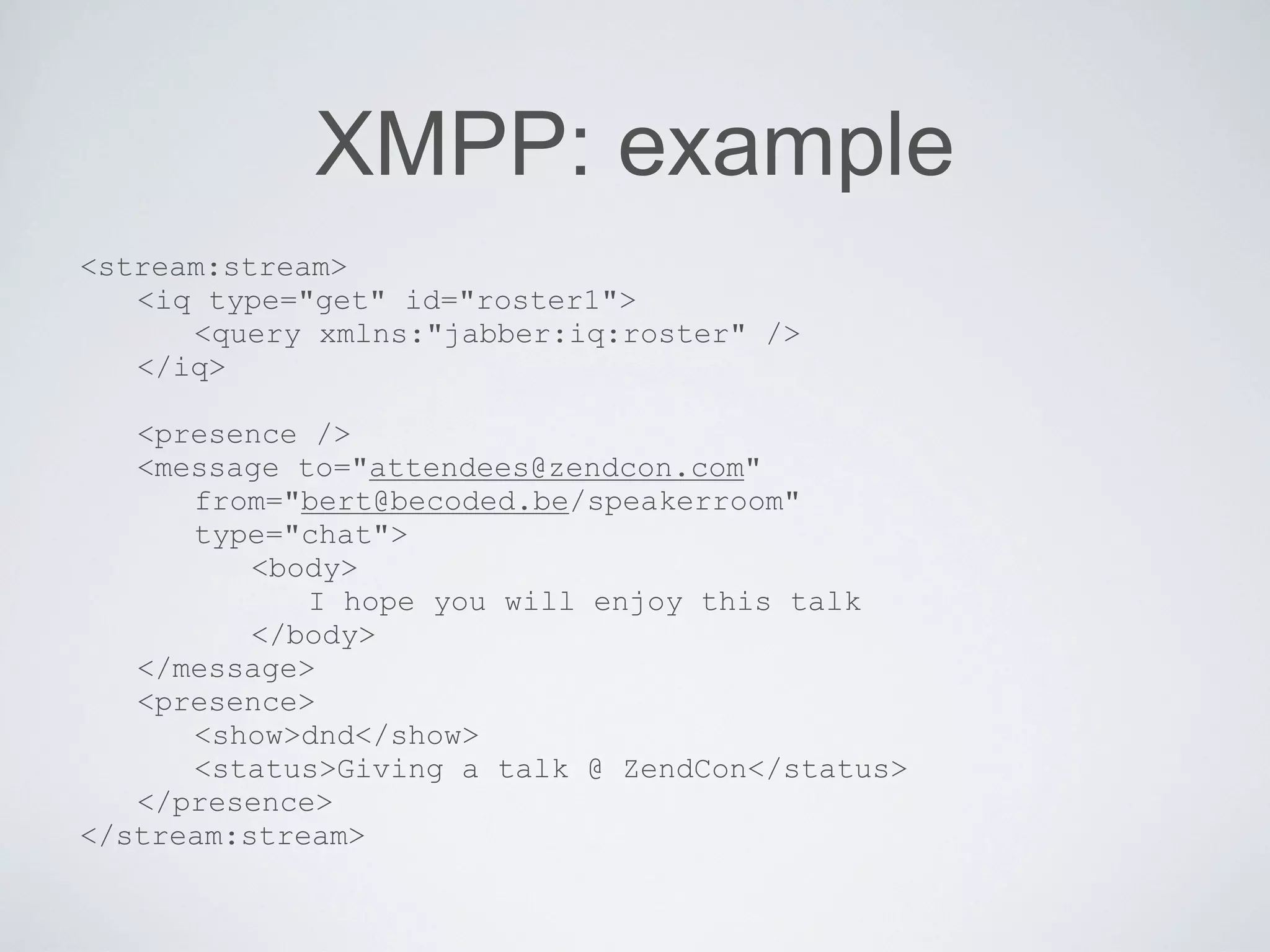
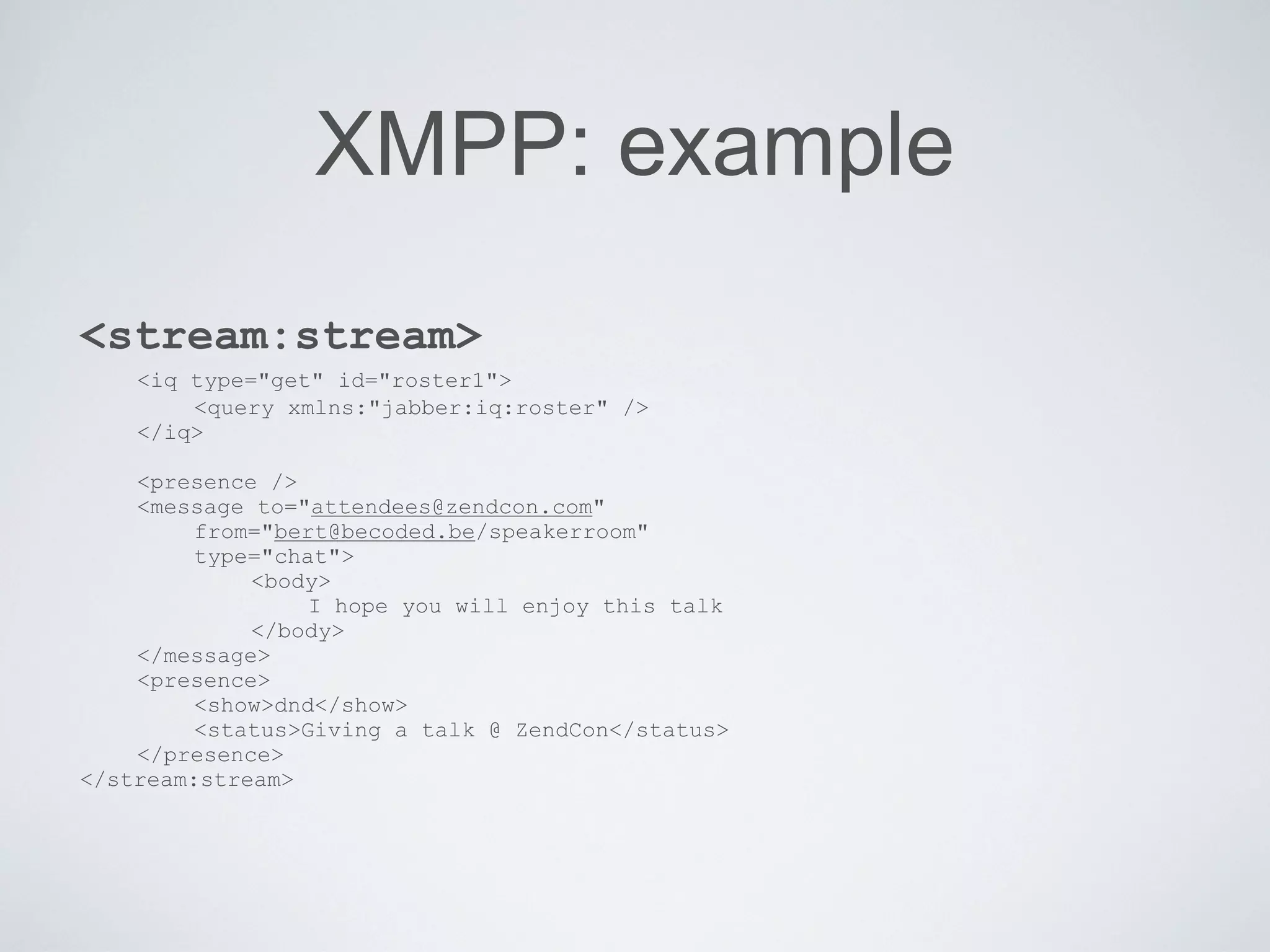
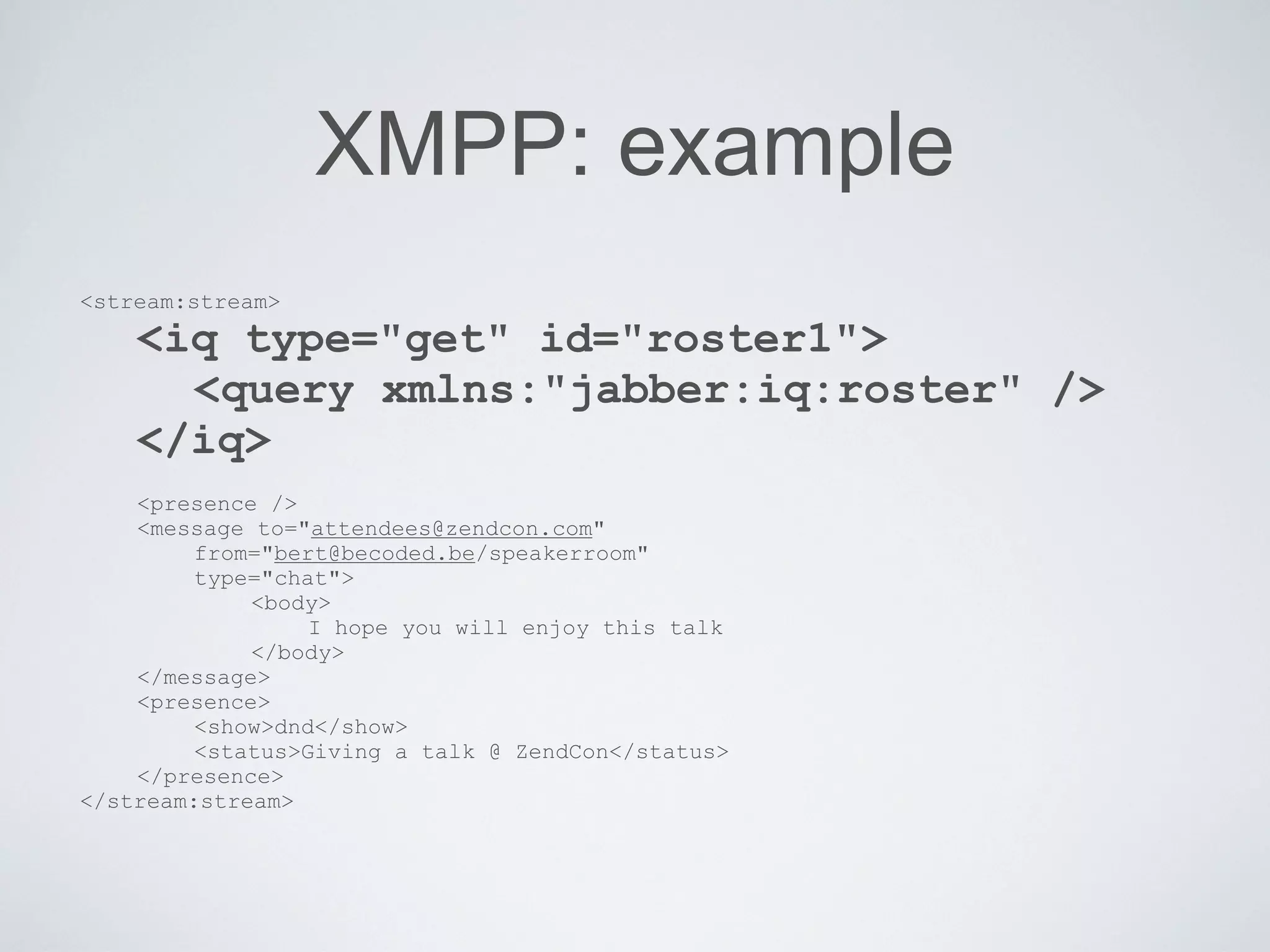
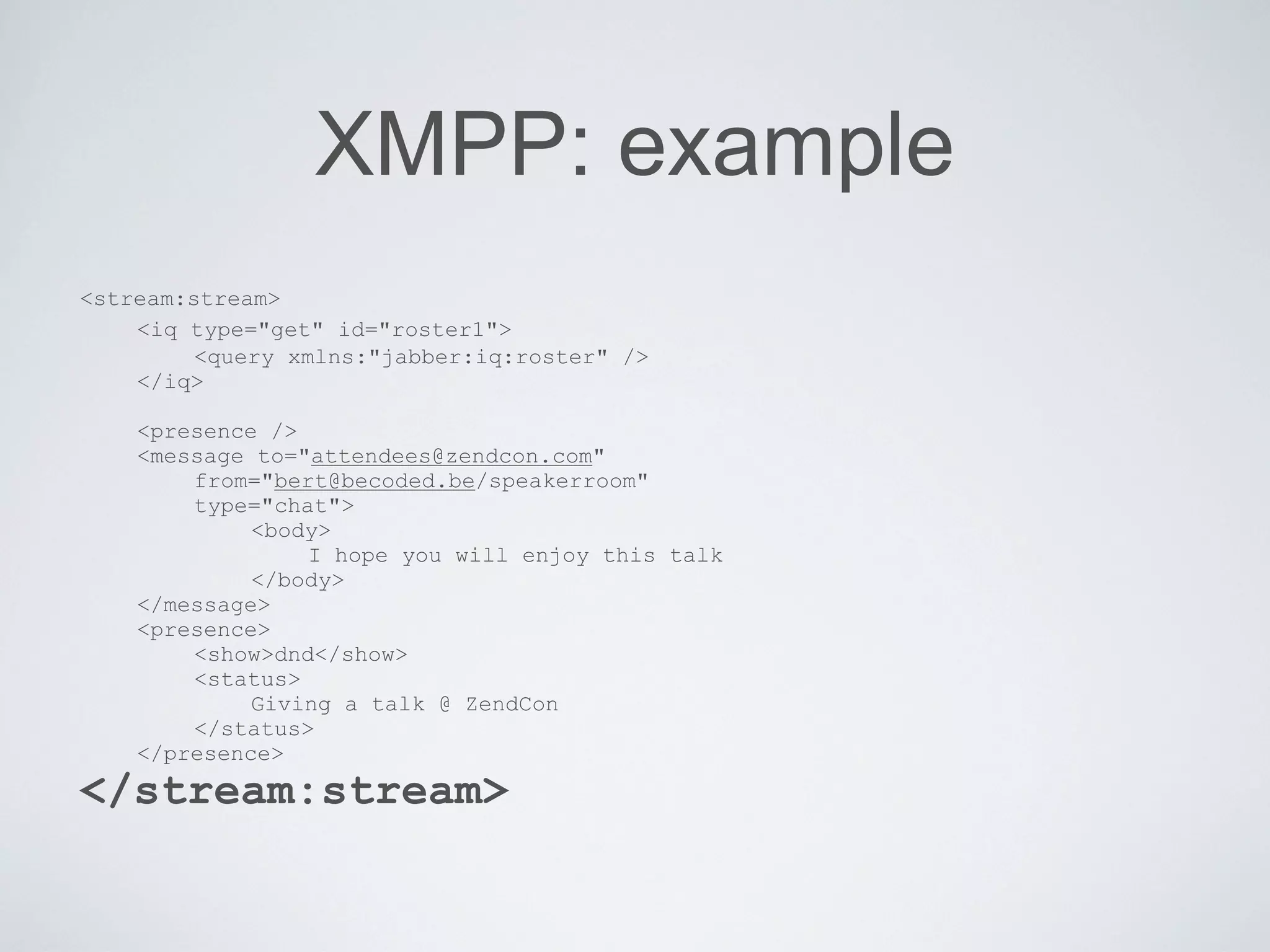
XMPP: example
<stream:stream>
   <iq type="get" id="roster1">
      <query xmlns:"jabber:iq:roster" />
   </iq>

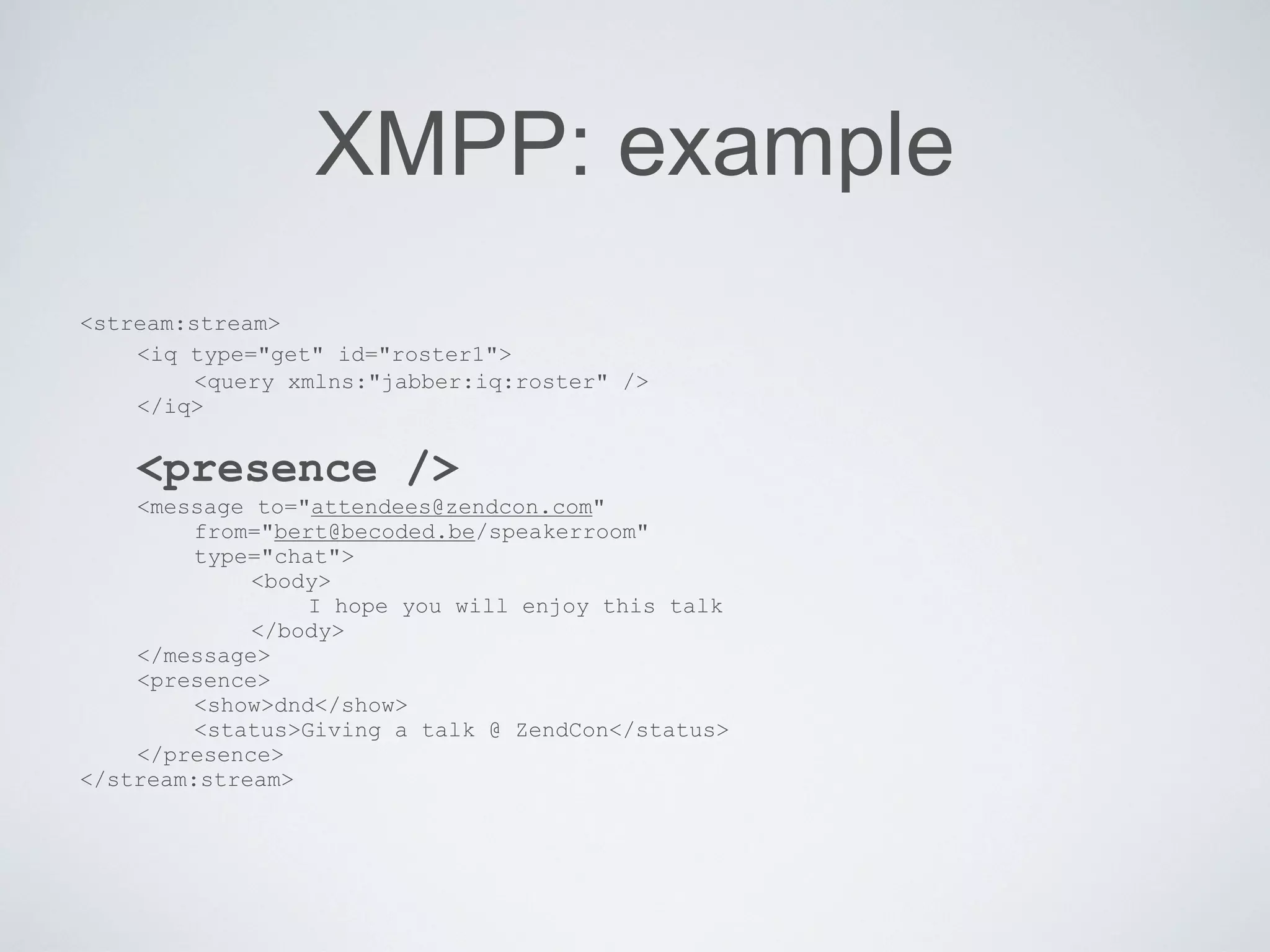
   <presence />
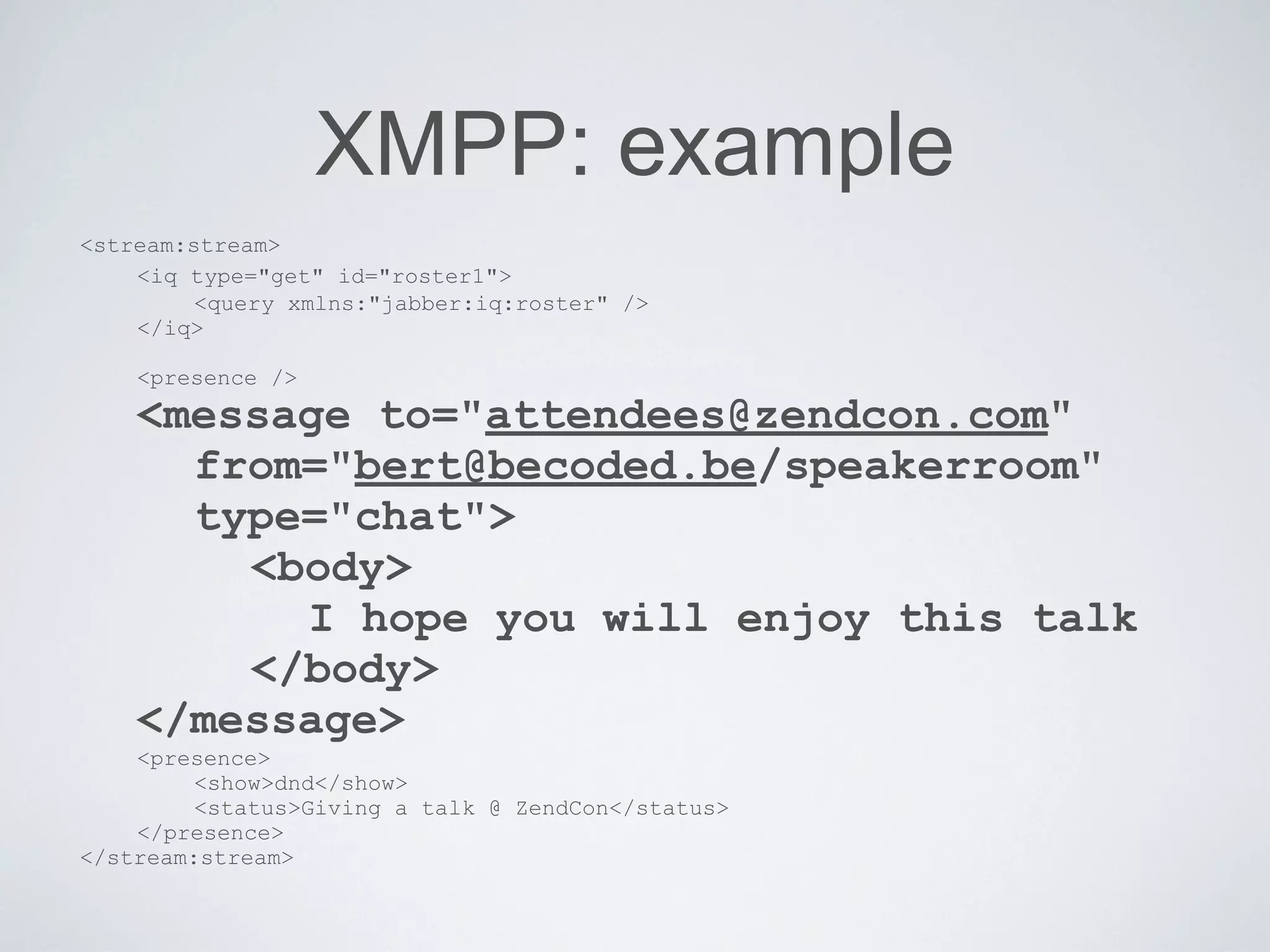
   <message to="attendees@zendcon.com"
      from="bert@becoded.be/speakerroom"
      type="chat">
          <body>
             I hope you will enjoy this talk
          </body>
   </message>
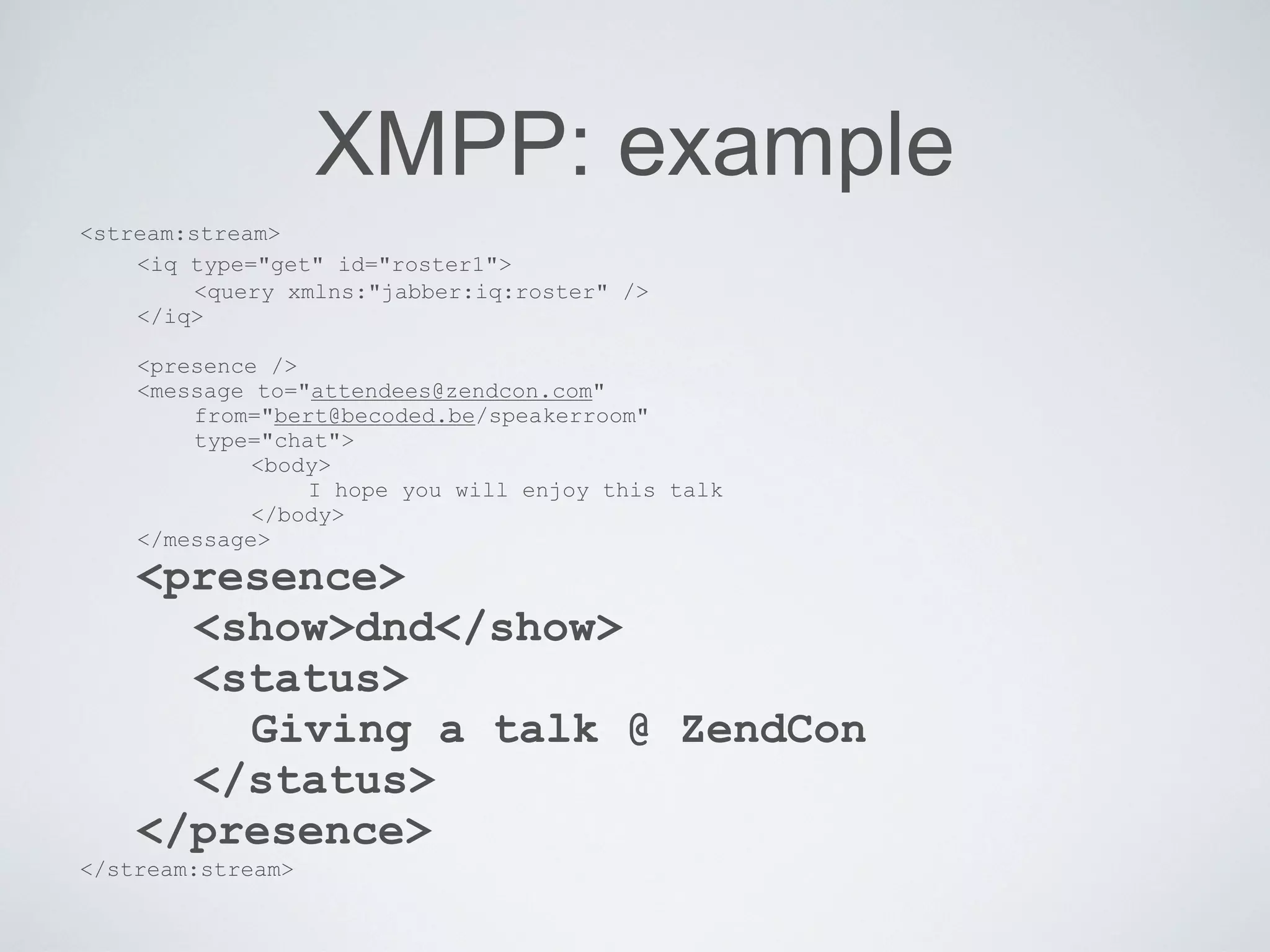
   <presence>
      <show>dnd</show>
      <status>Giving a talk @ ZendCon</status>
   </presence>
</stream:stream>
XMPP: example
<stream:stream>
    <iq type="get" id="roster1">
        <query xmlns:"jabber:iq:roster" />
    </iq>

    <presence />
    <message to="attendees@zendcon.com"
         from="bert@becoded.be/speakerroom"
         type="chat">
             <body>
                  I hope you will enjoy this talk
             </body>
    </message>
    <presence>
         <show>dnd</show>
         <status>Giving a talk @ ZendCon</status>
    </presence>
</stream:stream>
XMPP: example
<stream:stream>
    <iq type="get" id="roster1">
      <query xmlns:"jabber:iq:roster" />
    </iq>
    <presence />
    <message to="attendees@zendcon.com"
         from="bert@becoded.be/speakerroom"
         type="chat">
             <body>
                  I hope you will enjoy this talk
             </body>
    </message>
    <presence>
         <show>dnd</show>
         <status>Giving a talk @ ZendCon</status>
    </presence>
</stream:stream>
XMPP: example
<stream:stream>
    <iq type="get" id="roster1">
         <query xmlns:"jabber:iq:roster" />
    </iq>


    <presence />
    <message to="attendees@zendcon.com"
         from="bert@becoded.be/speakerroom"
         type="chat">
             <body>
                  I hope you will enjoy this talk
             </body>
    </message>
    <presence>
         <show>dnd</show>
         <status>Giving a talk @ ZendCon</status>
    </presence>
</stream:stream>
XMPP: example
<stream:stream>
    <iq type="get" id="roster1">
         <query xmlns:"jabber:iq:roster" />
    </iq>

    <presence />
    <message to="attendees@zendcon.com"
      from="bert@becoded.be/speakerroom"
      type="chat">
        <body>
          I hope you will enjoy this talk
        </body>
    </message>
    <presence>
         <show>dnd</show>
         <status>Giving a talk @ ZendCon</status>
    </presence>
</stream:stream>
XMPP: example
<stream:stream>
    <iq type="get" id="roster1">
         <query xmlns:"jabber:iq:roster" />
    </iq>

    <presence />
    <message to="attendees@zendcon.com"
        from="bert@becoded.be/speakerroom"
        type="chat">
             <body>
                 I hope you will enjoy this talk
             </body>
    </message>
    <presence>
      <show>dnd</show>
      <status>
        Giving a talk @ ZendCon
      </status>
    </presence>
</stream:stream>
XMPP: example
<stream:stream>
    <iq type="get" id="roster1">
         <query xmlns:"jabber:iq:roster" />
    </iq>

    <presence />
    <message to="attendees@zendcon.com"
        from="bert@becoded.be/speakerroom"
        type="chat">
             <body>
                 I hope you will enjoy this talk
             </body>
    </message>
    <presence>
        <show>dnd</show>
        <status>
             Giving a talk @ ZendCon
        </status>
    </presence>
</stream:stream>
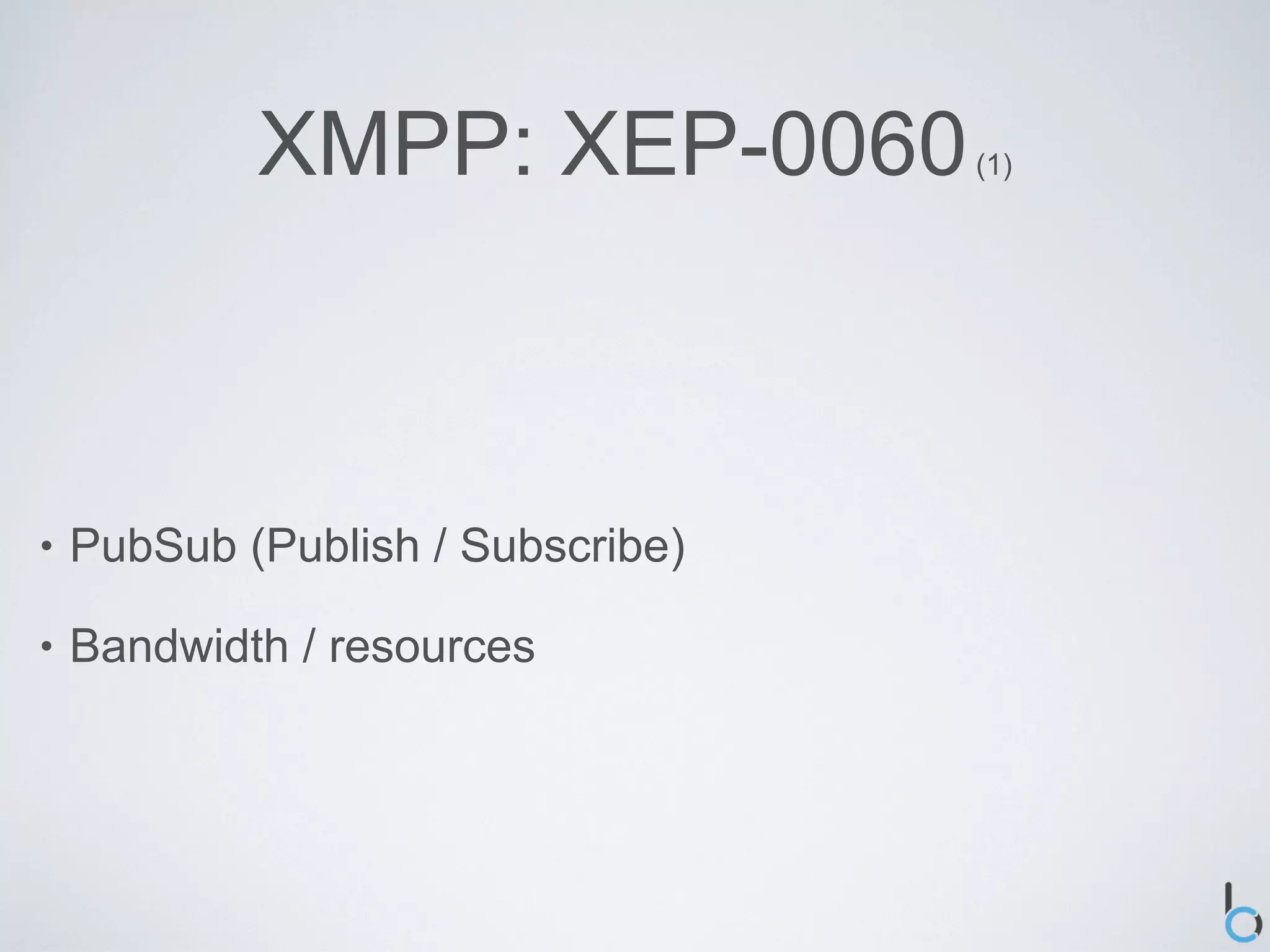
XMPP: XEP-0060         (1)


•   PubSub (Publish / Subscribe)

•   Bandwidth / resources
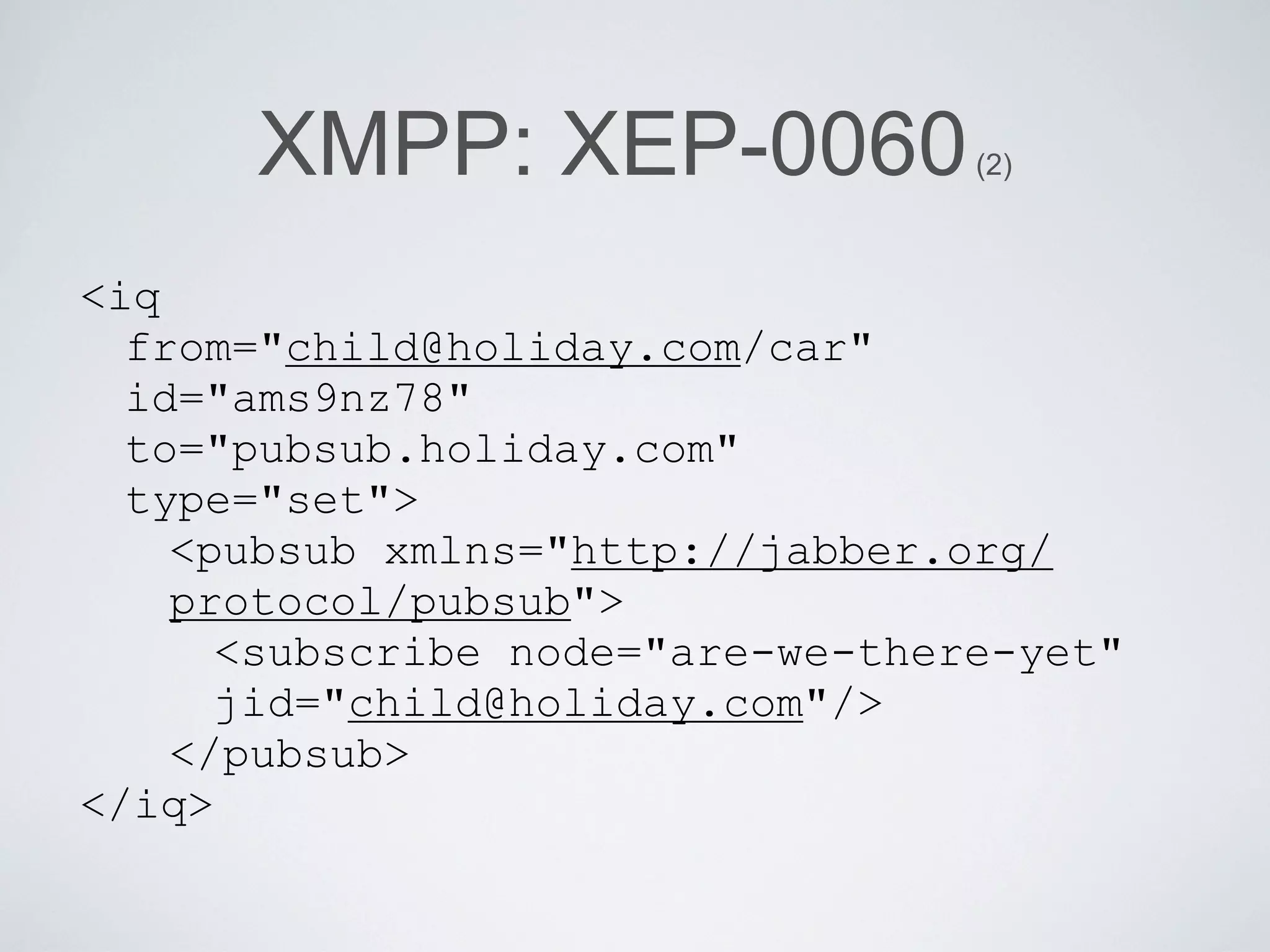
XMPP: XEP-0060              (2)


<iq
  from="child@holiday.com/car"
  id="ams9nz78"
  to="pubsub.holiday.com"
  type="set">
    <pubsub xmlns="http://jabber.org/
    protocol/pubsub">
      <subscribe node="are-we-there-yet"
      jid="child@holiday.com"/>
    </pubsub>
</iq>
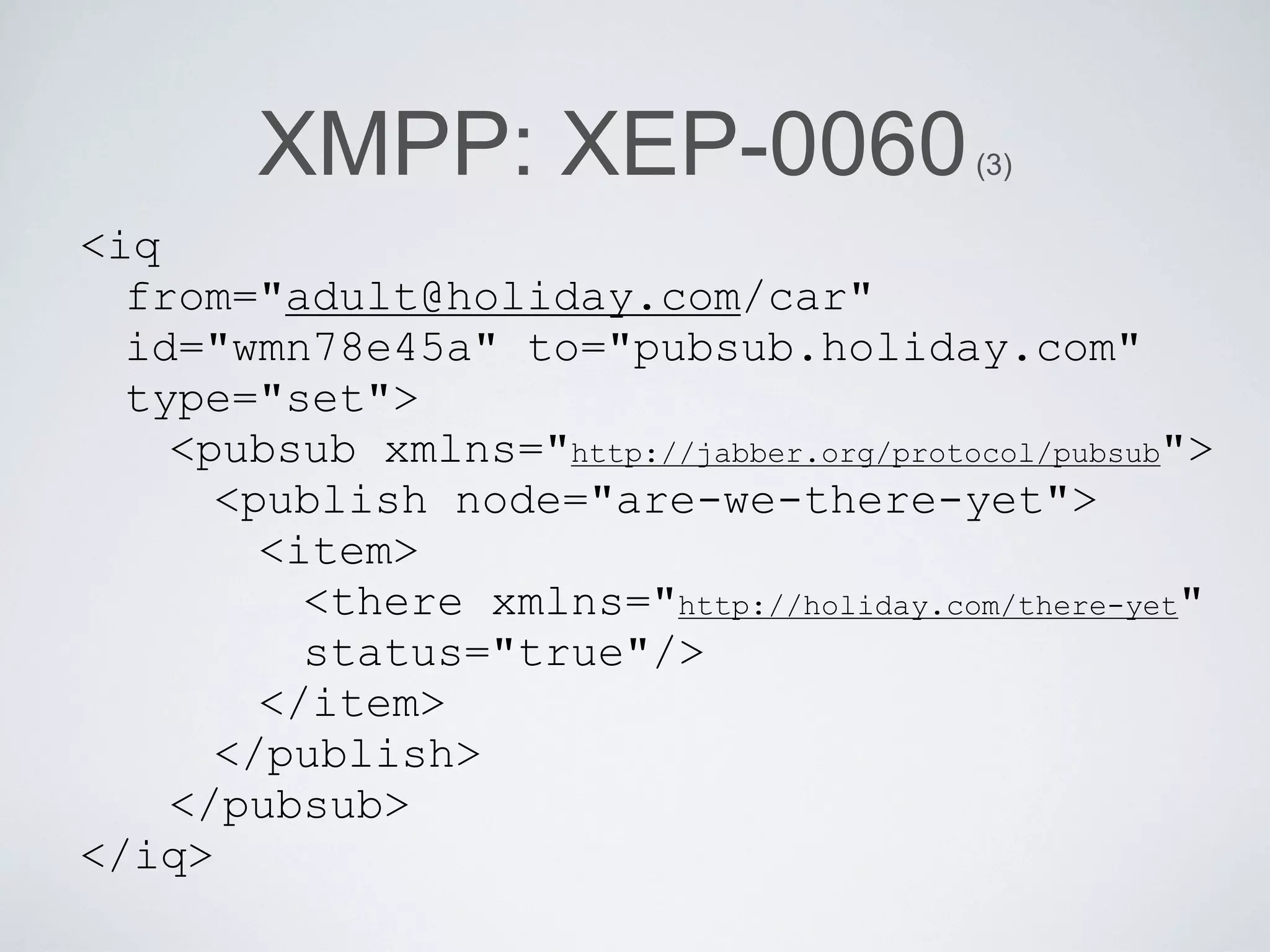
XMPP: XEP-0060                    (3)

<iq
  from="adult@holiday.com/car"
  id="wmn78e45a" to="pubsub.holiday.com"
  type="set">
    <pubsub xmlns="http://jabber.org/protocol/pubsub">
      <publish node="are-we-there-yet">
        <item>
          <there xmlns="http://holiday.com/there-yet"
          status="true"/>
        </item>
      </publish>
    </pubsub>
</iq>
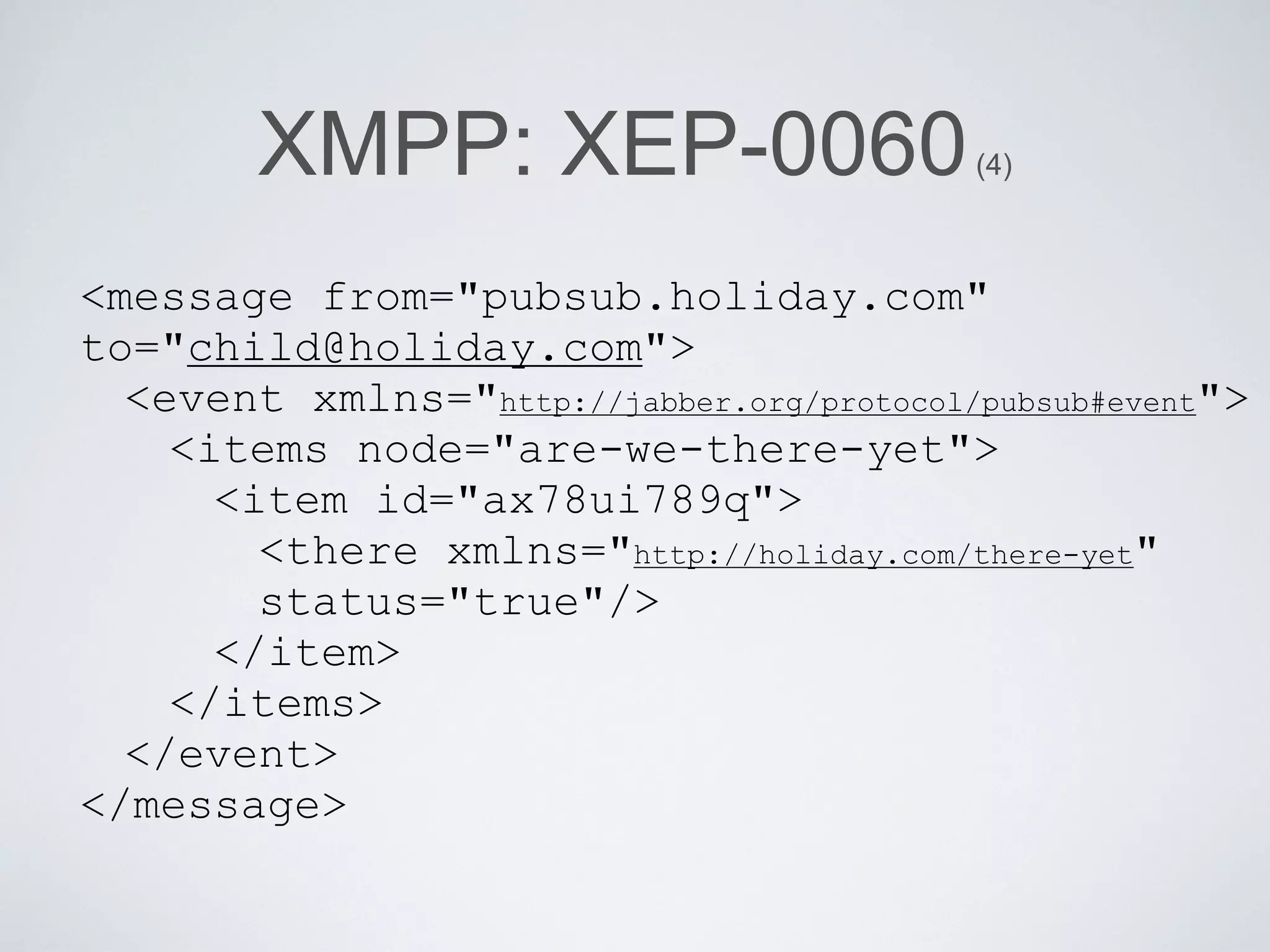
XMPP: XEP-0060                     (4)


<message from="pubsub.holiday.com"
to="child@holiday.com">
  <event xmlns="http://jabber.org/protocol/pubsub#event">
    <items node="are-we-there-yet">
      <item id="ax78ui789q">
        <there xmlns="http://holiday.com/there-yet"
        status="true"/>
      </item>
    </items>
  </event>
</message>
XMPP: XEP-0045   (1)


•   MUC / Multi-User Chat

•   “Multiplier”
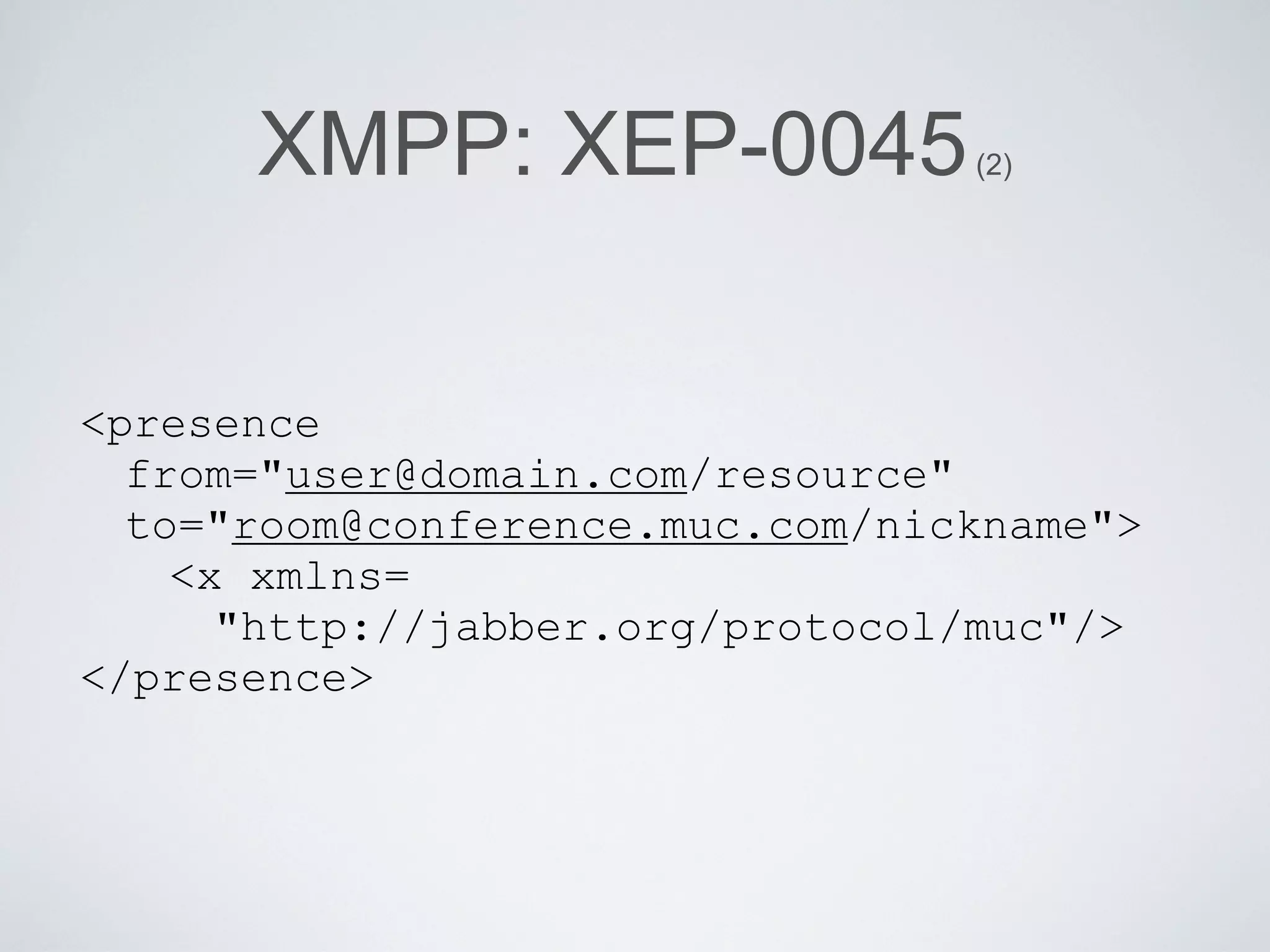
XMPP: XEP-0045             (2)


<presence
  from="user@domain.com/resource"
  to="room@conference.muc.com/nickname">
    <x xmlns=
      "http://jabber.org/protocol/muc"/>
</presence>
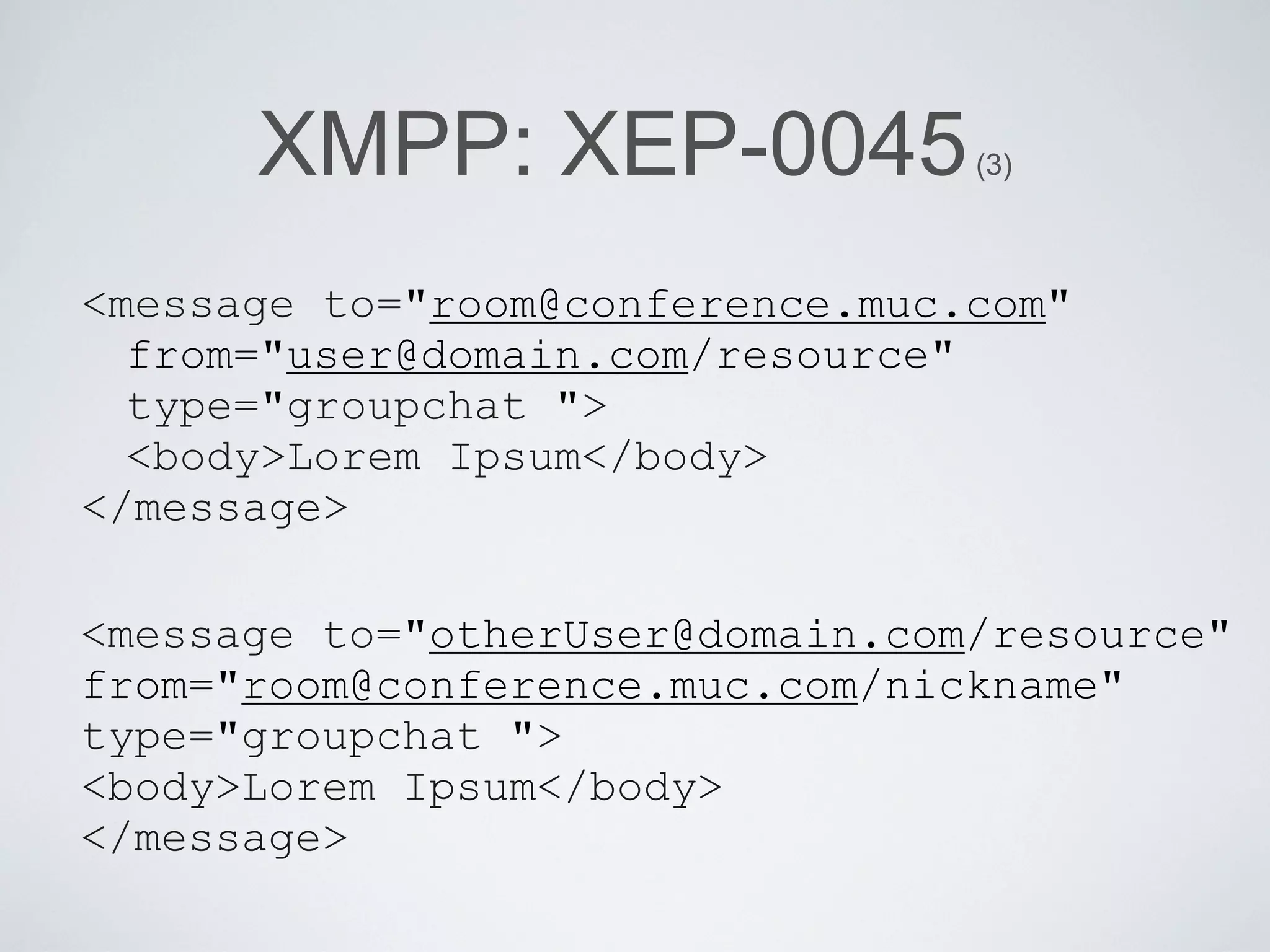
XMPP: XEP-0045             (3)


<message to="room@conference.muc.com"
  from="user@domain.com/resource"
  type="groupchat ">
  <body>Lorem Ipsum</body>
</message>

<message to="otherUser@domain.com/resource"
from="room@conference.muc.com/nickname"
type="groupchat ">
<body>Lorem Ipsum</body>
</message>
Overview

•   The old days

•   XMPP

•   Install server

•   Configure apache

•   Libraries

•   Examples
Install server: starting point


•   Debian

    •   web server

    •   SQL database

    •   SSH server
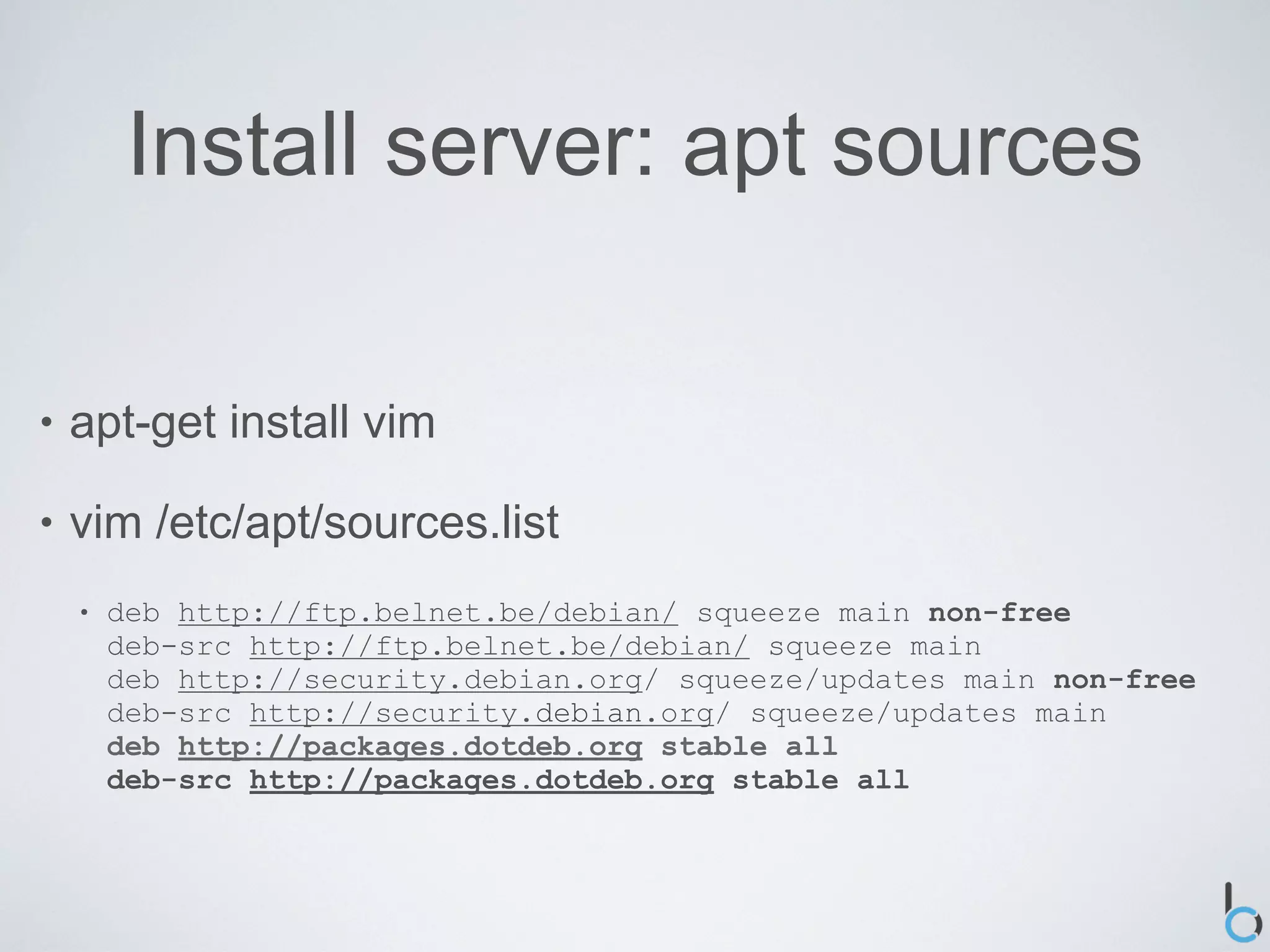
Install server: apt sources

•   apt-get install vim

•   vim /etc/apt/sources.list
    •   deb http://ftp.belnet.be/debian/ squeeze main non-free
        deb-src http://ftp.belnet.be/debian/ squeeze main
        deb http://security.debian.org/ squeeze/updates main non-free
        deb-src http://security.debian.org/ squeeze/updates main
        deb http://packages.dotdeb.org stable all
        deb-src http://packages.dotdeb.org stable all
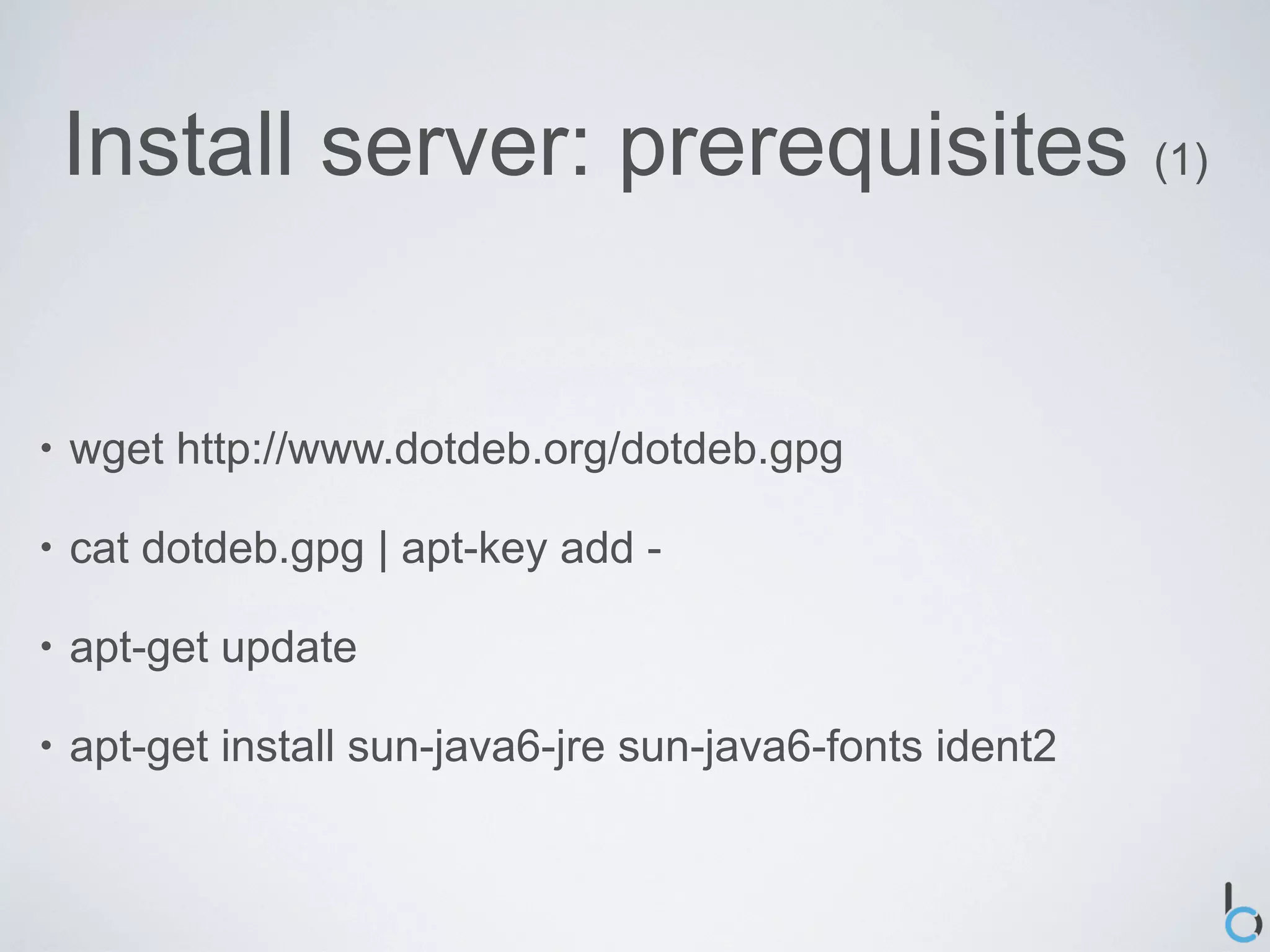
Install server: prerequisites (1)


•   wget http://www.dotdeb.org/dotdeb.gpg

•   cat dotdeb.gpg | apt-key add -

•   apt-get update

•   apt-get install sun-java6-jre sun-java6-fonts ident2
Install server: prerequisites (2)


•   apt-get install mysql-server mysql-client

•   apt-get install php5 php5-cli php5-common php5-dev
    php5-mysql php5-curl php-pear

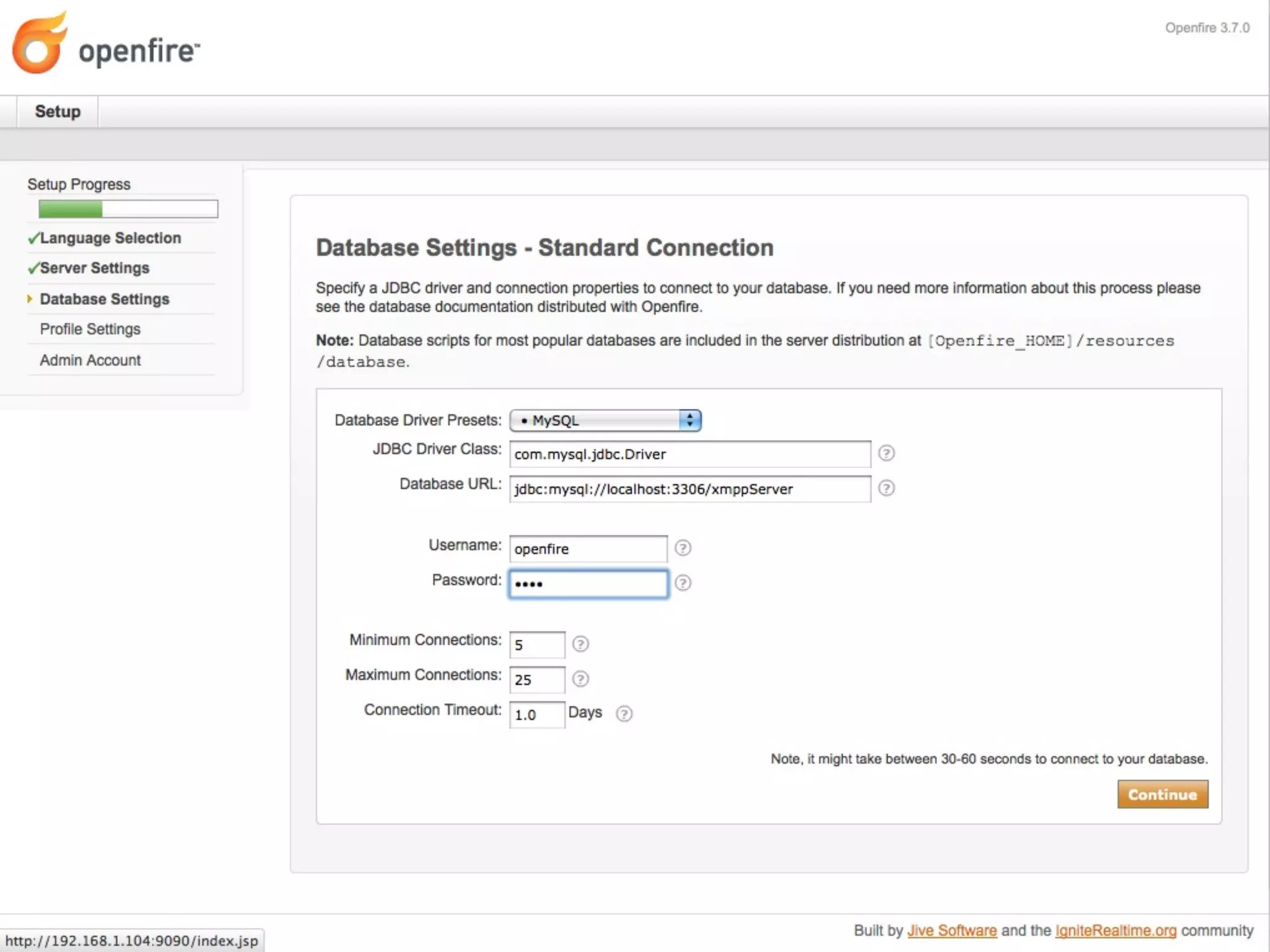
•   Database & user
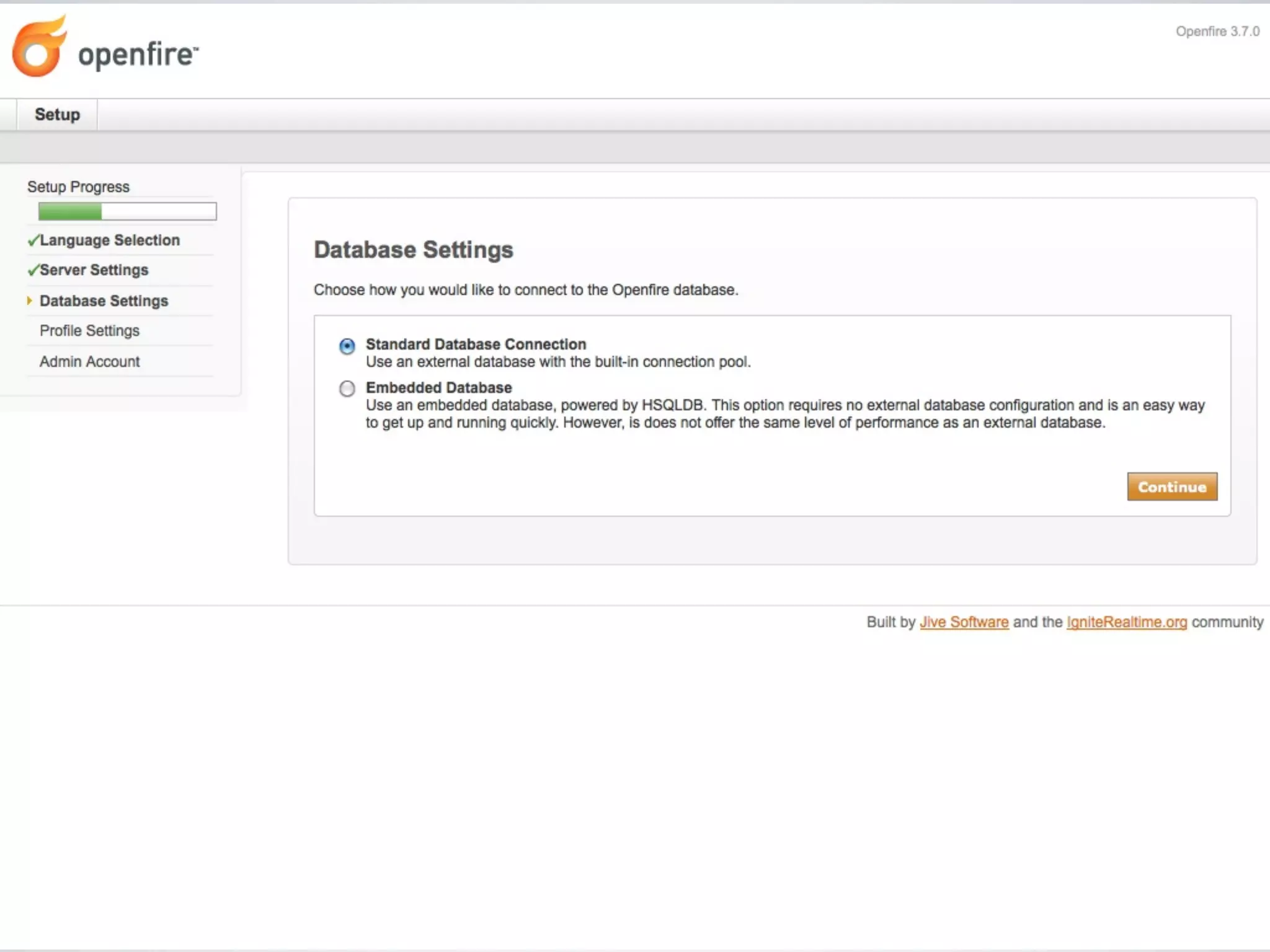
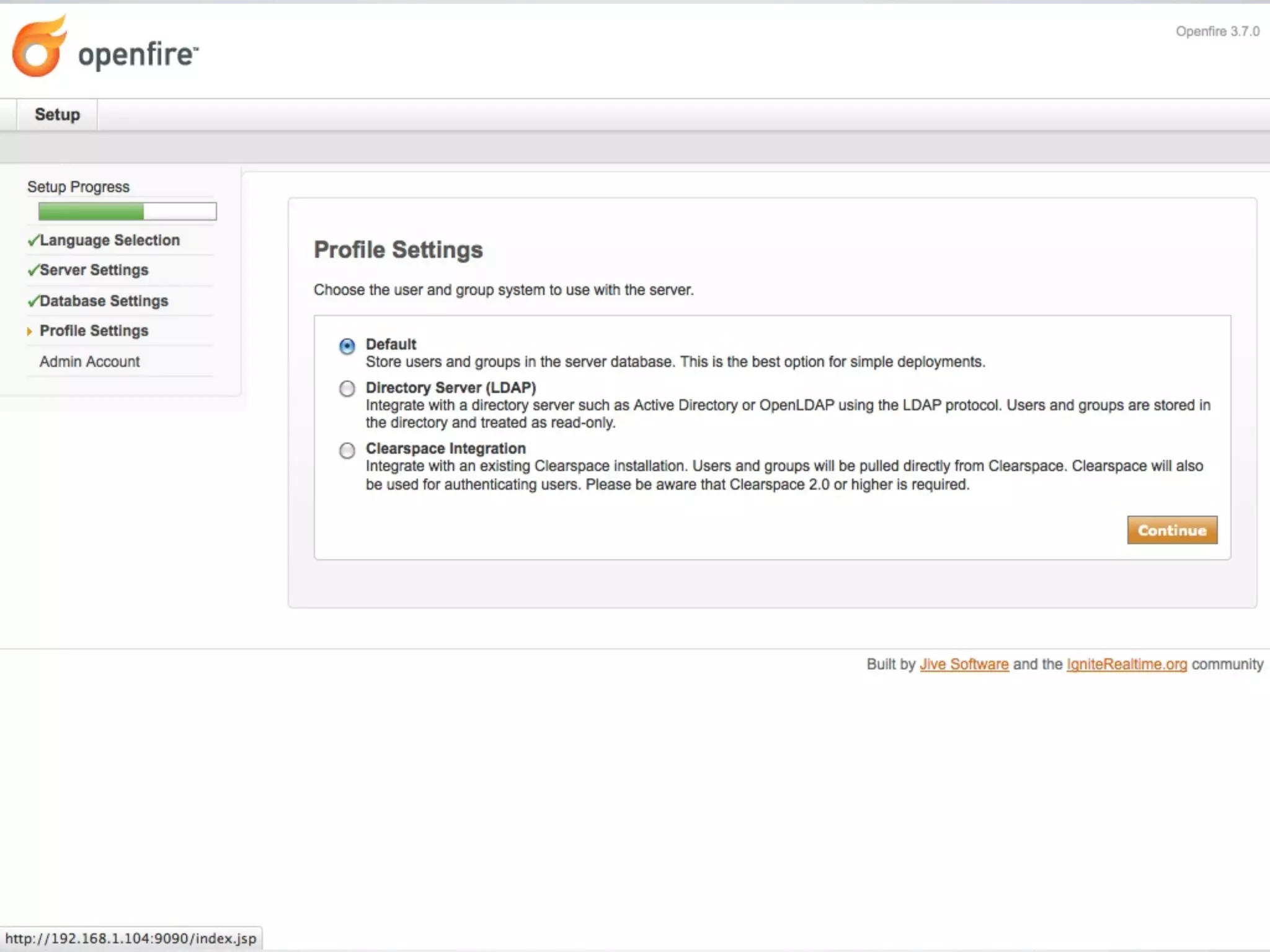
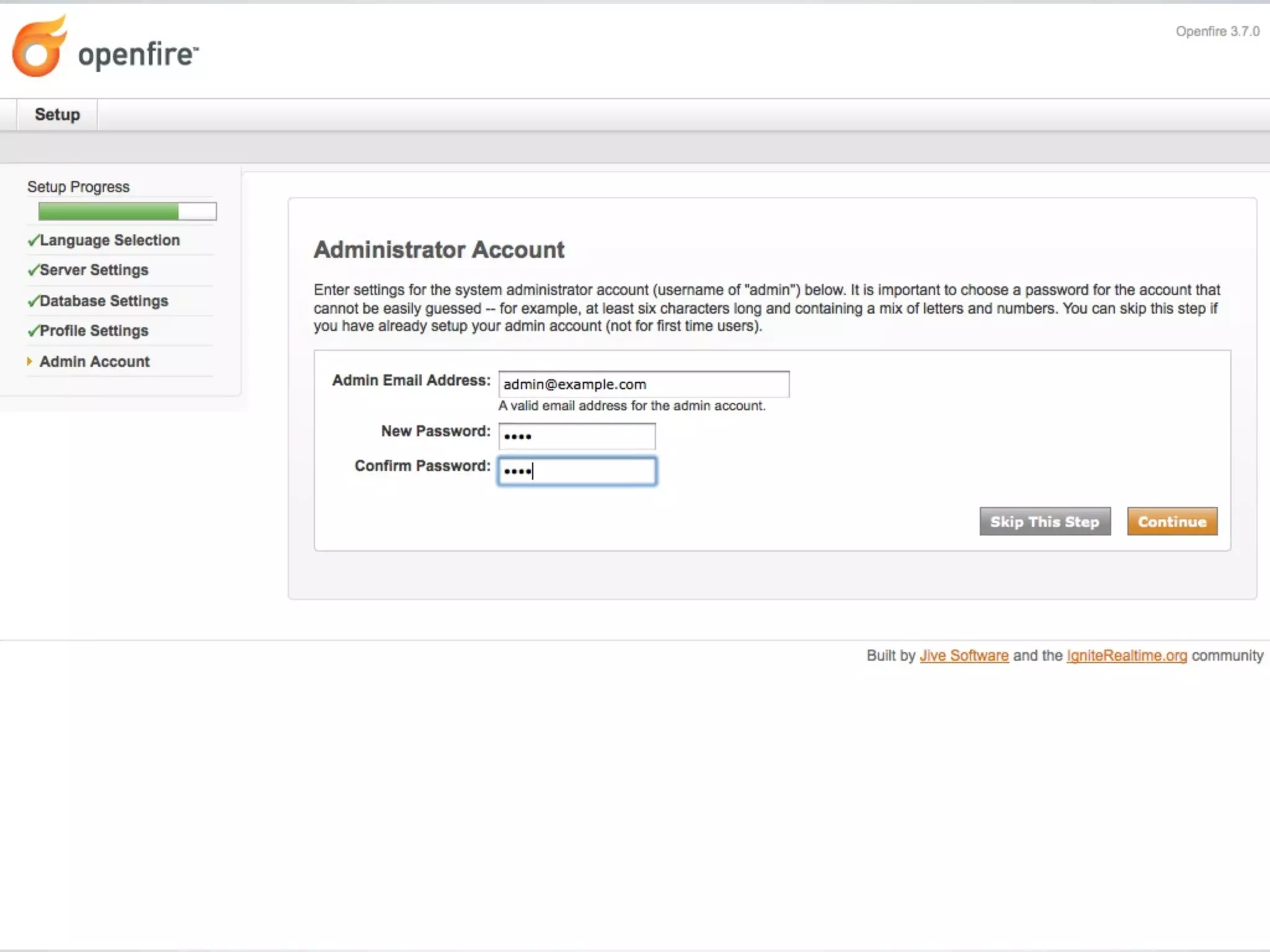
Install server: Openfire (1)

•   Openfire 3.7.0

    •   http://www.igniterealtime.org/projects/openfire/

•   wget -O openfire_3.7.0_all.deb
    http://www.igniterealtime.org/downloadServlet?
    filename=openfire/openfire_3.7.0_all.deb

•   dpkg -i openfire_3.7.0_all.deb
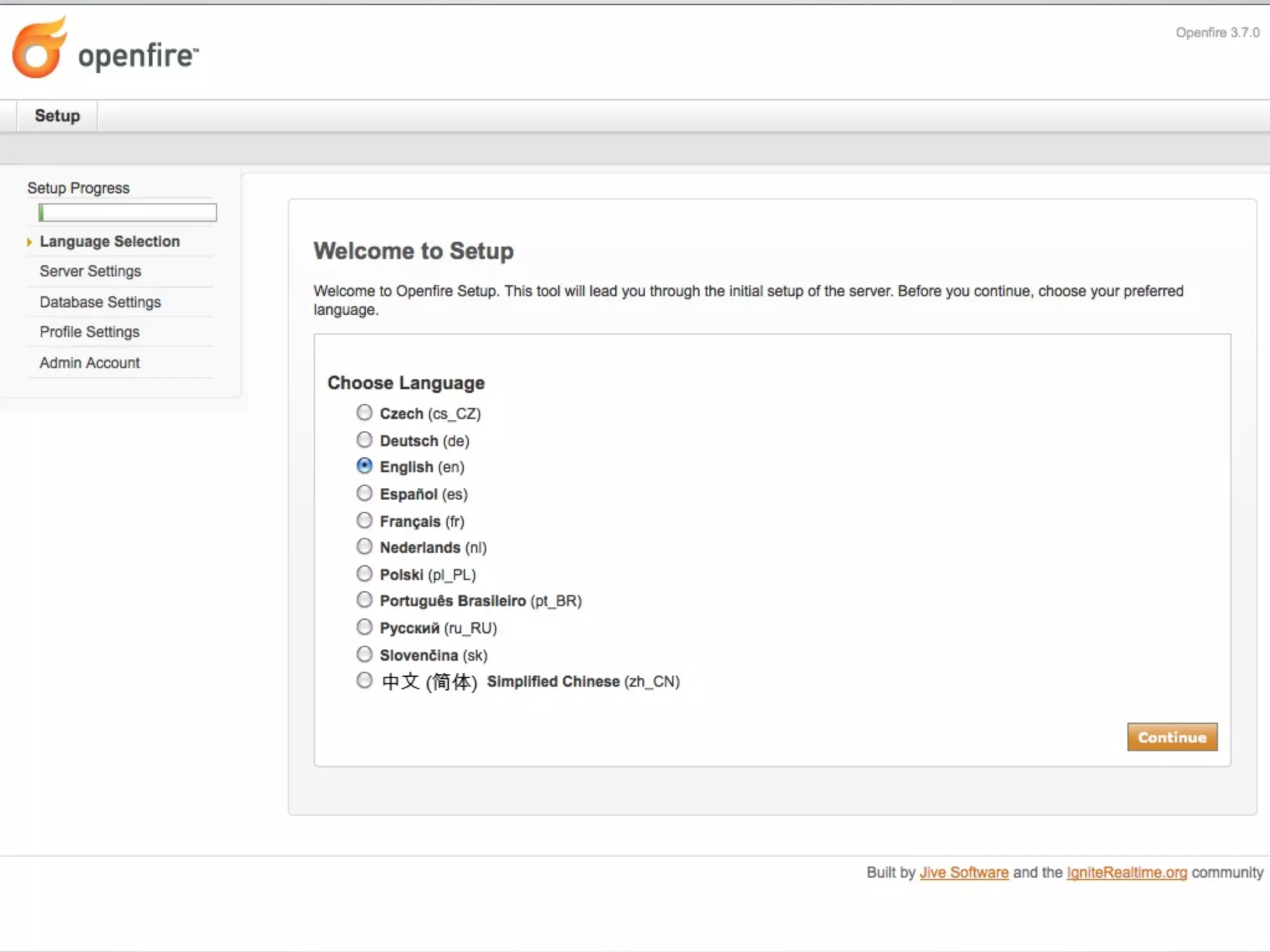
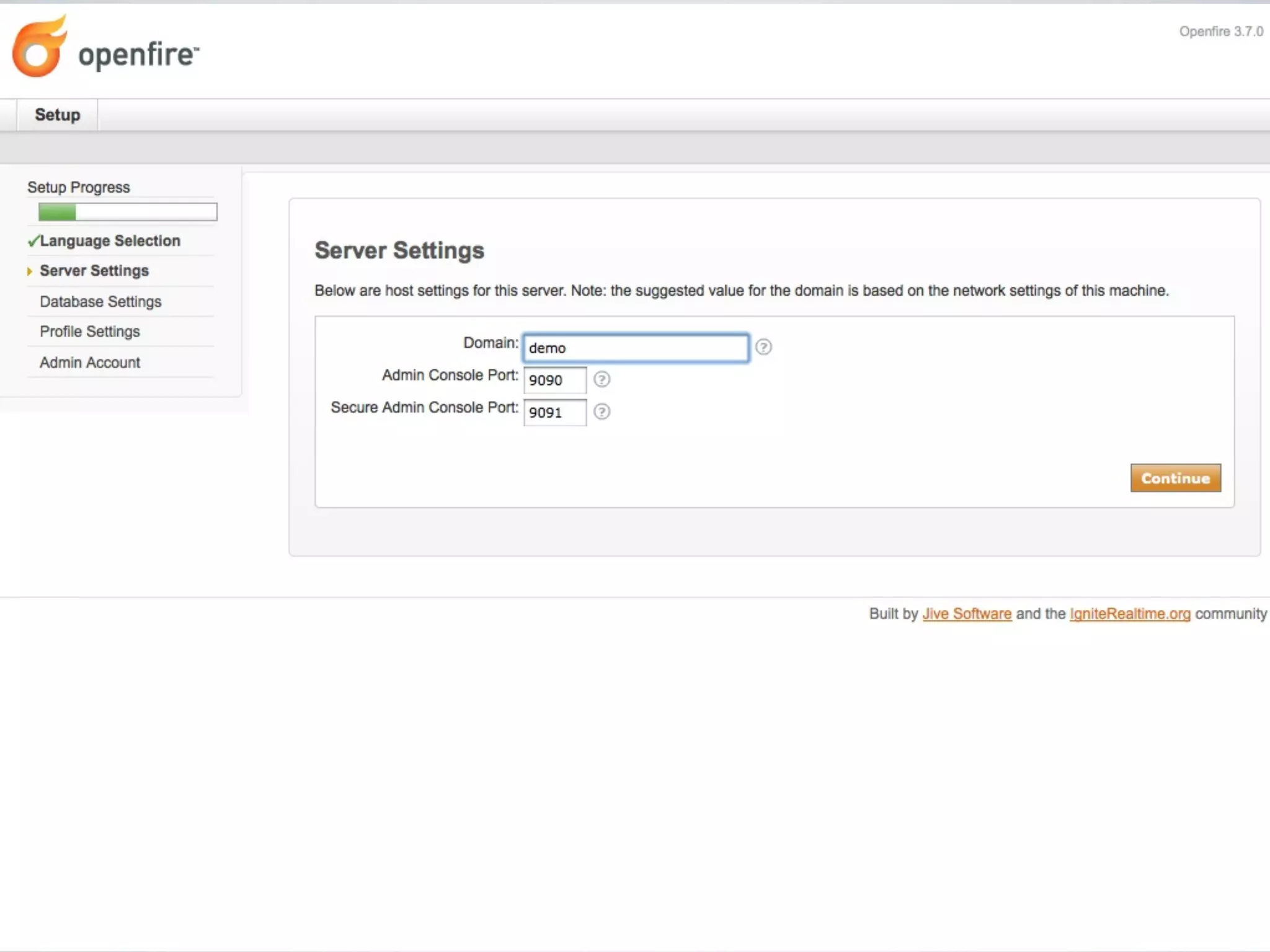
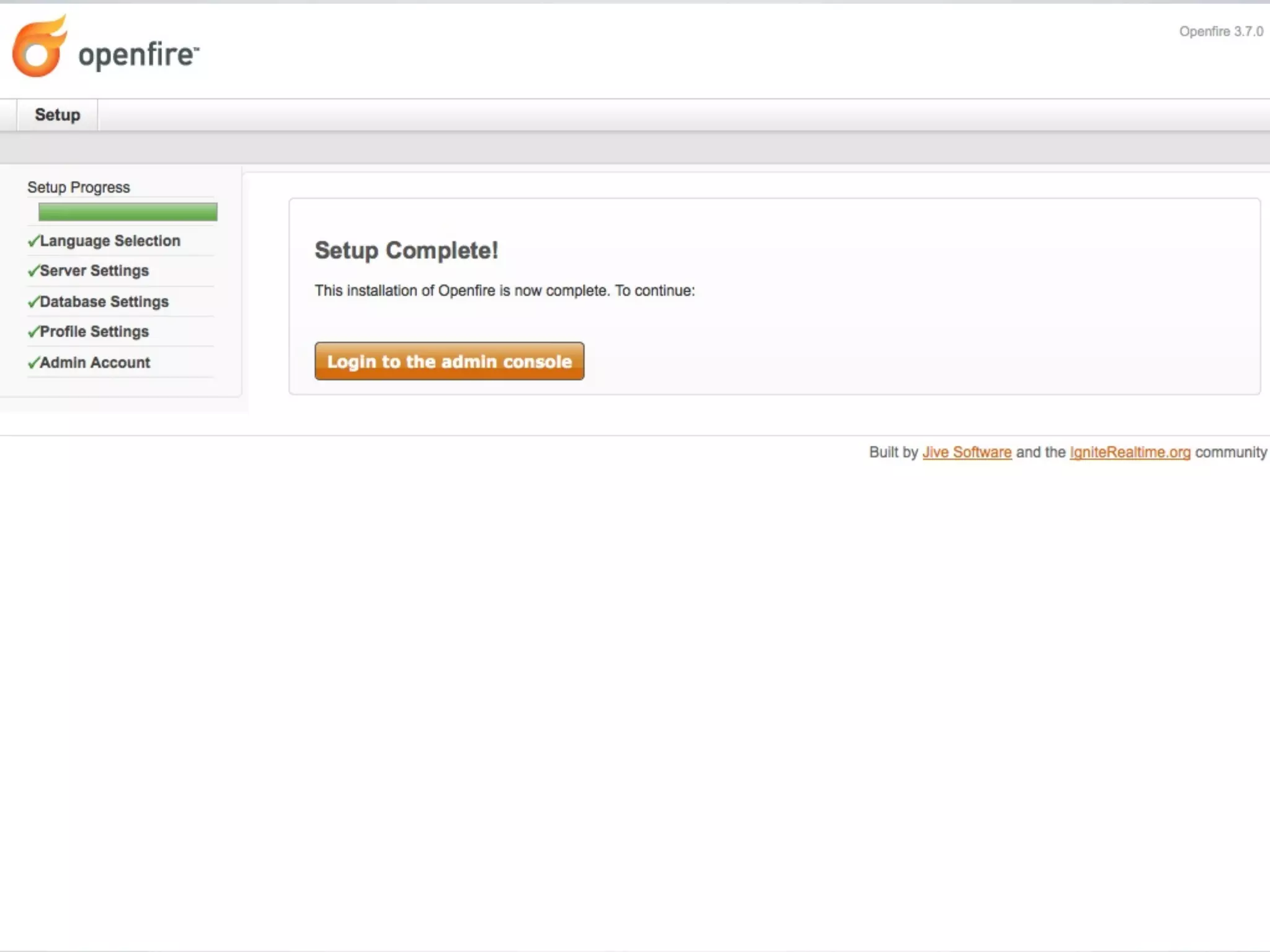
Install server: Openfire (2)


•   http://[server-ip]:9090/
Install server: Openfire (3)


•   Plugins

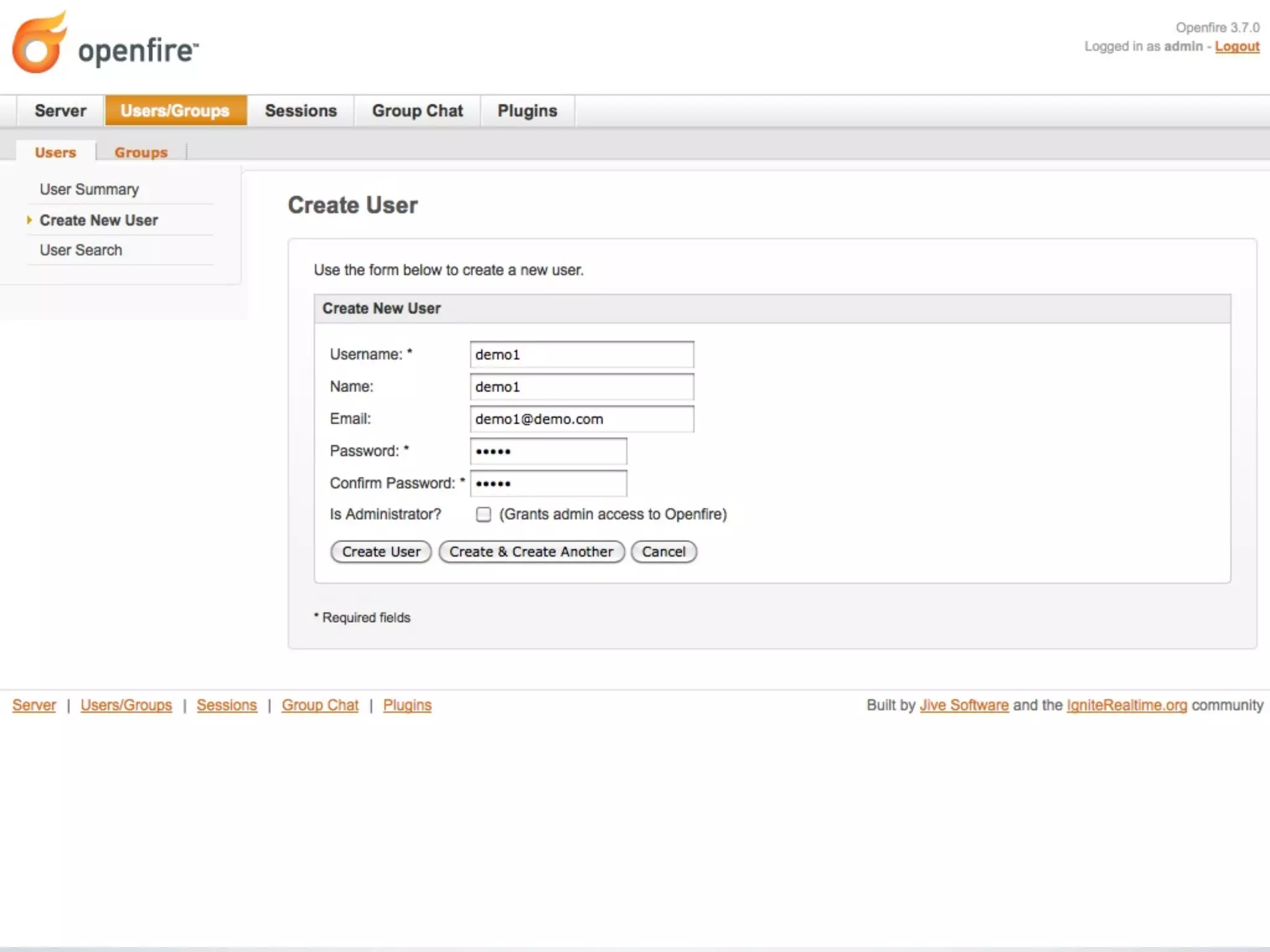
    •   User Service

    •   Monitoring Service
Overview

•   The old days

•   XMPP

•   Install server

•   Configure apache

•   Libraries

•   Examples
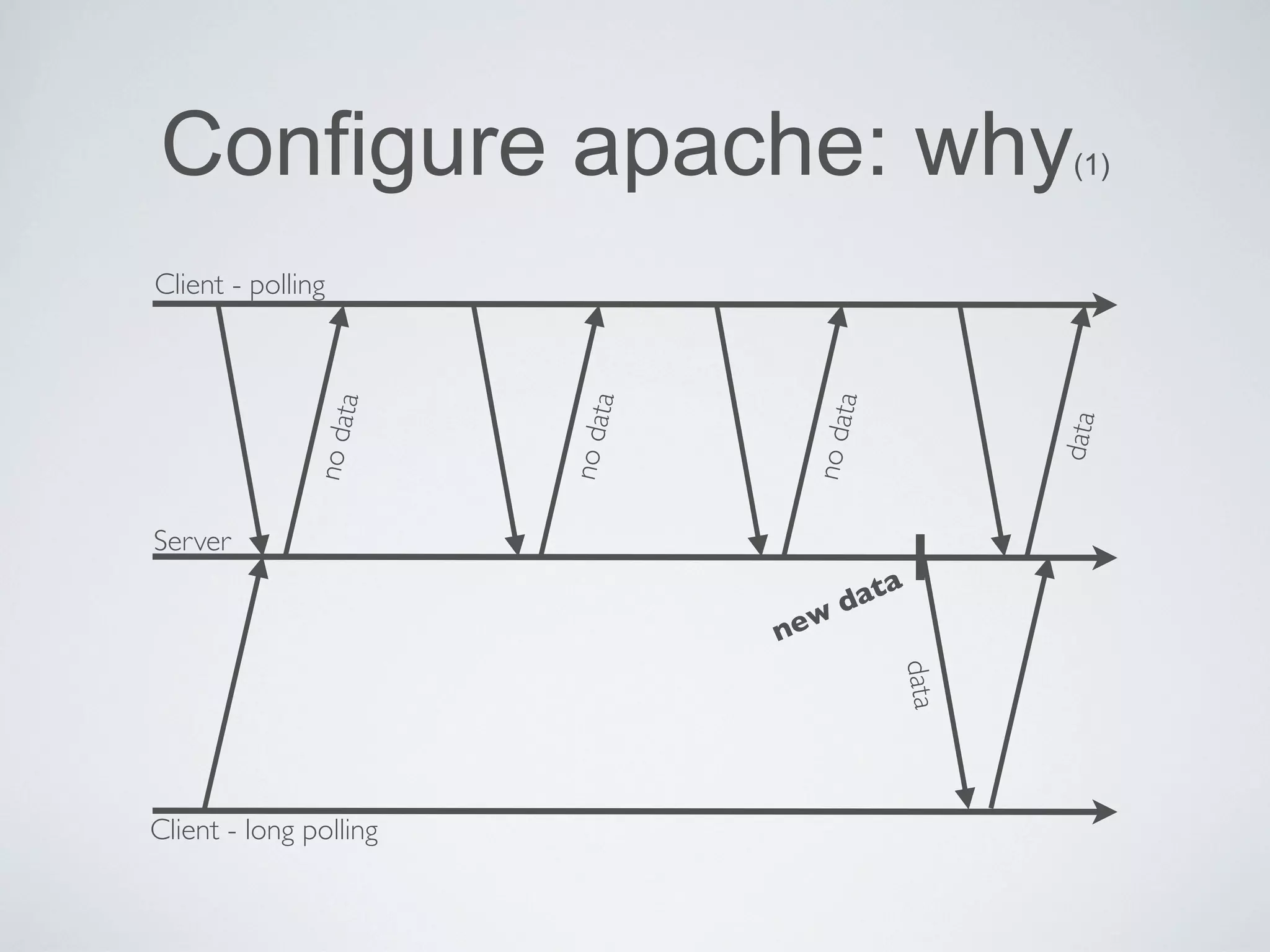
Configure apache: why                                    (1)


Client - polling


                             ta


                                            ta
                   ta


                                                        data
                        no da


                                       no da
              no da


Server

                                           d ata
                                       w
                                  ne


                                                 data
Client - long polling
Configure apache: why                   (2)


•   BOSH (Bidirectional streams Over Synchronous HTTP)
Configure apache: proxy (1)

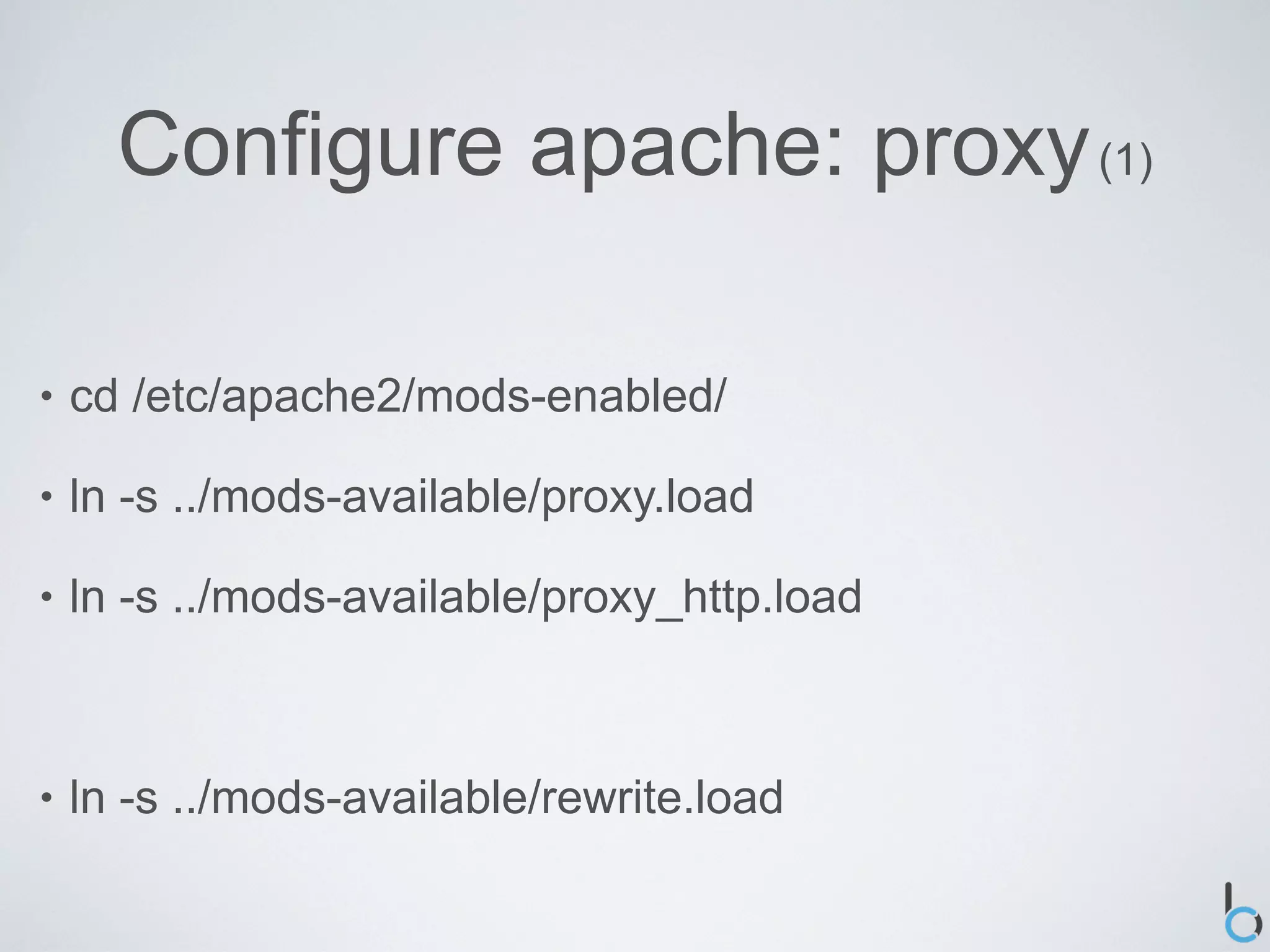
•   cd /etc/apache2/mods-enabled/

•   ln -s ../mods-available/proxy.load

•   ln -s ../mods-available/proxy_http.load


•   ln -s ../mods-available/rewrite.load
Configure apache: proxy (2)
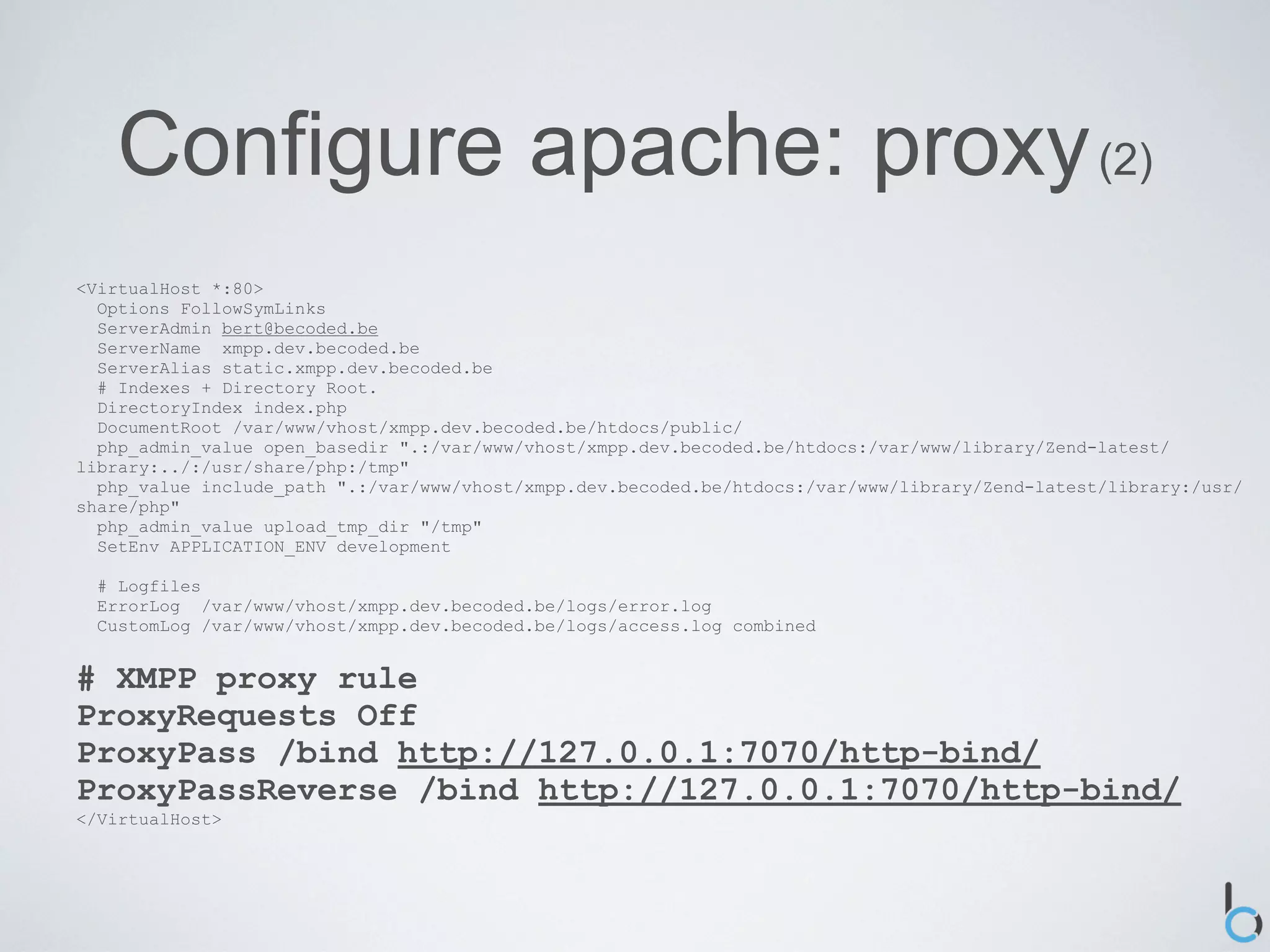
<VirtualHost *:80>
  Options FollowSymLinks
  ServerAdmin bert@becoded.be
  ServerName xmpp.dev.becoded.be
  ServerAlias static.xmpp.dev.becoded.be
  # Indexes + Directory Root.
  DirectoryIndex index.php
  DocumentRoot /var/www/vhost/xmpp.dev.becoded.be/htdocs/public/
  php_admin_value open_basedir ".:/var/www/vhost/xmpp.dev.becoded.be/htdocs:/var/www/library/Zend-latest/
library:../:/usr/share/php:/tmp"
  php_value include_path ".:/var/www/vhost/xmpp.dev.becoded.be/htdocs:/var/www/library/Zend-latest/library:/usr/
share/php"
  php_admin_value upload_tmp_dir "/tmp"
  SetEnv APPLICATION_ENV development

  # Logfiles
  ErrorLog /var/www/vhost/xmpp.dev.becoded.be/logs/error.log
  CustomLog /var/www/vhost/xmpp.dev.becoded.be/logs/access.log combined


# XMPP proxy rule
ProxyRequests Off
ProxyPass /bind http://127.0.0.1:7070/http-bind/
ProxyPassReverse /bind http://127.0.0.1:7070/http-bind/
</VirtualHost>
Overview

•   The old days

•   XMPP

•   Install server

•   Configure apache

•   Libraries

•   Examples
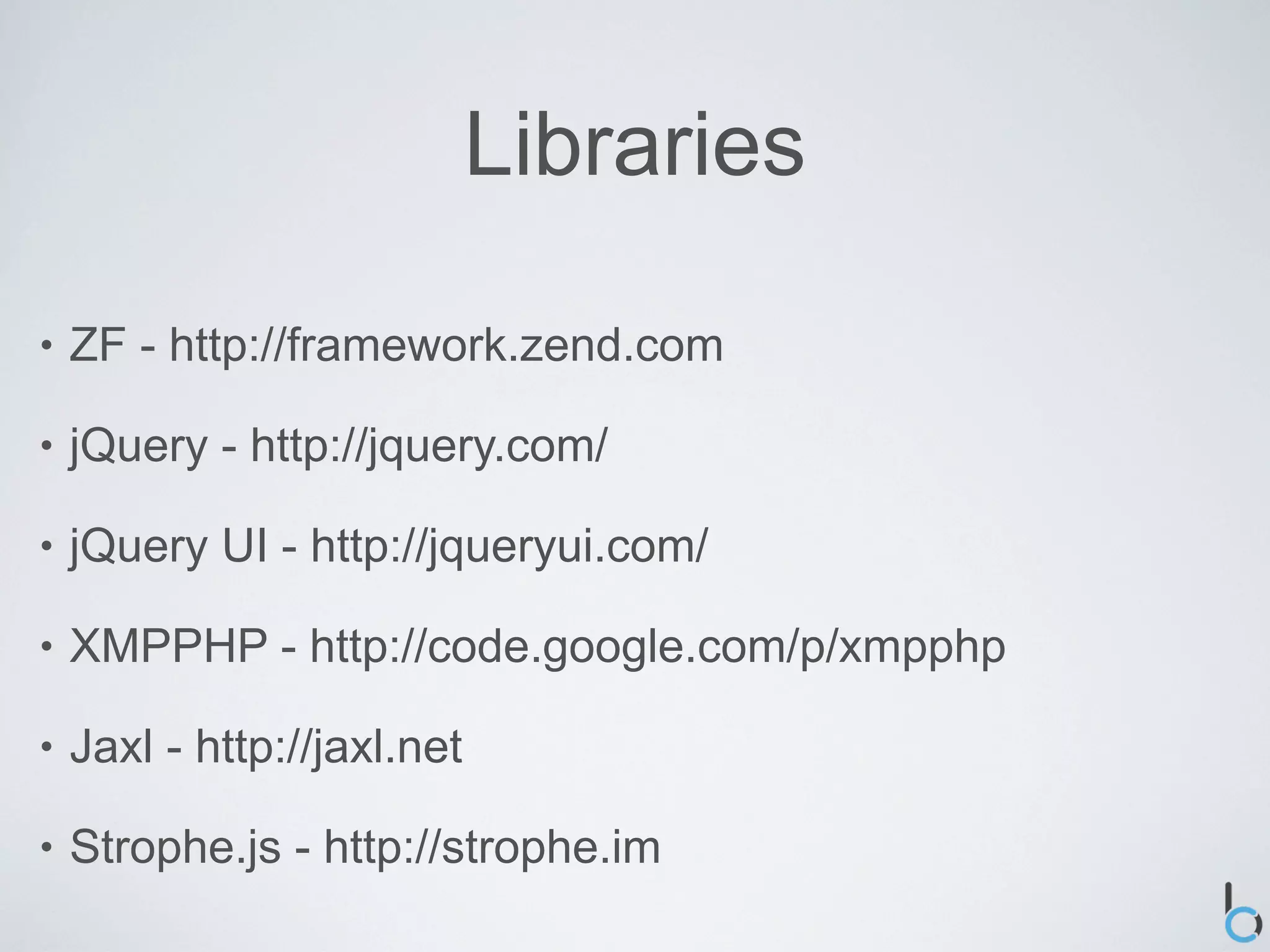
Libraries

•   ZF - http://framework.zend.com

•   jQuery - http://jquery.com/

•   jQuery UI - http://jqueryui.com/

•   XMPPHP - http://code.google.com/p/xmpphp

•   Jaxl - http://jaxl.net

•   Strophe.js - http://strophe.im
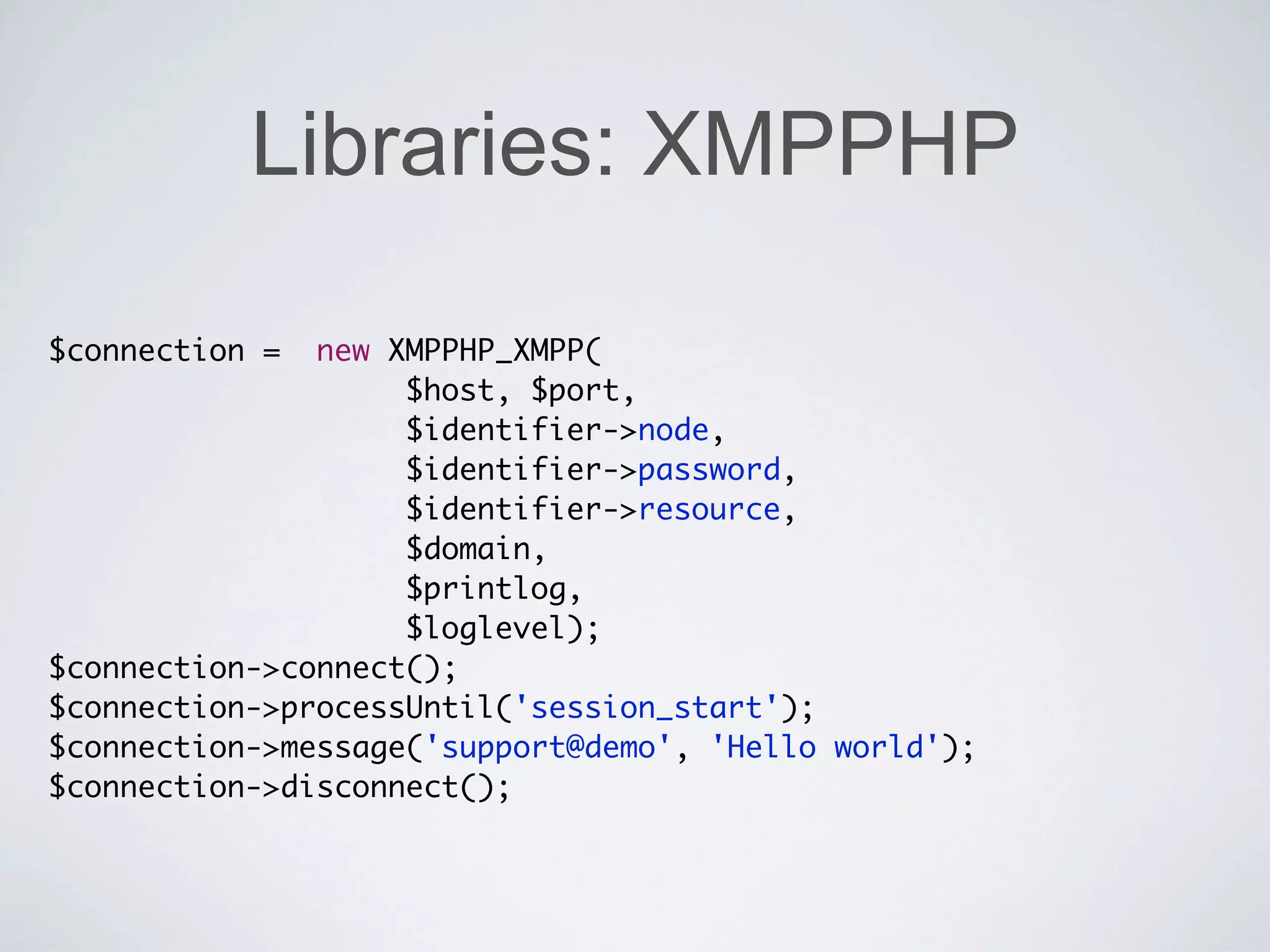
Libraries: XMPPHP

$connection =  new XMPPHP_XMPP(
                    $host, $port,
                    $identifier->node,
                    $identifier->password,
                    $identifier->resource,
                    $domain,
                    $printlog,
                    $loglevel);
$connection->connect();
$connection->processUntil('session_start');
$connection->message('support@demo', 'Hello world');
$connection->disconnect();
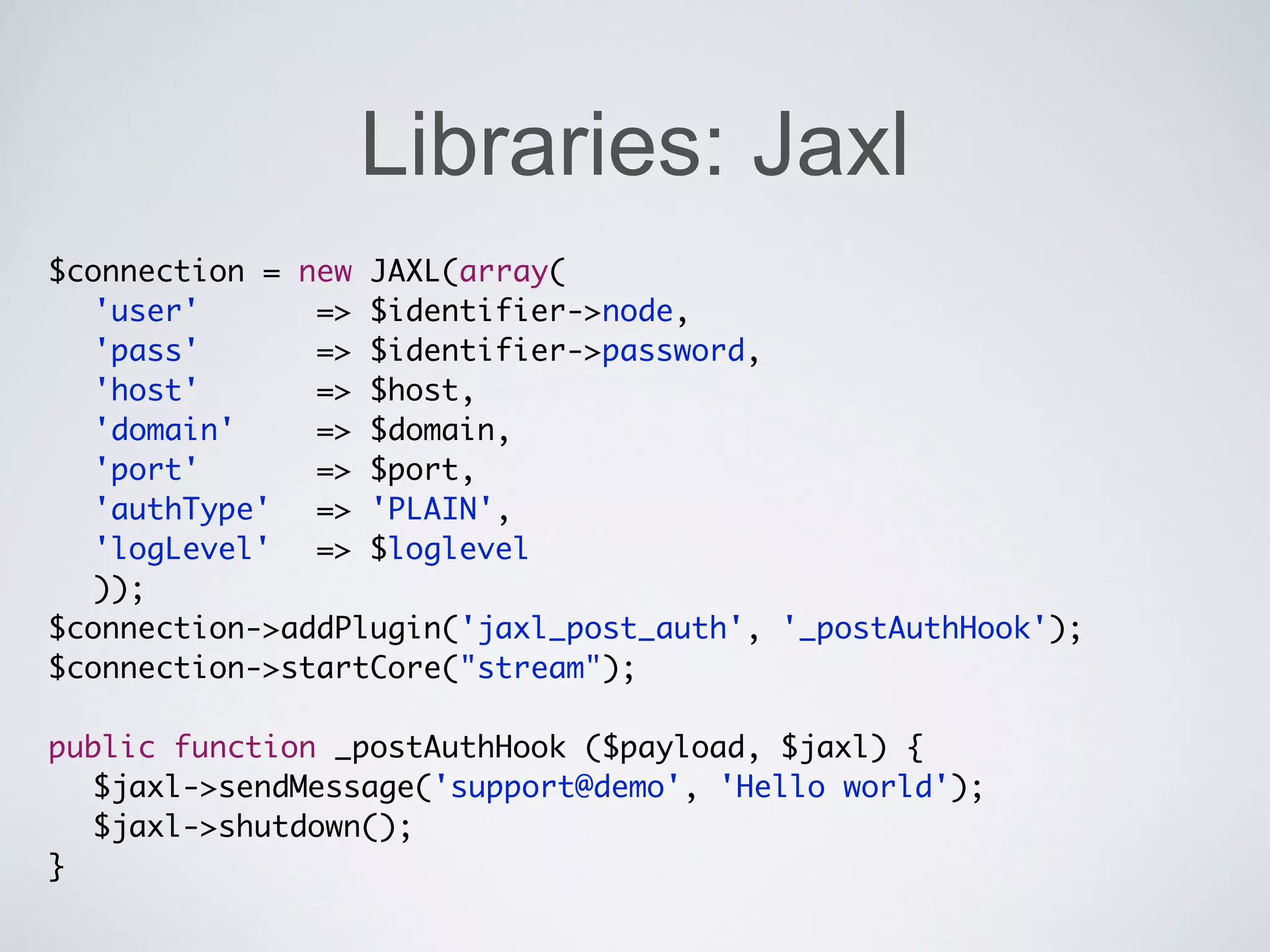
Libraries: Jaxl
$connection = new JAXL(array(
	 'user'	 	 	 => $identifier->node,
	 'pass'	 	 	 => $identifier->password,
  'host' 	 	 => $host,
          	
  'domain' 		 => $domain,
	 'port' 	 	 => $port,
          	
	 'authType'	 => 'PLAIN',
	 'logLevel'	 => $loglevel
	 ));
$connection->addPlugin('jaxl_post_auth', '_postAuthHook');
$connection->startCore("stream");

public function _postAuthHook ($payload, $jaxl) {
  $jaxl->sendMessage('support@demo', 'Hello world');
  $jaxl->shutdown();
}
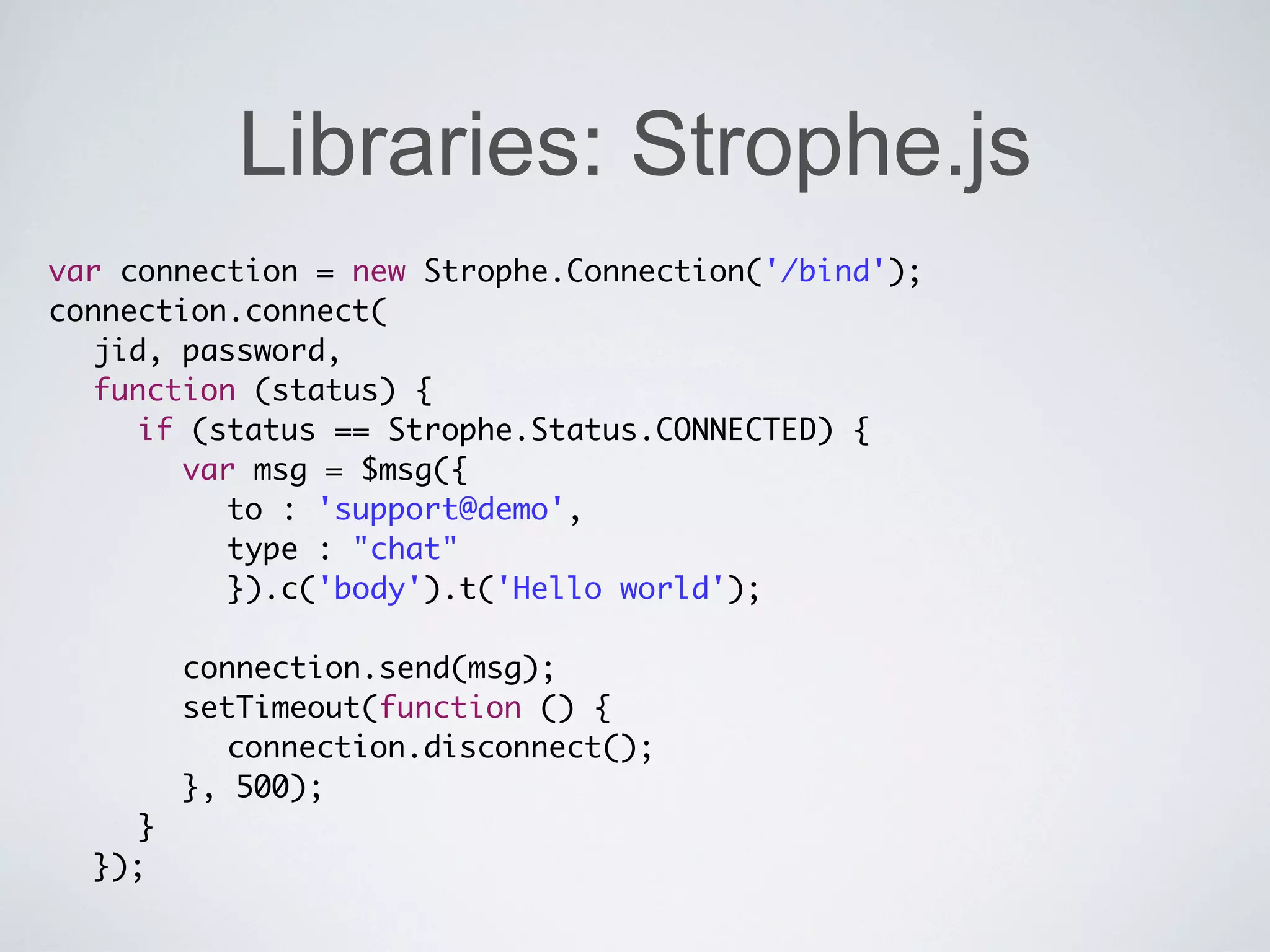
Libraries: Strophe.js
var connection = new Strophe.Connection('/bind');
connection.connect(
	 jid, password,
	 function (status) {
	 	 if (status == Strophe.Status.CONNECTED) {
	 	 	 var msg = $msg({
	 	 	 	 to : 'support@demo',
	 	 	 	 type : "chat"
	 	 	 	 }).c('body').t('Hello world');
	 	 	
	 	 	 connection.send(msg);
	 	 	 setTimeout(function () {
	 	 	 	 connection.disconnect();
	 	 	 }, 500);
	 	 }
	 });
Overview

•   The old days

•   XMPP

•   Install server

•   Configure apache

•   Libraries

•   Examples
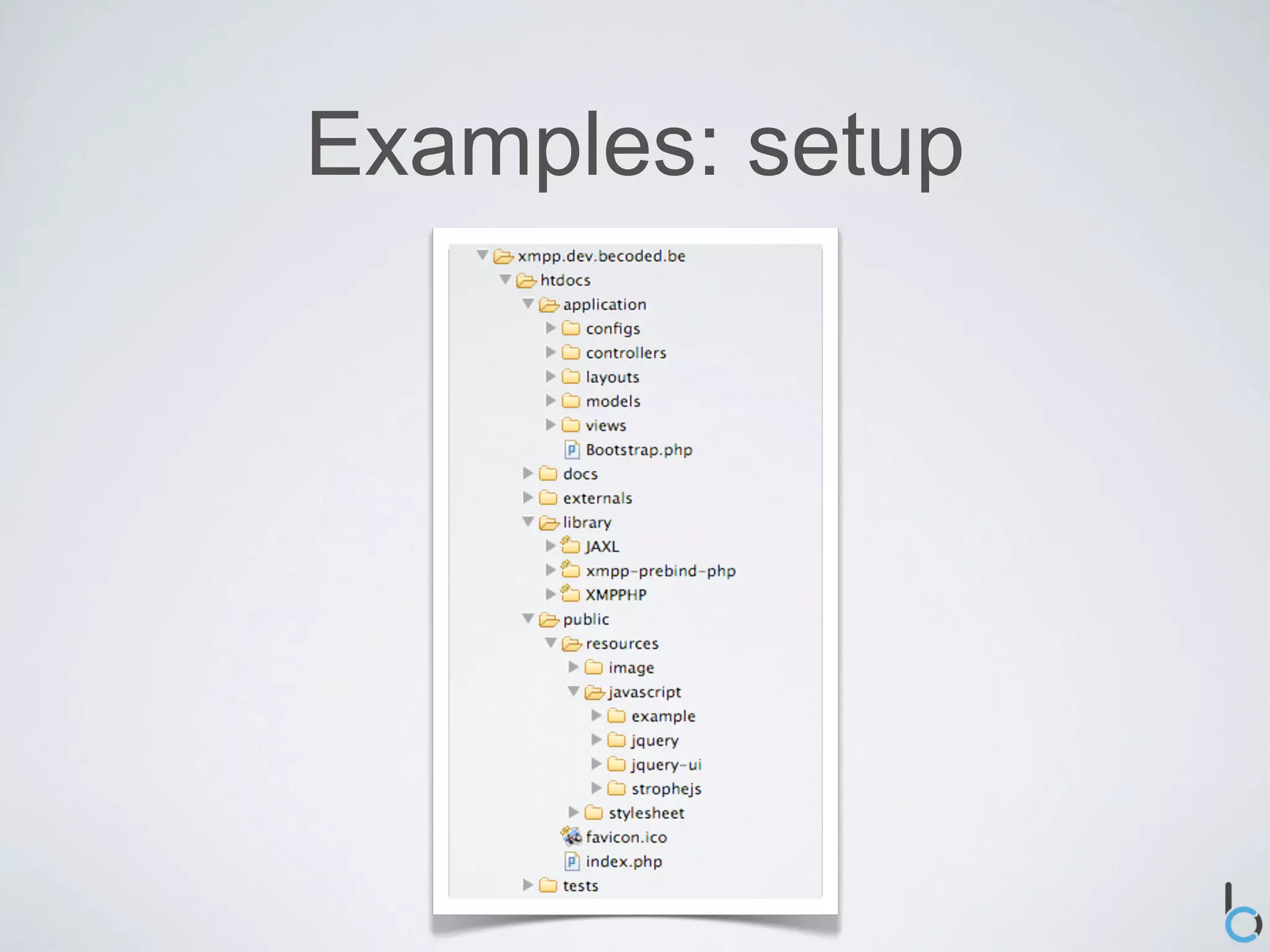
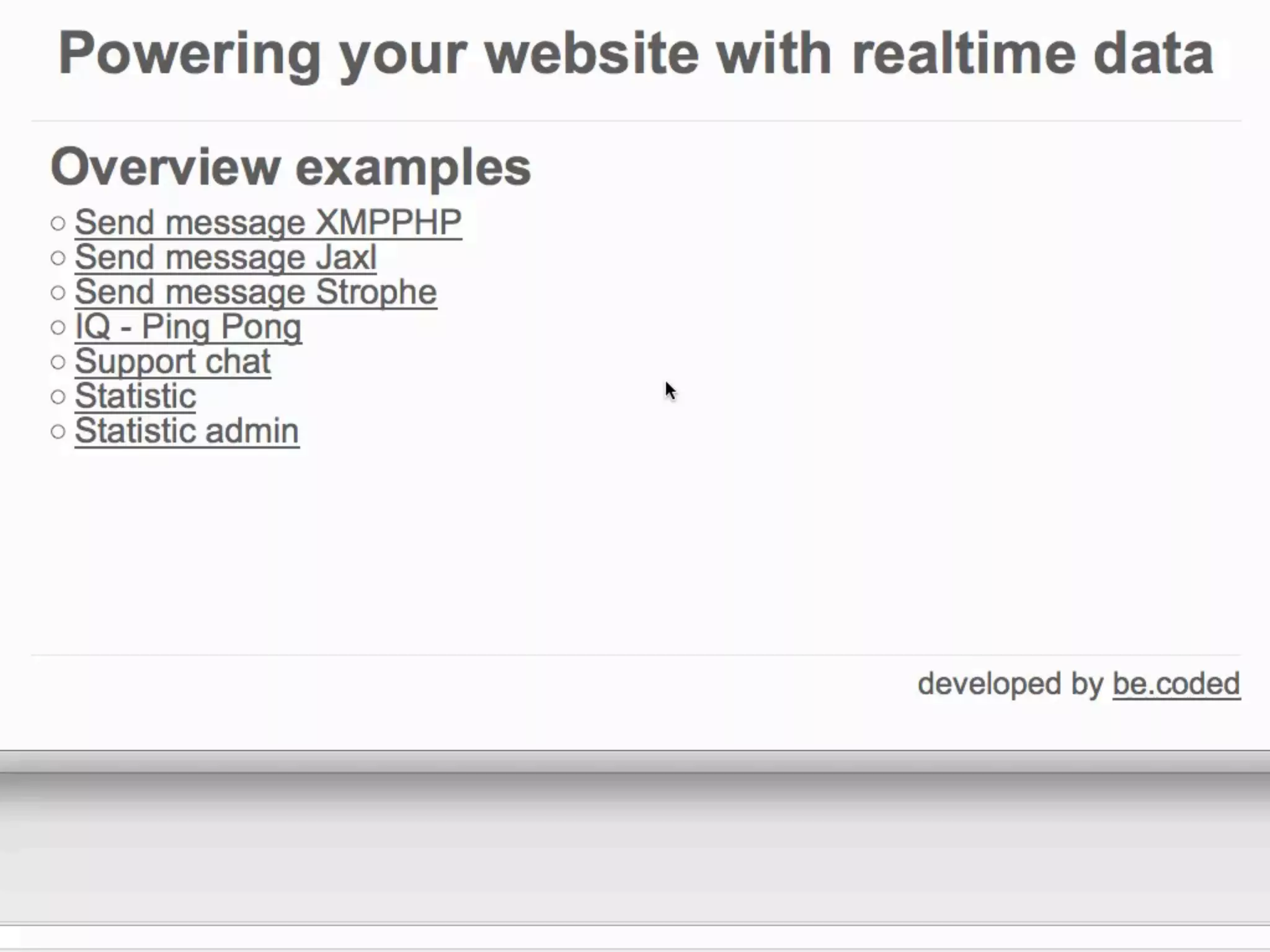
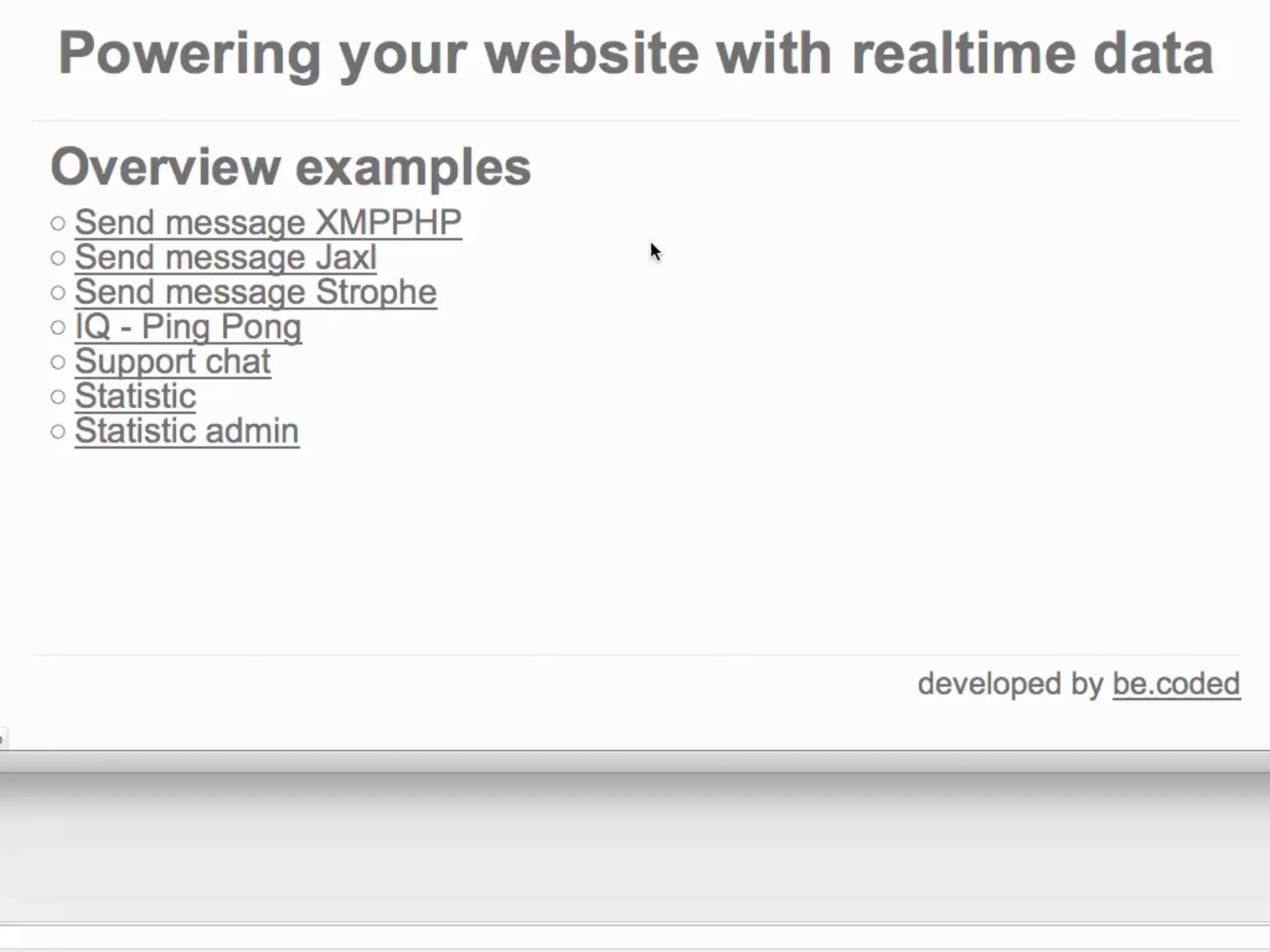
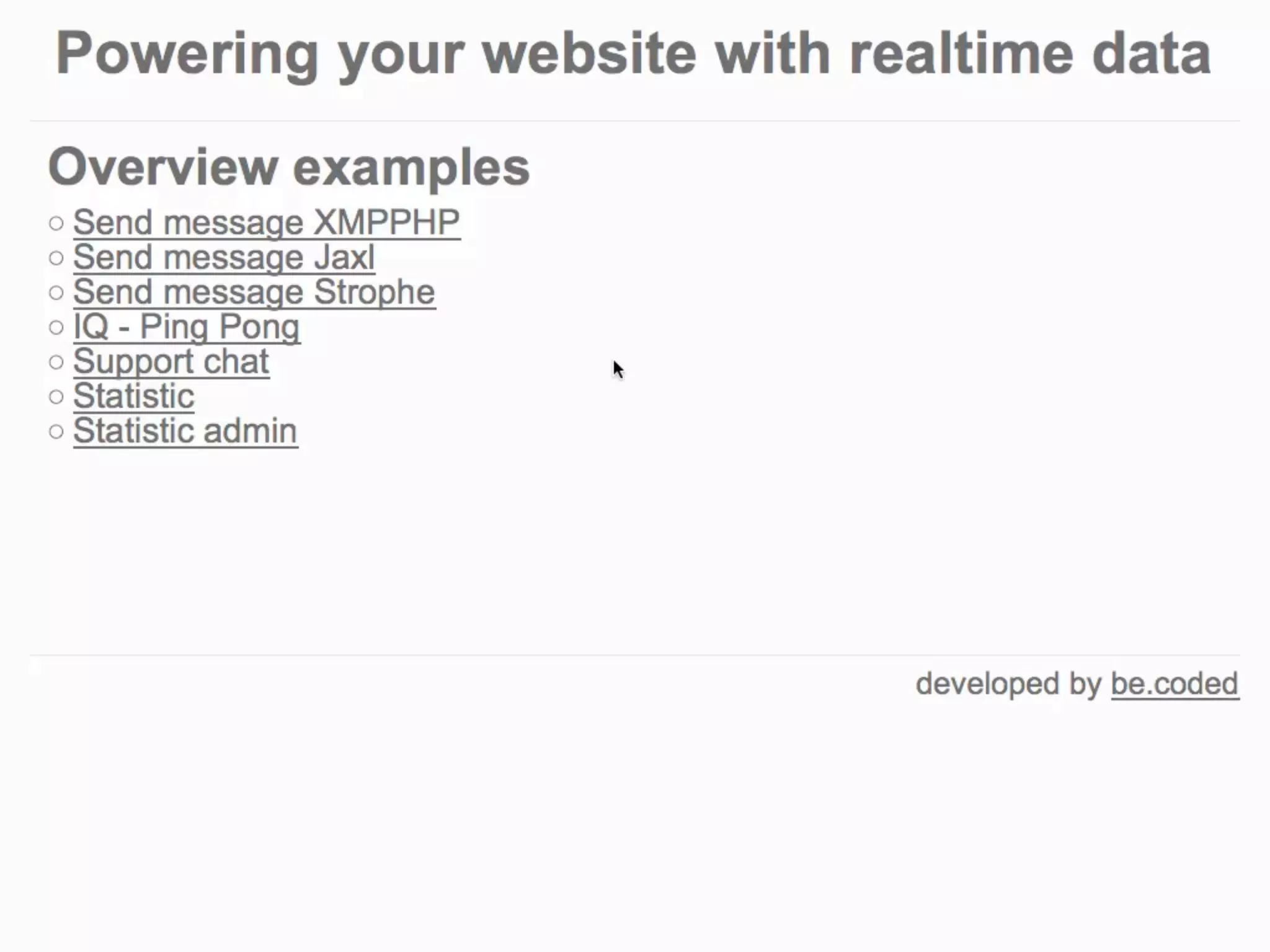
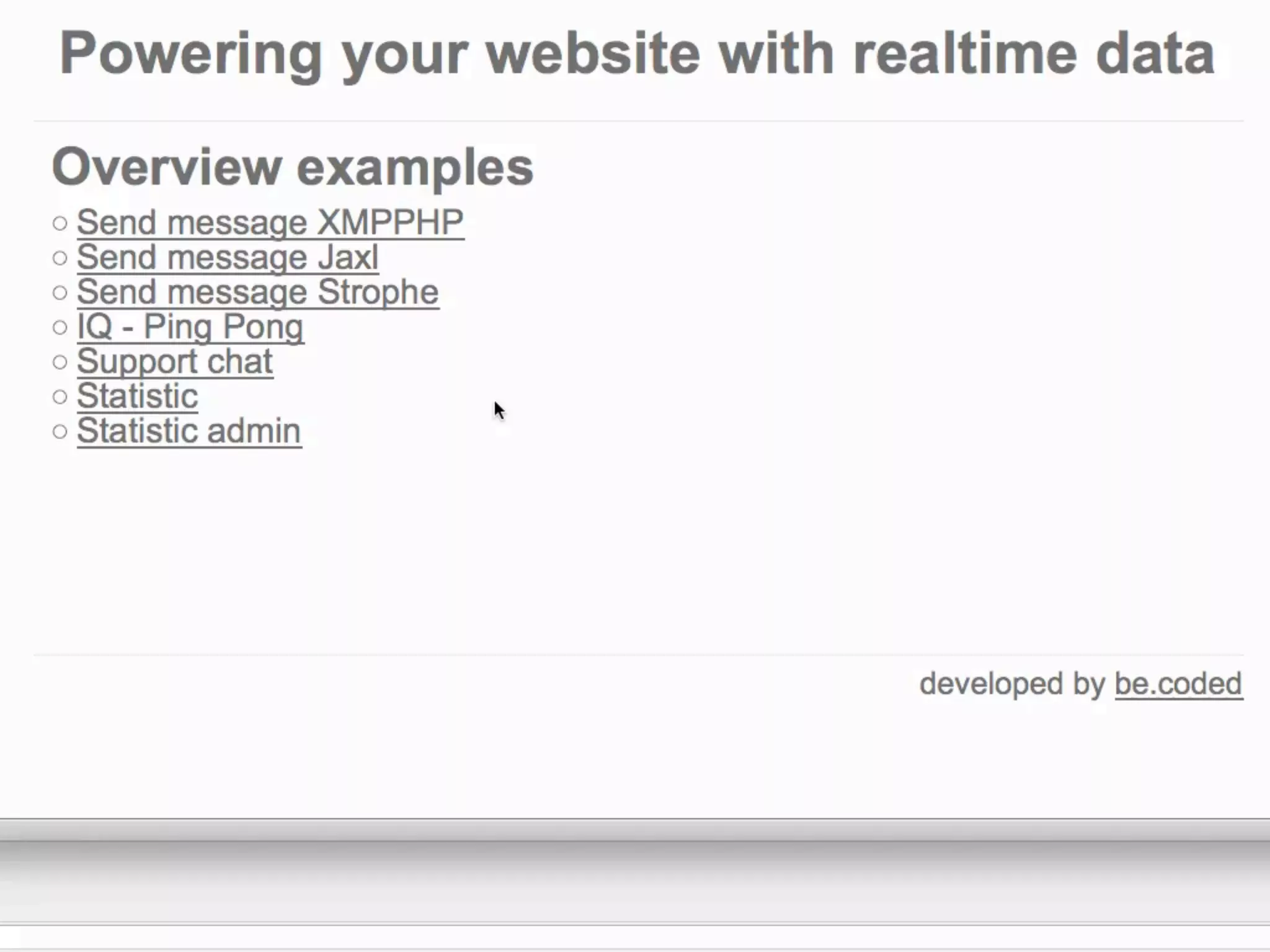
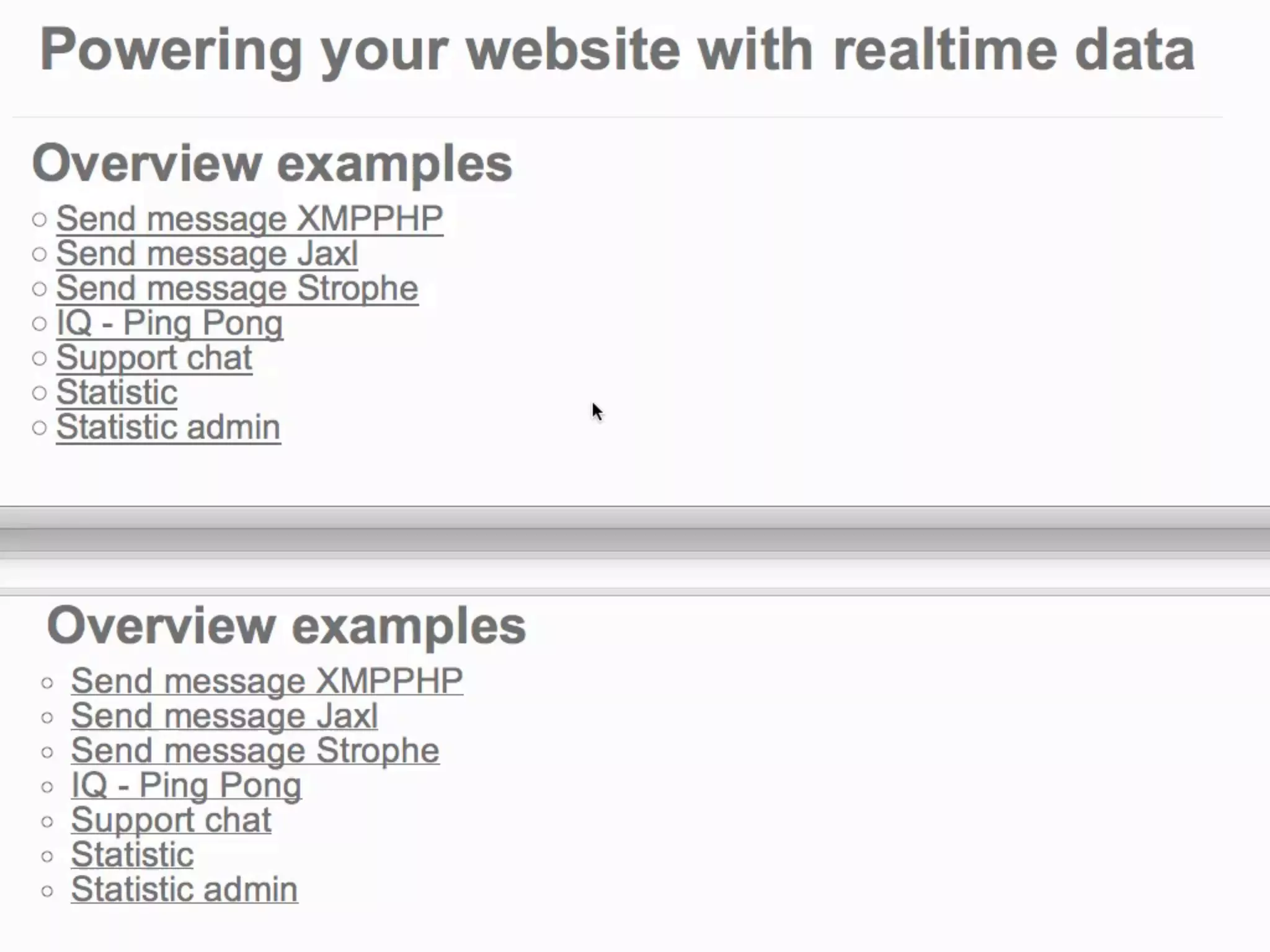
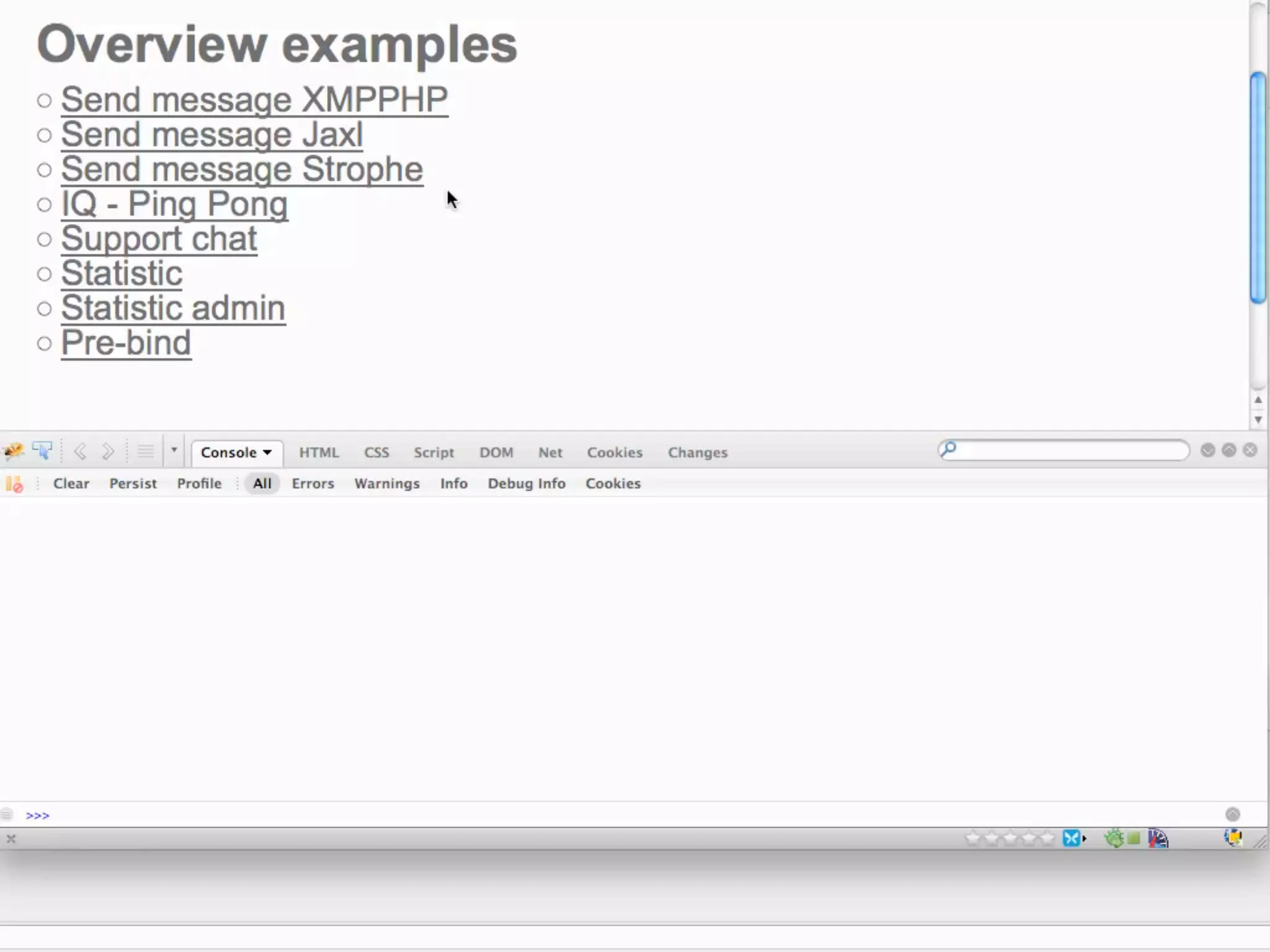
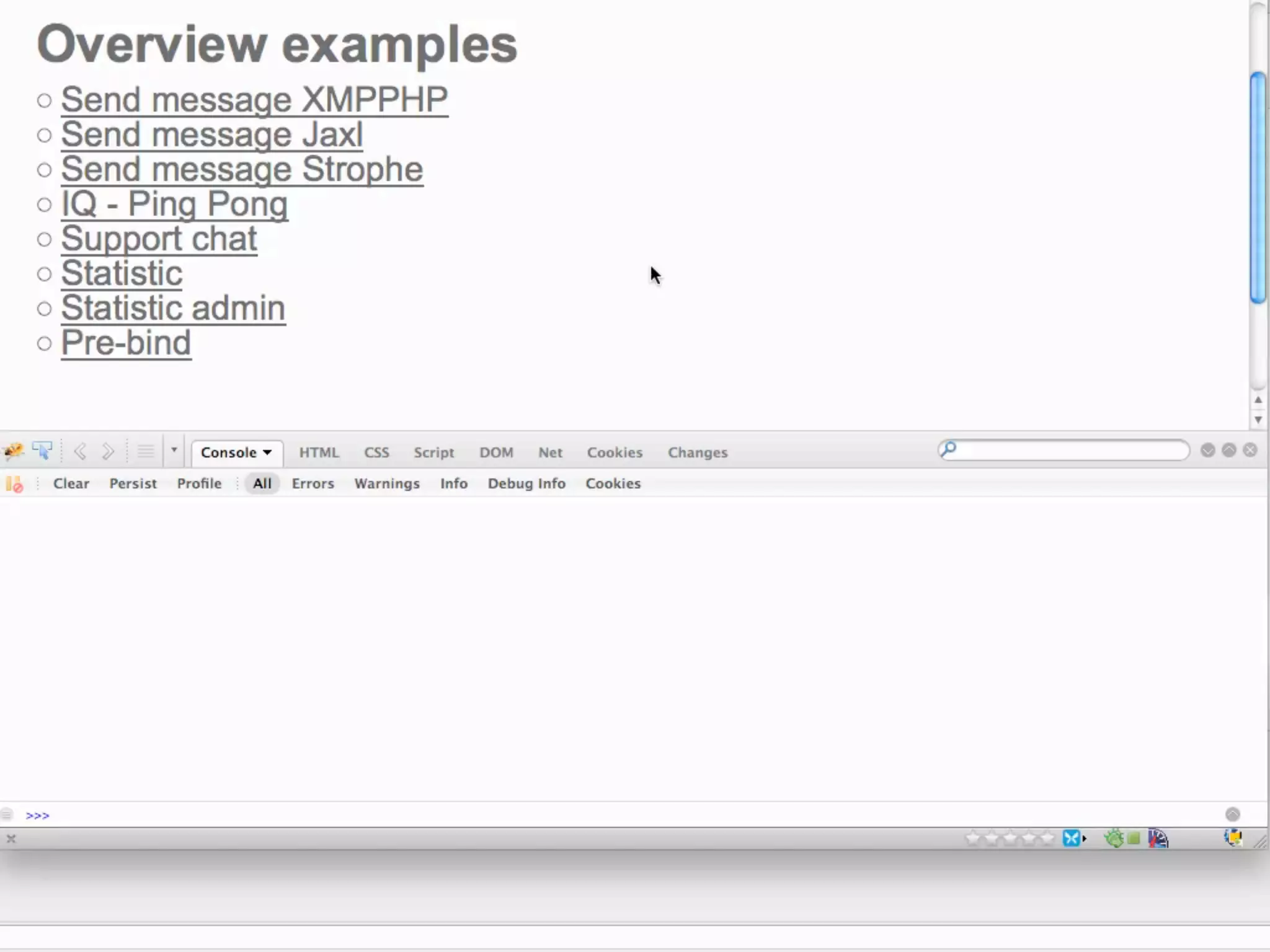
Examples: setup
Examples: messages


•   Browser

    •   Log

•   Adium
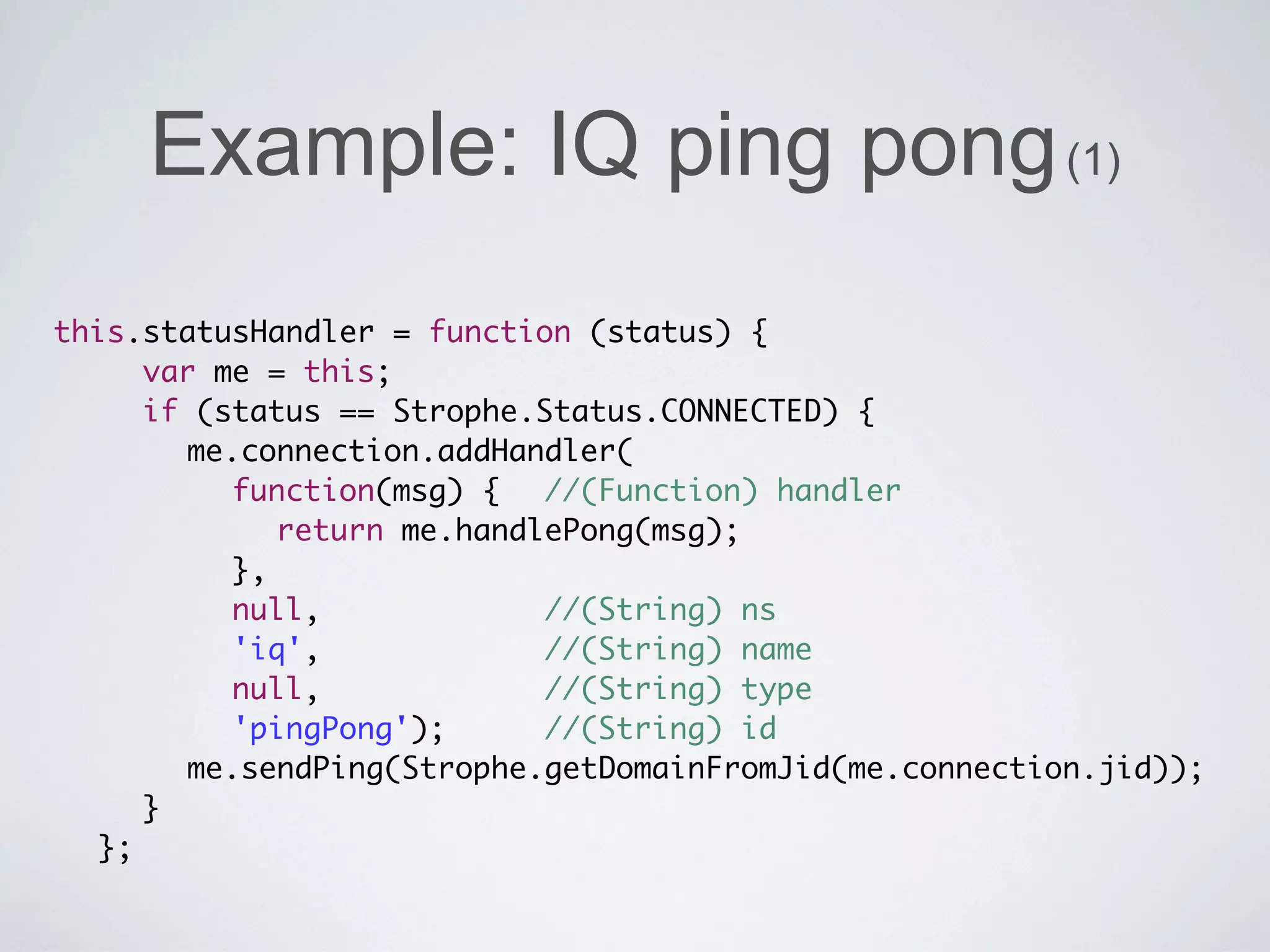
Example: IQ ping pong (1)
this.statusHandler = function (status) {
	 	 var me = this;
	 	 if (status == Strophe.Status.CONNECTED) {
	 	 	 me.connection.addHandler(
	 	 	 	 function(msg) {	 //(Function) handler
	 	 	 	 	 return me.handlePong(msg);
	 	 	 	 },
  	 	 	 null, 	 	 	 	 	 //(String) ns
	 	 	 	 'iq', 	 	 	 	 	 //(String) name
	 	 	 	 null, 	 	 	 	 	 //(String) type
	 	 	 	 'pingPong');	 	 //(String) id
                      	
	 	 	 me.sendPing(Strophe.getDomainFromJid(me.connection.jid));
	 	 }
	 };
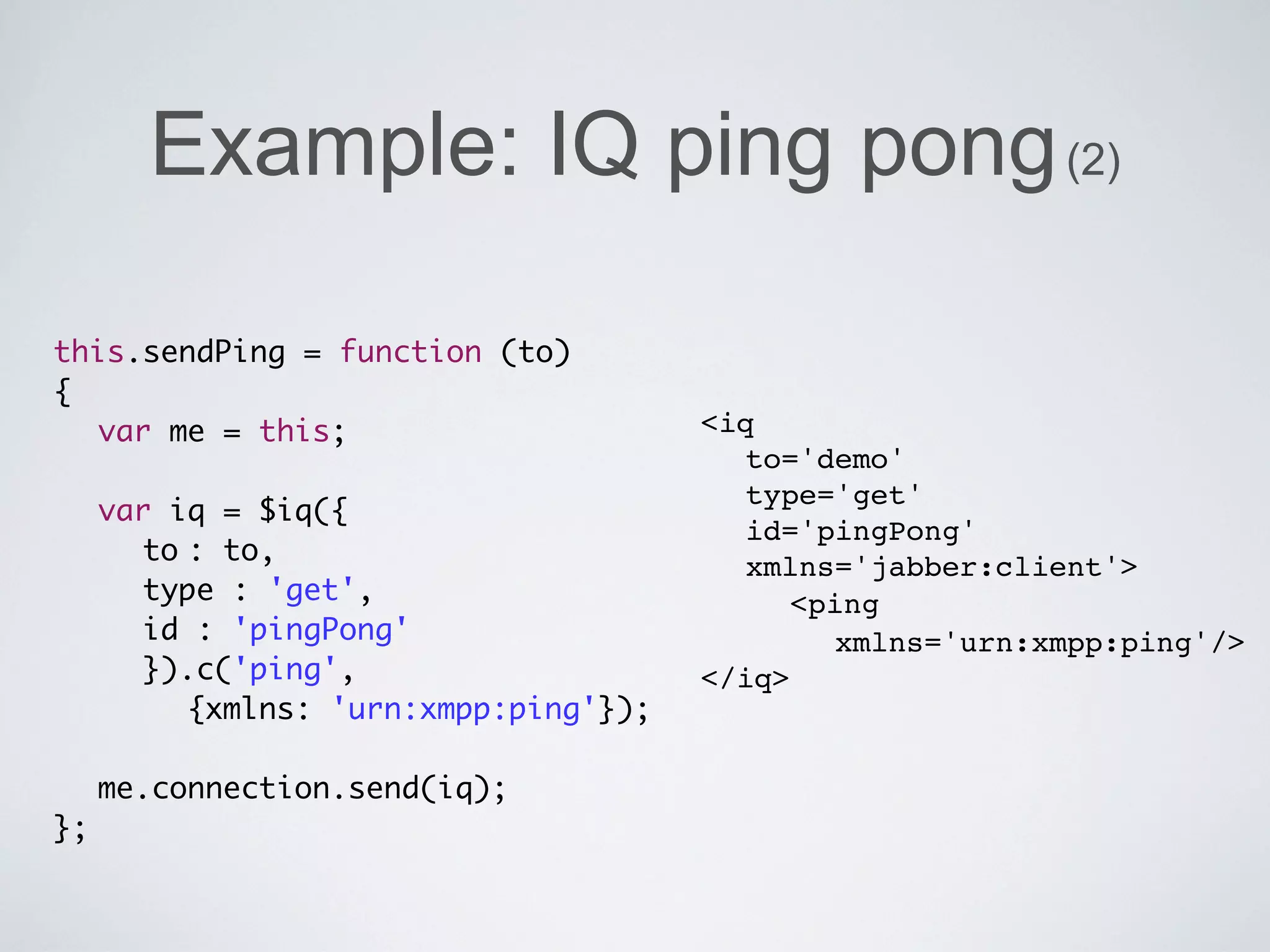
Example: IQ ping pong (2)

this.sendPing = function (to)
{
	 var me = this;                    <iq
	                                     to='demo'
                                      type='get'
	 var iq = $iq({
                                      id='pingPong'
	 	 to	 to,
       :
                                      xmlns='jabber:client'>
	 	 type : 'get',                     	 <ping
	 	 id : 'pingPong'                        xmlns='urn:xmpp:ping'/>
	 	 }).c('ping',                    </iq>
       {xmlns: 'urn:xmpp:ping'});
	
	 me.connection.send(iq);
};
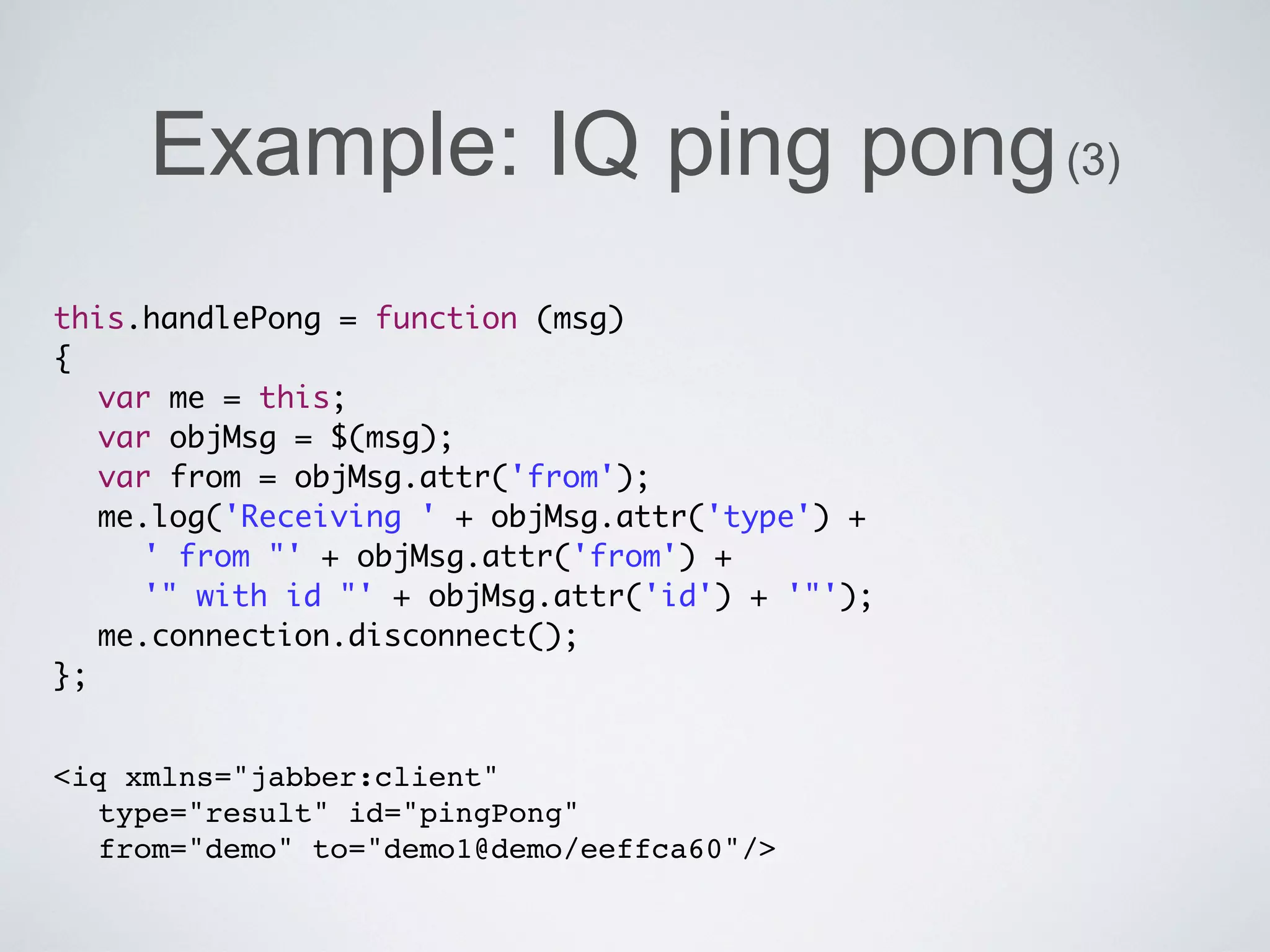
Example: IQ ping pong (3)
this.handlePong = function (msg)
{
	 var me = this;
	 var objMsg = $(msg);
	 var from = objMsg.attr('from');
	 me.log('Receiving ' + objMsg.attr('type') +
	 	 ' from "' + objMsg.attr('from') +
	 	 '" with id "' + objMsg.attr('id') + '"');
	 me.connection.disconnect();
};


<iq xmlns="jabber:client"
  type="result" id="pingPong"
  from="demo" to="demo1@demo/eeffca60"/>
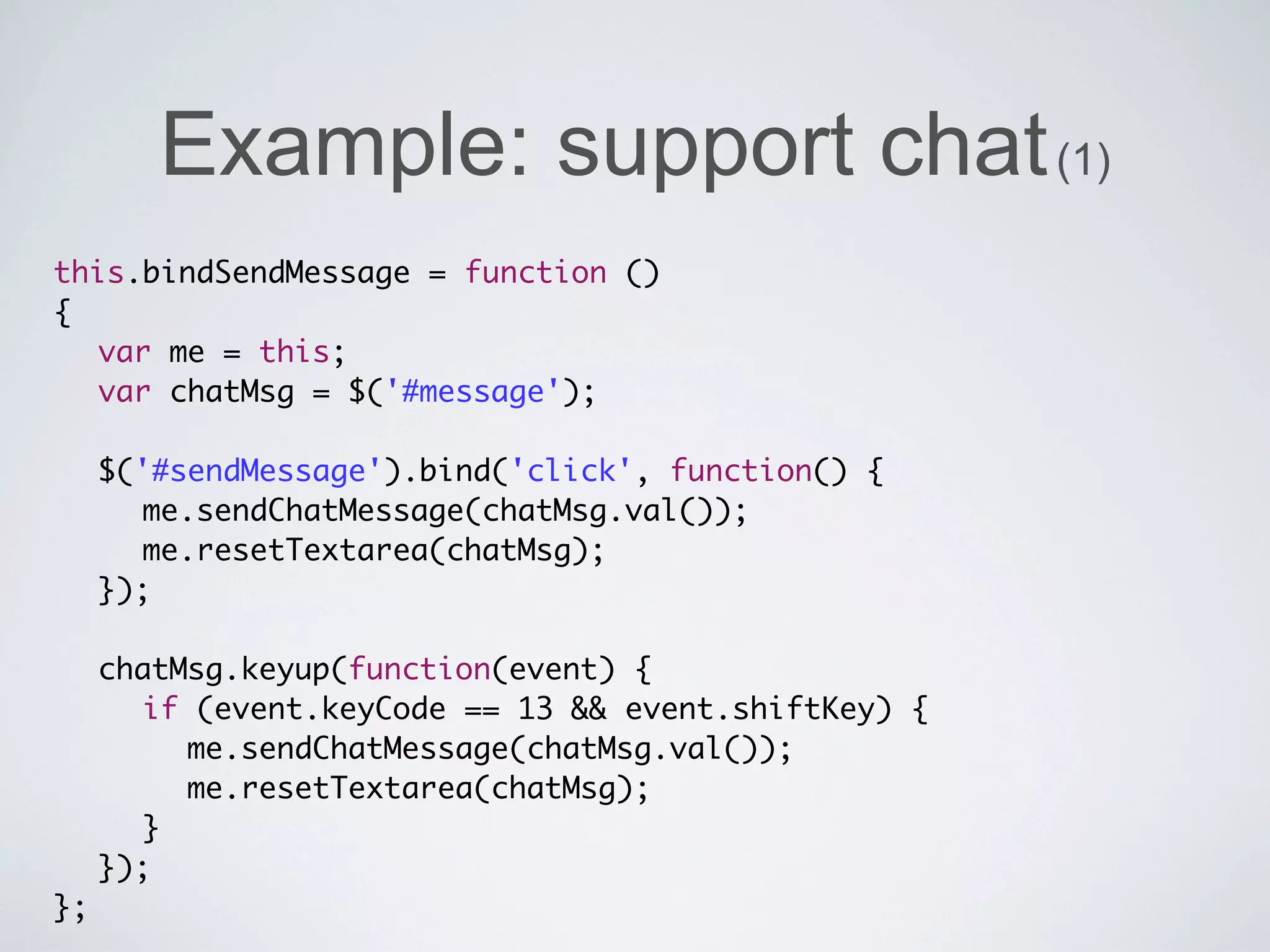
Example: support chat (1)
this.bindSendMessage = function ()
{
	 var me = this;
	 var chatMsg = $('#message');
	 	
	 $('#sendMessage').bind('click', function() {
	 	 me.sendChatMessage(chatMsg.val());
	 	 me.resetTextarea(chatMsg);
	 });
	 	
	 chatMsg.keyup(function(event) {
	 	 if (event.keyCode == 13 && event.shiftKey) {
	 	 	 me.sendChatMessage(chatMsg.val());
	 	 	 me.resetTextarea(chatMsg);
	 	 }
	 });
};
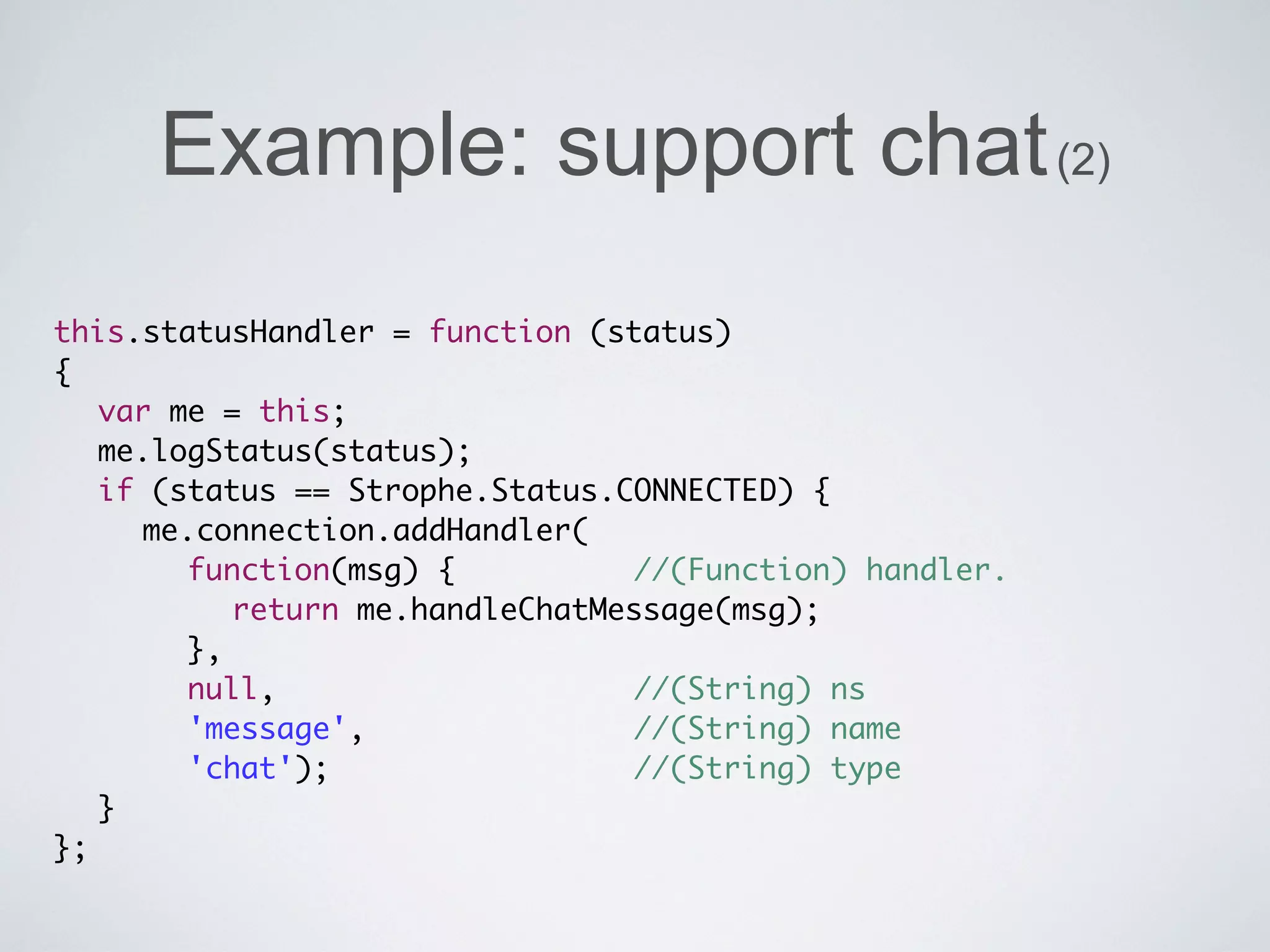
Example: support chat (2)
this.statusHandler = function (status)
{
	 var me = this;
	 me.logStatus(status);
	 if (status == Strophe.Status.CONNECTED) {
	 	 me.connection.addHandler(
	 	 	 function(msg) {	 	 	 	 //(Function) handler.
	 	 	 	 return me.handleChatMessage(msg);
	 	 	 },
	 	 	 null, 	 	 	 	 	 	 	 	 //(String) ns
	 	 	 'message', 	 	 	 	 	 	 //(String) name
	 	 	 'chat'); 		 	 	 	 	 	 //(String) type
	 }
};
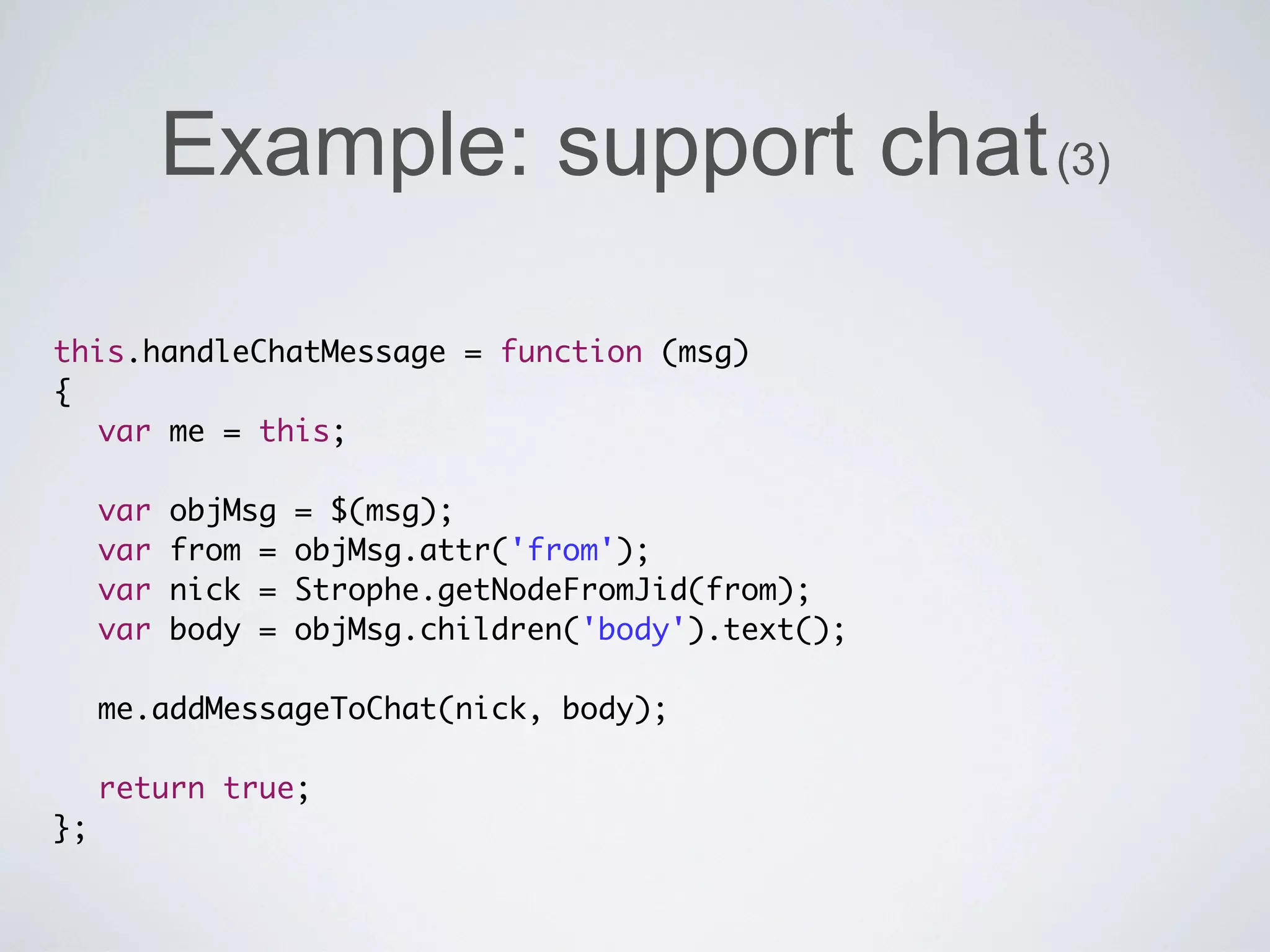
Example: support chat (3)

this.handleChatMessage = function (msg)
{
	 var me = this;
	
	 var objMsg = $(msg);
	 var from = objMsg.attr('from');
	 var nick = Strophe.getNodeFromJid(from);
	 var body = objMsg.children('body').text();
	
	 me.addMessageToChat(nick, body);
	
	 return true;
};
Example: support chat (4)
this.addMessageToChat = function (nick, body)
{
	 var me = this;
	 var container = $('#chat');
	 var atBottom =
       container.scrollTop() >=
          container[0].scrollHeight - container.height();
	 	
	 container.append('<dt>'+ nick +'</dt><dd>'+
     me.nl2br(body, true) +'</dd>');
	 	
	 if (atBottom) {
	 	 container.scrollTop(container[0].scrollHeight);
	 }
};
Example: statistics

this.handleHighChartData = function (msg)
{
	 var me = this;
	 	
	 var objMsg = $(msg);
   var body = objMsg.children('body').text();
	 	
	 me.chart.series[0].setData(jQuery.parseJSON(body));
	 return true;
};
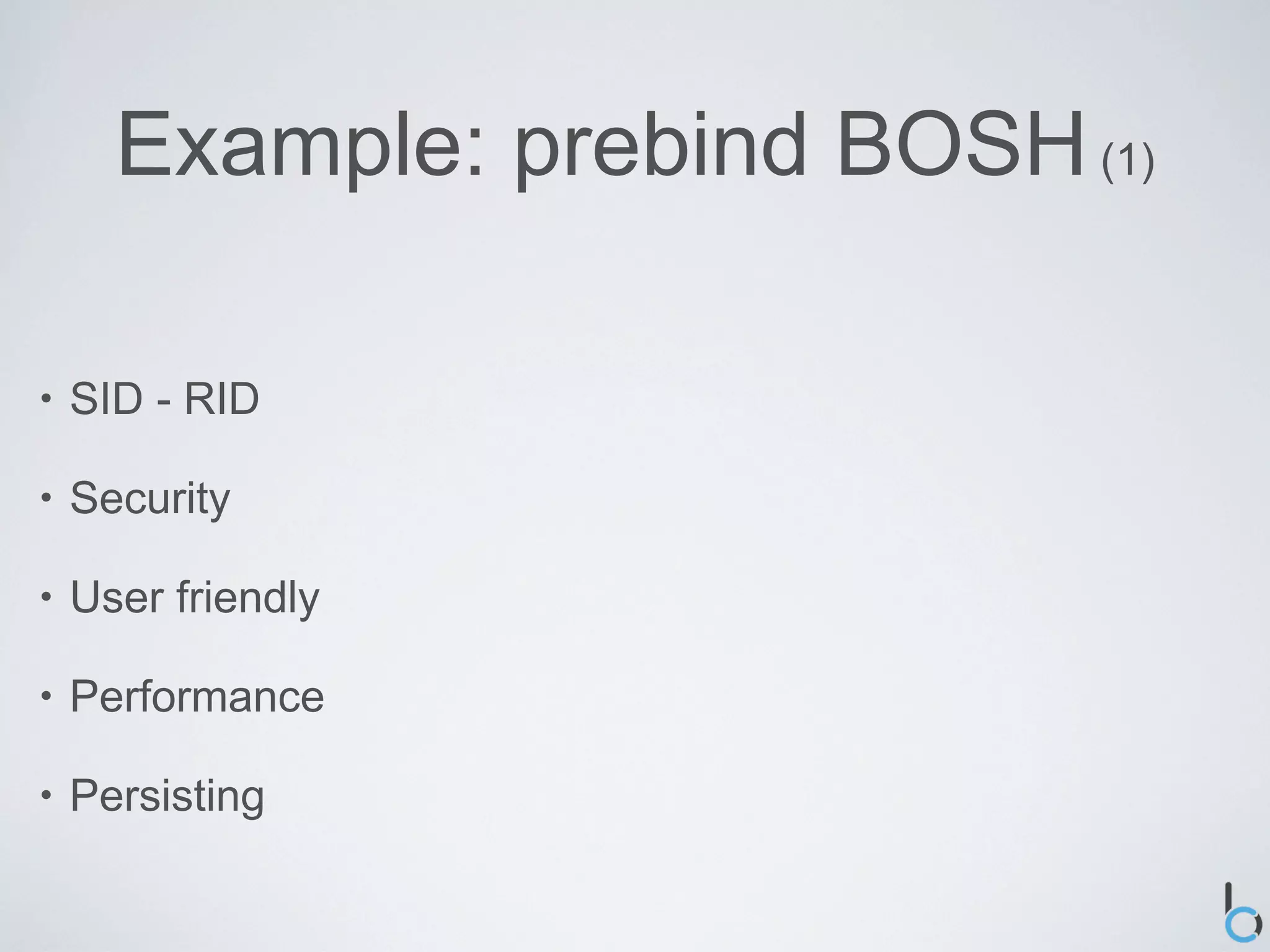
Example: prebind BOSH (1)

•   SID - RID

•   Security

•   User friendly

•   Performance

•   Persisting
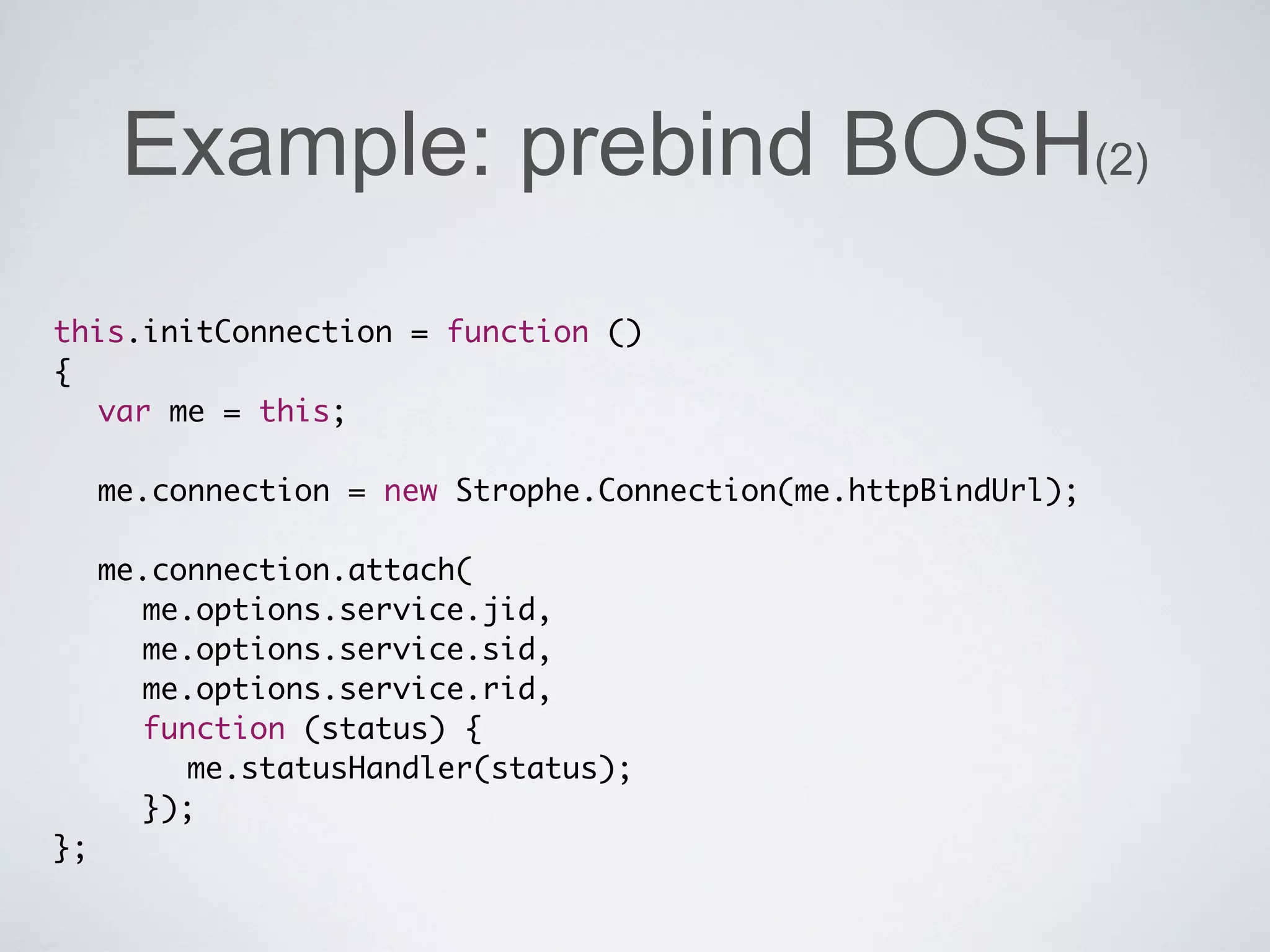
Example: prebind BOSH(2)
this.initConnection = function ()
{
	 var me = this;

	 me.connection = new Strophe.Connection(me.httpBindUrl);
	
	 me.connection.attach(
	 	 me.options.service.jid,
	 	 me.options.service.sid,
	 	 me.options.service.rid,
	 	 function (status) {
	 	 	 me.statusHandler(status);
	 	 });
};
Books
Thank you


•   bert@becoded.be

•   Code: https://github.com/becoded/talk-xmpp-demo

•   Slides: Slideshare

•   Rate / comments: http://joind.in/3778
Questions


?   ?   ?   ?

Powering your website with realtime data

  • 1.
    October 2011 Powering yourwebsite with realtime data Bert Van Hauwaert bert@becoded.be - @tbotwit
  • 2.
    Bert Van Hauwaert • Live in Belgium • Founder of be.coded • Freelance web application developer & consultant • ZCE 5.0 • Working on realtime auction sites
  • 3.
    Overview • The old days • XMPP • Install server • Configure apache • Libraries • Examples
  • 4.
    Overview • The old days • XMPP • Install server • Configure apache • Libraries • Examples
  • 5.
    The old days • <meta http-equiv=”refresh” content=”5” /> • <script > • AJAX
  • 6.
    Overview • The old days • XMPP • Install server • Configure apache • Libraries • Examples
  • 7.
    XMPP: what • Extensible Messaging and Presence Protocol • Jabber • XML • Client - Server - Component
  • 8.
    XMPP: stanzas • <presence> • <message> • <iq>
  • 9.
    XMPP: stanzas • <presence> • <message> • <iq>
  • 10.
    XMPP: stanzas • <presence> • <message> • <iq>
  • 11.
    XMPP: stanzas • <presence> • <message> • <iq>
  • 12.
    XMPP: addressing • JID (Jabber Identifier) • Three main parts • [ node "@" ] domain [ "/" resource ]
  • 13.
    XMPP: extensions • XMPP Extension Protocol - XEP • http://xmpp.org/xmpp-protocols/xmpp-extensions/
  • 14.
    XMPP: advantages • Open • Decentralized • Secure • Extensible
  • 15.
    XMPP: disadvantages • Statefulness • Overhead
  • 16.
    XMPP: example <stream:stream> <iq type="get" id="roster1"> <query xmlns:"jabber:iq:roster" /> </iq> <presence /> <message to="attendees@zendcon.com" from="bert@becoded.be/speakerroom" type="chat"> <body> I hope you will enjoy this talk </body> </message> <presence> <show>dnd</show> <status>Giving a talk @ ZendCon</status> </presence> </stream:stream>
  • 17.
    XMPP: example <stream:stream> <iq type="get" id="roster1"> <query xmlns:"jabber:iq:roster" /> </iq> <presence /> <message to="attendees@zendcon.com" from="bert@becoded.be/speakerroom" type="chat"> <body> I hope you will enjoy this talk </body> </message> <presence> <show>dnd</show> <status>Giving a talk @ ZendCon</status> </presence> </stream:stream>
  • 18.
    XMPP: example <stream:stream> <iq type="get" id="roster1"> <query xmlns:"jabber:iq:roster" /> </iq> <presence /> <message to="attendees@zendcon.com" from="bert@becoded.be/speakerroom" type="chat"> <body> I hope you will enjoy this talk </body> </message> <presence> <show>dnd</show> <status>Giving a talk @ ZendCon</status> </presence> </stream:stream>
  • 19.
    XMPP: example <stream:stream> <iq type="get" id="roster1"> <query xmlns:"jabber:iq:roster" /> </iq> <presence /> <message to="attendees@zendcon.com" from="bert@becoded.be/speakerroom" type="chat"> <body> I hope you will enjoy this talk </body> </message> <presence> <show>dnd</show> <status>Giving a talk @ ZendCon</status> </presence> </stream:stream>
  • 20.
    XMPP: example <stream:stream> <iq type="get" id="roster1"> <query xmlns:"jabber:iq:roster" /> </iq> <presence /> <message to="attendees@zendcon.com" from="bert@becoded.be/speakerroom" type="chat"> <body> I hope you will enjoy this talk </body> </message> <presence> <show>dnd</show> <status>Giving a talk @ ZendCon</status> </presence> </stream:stream>
  • 21.
    XMPP: example <stream:stream> <iq type="get" id="roster1"> <query xmlns:"jabber:iq:roster" /> </iq> <presence /> <message to="attendees@zendcon.com" from="bert@becoded.be/speakerroom" type="chat"> <body> I hope you will enjoy this talk </body> </message> <presence> <show>dnd</show> <status> Giving a talk @ ZendCon </status> </presence> </stream:stream>
  • 22.
    XMPP: example <stream:stream> <iq type="get" id="roster1"> <query xmlns:"jabber:iq:roster" /> </iq> <presence /> <message to="attendees@zendcon.com" from="bert@becoded.be/speakerroom" type="chat"> <body> I hope you will enjoy this talk </body> </message> <presence> <show>dnd</show> <status> Giving a talk @ ZendCon </status> </presence> </stream:stream>
  • 23.
    XMPP: XEP-0060 (1) • PubSub (Publish / Subscribe) • Bandwidth / resources
  • 24.
    XMPP: XEP-0060 (2) <iq from="child@holiday.com/car" id="ams9nz78" to="pubsub.holiday.com" type="set"> <pubsub xmlns="http://jabber.org/ protocol/pubsub"> <subscribe node="are-we-there-yet" jid="child@holiday.com"/> </pubsub> </iq>
  • 25.
    XMPP: XEP-0060 (3) <iq from="adult@holiday.com/car" id="wmn78e45a" to="pubsub.holiday.com" type="set"> <pubsub xmlns="http://jabber.org/protocol/pubsub"> <publish node="are-we-there-yet"> <item> <there xmlns="http://holiday.com/there-yet" status="true"/> </item> </publish> </pubsub> </iq>
  • 26.
    XMPP: XEP-0060 (4) <message from="pubsub.holiday.com" to="child@holiday.com"> <event xmlns="http://jabber.org/protocol/pubsub#event"> <items node="are-we-there-yet"> <item id="ax78ui789q"> <there xmlns="http://holiday.com/there-yet" status="true"/> </item> </items> </event> </message>
  • 27.
    XMPP: XEP-0045 (1) • MUC / Multi-User Chat • “Multiplier”
  • 28.
    XMPP: XEP-0045 (2) <presence from="user@domain.com/resource" to="room@conference.muc.com/nickname"> <x xmlns= "http://jabber.org/protocol/muc"/> </presence>
  • 29.
    XMPP: XEP-0045 (3) <message to="room@conference.muc.com" from="user@domain.com/resource" type="groupchat "> <body>Lorem Ipsum</body> </message> <message to="otherUser@domain.com/resource" from="room@conference.muc.com/nickname" type="groupchat "> <body>Lorem Ipsum</body> </message>
  • 30.
    Overview • The old days • XMPP • Install server • Configure apache • Libraries • Examples
  • 31.
    Install server: startingpoint • Debian • web server • SQL database • SSH server
  • 32.
    Install server: aptsources • apt-get install vim • vim /etc/apt/sources.list • deb http://ftp.belnet.be/debian/ squeeze main non-free deb-src http://ftp.belnet.be/debian/ squeeze main deb http://security.debian.org/ squeeze/updates main non-free deb-src http://security.debian.org/ squeeze/updates main deb http://packages.dotdeb.org stable all deb-src http://packages.dotdeb.org stable all
  • 33.
    Install server: prerequisites(1) • wget http://www.dotdeb.org/dotdeb.gpg • cat dotdeb.gpg | apt-key add - • apt-get update • apt-get install sun-java6-jre sun-java6-fonts ident2
  • 34.
    Install server: prerequisites(2) • apt-get install mysql-server mysql-client • apt-get install php5 php5-cli php5-common php5-dev php5-mysql php5-curl php-pear • Database & user
  • 35.
    Install server: Openfire(1) • Openfire 3.7.0 • http://www.igniterealtime.org/projects/openfire/ • wget -O openfire_3.7.0_all.deb http://www.igniterealtime.org/downloadServlet? filename=openfire/openfire_3.7.0_all.deb • dpkg -i openfire_3.7.0_all.deb
  • 36.
    Install server: Openfire(2) • http://[server-ip]:9090/
  • 44.
    Install server: Openfire(3) • Plugins • User Service • Monitoring Service
  • 45.
    Overview • The old days • XMPP • Install server • Configure apache • Libraries • Examples
  • 46.
    Configure apache: why (1) Client - polling ta ta ta data no da no da no da Server d ata w ne data Client - long polling
  • 47.
    Configure apache: why (2) • BOSH (Bidirectional streams Over Synchronous HTTP)
  • 48.
    Configure apache: proxy(1) • cd /etc/apache2/mods-enabled/ • ln -s ../mods-available/proxy.load • ln -s ../mods-available/proxy_http.load • ln -s ../mods-available/rewrite.load
  • 49.
    Configure apache: proxy(2) <VirtualHost *:80> Options FollowSymLinks ServerAdmin bert@becoded.be ServerName xmpp.dev.becoded.be ServerAlias static.xmpp.dev.becoded.be # Indexes + Directory Root. DirectoryIndex index.php DocumentRoot /var/www/vhost/xmpp.dev.becoded.be/htdocs/public/ php_admin_value open_basedir ".:/var/www/vhost/xmpp.dev.becoded.be/htdocs:/var/www/library/Zend-latest/ library:../:/usr/share/php:/tmp" php_value include_path ".:/var/www/vhost/xmpp.dev.becoded.be/htdocs:/var/www/library/Zend-latest/library:/usr/ share/php" php_admin_value upload_tmp_dir "/tmp" SetEnv APPLICATION_ENV development # Logfiles ErrorLog /var/www/vhost/xmpp.dev.becoded.be/logs/error.log CustomLog /var/www/vhost/xmpp.dev.becoded.be/logs/access.log combined # XMPP proxy rule ProxyRequests Off ProxyPass /bind http://127.0.0.1:7070/http-bind/ ProxyPassReverse /bind http://127.0.0.1:7070/http-bind/ </VirtualHost>
  • 50.
    Overview • The old days • XMPP • Install server • Configure apache • Libraries • Examples
  • 51.
    Libraries • ZF - http://framework.zend.com • jQuery - http://jquery.com/ • jQuery UI - http://jqueryui.com/ • XMPPHP - http://code.google.com/p/xmpphp • Jaxl - http://jaxl.net • Strophe.js - http://strophe.im
  • 52.
    Libraries: XMPPHP $connection = new XMPPHP_XMPP( $host, $port, $identifier->node, $identifier->password, $identifier->resource, $domain, $printlog, $loglevel); $connection->connect(); $connection->processUntil('session_start'); $connection->message('support@demo', 'Hello world'); $connection->disconnect();
  • 53.
    Libraries: Jaxl $connection =new JAXL(array( 'user' => $identifier->node, 'pass' => $identifier->password, 'host' => $host, 'domain' => $domain, 'port' => $port, 'authType' => 'PLAIN', 'logLevel' => $loglevel )); $connection->addPlugin('jaxl_post_auth', '_postAuthHook'); $connection->startCore("stream"); public function _postAuthHook ($payload, $jaxl) { $jaxl->sendMessage('support@demo', 'Hello world'); $jaxl->shutdown(); }
  • 54.
    Libraries: Strophe.js var connection= new Strophe.Connection('/bind'); connection.connect( jid, password, function (status) { if (status == Strophe.Status.CONNECTED) { var msg = $msg({ to : 'support@demo', type : "chat" }).c('body').t('Hello world'); connection.send(msg); setTimeout(function () { connection.disconnect(); }, 500); } });
  • 55.
    Overview • The old days • XMPP • Install server • Configure apache • Libraries • Examples
  • 56.
  • 58.
    Examples: messages • Browser • Log • Adium
  • 61.
    Example: IQ pingpong (1) this.statusHandler = function (status) { var me = this; if (status == Strophe.Status.CONNECTED) { me.connection.addHandler( function(msg) { //(Function) handler return me.handlePong(msg); }, null, //(String) ns 'iq', //(String) name null, //(String) type 'pingPong'); //(String) id me.sendPing(Strophe.getDomainFromJid(me.connection.jid)); } };
  • 62.
    Example: IQ pingpong (2) this.sendPing = function (to) { var me = this; <iq to='demo' type='get' var iq = $iq({ id='pingPong' to to, : xmlns='jabber:client'> type : 'get', <ping id : 'pingPong' xmlns='urn:xmpp:ping'/> }).c('ping', </iq> {xmlns: 'urn:xmpp:ping'}); me.connection.send(iq); };
  • 63.
    Example: IQ pingpong (3) this.handlePong = function (msg) { var me = this; var objMsg = $(msg); var from = objMsg.attr('from'); me.log('Receiving ' + objMsg.attr('type') + ' from "' + objMsg.attr('from') + '" with id "' + objMsg.attr('id') + '"'); me.connection.disconnect(); }; <iq xmlns="jabber:client" type="result" id="pingPong" from="demo" to="demo1@demo/eeffca60"/>
  • 65.
    Example: support chat(1) this.bindSendMessage = function () { var me = this; var chatMsg = $('#message'); $('#sendMessage').bind('click', function() { me.sendChatMessage(chatMsg.val()); me.resetTextarea(chatMsg); }); chatMsg.keyup(function(event) { if (event.keyCode == 13 && event.shiftKey) { me.sendChatMessage(chatMsg.val()); me.resetTextarea(chatMsg); } }); };
  • 66.
    Example: support chat(2) this.statusHandler = function (status) { var me = this; me.logStatus(status); if (status == Strophe.Status.CONNECTED) { me.connection.addHandler( function(msg) { //(Function) handler. return me.handleChatMessage(msg); }, null, //(String) ns 'message', //(String) name 'chat'); //(String) type } };
  • 67.
    Example: support chat(3) this.handleChatMessage = function (msg) { var me = this; var objMsg = $(msg); var from = objMsg.attr('from'); var nick = Strophe.getNodeFromJid(from); var body = objMsg.children('body').text(); me.addMessageToChat(nick, body); return true; };
  • 68.
    Example: support chat(4) this.addMessageToChat = function (nick, body) { var me = this; var container = $('#chat'); var atBottom = container.scrollTop() >= container[0].scrollHeight - container.height(); container.append('<dt>'+ nick +'</dt><dd>'+ me.nl2br(body, true) +'</dd>'); if (atBottom) { container.scrollTop(container[0].scrollHeight); } };
  • 70.
    Example: statistics this.handleHighChartData =function (msg) { var me = this; var objMsg = $(msg); var body = objMsg.children('body').text(); me.chart.series[0].setData(jQuery.parseJSON(body)); return true; };
  • 73.
    Example: prebind BOSH(1) • SID - RID • Security • User friendly • Performance • Persisting
  • 74.
    Example: prebind BOSH(2) this.initConnection= function () { var me = this; me.connection = new Strophe.Connection(me.httpBindUrl); me.connection.attach( me.options.service.jid, me.options.service.sid, me.options.service.rid, function (status) { me.statusHandler(status); }); };
  • 77.
  • 78.
    Thank you • bert@becoded.be • Code: https://github.com/becoded/talk-xmpp-demo • Slides: Slideshare • Rate / comments: http://joind.in/3778
  • 79.