

Anil Wadghule
awadghule@equalexperts.com

February 2014 — Docker 0.8.0
Docker
•

Docker was started by Solomon Hykes as an internal project by
dotCloud

•

Docker makes Linux Containers easy to use
What is Docker?
“Docker is an open source engine to easily create lightweight,
portable, self-sufficient containers from any application. The same
container that a developer builds and tests on a laptop can run at
scale, in production, on VMs, bare metal, OpenStack clusters, public
clouds and more” - http://docker.io
Why Docker?
•

Deploy everything (webapps, backends, sql, big data, message
queues)

•

Deploy almost everywhere (Linux servers, VMs or bare metal, any
distro, Kernel 3.8)

•

Deploy reliably & consistently (local and on server same)

•

Deploy easily

•

Deploy at scale
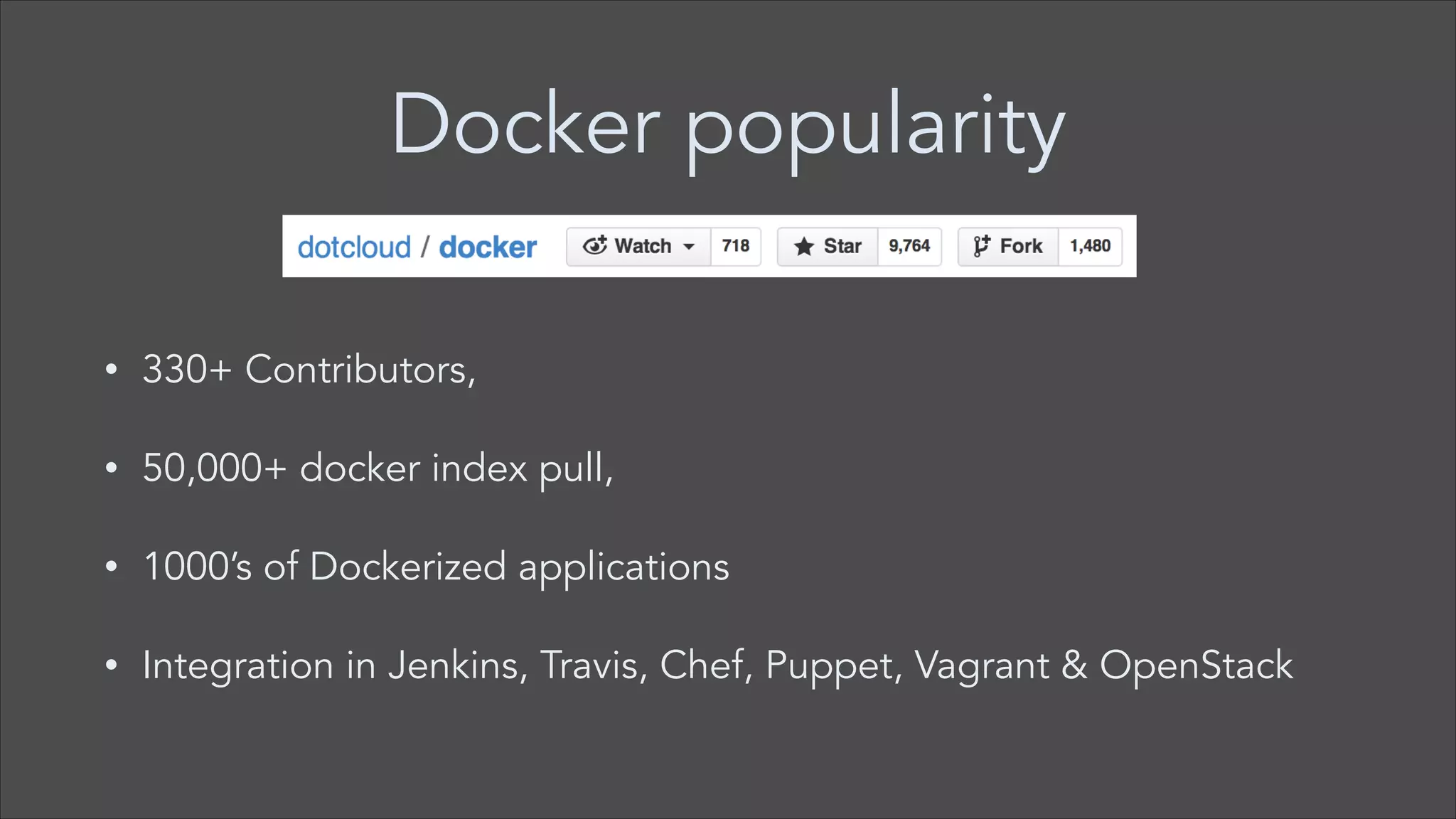
Docker popularity
•

330+ Contributors,

•

50,000+ docker index pull,

•

1000’s of Dockerized applications

•

Integration in Jenkins, Travis, Chef, Puppet, Vagrant & OpenStack
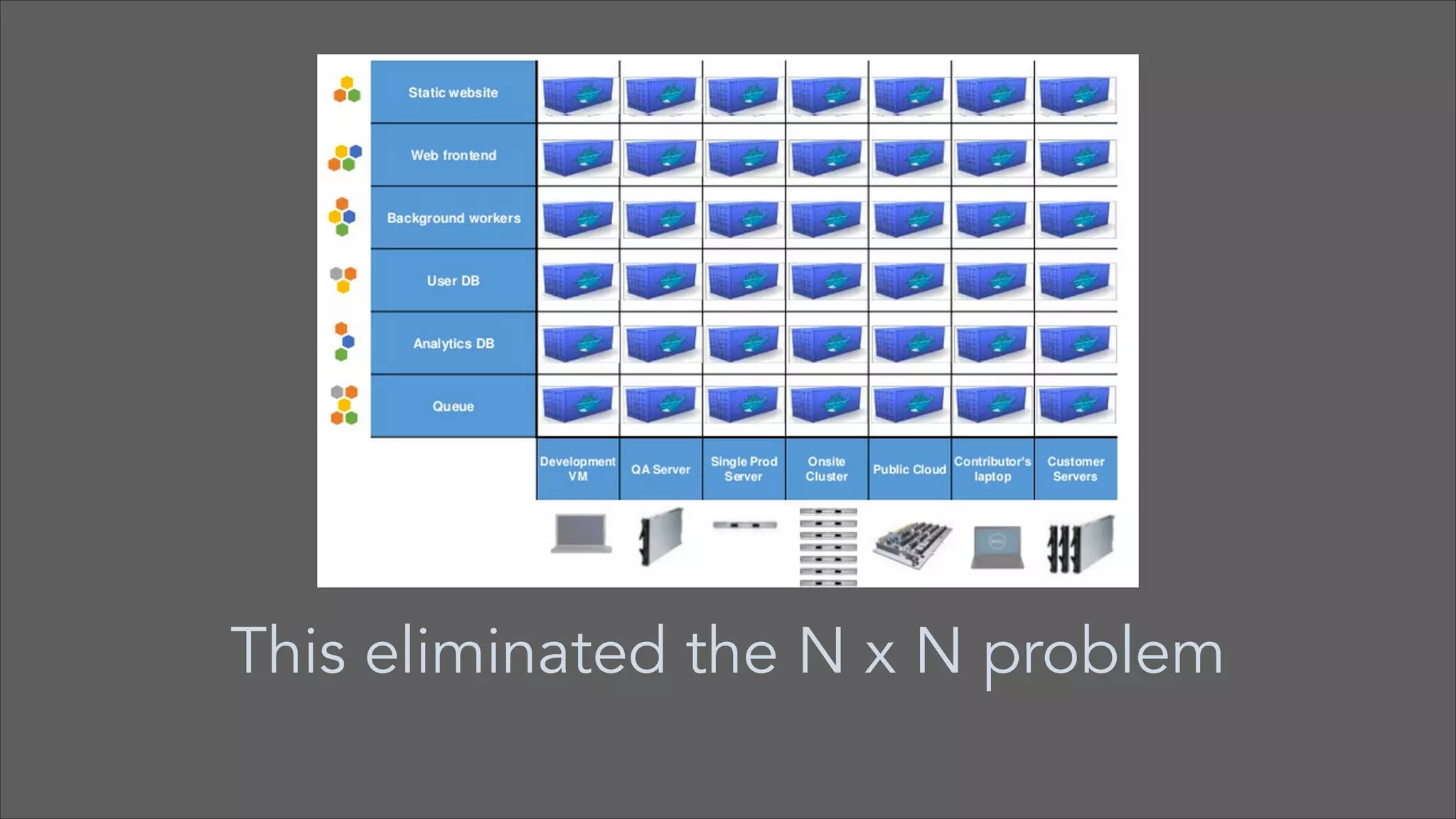
The challenge
•

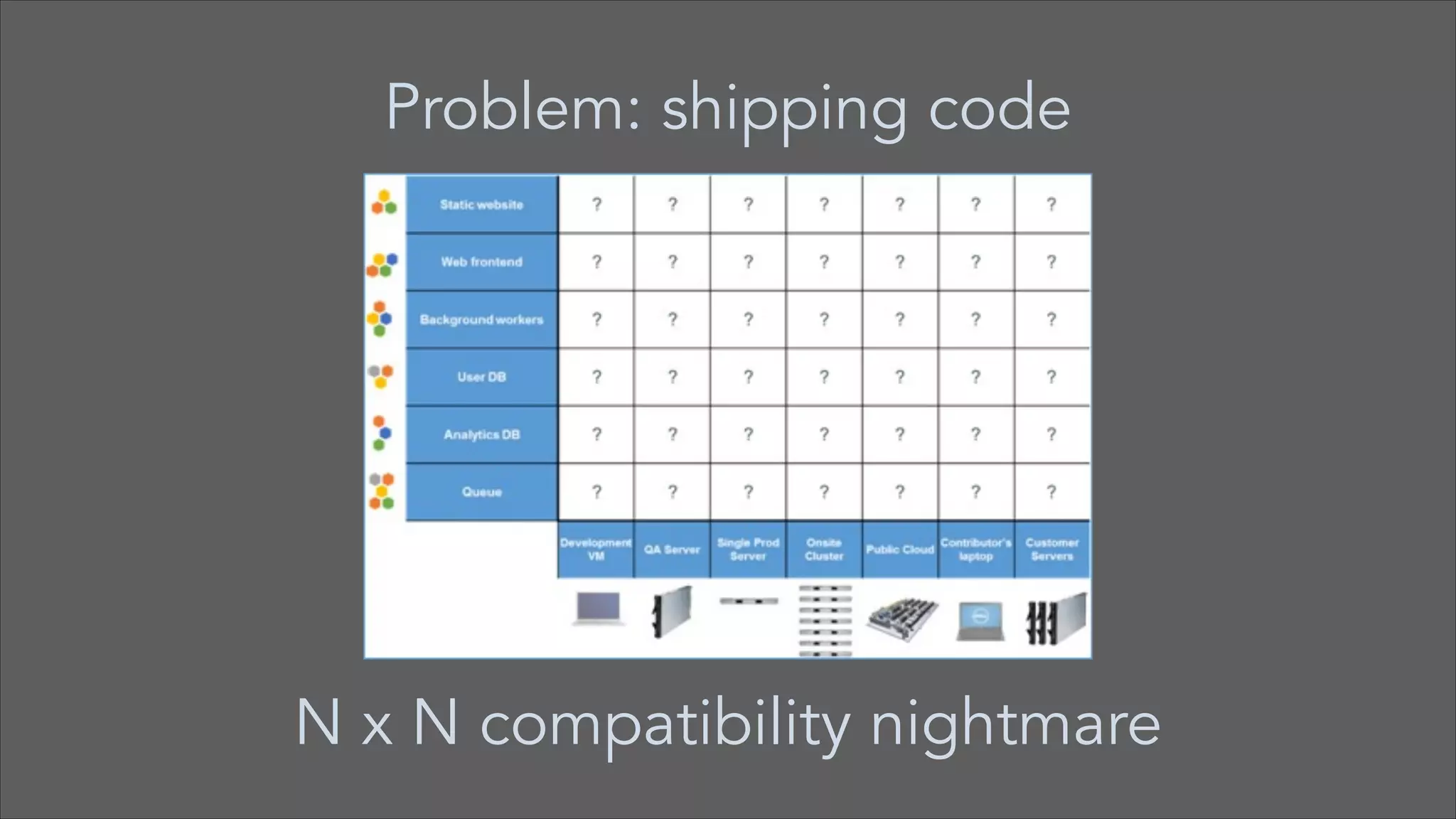
Static website, User DB, Queue, Background workers, Analytics DB,
API endpoint, Web Frontend

•

Development VM, QA Server, Public cloud, Production Servers,
Customer data center, Production cluster

•

Running apps in multiple environments results in N x N nightmare
Problem: shipping code

N x N compatibility nightmare
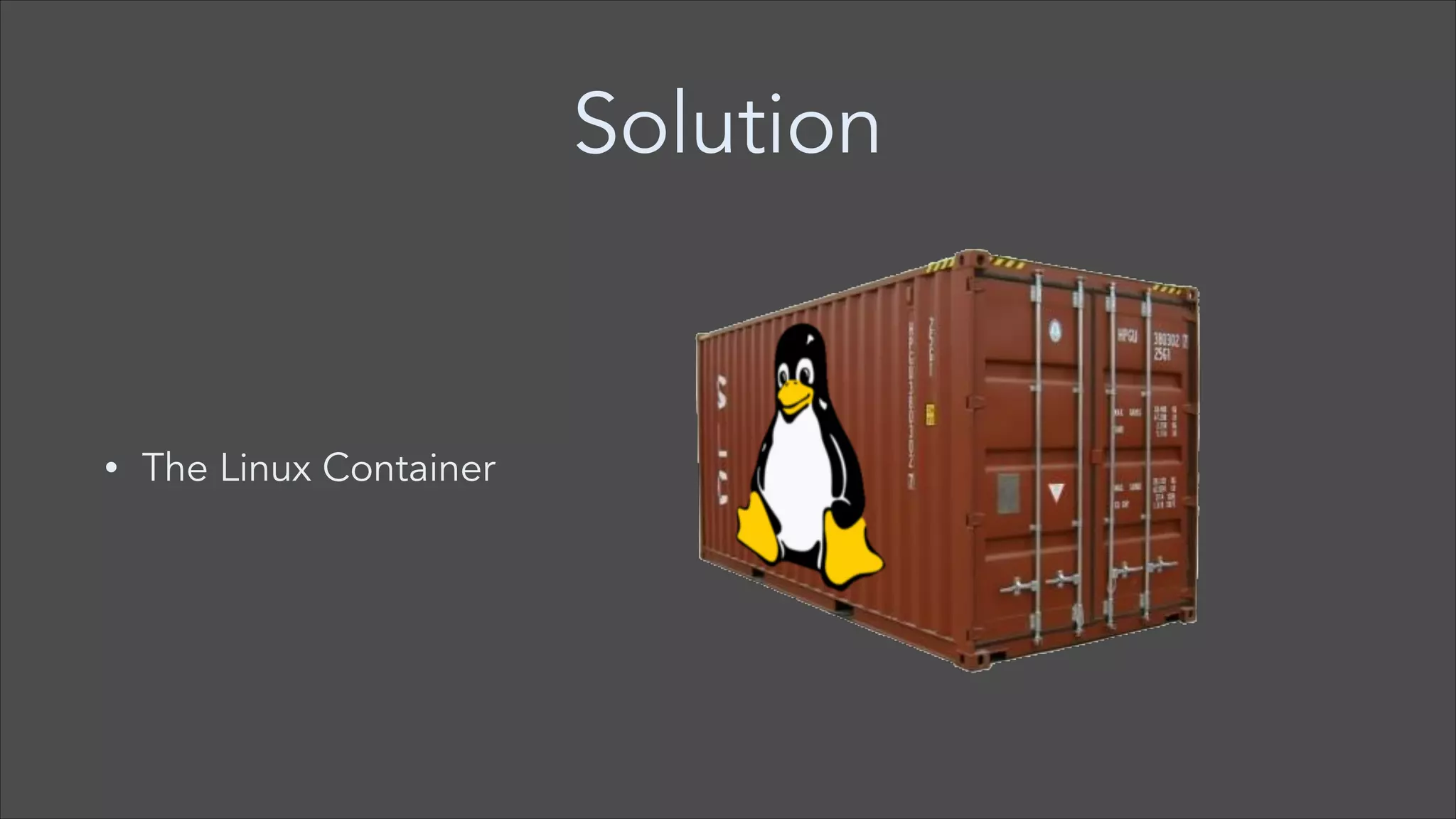
Solution

•

The Linux Container
This eliminated the N x N problem
What is LXC?
•

Lightweight Linux Container (LXC)

•

Operating system level virtualisation method for running multiple
isolated Linux systems

•

Provides way to run mini Linux systems within another Linux systems

•

http://en.wikipedia.org/wiki/LXC
LXC
•

I can SSH into it

•

I have root access

•

I can apt-get/yum install packages

•

Speed: boots in seconds

•

Footprint: 100-1000 containers on one machine. Small disk
requirements.
Control groups & namespaces
•

LXCs makes use of control groups & namespaces

•

Linux kernel feature to limit, account and isolate resource usage,
such as 

— CPU 

— Memory 

— Disk I/O
Docker
•

Docker is API on top of LXC

•

Docker runs as daemon

•

Docker makes Linux Containers easy to use (LXC)

•

Docker service exposes REST api that is used by Docker client
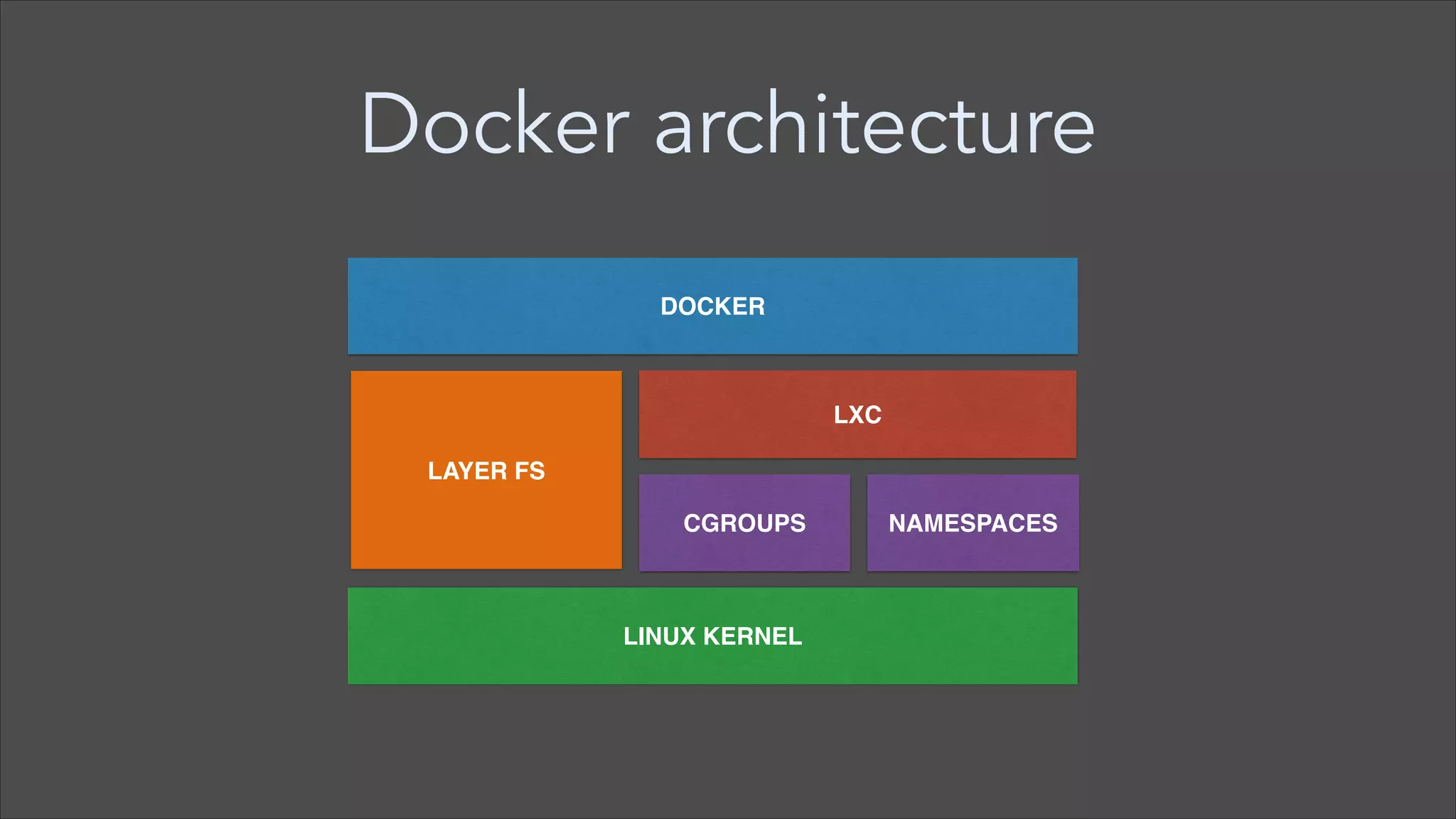
Docker architecture
DOCKER

LXC
LAYER FS
CGROUPS

LINUX KERNEL

NAMESPACES
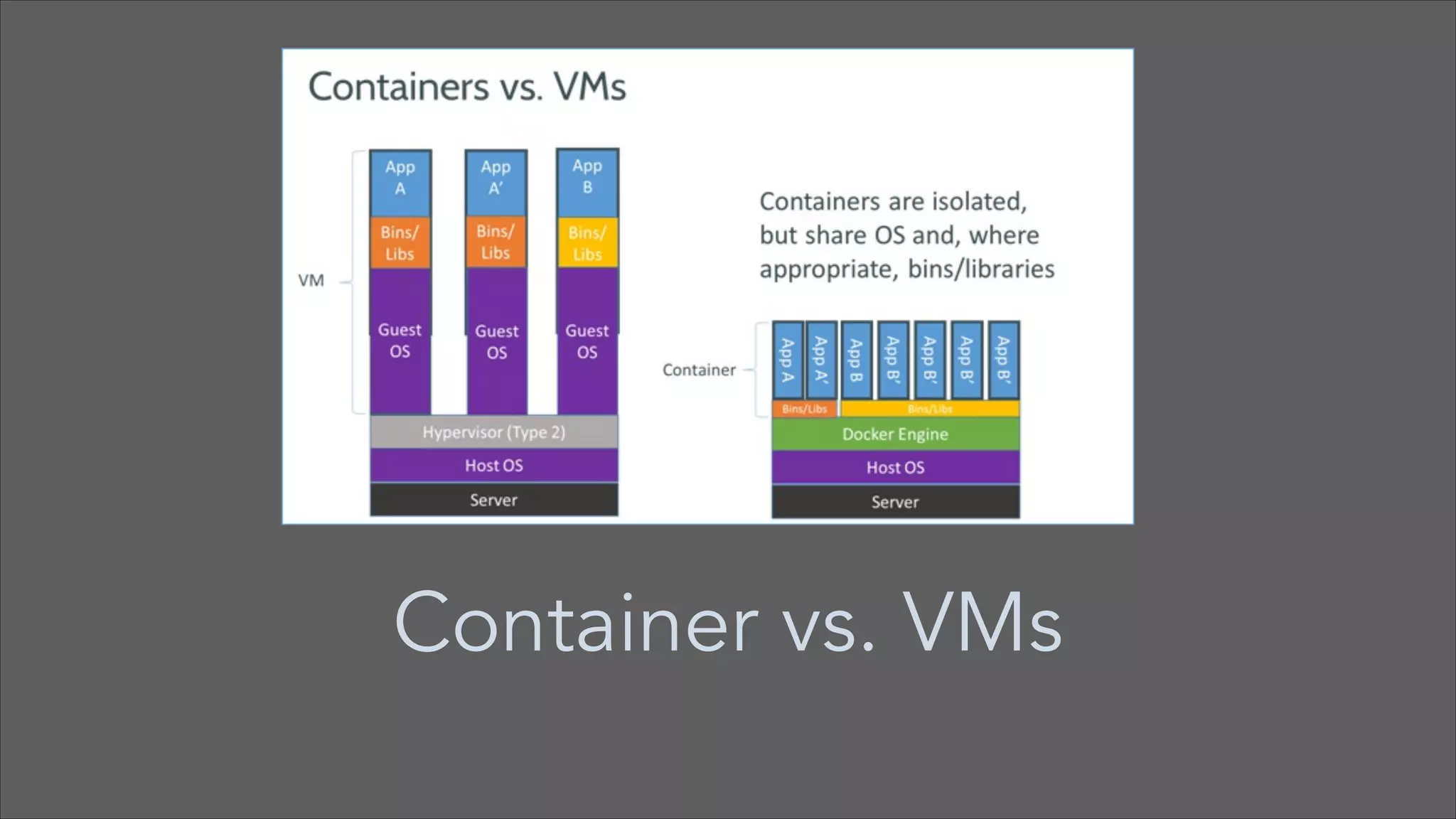
Container vs. VMs
Docker operating system?
•

Doesn’t include operating system

•

Relies on operating system functionality provided by underlying
infrastructure
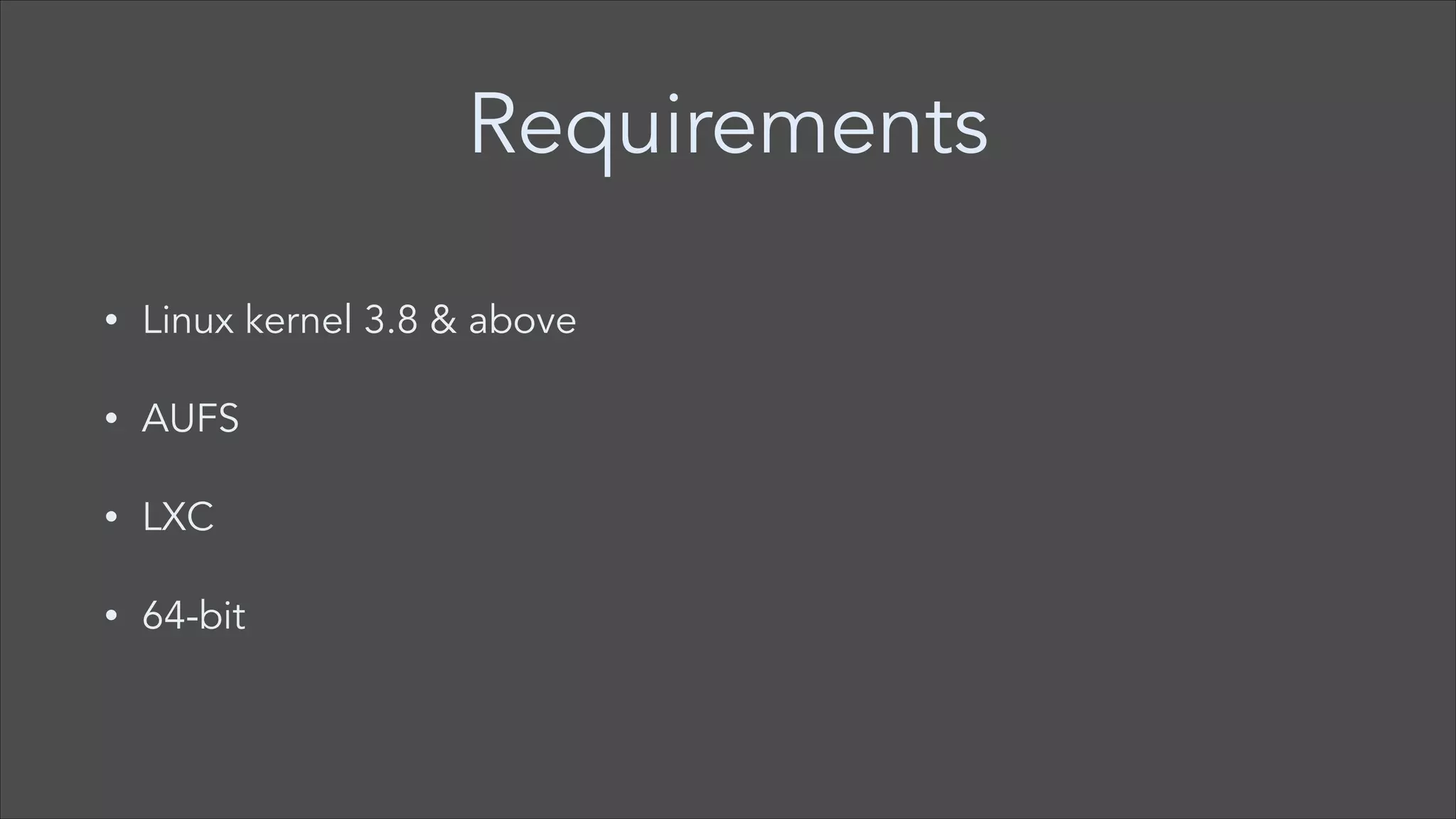
Requirements
•

Linux kernel 3.8 & above

•

AUFS

•

LXC

•

64-bit
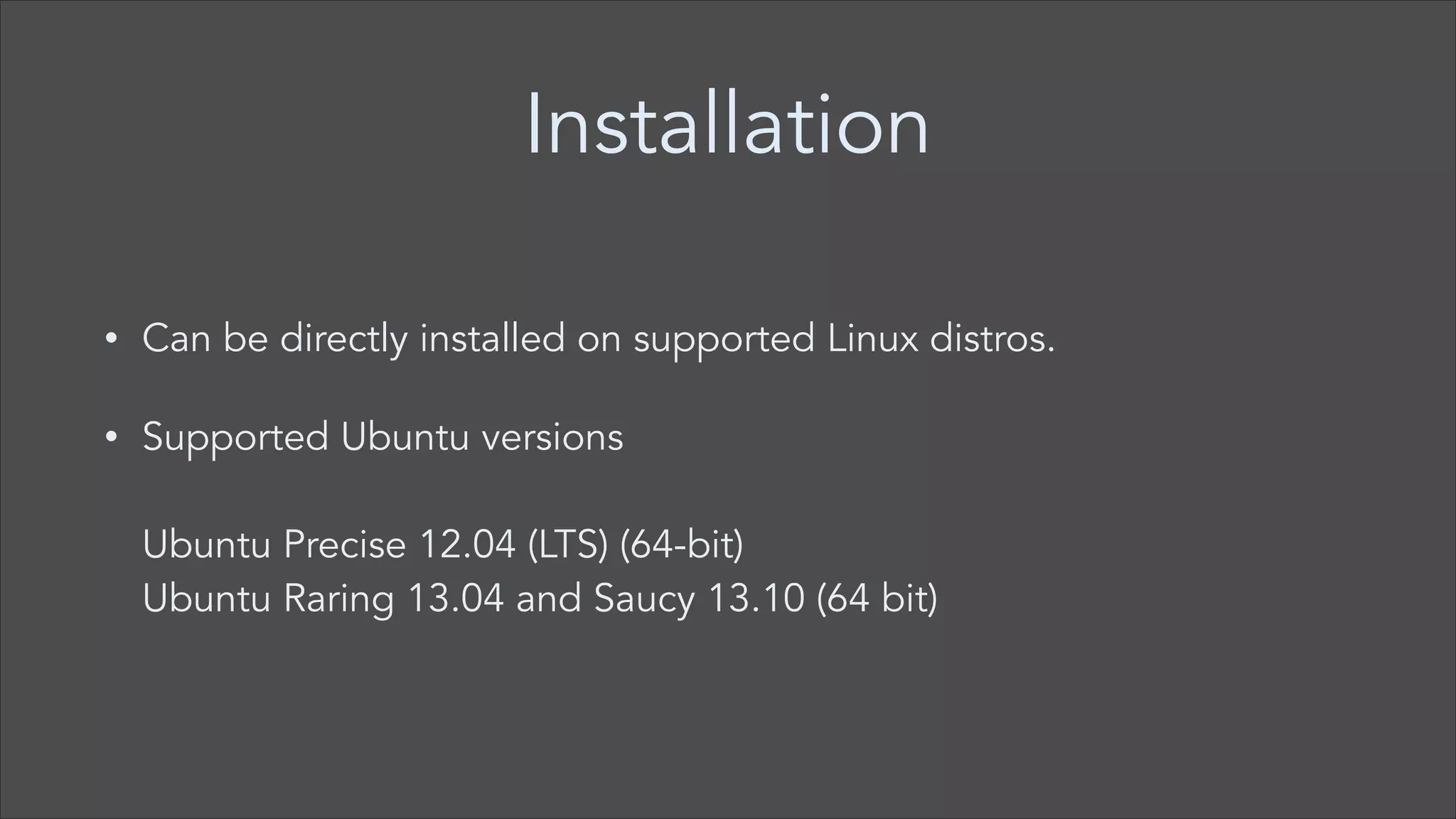
Installation
•

Can be directly installed on supported Linux distros.

•

Supported Ubuntu versions


Ubuntu Precise 12.04 (LTS) (64-bit) 

Ubuntu Raring 13.04 and Saucy 13.10 (64 bit)
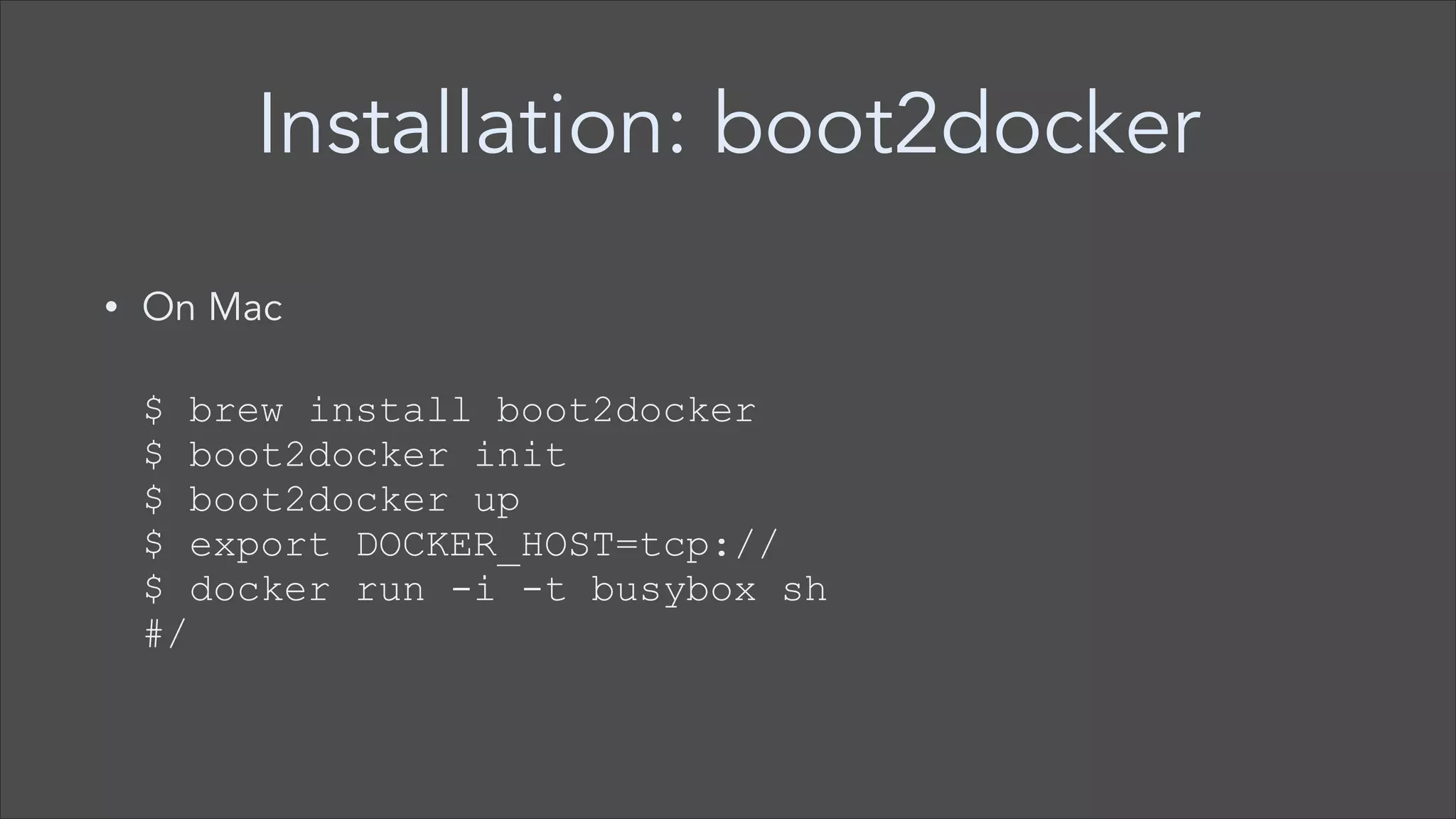
Installation: boot2docker
On Mac


•


$ brew install boot2docker

$ boot2docker init

$ boot2docker up

$ export DOCKER_HOST=tcp://

$ docker run -i -t busybox sh

#/
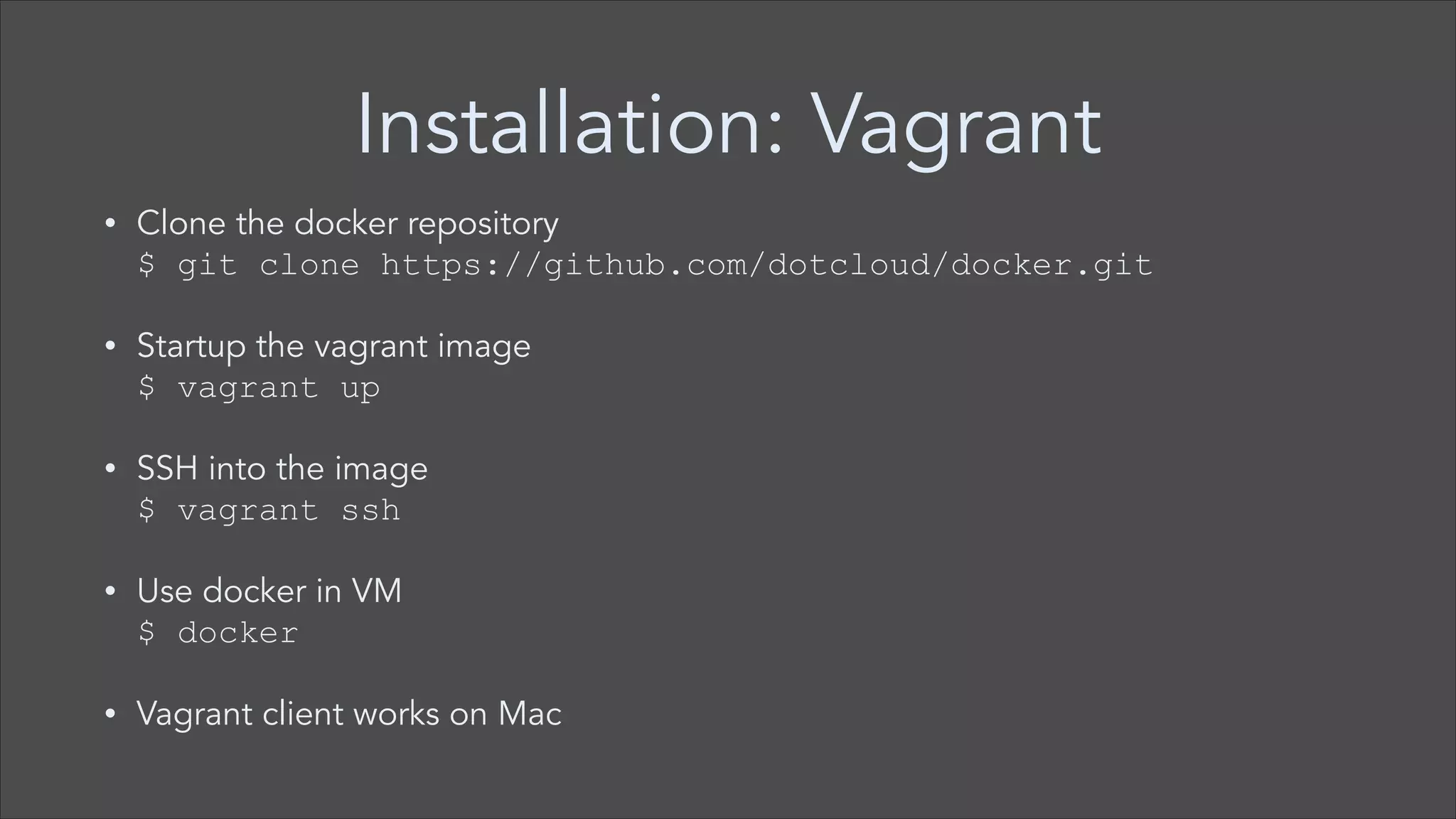
Installation: Vagrant
•

Clone the docker repository 

$ git clone https://github.com/dotcloud/docker.git

•

Startup the vagrant image 

$ vagrant up

•

SSH into the image 

$ vagrant ssh

•

Use docker in VM

$ docker

•

Vagrant client works on Mac
Demo
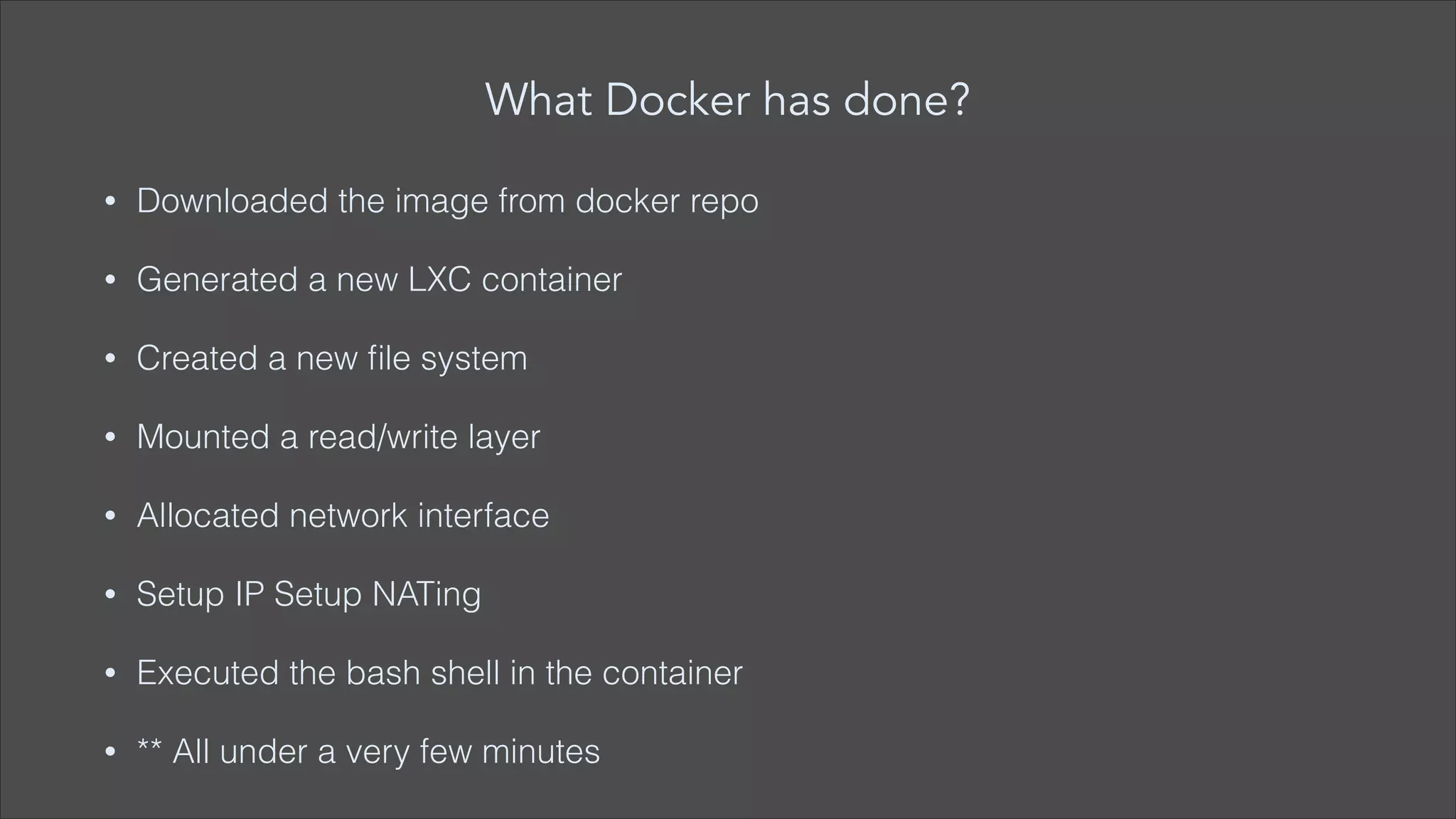
What Docker has done?
•

Downloaded the image from docker repo

•

Generated a new LXC container

•

Created a new file system

•

Mounted a read/write layer

•

Allocated network interface

•

Setup IP Setup NATing

•

Executed the bash shell in the container

•

** All under a very few minutes
Advantages
•

Elegant application delivery

•

Throwable sandboxes

•

Create uniform development & production environments

•

Automated testing and continuous integration/deployments

•

Deploying and scaling web apps, databases and backend services
Why developers care?
•

Build once, write everywhere

•

Clean, safe, hygienic and portable runtime environment for app

•

No worries about missing dependencies during subsequent
deployments

•

Reduce / eliminate compatibility concerns on different platforms
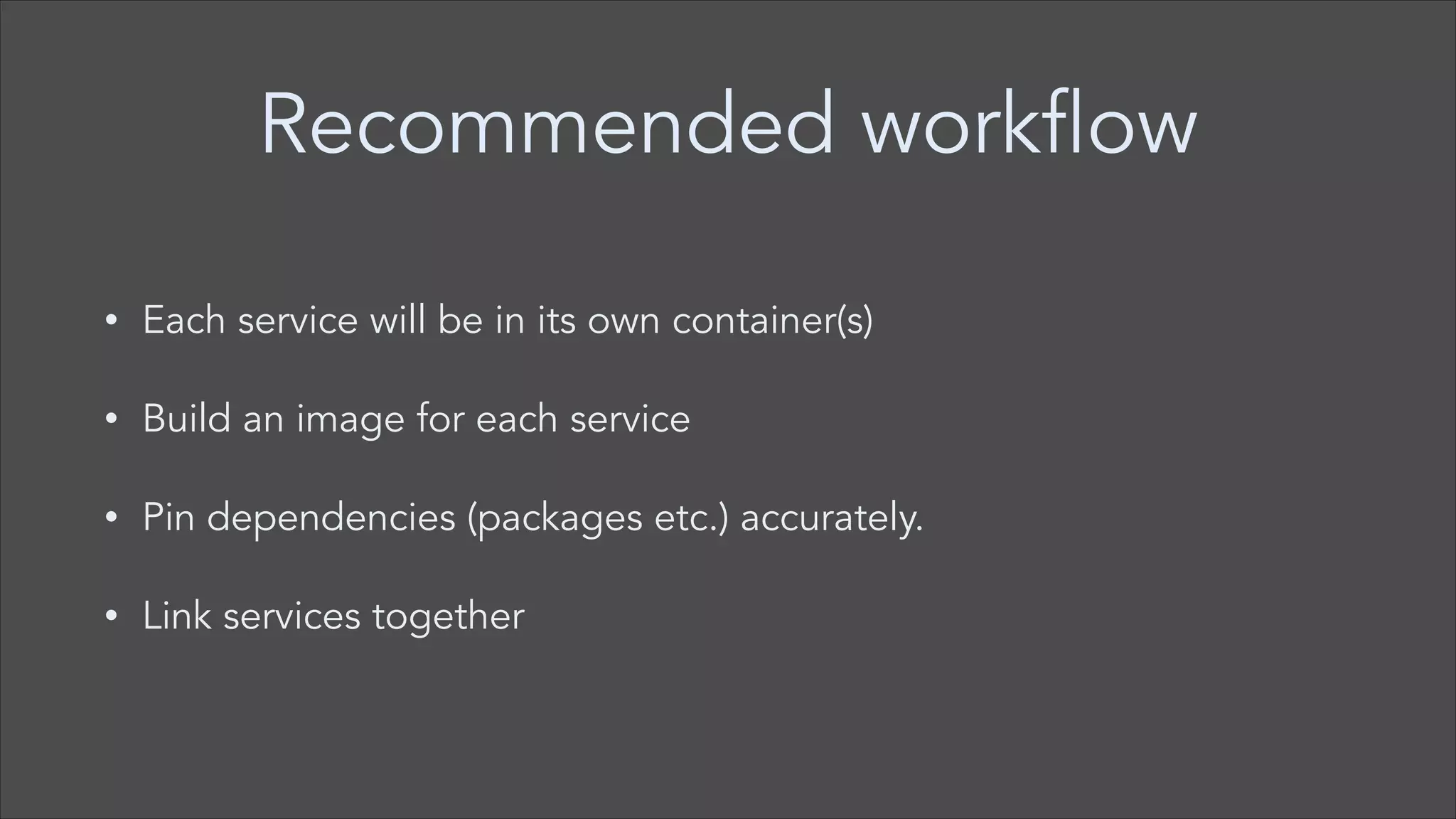
Recommended workflow
•

Each service will be in its own container(s)

•

Build an image for each service

•

Pin dependencies (packages etc.) accurately.

•

Link services together
Questions
Thank you !!!
Follow me on Twitter
@anildigital

Docker

  • 1.
  • 2.
    Docker • Docker was startedby Solomon Hykes as an internal project by dotCloud • Docker makes Linux Containers easy to use
  • 3.
    What is Docker? “Dockeris an open source engine to easily create lightweight, portable, self-sufficient containers from any application. The same container that a developer builds and tests on a laptop can run at scale, in production, on VMs, bare metal, OpenStack clusters, public clouds and more” - http://docker.io
  • 4.
    Why Docker? • Deploy everything(webapps, backends, sql, big data, message queues) • Deploy almost everywhere (Linux servers, VMs or bare metal, any distro, Kernel 3.8) • Deploy reliably & consistently (local and on server same) • Deploy easily • Deploy at scale
  • 5.
    Docker popularity • 330+ Contributors, • 50,000+docker index pull, • 1000’s of Dockerized applications • Integration in Jenkins, Travis, Chef, Puppet, Vagrant & OpenStack
  • 6.
    The challenge • Static website,User DB, Queue, Background workers, Analytics DB, API endpoint, Web Frontend • Development VM, QA Server, Public cloud, Production Servers, Customer data center, Production cluster • Running apps in multiple environments results in N x N nightmare
  • 7.
    Problem: shipping code Nx N compatibility nightmare
  • 8.
  • 9.
    This eliminated theN x N problem
  • 10.
    What is LXC? • LightweightLinux Container (LXC) • Operating system level virtualisation method for running multiple isolated Linux systems • Provides way to run mini Linux systems within another Linux systems • http://en.wikipedia.org/wiki/LXC
  • 11.
    LXC • I can SSHinto it • I have root access • I can apt-get/yum install packages • Speed: boots in seconds • Footprint: 100-1000 containers on one machine. Small disk requirements.
  • 12.
    Control groups &namespaces • LXCs makes use of control groups & namespaces • Linux kernel feature to limit, account and isolate resource usage, such as 
 — CPU 
 — Memory 
 — Disk I/O
  • 13.
    Docker • Docker is APIon top of LXC • Docker runs as daemon • Docker makes Linux Containers easy to use (LXC) • Docker service exposes REST api that is used by Docker client
  • 14.
  • 15.
  • 16.
    Docker operating system? • Doesn’tinclude operating system • Relies on operating system functionality provided by underlying infrastructure
  • 17.
    Requirements • Linux kernel 3.8& above • AUFS • LXC • 64-bit
  • 18.
    Installation • Can be directlyinstalled on supported Linux distros. • Supported Ubuntu versions
 
 Ubuntu Precise 12.04 (LTS) (64-bit) 
 Ubuntu Raring 13.04 and Saucy 13.10 (64 bit)
  • 19.
    Installation: boot2docker On Mac
 • 
 $brew install boot2docker
 $ boot2docker init
 $ boot2docker up
 $ export DOCKER_HOST=tcp://
 $ docker run -i -t busybox sh
 #/
  • 20.
    Installation: Vagrant • Clone thedocker repository 
 $ git clone https://github.com/dotcloud/docker.git • Startup the vagrant image 
 $ vagrant up • SSH into the image 
 $ vagrant ssh • Use docker in VM
 $ docker • Vagrant client works on Mac
  • 21.
  • 22.
    What Docker hasdone? • Downloaded the image from docker repo • Generated a new LXC container • Created a new file system • Mounted a read/write layer • Allocated network interface • Setup IP Setup NATing • Executed the bash shell in the container • ** All under a very few minutes
  • 23.
    Advantages • Elegant application delivery • Throwablesandboxes • Create uniform development & production environments • Automated testing and continuous integration/deployments • Deploying and scaling web apps, databases and backend services
  • 24.
    Why developers care? • Buildonce, write everywhere • Clean, safe, hygienic and portable runtime environment for app • No worries about missing dependencies during subsequent deployments • Reduce / eliminate compatibility concerns on different platforms
  • 25.
    Recommended workflow • Each servicewill be in its own container(s) • Build an image for each service • Pin dependencies (packages etc.) accurately. • Link services together
  • 26.
  • 27.
    Thank you !!! Followme on Twitter @anildigital