C LANGUAGE
What is language
Akhilesh Maithani (akhimaithani65@gmail.com)
 The method of human communication, either
spoken or written, consisting of the use of words in a
structured and conventional way.
What is programming language
Akhilesh Maithani (akhimaithani65@gmail.com)
 A programming language is a formal
constructed language designed to communicate
instructions to a machine, particularly a computer.
Type of programming languages
Akhilesh Maithani (akhimaithani65@gmail.com)
 There are four type of programming languages
 1- Machine Language
 2- Assembly Language
 3-High Level Language
First Generation - Machine Language (code)
Akhilesh Maithani (akhimaithani65@gmail.com)
Machine language programs were made up of instructions written
in binary code.
 This is the “native” language of the computer.
 Each instruction had two parts: Operation code, Operand
 Operation code (Opcode): The command part of a computer
instruction.
 Operand: The address of a specific location in the computer’s
memory.
 Hardware dependent: Could be performed by only one type of
computer with a particular CPU.
Machine level language
Akhilesh Maithani (akhimaithani65@gmail.com)
 It understands the language of the binary digits, 0 and 1.
 We may write a program in whichever language we want,
but it is finally converted into the language of 0s and 1s
before it gets executed.
 Writing a program in machine language is definitely very
difficult.
 It is not possible to memorize a long string of 0s and 1s for
every instruction that you want to derive executed.
Example
Akhilesh Maithani (akhimaithani65@gmail.com)
Machine Code
Assembly language
Akhilesh Maithani (akhimaithani65@gmail.com)
 Assembly language programs are made up of instructions
written in mnemonics.
 Mnemonics: Uses convenient alphabetic abbreviations to represent
operation codes, and abstract symbols to represent operands.
 Each instruction had two parts: Operation code, Operand
 Hardware dependent.
 Because programs are not written in 1s and 0s, the computer must
first translate the program before it can be executed.
Akhilesh Maithani (akhimaithani65@gmail.com)
An opcode is a single instruction that can be executed by
the CPU.
In assembly language mnemonic form an opcode is a
command such as MOV or ADD or JMP.
 For example
MOV, AL, 34h
 The opcode is the MOV instruction. The other parts are
called the 'operands'.
 Operands are manipulated by the opcode.
 In this example, the operands are the register named AL
and the value 34 hex
Example
Akhilesh Maithani (akhimaithani65@gmail.com)
Assembler
High level language
Akhilesh Maithani (akhimaithani65@gmail.com)
 Use statements that resemble English phrases combined with
mathematical terms needed to express the problem or task being
programmed.
 Transportable: NOT-Hardware dependent.
 Because programs are not written in 1s and 0s, the computer must first
translate the program before it can be executed.
Difference b/w high level and low level language
Akhilesh Maithani (akhimaithani65@gmail.com)
High Level
1. Easily understood by humans
2. Uses English like words
3. Easy to locate and identify errors
4. Must be translated before the
computer can understand it
Low Level
1. Understood by computers
without the need for translation
2. Difficult for humans to read and
understand
3. Take up a lot of space to write
down
4. Its difficult to spot errors in the
code
Translators
Akhilesh Maithani (akhimaithani65@gmail.com)
 All programs must be translated before their instructions can
be executed.
 Computer languages can be grouped according to which
translation process is used to convert the instructions into
binary code:
 Assemblers
 Interpreters
 Compilers
Assembled languages:
Akhilesh Maithani (akhimaithani65@gmail.com)
 Assembler: a program used to translate Assembly language
programs.
 Produces one line of binary code per original program statement.
 The entire program is assembled before the program is sent to the
computer for execution.
Interpreted Languages:
Akhilesh Maithani (akhimaithani65@gmail.com)
 Interpreter: A program used to translate high-level programs.
 Translates one line of the program into binary code at a time:
 An instruction is fetched from the original source code.
 The Interpreter checks the single instruction for errors. (If an error is
found, translation and execution ceases. Otherwise…)
 The instruction is translated into binary code.
 The binary coded instruction is executed.
 The fetch and execute process repeats for the entire program.
Compiled languages
Akhilesh Maithani (akhimaithani65@gmail.com)
 Compiler: a program used to translate high-level programs.
 Translates the entire program into binary code before anything is
sent to the CPU for execution.
 The translation process for a compiled program:
 First, the Compiler checks the entire program for syntax errors in the
original source code.
 Next, it translates all of the instructions into binary code.
• Two versions of the same program exist: the original source code
version, and the binary code version (object code).
 Last, the CPU attempts execution only after the programmer requests that
the program be executed
Error
Akhilesh Maithani (akhimaithani65@gmail.com)
 A software bug is an error, failure, or fault in a
computer program or system that causes it to
produce an incorrect or unexpected result, or to
behave in unintended ways.
Types of error
Akhilesh Maithani (akhimaithani65@gmail.com)
 There are basically three types of errors that you must
contend with when writing computer programs:
 Syntax errors
 Runtime errors
 Logic errors
Syntax Error
Akhilesh Maithani (akhimaithani65@gmail.com)
 Syntax errors represent grammar errors in the use of the
programming language.
Common examples are:
 Misspelled variable and function names
 Missing semicolons
 Improperly matches parentheses, square brackets, and curly
braces
 Incorrect format in selection and loop statements
Runtime error
Akhilesh Maithani (akhimaithani65@gmail.com)
 Runtime errors occur when a program with no syntax
errors asks the computer to do something that the
computer is unable to reliably do.
Common examples are:
 Trying to divide by a variable that contains a value of zero
 Trying to open a file that doesn't exist
 There is no way for the compiler to know about these kinds
of errors when the program is compiled
Logic errors
Akhilesh Maithani (akhimaithani65@gmail.com)
 Logic errors occur when there is a design flaw in your
program. Common examples are:
 Multiplying when you should be dividing
 Adding when you should be subtracting
 Opening and using data from the wrong file
 Displaying the wrong message
Introduction of c language
Akhilesh Maithani (akhimaithani65@gmail.com)
 C is a programming language developed at AT & T’s Bell
Laboratories of USA in 1972.
 It was designed by a man named Dennis Ritchie.
 C is popular because it is reliable, simple and easy to use.
 The origin of C is closely tied to the development of the
Unix operating system, originally implemented in
assembly language on a PDP-7 by Ritchie and Thompson,
incorporating several ideas from colleagues.
Akhilesh Maithani (akhimaithani65@gmail.com)
Algol is an early high-level
computer programming
language devised to carry out
scientific calculations.
BCPL (Basic Combined
Programming Language) is
a procedural, imperative,
and structured computer progra
mming language
Features of C
Akhilesh Maithani (akhimaithani65@gmail.com)
 The most important features of C Language are –
 Portability
 Modularity
 Flexibility
 Speed
 Extensibility
 Case Sensitive
Portability
Akhilesh Maithani (akhimaithani65@gmail.com)
 This feature refers to the use of C Language program on
different platforms without any change of configuration. So
C Languages program is independent of platforms.
Modularity
Akhilesh Maithani (akhimaithani65@gmail.com)
 Modularity is the most important feature of structured
programming language.
 This feature refer to the breakdown of large C Language
into small modules.
 Due to modularity features, complications of a program
occurs in time and debugging of program will become
faster.
Flexibility
Akhilesh Maithani (akhimaithani65@gmail.com)
 This feature refer to the programmer’s involvements and
control on the language.
 There are number of reserve words in C Languages which
help the programmer to take control over of language and
modified the structure of the program.
Speed
Akhilesh Maithani (akhimaithani65@gmail.com)
 As C Language supports the system programming so it is
also called as middle level language. Due to this factor, the
program of C Language is compiled and execute with more
speed as compared to program of other high level language.
Extensibility
Akhilesh Maithani (akhimaithani65@gmail.com)
 In C Language Program, New Feature can be added at any
time by programmer. So, C Language program is
extensible.
Case sensitive
Akhilesh Maithani (akhimaithani65@gmail.com)
 C Language is a case sensitive language that is it can
differentiate the character is either upper case or lower
case. All type words either reserve words or user defined
words are case sensitive.
Steps in learning c
Akhilesh Maithani (akhimaithani65@gmail.com)
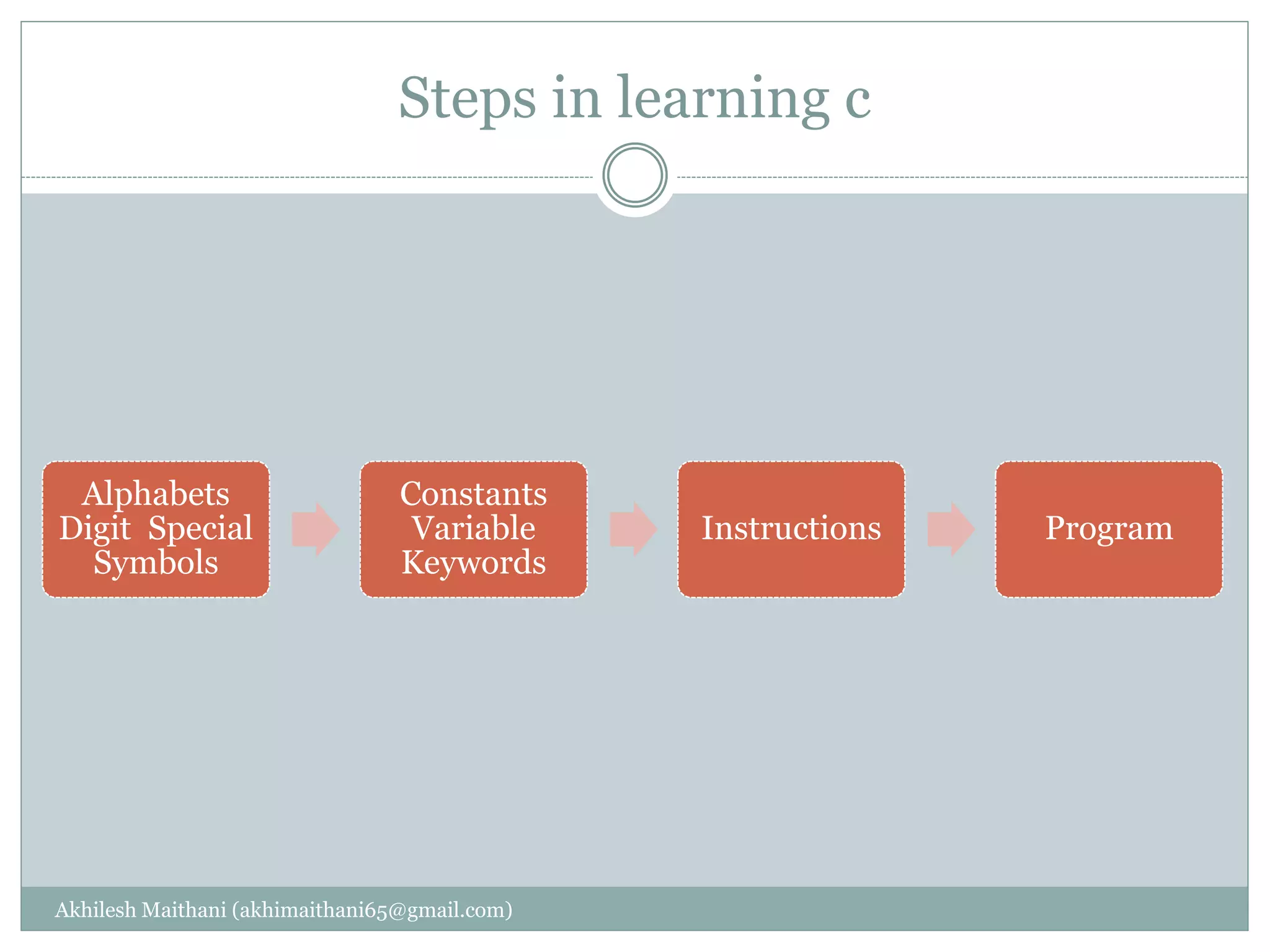
Alphabets
Digit Special
Symbols
Constants
Variable
Keywords
Instructions Program
The C character Set
Akhilesh Maithani (akhimaithani65@gmail.com)
 A character denotes any alphabets, digit, or special symbol
used to represent information.
 Valid alphabets numbers and special symbols used in C :-
 Alphabets – A,B,…………………..,Y,Z
a,b,………,y,z.
 Digits – 0,1,2,3,4,5,6,7,8,9
 Special Symbols - ~ ‘ ! @ # % ^ & * ( ) _ + = |  { }
[ ] : ; “ ‘ < > , . / ?
Constant
Akhilesh Maithani (akhimaithani65@gmail.com)
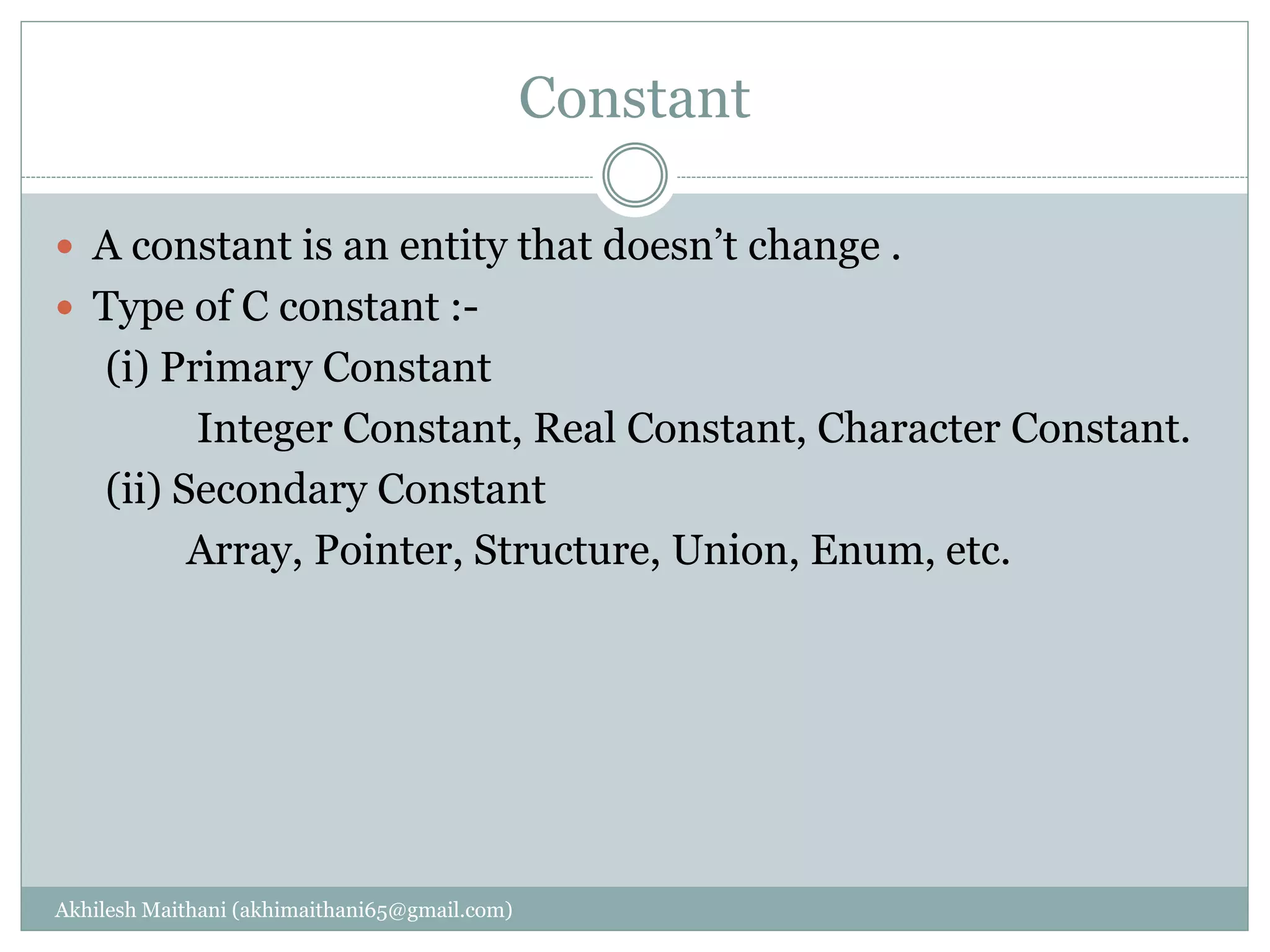
 A constant is an entity that doesn’t change .
 Type of C constant :-
(i) Primary Constant
Integer Constant, Real Constant, Character Constant.
(ii) Secondary Constant
Array, Pointer, Structure, Union, Enum, etc.
Rules for Constructing Integer constant
Akhilesh Maithani (akhimaithani65@gmail.com)
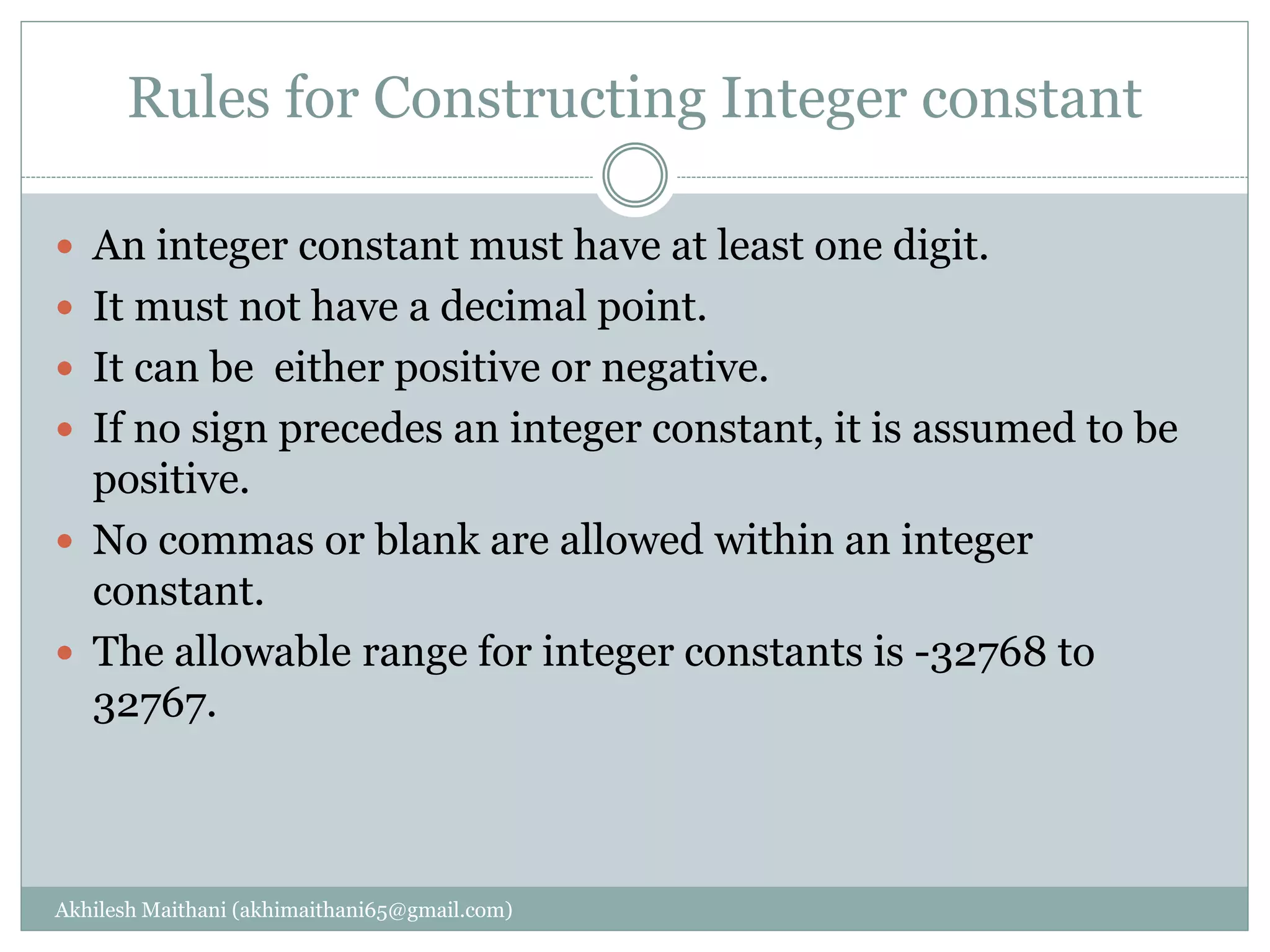
 An integer constant must have at least one digit.
 It must not have a decimal point.
 It can be either positive or negative.
 If no sign precedes an integer constant, it is assumed to be
positive.
 No commas or blank are allowed within an integer
constant.
 The allowable range for integer constants is -32768 to
32767.
Rules for constructing real constant
Akhilesh Maithani (akhimaithani65@gmail.com)
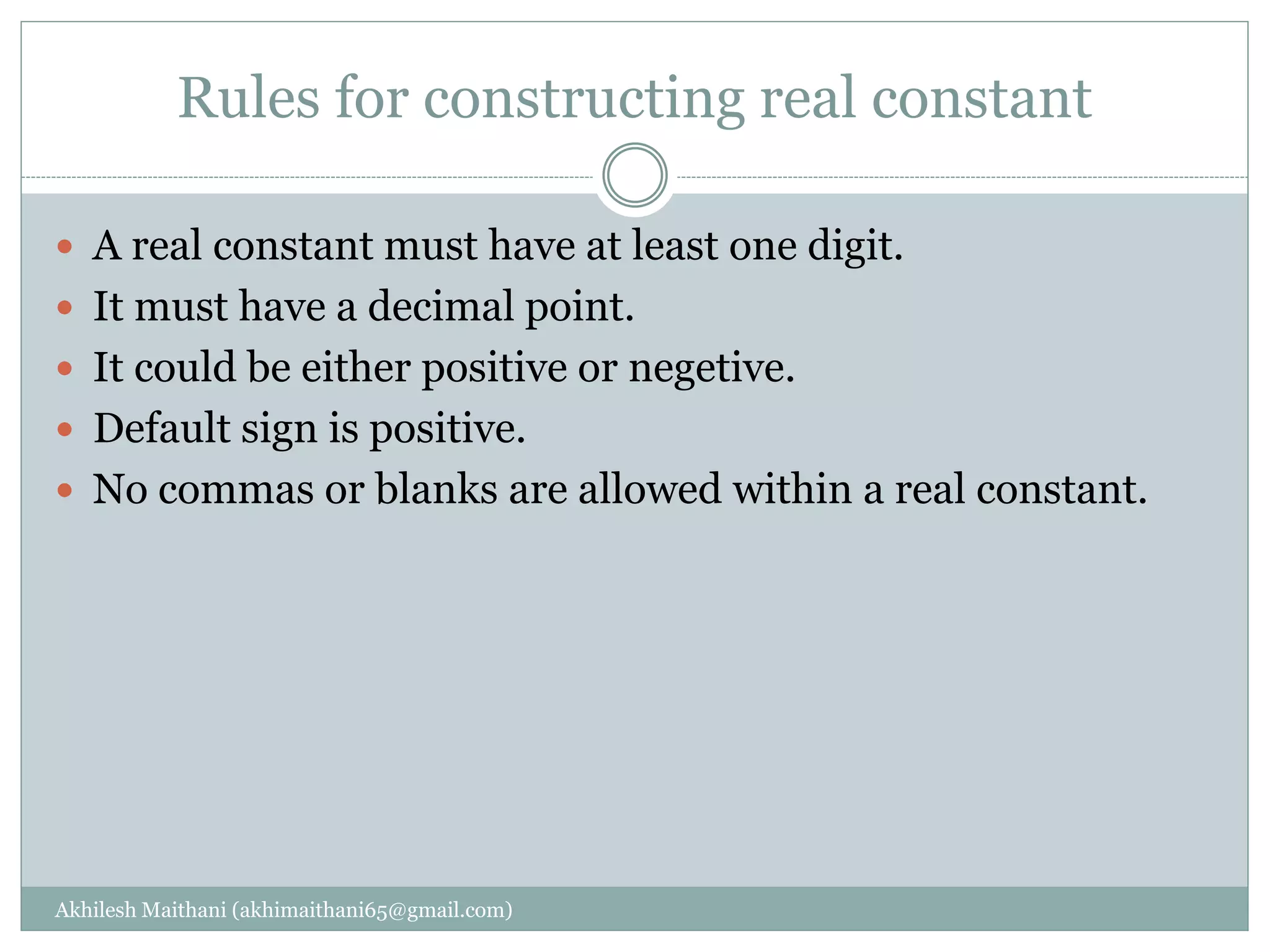
 A real constant must have at least one digit.
 It must have a decimal point.
 It could be either positive or negetive.
 Default sign is positive.
 No commas or blanks are allowed within a real constant.
Rules for constructing character constant
Akhilesh Maithani (akhimaithani65@gmail.com)
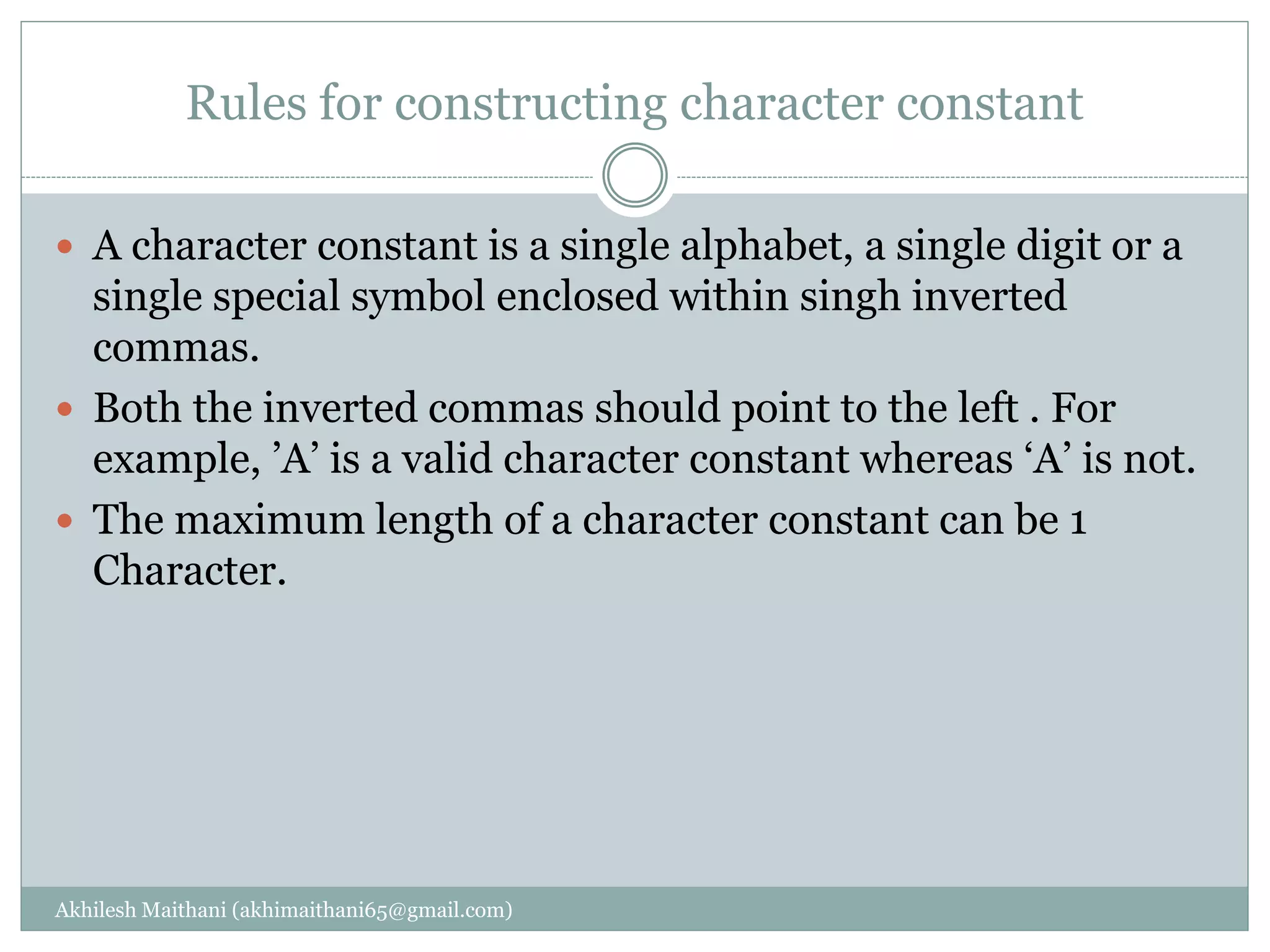
 A character constant is a single alphabet, a single digit or a
single special symbol enclosed within singh inverted
commas.
 Both the inverted commas should point to the left . For
example, ’A’ is a valid character constant whereas ‘A’ is not.
 The maximum length of a character constant can be 1
Character.
Variable
Akhilesh Maithani (akhimaithani65@gmail.com)
 A variable is an entity that may change, or an entity that
may vary during program execution. Variables name are
names given to location in the memory. These location can
contain integer, real or character constant.
Rules for constructing variable name
Akhilesh Maithani (akhimaithani65@gmail.com)
 A variable name is any combination of 1 to 31 alphabets,
digits or underscores. Some compiler allow variable name
whose length could be upto 247 characters. Still, it would be
safer to stick to the rule of 31 character. Do not create
unnecessarily long variable names as it adds to your typing
effort.
 The first character in the variable name must be an
alphabet or underscore.
 No commas, or blanks are allowed within avariable name.
 No special symbol other than an underscore can be used in
variable name.
Keywords
Akhilesh Maithani (akhimaithani65@gmail.com)
 Keywords are the words whose meaning has already been
explained to the C compiler.
 The Keywords cannot be used as a variable names.
 There are 32 Keywords available in C which are as follows :-
auto double int struct
break else long switch
case enum register typedef
char extern return union
const float short unsigned
continue for signed void
default goto sizeof volatile
do if static while
Akhilesh Maithani (akhimaithani65@gmail.com)

Introduction of c language

  • 1.
  • 2.
    What is language AkhileshMaithani (akhimaithani65@gmail.com)  The method of human communication, either spoken or written, consisting of the use of words in a structured and conventional way.
  • 3.
    What is programminglanguage Akhilesh Maithani (akhimaithani65@gmail.com)  A programming language is a formal constructed language designed to communicate instructions to a machine, particularly a computer.
  • 4.
    Type of programminglanguages Akhilesh Maithani (akhimaithani65@gmail.com)  There are four type of programming languages  1- Machine Language  2- Assembly Language  3-High Level Language
  • 5.
    First Generation -Machine Language (code) Akhilesh Maithani (akhimaithani65@gmail.com) Machine language programs were made up of instructions written in binary code.  This is the “native” language of the computer.  Each instruction had two parts: Operation code, Operand  Operation code (Opcode): The command part of a computer instruction.  Operand: The address of a specific location in the computer’s memory.  Hardware dependent: Could be performed by only one type of computer with a particular CPU.
  • 6.
    Machine level language AkhileshMaithani (akhimaithani65@gmail.com)  It understands the language of the binary digits, 0 and 1.  We may write a program in whichever language we want, but it is finally converted into the language of 0s and 1s before it gets executed.  Writing a program in machine language is definitely very difficult.  It is not possible to memorize a long string of 0s and 1s for every instruction that you want to derive executed.
  • 7.
  • 8.
    Assembly language Akhilesh Maithani(akhimaithani65@gmail.com)  Assembly language programs are made up of instructions written in mnemonics.  Mnemonics: Uses convenient alphabetic abbreviations to represent operation codes, and abstract symbols to represent operands.  Each instruction had two parts: Operation code, Operand  Hardware dependent.  Because programs are not written in 1s and 0s, the computer must first translate the program before it can be executed.
  • 9.
    Akhilesh Maithani (akhimaithani65@gmail.com) Anopcode is a single instruction that can be executed by the CPU. In assembly language mnemonic form an opcode is a command such as MOV or ADD or JMP.  For example MOV, AL, 34h  The opcode is the MOV instruction. The other parts are called the 'operands'.  Operands are manipulated by the opcode.  In this example, the operands are the register named AL and the value 34 hex
  • 10.
  • 11.
    High level language AkhileshMaithani (akhimaithani65@gmail.com)  Use statements that resemble English phrases combined with mathematical terms needed to express the problem or task being programmed.  Transportable: NOT-Hardware dependent.  Because programs are not written in 1s and 0s, the computer must first translate the program before it can be executed.
  • 12.
    Difference b/w highlevel and low level language Akhilesh Maithani (akhimaithani65@gmail.com) High Level 1. Easily understood by humans 2. Uses English like words 3. Easy to locate and identify errors 4. Must be translated before the computer can understand it Low Level 1. Understood by computers without the need for translation 2. Difficult for humans to read and understand 3. Take up a lot of space to write down 4. Its difficult to spot errors in the code
  • 13.
    Translators Akhilesh Maithani (akhimaithani65@gmail.com) All programs must be translated before their instructions can be executed.  Computer languages can be grouped according to which translation process is used to convert the instructions into binary code:  Assemblers  Interpreters  Compilers
  • 14.
    Assembled languages: Akhilesh Maithani(akhimaithani65@gmail.com)  Assembler: a program used to translate Assembly language programs.  Produces one line of binary code per original program statement.  The entire program is assembled before the program is sent to the computer for execution.
  • 15.
    Interpreted Languages: Akhilesh Maithani(akhimaithani65@gmail.com)  Interpreter: A program used to translate high-level programs.  Translates one line of the program into binary code at a time:  An instruction is fetched from the original source code.  The Interpreter checks the single instruction for errors. (If an error is found, translation and execution ceases. Otherwise…)  The instruction is translated into binary code.  The binary coded instruction is executed.  The fetch and execute process repeats for the entire program.
  • 16.
    Compiled languages Akhilesh Maithani(akhimaithani65@gmail.com)  Compiler: a program used to translate high-level programs.  Translates the entire program into binary code before anything is sent to the CPU for execution.  The translation process for a compiled program:  First, the Compiler checks the entire program for syntax errors in the original source code.  Next, it translates all of the instructions into binary code. • Two versions of the same program exist: the original source code version, and the binary code version (object code).  Last, the CPU attempts execution only after the programmer requests that the program be executed
  • 17.
    Error Akhilesh Maithani (akhimaithani65@gmail.com) A software bug is an error, failure, or fault in a computer program or system that causes it to produce an incorrect or unexpected result, or to behave in unintended ways.
  • 18.
    Types of error AkhileshMaithani (akhimaithani65@gmail.com)  There are basically three types of errors that you must contend with when writing computer programs:  Syntax errors  Runtime errors  Logic errors
  • 19.
    Syntax Error Akhilesh Maithani(akhimaithani65@gmail.com)  Syntax errors represent grammar errors in the use of the programming language. Common examples are:  Misspelled variable and function names  Missing semicolons  Improperly matches parentheses, square brackets, and curly braces  Incorrect format in selection and loop statements
  • 20.
    Runtime error Akhilesh Maithani(akhimaithani65@gmail.com)  Runtime errors occur when a program with no syntax errors asks the computer to do something that the computer is unable to reliably do. Common examples are:  Trying to divide by a variable that contains a value of zero  Trying to open a file that doesn't exist  There is no way for the compiler to know about these kinds of errors when the program is compiled
  • 21.
    Logic errors Akhilesh Maithani(akhimaithani65@gmail.com)  Logic errors occur when there is a design flaw in your program. Common examples are:  Multiplying when you should be dividing  Adding when you should be subtracting  Opening and using data from the wrong file  Displaying the wrong message
  • 22.
    Introduction of clanguage Akhilesh Maithani (akhimaithani65@gmail.com)  C is a programming language developed at AT & T’s Bell Laboratories of USA in 1972.  It was designed by a man named Dennis Ritchie.  C is popular because it is reliable, simple and easy to use.  The origin of C is closely tied to the development of the Unix operating system, originally implemented in assembly language on a PDP-7 by Ritchie and Thompson, incorporating several ideas from colleagues.
  • 23.
    Akhilesh Maithani (akhimaithani65@gmail.com) Algolis an early high-level computer programming language devised to carry out scientific calculations. BCPL (Basic Combined Programming Language) is a procedural, imperative, and structured computer progra mming language
  • 24.
    Features of C AkhileshMaithani (akhimaithani65@gmail.com)  The most important features of C Language are –  Portability  Modularity  Flexibility  Speed  Extensibility  Case Sensitive
  • 25.
    Portability Akhilesh Maithani (akhimaithani65@gmail.com) This feature refers to the use of C Language program on different platforms without any change of configuration. So C Languages program is independent of platforms.
  • 26.
    Modularity Akhilesh Maithani (akhimaithani65@gmail.com) Modularity is the most important feature of structured programming language.  This feature refer to the breakdown of large C Language into small modules.  Due to modularity features, complications of a program occurs in time and debugging of program will become faster.
  • 27.
    Flexibility Akhilesh Maithani (akhimaithani65@gmail.com) This feature refer to the programmer’s involvements and control on the language.  There are number of reserve words in C Languages which help the programmer to take control over of language and modified the structure of the program.
  • 28.
    Speed Akhilesh Maithani (akhimaithani65@gmail.com) As C Language supports the system programming so it is also called as middle level language. Due to this factor, the program of C Language is compiled and execute with more speed as compared to program of other high level language.
  • 29.
    Extensibility Akhilesh Maithani (akhimaithani65@gmail.com) In C Language Program, New Feature can be added at any time by programmer. So, C Language program is extensible.
  • 30.
    Case sensitive Akhilesh Maithani(akhimaithani65@gmail.com)  C Language is a case sensitive language that is it can differentiate the character is either upper case or lower case. All type words either reserve words or user defined words are case sensitive.
  • 31.
    Steps in learningc Akhilesh Maithani (akhimaithani65@gmail.com) Alphabets Digit Special Symbols Constants Variable Keywords Instructions Program
  • 32.
    The C characterSet Akhilesh Maithani (akhimaithani65@gmail.com)  A character denotes any alphabets, digit, or special symbol used to represent information.  Valid alphabets numbers and special symbols used in C :-  Alphabets – A,B,…………………..,Y,Z a,b,………,y,z.  Digits – 0,1,2,3,4,5,6,7,8,9  Special Symbols - ~ ‘ ! @ # % ^ & * ( ) _ + = | { } [ ] : ; “ ‘ < > , . / ?
  • 33.
    Constant Akhilesh Maithani (akhimaithani65@gmail.com) A constant is an entity that doesn’t change .  Type of C constant :- (i) Primary Constant Integer Constant, Real Constant, Character Constant. (ii) Secondary Constant Array, Pointer, Structure, Union, Enum, etc.
  • 34.
    Rules for ConstructingInteger constant Akhilesh Maithani (akhimaithani65@gmail.com)  An integer constant must have at least one digit.  It must not have a decimal point.  It can be either positive or negative.  If no sign precedes an integer constant, it is assumed to be positive.  No commas or blank are allowed within an integer constant.  The allowable range for integer constants is -32768 to 32767.
  • 35.
    Rules for constructingreal constant Akhilesh Maithani (akhimaithani65@gmail.com)  A real constant must have at least one digit.  It must have a decimal point.  It could be either positive or negetive.  Default sign is positive.  No commas or blanks are allowed within a real constant.
  • 36.
    Rules for constructingcharacter constant Akhilesh Maithani (akhimaithani65@gmail.com)  A character constant is a single alphabet, a single digit or a single special symbol enclosed within singh inverted commas.  Both the inverted commas should point to the left . For example, ’A’ is a valid character constant whereas ‘A’ is not.  The maximum length of a character constant can be 1 Character.
  • 37.
    Variable Akhilesh Maithani (akhimaithani65@gmail.com) A variable is an entity that may change, or an entity that may vary during program execution. Variables name are names given to location in the memory. These location can contain integer, real or character constant.
  • 38.
    Rules for constructingvariable name Akhilesh Maithani (akhimaithani65@gmail.com)  A variable name is any combination of 1 to 31 alphabets, digits or underscores. Some compiler allow variable name whose length could be upto 247 characters. Still, it would be safer to stick to the rule of 31 character. Do not create unnecessarily long variable names as it adds to your typing effort.  The first character in the variable name must be an alphabet or underscore.  No commas, or blanks are allowed within avariable name.  No special symbol other than an underscore can be used in variable name.
  • 39.
    Keywords Akhilesh Maithani (akhimaithani65@gmail.com) Keywords are the words whose meaning has already been explained to the C compiler.  The Keywords cannot be used as a variable names.  There are 32 Keywords available in C which are as follows :- auto double int struct break else long switch case enum register typedef char extern return union const float short unsigned continue for signed void default goto sizeof volatile do if static while
  • 40.