Introduction to Node.js
  Sudar Muthu (@sudarmuthu)
      Research Engineer
           Yahoo! Labs
    http://github.com/sudar
     http://sudarmuthu.com
Agenda
   What Node.JS is not
   What is Node.JS
   Why Node.JS?
   Using Node.JS
    ›   As a interactive shell
    ›   As a Server
    ›   As a Client
 Common Modules
 Terminologies
 Workshop
Node.JS is not …

   Ruby on Rails
   Django
   Codeigniter
   CakePHP


    Node.JS is bare bone and the community are making stuff like
     Express, connect etc.
What is Node.JS
 JavaScript Programming Environment for creating highly
  scalable network programs
 Provides Evented, non-blocking I/O
 Built on top of V8 engine
 Supports C/C++ based addons
 Supports CommonJS Module format
 Is fast .. in fact very fast.
 Similar to Event machine in Ruby or Twisted in Python
What is Evented I/O
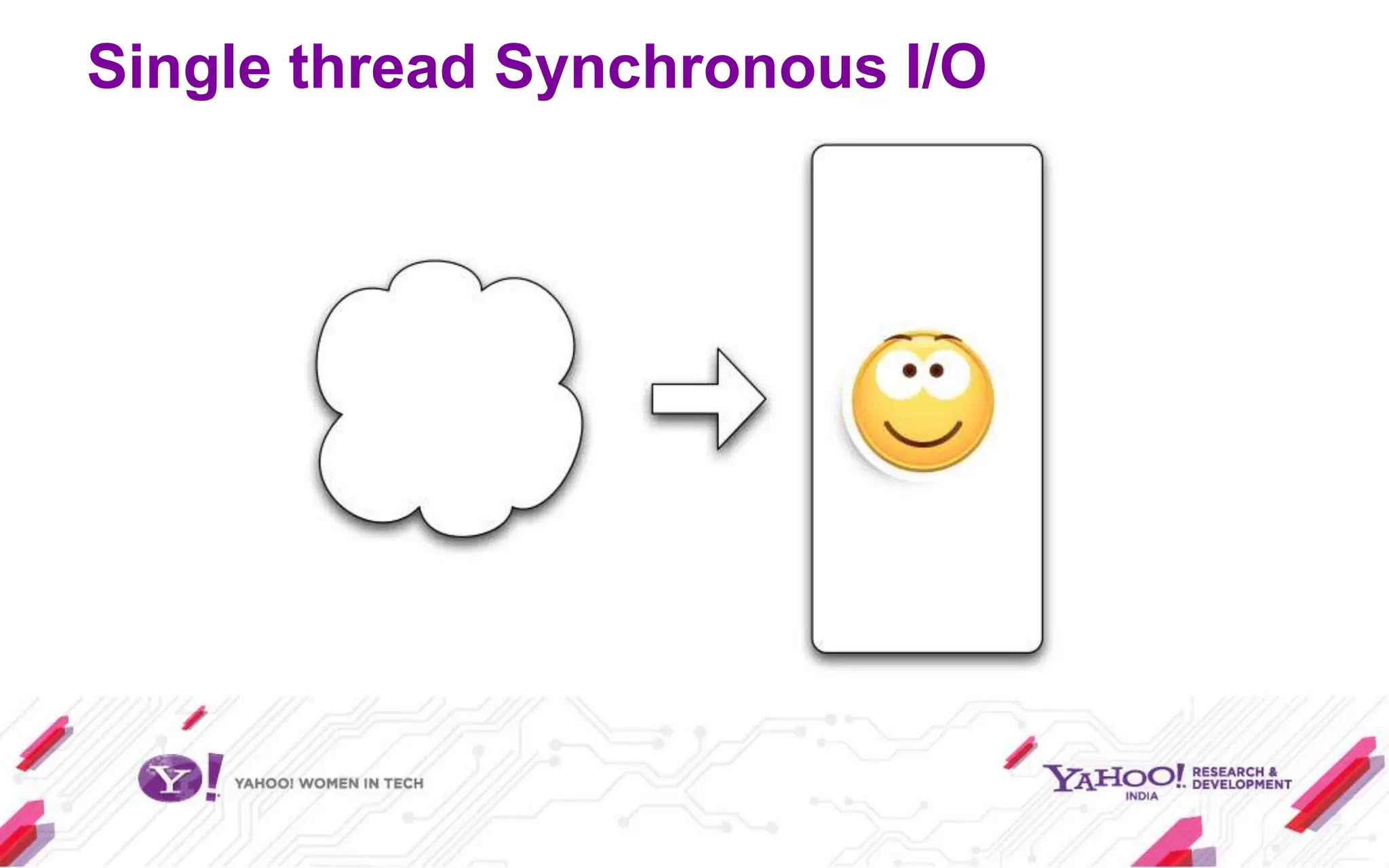
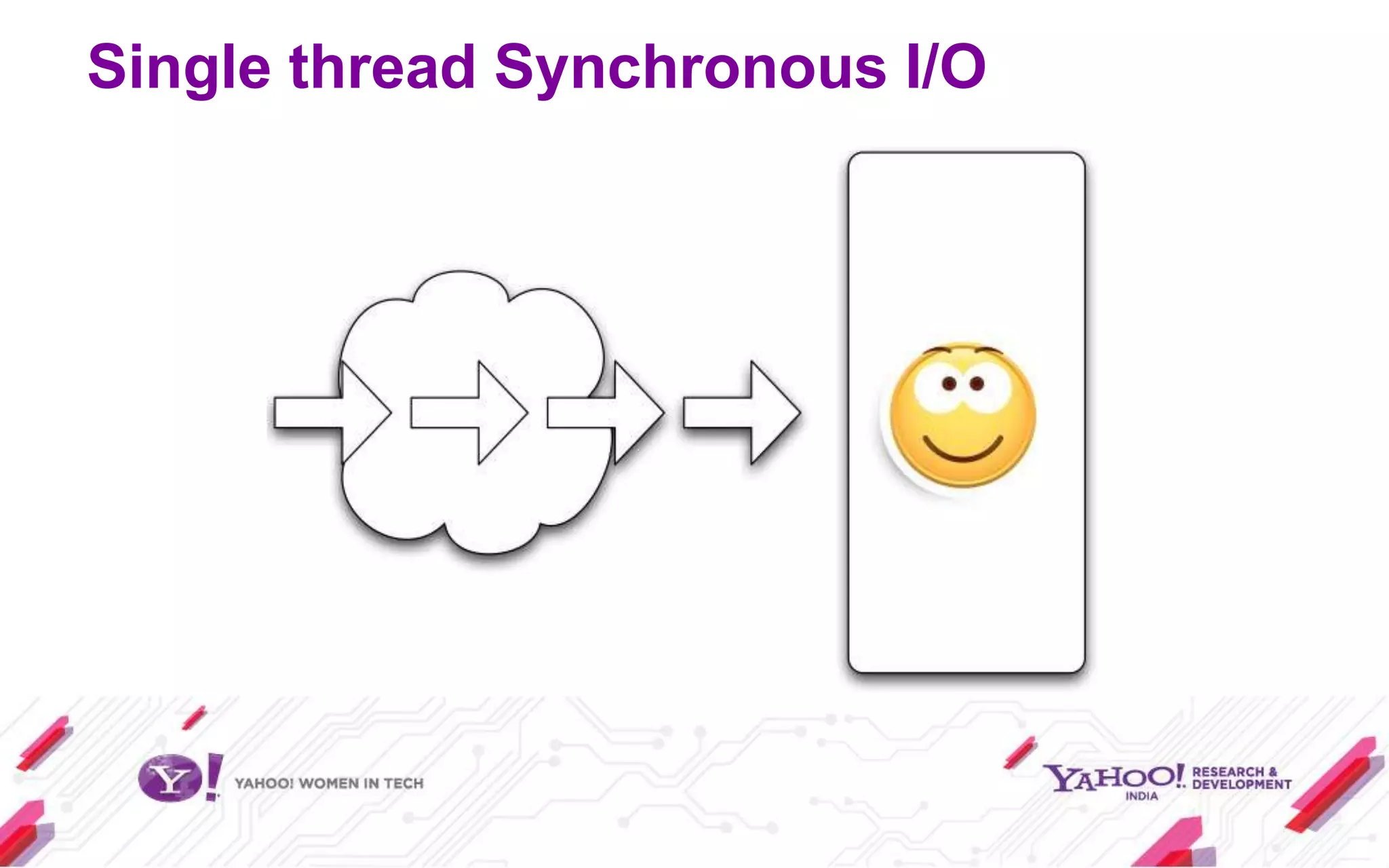
Single thread Synchronous I/O
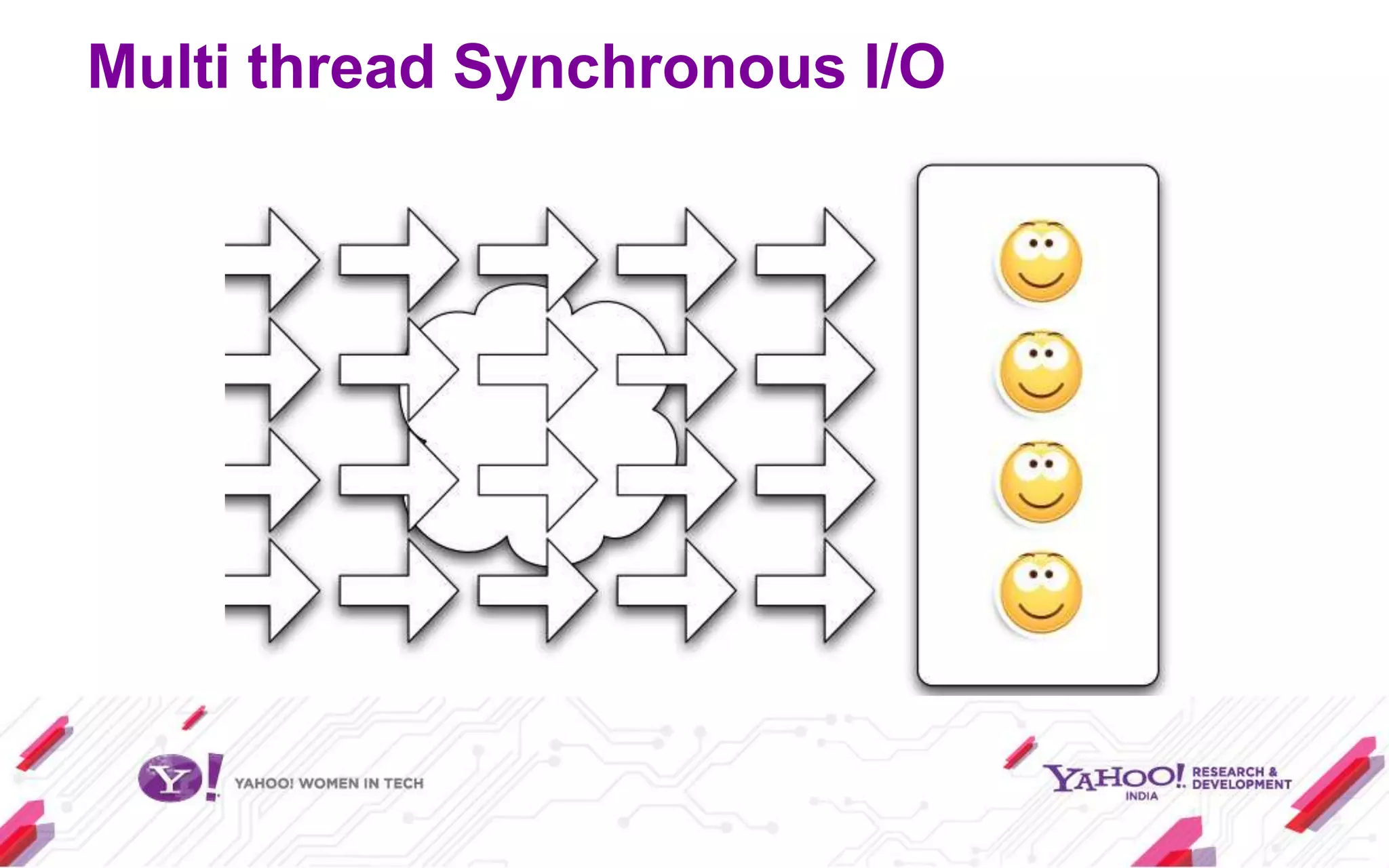
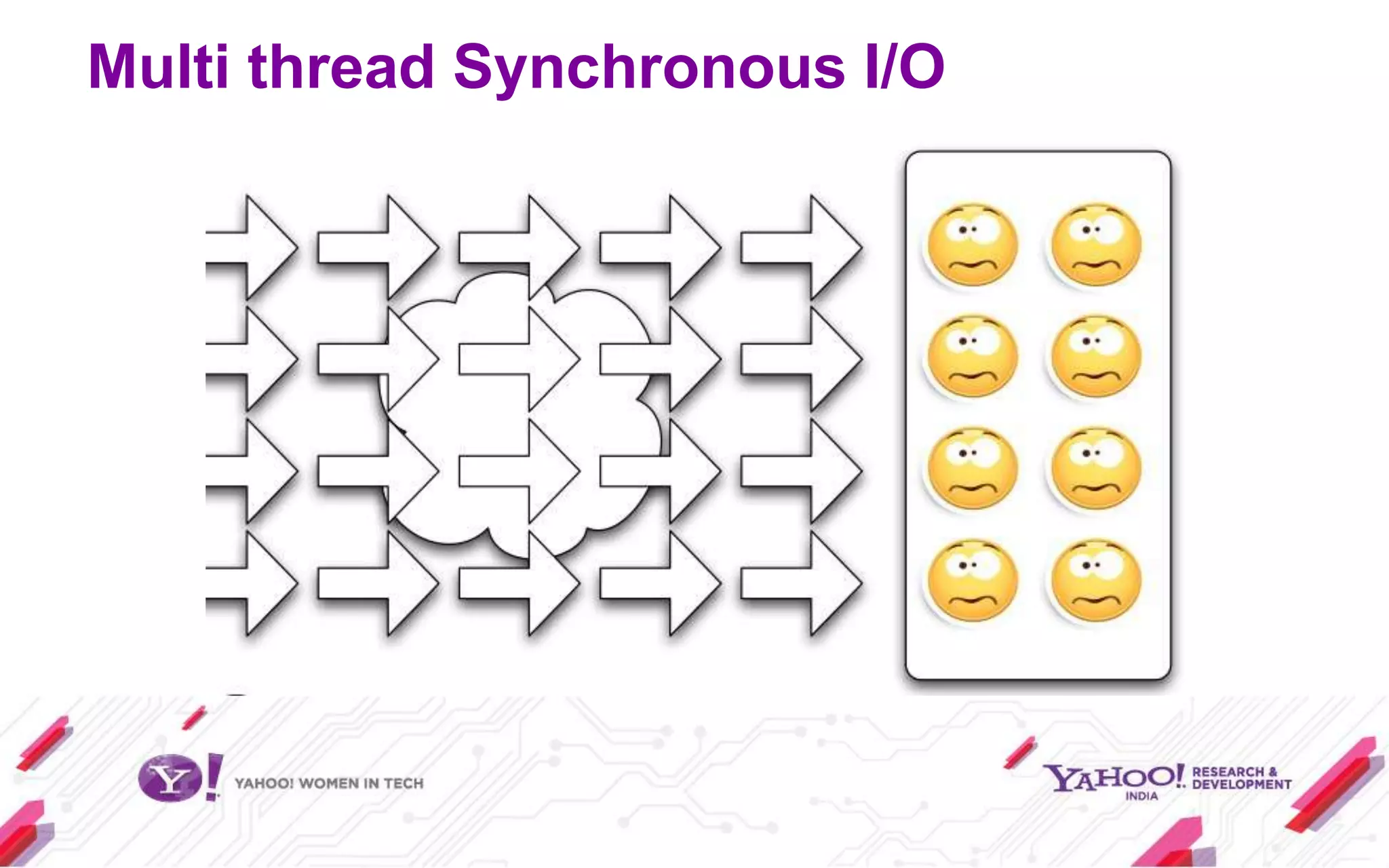
Multi thread Synchronous I/O
You can throw in more servers, but
  that will cost you lot of money.
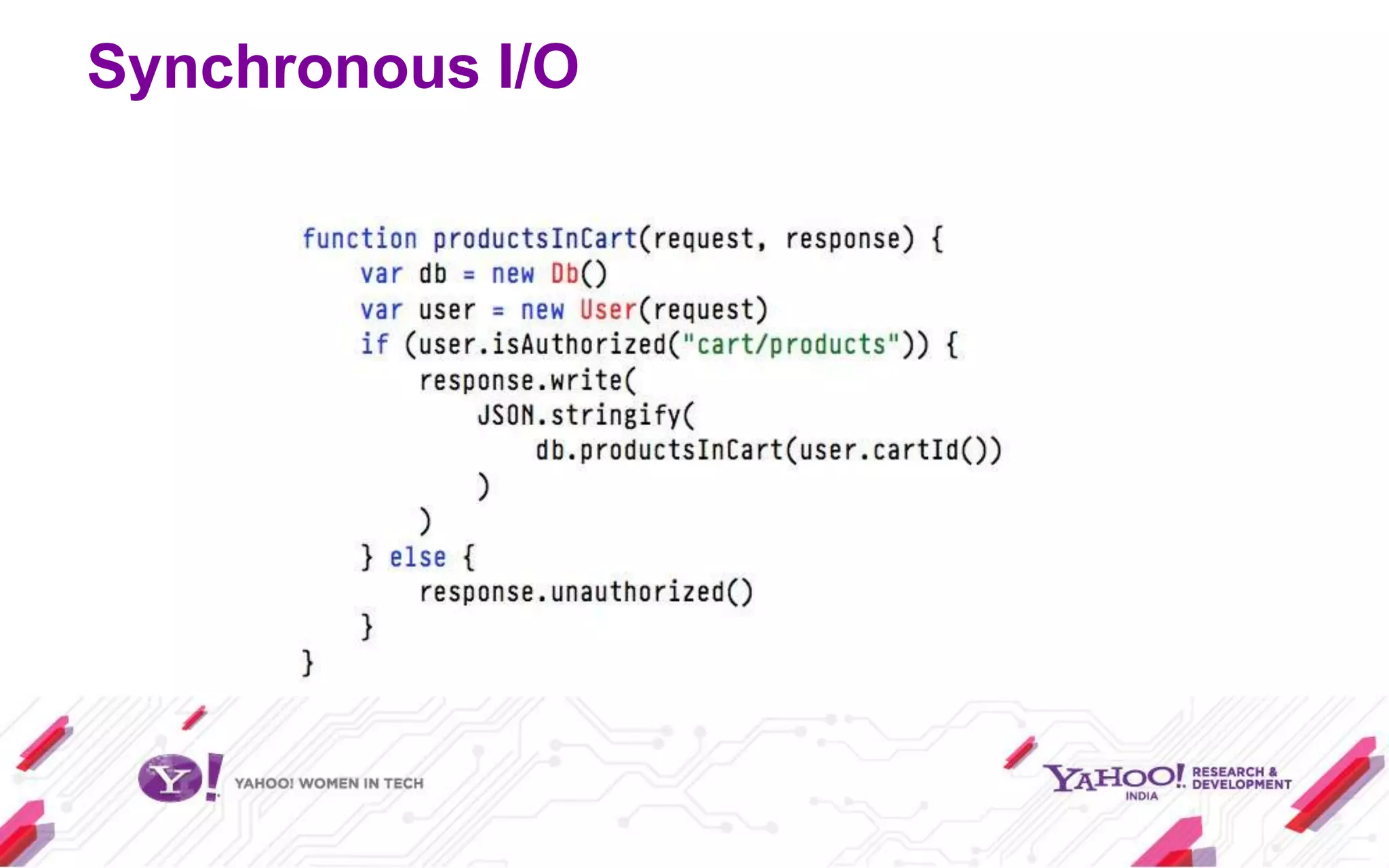
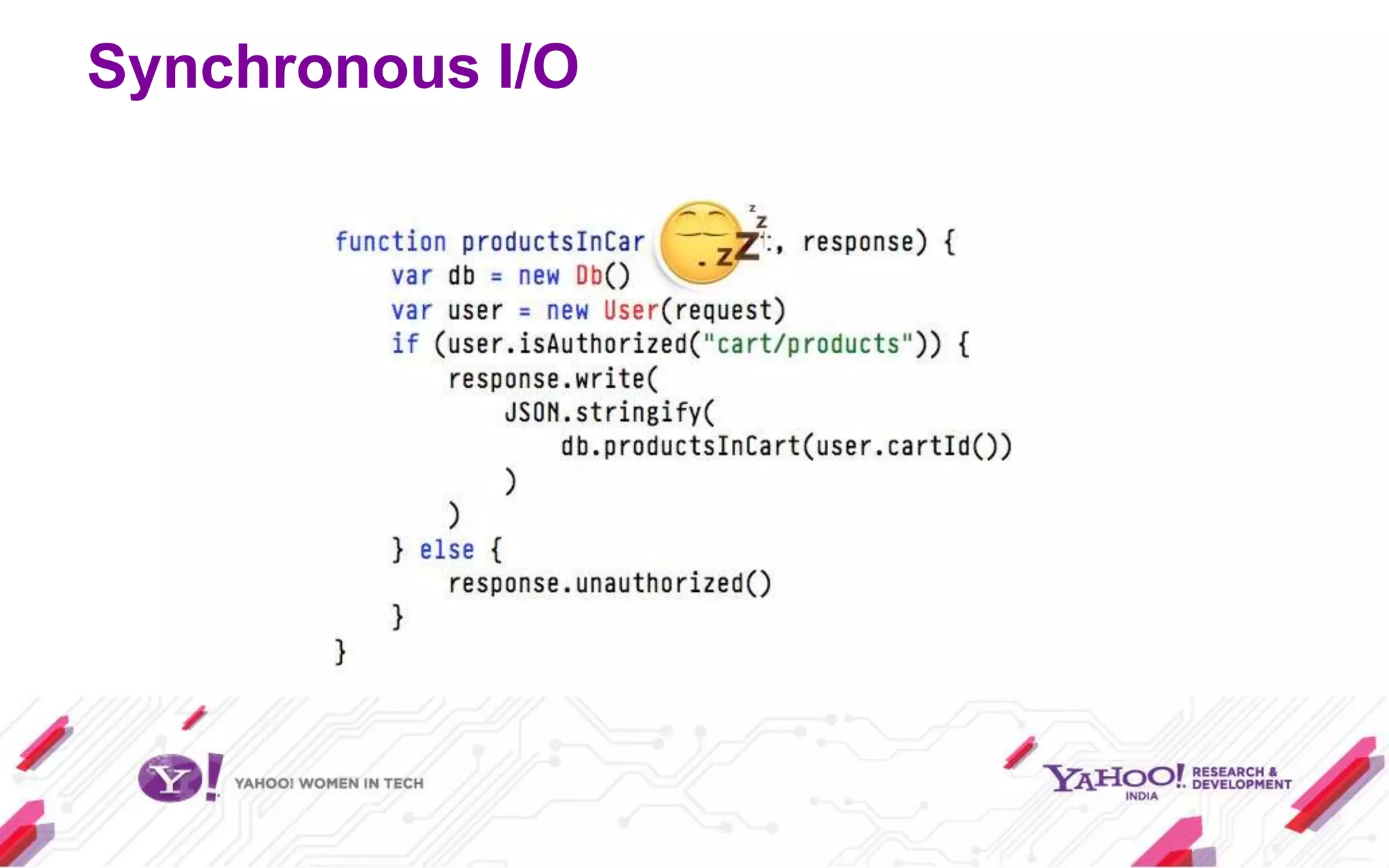
Synchronous I/O
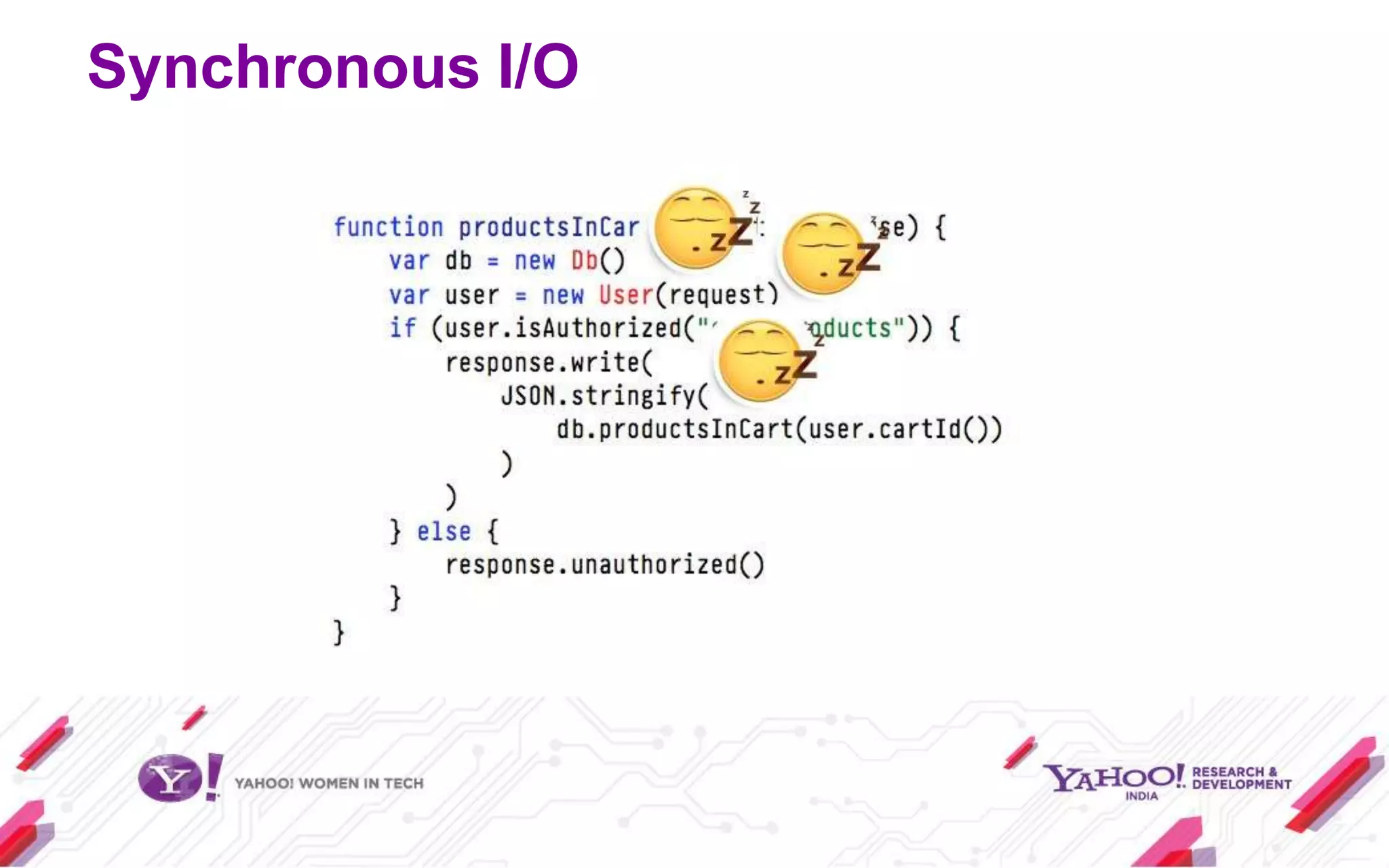
Synchronous I/O
Synchronous I/O
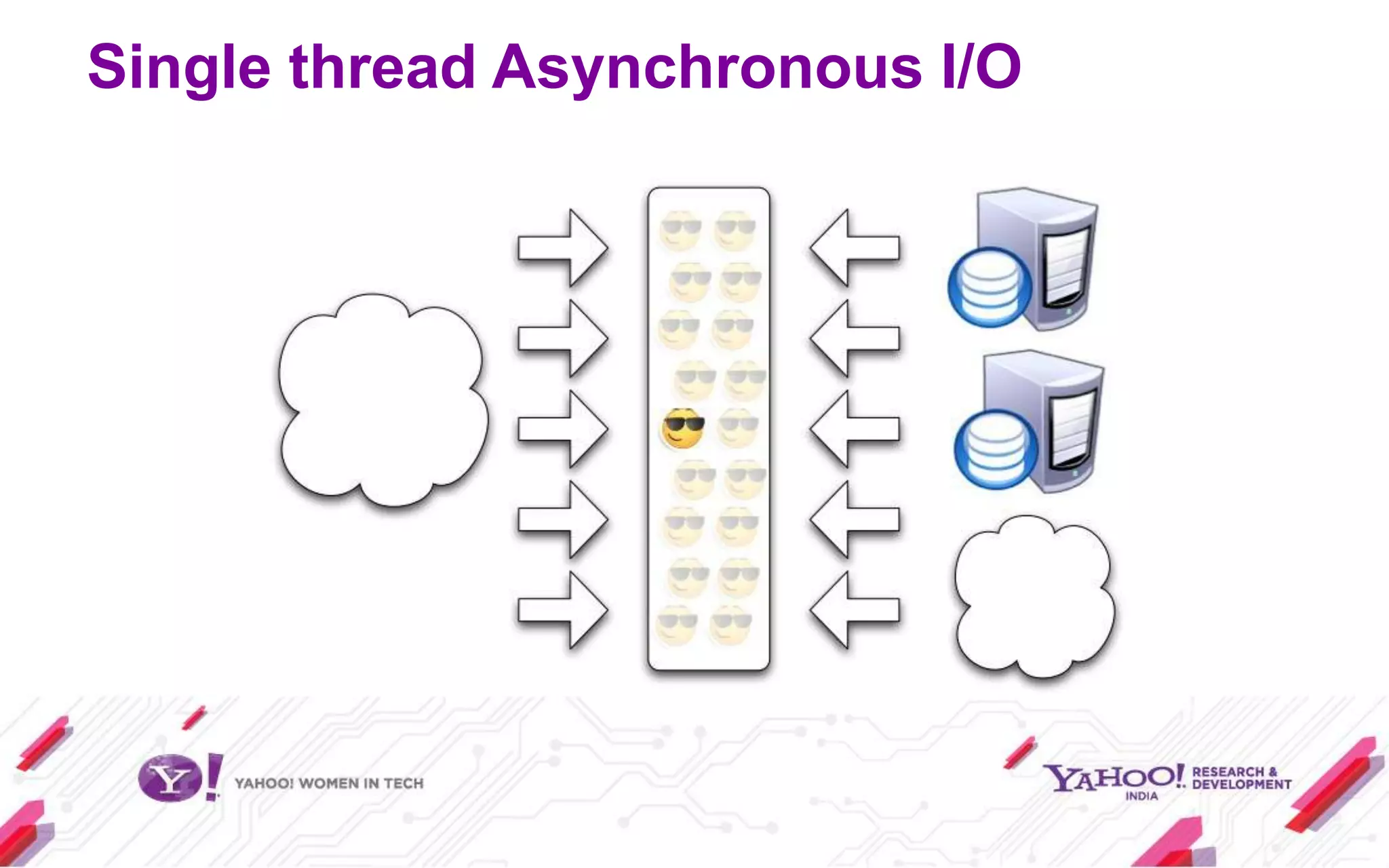
Single thread Asynchronous I/O
Why Node.JS?
So, code like this

var result = db.query("select..");
// use result

either blocks the entire process or
implies multiple execution stacks (threads).
Why Node.JS?
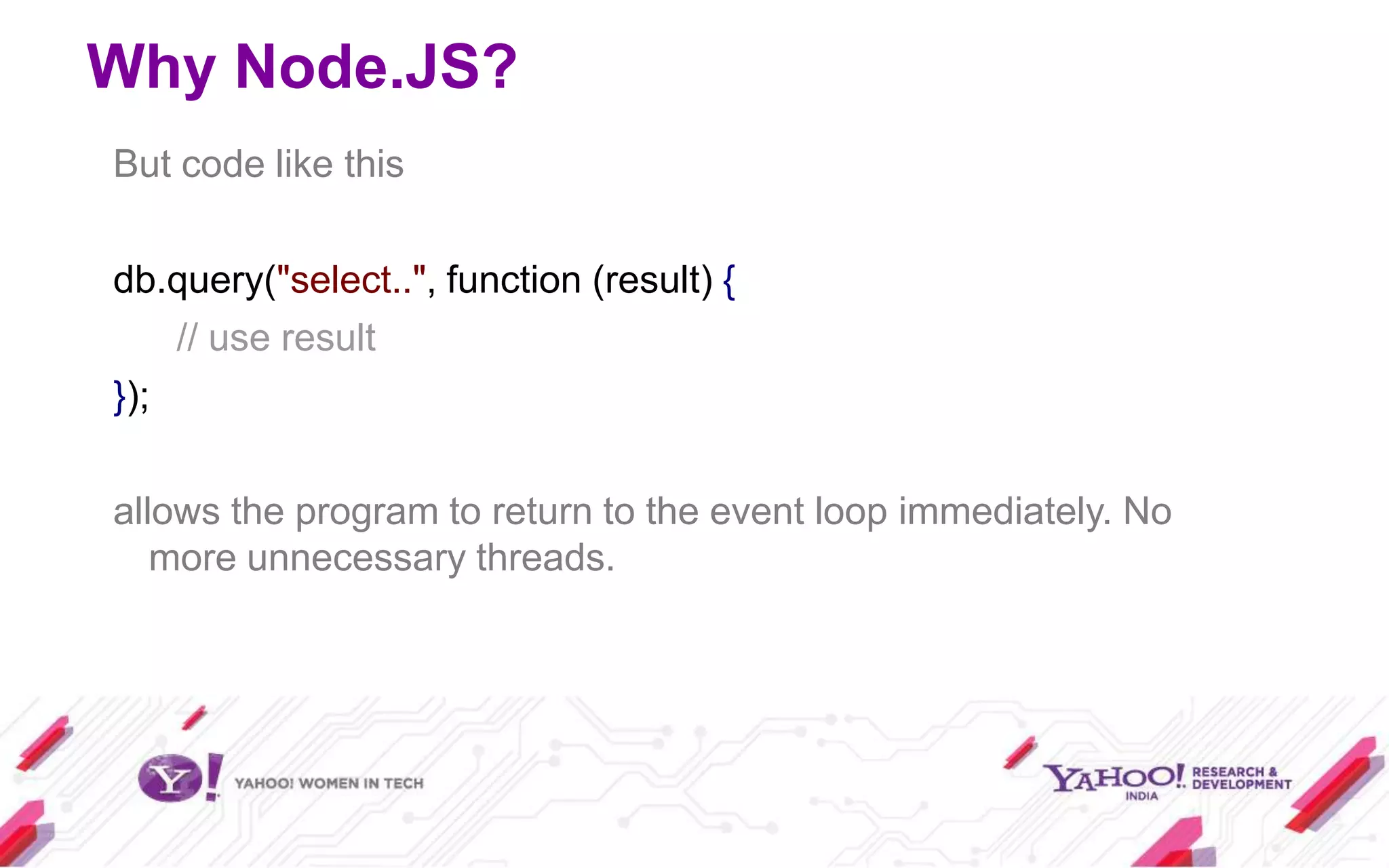
But code like this

db.query("select..", function (result) {
    // use result
});

allows the program to return to the event loop immediately. No
   more unnecessary threads.
Demo of Callback
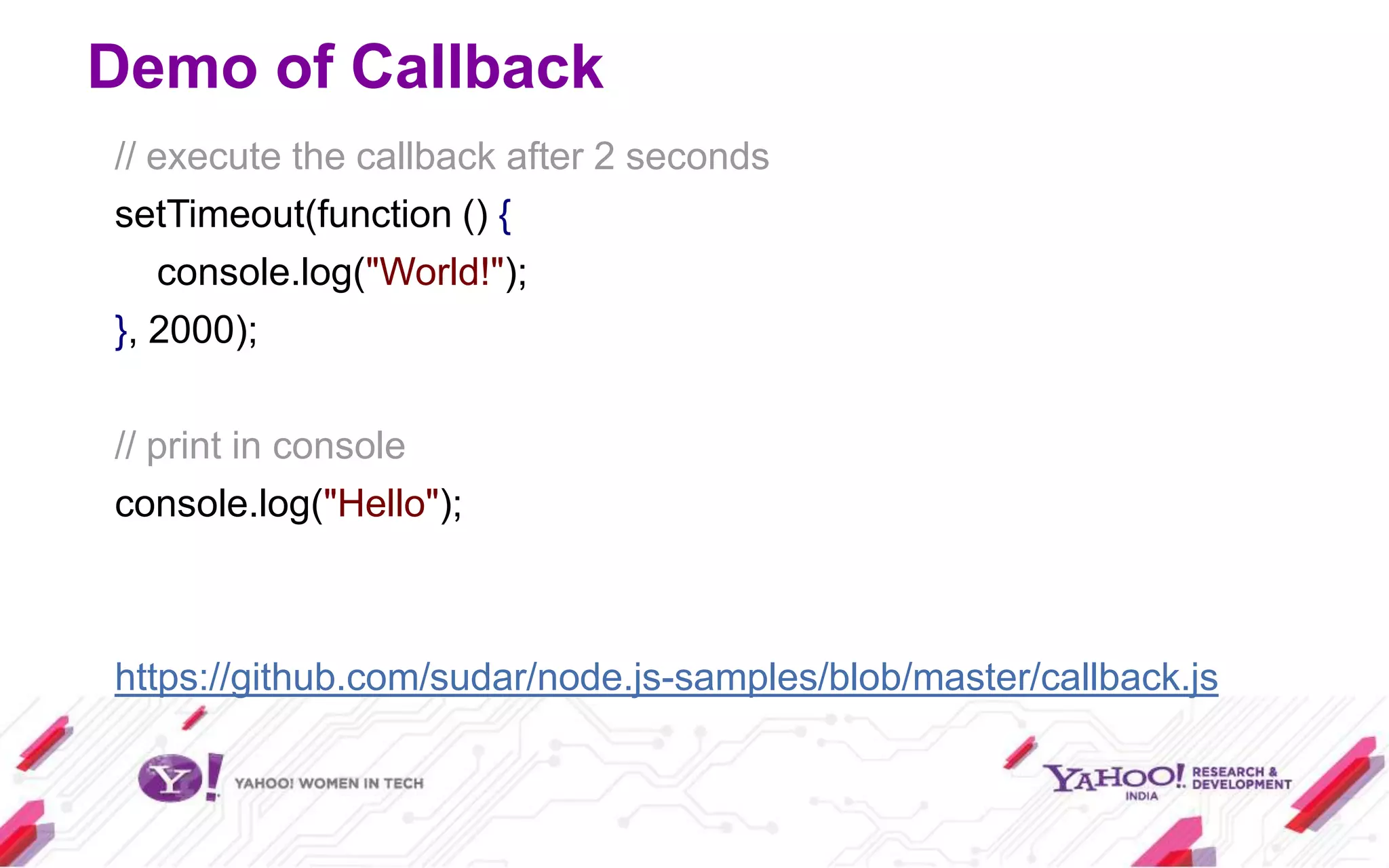
// execute the callback after 2 seconds
setTimeout(function () {
   console.log("World!");
}, 2000);

// print in console
console.log("Hello");


https://github.com/sudar/node.js-samples/blob/master/callback.js
Using Node.JS
 Install Node.JS
 Install NPM
 Install other modules you want by doing

npm install <module_name>

 You are good to go

(This setup is already done for you. Use the Ubuntu image in the
pen drive)
Node.JS – as an interactive shell
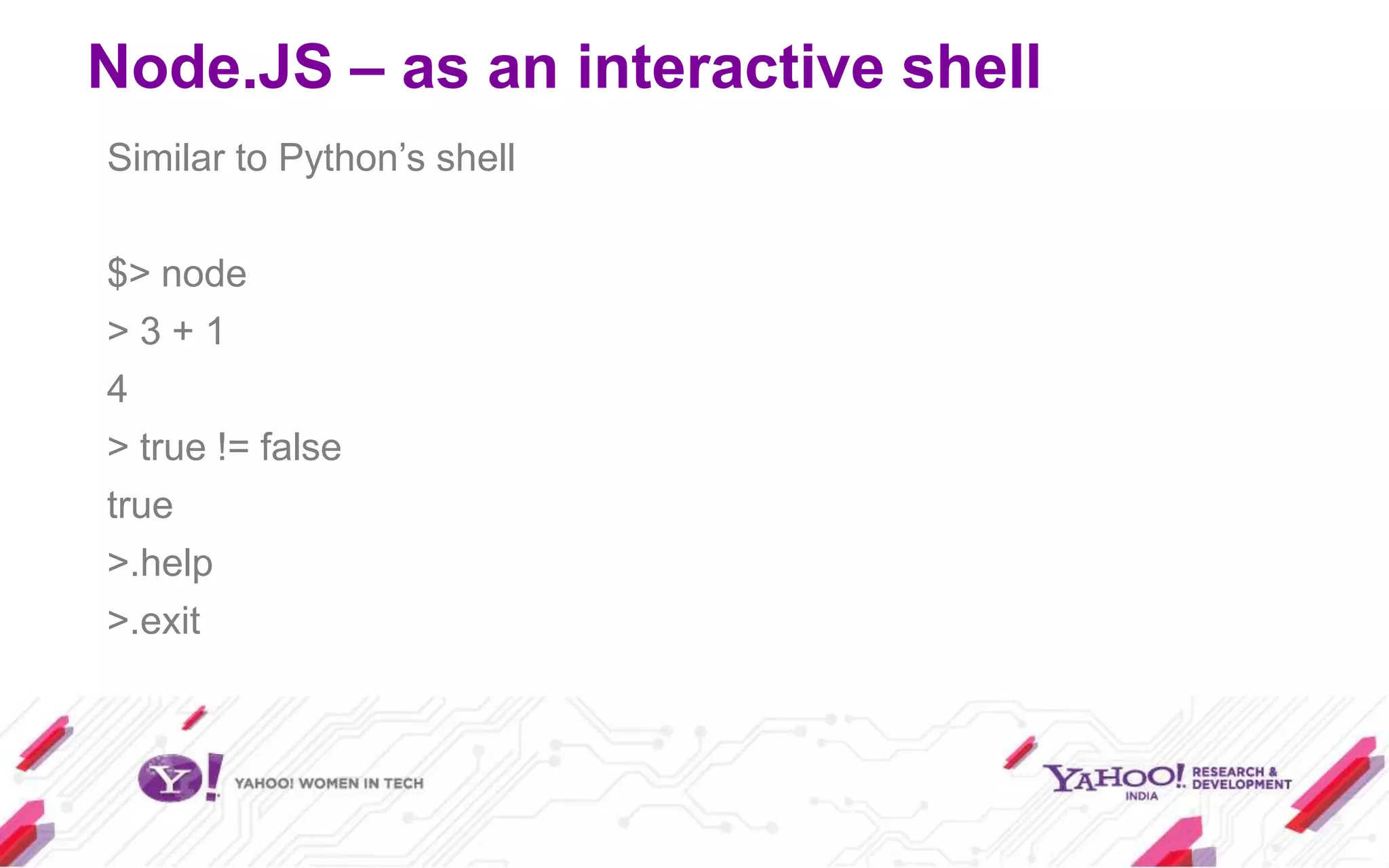
Similar to Python’s shell

$> node
>3+1
4
> true != false
true
>.help
>.exit
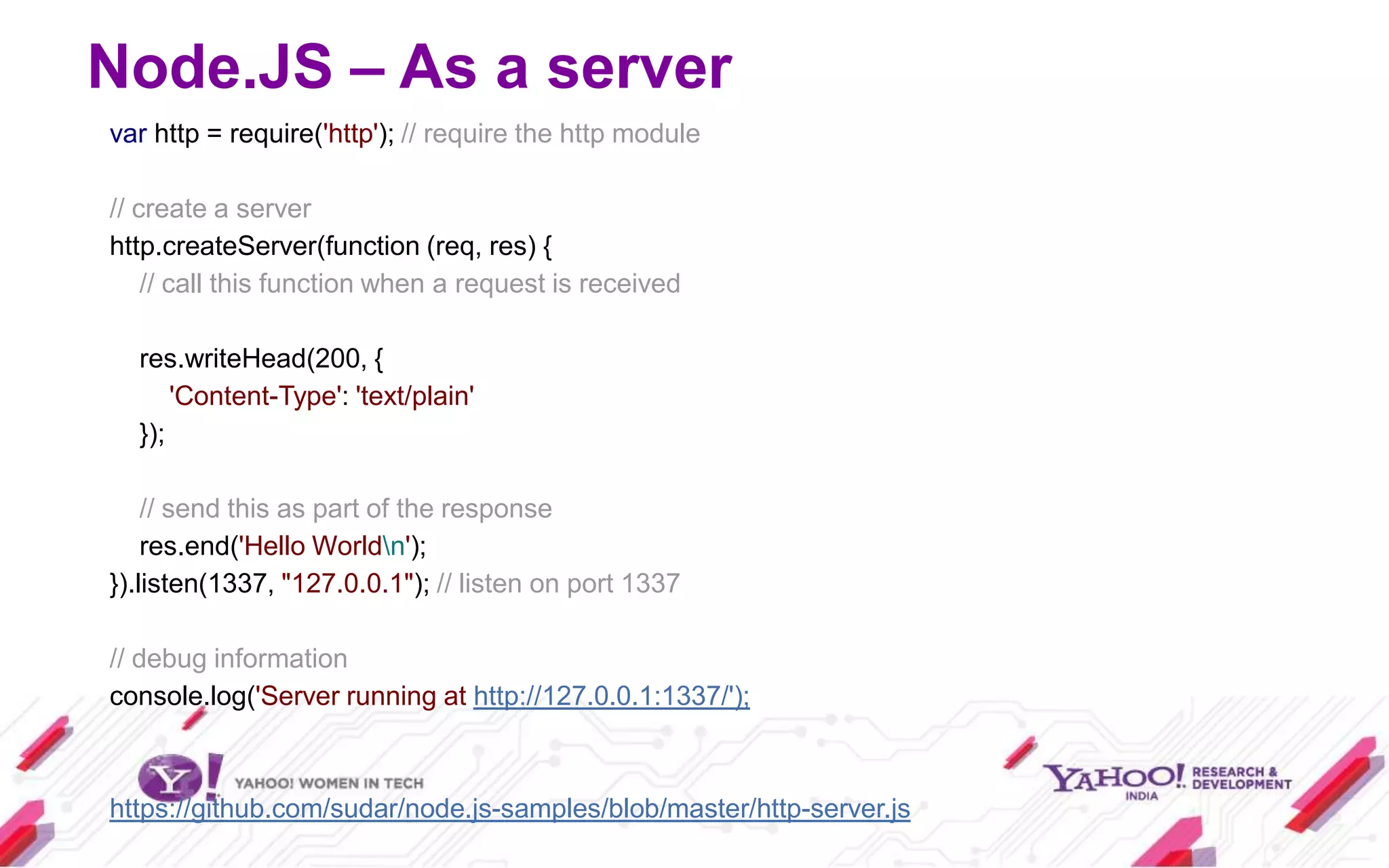
Node.JS – As a server
var http = require('http'); // require the http module

// create a server
http.createServer(function (req, res) {
    // call this function when a request is received

  res.writeHead(200, {
      'Content-Type': 'text/plain'
  });

    // send this as part of the response
    res.end('Hello Worldn');
}).listen(1337, "127.0.0.1"); // listen on port 1337

// debug information
console.log('Server running at http://127.0.0.1:1337/');


https://github.com/sudar/node.js-samples/blob/master/http-server.js
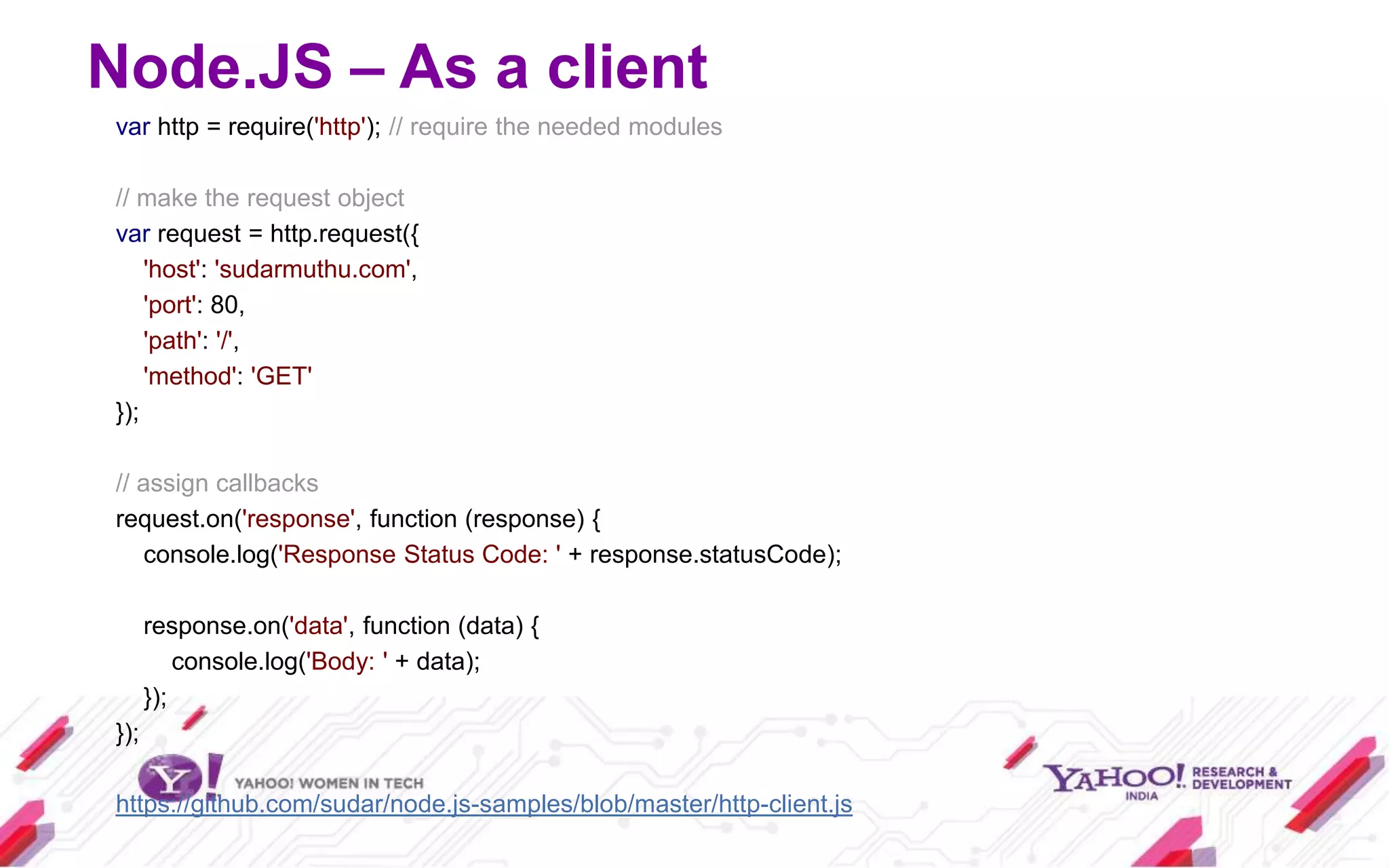
Node.JS – As a client
var http = require('http'); // require the needed modules

// make the request object
var request = http.request({
    'host': 'sudarmuthu.com',
    'port': 80,
    'path': '/',
    'method': 'GET'
});

// assign callbacks
request.on('response', function (response) {
   console.log('Response Status Code: ' + response.statusCode);

      response.on('data', function (data) {
          console.log('Body: ' + data);
      });
});

https://github.com/sudar/node.js-samples/blob/master/http-client.js
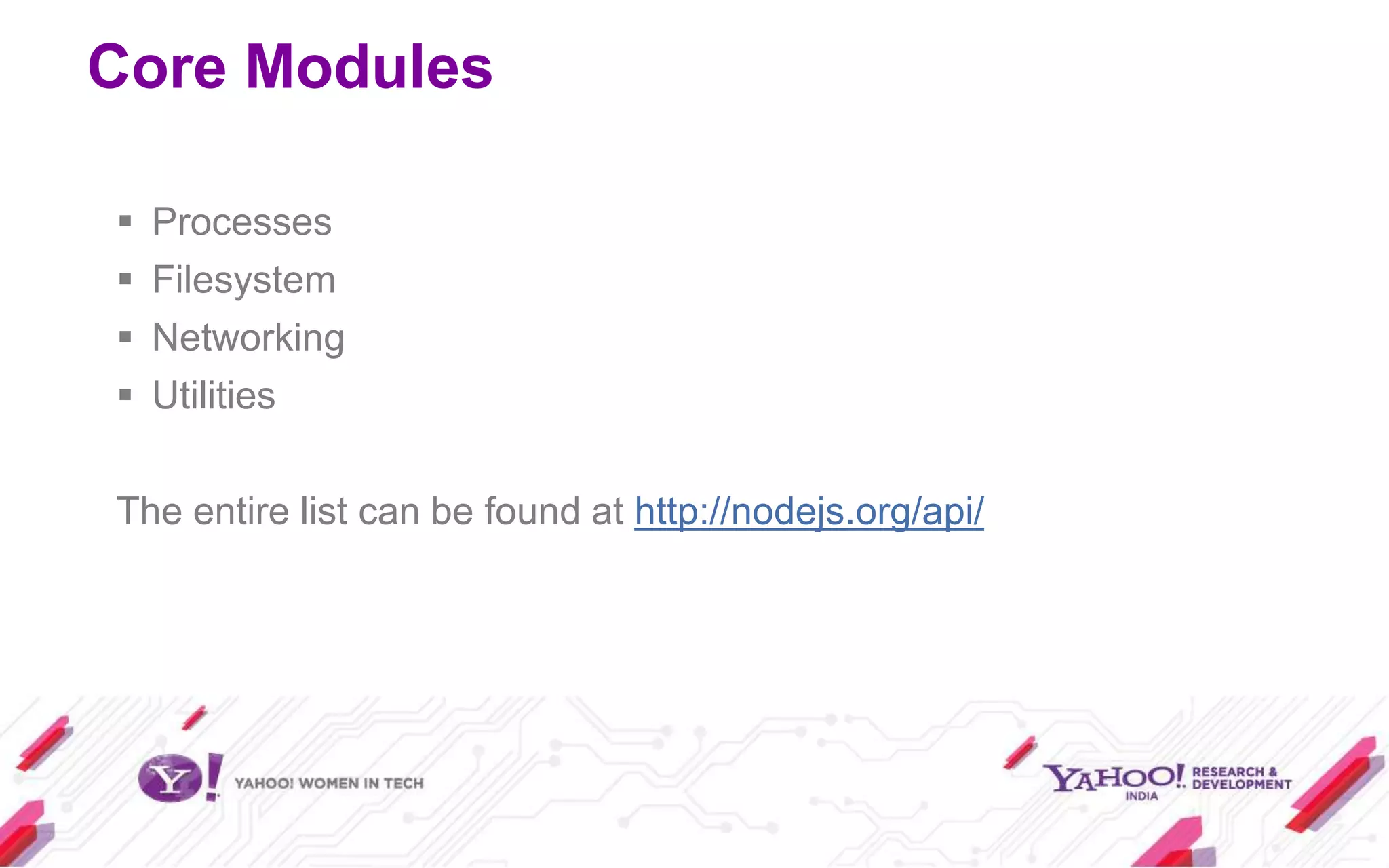
Core Modules

   Processes
   Filesystem
   Networking
   Utilities

The entire list can be found at http://nodejs.org/api/
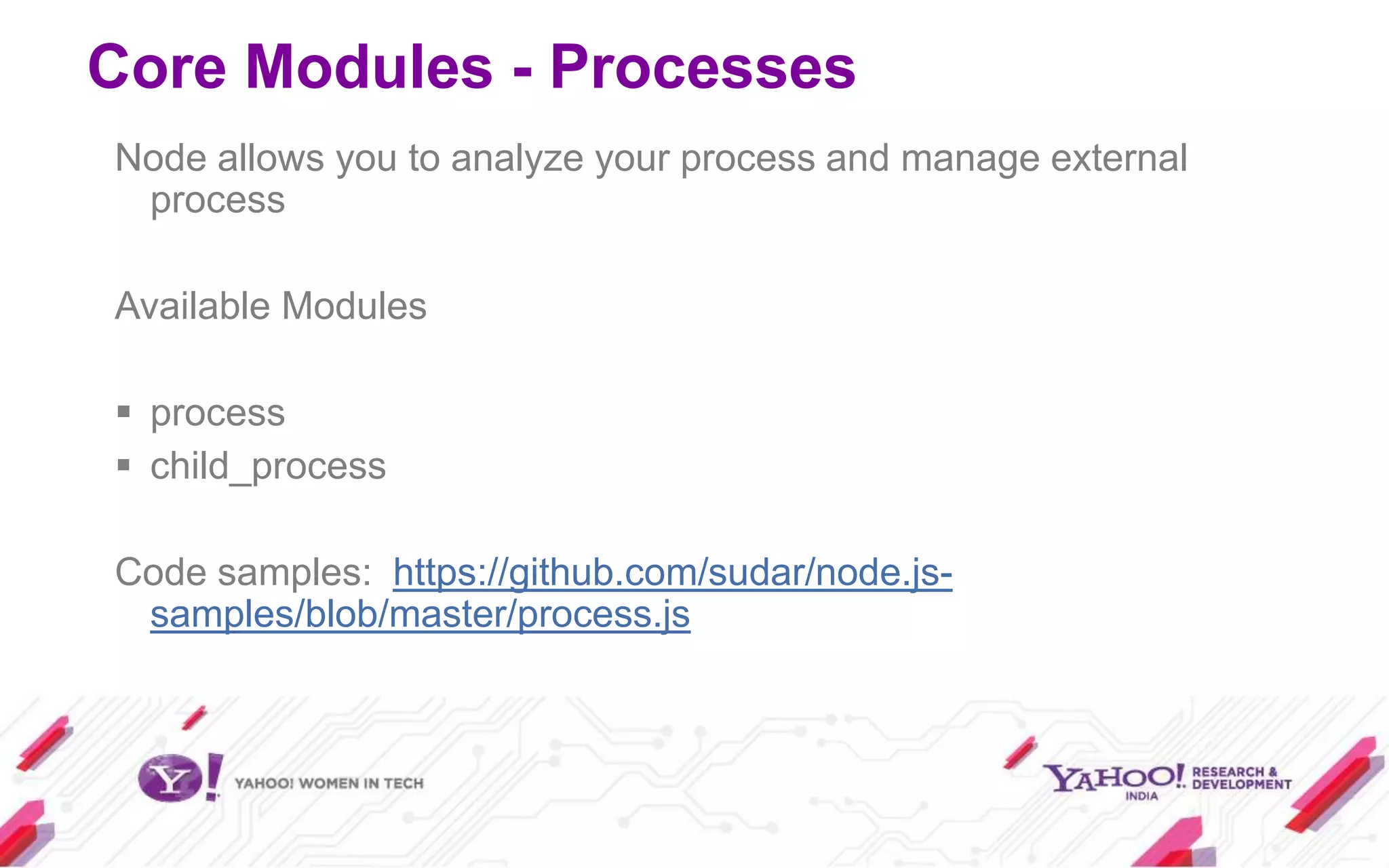
Core Modules - Processes
Node allows you to analyze your process and manage external
 process

Available Modules

 process
 child_process

Code samples: https://github.com/sudar/node.js-
 samples/blob/master/process.js
Core Modules - Filesystem
Low level API to manipulate files

Available Modules

 fs
 path

Code Samples: https://github.com/sudar/node.js-
 samples/blob/master/filesystem.js
Core Modules - Networking
 Available Modules

    net
    dgram
    http
    tls
    https
    dns

 Code Samples: https://github.com/sudar/node.js-
  samples/blob/master/dns.js
Core Modules - Utilities
 Provides utility methods

 Available Modules

  console
  util

 Code Samples: https://github.com/sudar/node.js-
  samples/blob/master/console.js
Node.JS is useful for..
   Writing highly concurrent server applications
   Sharing application logic between server and client
   Peer-to-peer web applications using websockets
   Real-time applications
Terminologies
   NPM – Package manager (like apt-get)
   Modules – Plugins or add-ons for Node.JS
   Express – MVC framework (like RoR)
   Jade – Template Engine (like Smarty)
   Socket.IO – A websockets Library
Links
 http://github.com/sudar/node.js-samples (all code samples
  used in this talk)
 http://nodejs.org
 http://npmjs.org
 http://expressjs.com
 http://socket.io
Workshop
Express JS
   Basic web framework
   Runs on top of node.js
   Provides routing and redirection helpers
   Dynamic view helpers
   Has support for sessions
   Focus on high performance
Hello World Express App


https://github.com/sudar/node.js-samples/tree/master/express/hello-world
Square Things App
   Allows you to choose the color of a square region
   A very simple server implementation
   A very simple client MVC implementation
   Uses node.js on the server
   Uses Y.App implementation on the client


https://github.com/ericf/square-thing-app
Thank you

Introduction to node.js GDD

  • 2.
    Introduction to Node.js Sudar Muthu (@sudarmuthu) Research Engineer Yahoo! Labs http://github.com/sudar http://sudarmuthu.com
  • 3.
    Agenda  What Node.JS is not  What is Node.JS  Why Node.JS?  Using Node.JS › As a interactive shell › As a Server › As a Client  Common Modules  Terminologies  Workshop
  • 4.
    Node.JS is not…  Ruby on Rails  Django  Codeigniter  CakePHP Node.JS is bare bone and the community are making stuff like Express, connect etc.
  • 5.
    What is Node.JS JavaScript Programming Environment for creating highly scalable network programs  Provides Evented, non-blocking I/O  Built on top of V8 engine  Supports C/C++ based addons  Supports CommonJS Module format  Is fast .. in fact very fast.  Similar to Event machine in Ruby or Twisted in Python
  • 6.
  • 7.
  • 8.
  • 9.
  • 10.
  • 11.
    You can throwin more servers, but that will cost you lot of money.
  • 15.
  • 16.
  • 17.
  • 18.
  • 19.
    Why Node.JS? So, codelike this var result = db.query("select.."); // use result either blocks the entire process or implies multiple execution stacks (threads).
  • 20.
    Why Node.JS? But codelike this db.query("select..", function (result) { // use result }); allows the program to return to the event loop immediately. No more unnecessary threads.
  • 21.
    Demo of Callback //execute the callback after 2 seconds setTimeout(function () { console.log("World!"); }, 2000); // print in console console.log("Hello"); https://github.com/sudar/node.js-samples/blob/master/callback.js
  • 22.
    Using Node.JS  InstallNode.JS  Install NPM  Install other modules you want by doing npm install <module_name>  You are good to go (This setup is already done for you. Use the Ubuntu image in the pen drive)
  • 23.
    Node.JS – asan interactive shell Similar to Python’s shell $> node >3+1 4 > true != false true >.help >.exit
  • 24.
    Node.JS – Asa server var http = require('http'); // require the http module // create a server http.createServer(function (req, res) { // call this function when a request is received res.writeHead(200, { 'Content-Type': 'text/plain' }); // send this as part of the response res.end('Hello Worldn'); }).listen(1337, "127.0.0.1"); // listen on port 1337 // debug information console.log('Server running at http://127.0.0.1:1337/'); https://github.com/sudar/node.js-samples/blob/master/http-server.js
  • 25.
    Node.JS – Asa client var http = require('http'); // require the needed modules // make the request object var request = http.request({ 'host': 'sudarmuthu.com', 'port': 80, 'path': '/', 'method': 'GET' }); // assign callbacks request.on('response', function (response) { console.log('Response Status Code: ' + response.statusCode); response.on('data', function (data) { console.log('Body: ' + data); }); }); https://github.com/sudar/node.js-samples/blob/master/http-client.js
  • 26.
    Core Modules  Processes  Filesystem  Networking  Utilities The entire list can be found at http://nodejs.org/api/
  • 27.
    Core Modules -Processes Node allows you to analyze your process and manage external process Available Modules  process  child_process Code samples: https://github.com/sudar/node.js- samples/blob/master/process.js
  • 28.
    Core Modules -Filesystem Low level API to manipulate files Available Modules  fs  path Code Samples: https://github.com/sudar/node.js- samples/blob/master/filesystem.js
  • 29.
    Core Modules -Networking Available Modules  net  dgram  http  tls  https  dns Code Samples: https://github.com/sudar/node.js- samples/blob/master/dns.js
  • 30.
    Core Modules -Utilities Provides utility methods Available Modules  console  util Code Samples: https://github.com/sudar/node.js- samples/blob/master/console.js
  • 31.
    Node.JS is usefulfor..  Writing highly concurrent server applications  Sharing application logic between server and client  Peer-to-peer web applications using websockets  Real-time applications
  • 32.
    Terminologies  NPM – Package manager (like apt-get)  Modules – Plugins or add-ons for Node.JS  Express – MVC framework (like RoR)  Jade – Template Engine (like Smarty)  Socket.IO – A websockets Library
  • 33.
    Links  http://github.com/sudar/node.js-samples (allcode samples used in this talk)  http://nodejs.org  http://npmjs.org  http://expressjs.com  http://socket.io
  • 34.
  • 35.
    Express JS  Basic web framework  Runs on top of node.js  Provides routing and redirection helpers  Dynamic view helpers  Has support for sessions  Focus on high performance
  • 36.
    Hello World ExpressApp https://github.com/sudar/node.js-samples/tree/master/express/hello-world
  • 37.
    Square Things App  Allows you to choose the color of a square region  A very simple server implementation  A very simple client MVC implementation  Uses node.js on the server  Uses Y.App implementation on the client https://github.com/ericf/square-thing-app
  • 38.