Internationalization for
Plugin and Theme Developers
Sergey Biryukov
WordCamp Milano 2016
Sergey Biryukov
● WordPress Core Contributor at Yoast
yoast.com
● Co-founder of Russian WP community
ru.wordpress.org
● Polyglots, Support, and Meta teams
sergeybiryukov.com
@SergeyBiryukov
Plugins and Themes for the Whole World
● Internationalization (i18n) — providing the ability to translate
● Localization (L10n) — translating to a particular language
Plugins and Themes for the Whole World
● Over 100 languages
● More robust code
● Feedback
● It’s easy
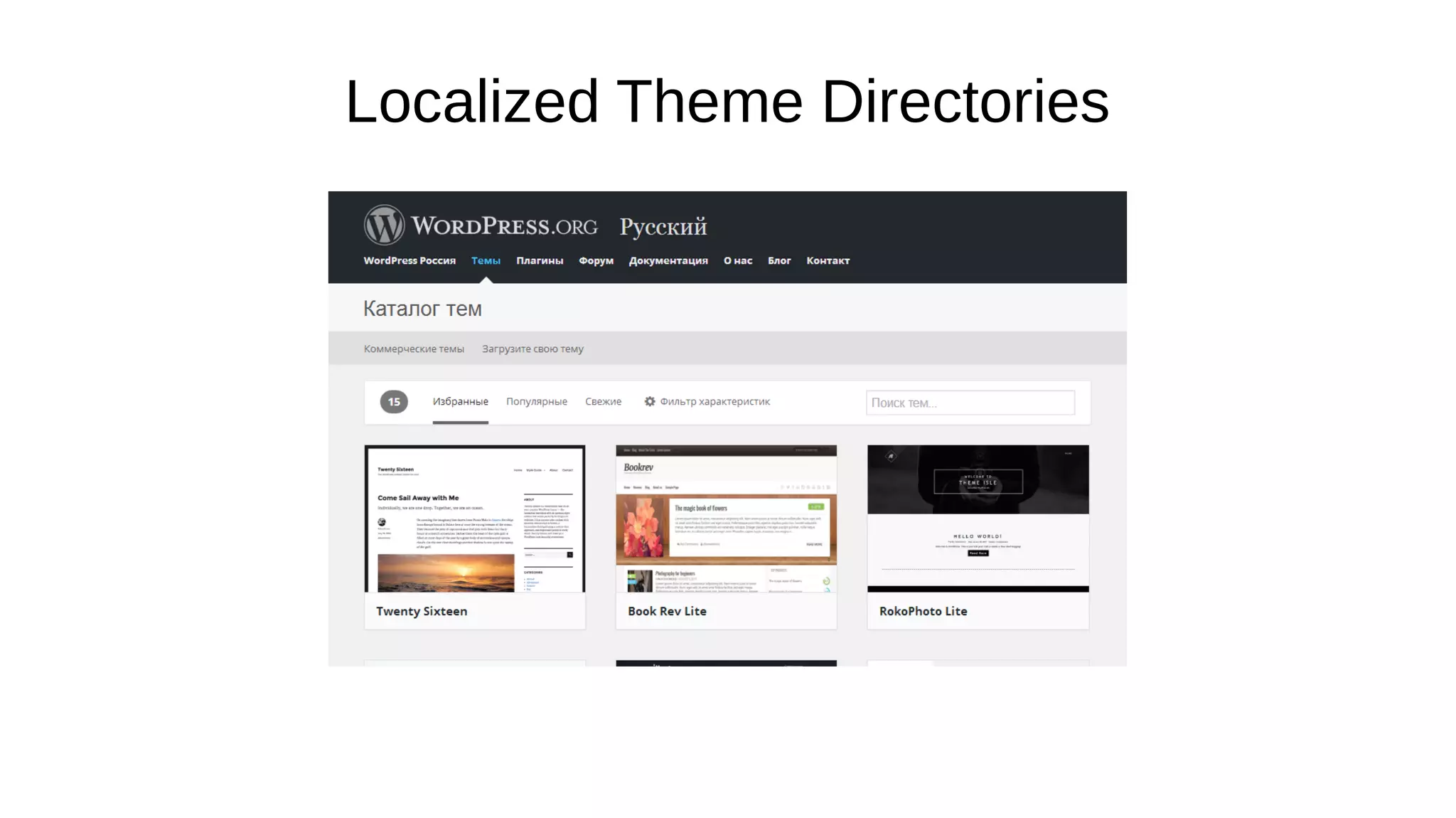
Localized Theme Directories
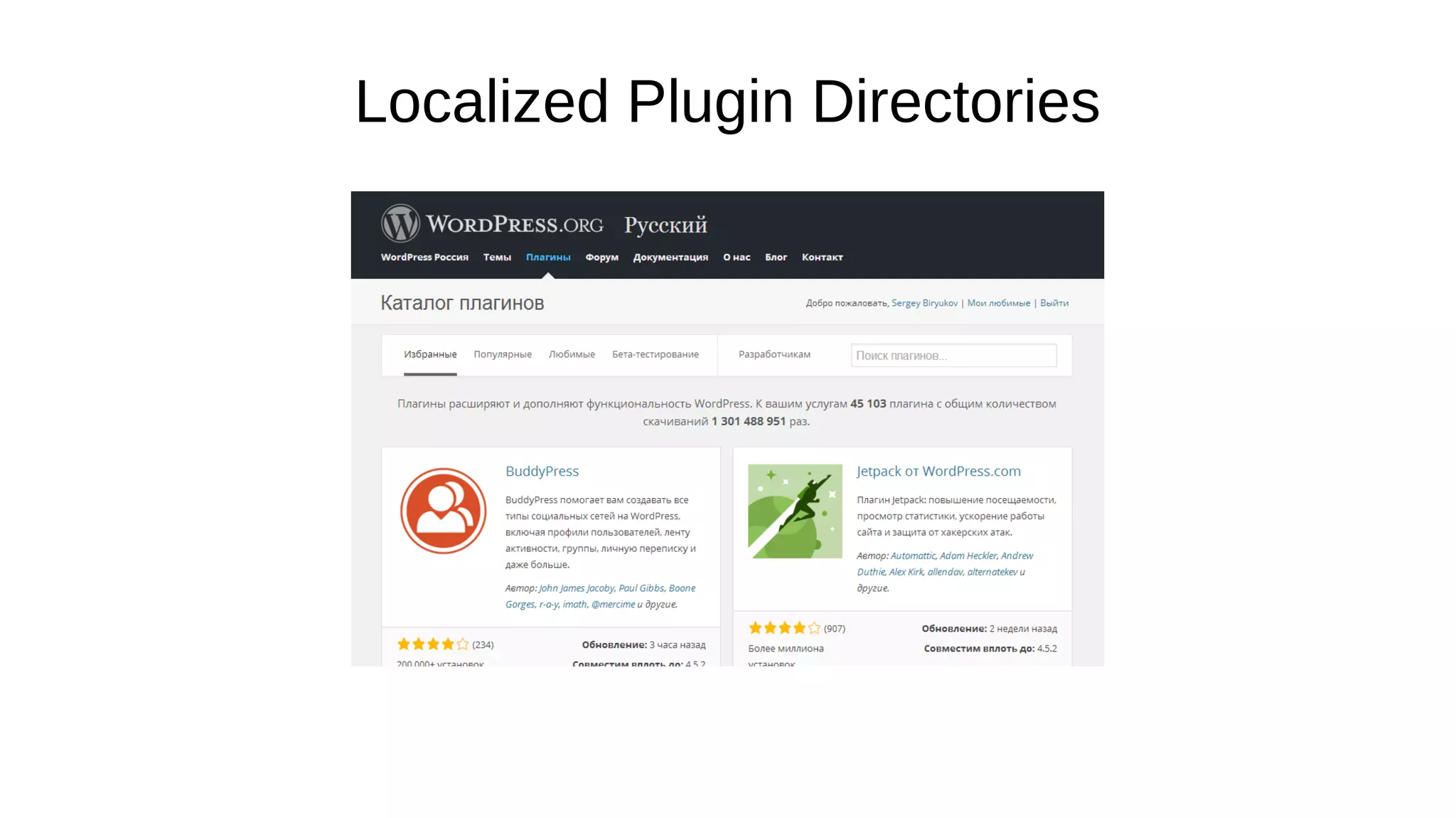
Localized Plugin Directories
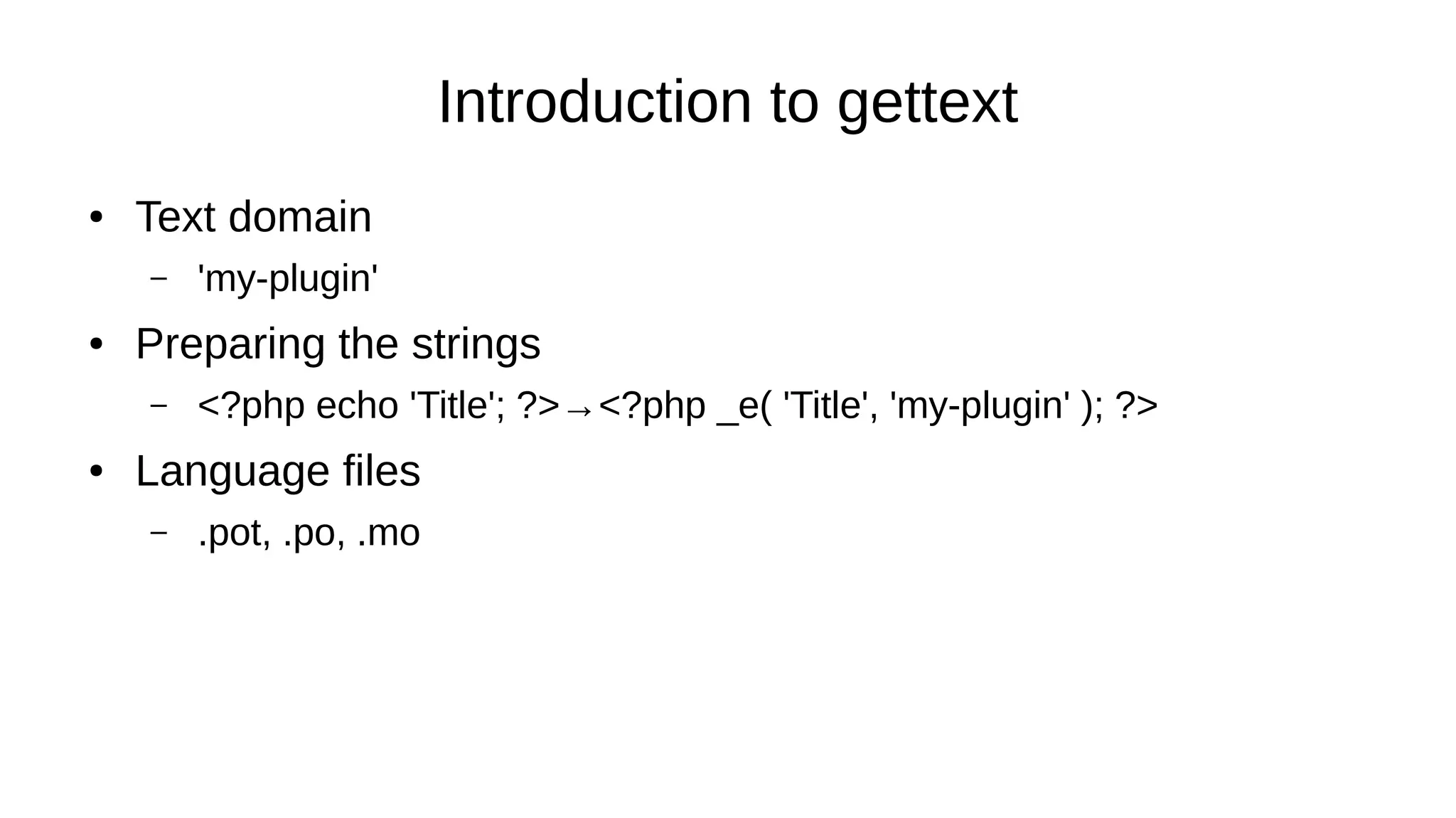
Introduction to gettext
● Text domain
– 'my-plugin'
● Preparing the strings
– <?php echo 'Title'; ?>→<?php _e( 'Title', 'my-plugin' ); ?>
● Language files
– .pot, .po, .mo
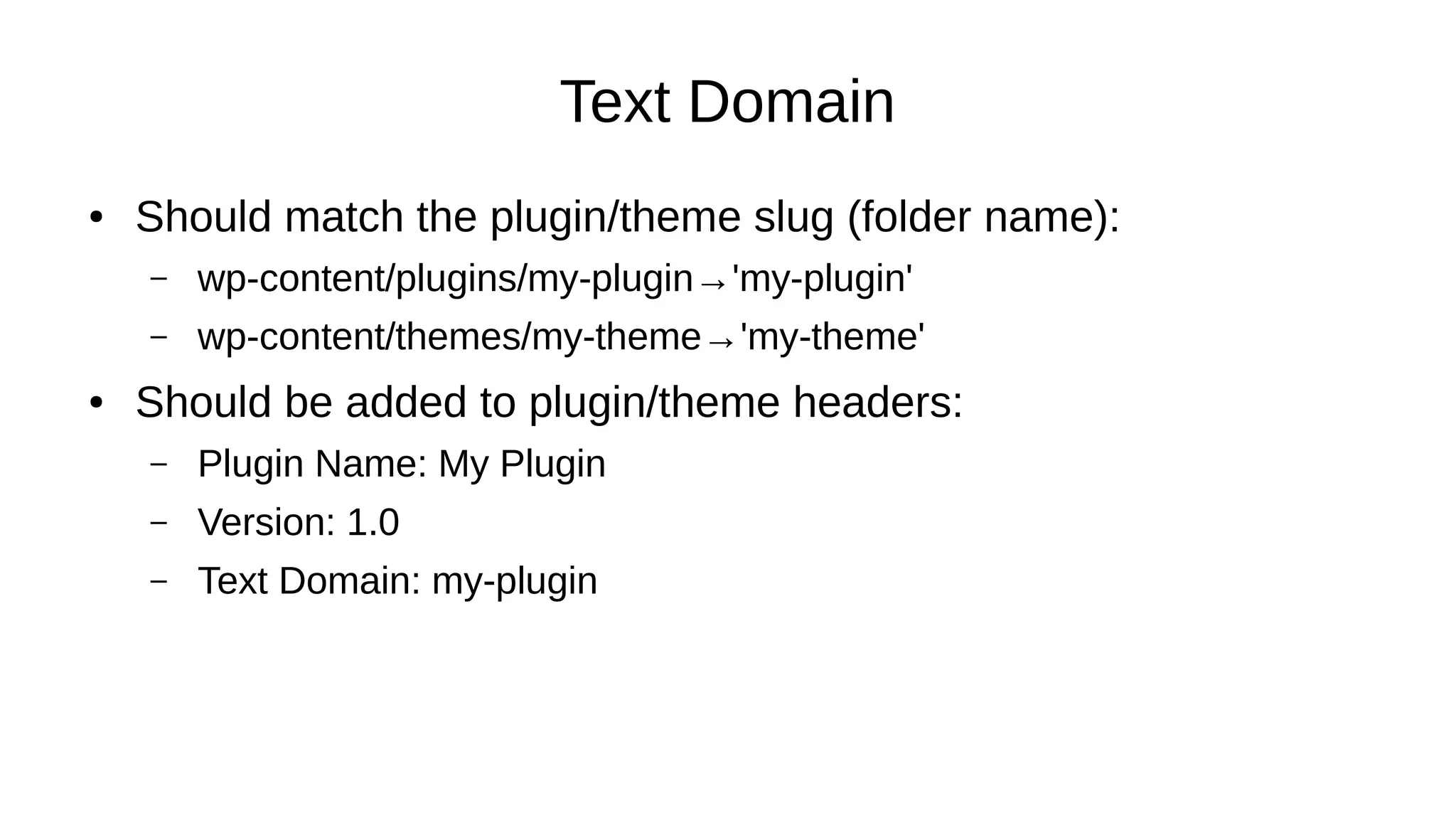
Text Domain
● Should match the plugin/theme slug (folder name):
– wp-content/plugins/my-plugin→'my-plugin'
– wp-content/themes/my-theme→'my-theme'
● Should be added to plugin/theme headers:
– Plugin Name: My Plugin
– Version: 1.0
– Text Domain: my-plugin
Text Domain
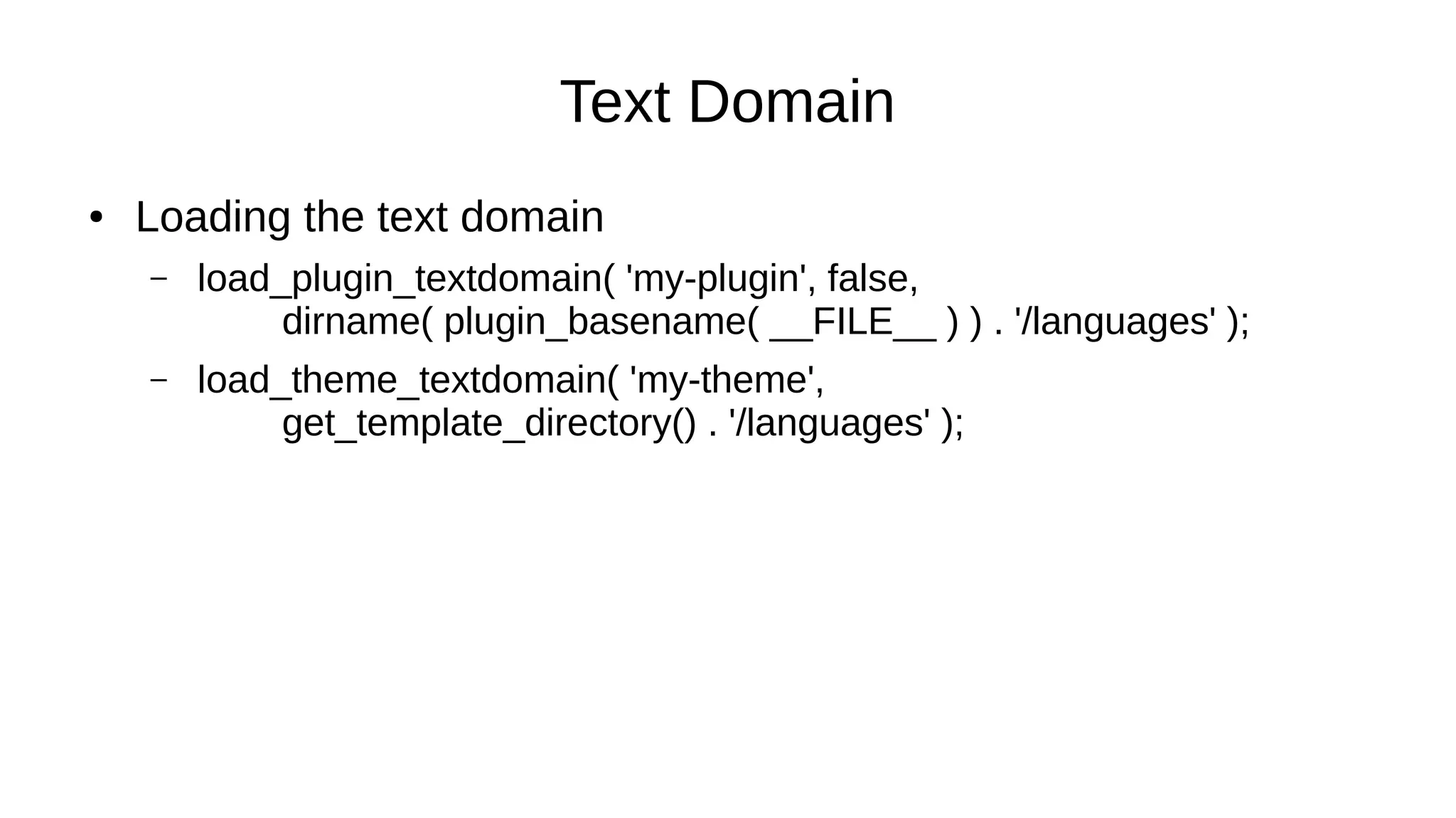
● Loading the text domain
– load_plugin_textdomain( 'my-plugin', false,
dirname( plugin_basename( __FILE__ ) ) . '/languages' );
– load_theme_textdomain( 'my-theme',
get_template_directory() . '/languages' );
Text Domain
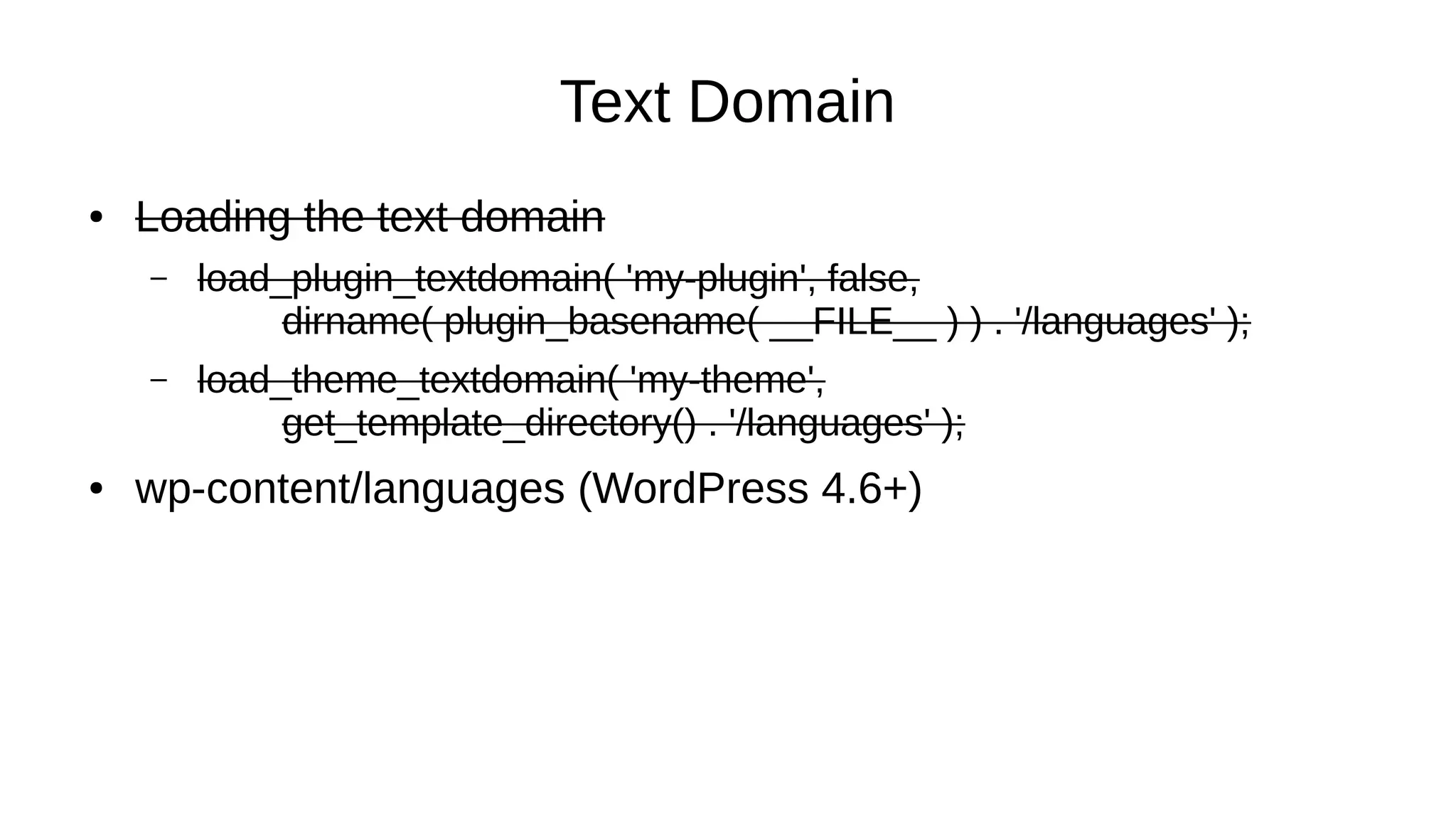
● Loading the text domain
– load_plugin_textdomain( 'my-plugin', false,
dirname( plugin_basename( __FILE__ ) ) . '/languages' );
– load_theme_textdomain( 'my-theme',
get_template_directory() . '/languages' );
● wp-content/languages (WordPress 4.6+)
Preparing the Strings
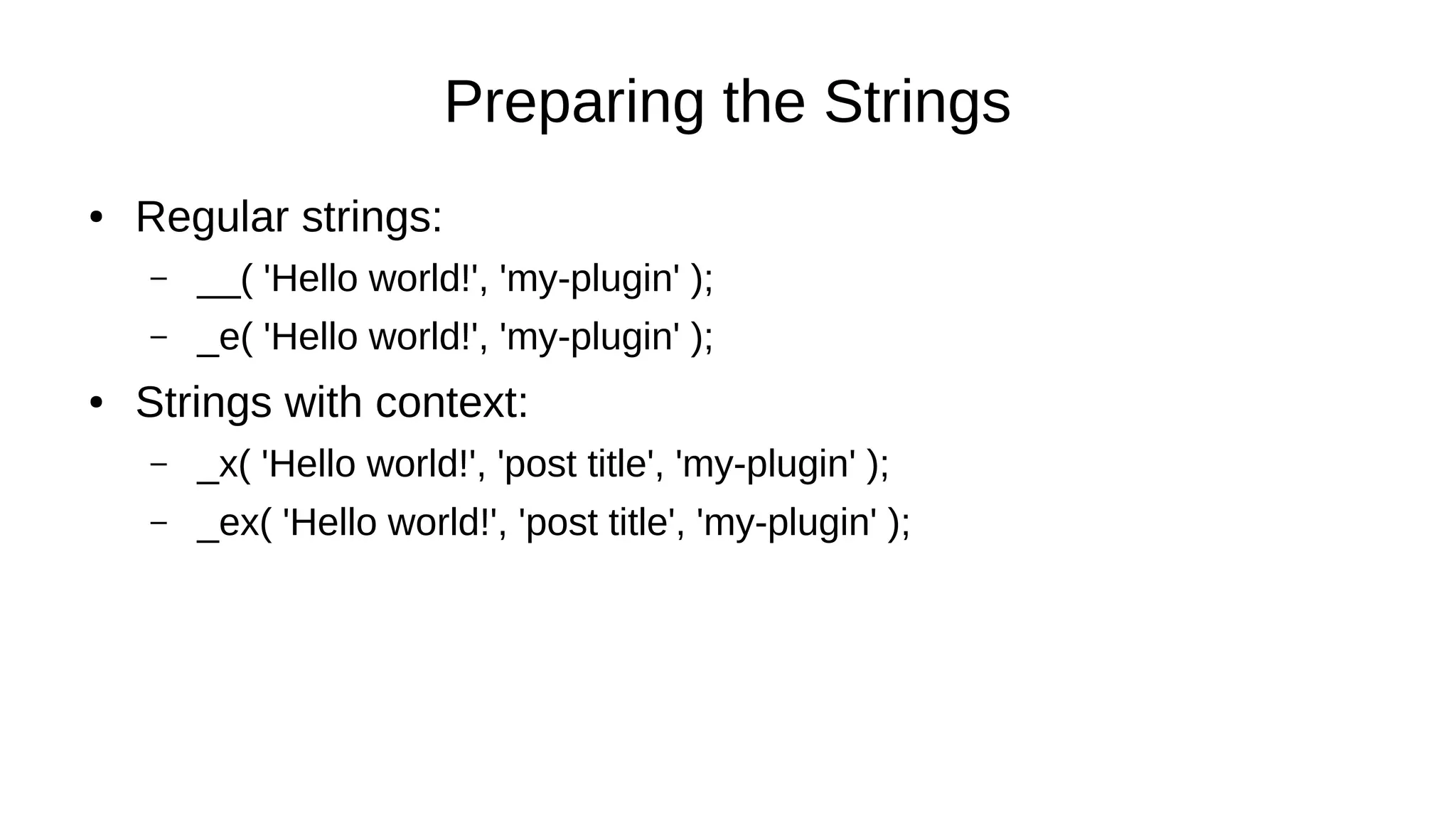
● Regular strings:
– __( 'Hello world!', 'my-plugin' );
– _e( 'Hello world!', 'my-plugin' );
● Strings with context:
– _x( 'Hello world!', 'post title', 'my-plugin' );
– _ex( 'Hello world!', 'post title', 'my-plugin' );
Preparing the Strings
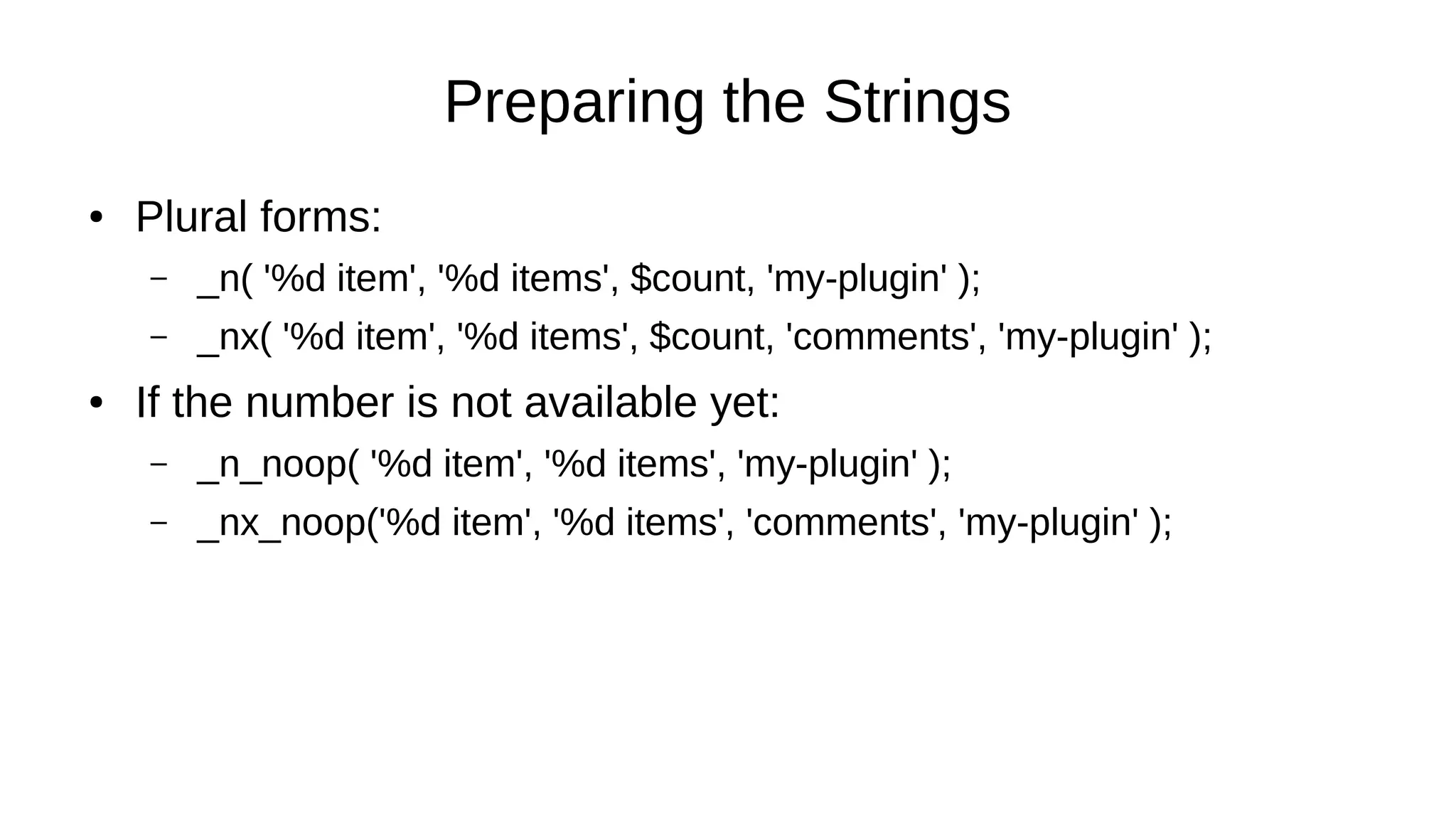
● Plural forms:
– _n( '%d item', '%d items', $count, 'my-plugin' );
– _nx( '%d item', '%d items', $count, 'comments', 'my-plugin' );
● If the number is not available yet:
– _n_noop( '%d item', '%d items', 'my-plugin' );
– _nx_noop('%d item', '%d items', 'comments', 'my-plugin' );
Preparing the Strings
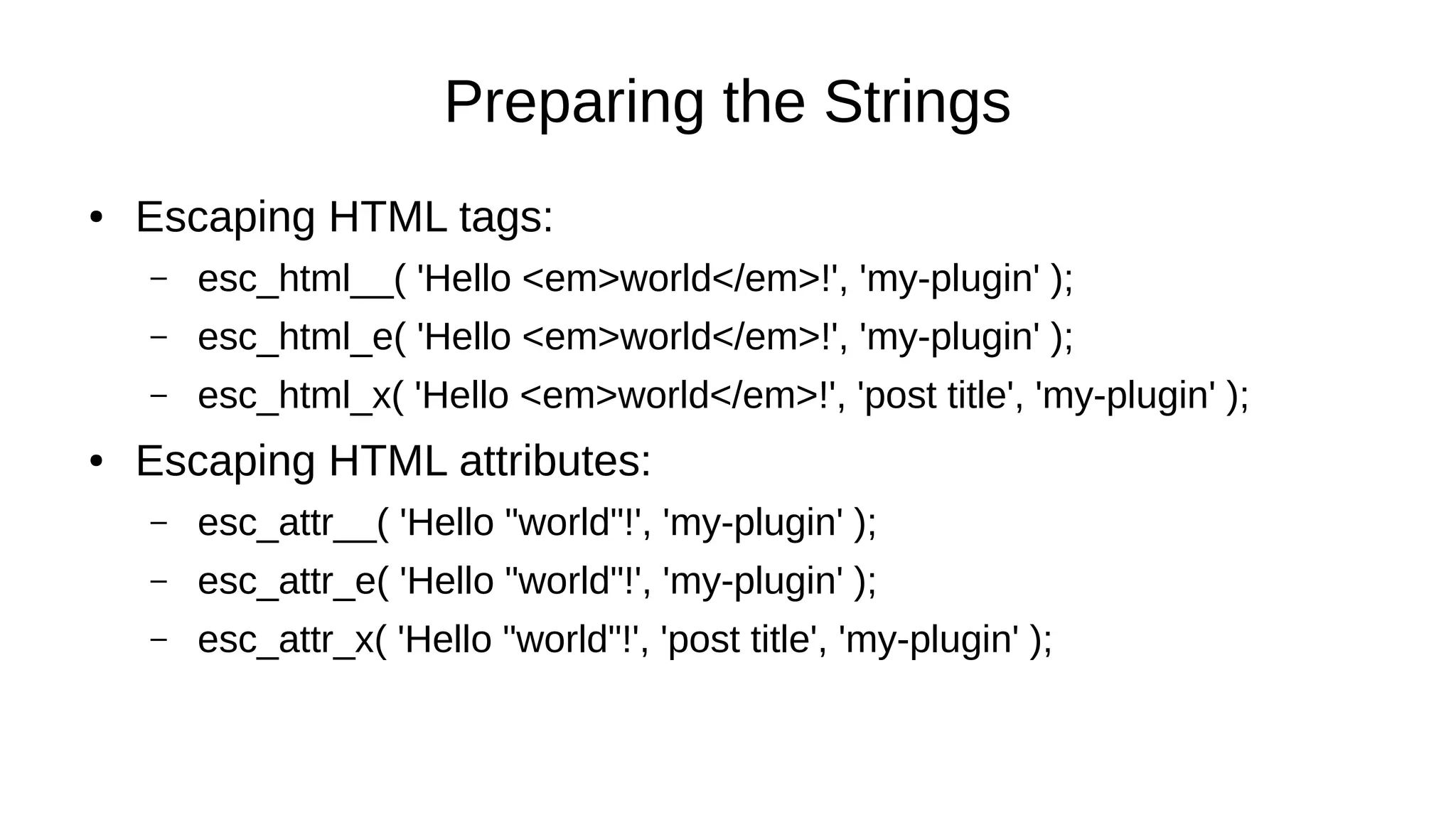
● Escaping HTML tags:
– esc_html__( 'Hello <em>world</em>!', 'my-plugin' );
– esc_html_e( 'Hello <em>world</em>!', 'my-plugin' );
– esc_html_x( 'Hello <em>world</em>!', 'post title', 'my-plugin' );
● Escaping HTML attributes:
– esc_attr__( 'Hello "world"!', 'my-plugin' );
– esc_attr_e( 'Hello "world"!', 'my-plugin' );
– esc_attr_x( 'Hello "world"!', 'post title', 'my-plugin' );
Preparing the Strings
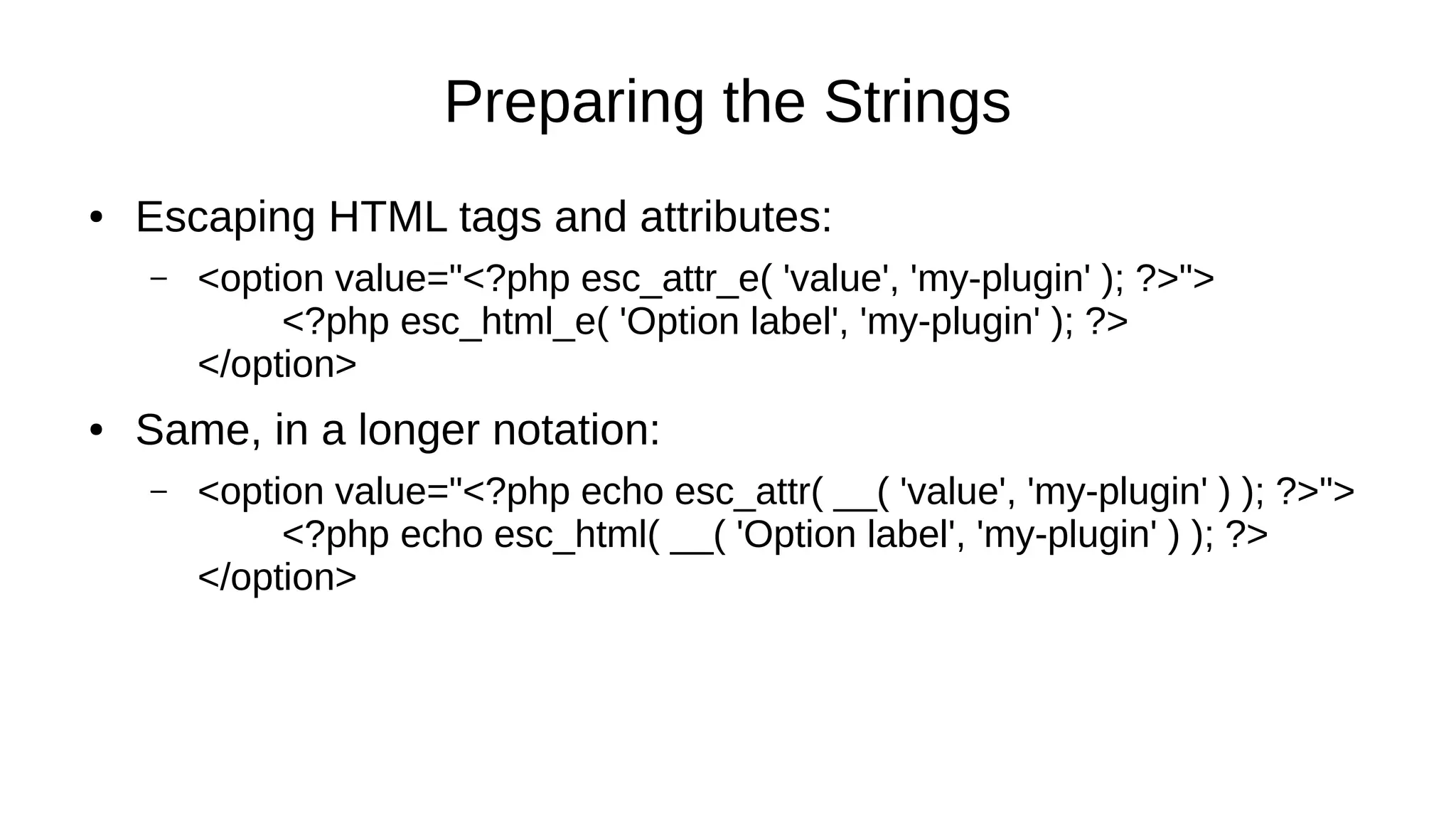
● Escaping HTML tags and attributes:
– <option value="<?php esc_attr_e( 'value', 'my-plugin' ); ?>">
<?php esc_html_e( 'Option label', 'my-plugin' ); ?>
</option>
● Same, in a longer notation:
– <option value="<?php echo esc_attr( __( 'value', 'my-plugin' ) ); ?>">
<?php echo esc_html( __( 'Option label', 'my-plugin' ) ); ?>
</option>
_e() ≠ echo()
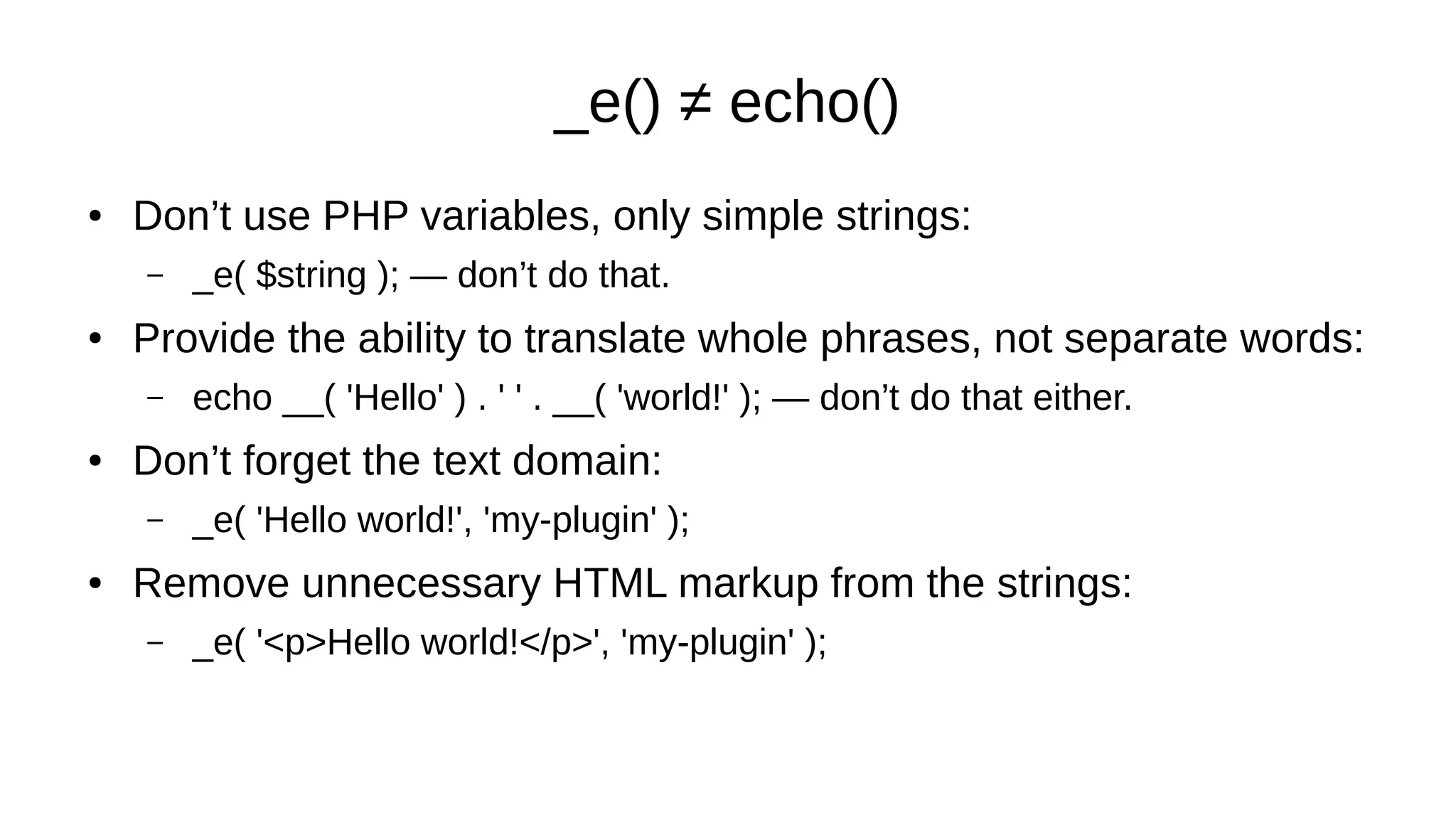
● Don’t use PHP variables, only simple strings:
– _e( $string ); — don’t do that.
● Provide the ability to translate whole phrases, not separate words:
– echo __( 'Hello' ) . ' ' . __( 'world!' ); — don’t do that either.
● Don’t forget the text domain:
– _e( 'Hello world!', 'my-plugin' );
● Remove unnecessary HTML markup from the strings:
– _e( '<p>Hello world!</p>', 'my-plugin' );
Context and Comments
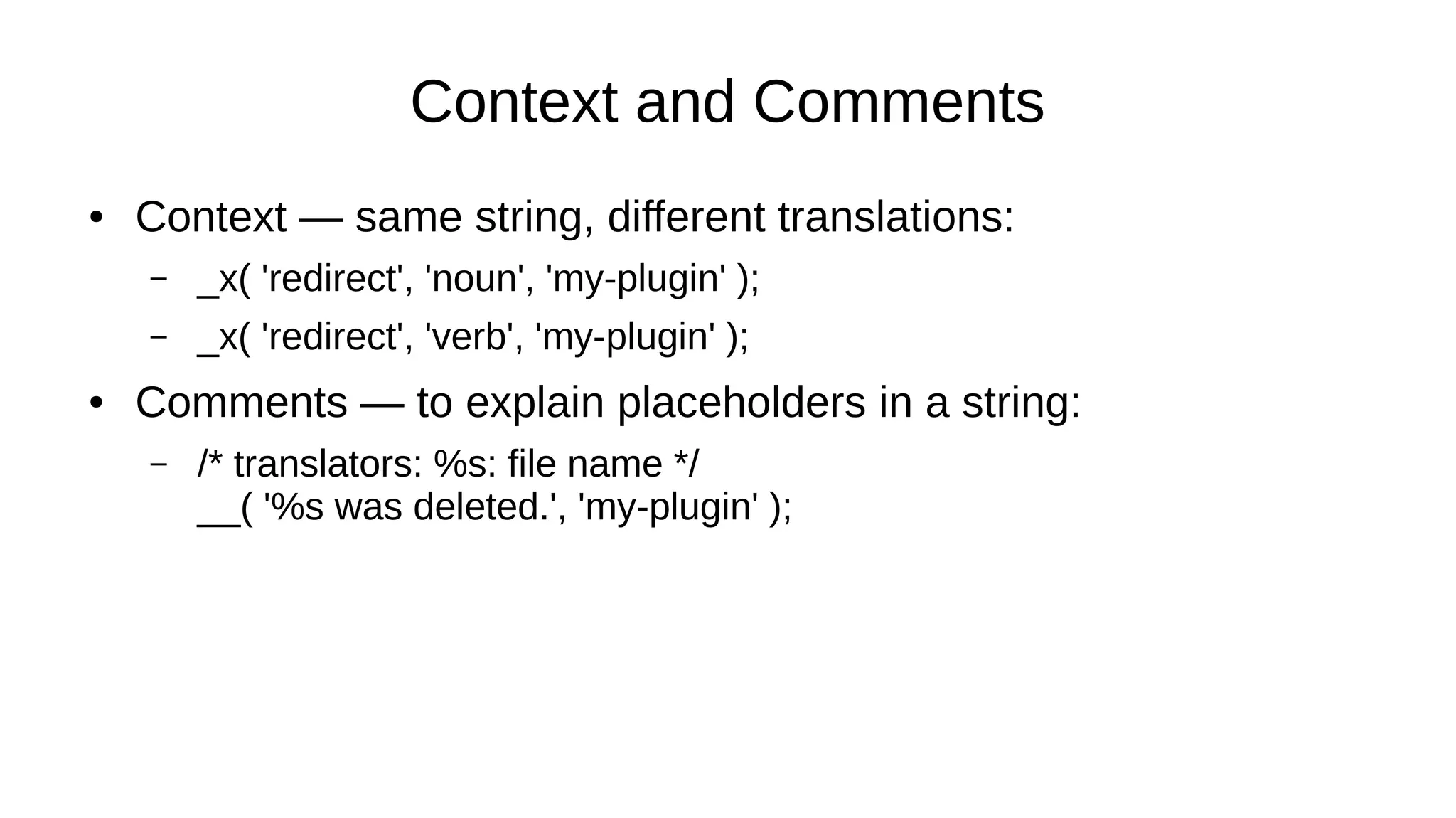
● Context — same string, different translations:
– _x( 'redirect', 'noun', 'my-plugin' );
– _x( 'redirect', 'verb', 'my-plugin' );
● Comments — to explain placeholders in a string:
– /* translators: %s: file name */
__( '%s was deleted.', 'my-plugin' );
Plural Forms
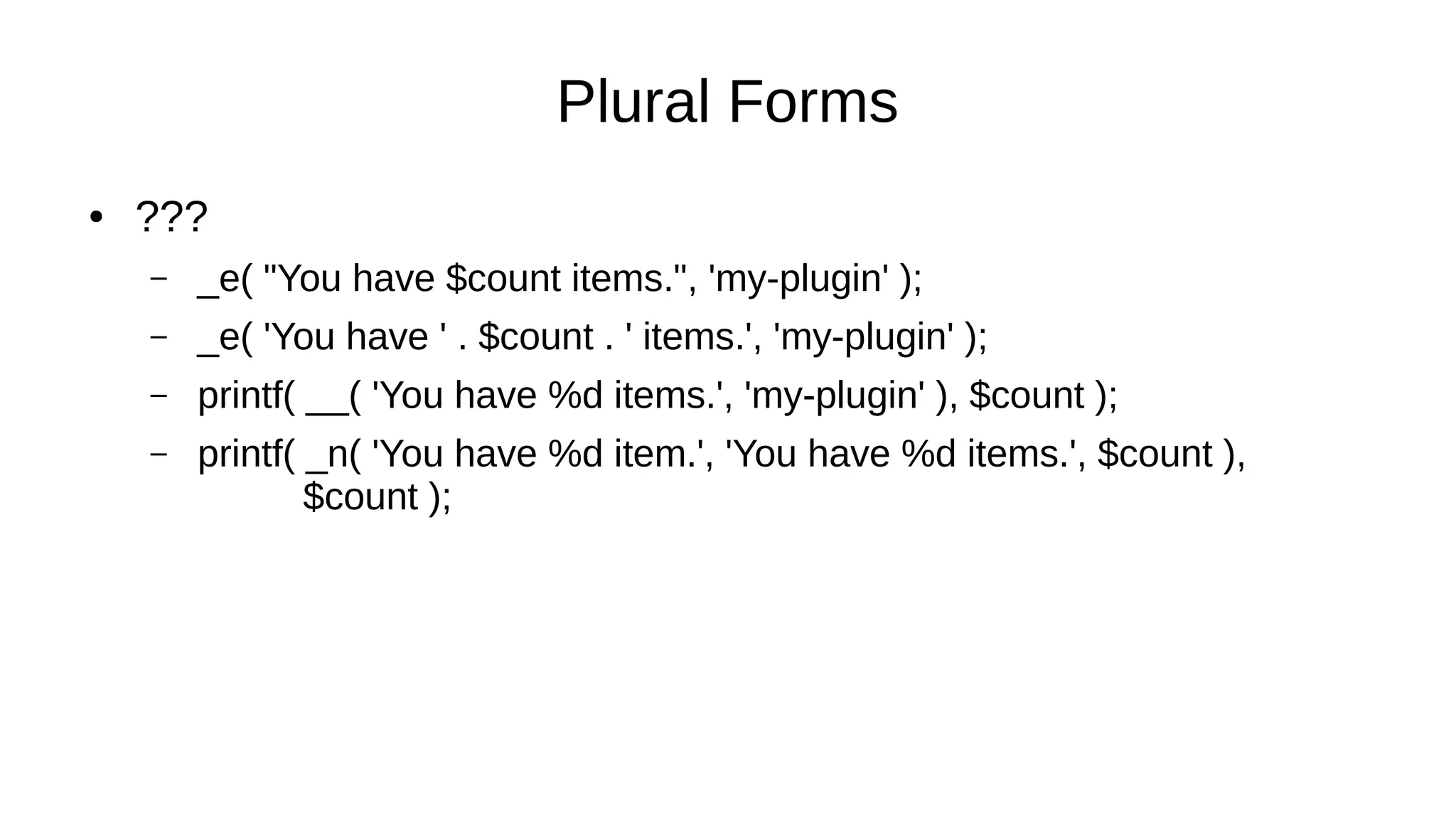
● ???
– _e( "You have $count items.", 'my-plugin' );
– _e( 'You have ' . $count . ' items.', 'my-plugin' );
– printf( __( 'You have %d items.', 'my-plugin' ), $count );
– printf( _n( 'You have %d item.', 'You have %d items.', $count ),
$count );
Plural Forms
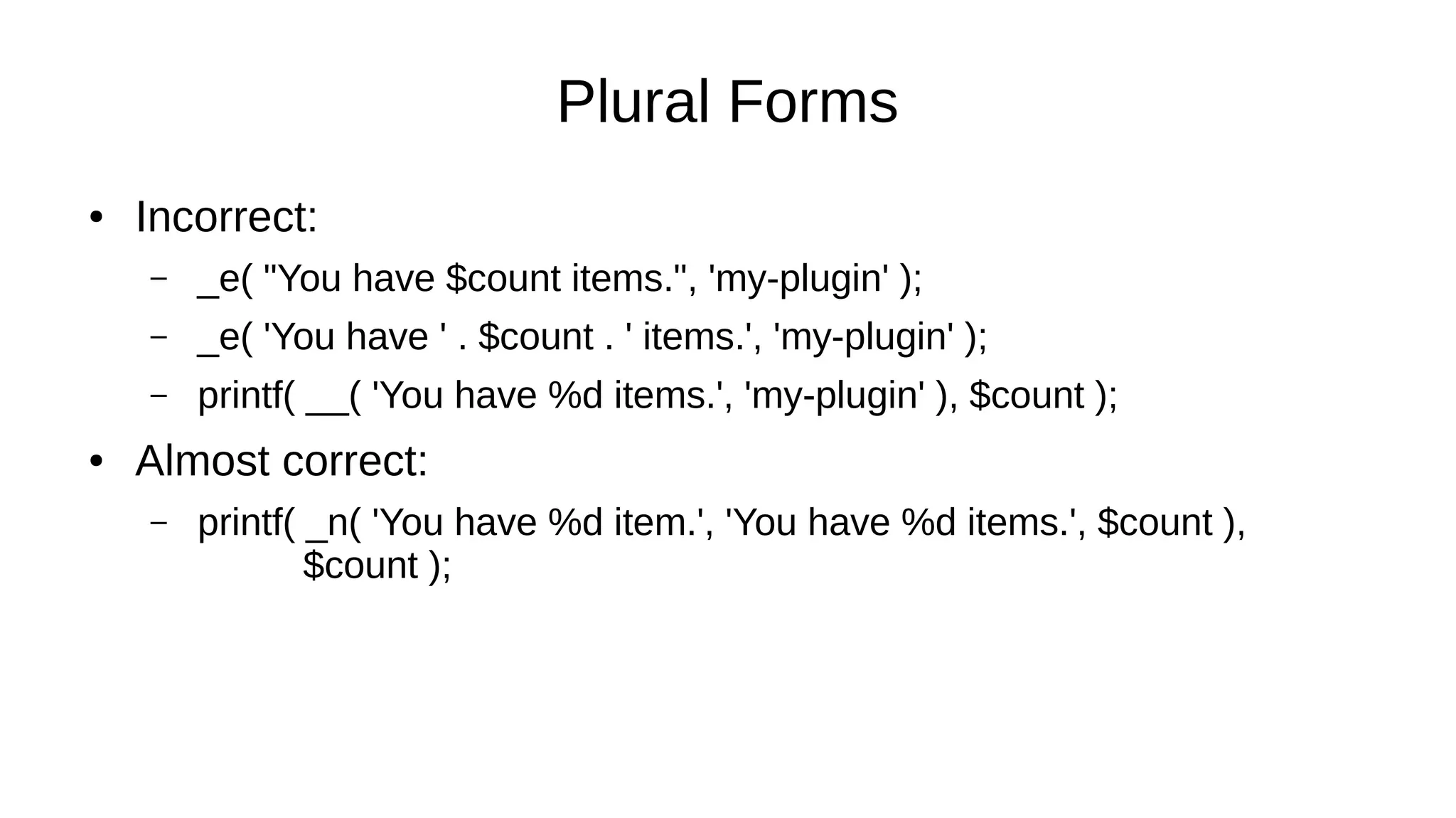
● Incorrect:
– _e( "You have $count items.", 'my-plugin' );
– _e( 'You have ' . $count . ' items.', 'my-plugin' );
– printf( __( 'You have %d items.', 'my-plugin' ), $count );
● Almost correct:
– printf( _n( 'You have %d item.', 'You have %d items.', $count ),
$count );
Plural Forms
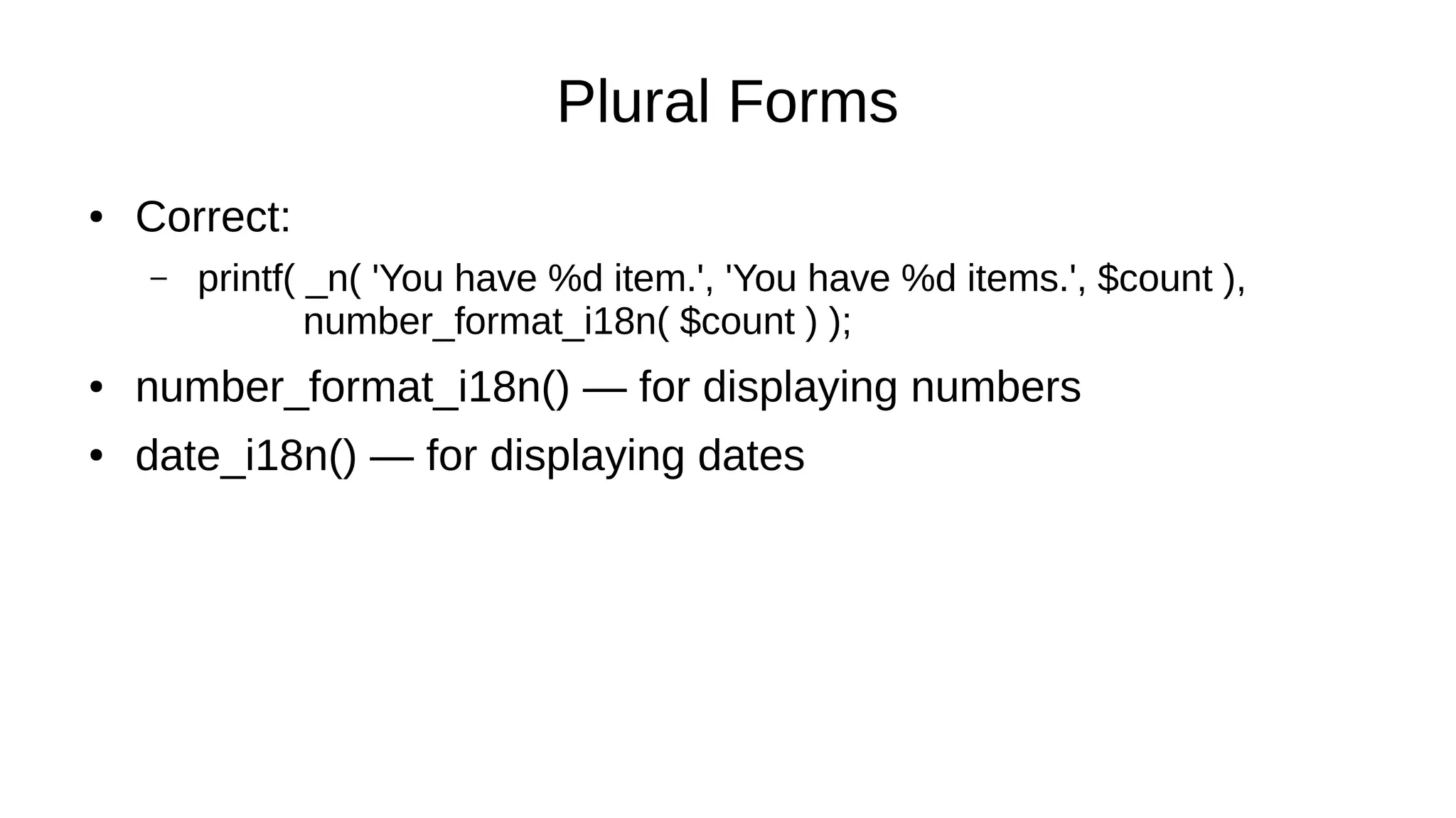
● Correct:
– printf( _n( 'You have %d item.', 'You have %d items.', $count ),
number_format_i18n( $count ) );
● number_format_i18n() — for displaying numbers
● date_i18n() — for displaying dates
Plural Forms
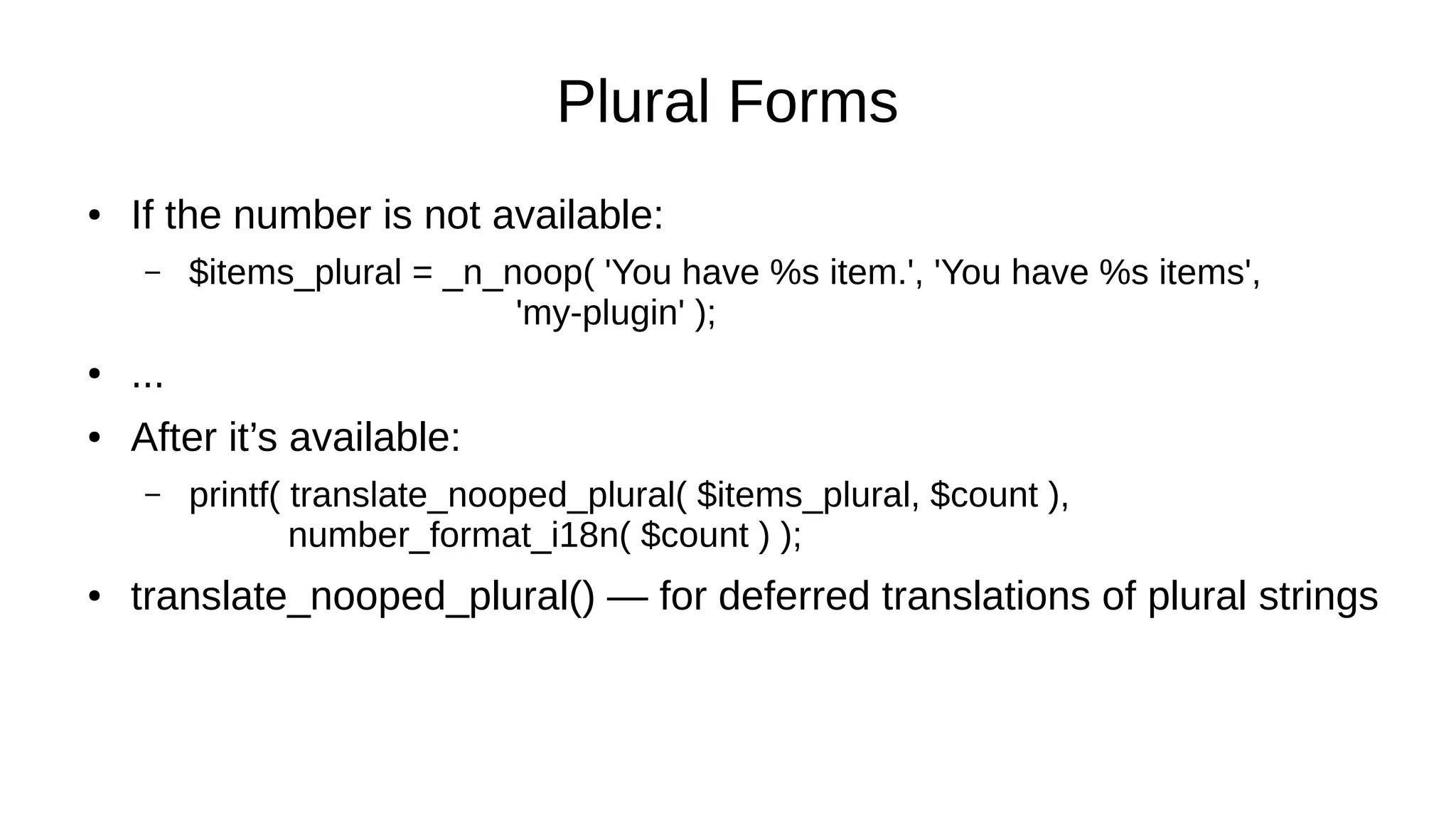
● If the number is not available:
– $items_plural = _n_noop( 'You have %s item.', 'You have %s items',
'my-plugin' );
● ...
● After it’s available:
– printf( translate_nooped_plural( $items_plural, $count ),
number_format_i18n( $count ) );
● translate_nooped_plural() — for deferred translations of plural strings
Plural Forms
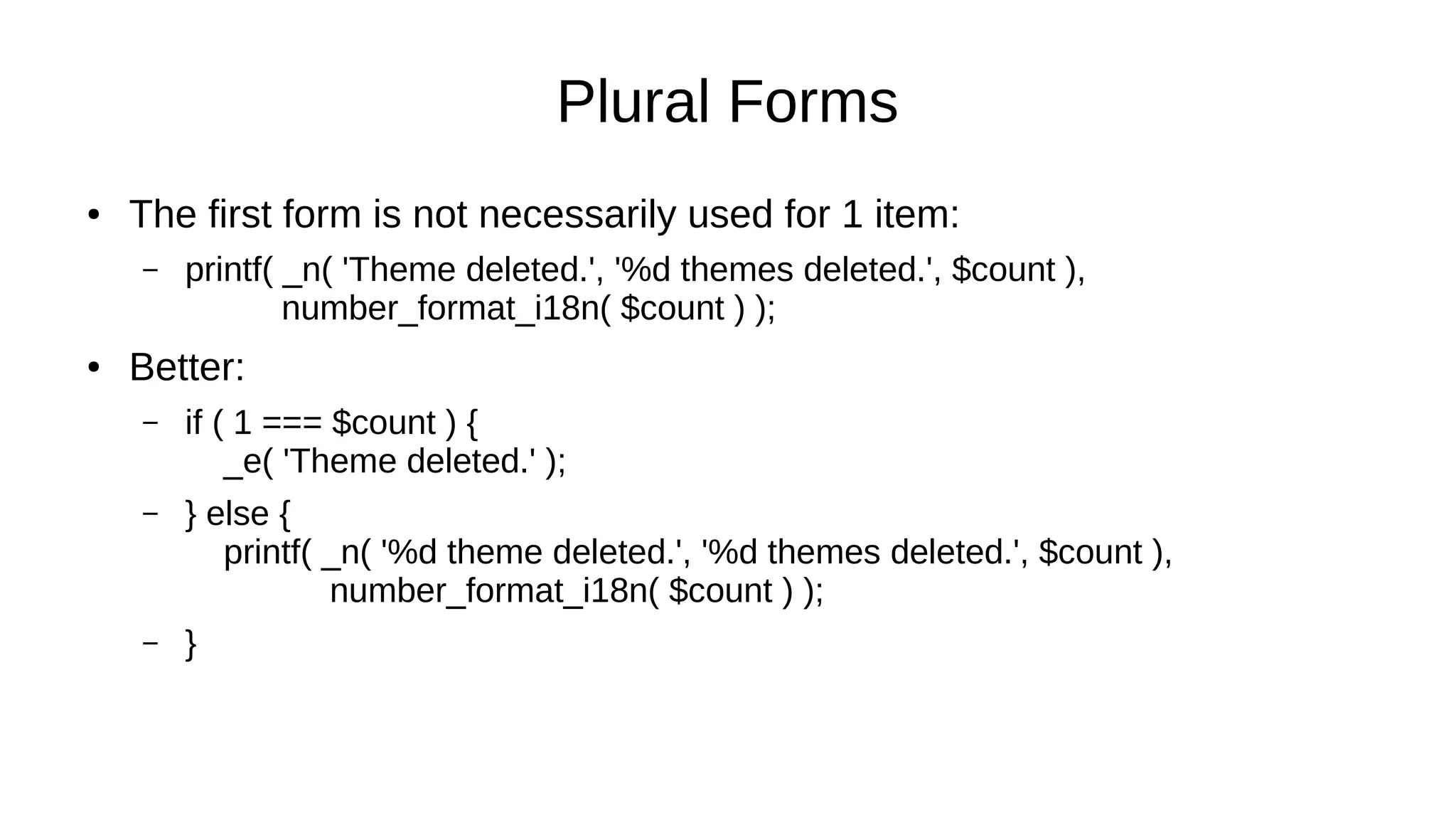
● The first form is not necessarily used for 1 item:
– printf( _n( 'Theme deleted.', '%d themes deleted.', $count ),
number_format_i18n( $count ) );
● Better:
– if ( 1 === $count ) {
_e( 'Theme deleted.' );
– } else {
printf( _n( '%d theme deleted.', '%d themes deleted.', $count ),
number_format_i18n( $count ) );
– }
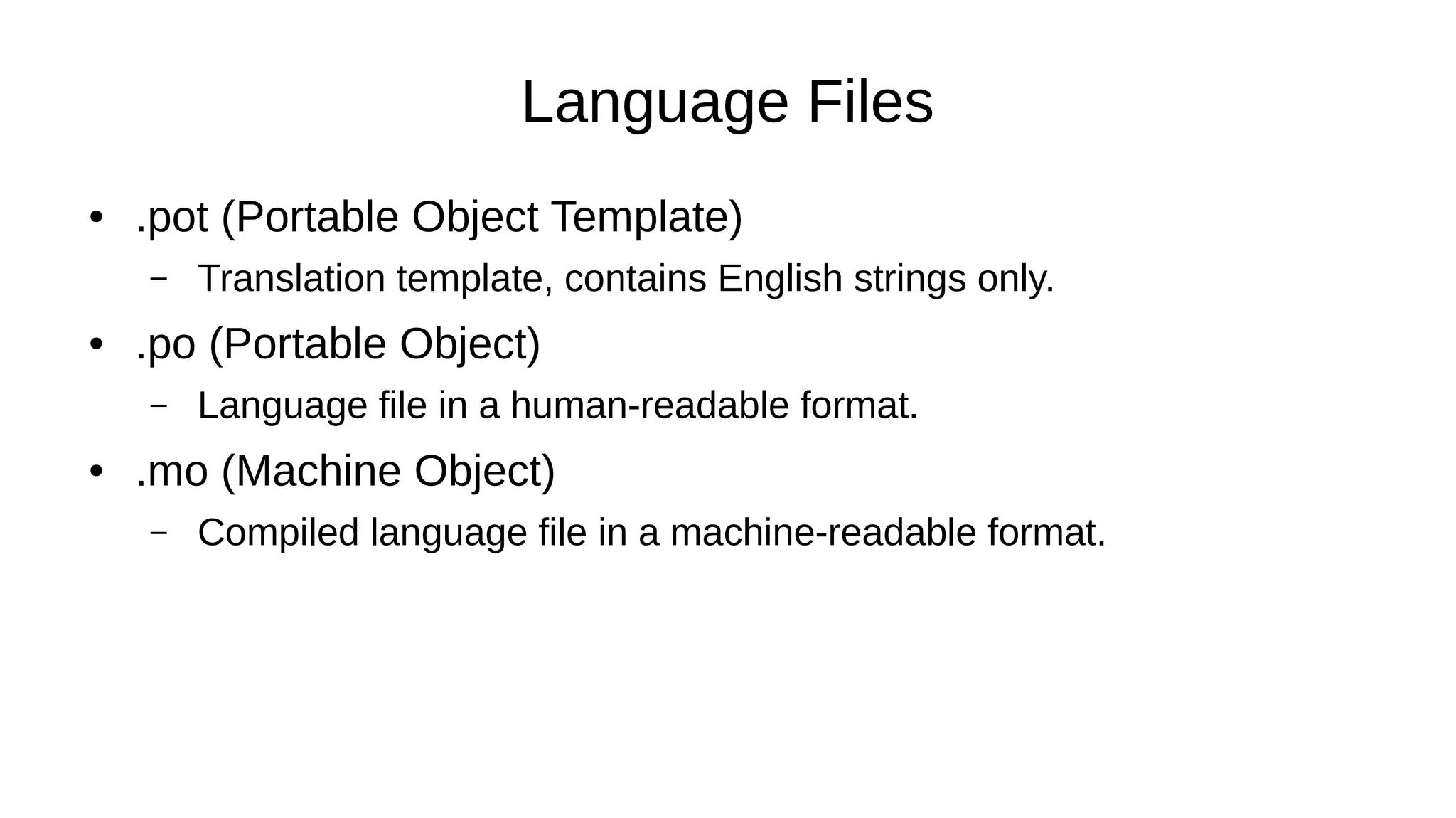
Language Files
● .pot (Portable Object Template)
– Translation template, contains English strings only.
● .po (Portable Object)
– Language file in a human-readable format.
● .mo (Machine Object)
– Compiled language file in a machine-readable format.
Language Files
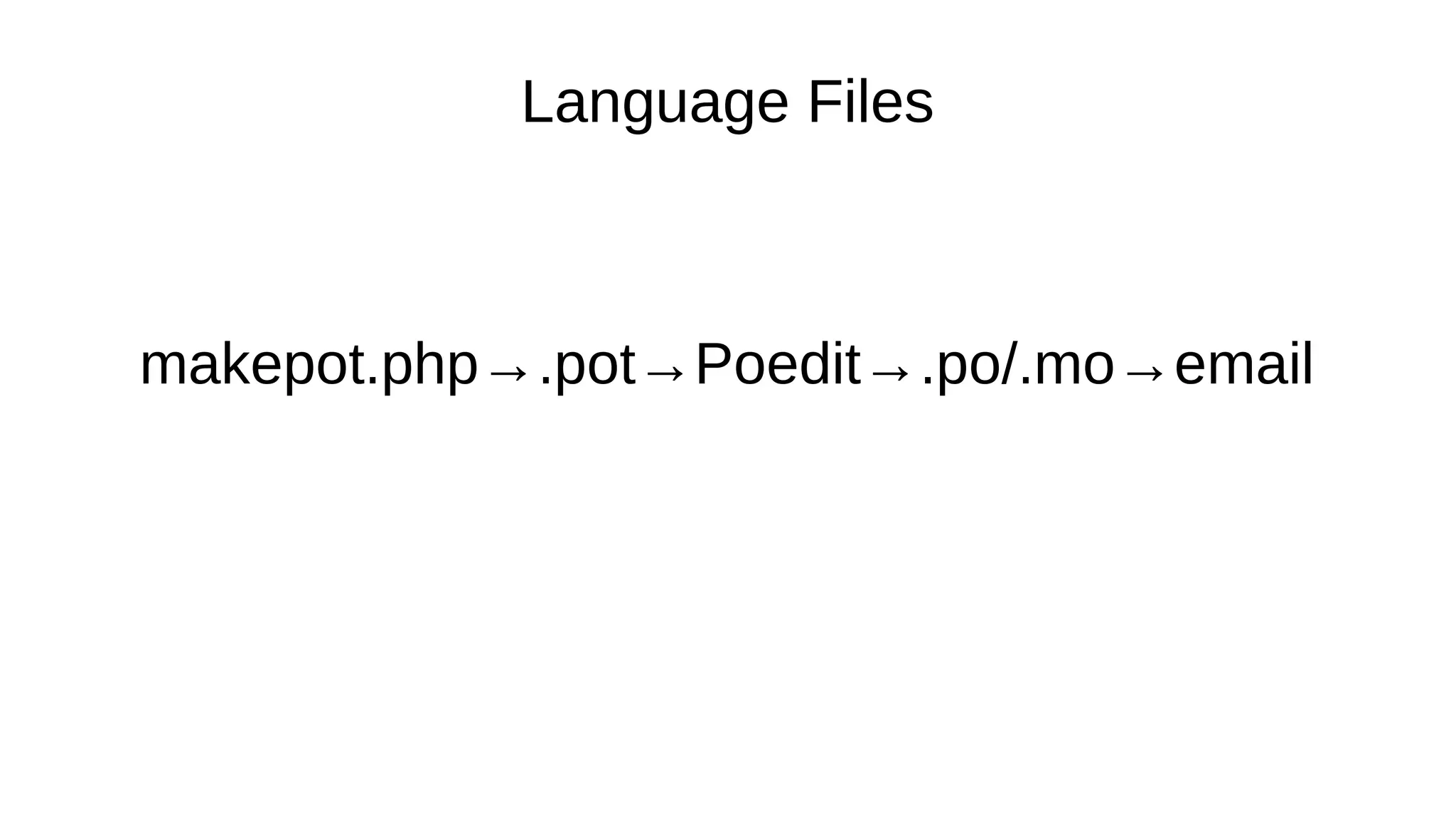
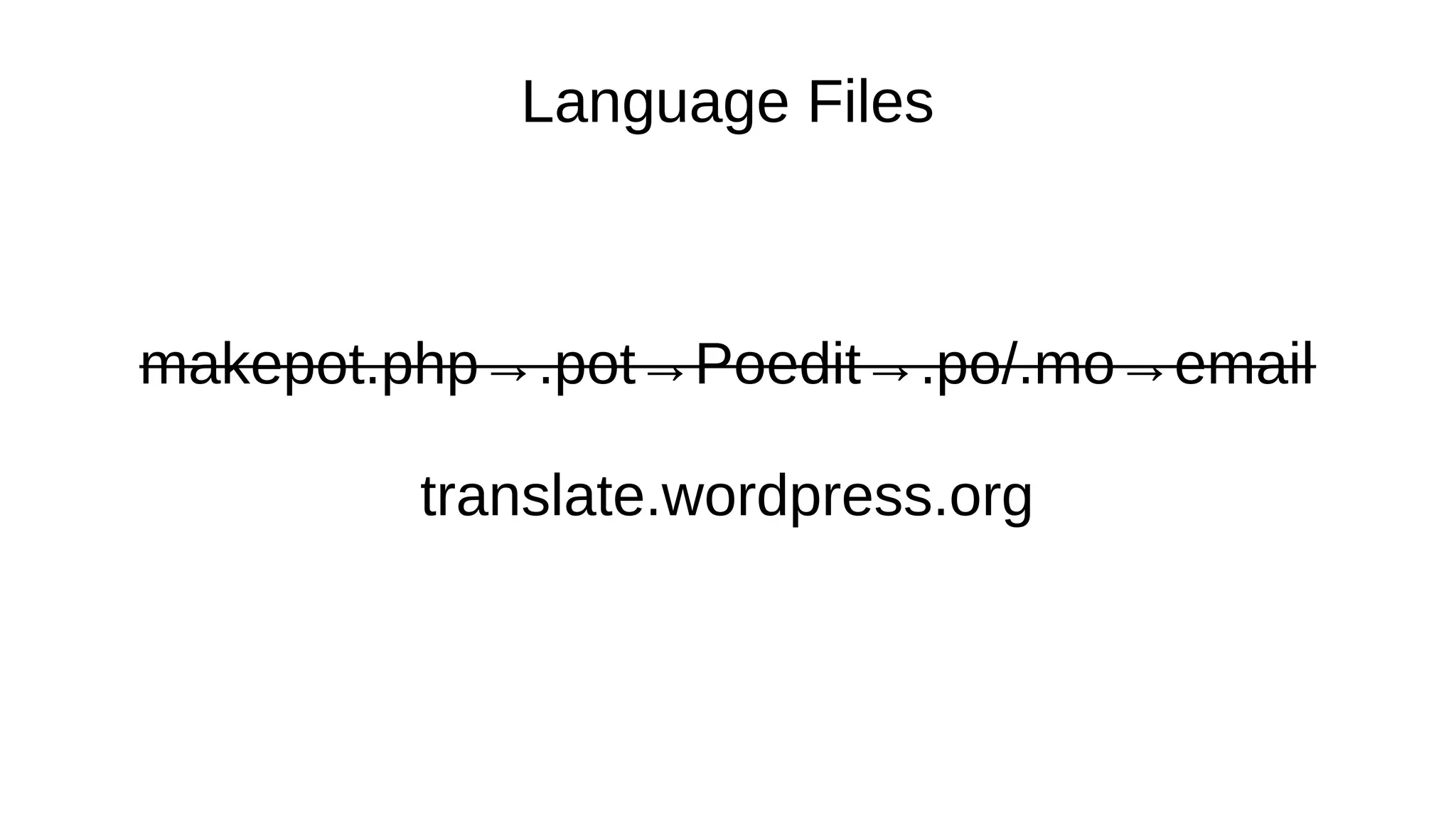
makepot.php→.pot→Poedit→.po/.mo→email
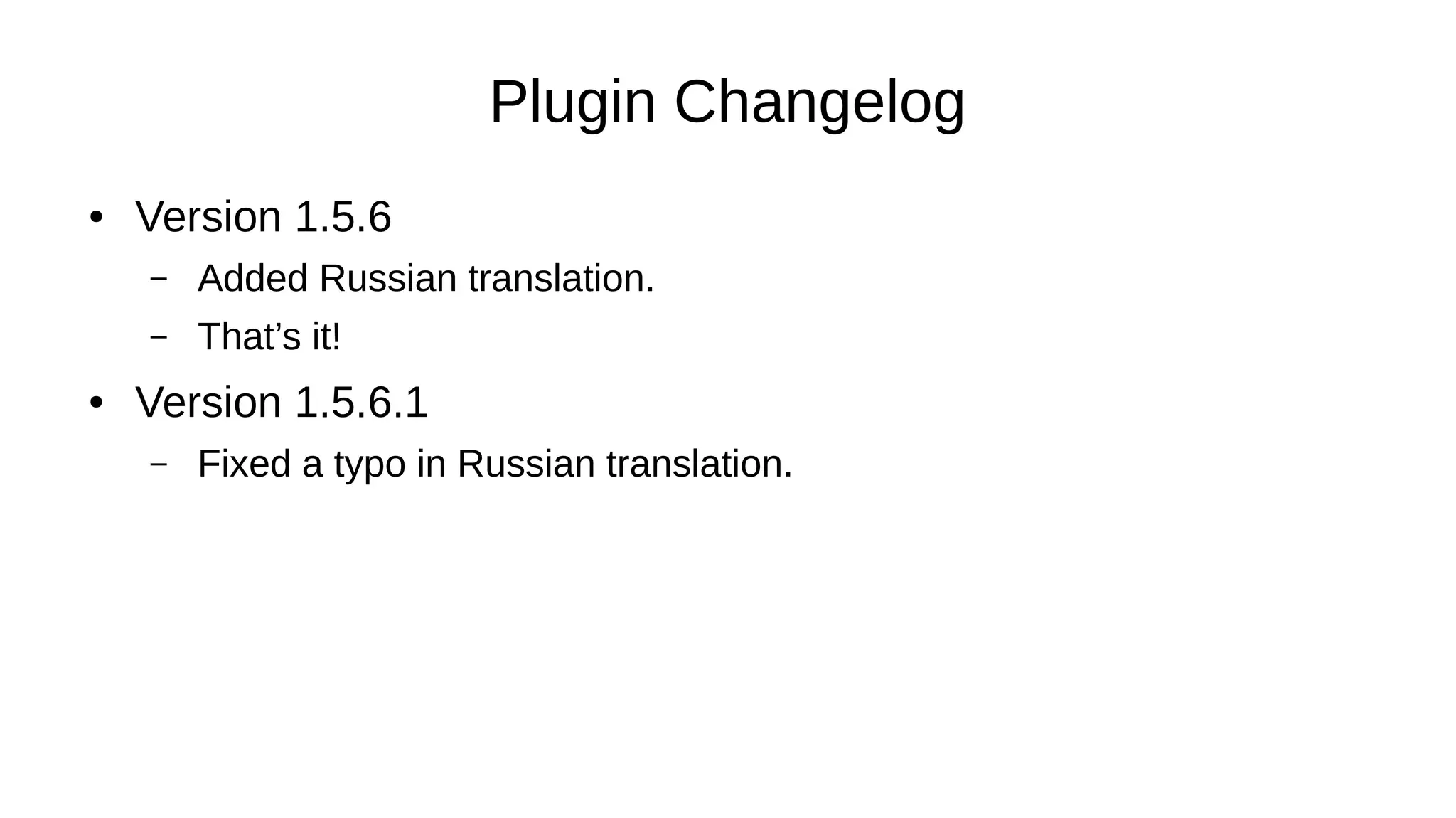
Plugin Changelog
● Version 1.5.6
– Added Russian translation.
– That’s it!
● Version 1.5.6.1
– Fixed a typo in Russian translation.
Language Files
makepot.php→.pot→Poedit→.po/.mo→email
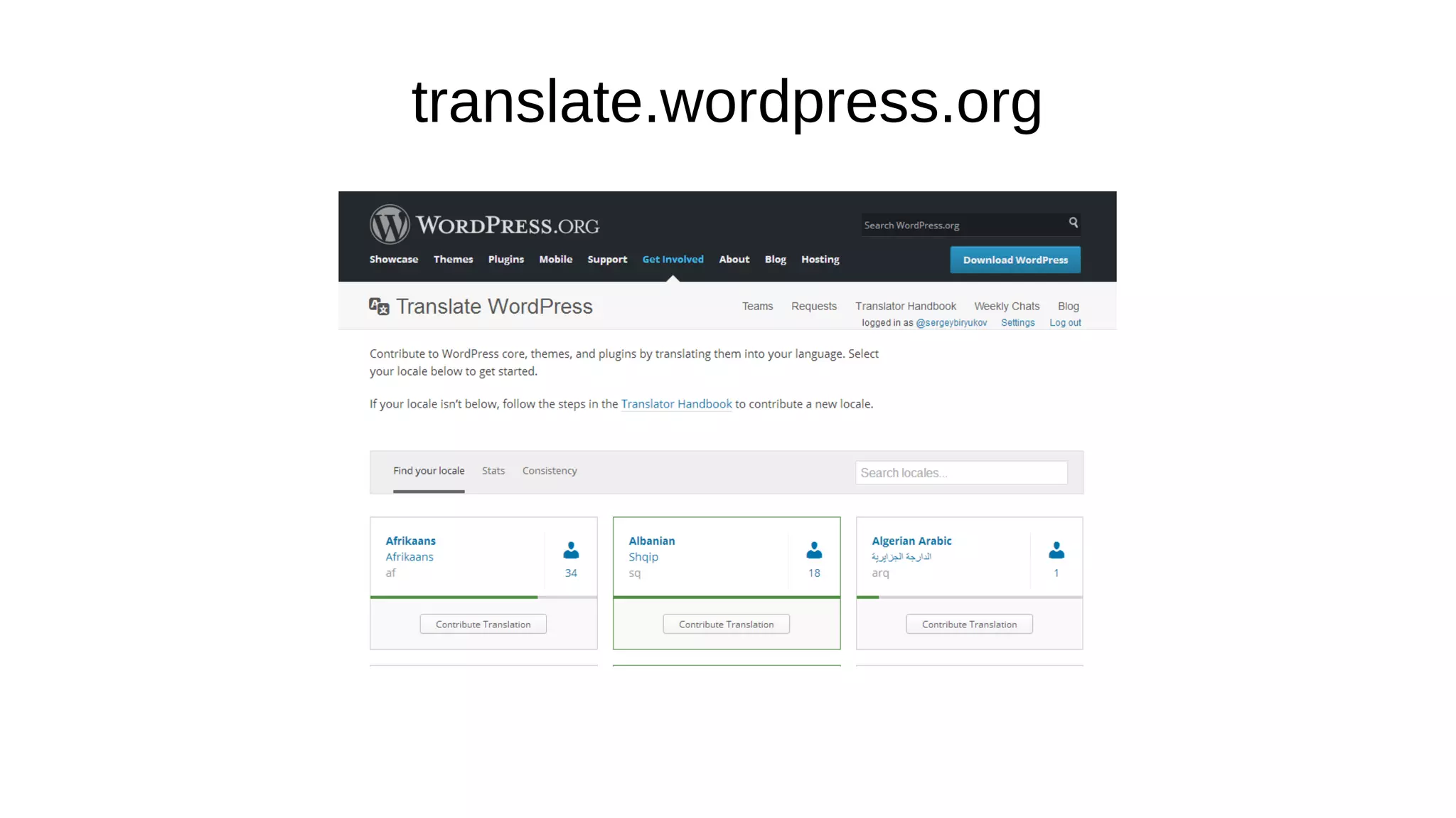
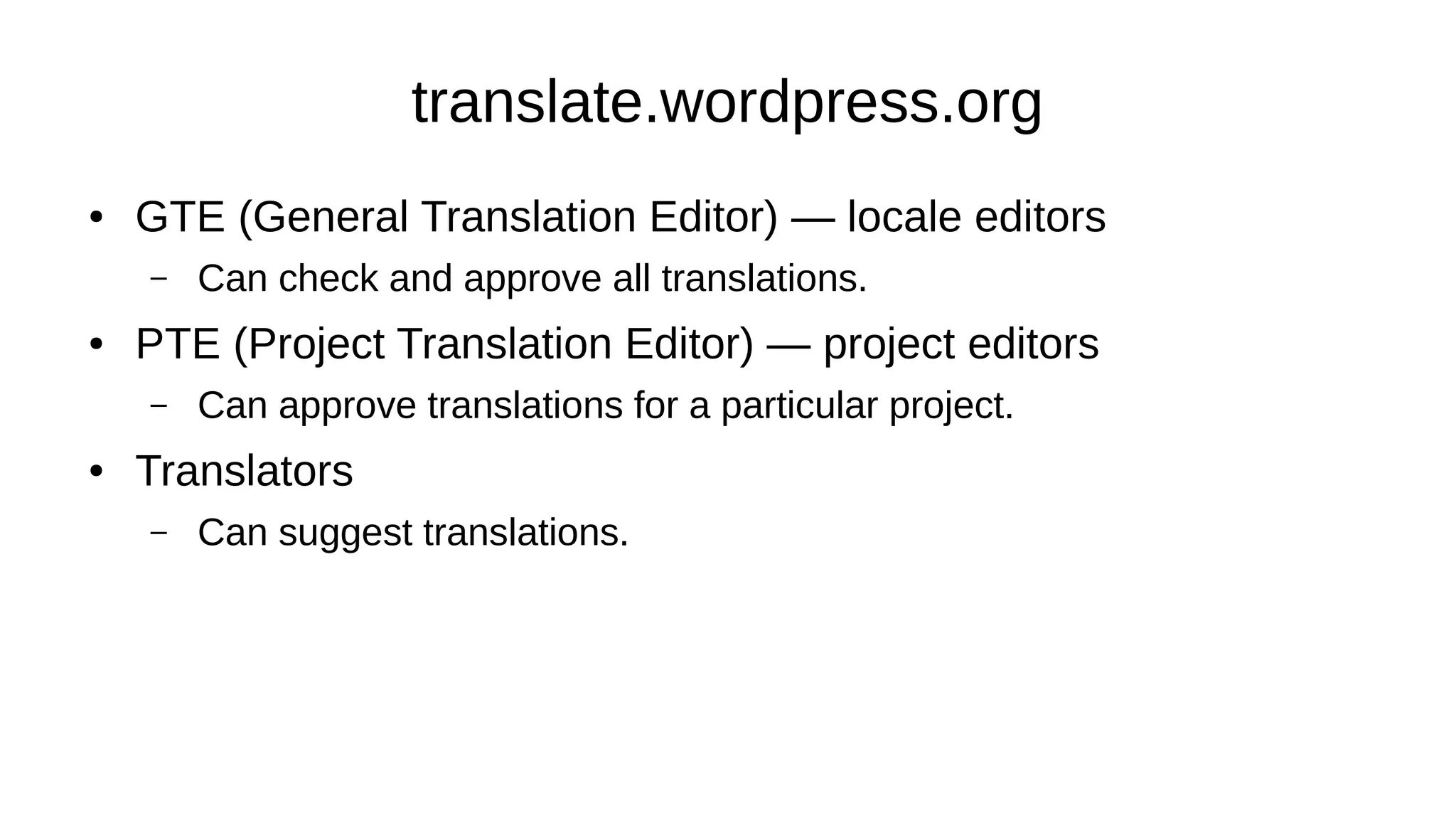
translate.wordpress.org
● GTE (General Translation Editor) — locale editors
– Can check and approve all translations.
● PTE (Project Translation Editor) — project editors
– Can approve translations for a particular project.
● Translators
– Can suggest translations.
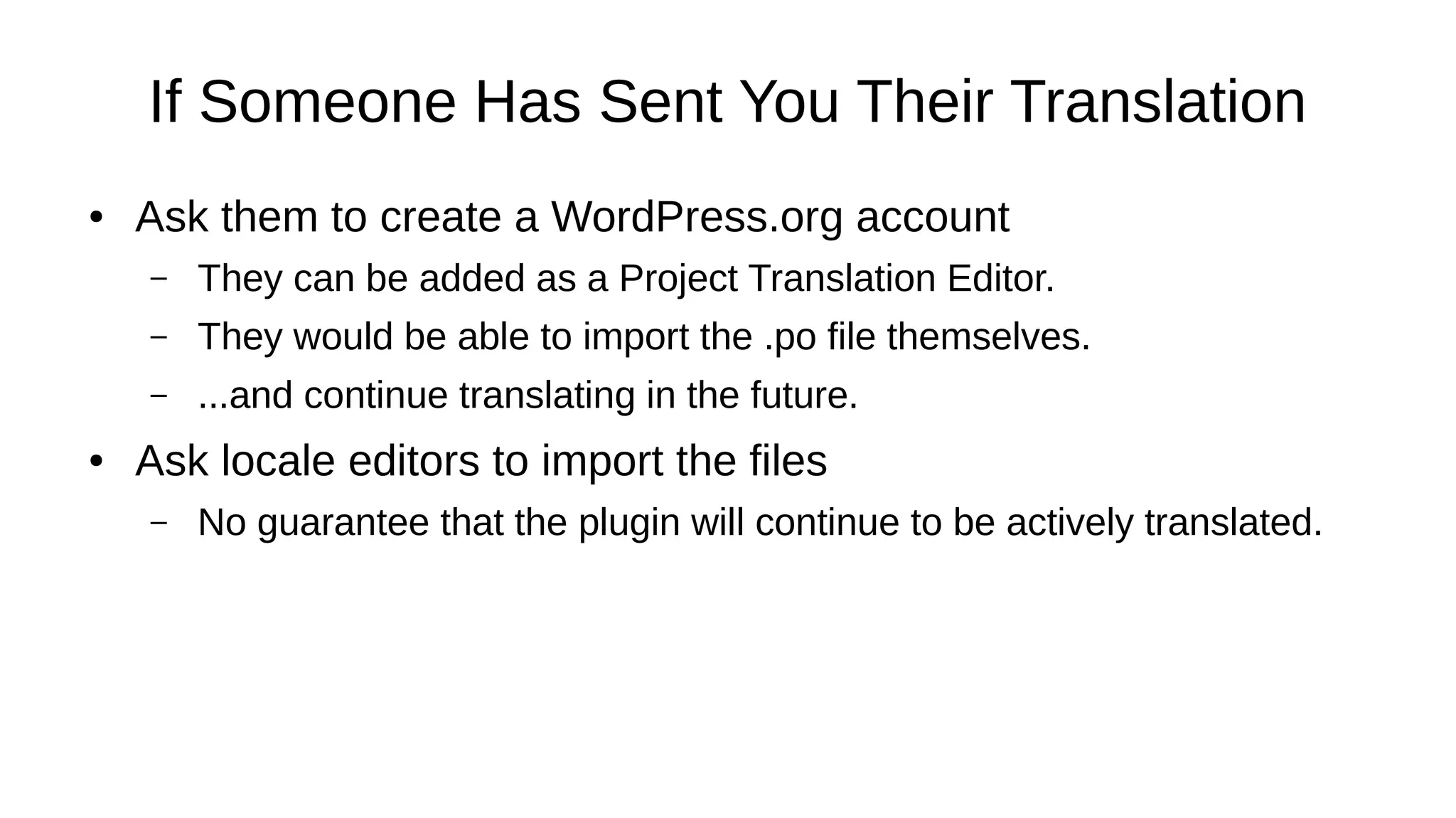
If Someone Has Sent You Their Translation
● Ask them to create a WordPress.org account
– They can be added as a Project Translation Editor.
– They would be able to import the .po file themselves.
– ...and continue translating in the future.
● Ask locale editors to import the files
– No guarantee that the plugin will continue to be actively translated.
If Someone Has Sent You Their Translation
● Once the translator has a WordPress.org account:
– Go to the Polyglots team blog:
https://make.wordpress.org/polyglots/
– Find the Polyglots Handbook link:
https://make.wordpress.org/polyglots/handbook/
– On “Theme & Plugin Directories” page, find a post template for
requesting new translation editors.
– Submit your request to the Polyglots blog and wait for a reply.
@SergeyBiryukov
Thanks! Questions?

i18n for Plugin and Theme Developers, WordCamp Milano 2016

  • 1.
    Internationalization for Plugin andTheme Developers Sergey Biryukov WordCamp Milano 2016
  • 2.
    Sergey Biryukov ● WordPressCore Contributor at Yoast yoast.com ● Co-founder of Russian WP community ru.wordpress.org ● Polyglots, Support, and Meta teams sergeybiryukov.com @SergeyBiryukov
  • 3.
    Plugins and Themesfor the Whole World ● Internationalization (i18n) — providing the ability to translate ● Localization (L10n) — translating to a particular language
  • 4.
    Plugins and Themesfor the Whole World ● Over 100 languages ● More robust code ● Feedback ● It’s easy
  • 5.
  • 6.
  • 7.
    Introduction to gettext ●Text domain – 'my-plugin' ● Preparing the strings – <?php echo 'Title'; ?>→<?php _e( 'Title', 'my-plugin' ); ?> ● Language files – .pot, .po, .mo
  • 8.
    Text Domain ● Shouldmatch the plugin/theme slug (folder name): – wp-content/plugins/my-plugin→'my-plugin' – wp-content/themes/my-theme→'my-theme' ● Should be added to plugin/theme headers: – Plugin Name: My Plugin – Version: 1.0 – Text Domain: my-plugin
  • 9.
    Text Domain ● Loadingthe text domain – load_plugin_textdomain( 'my-plugin', false, dirname( plugin_basename( __FILE__ ) ) . '/languages' ); – load_theme_textdomain( 'my-theme', get_template_directory() . '/languages' );
  • 10.
    Text Domain ● Loadingthe text domain – load_plugin_textdomain( 'my-plugin', false, dirname( plugin_basename( __FILE__ ) ) . '/languages' ); – load_theme_textdomain( 'my-theme', get_template_directory() . '/languages' ); ● wp-content/languages (WordPress 4.6+)
  • 11.
    Preparing the Strings ●Regular strings: – __( 'Hello world!', 'my-plugin' ); – _e( 'Hello world!', 'my-plugin' ); ● Strings with context: – _x( 'Hello world!', 'post title', 'my-plugin' ); – _ex( 'Hello world!', 'post title', 'my-plugin' );
  • 12.
    Preparing the Strings ●Plural forms: – _n( '%d item', '%d items', $count, 'my-plugin' ); – _nx( '%d item', '%d items', $count, 'comments', 'my-plugin' ); ● If the number is not available yet: – _n_noop( '%d item', '%d items', 'my-plugin' ); – _nx_noop('%d item', '%d items', 'comments', 'my-plugin' );
  • 13.
    Preparing the Strings ●Escaping HTML tags: – esc_html__( 'Hello <em>world</em>!', 'my-plugin' ); – esc_html_e( 'Hello <em>world</em>!', 'my-plugin' ); – esc_html_x( 'Hello <em>world</em>!', 'post title', 'my-plugin' ); ● Escaping HTML attributes: – esc_attr__( 'Hello "world"!', 'my-plugin' ); – esc_attr_e( 'Hello "world"!', 'my-plugin' ); – esc_attr_x( 'Hello "world"!', 'post title', 'my-plugin' );
  • 14.
    Preparing the Strings ●Escaping HTML tags and attributes: – <option value="<?php esc_attr_e( 'value', 'my-plugin' ); ?>"> <?php esc_html_e( 'Option label', 'my-plugin' ); ?> </option> ● Same, in a longer notation: – <option value="<?php echo esc_attr( __( 'value', 'my-plugin' ) ); ?>"> <?php echo esc_html( __( 'Option label', 'my-plugin' ) ); ?> </option>
  • 15.
    _e() ≠ echo() ●Don’t use PHP variables, only simple strings: – _e( $string ); — don’t do that. ● Provide the ability to translate whole phrases, not separate words: – echo __( 'Hello' ) . ' ' . __( 'world!' ); — don’t do that either. ● Don’t forget the text domain: – _e( 'Hello world!', 'my-plugin' ); ● Remove unnecessary HTML markup from the strings: – _e( '<p>Hello world!</p>', 'my-plugin' );
  • 16.
    Context and Comments ●Context — same string, different translations: – _x( 'redirect', 'noun', 'my-plugin' ); – _x( 'redirect', 'verb', 'my-plugin' ); ● Comments — to explain placeholders in a string: – /* translators: %s: file name */ __( '%s was deleted.', 'my-plugin' );
  • 17.
    Plural Forms ● ??? –_e( "You have $count items.", 'my-plugin' ); – _e( 'You have ' . $count . ' items.', 'my-plugin' ); – printf( __( 'You have %d items.', 'my-plugin' ), $count ); – printf( _n( 'You have %d item.', 'You have %d items.', $count ), $count );
  • 18.
    Plural Forms ● Incorrect: –_e( "You have $count items.", 'my-plugin' ); – _e( 'You have ' . $count . ' items.', 'my-plugin' ); – printf( __( 'You have %d items.', 'my-plugin' ), $count ); ● Almost correct: – printf( _n( 'You have %d item.', 'You have %d items.', $count ), $count );
  • 19.
    Plural Forms ● Correct: –printf( _n( 'You have %d item.', 'You have %d items.', $count ), number_format_i18n( $count ) ); ● number_format_i18n() — for displaying numbers ● date_i18n() — for displaying dates
  • 20.
    Plural Forms ● Ifthe number is not available: – $items_plural = _n_noop( 'You have %s item.', 'You have %s items', 'my-plugin' ); ● ... ● After it’s available: – printf( translate_nooped_plural( $items_plural, $count ), number_format_i18n( $count ) ); ● translate_nooped_plural() — for deferred translations of plural strings
  • 21.
    Plural Forms ● Thefirst form is not necessarily used for 1 item: – printf( _n( 'Theme deleted.', '%d themes deleted.', $count ), number_format_i18n( $count ) ); ● Better: – if ( 1 === $count ) { _e( 'Theme deleted.' ); – } else { printf( _n( '%d theme deleted.', '%d themes deleted.', $count ), number_format_i18n( $count ) ); – }
  • 22.
    Language Files ● .pot(Portable Object Template) – Translation template, contains English strings only. ● .po (Portable Object) – Language file in a human-readable format. ● .mo (Machine Object) – Compiled language file in a machine-readable format.
  • 23.
  • 24.
    Plugin Changelog ● Version1.5.6 – Added Russian translation. – That’s it! ● Version 1.5.6.1 – Fixed a typo in Russian translation.
  • 25.
  • 26.
  • 27.
    translate.wordpress.org ● GTE (GeneralTranslation Editor) — locale editors – Can check and approve all translations. ● PTE (Project Translation Editor) — project editors – Can approve translations for a particular project. ● Translators – Can suggest translations.
  • 28.
    If Someone HasSent You Their Translation ● Ask them to create a WordPress.org account – They can be added as a Project Translation Editor. – They would be able to import the .po file themselves. – ...and continue translating in the future. ● Ask locale editors to import the files – No guarantee that the plugin will continue to be actively translated.
  • 29.
    If Someone HasSent You Their Translation ● Once the translator has a WordPress.org account: – Go to the Polyglots team blog: https://make.wordpress.org/polyglots/ – Find the Polyglots Handbook link: https://make.wordpress.org/polyglots/handbook/ – On “Theme & Plugin Directories” page, find a post template for requesting new translation editors. – Submit your request to the Polyglots blog and wait for a reply.
  • 30.