Fun, Confusion, Fear
– and Basketball
Roland Weigelt
Comma Soft AG, Bonn, Germany
Roland.Weigelt@comma-soft.com
@rweigelt
mail@roland-weigelt.de
@RolandWeigelt (DE)
Roland Weigelt
•Comma Soft AG in Bonn, Germany
•1997 – Software Developer
 Product INFONEA® (Business Intelligence)
 Frontend Development, interest in UIs in general
•2012 – UX Specialist / Senior Product Designer
 Concepts, Mockups, etc. – very little coding
 Still writing software as a hobby
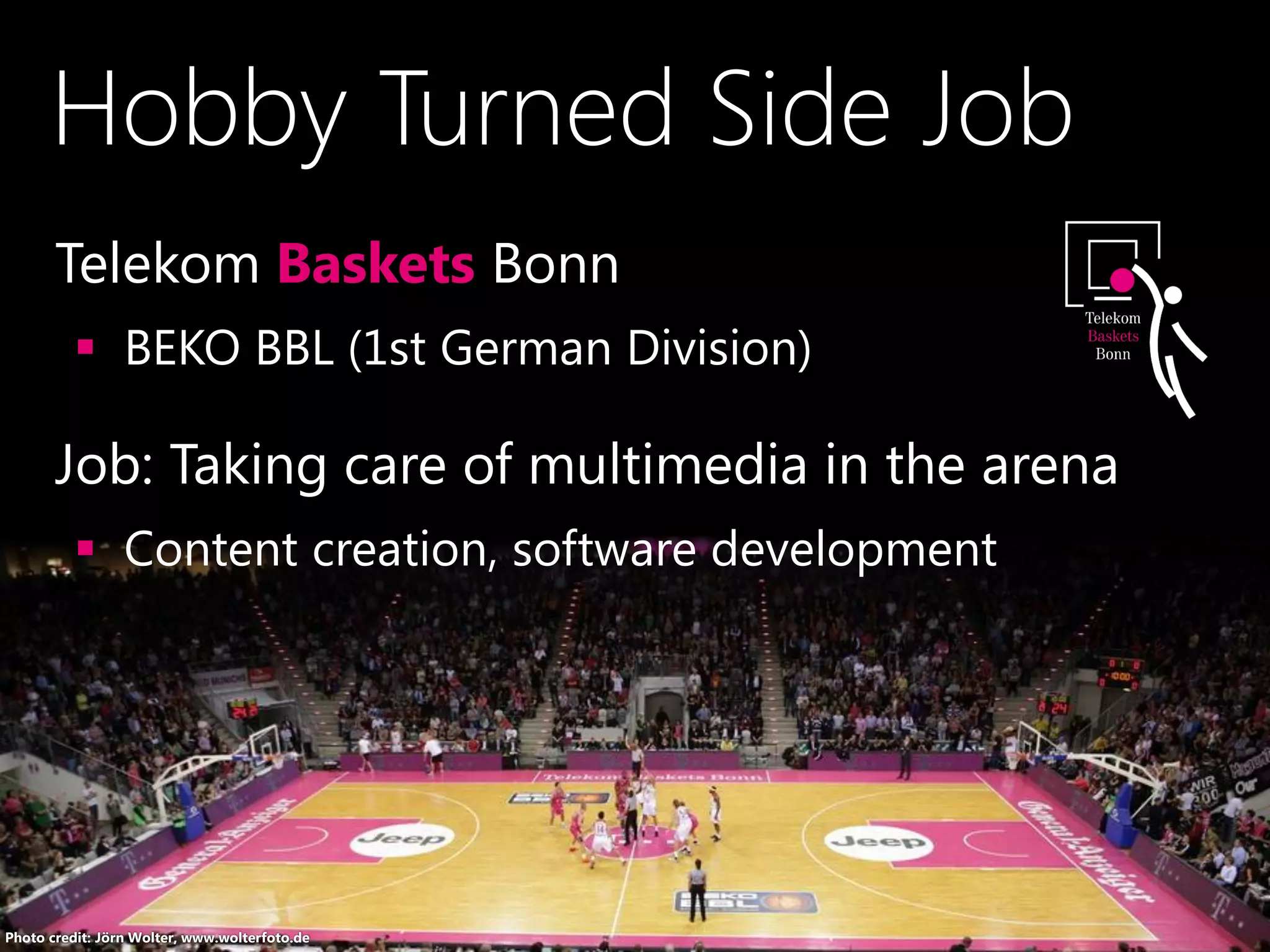
Hobby Turned Side Job
•Telekom Baskets Bonn
 BEKO BBL (1st German Division)
•Job: Taking care of multimedia in the arena
 Content creation, software development
Photo credit: Jörn Wolter, www.wolterfoto.de
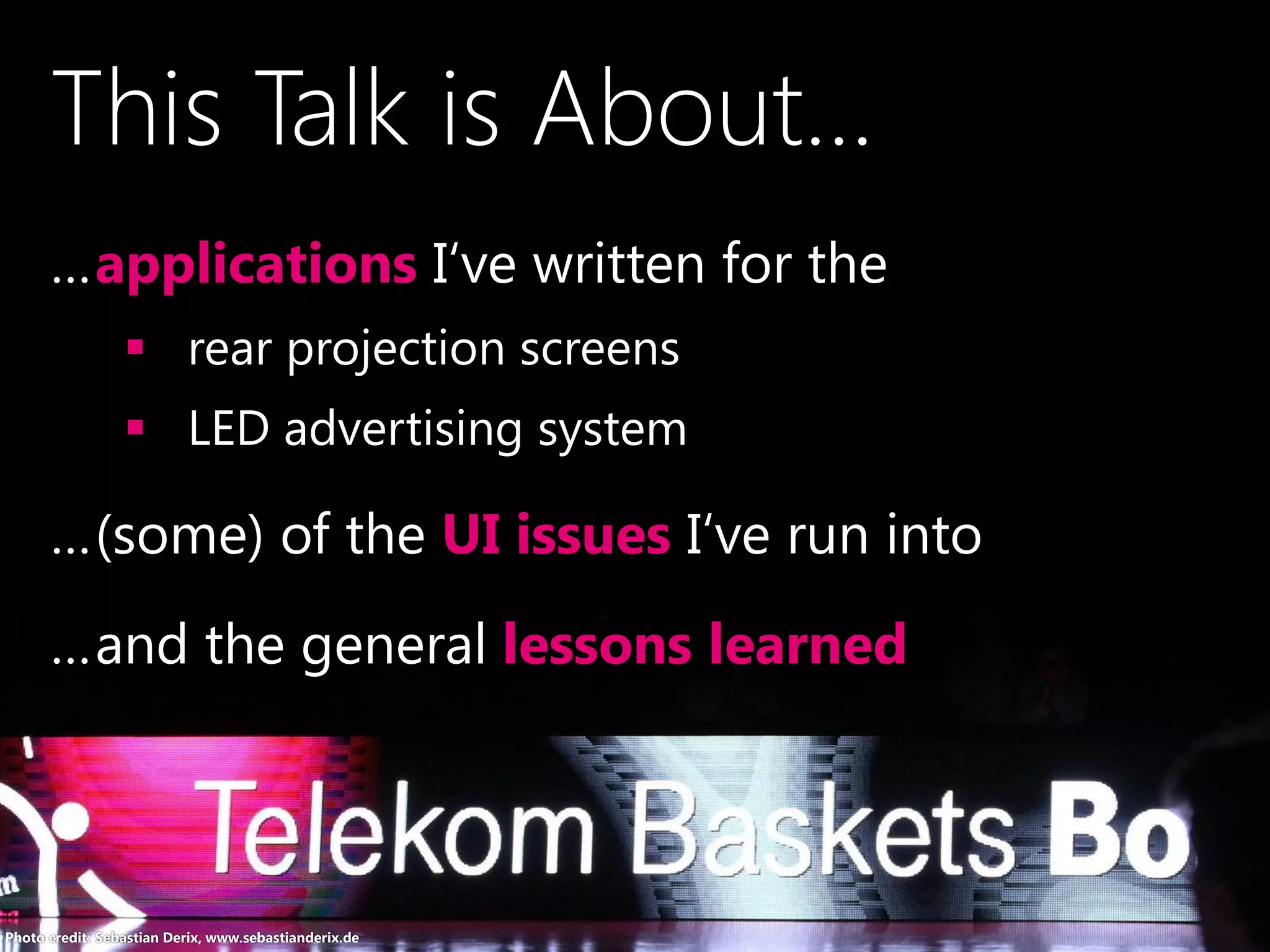
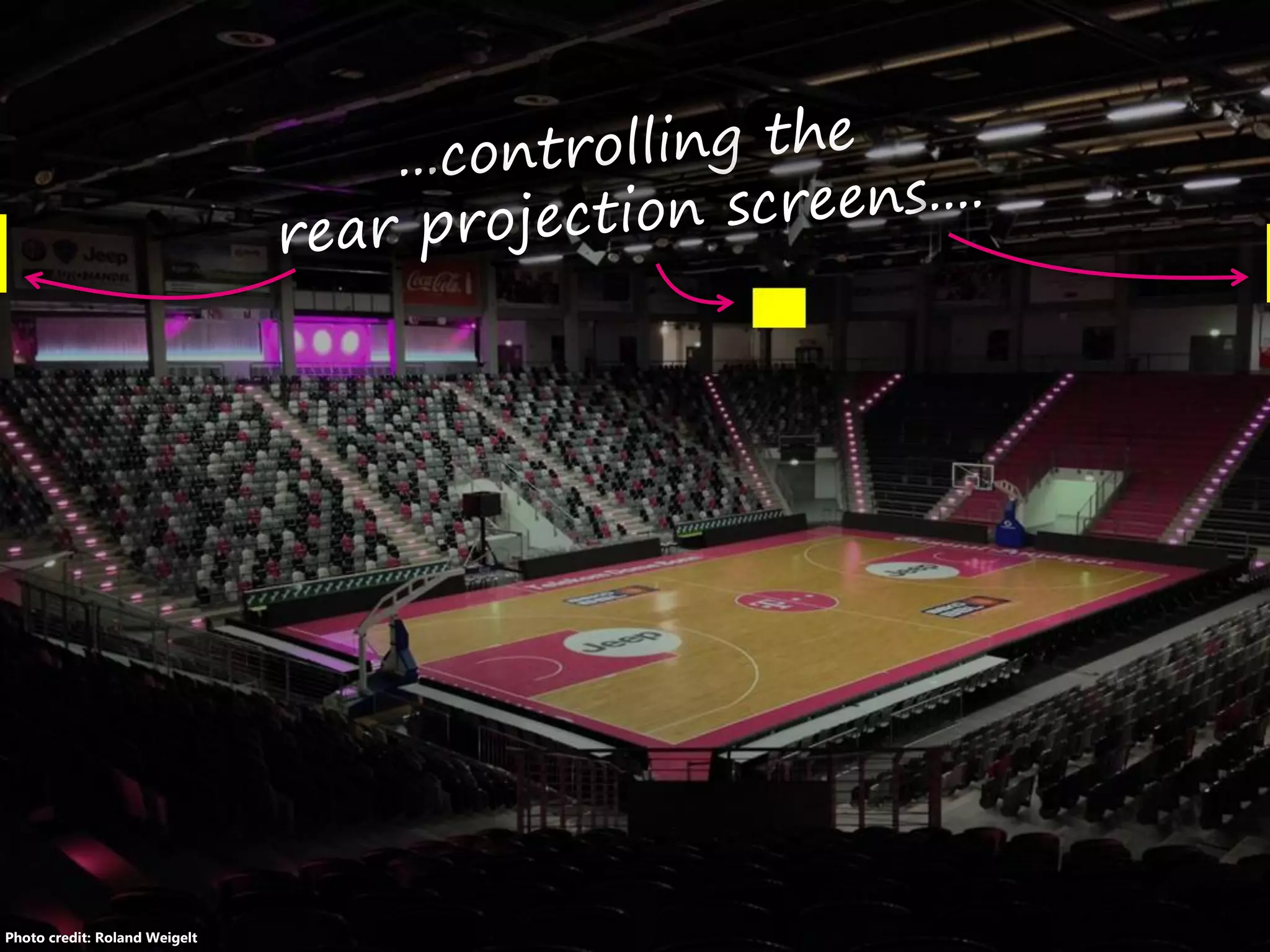
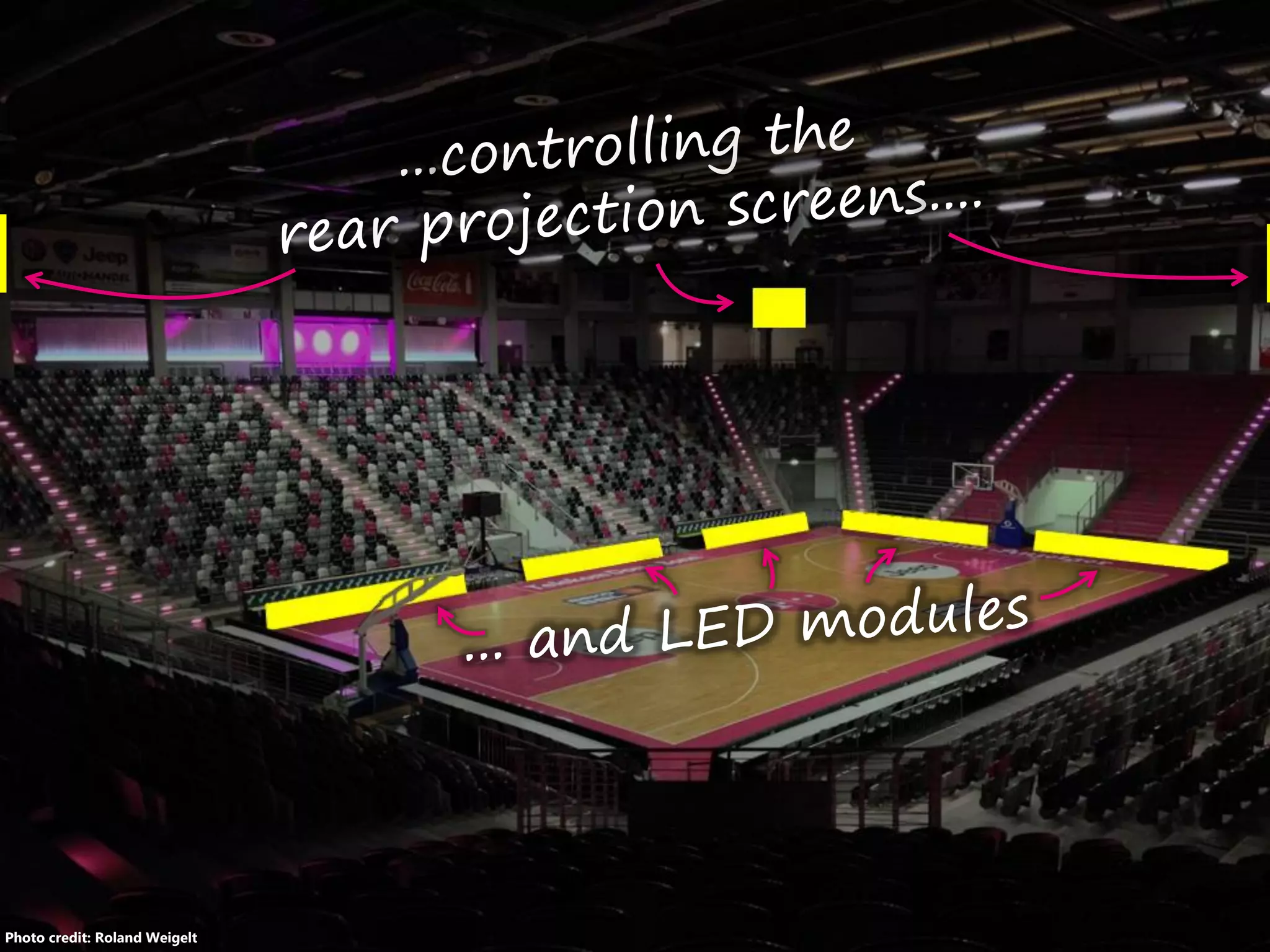
…applications I‘ve written for the
 rear projection screens
 LED advertising system
…(some) of the UI issues I‘ve run into
…and the general lessons learned
Photo credit: Sebastian Derix, www.sebastianderix.de
This Talk is About...
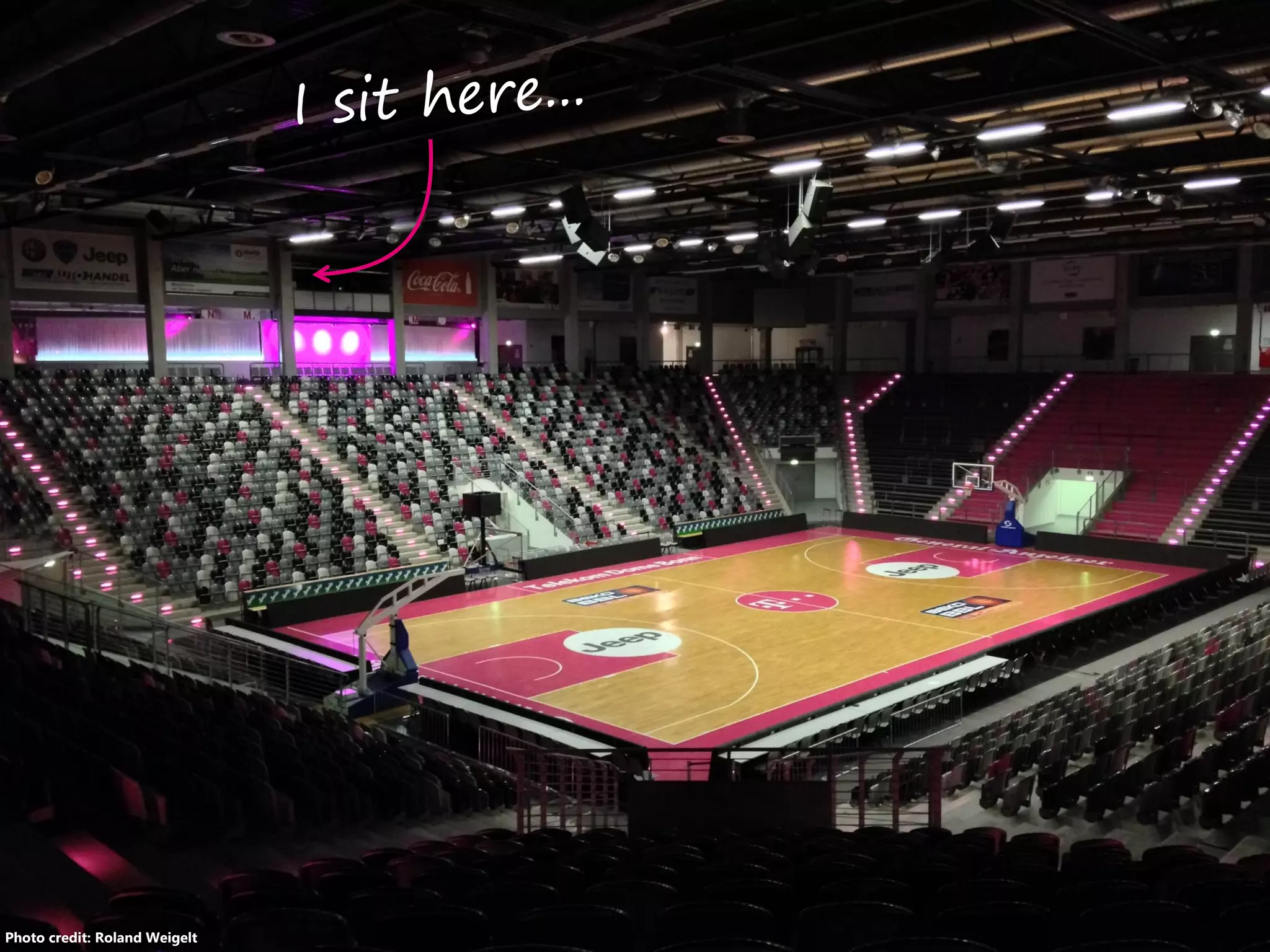
Photo credit: Roland Weigelt
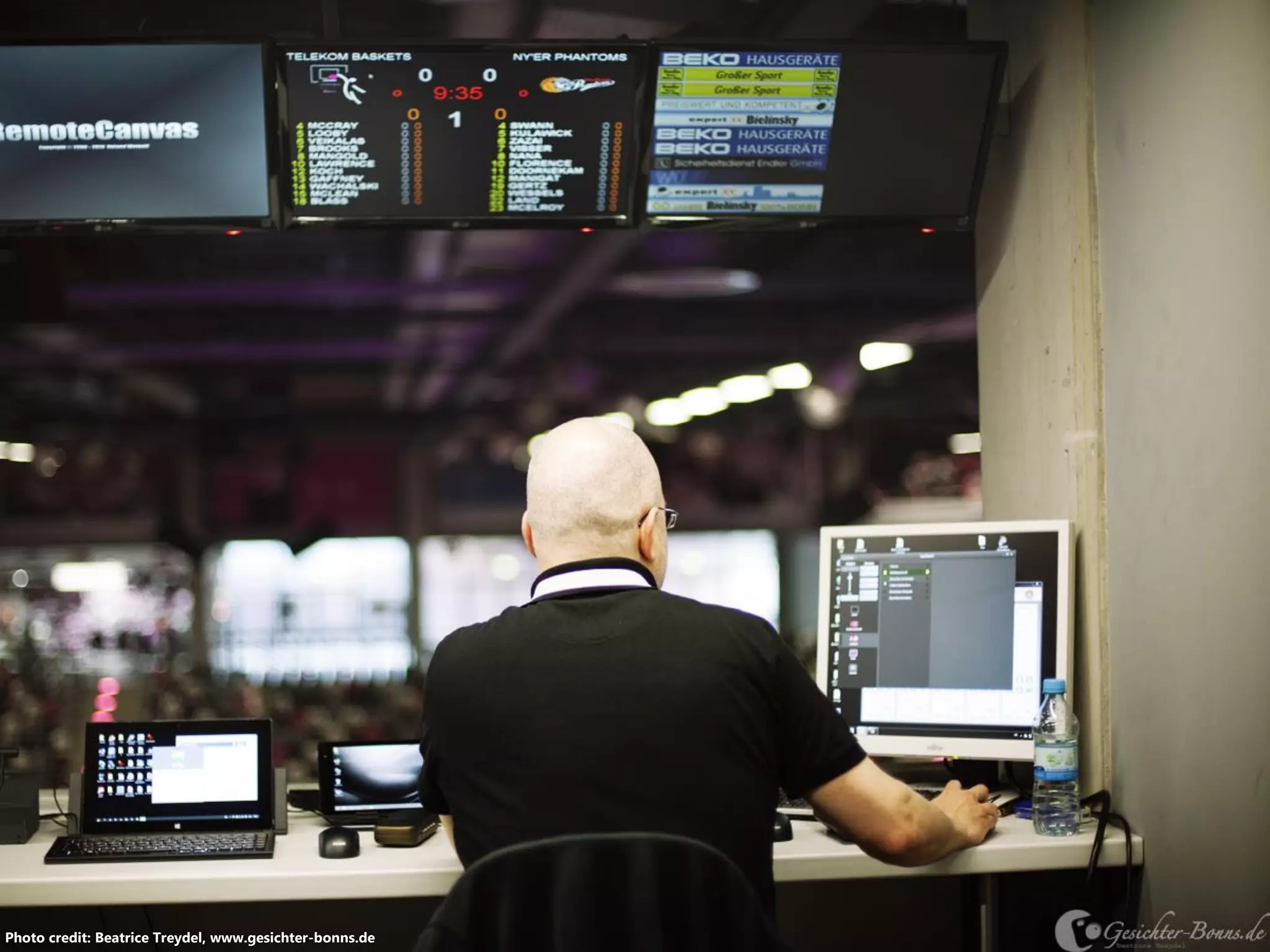
Photo credit: Beatrice Treydel, www.gesichter-bonns.de
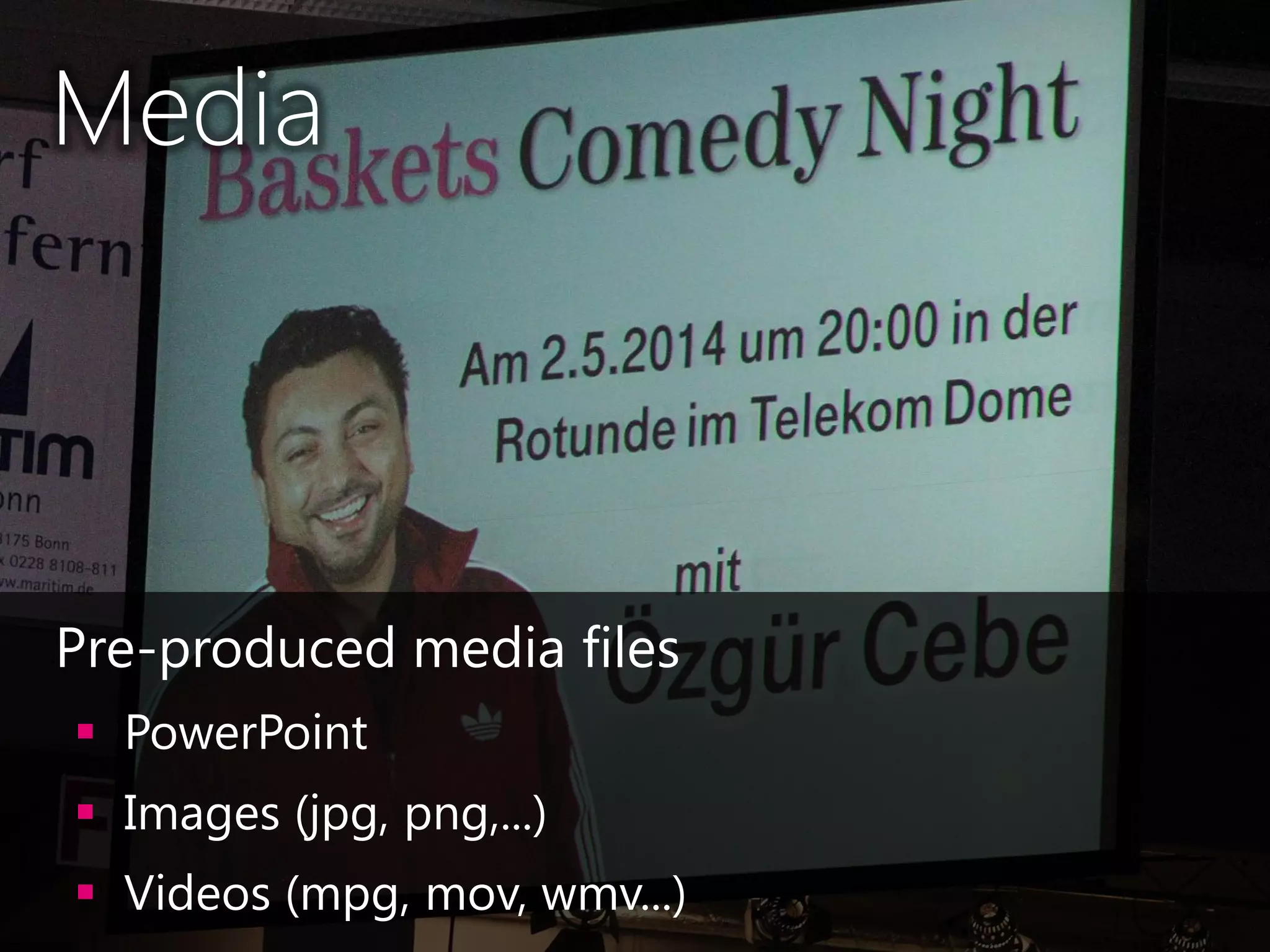
Media
•Pre-produced media files
 PowerPoint
 Images (jpg, png,...)
 Videos (mpg, mov, wmv...)
Photo credit: Roland Weigelt
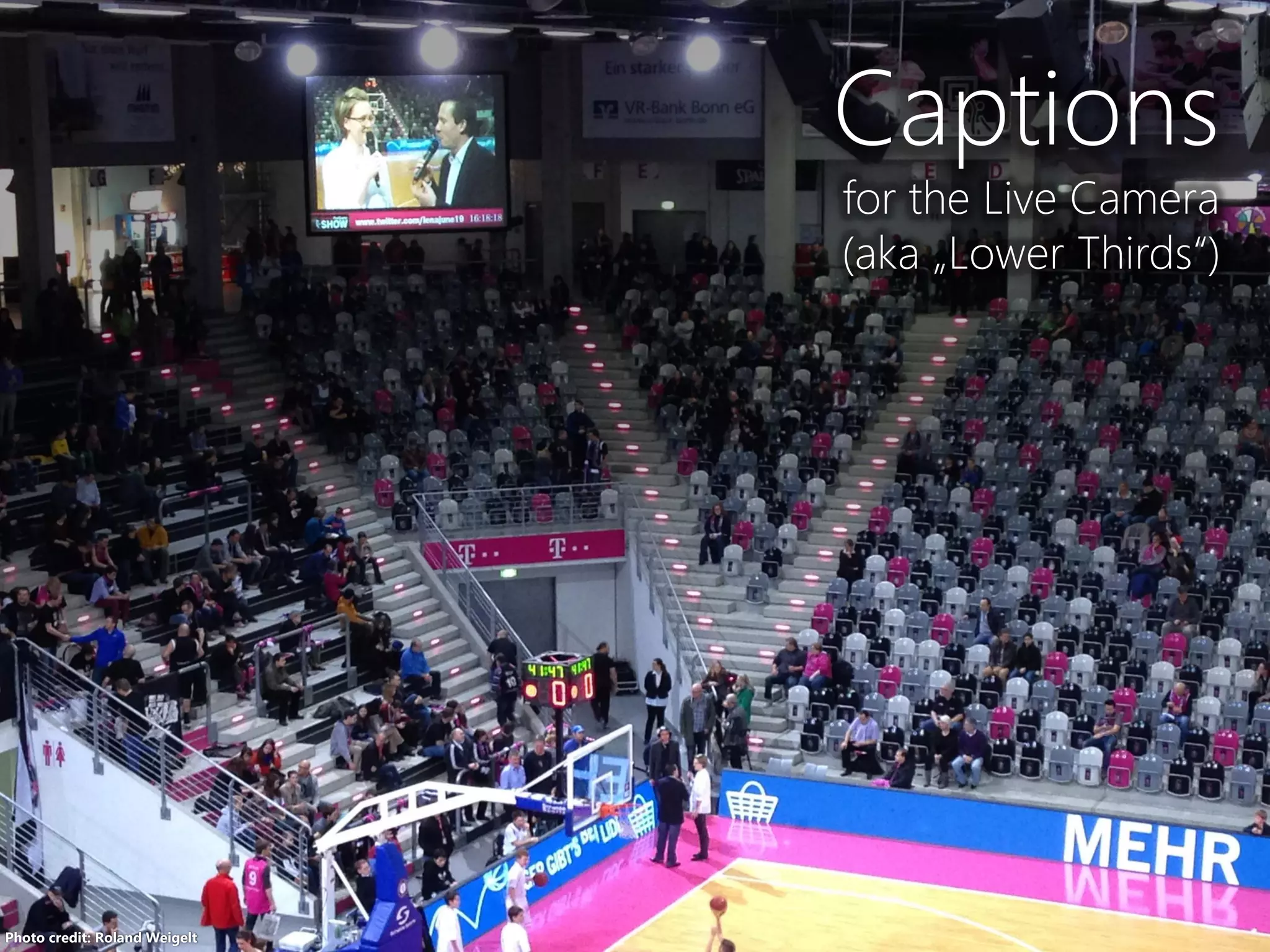
Captions
for the Live Camera
(aka „Lower Thirds“)
Photo credit: Roland Weigelt
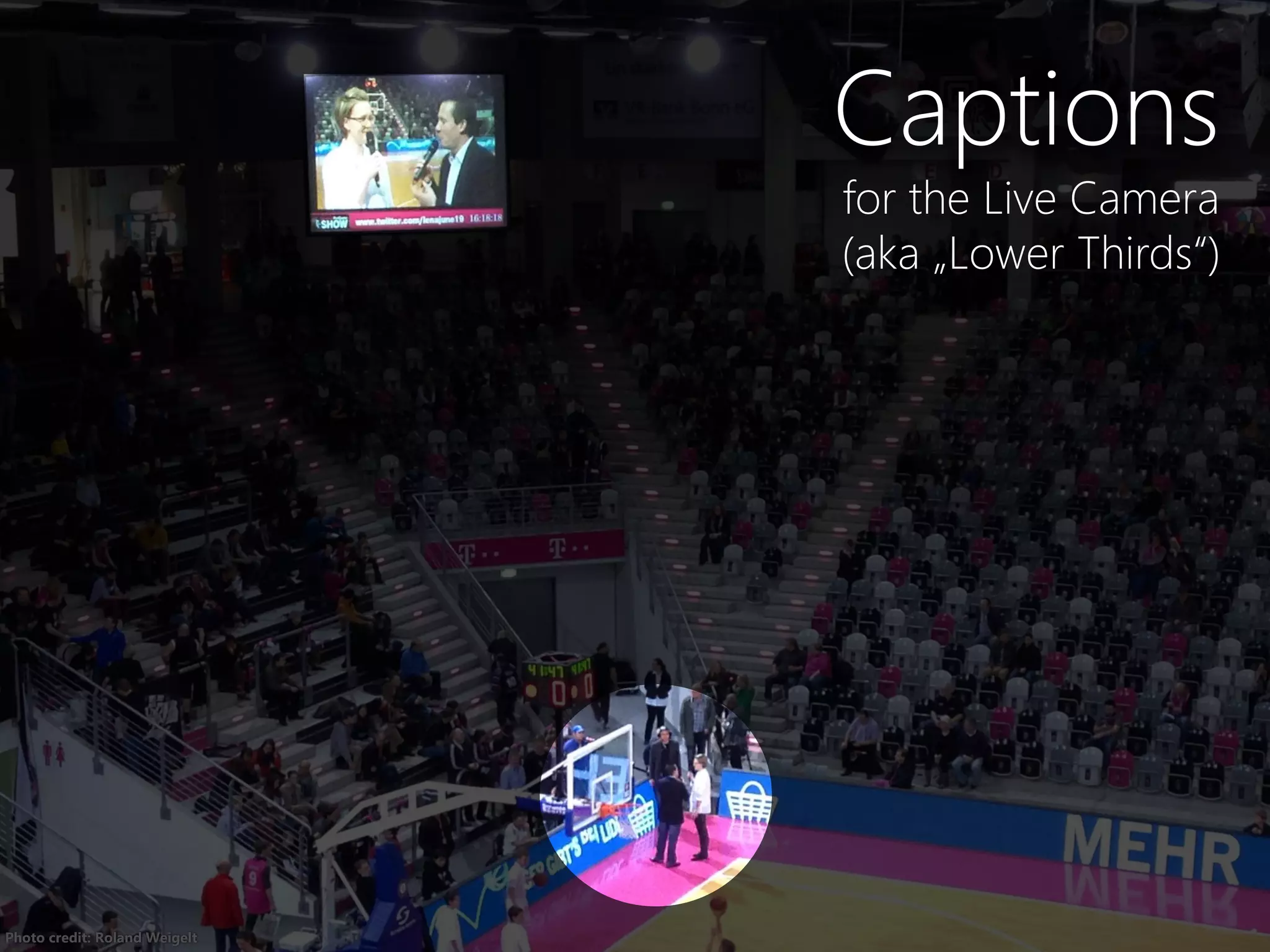
Captions
for the Live Camera
(aka „Lower Thirds“)
Photo credit: Roland Weigelt
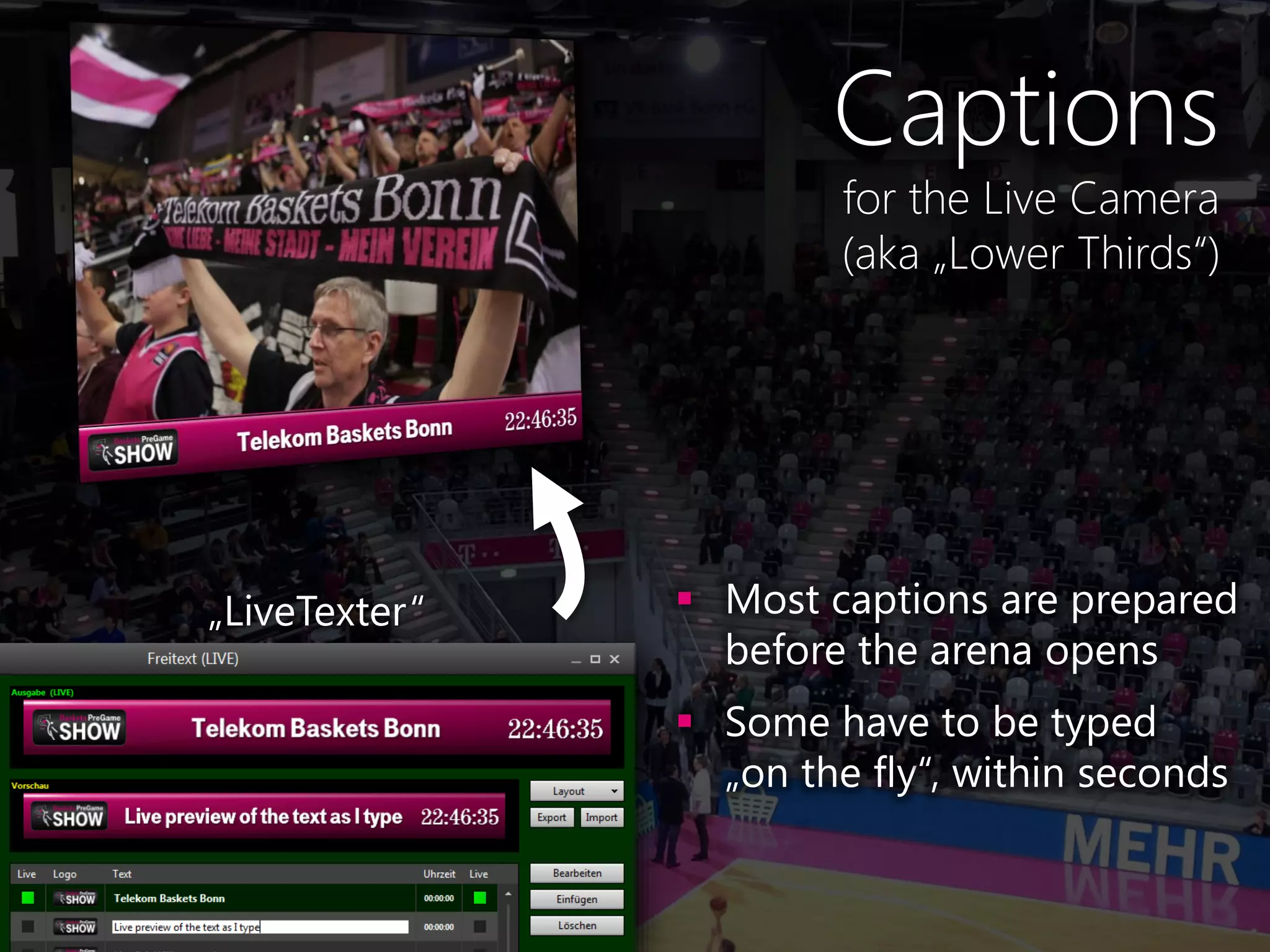
Captions
for the Live Camera
(aka „Lower Thirds“)
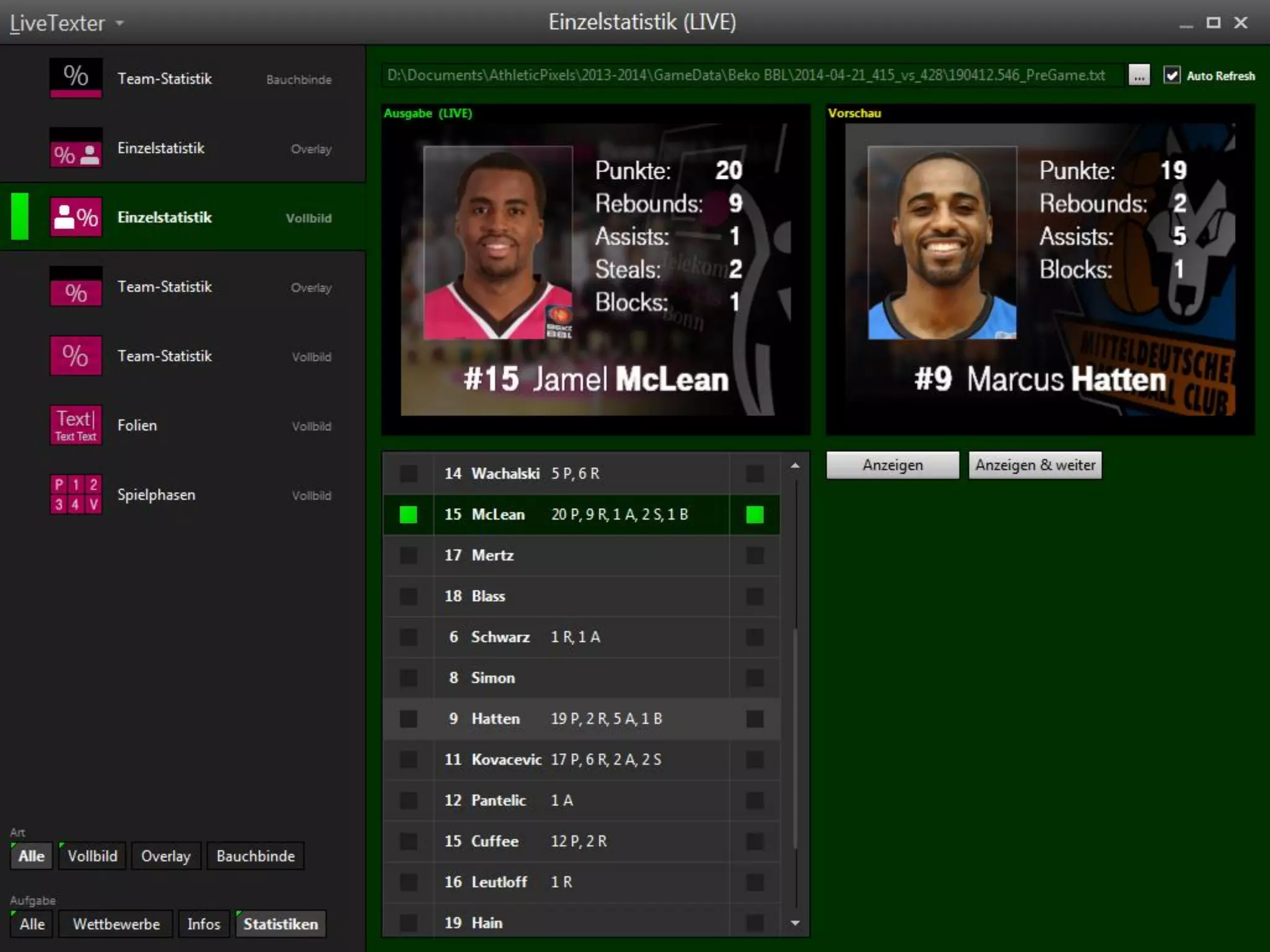
„LiveTexter“  Most captions are prepared
before the arena opens
 Some have to be typed
„on the fly“, within seconds
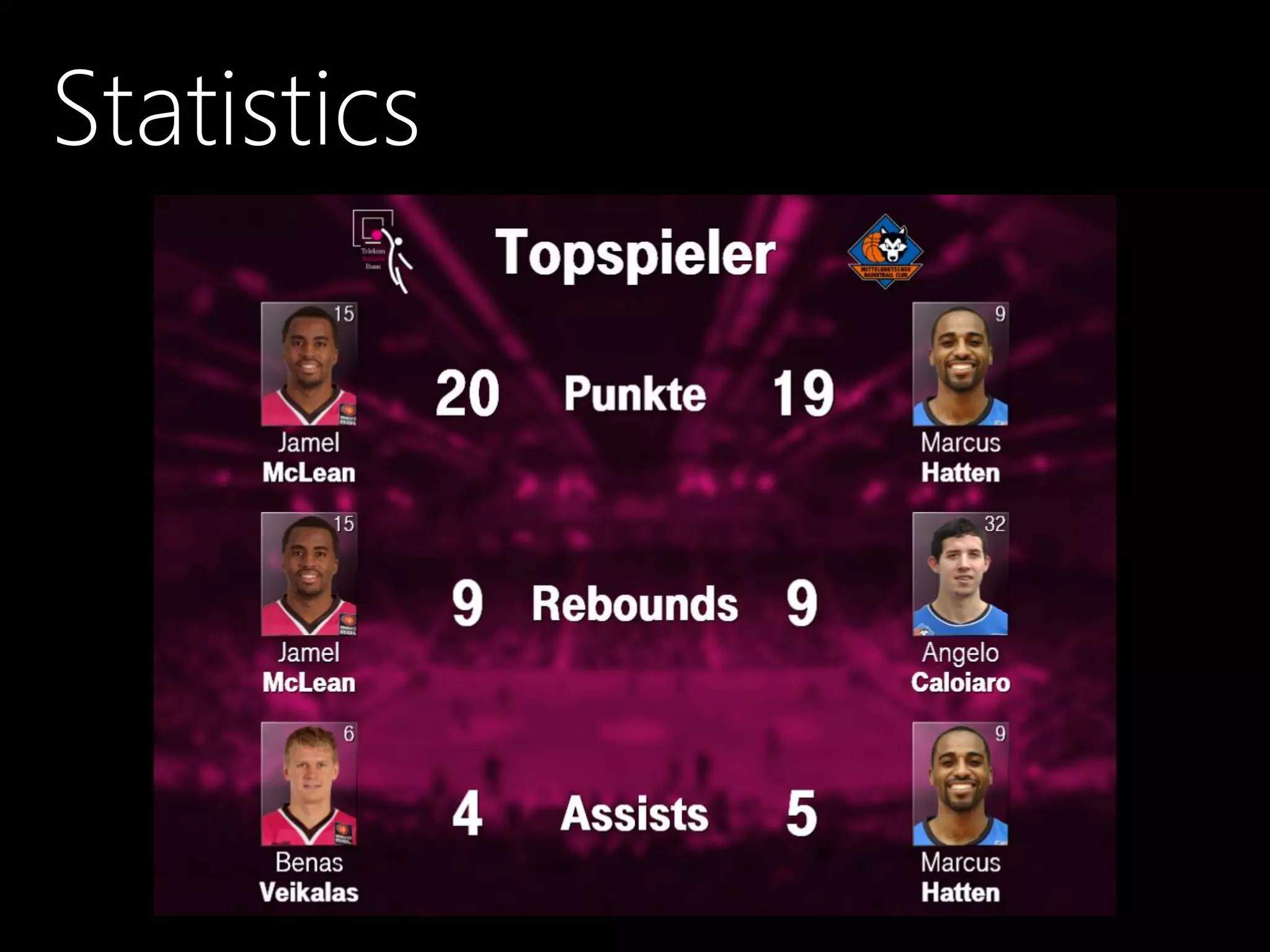
Statistics
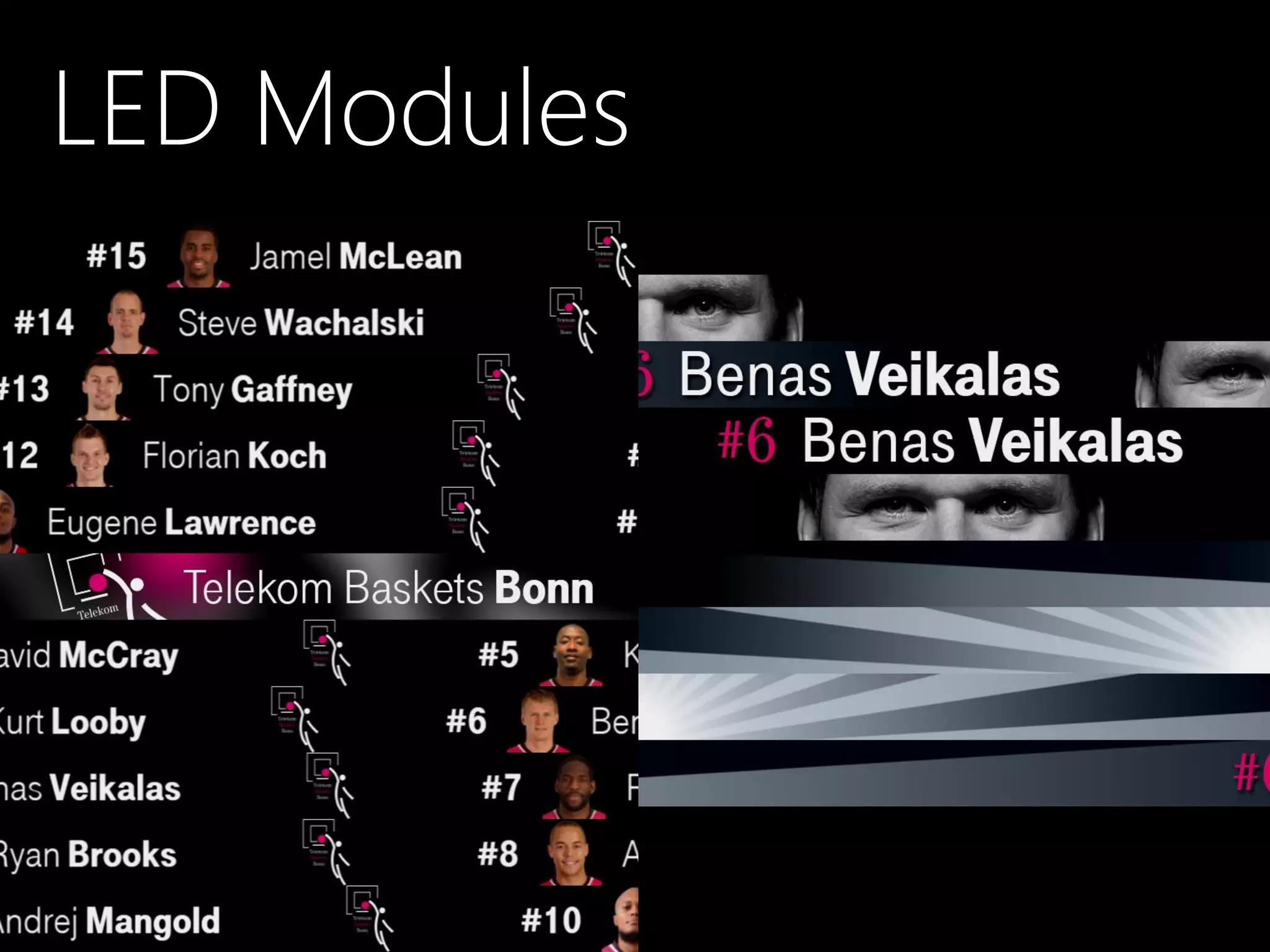
LED Modules
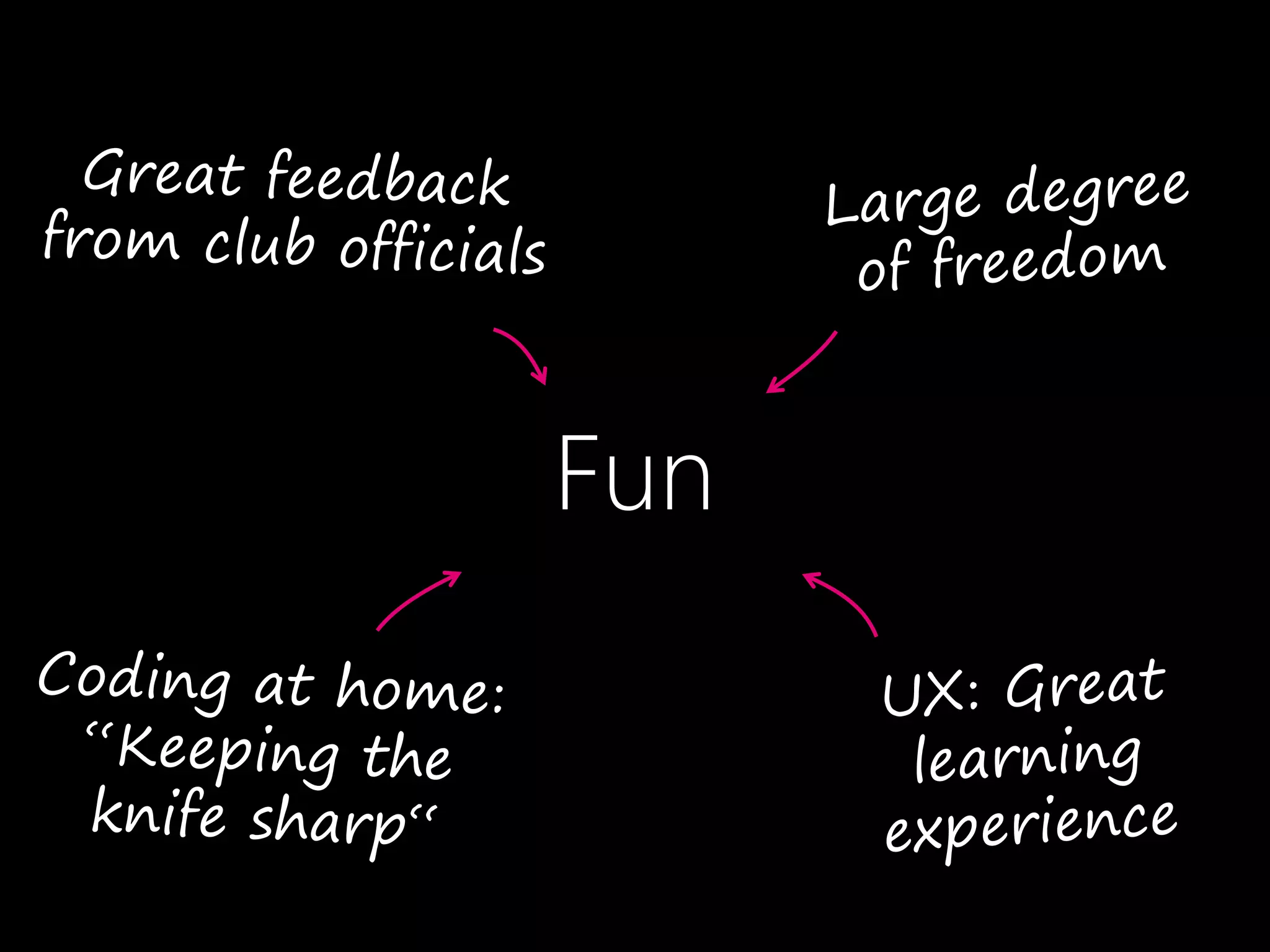
Fun
Fun
Confusion
Fear
and Basketball
Fun
Confusion
Fear
and Basketball
...if I am the user?
Context Matters
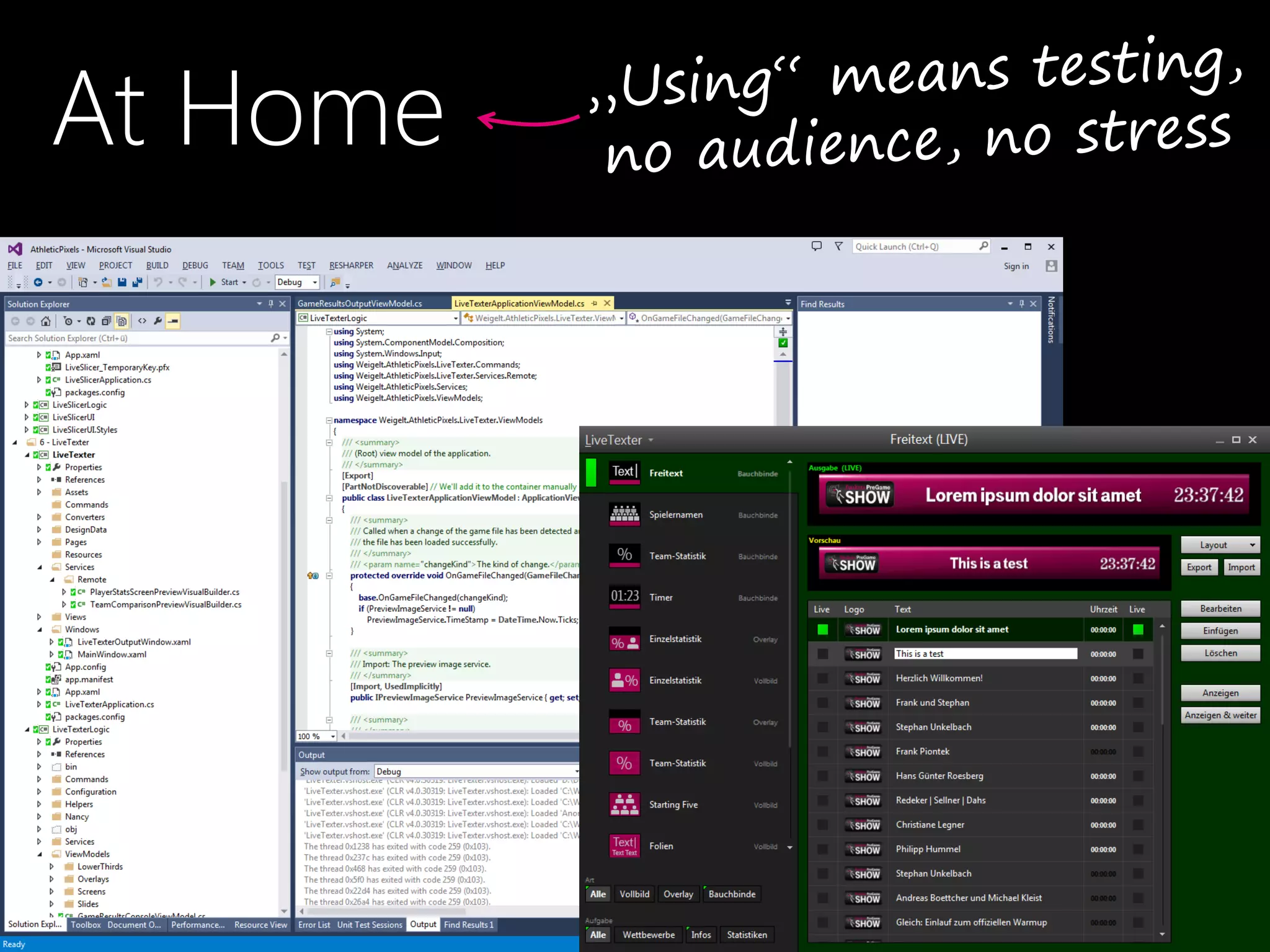
At Home
Photo credit: Ritchy Ohm
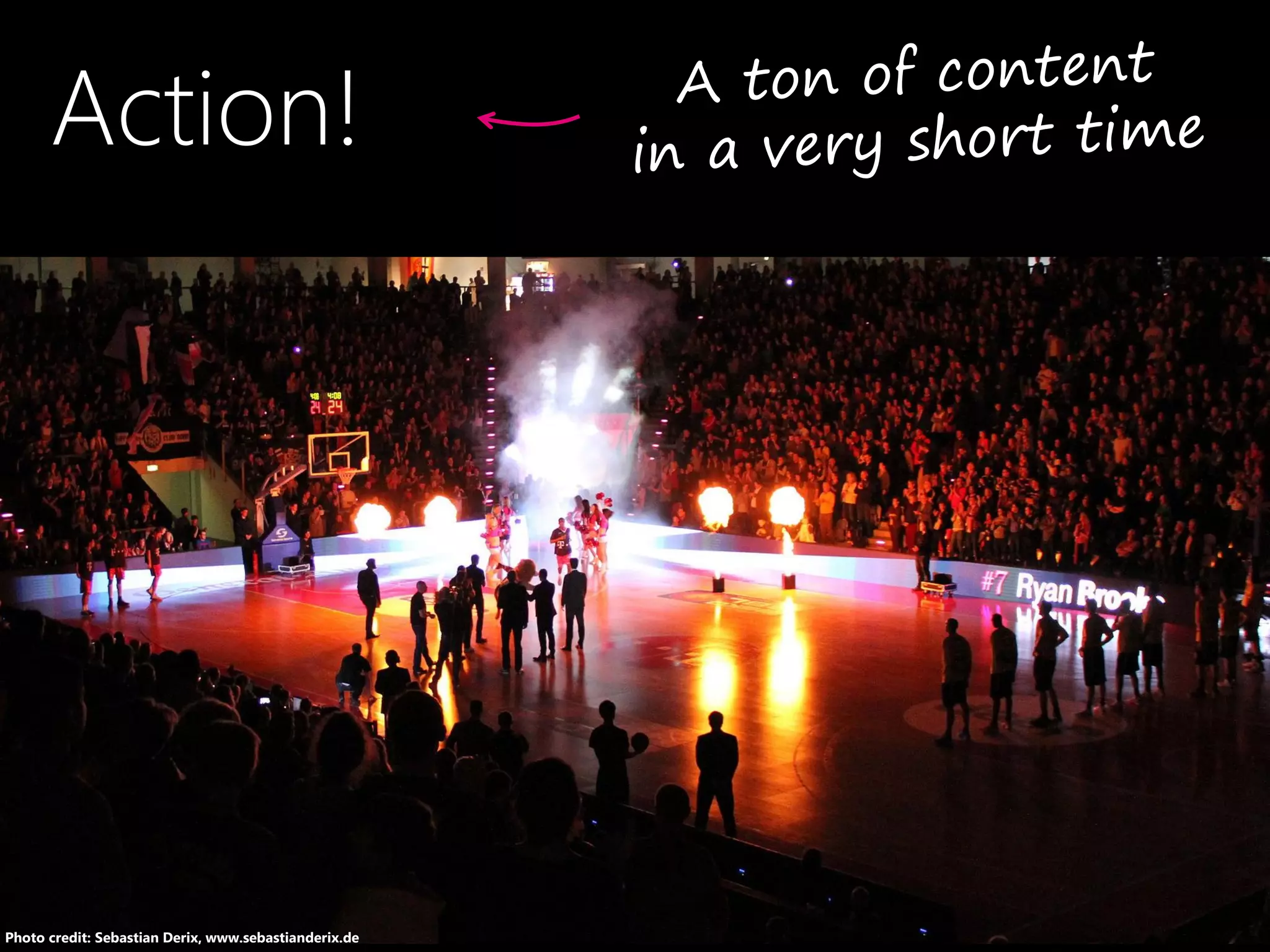
Action!
Photo credit: Sebastian Derix, www.sebastianderix.de
What if I Mess Up?
Stumbling Blocks
&
Lessons Learned
•#1
Is this On?
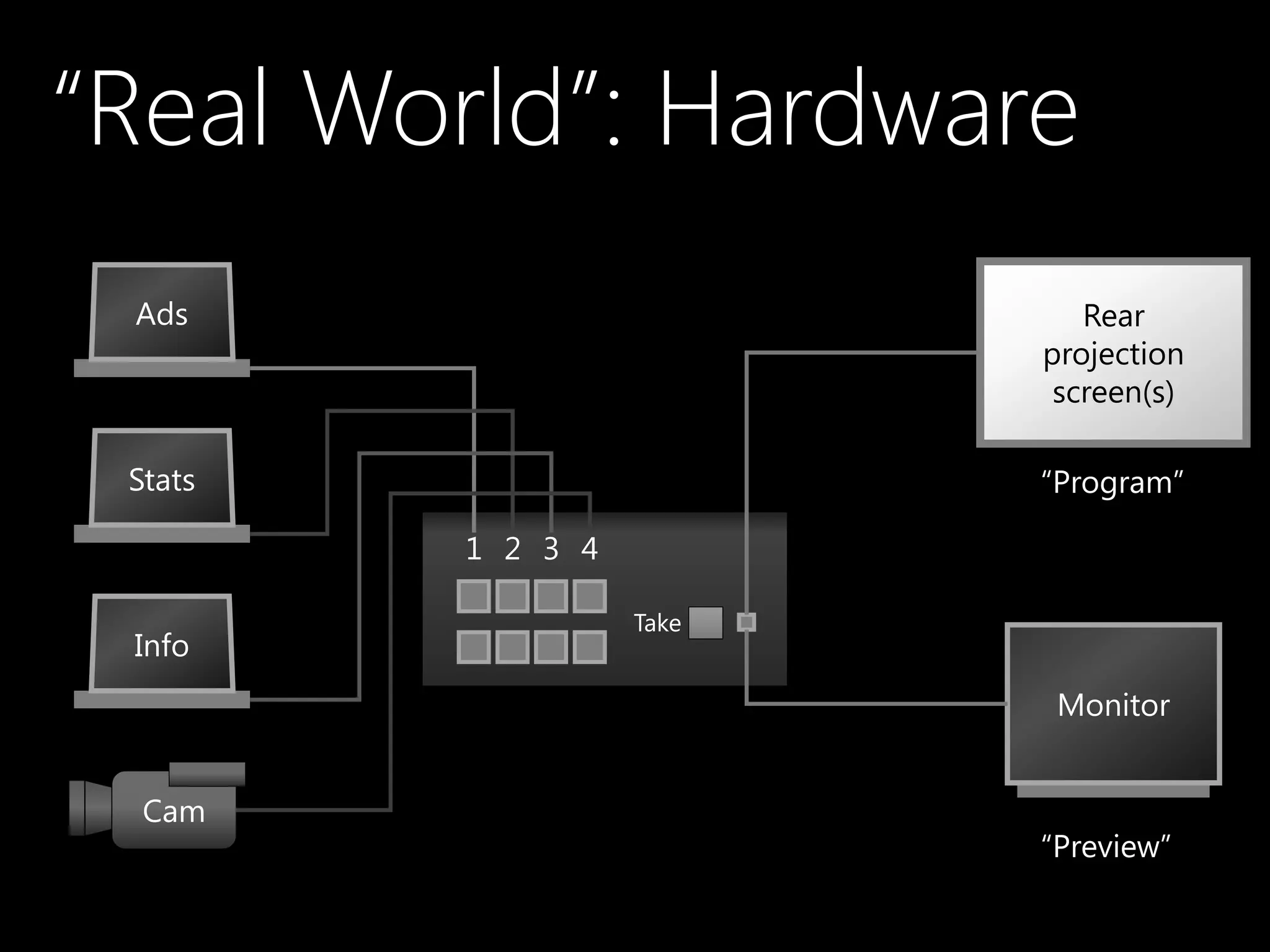
“Real World”: Hardware
Ads
Cam
Stats
Info
Rear
projection
screen(s)
Monitor
“Program”
“Preview”
1 2 3 4
Take
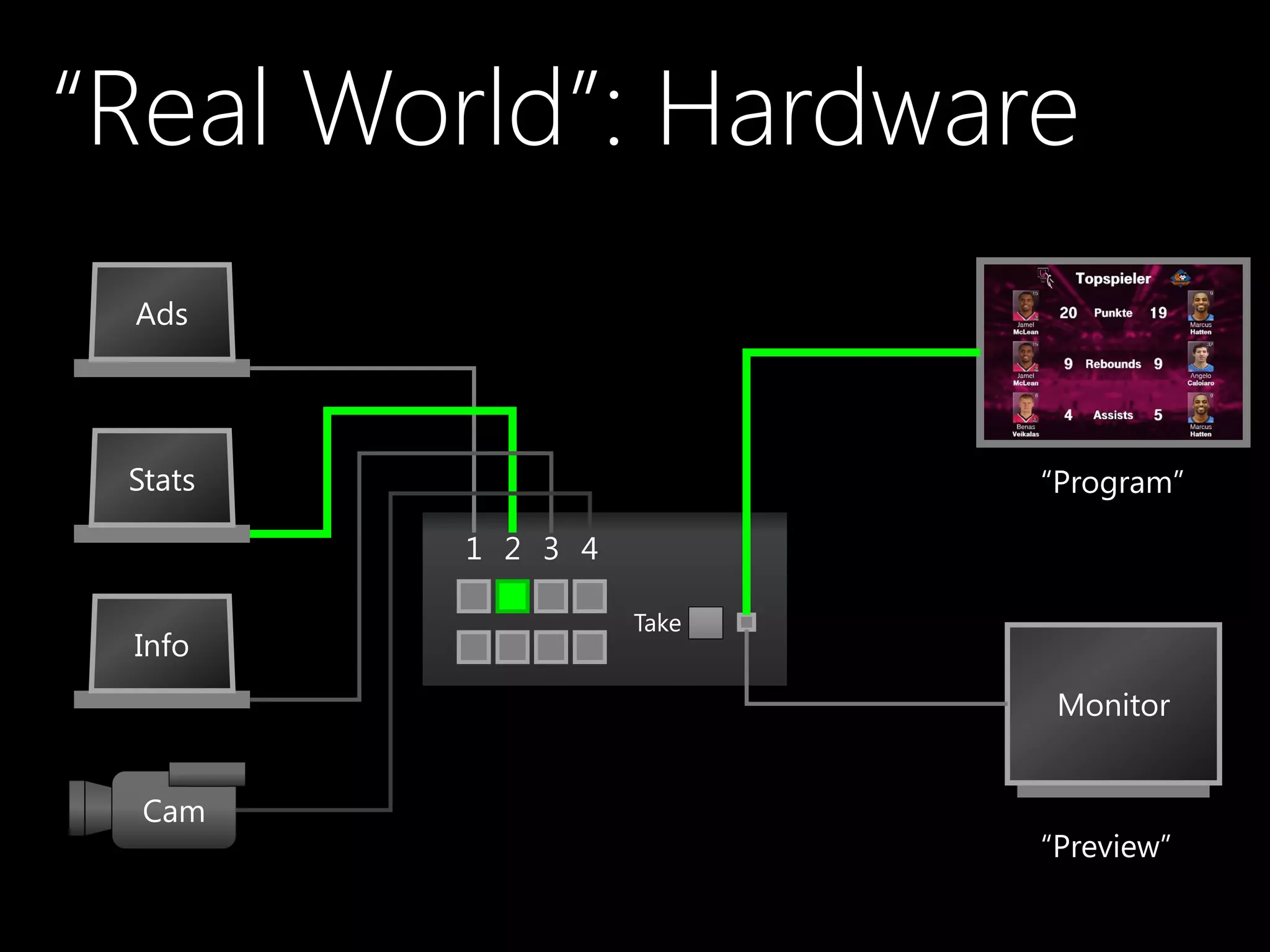
“Real World”: Hardware
Ads
Cam
Stats
Info
Rear
projection
screen(s)
Monitor
“Program”
“Preview”
1 2 3 4
Take
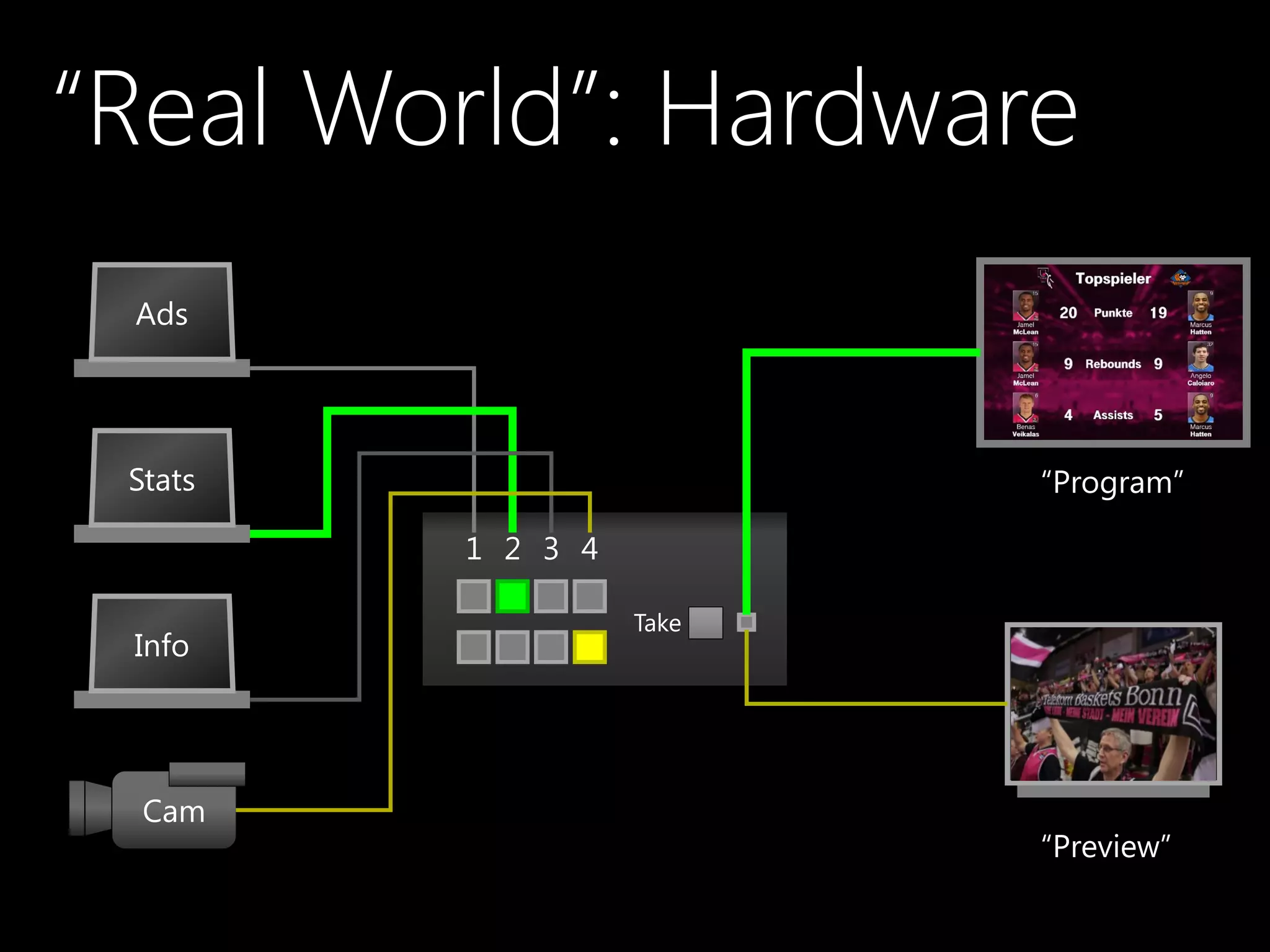
“Real World”: Hardware
Ads
Cam
Stats
Info
Rear
projection
screen(s)
Monitor
“Program”
“Preview”
1 2 3 4
Take
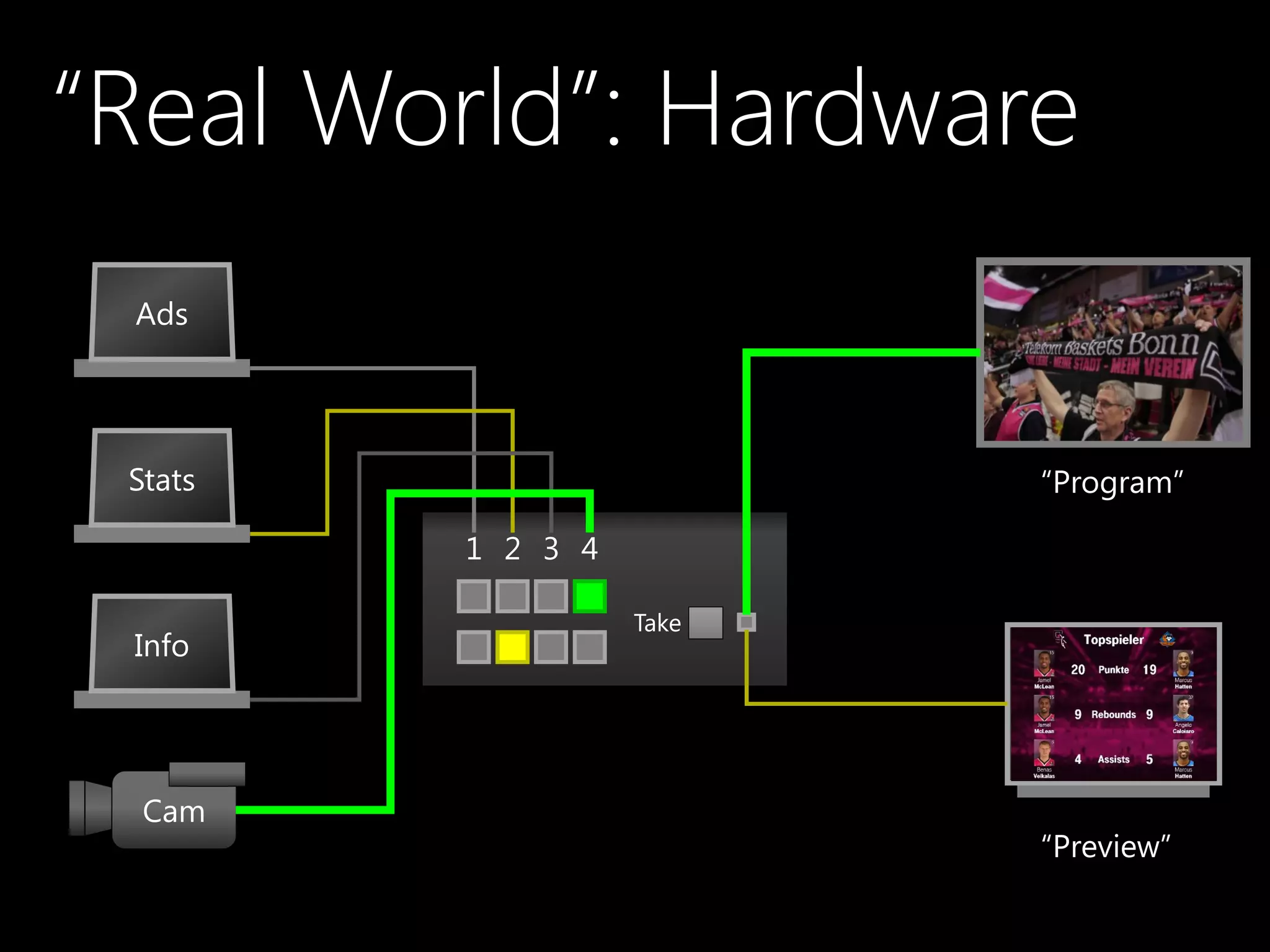
“Real World”: Hardware
Ads
Cam
Stats
Info
Rear
projection
screen(s)
Monitor
“Program”
“Preview”
1 2 3 4
Take
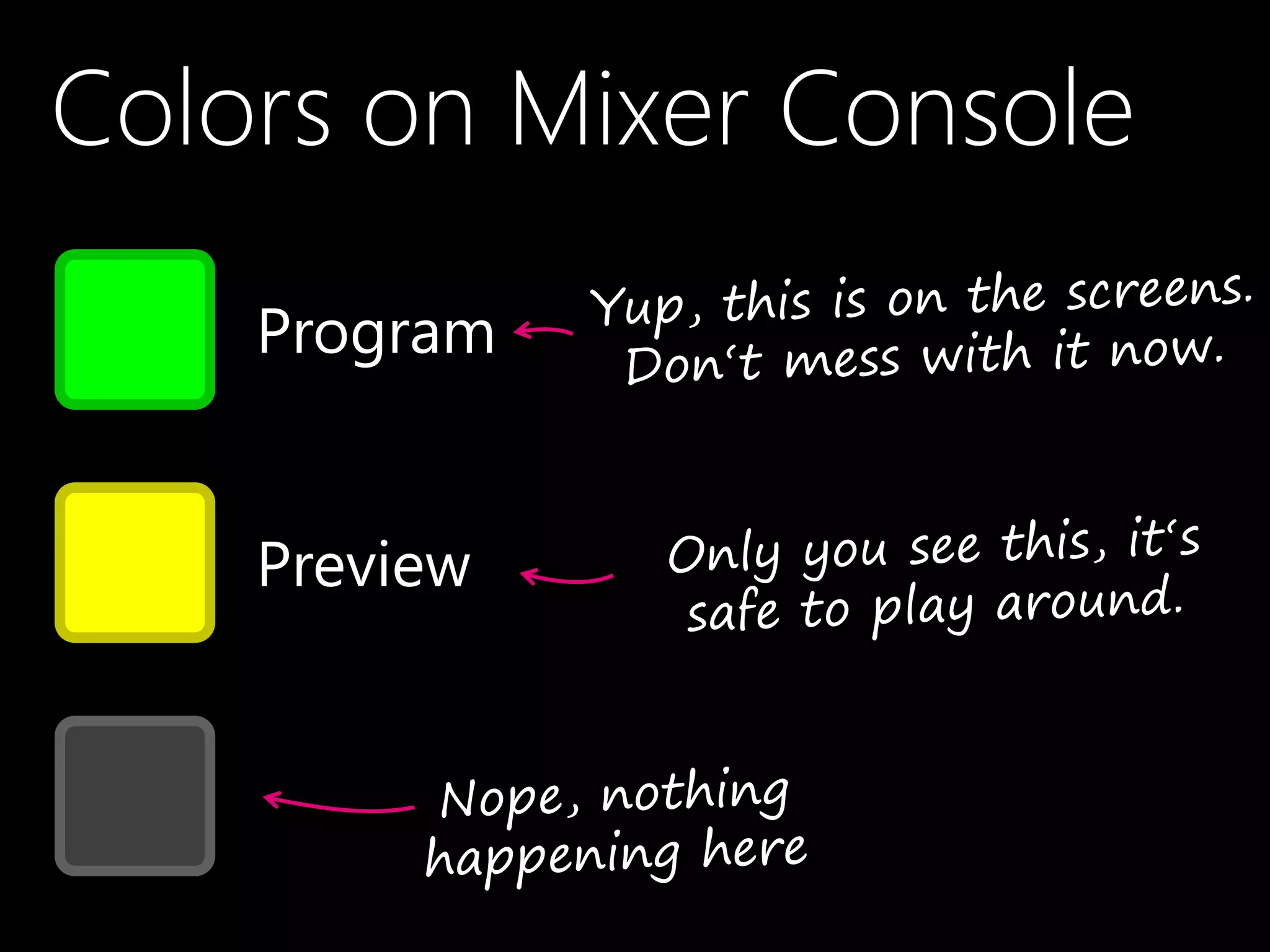
Colors on Mixer Console
Program
Preview
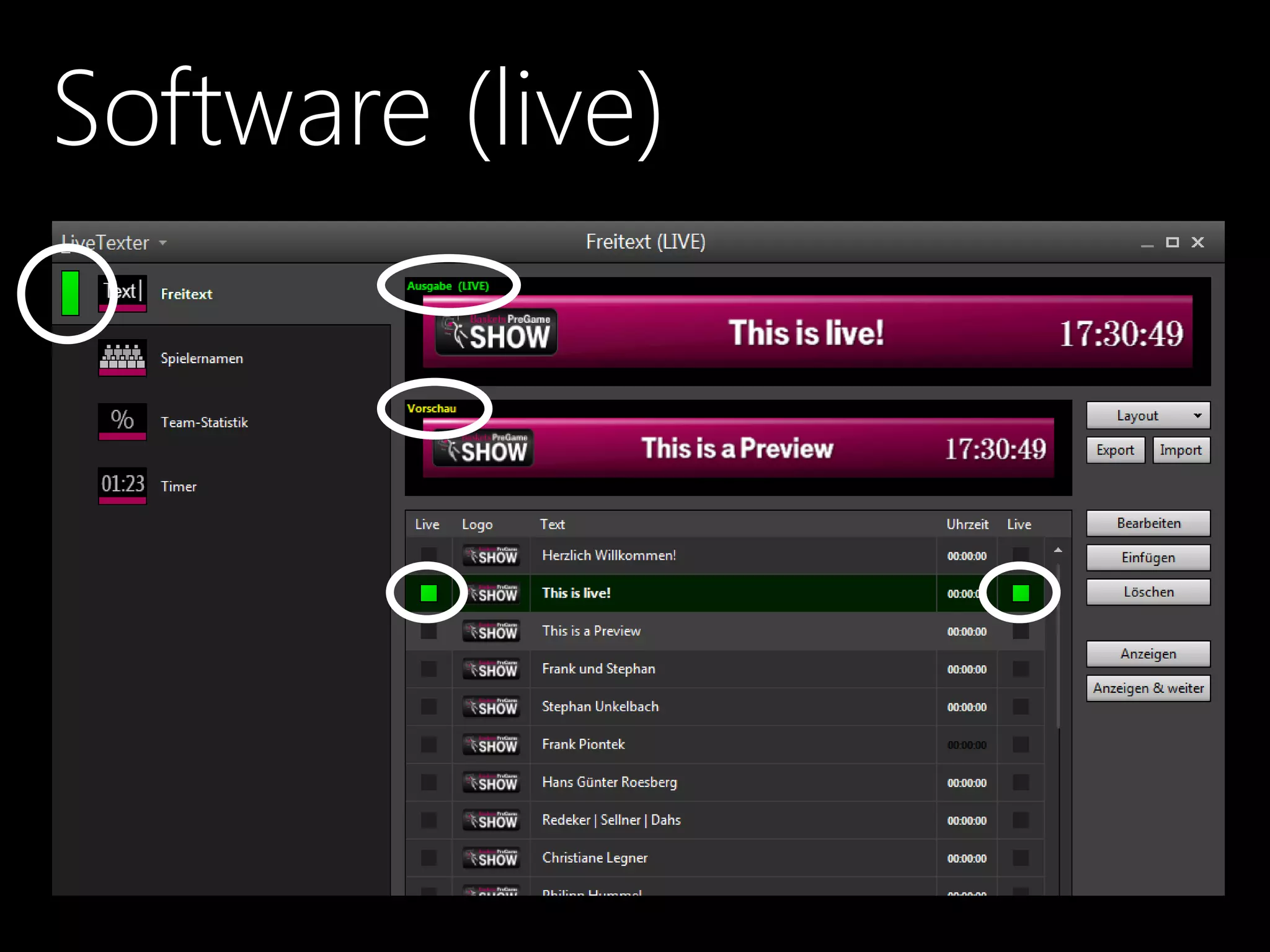
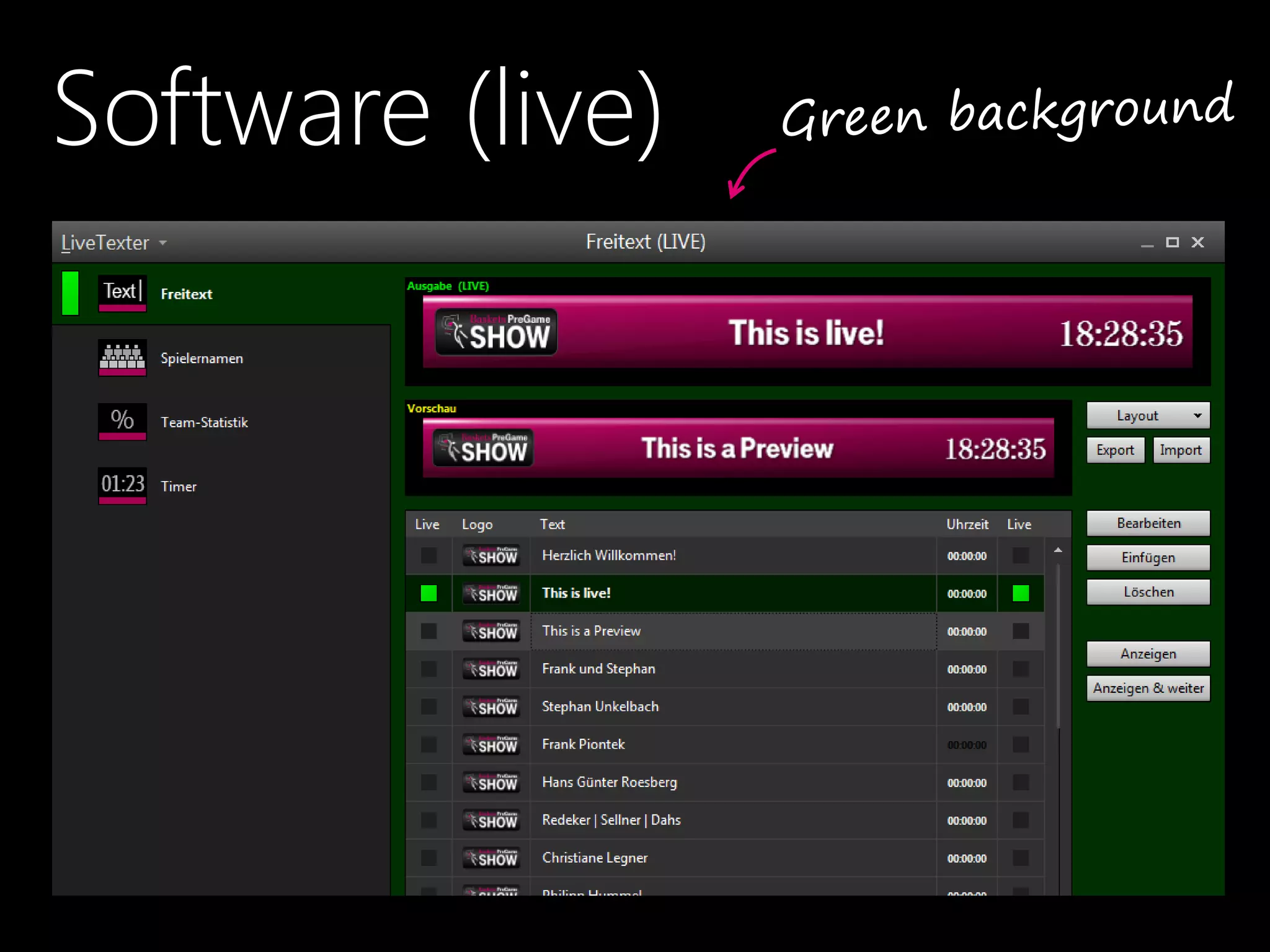
Software (live)
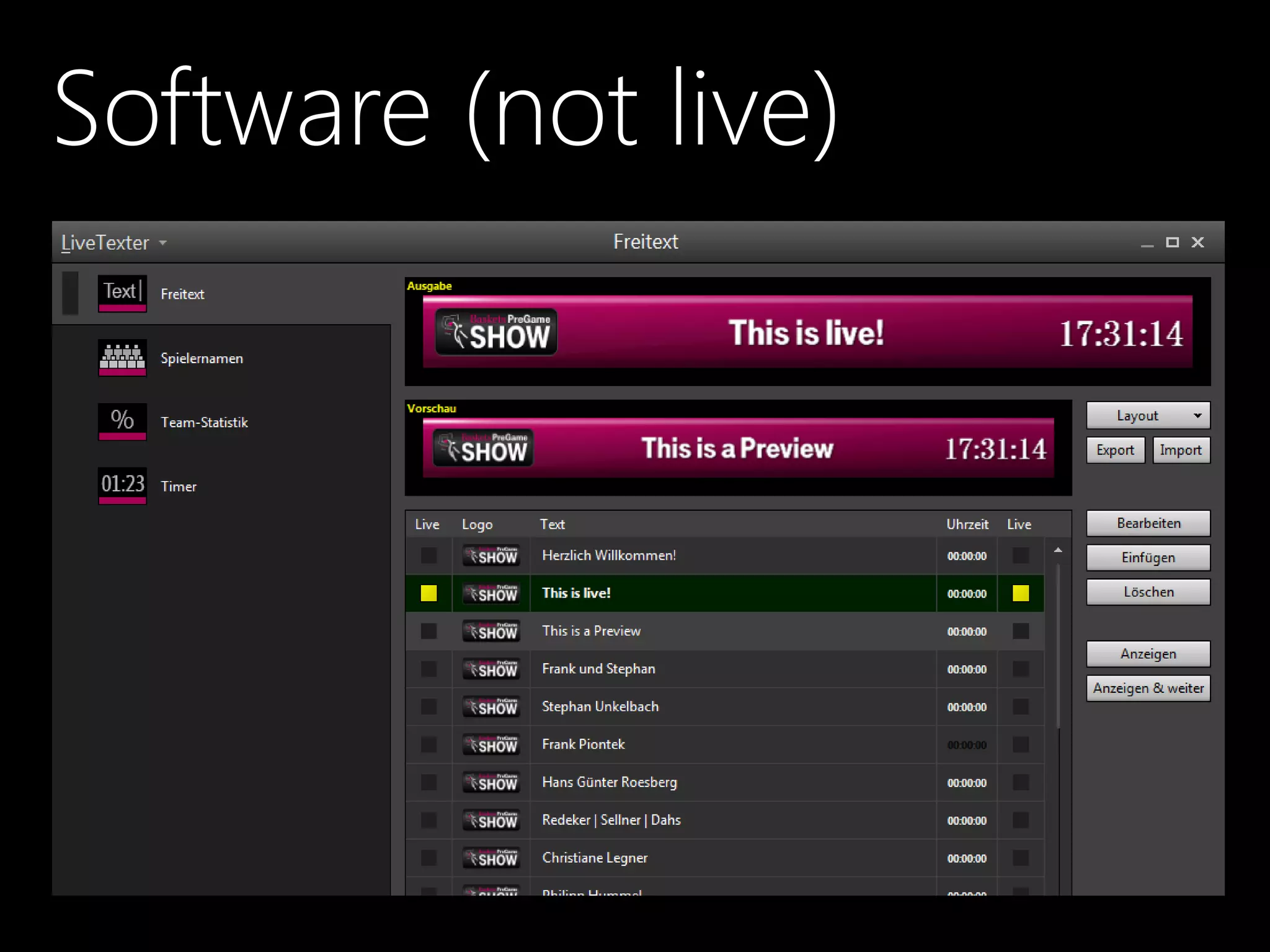
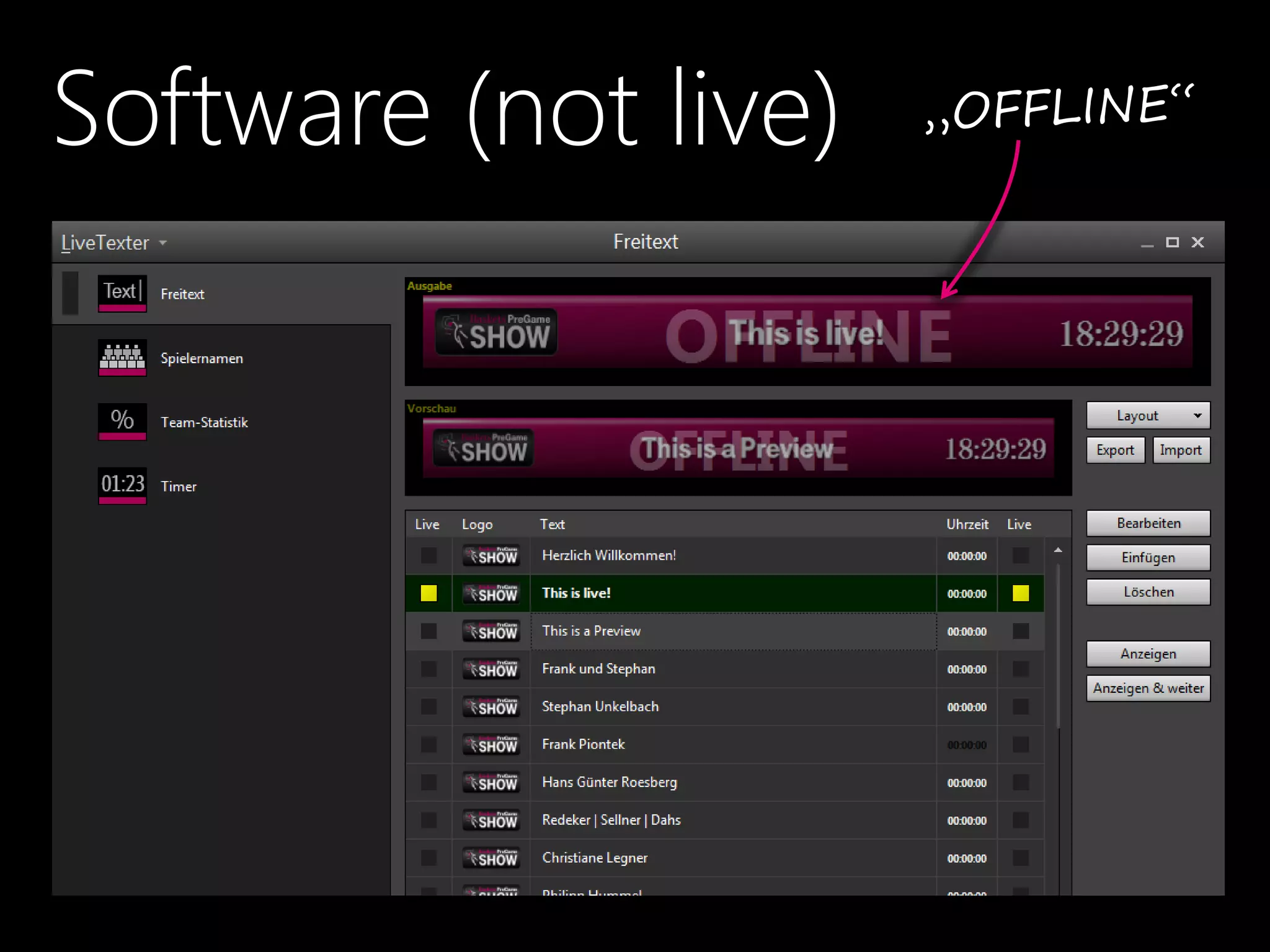
Software (not live)
That Didn‘t Work, Right?
Software (live)
Software (not live)
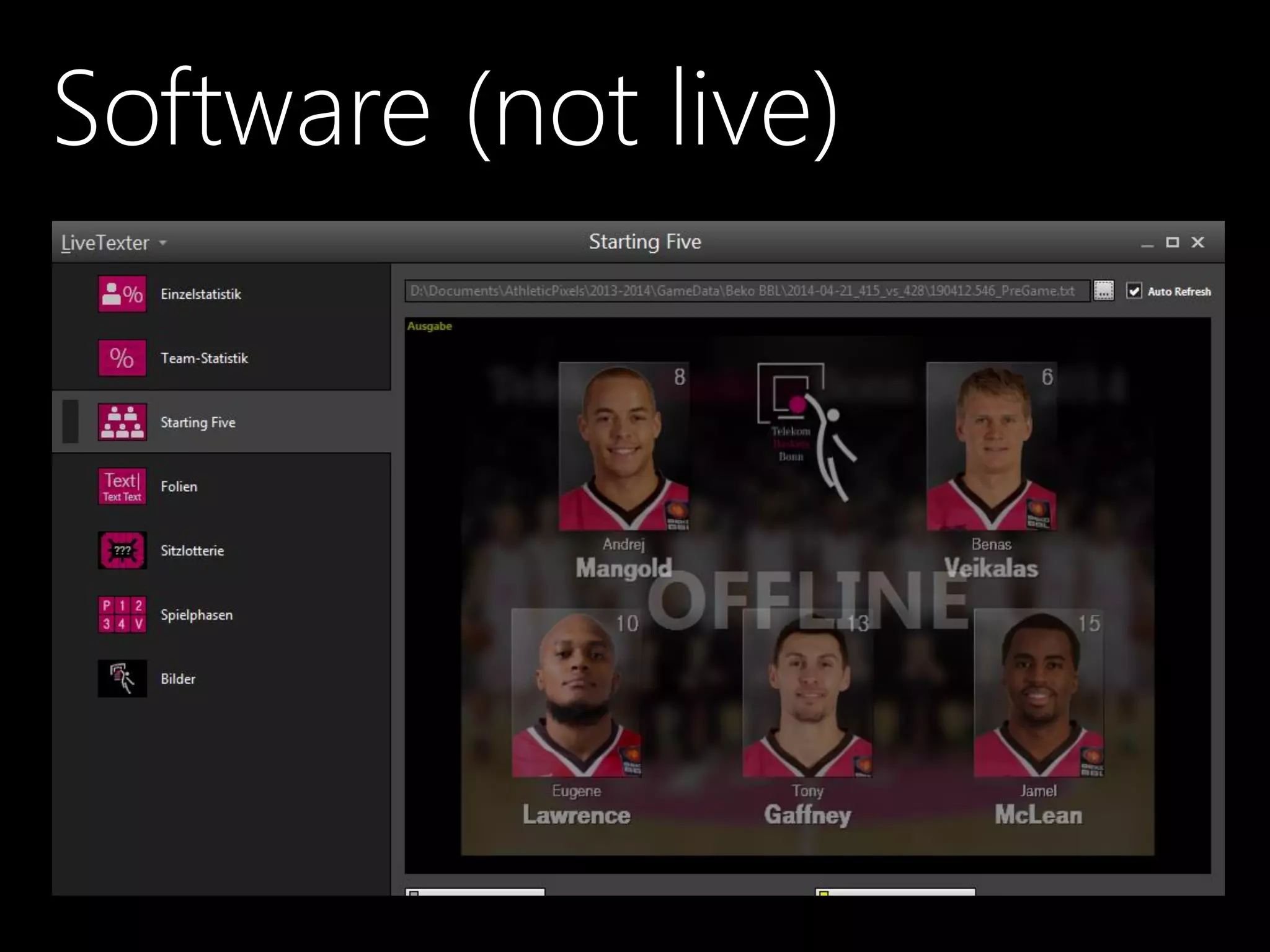
Software (not live)
Conflict: Usability vs. Design
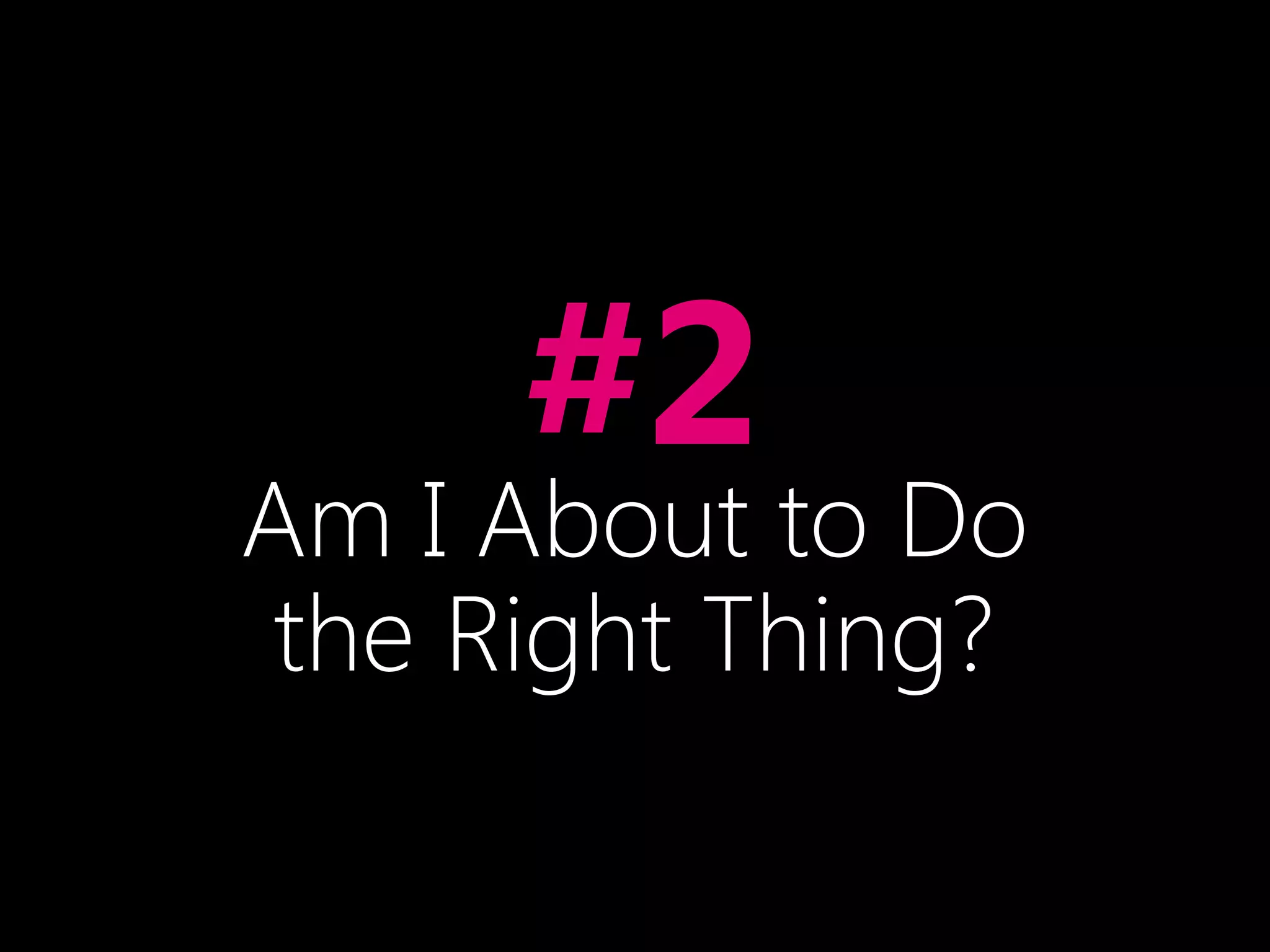
•#2
Am I About to Do
the Right Thing?
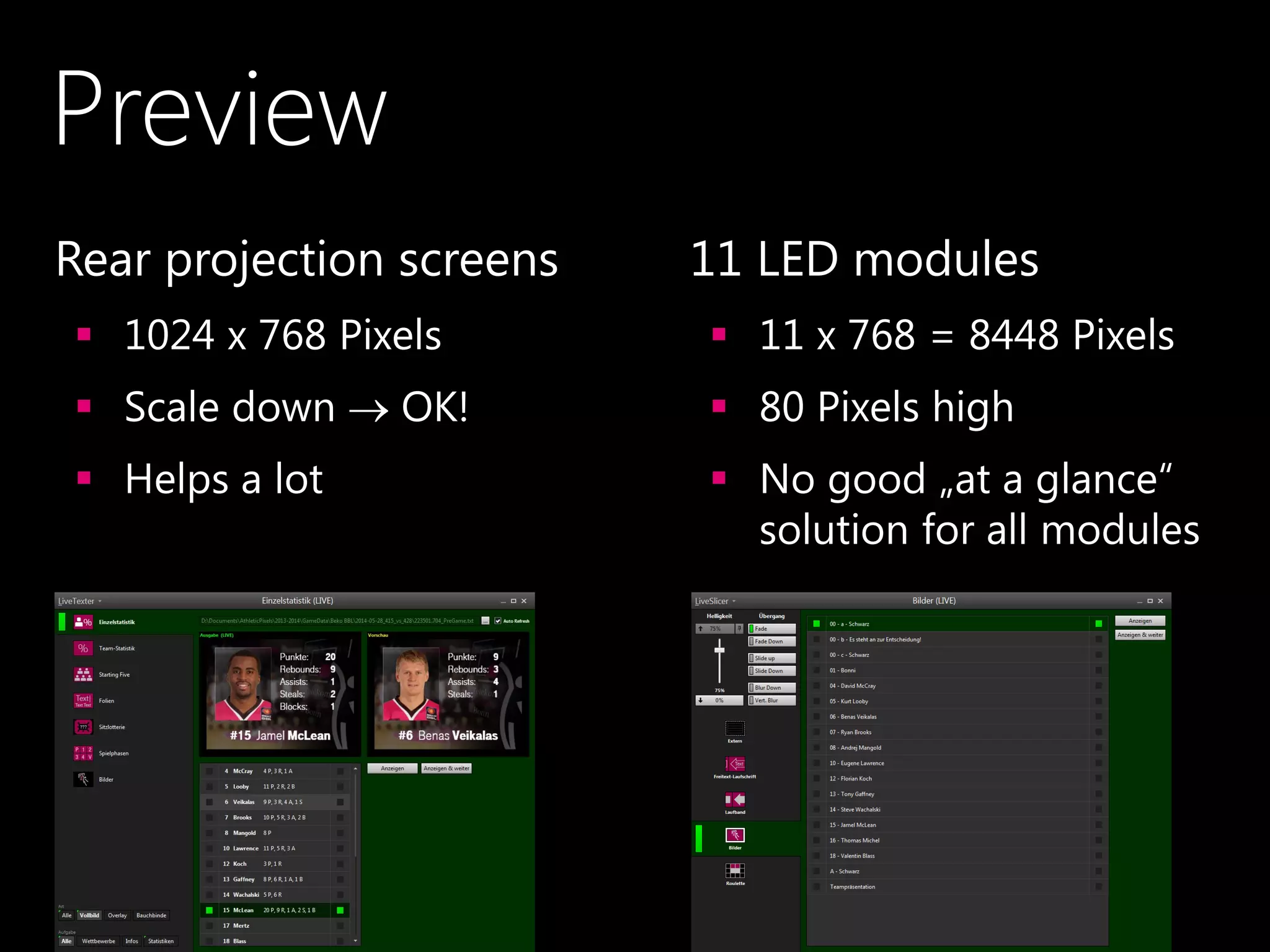
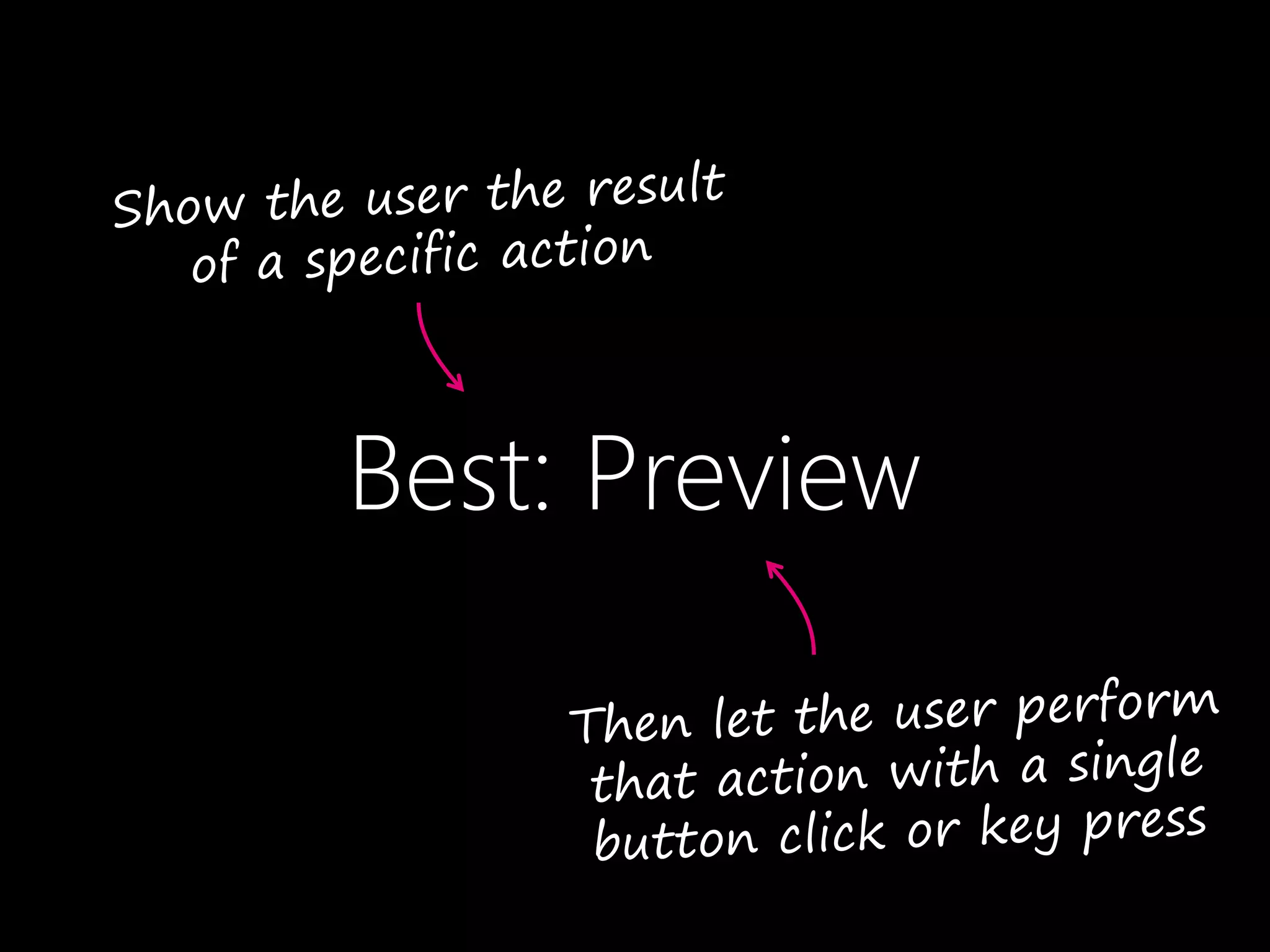
Best: Preview
Preview
•Rear projection screens
 1024 x 768 Pixels
 Scale down  OK!
 Helps a lot
•11 LED modules
 11 x 768 = 8448 Pixels
 80 Pixels high
 No good „at a glance“
solution for all modules
Second Best: Undo/Redo
OK: Clear to Understand
Be Absolutely Clear
•If clicking „something“ triggers a critical action,
 make this „something“ trivial to understand
 under heavy stress
 without even thinking.
•#3
Don‘t Make Me Think!*
* If you haven't yet, go read the book by Steve Krug!
Scrolling Messages
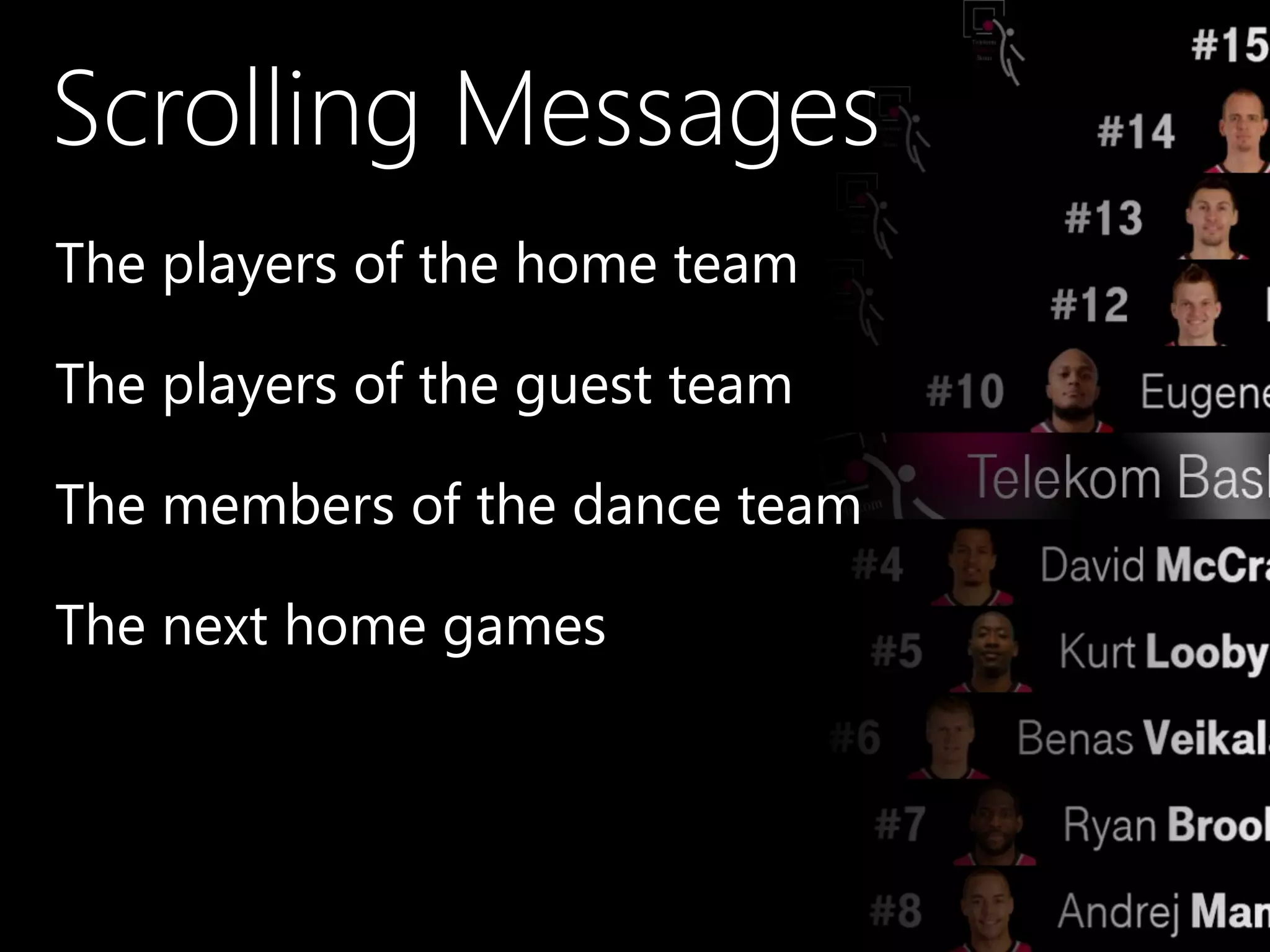
•The players of the home team
•The players of the guest team
•The members of the dance team
•The next home games
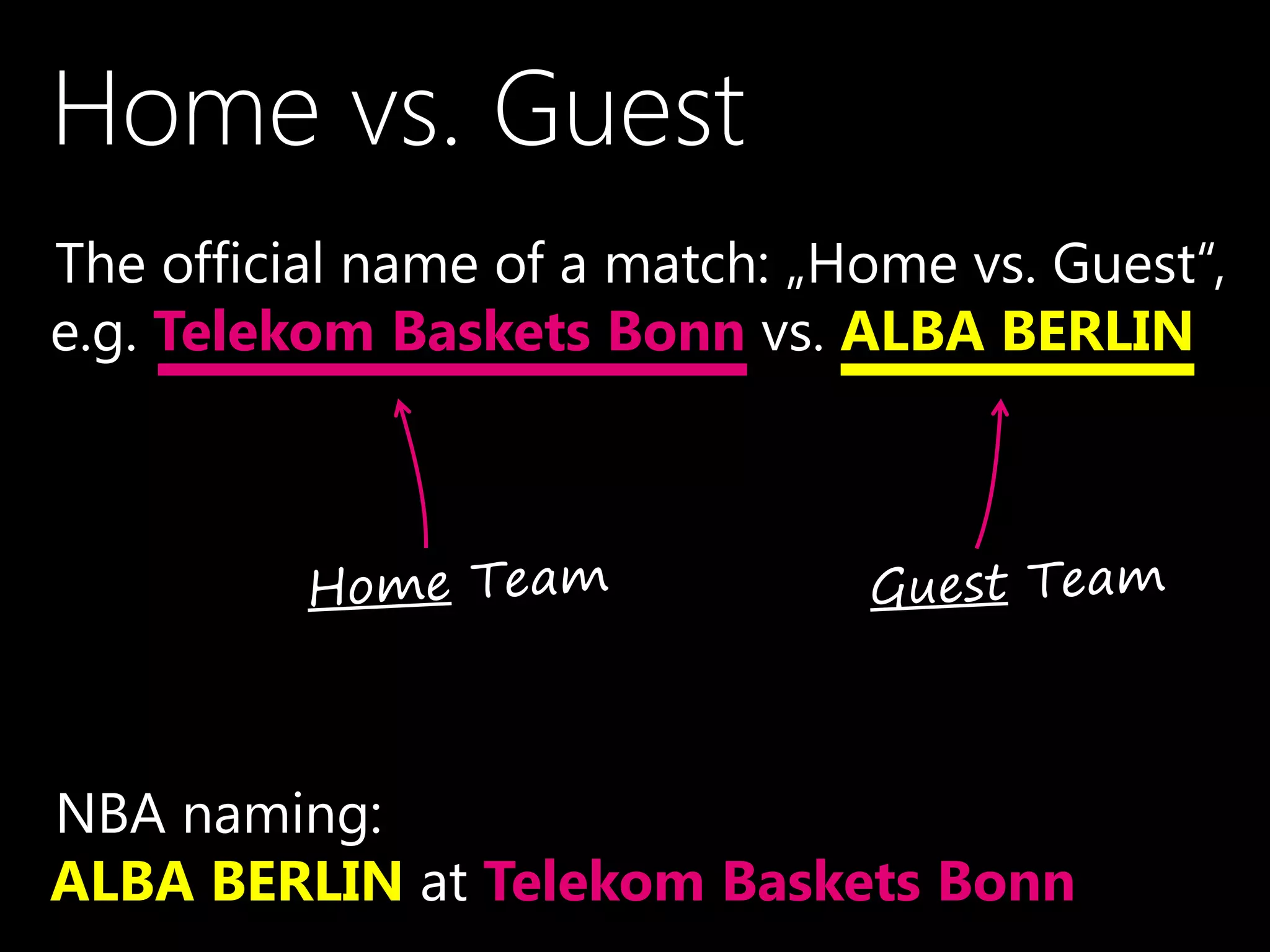
Home vs. Guest
•The official name of a match: „Home vs. Guest“,
e.g. Telekom Baskets Bonn vs. ALBA BERLIN
•NBA naming:
ALBA BERLIN at Telekom Baskets Bonn
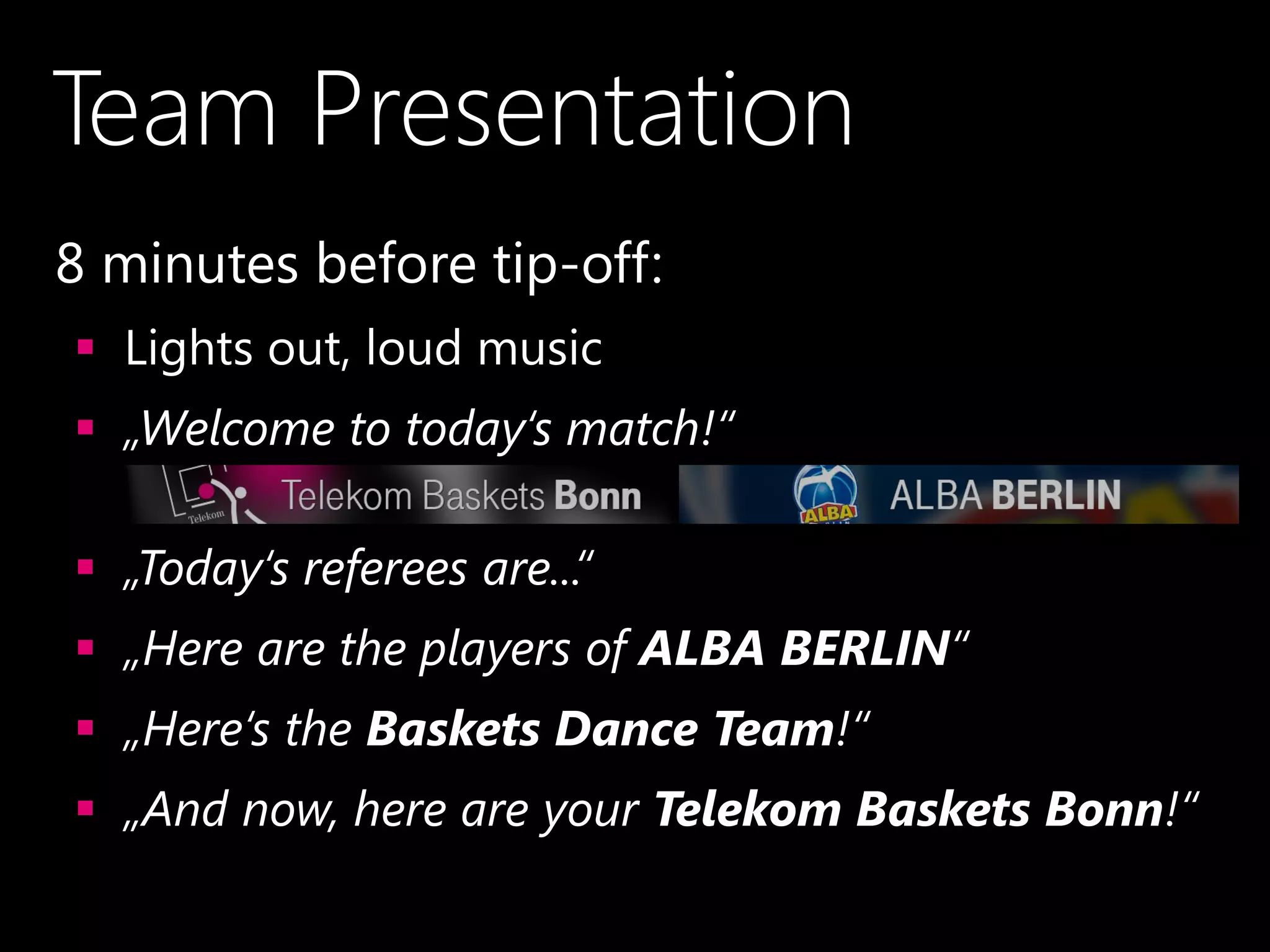
Team Presentation
•8 minutes before tip-off:
 Lights out, loud music
 „Welcome to today‘s match!“
 „Today‘s referees are...“
 „Here are the players of ALBA BERLIN“
 „Here‘s the Baskets Dance Team!“
 „And now, here are your Telekom Baskets Bonn!“
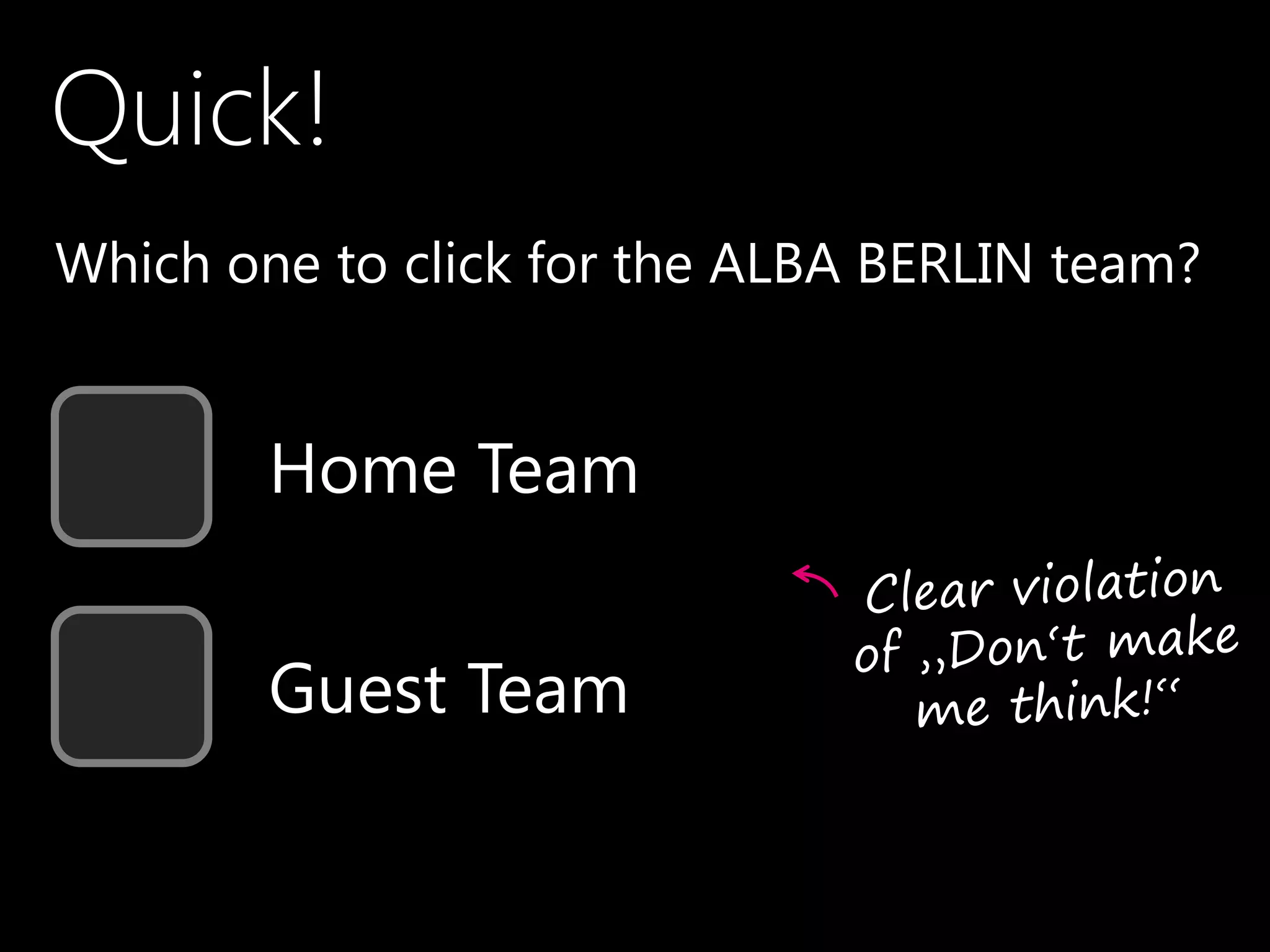
Quick!
•Which one to click for the ALBA BERLIN team?
Home Team
Guest Team
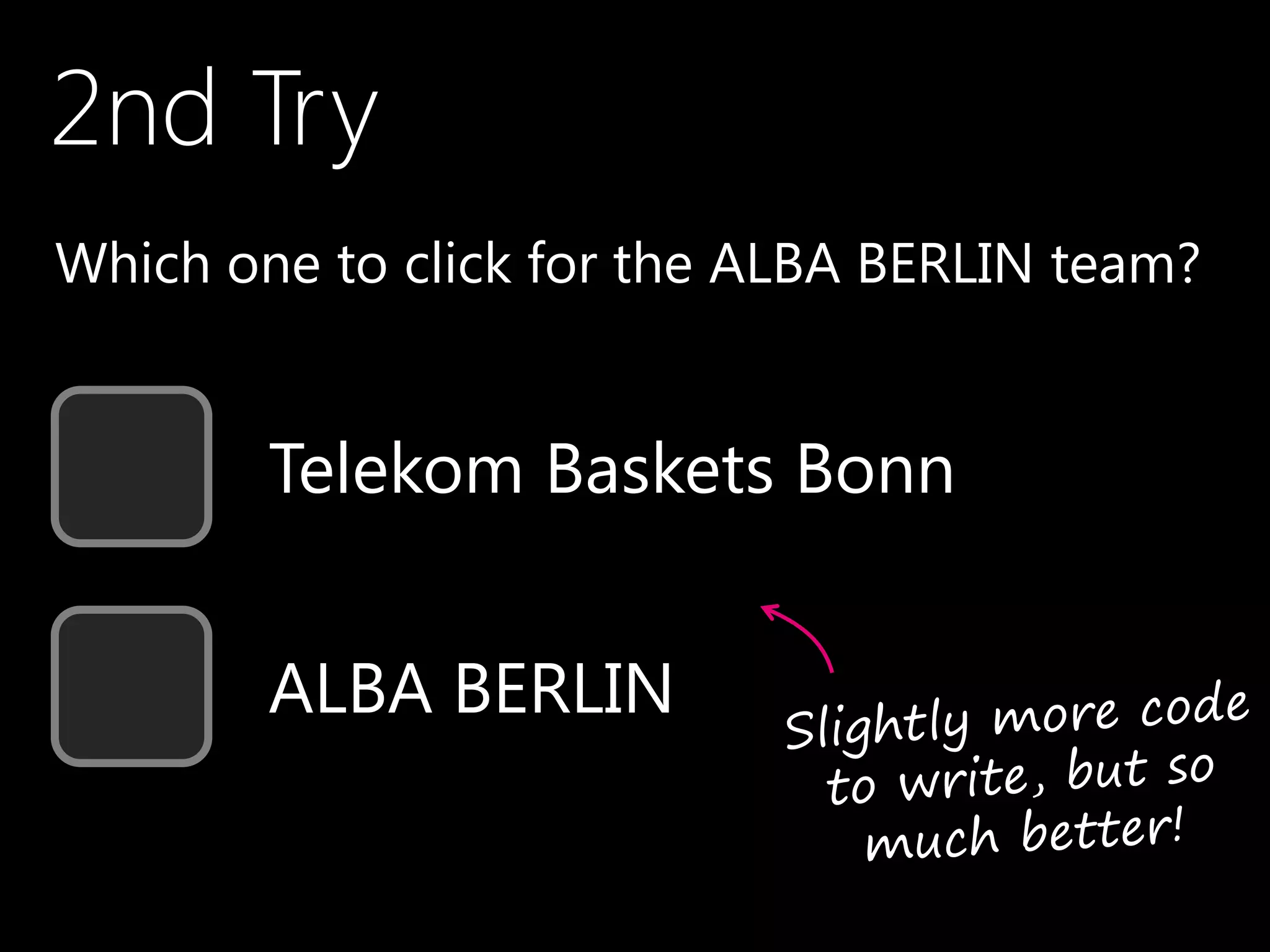
2nd Try
•Which one to click for the ALBA BERLIN team?
Telekom Baskets Bonn
ALBA BERLIN
•#4
Fine-grained Control –
Yes / No / How Much?
The LED Modules
are bright
The LED Modules
are freakin‘ BRIGHT!
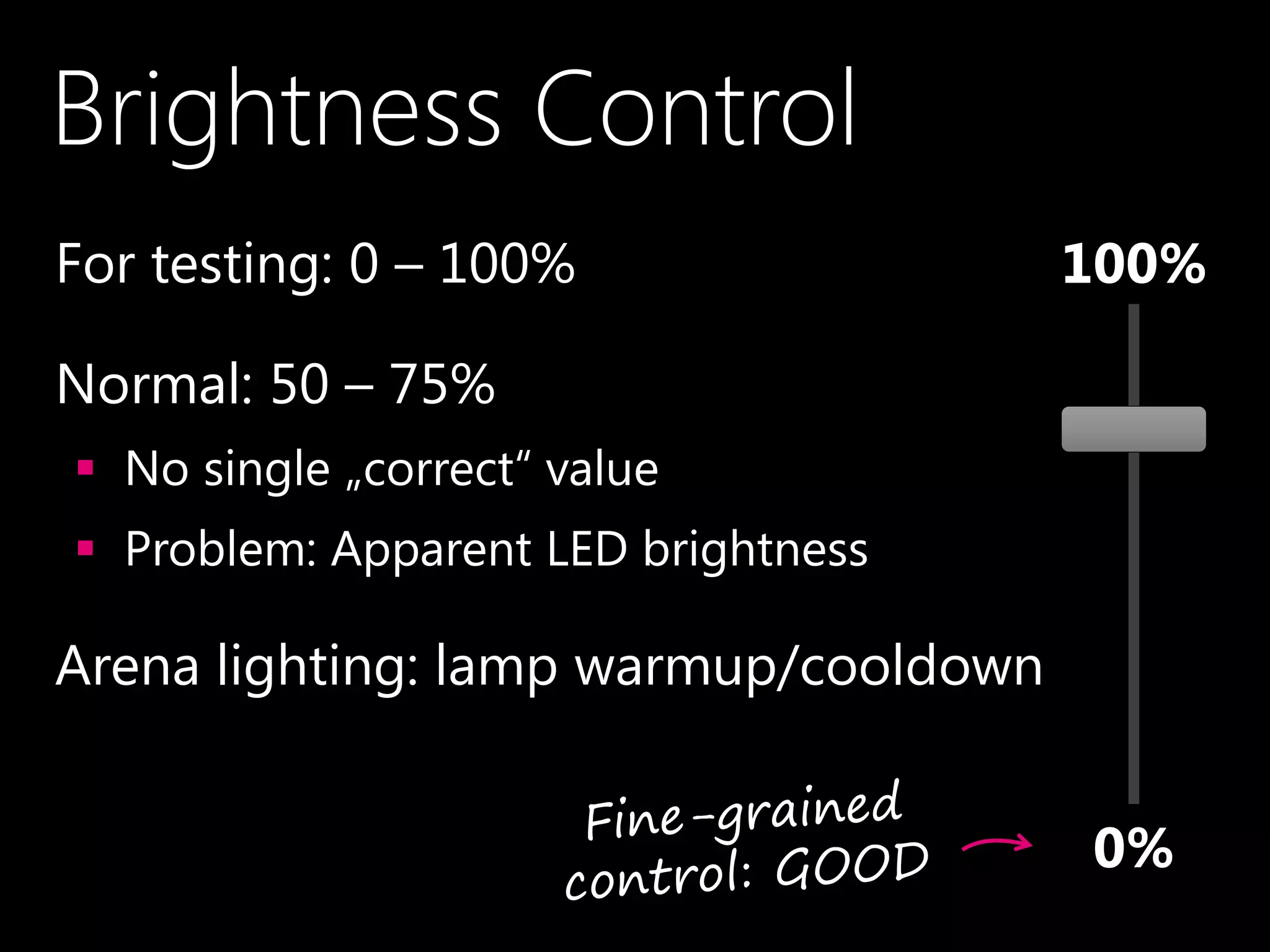
Brightness Control
•For testing: 0 – 100%
•Normal: 50 – 75%
 No single „correct“ value
 Problem: Apparent LED brightness
•Arena lighting: lamp warmup/cooldown
100%
0%
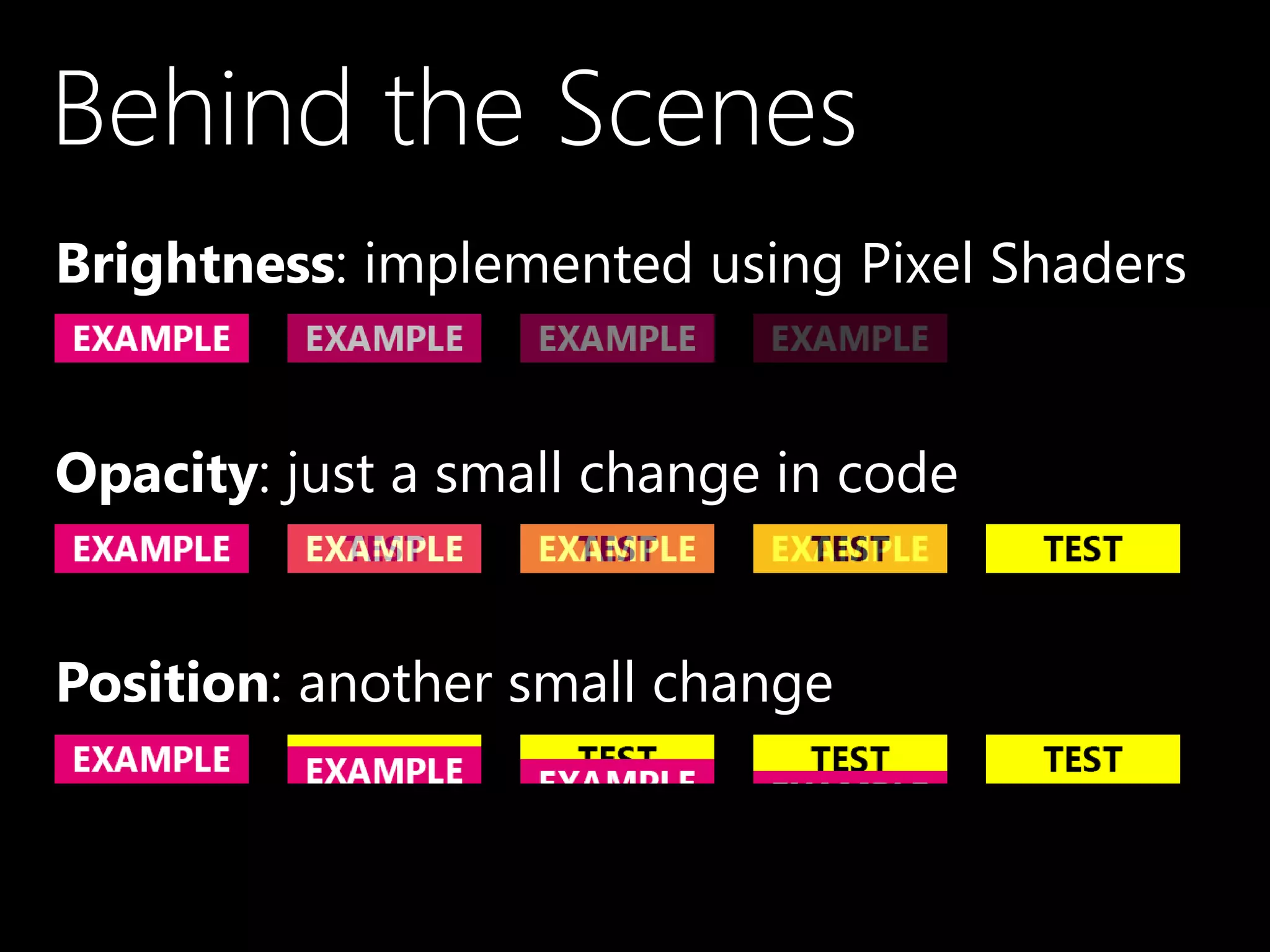
Behind the Scenes
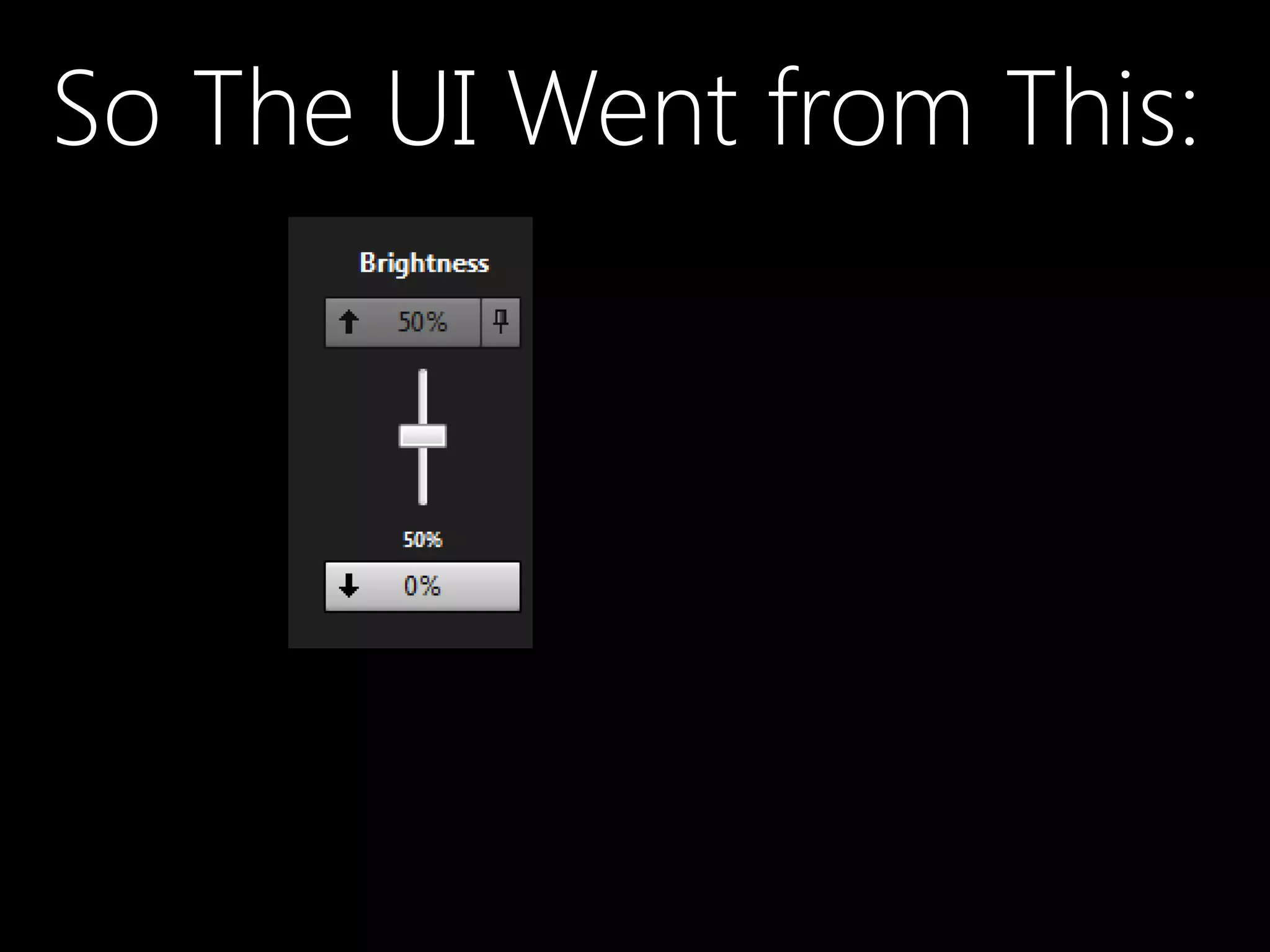
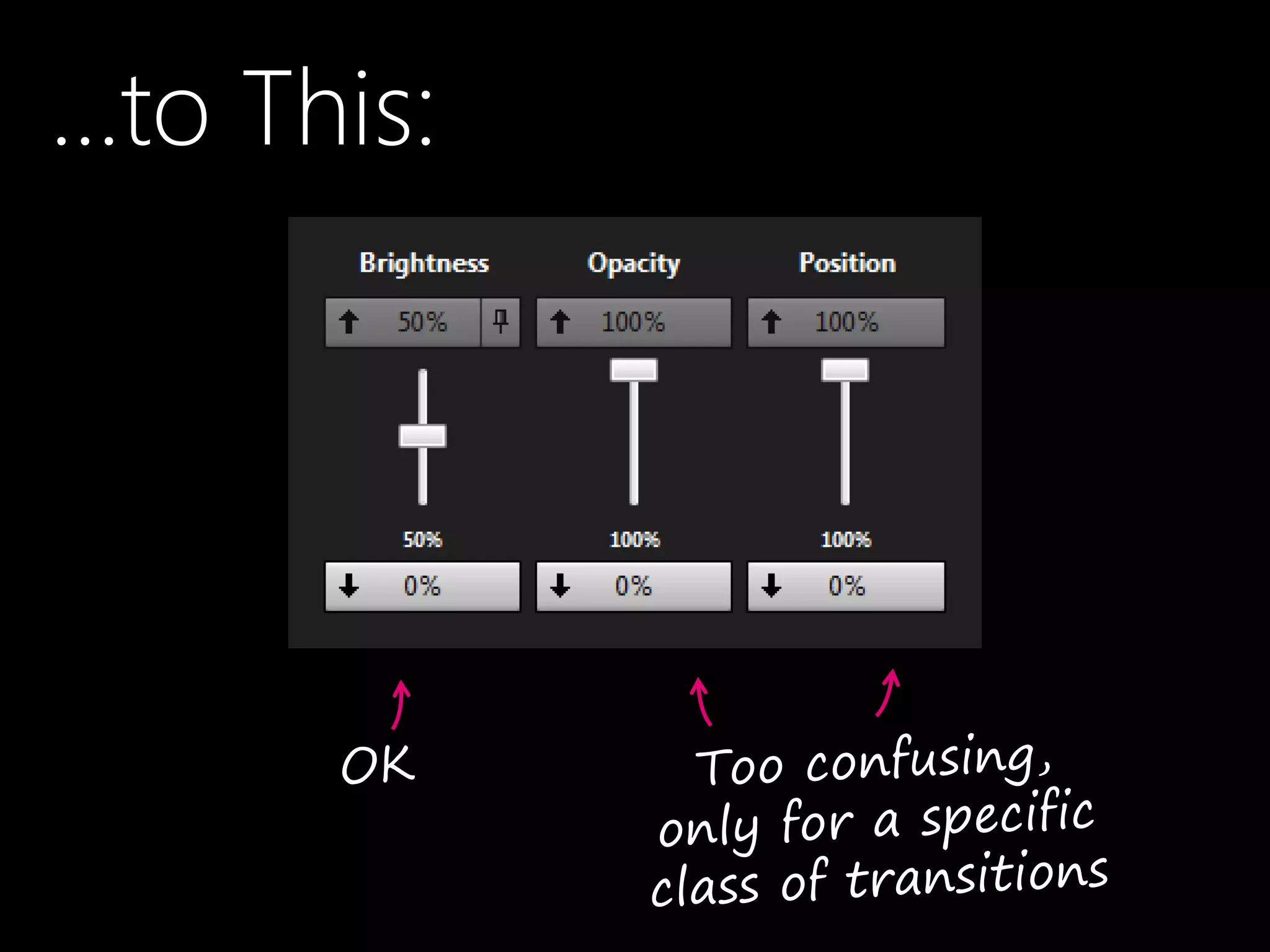
•Brightness: implemented using Pixel Shaders
•Opacity: just a small change in code
•Position: another small change
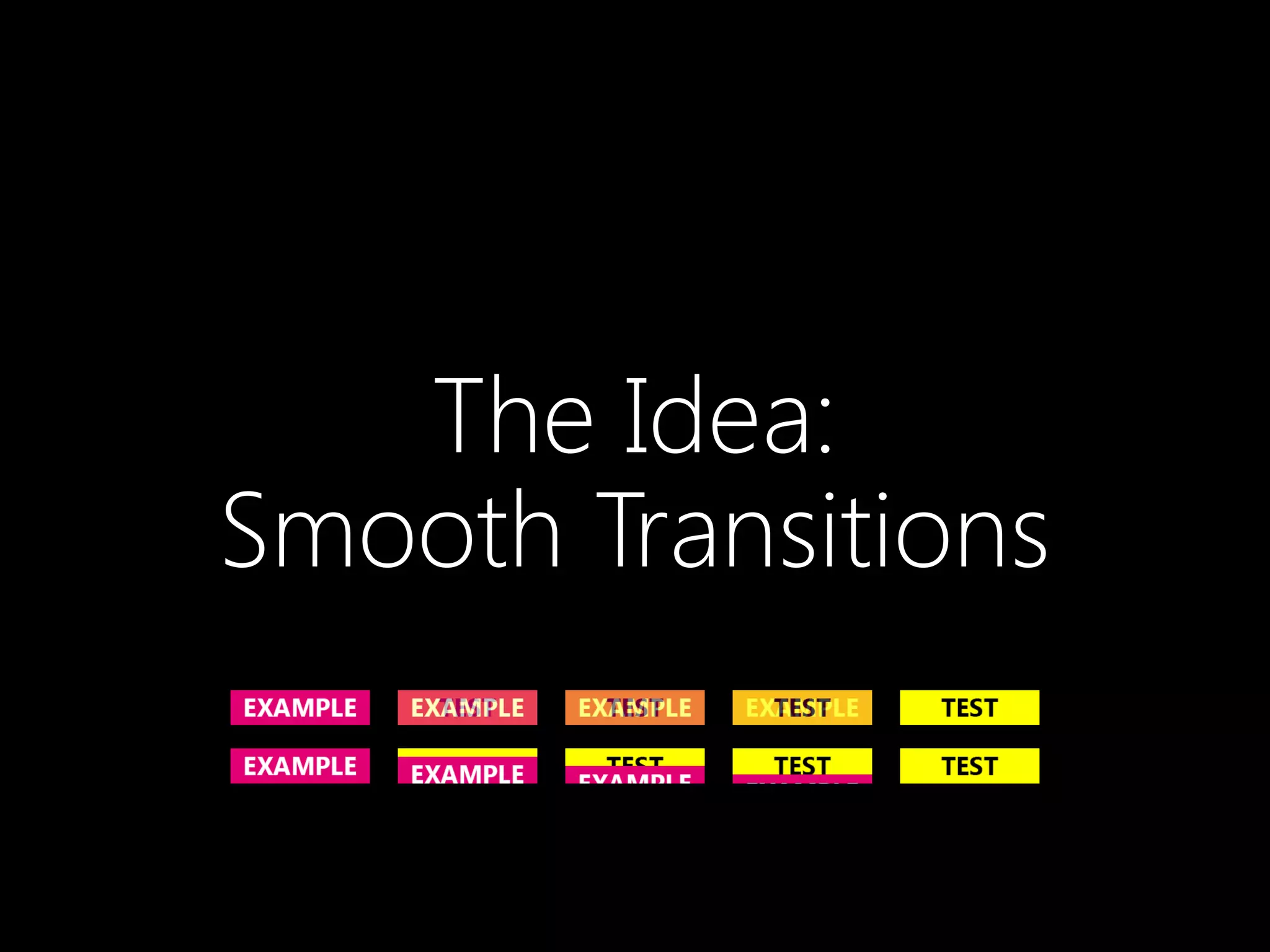
The Idea:
Smooth Transitions
So The UI Went from This:
…to This:
Let‘s Look Again
•What do I want from a smooth transition?
 From content A to content B
 Within a certain timespan
 Too short  not that different from a hard cut
 Too long  timing not matching announcer‘s voice
•Do I really need to control the speed?
 Experiments: 0.7 sec OK in most cases
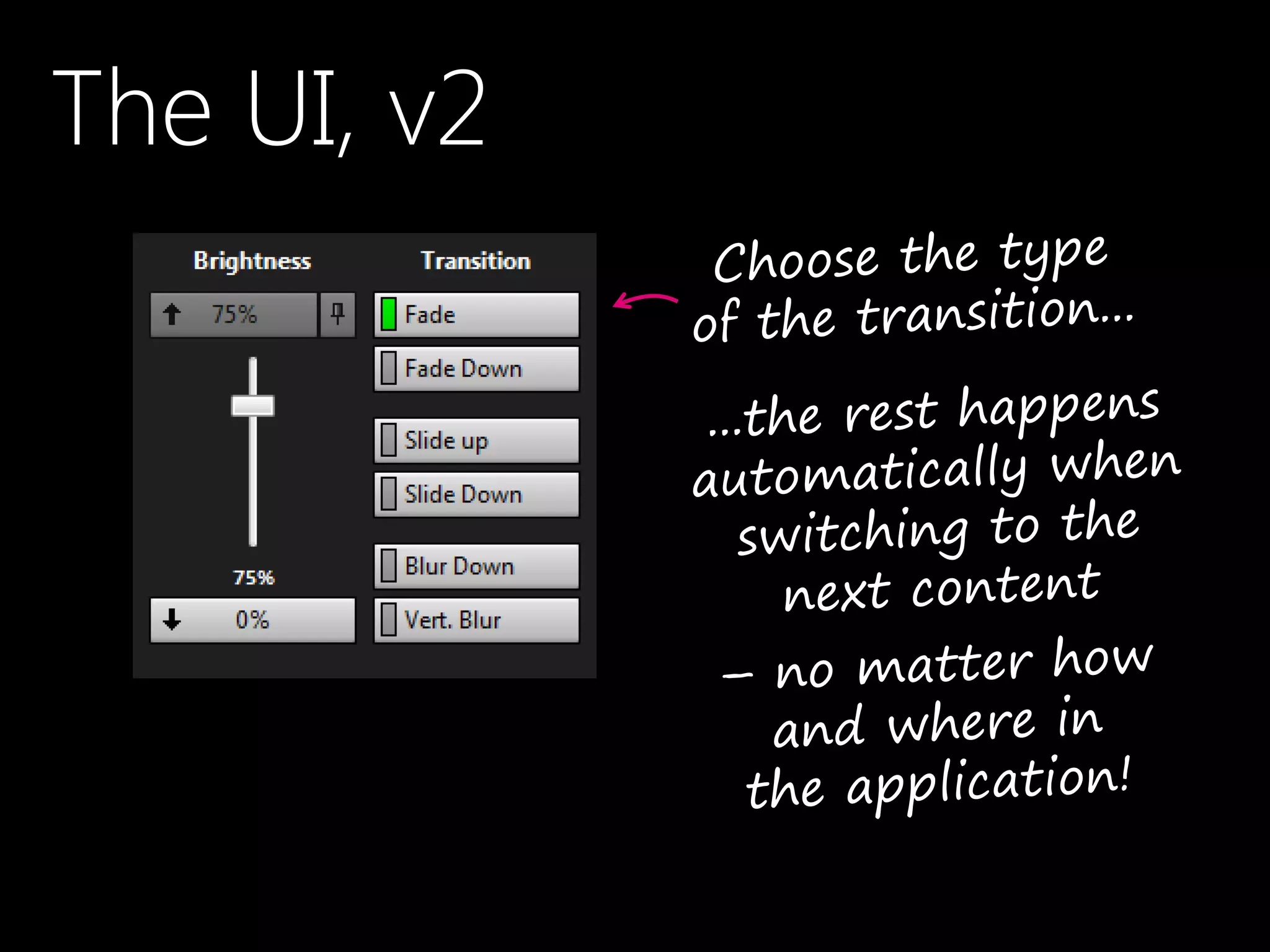
The UI, v2
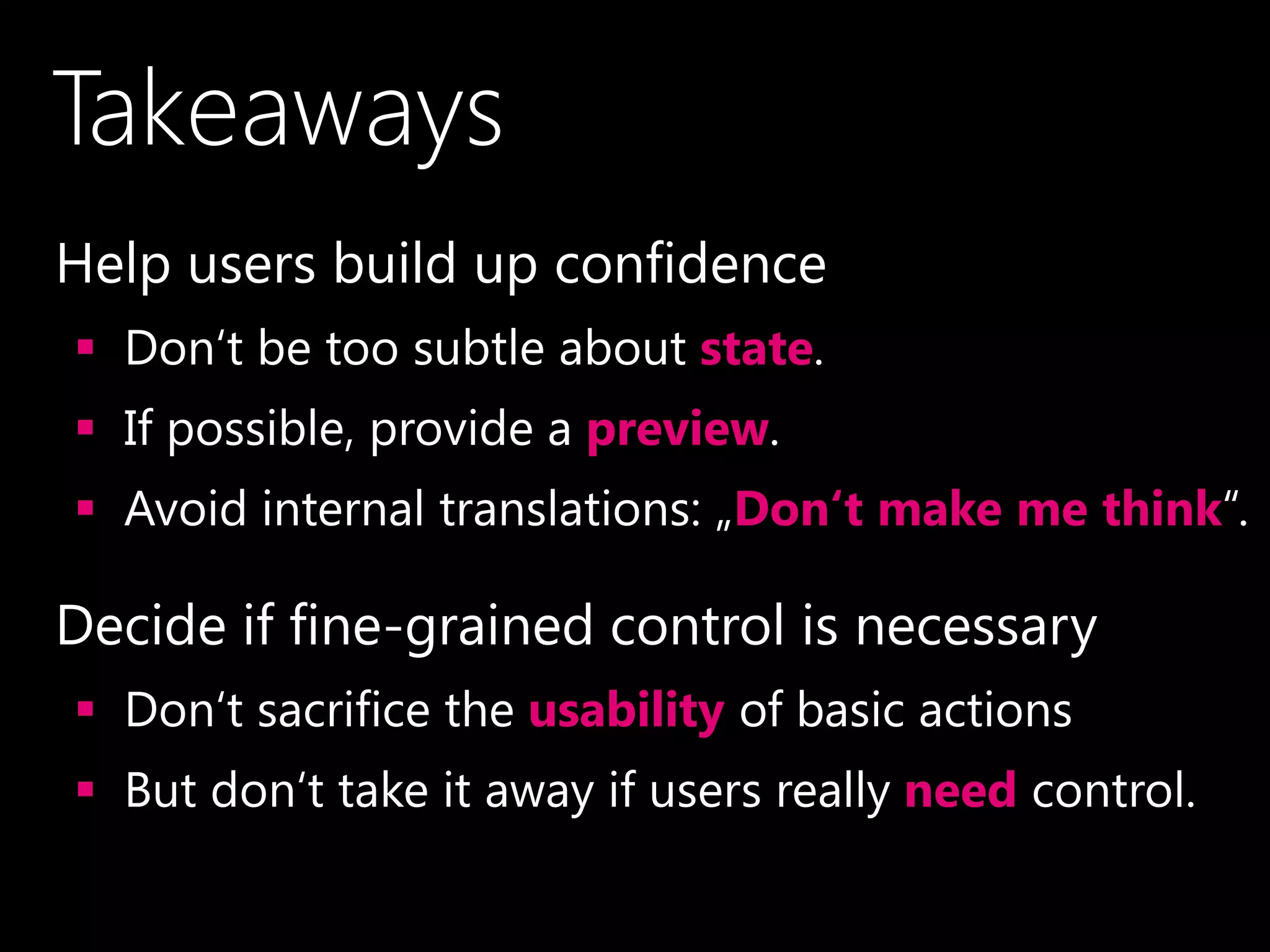
Takeaways
•Help users build up confidence
 Don‘t be too subtle about state.
 If possible, provide a preview.
 Avoid internal translations: „Don‘t make me think“.
•Decide if fine-grained control is necessary
 Don‘t sacrifice the usability of basic actions
 But don‘t take it away if users really need control.
You Don’t Know
if You Don’t Test
Thank You!
Roland Weigelt
Comma Soft AG, Bonn, Germany
Roland.Weigelt@comma-soft.com
@rweigelt
mail@roland-weigelt.de
@RolandWeigelt (DE)

Fun, Confusion, Fear and Basketball (UX Lx 2014)