Validation andVerification
Starter P.63, 64
 Kerboodle -
 Section 9 -TestYourself
 Username - then56z43a3
 Password - 978xg3dw
 Organisation Code - 333
Ticketing Animation
Validation
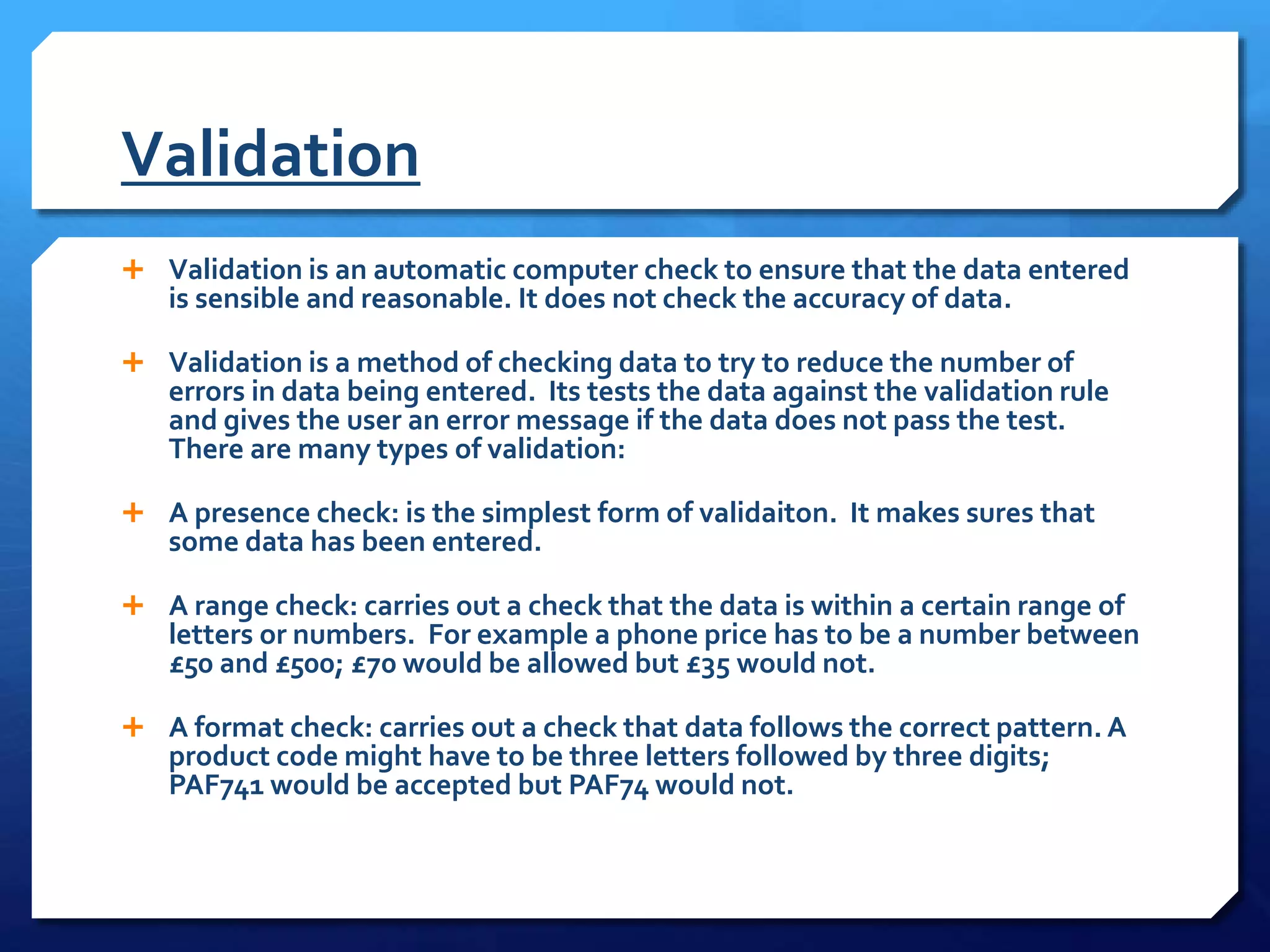
 Validation is an automatic computer check to ensure that the data entered
is sensible and reasonable. It does not check the accuracy of data.
 Validation is a method of checking data to try to reduce the number of
errors in data being entered. Its tests the data against the validation rule
and gives the user an error message if the data does not pass the test.
There are many types of validation:
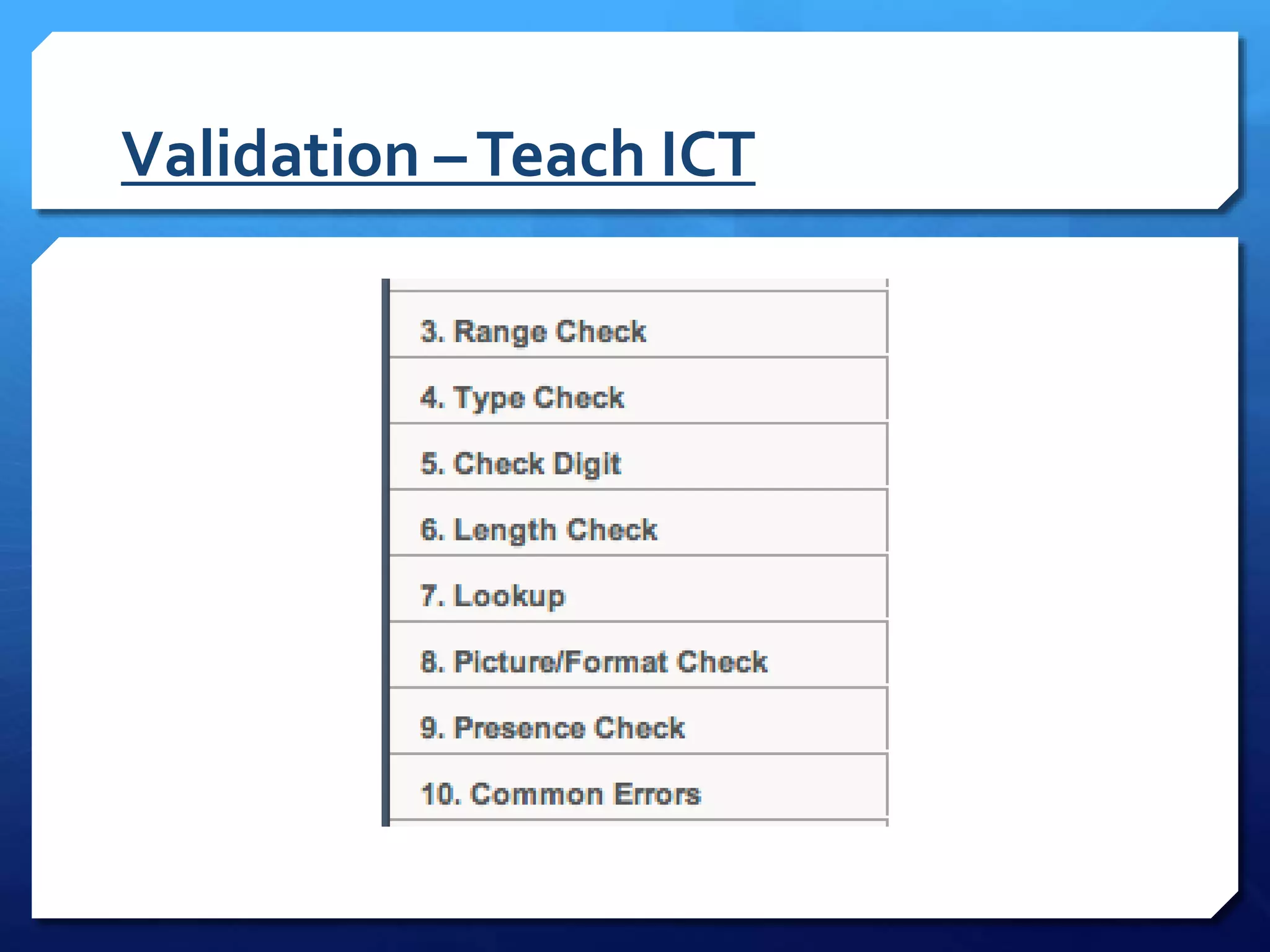
 A presence check: is the simplest form of validaiton. It makes sures that
some data has been entered.
 A range check: carries out a check that the data is within a certain range of
letters or numbers. For example a phone price has to be a number between
£50 and £500; £70 would be allowed but £35 would not.
 A format check: carries out a check that data follows the correct pattern. A
product code might have to be three letters followed by three digits;
PAF741 would be accepted but PAF74 would not.
Validation Ctd…
 A length check makes sure that the correct number of characteristics
has been entered
 A list or lookup check makes sure that the data is on the list of
acceptable values
 A cross field check makes sure that two fields are always entered
correctly each time they are entered into a record. For instance if a
certain phone contract is only available on one network, it will be
rejected in a different network is entered.
 A check digit is used to make sure long numbers such as those
generated by bar codes and entered correctly. A complex calculation is
carried out using the digits in the number, and the check digit is the
result of those calculation. In an EPOS system the scanner would
usually show a red light and make a beeping noise in the check digit
does not match.
Validation –Teach ICT
Example of a check digit
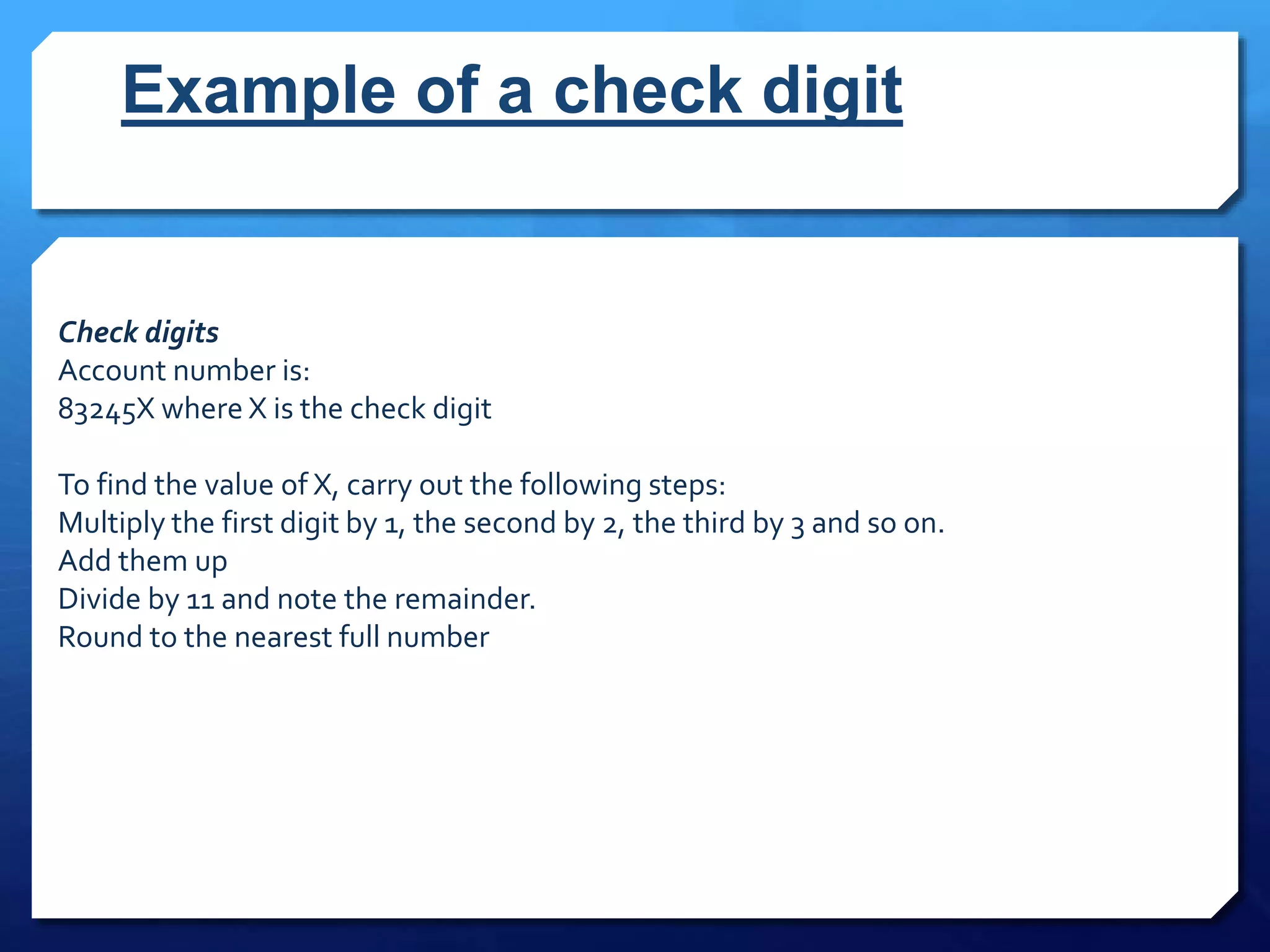
Check digits
Account number is:
83245X where X is the check digit
To find the value of X, carry out the following steps:
Multiply the first digit by 1, the second by 2, the third by 3 and so on.
Add them up
Divide by 11 and note the remainder.
Round to the nearest full number
Check Digit
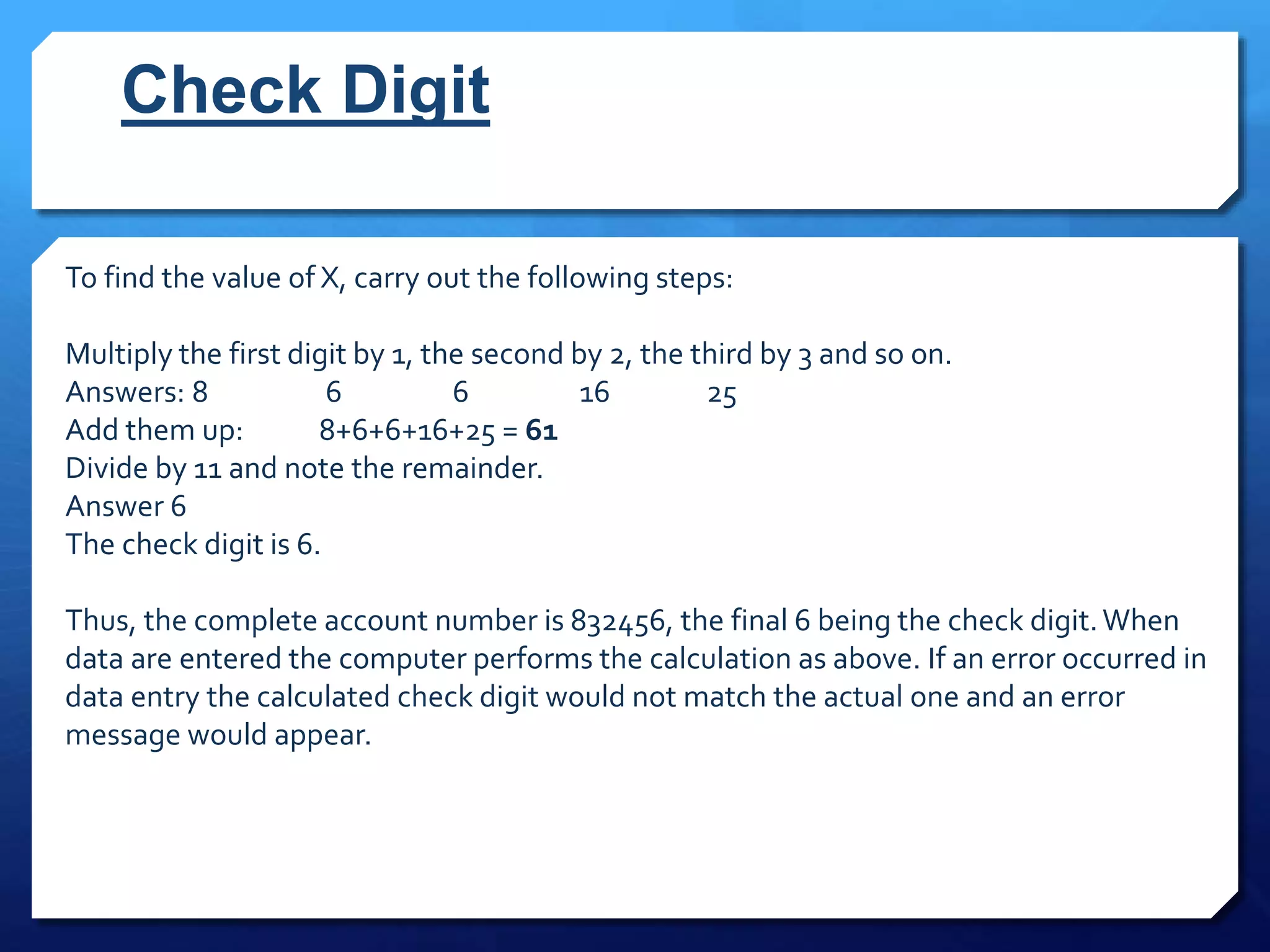
To find the value of X, carry out the following steps:
Multiply the first digit by 1, the second by 2, the third by 3 and so on.
Answers: 8 6 6 16 25
Add them up: 8+6+6+16+25 = 61
Divide by 11 and note the remainder.
Answer 6
The check digit is 6.
Thus, the complete account number is 832456, the final 6 being the check digit.When
data are entered the computer performs the calculation as above. If an error occurred in
data entry the calculated check digit would not match the actual one and an error
message would appear.
Verification
 Verification is performed to ensure that the data entered exactly matches
the original source.
 There are two main methods of verification:
 Double entry - entering the data twice and comparing the two copies.This
effectively doubles the workload, and as most people are paid by the hour, it
costs more too.
 Proofreading data - this method involves someone checking the data entered
against the original document.This is also time consuming and costly.
 Can you think of any others?
Verification
 Validation should reduce data-entry errors but it cannot
remove them completely.
 If a customers date of birth was entered as 07/06/1998
instead of 07/06/1988, it might still be valid but the system
would reject the customer for a contract phone because they
are too young. One way would be to check the data by proof
reading it against the application form filled in by the
customer. This is known as verification, this is a good way of
avoiding transcription errors made by the user not entering
the data exactly as it was written on the form.
Error message
 Tells the user they have made a mistake. It is best if they are
clear about the error, for instance please enter a number
between zero and 90. is clearer than Data out of range.
Validation and verification

Validation and verification

  • 1.
  • 2.
    Starter P.63, 64 Kerboodle -  Section 9 -TestYourself  Username - then56z43a3  Password - 978xg3dw  Organisation Code - 333
  • 3.
  • 4.
    Validation  Validation isan automatic computer check to ensure that the data entered is sensible and reasonable. It does not check the accuracy of data.  Validation is a method of checking data to try to reduce the number of errors in data being entered. Its tests the data against the validation rule and gives the user an error message if the data does not pass the test. There are many types of validation:  A presence check: is the simplest form of validaiton. It makes sures that some data has been entered.  A range check: carries out a check that the data is within a certain range of letters or numbers. For example a phone price has to be a number between £50 and £500; £70 would be allowed but £35 would not.  A format check: carries out a check that data follows the correct pattern. A product code might have to be three letters followed by three digits; PAF741 would be accepted but PAF74 would not.
  • 5.
    Validation Ctd…  Alength check makes sure that the correct number of characteristics has been entered  A list or lookup check makes sure that the data is on the list of acceptable values  A cross field check makes sure that two fields are always entered correctly each time they are entered into a record. For instance if a certain phone contract is only available on one network, it will be rejected in a different network is entered.  A check digit is used to make sure long numbers such as those generated by bar codes and entered correctly. A complex calculation is carried out using the digits in the number, and the check digit is the result of those calculation. In an EPOS system the scanner would usually show a red light and make a beeping noise in the check digit does not match.
  • 6.
  • 7.
    Example of acheck digit Check digits Account number is: 83245X where X is the check digit To find the value of X, carry out the following steps: Multiply the first digit by 1, the second by 2, the third by 3 and so on. Add them up Divide by 11 and note the remainder. Round to the nearest full number
  • 8.
    Check Digit To findthe value of X, carry out the following steps: Multiply the first digit by 1, the second by 2, the third by 3 and so on. Answers: 8 6 6 16 25 Add them up: 8+6+6+16+25 = 61 Divide by 11 and note the remainder. Answer 6 The check digit is 6. Thus, the complete account number is 832456, the final 6 being the check digit.When data are entered the computer performs the calculation as above. If an error occurred in data entry the calculated check digit would not match the actual one and an error message would appear.
  • 9.
    Verification  Verification isperformed to ensure that the data entered exactly matches the original source.  There are two main methods of verification:  Double entry - entering the data twice and comparing the two copies.This effectively doubles the workload, and as most people are paid by the hour, it costs more too.  Proofreading data - this method involves someone checking the data entered against the original document.This is also time consuming and costly.  Can you think of any others?
  • 10.
    Verification  Validation shouldreduce data-entry errors but it cannot remove them completely.  If a customers date of birth was entered as 07/06/1998 instead of 07/06/1988, it might still be valid but the system would reject the customer for a contract phone because they are too young. One way would be to check the data by proof reading it against the application form filled in by the customer. This is known as verification, this is a good way of avoiding transcription errors made by the user not entering the data exactly as it was written on the form.
  • 11.
    Error message  Tellsthe user they have made a mistake. It is best if they are clear about the error, for instance please enter a number between zero and 90. is clearer than Data out of range.