

Powerpoint
makes power your point.
Get Started
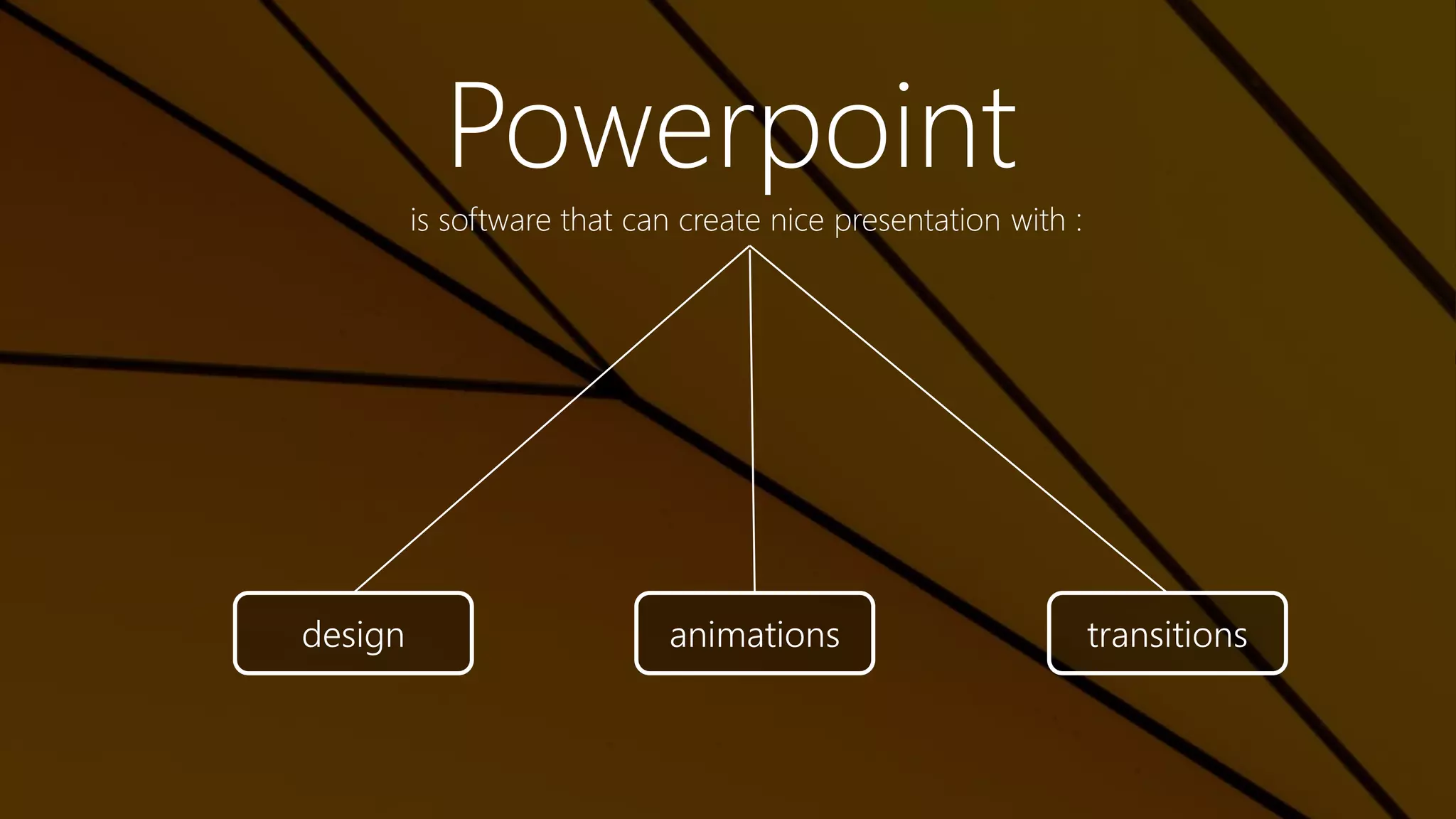
Powerpoint
is software that can create nice presentation with :
design animations transitions
Design
S l i d e L a y o u t | T h e m e s
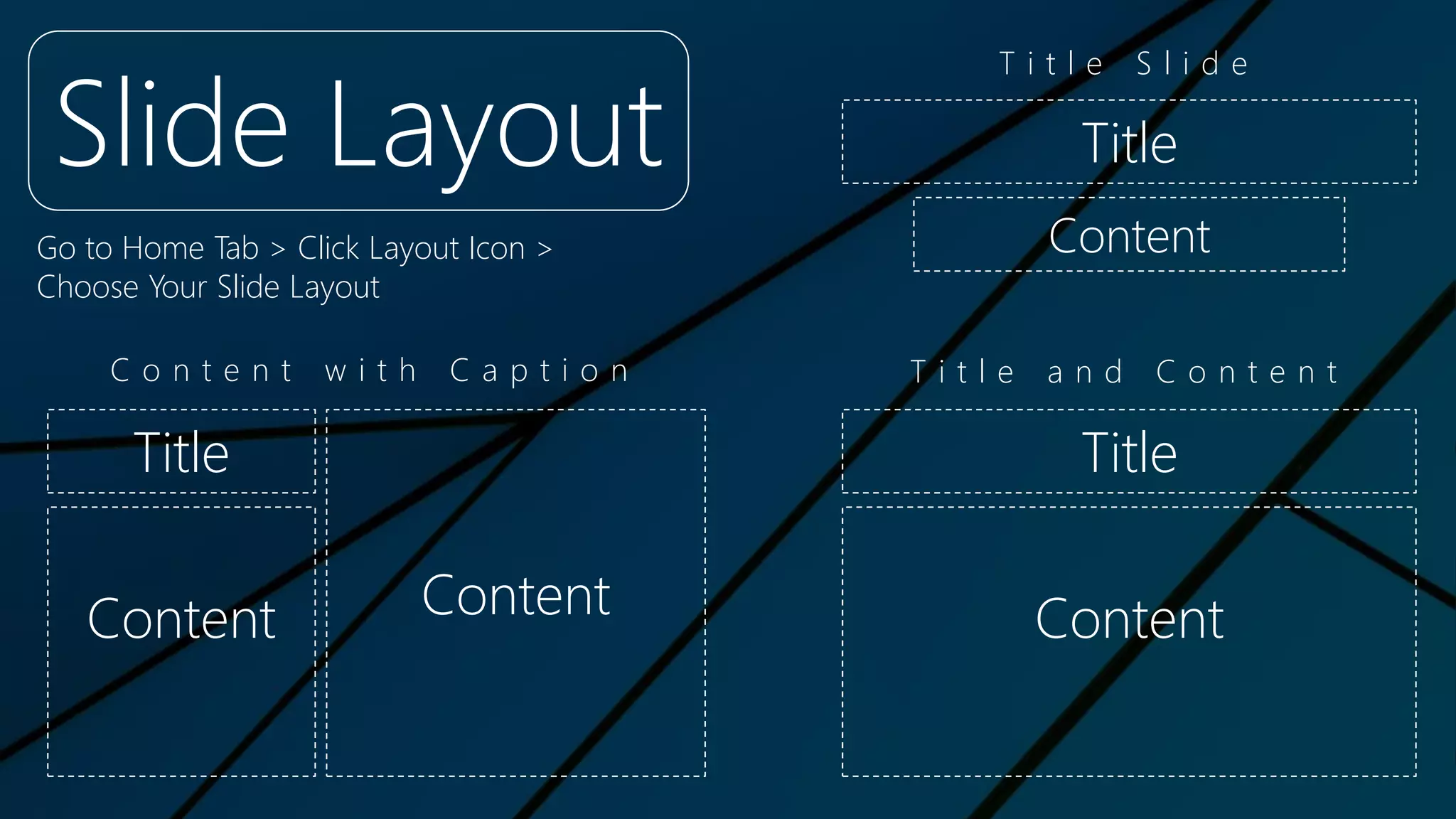
Slide Layout
Go to Home Tab > Click Layout Icon >
Choose Your Slide Layout
Title
Content
Title
Content
Title
Content Content
T i t l e S l i d e
T i t l e a n d C o n t e n tC o n t e n t w i t h C a p t i o n
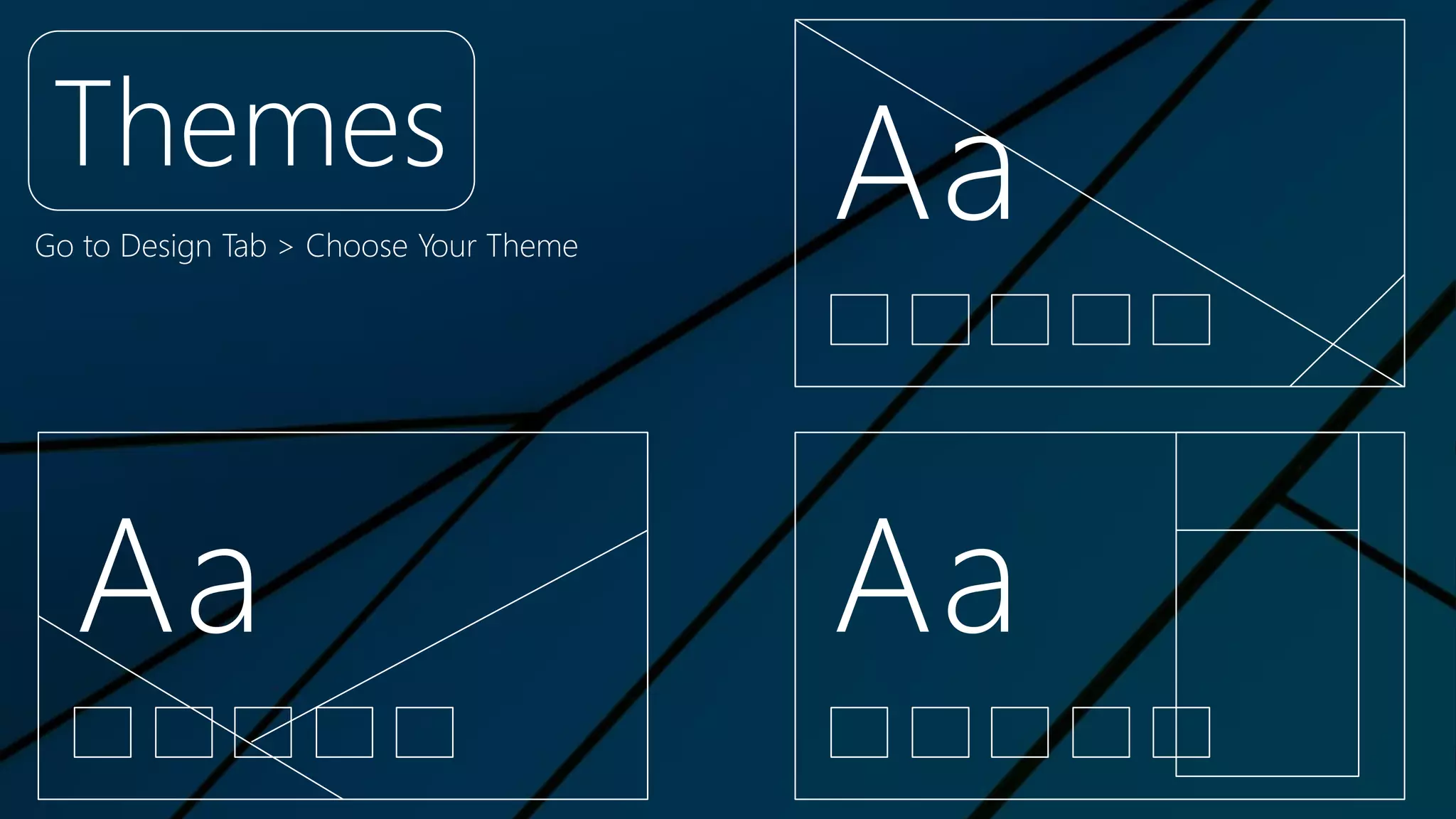
Themes
Go to Design Tab > Choose Your Theme
Aa Aa
Aa
Animations
E n t r a n c e | E m p h a s i s | E x i t | M o t i o n Pa t h s
I <3 U
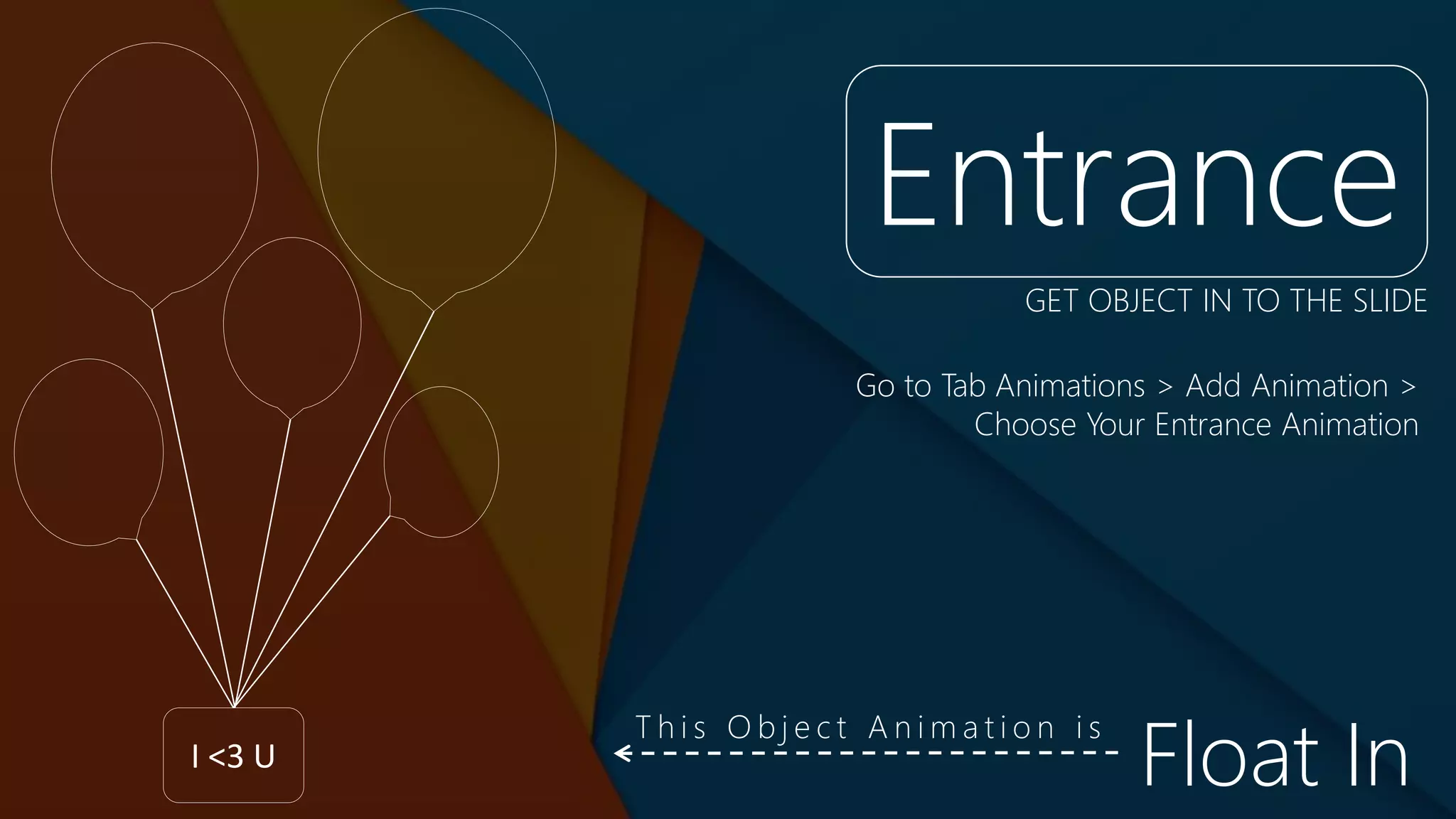
Entrance
Go to Tab Animations > Add Animation >
Choose Your Entrance Animation
GET OBJECT IN TO THE SLIDE
Float In
T h i s O b j e c t A n i m a t i o n i s
I <3 U
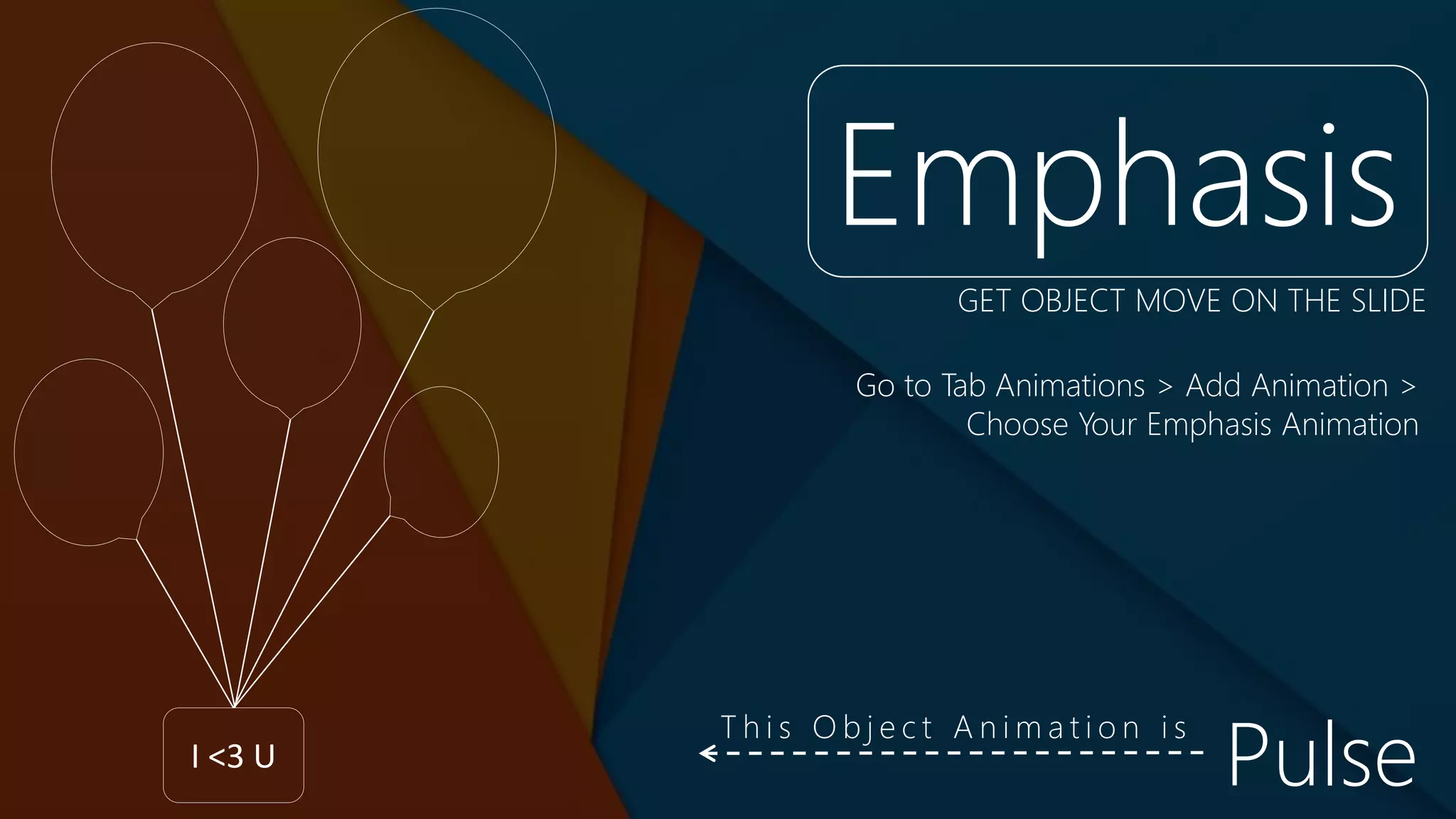
Emphasis
Go to Tab Animations > Add Animation >
Choose Your Emphasis Animation
GET OBJECT MOVE ON THE SLIDE
Pulse
T h i s O b j e c t A n i m a t i o n i s
I <3 U
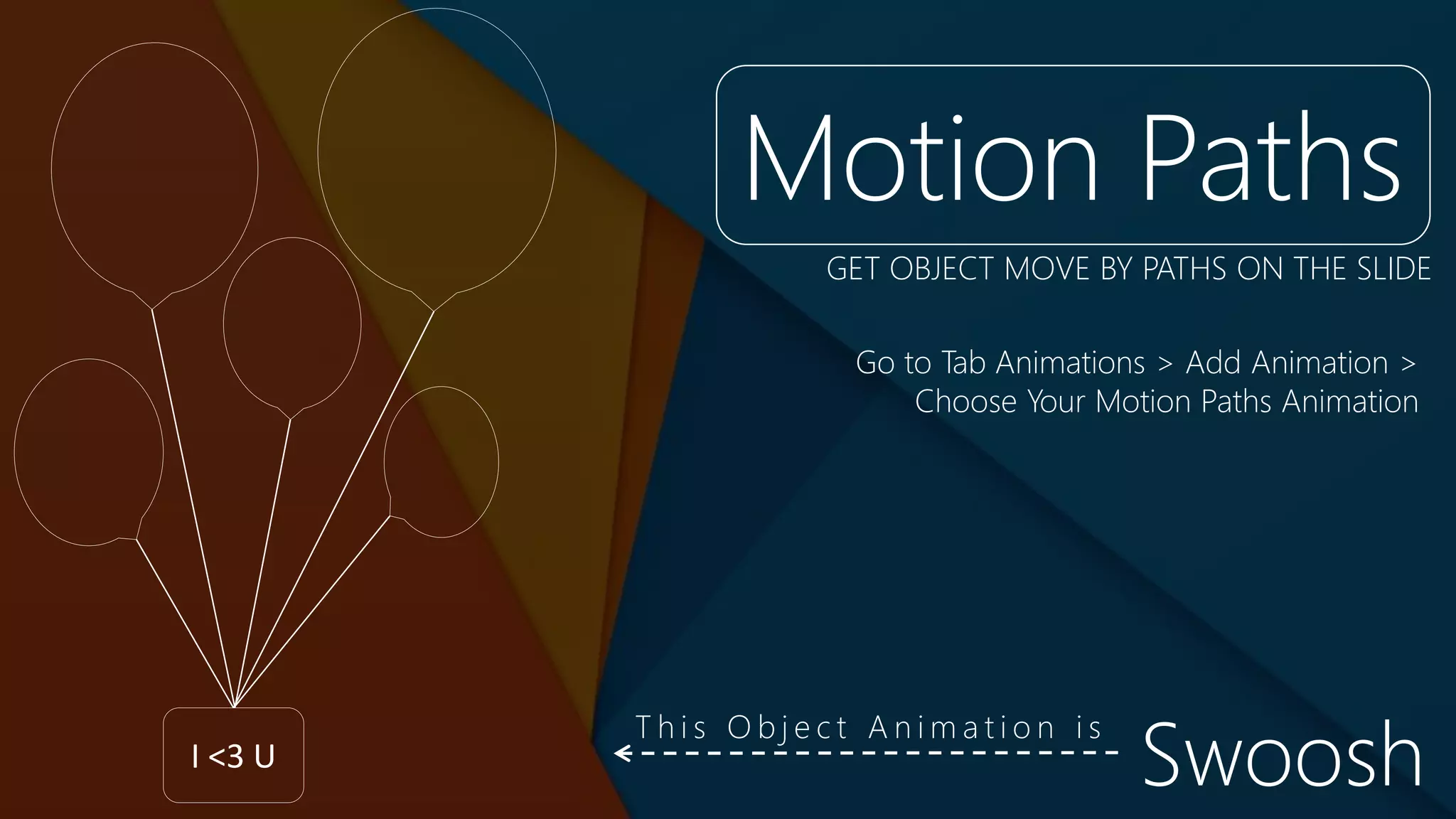
Motion Paths
Go to Tab Animations > Add Animation >
Choose Your Motion Paths Animation
GET OBJECT MOVE BY PATHS ON THE SLIDE
Swoosh
T h i s O b j e c t A n i m a t i o n i s
I <3 U
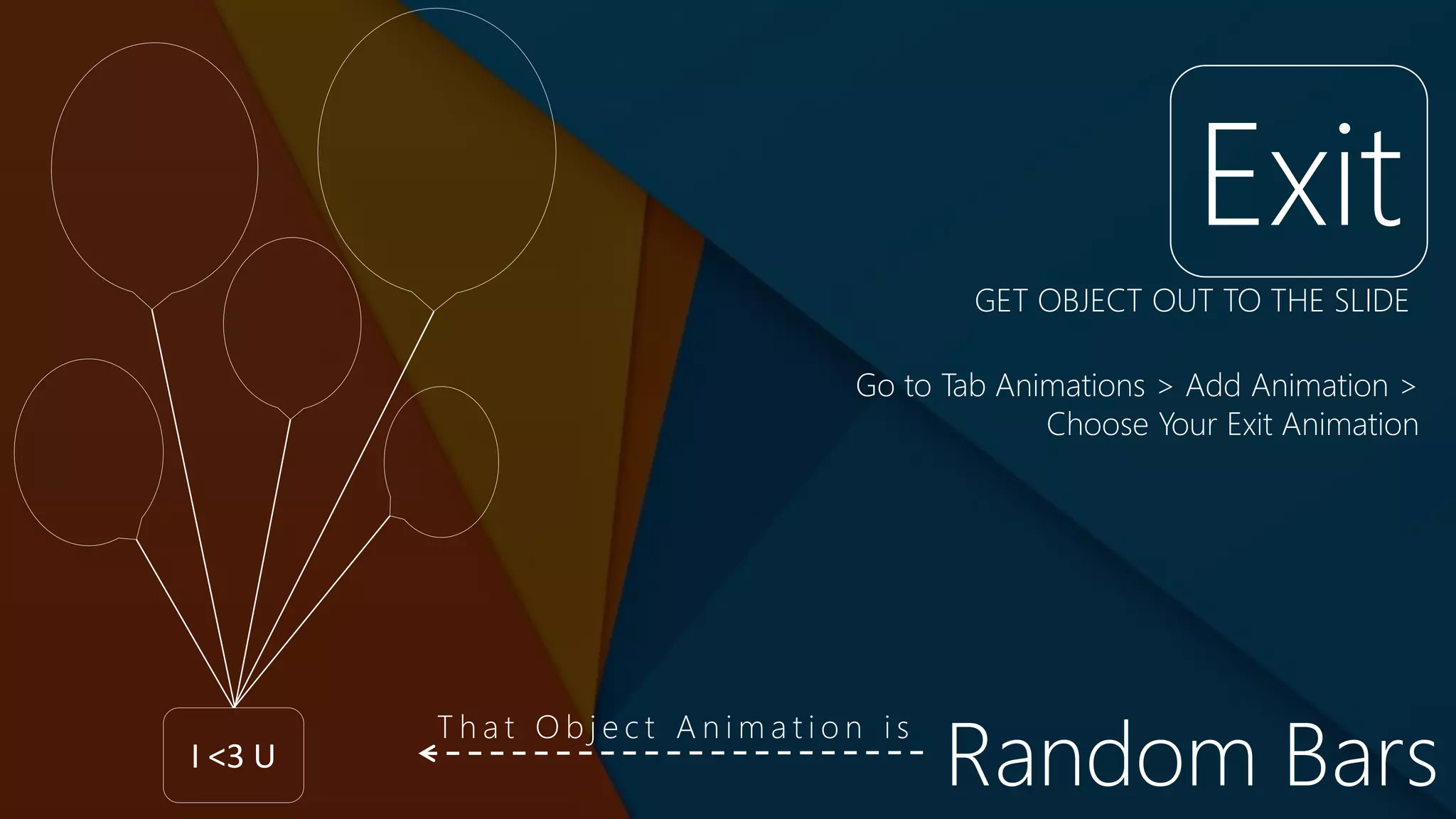
Exit
Go to Tab Animations > Add Animation >
Choose Your Exit Animation
GET OBJECT OUT TO THE SLIDE
Random Bars
T h a t O b j e c t A n i m a t i o n i s
Transitions
S u b t l e | E x c i t i n g | D y n a m i c C o n t e n t
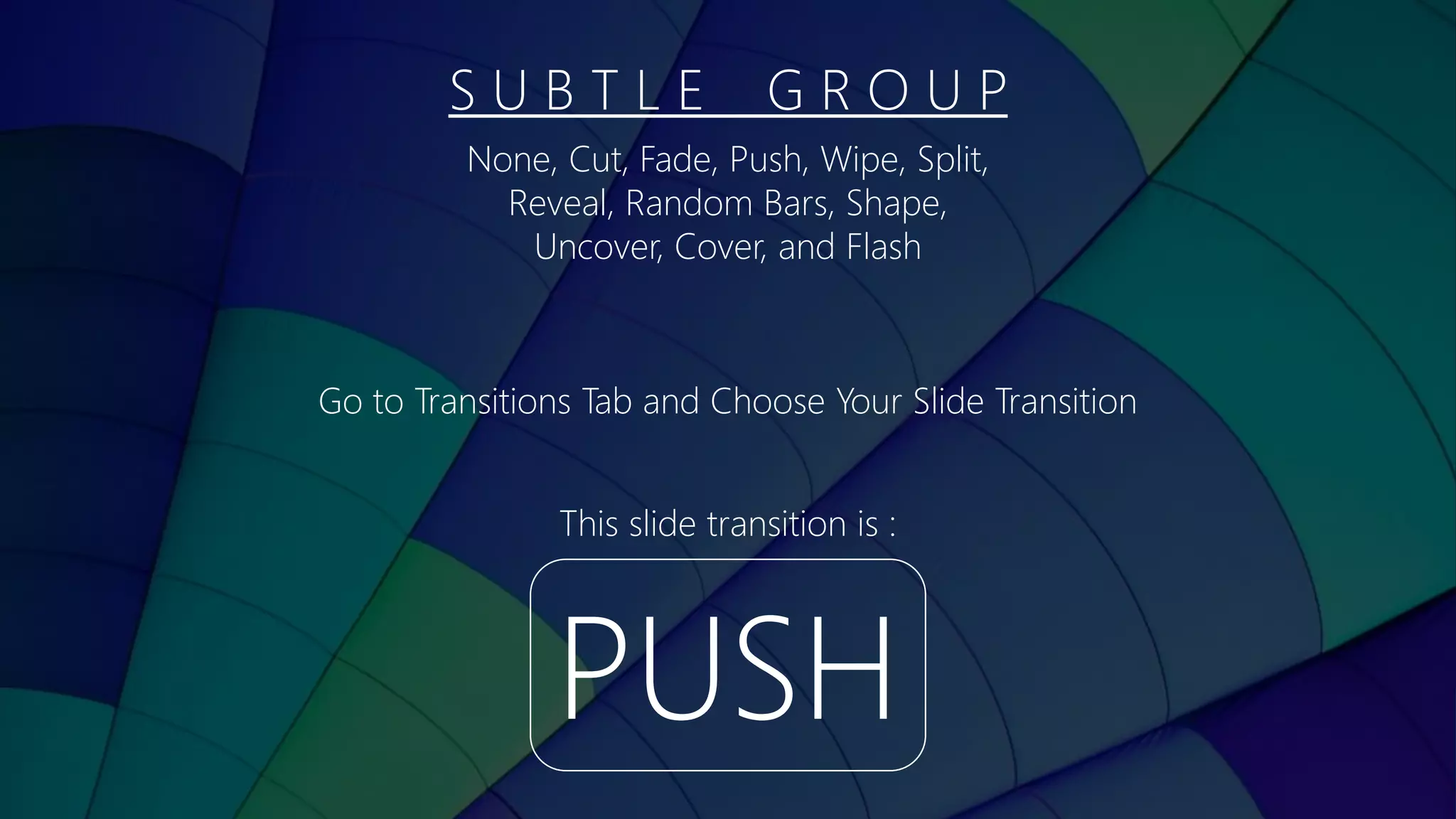
S U B T L E G R O U P
PUSH
This slide transition is :
None, Cut, Fade, Push, Wipe, Split,
Reveal, Random Bars, Shape,
Uncover, Cover, and Flash
Go to Transitions Tab and Choose Your Slide Transition
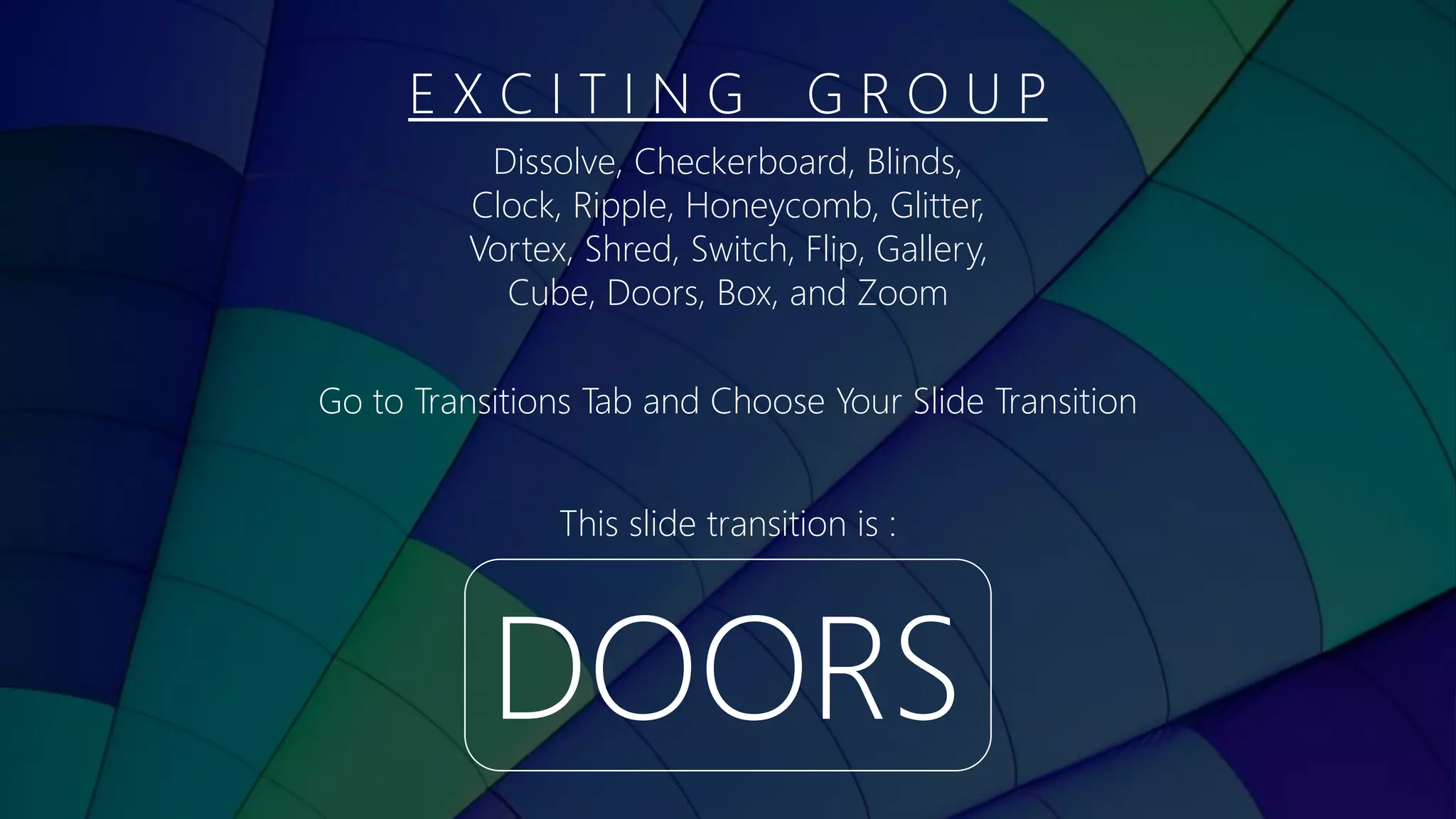
E X C I T I N G G R O U P
DOORS
This slide transition is :
Dissolve, Checkerboard, Blinds,
Clock, Ripple, Honeycomb, Glitter,
Vortex, Shred, Switch, Flip, Gallery,
Cube, Doors, Box, and Zoom
Go to Transitions Tab and Choose Your Slide Transition
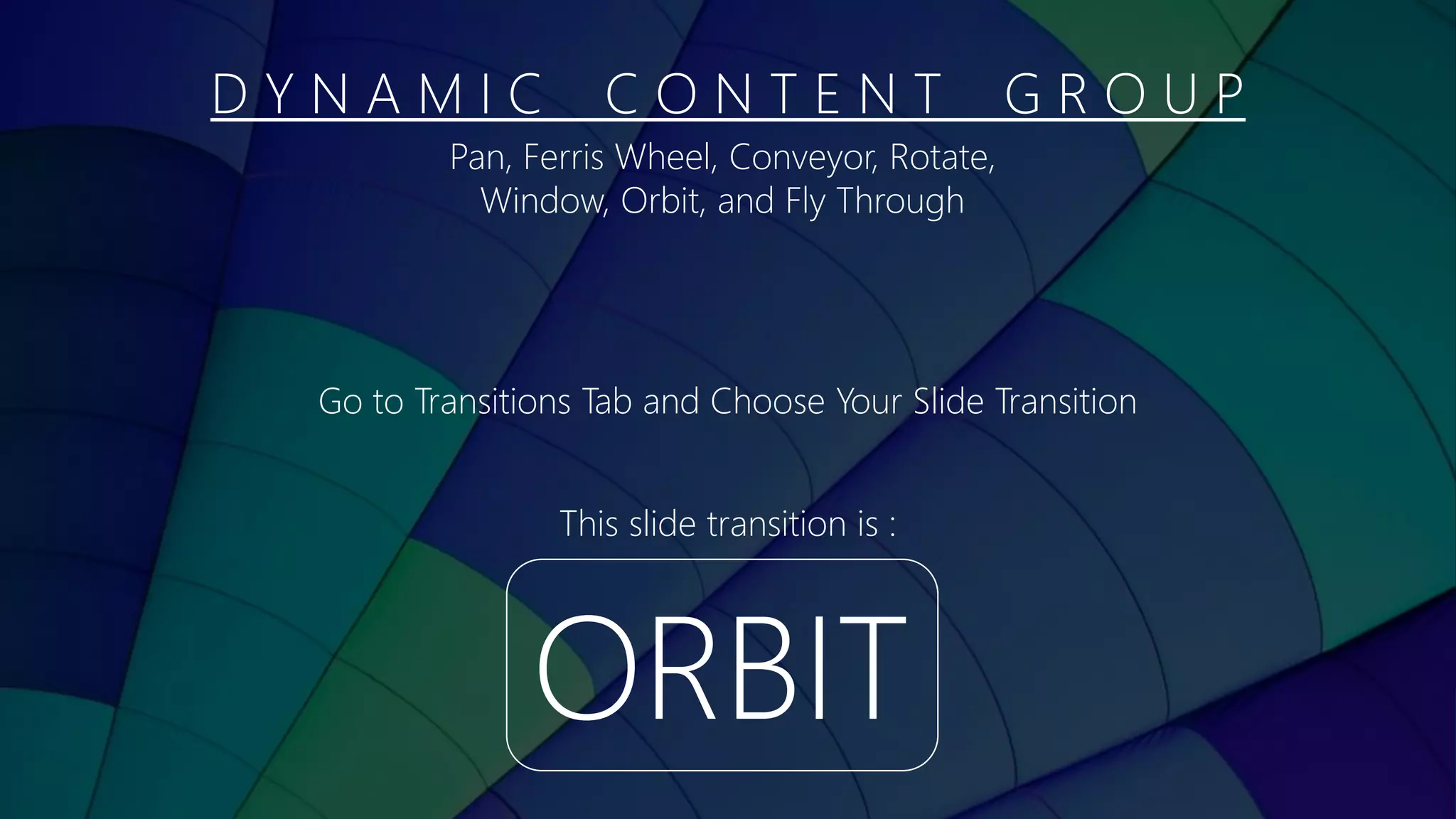
D Y N A M I C C O N T E N T G R O U P
ORBIT
This slide transition is :
Pan, Ferris Wheel, Conveyor, Rotate,
Window, Orbit, and Fly Through
Go to Transitions Tab and Choose Your Slide Transition
Full Slide
design
with:
animations
transitionsI <3 U
Full Slide
design
with:
animations
transitionsI <3 U
Full Slide
design
with:
animations
transitionsI <3 U
Full Slide
design
with:
animations
transitionsI <3 U
Y S F
Y-sf f
@siysf t
Si Y-sf g
+
That’s All

3 Essential Parts in Powerpoint

  • 1.
    Powerpoint makes power yourpoint. Get Started
  • 2.
    Powerpoint is software thatcan create nice presentation with : design animations transitions
  • 3.
    Design S l id e L a y o u t | T h e m e s
  • 4.
    Slide Layout Go toHome Tab > Click Layout Icon > Choose Your Slide Layout Title Content Title Content Title Content Content T i t l e S l i d e T i t l e a n d C o n t e n tC o n t e n t w i t h C a p t i o n
  • 5.
    Themes Go to DesignTab > Choose Your Theme Aa Aa Aa
  • 6.
    Animations E n tr a n c e | E m p h a s i s | E x i t | M o t i o n Pa t h s
  • 7.
    I <3 U Entrance Goto Tab Animations > Add Animation > Choose Your Entrance Animation GET OBJECT IN TO THE SLIDE Float In T h i s O b j e c t A n i m a t i o n i s
  • 8.
    I <3 U Emphasis Goto Tab Animations > Add Animation > Choose Your Emphasis Animation GET OBJECT MOVE ON THE SLIDE Pulse T h i s O b j e c t A n i m a t i o n i s
  • 9.
    I <3 U MotionPaths Go to Tab Animations > Add Animation > Choose Your Motion Paths Animation GET OBJECT MOVE BY PATHS ON THE SLIDE Swoosh T h i s O b j e c t A n i m a t i o n i s
  • 10.
    I <3 U Exit Goto Tab Animations > Add Animation > Choose Your Exit Animation GET OBJECT OUT TO THE SLIDE Random Bars T h a t O b j e c t A n i m a t i o n i s
  • 11.
    Transitions S u bt l e | E x c i t i n g | D y n a m i c C o n t e n t
  • 12.
    S U BT L E G R O U P PUSH This slide transition is : None, Cut, Fade, Push, Wipe, Split, Reveal, Random Bars, Shape, Uncover, Cover, and Flash Go to Transitions Tab and Choose Your Slide Transition
  • 13.
    E X CI T I N G G R O U P DOORS This slide transition is : Dissolve, Checkerboard, Blinds, Clock, Ripple, Honeycomb, Glitter, Vortex, Shred, Switch, Flip, Gallery, Cube, Doors, Box, and Zoom Go to Transitions Tab and Choose Your Slide Transition
  • 14.
    D Y NA M I C C O N T E N T G R O U P ORBIT This slide transition is : Pan, Ferris Wheel, Conveyor, Rotate, Window, Orbit, and Fly Through Go to Transitions Tab and Choose Your Slide Transition
  • 15.
  • 16.
  • 17.
  • 18.
  • 19.
    Y S F Y-sff @siysf t Si Y-sf g + That’s All