XNAT Custom Features
& Open Source Development
                              John Paulett
                       jpaulett@wustl.edu
                           June 30, 2010
Goal
  Introduce potential contributors to the
 methods and tools for contributing to XNAT


                                              2
XNAT is Open Source!


                       3
XNAT is Open Source!
Freedom

Leverage others’ work

Contribute


                        4
HOW CAN I CONTRIBUTE?


                        5
Bug Reports & Feature Requests
xnat_discussion@googlegroups.com
For sensitive issues, bugs@xnat.org

Provide details!
•   Environment
•   Versions
•   Steps to reproduce
•   Screenshots
•   Logs

                                      6
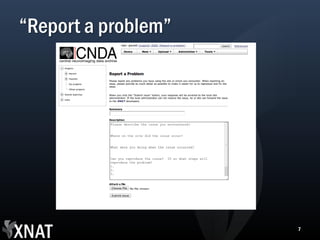
“Report a problem”


                     7
Share Custom Schemas
(Jenny Gurney’s previous Customizations talk)


                                                8
Create Something New
Leverage the REST API

Examples: PyXNAT, xnatfs


                           9
Develop XNAT
Fix Bugs

Add Features


               10
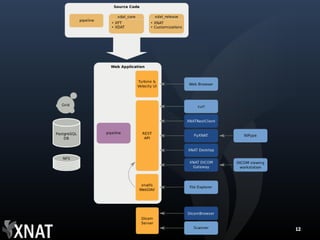
XNAT ECOSYSTEM


                 11
12
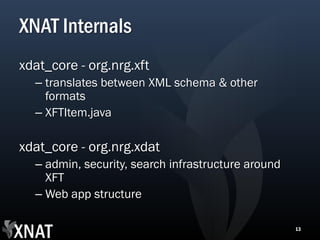
XNAT Internals
xdat_core - org.nrg.xft
  – translates between XML schema & other
    formats
  – XFTItem.java

xdat_core - org.nrg.xdat
  – admin, security, search infrastructure around
    XFT
  – Web app structure

                                                    13
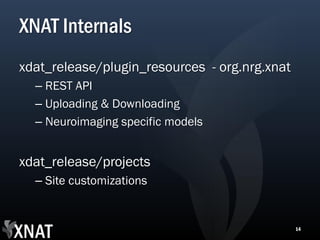
XNAT Internals
xdat_release/plugin_resources - org.nrg.xnat
  – REST API
  – Uploading & Downloading
  – Neuroimaging specific models


xdat_release/projects
  – Site customizations


                                               14
3 TOOLS OF A XNAT DEVELOPER


                              15
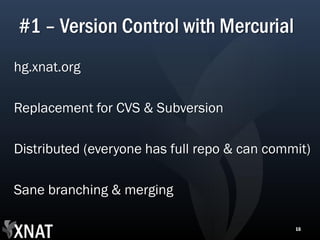
#1 – Version Control with Mercurial
hg.xnat.org

Replacement for CVS & Subversion

Distributed (everyone has full repo & can commit)

Sane branching & merging

                                              16
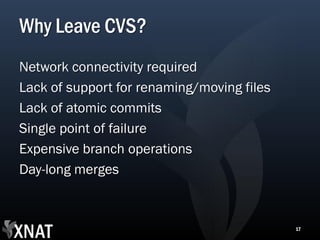
Why Leave CVS?
Network connectivity required
Lack of support for renaming/moving files
Lack of atomic commits
Single point of failure
Expensive branch operations
Day-long merges


                                            17
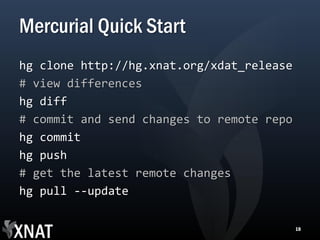
Mercurial Quick Start
hg clone http://hg.xnat.org/xdat_release
# view differences
hg diff
# commit and send changes to remote repo
hg commit
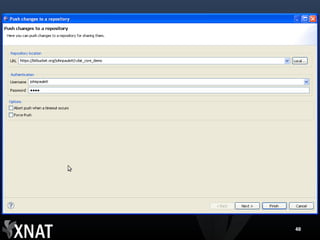
hg push
# get the latest remote changes
hg pull --update

                                           18
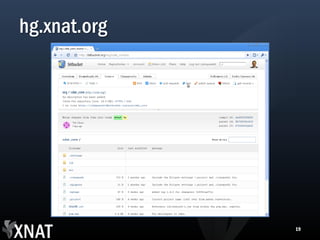
hg.xnat.org


              19
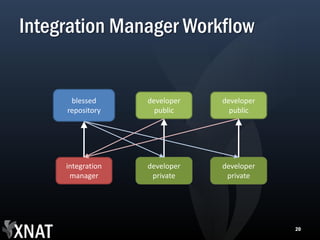
Integration Manager Workflow


      blessed      developer   developer
     repository      public      public


     integration   developer   developer
      manager       private     private


                                           20
Mercurial Resources
mercurial.selenic.com
hgbook.red-bean.com
hginit.com


                        21
#2 – Maven
Build & Dependency Management

Migrating to Maven 2
  – xdat_release & pipelines still use Maven 1
    (hidden behind bin/setup.sh)
  – New projects should use Maven 2


                                                 22
Why not Ant?
Dependency management
  – Reduce blobs in version control system


Standardized project layout & commands


                                             23
xdat_core & Maven
$ cd xdat_core
$ mvn clean install
[INFO] Scanning for projects...
...
[INFO] BUILD SUCCESSFUL


                                  24
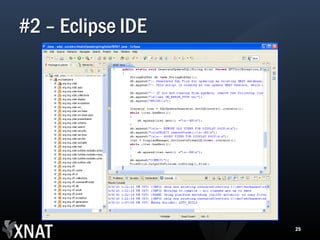
#2 – Eclipse IDE


                   25
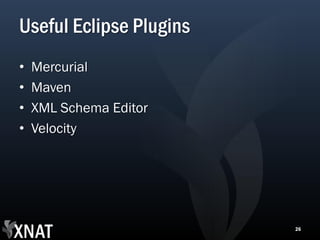
Useful Eclipse Plugins
•   Mercurial
•   Maven
•   XML Schema Editor
•   Velocity


                         26
HELPFUL TOOLS


                27
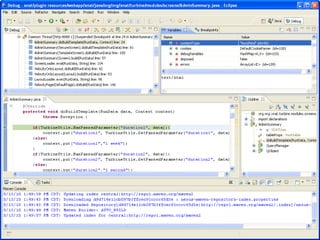
Debugging with JPDA
Connect to external Tomcat & Applet
  processes with Eclipse debugger

Set breakpoints, examine state


                                      28
Connect Tomcat process with Eclipse debugger
DEMO: FIX A BUG & SUBMIT A PATCH


                                   30
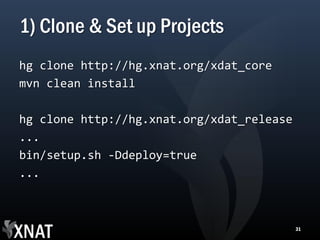
1) Clone & Set up Projects
hg clone http://hg.xnat.org/xdat_core
mvn clean install

hg clone http://hg.xnat.org/xdat_release
...
bin/setup.sh -Ddeploy=true
...


                                           31
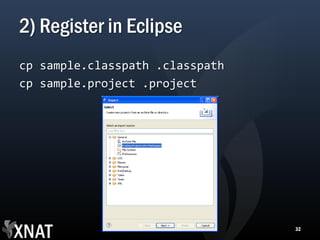
2) Register in Eclipse
cp sample.classpath .classpath
cp sample.project .project


                                 32
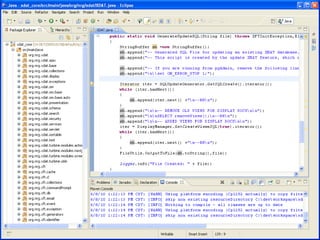
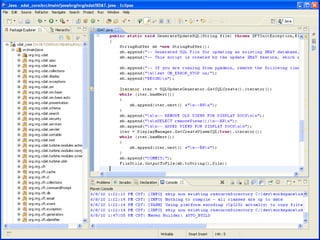
3) Fix Code


              33
4) Test it!


              36
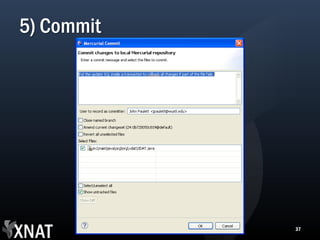
5) Commit


            37
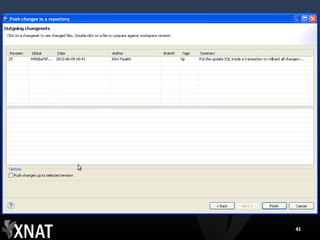
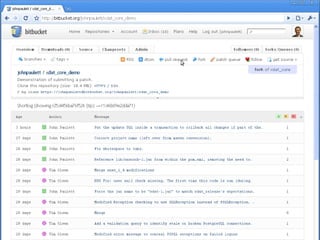
6) Publish the Change
Options include:
• Sending patch file
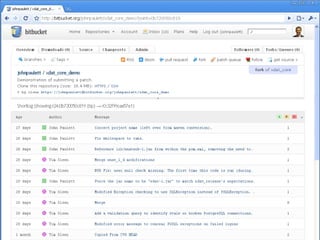
• Forking on Bitbucket


                         38
40
41
Go Forth and Develop
http://nrg.wikispaces.com/XNAT+2010+Workshop+-
   +Custom+Features+and+Open+Source+Development


                                                  43
44

XNAT Open Source Development