How to build web apps with
Google Sheets and Python
Felix Zumstein
April 21, 2022
2
Housekeeping
• Yes, this webinar will be recorded, and you will get an
email with the replay
• Use the chat for questions: I’ll try to answer them at the
very end of the webinar
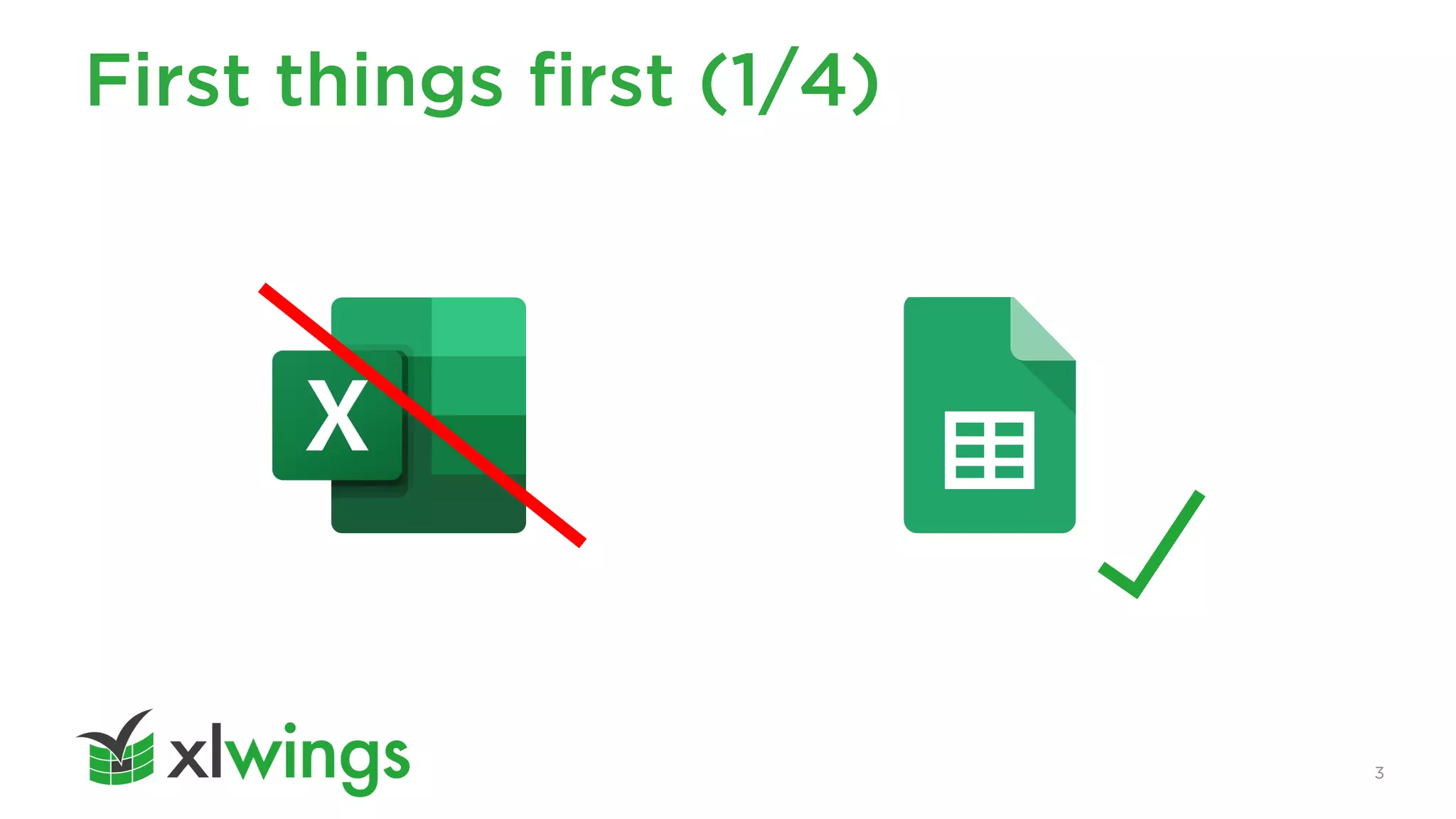
First things first (1/4)
3
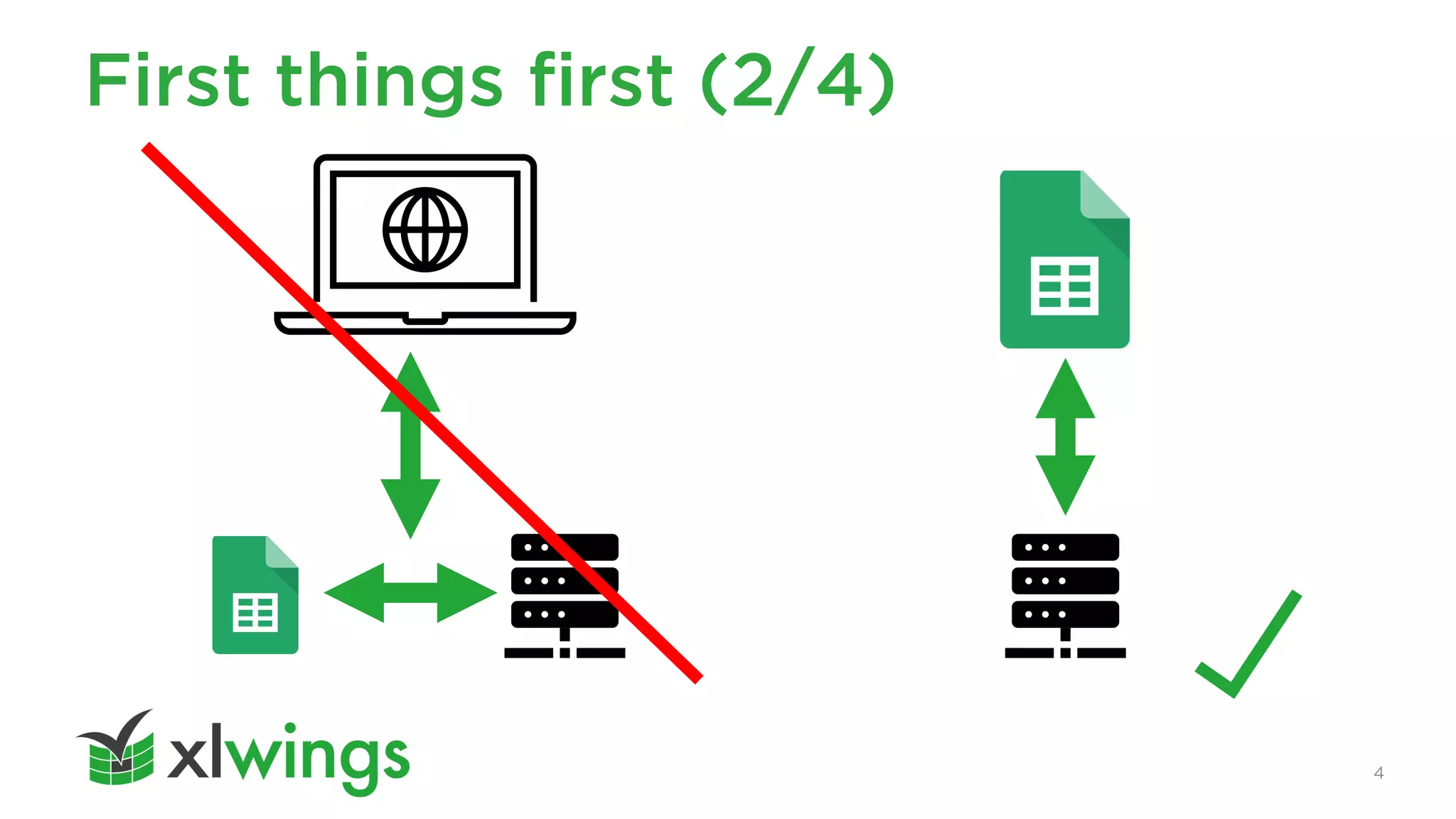
First things first (2/4)
4
First things first (3/4)
5
Low Level
Workshop
High Level
Overview
6
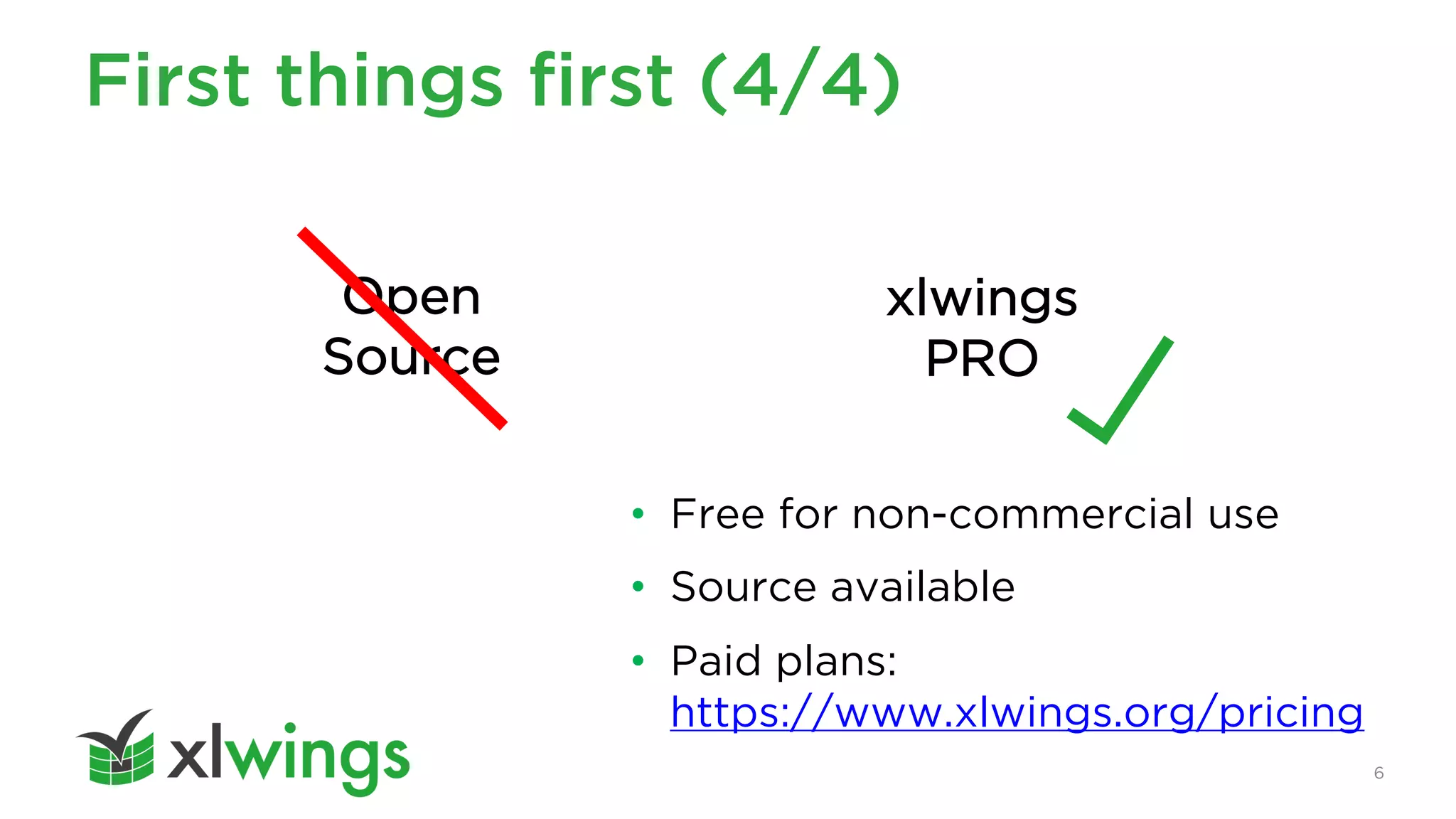
• Free for non-commercial use
• Source available
• Paid plans:
https://www.xlwings.org/pricing
First things first (4/4)
Open
Source
xlwings
PRO
Agenda
1. Introduction
2. The Basics
3. GitHub Issue Dashboard
4. Authentication & Authorization
5. Development & Deployment
7
1. Introduction
9
About Me (1/3)
I created
xlwings in 2014
10
About Me (2/3)
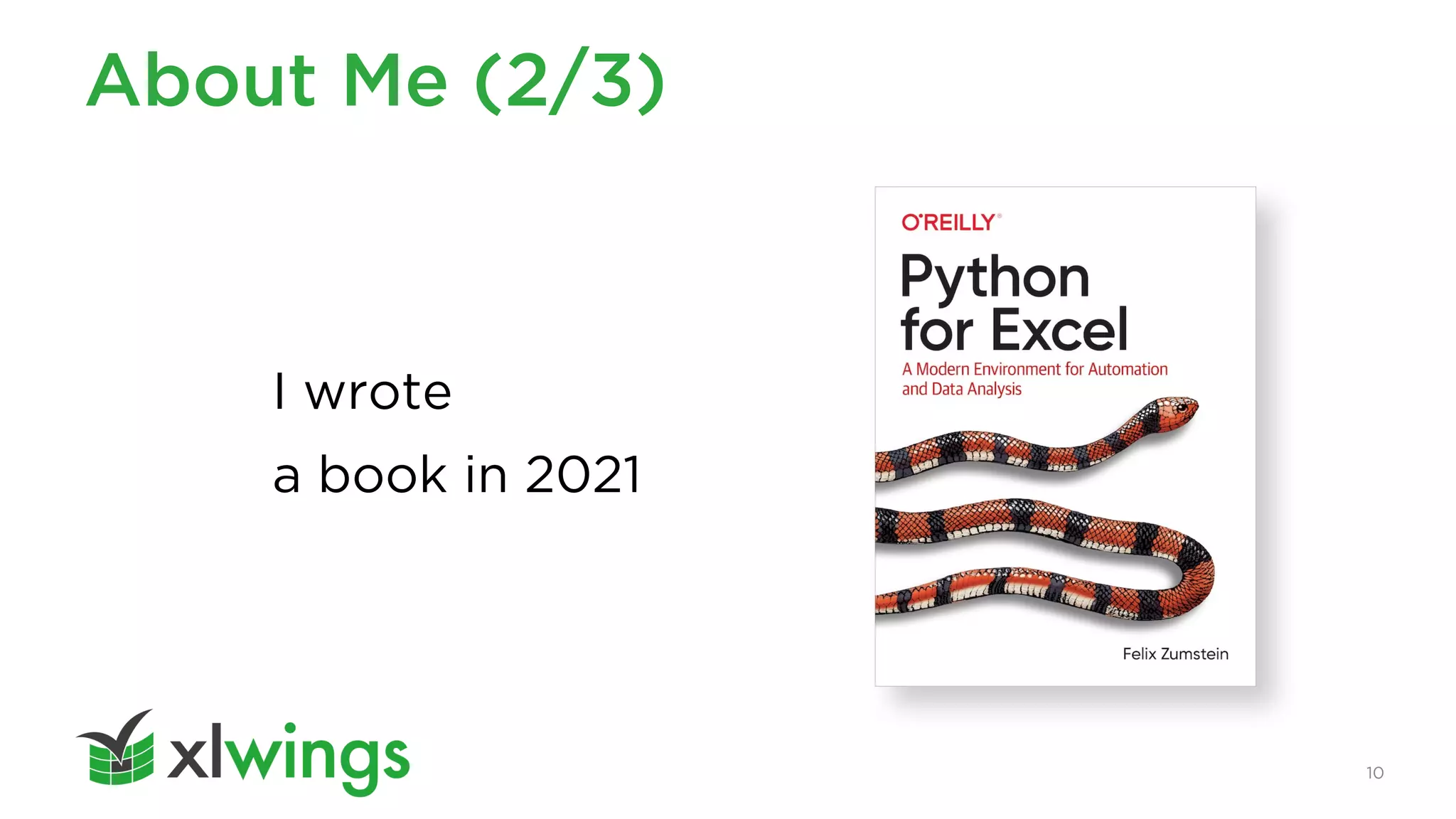
I wrote
a book in 2021
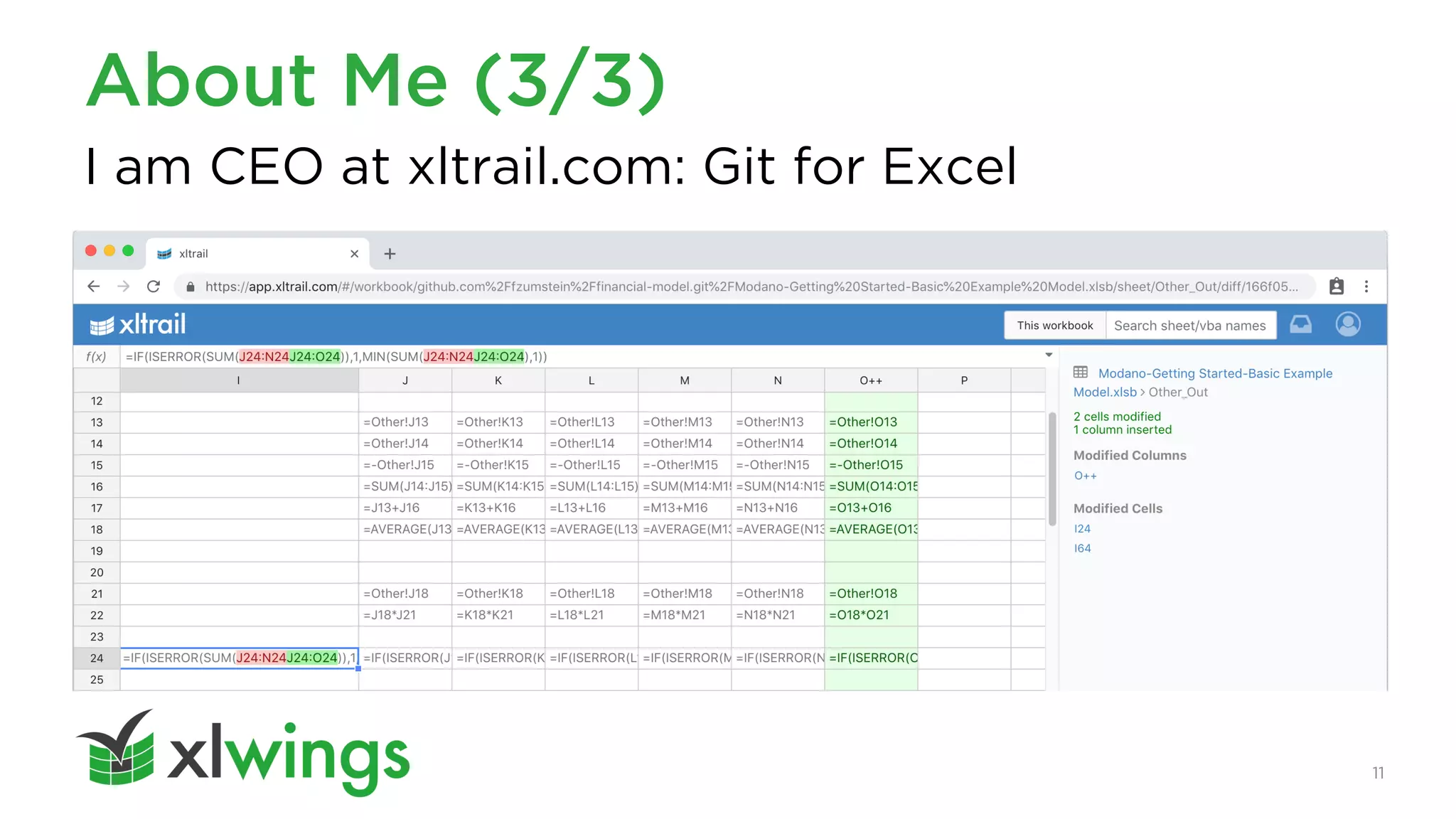
I am CEO at xltrail.com: Git for Excel
11
About Me (3/3)
2. The Basics
13
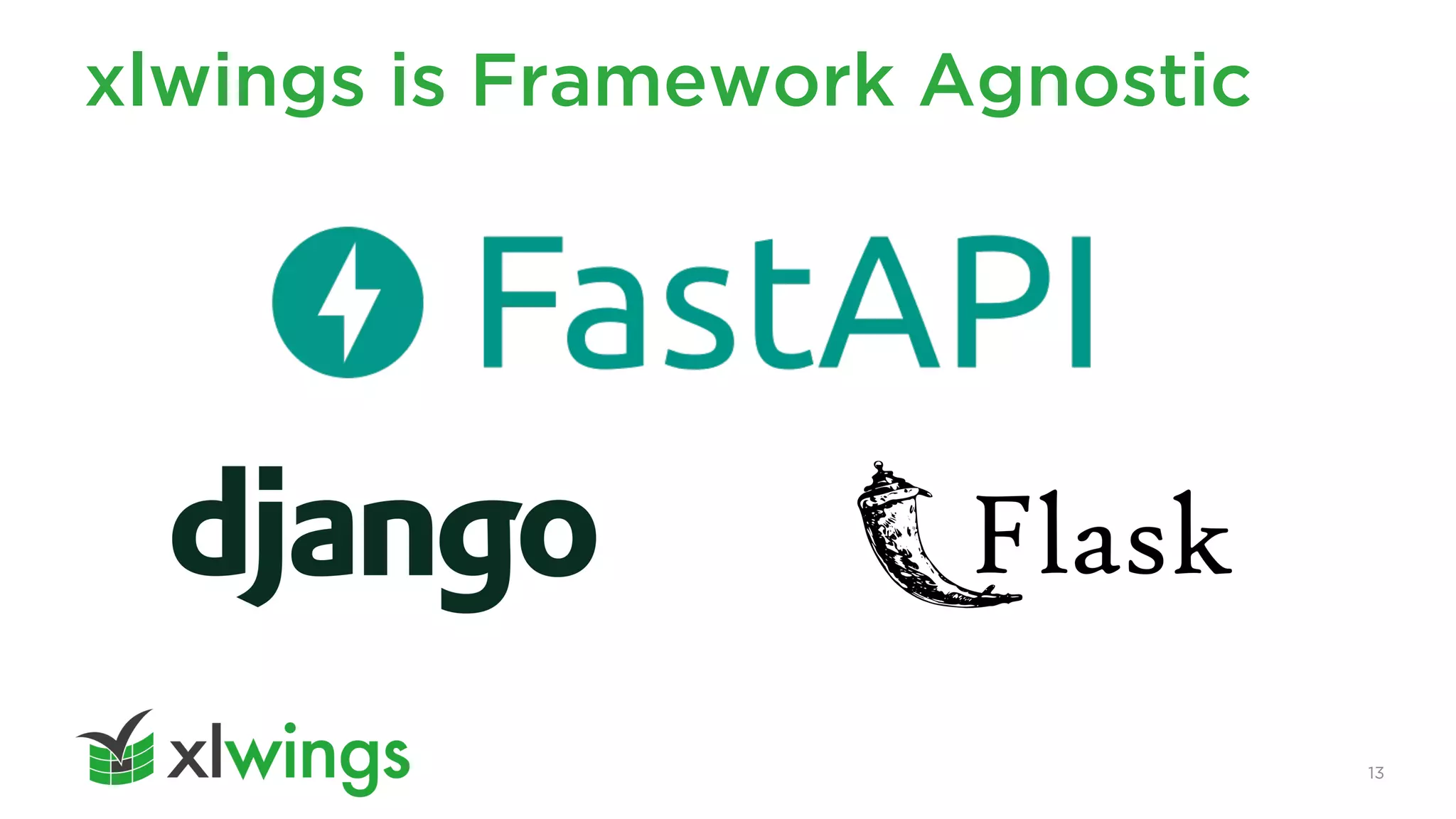
xlwings is Framework Agnostic
14
Hello World
@app.post("/hello")
def hello(data: dict = Body):
book = xw.Book(json=data)
book.sheets[0]["A1"].value = "Hello xlwings!"
return book.json()
function hello() {
runPython("https://myurl.com/hello", { apiKey: mytoken });
}
Backend
Frontend
3. GitHub Issue Dashboard
16
Source
https://github.com/xlwings/xlwings-googlesheets-fastapi-github
17
Apps Script Code Organization
• $ xlwings copy gs
• Put xlwings and runPython calls in a different module
18
Running your Code
• Apps Script Editor
• Buttons
• Custom Menus
• Sidebar (?) - works according to docs but not for me
• Add-ons for external deployment
• Triggers (see next slide)
19
Triggers
• Event Source
– Time-driven
– From spreadsheet
– From calendar
• Executions Log
– with error messages
• Email alerts on failed executions
– Immediate
– Hourly/daily/weekly digests
20
Error Handling
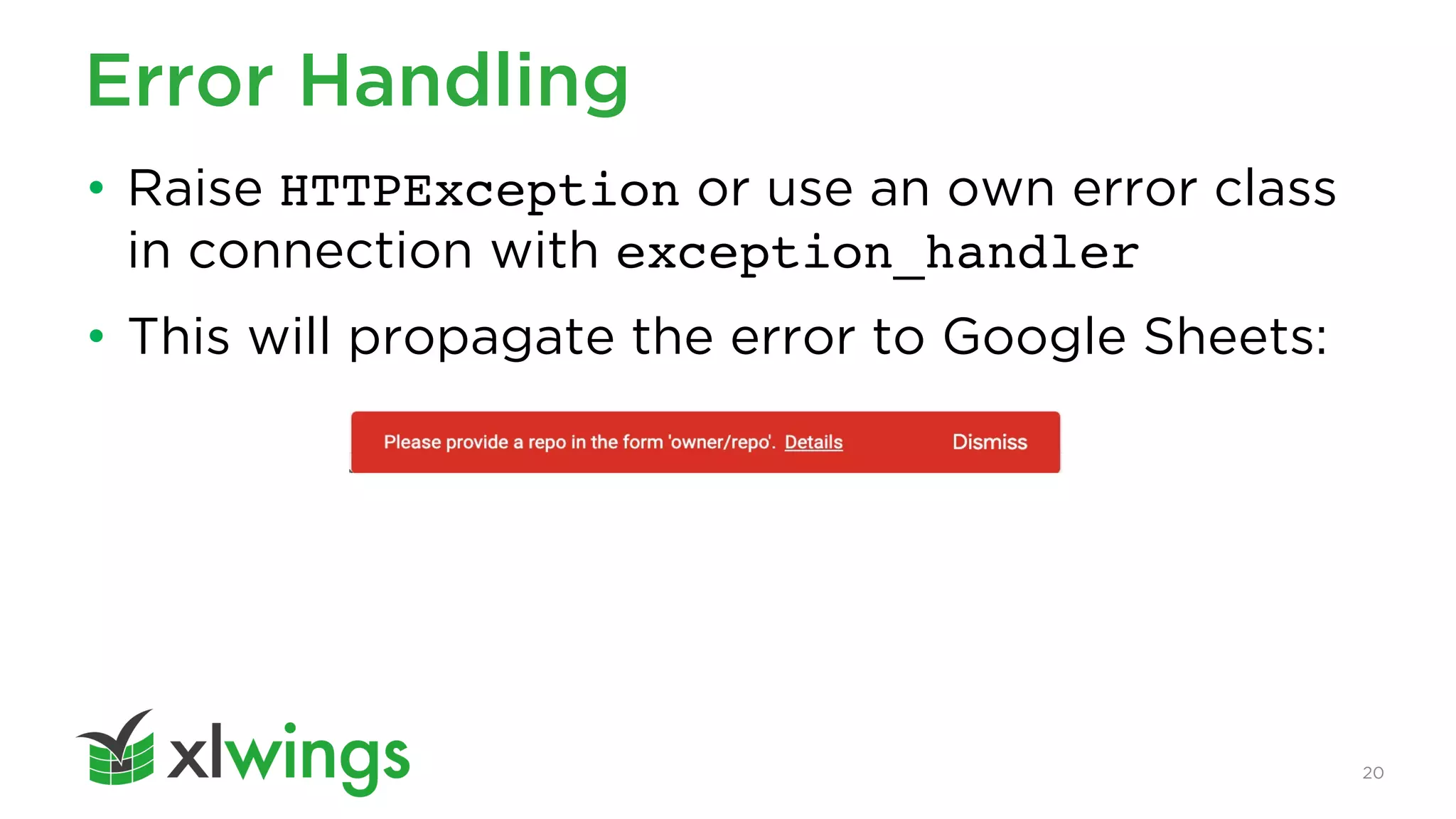
• Raise HTTPException or use an own error class
in connection with exception_handler
• This will propagate the error to Google Sheets:
21
Quotas
For Workspace accounts (consumer are lower):
• Script runtime: 6 min / execution
• Triggers: 20 /user /script
• URL Fetch POST size: 50 MB / call
• URL Fetch calls: 100,000 / day
https://developers.google.com/apps-script/guides/services/quotas
4. Authentication &
Authorization
23
Source
https://github.com/xlwings/xlwings-googlesheets-fastapi-auth
24
Authentication
• Easily lock down your backend to users of your
Google Workspace domain
• Use ScriptApp.getOAuthToken() as your
apiKey (OAuth2 access token)
• Google Apps Script does not contain any
sensitive token
25
Authorization
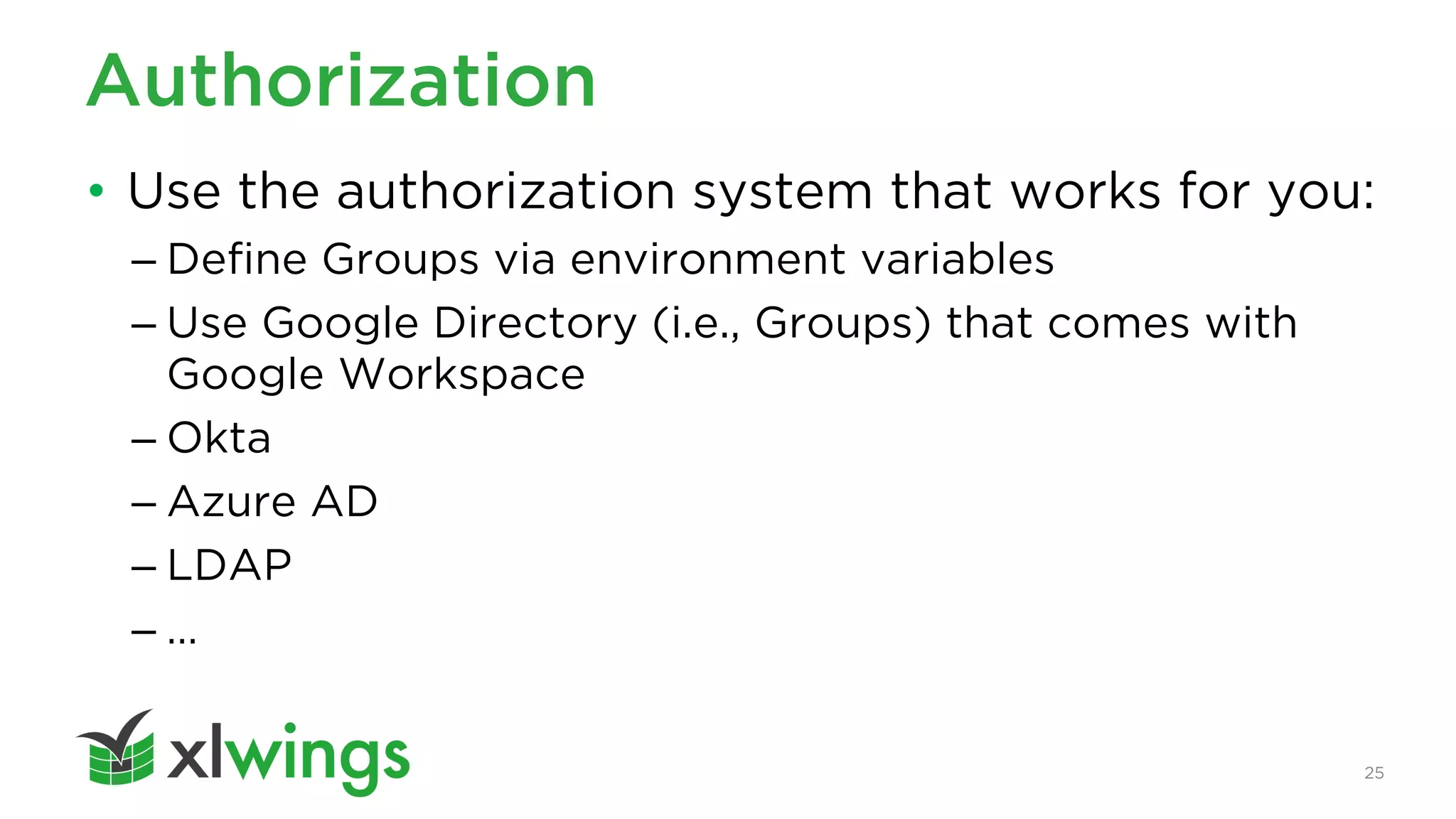
• Use the authorization system that works for you:
– Define Groups via environment variables
– Use Google Directory (i.e., Groups) that comes with
Google Workspace
– Okta
– Azure AD
– LDAP
– …
26
Security
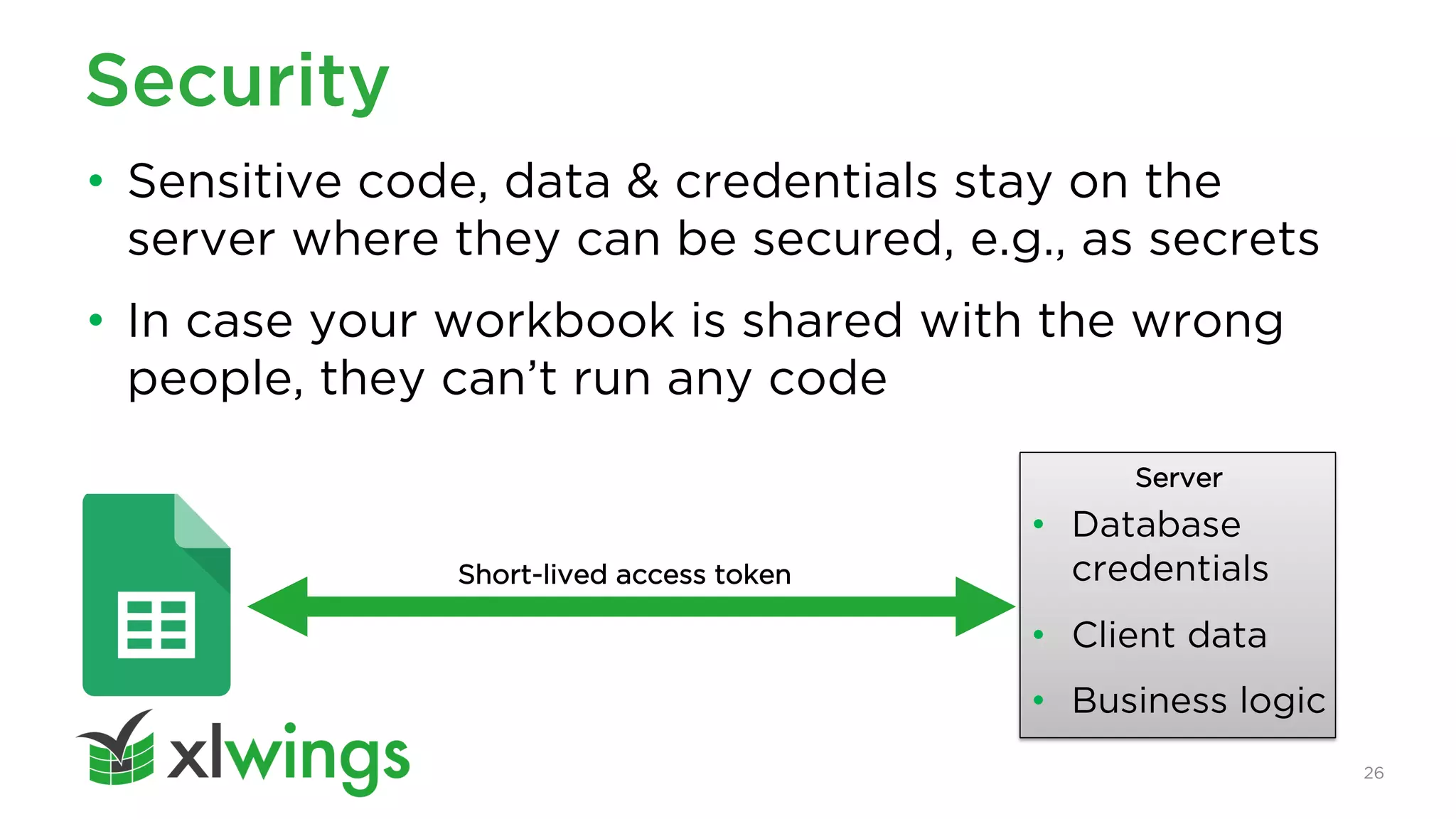
• Sensitive code, data & credentials stay on the
server where they can be secured, e.g., as secrets
• In case your workbook is shared with the wrong
people, they can’t run any code
Server
• Database
credentials
• Client data
• Business logic
Short-lived access token
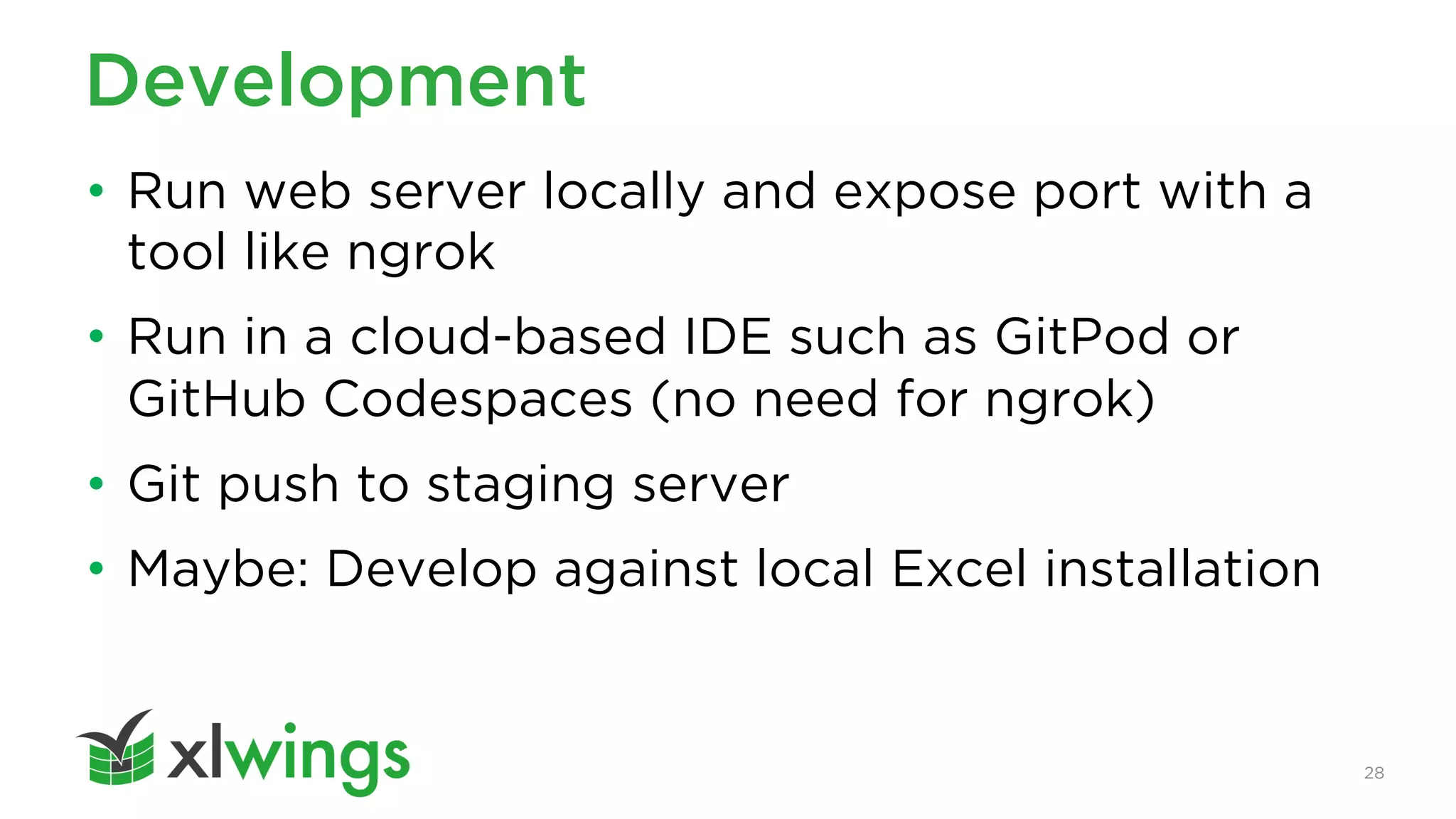
4. Development & Deployment
28
Development
• Run web server locally and expose port with a
tool like ngrok
• Run in a cloud-based IDE such as GitPod or
GitHub Codespaces (no need for ngrok)
• Git push to staging server
• Maybe: Develop against local Excel installation
29
Deployment
• Runs on your favorite cloud or under your desk
• Containers are ”one honking great idea”!
https://cloud.google.com/run
https://render.com
30
It’s still early…
• …but sending back and forth pandas
DataFrames can often solve more issues than
many other add-ons together
Thank You
LinkedIn:
https://www.linkedin.com/in/felix-zumstein
Twitter:
@felixzumstein

xlwings for Google Sheets